





What to do if the Game Console Stick cannot connect to the TV?
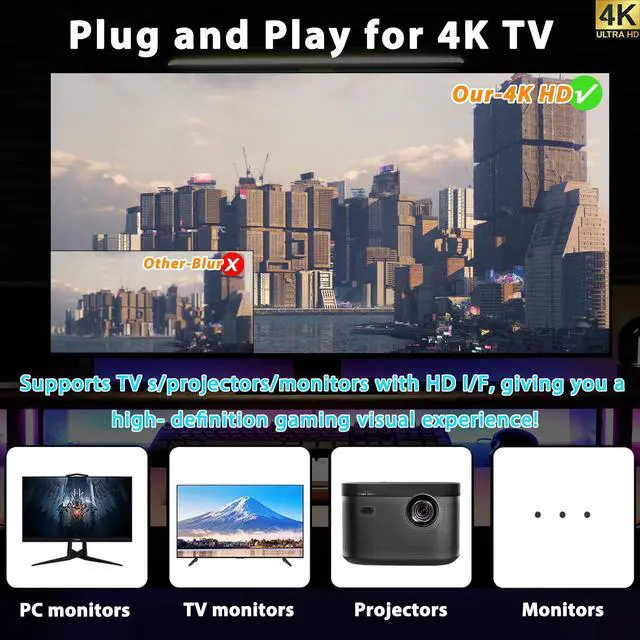
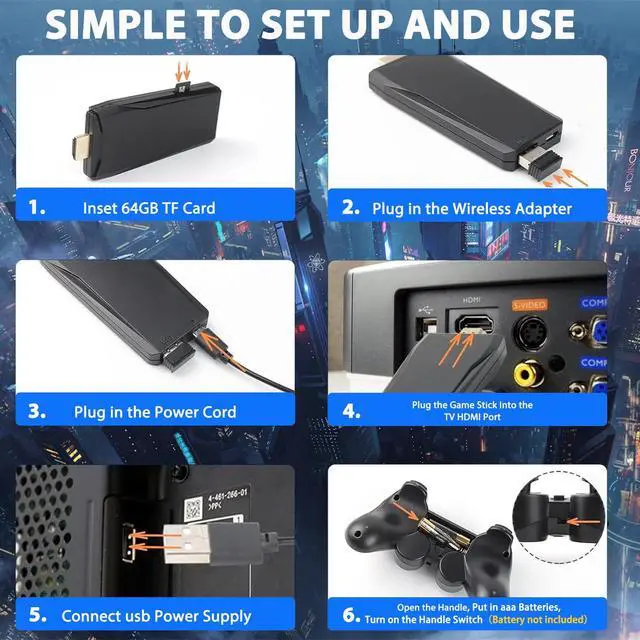
Make sure the power is connected, HDMI is plugged in, and select the correct HDMI signal source on your TV. If using HDMI 1 port, select HDMI 1 as the signal source.
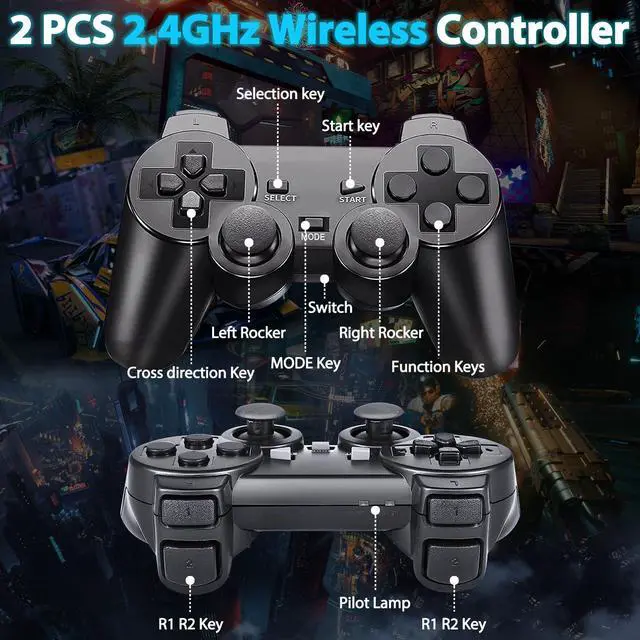
What should I do if the controller cannot connect to the Game Console Stick?
Ensure that the batteries are in good condition.Install the controller (AAA batteries) and turn on the switch (ON) The indicator light should start blinking, and after waiting for 1-3 seconds,a steady indicator light indicates a successful connection
What to do if I selected the wrong language?
On the menu interface, press the Mode button, access the settings, and select the first option. Then choose English.
How to resolve the prompt for coins when entering a game?
If prompted to insert coins, press the Start button, and the system will automatically insert coins for free.
How does this console bring back nostalgic memories?
This console is a nostalgic gem, reviving the charm of classic games. Its retro vibes and quirky nature make it a fun, fidgety addition to any collection, perfect for those who love a trip down memory lane.

ZeroStory Games &Entertainment
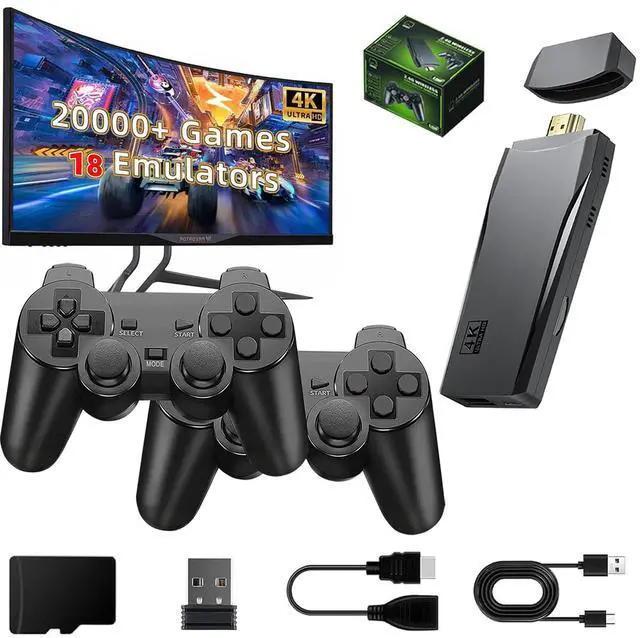
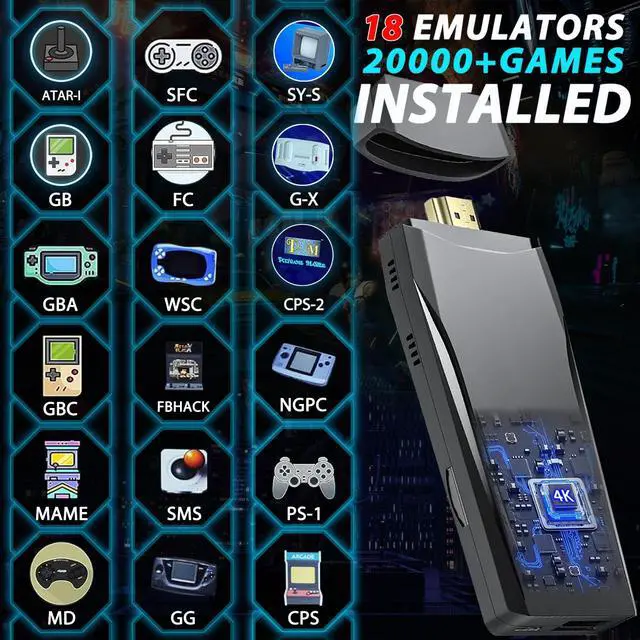
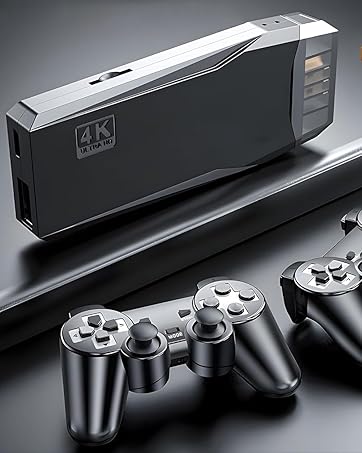
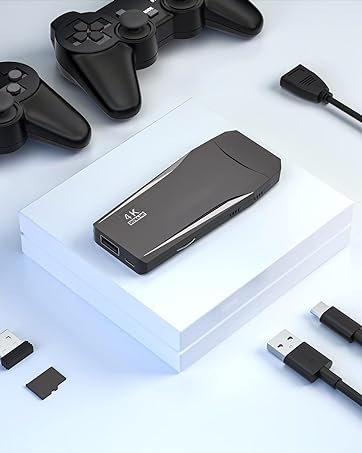
4K Wireless Nostalgia Retro Game Console Stick, 20,000+ Games & 18 Emulators
Is it above making our products unique?
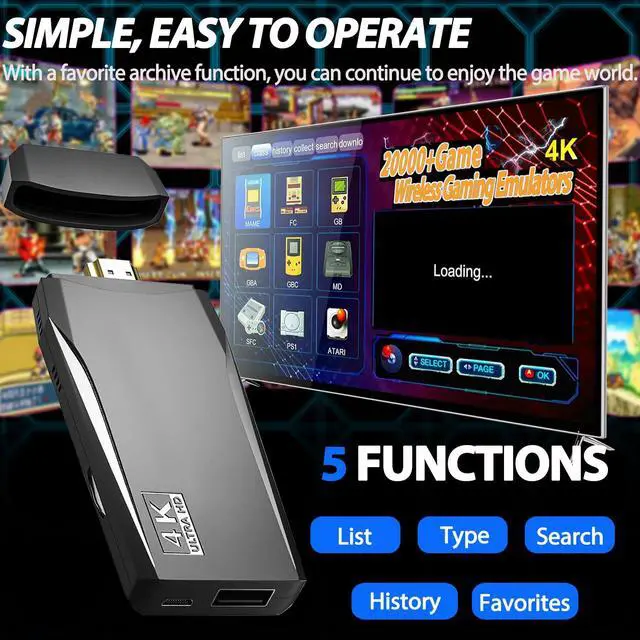
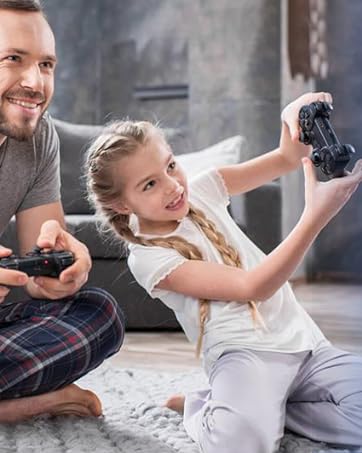
This wireless TV game console comes with over 20000 classic games, providing endless entertainment without any ads or additional costs. Relive your childhood memories and enjoy challenging and engaging games every day.
Superior quality
Equipped with an upgraded chip and pre-installed with 18 emulators, this console delivers smooth and stable performance. With a 64GB TF card included, you can play all your favorite classic games without the need to download or install anything. Perfect for excellent graphical quality and game fluency.

ZeroStory Games &Entertainment
4K Wireless Nostalgia Retro Game Console Stick, 20,000+ Games & 18 Emulators
Is it above making our products unique?
This wireless TV game console comes with over 20000 classic games, providing endless entertainment without any ads or additional costs. Relive your childhood memories and enjoy challenging and engaging games every day.
Superior quality
Equipped with an upgraded chip and pre-installed with 18 emulators, this console delivers smooth and stable performance. With a 64GB TF card included, you can play all your favorite classic games without the need to download or install anything. Perfect for excellent graphical quality and game fluency.


What to do if the Game Console Stick cannot connect to the TV?
Make sure the power is connected, HDMI is plugged in, and select the correct HDMI signal source on your TV. If using HDMI 1 port, select HDMI 1 as the signal source.
What should I do if the controller cannot connect to the Game Console Stick?
Ensure that the batteries are in good condition.Install the controller (AAA batteries) and turn on the switch (ON) The indicator light should start blinking, and after waiting for 1-3 seconds,a steady indicator light indicates a successful connection
What to do if I selected the wrong language?
On the menu interface, press the Mode button, access the settings, and select the first option. Then choose English.
How to resolve the prompt for coins when entering a game?
If prompted to insert coins, press the Start button, and the system will automatically insert coins for free.
How does this console bring back nostalgic memories?
This console is a nostalgic gem, reviving the charm of classic games. Its retro vibes and quirky nature make it a fun, fidgety addition to any collection, perfect for those who love a trip down memory lane.