




 here!
here!
I’m your shopping assistant for PC builds, upgrades, and everything tech.
Got questions? Ask away!
Start a conversation
here!
I’m your shopping assistant for PC builds, upgrades, and everything tech.
Got questions? Ask away!
Start a conversation
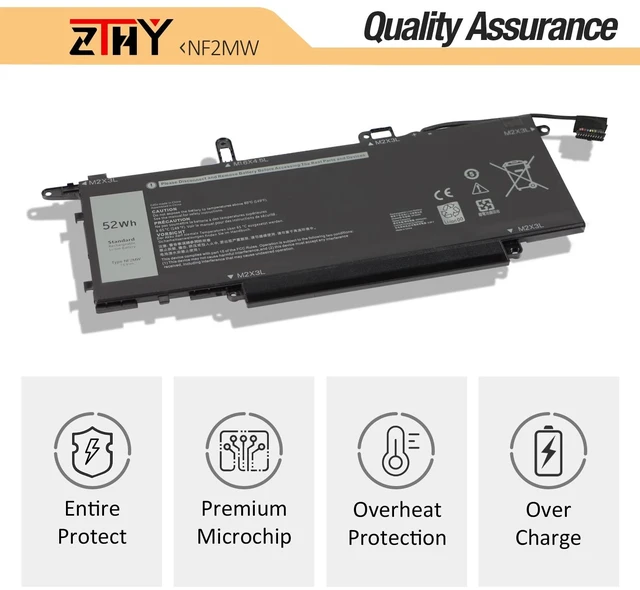
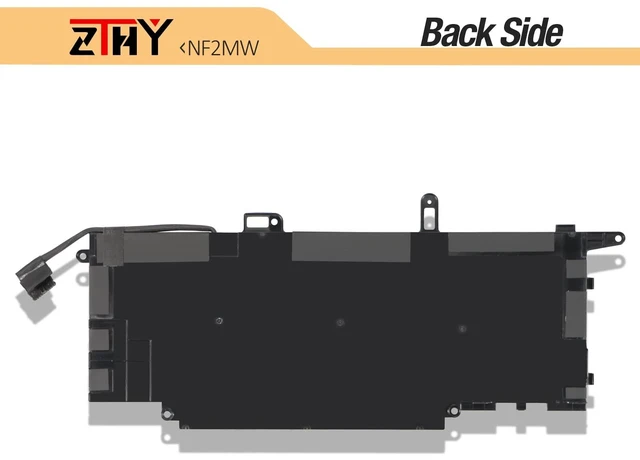
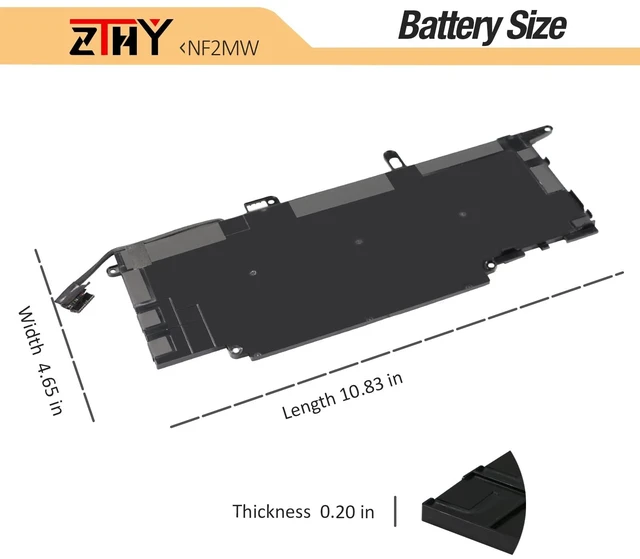



Any questions? Ask CelesteSM will help you find out quickly.
Specifications:
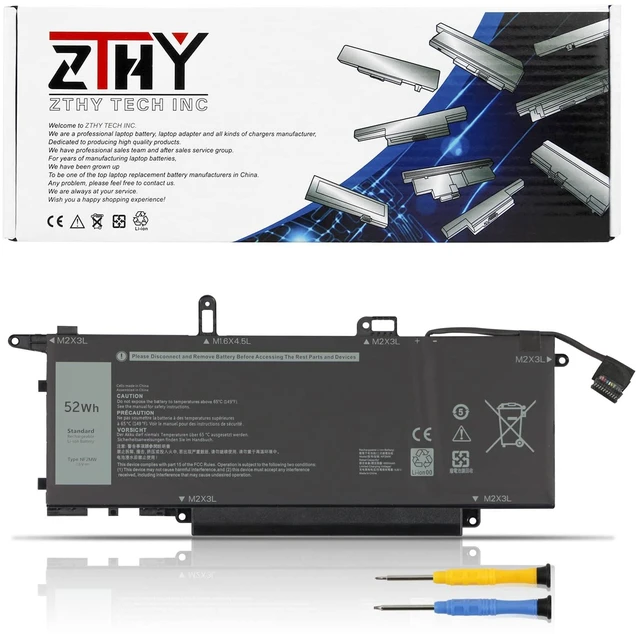
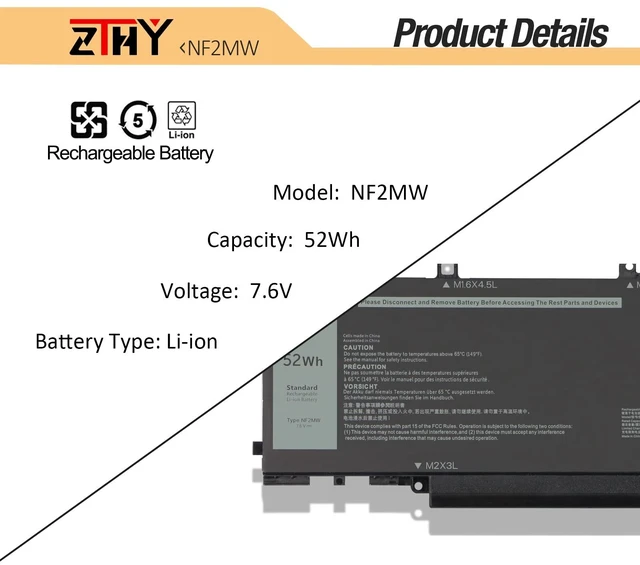
Battery Type: Li-ion
Voltage: 7.6V
Capacity: 52Wh
Certificate: CE,RoHS,FCC
Condition: New from Manufacturer, Grade A Cell, 12 Months Replacement
Replace Part Number:
NF2MW 85XM8 8W3YY CHWV6 GJD1V 7146W C76H7 2K0CK
Compatible Laptop/Notebook Models:
For Dell Latitude 7400 2-in-1 Series,
For Dell Latitude 9410 2-in-1 Series.
NOTE:
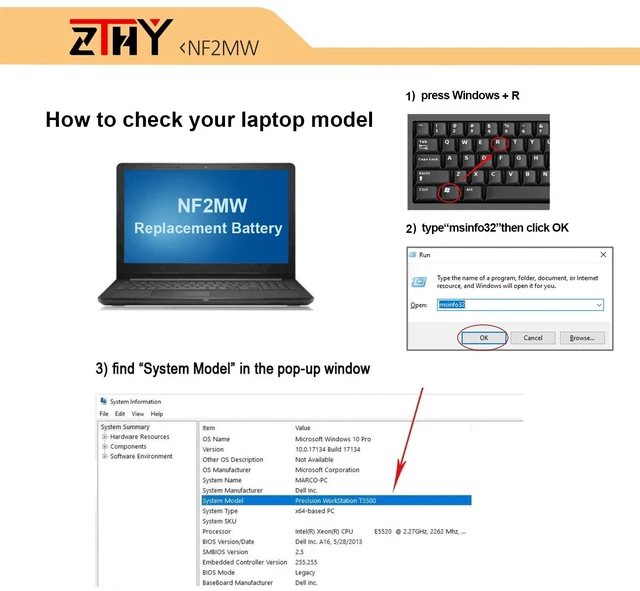
Please make sure if this battery suit for your laptop or not before place an order./""Ctrl/"" + /""F/"" to find your models
If you can not make sure that ,please contact with us freely.
ZTHY laptop battery instruction manual:
1. The new ZTHY battery need to charge and discharge 3-4 cycles before, takes about 7-8 hours in order to activate lithium ion fully to maximun space.
2. Please dont discharge to the computer power off, otherwise it may be damaged easily and may not be charged fully.
3. If you connect external power to use for a long time, please remove the battery.
4. If you do not use battery for a long time, make sure to charge more than 80% electricity every month.


