Skip to: |

Newegg.com - A great place to buy computers, computer parts, electronics, software, accessories, and DVDs online. With great prices, fast shipping, and top-rated customer service - once you know, you Newegg.

If you are reading this message, Please click this link to reload this page.(Do not use your browser's "Refresh" button). Please email us if you're running the latest version of your browser and you still see this message.

Newegg.com - Computer Parts, Laptops, Electronics, HDTVs, Digital Cameras and More!

  • | Wish List
  • Help
Home
Home > 
Computer Hardware > 
Networking > 
Wired Networking > 
Wired Routers > 
TP-LINK > 
Item#: N82E16833704070

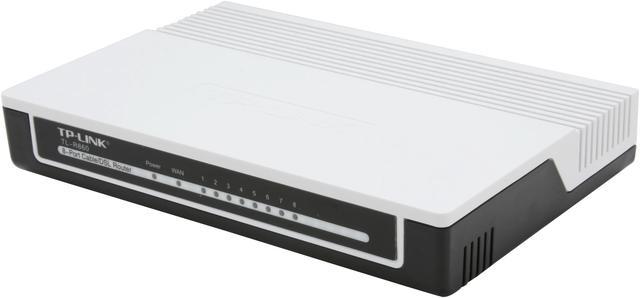
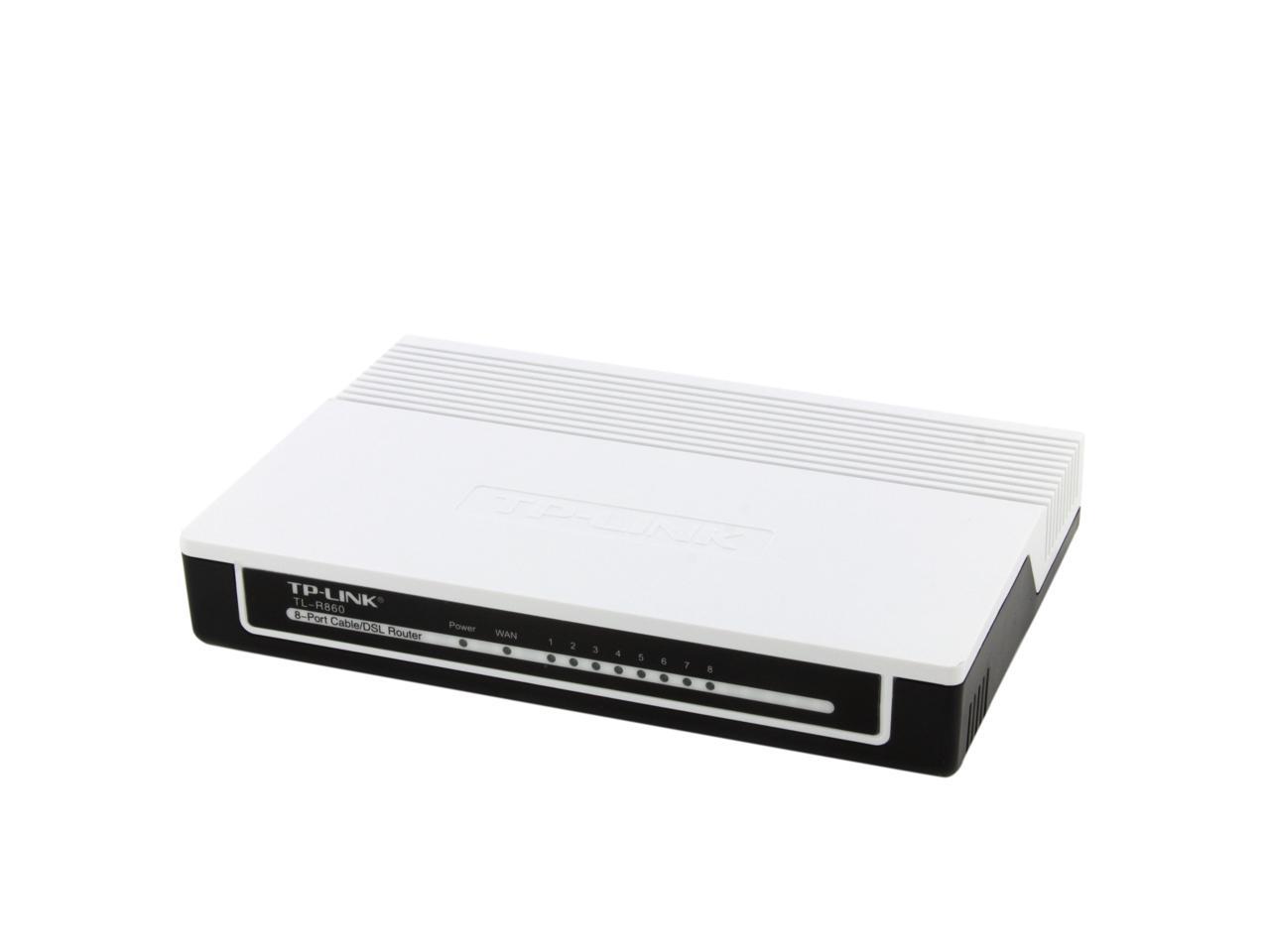
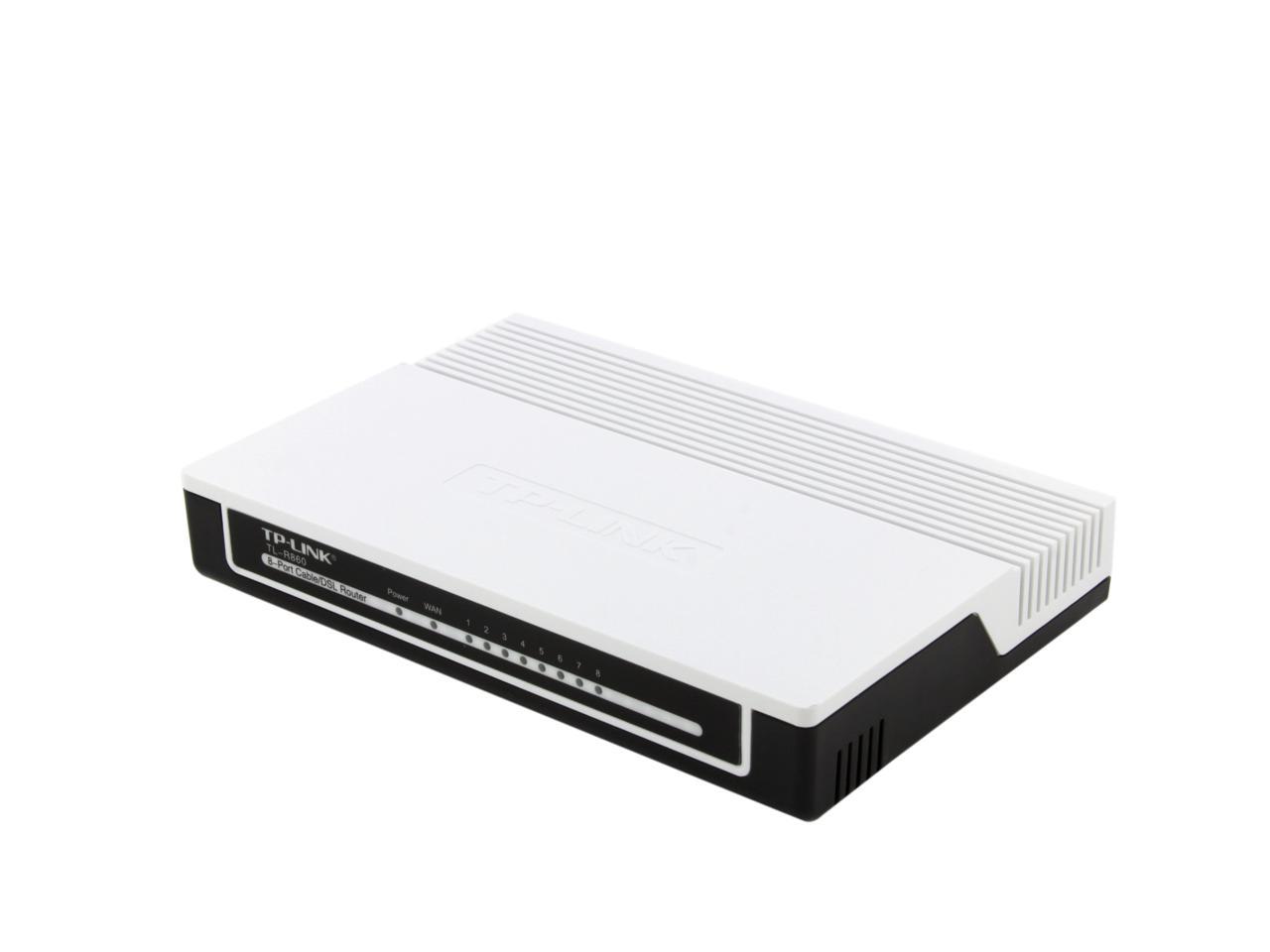
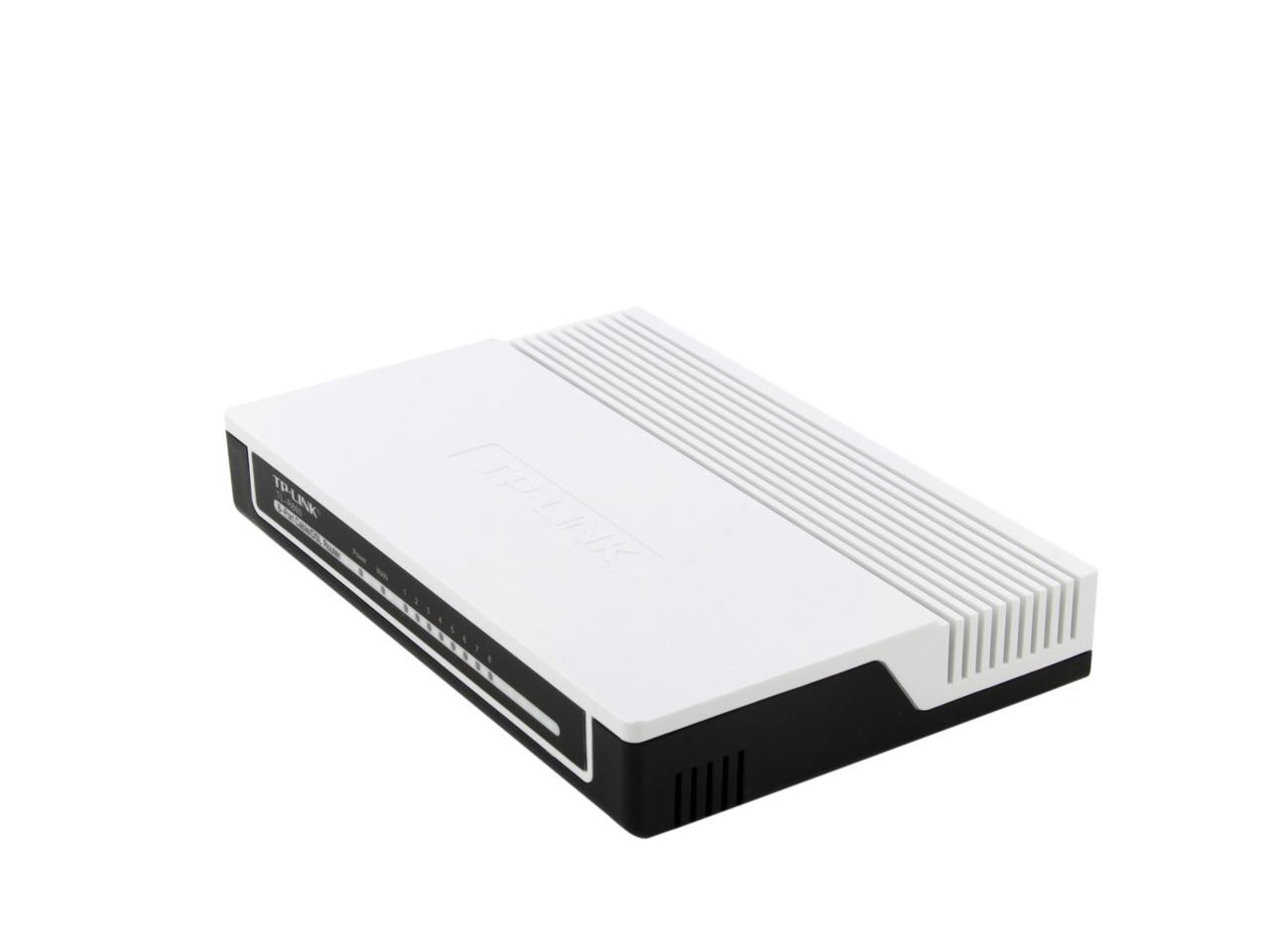
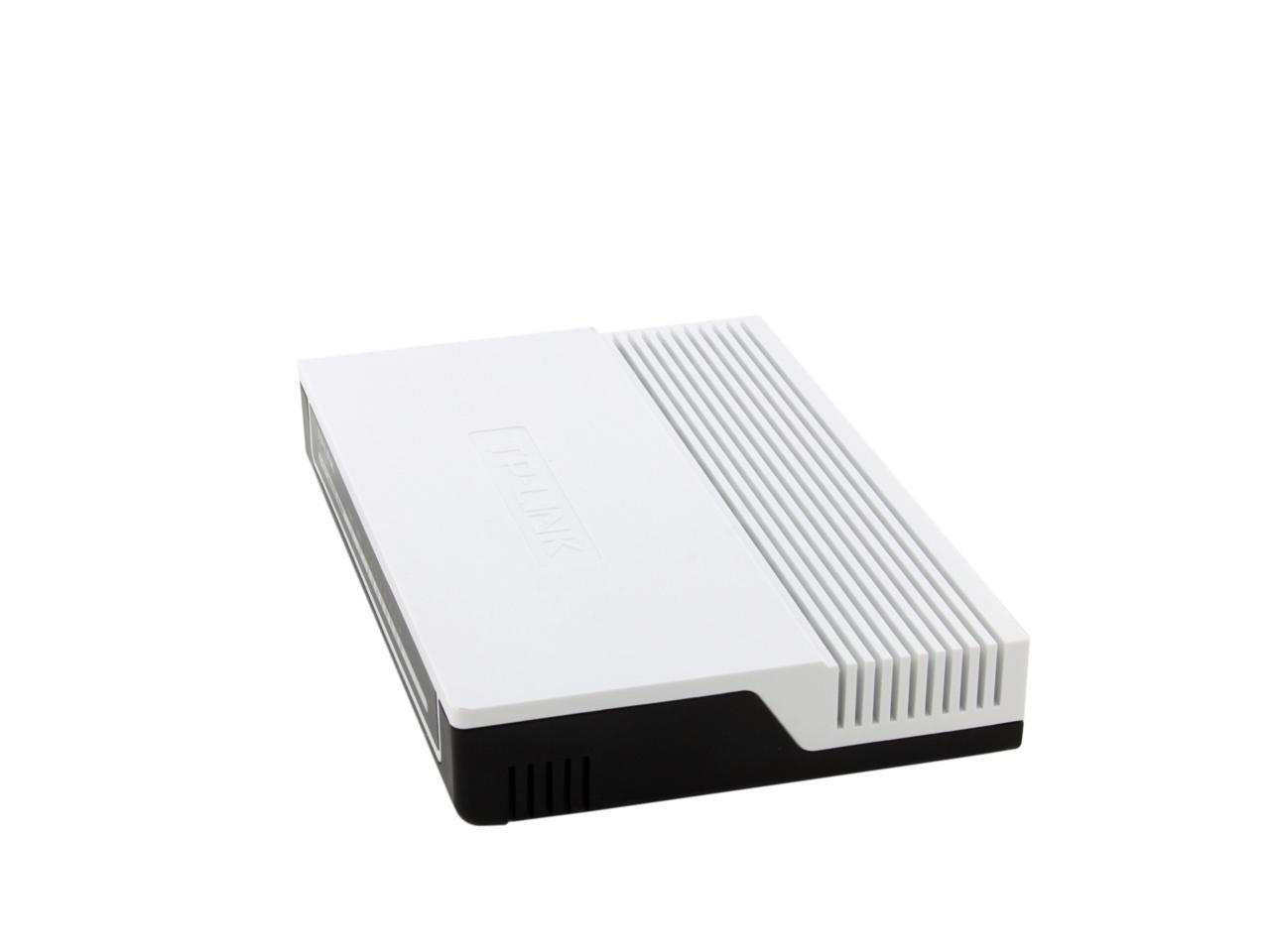
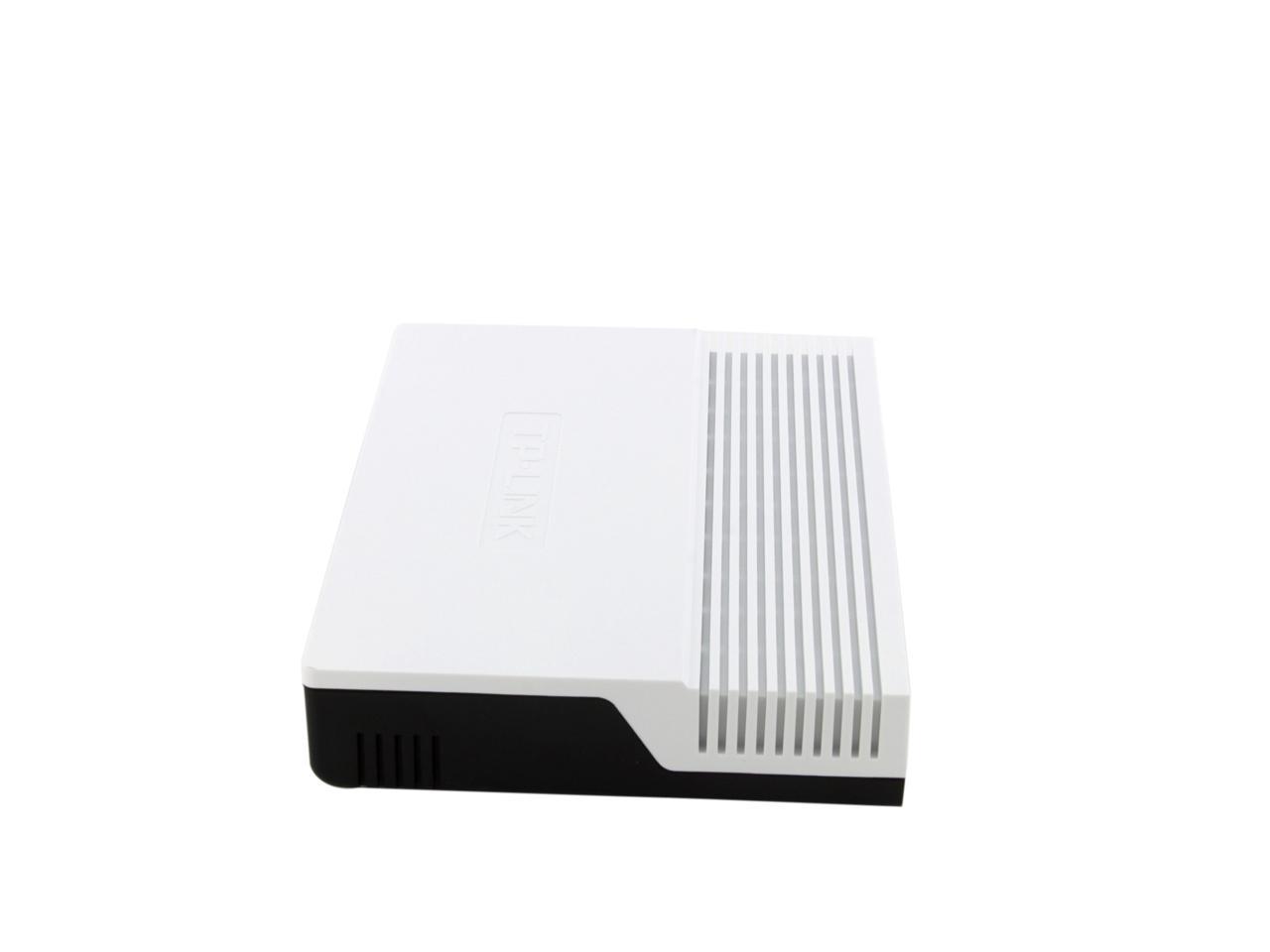
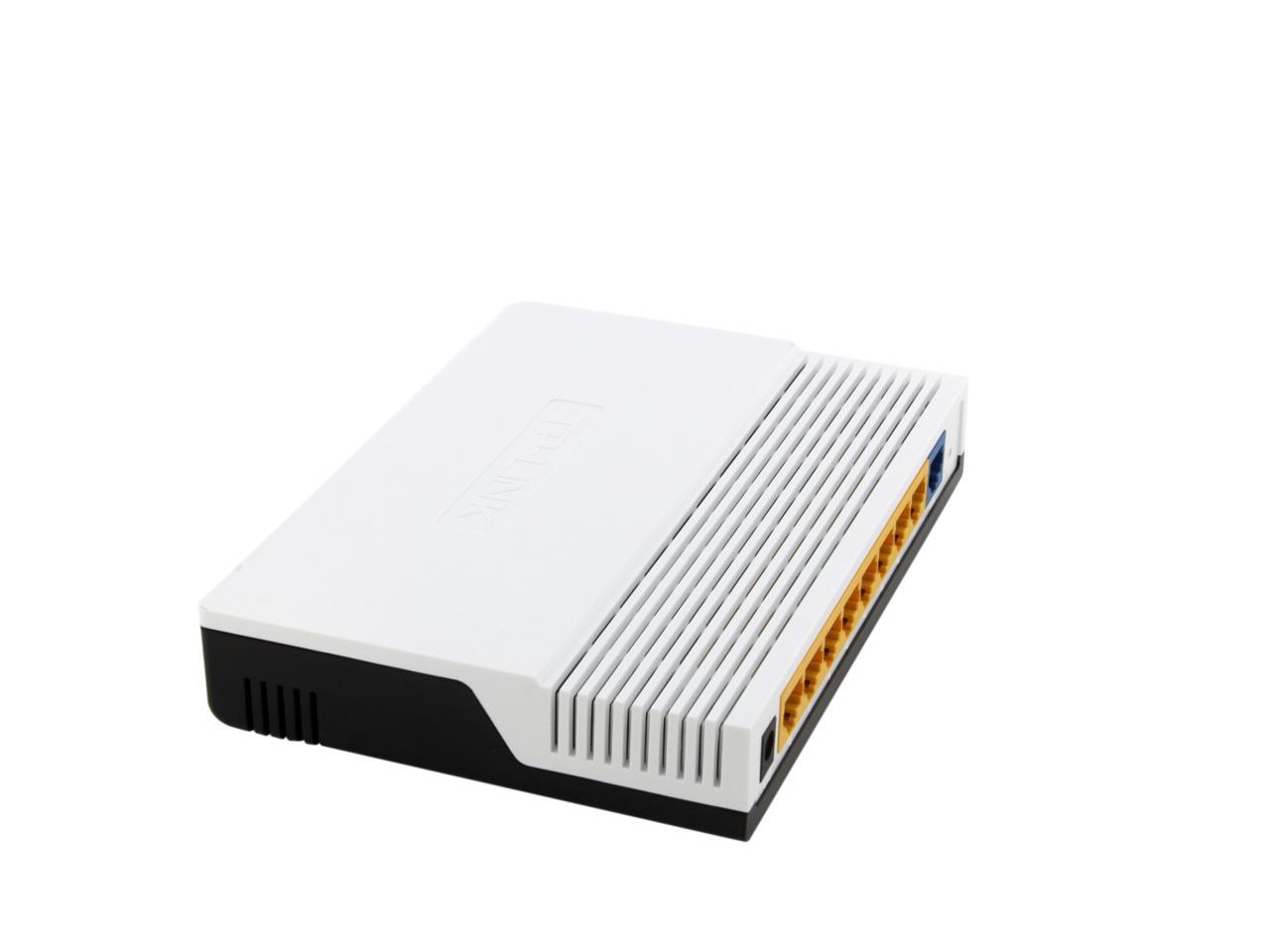
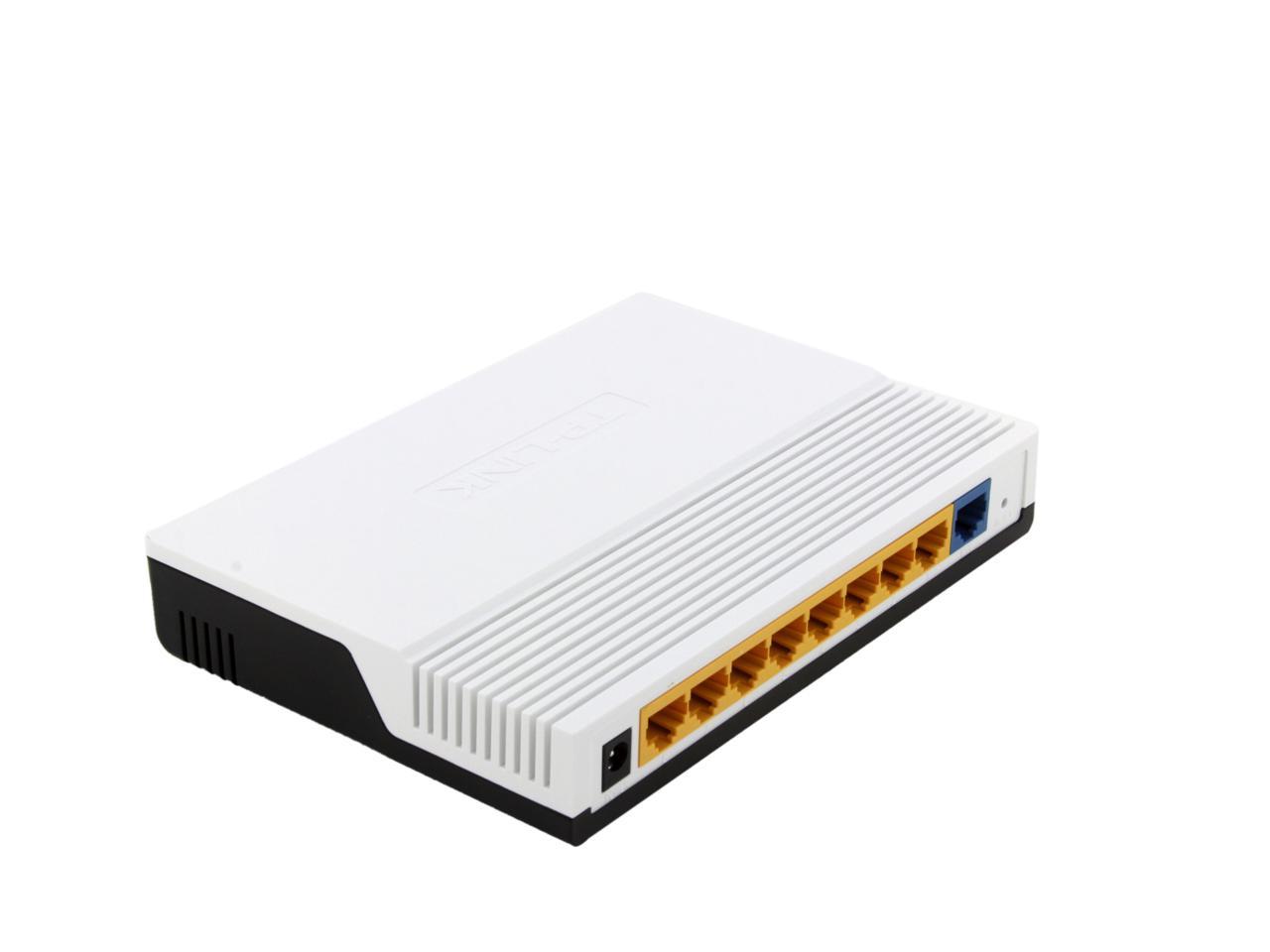
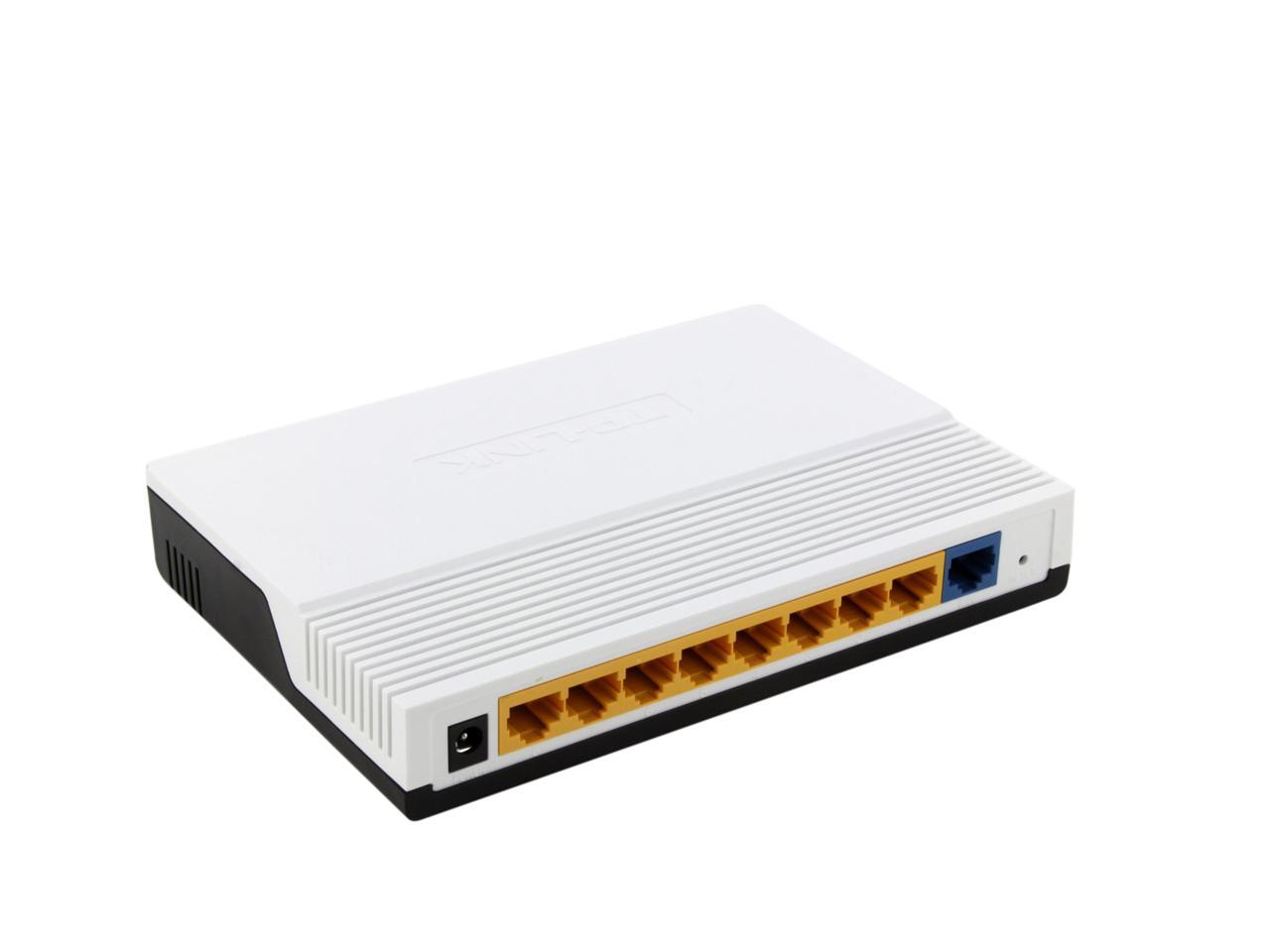
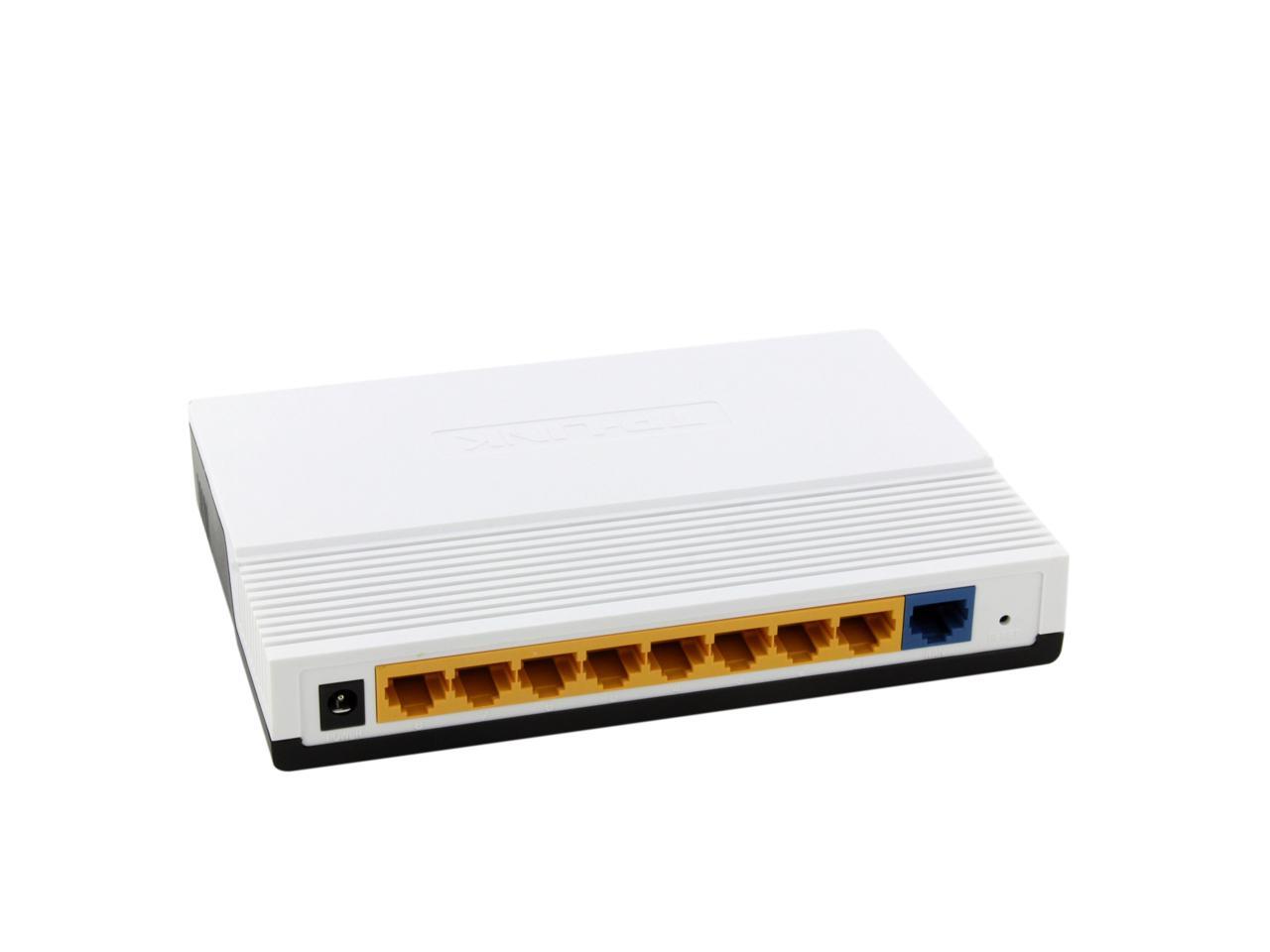
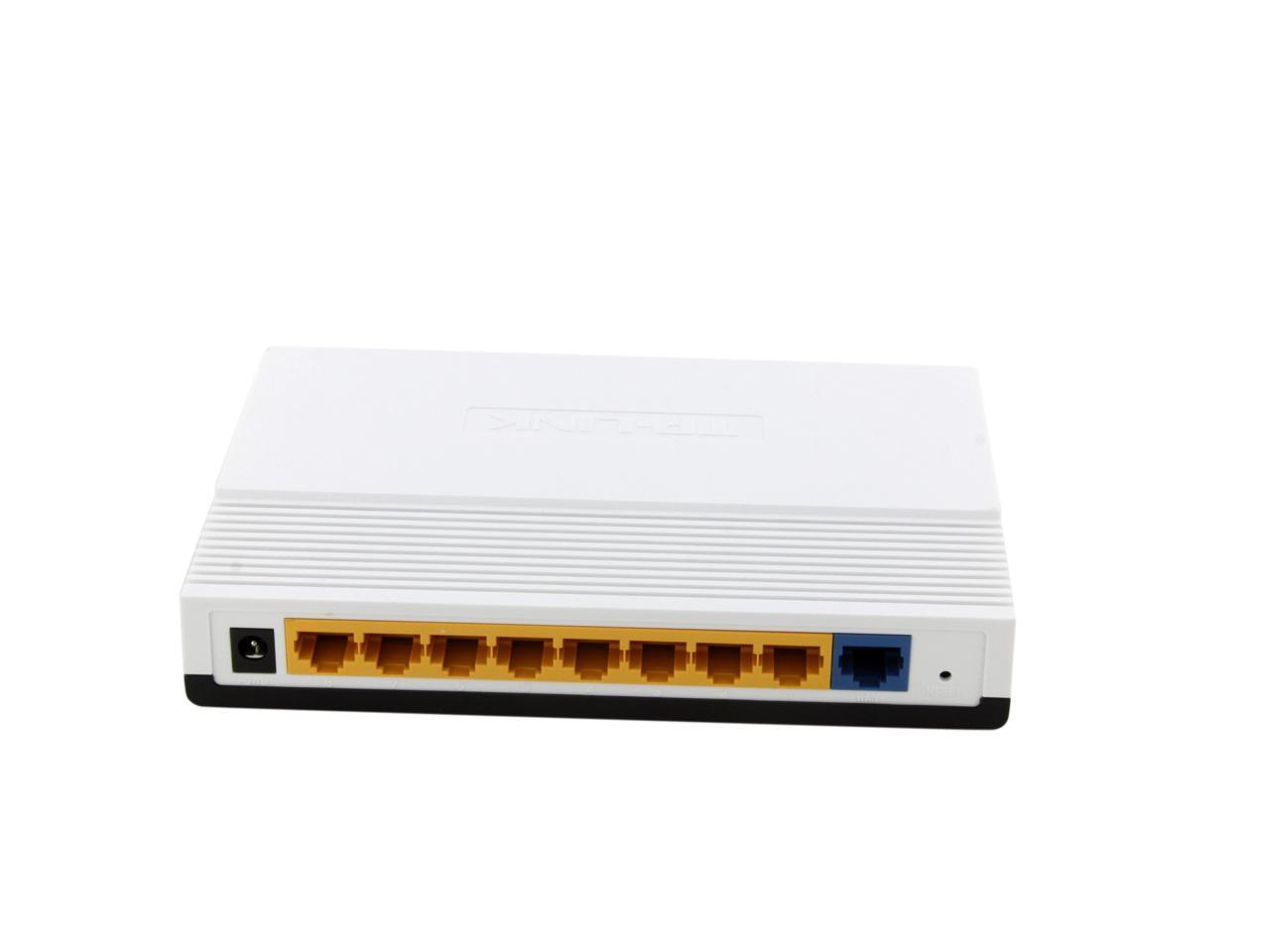
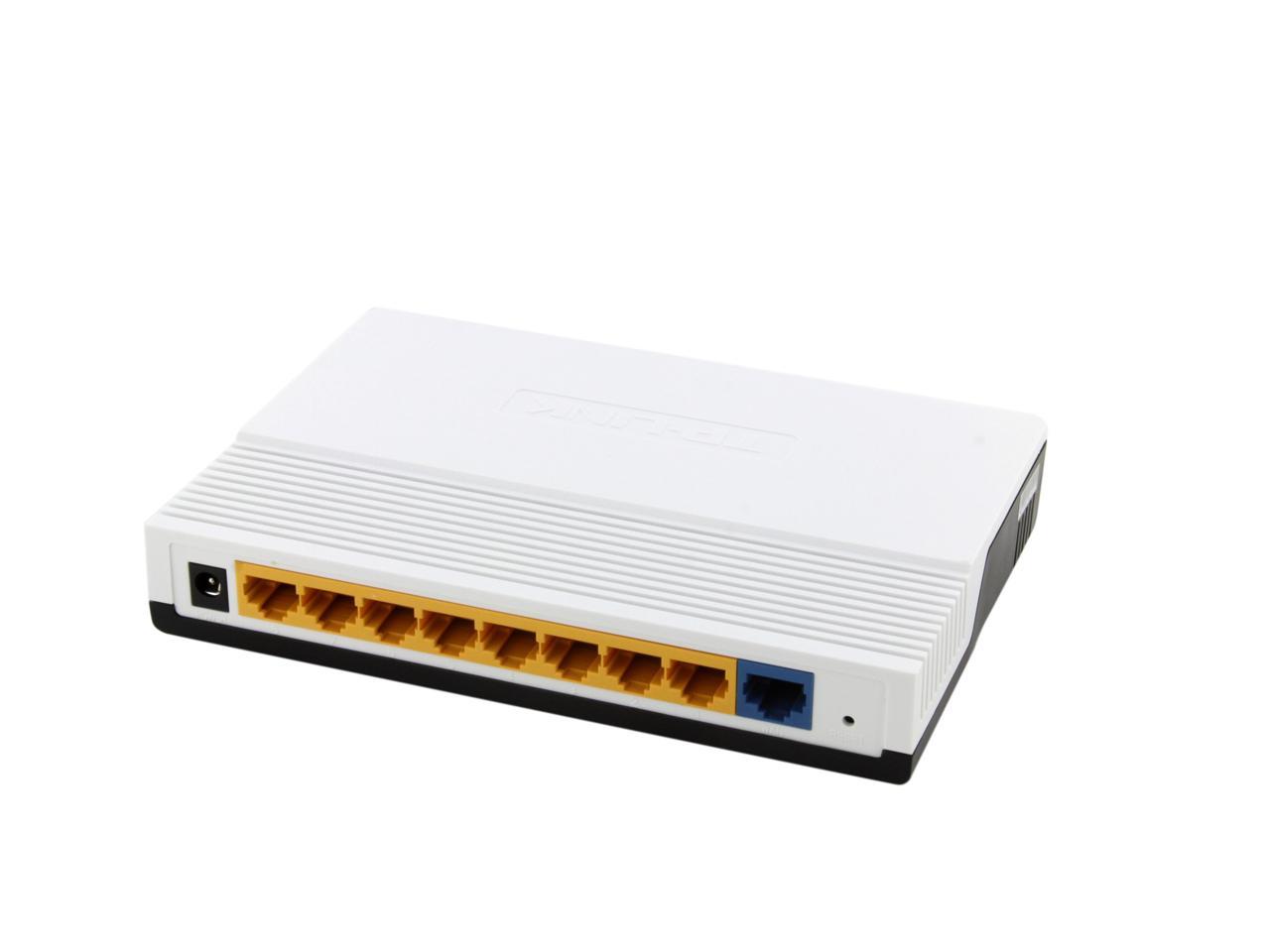
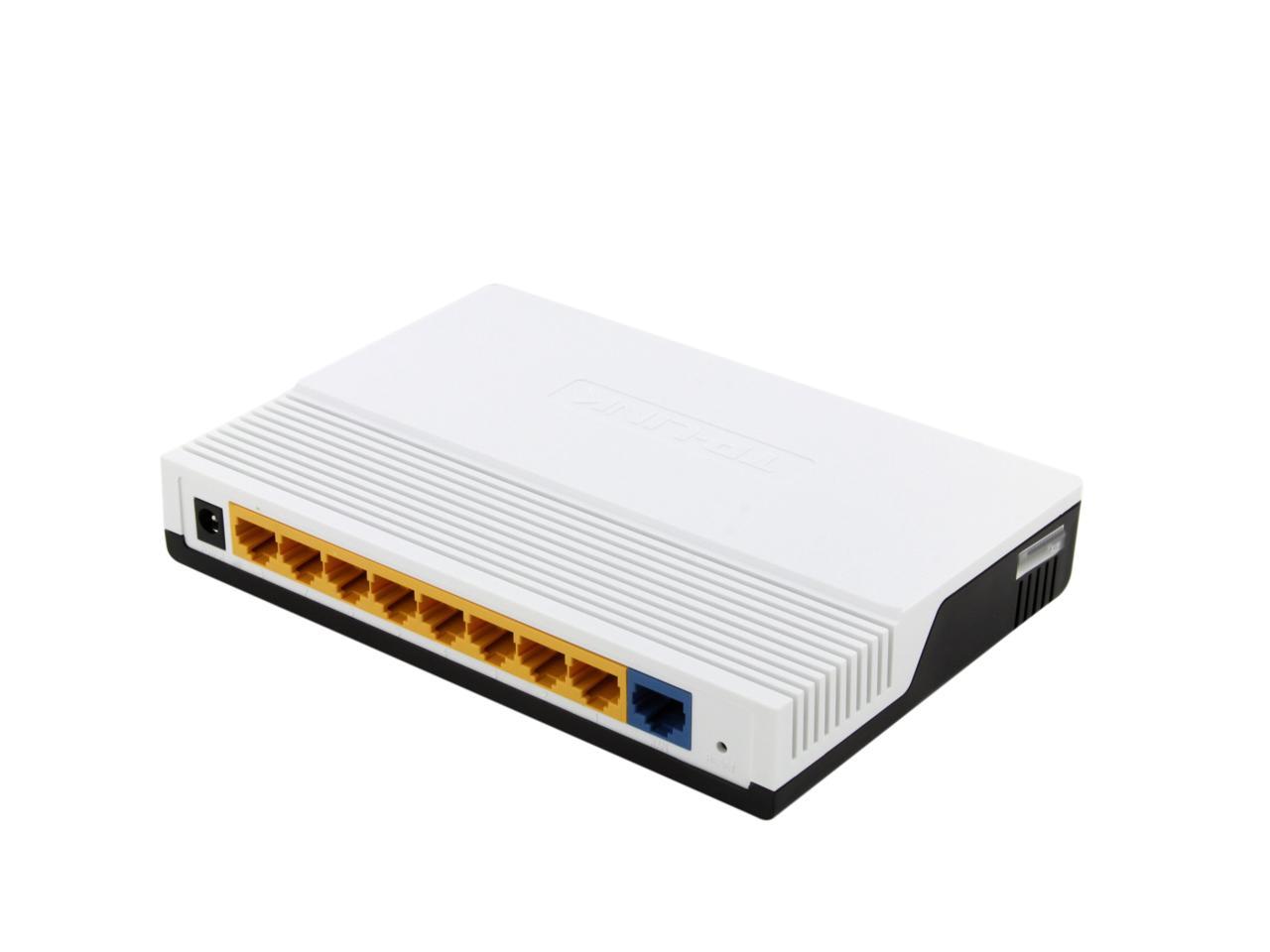
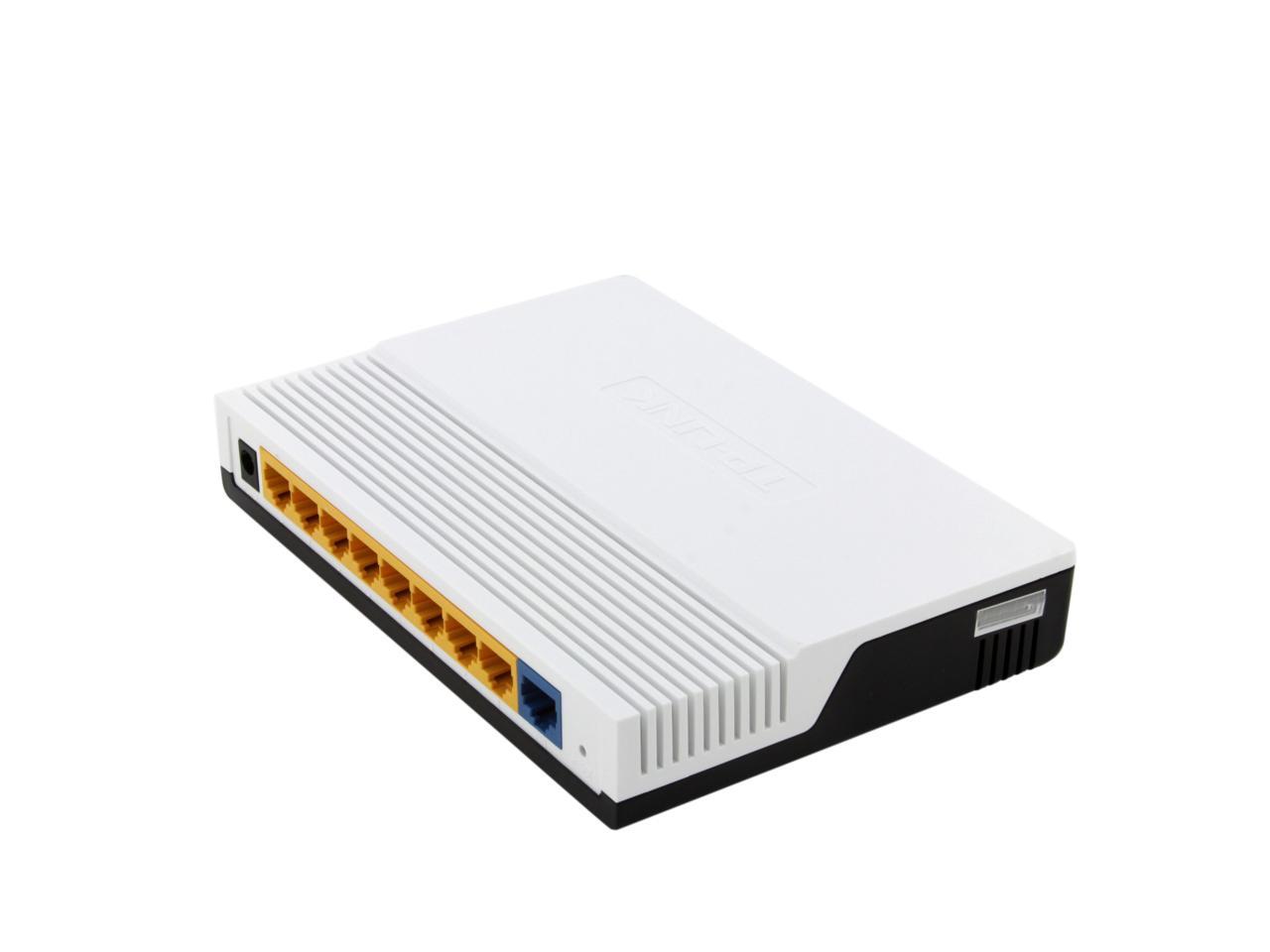
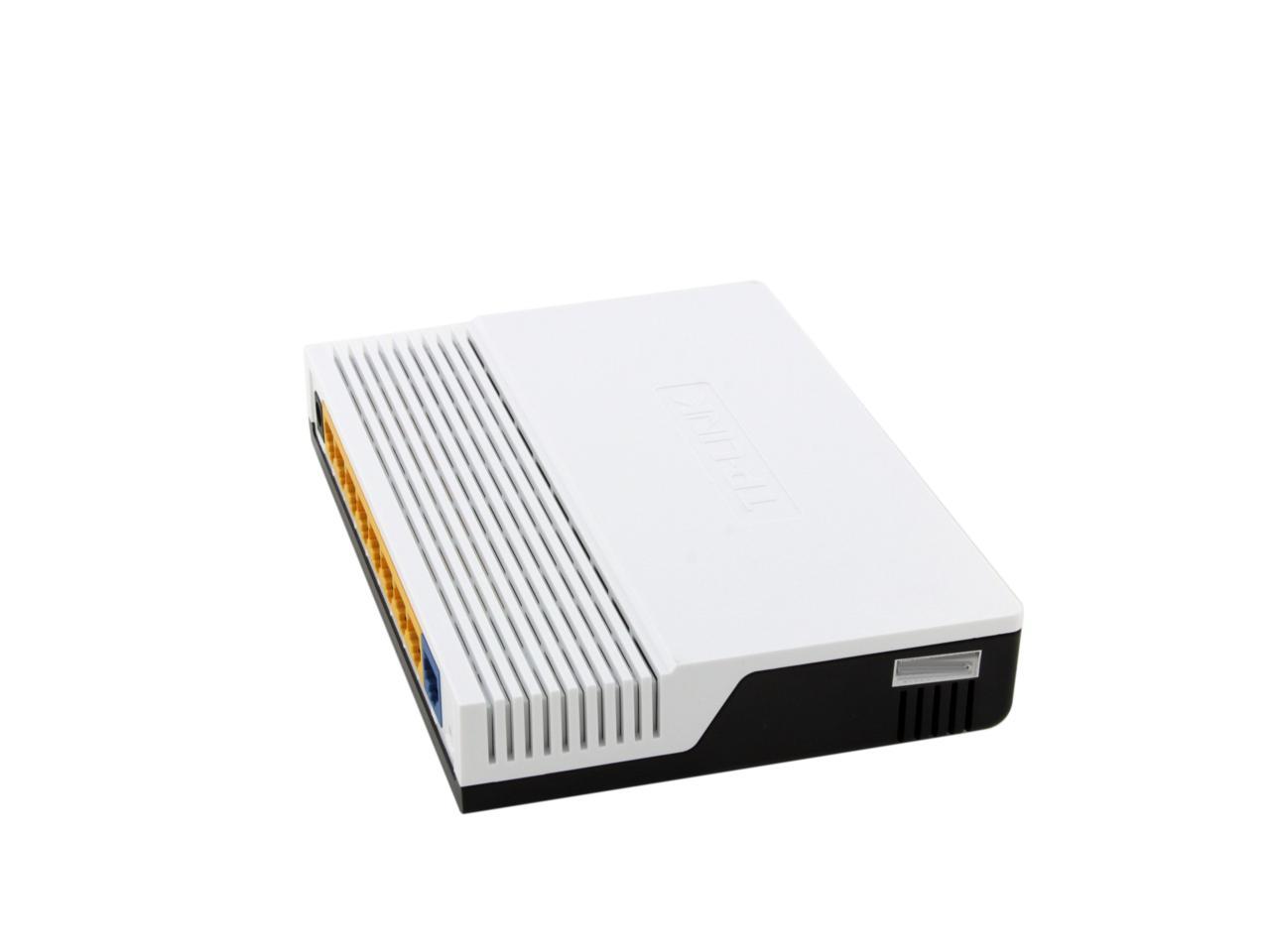
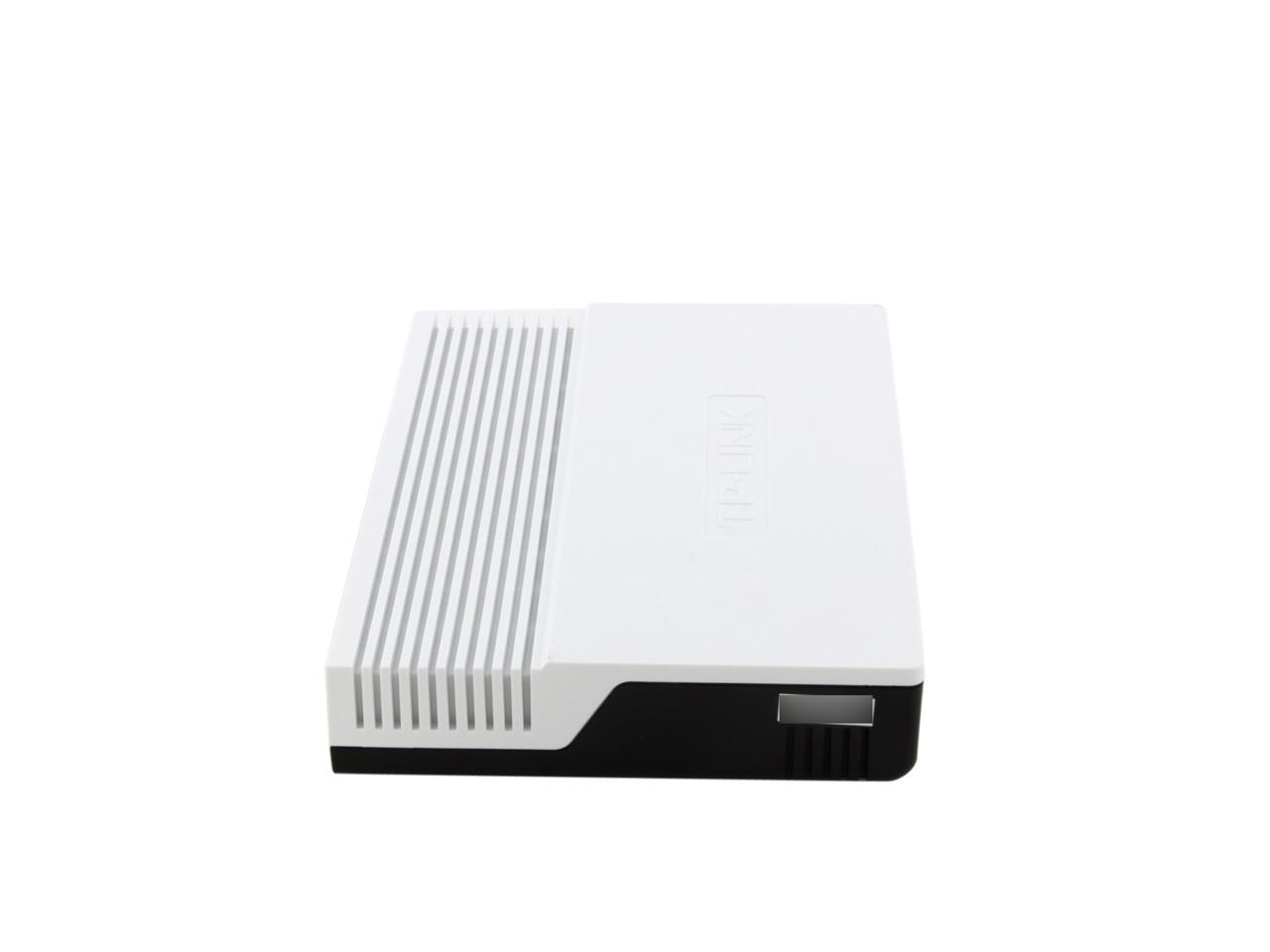
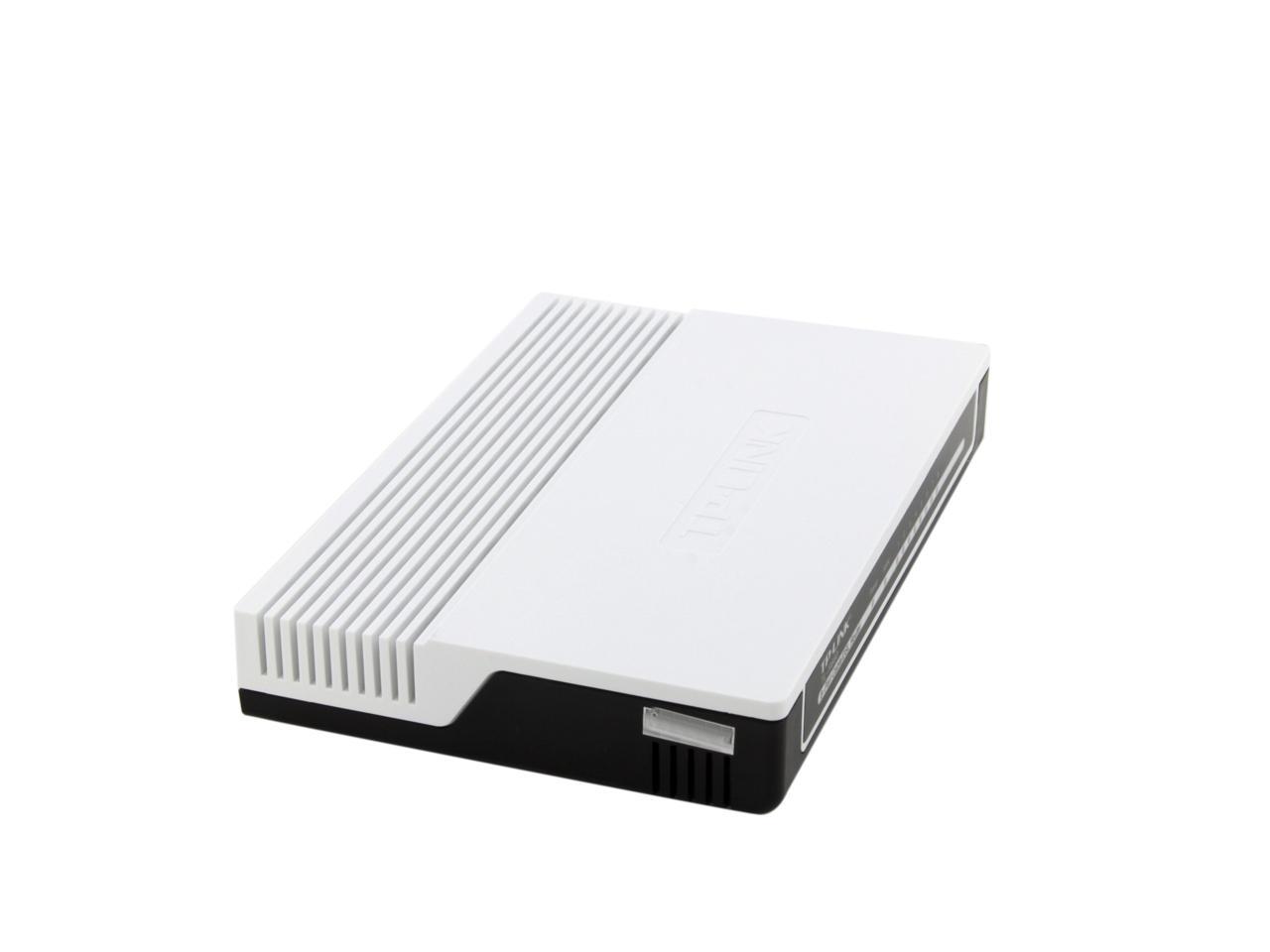
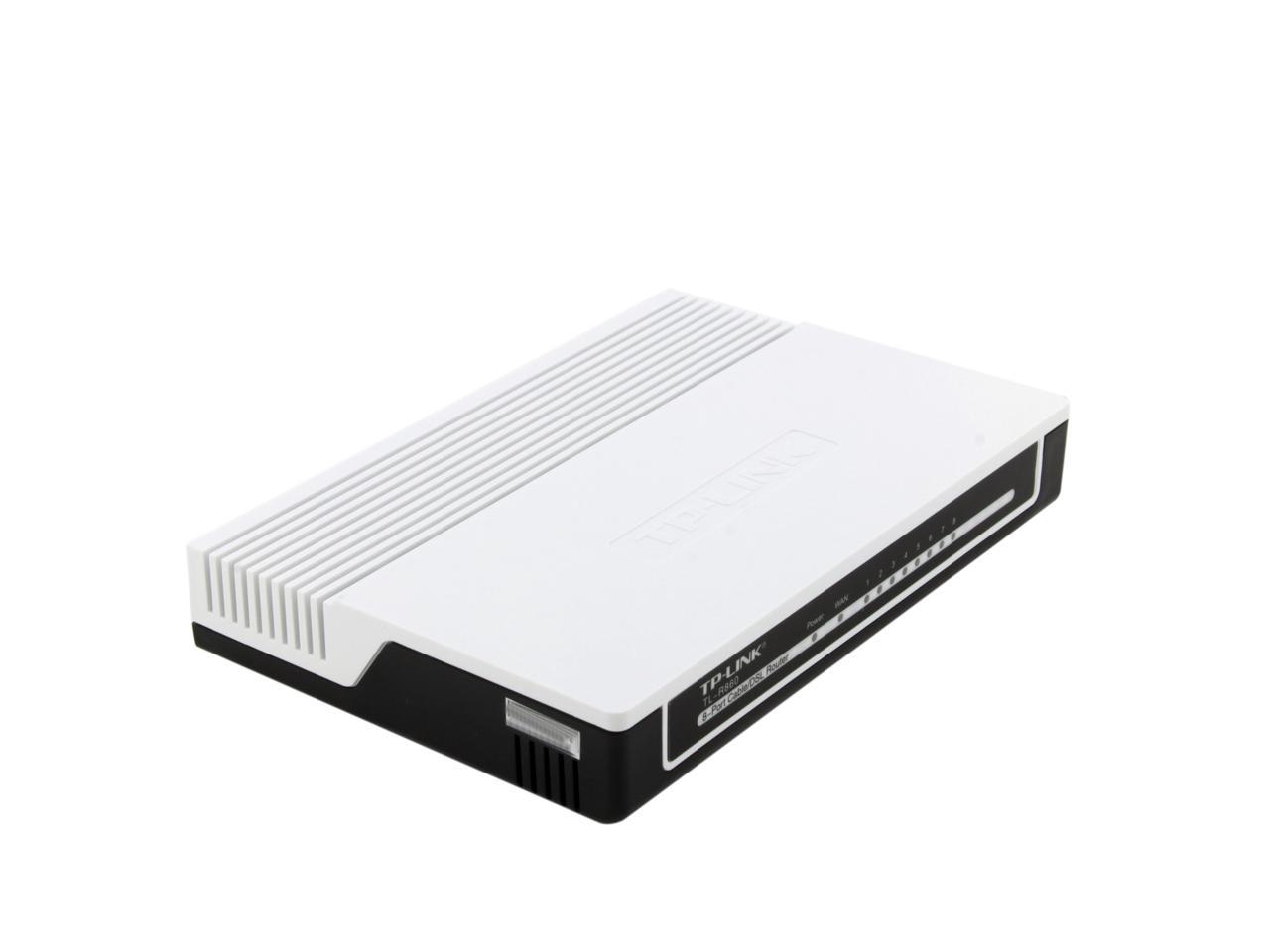
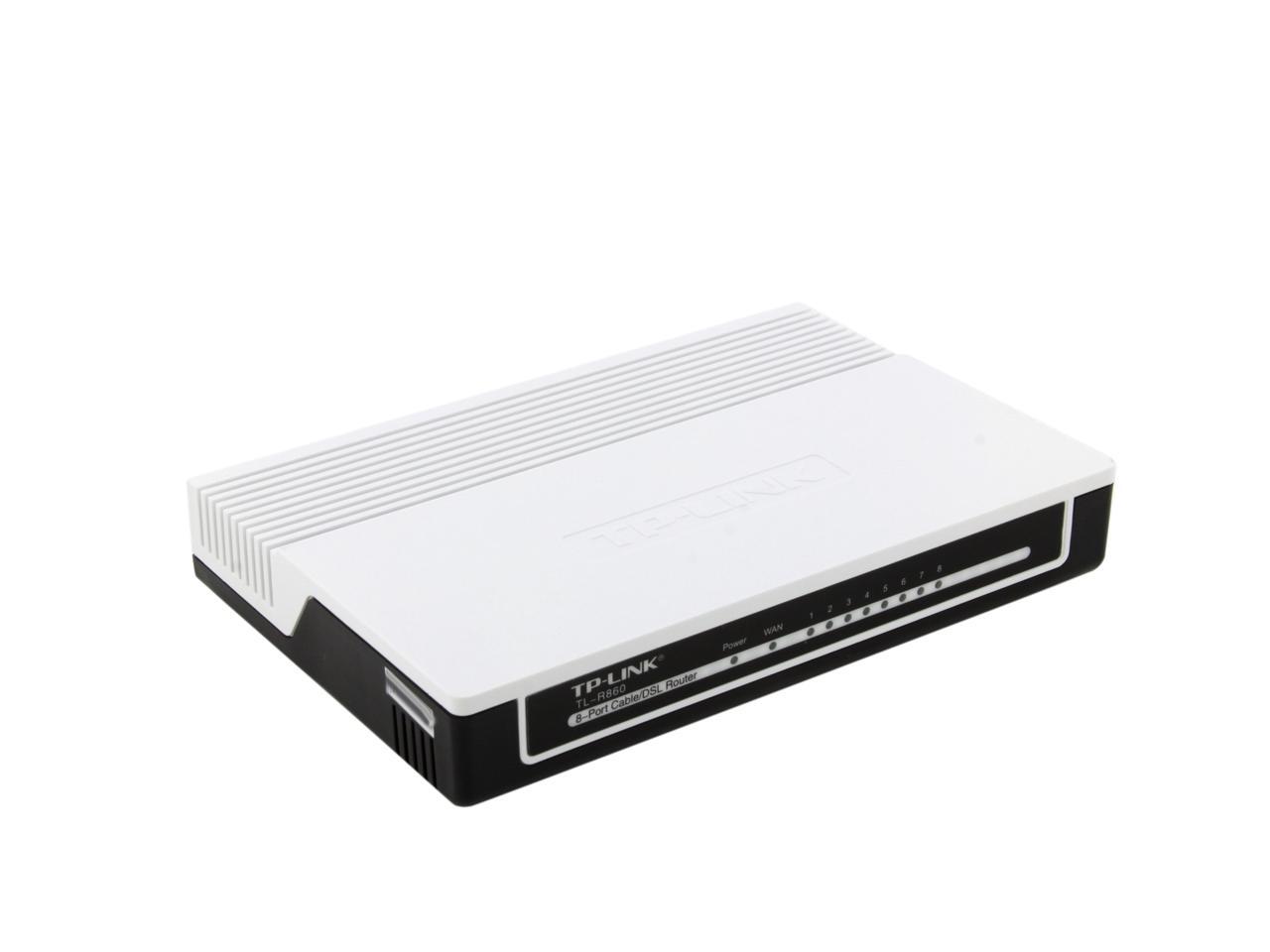
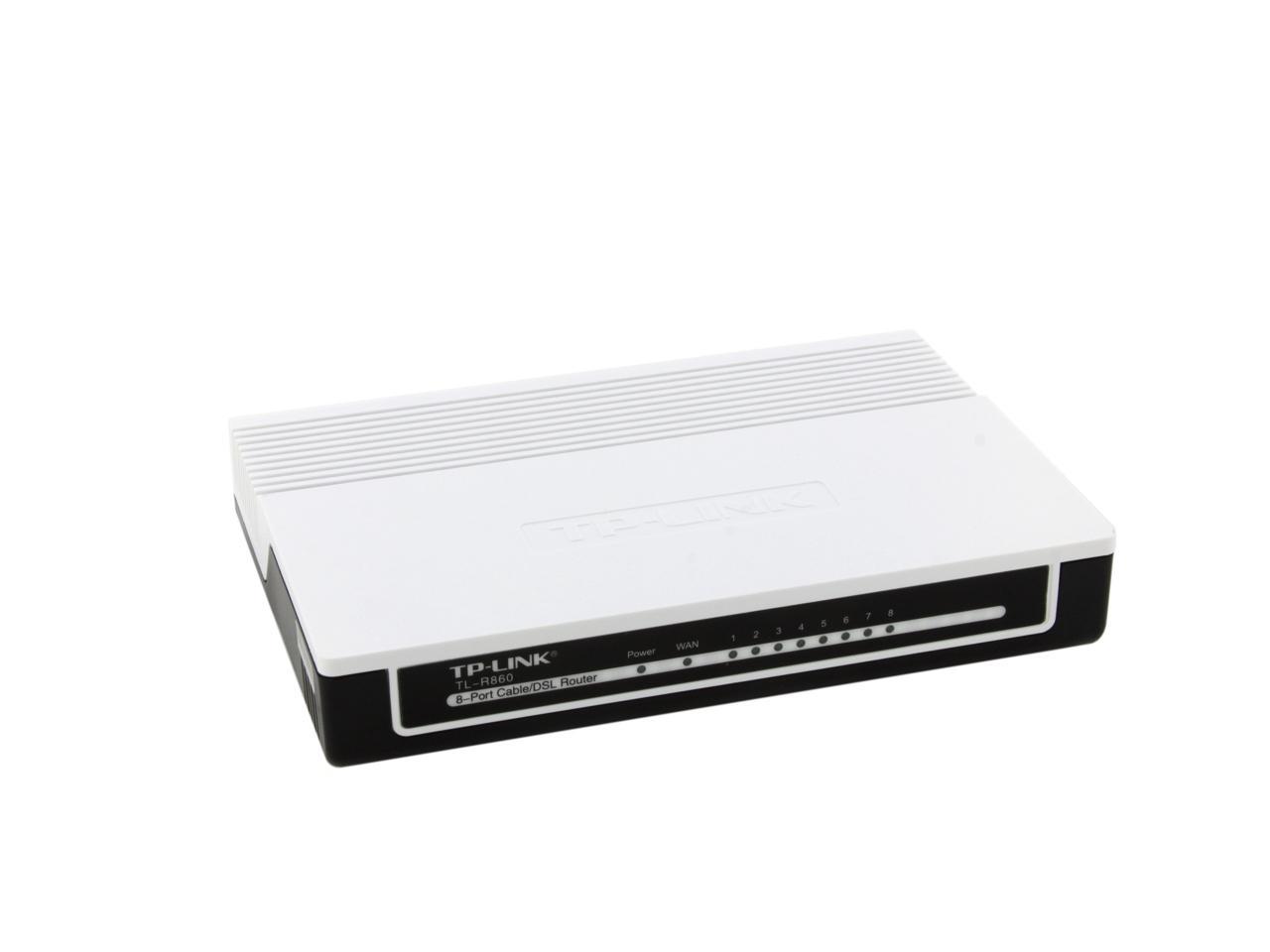
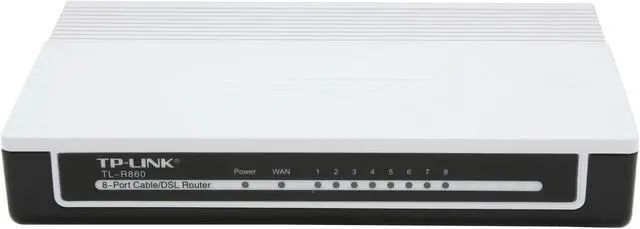
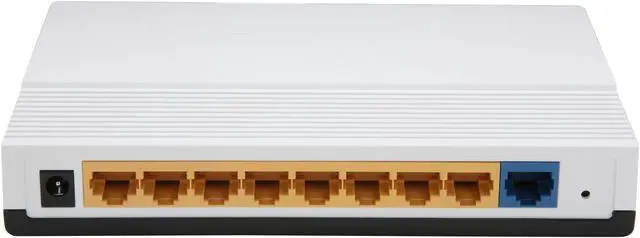
TP-LINK TL-R860 8-Port Cable/DSL Router 1 x 10/100Mbps WAN Ports 8 x 10/100Mbps LAN Ports

  • 1 x 10/100Mbps WAN Ports
  • 8 x 10/100Mbps LAN Ports
  • PPTP, L2TP, IPSec (ESP Head)
  • Pin It
  • Email this page
ICON Loading...


Learn more about the TP-LINK TL-R860

Model

Brand
TP-LINK
Model
TL-R860

SPEC

Standards
IEEE 802.3, IEEE 802.3u,IEEE 802.3x
Protocols
TCP/IP, DHCP, ICMP, NAT, PPPoE
Speed
10/100Mbps
Security
Firewall Function:
DoS Protection
Domain Filtering
IP/MAC Address Filtering
IP and MAC Address Binding
WAN Ports
1 x 10/100Mbps
LAN Ports
8 x 10/100Mbps
VPN
PPTP, L2TP, IPSec (ESP Head)
Dimensions
6.9" x 4.7" x 1.1"
Temperature
0°C - 40°C
Humidity
10% - 90%, Non-condensing

Features

Features
External Power Supply: 9VDC/0.6A

Button: Reset Button

System Function:
Remote Management
Restore & Backup Configuration
Flow Statistics
System Log

System Requirements:
Microsoft Windows 98SE, NT, 2000, XP, Vista or Windows 7, MAC OS, NetWare, UNIX or Linux.

Shares data and Internet access for users, supporting PPPoE, Dynamic IP, Static IP, PPTP, L2TP and Bigpond Cable Internet access.

IP-based QoS guarantees the performance of voice or video streaming.

Supports MAC Address Clone.

Connecting Internet on demand and disconnecting when idle for PPPoE.

Ignores Ping packets from WAN or LAN ports.

Packaging

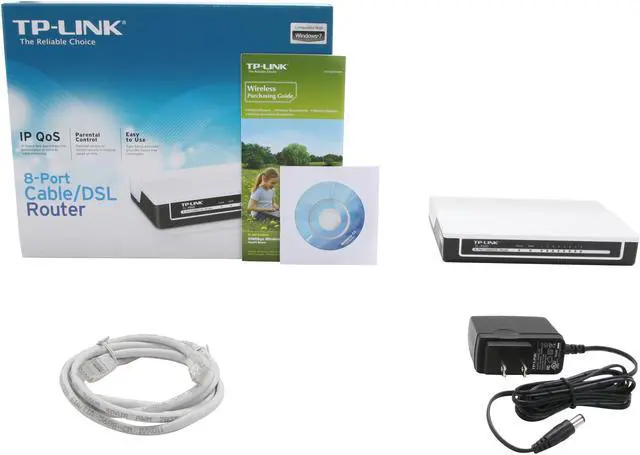
Package Contents
TL-R860
Quick Installation Guide
RJ-45 Ethernet Cable
Resource CD
Power Adapter

Manufacturer Warranty

Parts
2 years limited
Labor
2 years limited

Quick Info

Warranty

  • Limited Warranty period (parts): 2 years
  • Limited Warranty period (labor): 2 years


Customer Reviews of the TP-LINK TL-R860

Do you own this product? Write a Review

Filter Results

Go
  • N/A
  • 5/13/2013 8:43:00 PM
  • Tech Level: High
  • Ownership: 1 week to 1 month
  • Verified Owner

5 out of 5 eggsDoes what it should

Pros: A router/gateway without wireless capability.

Cons: .

Did you find this review helpful? Yes No

  • N/A
  • 5/10/2013 3:19:02 PM
  • Tech Level: Somewhat High
  • Ownership: 1 day to 1 week
  • Verified Owner

1 out of 5 eggsWorked for 5min

Pros: The Price, 8 lan ports, worked nicely for 5min

Cons: Failed shortly after I used the install disk, will not accept connections from any divice, all it gives is an "Unidentified connection"

It doesnt allow for any comunication with the router (to adjust settings), lan talk let or access to the internet

Tried to use the factory reset button, restarting it and using several different devices, none appeared to do anything at all, assuming this is just a defective router as the other reviews are mostly glowing

Manufacturer Response:

Dear customer,
Thank you for supporting TP-LINK and we apologize for the inconvenience caused.
Actually we can use the device management page via a web browser and set it up.
Please check the bottom label of hte router, you may find the IP address, login username and password.

On the web browser, such as Chrome, Safari and IE, please type the address into the address bar, and then input the username and password.
You will be guided to the device management page.
Run Quick Setup to finish the settings.

If you need further info, please feel free to contact me:
howard.he@tp-link.com

We really appreciate you taking the time to check out our TP-Link products and we hope that you will be able to check out more in the future.

Best Regards!

TP-LINK Support Team
support@tp-link.com
(866) 225-8139
http://www.tp-link.com/us/support
http://www.facebook.com/TPLINK

Did you find this review helpful? Yes No

  • JET
  • 4/13/2013 5:37:21 PM
  • Tech Level: Somewhat High
  • Ownership: 1 month to 1 year
  • Verified Owner

4 out of 5 eggs

Pros: Bought a new home, had one of those OnQ cabinets in the Laundry room with all of the TV and Wired Internet busses plus the house alarm. After a bit of research realized I needed one of these to make the system work. Added a new Moto Docsis 3 modem. It's been up and running bullet proof since Nov 2012. I have a Buffalo WR300 acting as switch, so our 3 wired devices, and 12 wireless devices have all been happy, secure and fast!

Cons: Yesterday (April 12th) I lost internet, have troubleshooted everything, and while the network aspect still works, this unit is no longer passing internet to everything. Have reset it, still no help. Have a temp wireless router giving us some connectivity at this time. I'll probably order another unit since nothing comes close price wise with 8 ports. (Large house, use all 8)

It's been a solid device, sorry to see it have an issue.

Other Thoughts: Wish they'd add Gigabyte speeds.

Did you find this review helpful? Yes No

  • BigLance
  • 4/13/2013 1:57:44 PM
  • Tech Level: Somewhat High
  • Ownership: 1 month to 1 year
  • Verified Owner

5 out of 5 eggsGreat Value - Fast & Inexpensive

Pros: Inexpensive, fast, reliable

Cons: Cheap plastic case

Other Thoughts: I've had this TP-Link TL-R860R router for nearly 3 months, and I am highly impressed.

I replaced an older and rather spendy firewall router with the TP-Link after some major network headaches that started occurring in my elaborate network setup at home. I was a bit skeptical about the TL-Link because of the low price, but I needed 8-ports (without WiFi), didn't need Gigabit (the house LAN wiring only has 2 twisted pair , which doesn't support it) and this thing received great reviews.

The review guidelines prevent me from comparing this to other brands, but my old router had a wonderfully sturdy metal case and a lifetime warranty. Many of you will know what brand of network gear that is.

Throughput:

Prior to replacement, I tested the internet throughput from my Comcast modem, through the old router, to a hardwired laptop with nothing else connected. The old router had an 8 Mbs throughput. I switched out the old one with the T-Link and immediately tested again. The T-Link had 24+ Mbs throughput! I repeated each test a number of times to make sure there were no anomalies involved. I'm so upset with myself for living with the old router for so long. I thought it was Comcast that was slow, but I was mistaken.

Reliability:

The thing has been running rock solid for about 3 months now. I did have to reboot once after a number of device changes on my network caused it to slow, but I think I had another faulty device causing the issue. I replaced the other downstream device and have not had a problem since.

Manageability:

The web-based management console is simple and very straight forward. It had all the features I need, including things like pre-assigning some IP addresses based on the MAC of the endpoint device, spoofing a MAC addresses for the WAN side, etc. Pretty much your standard fair, but a bit simplified. I didn't see any glaring omissions of anything I find important for my needs. But, I'm not a network engineer either.

Build Quality:

The build quality is rather cheap, all plastics, while my old router was all metal. I always loved network equipment with metal cases, but hey, if a cheap plastic device has better performance, then why not go with it? I'm not sure how long this thing will last, but it's so inexpensive you could always purchase a second one as a backup.

Use-case:

With 3 people in the house (two of them geeks) we have high Internet utilization with simultaneous Netflix & Hulu streaming to different TVs, web surfing on laptops, desktop, Smart-phones and tablets all occurring at the same time. Downstream from the device we have 2 Wi-Fi access points, 3 switches and a number of hard-wired devices as well. The TL-Link has been an exceptional addition to the head-end of our home network providing DHCP addresses to all our devices and providing Internet access through the Cable Modem.

I'm very happy with the TP-LINK and have no regrets whatsoever. At the price, its quite a fin

Did you find this review helpful? Yes No

  • Sparky
  • 3/14/2013 6:55:01 PM
  • Tech Level: Somewhat High
  • Ownership: 1 month to 1 year
  • Verified Owner

5 out of 5 eggsGreat Value!

Pros: I needed (wanted) a router with more ports to eliminate my clutter of switches/hubs and access points. This router worked flawlessly for me right out of the box! I re-configured and have much better control of my network which includes laptops,ipods & pads, desktops, DVR, alarm system and weather interface. Very nice config menu and options. Can't beat the price.

Cons: None

Did you find this review helpful? Yes No

  • DrDarkWing
  • 3/14/2013 1:55:46 AM
  • Tech Level: High
  • Ownership: 1 month to 1 year
  • Verified Owner

5 out of 5 eggsTL-R860

Pros: Plug and play, simple design, no 3rd party software, does not have a lot of leds generating extra heat.

Cons: The software came on a mini cd

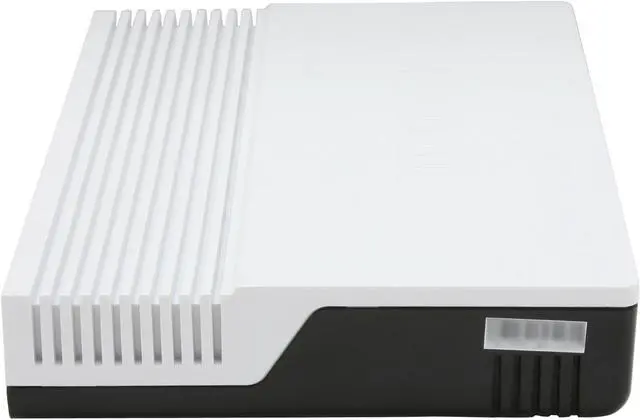
Other Thoughts: The case has slots for mounting on the bottom.

Did you find this review helpful? Yes No

  • blottfish
  • 2/23/2013 7:27:13 AM
  • Tech Level: High
  • Ownership: 1 day to 1 week
  • Verified Owner

5 out of 5 eggsNewegg and TP-Link

Pros: First of all, I have to give kudos to Newegg. I ordered this router at 10 a.m. on a weekday, picked free shipping, and it was at my door by 3 p.m. the NEXT DAY! Newegg has a customer for life.

As for the router, I ordered it to replace an older Linksys 4-port model, as the primary gateway between my Cable modem and home network. The Linksys had spotty performance that I was never able to isolate. I had my doubts about TP-Link and a $27 dollar router, but the number of 5-star ratings prompted me to give it a shot.

Installed it just now, manually without using the quickstart disk. It configured perfectly and quickly the first time through, no special steps. A nice touch is the fact that on every screen, when I would save it, the router didn't have to reboot each time like my Linksys did. Just one reboot when I was through with all the sections, and it booted in about 10 seconds.

Speedtest.net run gives me 41.28 Mbps down and 10.90 Mbps up. A good deal faster than the Linksys. While it's only been a short half an hour, it appears that I've found a winner.

Will update if anything changes with extended usage...

Cons: None at this point...

Did you find this review helpful? Yes No

  • N/A
  • 2/2/2013 4:33:51 PM
  • Tech Level: High
  • Ownership: 1 week to 1 month
  • Verified Owner

5 out of 5 eggsVery good router

Pros: This is an excellent router for the small business or homeowner with a LAN. And the price is excellent for 8 ports or good for any number of ports. The original setup is super-easy for most cases unless you run into the little snag of your modem using the same IP range as the router. The directions tell you how to easily fix that.

Cons: This is the first time I've ever seen such ridiculous restrictions on changing the password. The default is so simple that you better change it. Then when you try you're restricted to lower case and numbers only plus - and _. Don't make an error or you'll get locked out. Then you have to reset the router and configure all over again starting with the CD. Since the setup is so easy, that's not really a problem just a hassle.
There is a help column running along the side of the changes you should make to security, time, etc but it's not very helpful. It basically reiterates the listed choices and doesn't explain them which could be a real turnoff for those who don't know what they mean. They might then ignore them rather than find out what they are and protect their system.

Other Thoughts: For this price you really can't afford not to add this router to your system if you don't already have one. You get a lot of bang for the buck.

Did you find this review helpful? Yes No

  • N/A
  • 1/27/2013 12:14:10 AM
  • Tech Level: Average
  • Ownership: less than 1 day
  • Verified Owner

5 out of 5 eggsTP-LINK TL-R860

Pros: Great router and super fast shipping. Very simple to hook up with the included CD. newegg your the best!

Cons: None

Did you find this review helpful? Yes No

  • Edison
  • 1/26/2013 2:41:18 PM
  • Tech Level: High
  • Ownership: 1 month to 1 year
  • Verified Owner

5 out of 5 eggsgreat little router

Pros: Little, work great, configure easy

Cons: I had network IP address conflict at once, this switch went to crazy looping. Untill I found the problem was duplicate IP addresses, I thought was this router caused problem

Other Thoughts: I opened it up and add a heatsink to the router IC. Hope that will make this thing last forever.

Did you find this review helpful? Yes No

ICON Loading...
Are you an E-Blast Insider? Subscribe Newegg e-Blast

Buzz

Fantastic Router

5 out of 5 eggs
Easy to install, decent setup interface. Runs cooler than my old Linksys, and the throughput is far and above what the Linksys ...
— Tom 9/29/2012

Decent router

5 out of 5 eggs
Doesn't have wireless. 8 ports. Seems faster than my old net gear. Looks like something from the 80's, which is cool. ...
— jonno421 12/16/2011


PayPal
Shop without retyping payment details. Secure shopping made faster.
Check out with PayPal.

Financing


Home
Home > 
Computer Hardware > 
Networking > 
Wired Networking > 
Wired Routers > 
TP-LINK > 
Item#: N82E16833704070
LOADING... LOADING...
Shop by Region: United States | Canada | China
Follow us:   RSS Feeds Youtube
VeriSign Reliability Seal1This site protected by Trustwave's Trusted Commerce program Inc500
Policy & Agreement | Privacy Policy  © 2000-2013 Newegg Inc.  All rights reserved.
If the Adobe Reader does not appear when you click on a link for a PDF file, you can download Adobe Reader from the Adobe web site. nassau