|
|
-
- 5
-

- 43%
- 4
-

- 57%
- 3
-
- 0%
- 2
-
- 0%
- 1
-
- 0%
| Product Rating: |
   
|
| Total Reviews: |
7 |
Classic
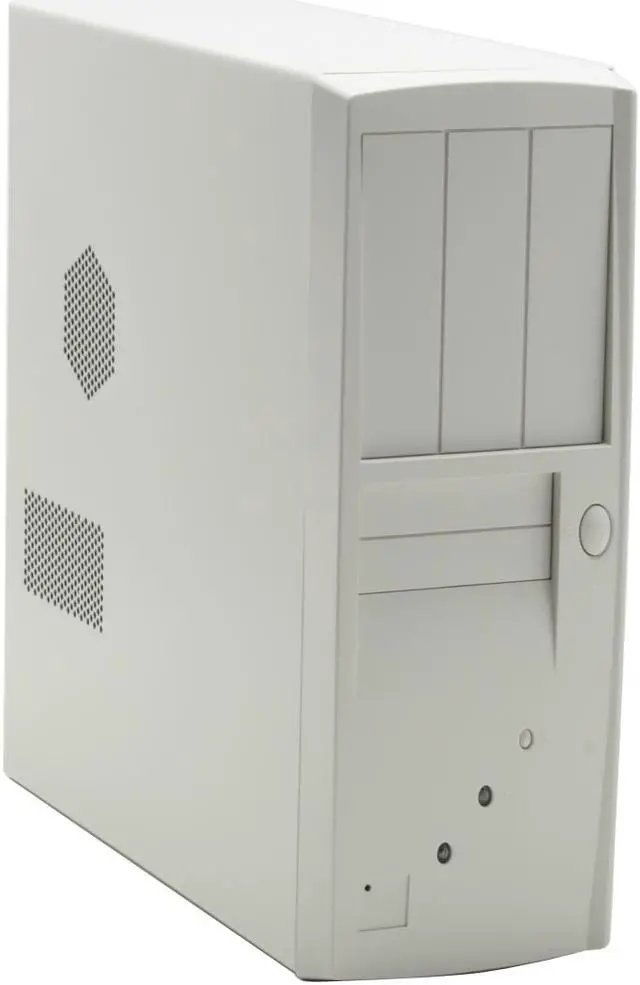
- Pros: Want the classic desktop case with the monitor on top, this is a great solution. Being able to put my own power supply in was also a plus. Well built and sturdy.
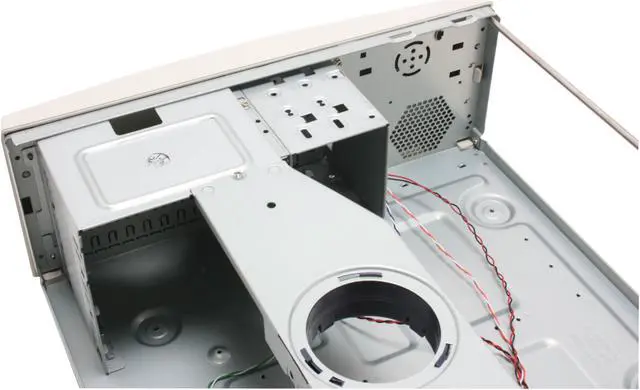
- Cons: If you put a full size board in this you may have problems with the 3.5 drive bays. It leaves little room to move the drives in and out. Would of liked to have had a drop in from the top drive cage. I was forced to mount the HD in the 5 1/4 drive bay with a set of extender wing mounts I had. Also may want to pick up a frount port box such as http://www.newegg.com/Product/Product.aspx?Item=N82E16813999355
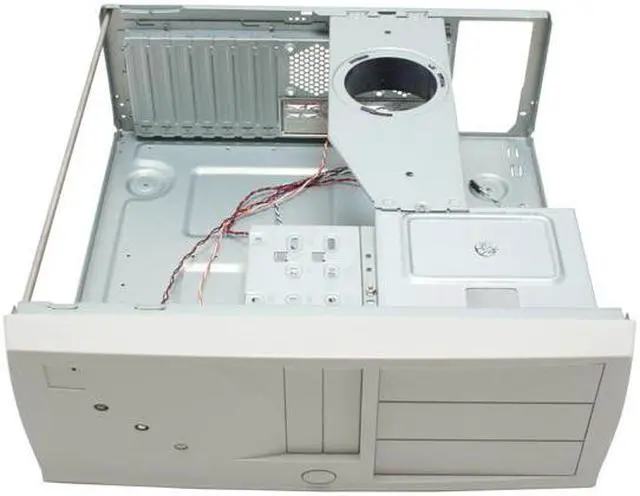
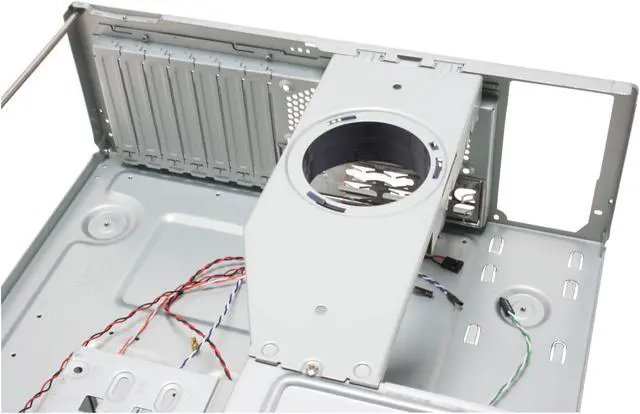
- Other Thoughts: The vent holes on the top are nice and it has a drop down duct to channel air out of the case. However the duct did not line up with my cpu fan in this build so I simply left it out. No heating issues as of yet.
Horizontal Standard Case
- Pros: Met my needs. Good construction.
- Cons: Long distance from drive bays to far side of the motherboard.
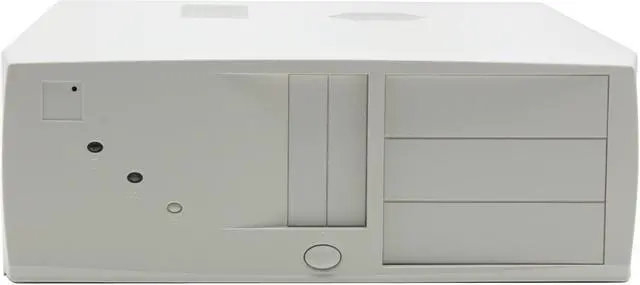
- Other Thoughts: I was building my first and wanted the most room for anything I may want to add. The removable hard drive bays were needed to allow me to mount the two hard drives without interfering with the memory cards. The three front accessible bays are at the far right side opposite the power supply in the back, but a good 12 inches from the far side of the motherboard... OK for now but may be a problem when I add more front accessible drives. Overall a good case, especially for the money.
An unassuming game case
- Pros: After reading a couple of reviews, I was leery of purchasing this case for building a new game system but it works just fine for my purposes. For some, the new long video cards will not fit, however my HIS Radeon HD 4850 fits with room to spare. This case is simple, it is strong, and with knowledge and experience you put anything you want in there and do anything you want with it. Most excellent.
- Cons: Getting the motherboard in there took a little trick. The hard drive is actually situated in such a way that I had trouble getting the RAM slots on the motherboard beneath it. I will not be able to fill up the 4 slots because of how the hard drive covers the fourth one. This can be solved if necessary by simply rigging a larger bay to hold a hard drive. Also, the power supply was a tight fit, but just use your brain and you can get it in there.
- Other Thoughts: If you take this to a LAN, no one will expect the beast that is within! I had limited desk space and I wanted something that I didn't need to sit on the floor, and would be easy to work on when necessary. You must be cautious when purchasing parts for a gamer machine. The video card slot on the MB I bought is lower than the HDD cage, so I don't have a space issue. If you need space for a lot of devices, you should consider another case but this case if great if you want to keep it simple and powerful.
Parts used: ASUS M3N72-D AM2+/AM2 motherboard, AMD Athlon 64 X2 7750 Kuma 2.7GHz, HIS Hightech H485QT512P Radeon HD 4850 512MB video card, Kingston HyperX 4GB (2 x 2GB), RAIDMAX AURORA 2 RX-600F 600W.
Think twice, buy once.
| Model |
| Brand |
HEC |
| Model |
7106WW |
| Spec |
| Type |
ATX Desktop |
| Color |
Beige White |
| Case Material |
Steel |
| With Power Supply |
No |
| Motherboard Compatibility |
ATX, Micro ATX |
| With Side Panel Window |
No |
| Expansion |
| External 5.25" Drive Bays |
3 |
| External 3.5" Drive Bays |
2 |
| Internal 3.5" Drive Bays |
2 |
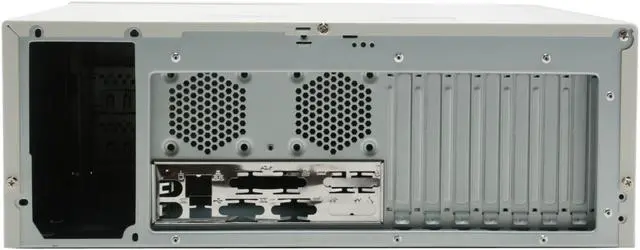
| Expansion Slots |
7 |
| Cooling System |
| 80mm Fans |
No |
| 120mm Fans |
No |
| Side Air duct |
Yes |
| Physical Spec |
| Dimensions(L x W x H) |
17.25" x 16.80" x 6.10" |
| Weight |
16.6 lbs. |
| Features |
| Features |
ATX / micro ATX spec compliant Thermally-Advantaged Chassis (CAG1.1 air guide for Prescott CPU) Time saving assembly-Optional detachable dual bays HDD cage Strong central-bridge design |
|
|