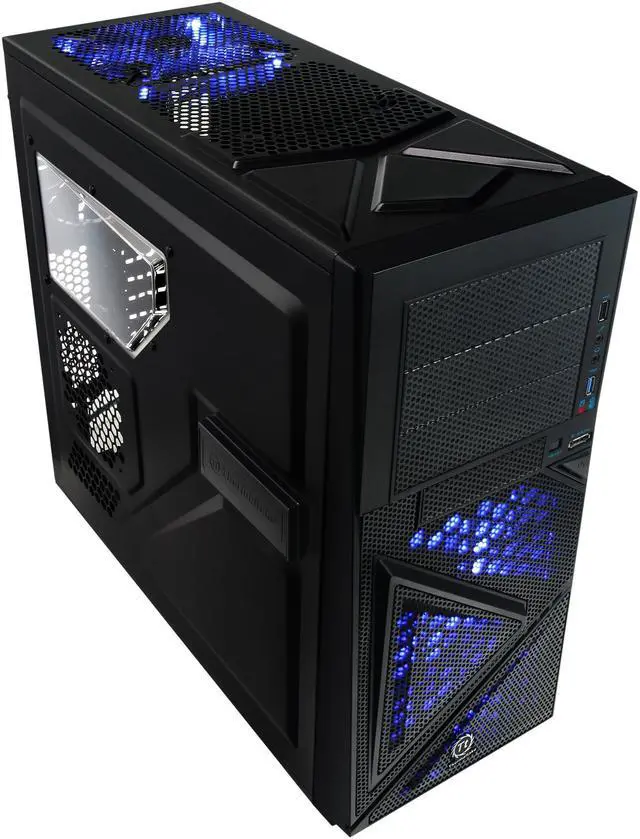
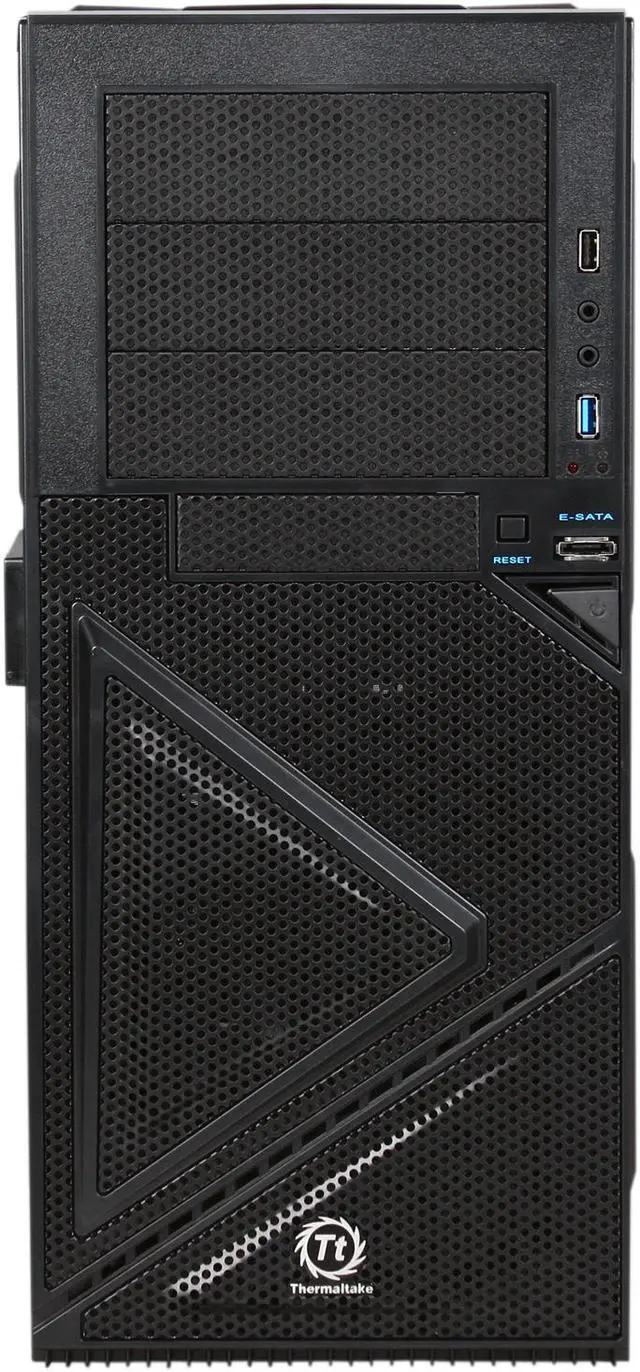
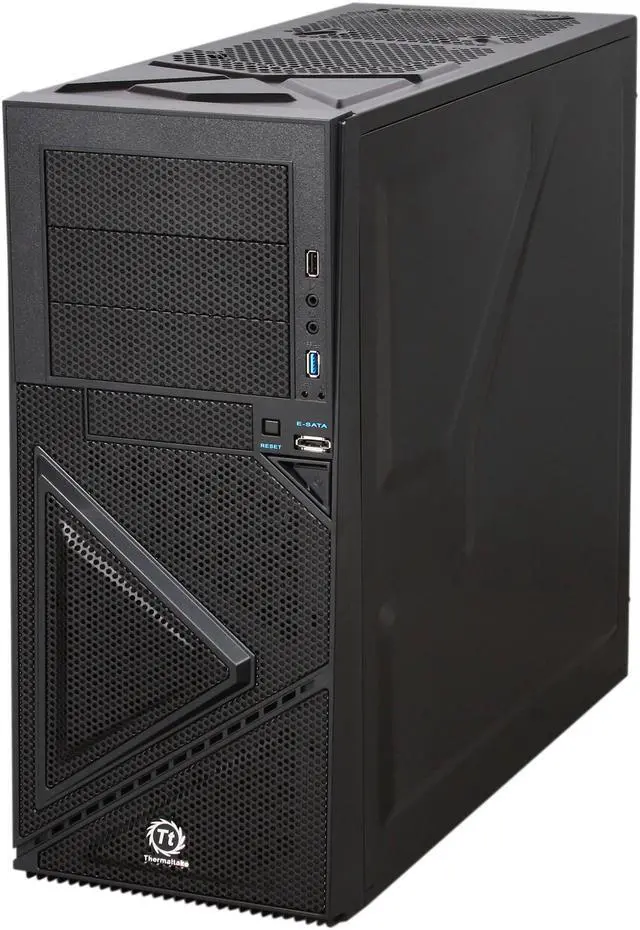
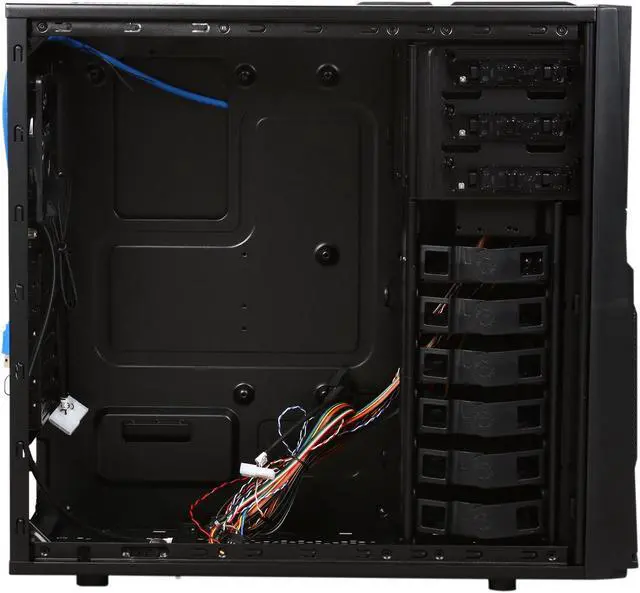
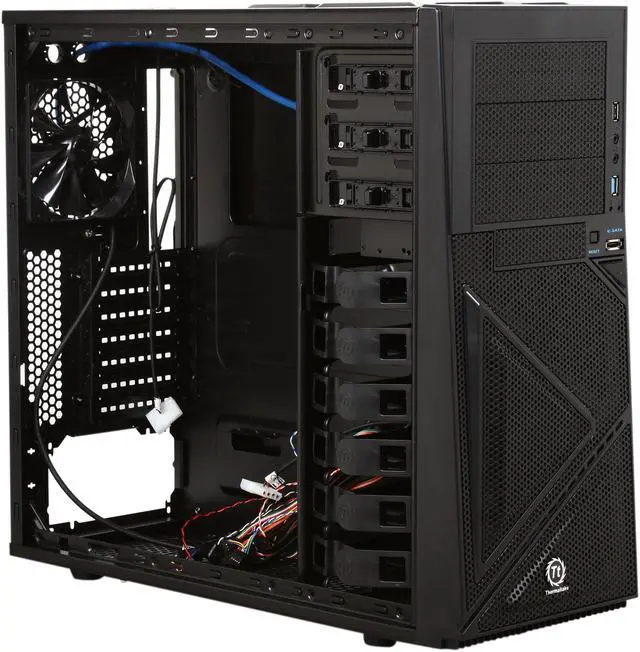
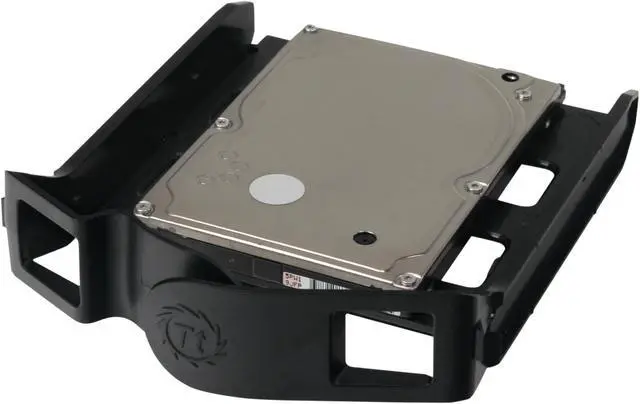
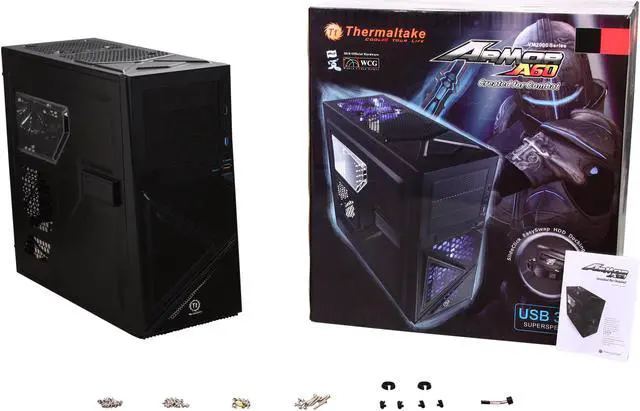
Thermaltake brings the world's first SideClick EasySwap design for 3.5” HDD with the Armor A60 case. Coated in black from the inside to the outside, this case adds overall quality and neat looks, and the rugged construction in combination with SECC material increase the durability and reliability. The innovative SideClick EasySwap allows you to swap the 3.5" HDD and transfer data conveniently, without opening the case or installing the drives.
Three preinstalled fans, meshed front panel and the support for up to 7 fans ensure excellent system cooling for superior stability and minimized slowdown. Rich in features such as cable management, retaining holes for water cooling, SSD support, bottom-mounted PSU with removable PSU filter, 90° rotated cage for easy installation and tool-free mounting for 5.25" drive, the Thermaltake Armor A60 leaves behind the competitors, making it a great choice whether you build your system from scratch or relocate your existing system. In addition, the built-in latest USB 3.0 SuperSpeed connector in front panel offers easy connection to USB 3.0 devices for lightning data transfer speed.
Thermaltake brings the world's first SideClick EasySwap design for 3.5” HDD with the Armor A60 case. Coated in black from the inside to the outside, this case adds overall quality and neat looks, and the rugged construction in combination with SECC material increase the durability and reliability. The innovative SideClick EasySwap allows you to swap the 3.5" HDD and transfer data conveniently, without opening the case or installing the drives.
Three preinstalled fans, meshed front panel and the support for up to 7 fans ensure excellent system cooling for superior stability and minimized slowdown. Rich in features such as cable management, retaining holes for water cooling, SSD support, bottom-mounted PSU with removable PSU filter, 90° rotated cage for easy installation and tool-free mounting for 5.25" drive, the Thermaltake Armor A60 leaves behind the competitors, making it a great choice whether you build your system from scratch or relocate your existing system. In addition, the built-in latest USB 3.0 SuperSpeed connector in front panel offers easy connection to USB 3.0 devices for lightning data transfer speed.
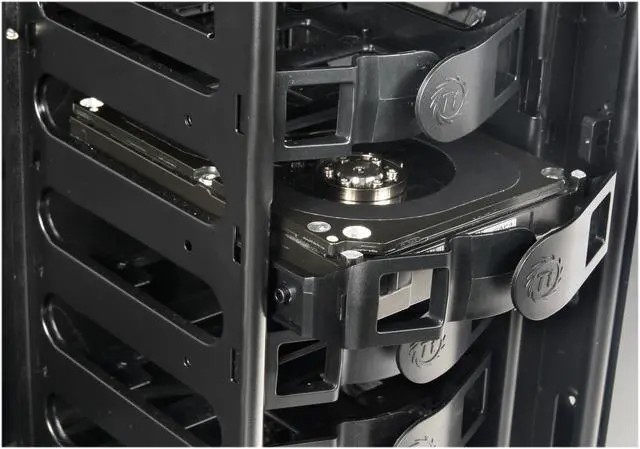
 SideClick EasySwap DesignFeaturing the world's first SideClick EasySwap design, the Thermaltake Armor A60 allows you to swap the 3.5" HDD and transfer data easily, eliminating the hassle of opening the case and installing the drives.
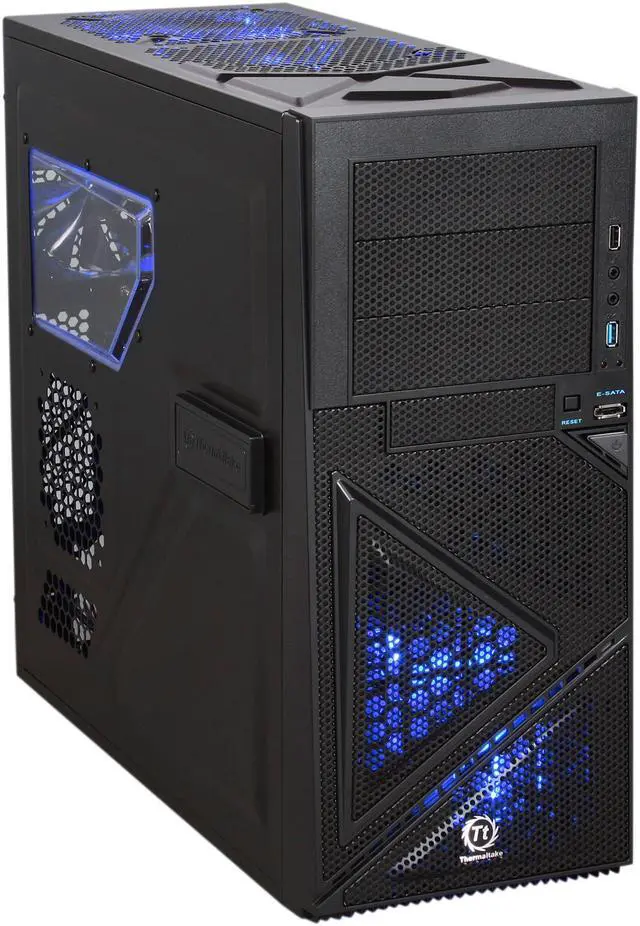
 Built-In USB 3.0 ConnectorEquipped with the latest USB 3.0 SuperSpeed connector on the front panel, the Thermaltake Armor A60 delivers easy connection to next-generation USB 3.0 equipments for high data transfer speed of up to 5Gbps.
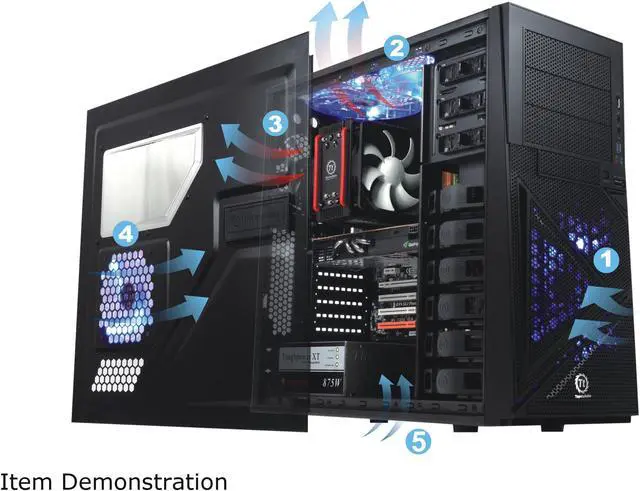
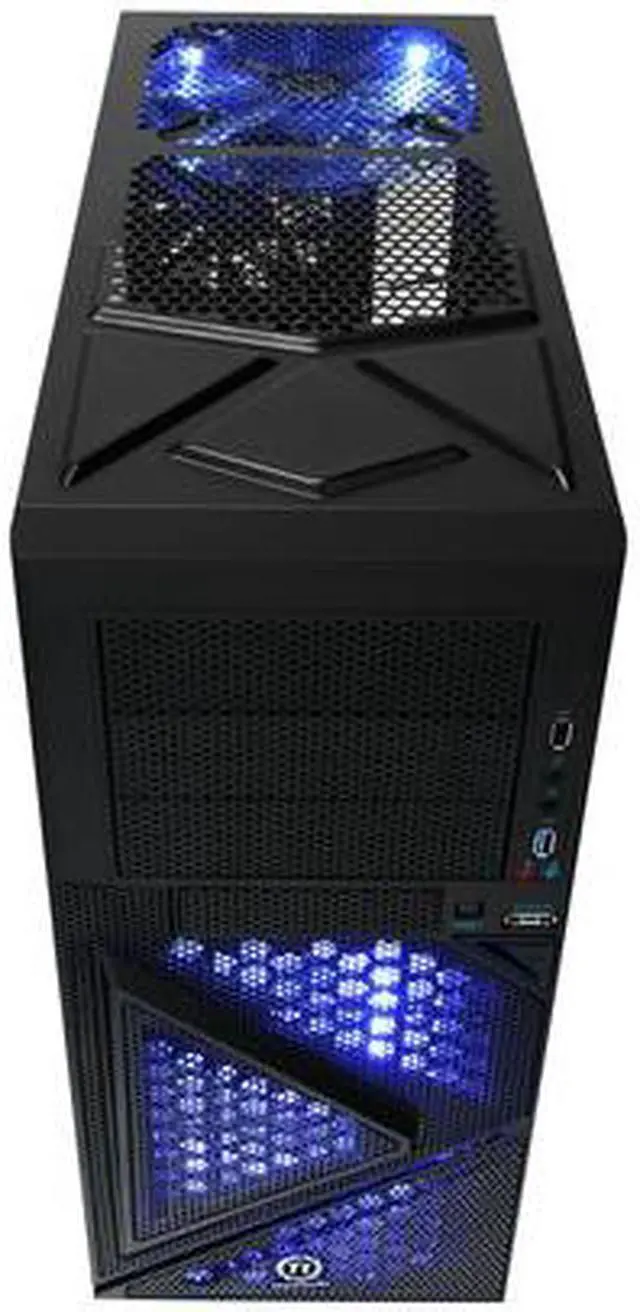
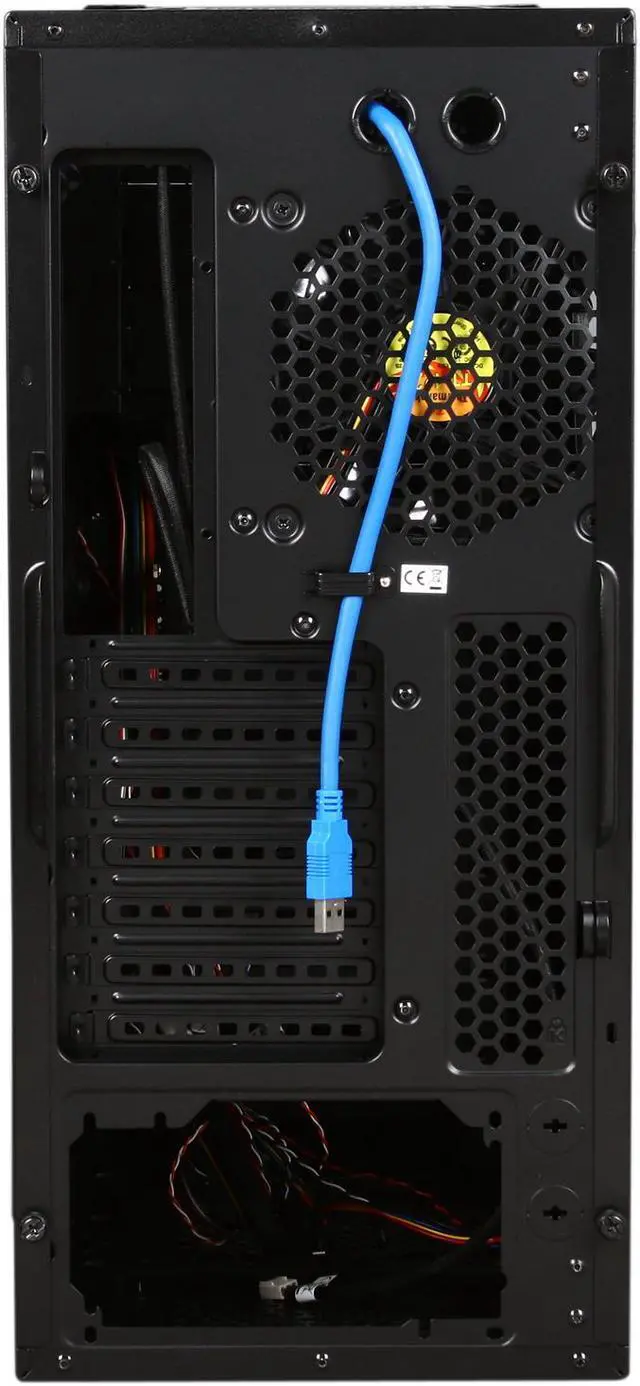
 Efficient VentilationThe Thermaltake Armor A60 features a mesh front panel to maximize airflow of the inner system. A rear 120mm turbo fan, a 200mm blue LED top fan and a 120mm front blue LED fan as well as the options for up to 7 fans provide efficient ventilation and effective system cooling.
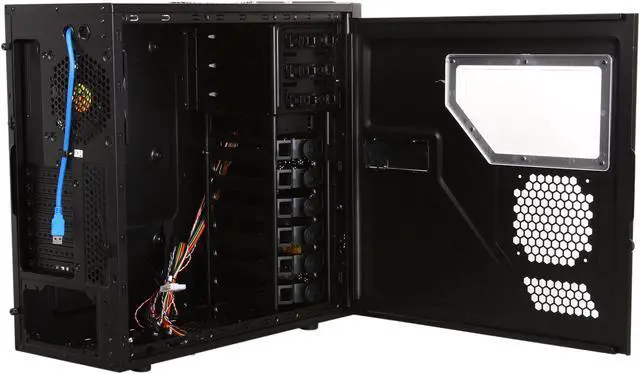
 90° Rotated CageThe 90° rotated cage can help you install the drives flexibly and conveniently.
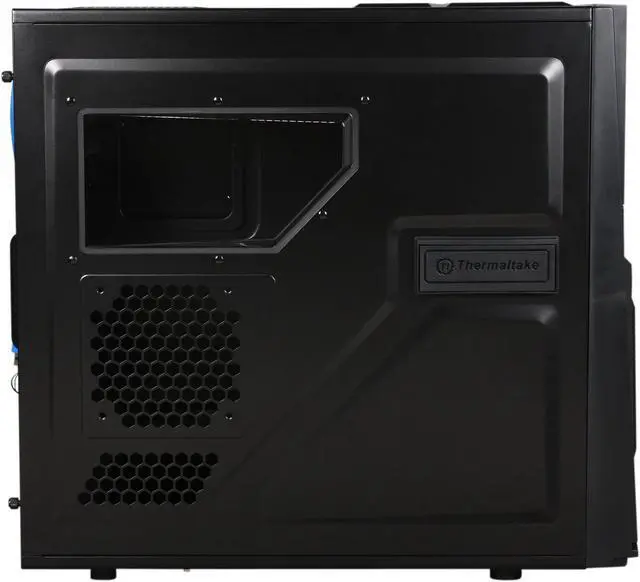
 Transparent Side WindowThe Thermaltake Armor A60 comes equipped with a transparent window on the side panel to deliver a direct view of inner system, and the fan with blue LED improves the heat dissipation and looks simply amazing too.
 Easy Upgrade for Liquid CoolingThe Thermaltake Armor A60’s rear retaining holes are convenient for use with liquid cooling kits.



 Holiday Shipping Details & Extended Holiday Returns


 SideClick EasySwap DesignFeaturing the world's first SideClick EasySwap design, the Thermaltake Armor A60 allows you to swap the 3.5" HDD and transfer data easily, eliminating the hassle of opening the case and installing the drives.
 Built-In USB 3.0 ConnectorEquipped with the latest USB 3.0 SuperSpeed connector on the front panel, the Thermaltake Armor A60 delivers easy connection to next-generation USB 3.0 equipments for high data transfer speed of up to 5Gbps.
 Efficient VentilationThe Thermaltake Armor A60 features a mesh front panel to maximize airflow of the inner system. A rear 120mm turbo fan, a 200mm blue LED top fan and a 120mm front blue LED fan as well as the options for up to 7 fans provide efficient ventilation and effective system cooling.
 90° Rotated CageThe 90° rotated cage can help you install the drives flexibly and conveniently.
 Transparent Side WindowThe Thermaltake Armor A60 comes equipped with a transparent window on the side panel to deliver a direct view of inner system, and the fan with blue LED improves the heat dissipation and looks simply amazing too.
 Easy Upgrade for Liquid CoolingThe Thermaltake Armor A60’s rear retaining holes are convenient for use with liquid cooling kits.


