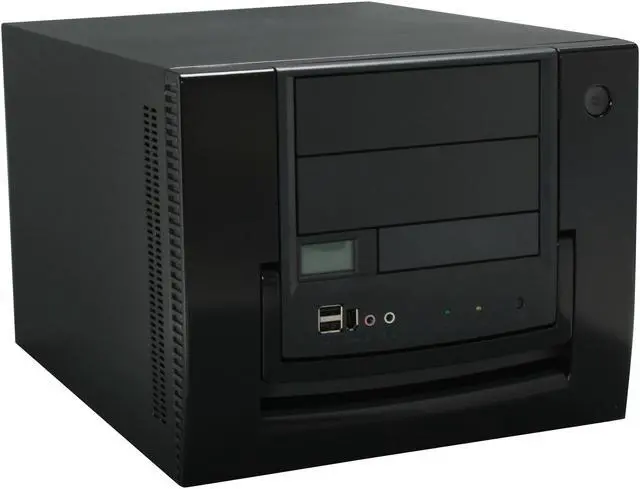
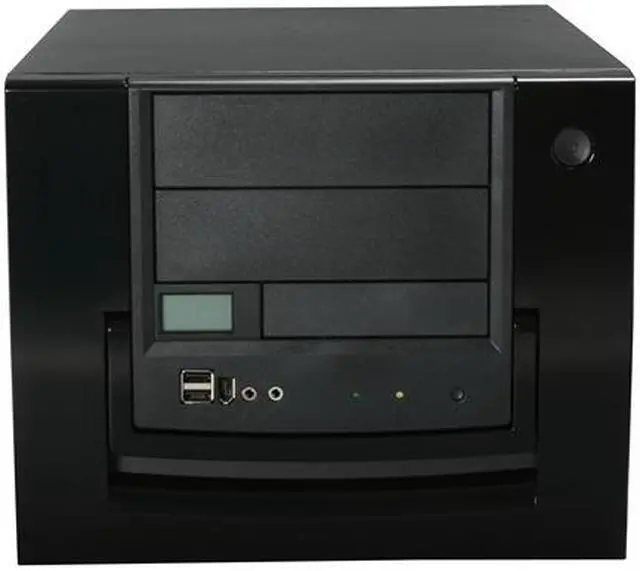
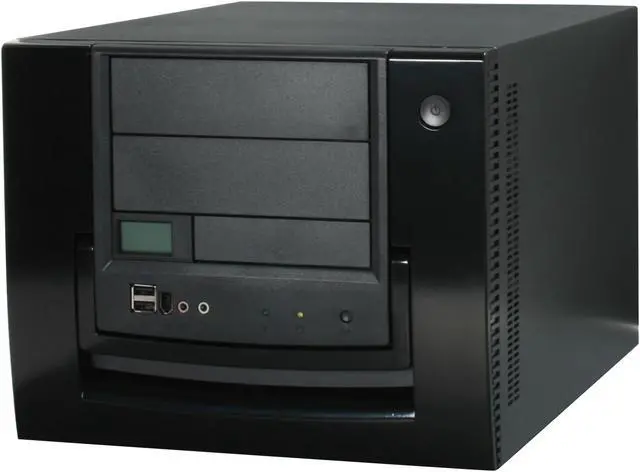
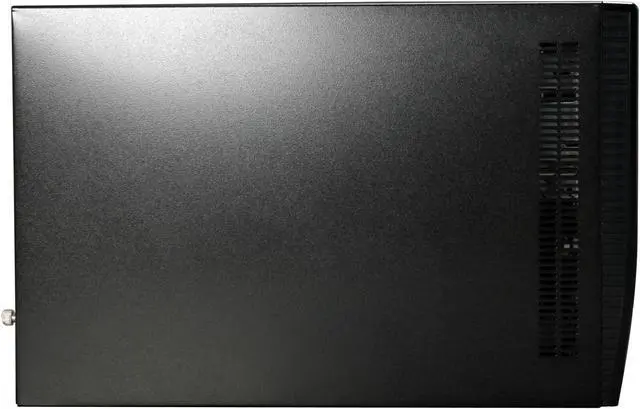
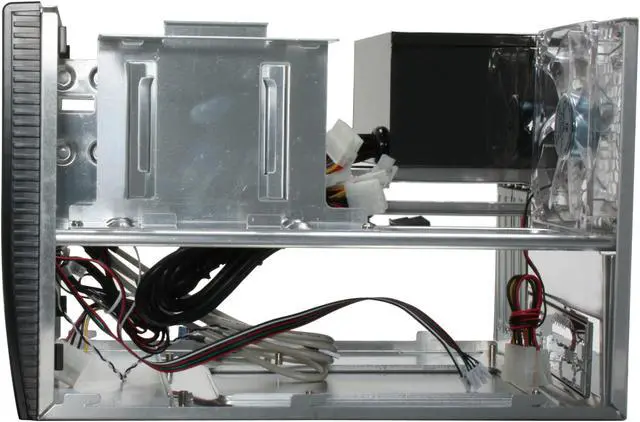
The Aspire's Apevia X-QPack is a compact and dynamic cabinet ready for a Standard Micro-ATX Mobo. Clad in seamless black, this portable, stylish PC case has an aluminum construction for optimum cooling. In addition, the plastic front panel and the three transparent acrylic windows on the sides allow easy access for builds and upgrades. The chassis has a built-in 420W power supply, and a 120mm, blue UV LED Crystal Fan, for cool and powerful operation. To keep track of the internal temperature, there is a LCD Temperature Display with Blue Back Lighting in the front.
The cabinet has two 5.25" external drive bays, one external and two internal 3.5" bays. It has four expansion slots for upgrades. The removable motherboard tray eases installation. On the front, there are 2 USB 2.0 ports, a FireWire Port, and two Audio ports, which augment performance of and connectivity to the. The chassis has a sturdy case handle so you can pick up your system and head for the nearest LAN party!
The Aspire's Apevia X-QPack is a compact and dynamic cabinet ready for a Standard Micro-ATX Mobo. Clad in seamless black, this portable, stylish PC case has an aluminum construction for optimum cooling. In addition, the plastic front panel and the three transparent acrylic windows on the sides allow easy access for builds and upgrades. The chassis has a built-in 420W power supply, and a 120mm, blue UV LED Crystal Fan, for cool and powerful operation. To keep track of the internal temperature, there is a LCD Temperature Display with Blue Back Lighting in the front.
The cabinet has two 5.25" external drive bays, one external and two internal 3.5" bays. It has four expansion slots for upgrades. The removable motherboard tray eases installation. On the front, there are 2 USB 2.0 ports, a FireWire Port, and two Audio ports, which augment performance of and connectivity to the. The chassis has a sturdy case handle so you can pick up your system and head for the nearest LAN party!
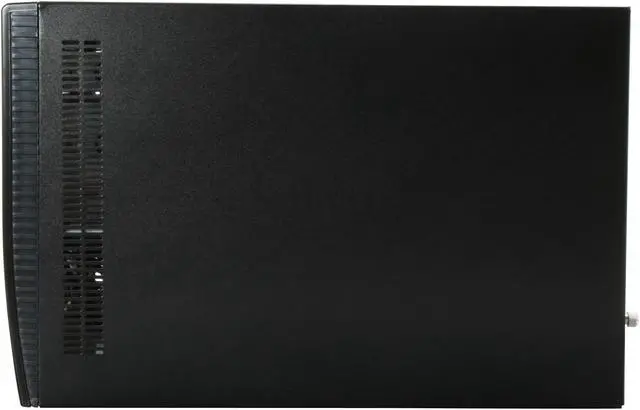
 Compact, Portable and Stylish DesignCompact, portable and stylish, the APEVIA X-QPACK is compatible with any Micro ATX motherboard, delivering a perfect solution for users looking for a compact and dynamic PC case for Media Center or HTPC application.
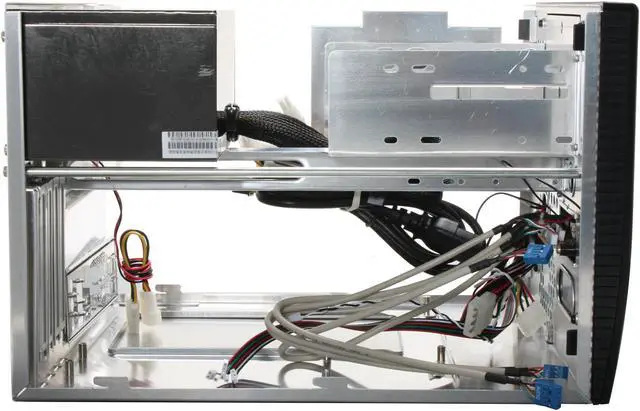
 Expandability You Can UseThe compact APEVIA X-QPACK features two 5.25-inch external drive bays, one external and two internal 3.5-inch drive bays for great expandability.
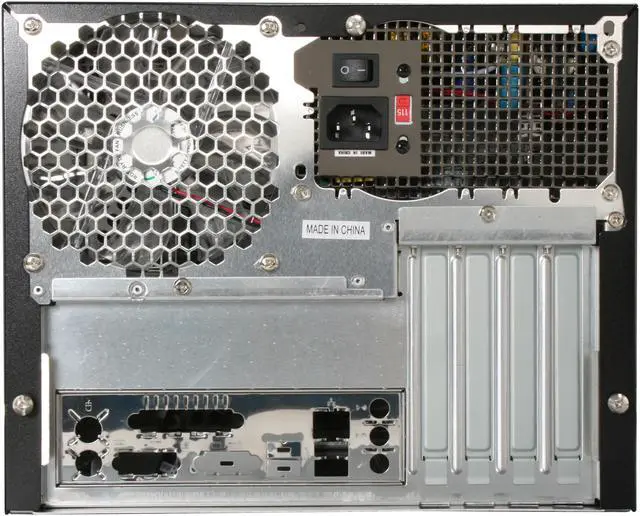
 120mm Rear Fan for Excellent VentilationThe APEVIA X-QPACK is equipped with a 120mm rear crystal fan for excellent ventilation with lower noise.
 Front LCD Temperature ReadoutThe front LCD temperature readout monitors the CPU and HDD temperature and displays the system status in real time.
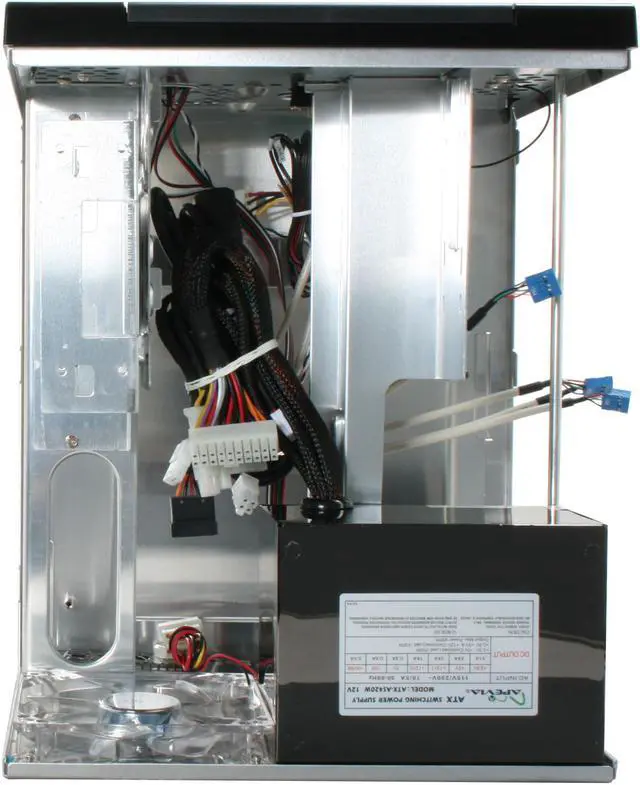
 Built-in ATX 420W 12V Power SupplyThe APEVIA X-QPACK is armed with an ATX 420W 12V power supply to provide remarkably strong power suited for high-end computer systems with support for numeroud add-on devices.
 Convenient Front I/O PanelThe convenient front I/O panel enables easy access to two USB 2.0 ports, one IEEE 1394 port and two audio ports.



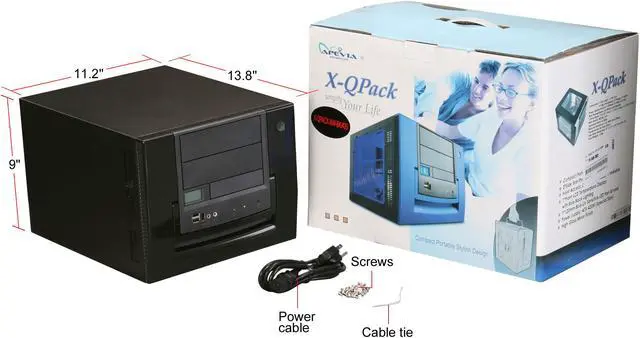


 Compact, Portable and Stylish DesignCompact, portable and stylish, the APEVIA X-QPACK is compatible with any Micro ATX motherboard, delivering a perfect solution for users looking for a compact and dynamic PC case for Media Center or HTPC application.
 Expandability You Can UseThe compact APEVIA X-QPACK features two 5.25-inch external drive bays, one external and two internal 3.5-inch drive bays for great expandability.
 120mm Rear Fan for Excellent VentilationThe APEVIA X-QPACK is equipped with a 120mm rear crystal fan for excellent ventilation with lower noise.
 Front LCD Temperature ReadoutThe front LCD temperature readout monitors the CPU and HDD temperature and displays the system status in real time.
 Built-in ATX 420W 12V Power SupplyThe APEVIA X-QPACK is armed with an ATX 420W 12V power supply to provide remarkably strong power suited for high-end computer systems with support for numeroud add-on devices.
 Convenient Front I/O PanelThe convenient front I/O panel enables easy access to two USB 2.0 ports, one IEEE 1394 port and two audio ports.

