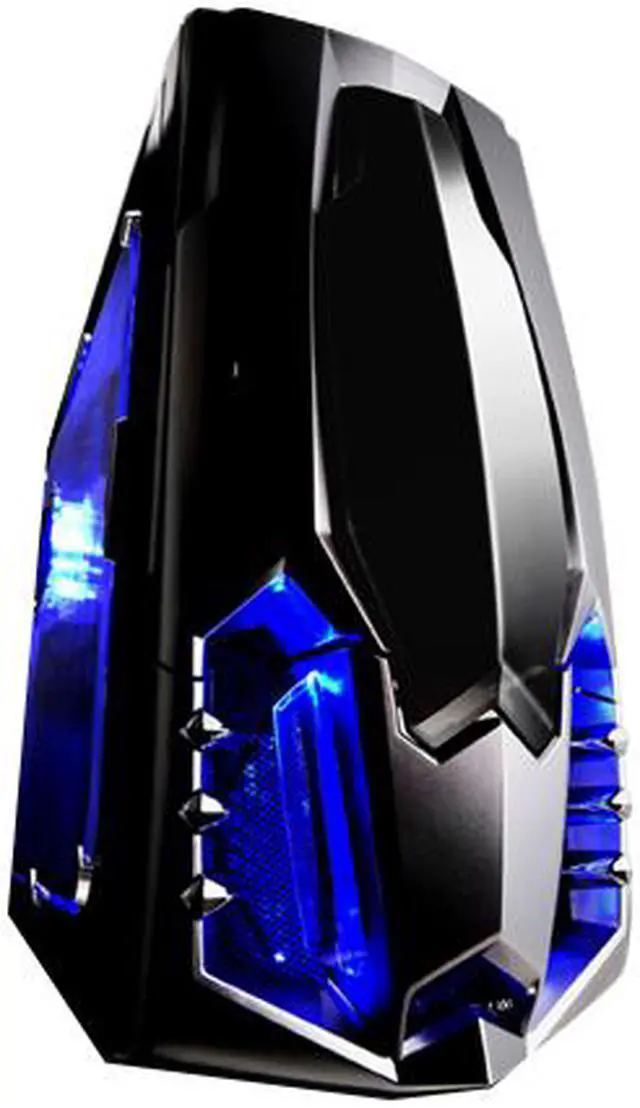
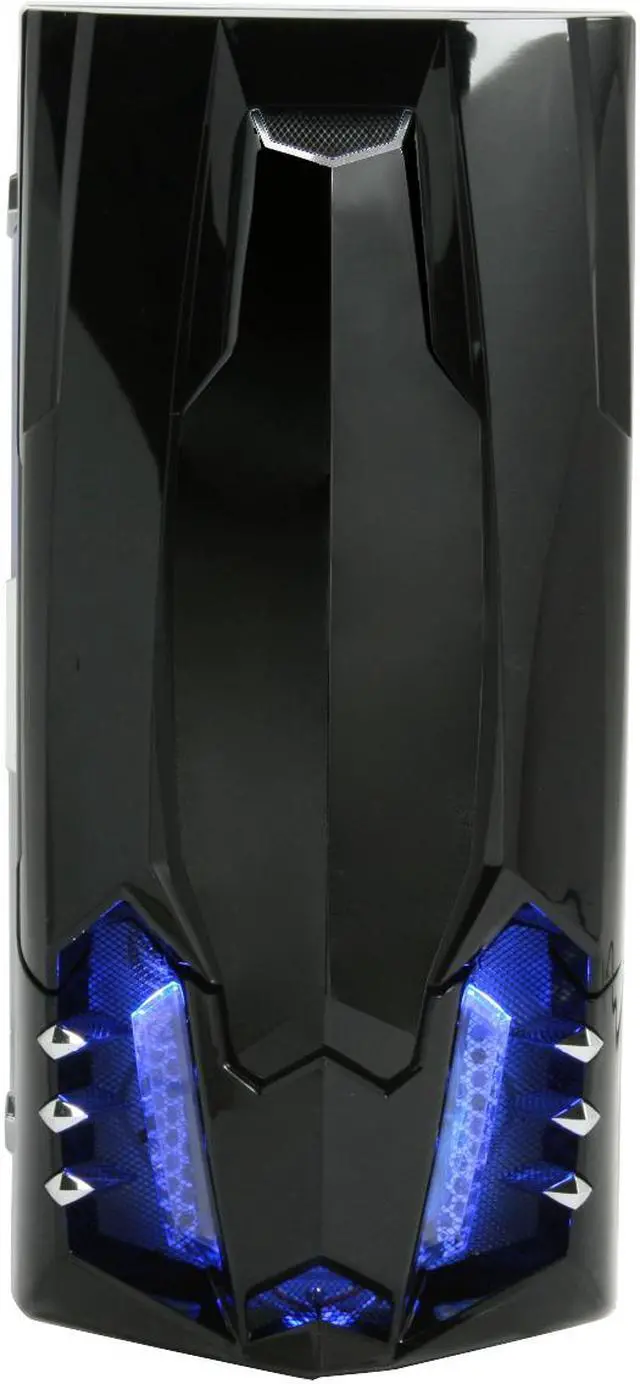
Raidmax welcomes you to the next step in the evolution of system building with the Sagitta 2 mid-tower case. This virtually tool-less design makes system assembly fast and easy. Superior ventilation lets you load up the system without worrying about heat.
Once you have put the mobo on the removable tray and installed the PSU, you can put down the screwdriver. All of the drive bays have slide lock mechanisms to quickly and securely hold the drives in place. The hard drive bays are turned sideways to make installation easier. The expansion slots have a one click locking system to hold the cards in place. Once everything is assembled close up the side panel and tighten the thumb screws.
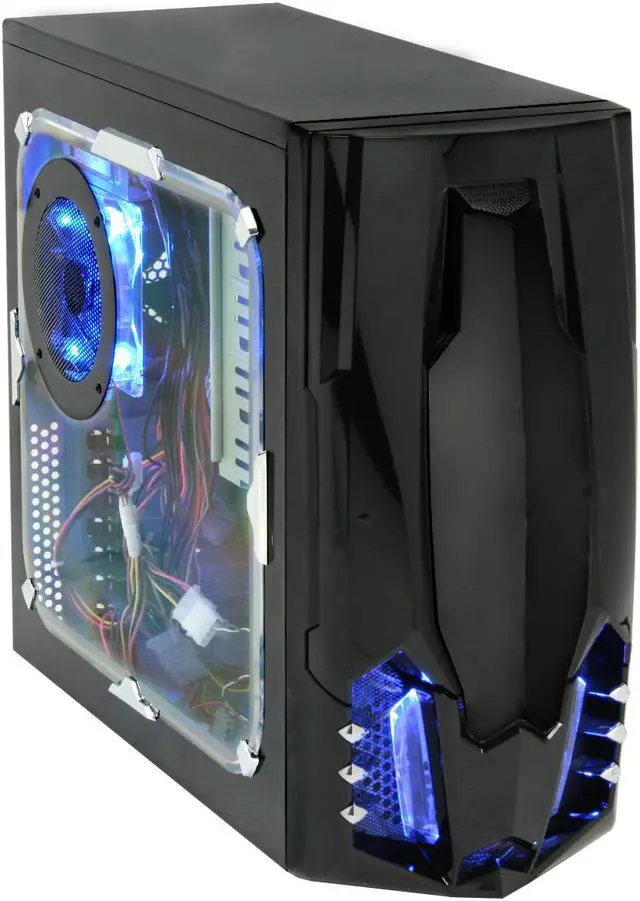
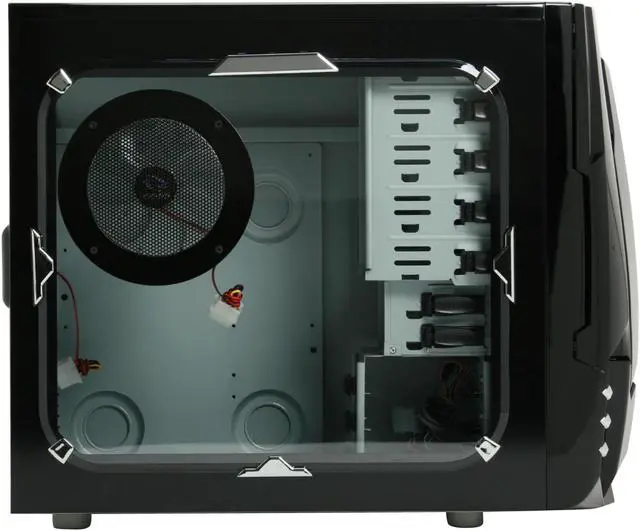
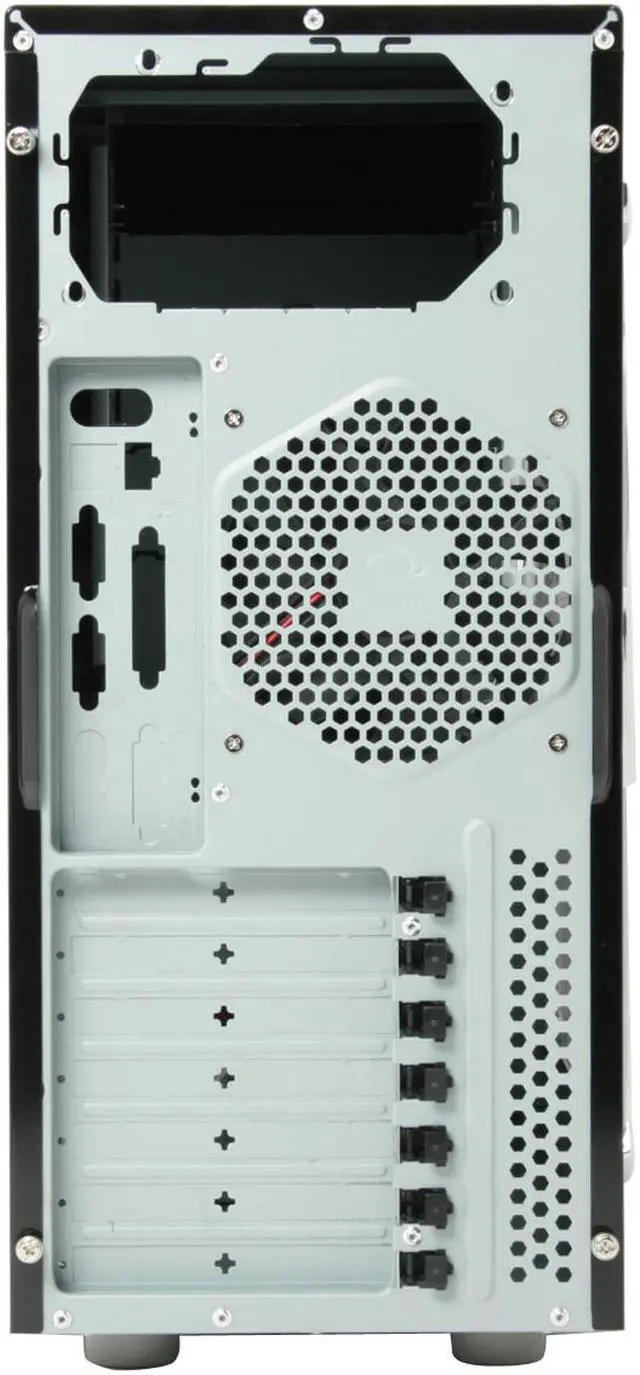
The 120mm rear exhaust fan will pull air across the system keeping everything cool. A side mounted 120mm fan moves extra air across the CPU for extra insurance. If you really feel the need you can add another 120mm fan in the front panel to blow air across the drives.
Raidmax welcomes you to the next step in the evolution of system building with the Sagitta 2 mid-tower case. This virtually tool-less design makes system assembly fast and easy. Superior ventilation lets you load up the system without worrying about heat.
Once you have put the mobo on the removable tray and installed the PSU, you can put down the screwdriver. All of the drive bays have slide lock mechanisms to quickly and securely hold the drives in place. The hard drive bays are turned sideways to make installation easier. The expansion slots have a one click locking system to hold the cards in place. Once everything is assembled close up the side panel and tighten the thumb screws.
The 120mm rear exhaust fan will pull air across the system keeping everything cool. A side mounted 120mm fan moves extra air across the CPU for extra insurance. If you really feel the need you can add another 120mm fan in the front panel to blow air across the drives.
 Superior Expandability with 10 Drive BaysFeaturing five 5.25" external drive bays, and five 3.5" drive bays (two external and three internal), the Raidmax Sagitta 2 ATX-928WB provides superior expandability.
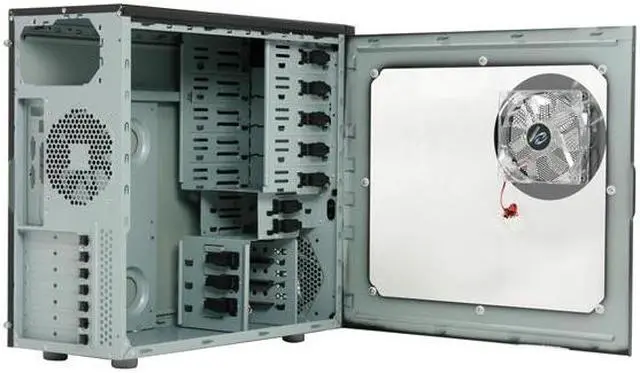
 Excellent VentilationThe Raidmax Sagitta 2 ATX-928WB is equipped with a 120mm LED side fan and a super-silent 120mm rear exhaust fan for excellent ventilation with lower noise.
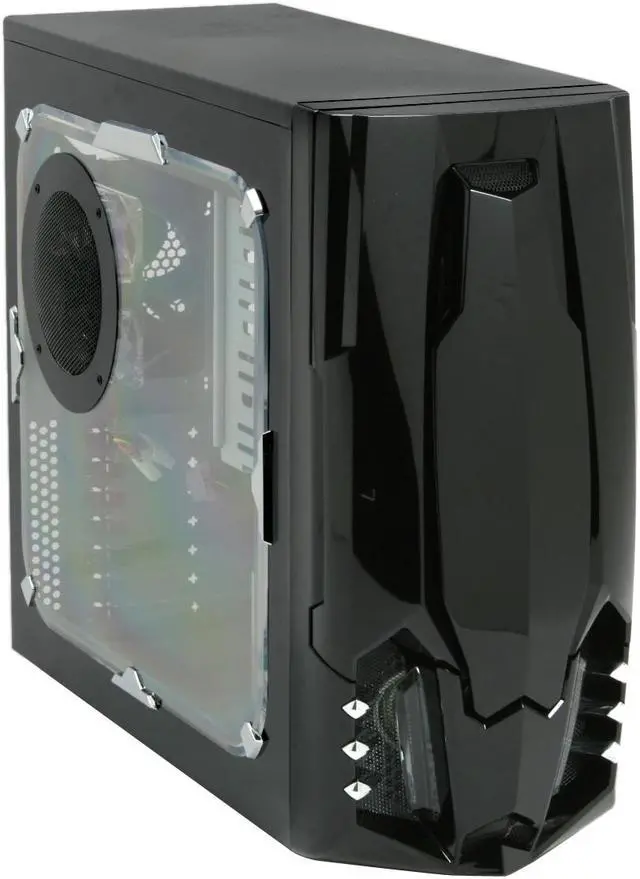
 Transparent Side Panel WindowThe Raidmax Sagitta 2 ATX-928WB's fantastic transparent side panel window provides a direct view of the inner system. The blue fan LEDs add stylishness and eye-catching fun.
 Tool-free InstallationThe tool-free design ensures quick installation and upgrade for expansion cards, 5.25" and 3.5" devices to save your time. Start enjoying computing rapidly!
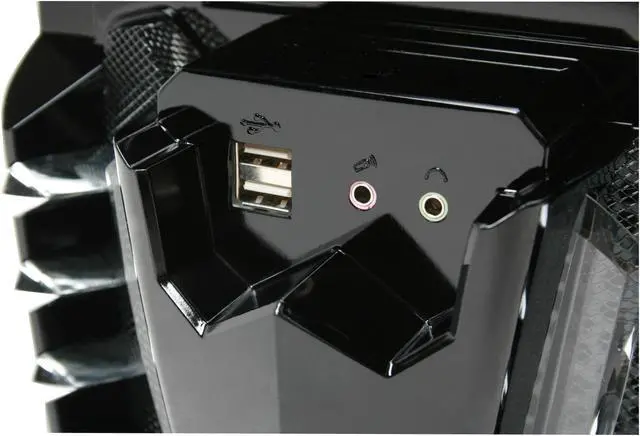
 Convenient Front I/O PanelThe Raidmax Sagitta 2 ATX-928WB features a convenient front I/O panel for easy access to two USB 2.0 and two audio ports.



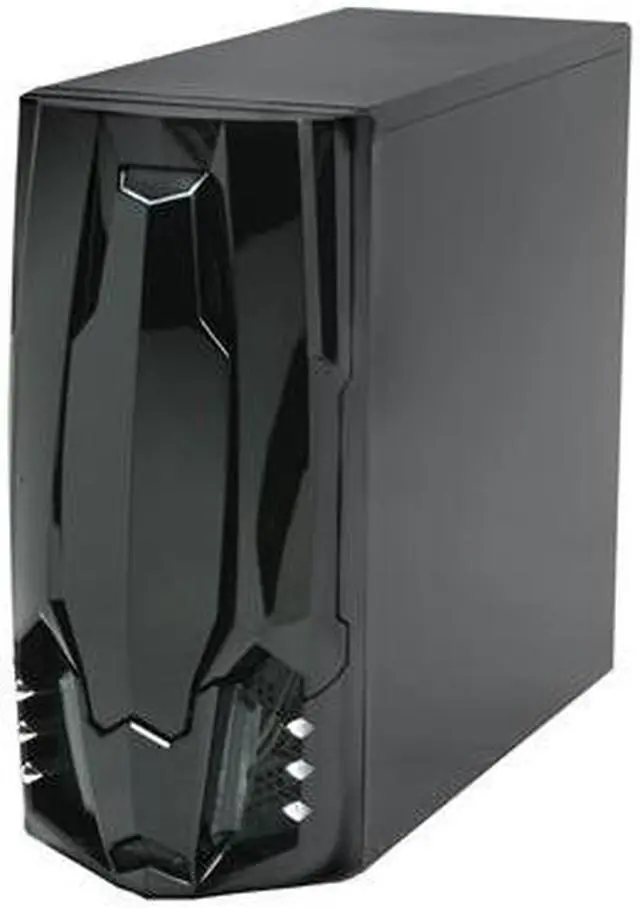
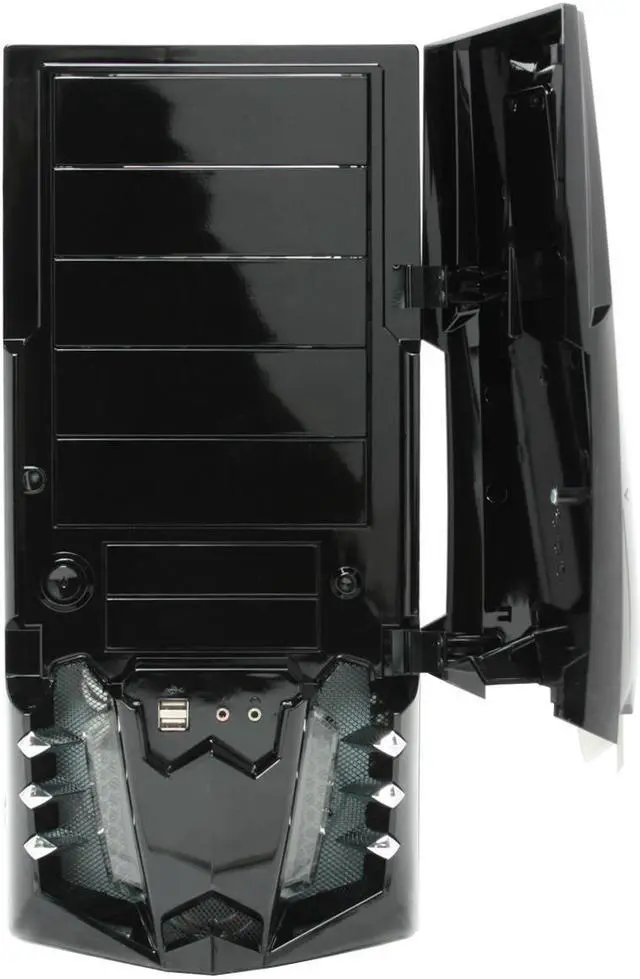
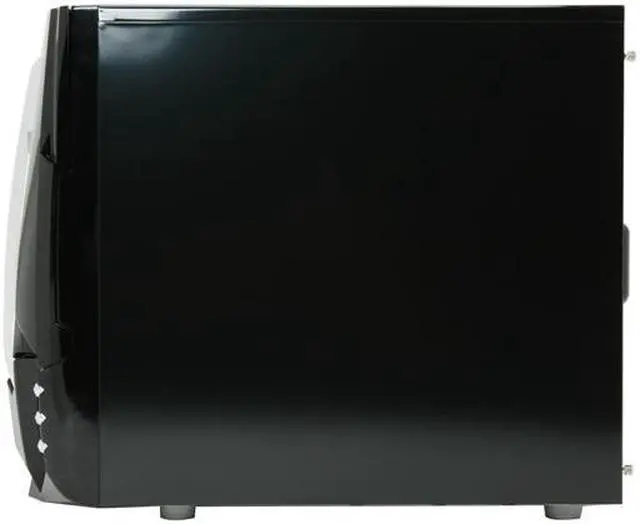
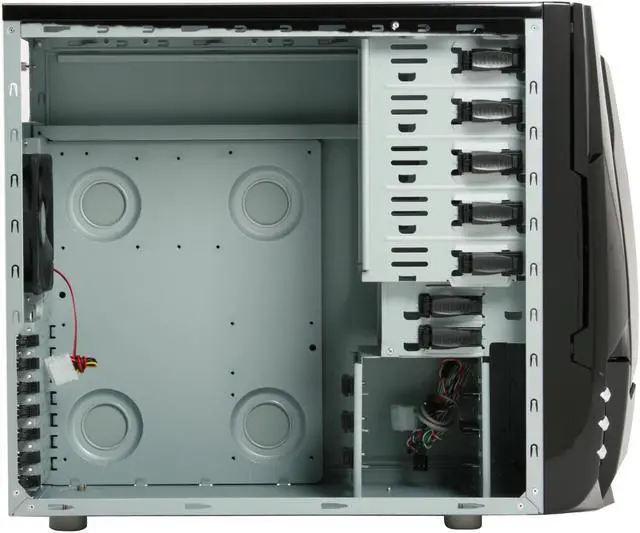
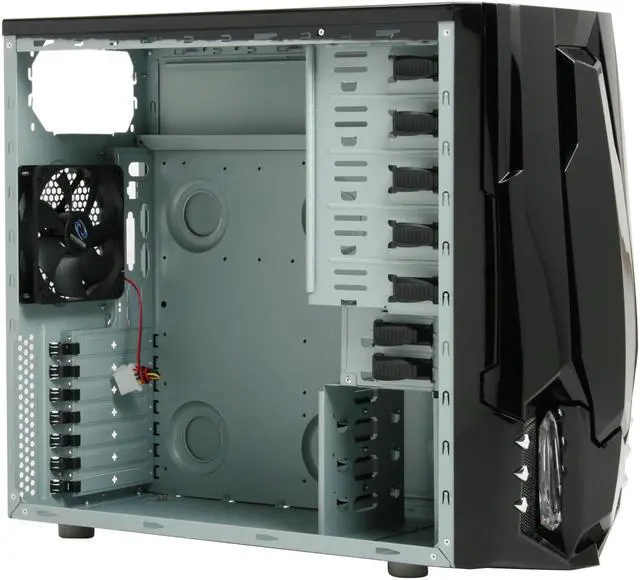



 Superior Expandability with 10 Drive BaysFeaturing five 5.25" external drive bays, and five 3.5" drive bays (two external and three internal), the Raidmax Sagitta 2 ATX-928WB provides superior expandability.
 Excellent VentilationThe Raidmax Sagitta 2 ATX-928WB is equipped with a 120mm LED side fan and a super-silent 120mm rear exhaust fan for excellent ventilation with lower noise.
 Transparent Side Panel WindowThe Raidmax Sagitta 2 ATX-928WB's fantastic transparent side panel window provides a direct view of the inner system. The blue fan LEDs add stylishness and eye-catching fun.
 Tool-free InstallationThe tool-free design ensures quick installation and upgrade for expansion cards, 5.25" and 3.5" devices to save your time. Start enjoying computing rapidly!
 Convenient Front I/O PanelThe Raidmax Sagitta 2 ATX-928WB features a convenient front I/O panel for easy access to two USB 2.0 and two audio ports.


