-
Deactivated Item
-
-

-
Manufacturer Contact Info
|
-
- 5
-

- 66%
- 4
-

- 19%
- 3
-

- 5%
- 2
-

- 3%
- 1
-

- 7%
| Product Rating: |
   
|
| Total Reviews: |
59 |
This Board is Impressive!
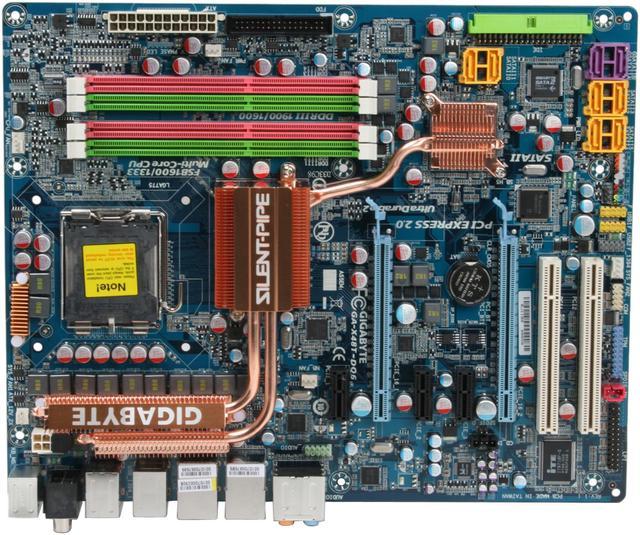
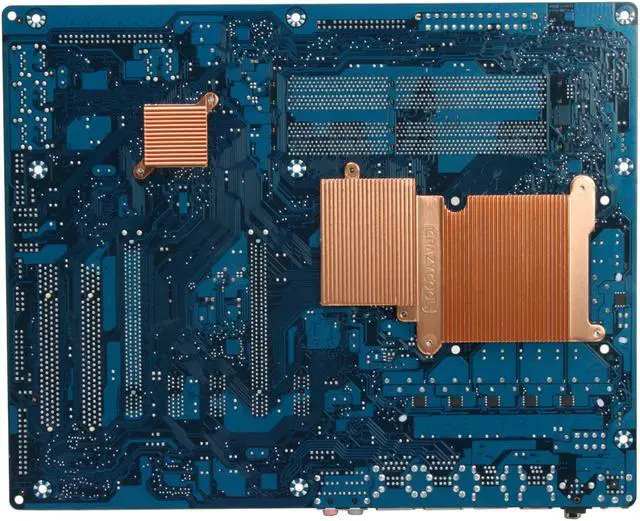
- Pros: Great board, extreemly stable. Using with Patriot Extreme Performance 2GB (2 x 1GB) DDR3 SDRAM DDR3 1333 (PC3 10666) Memory (1.5v) and Intel Quad Q9450 Yorkfield 2.66GHz 12MB L2 Cache 95W 45nm Quad-Core Processor and a single HD4870 video card. Added a DuOrb cooler (fits good, I was able to install without removing rear copper heat-sink!), just make sure your RAM is not to tall. I have overclocked the Proc to 3.25Ghz and the RAM to 1366 with no problems, and I am not done yet, as I have not yet had to adjust the voltages. Windows XP flies open and is very resposive. Games are very fast and have high FPS on my 22" LCD. I like that that BIOS will recover and load privious settings if you make a bad choice while overclocking.
I will have to upgrade my current 500W power supply before cooking my feet with DUAL HD4870x2 cards ;-)
- Cons: Most expensive mother board I have every purchassed! But the overclocking makes it a good trade off. I am running a RAID 5 with four 500GB hard drives, so most of my SATA connectors are used up. With both the Intel Matrix on-board RAID (six yellow SATA connectors) and the Gigabyte on-board RAID (two purple SATA connectors) the boot up processess takes longer to get through the BIOS then to bring up Windows. I have the Gigabyte on-board SATA connectors set up for the eSATA so they scan for a short while before continuing. For the price, Firewire 800 should be the standard. The Dynamic Energy Saver Advanced software gives an error and won't work if overclocking. I would love more explination on BIOS tweeking settings. There is not a lot of documintation. However, if when tweeking the BIOS, you make a bad choice, the system automatically reboots and reverts to the last settings. This makes overclocking choices painless.
- Other Thoughts: DDR3 price to performance may not be worth it. I am waiting to buy more and faster memory when the price comes down and lower latency RAM comes out at faster speeds. Some benchmarks show more improvement at lower latency then running DDR3 at faster clock speeds. When I go to 64 bit OS, I want to pack 8GB of fast memory and see how it runs.
Great Motherboard
- Pros: This is my forth Gigabyte MB. They overclock very well and they are stable.
- Cons: Their support sucks **** through a straw but the quality of their motherboards makes up for it.
- Other Thoughts: If you are a novice, don't expect support.
Great Board
- Pros: Crazy Cool Heatsink for over clocking, plenty of bios backups, great craftsmanship of the board.
- Cons: RAM DIMMS are a little too close to the CPU if you use an after market cooler. I had to the OCZ reaper memory with the heat spreader& a tuniq tower. (I had to use dimm slots 2 & 4 instead of 1&3) The Heat sink of the reaper memory contacts the grill of the tower, but its not stressing either.
I still gave it 5 eggs as the ram and aftermarket cooling was sort of a bad combination and my choice. Wouldn't want your ram far from the NB anyway, particularly DDR 1800 =P.
One more thing, don't try and use 8GB's of DDR3 with this, it doesn't work.... yet. - Maybe if you find a Quad Channel 8gb kit, but even then I think the controllers will have to adjust timing to acomodate the large amount of ram.
- Other Thoughts: If you use a Tuniq Tower with the crazy cool heat sink, mount as you normally would, but be prepared to have to bare down the screws quite a but to be able to thread it.
I actually took the springs off 2 screws and put them in place, leaving two springs on opposite corner screws. after I seated the springed screws I removed the remaining non-springed screws; put the springs back on and it works very well.
Having done that the heatsink and the base plate of the tuniq tower make this board fat, I was still able to screw the board into the case's frame confortably though... tight fit.
Q6550 - 3ghz - 26*C idle, 29*C load. Acer P138
| Model |
| Brand |
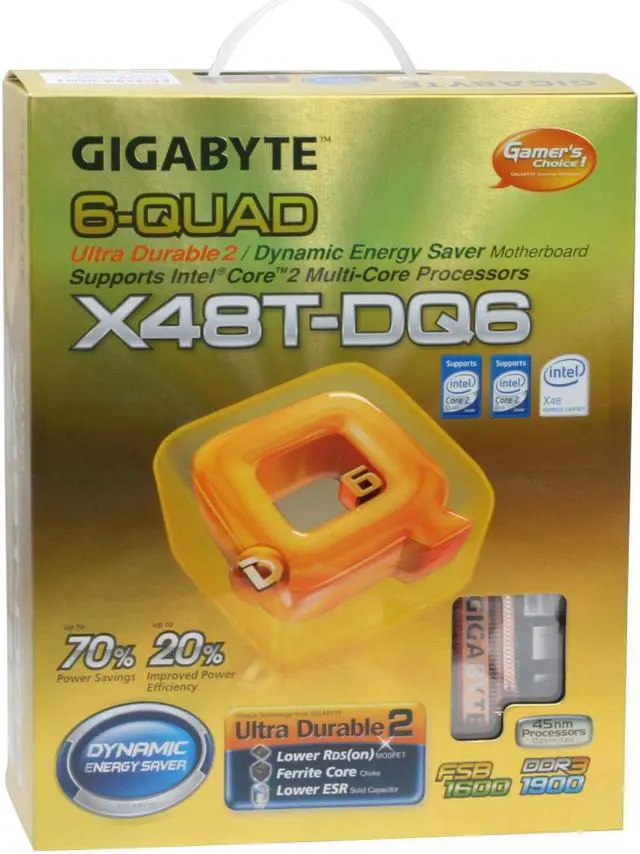
GIGABYTE |
| Model |
GA-X48T-DQ6 |
| Supported CPU |
| CPU Socket Type |
LGA 775 |
| CPU Type |
Core 2 Quad / Core 2 Extreme / Core 2 Duo |
| FSB |
1600/1333MHz |
| Chipsets |
| North Bridge |
Intel X48 |
| South Bridge |
Intel ICH9R |
| Memory |
| Number of Memory Slots |
4×240pin |
| Memory Standard |
DDR3 1800 |
| Maximum Memory Supported |
8GB |
| Channel Supported |
Dual Channel |
| Expansion Slots |
| PCI Express 2.0 x16 |
2 |
| PCI Express x1 |
3 |
| PCI Slots |
2 |
| Storage Devices |
| PATA |
1 x ATA100 2 Dev. Max |
| SATA 3Gb/s |
8 |
| SATA RAID |
0/1/5/10 |
| Onboard Video |
| Onboard Video Chipset |
None |
| Onboard Audio |
| Audio Chipset |
Realtek ALC889A |
| Audio Channels |
8 Channels |
| Onboard LAN |
| Max LAN Speed |
Dual 10/100/1000Mbps |
| Rear Panel Ports |
| PS/2 |
2 |
| USB 1.1/2.0 |
8 x USB 2.0 |
| IEEE 1394 |
2 x IEEE 1394a |
| S/PDIF Out |
1 x Optical, 1 x Coaxial |
| Audio Ports |
6 Ports |
| Onboard USB |
| Onboard USB |
4 x USB 2.0 |
| Physical Spec |
| Form Factor |
ATX |
| Power Pin |
24 Pin |
| Packaging |
| Package Contents |
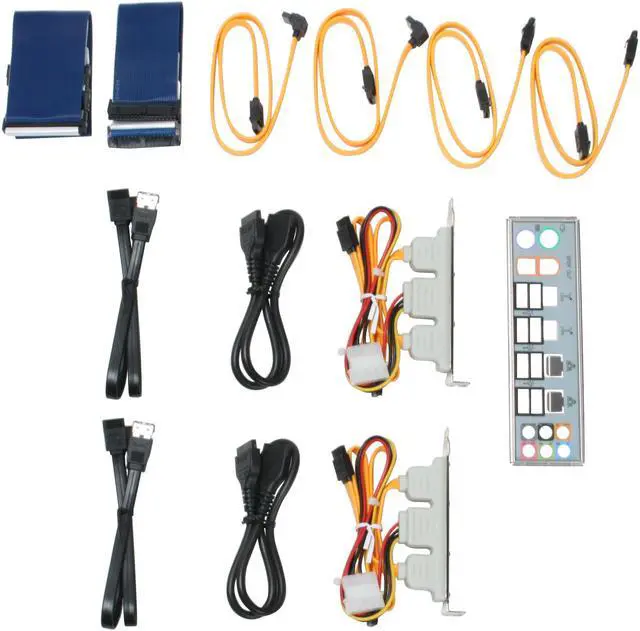
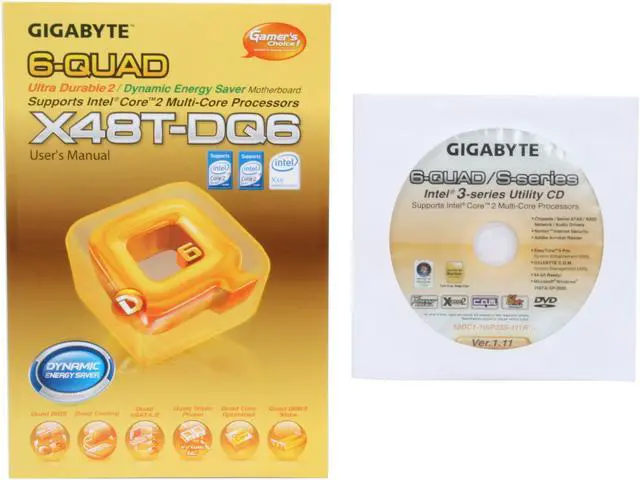
GA-X48T-DQ6 Driver Disk User Manual Rear I/O Panel Shield IDE/PATA Cable FDD Cable SATA Cable 2 x eSATA Bracket 2 x eSATA Cable & eSATA Power Cord |
|
|