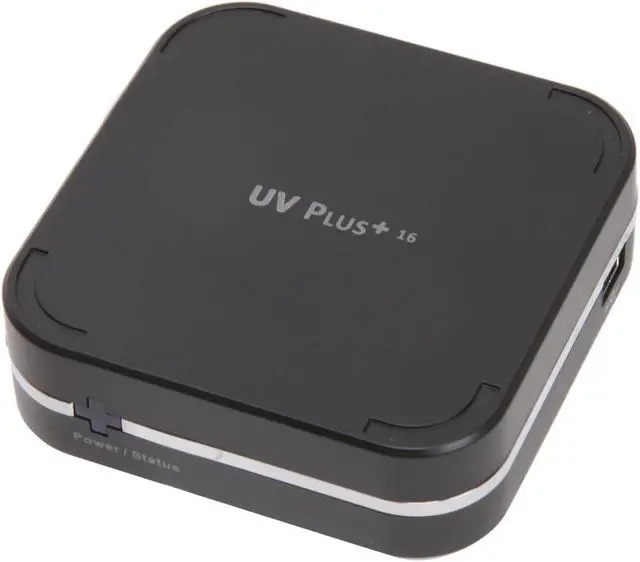
You would expect one of the premiere video adapter manufacturers to make a great USB-to-VGA adapter, and with eVGA you would be right. The UV Plus has the ability to clone the main screen or extend the view in all directions. With the ability to add a total of 8 UV Pluses to your system you can have a screen area 9 times the size of your main monitor.
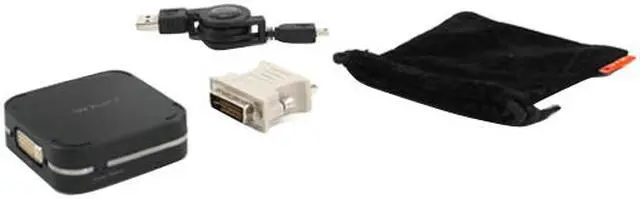
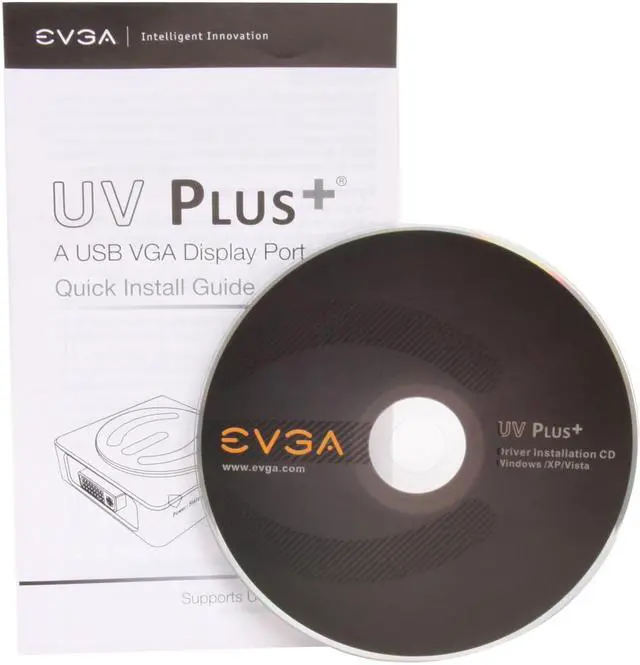
The UV Plus supports resolutions from 640x480 to 1680x1050/1600x1200 all with 32-bit color depth delivering the exceptional image quality you'd expect. The kit comes with everything you'll need including a retractable USB cable, a DVI-to-VGA adapter and a carry pouch to take it on the road with you.
You would expect one of the premiere video adapter manufacturers to make a great USB-to-VGA adapter, and with eVGA you would be right. The UV Plus has the ability to clone the main screen or extend the view in all directions. With the ability to add a total of 8 UV Pluses to your system you can have a screen area 9 times the size of your main monitor.
The UV Plus supports resolutions from 640x480 to 1680x1050/1600x1200 all with 32-bit color depth delivering the exceptional image quality you'd expect. The kit comes with everything you'll need including a retractable USB cable, a DVI-to-VGA adapter and a carry pouch to take it on the road with you.
 Exceptional Multi-display SolutionWith the eVGA UV Plus+ (model 100-U2-UV16-A1), add a second monitor to your USB-compatible desktop or notebook for maximum onscreen real estate. UP to 6 UV Plus+ devices can be used at the same time and you can mirror or extend your desktop up, down, left or right for different applications.
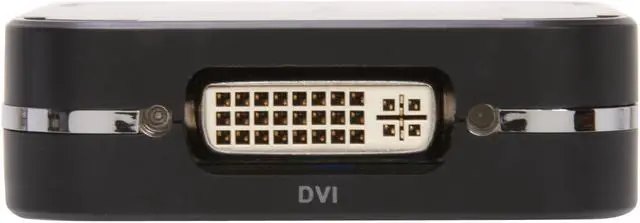
 DVI/VGA Display SupportWith the included DVI-to-VGA adapter, the eVGA UV Plus+ (model 100-U2-UV16-A1) supports both DVI and VGA display devices such as CRT, LCD, and projectors.
 Portable DesignThe compact, sleek eVGA UV Plus+ (model 100-U2-UV16-A1) is fully powered via USB without the need for a power cord or a bulky power adapter for the ultimate portability.




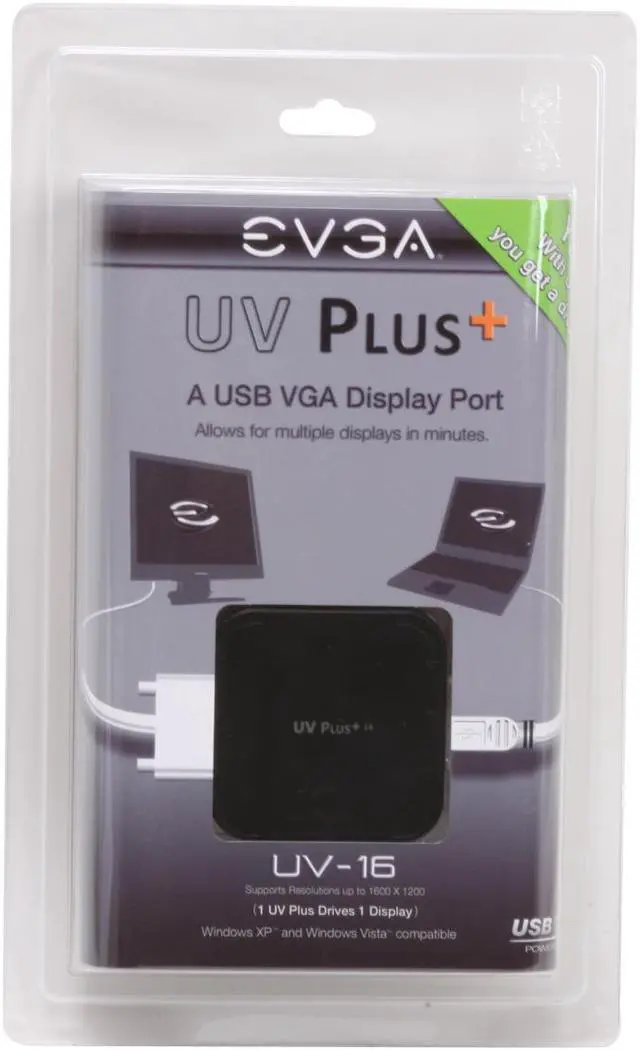


 Exceptional Multi-display SolutionWith the eVGA UV Plus+ (model 100-U2-UV16-A1), add a second monitor to your USB-compatible desktop or notebook for maximum onscreen real estate. UP to 6 UV Plus+ devices can be used at the same time and you can mirror or extend your desktop up, down, left or right for different applications.
 DVI/VGA Display SupportWith the included DVI-to-VGA adapter, the eVGA UV Plus+ (model 100-U2-UV16-A1) supports both DVI and VGA display devices such as CRT, LCD, and projectors.
 Portable DesignThe compact, sleek eVGA UV Plus+ (model 100-U2-UV16-A1) is fully powered via USB without the need for a power cord or a bulky power adapter for the ultimate portability.