-
Currently Unavailable
-
-

Similar Items
Not the product you're looking for? We can make some suggestions to help you decide on a product that fits your needs.
view similar products
-
Manufacturer Warranty
Beyond any applicable Newegg return policy, this item is warranted independently by the product's Manufacturer. Below is a summary provided for convenience only and may not be accurate or current.
Use this link for full details.
Manufacturer Contact Info
Return Policies
This item is covered by Newegg.com's Standard Return Policy.
- Return for refund within: 30 days
- Return for replacement within: 30 days
- Restocking Fee: Yes
|
-
- 5
-

- 34%
- 4
-

- 33%
- 3
-
- 0%
- 2
-

- 33%
- 1
-
- 0%
| Product Rating: |
   
|
| Total Reviews: |
6 |
Good, but flawed.
- Pros: FW800 connection for Macs.
I can get about 45MB/sec (max burst i've seen is about 65MB/sec) from my Mac Mini 2.5" harddrive (500GB, 5400rpm WD Scorpio Blue) thru the FW800 connection
- Cons: Time Machine will hang after a couple of backups, with FW800.
Won't spin up Hard Drives requiring more than 2 amps of power
- Other Thoughts: I have a new early 2009 Mac Mini and I wanted to use this drive for it's FW800 Capability.
I have 4 SATA drives, 2 Seagate 300GB and 2 WD Caviar Green Power 1TB drives. When I insert both Seagate drives, the dock doesn't have enough power to start spinning the platters. The WDs work fine. From Seagate's website, my drives take 2.8 amps to start. I received an email from istarusa saying that drives that require over 2 amps will not start in the dock. (Their power supply is only rated to 2 amps) So dunno how useful the dock is to me.
The other thing is that Time Machine will hang the finder after a couple backups have been made. Once you power down the dock, Time Machine is ok and releases the finder.
Other than that the dock is great. 45MB/sec over FW800. I've seen as high as 65MB/sec. I'm debating keeping it or not. It's kinda lame not being able to spin up all SATA hard drives... sigh.
Expensive, but worth it
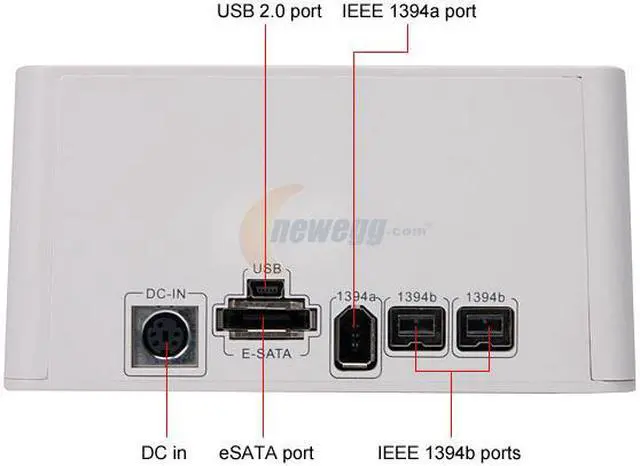
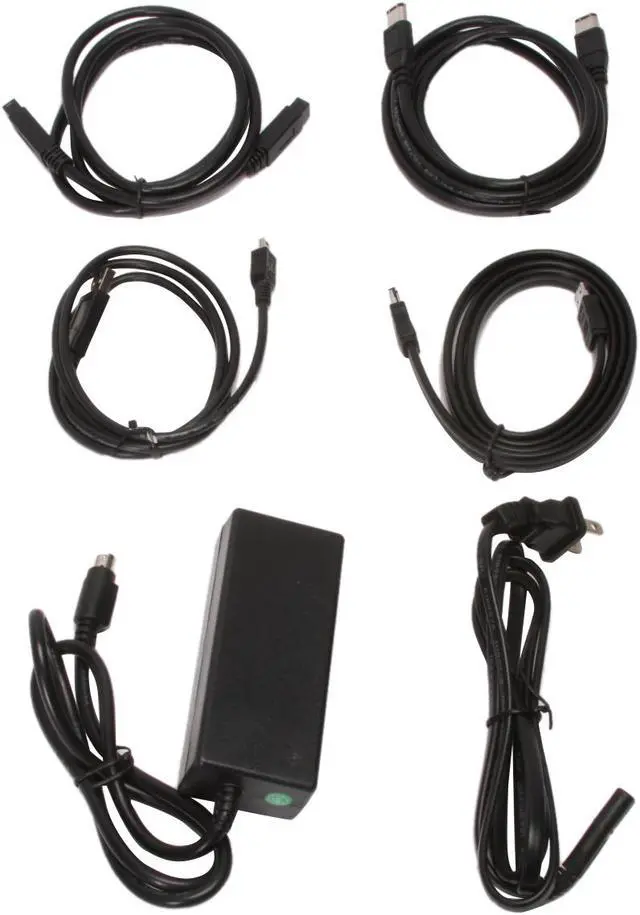
- Pros: Has every connection you could possibly want - USB 2.0 for all computers, Firewire 400 or 800 for higher-speed connections to computers that have a Firewire port, or eSATA for more modern computers.
Works with 1.5tb 7200.11 drive, hot plugging eSATA into two different SATA II motherboards.
- Cons: Price
- Other Thoughts: This dock really shines though because of its versatility.
The Firewire 800 is fast, works well on an older PC that doesn't support eSATA and is much faster than USB 2.0 connection, but it's the eSATA connection that takes the cake - hot pluggable (if your motherboard and OS support it) and as fast as an internal drive.
Works great
- Pros: Multiple high-speed connection options, so you can pick which interface to use depending on what computer you're connecting to.
It's great to be able to plug hard drives in like cartridges without requiring special cases for each drive.
- Cons: Expensive.
- Other Thoughts: I've used all the connections at one point or another. eSata is definitely fastest, but for older computers without an eSata plug it's nice to be able to downgrade to Firewire or even USB.
| Model |
| Brand |
iStarUSA |
| Model |
XAGE902-SAUF |
| Spec |
| Color |
White |
| Size |
2.5"/3.5" |
| AC Adapter |
Yes |
| Material |
Plastic (ABS) |
| Internal Interface |
SATA I/II |
| External Interface |
USB2.0/ eSATA/ FireWire400/800 |
| Features |
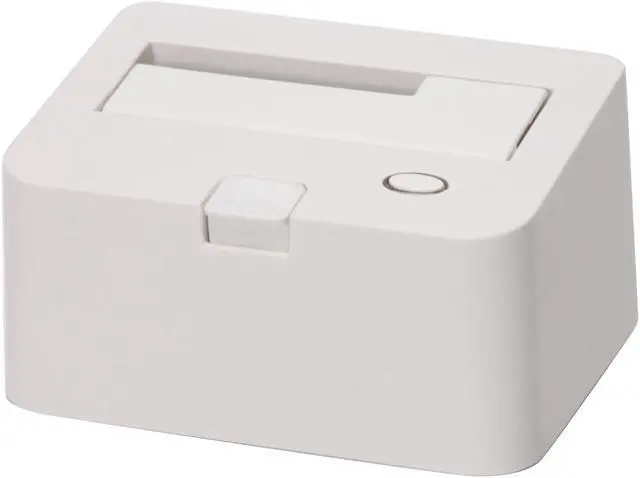
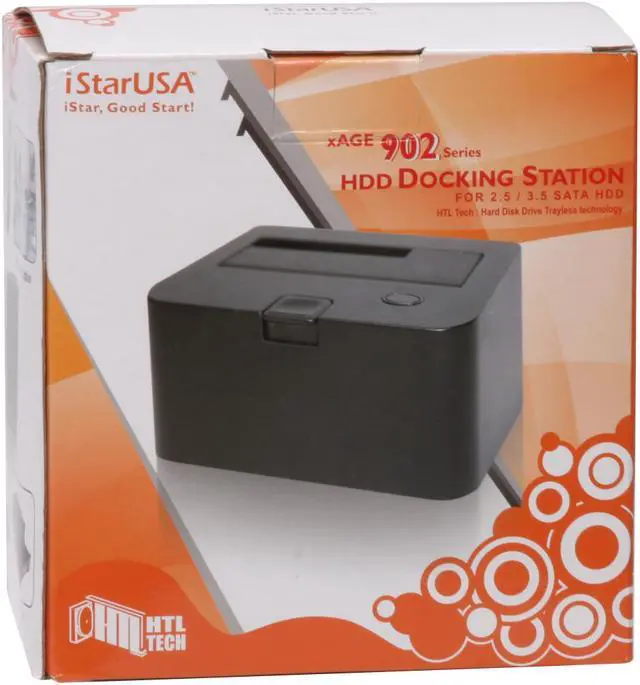
RoHS Compliance Supports 2.5" & 3.5" SATA Hard Drives up to 1TB Hot-Swap Capable Power & HDD Activity LEDs Multiple Data Transfer Connectors Supports eSATA Transfer Speed up to 3Gbps Supports USB 2.0 Transfer Speed up to 480Mbps Supports FireWire800 Transfer Speed up to 800Mbps Windows, Mac, and Linux Compatible |
|
|