Skip to: |

Newegg.com - A great place to buy computers, computer parts, electronics, software, accessories, and DVDs online. With great prices, fast shipping, and top-rated customer service - once you know, you Newegg.

If you are reading this message, Please click this link to reload this page.(Do not use your browser's "Refresh" button). Please email us if you're running the latest version of your browser and you still see this message.

Newegg.com - Computer Parts, Laptops, Electronics, HDTVs, Digital Cameras and More!

  • | Wish List
  • Help
Home
Home > 
Computer Hardware > 
Computer Cases > 
External Enclosures > 
Thermaltake > 
Item#: N82E16817153112

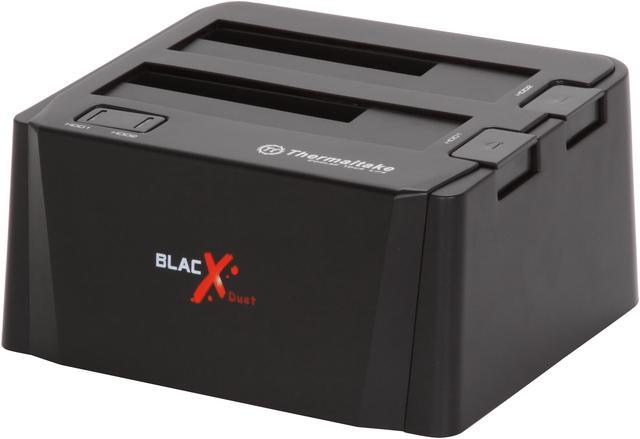
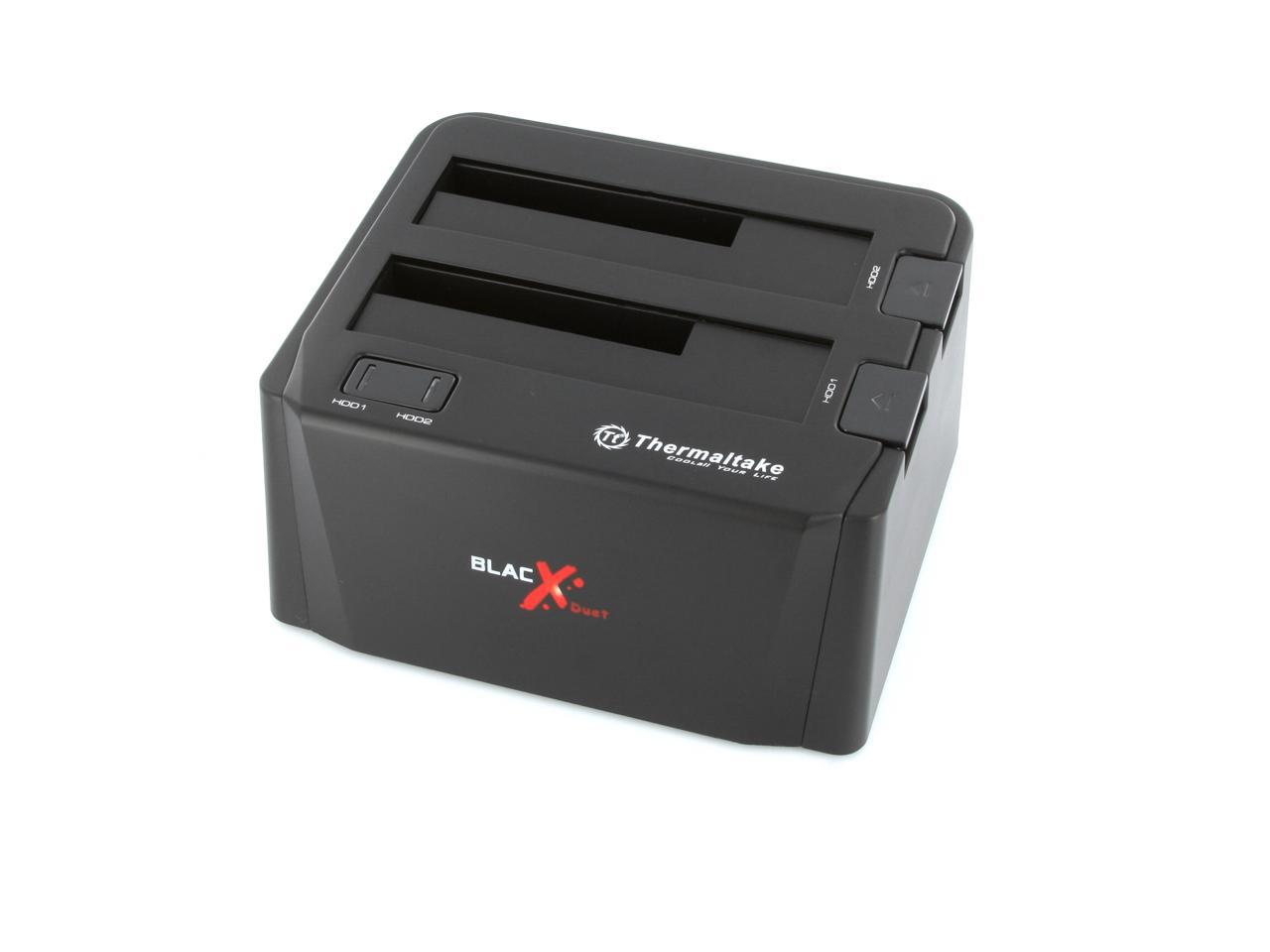
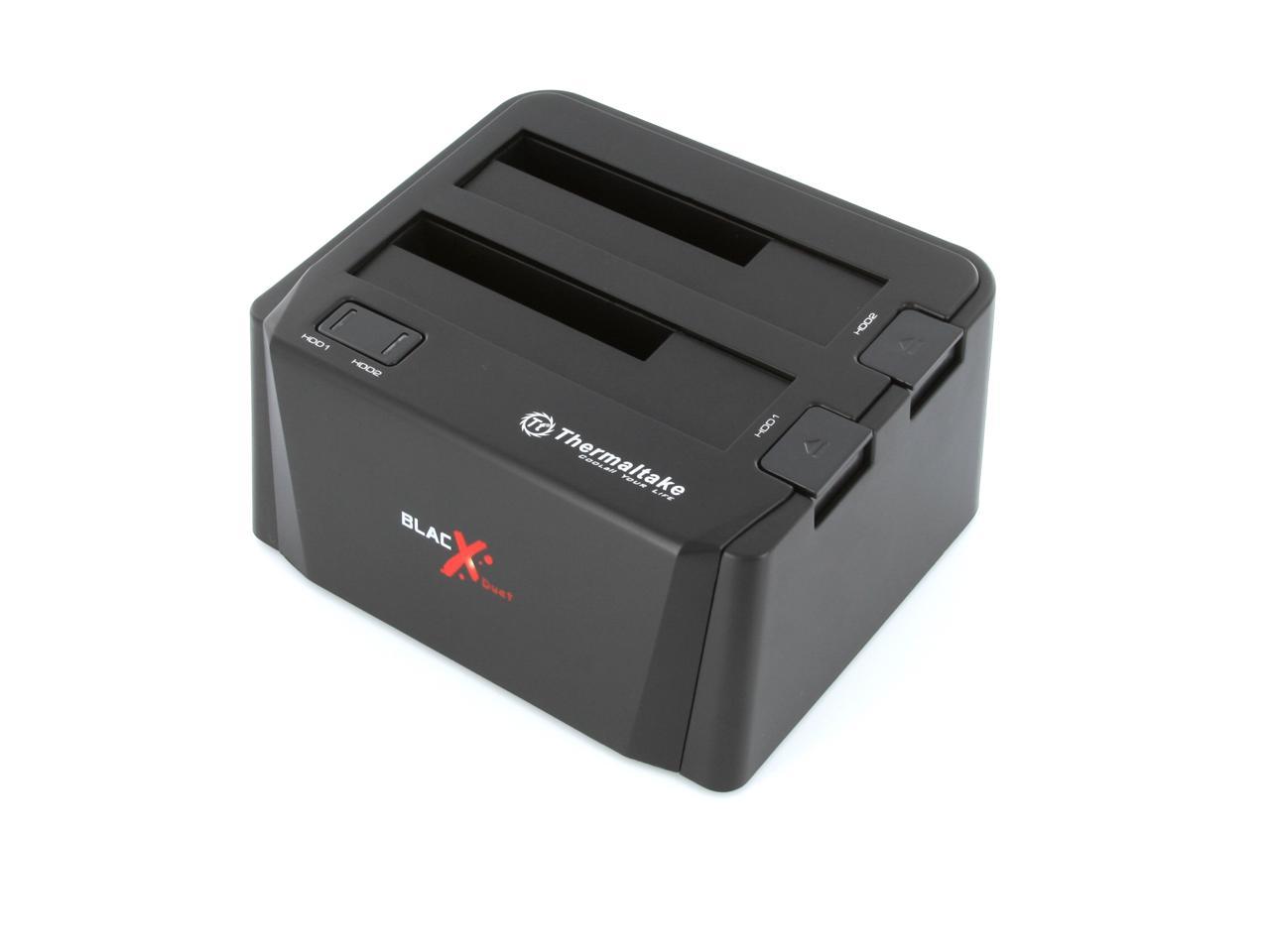
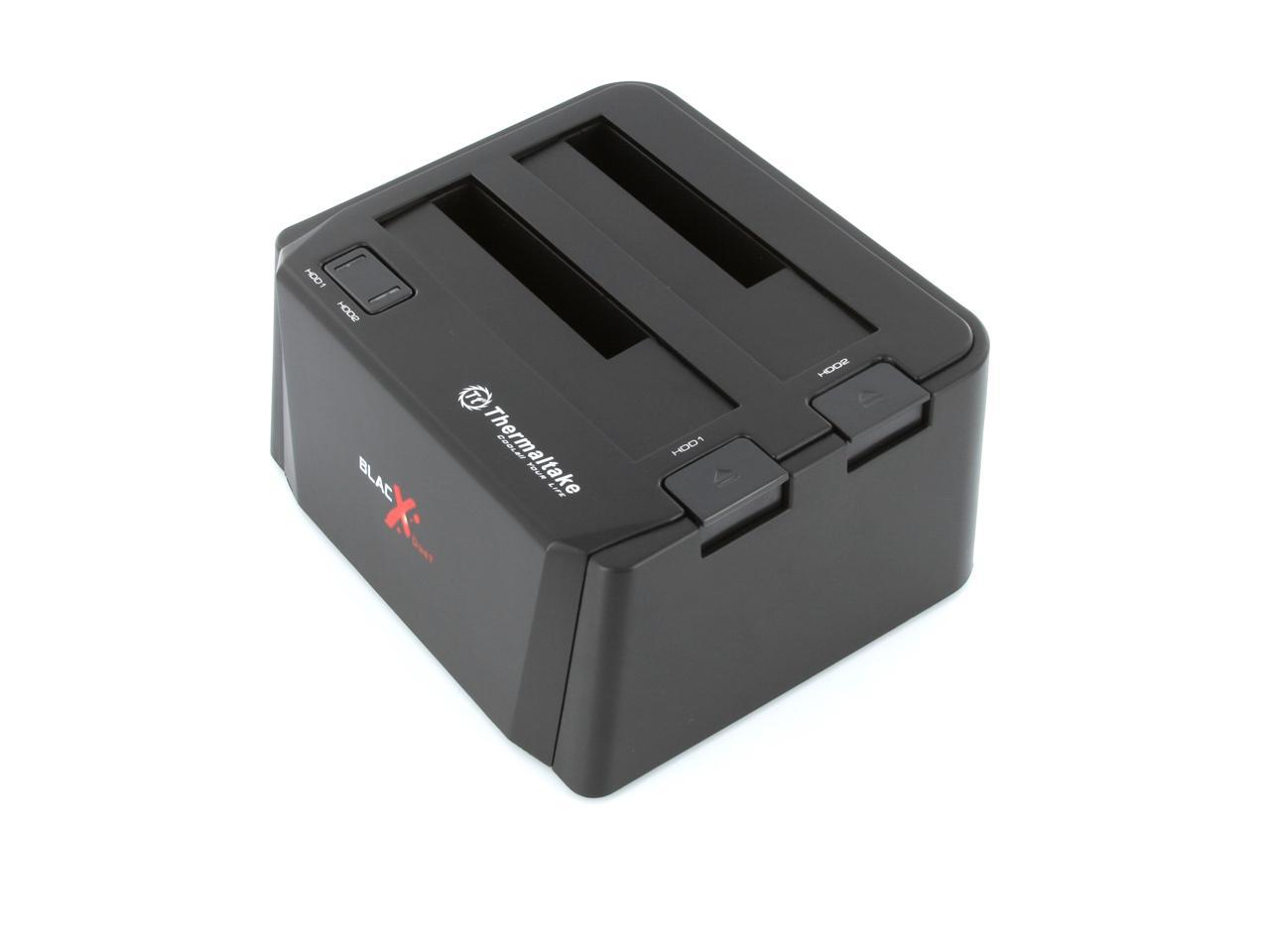
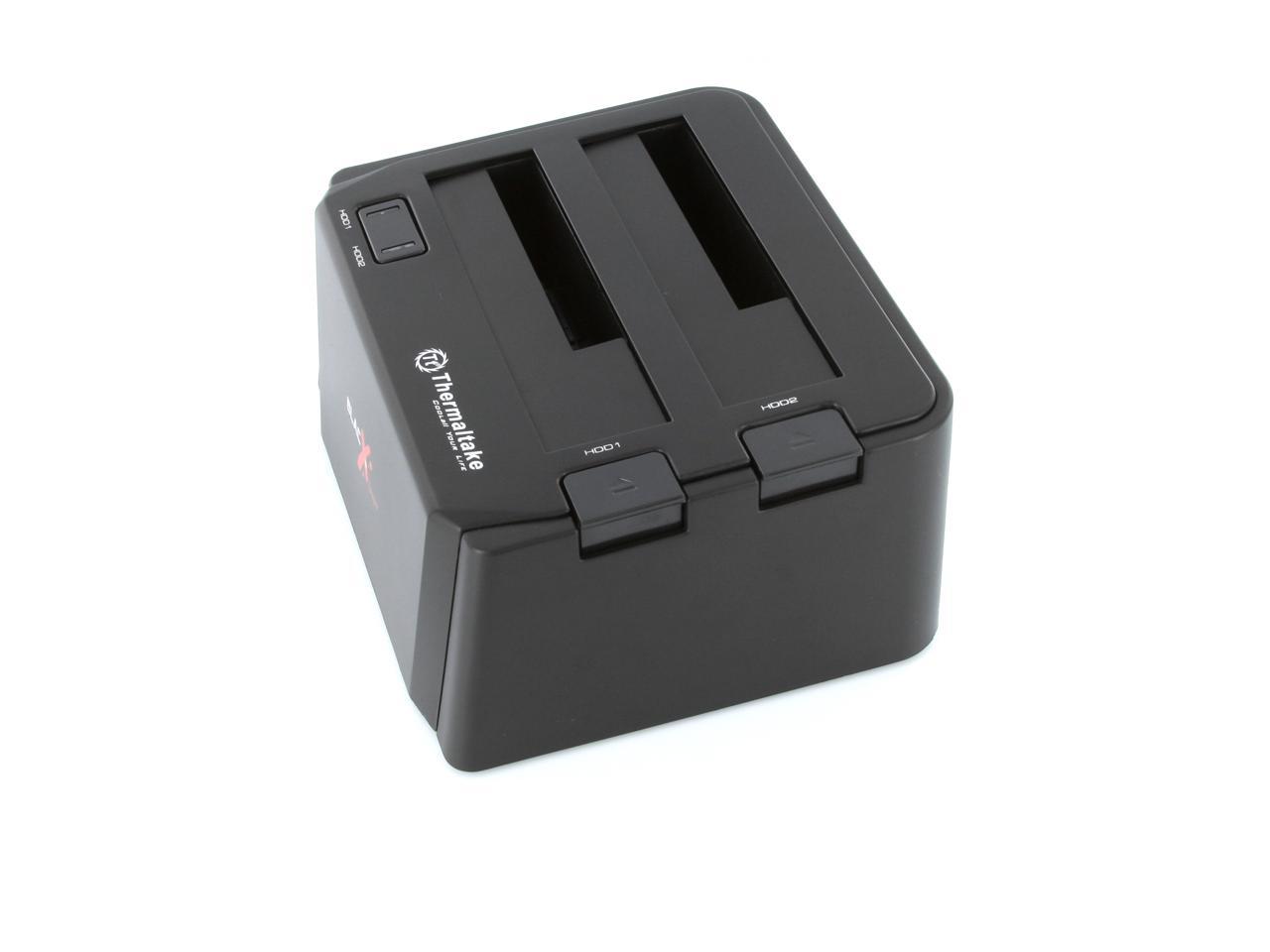
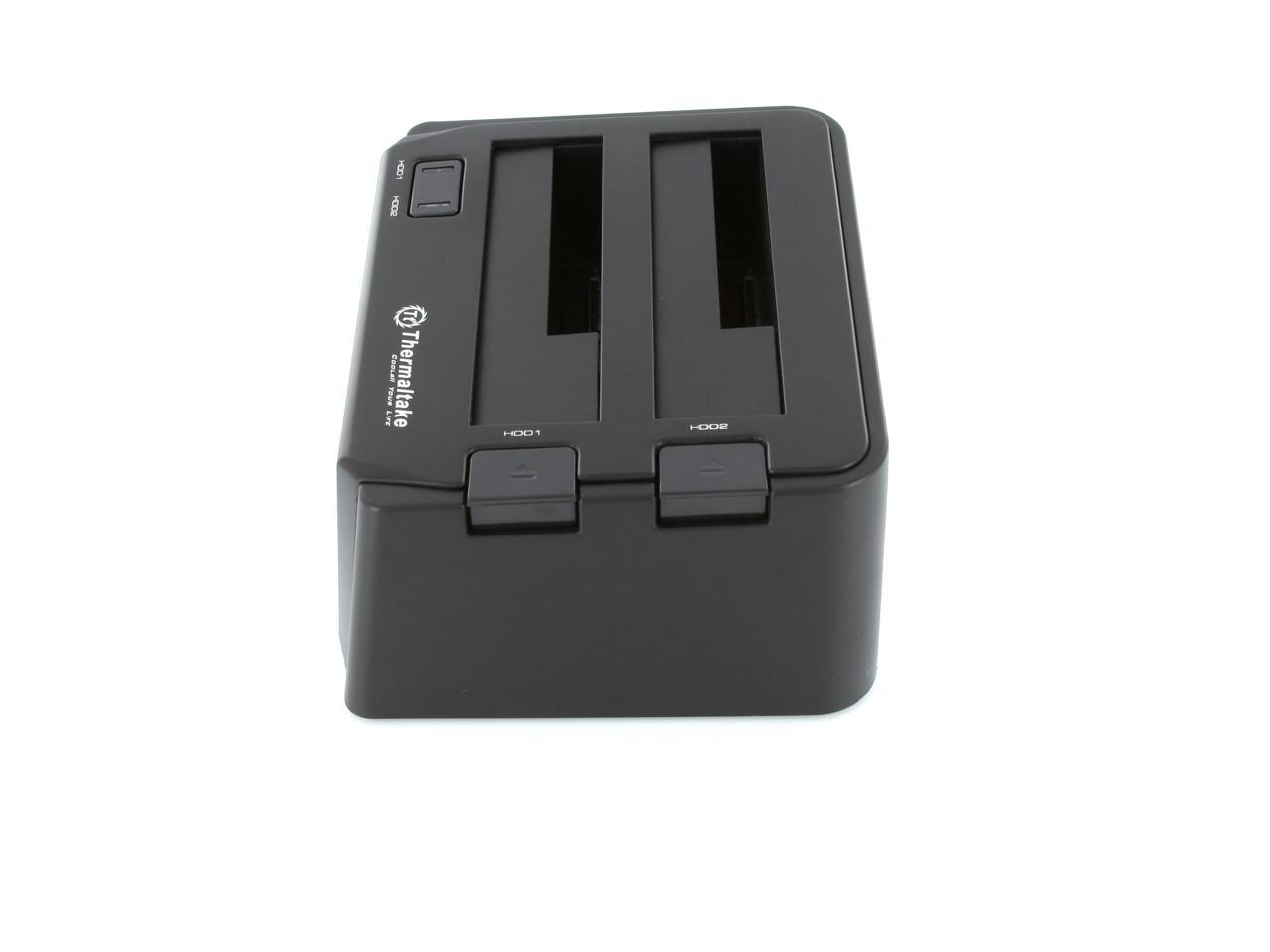
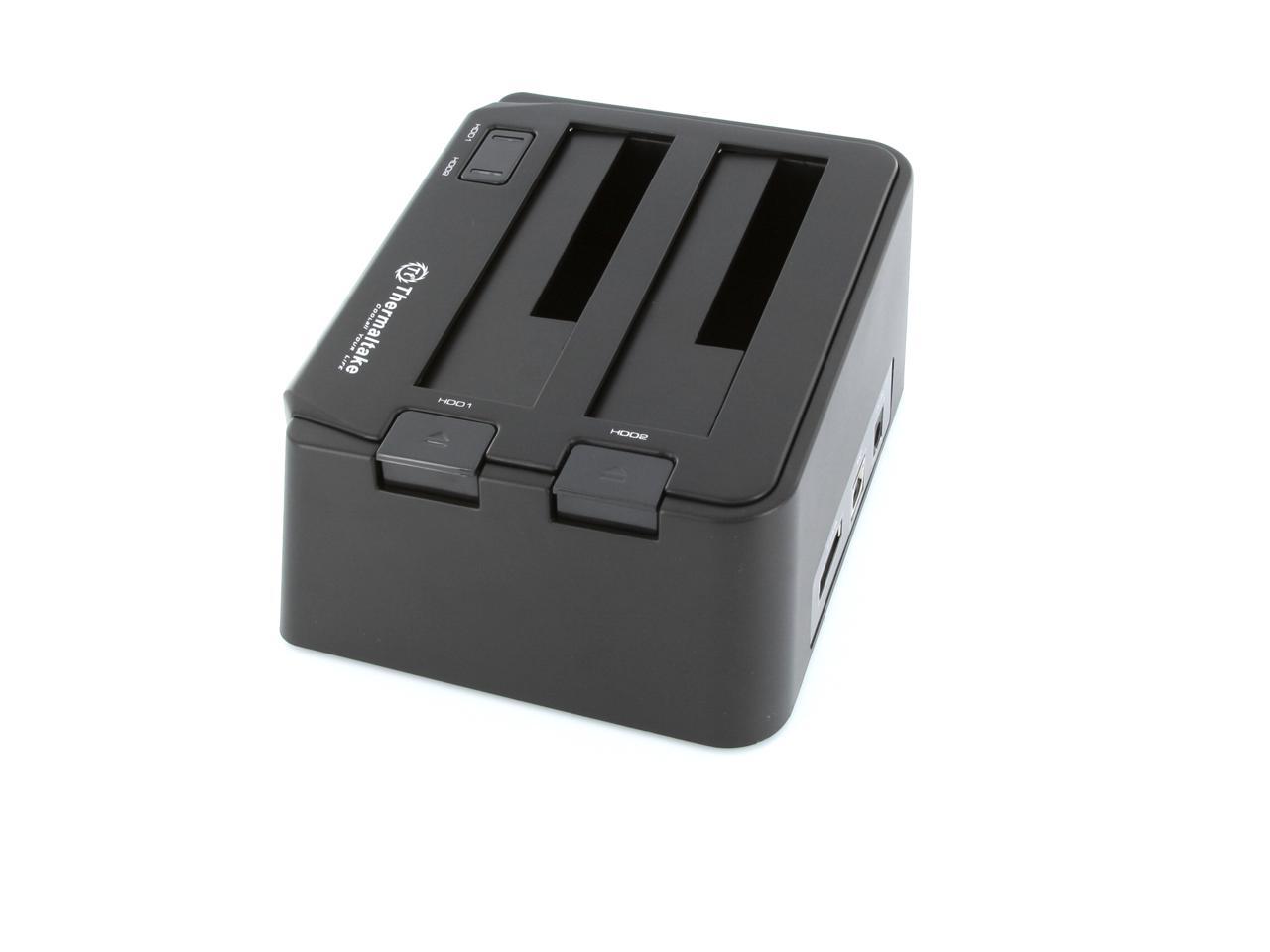
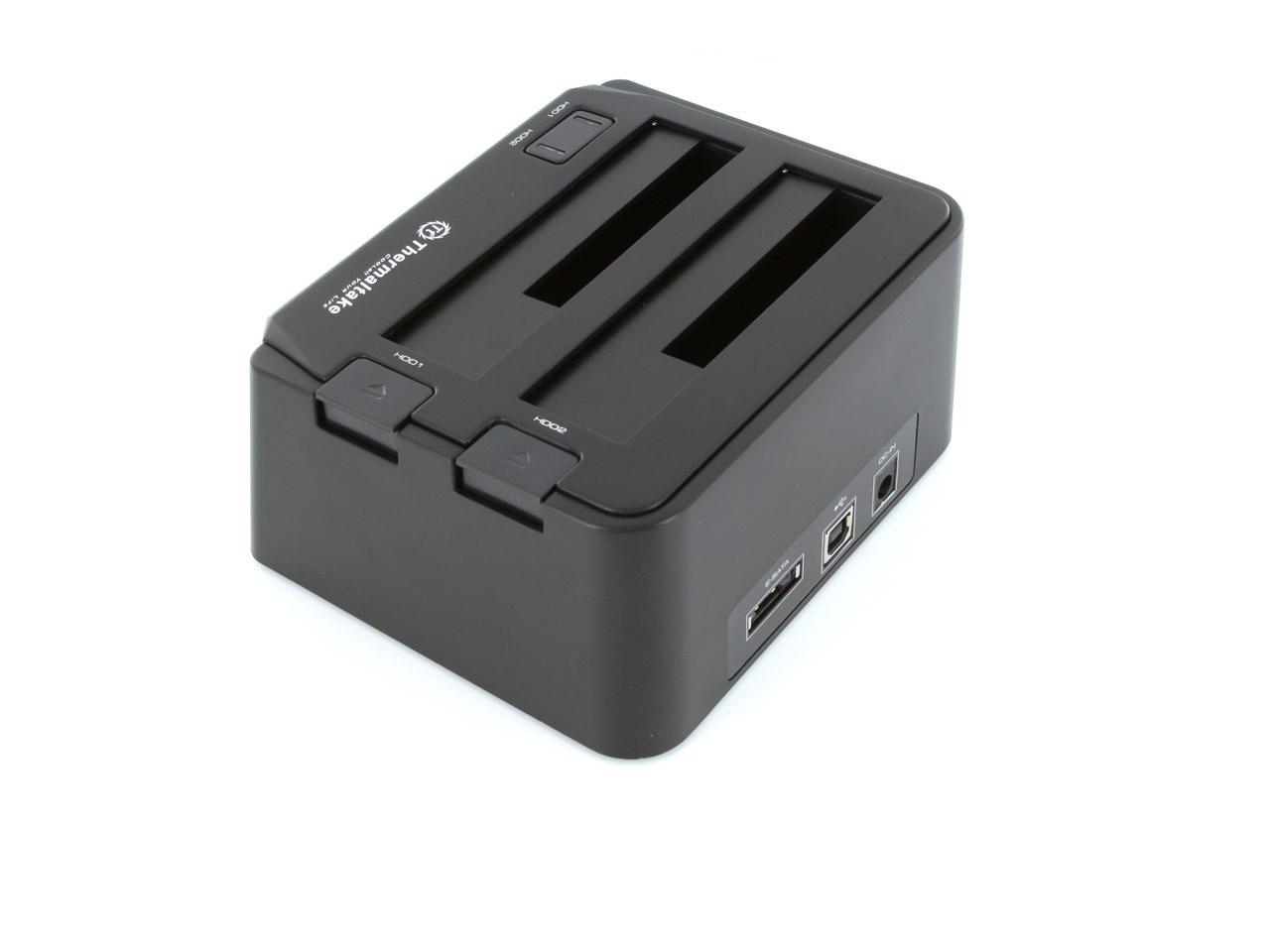
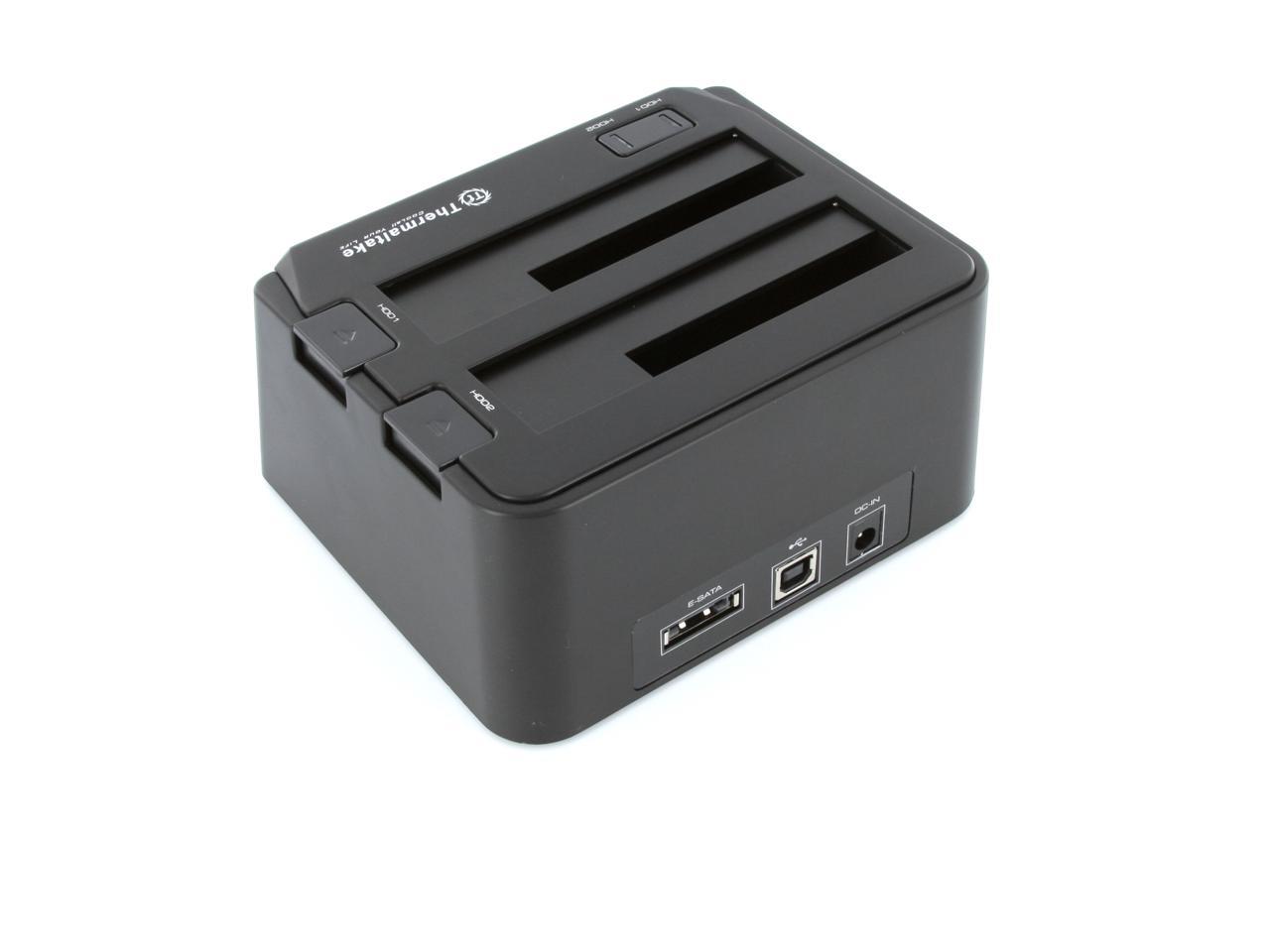
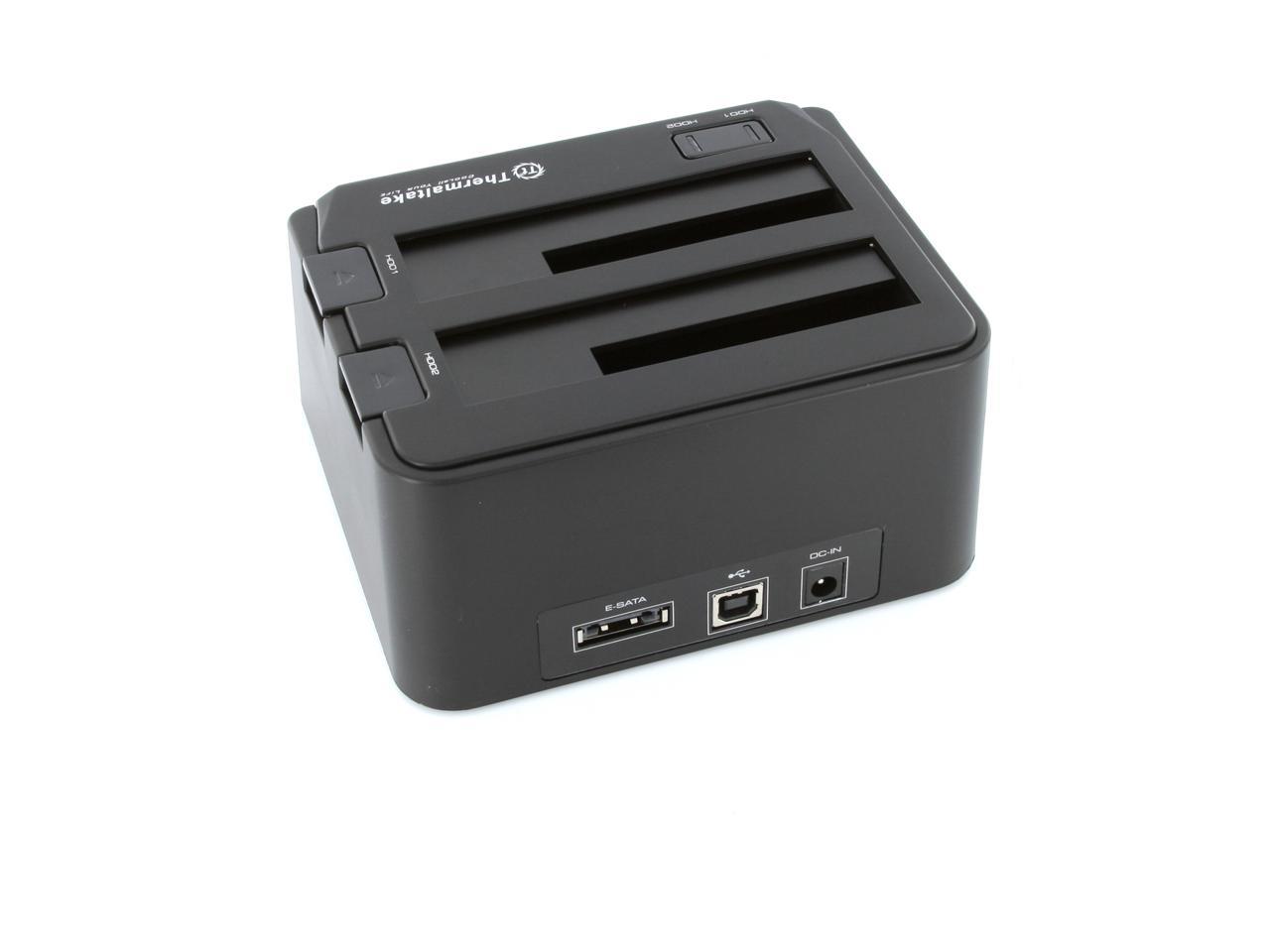
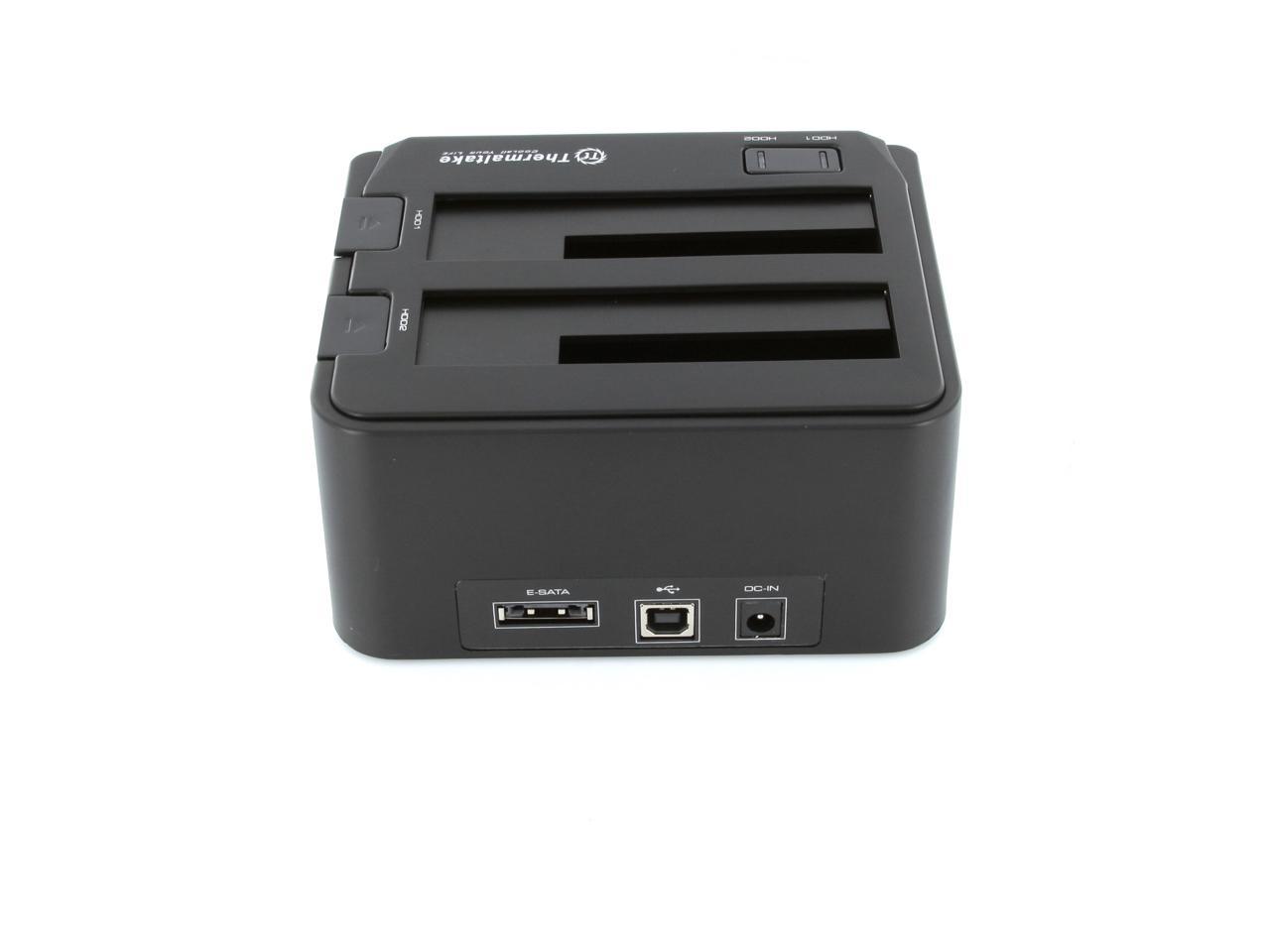
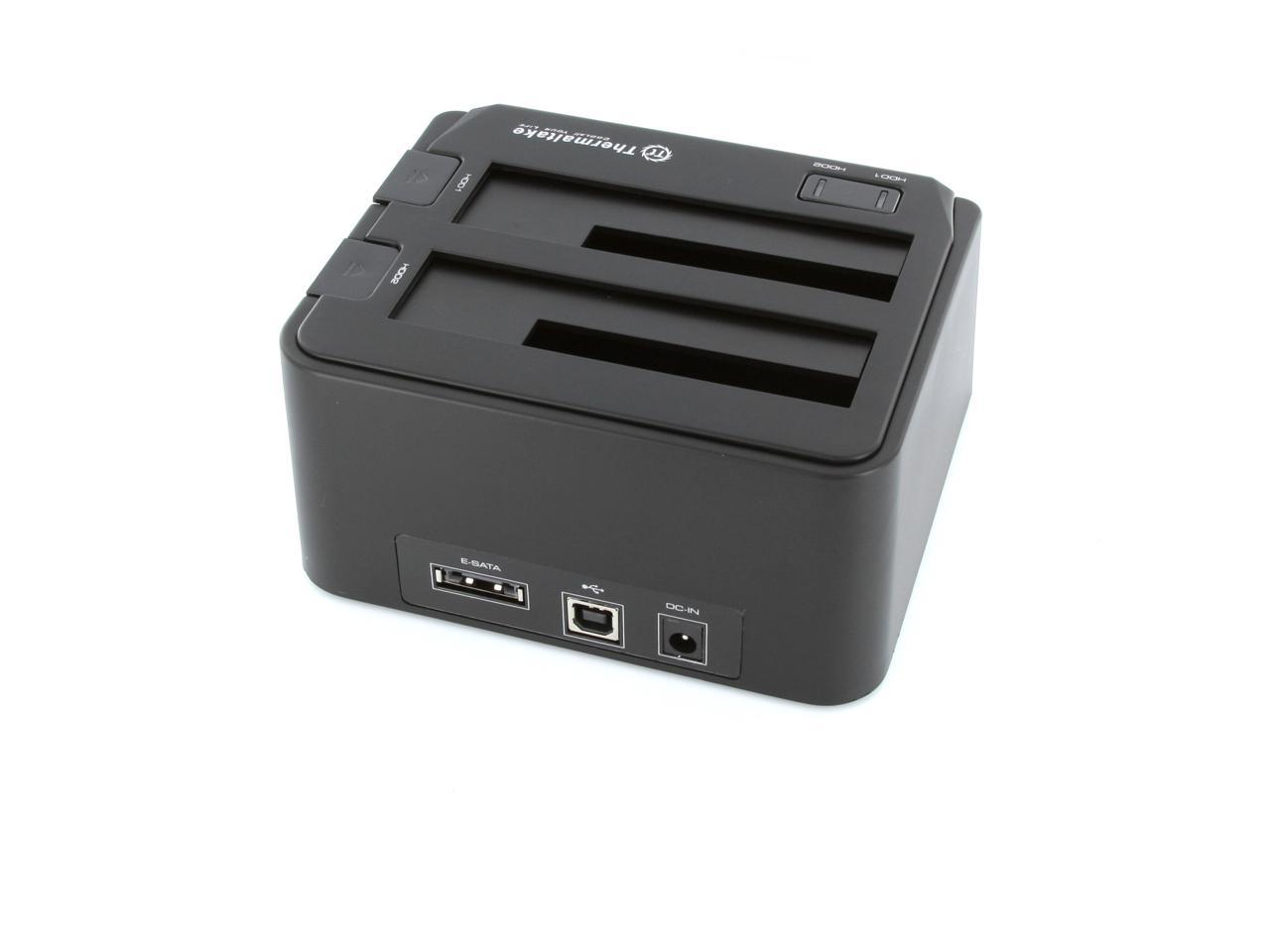
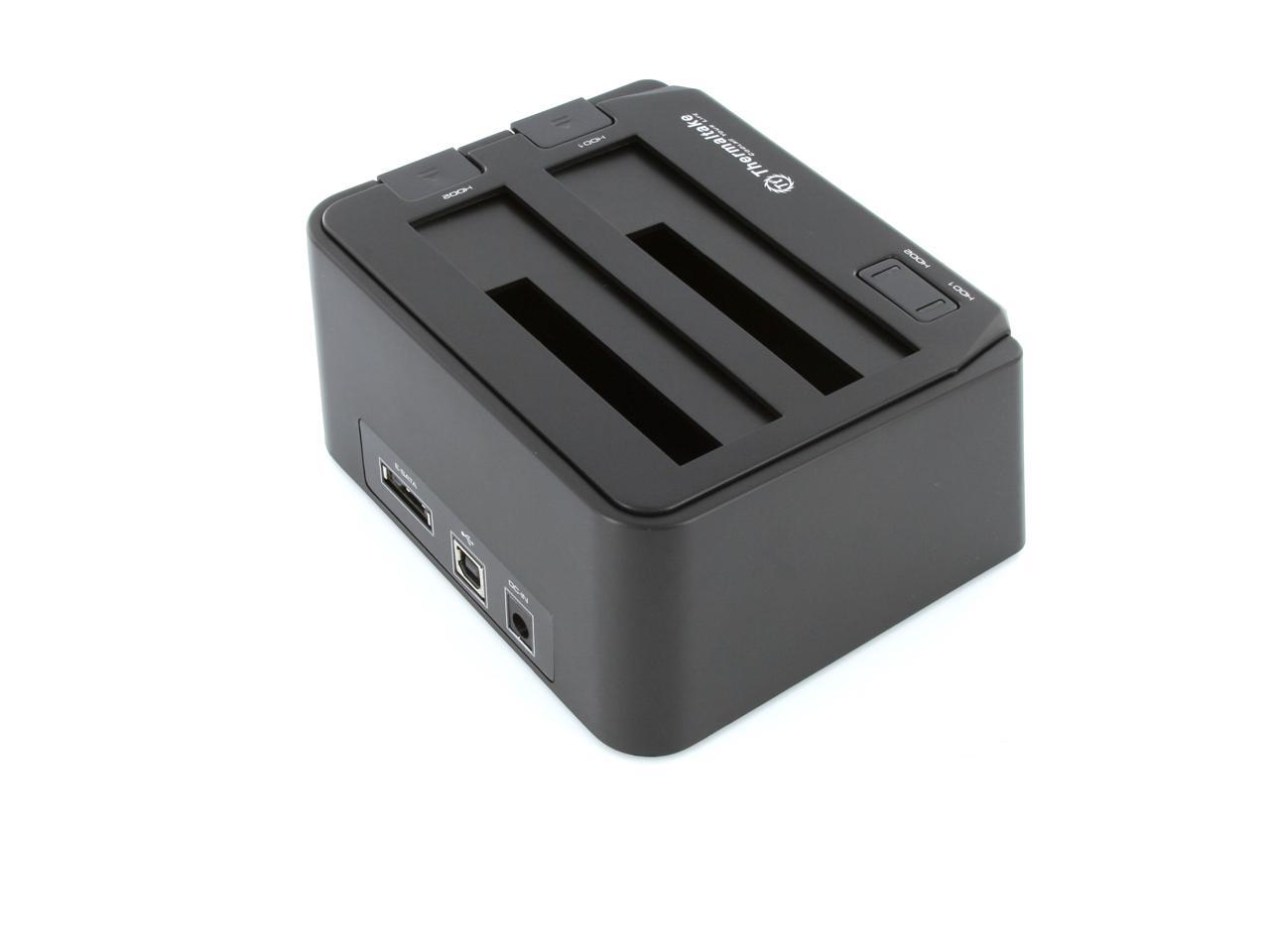
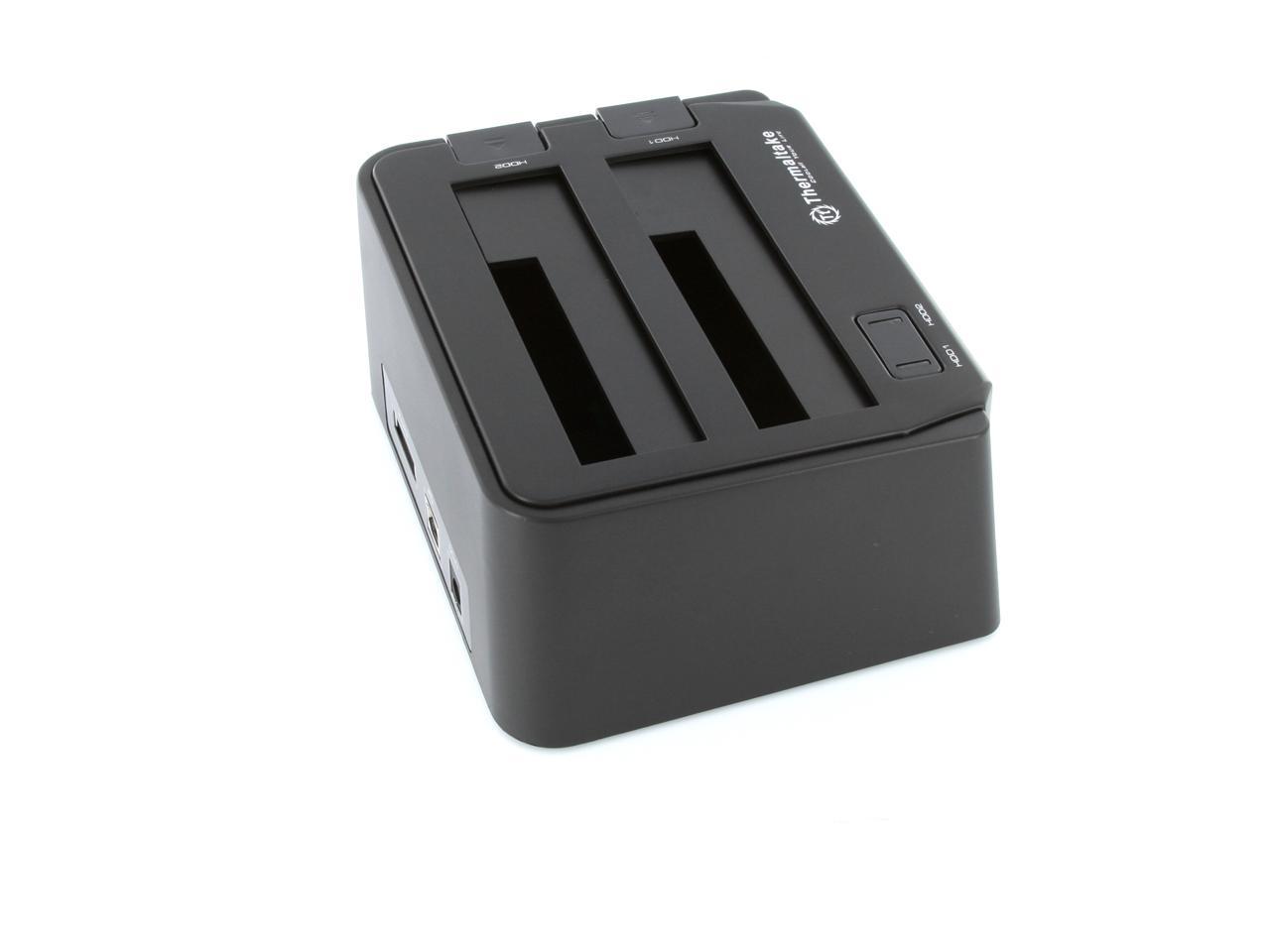
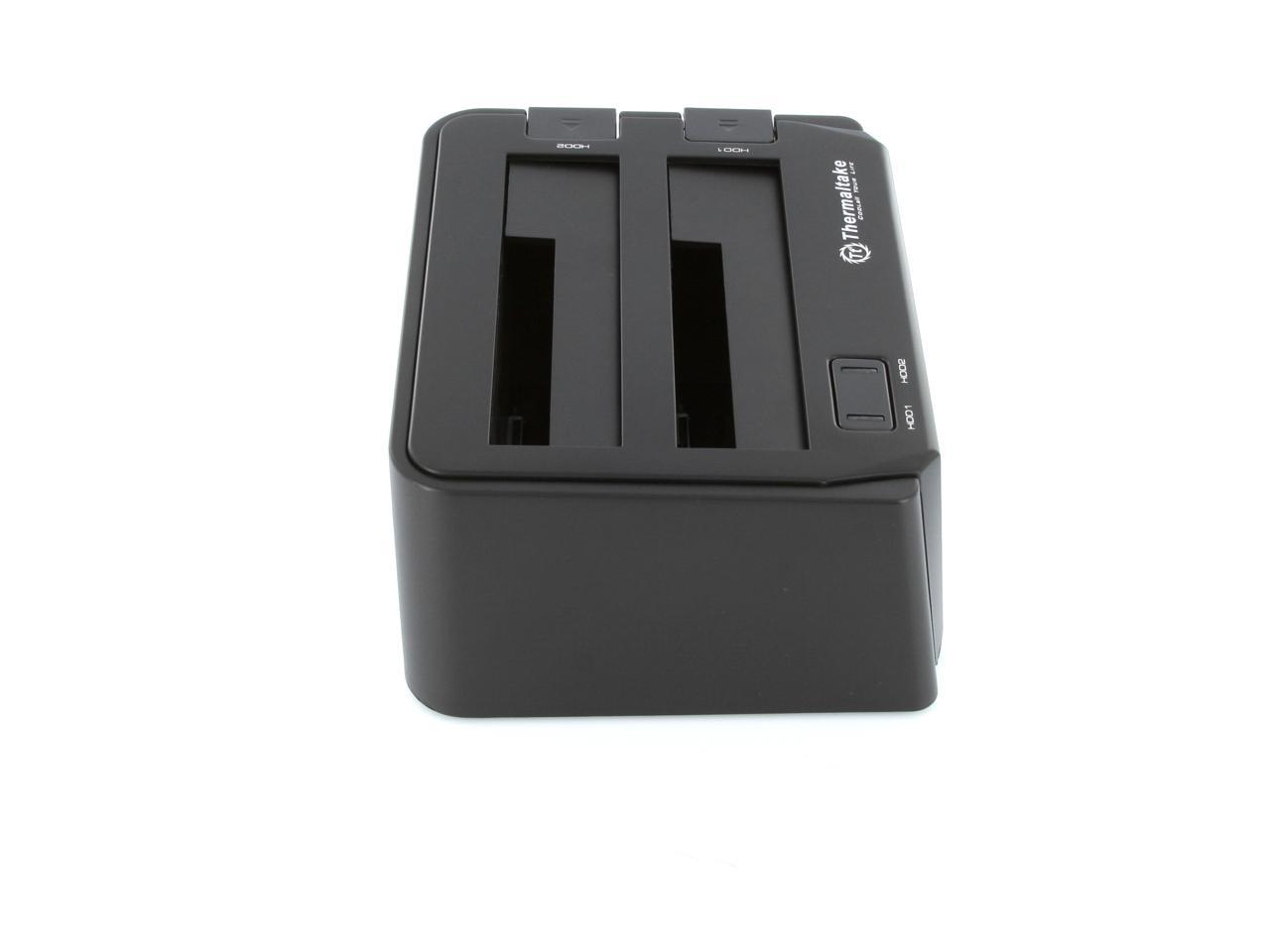
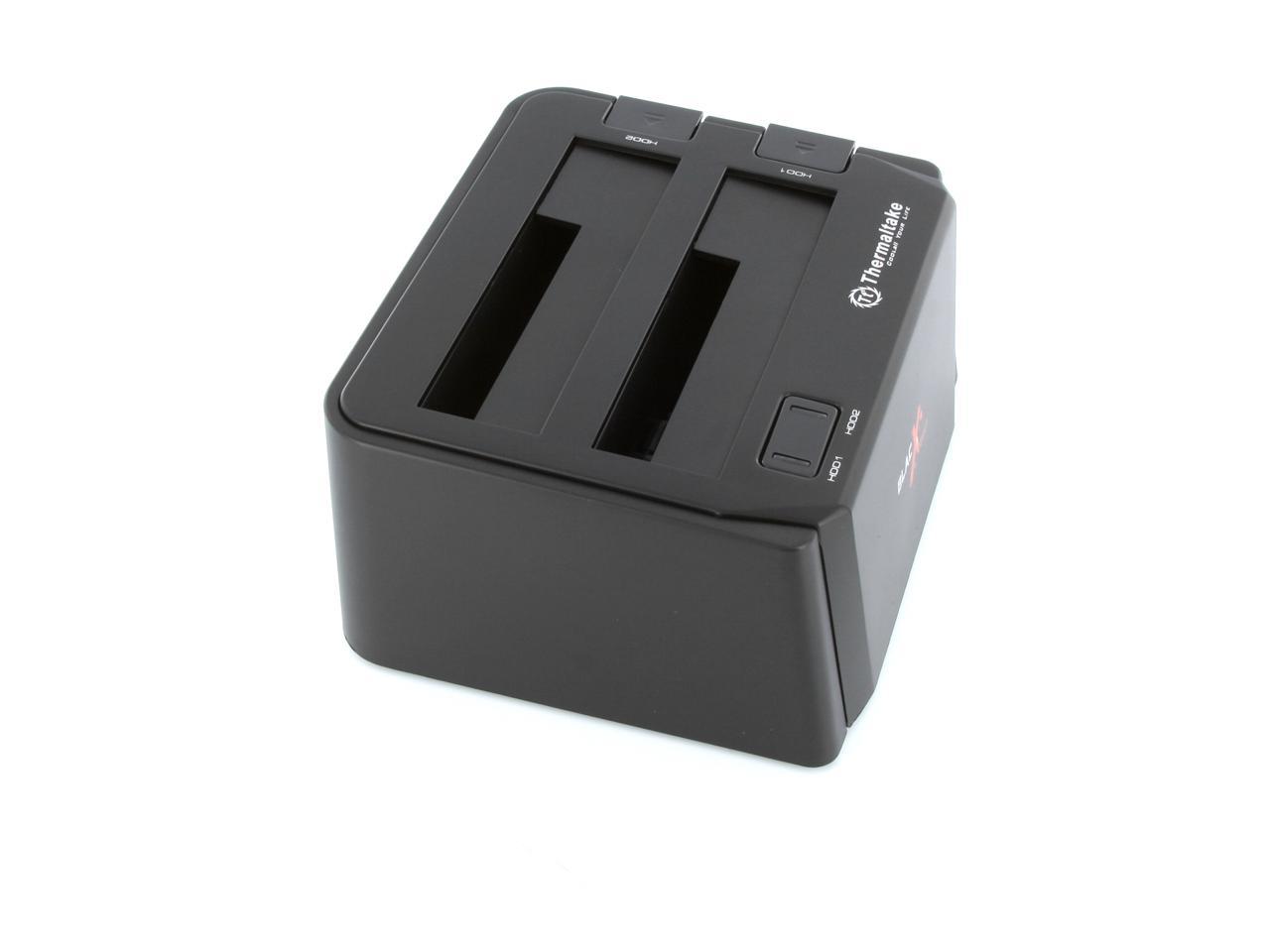
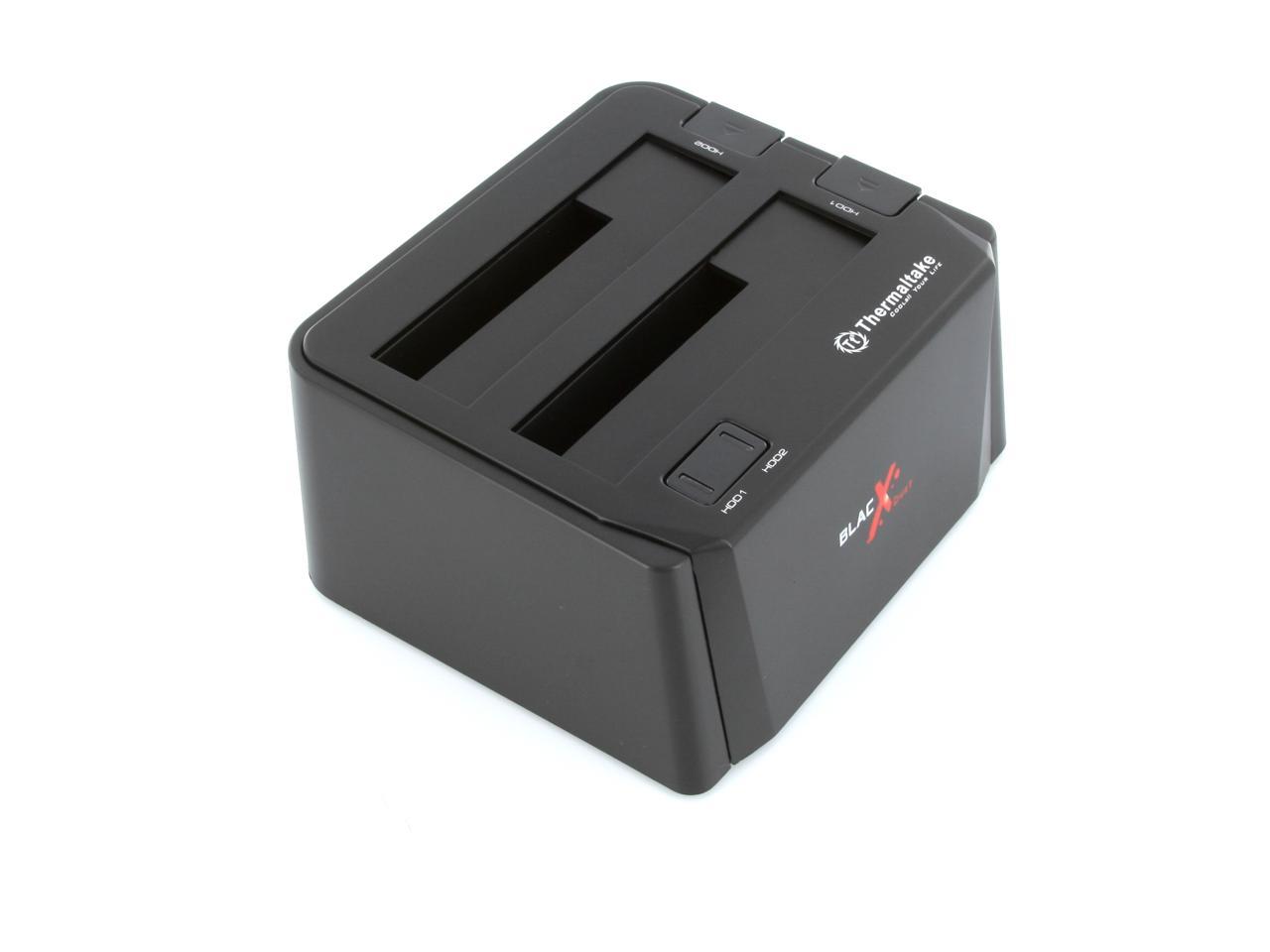
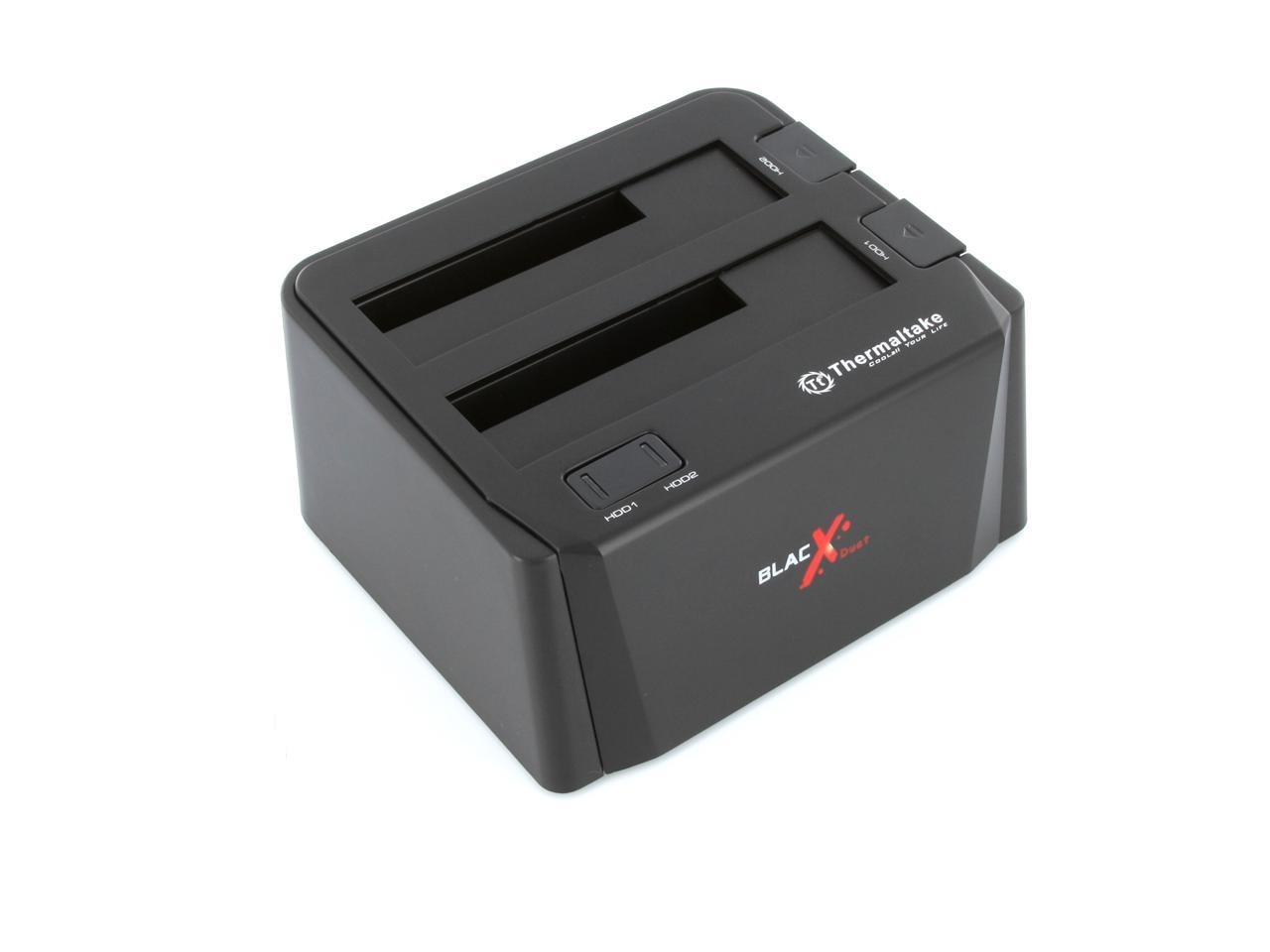
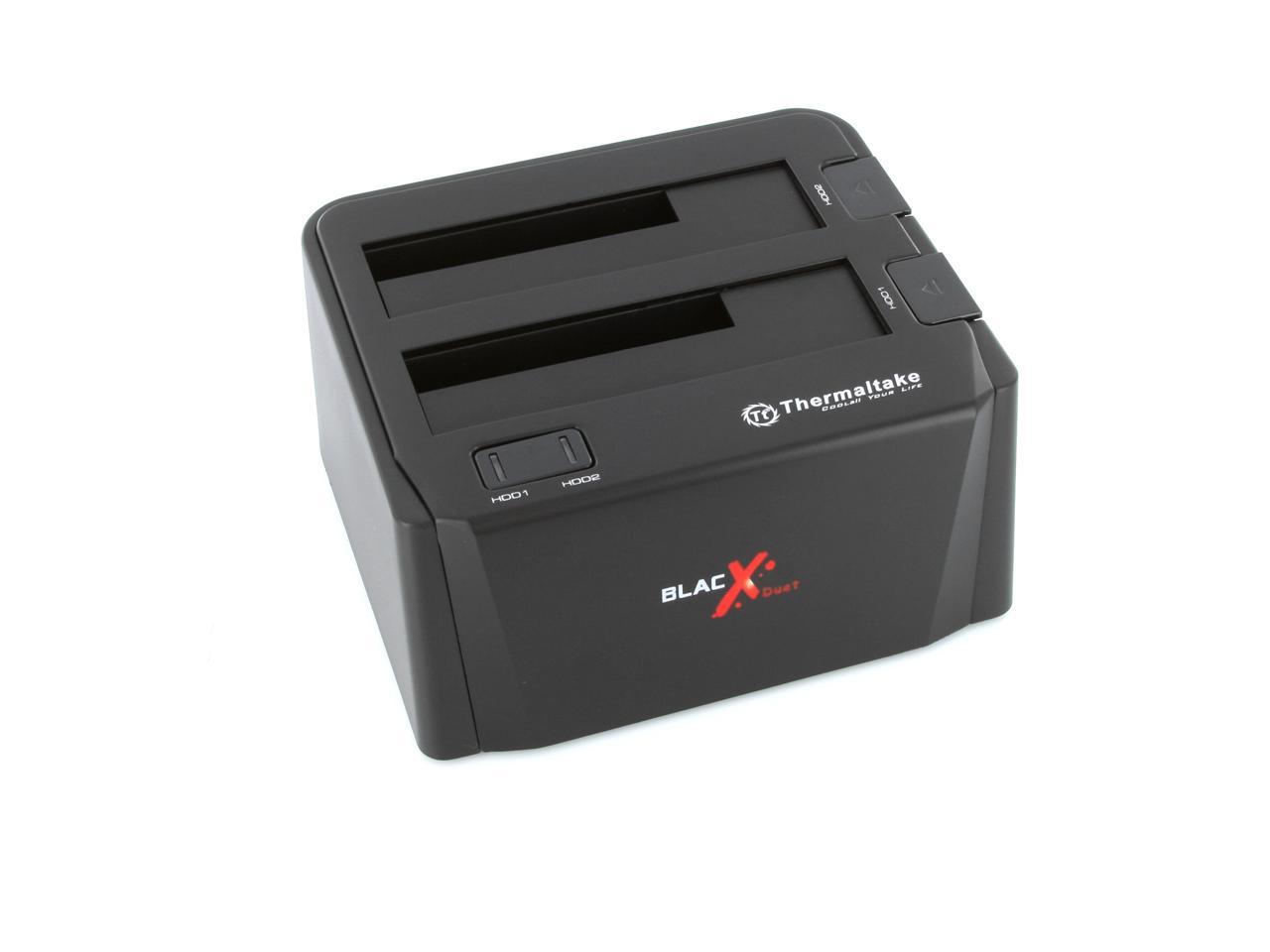
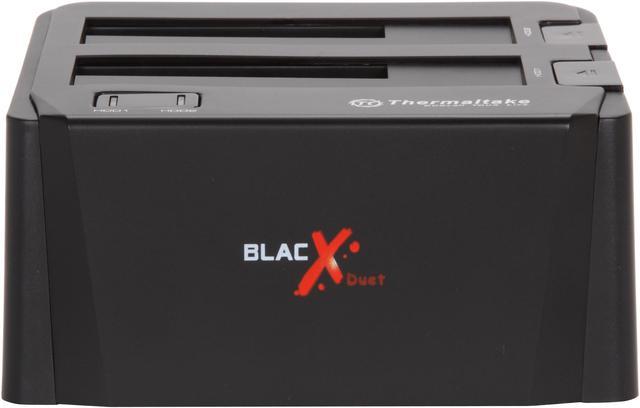
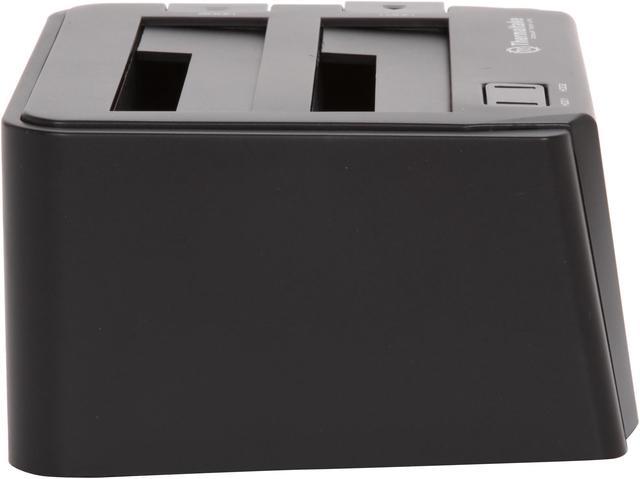
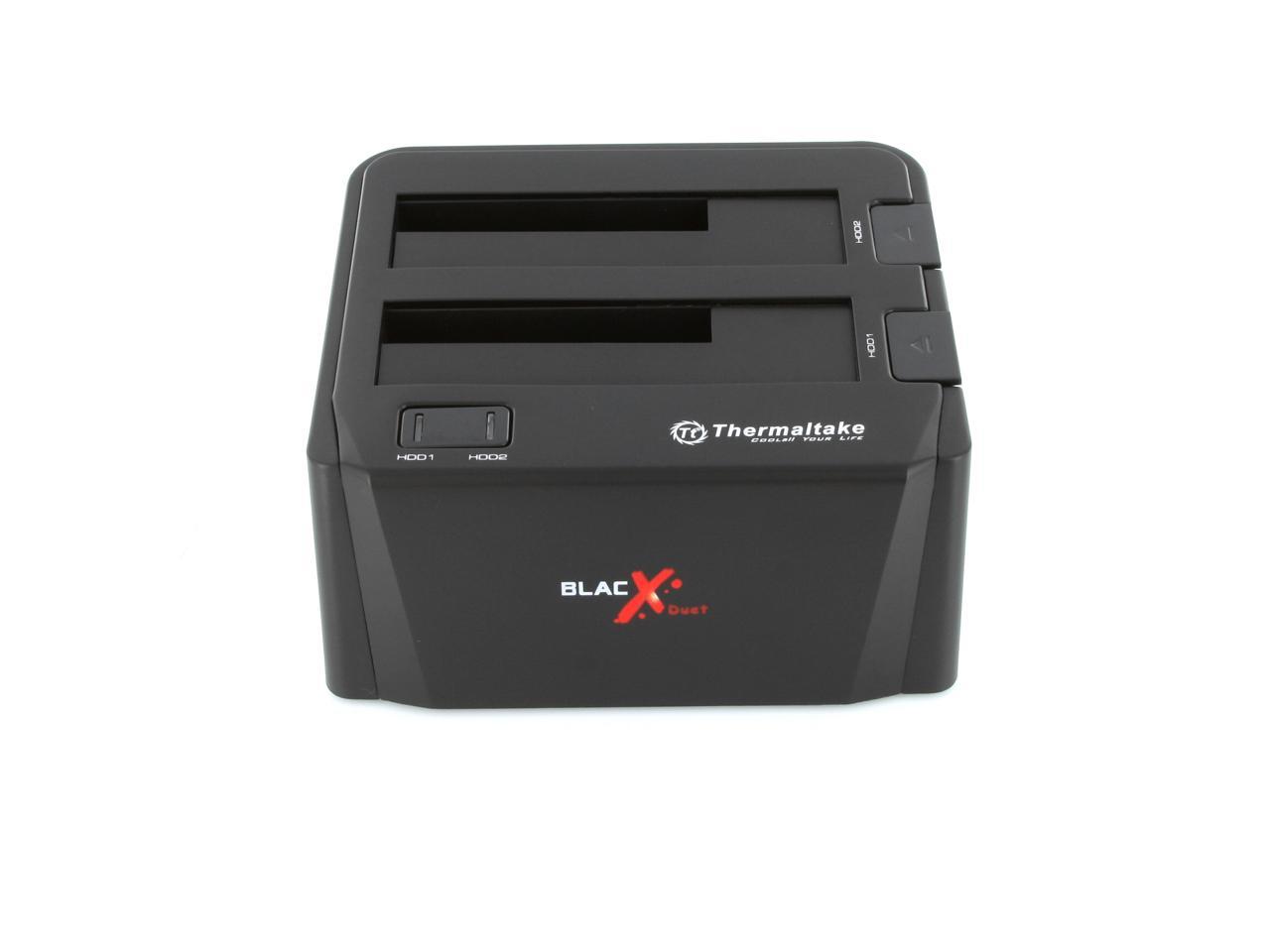
Thermaltake BlacX Duet (ST0014U) ABS Plastic 2.5" & 3.5" Black USB2.0 & eSATA Dual Hard Drives Docking Station

  • 2.5" & 3.5"
  • USB2.0 & eSATA
  • Up to 2TB per bay
  • ABS Plastic
  • Pin It
  • Email this page
ICON Loading...

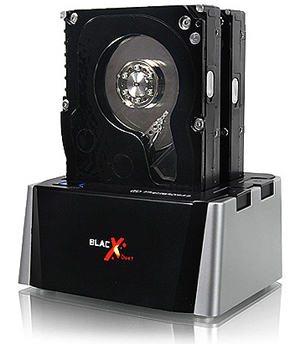
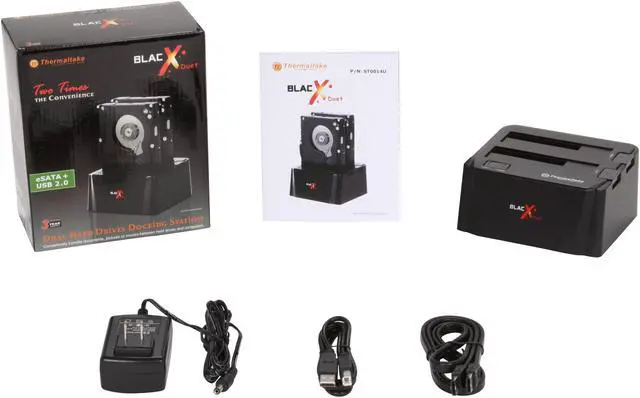
Want to access the data on your SATA drives but hate the hassle of opening case and troublesome installing and setting? Look no further, the Thermaltake BlacX Duet hard drive docking station would solve your problem.

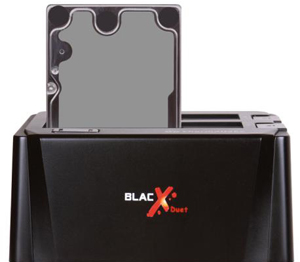
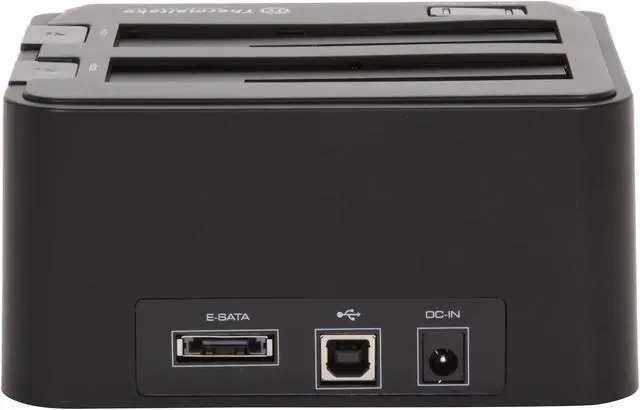
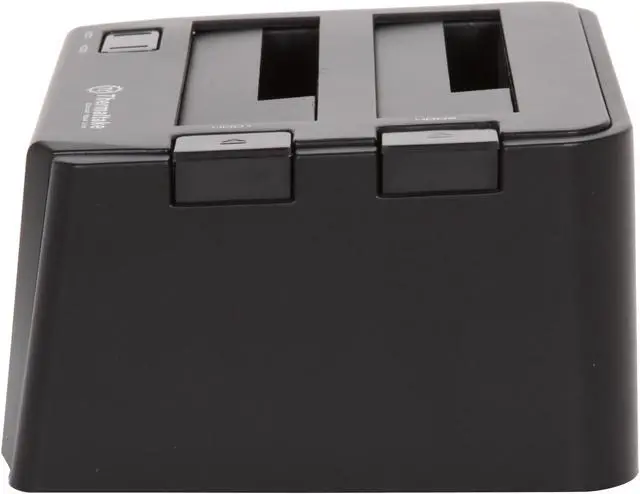
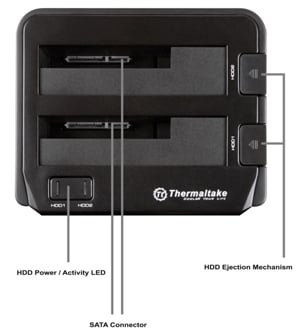
Equipped with two 2.5" & 3.5" compatible drive slots, this docking station can conveniently mount two drives at a time and is able to read and write 2 hard drives simultaneously. Hot-swap support means you can use multiple hard drives with your computer without having to reboot. In addition to USB 2.0 port, an eSATA connector is also fitted to enable blistering fast data transfer of up to 3.0Gbps.

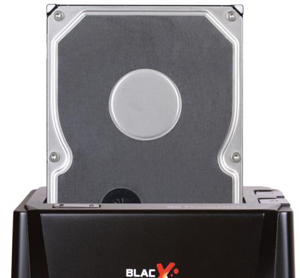
  • newegg Install Your Internal HDD outside Your Computer The Thermaltake BlacX Duet easily connects two 2.5" or 3.5" SATA hard drive to your computer and you can quickly access and store data on both drives simultaneous without having to dig around inside the case.
  • newegg Dual Interface Support The Thermaltake BlacX Duet supports the eSATA interface for an ultra-fast data transfer speed of up to 3Gb/s and USB 2.0 interface for plug-and-play connectivity plus broad compatibility.

Learn more about the Thermaltake BlacX Duet (ST0014U)

Model

Brand
Thermaltake
Model
BlacX Duet (ST0014U)

Spec

Color
Black
Size
2.5" & 3.5"
AC Adapter
Yes
Material
ABS Plastic
Internal Interface
SATA I/II/III
External Interface
USB2.0 & eSATA
Maximum Capacity (per Bay)
Up to 2TB per bay
Fan
No
Specifications
Power:
- Input: 100-240V / 50-60Hz
- Output: 12V / 2A
Features
Read & Write 2 Hard Drives simultaneously

Hot-Swap Capability for Rapid Multi HDDs Access & Exchange
* When utilizing eSATA interface, Port Multiplier feature is required on the host system’s eSATA controller for two hard disk drives to be seen at the same time. All USB supports Port Multiplier function.

Supports eSATA Transfer Speed up to 3.0 Gbps

Supports USB 2.0 Transfer Speed up to 480 Mbps

Rapid Data Access & Exchange w/ Single eSATA or USB Cable Connection

Open docking station design maximizes heat dissipation

RoHS Compliance

SSG (Solid State Grip) Technology: Anti-Slippery Grasp Base
Windows 7 Ready!

Compatibility

Operating Systems Supported
Windows 7 / Vista / XP / 2003 / 2000
Mac 10.3 and later

Dimensions & Weight

Dimensions
5.51" x 4.76" x 2.74"
Weight
0.69 lbs.

Quick Info

Warranty

  • Limited Warranty period (parts): 3 years
  • Limited Warranty period (labor): 3 years


Customer Reviews of the Thermaltake BlacX Duet (ST0014U)

Do you own this product? Write a Review

Filter Results

Go
  • N/A
  • 5/20/2013 6:54:44 AM
  • Tech Level: High
  • Ownership: more than 1 year
  • Verified Owner

4 out of 5 eggs18 Months of Daily Use

Pros: Dual Drives
eSata
Compact
Did the job for 18 months.

Cons: None - until it died.

Other Thoughts: I used this 3 days a week to back up my data on external drives. After 18 months I think it is a good run, but we'll see what kind of warranty there is.

Did you find this review helpful? Yes No

  • N/A
  • 5/6/2013 5:08:02 PM
  • Tech Level: Average
  • Ownership: 1 week to 1 month
  • Verified Owner

4 out of 5 eggsEasy as a flash drive

Pros: Good price, Works with all three drives I tried so far.

Cons: None at this time.

Did you find this review helpful? Yes No

  • jbw
  • 4/30/2013 3:28:13 PM
  • Tech Level: Somewhat High
  • Ownership: 1 month to 1 year
  • Verified Owner

4 out of 5 eggsThermaltake BlacX Duet

Pros: Great docking station. Using to backup workstations. No problems with connectivity. Mainly use the USB. Quick and easy to connect and Windows 7/Server 2008 recognize the disks.

Cons: None.

Did you find this review helpful? Yes No

  • N/A
  • 4/19/2013 6:47:15 AM
  • Tech Level: High
  • Ownership: 1 day to 1 week
  • Verified Owner

5 out of 5 eggsTerrific Product

Pros: Works as advertized.

Cons: Doesn't fit 3 drives :)

Did you find this review helpful? Yes No

  • Tech User
  • 3/26/2013 12:38:29 PM
  • Tech Level: High
  • Ownership: more than 1 year
  • Verified Owner

5 out of 5 eggsWorks

Pros: Easy to use
2 bays

Cons: None

Other Thoughts: Works when I need it. Can't ask for much more than that.

Did you find this review helpful? Yes No

  • johnb67
  • 3/23/2013 11:11:33 PM
  • Tech Level: High
  • Ownership: 1 month to 1 year
  • Verified Owner

2 out of 5 eggsWorked fine for a while but....

Pros: Bought it on sale, that's always a PRO. Dual Drive support, takes a standard IDE/SATA adapter, to allow IDE drives to be cradled.Fast transfer speeds using eSata. Hots-wapping drives for quick access.

Cons: Had issues with dual drives inserted at the same time. Thought it was just drives that were bad, which is why I bought it, to get data off before a catastrophic failure. Now, I use it to wipe drives, and verify thier fitness before selling used ones.

Well lately, it cuts off communications, and the drives disappear from the OS. Like the cradle was unplugged. Getting errors in my sys logs, on drives that I know are good. Went back to my trusty USB>SATA adapter to verify the drives were still good, and they were. Looks like the problem started a while back, just didn't realize it was my dock.....

Other Thoughts: For the price I paid, I guess it was too good to be true. I did get some use out of it, but I expected a prioduct from ThermalTake to be of better quality. Maybe it was an isolated experience, though, who knows. I will still buy their products,.

Did you find this review helpful? Yes No

  • N/A
  • 3/21/2013 8:31:47 PM
  • Tech Level: Somewhat High
  • Ownership: 1 day to 1 week
  • Verified Owner

5 out of 5 eggsNo problems!

Pros: I had some experience with this product before buying it. It's a good product, and there weren't any problems with the eSATA connectivity or the USB connectivity.

Cons: None

Did you find this review helpful? Yes No

  • N/A
  • 3/12/2013 2:52:11 AM
  • Tech Level: Average
  • Ownership: more than 1 year
  • Verified Owner

2 out of 5 eggsVery Sensitive Power Switch

Pros: Easy to use.

Cons: Power switch too sensitive. Unstable.

Other Thoughts: The docking station works fine; however, if you even place a finger on the power switch even without pressing down the power to the unit will fluctuate causing any data transfer to be interrupted. In fact I would hesitate to touch the docking station at all while transferring data. It's simply too unstable.

Did you find this review helpful? Yes No

  • Douglassimi
  • 3/8/2013 9:49:41 AM
  • Tech Level: High
  • Ownership: 1 week to 1 month
  • Verified Owner

5 out of 5 eggsAwesome product

Pros: What a wonderful addition to my tools, now i can finally leave my desktop case closed and be able to add new drives and clone drives. Does eveything i want and need it to do, and it does it quickly.

Cons: Not really a con, but more of a limitation on my system. It doesn't have an esate port multiplier, so i can only clone drives with with usb 2.0 connection, not as fast as esata, btu again, its my system

Did you find this review helpful? Yes No

  • Reviewer101
  • 3/6/2013 6:20:40 PM
  • Tech Level: Average
  • Ownership: 1 week to 1 month
  • Verified Owner

1 out of 5 eggsIt went from dual to single HD docking station after one week of use.

Pros: None since it failed so soon.

Cons: Slot #2 stopped working after about one week of use.

Other Thoughts: First and last time I buy this brand.

Manufacturer Response:

Hi Reviewer101

We apologize for any inconvenience this may have caused you. Please contact our customer service dept so that we can replace that unit for you.

Thank you!

Thermaltake USA Customer Service
Email: ttsupport@thermaltakeusa.com
Toll Free: 1-800-988-1088 M-F: 9AM ~ 5:30PM (PST)
(0057)

Did you find this review helpful? Yes No

ICON Loading...
Are you an E-Blast Insider? Subscribe Newegg e-Blast

Buzz

THERMALTAKE DUET.......great !

4 out of 5 eggs
Both USB and e-Sata connections available. Power button on the front is a plus and each drive has a blue activity light. ...
— ARTSEA 11/3/2009

Works great, but you may have to upgrade your eSATA port

5 out of 5 eggs
This product works great and lets you access 2 drives at once through one connection... as long as your system meets its ...
— Josh_30 8/17/2010


PayPal
Shop without retyping payment details. Secure shopping made faster.
Check out with PayPal.

Financing


Home
Home > 
Computer Hardware > 
Computer Cases > 
External Enclosures > 
Thermaltake > 
Item#: N82E16817153112
LOADING... LOADING...
Shop by Region: United States | Canada | China
Follow us:   RSS Feeds Youtube
VeriSign Reliability Seal1This site protected by Trustwave's Trusted Commerce program Inc500
Policy & Agreement | Privacy Policy  © 2000-2013 Newegg Inc.  All rights reserved.
If the Adobe Reader does not appear when you click on a link for a PDF file, you can download Adobe Reader from the Adobe web site. nassau