Skip to: |

Newegg.com - A great place to buy computers, computer parts, electronics, software, accessories, and DVDs online. With great prices, fast shipping, and top-rated customer service - once you know, you Newegg.

If you are reading this message, Please click this link to reload this page.(Do not use your browser's "Refresh" button). Please email us if you're running the latest version of your browser and you still see this message.

Newegg.com - Computer Parts, Laptops, Electronics, HDTVs, Digital Cameras and More!

  • | Wish List
  • Help
Search all
Search
Home
Home > 
Computer Hardware > 
Computer Cases > 
External Enclosures > 
Thermaltake > 
Item#: N82E16817153133

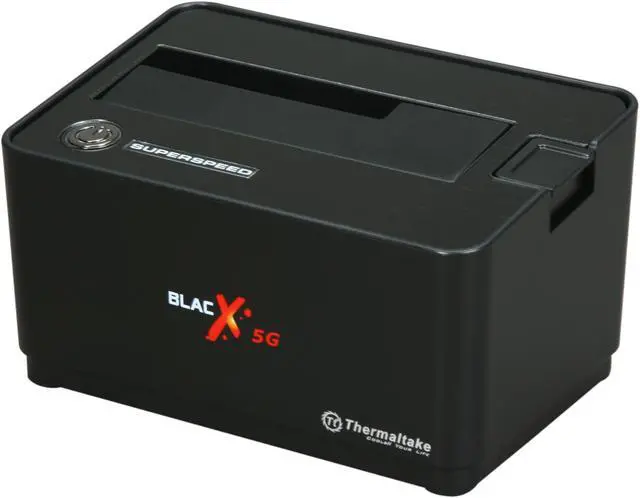
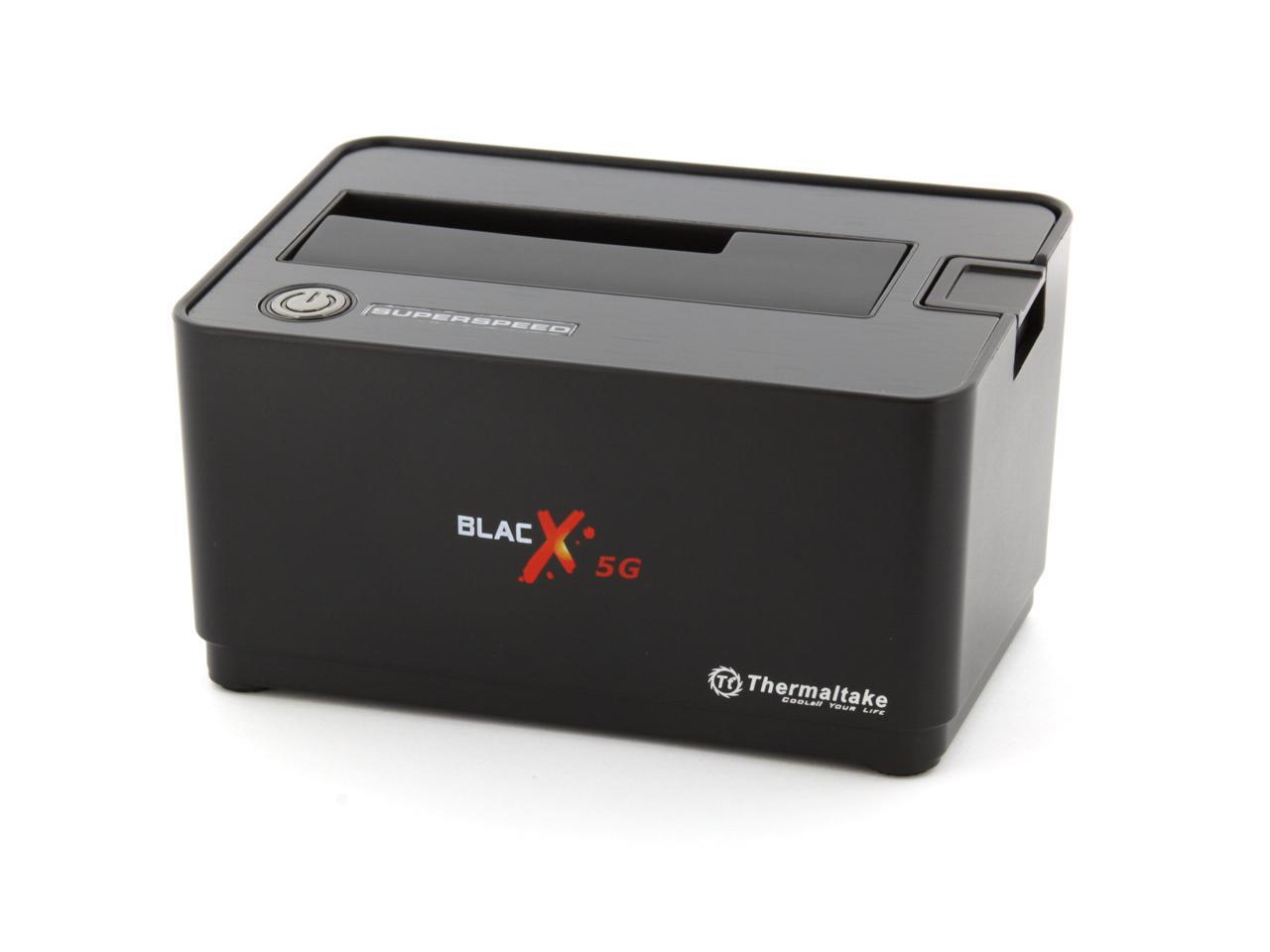
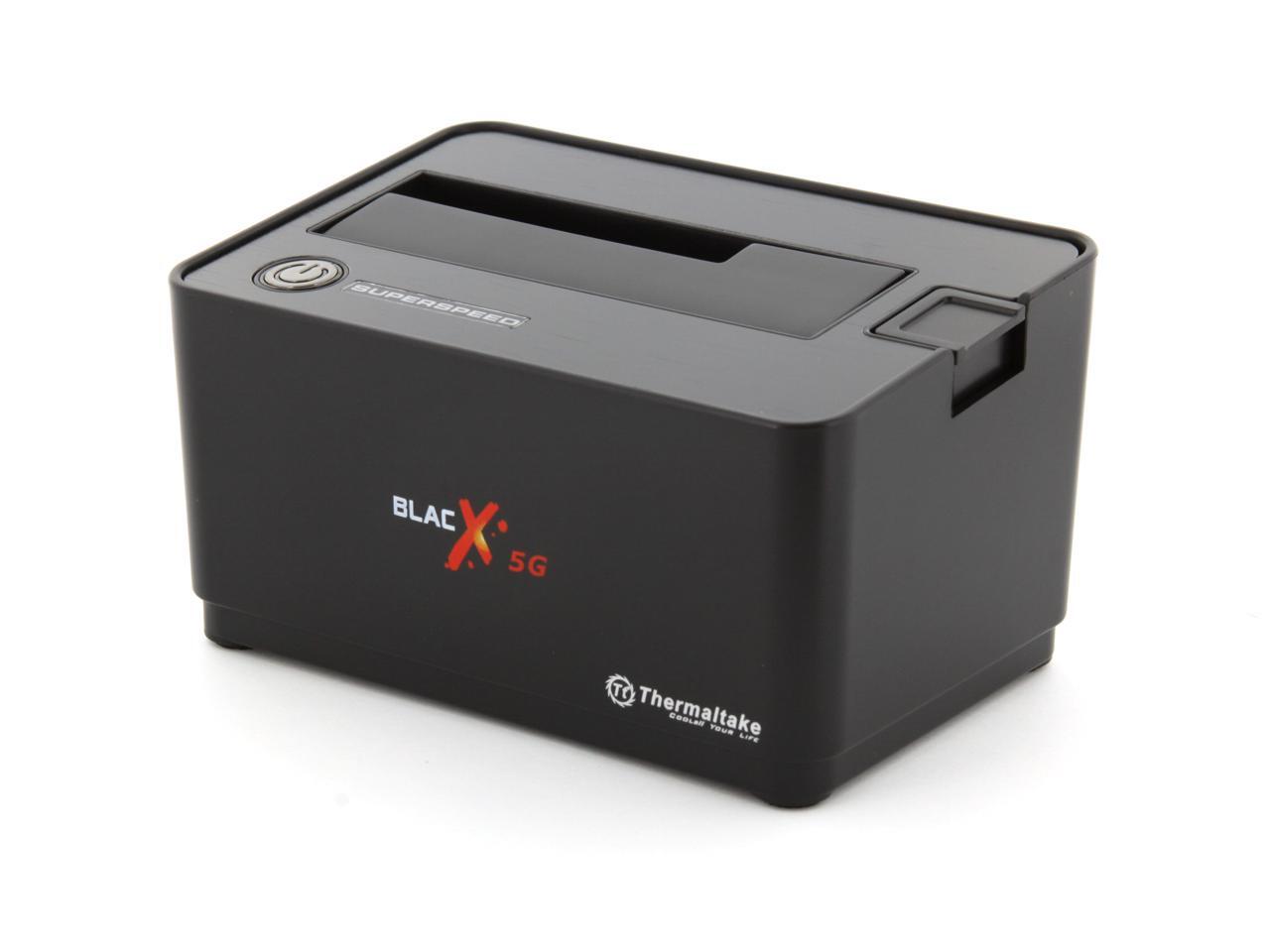
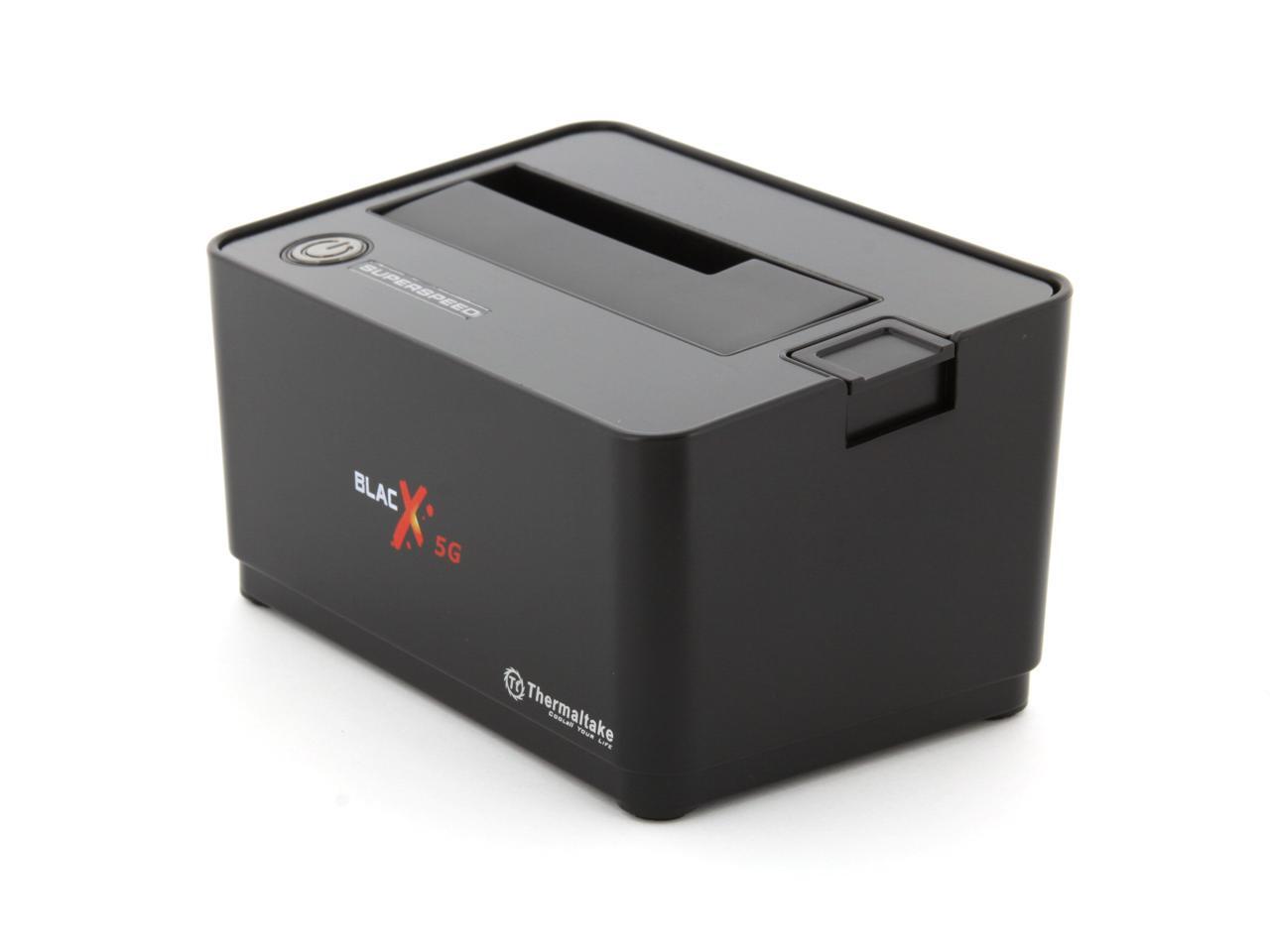
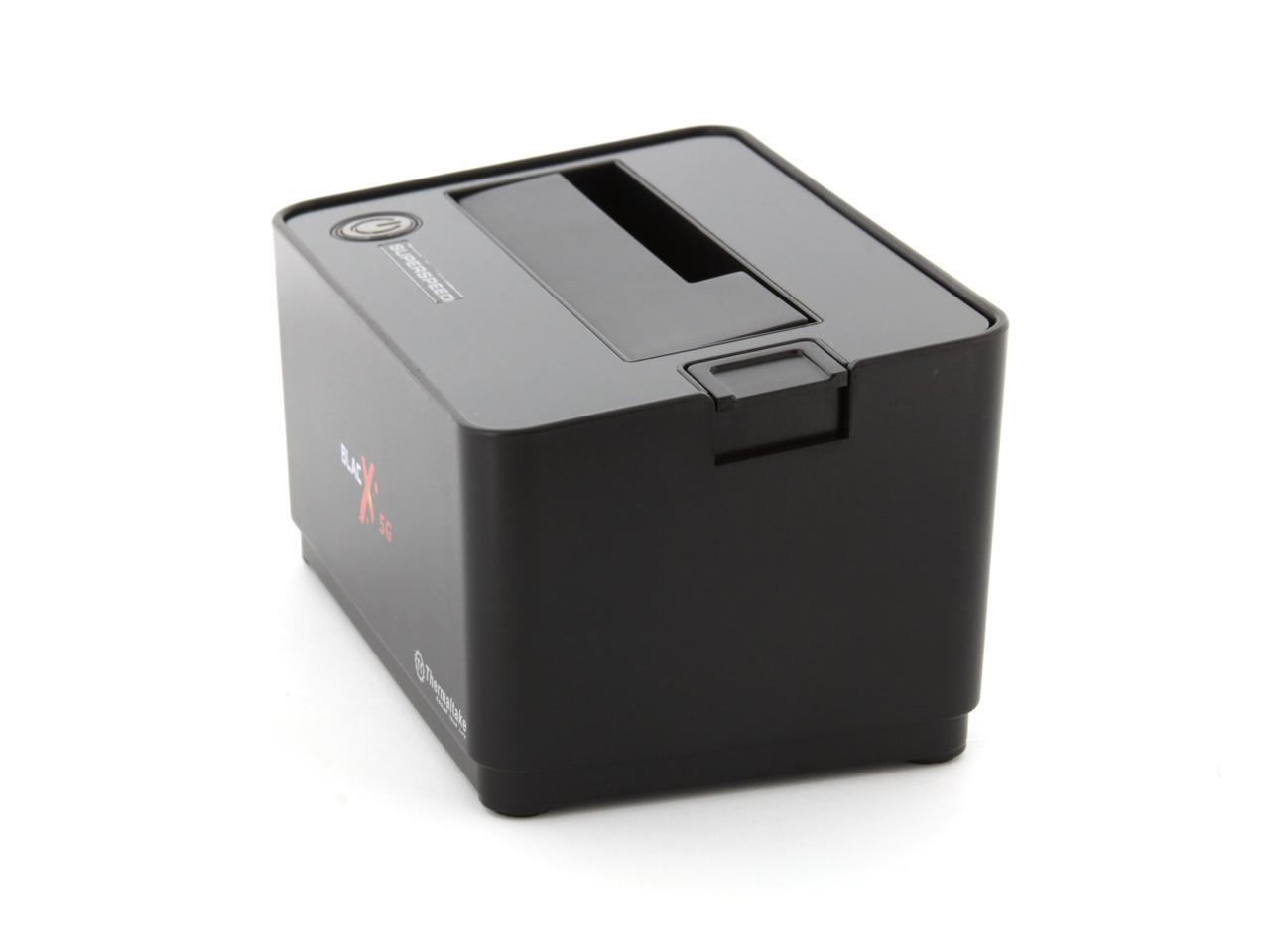
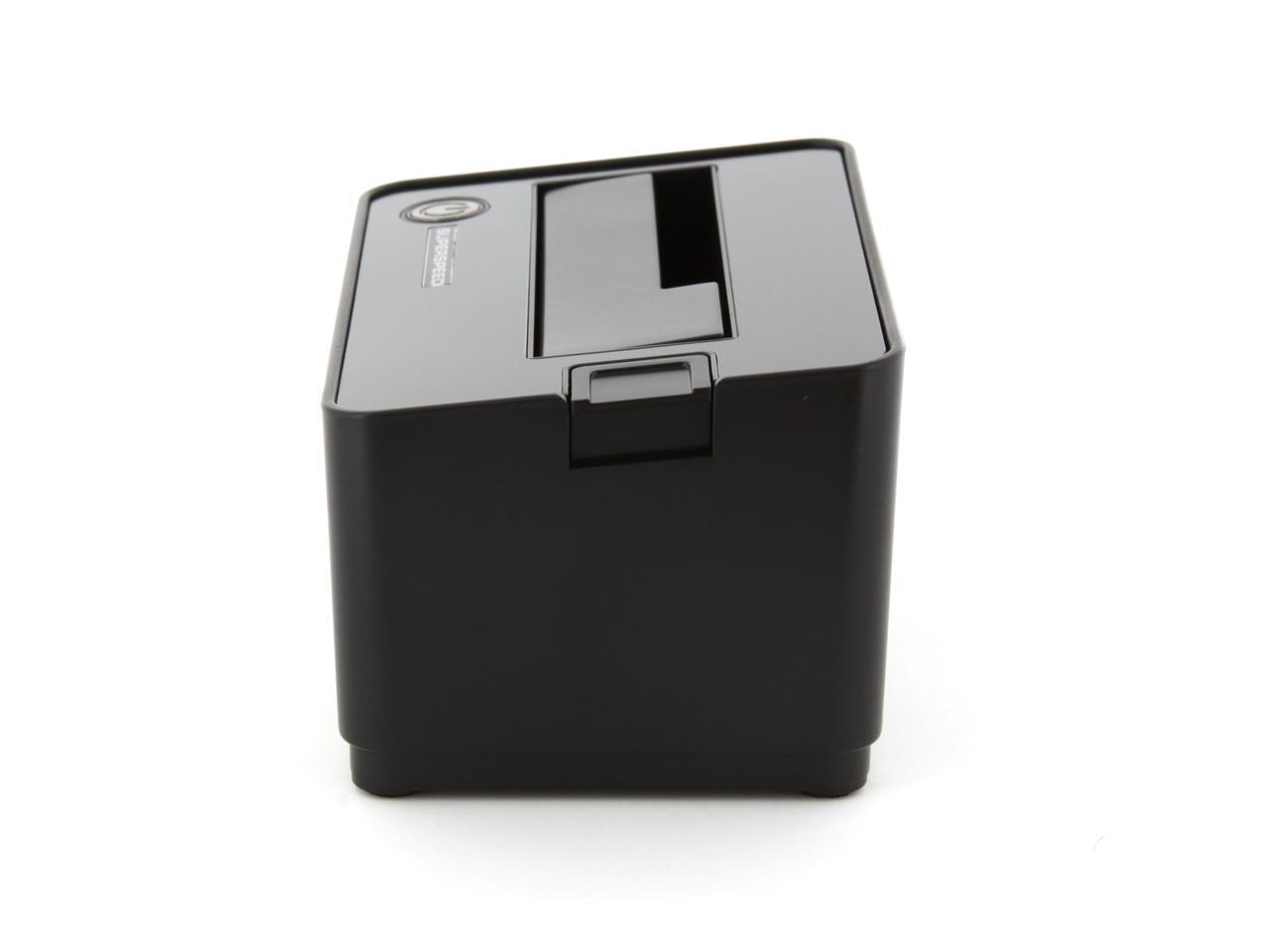
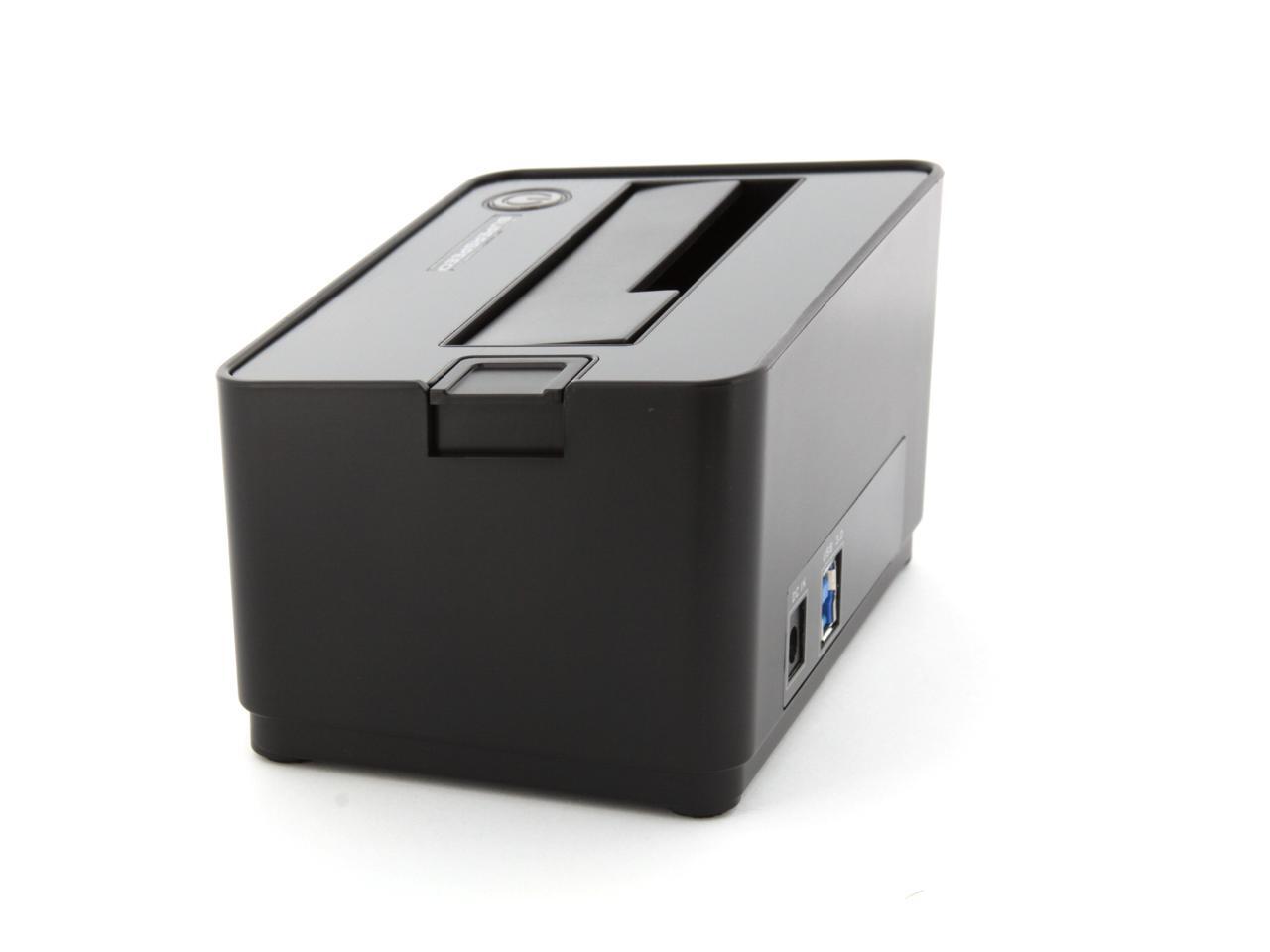
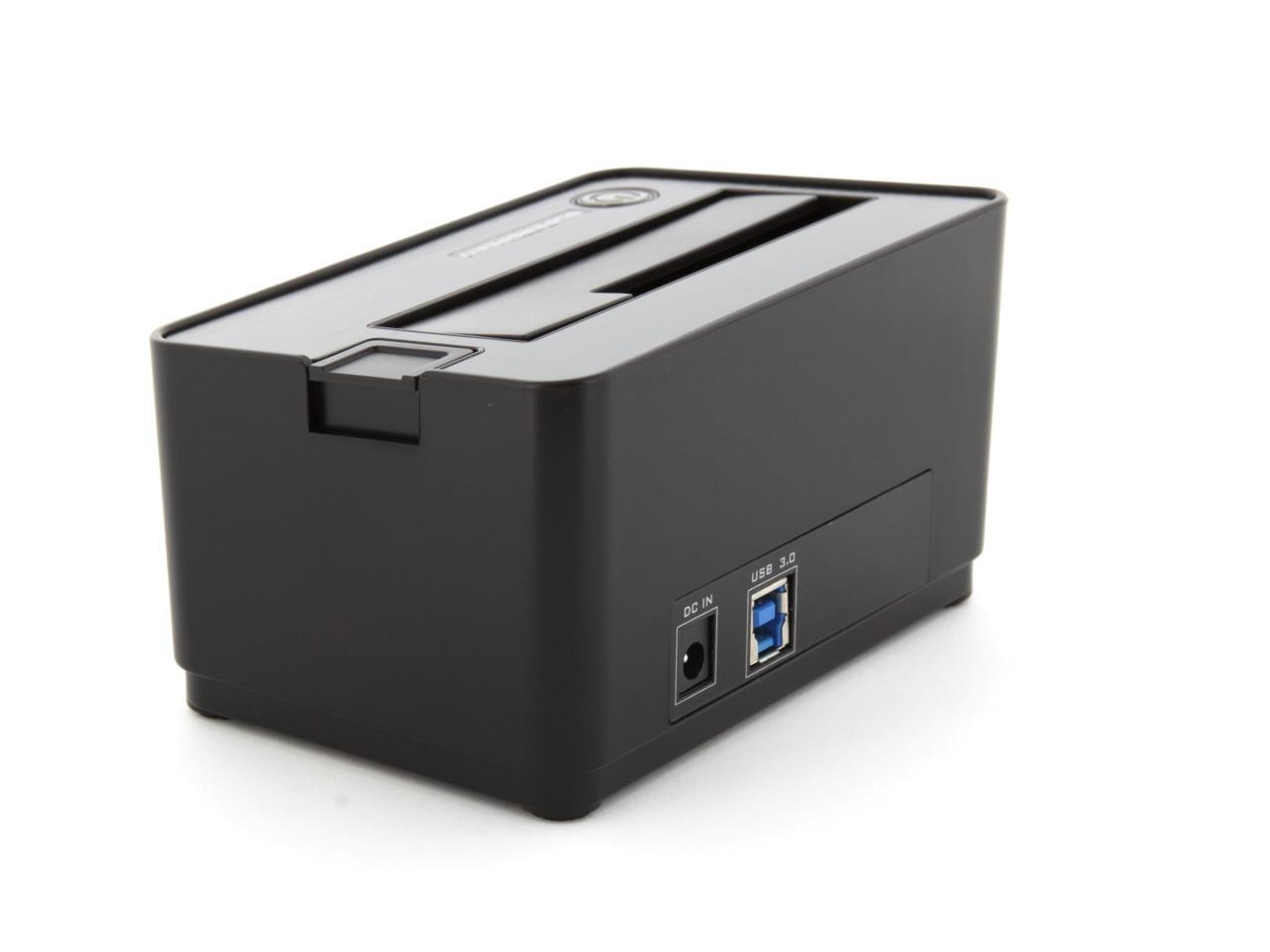
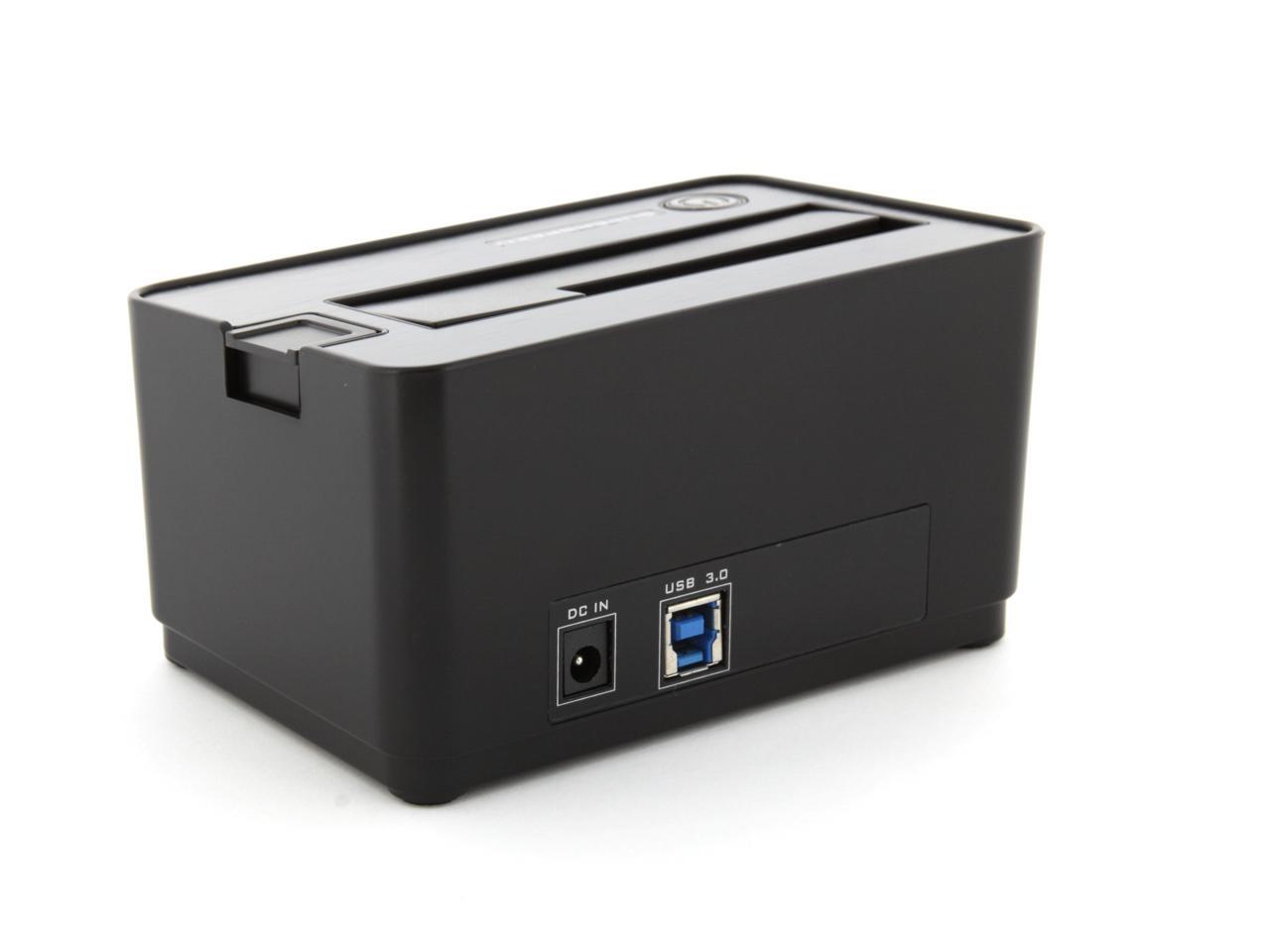
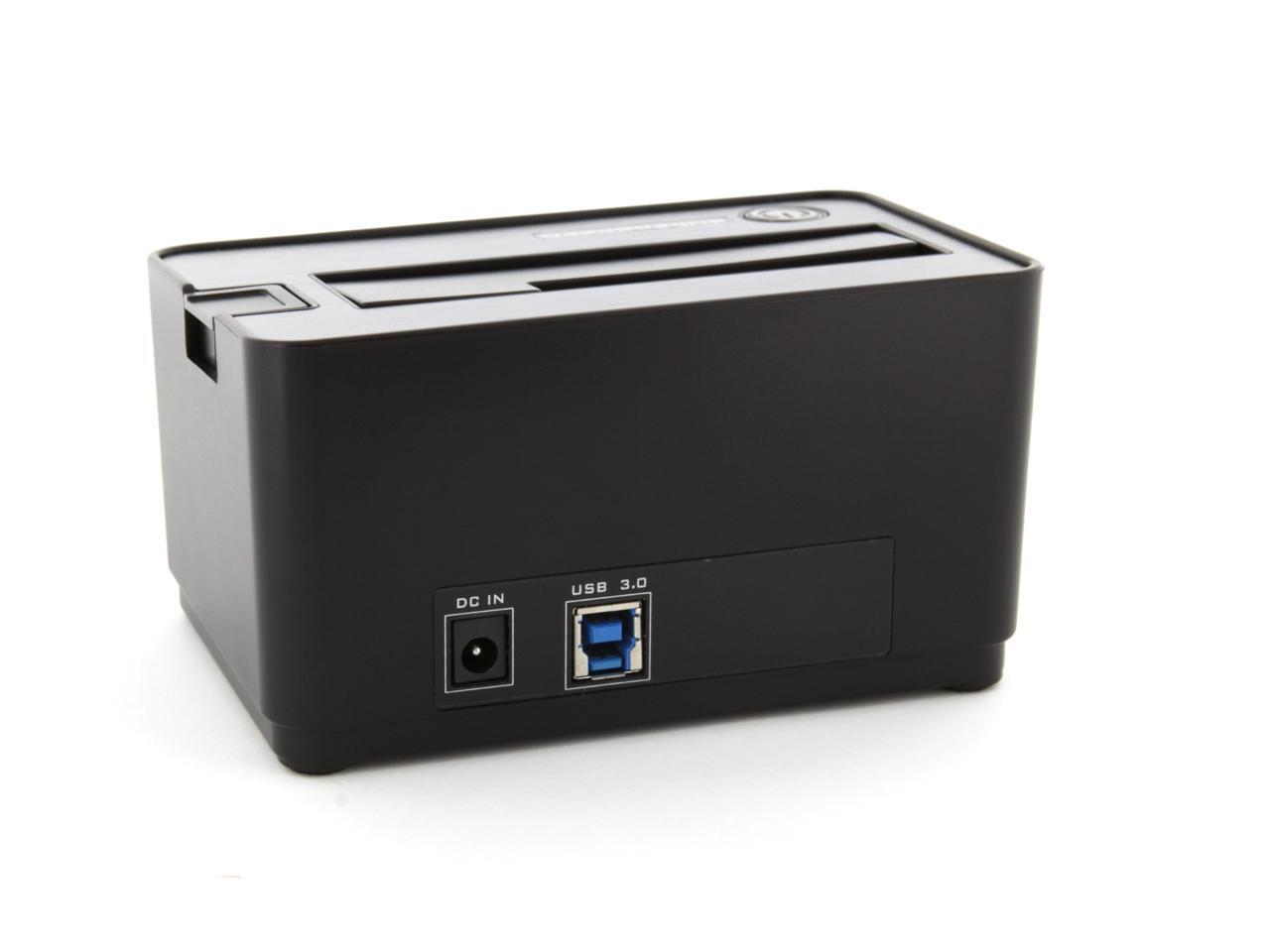
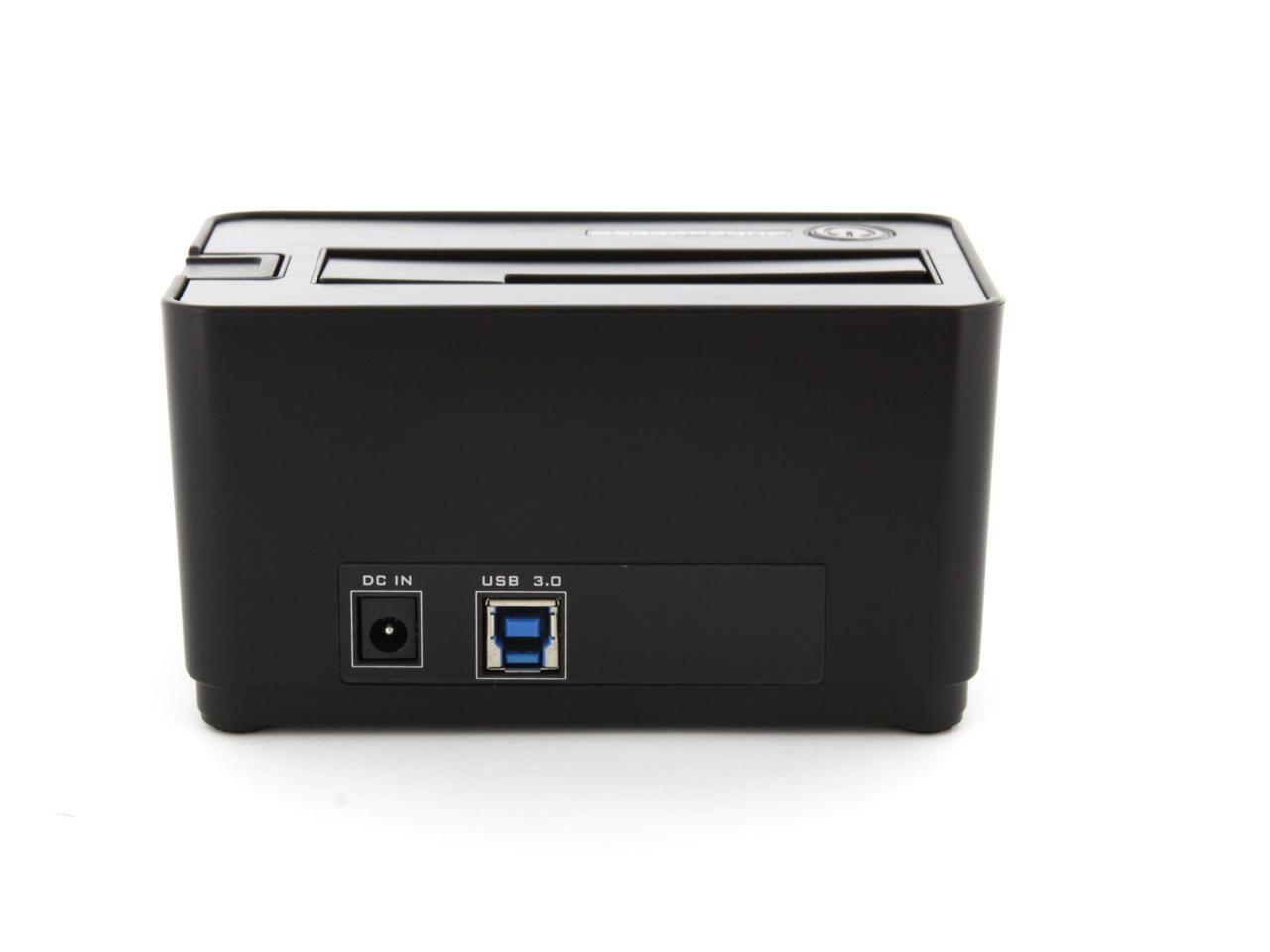
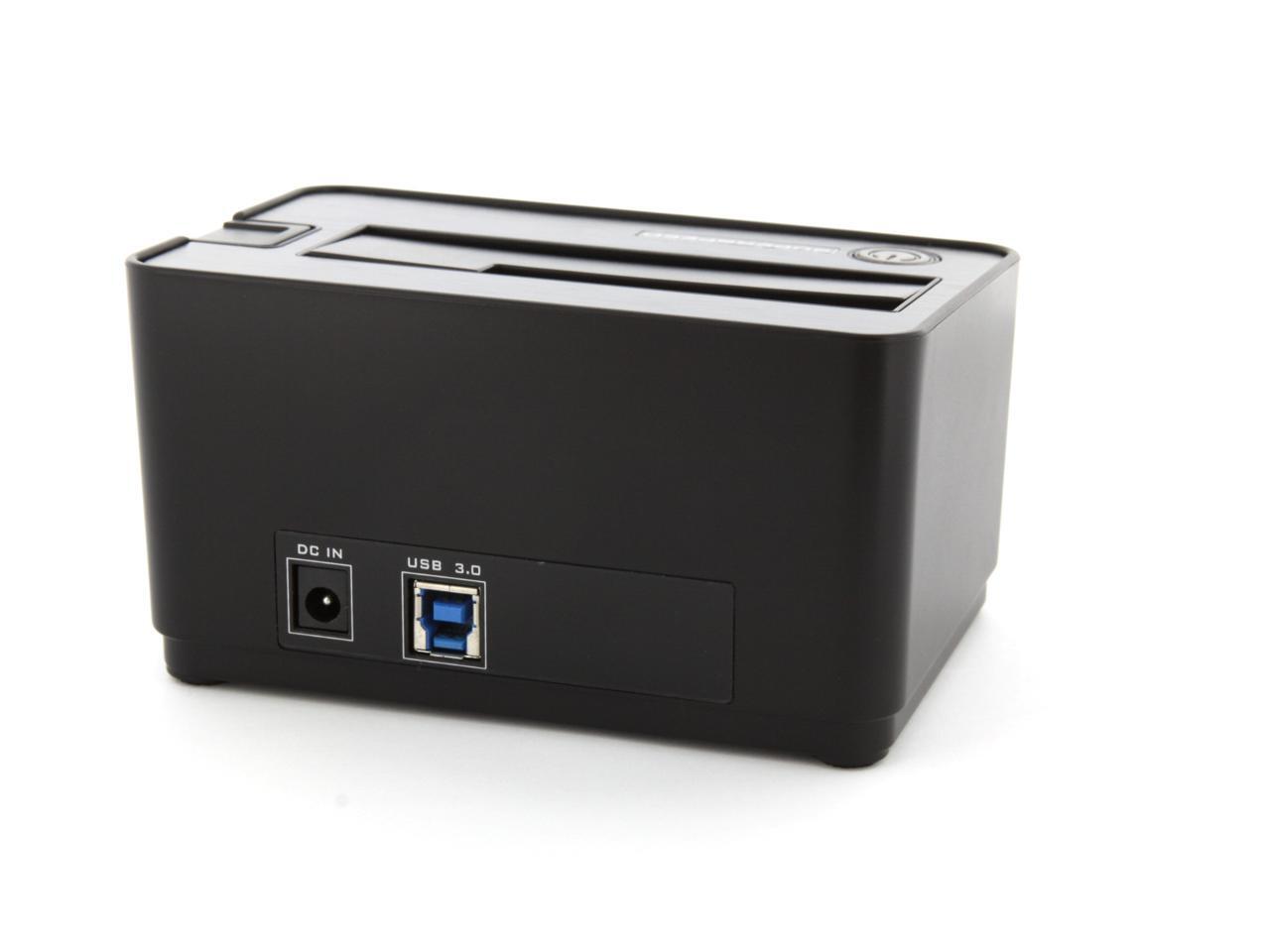
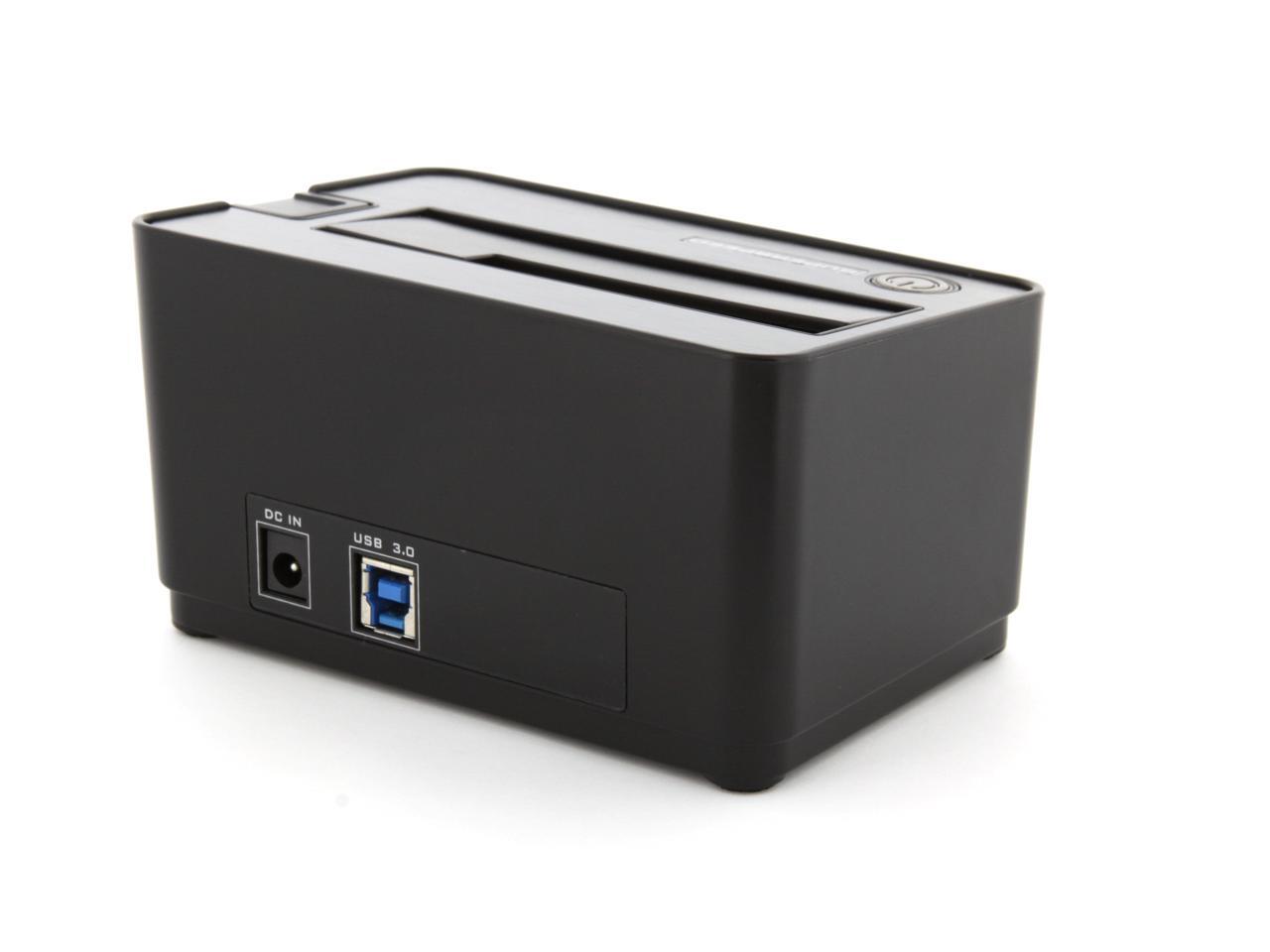
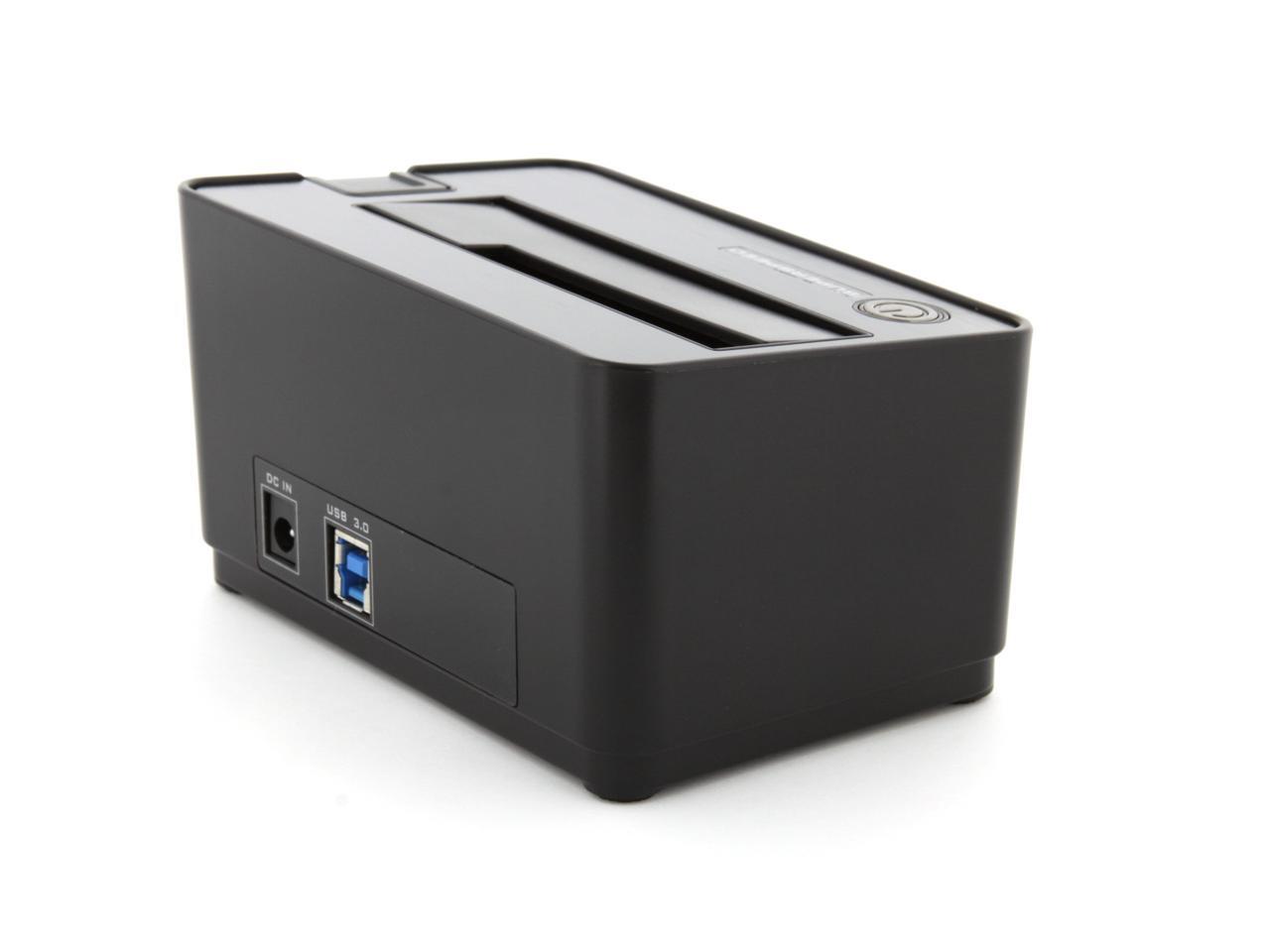
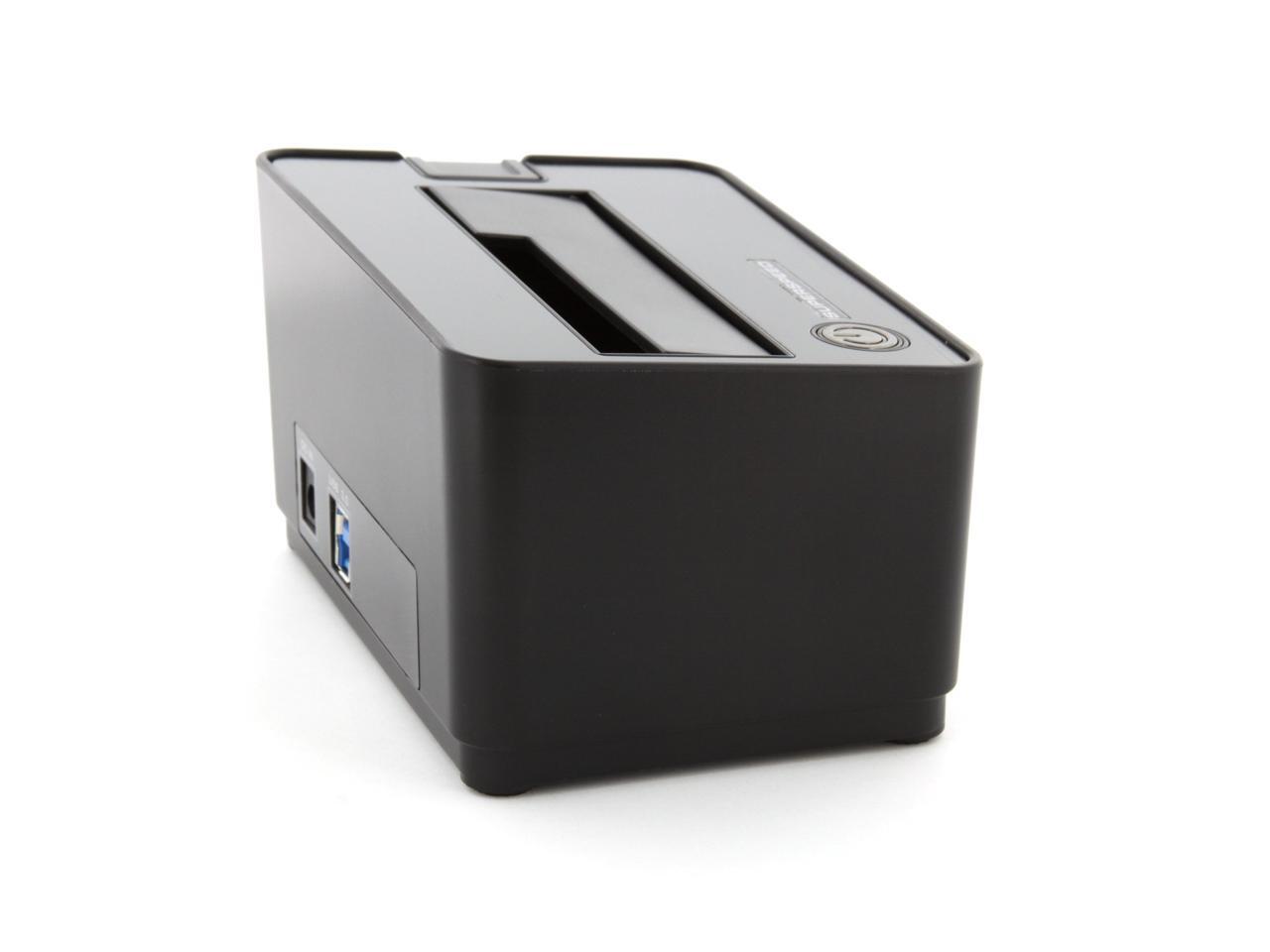
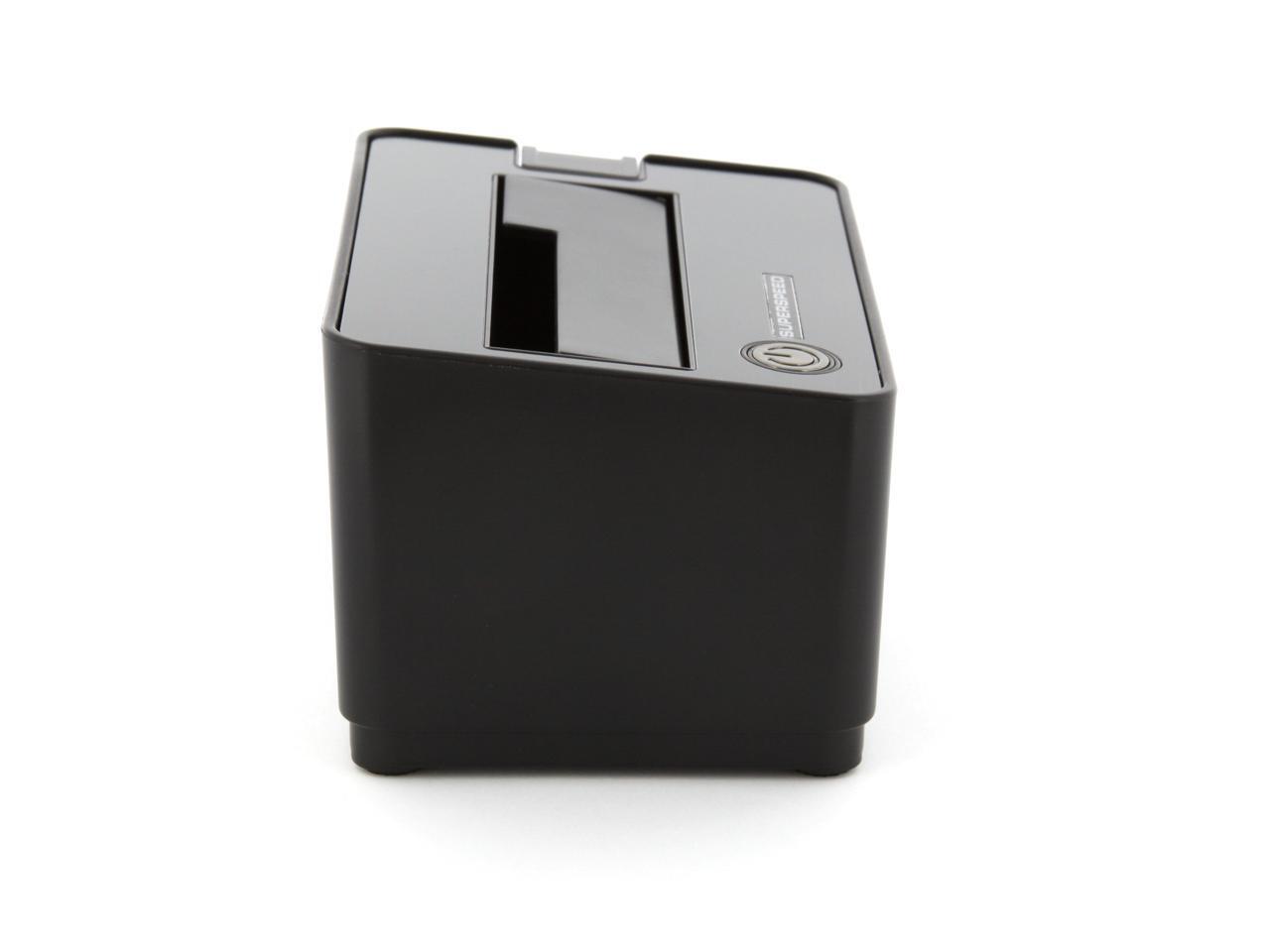
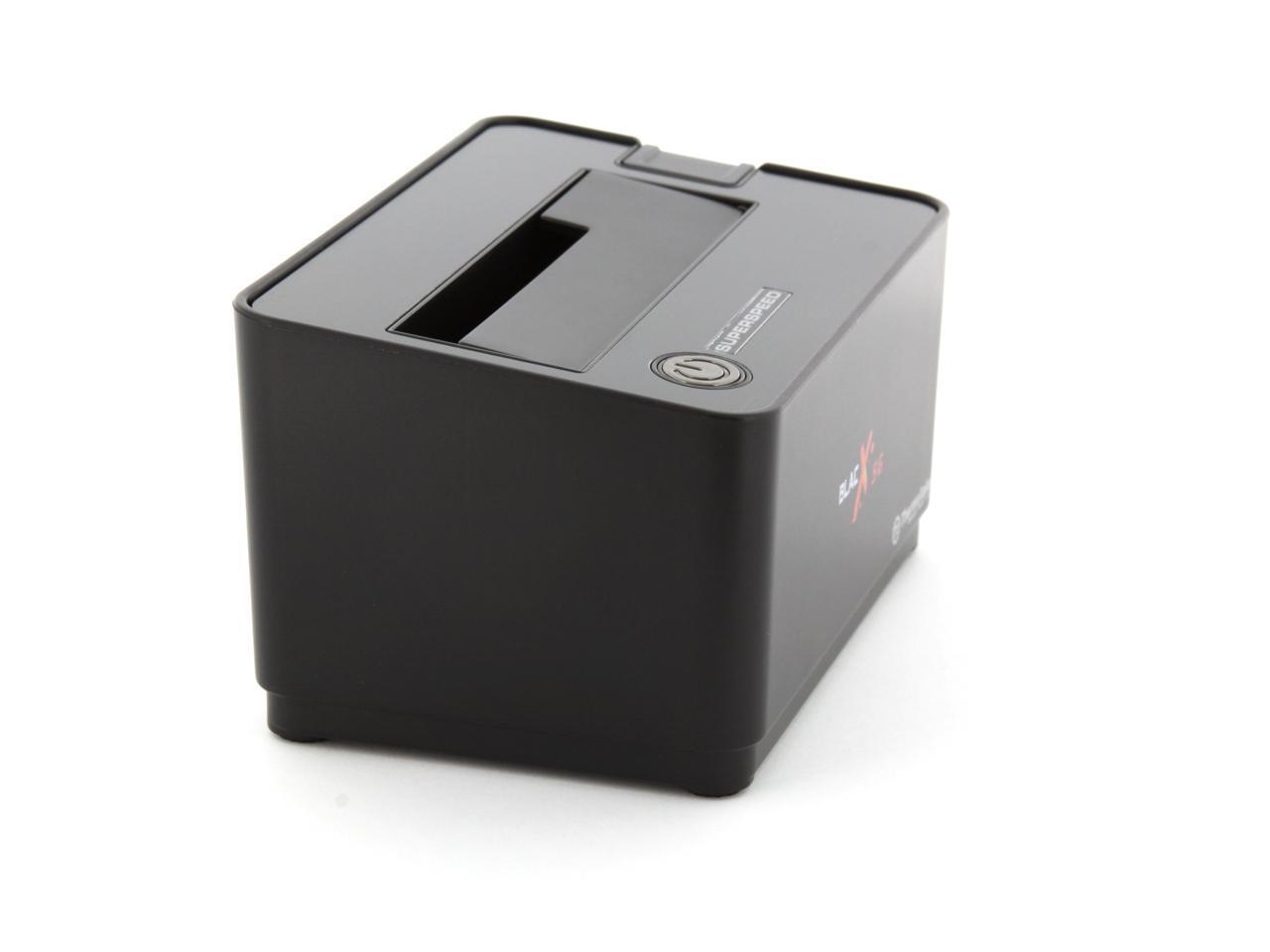
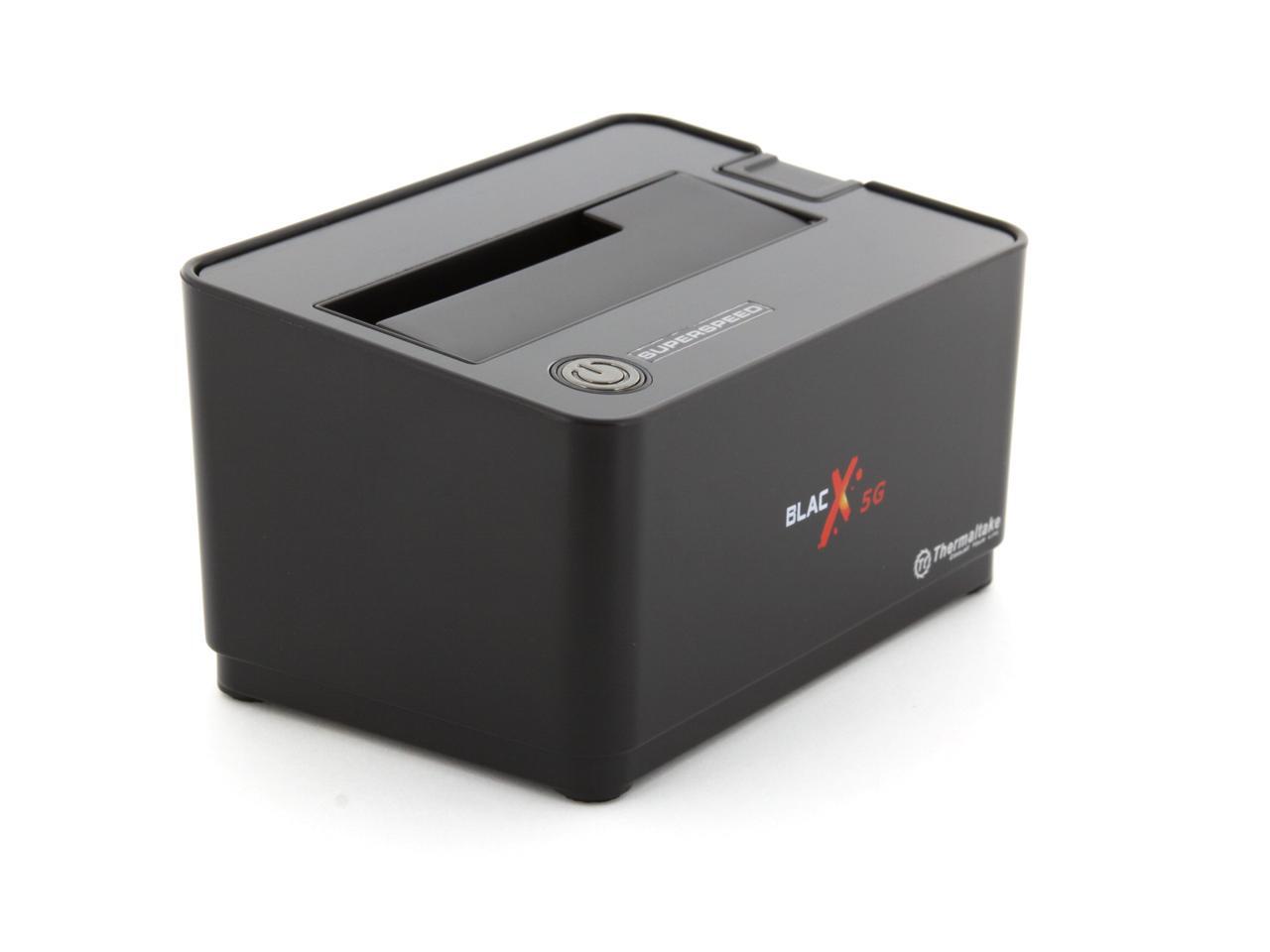
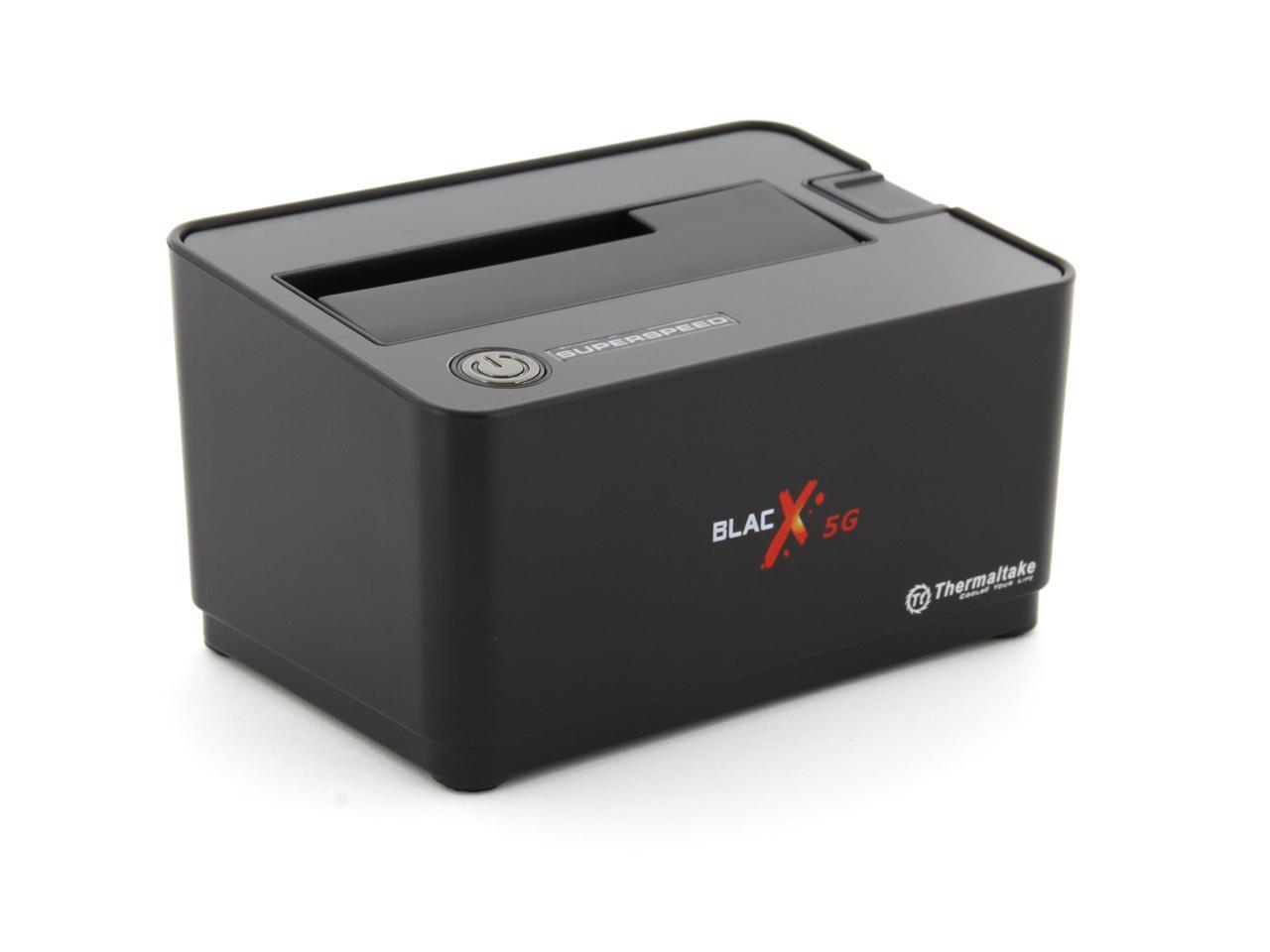
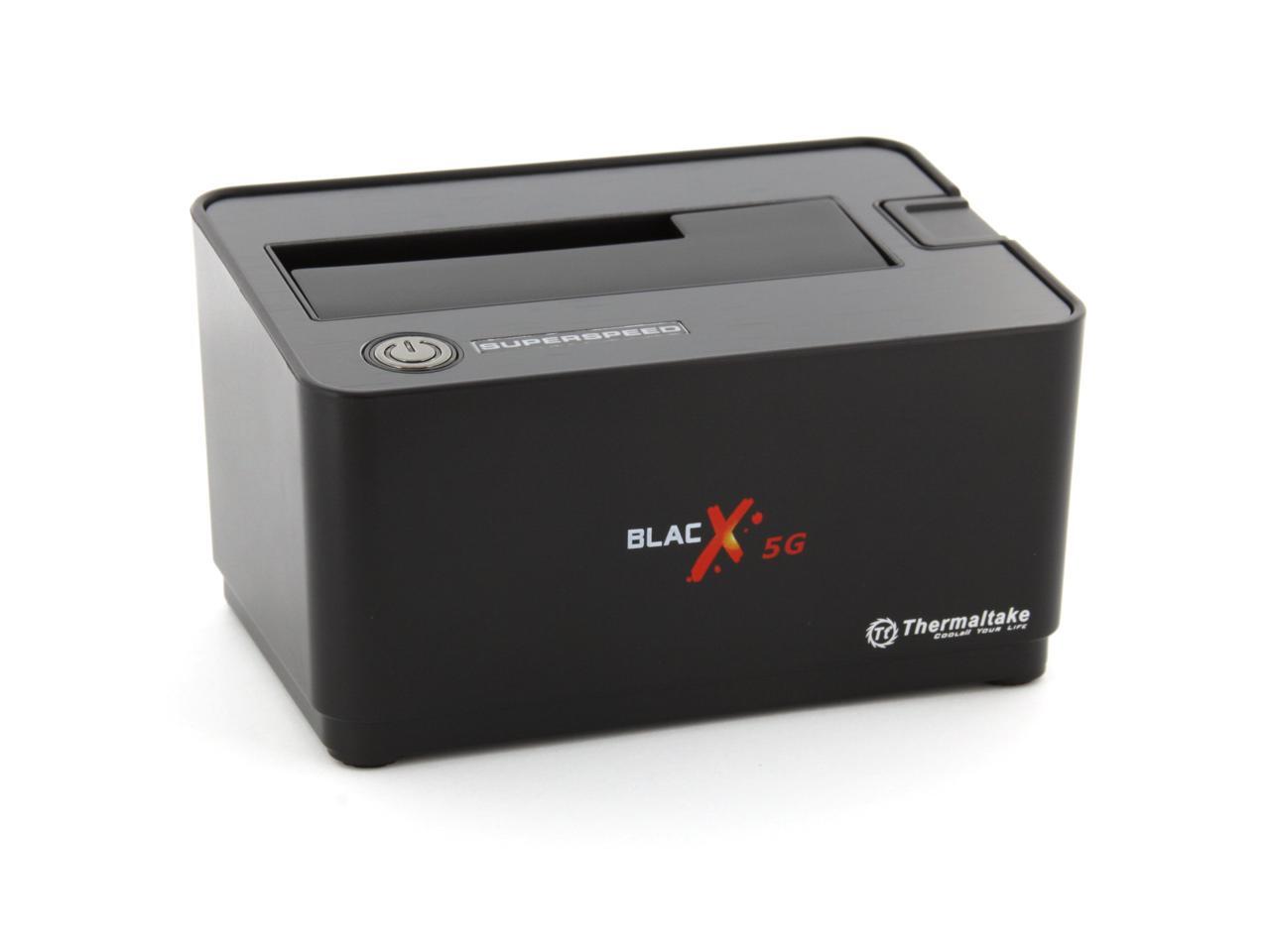
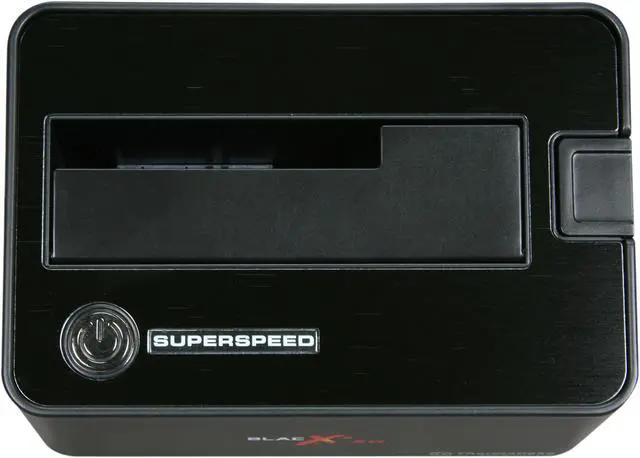
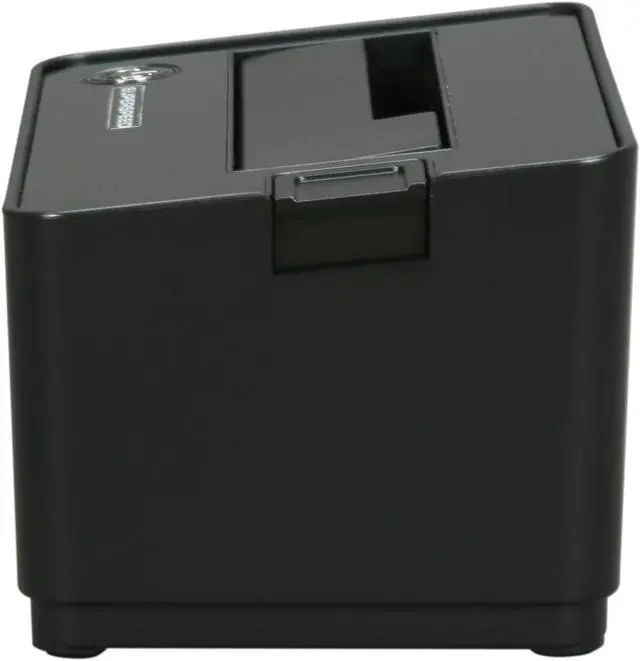
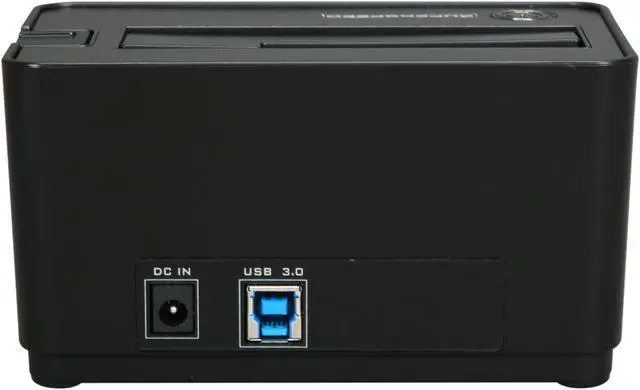
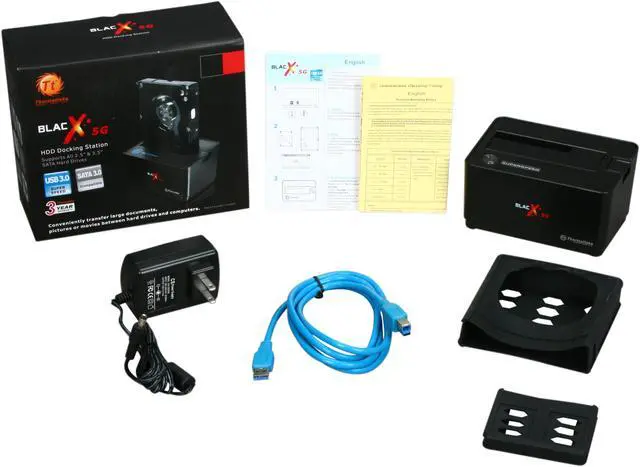
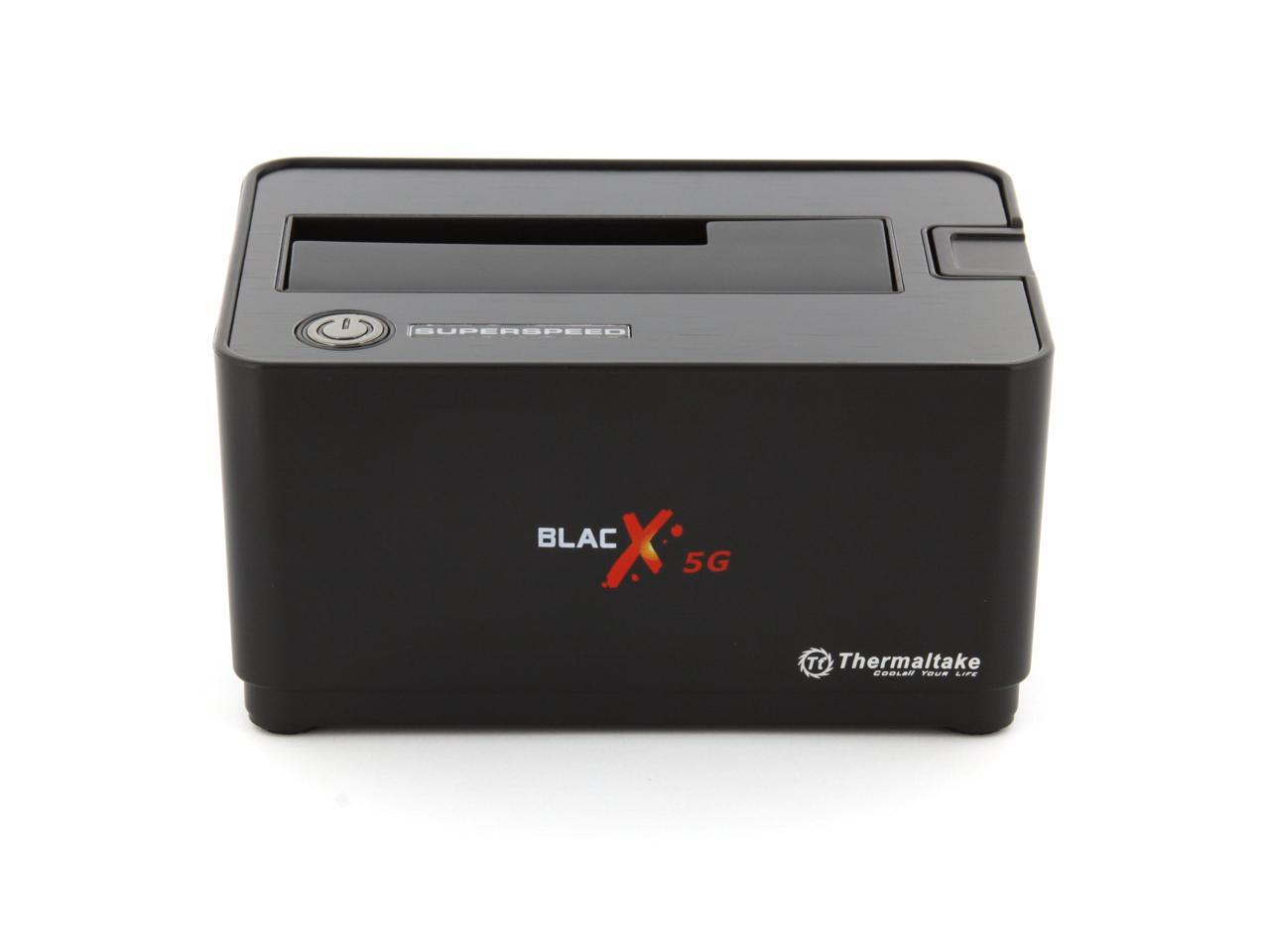
Thermaltake BlacX 5G ST0019U ABS Plastic 2.5" & 3.5" Black USB 3.0 Docking Station

  • 2.5" & 3.5"
  • USB 3.0
  • Up to 3TB
  • Pin It
  • Email this page
ICON Loading...

Turn any Serial ATA hard drive into an external USB 3.0 storage device in minutes with the Thermaltake BlacX 5G hard drive docking station. The support for USB 3.0 SuperSpeed technology enables lighting data transfer speed of up to 5 Gbps.

Installation requires no screws or tools whatsoever. Simply pop your hard drive into the dock, plug it into your computer and you are set! Hot-swap support means you can use multiple hard drives with your computer without having to reboot. The dock also maximizes heat dissipation and exhaust to protect your device from damage and extend its life.

  • newegg Install Your Internal HDD outside Your Computer The Thermaltake BlacX 5G easily connects any 2.5" or 3.5" SATA hard drive to your computer via USB connection, so you can quickly access and store data without having to dig around inside the case.
  • newegg USB 3.0 Support Thermaltake BlacX 5G equips the revolutionary SuperSpeed USB 3.0 technology to deliver up to 5Gbps bandwidth which is 10x faster than USB 2.0 and boosts data transfer rate between a PC and USB device.


Learn more about the Thermaltake ST0019U

Model

Brand
Thermaltake
Series
BlacX 5G
Model
ST0019U

Spec

Color
Black
Size
2.5" & 3.5"
AC Adapter
Yes
Material
ABS Plastic
Internal Interface
SATA I/II/III
External Interface
USB 3.0
Maximum Capacity (per Bay)
Up to 3TB
Fan
No
Specifications
HDD Compatible: SATA I / II / III & SSD

HDD Capacity : All Standard 2.5" or 3.5" SATA & SSD Hard Drives

Power: Input: 100-240V / 50-60Hz ; Output: 12V / 2A
Features
Supports USB 3.0 SuperSpeed - Maximum Transfer Rate up to 5.0 Gbps

Premium Shielded USB 3.0 Cable - Corrosion Resistant Plating & Heavy Gauge Wires for Years of Reliable Use

Plug & Play Installation - Ready to Work in seconds, No Software needed

Hot-Swap Capability for Rapid Multi HDDs Access & Exchange

Trendy Docking Station Design maximizes Heat Dissipation & Exhaust

Compatibility

Operating Systems Supported
Microsoft Windows 7 / Vista / XP / 2003 / 2000 & Mac 10.3 and later

Dimensions & Weight

Dimensions
136 x 73 x 88 mm / 5.35" x 2.87" x 3.46"
Weight
312 g / 0.69 lbs.

Manufacturer Warranty

Parts
1 year limited
Labor
1 year limited

Quick Info

Warranty

  • Limited Warranty period (parts): 1 year
  • Limited Warranty period (labor): 1 year


Customer Reviews of the Thermaltake ST0019U

Do you own this product? Write a Review

Filter Results

Go
  • randyh
  • 6/1/2013 8:15:48 AM
  • Tech Level: High
  • Ownership: 1 month to 1 year

5 out of 5 eggsWorks Great

Pros: Works great, easy set up, no drivers required, reads / writes (USB 2.0) +- 15 MBs average...using as media server: music, photos and videos. No issues with throughput over gigabit wired network.

Cons: None

Other Thoughts: Connected to Netgear R6300 router via USB 2.0 with a 1TB Seagate HDD SATA II. It's been running 24/7 for about two months, no issues. USB 3.0 has been and continues to be problematic (hardware/drivers/OSs), I've had issues using external HDDs (SATA II & SATA III) with my notebook USB 3.0 ports.

Did you find this review helpful? Yes No

  • Rik
  • 5/31/2013 9:15:03 PM
  • Tech Level: Somewhat High
  • Ownership: 1 month to 1 year
  • Verified Owner

3 out of 5 eggsAnd then there were nonw

Pros: Dock worked flawlessly with 2.5 & 3.5" drives on either USB 2.0 or 3.0.

Cons: Just suddenly stopped sending data to the system. I had to break out an old USB 2.0 Dock.

Other Thoughts: I've had this for about a year or so, but still, never expected it to just up and stop communicating.

Manufacturer Response:

Hi Rik,
We at Thermaltake apologize for the inconvenience this may have caused you. We can replace it through warranty service. Please contact our customer service team for RMA instructions.
Thermaltake USA Customer Service
email: ttsupport@thermaltakeusa.com
Toll free: 1-800-988-1088 M-F 9:00AM ~ 5:30PM (P.S.T)
011

Did you find this review helpful? Yes No

  • Chris
  • 3/14/2013 10:01:55 PM
  • Tech Level: High
  • Ownership: less than 1 day

5 out of 5 eggsSo far so good!

Pros: Plug and play (no setup required), incredible speeds with USB 3.0 and SATA III, great industrial design

Cons: None so far

Other Thoughts: After dealing with some HDD issues, I bought the BlacX 5G to copy my existing hard drives to a new RAID array. The transfer rate topped 120 MB/sec. on an old, failing SATA II drive. So far, I've used it to copy around 2 TB of data without any problems. I can't comment on long-term use, but the data transfer has been flawless.

On a related note, I think it is important to address some of the older negative reviews. Many of us were having problems with USB 3.0 drivers as recently as a few months ago. It's a shame that so many people dismissed the product without considering the wider implications of new technologies and new drivers. Now that USB 3.0 is stable, this product really shines. Some people had legitimate issues, but too many unfairly criticized Thermaltake for what was ultimately unstable drivers and hardware.

Did you find this review helpful? Yes No

  • N/A
  • 2/17/2013 8:05:29 PM
  • Tech Level: Somewhat High
  • Ownership: more than 1 year
  • Verified Owner

3 out of 5 eggsLimited USB 3

Pros: Works very good at USB 2.0 speed. No issues with 2TB drives.

Cons: Has severe issues with USB 3.0 transfer and drive recognition. I gave up on that more than a year ago.

Other Thoughts: Have tried different USB 3.0 drivers, even older ones on my ASUS AMD MB

Manufacturer Response:

Hello,

We apologize for any inconvenience this may have caused you. Please contact our customer service directly so that we can walk through some testing with you to try to resolve this issue. You also might want to check the Asus website for update USB 3.0 drivers or possible firmware to resolve the issue.


Thank you!


Thermaltake Customer Service
1-800-988-1088
M-F 9am~5:30pm PST
0057

Did you find this review helpful? Yes No

  • N/A
  • 11/6/2012 8:04:51 AM
  • Tech Level: High
  • Ownership: 1 month to 1 year
  • Verified Owner

3 out of 5 eggsFast but limited

Pros: Full usb 3.0 speeds certainly are there but some flukes brings this down two eggs

Cons: Does not read 3tb drives. Basically it cannot see teh file structure on a partition that is 3tb in size. seems to work fine with 1 and 1.5tb size partitions not sure about 2.

Other Thoughts: With the added support of the larger drive sizes this would be five eggs.
There was a moment when i had forgotten it wouldn't read a large drive and accidentally over wrote the partition requiring recovery software to bring it back online.
It was not the worst thing in the world but anything that costs you 30mins of work time is bad.

1 out of 1 people found this review helpful. Did you? Yes No

  • J Barrow
  • 9/21/2012 8:25:43 AM
  • Tech Level: High
  • Ownership: 1 week to 1 month
  • Verified Owner

1 out of 5 eggsDo not buy

Pros: None

Cons: Drives were inserted into the Thermaltake 'Blac X 5G
were not recognized.
removed and found that the drives had been damaged and computer would not recognize when directly connected to computer. In fact causess computer to fail boot up

Other Thoughts: Even if I get a refund I STILL LOST TWO HITACHI 3GB
DRIVES,,,,,,,,NO COMPOSTION FOR $400 LOST OF DIVES

0 out of 1 people found this review helpful. Did you? Yes No

  • Al
  • 9/17/2012 9:13:18 PM
  • Tech Level: High
  • Ownership: less than 1 day

1 out of 5 eggsBrand name does not always mean quality

Pros: Looks good?

Cons: I had the same issue I see MANY others are having. It works about 3 minutes at a time and then just disconnects. After restarting and reconnecting about 5 times the unit would no longer work at all. The second day repeated the same process until it would not work any longer.

I have a new PC with Windows 7 x64 and intel i7. I updated my motherboard (MSI) with the latest bios and confirmed I had the latest USB 3 drivers. I also tried the unit on USB 2 ports and also disconnects in a couple minutes. I verified using my Western Digital passport that USB 2.0 was working correctly.

This unit was useless. I started searching and saw all the others with what sound like the same problem with the 5g so I returned it.

Other Thoughts: I can tell you I bought a different product/brand and it worked flawlessly. I selected one that is just a cable with connector and no docking station.

Manufacturer Response:

Hi Al,
We at Thermaltake apologize for the inconvenience this may have caused you. We will replace it through warranty service. Please contact our customer service team for RMA instructions.
Thermaltake USA Customer Service
email: ttsupport@thermaltakeusa.com
Toll free: 1-800-988-1088 M-F 9:00AM ~ 5:30PM (P.S.T)

Did you find this review helpful? Yes No

  • Develitate
  • 8/2/2012 5:29:14 PM
  • Tech Level: High
  • Ownership: more than 1 year

1 out of 5 eggsBad Product, Worse Customer Service

Pros: The HDD dock transfers files quickly when working. Product came with USB 3.0 cable.

Cons: I had this dock for a little over a year and it suddenly died on me. I probably used it less than 10 times. I wasn't too worried about it because it has a 3 year warranty. I sent it to Thermaltake and they informed me it was not covered under warrenty because I had purchsed it "open box". Shame on you Thermaltake. It shouldn't matter if I bought it open box, refurb, or from a guy on the corner. Stand behind your product.

Other Thoughts: I bought the Rosewill RX-DU300 to replace it. I paid less for this dock brand new then I did the open box Thermaltake dock. It appears identical and actually feels nicer than the thermaltake. I have only been using it for a week but it seems as nice if not superior to Thermaltake. I will never buy another Thermaltake product again.

3 out of 4 people found this review helpful. Did you? Yes No

  • WRM140
  • 7/24/2012 8:40:30 AM
  • Tech Level: Somewhat High
  • Ownership: 1 week to 1 month

1 out of 5 eggsFailed in two weeks

Pros: Transfer rates > 100 Mbps

Cons: The 5G failed after about two week of use - switched into read-only mode throwing error code -50 on OS X. My other Thermaltake BlacX (USB2.0) continues to work fine. Obtained RMA.

2 out of 2 people found this review helpful. Did you? Yes No

  • N/A
  • 7/22/2012 12:14:02 PM
  • Tech Level: High
  • Ownership: 1 day to 1 week
  • Verified Owner

5 out of 5 eggsGreat Cradle!

Pros: This cradle works great! I just put the hard drives in power it up and I can do whatever I want to them. The USB 3.0 speed certainly helps big time too! I wish I had purchased one of these sooner!

Cons: None.

Other Thoughts: I saw quite a few bad reviews for this but I took a chance. I think a lot of people who are experiencing blue screens and lock ups probably don't have the latest USB 3.0 drivers. I updated the firmware on it too just to be safe.

Did you find this review helpful? Yes No

ICON Loading...
Are you an E-Blast Insider? Subscribe Newegg e-Blast

Buzz

High Pitched Power Supply Whine

2 out of 5 eggs
I have the USB 2.0 and USB 3.0 versions of this product.

Thermaltake changed their power supply manufacturer for ...
— Adam 12/14/2010

Avoid. Save time and money

1 out of 5 eggs
These units will definitely fail after using a few times. I give thermaltake a credit for quick RMAs, but sending the unit ...
— Yusuf O 7/19/2011


PayPal
Shop without retyping payment details. Secure shopping made faster.
Check out with PayPal.

Financing


Home
Home > 
Computer Hardware > 
Computer Cases > 
External Enclosures > 
Thermaltake > 
Item#: N82E16817153133
LOADING... LOADING...
Shop by Region: United States | Canada | China
VeriSign Click for the BBB Business Review of this Computers - Supplies & Parts in Whittier CAThis site protected by Trustwave's Trusted Commerce program Inc500
Policy & Agreement | Privacy Policy  © 2000-2013 Newegg Inc.  All rights reserved.
If the Adobe Reader does not appear when you click on a link for a PDF file, you can download Adobe Reader from the Adobe web site. nassau