The EZ Gig II software can create a clone of your drive for disaster recovery or upgrade purposes. Or you use it to make periodic backups of your system. Whichever you choose you can password protect the files and make comments for easy identification.
The EZ-UP-Universal kit from Apricorn lets you upgrade your notebook's SATA or PATA hard drive then use the old drive as an external storage device in three easy steps. Or if you already have an extra 2.5" drive just install it in the case and go. Either way you now have convenient external storage device.
The EZ Gig II software can create a clone of your drive for disaster recovery or upgrade purposes. Or you use it to make periodic backups of your system. Whichever you choose you can password protect the files and make comments for easy identification.
 2.5" IDE/SATA HDD CompatibilityThe Apricorn EZ-UP-UNIVERSAL is compatible with 2.5" IDE/SATA hard drives, offering a perfect upgrade solution for your notebook.
 USB 2.0 InterfaceThe Apricorn EZ-UP-UNIVERSAL features a USB 2.0 interface for fast data transfer speeds of up to 480Mbps and plug-and-play connectivity.
 Apricorn Upgrade Suite BundledThe bundled Apricorn Upgrade Suite for both Windows and Mac OS systems makes it easy to transfer your OS, data, applications, documents, address books, e-mail, settings and preferences from your old drive to a new one, great for system transfer and data backup.



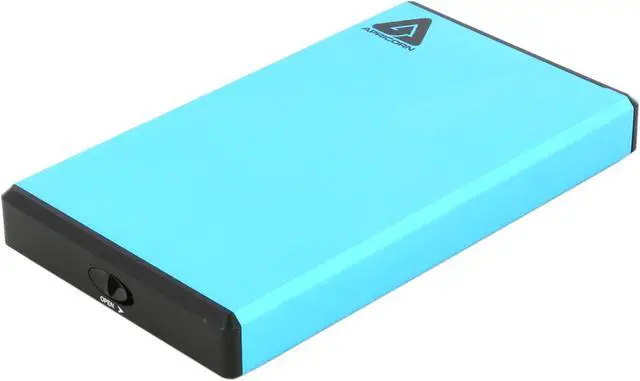
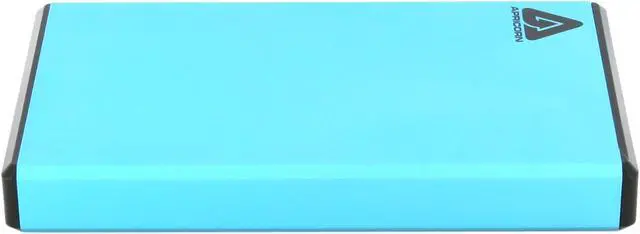
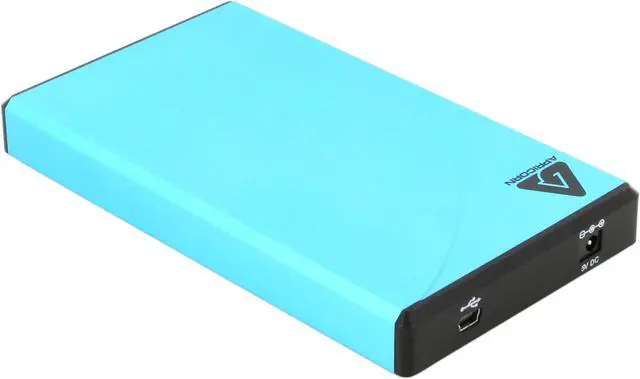
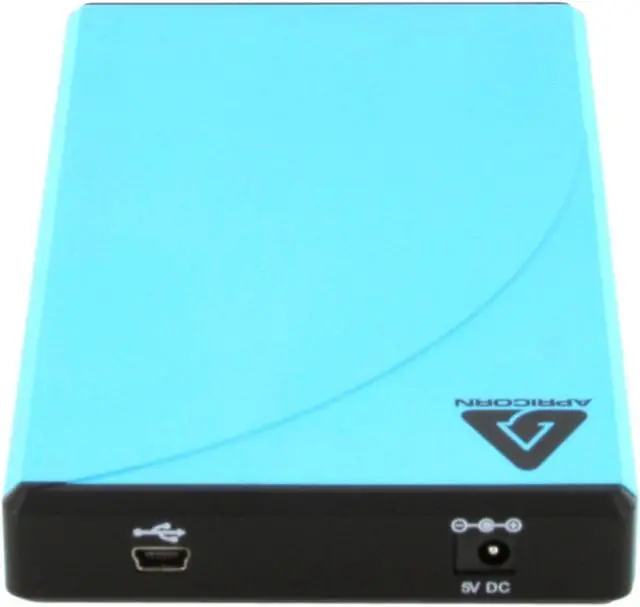
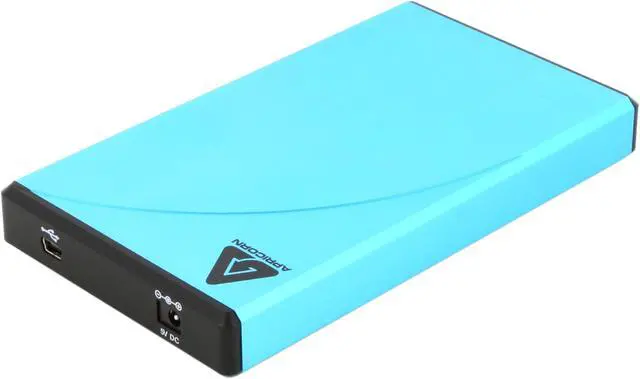
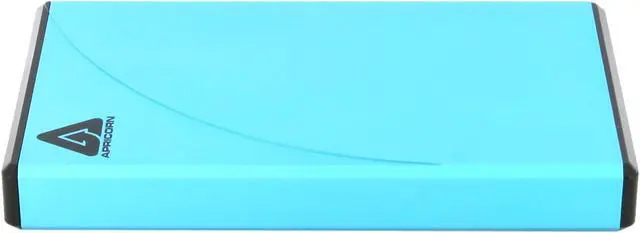
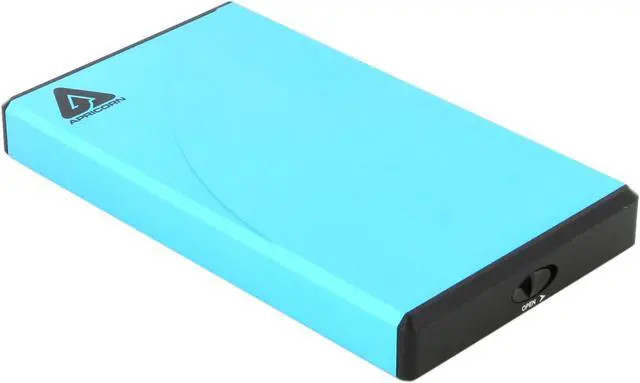
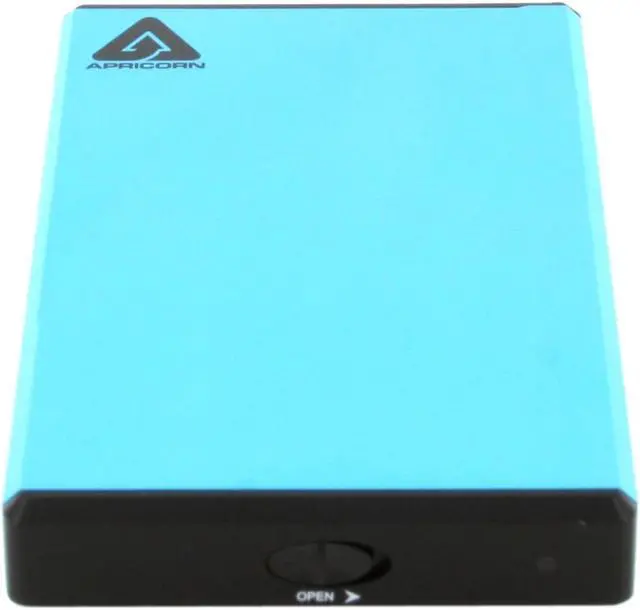
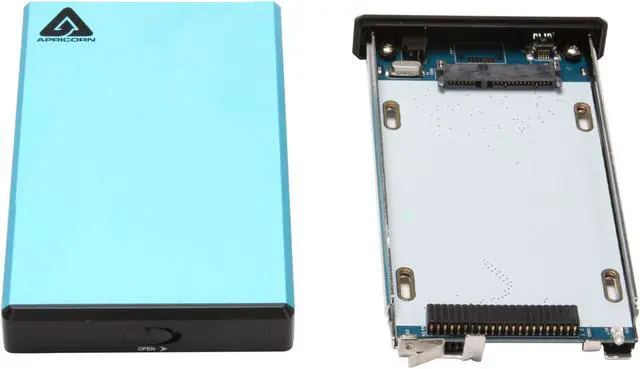
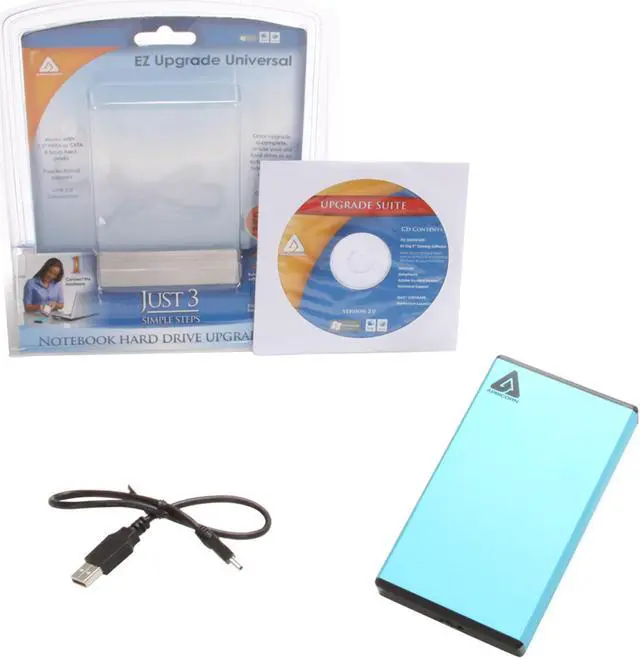


 2.5" IDE/SATA HDD CompatibilityThe Apricorn EZ-UP-UNIVERSAL is compatible with 2.5" IDE/SATA hard drives, offering a perfect upgrade solution for your notebook.
 USB 2.0 InterfaceThe Apricorn EZ-UP-UNIVERSAL features a USB 2.0 interface for fast data transfer speeds of up to 480Mbps and plug-and-play connectivity.
 Apricorn Upgrade Suite BundledThe bundled Apricorn Upgrade Suite for both Windows and Mac OS systems makes it easy to transfer your OS, data, applications, documents, address books, e-mail, settings and preferences from your old drive to a new one, great for system transfer and data backup.

