Skip to: |

Newegg.com - A great place to buy computers, computer parts, electronics, software, accessories, and DVDs online. With great prices, fast shipping, and top-rated customer service - once you know, you Newegg.

If you are reading this message, Please click this link to reload this page.(Do not use your browser's "Refresh" button). Please email us if you're running the latest version of your browser and you still see this message.

Newegg.com - Computer Parts, Laptops, Electronics, HDTVs, Digital Cameras and More!

  • | Wish List
  • Help
Computer Accessories
Search
Home
Home > 
Computer Hardware > 
Computer Cases > 
External Enclosures > 
Zalman Tech Co., Ltd > 
Item#: N82E16817379026

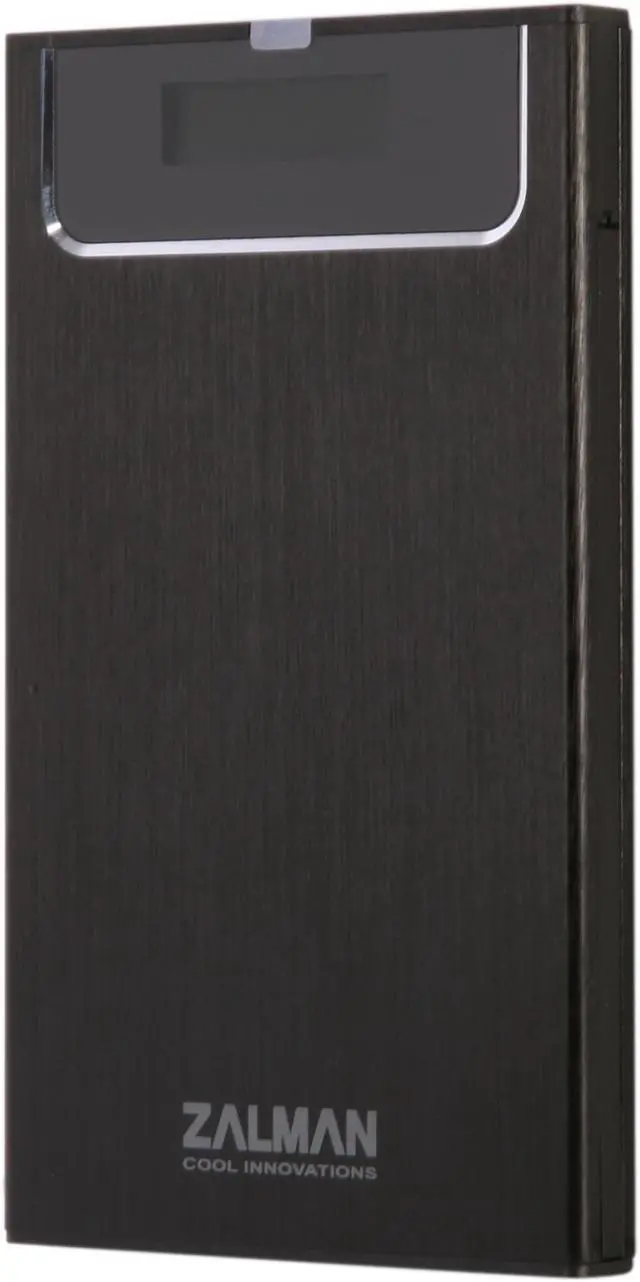
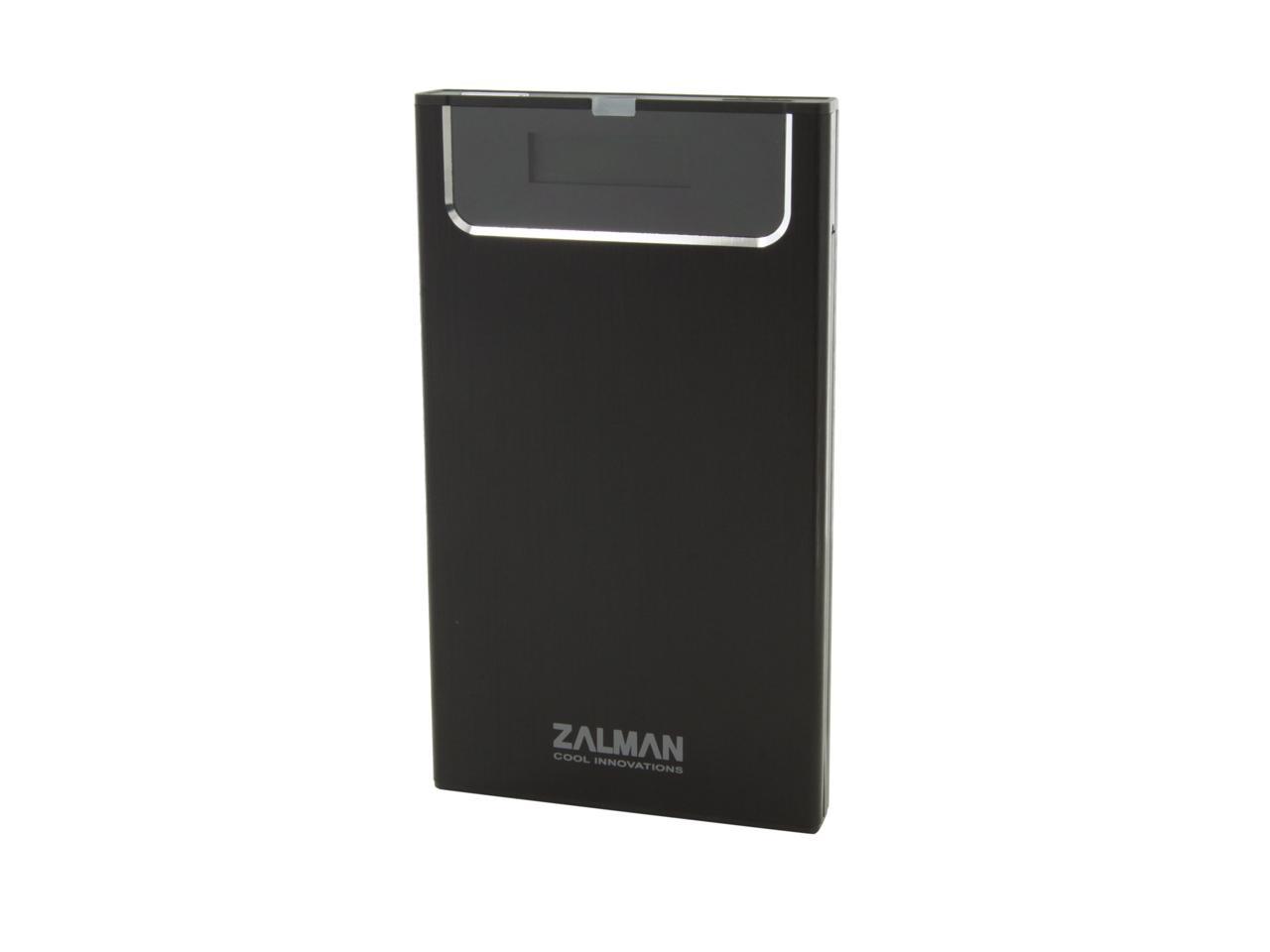
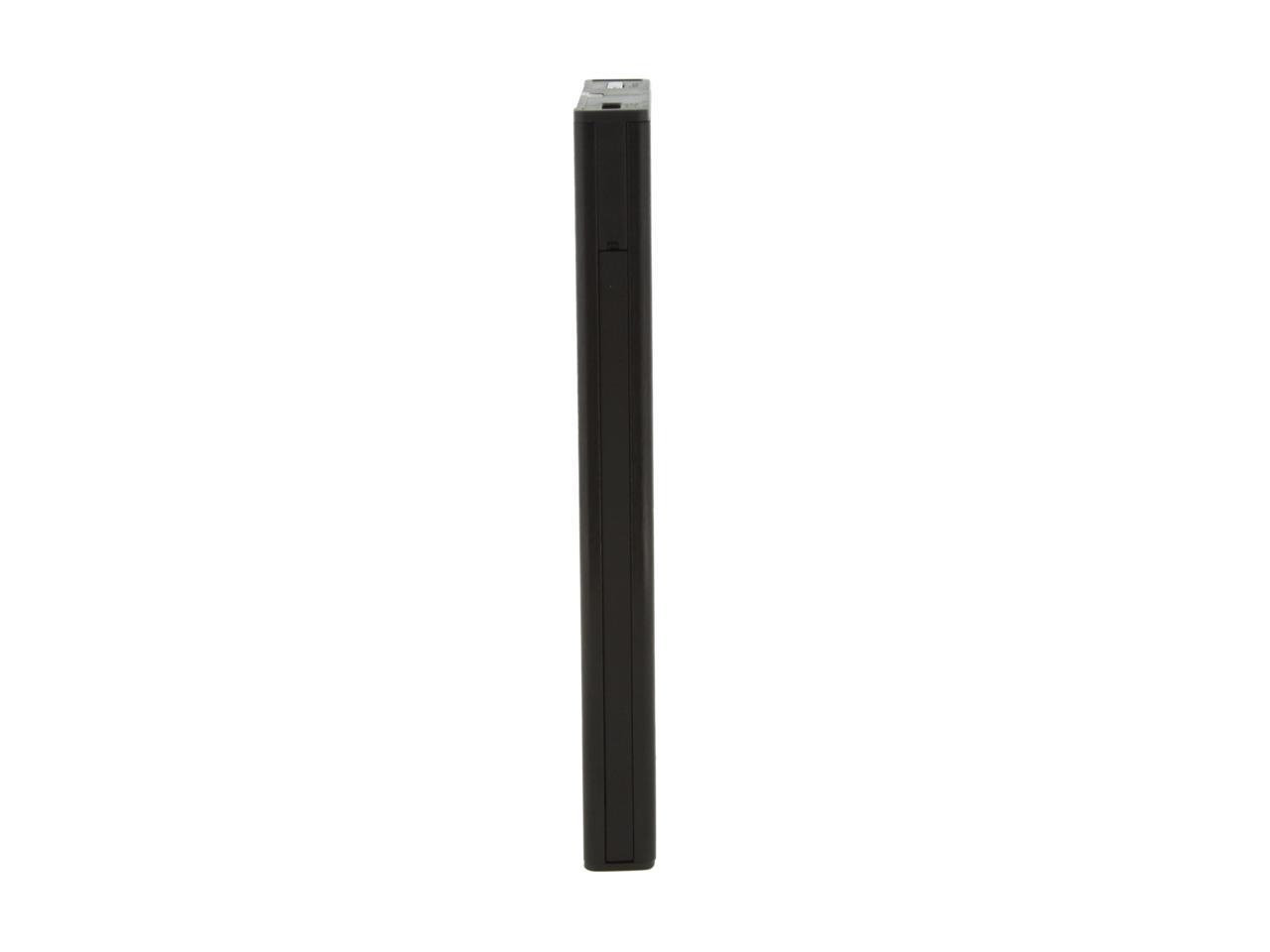
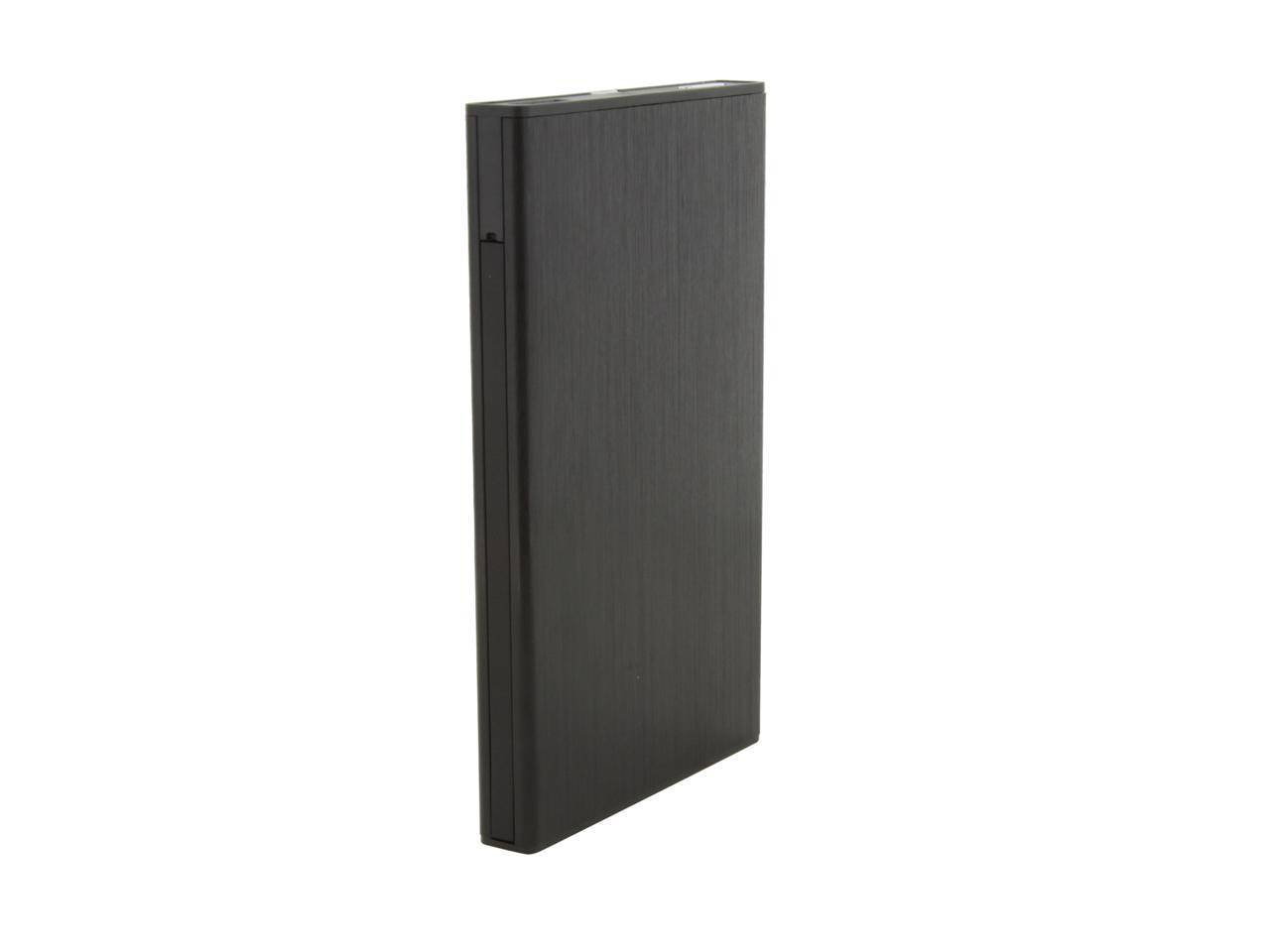
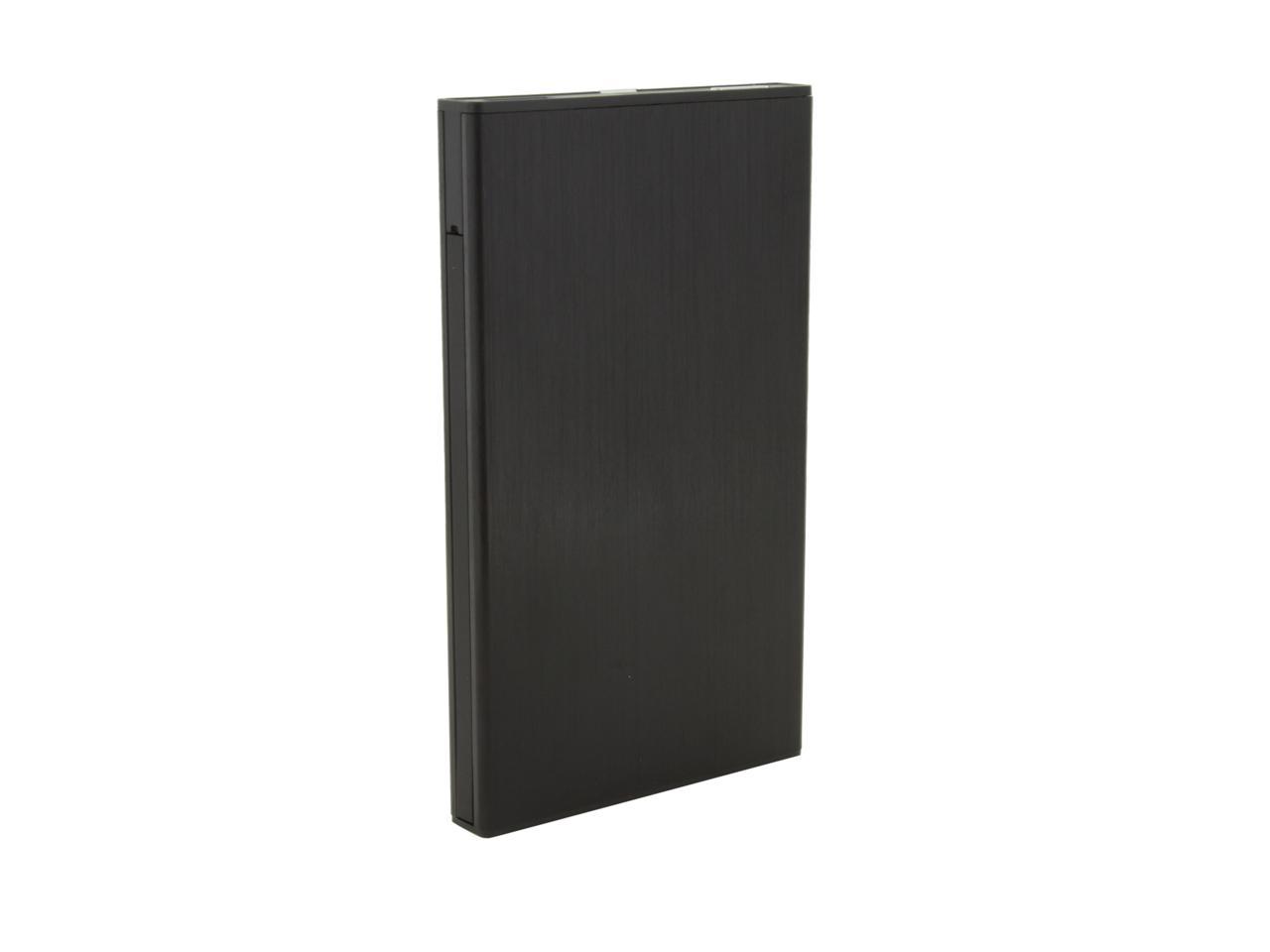
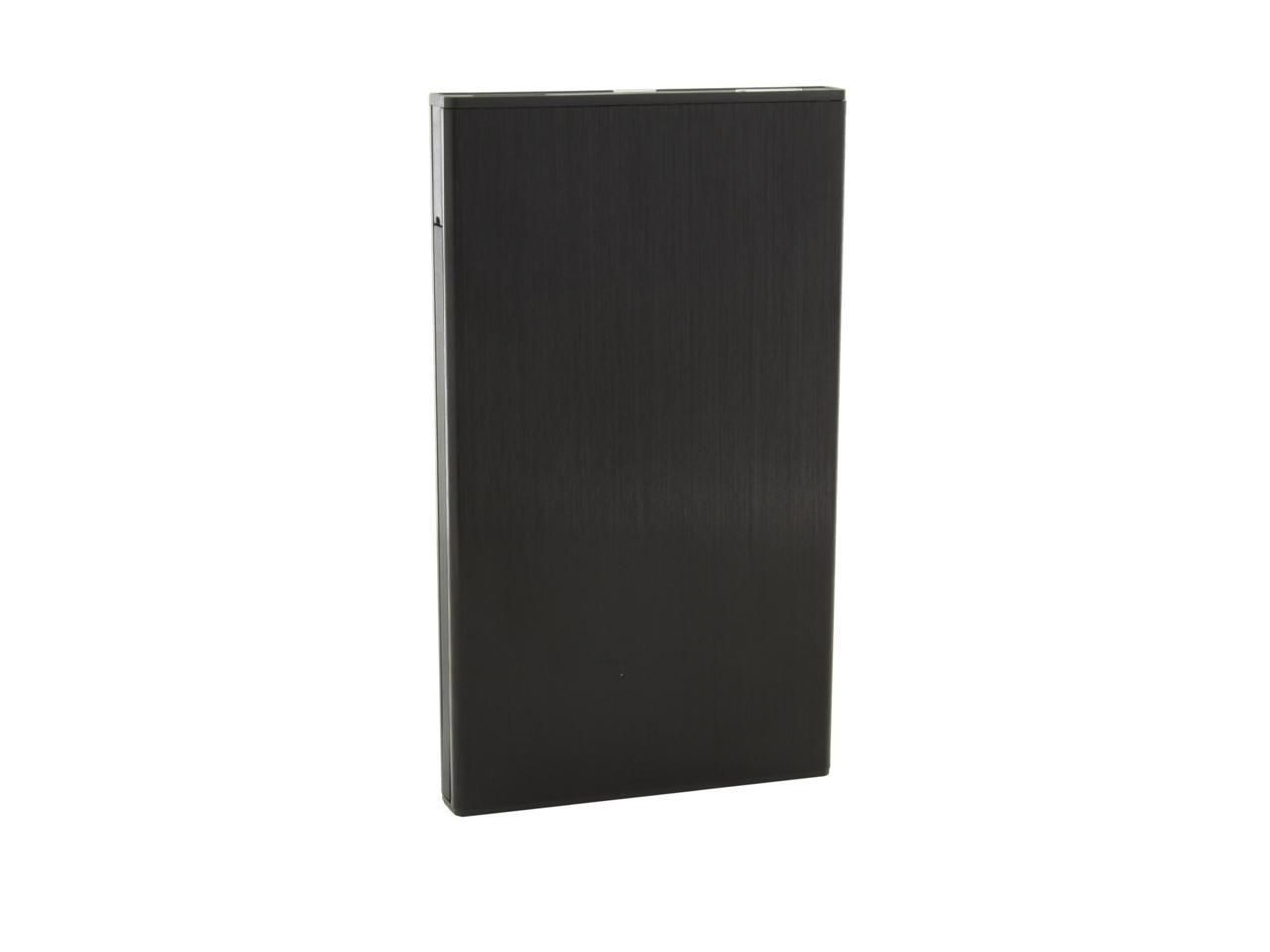
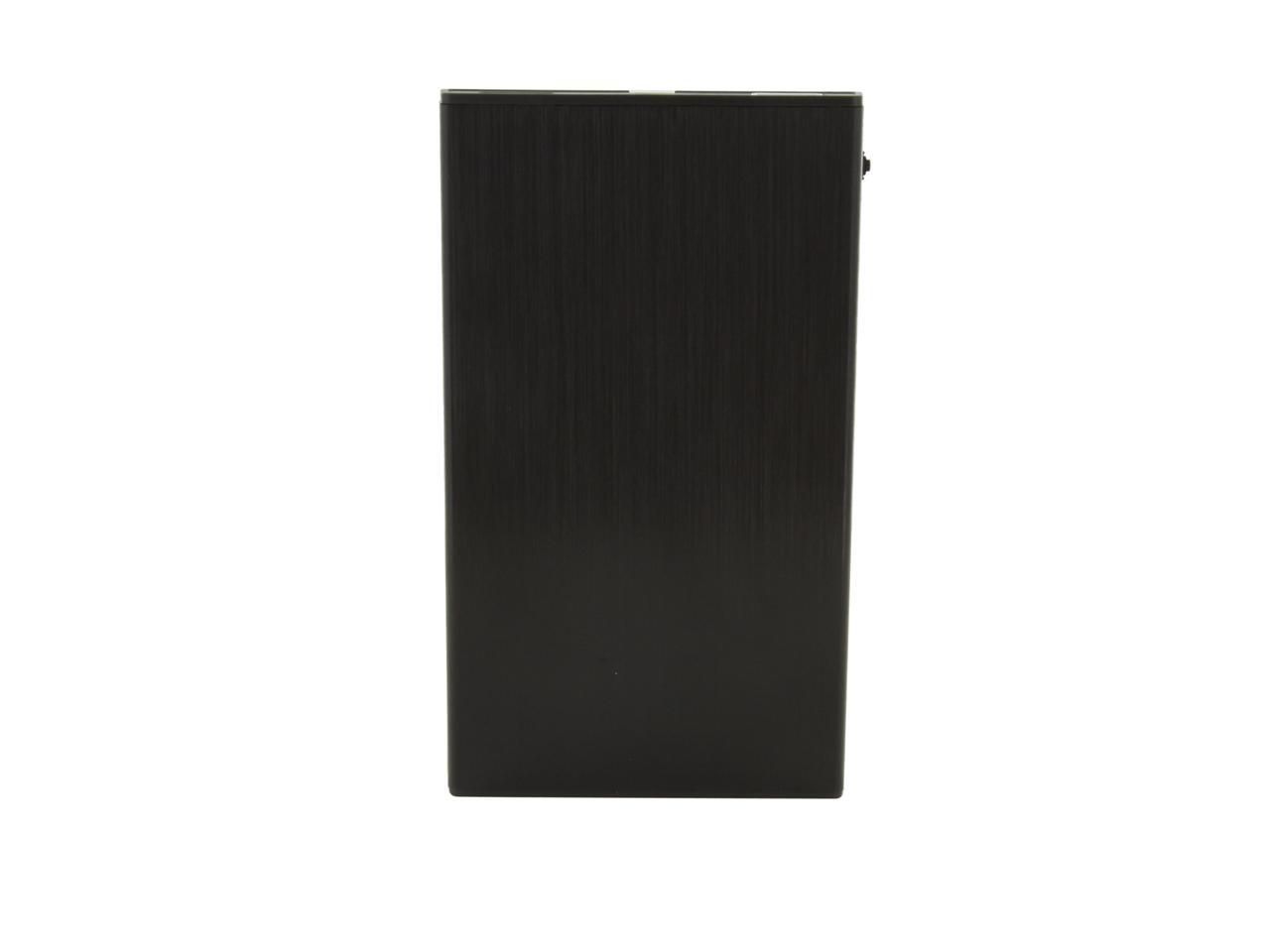
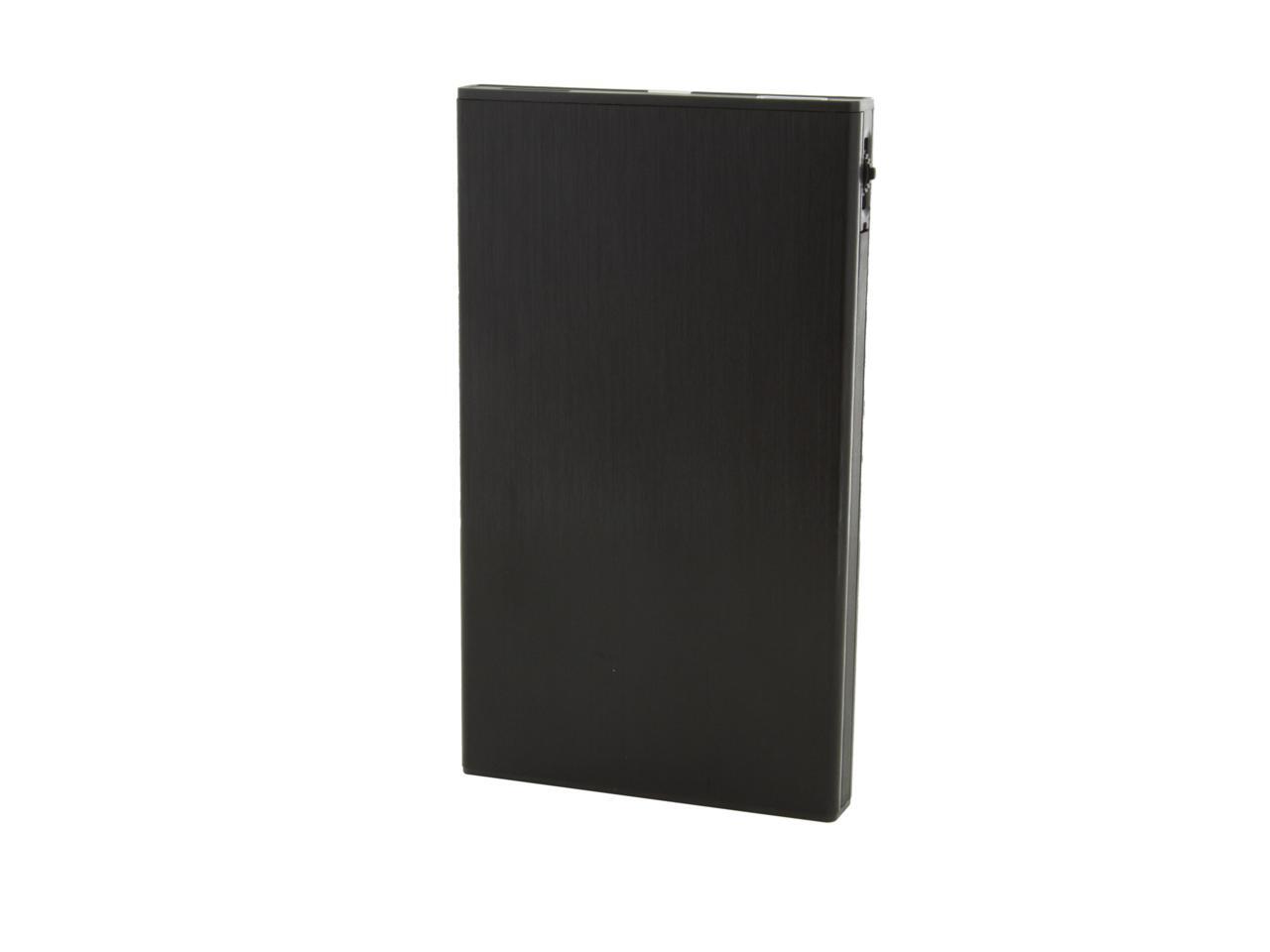
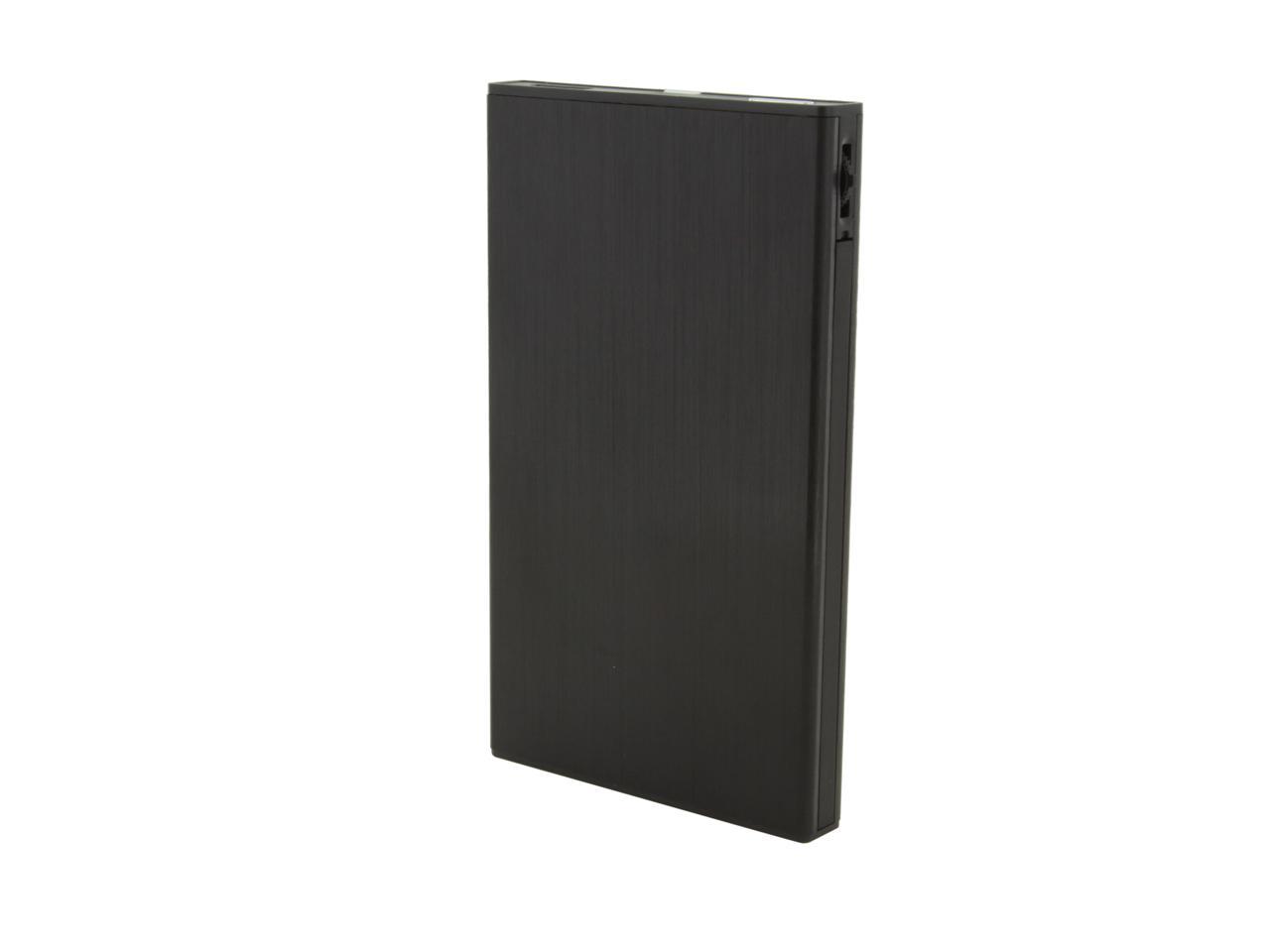
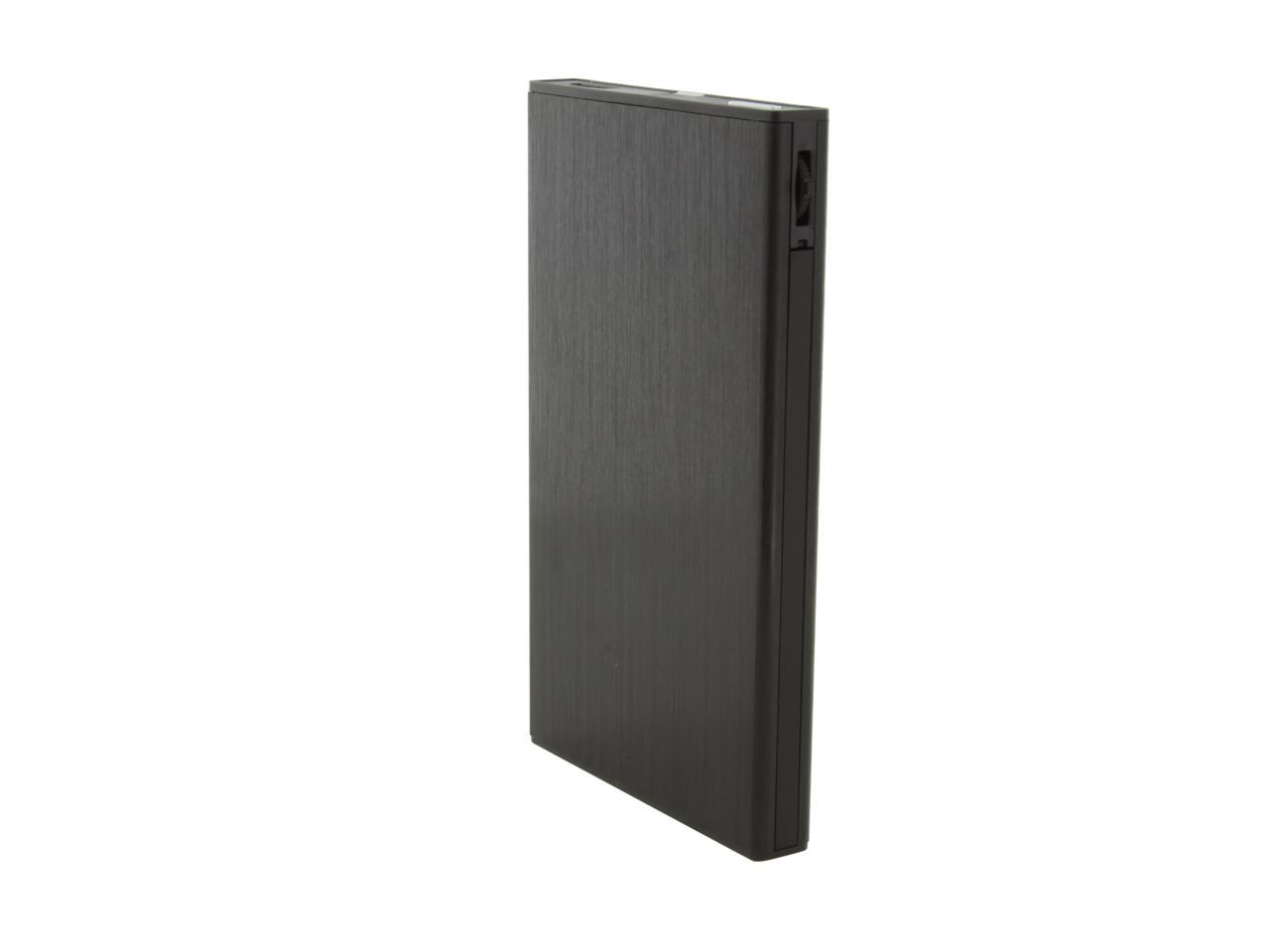
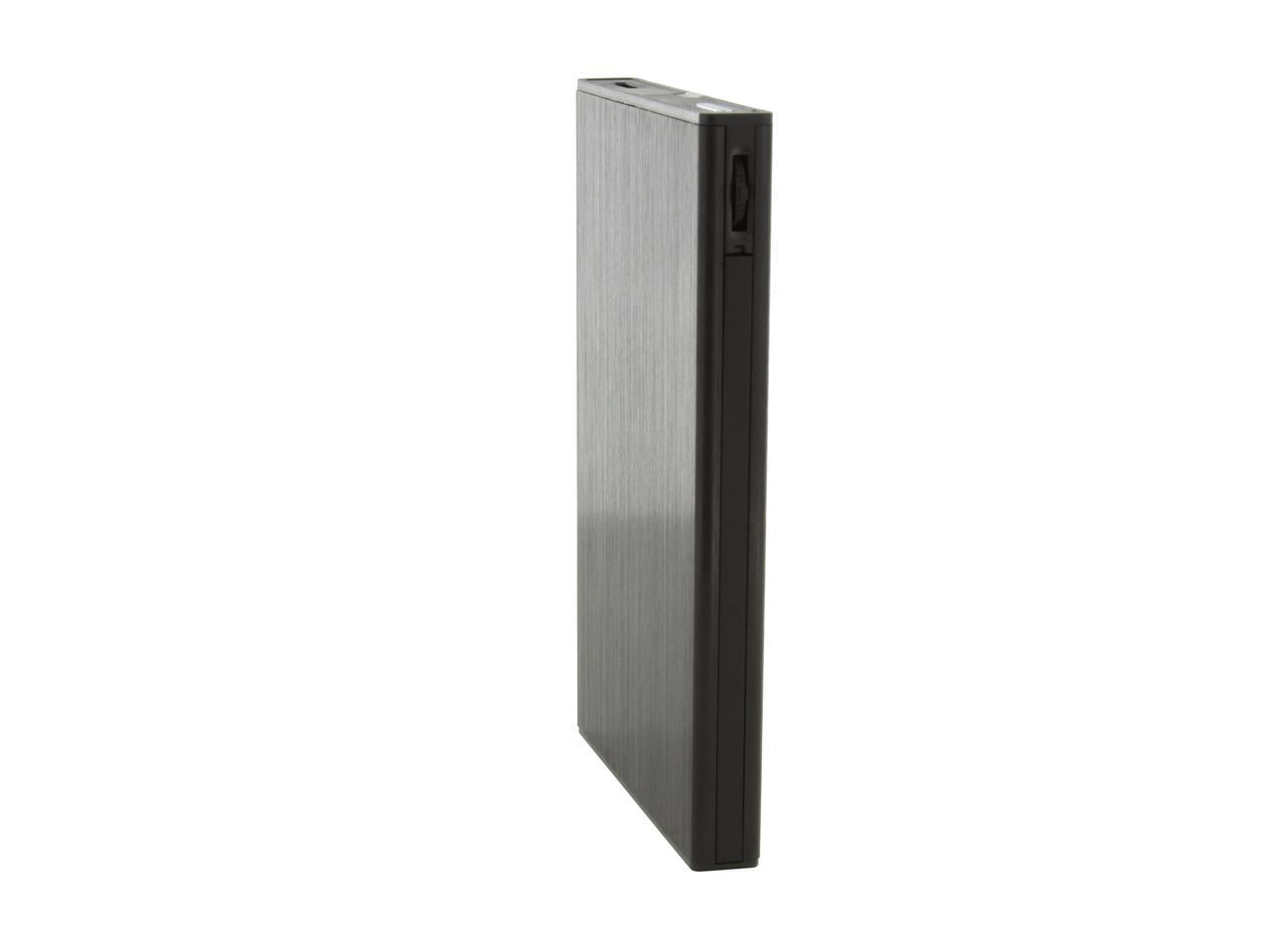
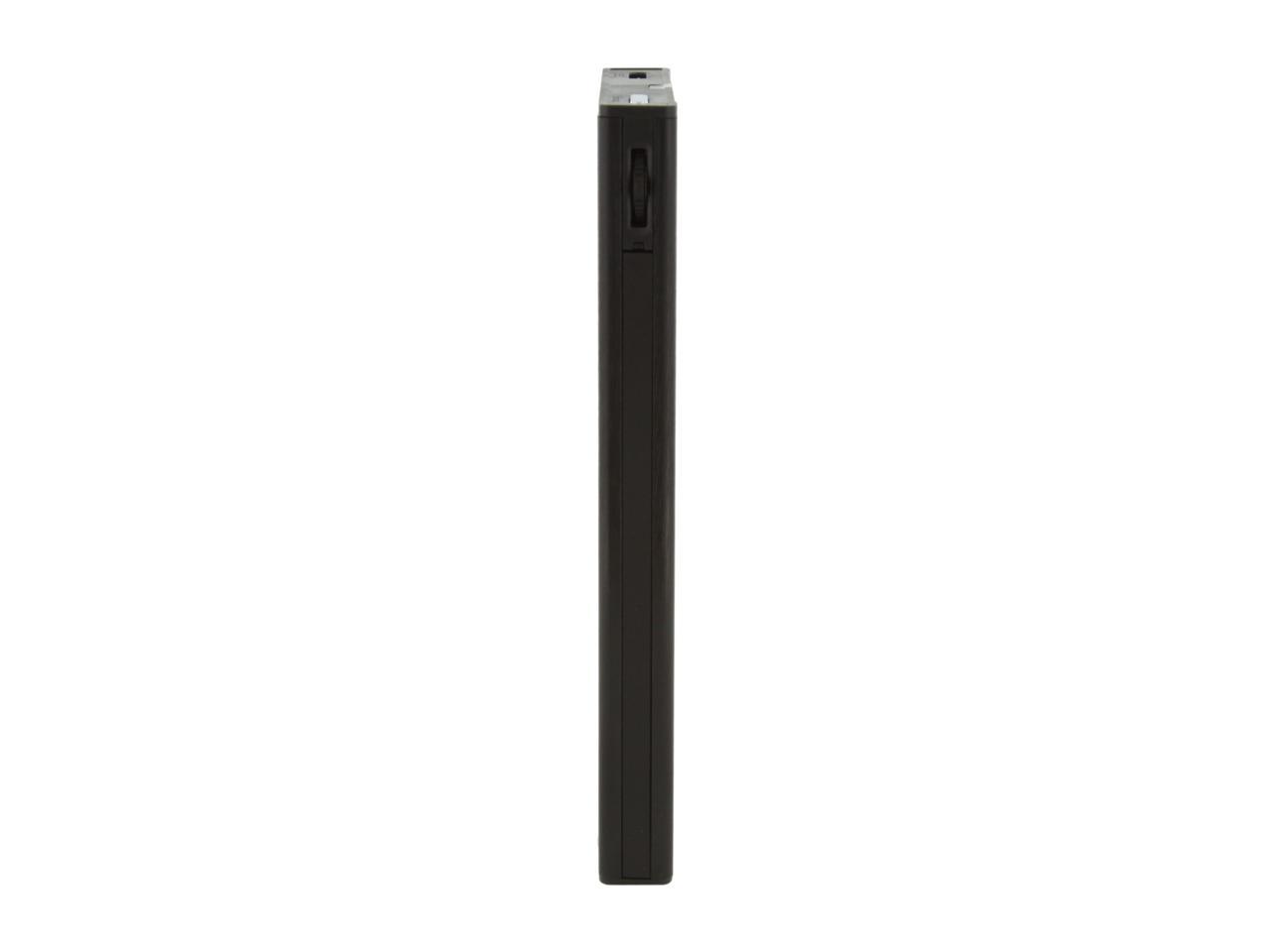
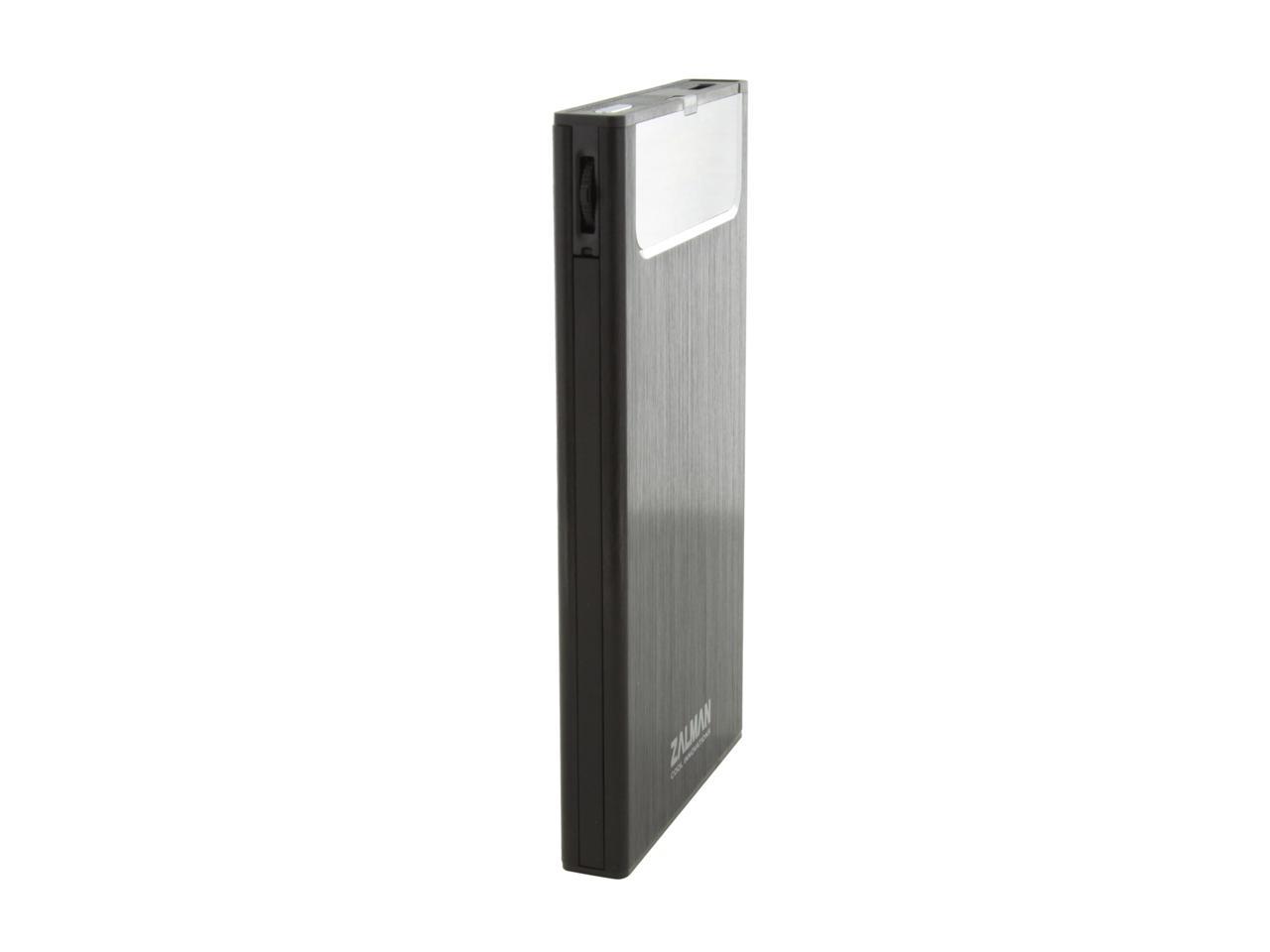
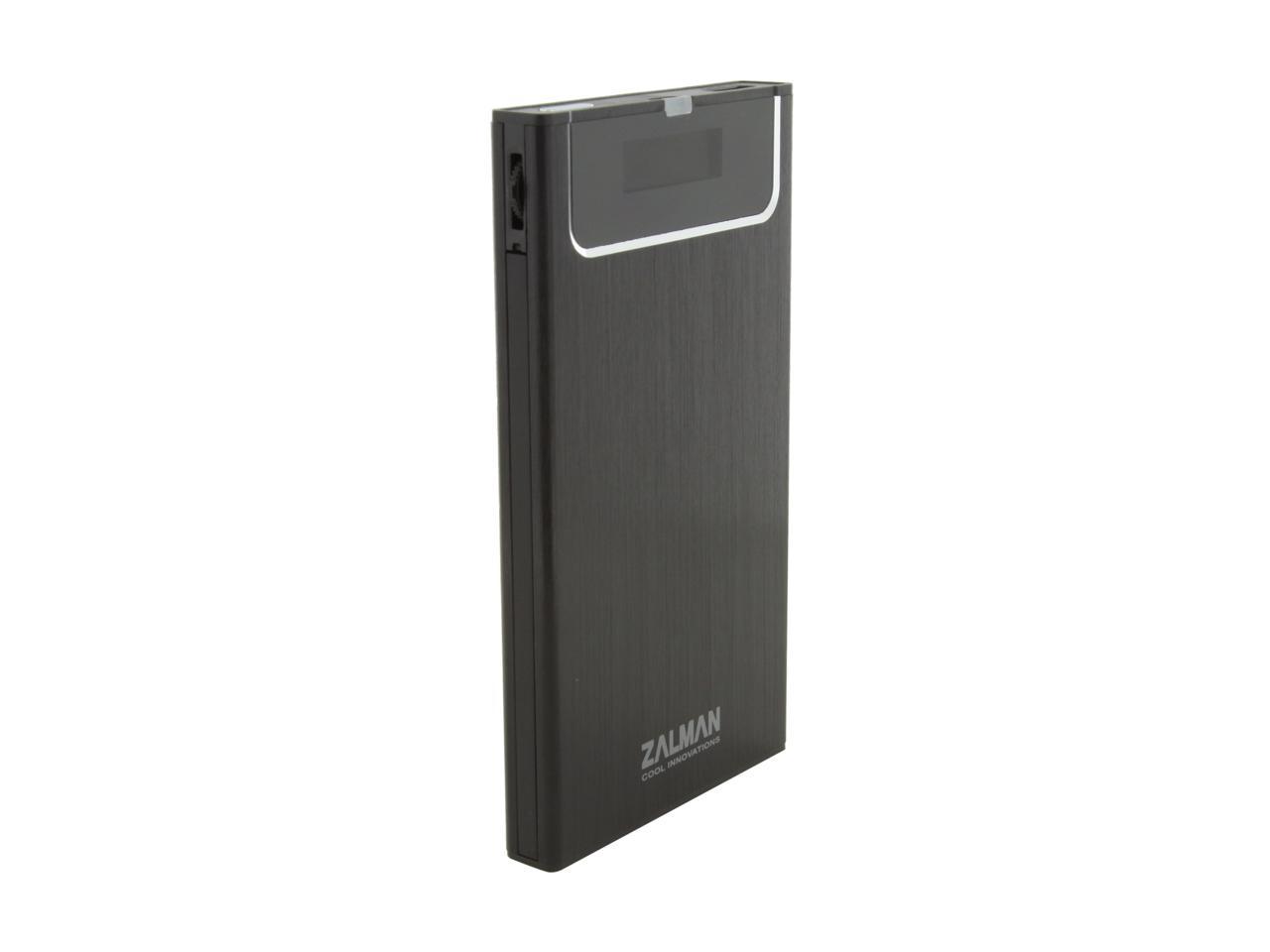
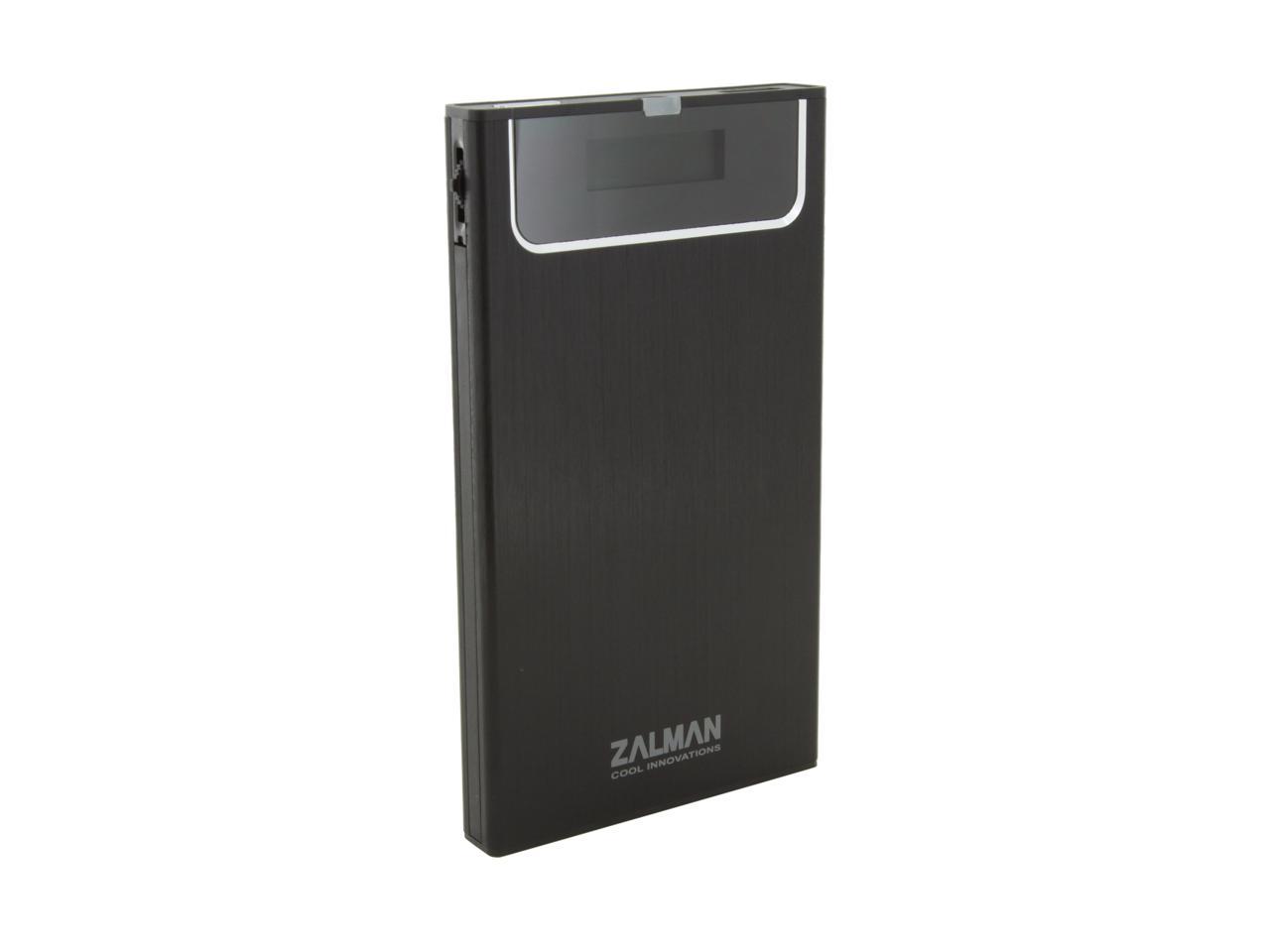
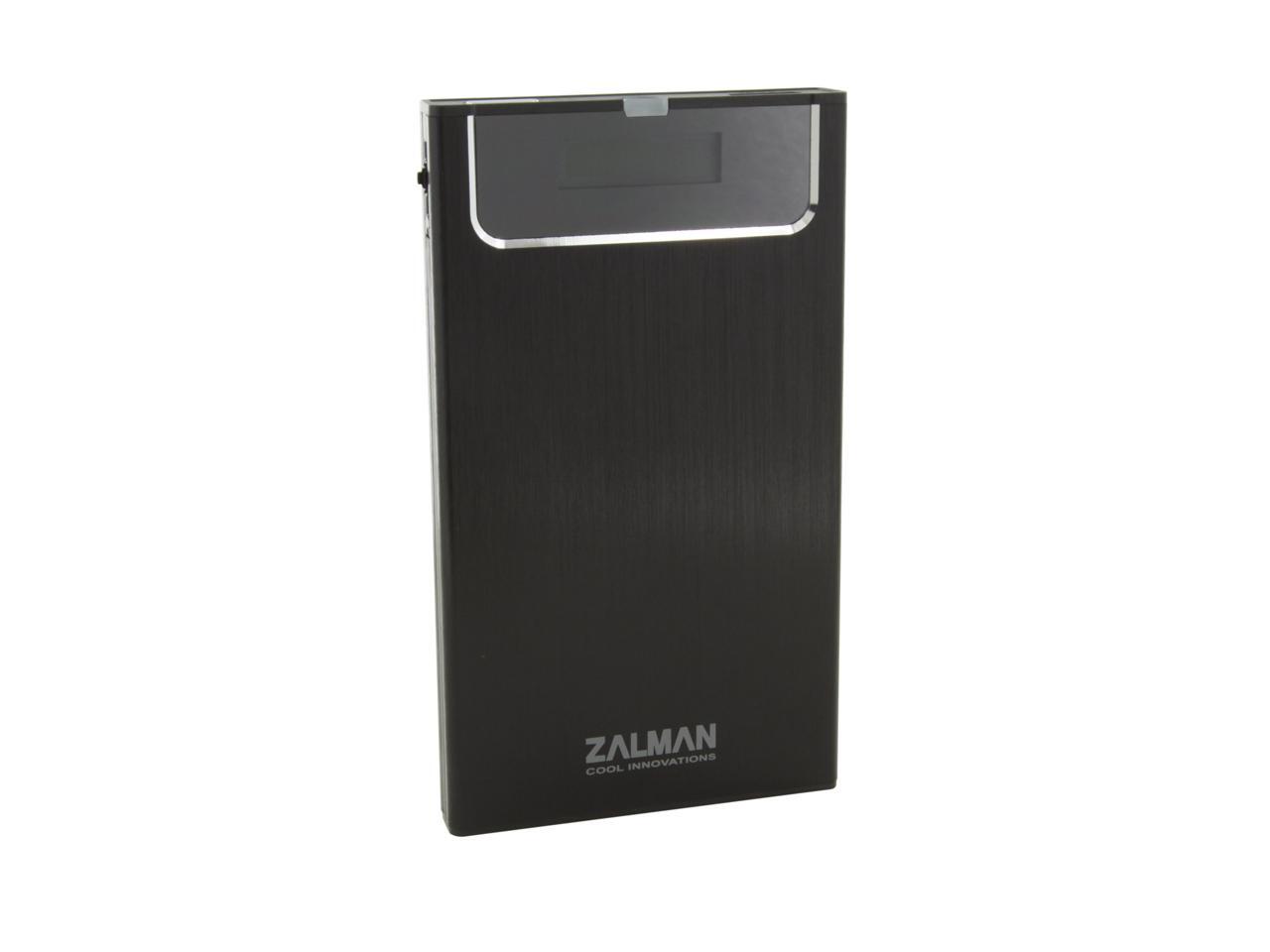
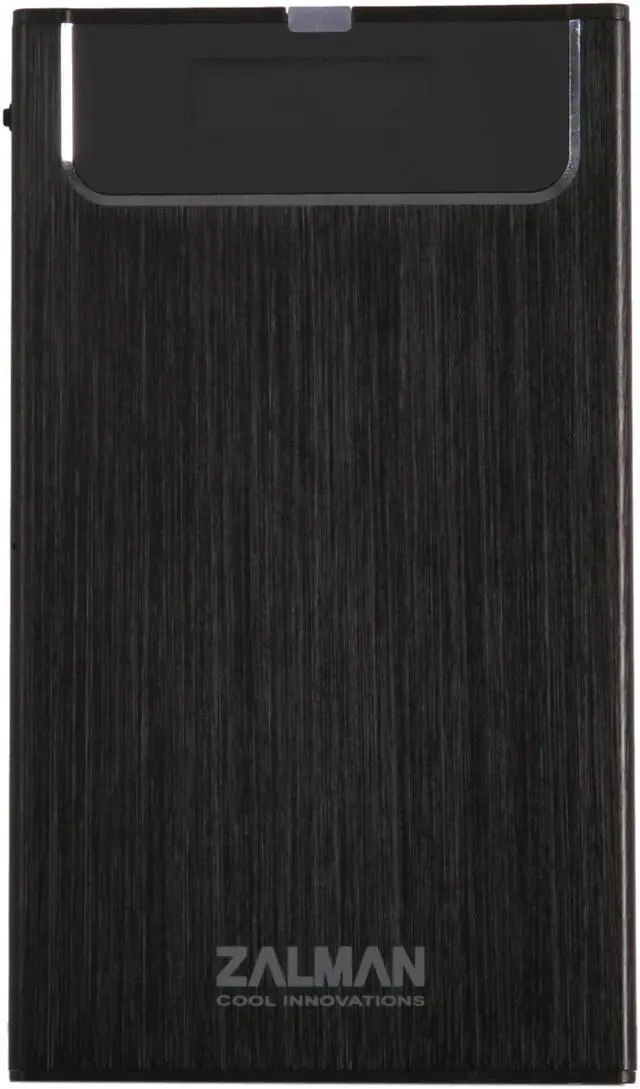
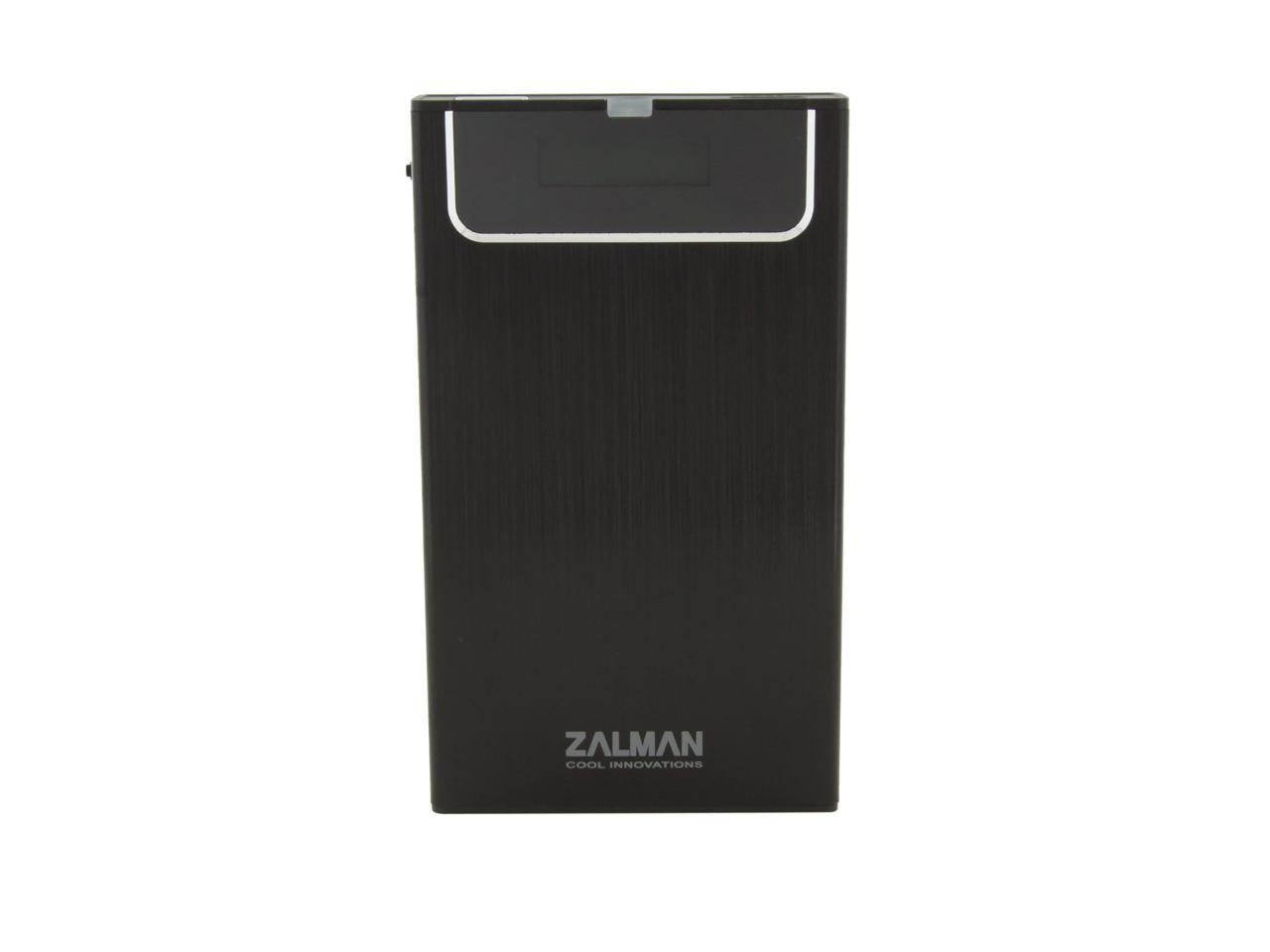
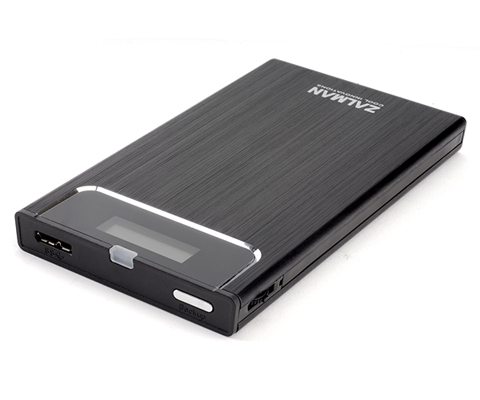
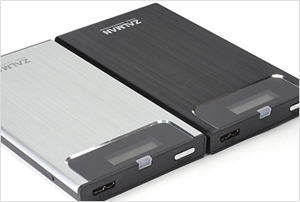
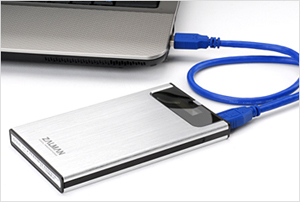
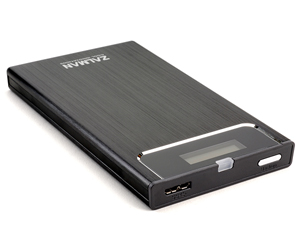
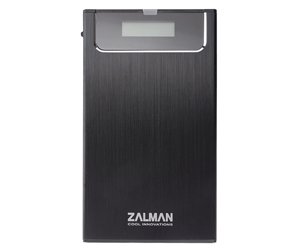
Zalman ZM-VE300-B Aluminum Alloy, Acryl, Poly Carbonate 2.5" Black USB 3.0 ZM-VE300 HDD External Enclosure with Virtualization and One Touch Back-up

  • 2.5"
  • USB 3.0
  • Aluminum Alloy, Acryl, Poly Carbonate
  • Pin It
  • Email this page
ICON Loading...

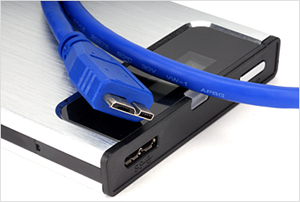
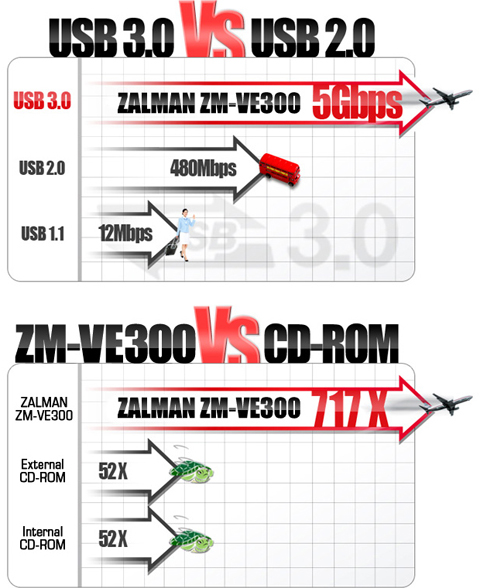
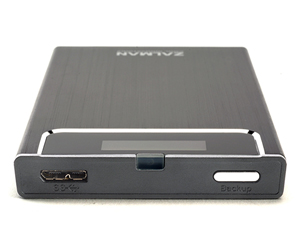
USB3.0 Super Speed w/ Max 5Gbps Transfer Rate

The USB 3.0 interface supports quick and reliable data transfer to and from a PC.
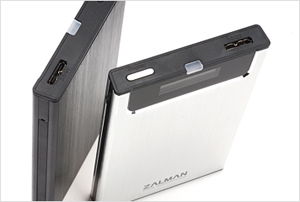
One Touch Backup & Safe Removal

Pressing the Convenient One Touch Backup button once will automatically copy files to the selected folder. Pressing the button for more than 3 seconds will automatically turn power off, allowing the external hard drive to be removed safely without damaging the data.

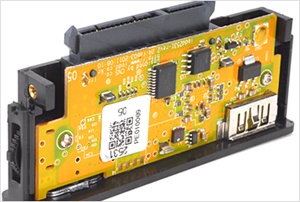
2.5' SATA I/II HDD Compatible

ZM-VE300 is an external HDD case which is compatible with 2.5" SATA I/II HDD.

Plug-and-Play

If an external HDD case with built-in hard disk is connected to a USB port of a desktop PC, notebook or netbook, the hardware will automatically be recognized and can be used instantly without installation.

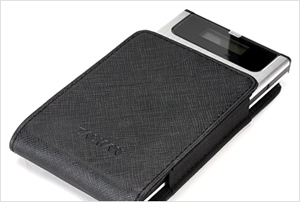
Convenient Travel Pouch Provided

A convenient travel pouch is provided for safe storage and scratch prevention.


Learn more about the Zalman Tech Co., Ltd ZM-VE300-B

Model

Brand
Zalman
Model
ZM-VE300-B

Spec

Color
Black
Size
2.5"
Material
Aluminum Alloy, Acryl, Poly Carbonate
Internal Interface
SATA I/II
External Interface
USB 3.0
Fan
No
Specifications
Internal Interface:
USB1.1 Max. 12Mbps
USB2.0 Max. 480Mbps
USB3.0 Max. 5.0Gbps
Features
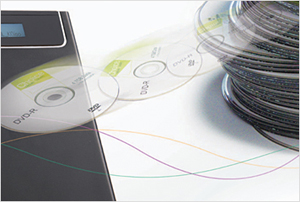
VE300 supports Virtual ODD which can be used as CD-ROM, DVD, and Blu-ray Drive for convenient booting.
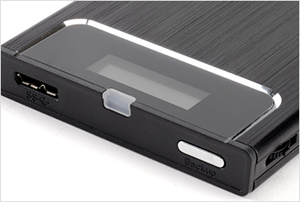
One Touch Backup & Safe Removal

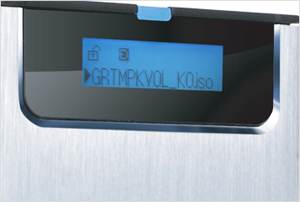
Convenient & Intuitive Menus

Aluminum Body for Enhanced Cooling & Elegance

External HDD case has a subcompact design for portability and takes up minimal desk space.
Plug-and-Play

Convenient Travel Pouch Provided

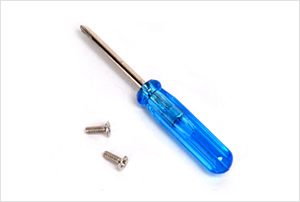
Screw Driver Provided for Case Disassembly & HDD Installation.

Compatibility

Operating Systems Supported
Windows 98, ME, 2000, XP, VISTA, 7 / Mac OS / Linux

Dimensions & Weight

Dimensions
135.3(L) x 78.6(W) x 13.1(H) mm
Weight
96g

Packaging

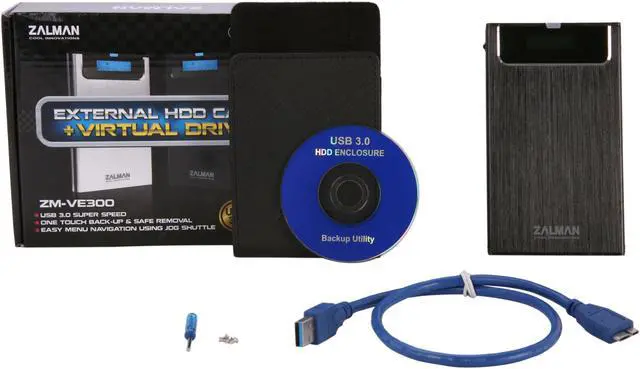
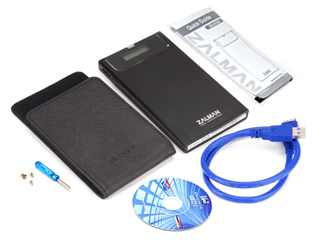
Package Contents
ZM-VE300
Pouch
Screw(2pcs) & Driver
USB 3.0 Cable
Install CD
Quick Guide

Quick Info

Warranty

  • Limited Warranty period (parts): 1 year
  • Limited Warranty period (labor): 1 year


Customer Reviews of the Zalman Tech Co., Ltd ZM-VE300-B

Do you own this product? Write a Review

Filter Results

Go
  • N/A
  • 5/23/2013 12:40:53 PM
  • Tech Level: Somewhat High
  • Ownership: 1 month to 1 year
  • Verified Owner

5 out of 5 eggsGreat

Pros: Does what it says it'll do. Note that not all computers support booting from USB, and rarely older computers that claim to be USB bootable are incompatible with this.

Good construction

Solid, durable, keeps HDD/SSD cool.

Cons: I've read that the mounting feature is NTFS only, which could be an inconvenience to non windows users.

I can't explain it but sometimes I just have a hard time getting some older computers to 'take', but it works eventually.

Not sata III, only sata II

Older model had temperature display always visible. This one hides it under a menu.

Other Thoughts: This is incredibly useful for a very specific person. If you don't plan on relying on NTFS and you want SATAIII, then look elsewhere. But as far as I know, nothing else does virtual disk emulation at such high speeds (my friend has told me android can do it, but between USB2 and crummy phone-SD performance, it won't be nearly as fast).

Did you find this review helpful? Yes No

  • djskinnyb
  • 4/23/2013 7:38:08 AM
  • Tech Level: High
  • Ownership: 1 month to 1 year
  • Verified Owner

4 out of 5 eggsZalman Replaced

Pros: Same as before.
Zalman Support

Cons: USB3 microb connector is unreliable

Other Thoughts: I reviewed this before my RMA when the USB3 connector broke. Zalman RMA'd me a new one without question. Will baby this one until I have to hard solder the connection on after the warranty runs out.

Did you find this review helpful? Yes No

  • N/A
  • 4/5/2013 4:15:04 PM
  • Tech Level: High
  • Ownership: 1 month to 1 year
  • Verified Owner

4 out of 5 eggsSlightly flawed nut worth it

Pros: Write protection
Loading ISO's as a virtual CD/DVD drive
Looks great
USB 3.0 speed

Cons: Write protection switch is software not hardware

Other Thoughts: Coming from the USB 2.0 version (I dropped it and the selector broke, my bad) I'm happy to have the speed boost, but I miss the hardware write protect switch. At the least they could put it as a main menu option instead of burying it. Old one also has eSATA but I never really used it and it required the USB cable too which was annoying. Reading the reports about the connector issues I've been somewhat careful with it and unplug the cable before I put it in my bag, so far I've had no issues (2-3 months occasional use). The ISO loading feature is great, I have all the versions of Windows, Office, etc. ready to go when my clients (inevitably) can't find them when I need to repair their computers. Not only does it take less space than a stack of discs, it's much faster. I plan on putting in an SSD eventually which will really make installs fly.

Did you find this review helpful? Yes No

  • N/A
  • 4/2/2013 8:48:33 AM
  • Tech Level: High
  • Ownership: 1 month to 1 year
  • Verified Owner

2 out of 5 eggsConnector Issues

Pros: USB 3.0
ODD Emulation
Small Size
Uses Standard 2.5" SATA drives

Cons: USB 3.0 Micro B connector is faulty
No other connection options like previous model (esata)
No hard switch for write protect like previous model

Other Thoughts: I own both the ZM-VE200 and this model the ZM-VE300. I loved the first one for the ODD emulation and purchased this one as a spare/upgrade to for the old one. Since I use it mostly as a ODD I didn't miss the esata that much, but I did miss the hard switch for Write protection since I plug into a lot of questionable computers for support work. The big disappointment was when the usb3 connector started failing and eventually completely stopped working without me pressing it up an extreme amount. I have attempted to start an RMA on the website to see if I will get a replacement. I do think the connector is a problem on more than just this device from internet reviews of other usb3 hdds. -3 stars for now for using a bad connector instead of hard wiring up a cable to the device. I will drop it down to one star if I don't get a replacement.

Manufacturer Response:

Dear valued customer,

We sincerely apologize for the issue. Please contact our customer service e-mail support.usa@zalmanusa.com or via toll free number 1-888-925-6266 for further assistance.

Thank you.

Best regards,

Zalman USA Customer Service

Did you find this review helpful? Yes No

  • N/A
  • 1/23/2013 2:41:28 PM
  • Tech Level: Somewhat High
  • Ownership: 1 month to 1 year
  • Verified Owner

4 out of 5 eggsWorks great

Pros: Works great at mounting ISO, I have troubles getting it to work as a boot drive on our macs but I attribute that to the EFI type boot on the MAC and no so much the drive works great on all of our PC's though.

Cons: I did break my first one by leaving the USB cable attached to it and placing it in my bag which ended up breaking the connector that plugs into the unit itself. Zalman sent me a replacement and I now know not to do that so warning to everyone else out there.

0 out of 1 people found this review helpful. Did you? Yes No

  • BW
  • 11/22/2012 3:08:10 PM
  • Tech Level: Somewhat High
  • Ownership: 1 month to 1 year
  • Verified Owner

4 out of 5 eggsNo Problems here

Pros: I have not had the issues anyone else seems to be having, had the enclosure for a while and bring it back and forth to work, works like a charm. I use both USB 3 and USB 2, again no real problems.

Love the ability to mount ISO (had to look it up on the Net to figure out where to put what as the manual isn't so good), use it for installs quite often.

Cons: None really, it's not Sata 3, and being external could break if you drop it. I used Windows 7 to encrypt the drive.

1 out of 1 people found this review helpful. Did you? Yes No

  • zetny
  • 11/20/2012 7:24:32 PM
  • Tech Level: Somewhat High
  • Ownership: 1 month to 1 year
  • Verified Owner

1 out of 5 eggsBroke in 3 month. Applied for RMA - never heard from Zalman!

Pros: Easy to use. Helps a lot. Fast.

Cons: Hard USB cable may brake the connection. Unreliable - after 2 month start disconnecting itself. Tested hard drive - perfect. 1 month later stopped detecting at all! Giving the worst feedback because Zalman doesn't provide any warranty as stated.

Other Thoughts: My friend used it with USB2.0 soft cable and he never had problems.
The common problem with USB 3.0 cables: devices don't recognize if you plug them all the way into your computer's USB 2.0 port. You need to pool it a little bit out to make it work.

Did you find this review helpful? Yes No

  • sheeple
  • 11/18/2012 5:28:59 AM
  • Tech Level: High
  • Ownership: 1 day to 1 week
  • Verified Owner

1 out of 5 eggsNot worth it!

Pros: Can say much for the pros because my shipment was missing the SATA interface controller.

Cons: What can be said about what I did receive is the manufacturing quality is poor and definitely not worth the price.

Other Thoughts: I will not get a replacement unit. The dream of a carousel ISO device has not come true for me at least.

0 out of 2 people found this review helpful. Did you? Yes No

  • N/A
  • 10/25/2012 2:26:12 PM
  • Tech Level: High
  • Ownership: more than 1 year
  • Verified Owner

5 out of 5 eggsAwesome

Pros: Great quality, Virtual ODD, Looks good, Included case.

Cons: Nada

Other Thoughts: Installed a WD 1TB. Works great. Booted many ISOs from it.

1 out of 1 people found this review helpful. Did you? Yes No

  • N/A
  • 9/1/2012 4:20:02 PM
  • Tech Level: High
  • Ownership: 1 month to 1 year
  • Verified Owner

1 out of 5 eggsLove it When it Works

Pros: Fast transfer speeds, love the ability to boot ISOs and nice form factor.

Cons: Only SATA2, cheap construction and not reliable

Other Thoughts: I have only used my Zalman ZM-VE300 about 3-4 times and already it has stopped working. I have to lift up on the USB 3.0 cable plugged into the device if I let go it stops working.

2 out of 3 people found this review helpful. Did you? Yes No

ICON Loading...
Are you an E-Blast Insider? Subscribe Newegg e-Blast

Buzz

No Problems here

4 out of 5 eggs
I have not had the issues anyone else seems to be having, had the enclosure for a while and bring it back and forth to work, ...
— BW 11/22/2012

Awesome

5 out of 5 eggs
Great quality, Virtual ODD, Looks good, Included case.
— 10/25/2012


PayPal
Shop without retyping payment details. Secure shopping made faster.
Check out with PayPal.

Financing


Home
Home > 
Computer Hardware > 
Computer Cases > 
External Enclosures > 
Zalman Tech Co., Ltd > 
Item#: N82E16817379026
LOADING... LOADING...
Shop by Region: United States | Canada | China
Follow us:   RSS Feeds Youtube
VeriSign Reliability Seal1This site protected by Trustwave's Trusted Commerce program Inc500
Policy & Agreement | Privacy Policy  © 2000-2013 Newegg Inc.  All rights reserved.
If the Adobe Reader does not appear when you click on a link for a PDF file, you can download Adobe Reader from the Adobe web site. nassau