Skip to: |

Newegg.com - A great place to buy computers, computer parts, electronics, software, accessories, and DVDs online. With great prices, fast shipping, and top-rated customer service - once you know, you Newegg.

If you are reading this message, Please click this link to reload this page.(Do not use your browser's "Refresh" button). Please email us if you're running the latest version of your browser and you still see this message.

Newegg.com - Computer Parts, Laptops, Electronics, HDTVs, Digital Cameras and More!

  • | Wish List
  • Help
Home
Home > 
Computer Hardware > 
Computer Cases > 
External Enclosures > 
Vantec > 
Item#: N82E16817392051

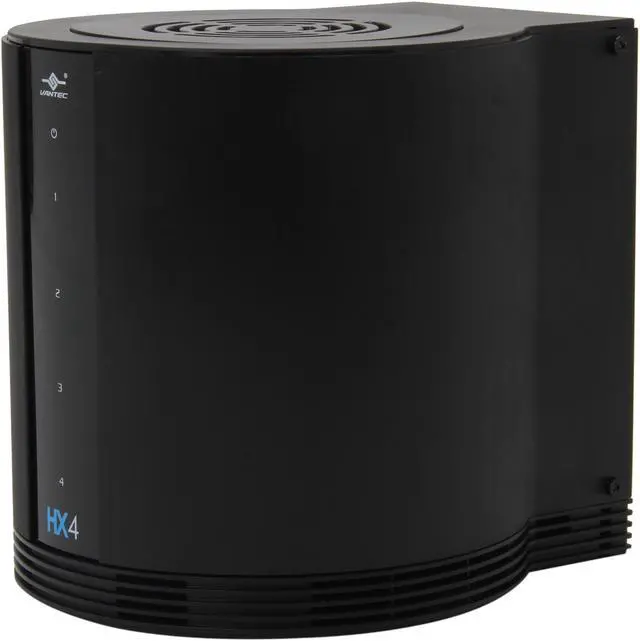
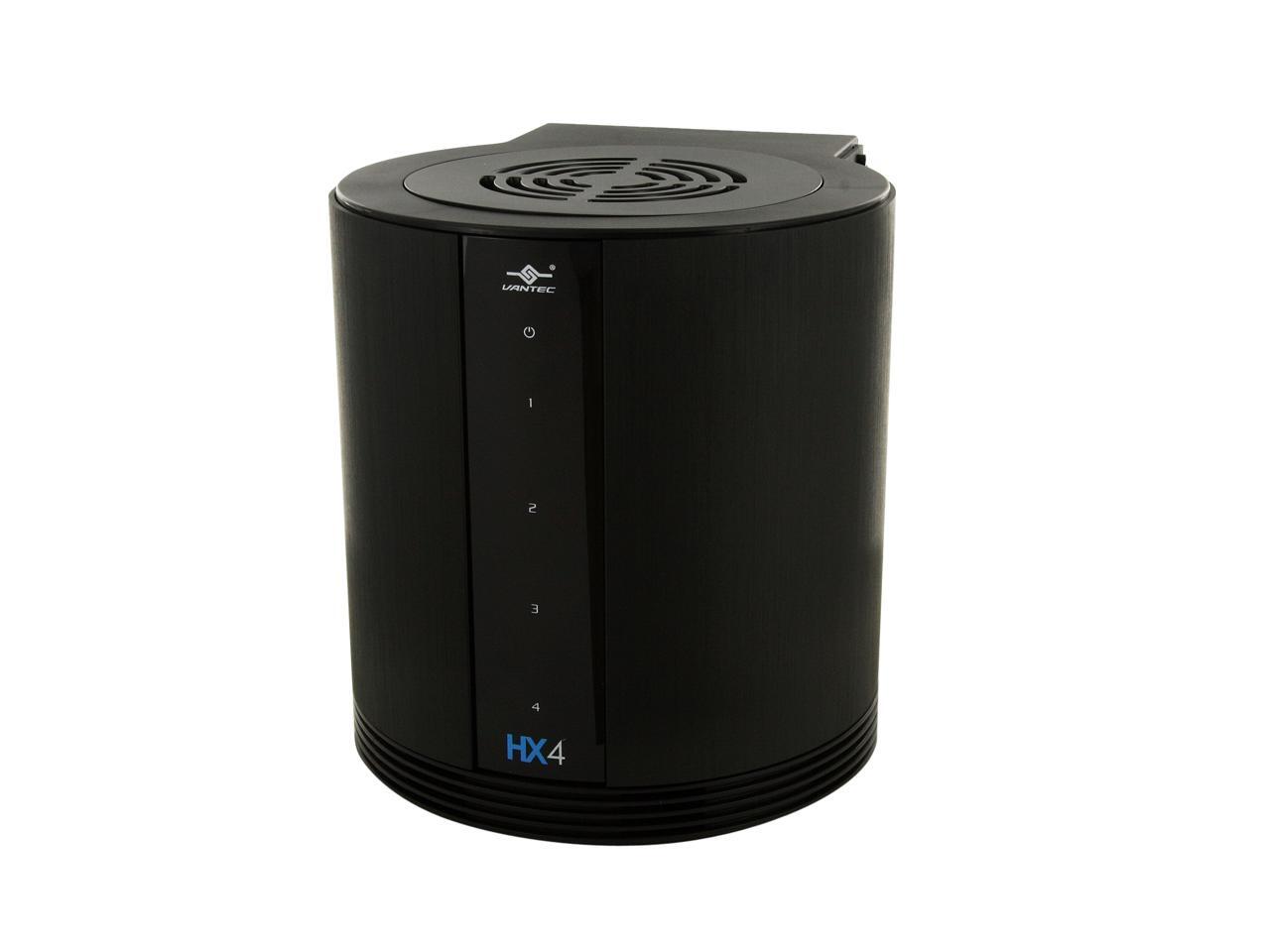
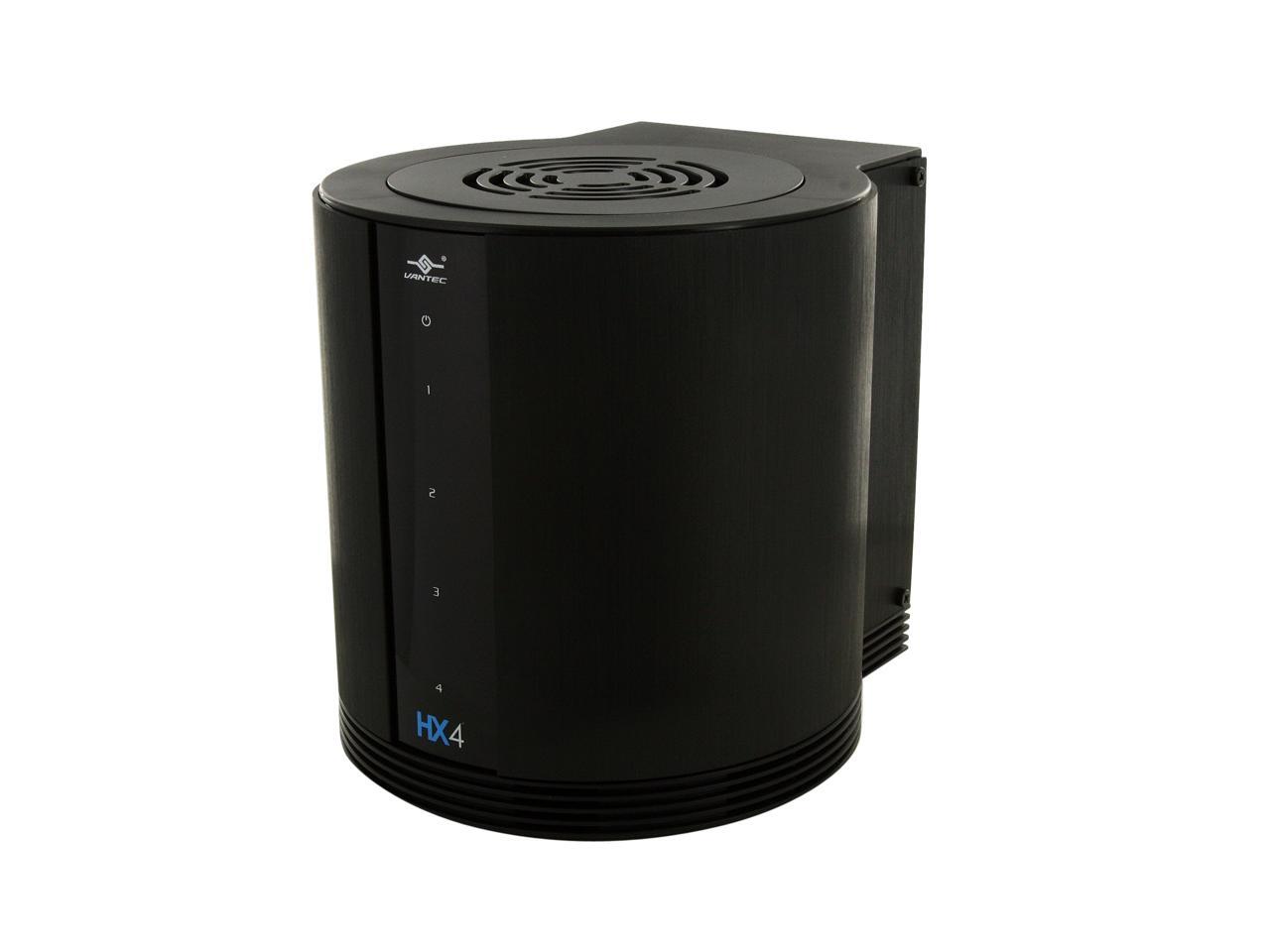
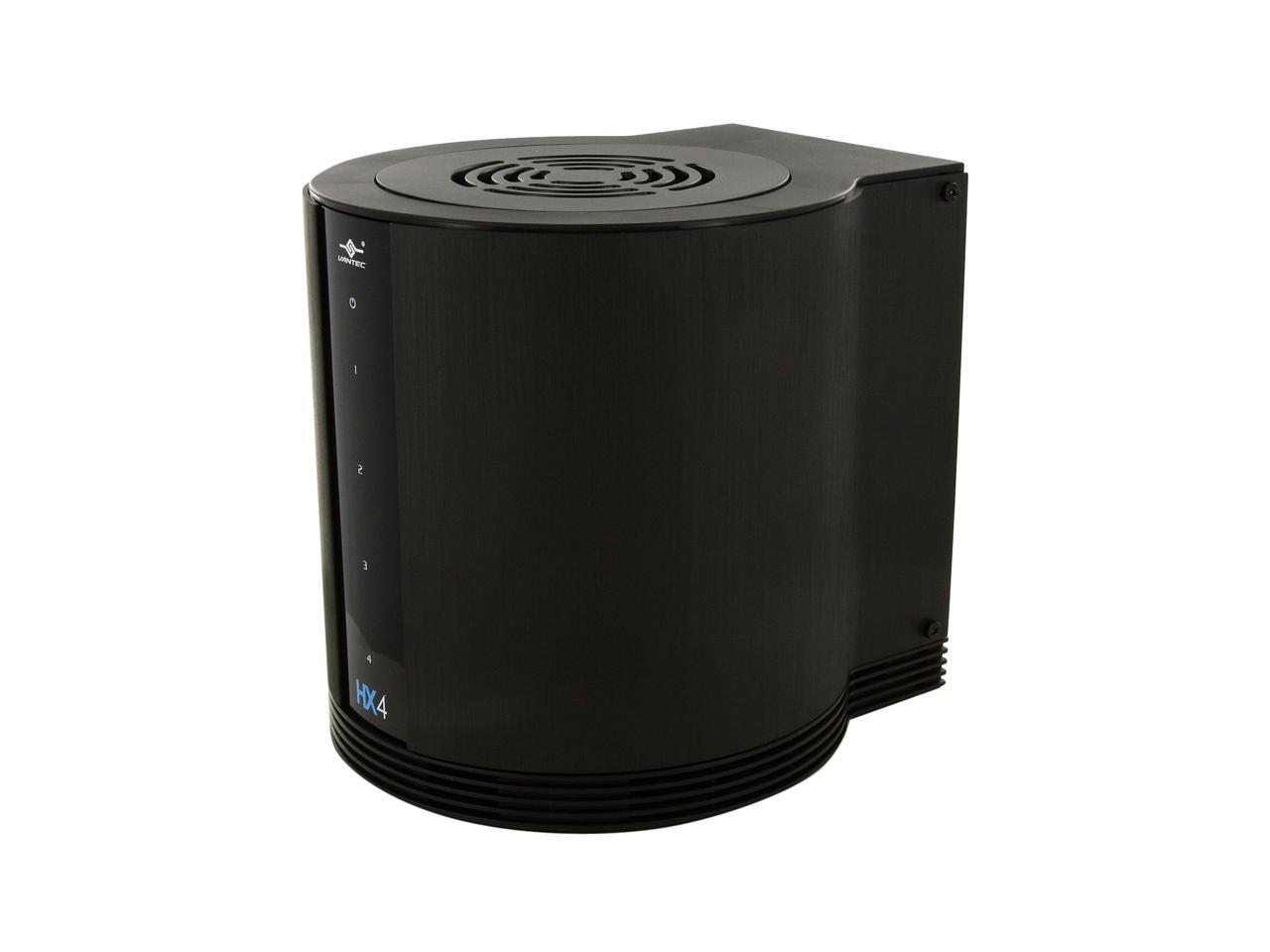
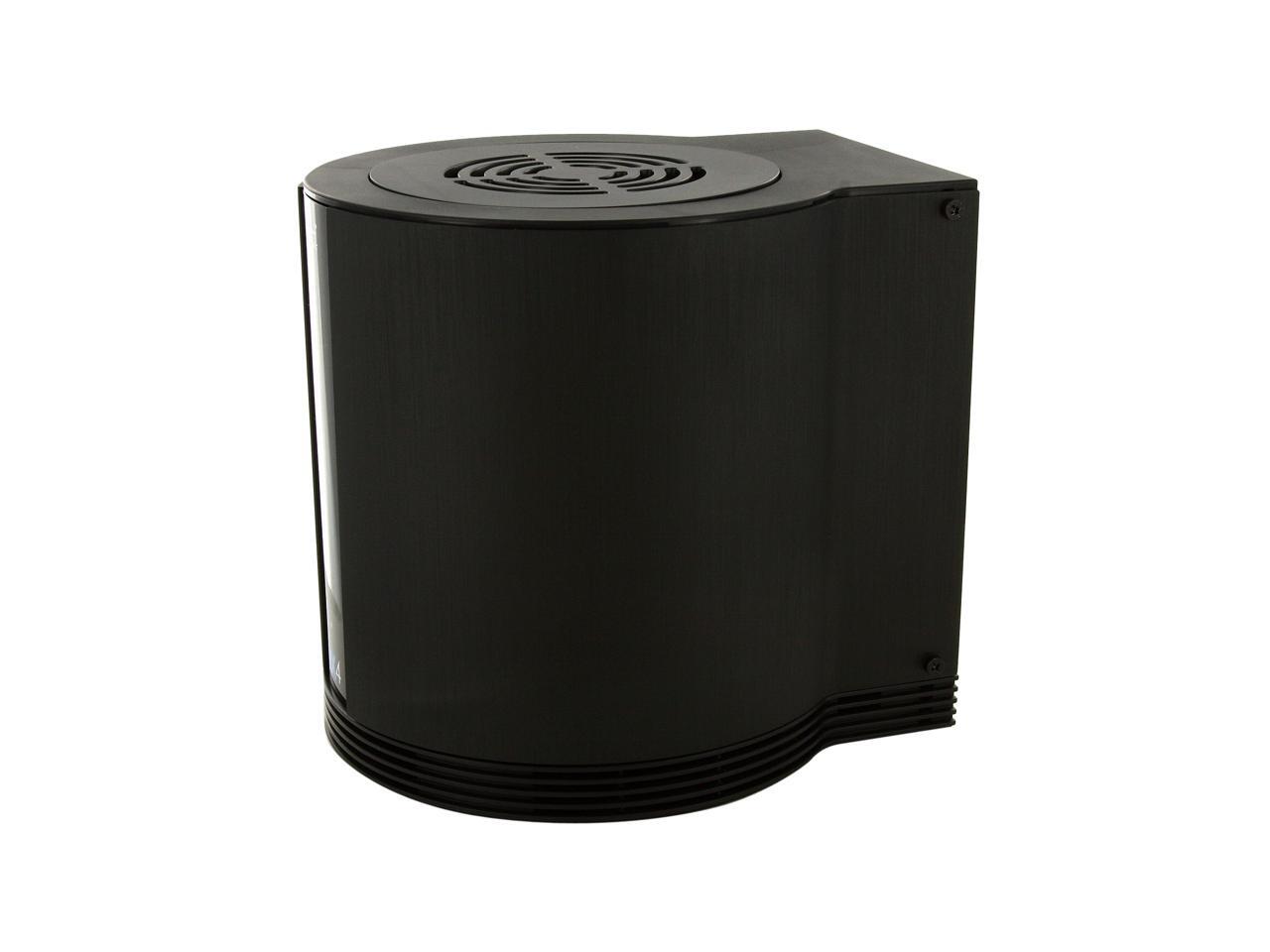
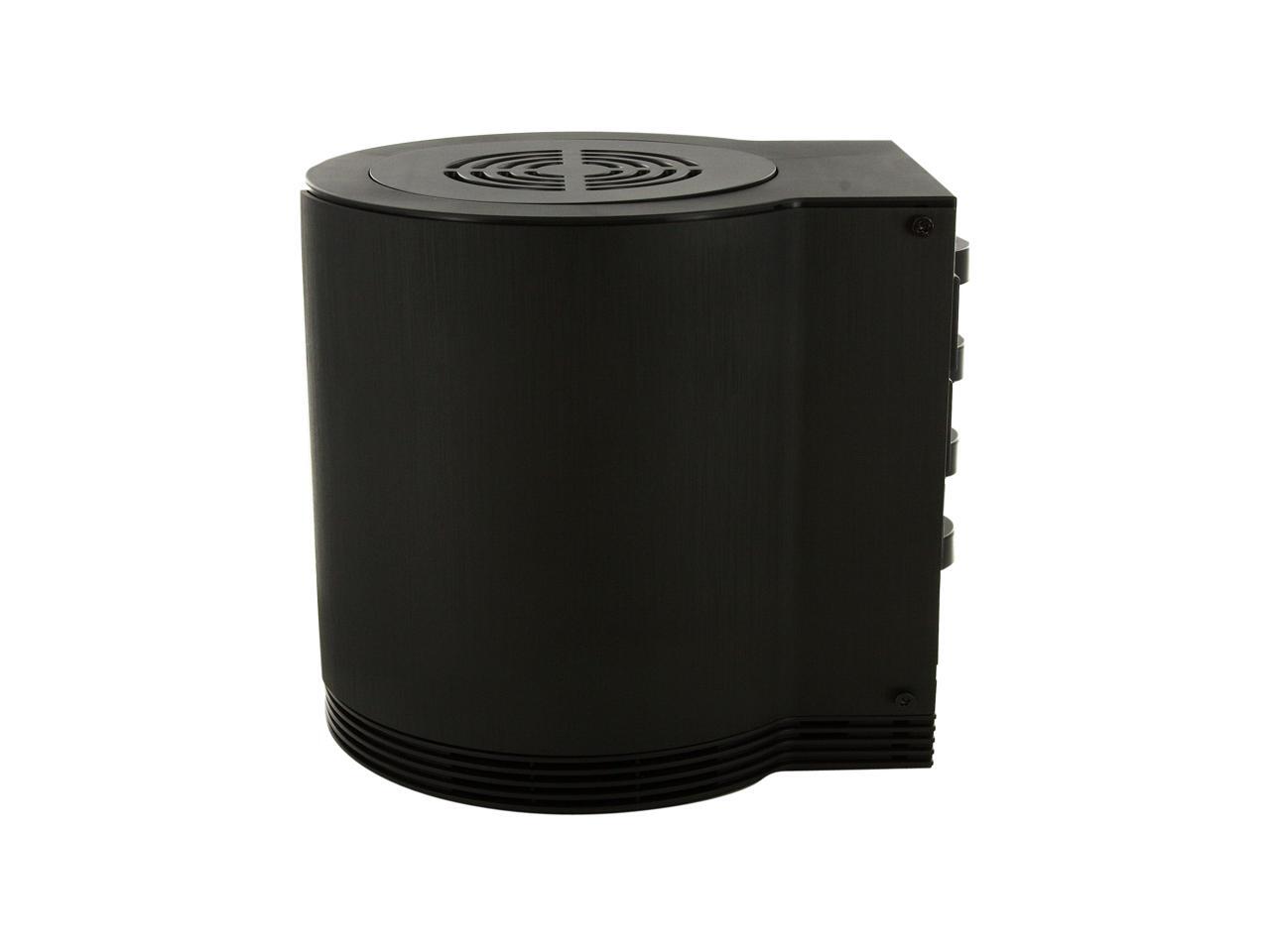
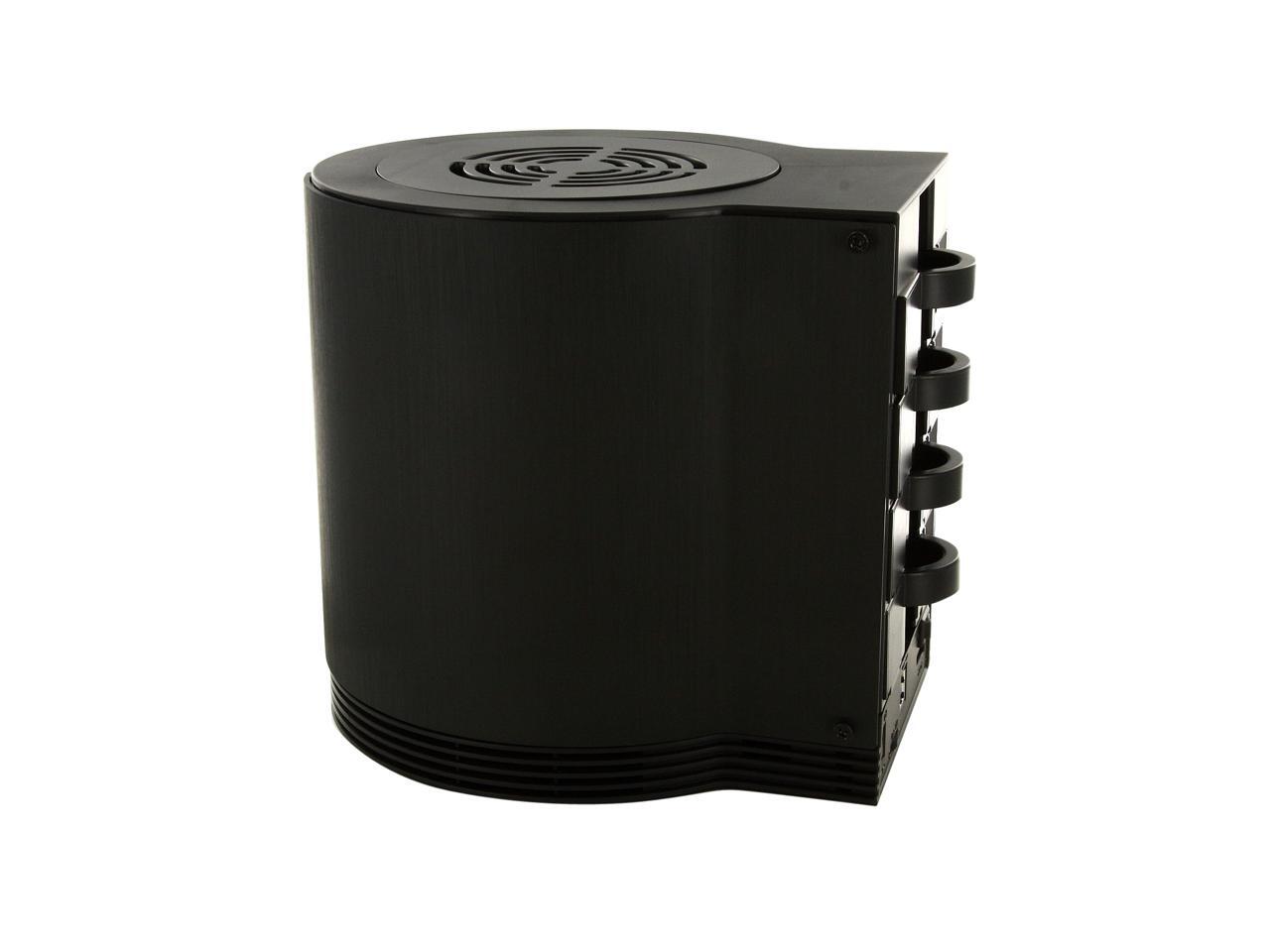
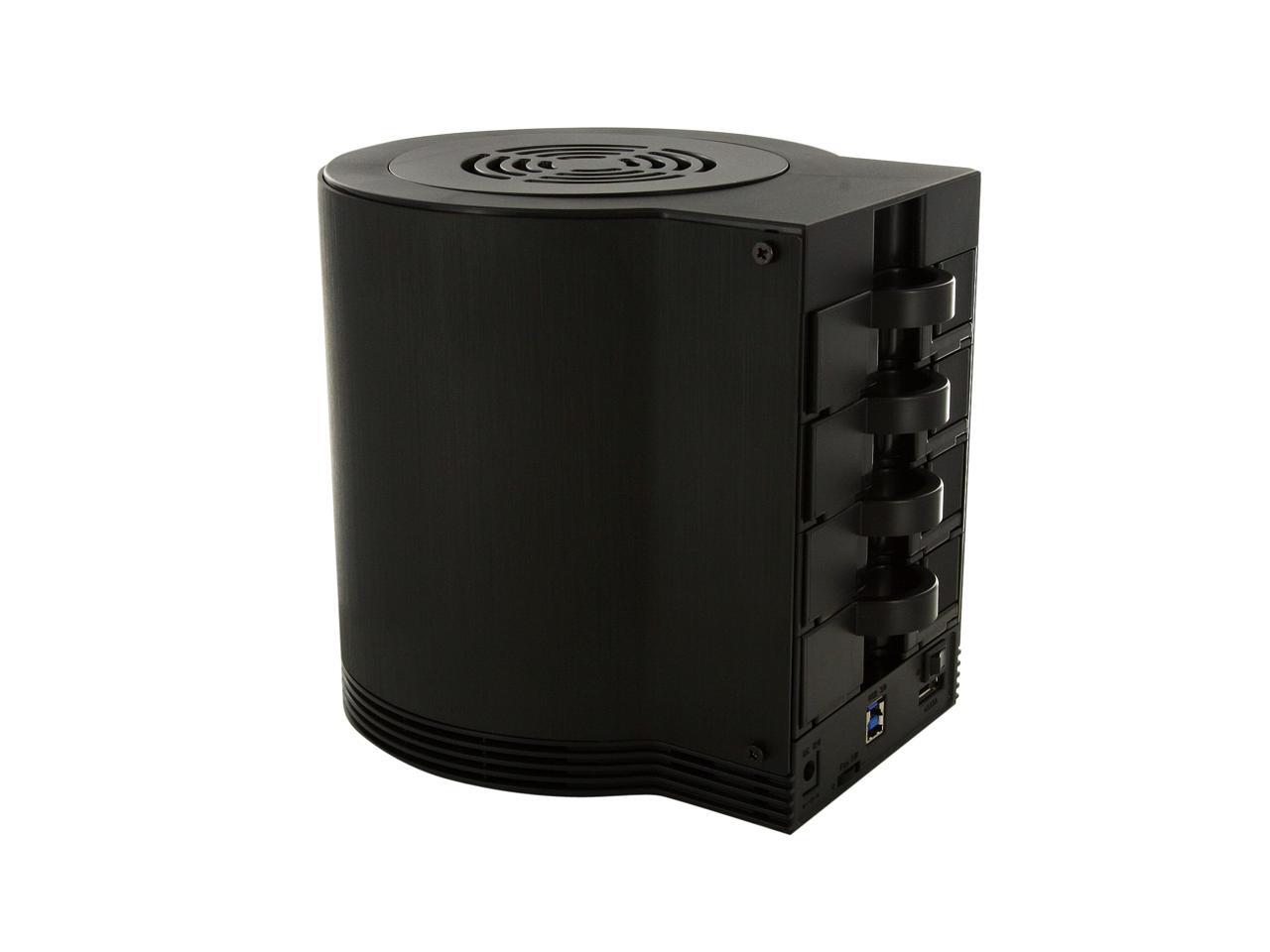
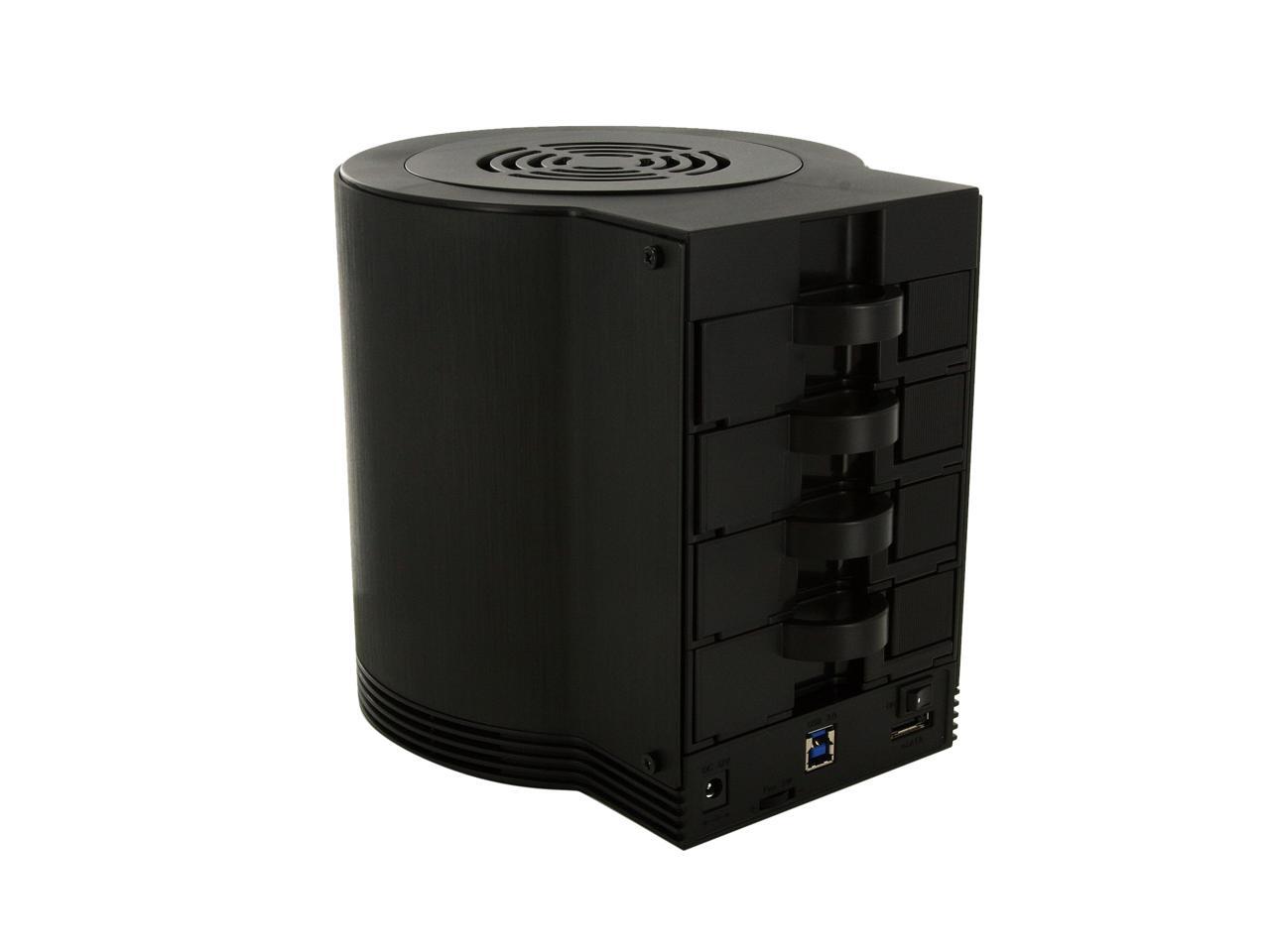
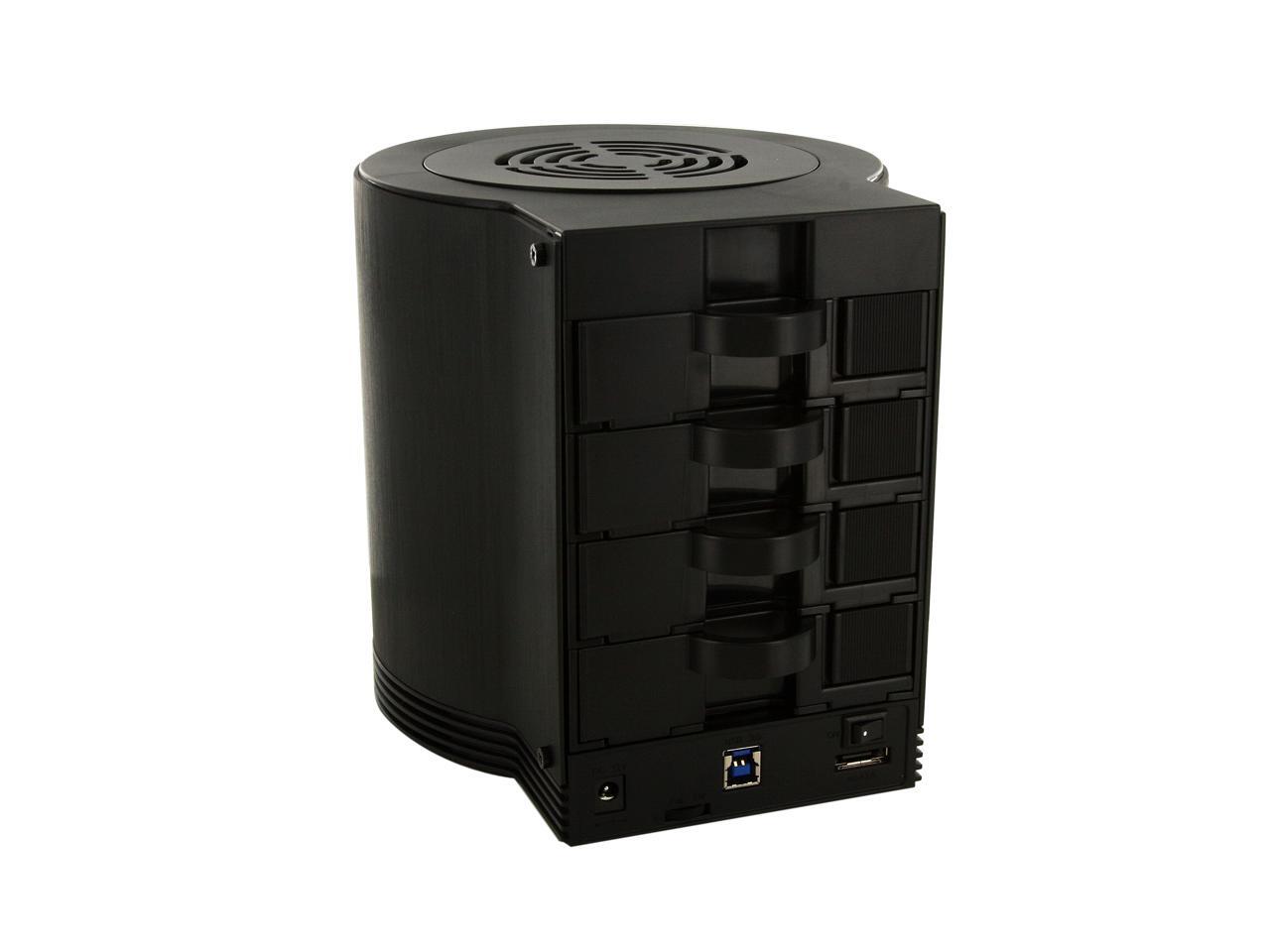
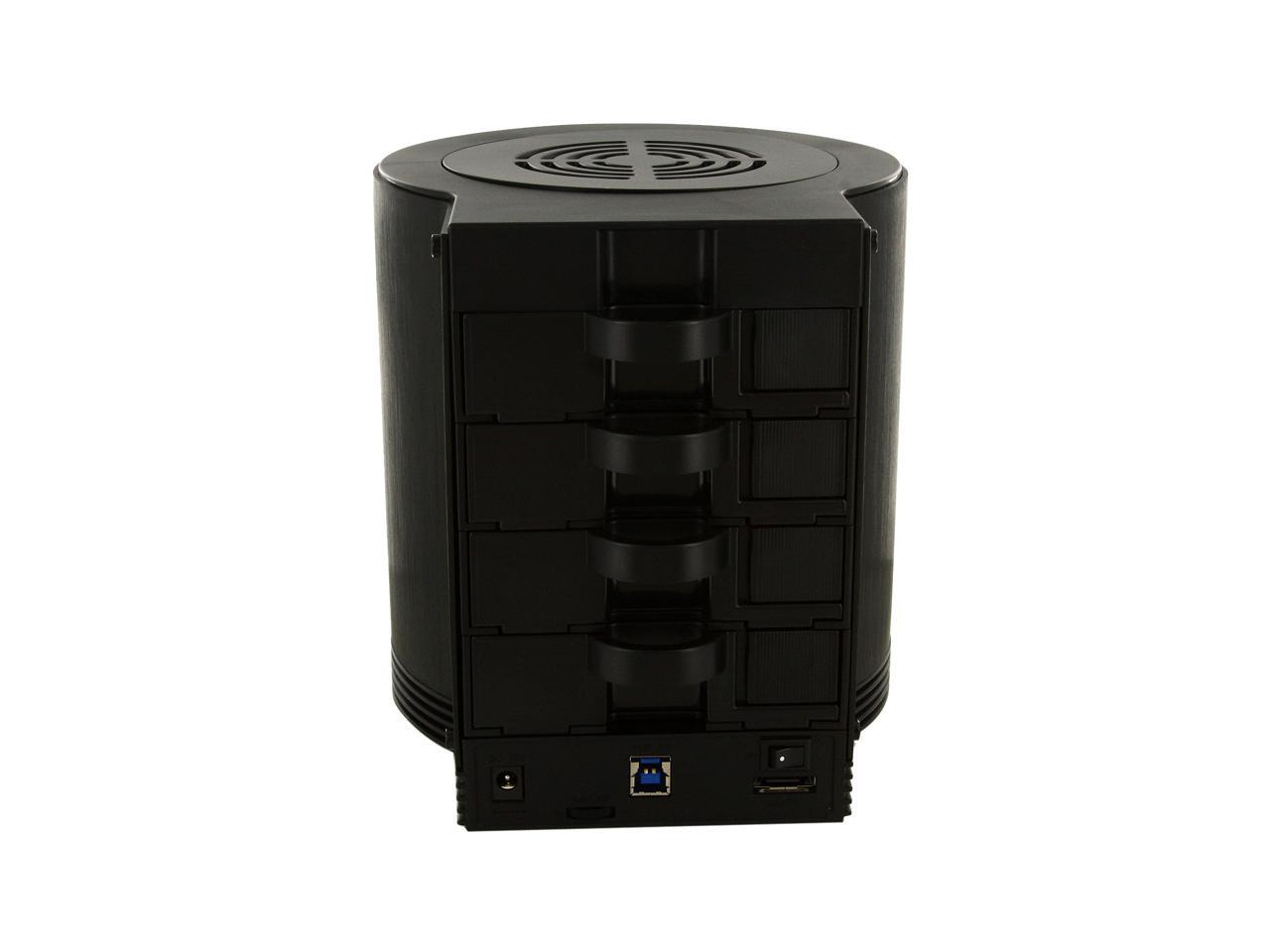
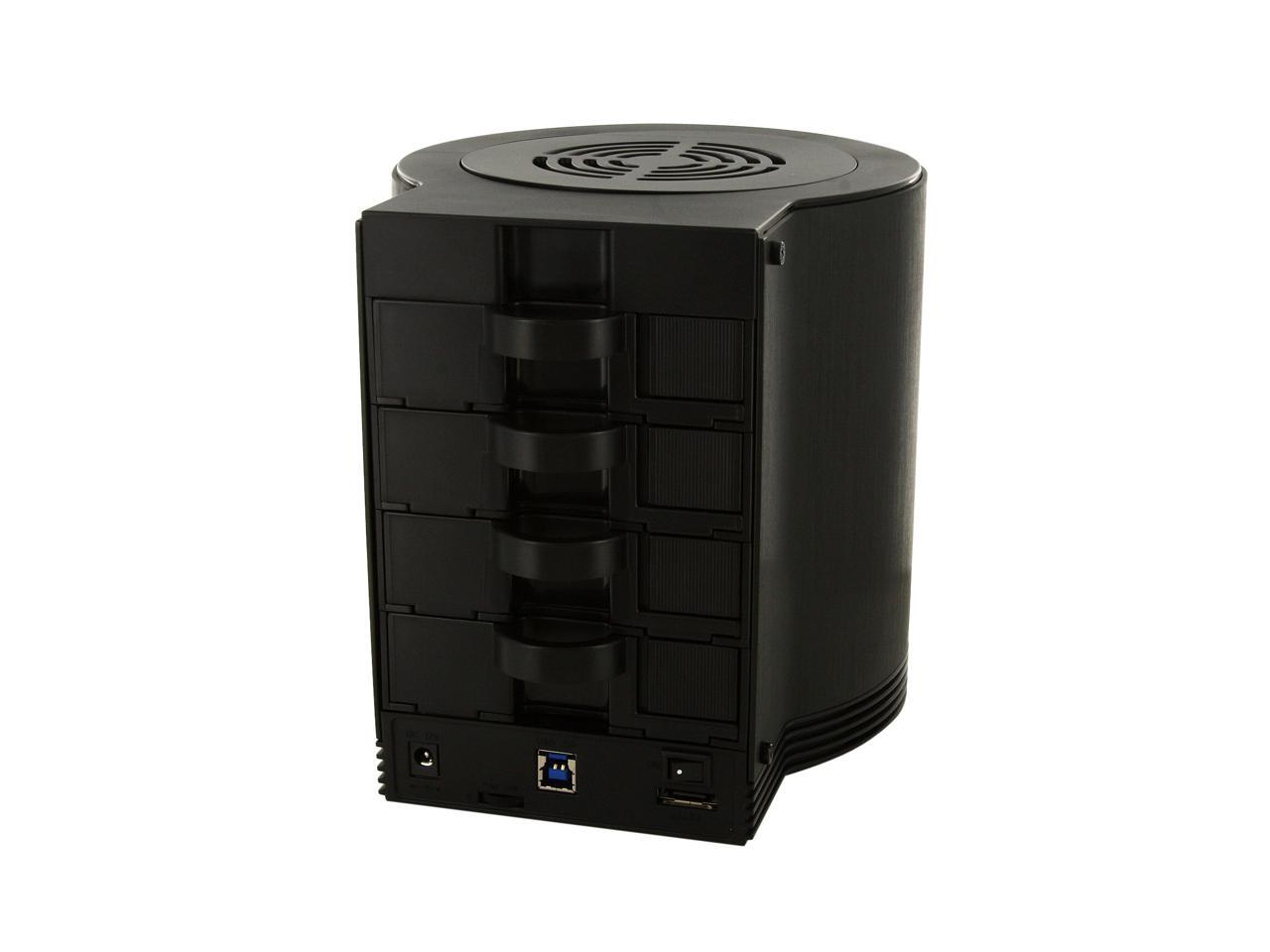
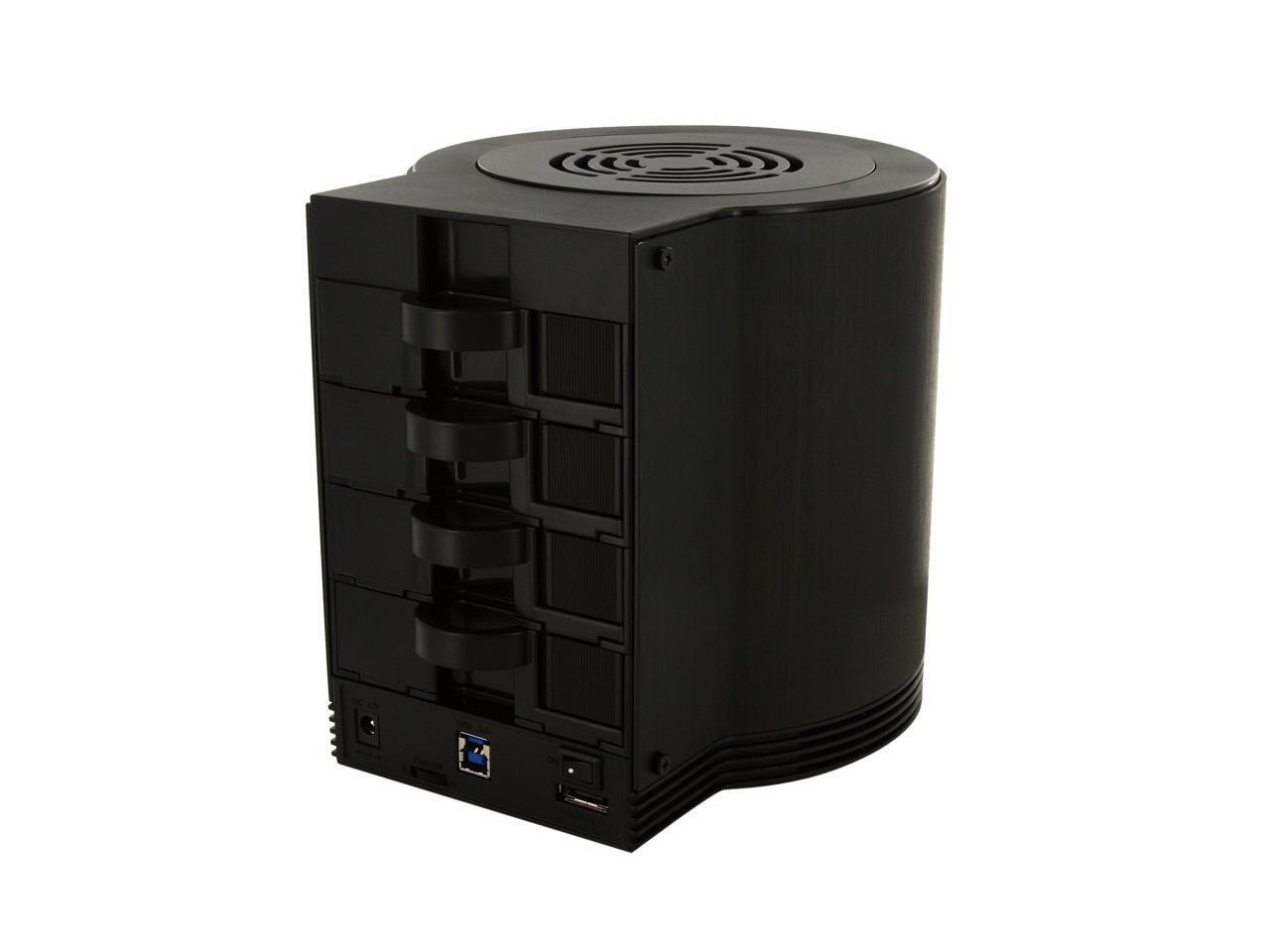
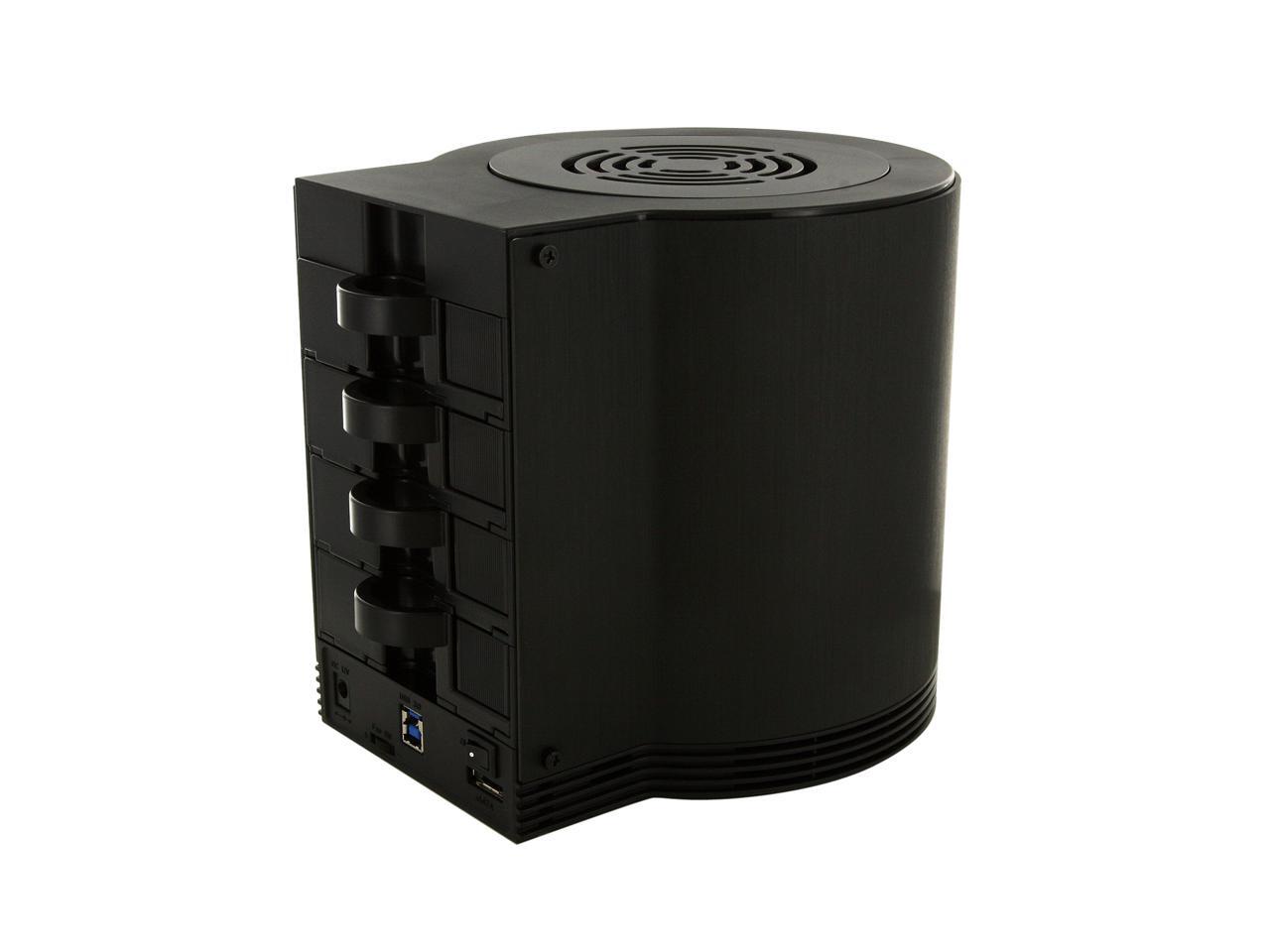
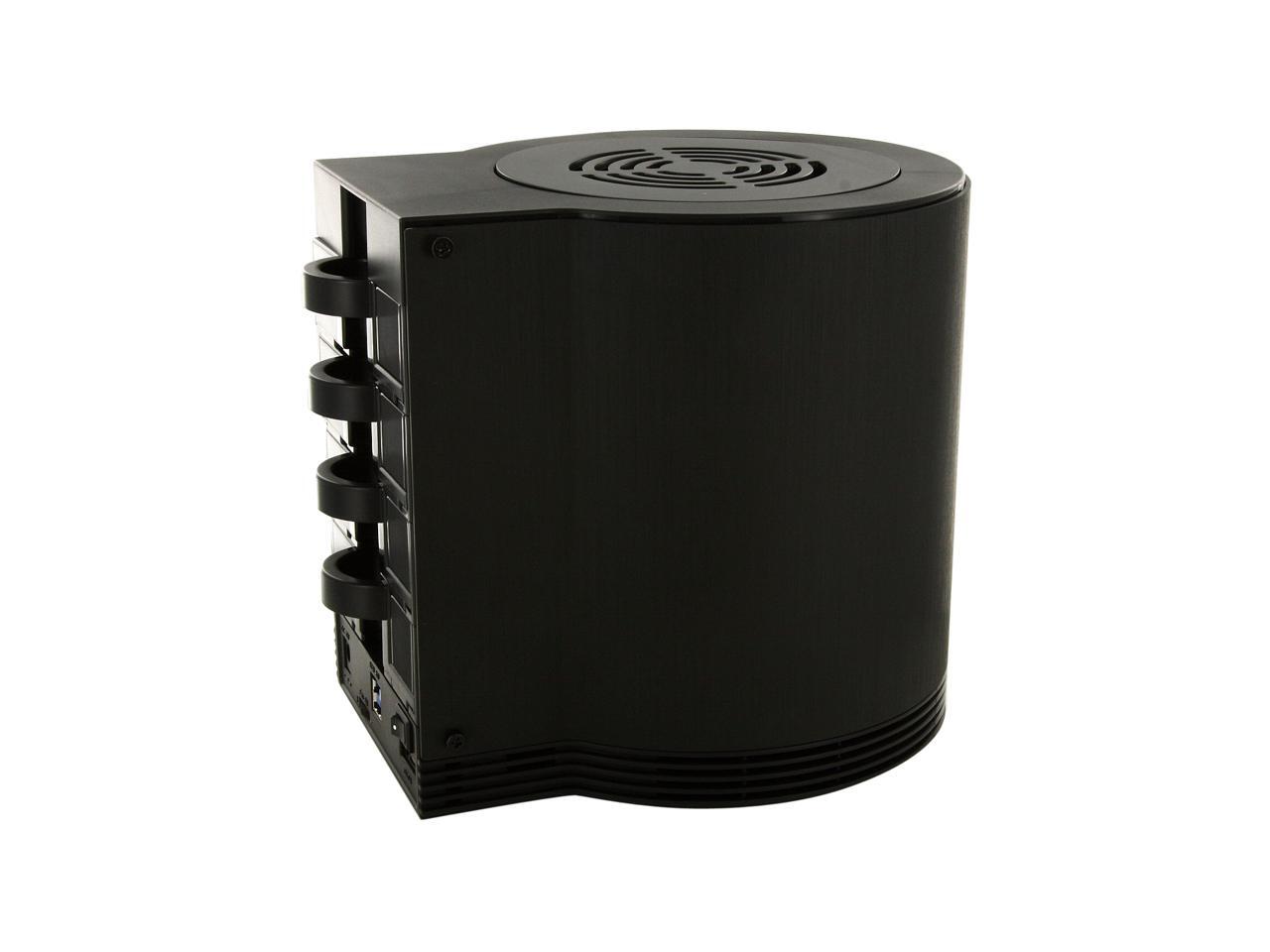
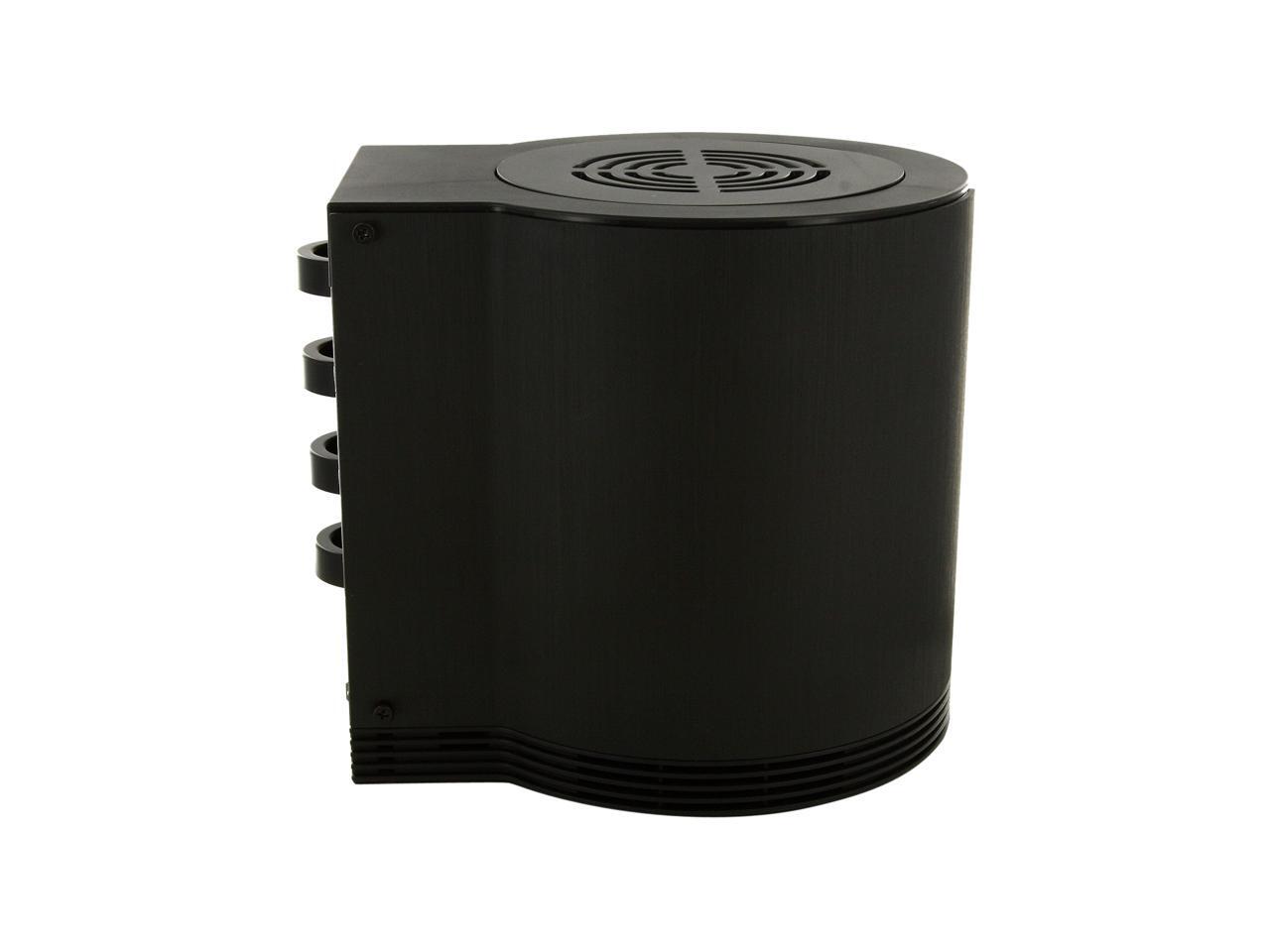
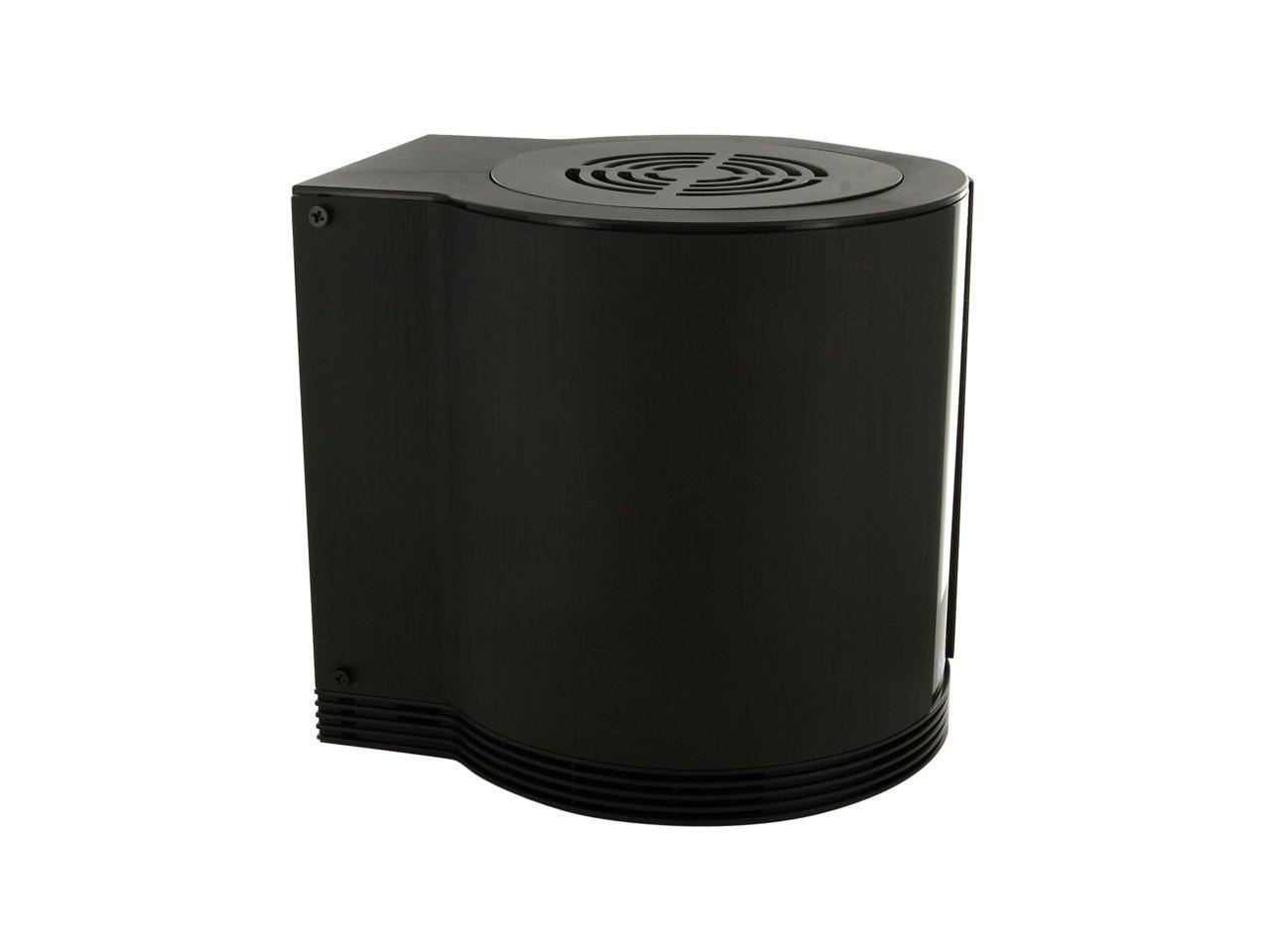
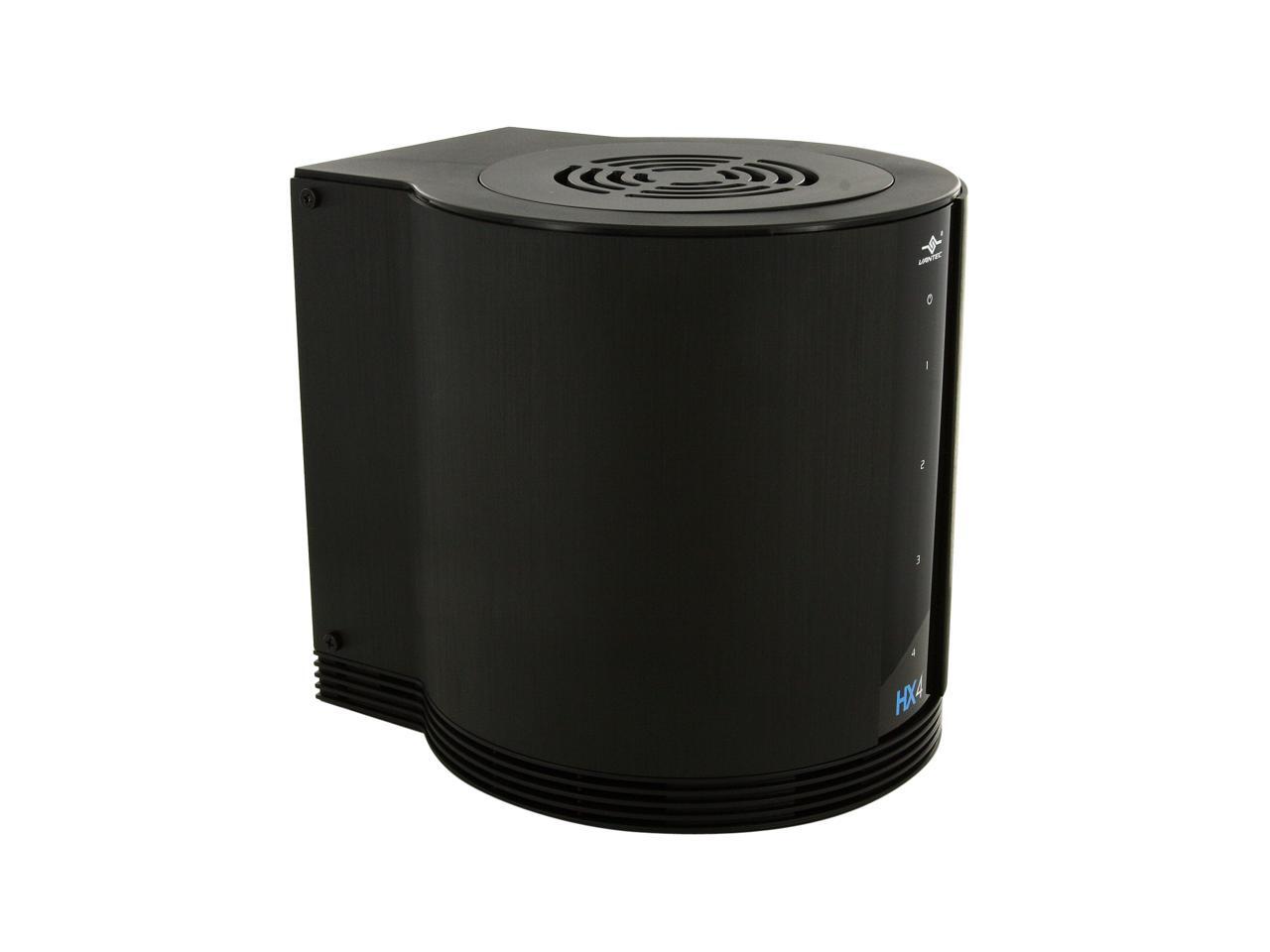
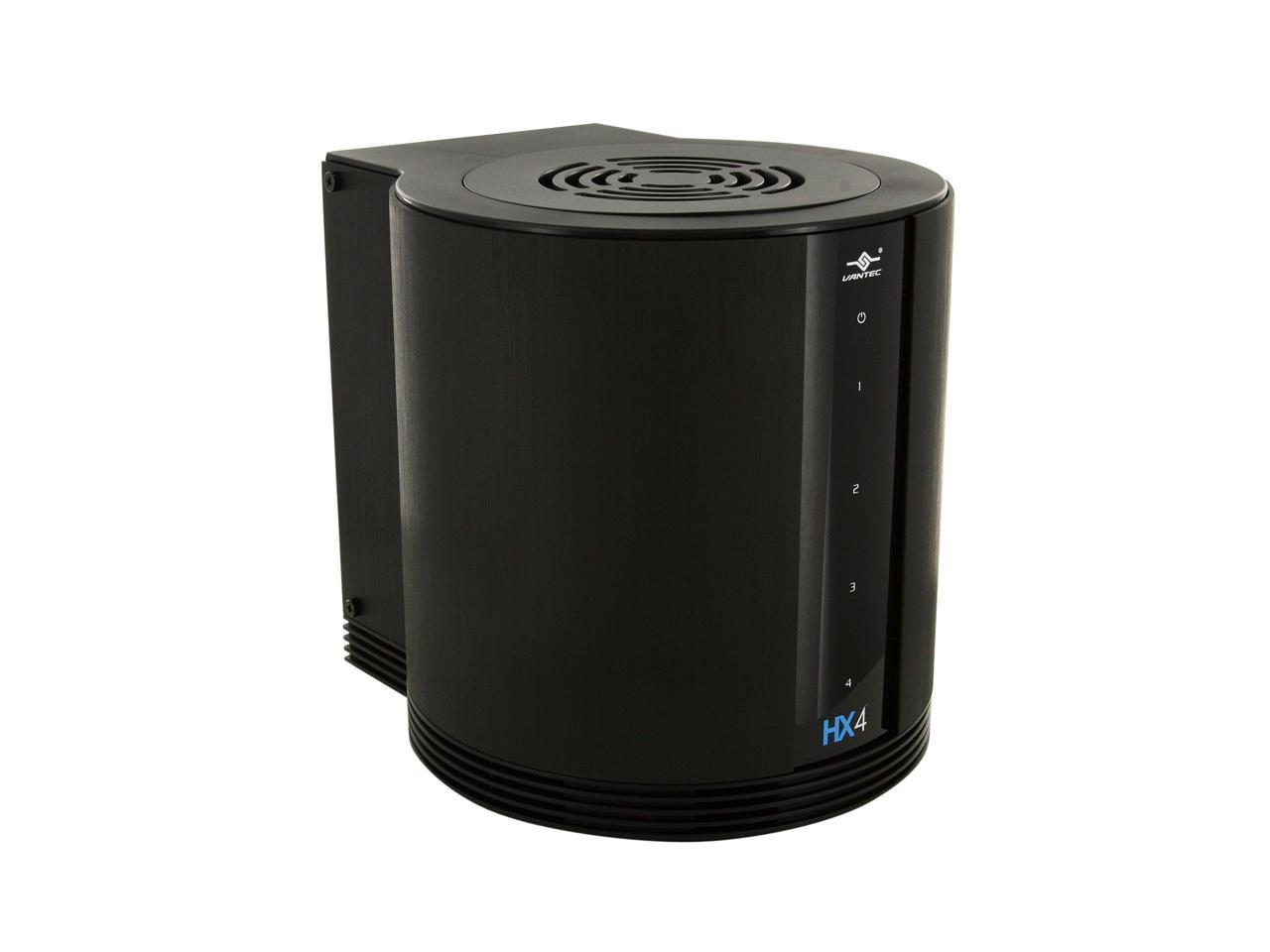
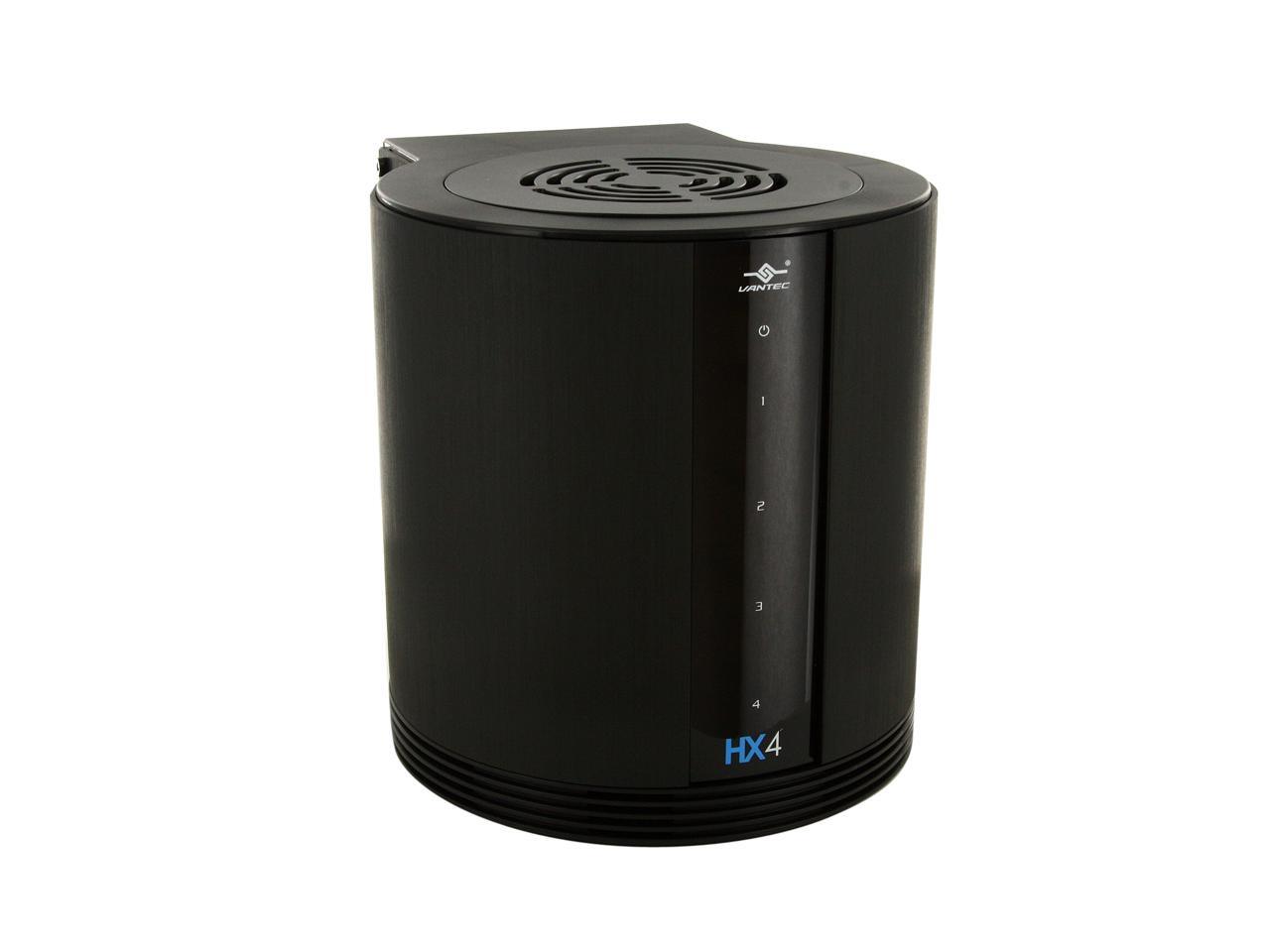
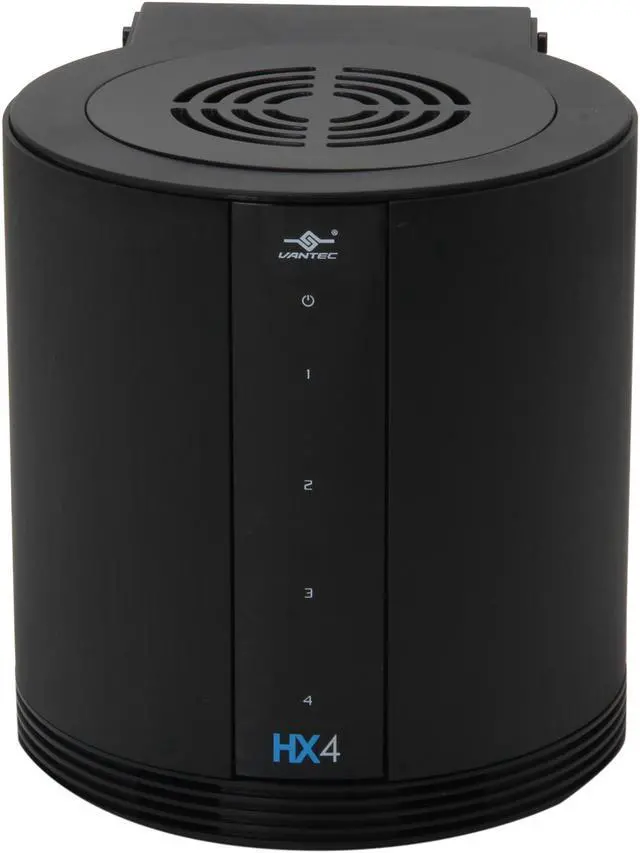
VANTEC NexStar HX4 NST-640SU3-BK Aluminum / Plastic 3.5" Black USB3.0 & eSATA Quad Bay HDD Enclosure

  • 3.5"
  • USB3.0 & eSATA
  • Up to 3TB
  • Aluminum / Plastic
  • Pin It
  • Email this page
ICON Loading...

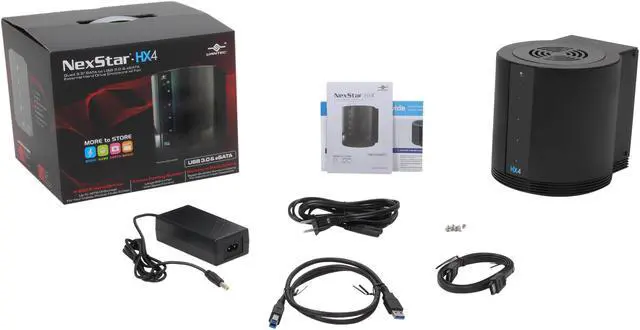
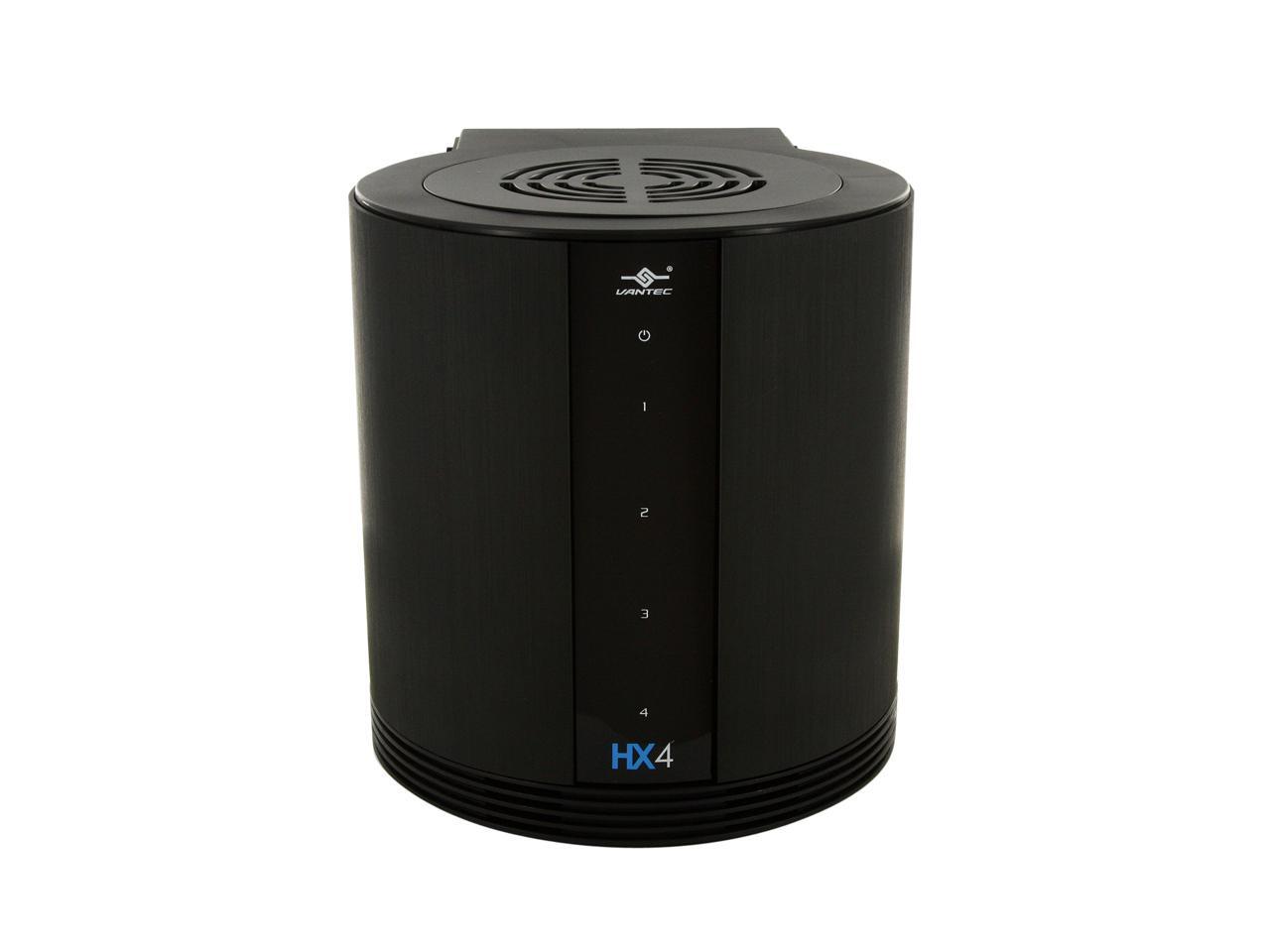
Introducing the NexStar HX4 – a quad 3.5" SATA to USB 3.0 & eSATA External Hard Drive Enclosure designed to keep all your hard drive safe and cool. This enclosure features a hard aluminum shell that effectively draws away the heat while an active controlled 80mm fan on top exhausts the hot air from the enclosure ensuring your hard drive is protected and cooled. Integrated with USB 3.0 & eSATA technology; transfer files to and from your computer at blazing fast speeds. Backup, transfer, copy your data quick and easily with the Vantec NexStar HX4 enclosure.

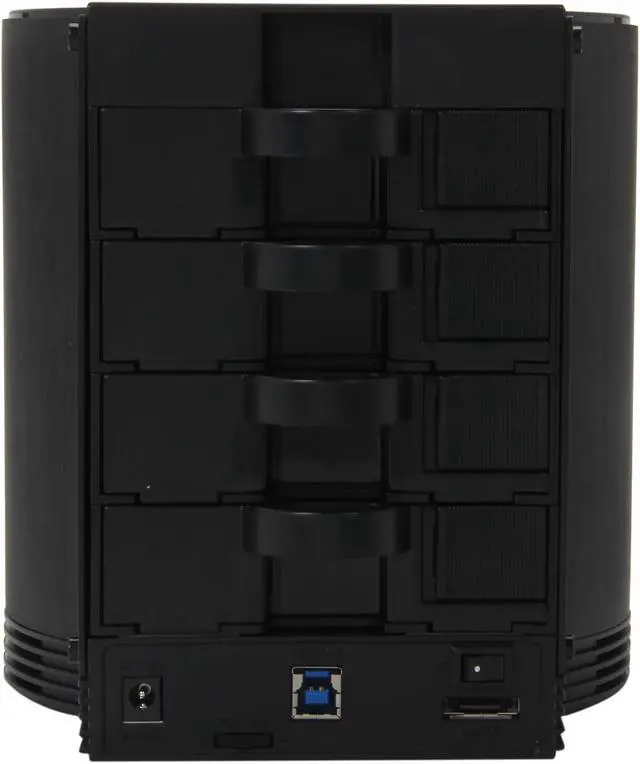
  • newegg Dual interfaces The Vantec NexStar HX4 series enclosure features a USB 3.0 port for up to 5Gb/s ultra-fast transfer speed and eSATA port for a transfer speed of up to 3Gb/s. The USB 3.0 is also backward compatible with USB 2.0/1.1.
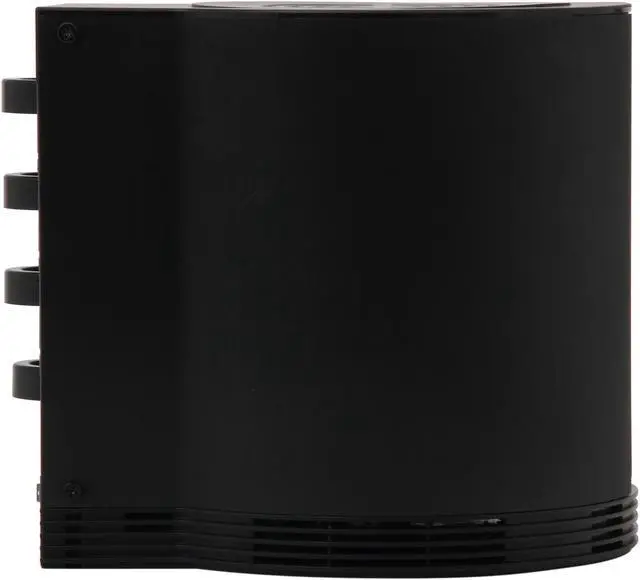
  • newegg Aluminum Body Featuring an aluminum casing, the Vantec NexStar HX4 series enclosure delivers excellent heat dissipation and tough, reliable protection for your hard drive.
  • newegg Built-in 80mm Cooling Fan The Vantec NexStar HX4 series enclosure features a built-in 80mm cooling fan with large vents. With the Power On/Off switch, you can turn off the fan for ultra-quiet operation.
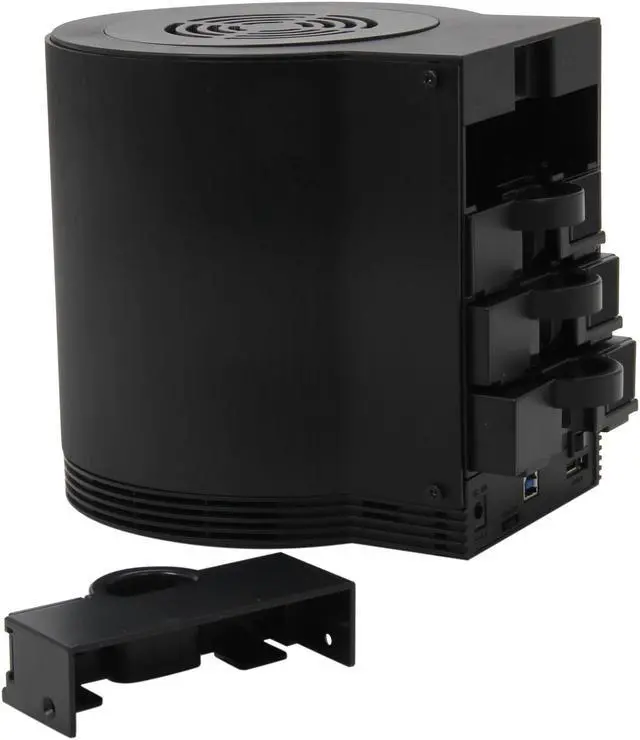
  • newegg SATA I/II Hard Drive Support The Vantec NexStar HX4 series enclosure accommodates four 3.5” SATA I or II hard drives. The SATA II interface delivers an amazing internal data rate of 3.0Gb/s for ultra-fast file transfer. And hot swap capability offers convenient solution for multi-drive exchangeability & maintenance.
  • newegg LED indicators The LED indicators show you power & HDD activity at a glance.

Learn more about the Vantec NST-640SU3-BK

Model

Brand
VANTEC
Series
NexStar HX4
Model
NST-640SU3-BK

Spec

Color
Black
Size
3.5"
AC Adapter
Yes
Material
Aluminum / Plastic
Internal Interface
SATA I/II
External Interface
USB3.0 & eSATA
Maximum Capacity (per Bay)
Up to 3TB
Fan
Yes
Specifications
Fan: 80 mm

HD Capacity: Up to 12TB

System Requirements:
USB 2.0, 3.0 or eSATA Equipped System
For USB 3.0 Speeds, the System Must Support USB 3.0 Specification eSATA Equipped System
For eSATA Speeds, the System Must Support eSATA Specifications
Port Multiplier Is Required For eSATA
Features
Aluminum Casing Cools Down Your Hard Drive

Vents To Intake Cool Air

Maximum Transfer Rates Up to 5 Gbps w/USB 3.0

Maximum Transfer Rates Up to 3Gbps w/eSATA

Large 80mm Fan w/ On & Off Switch

Easily Add Storage to Any System with USB 2.0, 3.0 or eSATA

Backwards-Compatible with USB 2.0 or 1.1

Hot-Swappable: Plug & Play Without Rebooting

Attractive LED Indicates Power & HDD Activity.

Compatibility

Operating Systems Supported
Microsoft Windows XP, Vista & 7
Mac OS X v10.4 and Up

Dimensions & Weight

Dimensions
209 x 170 x 181 mm

Packaging

Package Contents
NexStar HX4 Enclosure
Power Adapter
USB 3.0 Cable
eSATA Cable
User's Manual

Quick Info

Warranty

  • Limited Warranty period (parts): 1 year
  • Limited Warranty period (labor): 1 year


Customer Reviews of the Vantec NST-640SU3-BK

Do you own this product? Write a Review

Filter Results

Go
  • ioperate
  • 5/7/2013 9:08:22 AM
  • Tech Level: Somewhat High
  • Ownership: 1 month to 1 year

3 out of 5 eggsNEED FIRMWARE UPDATE

Pros: Nice little enclosure once you get it working.

Cons: ALL MAC USERES (and Windows 7 apparently). You NEED to upgrade the firmware for the drives to work without DISCONNECTING.

I was about to send both units I bought back until I figured this out. Using them with 8 drives to serve media to my 2012 Mac Mini media center running Plex, Sabnzbd+, Sickbeard, and Couchpotato

See below

Other Thoughts: You need to connect to something running Windows to upgrade the firmware, it says something about using a USB 2.0 cable but I just used the one that came with the HX4.

You can download the firmware upgrade from:http://www.station-drivers.com/page/jmicron.htm

Look for the JMicron JMS539 which is the USB 3 superspeed controller this product uses. In the release info under JMS539 you'll read:

Version 255.00.03.42.22
- Improved PCI-E USB 3.0 compatibility
- Improved MBR/GPT support
- Mounting/Dismounting issues in Windows 7 / Windows 8 and Mac 10.7 (Lion) / 10.8 (ML)

So you must install version 255.00.03.42.22 of the firmware for your HX4 to work.

Cheers

2 out of 2 people found this review helpful. Did you? Yes No

  • N/A
  • 4/28/2013 6:17:02 PM
  • Tech Level: High
  • Ownership: 1 day to 1 week
  • Verified Owner

2 out of 5 eggsFlaky, intermittent connection

Pros: Keeps drives cool, fan is (relatively) quiet. Decent quality construction.

Cons: Connection is intermittent on BOTH computers I tried it on (both Macs, if that's important). Sometimes data would write perfectly, other times it would drop off and disconnect in the middle of a write. Needless to say, I don't trust it. I was using it with four 1TB WD10EAVS WD Green hard drives.

Other Thoughts: I really wanted this to work... I really did; cheapest solution I could find with all the features I wanted, looks pretty nice, and is QUIET (hard to find in a quad enclosure). But if DATA isn't going to copy correctly. then I can't trust it - DATA is what this is for, after all. :-(

Did you find this review helpful? Yes No

  • Crunchy The Crab
  • 4/5/2013 3:42:39 PM
  • Tech Level: Somewhat High
  • Ownership: 1 month to 1 year
  • Verified Owner

5 out of 5 eggsExcellent Product

Pros: Small, FAST with USB 3.0, works great. Never lost a connection, Windows 7 recognized it immediately. No port multiplier with USB 3.0.

Cons: None that I can think of...very happy with this product.

Other Thoughts: I waited to write this review in order to be sure it performed as advertised over a period of time. I have had it for almost two months now and use it primarily for backups. It worked from the start and have never experienced a problem with it. I tried the esata, but the USB 3.0 seemed faster and did not require a port multiplier. I also tried it with USB 2.0 and it worked, but seemed to be very slow. That is subjective though and may have been a result of my experience the 3.0 speed first. Lastly, I was able to take advantage of Will Call and it was ready (as promised) before noon the following day.

Did you find this review helpful? Yes No

  • N/A
  • 4/2/2013 3:39:05 PM
  • Tech Level: Average
  • Ownership: 1 week to 1 month
  • Verified Owner

1 out of 5 eggsFAILED after 2 weeks

Pros: Price point, got it on sale.

Cons: Doesnt recognize USB 3.0 on Windows 8, which the details acknowledge.

Other Thoughts: I was using this for backup augmentation only. It was only powered up when I was actively backing things up. Yet even with such minimal use, it decided to die on me. It won't recognize any drives when you plug it in now, nor will the blue LEDs for the drives come on. I've swapped out USB and Sata, multiple drives, one drive, 3 drives, doesn't matter. Disappointed, since this was my first foray into a multi drive enclosure. I won't be recommending Vantec to any friends. Back to my 3.5in dock setup.

Manufacturer Response:

Dear Valued Customer,
We try hard to provide our customer with the best service. If you have questions about our products, please feel free to write to us for assistance at support@vantecusa.com. We will try our best to answer your questions. Thank you for looking into our products. We do value your patronage.
Best Regards, Vantec

0 out of 1 people found this review helpful. Did you? Yes No

  • jeff
  • 3/15/2013 3:45:10 PM
  • Tech Level: High
  • Ownership: 1 day to 1 week
  • Verified Owner

2 out of 5 eggsno go on windows 8

Pros: Nicely designed and built. Works with windows 8 & 4TB drives, but on USB 2.0 ports only.

Cons: When reading/writing files to the unit, reconnects always occur, and the transfers never work (100% fail) other usb 3.0 drives (wd passport 1TB) work 100%

Other Thoughts: Vendor does not claim windows 8 support. Too bad, as this would have been a great box to set up storage spaces on. USB 2.0 just does not have the speed for media files and backups.

Did you find this review helpful? Yes No

  • gl
  • 2/27/2013 4:30:29 PM
  • Tech Level: High
  • Ownership: 1 day to 1 week
  • Verified Owner

5 out of 5 eggsEasy set up. Everything works

Pros: -Easy HD install. Two screws per and slide in.
-Fan is manually adjustable for top speed and adjsuts itself based on temp. With only 2 drives keeps them cool without using hiest speed.
-Using two existing drives, windows recognized drives first time with correct letters.
-Connected by esata, transfer rate to/from internal drive is limited by the drives, not the link. (Both in the enclosure are SATA II and one is a WD Green variable speed.)
-Instructions are not too bad, especially compared to some others I have seen.
-Main case is sturdy aluminum. Trays and top are plastic but adequate. Drives fit snugly, no vibration. Empty tray covers feel loose, but don't vibrate.

Cons: These are small and not worth a deduction so I'll put them in comments.

Other Thoughts: - Fan is a little whishy loud at highest speed. Annoying more for the type of noise that the volume. (And not as loud as computer fans when it cranks them up for high load.) The reason seems to be slots in the plastic top for the fan outlet. If it is annoying I may cut away the plastic and install a wire grill.
- Instructions are not bad, but sparse. A few things left out: Drives do not start up until the computer is turned on. If room is cool the fan may not start when unit is turned on. So the only indication at first may be the green power light. When computer starts the drives start, each indicated by separate blue light. (Remember this is connected by esata. USB3 might behave differently.) Instructions don't say which trays to use for less than 4 drives. But as far as I can tell it doesn't matter. Fan is at top of case, blowing upward.
- Temperature sensor and SMART readings are reported only for one drive. But otherwise both are reported, for example by windows device manager and disk manager, and AIDA64, and of course windows explorer. Reversing tray position switches which drive reports temp and SMART, so it does appear to be the enclosure doing this.
- This is more a comment on an advantage of esata, but computer has never failed to recognize drives at start. My experience with USB enclosures has been that whether U2 or U3 they are sometimes missed in boot up. But I did not test USB with this enclosure.

2 out of 2 people found this review helpful. Did you? Yes No

  • jerry6
  • 2/23/2013 8:49:15 PM
  • Tech Level: High
  • Ownership: 1 week to 1 month
  • Verified Owner

5 out of 5 eggsWell made ,

Pros: Well made , easy to install drives , fan has speed control . With 4 4tb drives I got lots o storage . Transfer speeds are good with USB 3 and E SATA .

Cons: Fan makes a clunking noise a anything more than 1/3 speed , have to run it near minimum speed or the noise is distracting .

Other Thoughts: Other than the clunking fan it's a great storage box , looks great , keeps drives cool . Wish I could run the fan at medium to fast , but the clunking fan sounds like it will break if I keep the speed up , not to mention annoying

Don't forget to put the 4 rubber pads in centre of drive tray , if you don't drives may not connect to sata port , nothing mentioned in the manual about these included rubber pads

2 out of 2 people found this review helpful. Did you? Yes No

  • Squirrel
  • 2/12/2013 4:22:27 PM
  • Tech Level: High
  • Ownership: 1 week to 1 month
  • Verified Owner

5 out of 5 eggsSo far so good

Pros: Price, lights and design

Cons: drive bay holding and locking mechanism could be better

Other Thoughts: USB 3.0 seemed a little slow, so switched to eSATA. If I have time someday, I'll benchmark. Using these drives with Windows 8 Storage Spaces.

1 out of 1 people found this review helpful. Did you? Yes No

  • N/A
  • 2/6/2013 5:31:36 AM
  • Tech Level: Average
  • Ownership: 1 week to 1 month
  • Verified Owner

5 out of 5 eggsExcellent Product

Pros: I have two old computers lying around the house, which I have kept because I thought one day I would need to access the information on the hard drives in those systems. With this HDD enclosure I was able to remove three of those old hard drives and put them into a single external case. Installation was very easy and my system (Windows 8) immediately recognized the drive and gave me easy access to all my old files. My system sees all three drives as a single external drive. Read/write speed seems very good overall.

Cons: I noticed the power supply plug does not fit perfectly into the enclosure.

1 out of 1 people found this review helpful. Did you? Yes No

  • N/A
  • 1/29/2013 9:26:28 PM
  • Tech Level: High
  • Ownership: 1 week to 1 month
  • Verified Owner

4 out of 5 eggsVantec HX4

Pros: USB 3.0. Cheapest 4 bay USB 3.0 I could find. Device doesn't feel cheap. Easy to use. Straight forward. Simple to setup. Good speeds to 70MB/s from what I've seen. Hotswappable*. Tech support was very responsive once they started replying.**

Cons: *Don't swap during read/writes while one drive is reading/writing it'll interrupt the operation but it is recoverable.

**Tech support took 4 days and 2 emails to start conversing. Once they started I was able to get multiple replies from them in a single day. So not really a con. They more than made up for it.

Other Thoughts: My tech support request involved an identical drive not working in the unit of another that was. Turned out the problem was that drive was not seating properly. Apparently, in the packaging there are 4 foam sticky pads. Don't throw these away. Instead they're used to pad the trays/drives to insure firm seating when in the unit. The pad is placed inside the tray on the indention in the center where the end of the drive butts against the tray. The instructions don't mention this at all. It was only when tech support mentioned them that I went looking for them. They solved my problem. Simple fix, best fix!

4 eggs - there's always room for improvement as my univ. professor stated.

1 out of 1 people found this review helpful. Did you? Yes No

ICON Loading...
Are you an E-Blast Insider? Subscribe Newegg e-Blast

Buzz

Interesting Quad Enclosure!

5 out of 5 eggs
This enclosure has an elaborate cooling system using plastic ductwork and a top mounted exhaust fan. The rear-loading drive ...
— slappy 4/25/2012

Best value there is

5 out of 5 eggs
I have this and the SANS DIGITAL TR4UTBPN. I got the SANS because of the hardware raid. However, I found the hardware raid ...
— Hospital IT Tech 11/12/2012


PayPal
Shop without retyping payment details. Secure shopping made faster.
Check out with PayPal.

Financing


Home
Home > 
Computer Hardware > 
Computer Cases > 
External Enclosures > 
Vantec > 
Item#: N82E16817392051
LOADING... LOADING...
Shop by Region: United States | Canada | China
Follow us:   RSS Feeds Youtube
VeriSign Reliability Seal1This site protected by Trustwave's Trusted Commerce program Inc500
Policy & Agreement | Privacy Policy  © 2000-2013 Newegg Inc.  All rights reserved.
If the Adobe Reader does not appear when you click on a link for a PDF file, you can download Adobe Reader from the Adobe web site. nassau