Skip to: |

Newegg.com - A great place to buy computers, computer parts, electronics, software, accessories, and DVDs online. With great prices, fast shipping, and top-rated customer service - once you know, you Newegg.

If you are reading this message, Please click this link to reload this page.(Do not use your browser's "Refresh" button). Please email us if you're running the latest version of your browser and you still see this message.

Newegg.com - Computer Parts, Laptops, Electronics, HDTVs, Digital Cameras and More!

  • | Wish List
  • Help
Search all
Search
Home
Home > 
Computer Hardware > 
Input Devices > 
KVM Switches > 
IOGEAR > 
Item#: N82E16817399001

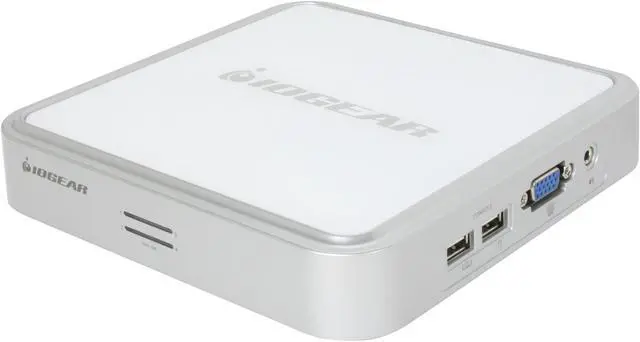
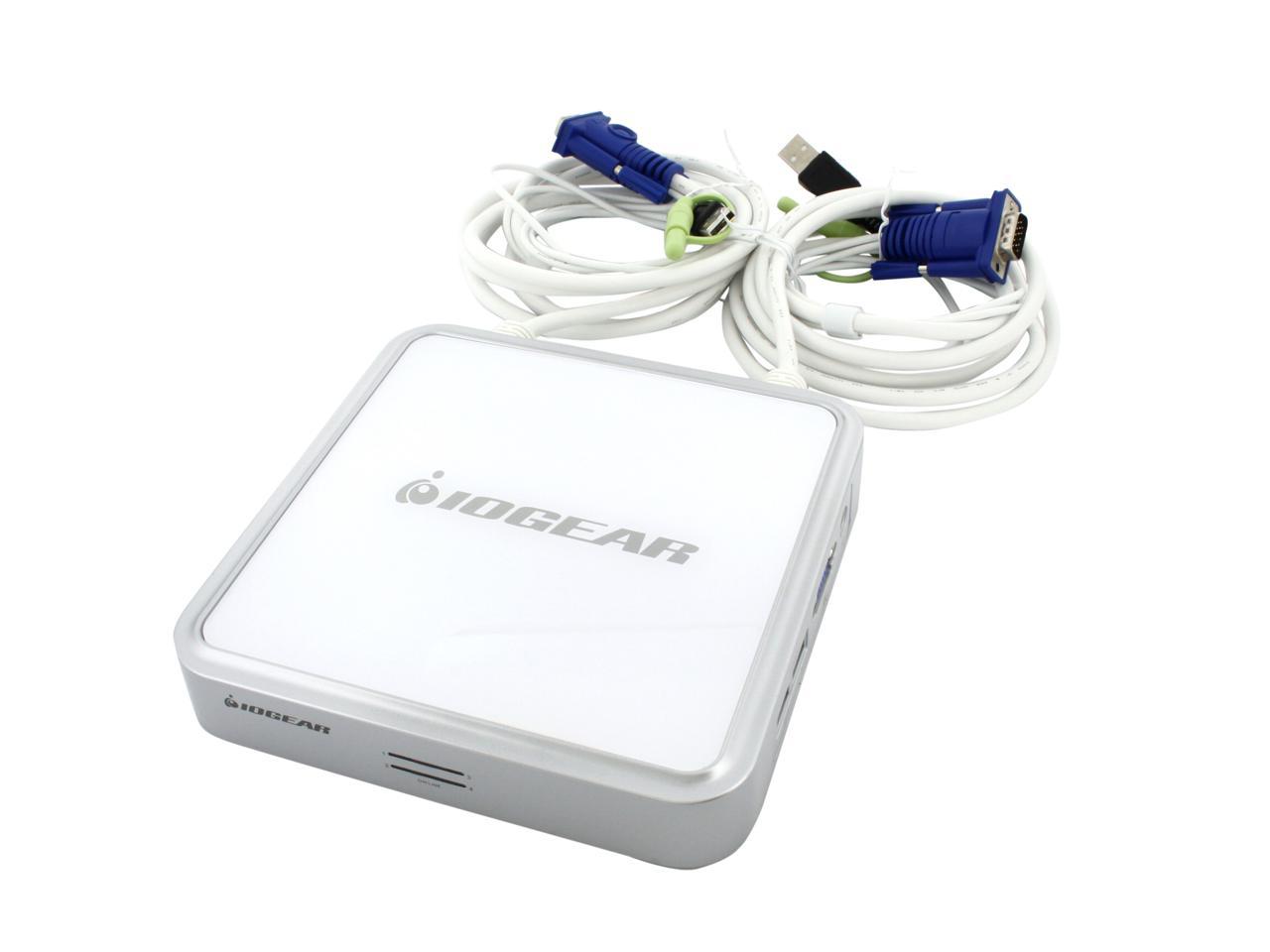
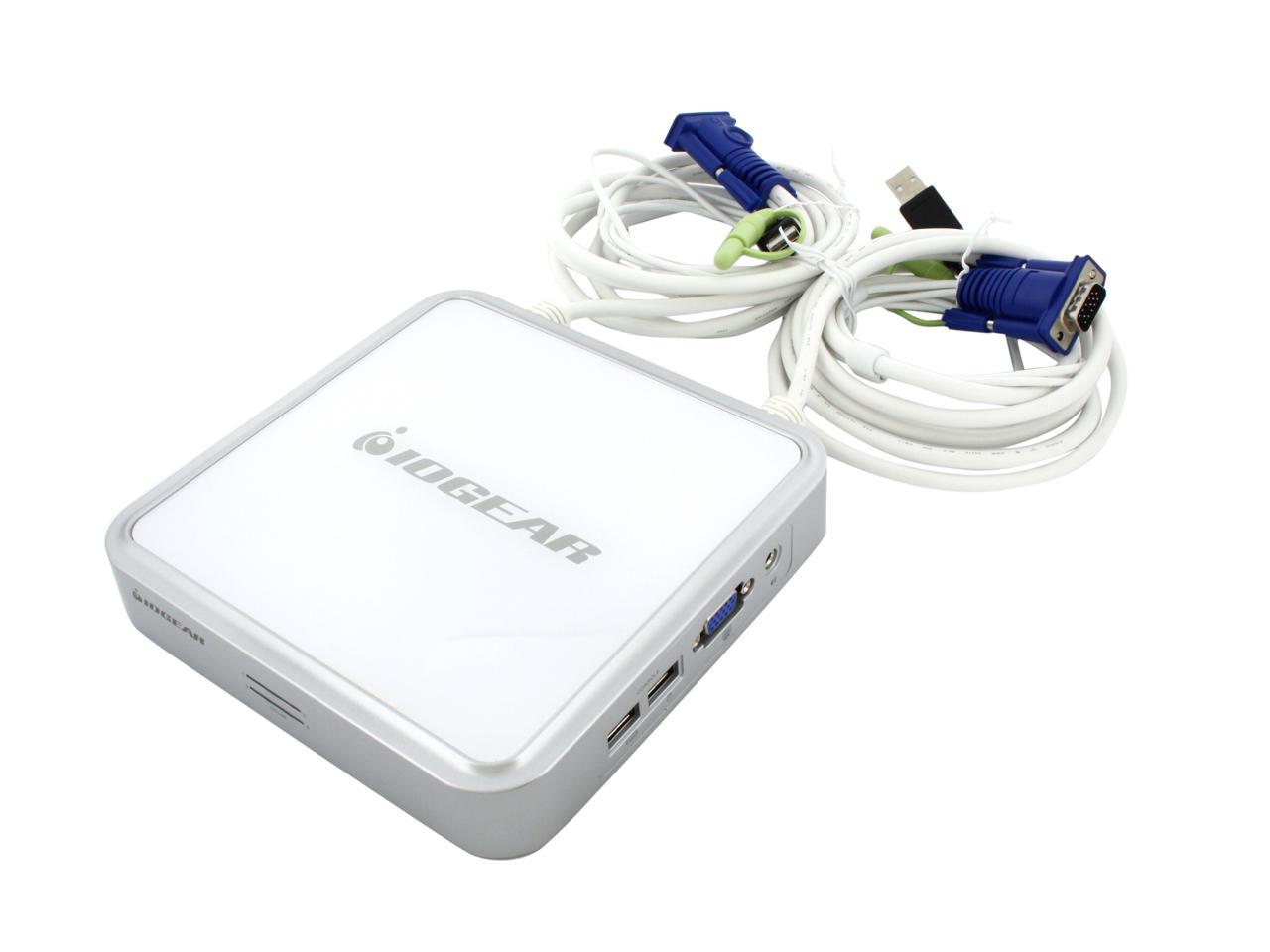
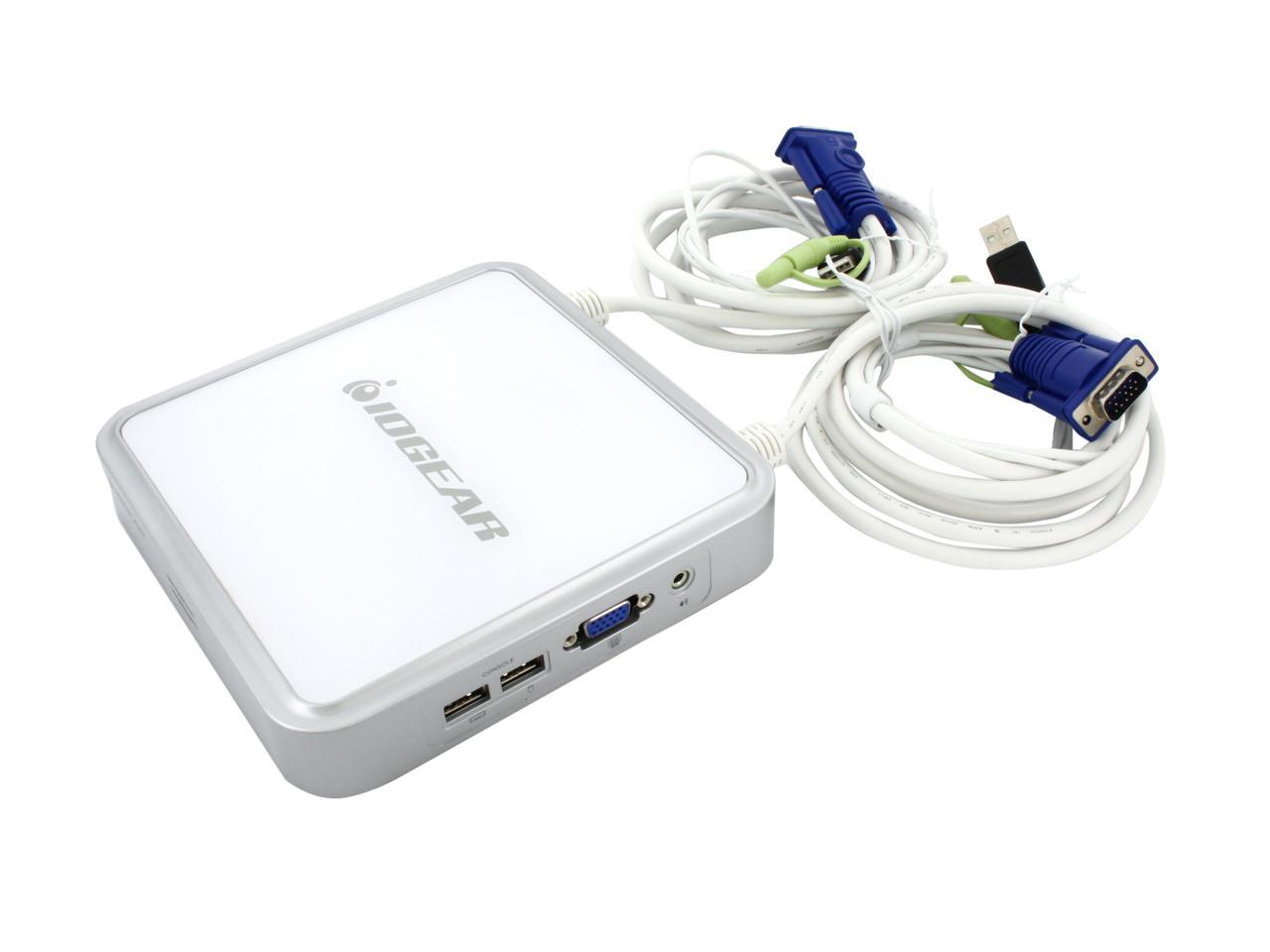
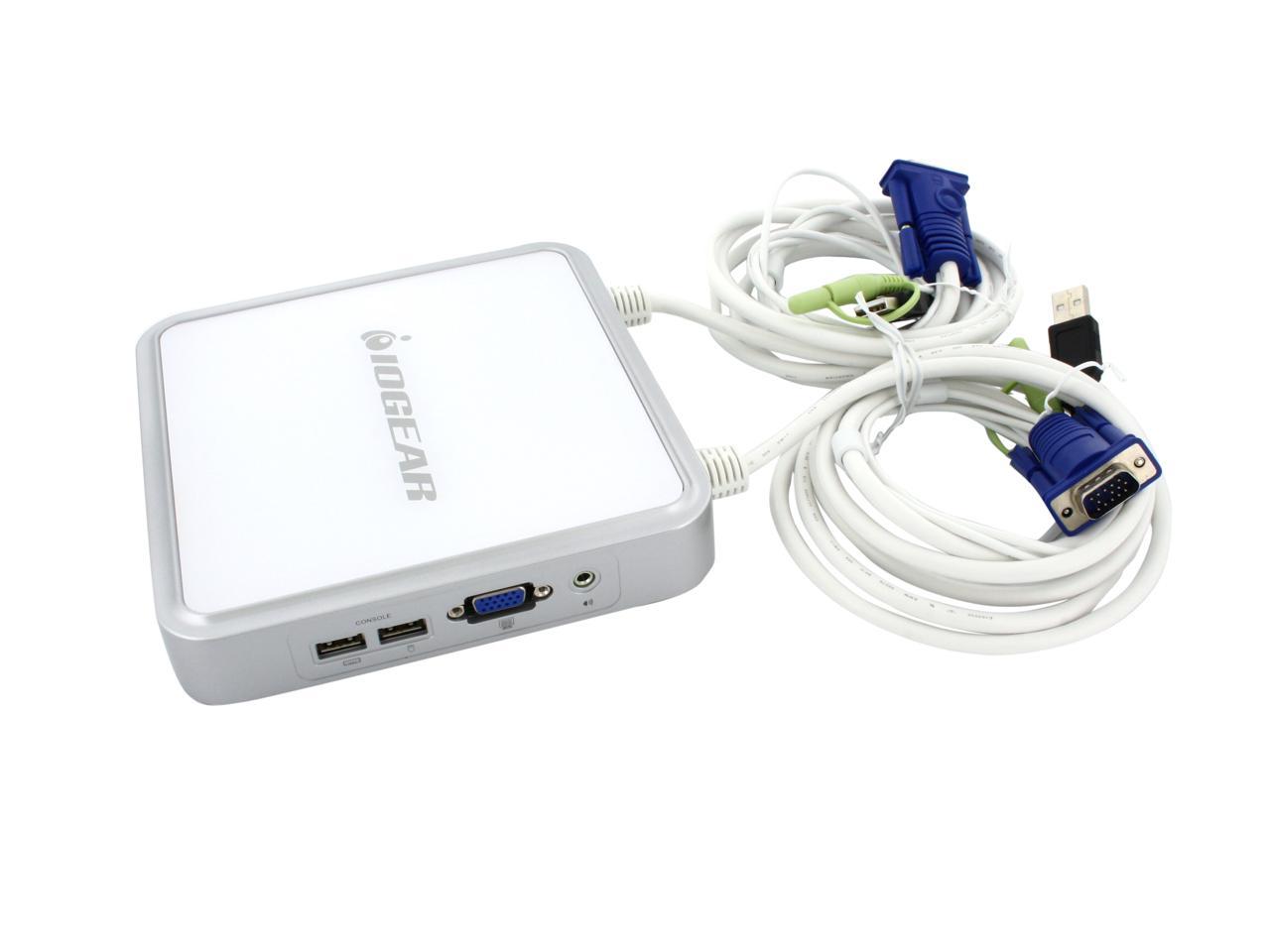
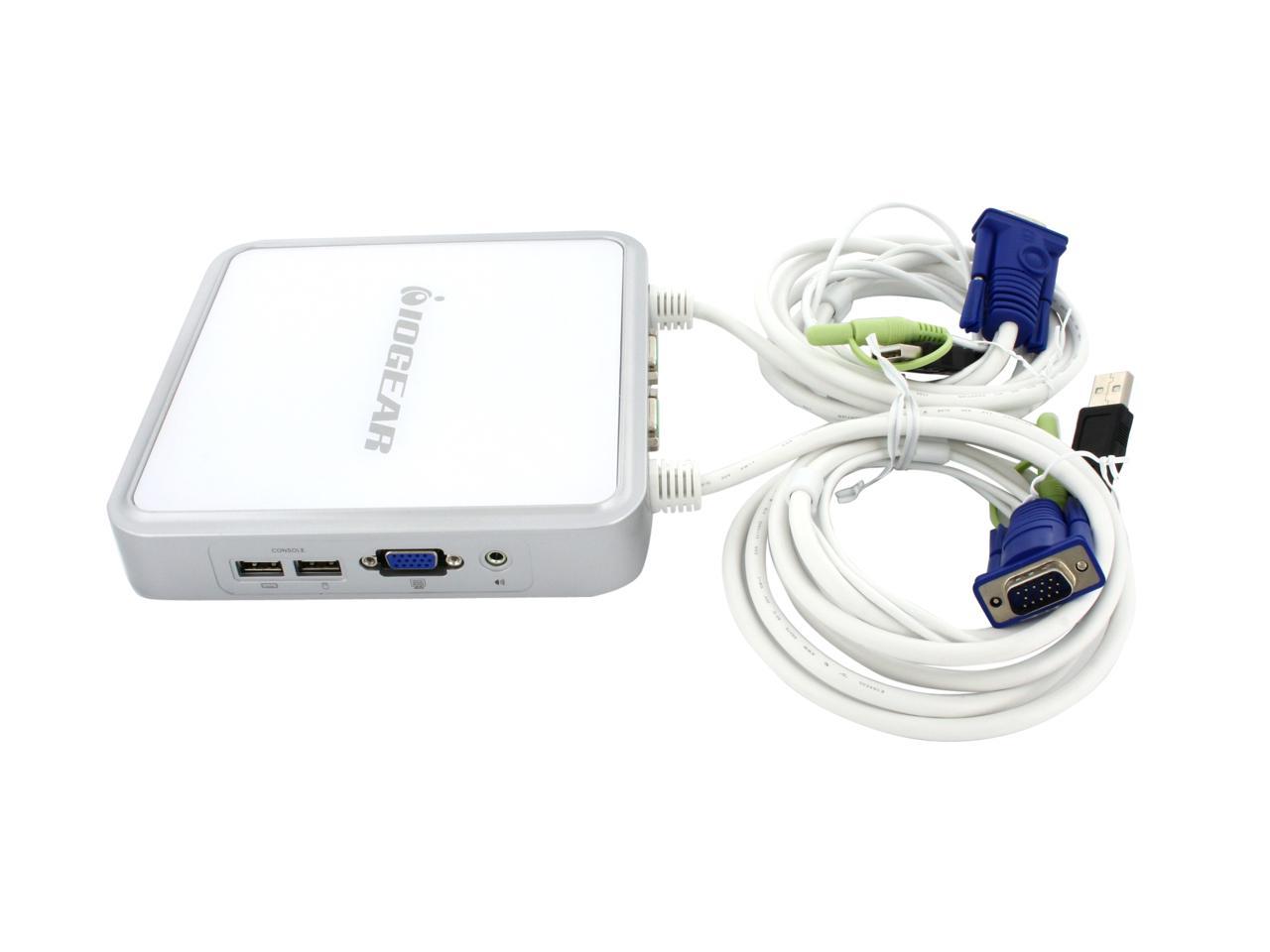
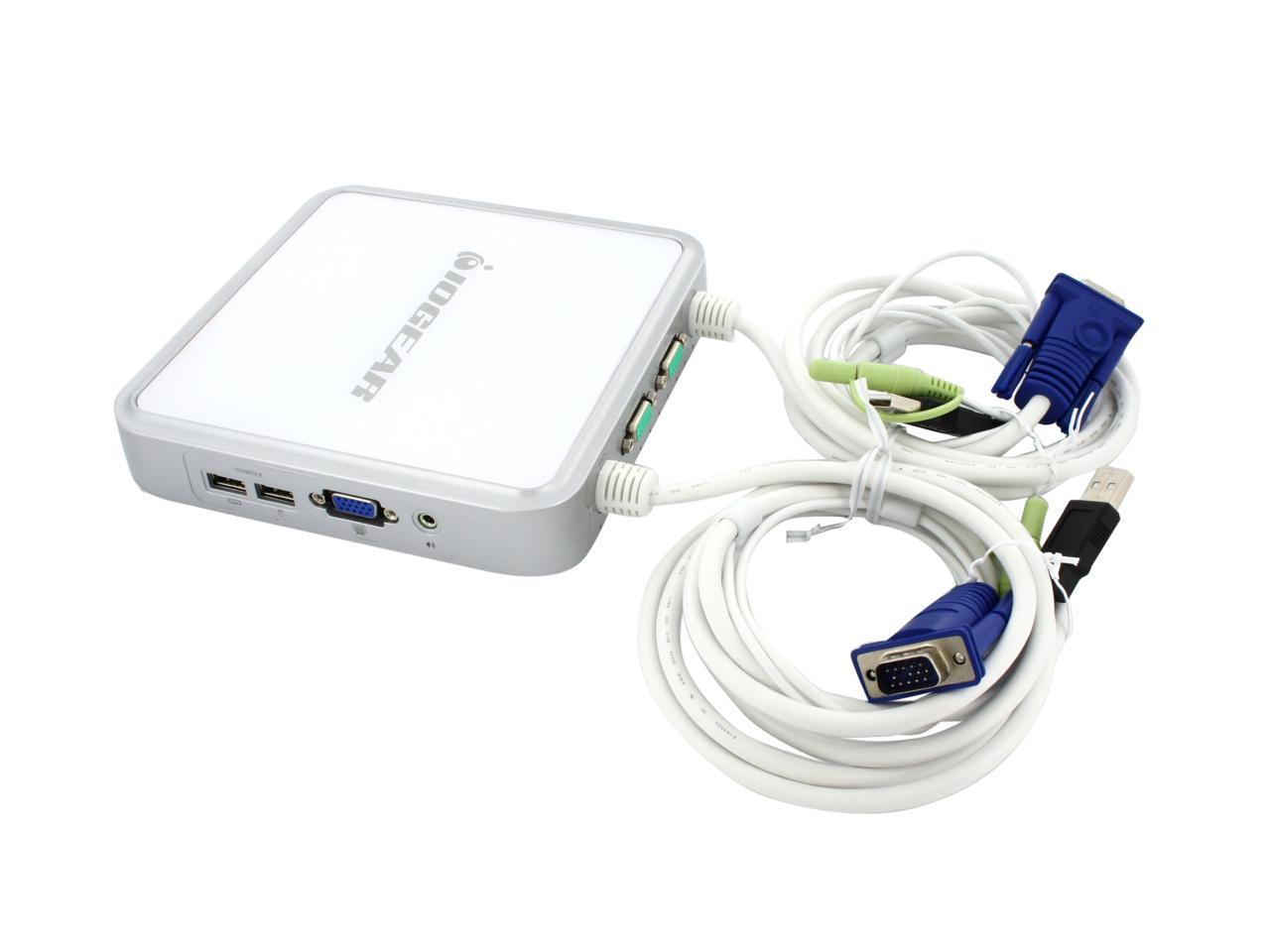
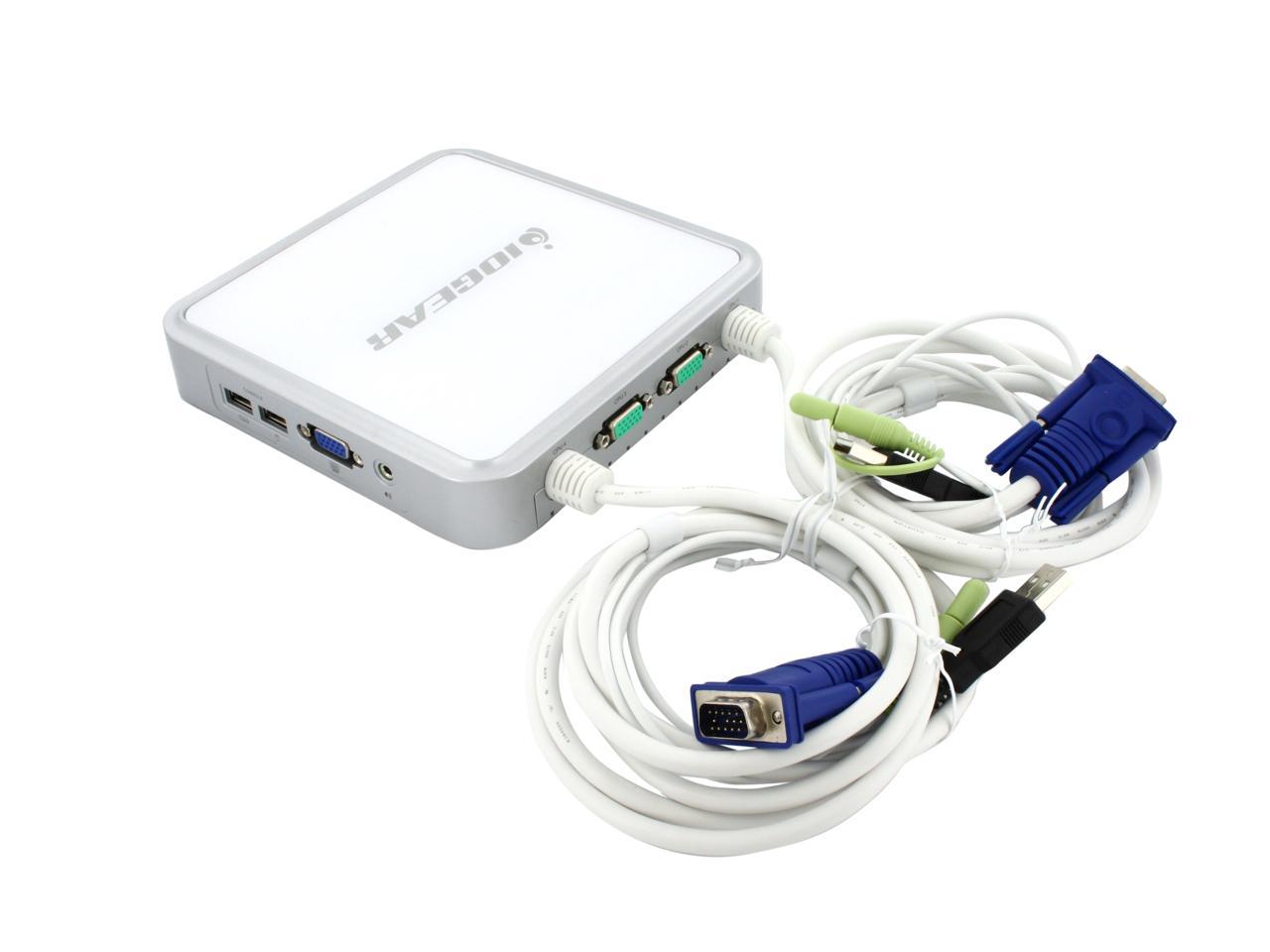
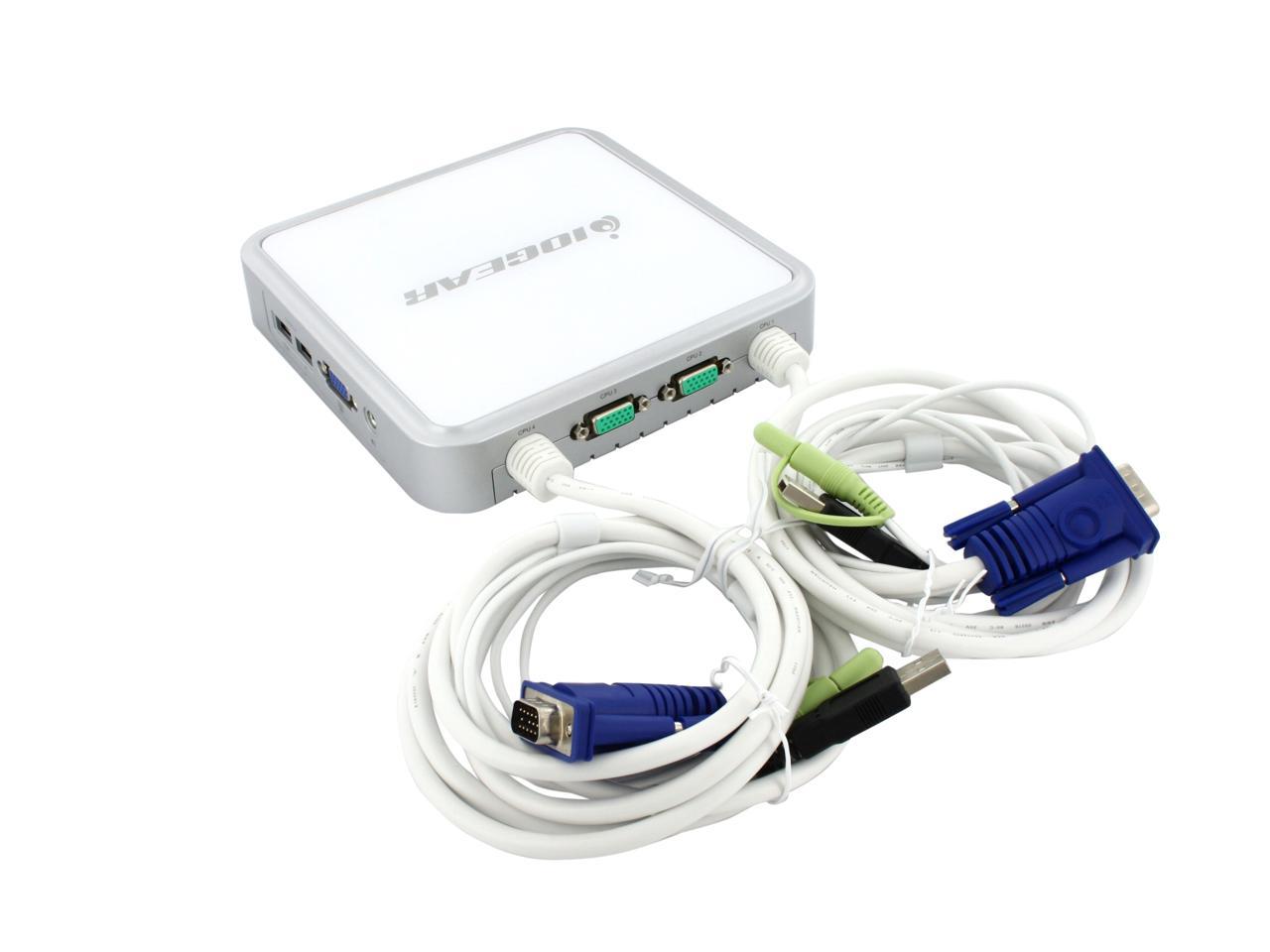
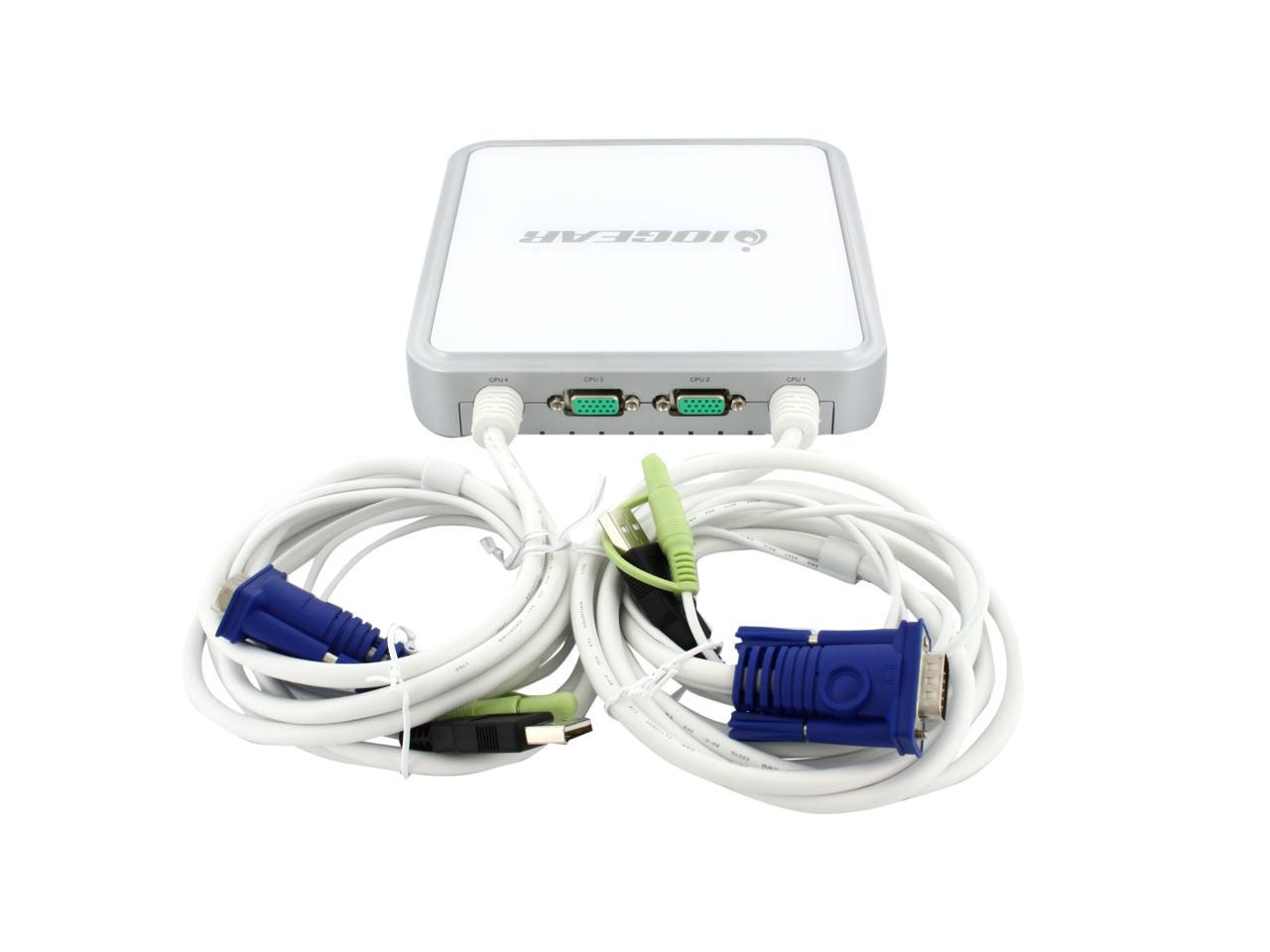
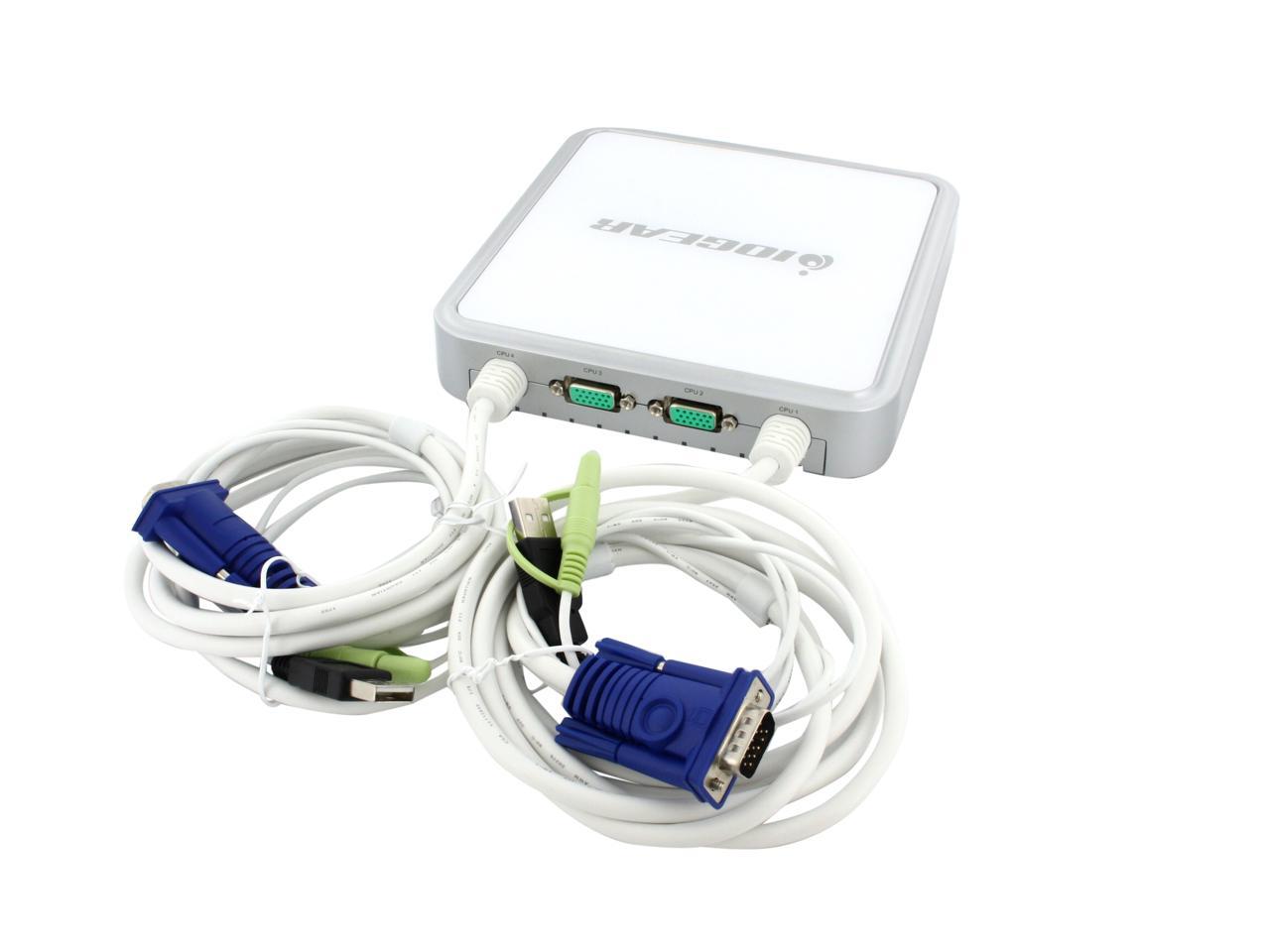
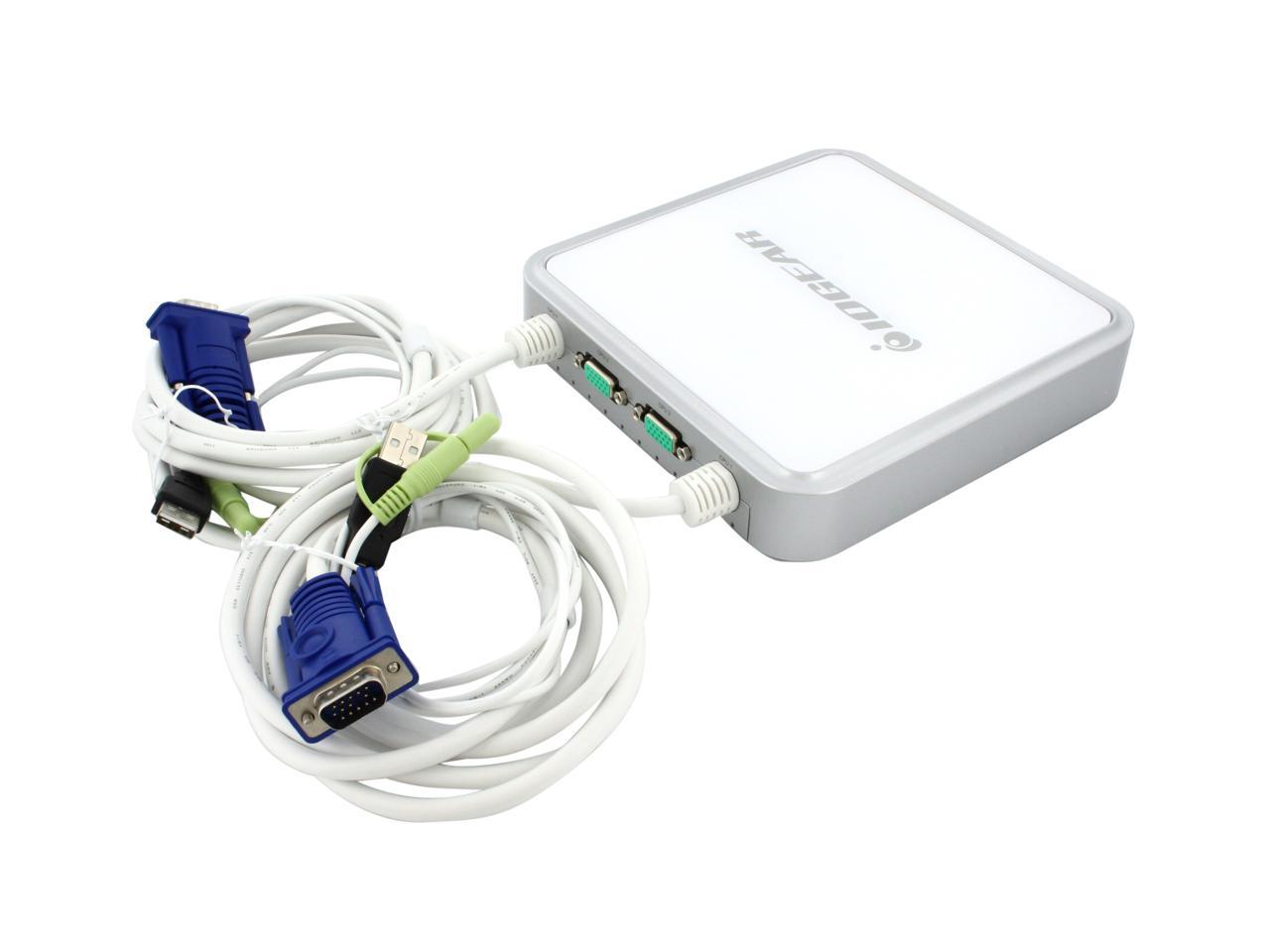
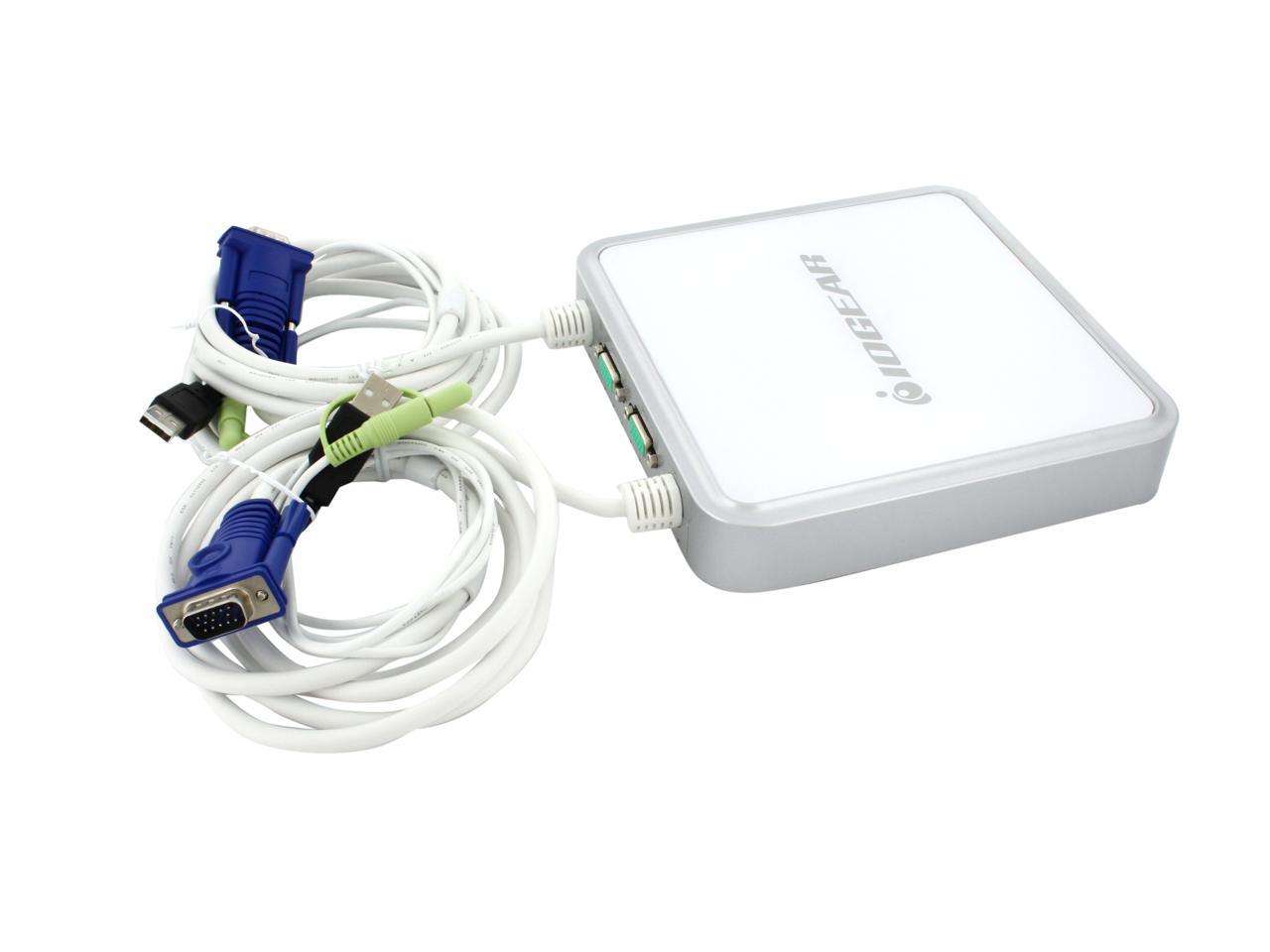
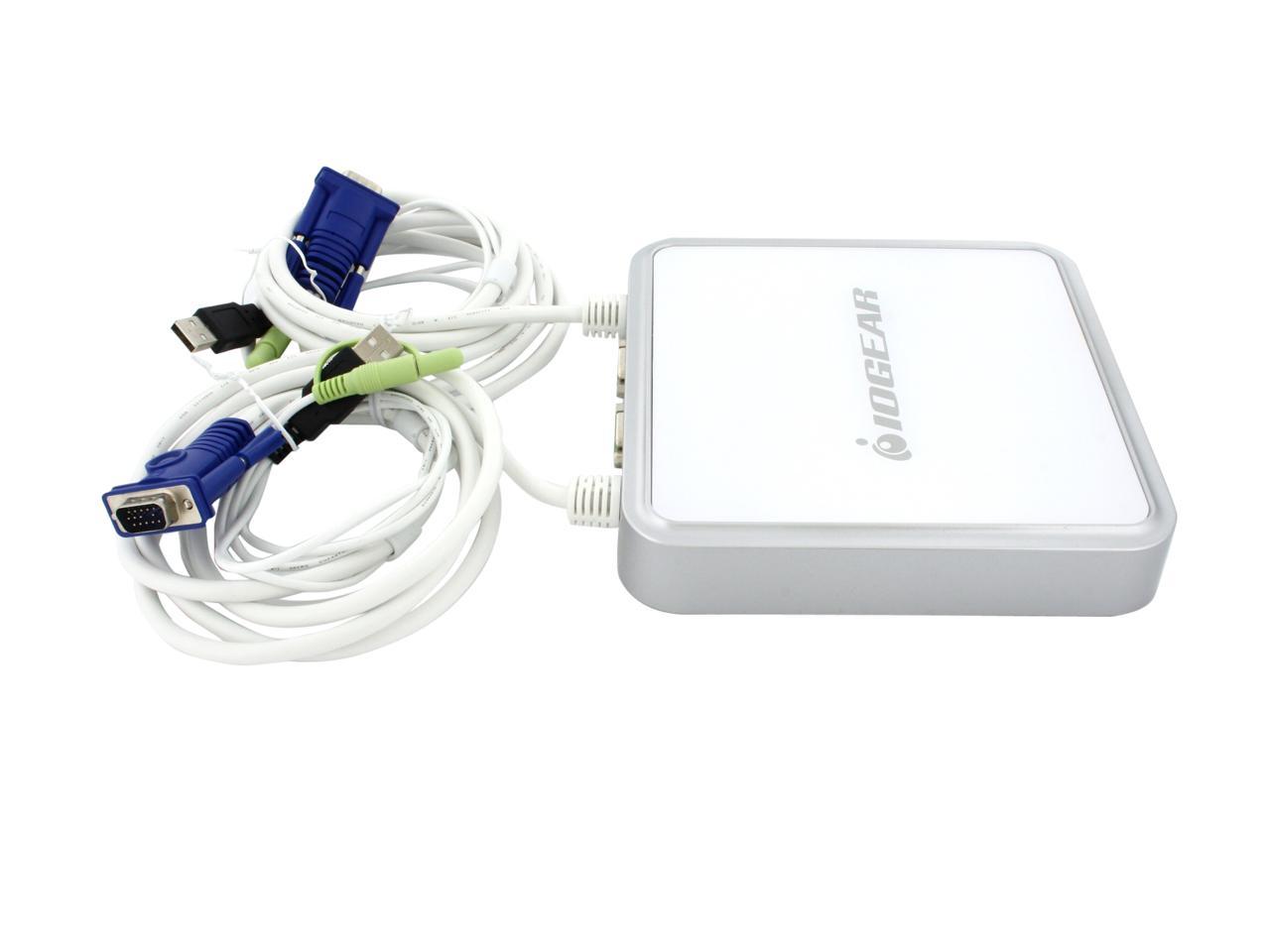
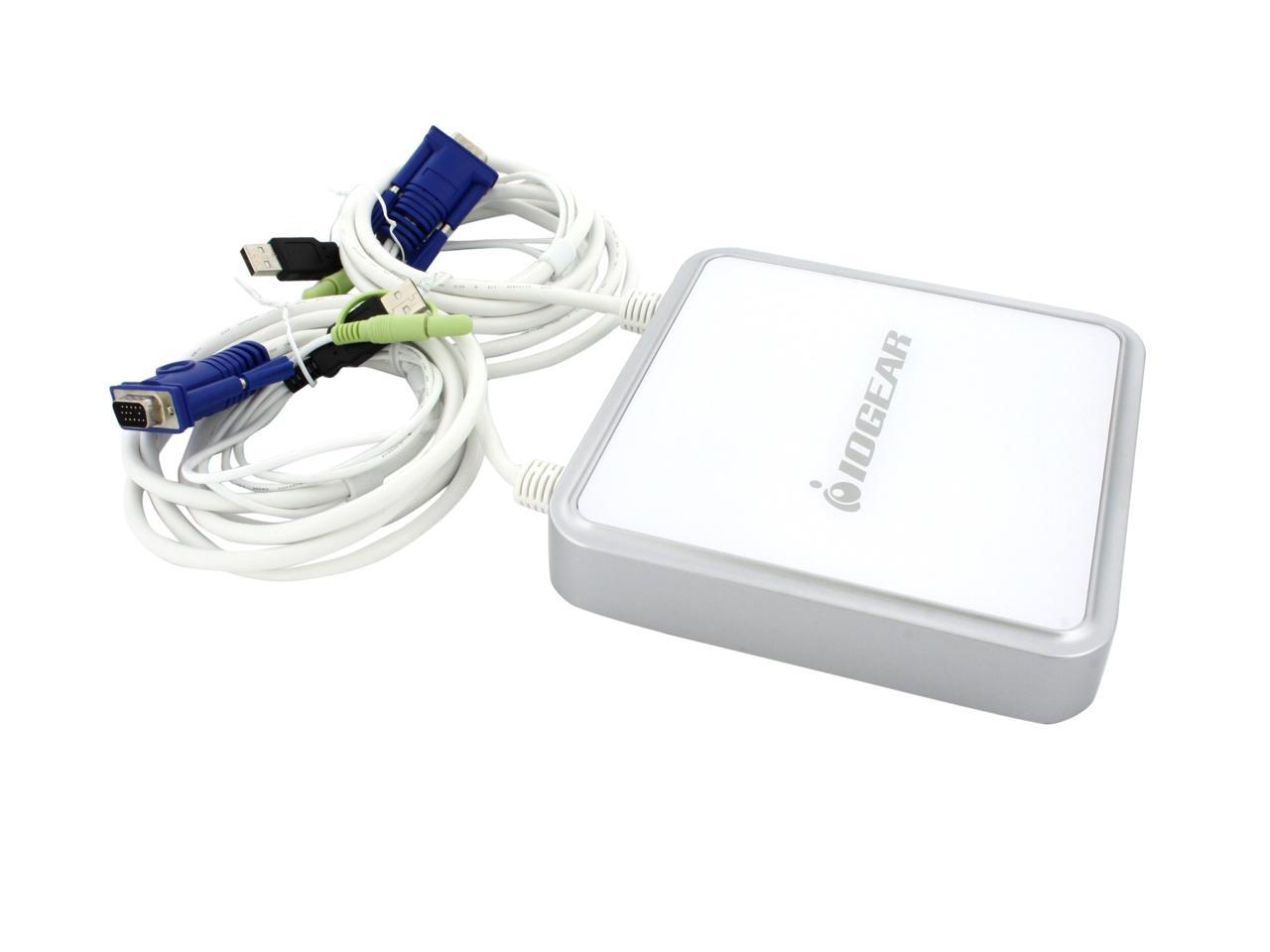
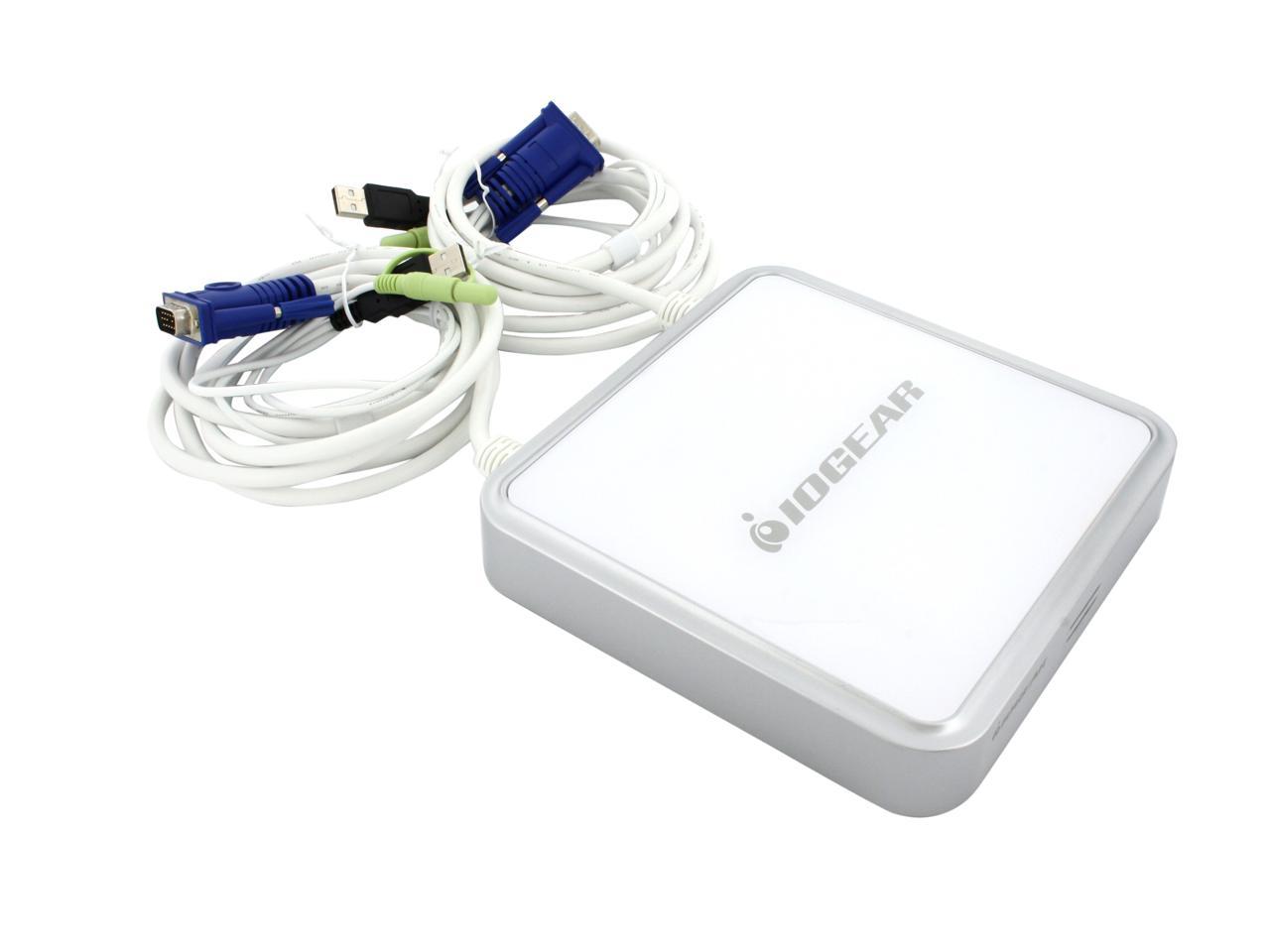
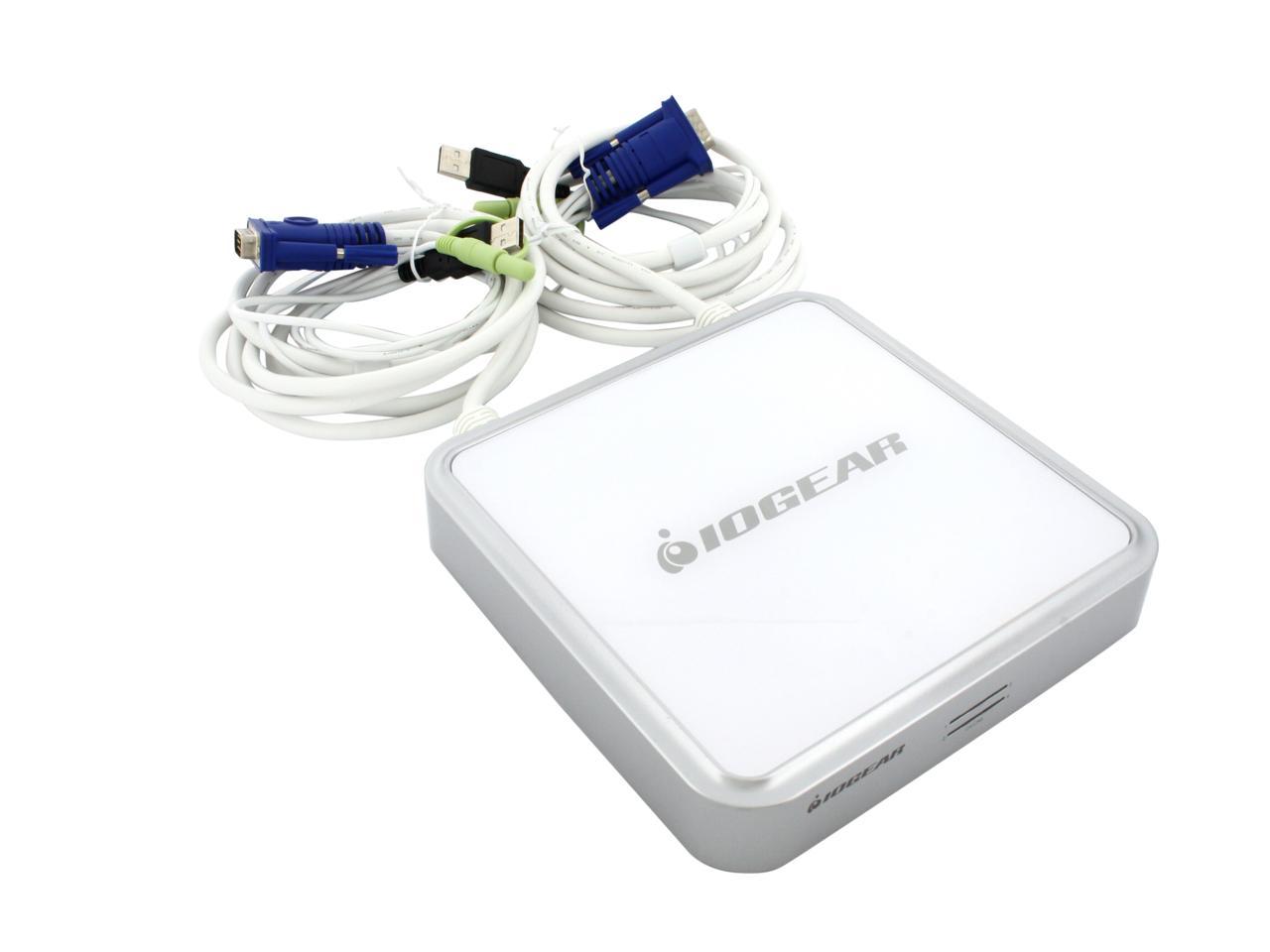
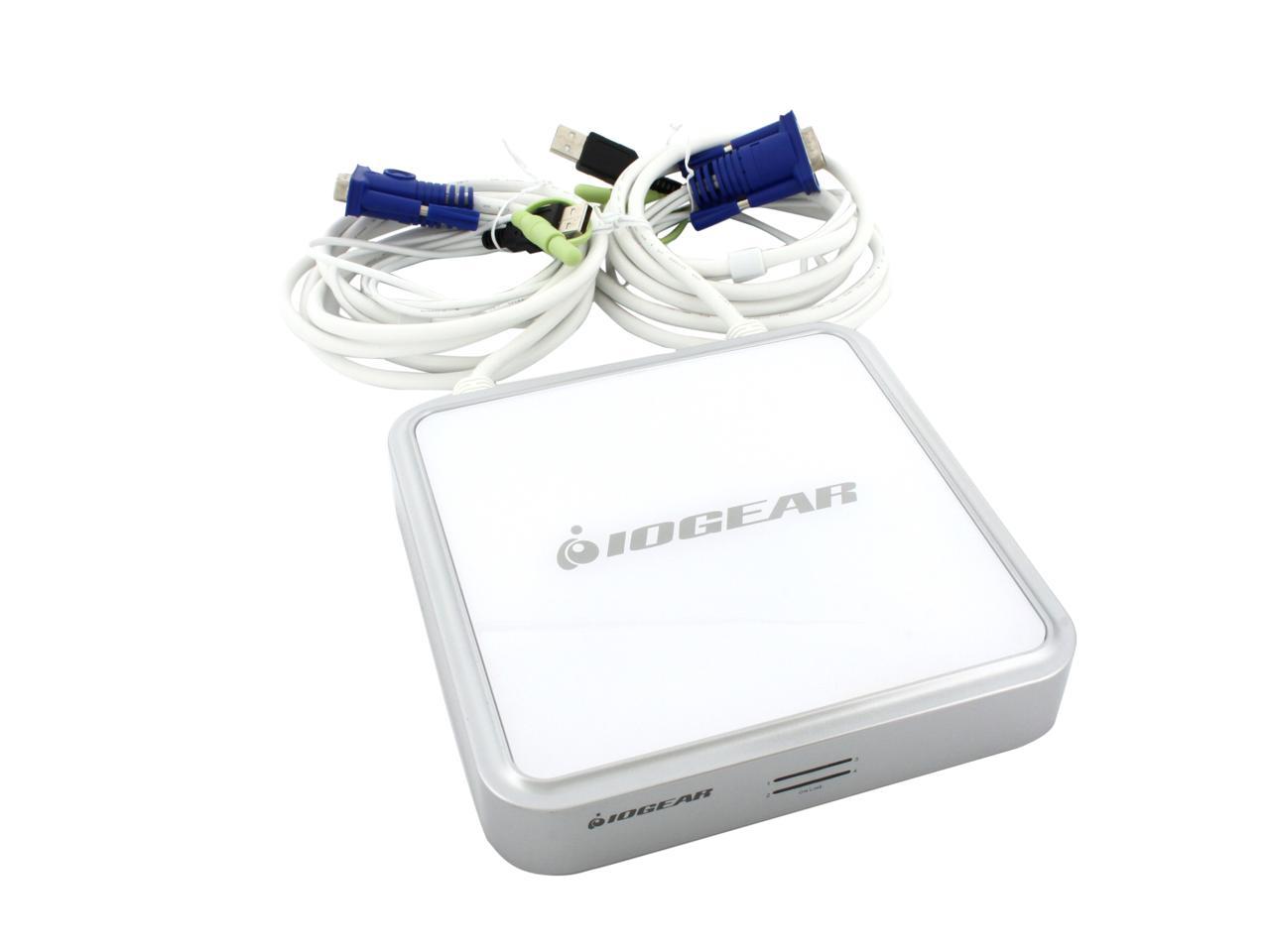
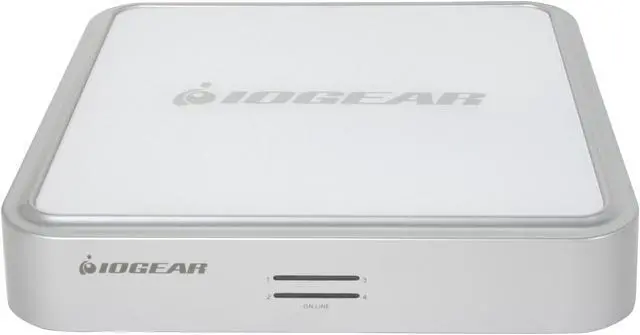
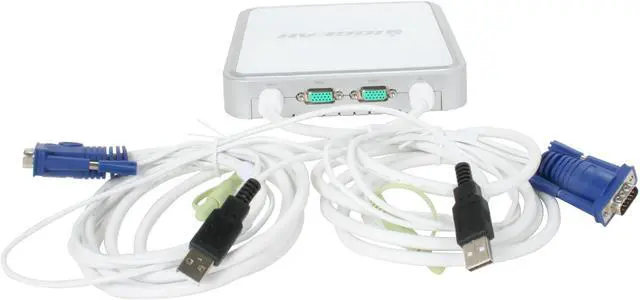
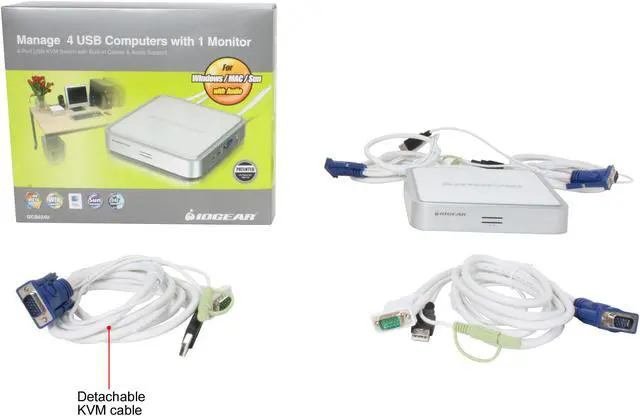
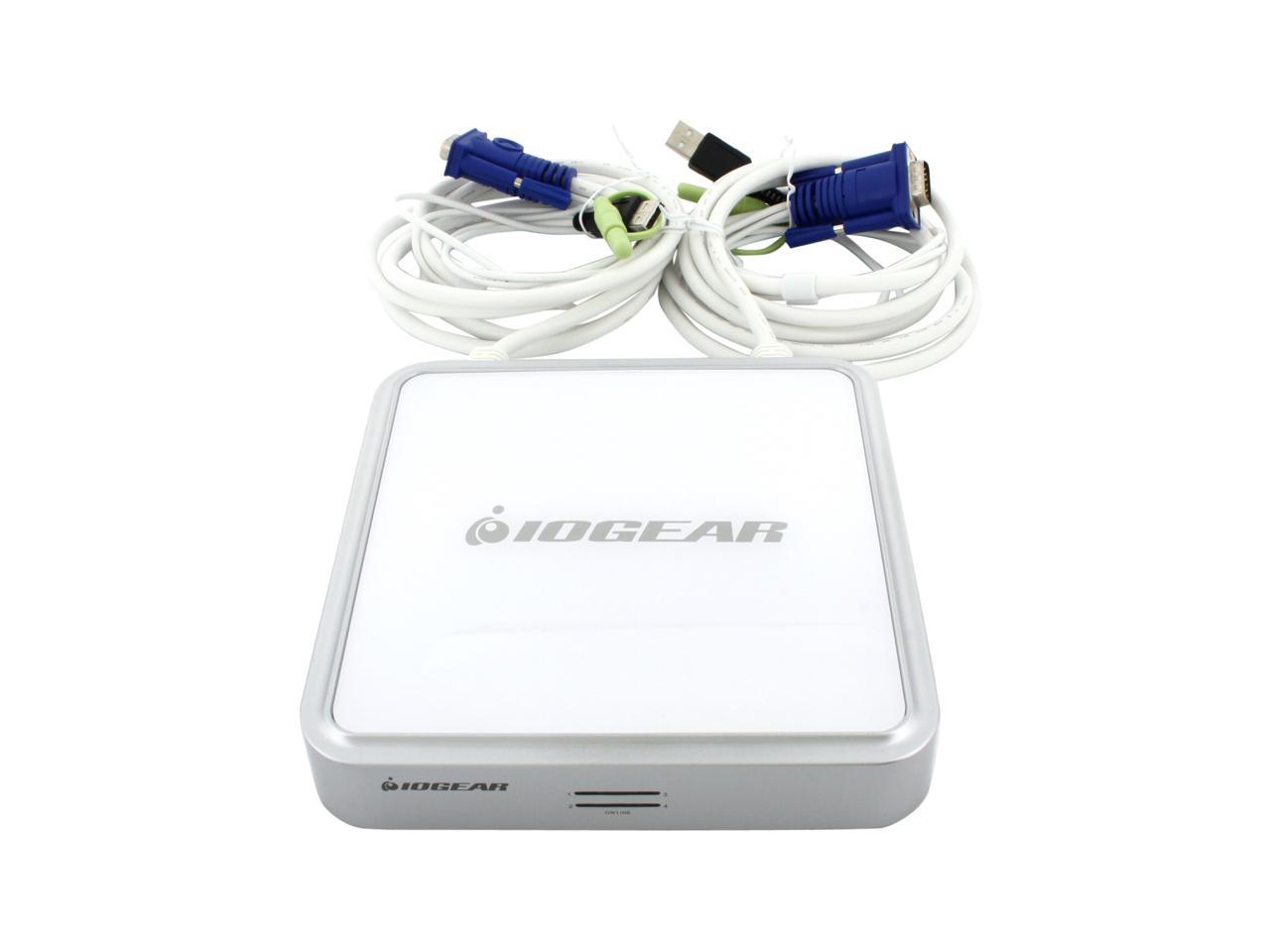
IOGEAR GCS634U MiniView USB KVM Switch with audio and cables

  • 4 Ports Computer Connections
  • 1 Port Monitor Connections
  • AutoScan Interval 5 seconds
  • Video Resolution 2048 x 1536
  • Pin It
  • Email this page
ICON Loading...

A KVM switch (Keyboard-Video-Mouse) is a major boon to anyone who has to work with more than one computer. You can change computers without having to give up the keyboard and monitor you're already using, sometimes via the keyboard itself. Imagine the space and money you'll save, only having to buy one monitor, keyboard, and mouse.

After saying that, KVM switches stop being exciting pretty quickly, so let's look at things to shop for. Will it switch your speakers, too? How about your microphone? Is it USB only, or can it handle older connections? Hardware button, keyboard command control, or both? Does it draw its power from the computer, or does it need a power adapter? How many computers do you need to switch? (Most KVM switches will handle two computers; some can handle more.)

The IOGEAR GCS634U is a 4-port USB KVM switch that lets you manage four PCs with just one set of keyboard, monitor and mouse. With the built-in audio support you can share a set of speakers between four computers. With the plug-and-play feature, connect or remove PCs without powering down the KVM switch or PCs. Is this the switch for you? Check it out and see!

  • newegg Control Four PCs via One Monitor, Keyboard and Mouse Share one monitor, keyboard, mouse and a set of speakers between four USB-compatible computers using the IOGEAR GCS634U KVM switch. The built-in VGA connector supports monitors with resolutions of up to 2048 x 1536.
  • newegg Multi-platform Support The IOGEAR GCS634U KVM switch supports multiple formats including Windows and Mac computers as well as Sun Solaris workstations. IOGEAR delivered a huge breakthrough in KVM operation to Mac and Sun users by enabling functionality for the special keys on these systems.
  • newegg Easy Installation The IOGEAR GCS634U KVM switch features easy installation with no need for drivers or software. It is a true plug-and-play device that will have you up and running quickly.

Learn more about the IOGEAR GCS634U

Model

Brand
IOGEAR
Model
GCS634U

Spec

Type
D-Sub, USB
PC Connectors
Audio: 4 x Audio Jack
Keyboard & Mouse: 4 x USB Type A
VGA: 4 x HDB15 Male
Console Connectors
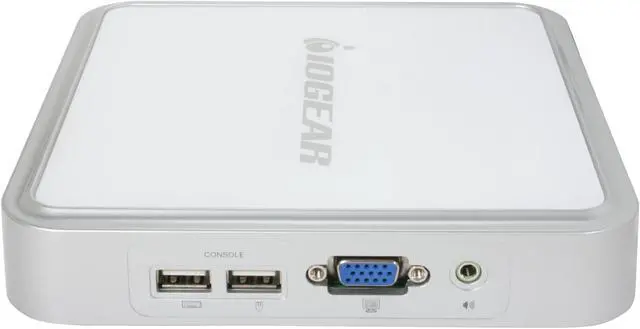
Audio: 1 x Audio Jack
Monitor: 1 x HDB15 Female
Keyboard: 1 x USB Type A
Mouse: 1 x USB Type A
Computer Connections
4 Ports
Monitor Connections
1 Port
Video Resolution
2048 x 1536
PC Selection
Hot Keys
AutoScan Interval
5 seconds
Temperature
0ºC to 50ºC(32ºF to 122ºF)
Humidity
0% to 80%,Non-Condensing
Dimensions
4.3" x 3.8" x 1.0"
Weight
1.76 lbs.

Features

Audio Features
with Audio
Power Features
Bus powered
USB Features
USB port only
Features
Control up to 4 computers from a single video, USB keyboard and USB mouse
Expandable & extendable: two 6' molded-in cables, two detachable cables
Full support for Mac, PC & Sun systems
Supports Mac & Sun special keys
Connect speakers to enjoy audio from any connected system
Instant, error-free boot-up
Plug-n-Play
Requires no software

Packaging

Package Contents
1 x MiniView Micro USB KVM Switch
2 x detachable KVM cables (6 feet)
1 x User Manual
1 x Quick Start Guide
1 x Warranty Registration Card

Manufacturer Warranty

Parts
3 years limited
Labor
3 years limited

Quick Info

Warranty

  • Limited Warranty period (parts): 3 years
  • Limited Warranty period (labor): 3 years


Customer Reviews of the IOGEAR GCS634U

Do you own this product? Write a Review

Filter Results

Go
  • N/A
  • 5/23/2013 4:14:47 AM
  • Tech Level: High
  • Ownership: 1 day to 1 week
  • Verified Owner

1 out of 5 eggsAlmost good

Pros: The monitor switching between Windows 7 and Linux works well.
The keyboard works well with my SIdewinder X4, although I don't use the programmable keys to know if they still work.

Cons: The mouse is terrible. I have tried multiple corded mice and wireless mice, all move slow and lose clicks when connected to Windows 7 or Linux. This has forced me to connect a mouse to each of computers and only use the KVMA for keyboard and video switching.

Other Thoughts: If I can't figure out this mouse issue the device will be returned and I will be looking at other manufacturers. My old two computer Belkin KVM still works great, maybe I should have stuck with Belkin.

Manufacturer Response:

Thank you for choosing IOGEAR and we apologize for your experience. Our KVM’s emulate a standard 102 key, keyboard and generic 2-button scroll wheel mouse. The reason for this emulation is to allow the hot key functions to operate. A side effect of the emulation is that in most cases the special key sequences required for gamming, and key programming will not translate correctly through the KVM, for gamming we recommend connecting directly to the computer.

Although our KVMs will work with most wireless keyboard mouse sets, we cannot promise an individual multimedia / programmable keyboard and mouse set will work through the KVM.

Due to the large number of manufacturer's and each manufacturer's wide range of models it is impossible to maintain any meaningful compatibility list. You can always use a non emulated KVM like the GCS24U. A non emulated KVM will work with almost all keyboards and mice. Once again, thank you for choosing IOGEAR.

Did you find this review helpful? Yes No

  • N/A
  • 1/27/2013 1:01:49 PM
  • Tech Level: High
  • Ownership: more than 1 year

4 out of 5 eggsGood value

Pros: Inexpensive, supports 4 computers, cables 3 and 4 are detachable - less clutter if not used, "self powered".

Cons: The indicator lights showing which of the four computers is currently attached are in two rows and it is difficult to tell if the light is in the upper or lower row from a "normal" viewing angle. Cables are attached to two of the four sides, makes for awkward use, does not effectively simulate the KVM devices when not attached - Windows XP sees the monitor disappear and reconfigures without it, for example. Some computers will not configure the KVM devices if they boot/wakeup/unhibernate without being attached to the KVM devices (that is, if another computer is being used).

Other Thoughts: In all, this is a pretty good KVM switch, despite the cons.

0 out of 1 people found this review helpful. Did you? Yes No

  • JackKnife
  • 1/16/2013 12:32:14 PM
  • Tech Level: High
  • Ownership: more than 1 year
  • Verified Owner

5 out of 5 eggsVery good product

Pros: This device is a workhorse. I've had one and used it daily since October of 2007. The only issue I've had is that a lightning strike that took out several electronic systems in my building also took out the sound capabilities of this switch. However, the KVM part still works great. Basically, it does what it is supposed to.

Cons: Can't think of any cons after using the unit for over 5 years

2 out of 2 people found this review helpful. Did you? Yes No

  • N/A
  • 1/15/2013 10:34:43 AM
  • Tech Level: Somewhat High
  • Ownership: 1 week to 1 month

3 out of 5 eggsWorks sometimes

Pros: good size, attached cables allow for clean cable runs.

Cons: 2 of the ports drop their connection (1 and 4 both wired) have to reboot computers to have the device recognized again. Intermittent hangs when working with mouse

Other Thoughts: The keyboard switching works great - just need to have an extra mouse around for direct connection to keep from having to reboot.

Manufacturer Response:

First, thank you for choosing IOGEAR and we apologize for your experience. The product should not behave as you described. Since the unit is backed by IOGEAR's 3 year warranty feel free to contact our customer support at 1-866-946-4327 or email us: support@iogear.com. Again, thank you for choosing IOGEAR.

0 out of 2 people found this review helpful. Did you? Yes No

  • Tagban
  • 1/9/2013 1:26:01 PM
  • Tech Level: High
  • Ownership: 1 day to 1 week
  • Verified Owner

3 out of 5 eggsFailsauce

Pros: This switch has a lot of promising reviews, it looks great, and two of the 4 cable sets are detachable, so you don't bog down your area with unnecessary cables.

Cons: The unit I received, didn't work with my mouse at all. I was able to get the keyboard working after some fiddling, but the "Scroll lock x2" switching I was hoping for was actually Scroll Lock x2 + Number, which just doesn't work when I have to jump between the 3 computers within a few seconds. I'm sending mine back for an RMA due to the mouse issue, chances are I just got a defective one, but the scroll lock issue also makes me not want to use this.

Other Thoughts: I currently use a 2 port IOGear USB/VGA KVM switch that I've had for 3 years, works fantastically with my G15 Keyboard and G5 mouse, I already knew the G15 macro keys and screen wouldn't function thru the KVM, I love the keyboard for the typing I can do on it. My mouse is a G5, and maybe between that and the keyboard, they just drew too much power for the switch to handle. Regardless I'm going to go to another vendor, I need to be able to switch from Mac OSX, to my gaming PC to my work PC quickly. And I really LOVE the 2x Scroll lock that I have with my current IOGear, if only it had 1 more port..

Manufacturer Response:

Thank you for choosing IOGEAR and we apologize for the inconvenience. To better service you and understand your set up, please feel to contact our customer support at 1-866-946-4327 or email us: support@iogear.com. Once again, thank you for choosing IOGEAR.

1 out of 2 people found this review helpful. Did you? Yes No

  • N/A
  • 11/18/2012 3:53:37 PM
  • Tech Level: Somewhat High
  • Ownership: more than 1 year
  • Verified Owner

5 out of 5 eggsGreat switch box

Pros: i have had this since august 2008. It has performed flawlessly. I placed my monitor on top and It isn't even noticable. But it does raise my monitor up to a nearly perfect height..

Cons: none

1 out of 1 people found this review helpful. Did you? Yes No

  • N/A
  • 11/3/2012 8:30:35 AM
  • Tech Level: Somewhat High
  • Ownership: 1 month to 1 year
  • Verified Owner

1 out of 5 eggsDon't buy

Pros: Has Audio and uses USB for mouse and keyboard

Cons: Doesn't seem to remember Video where Win 7 does a detect when booting. I have to power off the monitor and turn it back on sometimes to get the pc to be able to detect the correct monitor.

Manufacturer Response:

Thank you for choosing IOGEAR and we apologize for the inconvenience. To better service you and understand your set up, please feel to contact our customer support at 1-866-946-4327 or email us: support@iogear.com. Once again, thank you for choosing IOGEAR.

0 out of 1 people found this review helpful. Did you? Yes No

  • Bill from KS
  • 10/28/2012 2:48:07 PM
  • Tech Level: Somewhat High
  • Ownership: more than 1 year
  • Verified Owner

5 out of 5 eggsVery good product

Pros: 4 ports, USB, can switch everything at once or everything except audio. Keyboard switching. I've never had an issue with the switch locking as I have with other models. If a computer is powered off, the switch will skip it when cycling thru the computers. 2 integrated cables and 2 removable. All KVM cables included with switch.

Cons: None

Other Thoughts: I've had a number of KVM switches and this is the first one without problems with locking up on a single computer. The other switches were all PS/2, but I wanted to get away from those to have all USB. The ability to switch between computers but to continue to listen to music on a selected computer is nice.

1 out of 1 people found this review helpful. Did you? Yes No

  • Wormhole_Tour_Guide
  • 7/11/2012 7:51:07 PM
  • Tech Level: High
  • Ownership: more than 1 year
  • Verified Owner

5 out of 5 eggsWorks with all my machines

Pros: I use this on my desk for my daily driver and every other machine I build or work on for friends and family. No issues with any motherboards or operating systems. Nice features such as being able to change machines but leave the sound source coming from my main machine.

Cons: None.

1 out of 1 people found this review helpful. Did you? Yes No

  • MikeG
  • 7/6/2012 3:01:28 PM
  • Tech Level: Somewhat High
  • Ownership: 1 month to 1 year
  • Verified Owner

1 out of 5 eggsUSB keyboard compatibility problems

Pros: I have nothing good to say about this product. Sorry.

Cons: Where to begin? I have owned 3 of these and all 3 have problems or were defective. (call me a glutton for punishment) The first one had problems with displaying certain resolutions and made a strange amount of noise so I RMA'd it. The next one had the same problems and I was told there is no solution for it.
Fast forward 2 years. I thought I would give them another try and bought 2 (one for me and one for a friend). The first one wouldn't work with my ps/2 keyboard using a usb adapter, so I called tech and they said those types of keyboards are not supported. Ok, no problem. So I get a standard usb keyboard (albeit a cheap no-name one) and that one doesn't work either. Period. No response from any of the special key commands or anything. Nada. I called tech again and they said it needs to be rma'd. Now I'm a little ticked, so I borrow my friends' unit (same model) and I have the exact same problems. So I tried my expensive Logitech G110 keyboard and voila it works!

Other Thoughts: I'm not sure about everyone else's experiences with this product but I have had just about enough from this company. If only certain keyboards will work with the product why wouldn't they say so? Now I have no way of purchasing a keyboard that will work because I have no idea what to look for in features.
I am completely frustrated with this product and can't believe I have had so many blasted problems. At my office we have a 4 port off-brand usb kvm switch that was half the price of this and it has ZERO issues with cheap keyboards and mice. Un.Be.Lievable.

3 out of 5 people found this review helpful. Did you? Yes No

ICON Loading...

Protect Your Investment!

    • (more options) read warranty details
Are you an E-Blast Insider? Subscribe Newegg e-Blast

Buzz

Intel Mac - Win XP - Win98 non usb

4 out of 5 eggs
The unit worked without any issues. The three systems are a Mac intel Pro dual monitors running boot camp to operate both ...
— Kilowatt 6/9/2007

Works Great!

5 out of 5 eggs
Flawless operation. USB components switch over with out a problem.
— BowGotEm 2/15/2007


PayPal
Shop without retyping payment details. Secure shopping made faster.
Check out with PayPal.

Financing


Home
Home > 
Computer Hardware > 
Input Devices > 
KVM Switches > 
IOGEAR > 
Item#: N82E16817399001
LOADING... LOADING...
Shop by Region: United States | Canada | China
VeriSign Click for the BBB Business Review of this Computers - Supplies & Parts in Whittier CAThis site protected by Trustwave's Trusted Commerce program Inc500
Policy & Agreement | Privacy Policy  © 2000-2013 Newegg Inc.  All rights reserved.
If the Adobe Reader does not appear when you click on a link for a PDF file, you can download Adobe Reader from the Adobe web site. nassau