Skip to: |

Newegg.com - A great place to buy computers, computer parts, electronics, software, accessories, and DVDs online. With great prices, fast shipping, and top-rated customer service - once you know, you Newegg.

If you are reading this message, Please click this link to reload this page.(Do not use your browser's "Refresh" button). Please email us if you're running the latest version of your browser and you still see this message.

Newegg.com - Computer Parts, Laptops, Electronics, HDTVs, Digital Cameras and More!

  • | Wish List
  • Help
Home
Home > 
Computer Hardware > 
Computer Cases > 
External Enclosures > 
Syba > 
Item#: N82E16817801093

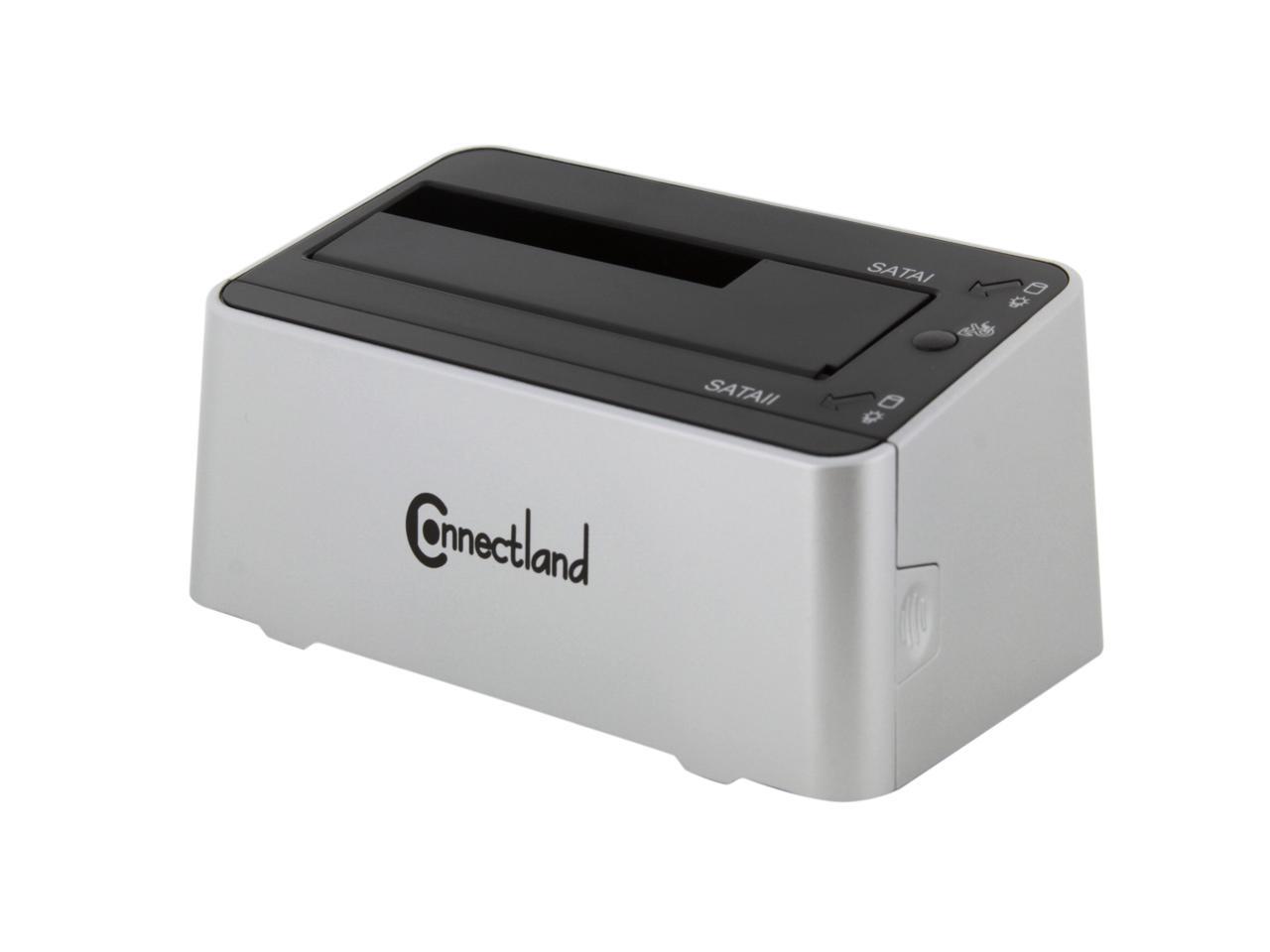
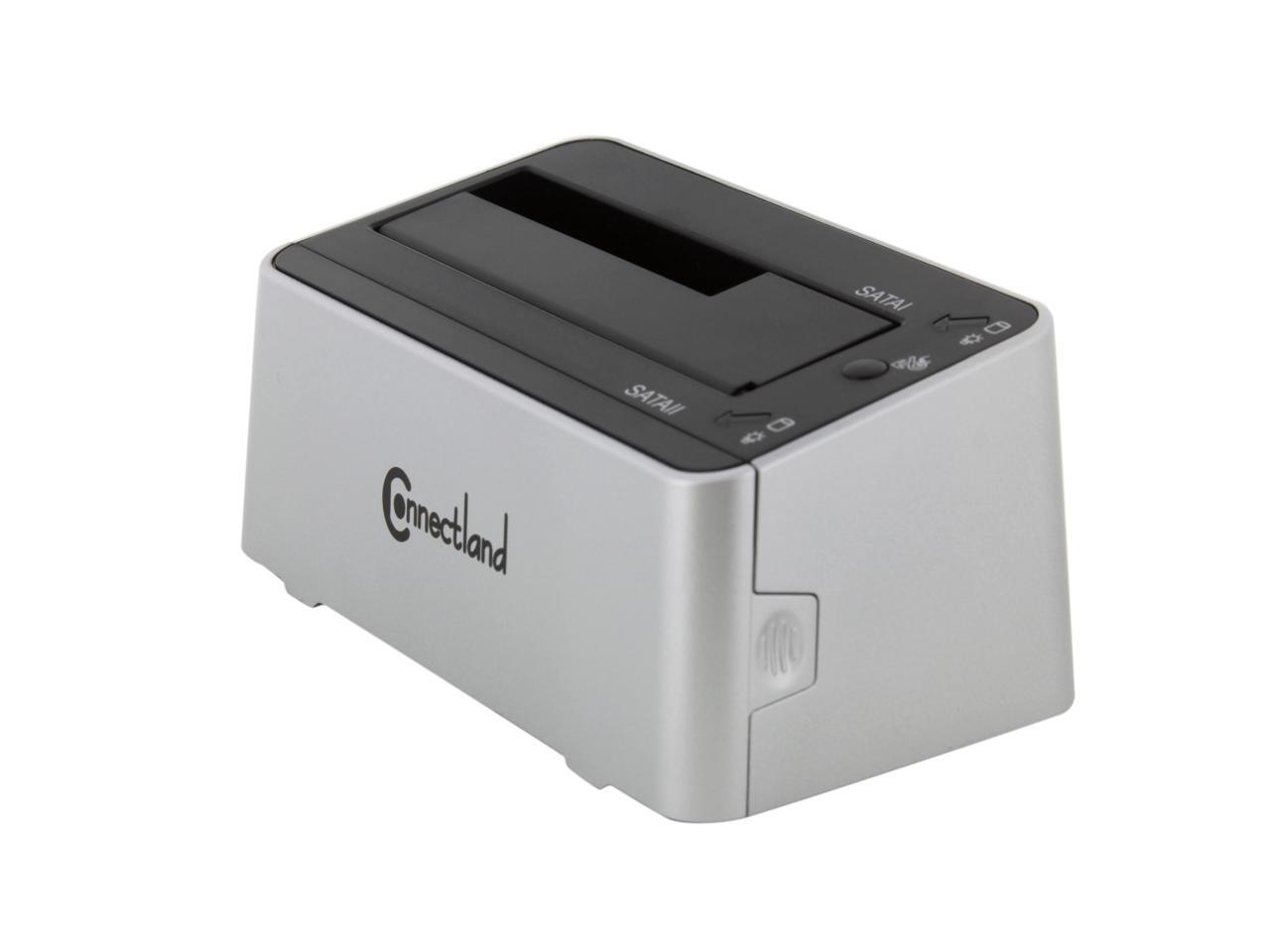
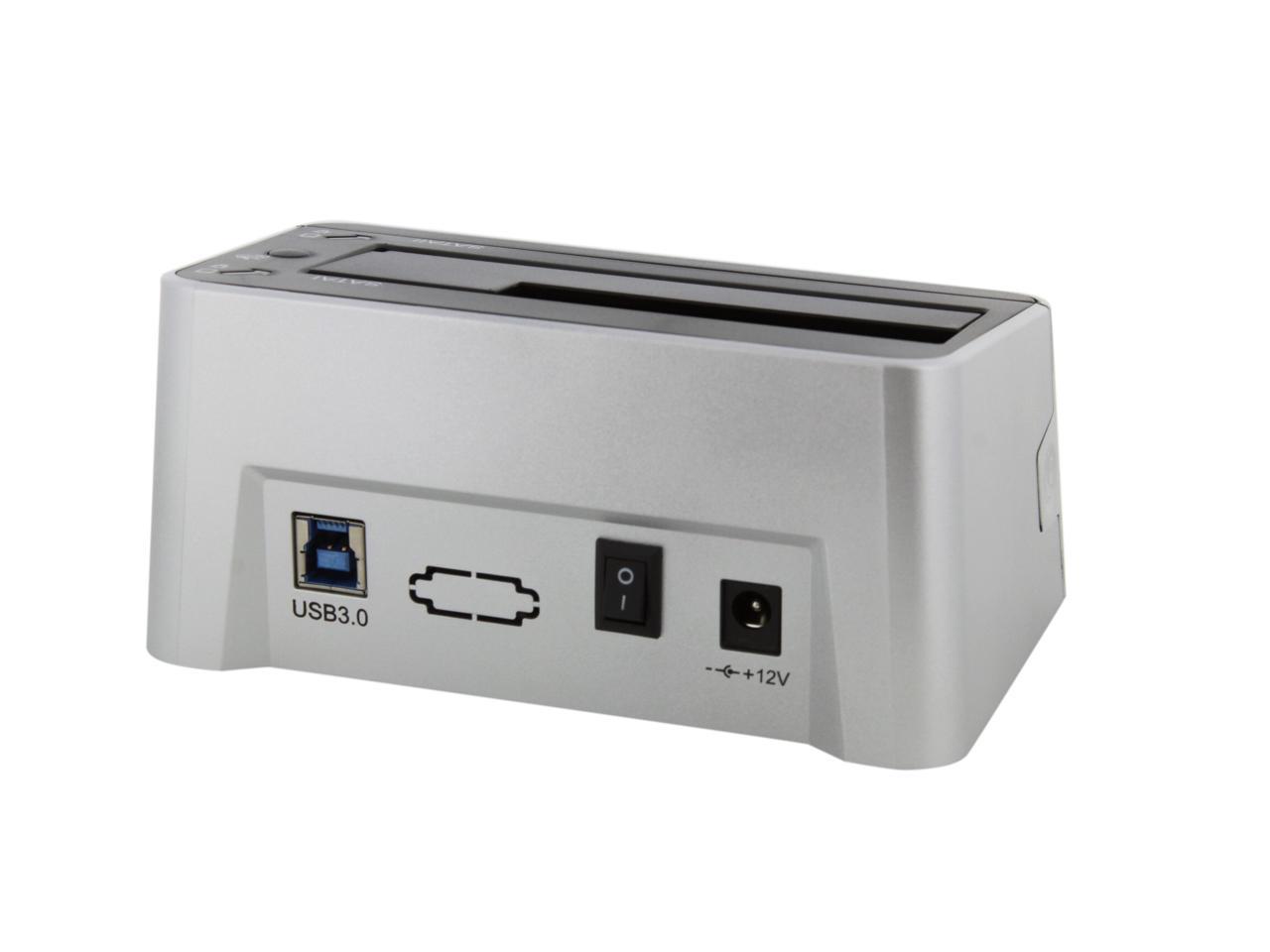
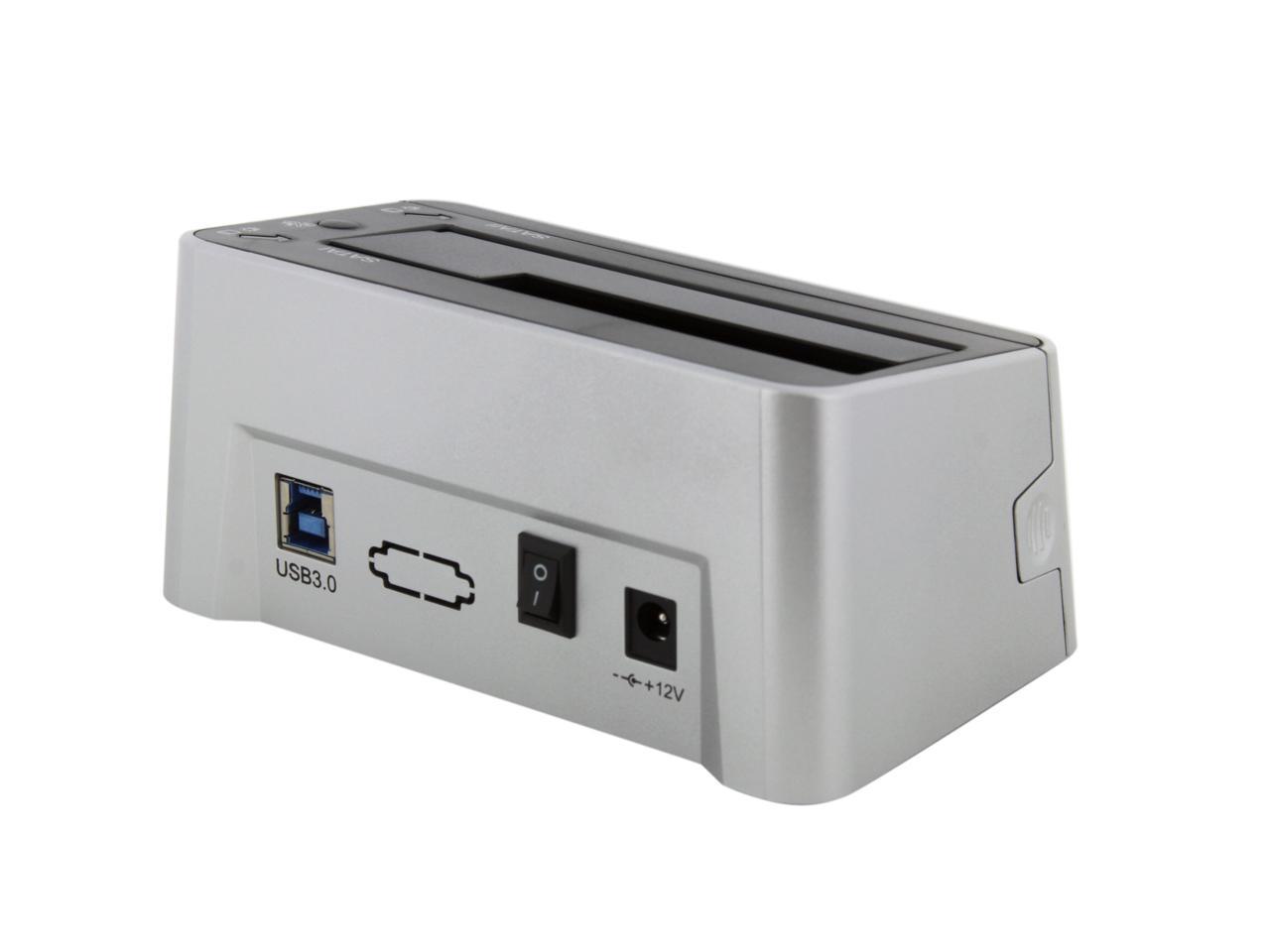
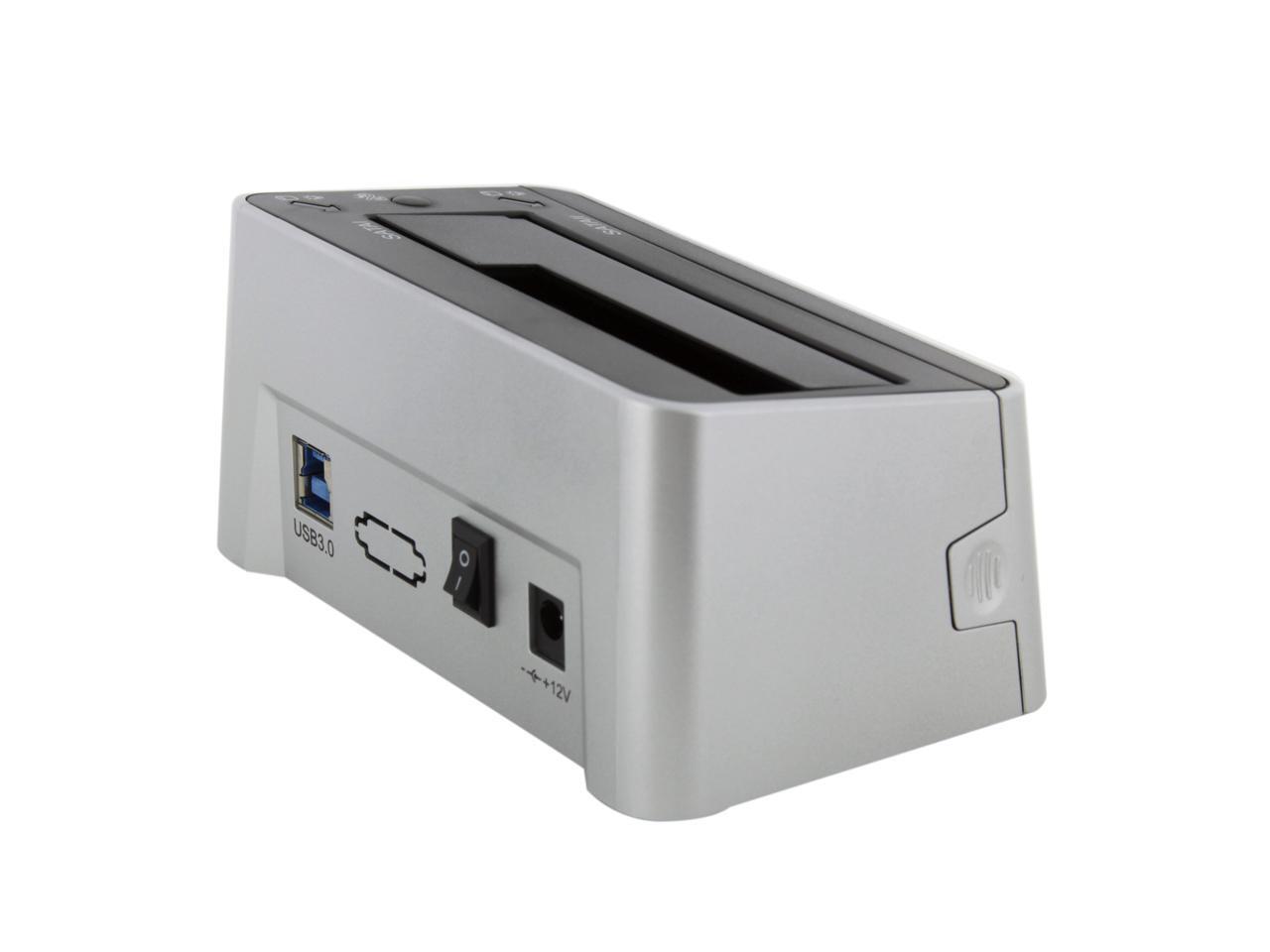
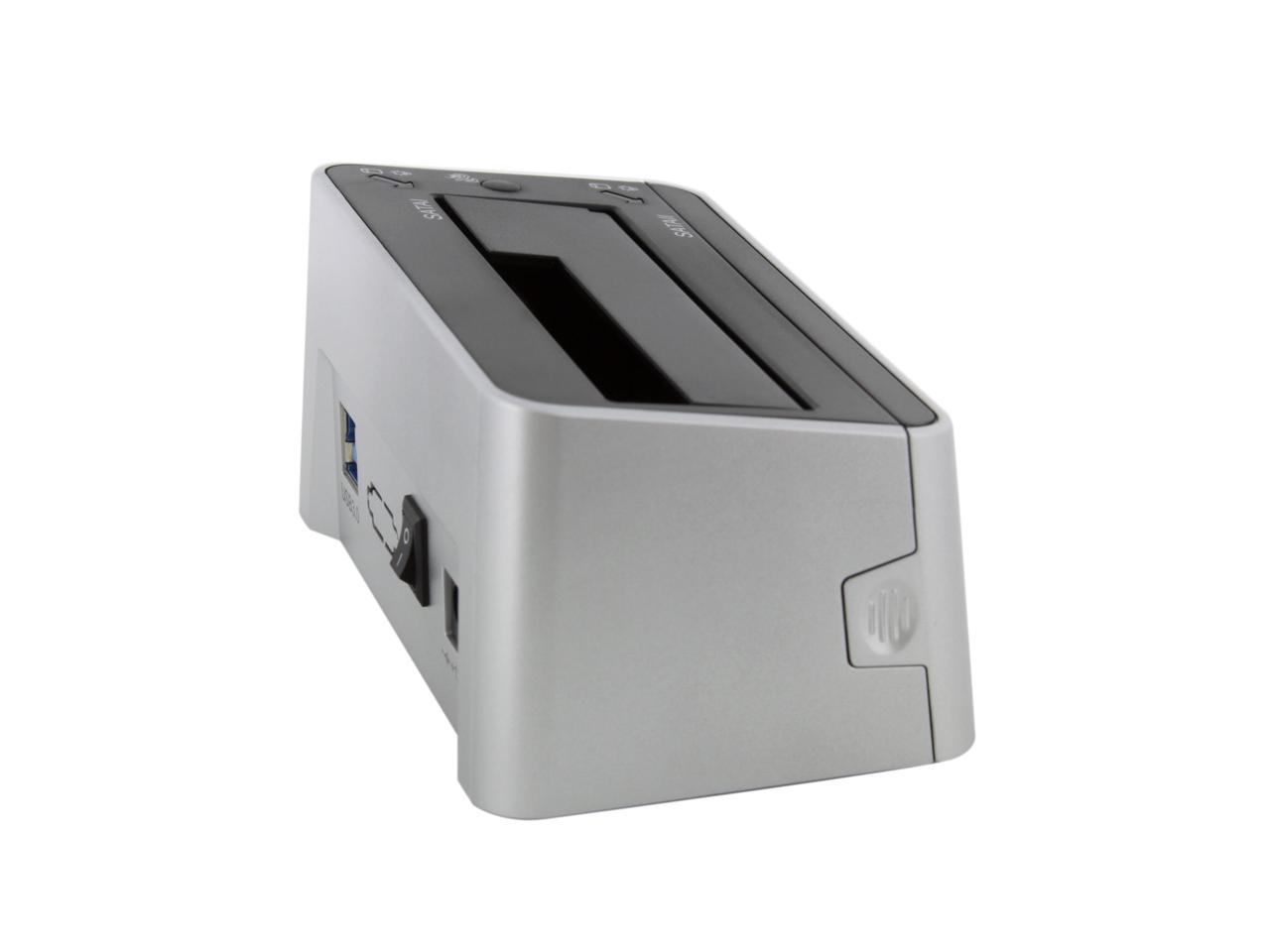
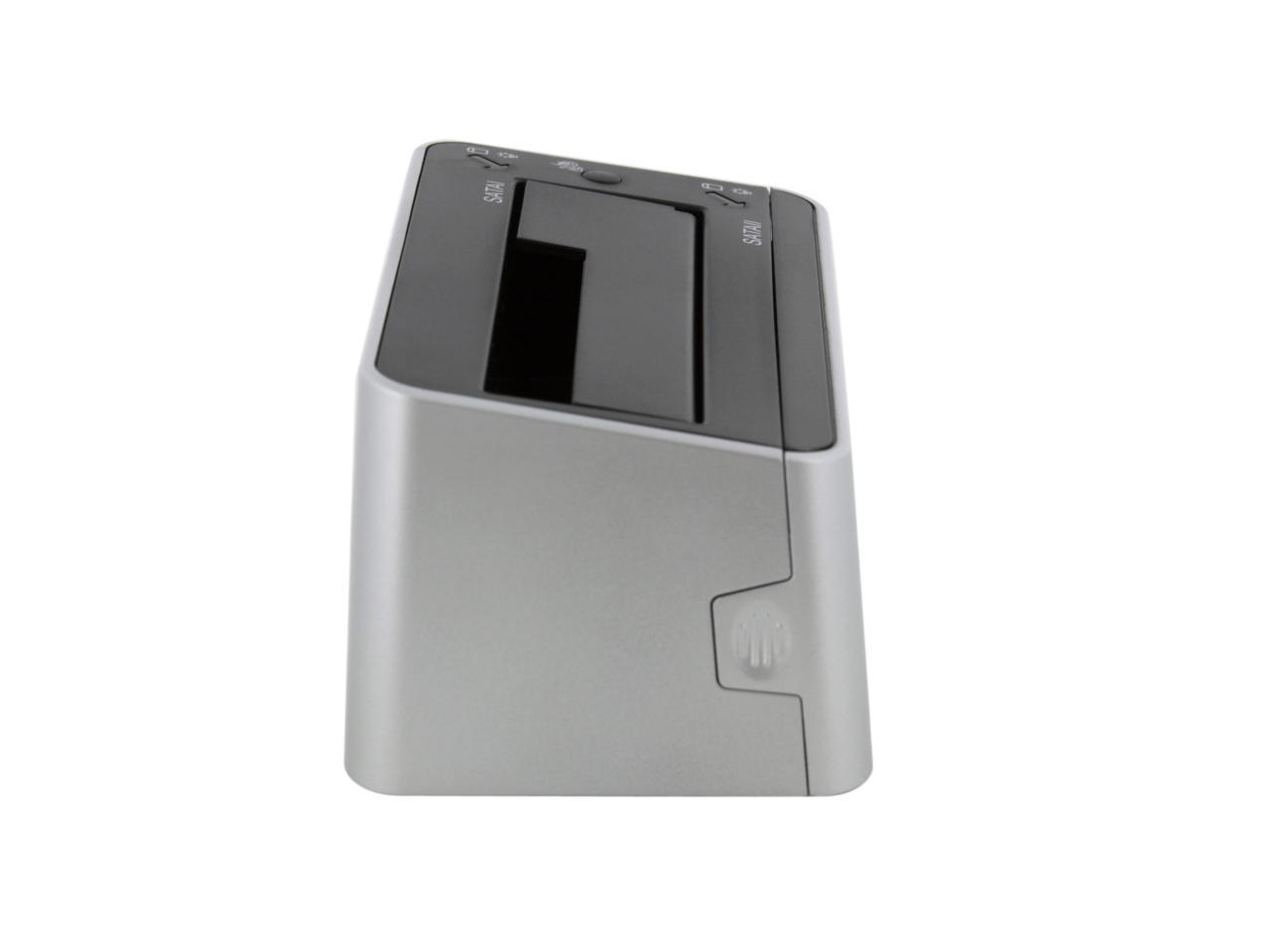
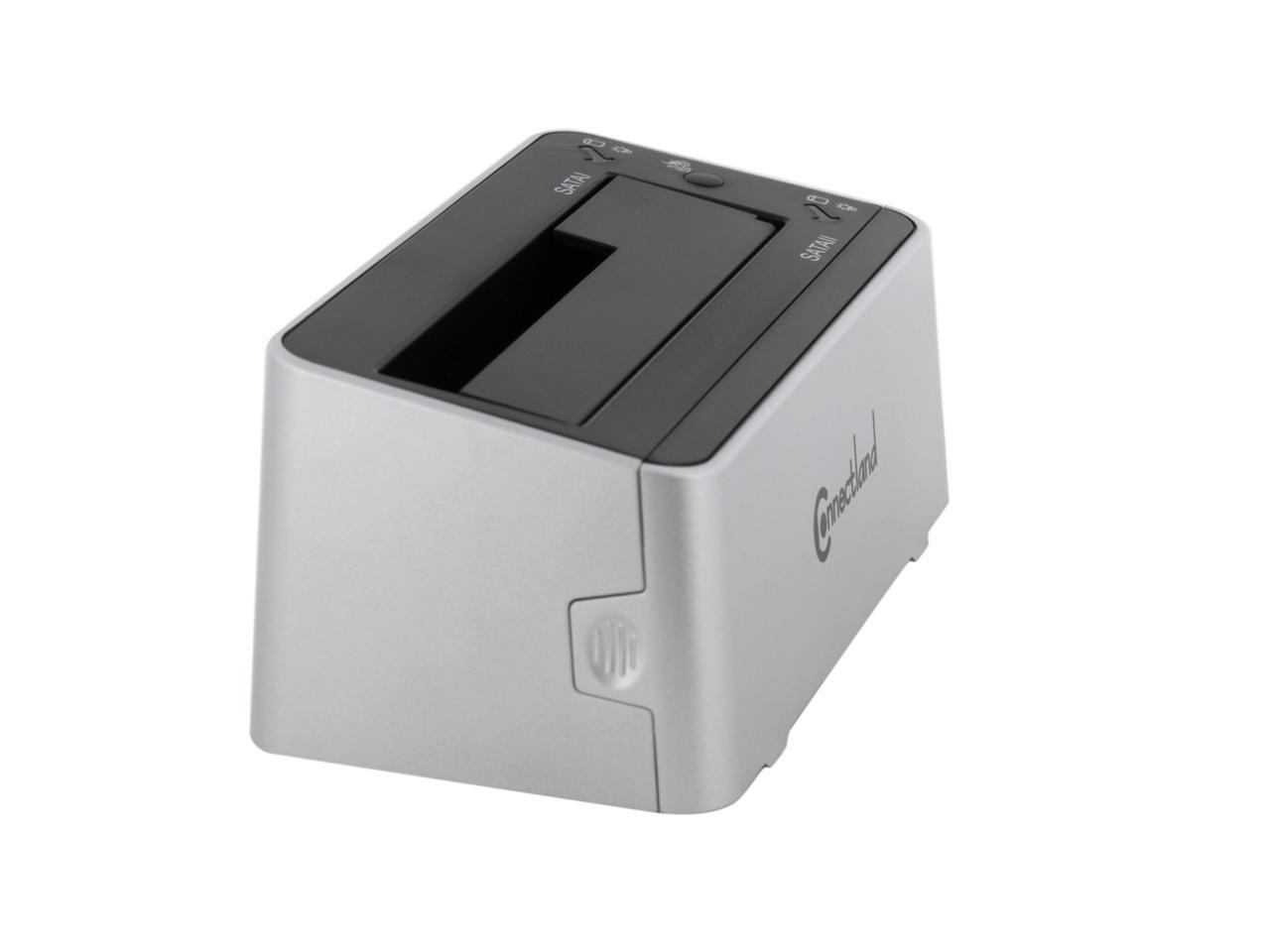
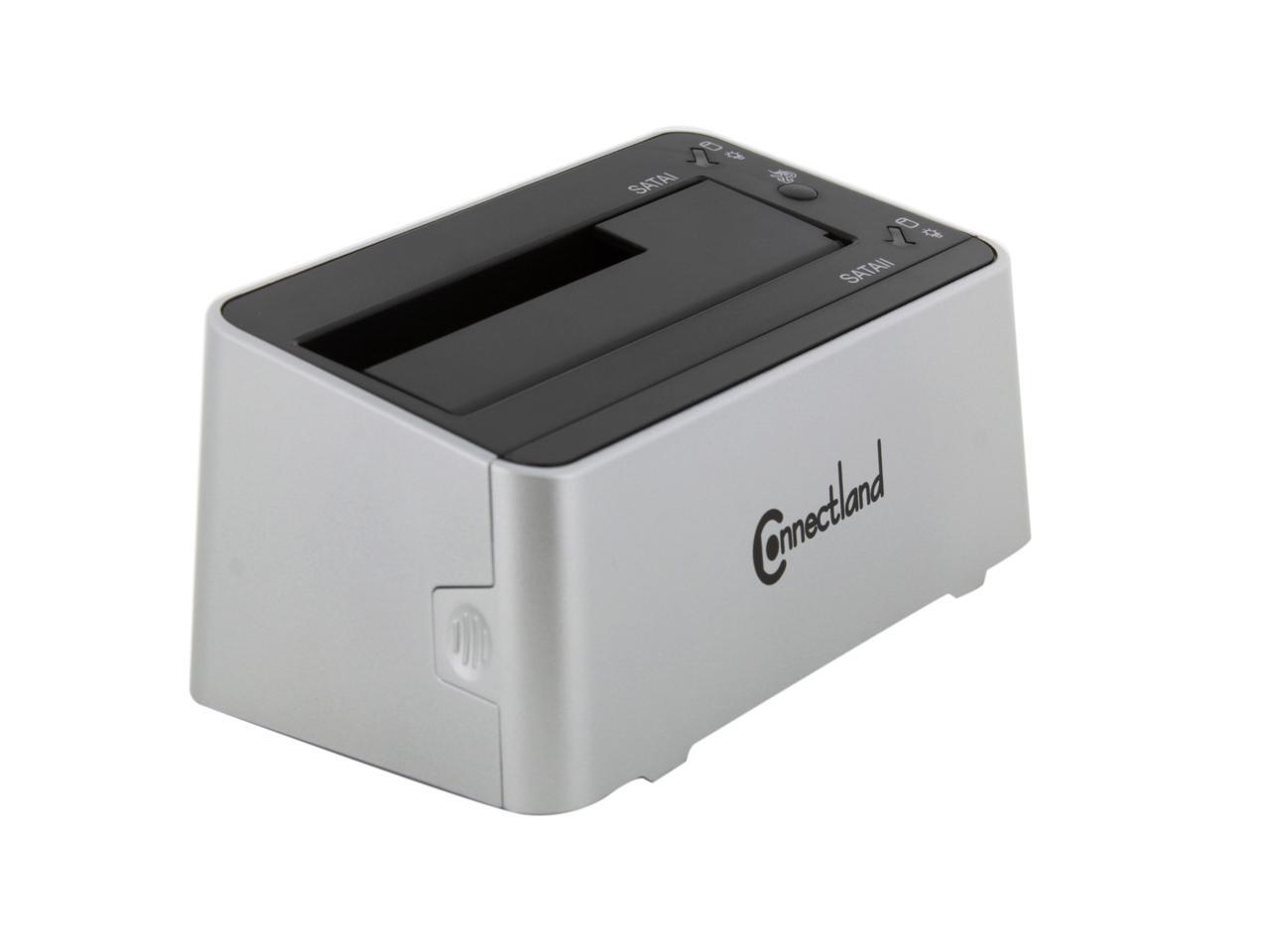
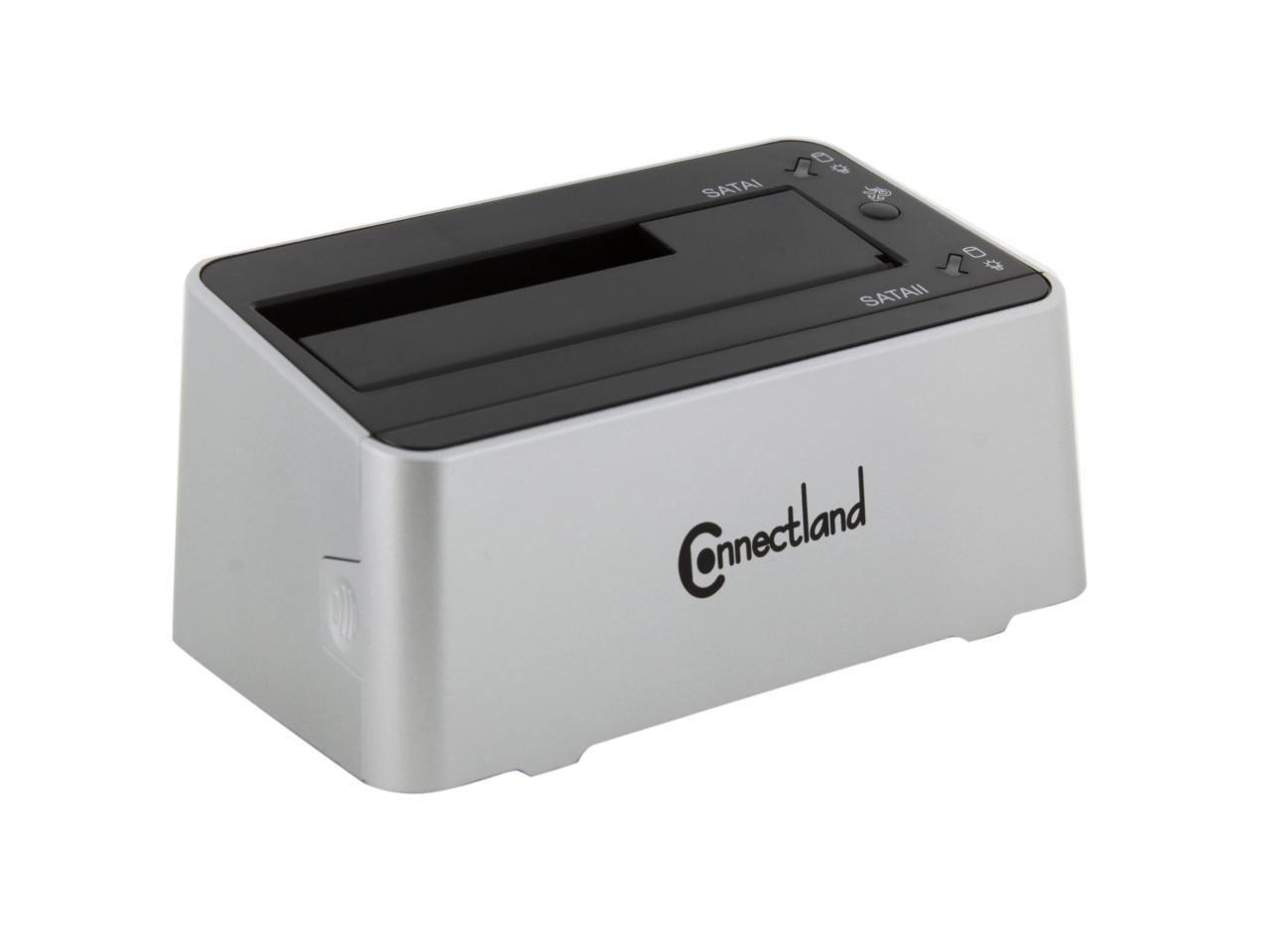
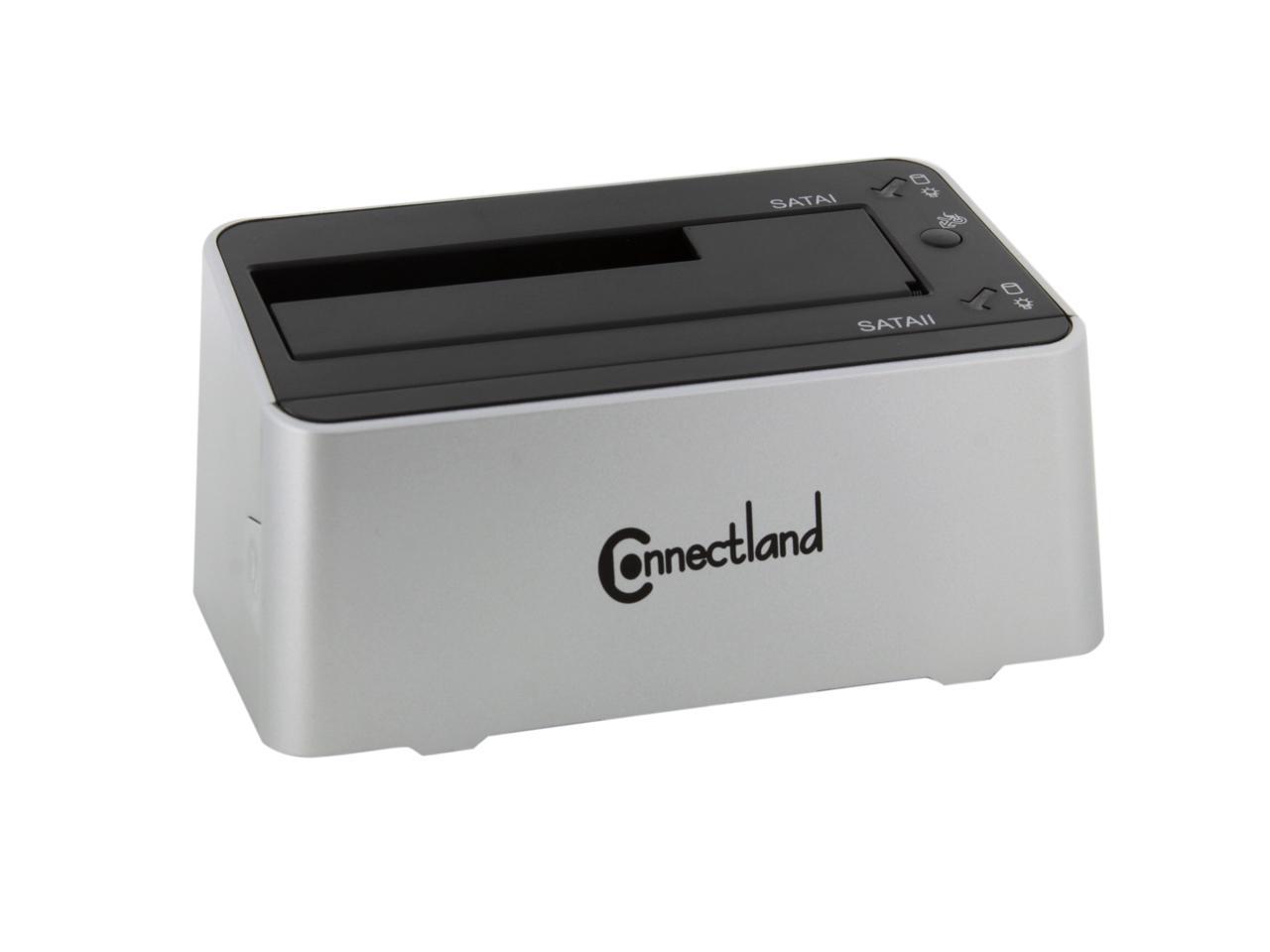
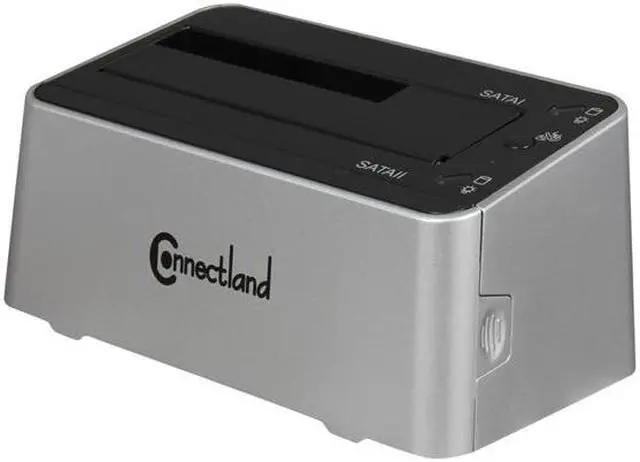
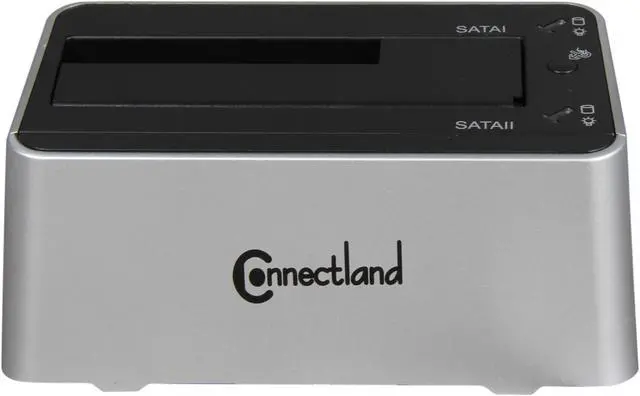
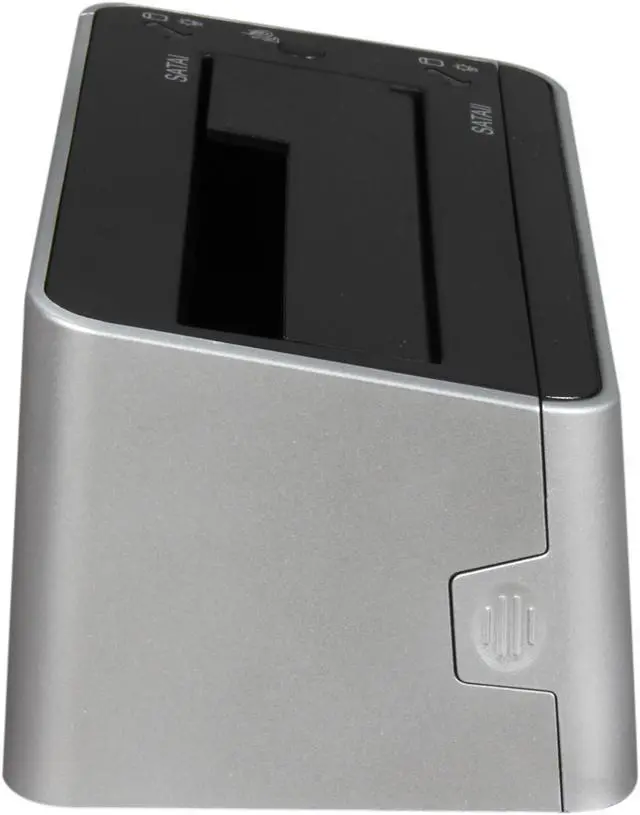
SYBA CL-ENC50038 2.5" & 3.5" White USB 3.0 Dual Mode SATA III HDD Duplicator + Docking Station

  • 2.5" & 3.5"
  • USB 3.0
  • Up to 3TB
  • Pin It
  • Email this page
ICON Loading...

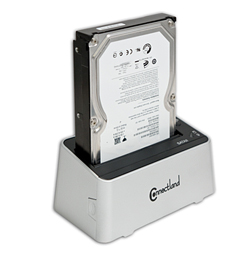
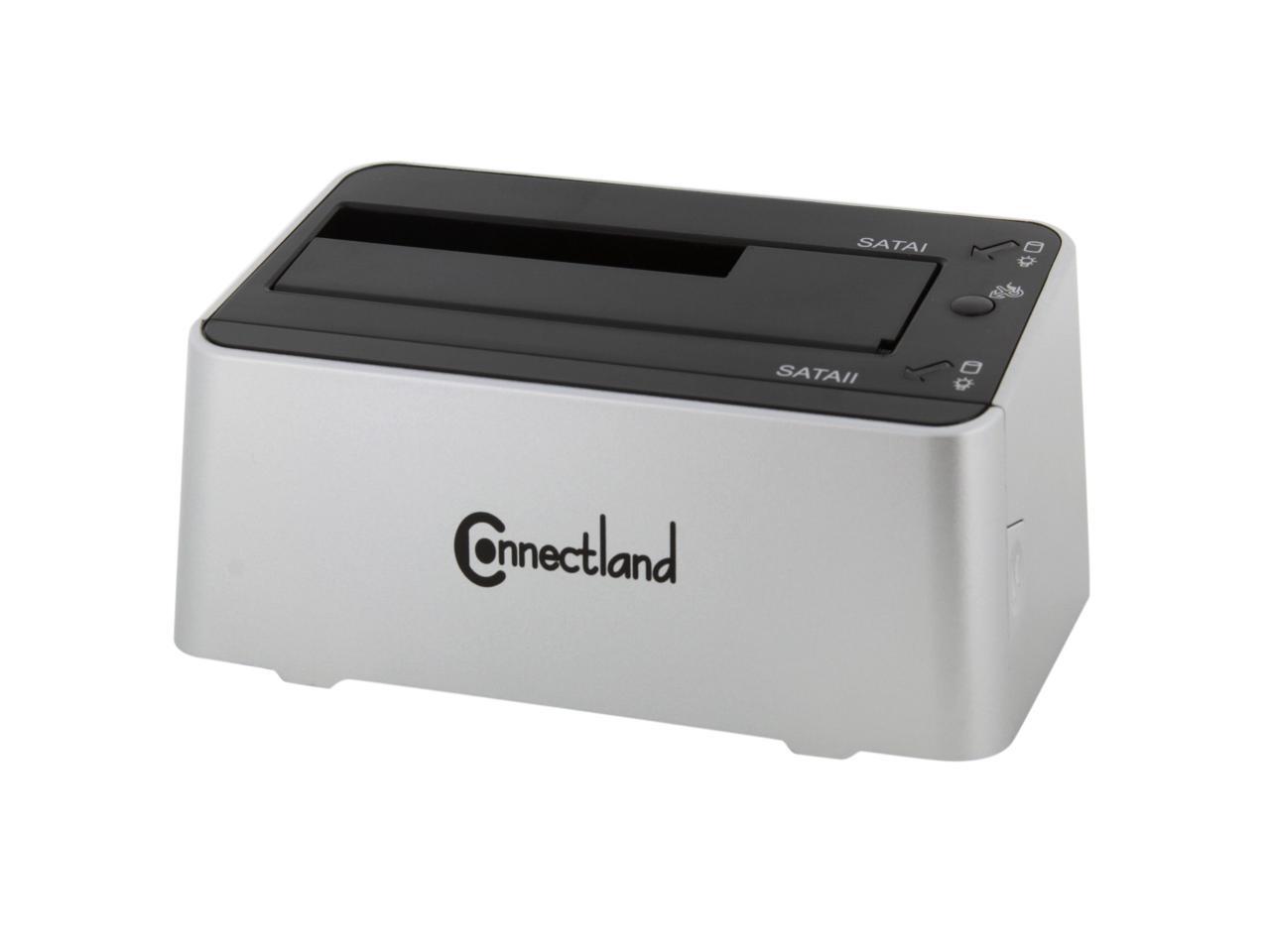
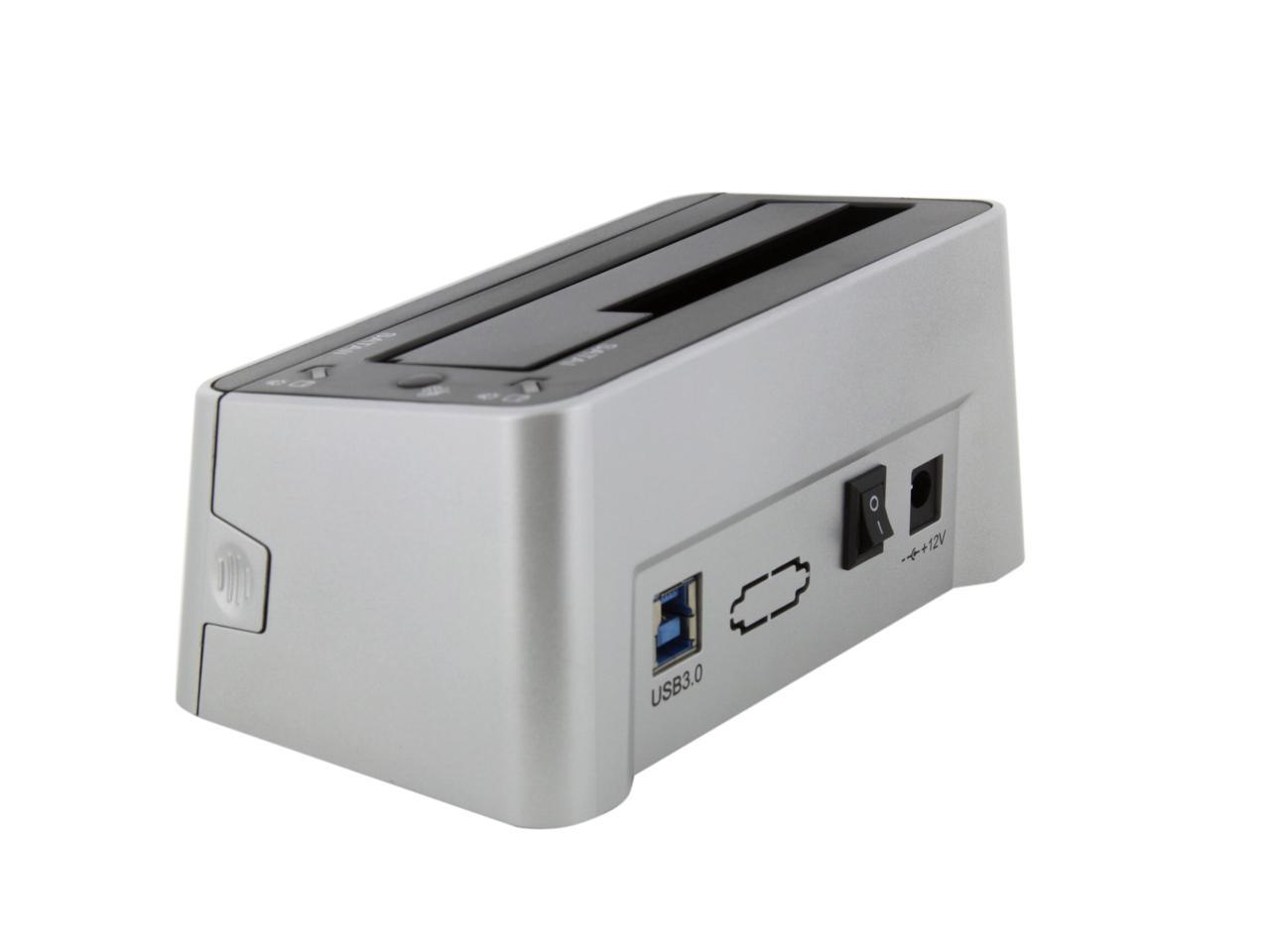
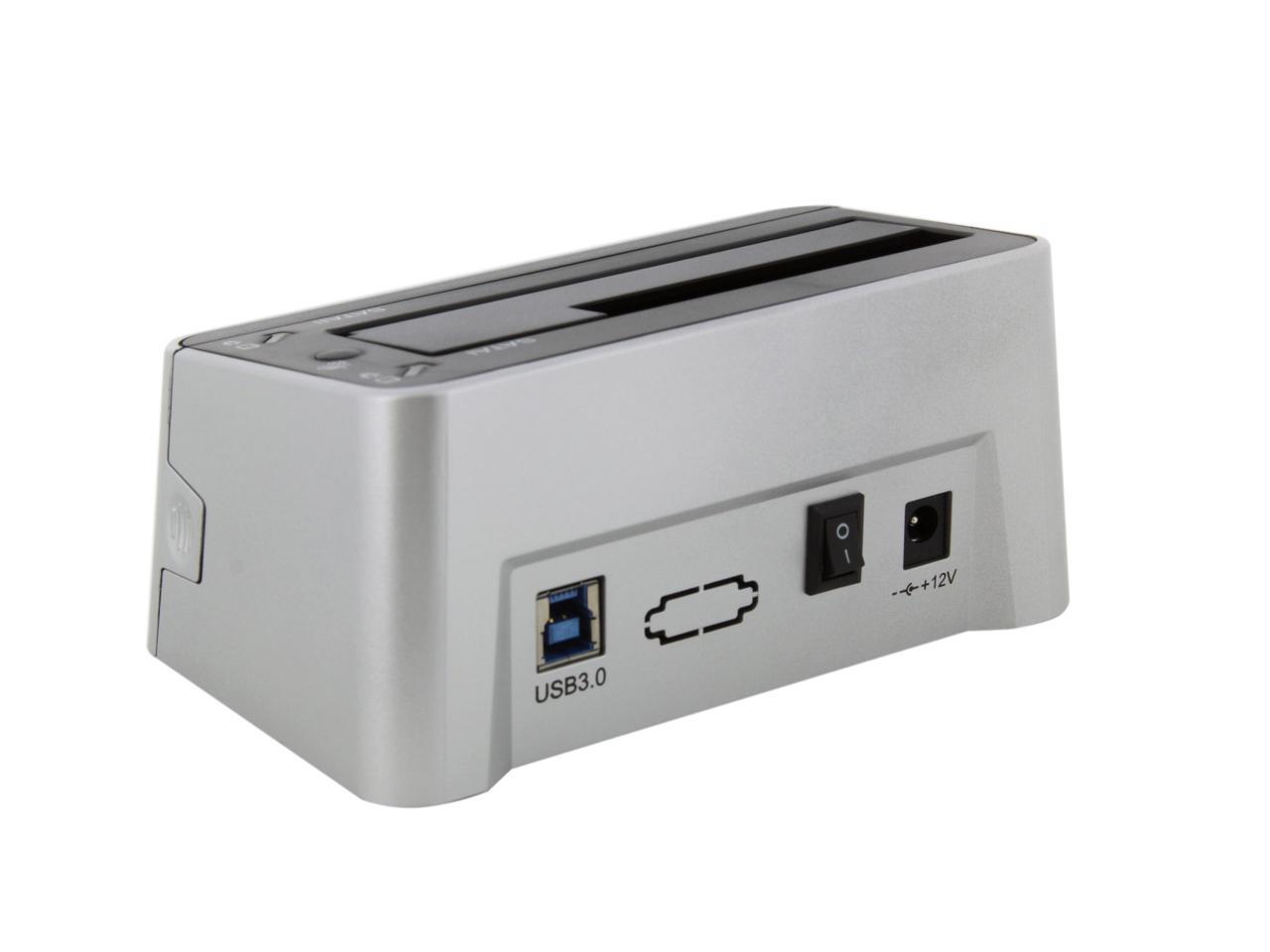
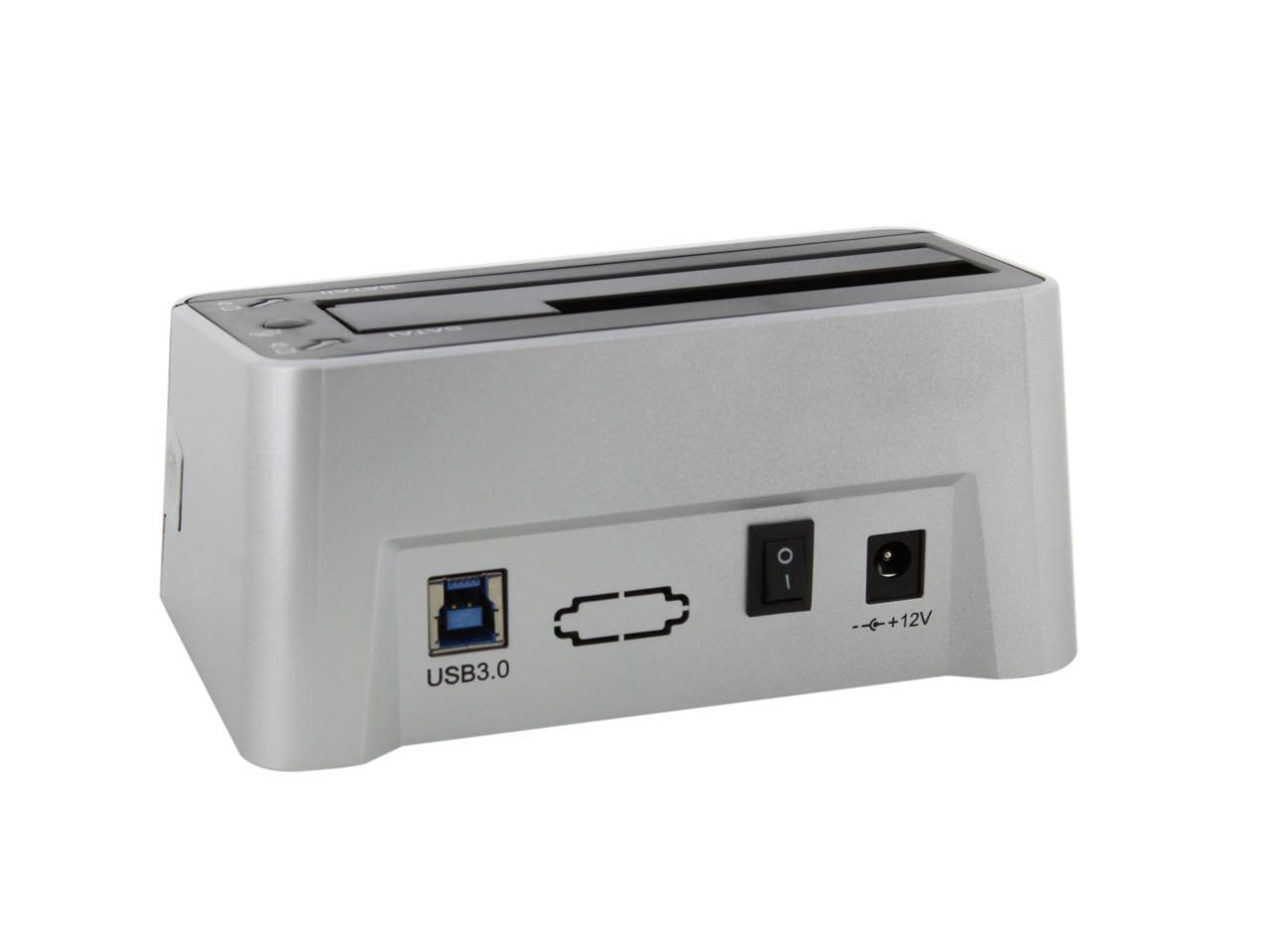
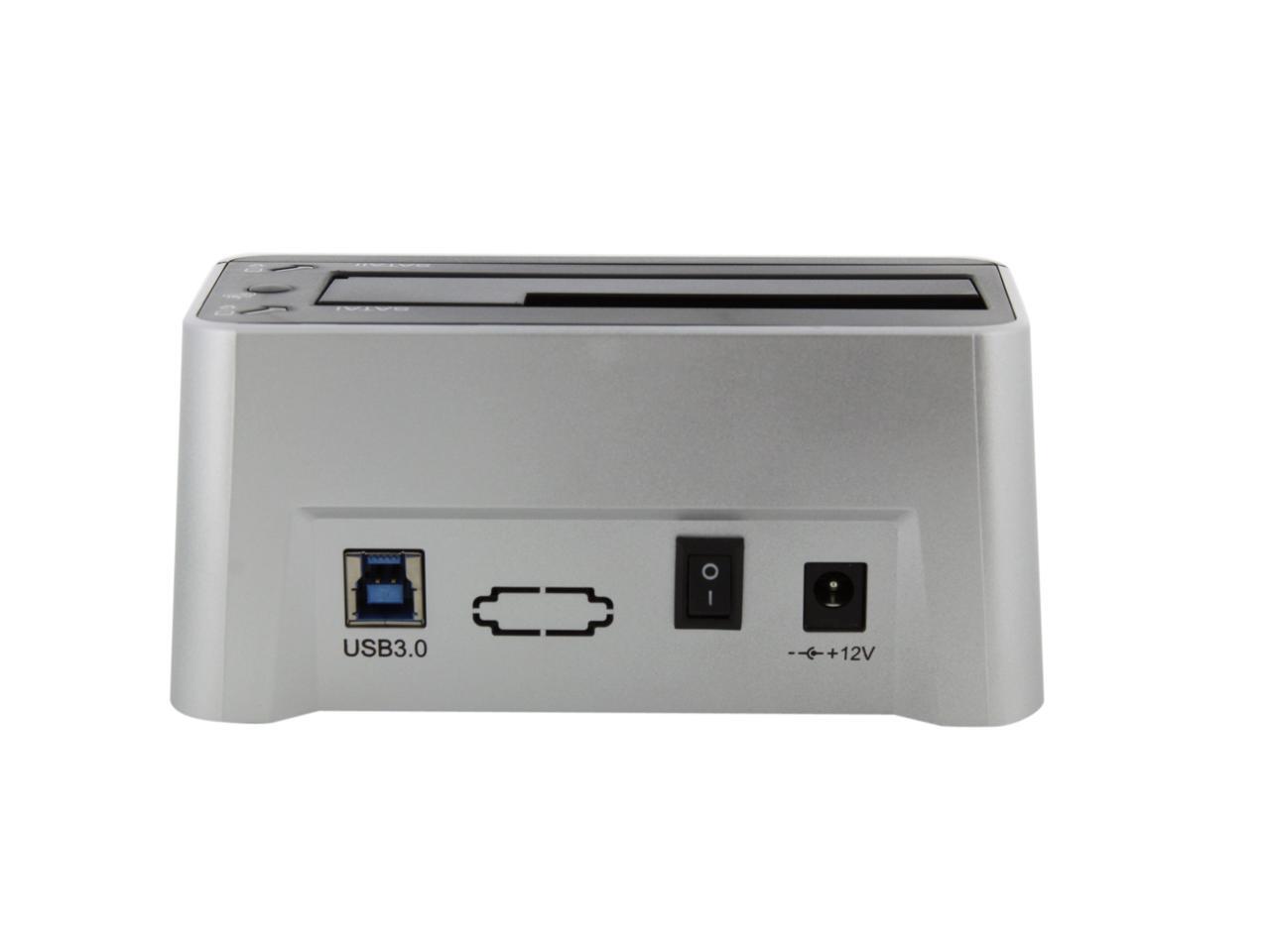
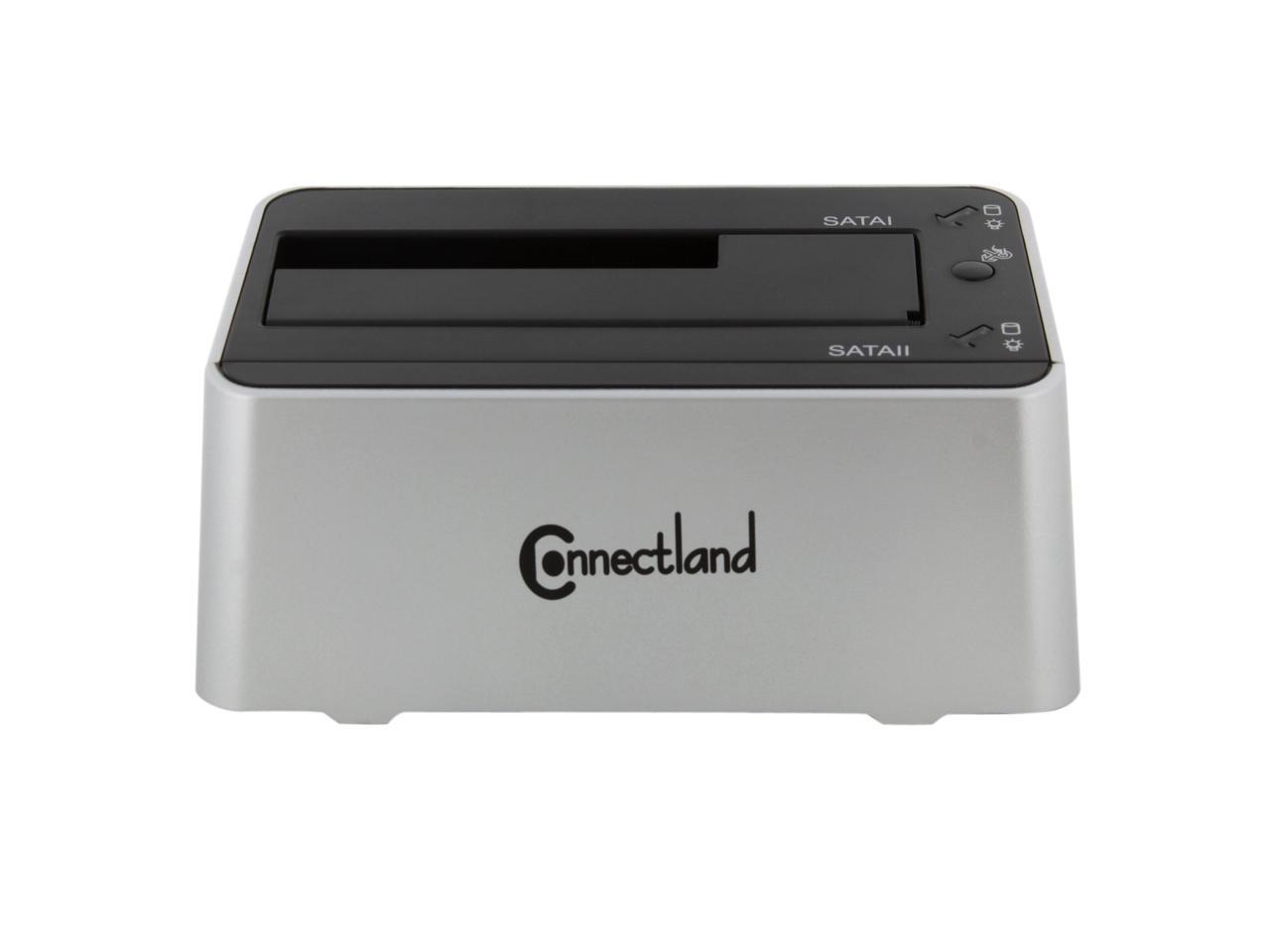
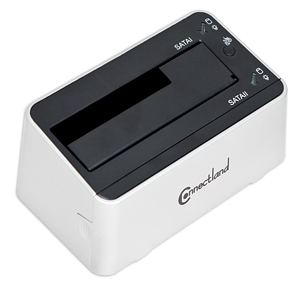
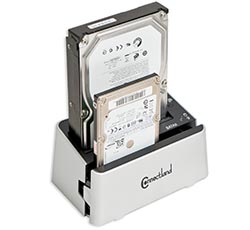
SYBA CL-ENC50038 features Two in One design. Standalone SATA III duplicator lets you duplicate/clone an existing hard drive without connecting to a PC. HDD docking station allows to connect two SATA HDD 2.5" & 3.5" at same time. It uses JMicron JMB551 chipset. USB 3.0 interface offers faster transfer speed for maximum performance. The One-Touch backup feature makes it easy to protect your data.

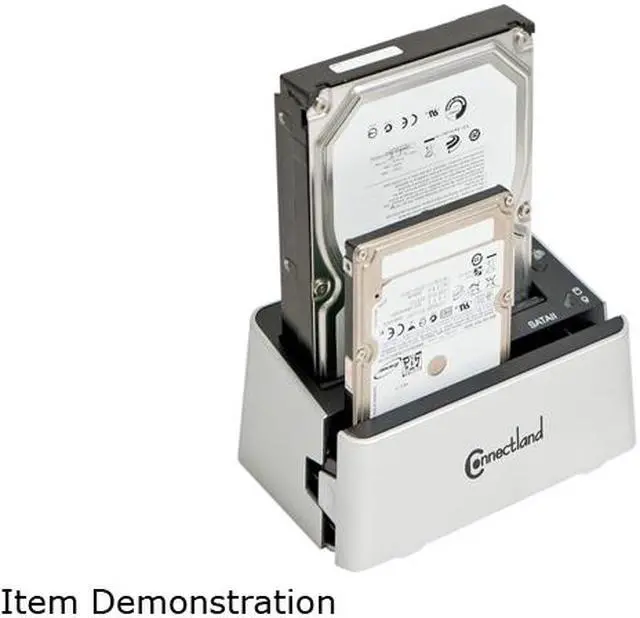
  • newegg Two in one design Thanks to two in one design, the SYBA CL-ENC50038 can work as a SATA III HDD duplicator or a docking station. Built-in HDD duplication function allows you to copy an existing HDD without connecting to a PC. When working as docking station, the SYBA CL-ENC50038 allows you to use your internal HDD as external HDD. It supports both 3.5" and 2.5" SATA I, II, III HDDs and has two docking connectors. Two hard drives can be accessed at the same time.
  • newegg SuperSpeed USB 3.0 interface The SYBA CL-ENC50038 comes with a SuperSpeed USB 3.0 interface which is 10 times faster than USB 2.0. When you insert a SATA III HD, performance is optimized. Free Turbo USB utility is also bundled for faster data transfer under windows (up to 25% faster).
  • newegg One Touch backup (OTB) Button Start on backing up your files simply at a touch of the backup button with Windows (bundled) on the SYBA CL-ENC50038.

Learn more about the Syba CL-ENC50038

Model

Brand
SYBA
Model
CL-ENC50038

Spec

Color
White
Size
2.5" & 3.5"
AC Adapter
Yes
Internal Interface
SATA I/II/III
External Interface
USB 3.0
Maximum Capacity (per Bay)
Up to 3TB
Specifications
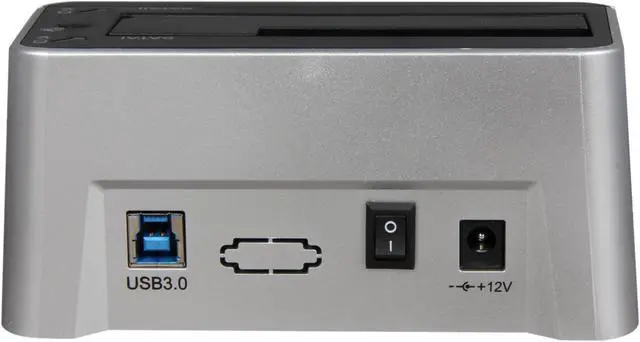
SuperSpeed USB 3.0 Connection Perfect for SATA III HD

Supports both 3.5" and 2.5" SATA I, II, III HDs

Two Hard Disk Drives can be Accessed at the Same Time

Built-in Hard Disk Drives Duplication Function (Copy Two HDs Without Connect to a PC)

One Touch backup (OTB) Button with Windows Software (Bundled)

Free Turbo USB Utility Bundled for Faster Data Transfer Under Windows (Up to 25% Faster)

Powered by External Power Supply:
-Input: 100-240V, 50/60Hz 1.5A
-Output: AC/DC 12V, 4.0A
-Center is Positive

ON/OFF Power Switch

Compliant with USB 2.0/1.1
Features
Two in One.

Standalone SATA III duplicator lets you duplicate/clone an existing hard drive without connecting to a PC.

HDD docking station connects two SATA HDD 2.5" & 3.5" at same time.

Compatibility

Operating Systems Supported
Windows XP, Windows Vista, Windows 7

Packaging

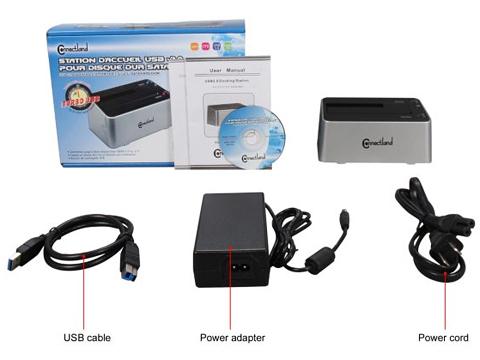
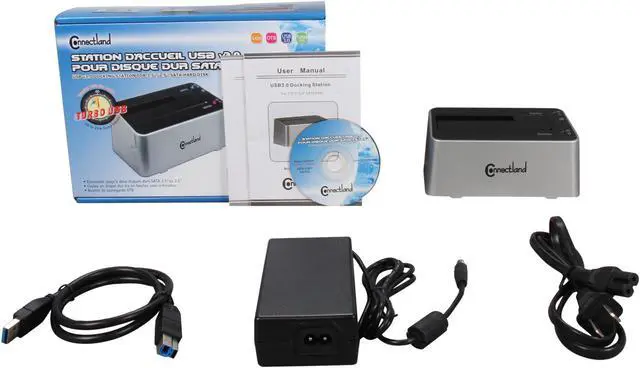
Package Contents
HDD Duplicator / Docking Station
Utility CD
User's Manual
AC/DC 12V Adapter (42" + 33" Power Cords on Each End)
USB 3.0 Cable (25")

Quick Info

Warranty

  • Limited Warranty period (parts): 3 years
  • Limited Warranty period (labor): 3 years


Customer Reviews of the Syba CL-ENC50038

Do you own this product? Write a Review

Filter Results

Go
  • HKB
  • 4/29/2013 6:32:51 PM
  • Tech Level: Somewhat High
  • Ownership: more than 1 year

5 out of 5 eggsCorrection

Pros: I stated that docks don't spin down, stupid error on my part.

The only time this dock doesn't spin down is when I do a lot of different file transfers back and forth. Simply put, even though all data is done and the drive is sitting idle it is apparently still in use by the system. I don't believe it is and have never harmed any disk or it's data by turning it off... Reasoning, it's not part of the system, all it has to do is hold data/ write data.

I have had non spin downs with USB2 docked drives and other USB3 docked drives occasionally also. So I don't believe it's a dock issue but a OS issue that's doing an interpretation by activity type.

Cons: ?

Other Thoughts: Syba docks, from my experience, sweet.

0 out of 1 people found this review helpful. Did you? Yes No

  • HKB
  • 4/29/2013 3:00:58 PM
  • Tech Level: Somewhat High
  • Ownership: more than 1 year

5 out of 5 eggsRead Me

Pros: I've already left my review for this dock and every once in a while I read reviews when looking over docks new & old.

This is a great dock period. Here are some faq's from experience.

1. Owning 1 usb2 and 3 usb3 docks I haven't found one that actually does a drive spin down, period. It's a feature I'd love.

2. The problem's of backups failing in the middle is a driver/OS issue, NOT the fault of ANY docking bay.
- I was a USB3 user early on (before motherboard implementation) and experienced every issue possible. USB3 mb implementation is not universal like USB2. To many different chips requiring their own chip specific driver... Look for USB3 chip specific updates.

3. As a duplicator it most certainly does clone SSD's. I have cloned SSD to SSD, and SSD to HD. Though I never did clone a HD to SSD. All in record time.

Cons: ?

Other Thoughts: Unless a product just does not work, I only wish some with negative experiences dig deeper before throwing blame on hardware that's doing it's job.

I wrote this to clear USB3 issues and hopefully help.

0 out of 1 people found this review helpful. Did you? Yes No

  • VanguardLH
  • 4/27/2013 9:23:39 AM
  • Tech Level: Somewhat High
  • Ownership: 1 day to 1 week
  • Verified Owner

2 out of 5 eggsOkay but no spindown

Pros: Solid feel as it is heavier than most docks. Comes with USB3 cable (but it is way too short).

Mini-CD comes with cloning software (although the dock will clone by itself with no software). Not installed since I already have other cloning software. Includes turbo mode software to speed up sequential transfers for USB2 (no benefit for much faster USB3). To reenable turbo mode (after stopping a drive) requires the hassle of unplugging and replugging the USB cable for redetection. I prefer not having to plug and unplug any cables more than needed since it increases the risk of physical damage to the ports. It also means probably forgetting to reenable turbo mode when I power up the dock (see Disadvantages about no means to spindown the drives other than to power down). This turbo program has a limit of handling a max of only 2 external USB drives. That's okay for this 2-drive dock but what if I add more USB-attached hard disks? It remains memory resident but eats only 2.6MB of RAM. It does improve read performance as measured by HD Tune: 27.6 MBps with turbo off, 35.5 MBps with turbo on (couldn't test write speeds since HD Tune's write tests are destructive and I wasn’t about to move around my data files again).

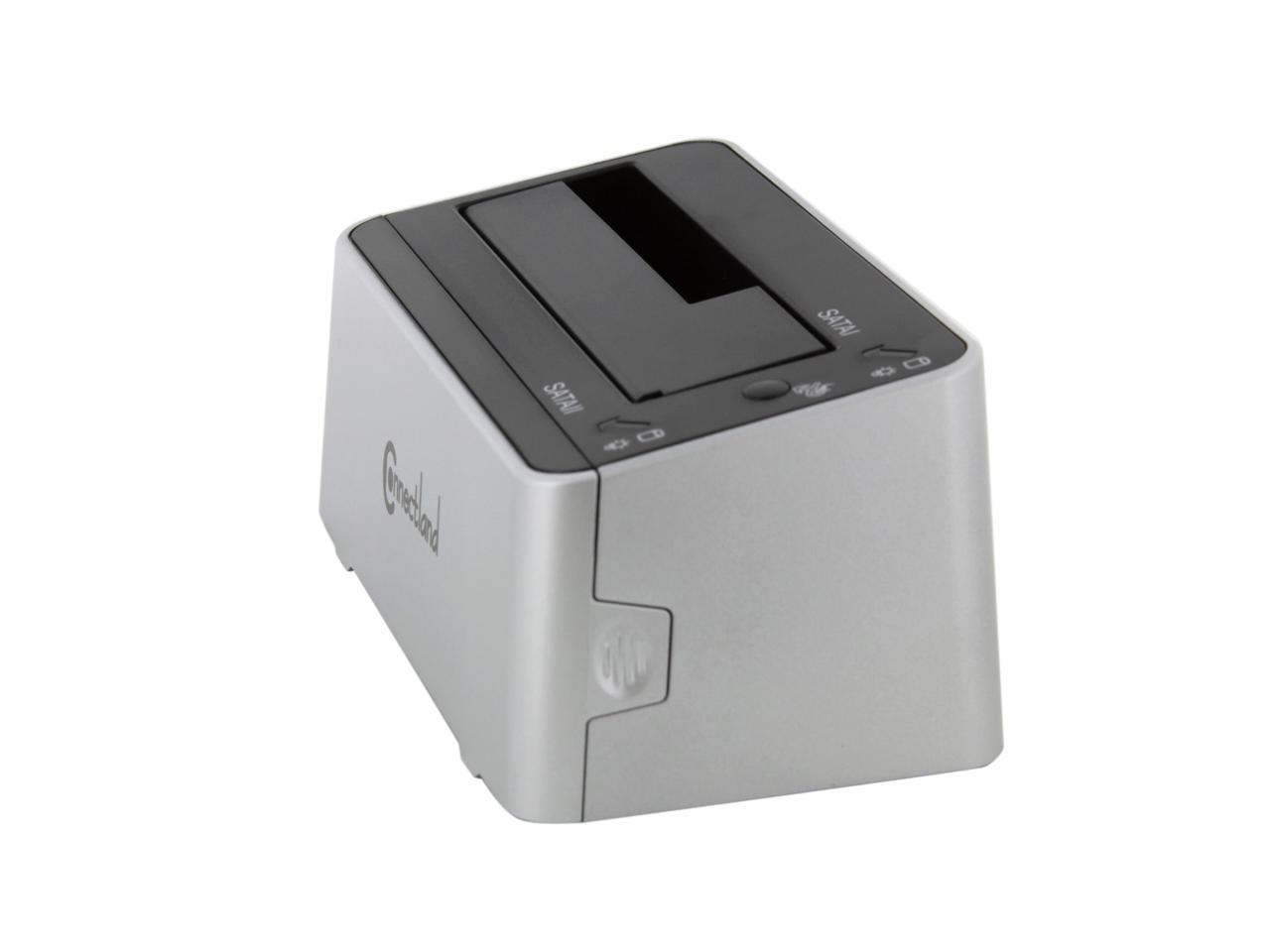
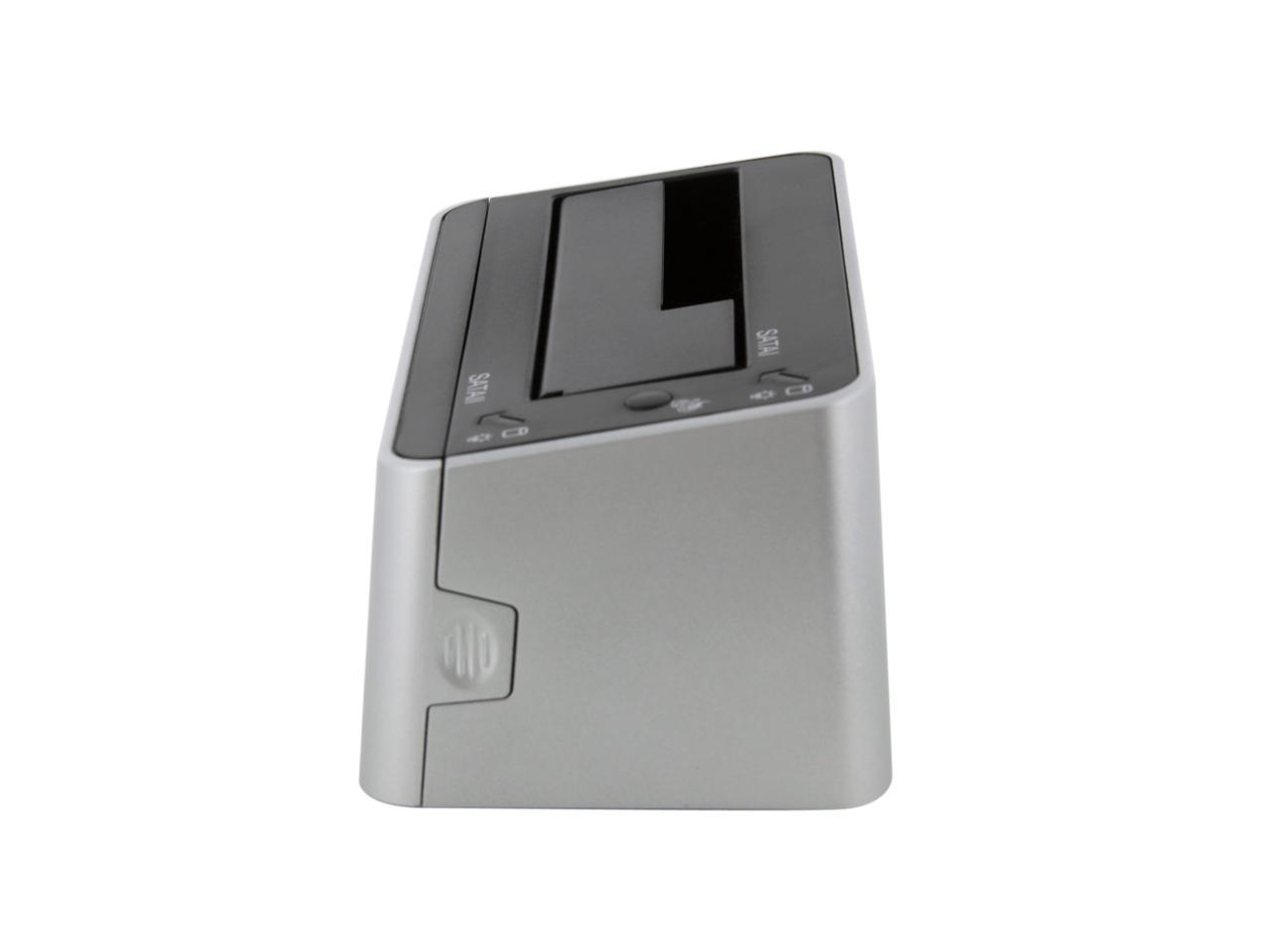
The 2nd drive goes into a pull out bay. This reduces the dock’s footprint when using only 1 drive; however, it doesn't pull out completely straight but slightly cockeyed (left side slightly farther out than the right side). I didn’t want to pull harder to make left and right sides of equal length for fear of breaking something. It did open just far enough on the right side to accommodate a 3.5" hard disk. Sliding in a drive into the fixed size dock (the one you see in the pics) is easy as the SATA data & power connectors line up pretty well to just slide together. The slide-out bay is where you need to be careful. Because the tray doesn't slide out completely straight, you need to feel the mating of the SATA connectors. Because of the weight of the 3.5" hard disks, it takes very little pressure to push the SATA connectors together.
Cons: The included USB3 cable is extremely short: just 26 inches. The short and stiff cable will limit where you can place the dock. It ended up on my desk behind the monitor and speakers so it is hard to reach to swap drives or get at its power switch. I'll have to pay the additional expense to get a longer USB3 male-A to male-B cable.

There is no way to spindown the drives other than to power off the dock. Both drives get powered off instead of the intended drive. USB Safely Remove wizard to stop the drive doesn't spin it down. The dock itself never spins down the drive when it is idle. Left overnight and the next morning it was still spinning. “USB suspend” (aka "Windows Hybrid Hard Disk agressive power saving mode) in advanced power settings applies only for drives with a non-volatile cache (flash memory). These are 6+ year-old HDDs so they have no NV cache. They are WDC 7200RPM Caviar drives which run hotter than 5400 drives (e.g., WDC Green drives). The constantly spinning hard disks are warm to the touch but definitely not hot and nowhere near the 140 F max operating temperature rating of the drive. Tried WDC's spindown/stop utility. It won’t spindown the drives in this dock. It can logically stop a drive (so the turbo mode program thinks the drive is gone) but the drive keeps spinning. Since it won’t spindown the drive, the spindown on OS shutdown option won’t work, plus I leave the computer running 24x7, anyway. Only way to spindown the drive is to power down the dock and power off both drives. When I get a longer USB3 cable to position the dock with easy reach, I'll have to remember to physically flip the dock's power switch when I don't need access to its drives. This precludes scheduling backups to save their image files to these docked drives. I'll have to have to remember to power up the dock and manually run the backups. Bummer.

Considering the turbo mode software requires replugging the USB cable to redetect the drives in the dock and that the dock has to be powered down to spin down the drives, how can Syba claim this is a hot-plug dock? Since power must be off to spindown the drives before eject, they are not “hot” when removed.

There is no eject mechanism. You'll need 2 hands: one to press down on the dock and another to lift out the drive. The manual is wrong as it implies I can twist some knob to the left to eject the drives. Be sure the drives are spun down (which means having to power down the dock) before pulling out the drive.

Other Thoughts: No USB3 on my old laptop so I can’t test USB3 speeds until my next new computer. Getting 28 MB/s (36 MB/s turbo) which seems typical for USB 2.0.

I’ve had these drives in external enclosures and there was almost no noise from them when spun up. With them in this dock, there is a constant thrum noise transferred from drive to dock to desk. I'll have to get some self-stick felt pads to see if that will reduce the noise transfer.

WDC 160GB 7200RPM SATA2 HDD works fine in this dock. Having problems accessing files on the WDC 500GB 7200RPM SATA2 HDD. I can navigate the folders but trying to show files in any of them results in Windows Explorer hanging which hangs the desktop and even prevents shutdown. Have to unplug the dock to reboot. So far, external hard disks have been the only USB devices to lock up the OS. Could be the 500GB drive is bad or its file system corrupted (but neither should really lockup an OS). I have files to retrieve from there but might get stuck having to repartition and reformat to get this drive to work okay. Might be the dock not liking the presence of both HDDs. The manual says the dock will accept 2 drives "sometime" (poor translation to English). Sometimes? Why or when would I be restricted to just 1 drive? When can I insert 2? Can I only use 2 drives when cloning? I got the dock to concurrently attach and access up to 2 external drives. The cloning was a bonus that I'll probably never use.

Comes with a middle-of-the-cord power brick. The advantage is it won't eat up 2, or more, outlets in a power strip since the A/C cord has a small plug; however, many power strips, like mine, already come with extra space for fat wallwarts. The disavantage is that you'll have put somewhere the power brick in the middle of the cord.

3 points deducted as follows: 1 point for an overly short USB3 cable (I’ll have to buy a longer one); ½ point for the slightly cockeyed pulled out tray; ½ point for using a middle-of-cord power brick instead of a wallwart; 1 point for no means of spinning down the drives other than powering down the dock (almost deducted 2 points for this deficiency).

Aside from the overly short USB3 cable and the other minor dislikes, I would not have purchased this dock if I had known there was no way to power down its drives other than having to physically flip a power switch. As I understand, the logic in the external interface (in the dock) is supposed to handle this – but it doesn’t. For use as a drive duplicator, auto-spindown probably isn’t important; however, this item is also designed as a dock to provide access to external USB-attached drives and auto-spindown *is* important in that scenario. Syba doesn’t have a firmware upgrade or utility to modify or control spinup/spindown.

Manufacturer Response:

Dear Customer,

In concern to length of the USB 3.0 cable, usually users would use a USB 3.0 hub or USB 3.0 Front Panel to connect our device. 26 inches is a great length, any longer make the cable not able to function as 3.0 USB transfer speeds.

As for the function to power down the HDD upon not being used, in Windows, there is a Power Save option for Hard Disk. You can set the time to power down the Disks when not in use.
We will forward this issue to the engineers so they can make a better model to which power down the Disks when not in use. Also, there is no eject mechanism because the dock is Hot pluggable, and the HDDs are hot swappable, however it is safer to shut down the dock before removing the HDDs in it.

You should also be able to see both HDDs connected.

Perhaps the second disk needs to be initialized. To to that, you must use Disk Management utility.

If you need any assistance, please contact our support team at support@sybausa.com

Our technical support team is available to help 9am-5pm M-F. Feel free to contact us during those business hours.

Making affordable quality products is our goal. Our engineers will look into this matter. If it is a problem of our production design, we will improve it.

We are more than happy to provide all of our customers with a prompt exchange whenever a product becomes defective.

Thank you for purchasing one of our products and for your valuable feedback.

Regards, SYBA CST 05062013

1 out of 2 people found this review helpful. Did you? Yes No

  • SDBud
  • 4/26/2013 3:06:58 AM
  • Tech Level: Somewhat High
  • Ownership: 1 week to 1 month
  • Verified Owner

5 out of 5 eggsWorthy!

Pros: Worked fine straight out of the box, on a USB2 port for now.

Cons: none

Other Thoughts: Used with 3.5" HDs, and a new SSD. Worked perfectly with all so far.

Did you find this review helpful? Yes No

  • Notsoswift
  • 4/16/2013 6:12:04 AM
  • Tech Level: Somewhat High
  • Ownership: 1 month to 1 year
  • Verified Owner

3 out of 5 eggsHouston, we have a problem

Pros: I *love* the expansion feature. When plugged into a USB 2.0 port, data transfer is consistent. I have cloned OS drives multiple times without a problem.

Cons: For whatever reason, this thing simply does not maintain a connection when copying large amounts of data while connected to one of my USB 3.0 ports. I don't know if this is the fault of my motherboard (Gigabyte GA-970-UD3). I've tried un/reinstalling the usb 3.0 drivers multiple times and replacing the cable. But it still goes through this maddening cycle of "forgetting" the drive, then "remembering" it. And each time it happens, or course, the copy operation fails. So it's unusable in USB 3.0 mode for me, which is a pity since that's specifically why I bought this dock.

Other Thoughts: Because of my issues with the dock in USB 3.0 mode, I use it exclusively in USB 2.0 mode now. It works just fine that way. My next test, I suppose, will be to pick up a different USB 3.0 docking bay and see if the same intermittent amnesia occurs. If so, I will conclude that it's a motherboard problem.

1 out of 2 people found this review helpful. Did you? Yes No

  • farhadd
  • 4/4/2013 12:23:43 PM
  • Tech Level: High
  • Ownership: 1 month to 1 year
  • Verified Owner

5 out of 5 eggsWorks with 4TB HDD

Pros: Cheap. JBOD function. Clones disks.

Cons: Front drive bay is a bit flimsy

Other Thoughts: I've used this dock with a Seagate ST4000DM000 drive and it works great on Mac OS X.

Did you find this review helpful? Yes No

  • MOmelanuk
  • 3/31/2013 6:28:06 AM
  • Tech Level: Somewhat High
  • Ownership: 1 month to 1 year
  • Verified Owner

5 out of 5 eggsWorks Very Well

Pros: Works exactly as advertised. Clones a 2nd drive with the push of a button. Serves as an enclosure for two drives.

Cons: Nothing yet

Other Thoughts: If cloning a smaller drive to a larger drive, There will be an unformatted partition left over. Windows 7 easily lets you format that partition, so not a big deal.

Did you find this review helpful? Yes No

  • N/A
  • 3/28/2013 8:54:01 PM
  • Tech Level: Low
  • Ownership: 1 week to 1 month
  • Verified Owner

5 out of 5 eggs

Pros: Works as advertised

Cons: none

Did you find this review helpful? Yes No

  • Taunt406
  • 3/26/2013 8:58:26 PM
  • Tech Level: Average
  • Ownership: less than 1 day
  • Verified Owner

5 out of 5 eggsHD docking station

Pros: The item is exactly what I needed for copying one ssd to another, I have 2 laptops that allready had SSD's in them then I upgraded my big SSD to an ever bigger one so then my smallest one got upgraded to my old big one. Worked great for cloning everything as needed

Cons: Nothing yet

Other Thoughts: none

0 out of 1 people found this review helpful. Did you? Yes No

  • Chispy
  • 3/18/2013 8:23:58 PM
  • Tech Level: High
  • Ownership: 1 week to 1 month
  • Verified Owner

3 out of 5 eggsNot Bad at all.

Pros: Fast while using USB 3.0 with the turbo speed feature software. it does access 2 HDD or SSDs at the same time from this Dock station. Relatively cheap with the rebate + the free gift of one USB 3.0 stand alone card. Very usefull for back up data and to use as secondary HDD for storage 24/7.

Cons: It does not clone HDs or SSDs with OS in it , I had a bad HDD failing and I tried to back up that OS and make a clone with this Dock station and no way I could do it , be it using the one touch button without connection to pc or with the software included. it was a WD 250GB HDD Blue with OS windows vista 32bit , I tried everything and for the life of me could never get it to clone anything , I did always followed their instructions on the manual , always used the original HDD in port sata 1 and the destination HDD port sata 2 , always used the same size HDD or bigger as destination drive , always gave me a Blue screen after it finished ( *Cloning* ) and trying to access the newly clone HDD or just an empty HDD, also I tried another HDD 80GB wd with my old windows xp 32bit os in it to test the function of this cloning device that supposed to work with only a push of a button , guess what ? it never worked ! every single time it fails to clone HDD or SSDs , I tried many HDDs ranging from 80GB to 750GB , 3 different SSDs Samsung 830 ,Samsung 840 Pro and OCZ agility , nop never could could get it to clone anything with an OS in it. I was forced to download and use free software easily available to clone HDDs , I used Macronium Reflect Free Cloning Software and it was a pleasure to work with it , it was then and only that I coud clone my failing HDD OS and save it :) ,I did clone my OS failing drive in a short period of time ~55 minutes using this dock station sata port 1 cloning to sata port 2 via USB 3 in Turbo mode = fast cloning HDD or SSDs with OS in it can be done , but using third party software like Macronium Refelct Free Cloning Software. Not really plug and play , misleading specifications , I repeat misleading specifications as it won't clone HDD or SSDs. Everything else works perfect as a dual dock station .

Other Thoughts: Misleading specifications , many errors in the manual poorly translated to English. But overall it was so cheap after rebate and free gift it was a steal really , just dont' expect this device to function as a cloning device , only use it as a docking station and you will be happy.

2 out of 3 people found this review helpful. Did you? Yes No

ICON Loading...
Are you an E-Blast Insider? Subscribe Newegg e-Blast

Buzz

This is a game-changer

5 out of 5 eggs
I just duped a 1TB Mac-formatted HD to another 1TB blank HD in about 3 hours, with no computer attached. Given, there wasn't ...
— fallingblox 11/19/2012

Works with Linux for dual-disk backups

4 out of 5 eggs
- Holds two hard disks of different sizes at one time. (It's not entirely obvious from the pictures, but the front ...
— Bob 3/29/2012


PayPal
Shop without retyping payment details. Secure shopping made faster.
Check out with PayPal.

Financing


Home
Home > 
Computer Hardware > 
Computer Cases > 
External Enclosures > 
Syba > 
Item#: N82E16817801093
LOADING... LOADING...
Shop by Region: United States | Canada | China
Follow us:   RSS Feeds Youtube
VeriSign Reliability Seal1This site protected by Trustwave's Trusted Commerce program Inc500
Policy & Agreement | Privacy Policy  © 2000-2013 Newegg Inc.  All rights reserved.
If the Adobe Reader does not appear when you click on a link for a PDF file, you can download Adobe Reader from the Adobe web site. nassau