* Free Shipping is not available to AK, HI and PR.
Special Offers
-
No interest for up to 12 months. Minimum purchase required.
Subject to credit approval. Details
-
No Payments for up to 6 months. Minimum purchase required.
Subject to credit approval. Details
Similar Items
Not the product you're looking for? We can make some suggestions to help you decide on a product that fits your needs.
view similar products
-
Manufacturer Warranty
Beyond any applicable Newegg return policy, this item is warranted independently by the product's Manufacturer. Below is a summary provided for convenience only and may not be accurate or current.
Use this link for full details.
- Manufacturer Limited Warranty period (parts): 2 years
- Manufacturer Limited Warranty period (labor): 2 years
Manufacturer Contact Info
|
-
- 5
-

- 82%
- 4
-

- 6%
- 3
-

- 3%
- 2
-

- 2%
- 1
-

- 7%
| Product Rating: |
   
|
| Total Reviews: |
120 |
- Pros: Has the speed I was expecting out of it. No complaints.
- Cons: Nada
fast and expensive
- Pros: fast read and write... didn t do tests, but get bout 180 for constant write ~4gb... quite snappy... came with new firmware, trim support... ok build quality, 128gb, overall a nice hdd..
- Cons: thought it would be snappyer, however don t know if that s from my controller and i did have high expectations also.... still very expensive.... am not 100% but i think you need a good controller to fully use the potential.... no trim for raid!!!! (to my knowledge)
- Other Thoughts: would have not bought it if it didn t have trim support... i am used with 2x500gb wd caviar black in raid on a MSI 790FX-GD70 AM3 on hw controler.... the ssd def beats it... but allot more at transfers. is bout 20% snappyer then the raid and 2.5 times faster at everything else.
if you use a desktop then go with spinning hd in raid, for laptops(use the ssd on a asus G51Vx-X3A) go for ssd. if money is not an issue well ssd is the way to go!
EASY
- Pros: Plug and Play
- Cons: I had to order a 2.5" HD adapter from Lan
- Other Thoughts: I gotta figure out the correct way to clean up (defrag) this type of drive?
| General |
| Brand |
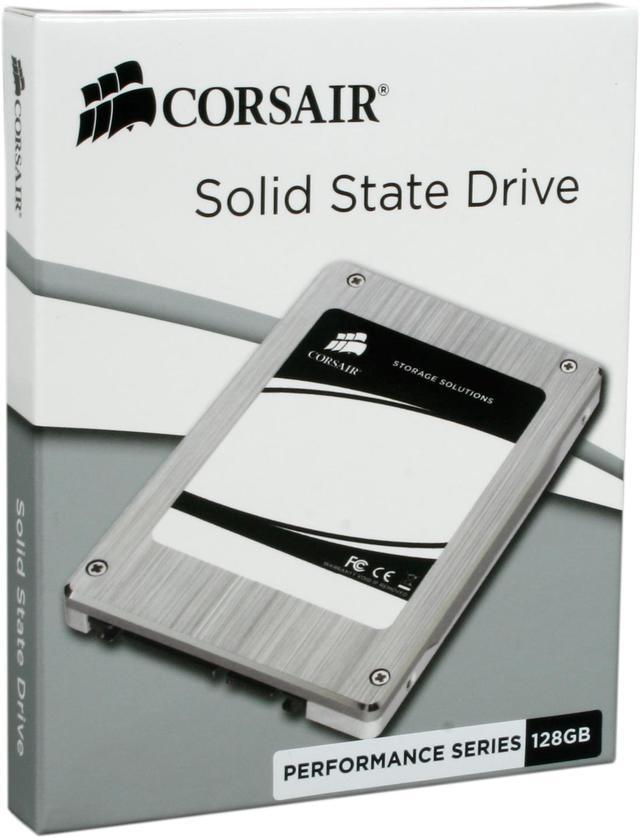
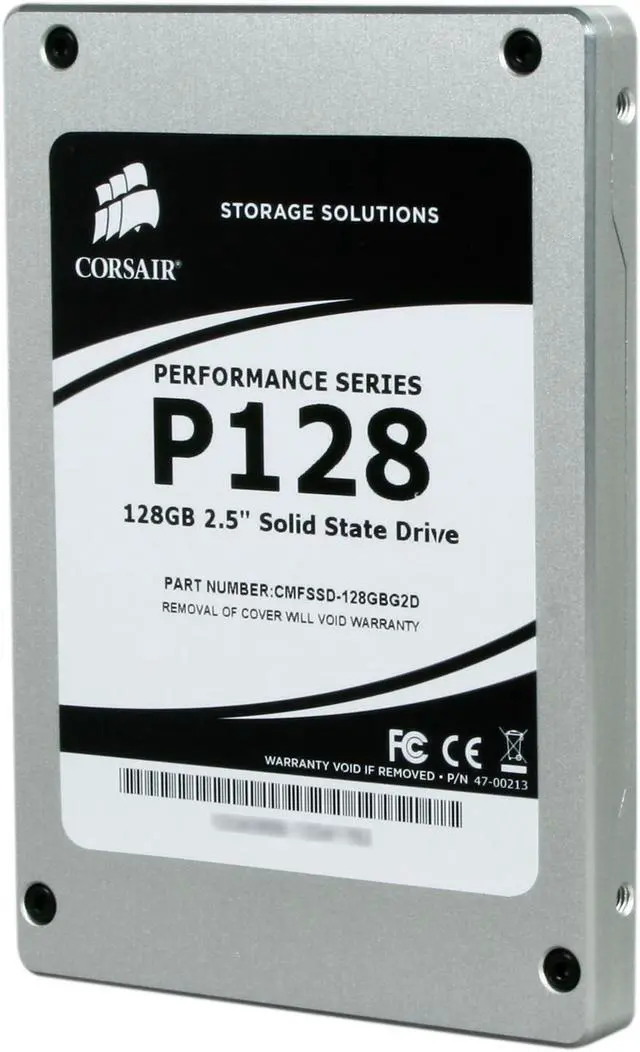
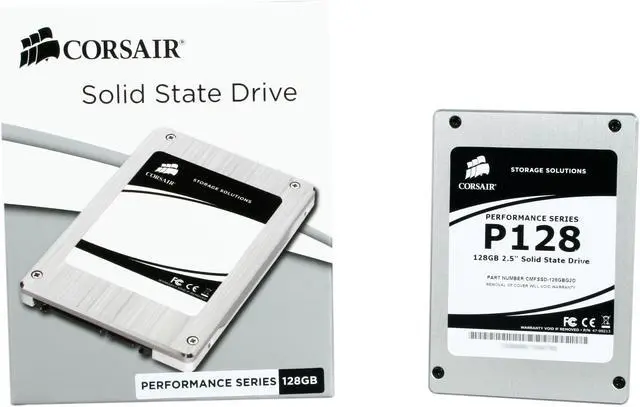
Corsair |
| Series |
P128 |
| Model |
CMFSSD-128GBG2D |
| Device Type |
Internal Solid State Drive (SSD) |
| Architecture |
MLC |
| Expansion / Connectivity |
| Form Factor |
2.5" |
| Capacity |
128GB |
| Interface Type |
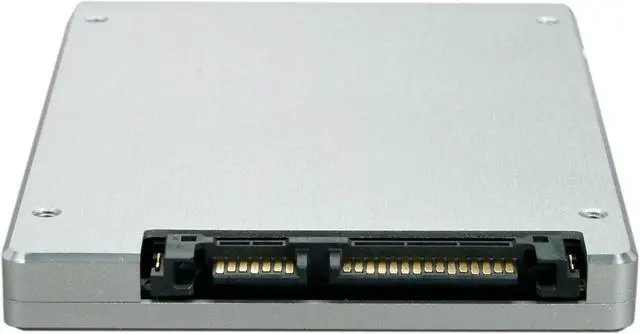
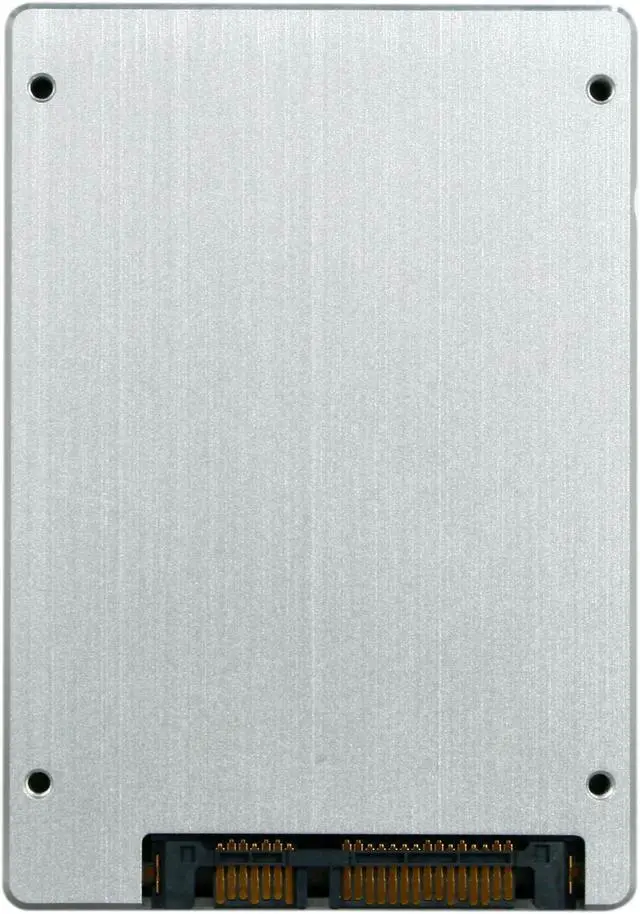
SATA II |
| Features |
Fast – Games and apps load faster, Windows is more responsive Compatible – The P128 is extensively validated in major computing platforms Stutter free – Samsung controller ensures smooth performance, unlike that of cheaper SSDs Silent – No moving parts means zero noise and high reliability Low power – Longer battery life for laptop users means greater productivity Backed by Corsair – A respected name with a passion for great service and support |
| Performance |
| Max Shock Resistance |
1500G |
| Power Consumption (Active) |
1.5W |
| Power Consumption (Idle) |
0.15W |
| Sequential Access - Read |
220MB/s |
| Sequential Access - Write |
200MB/s |
| MTBF |
1,000,000 hours |
| Manufacturer Warranty |
| Parts |
2 years limited |
| Labor |
2 years limited |
|
|