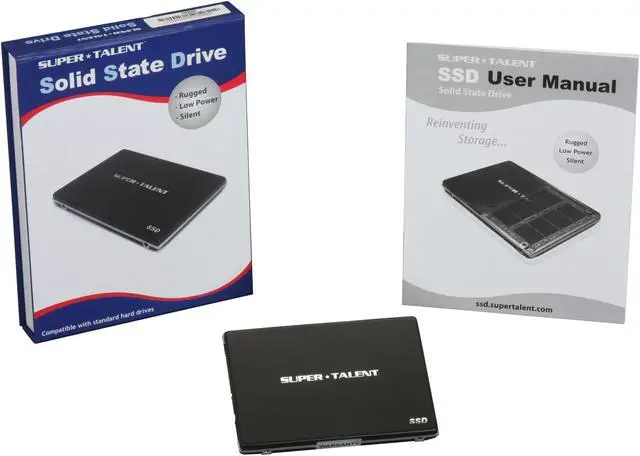
-
Deactivated Item
-
-

Similar Items
Not the product you're looking for? We can make some suggestions to help you decide on a product that fits your needs.
view similar products
-
Manufacturer Warranty
Beyond any applicable Newegg return policy, this item is warranted independently by the product's Manufacturer. Below is a summary provided for convenience only and may not be accurate or current.
Use this link for full details.
Manufacturer Contact Info
|
-
- 5
-

- 58%
- 4
-

- 21%
- 3
-

- 9%
- 2
-
- 0%
- 1
-

- 12%
| Product Rating: |
   
|
| Total Reviews: |
33 |
Fast
- Pros: I have been using this drive for since august and the speeds have not slowed at all. Avg write speeds of 210. Supports trim command, cheap for its performance.
- Cons: Need more drives.
Seriously?
- Pros: Seriously? This thing rocks! the price is unbeatable! I have a ocz vertex and cannot tell one difference between them except the price tag on the receipt. it did come with the 1711 fw, and I wanted to use with win 7 so I just went to ST's forums, found the downgrade tool and it worked like a charm. Now blazing through win7 on my netbook at rediculous speeds. This thing looks cooler than my vertex as well. ST even supports a wiper tool for this drive so there really is no need to ever upgrade your firmware from the 1571 once you downgrade. a win win win win situation.
- Cons: 1) You might need to be smart enough to upgrade/downgrade firmware. there are many ssd tweaker programs that will do all that stuff for you. Running win7 now for over 2 weeks no problem.
2) newegg is currently sold out of these.
- Other Thoughts: No stutter, just smooth as butter! these drives are ice cold! If you have never used and ssd before, than you just don't know what you are missing. Get a small one for you Operating System, and use a standard hdd for your files (since these are still pricey for anthing > than 60gb.)
another thing, what makes ssd's so fast is the <1ms access times. large file transfer times are not nearly as important and rarely make any difference in real world use unless you are taking a 2gb file and transferring it to another drive or location all day long. my point to all that is you don't even need a trim tool for ssd's as the <1ms response time never slows. I have a vertex on my i7 gaming rig, and it's been at least 4 months since the last time I used the trim tool. Cannot tell any differences.
- Pros: Price and speed.
- Cons: Firmware 1711.
- Other Thoughts: I've been running windows 7 32bit for a couple of weeks using 1711 FW. You can disable trim in registry key HKEY_LOCAL_MACHINE\SYSTEM\CurrentControlSet\Control\FileSystem\DisableDeleteNotification. Change value from 0 to 1. This obviously isn't a permanent fix, but it will get you by until new firmware is released.
| General |
| Brand |
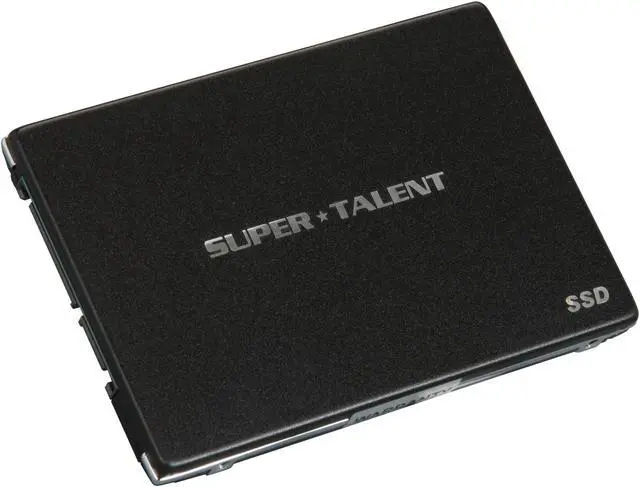
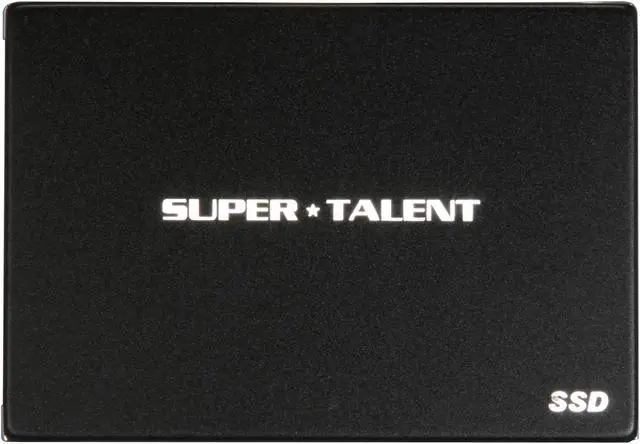
SUPER TALENT |
| Series |
UltraDrive ME |
| Model |
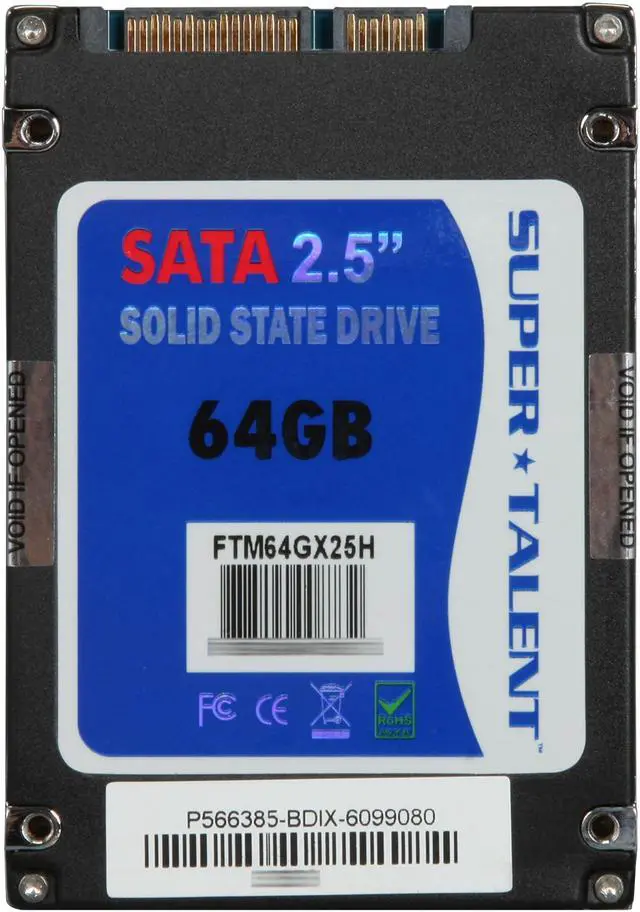
FTM64GX25H |
| Device Type |
Internal Solid state disk (SSD) |
| Architecture |
MLC |
| Dimensions |
| Width |
3.45" |
| Depth |
2.75" |
| Height |
0.38" |
| Expansion / Connectivity |
| Form Factor |
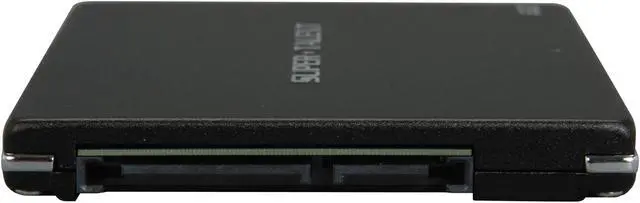
2.5" |
| Capacity |
64GB |
| Interface Type |
SATA II |
| Features |
MLC NAND Flash Compatibility: Most SATA compatible Notebooks and Desktops, Apple MacBook, MacBook Pro, Mac Pro |
| Performance |
| Max Shock Resistance |
1500G |
| Max Vibration Resistance |
16G |
| Sequential Access - Read |
Up to 230MB/sec |
| Sequential Access - Write |
Up to 180MB/sec |
| MTBF |
1,000,000 hours |
|
|