Newegg.com - A great place to buy computers, computer parts, electronics, software, accessories, and DVDs online. With great prices, fast shipping, and top-rated customer service - once you know, you Newegg.
If you are reading this message, Please click this link to reload this page.(Do not use your browser's "Refresh" button). Please email us if you're running the latest version of your browser and you still see this message.
Newegg.com - Computer Parts, Laptops, Electronics, HDTVs, Digital Cameras and More!

Loading...
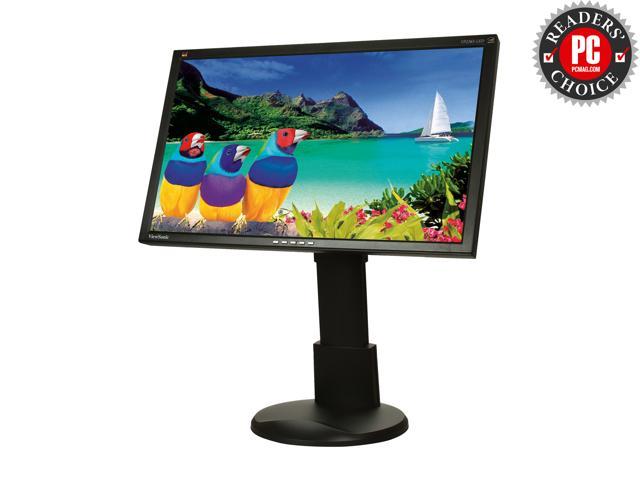
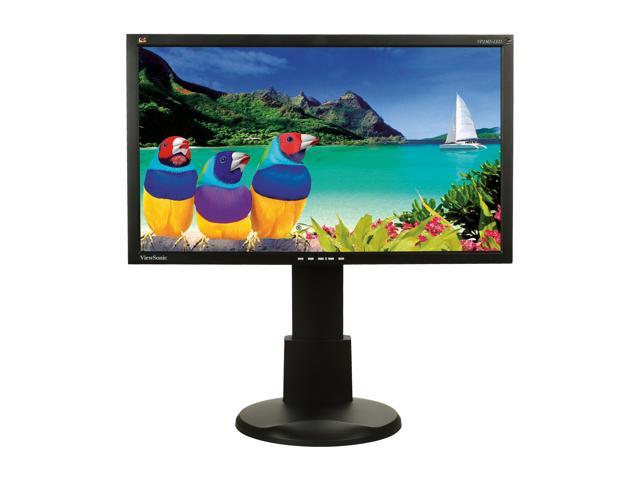
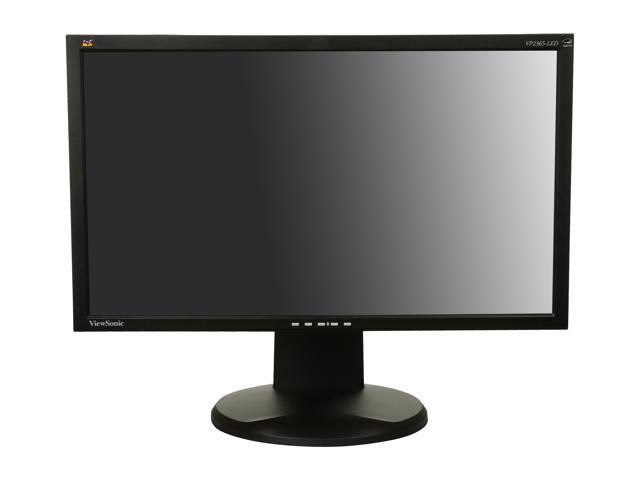
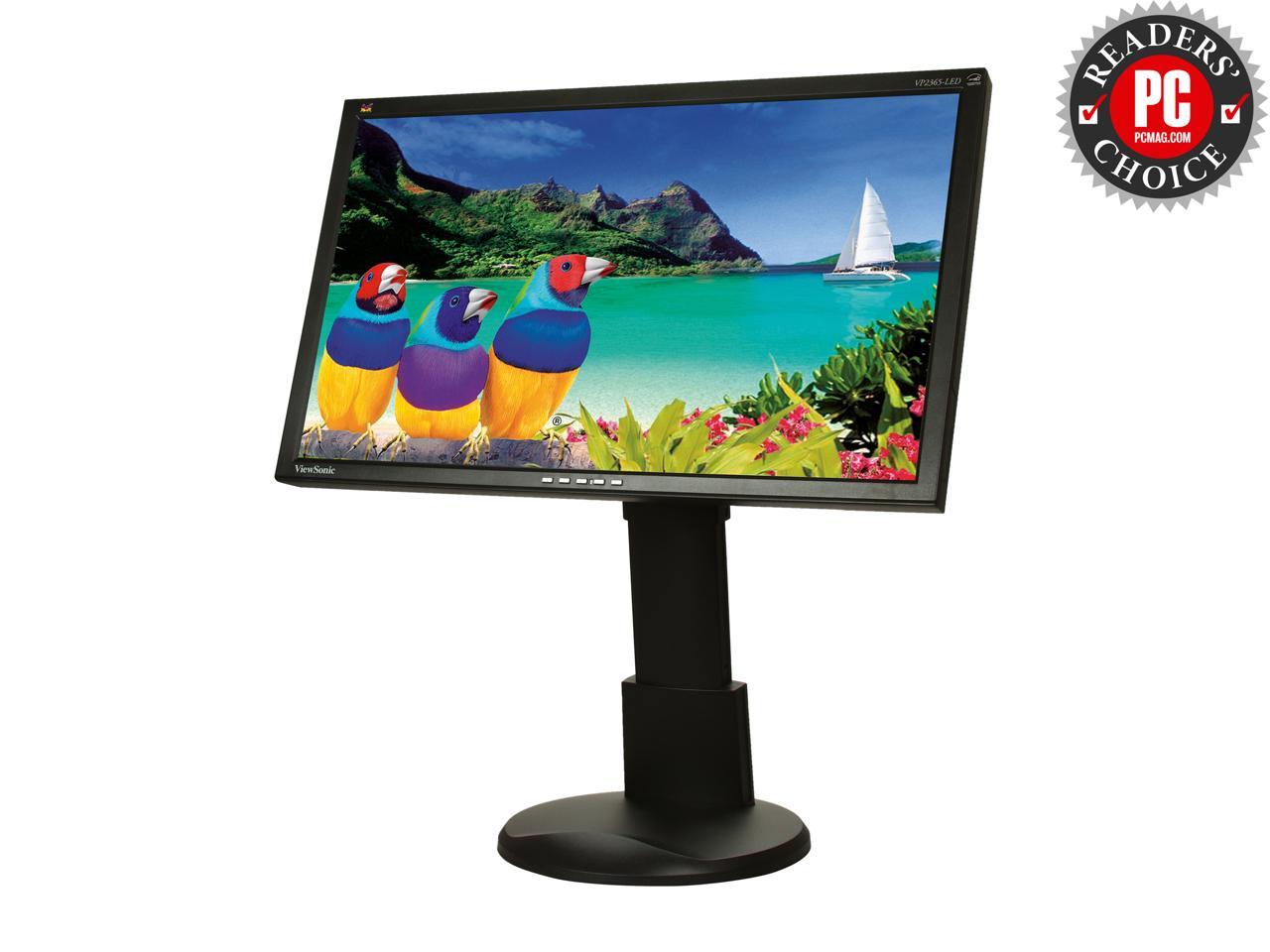
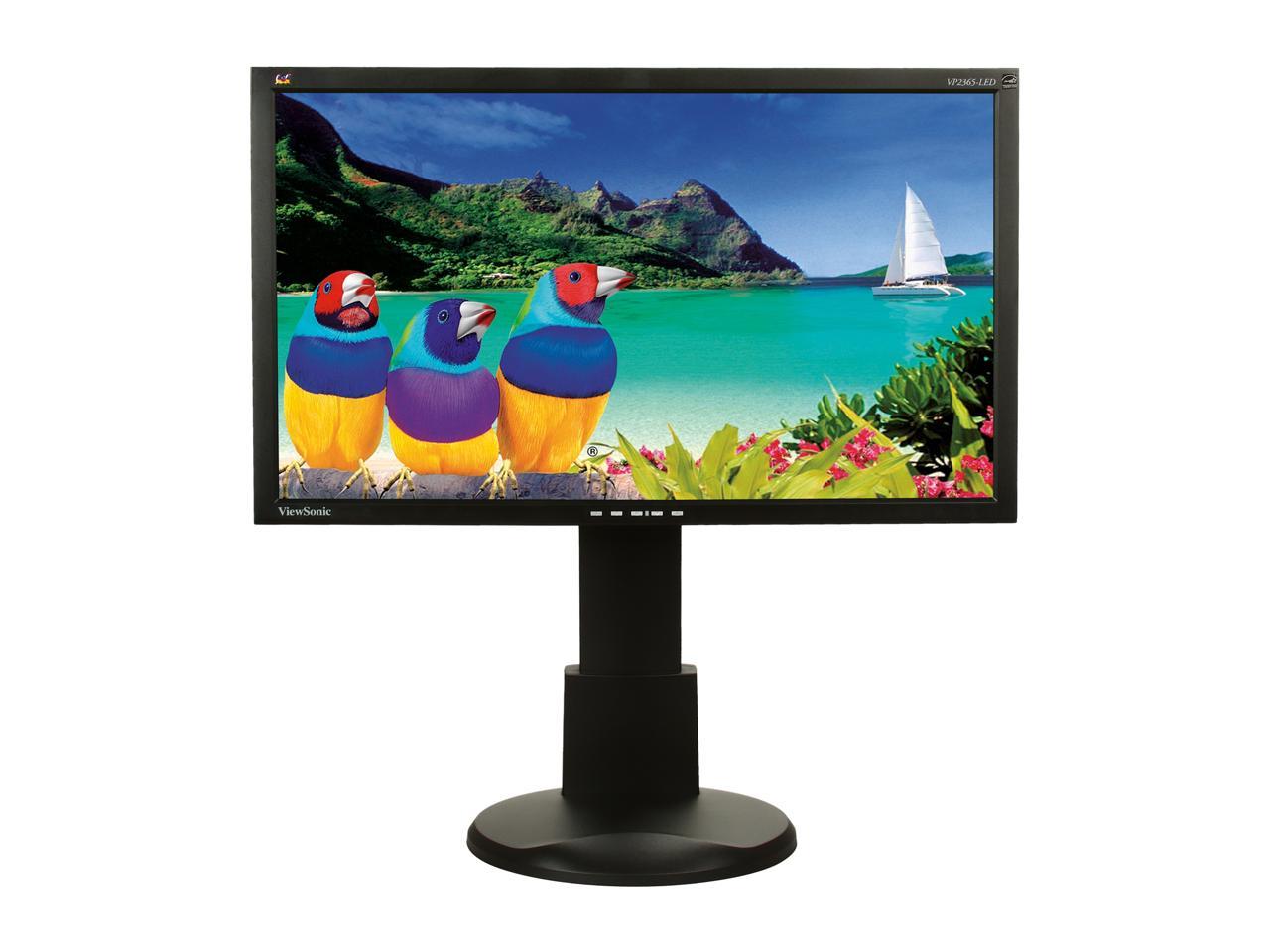
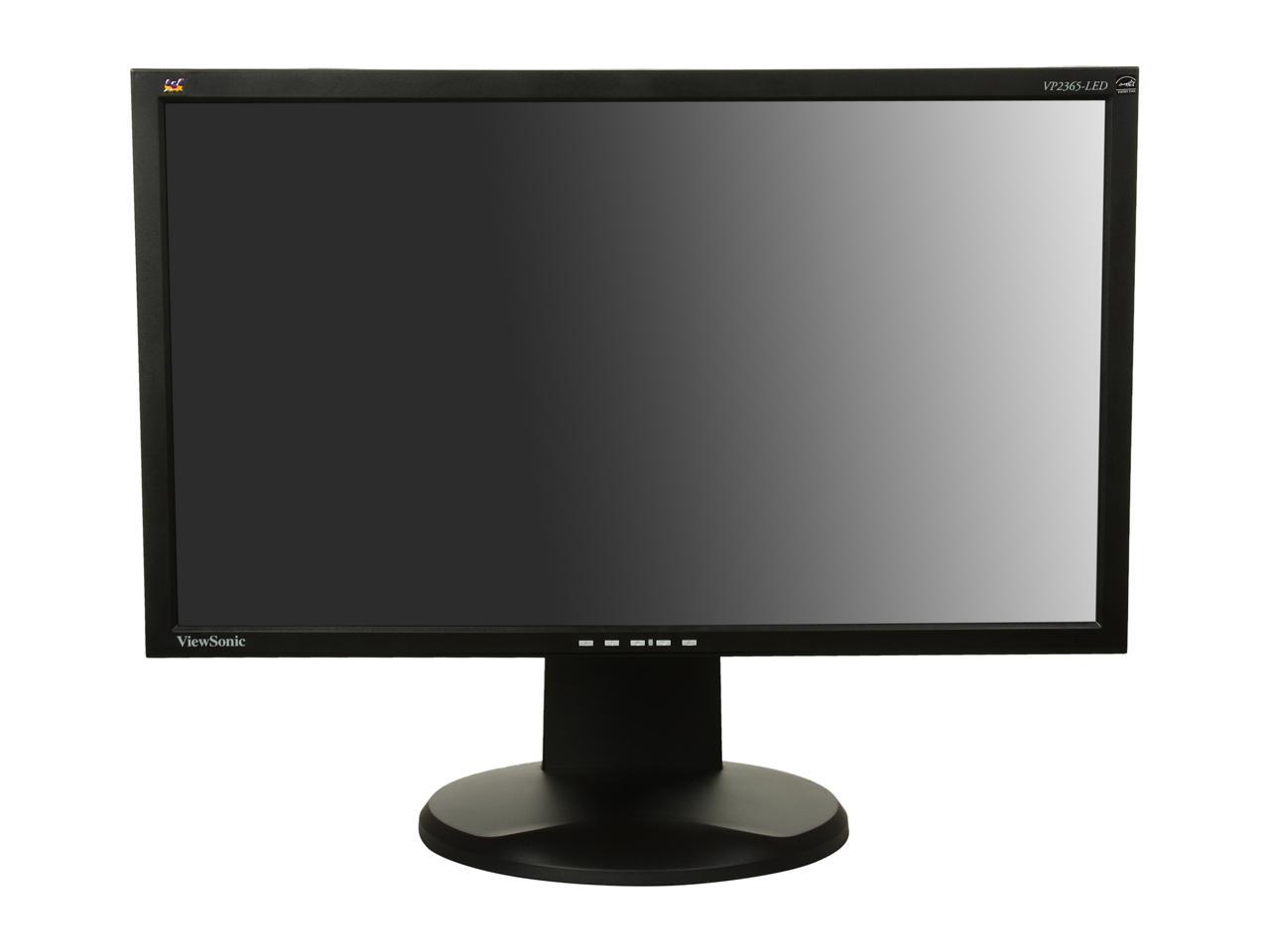
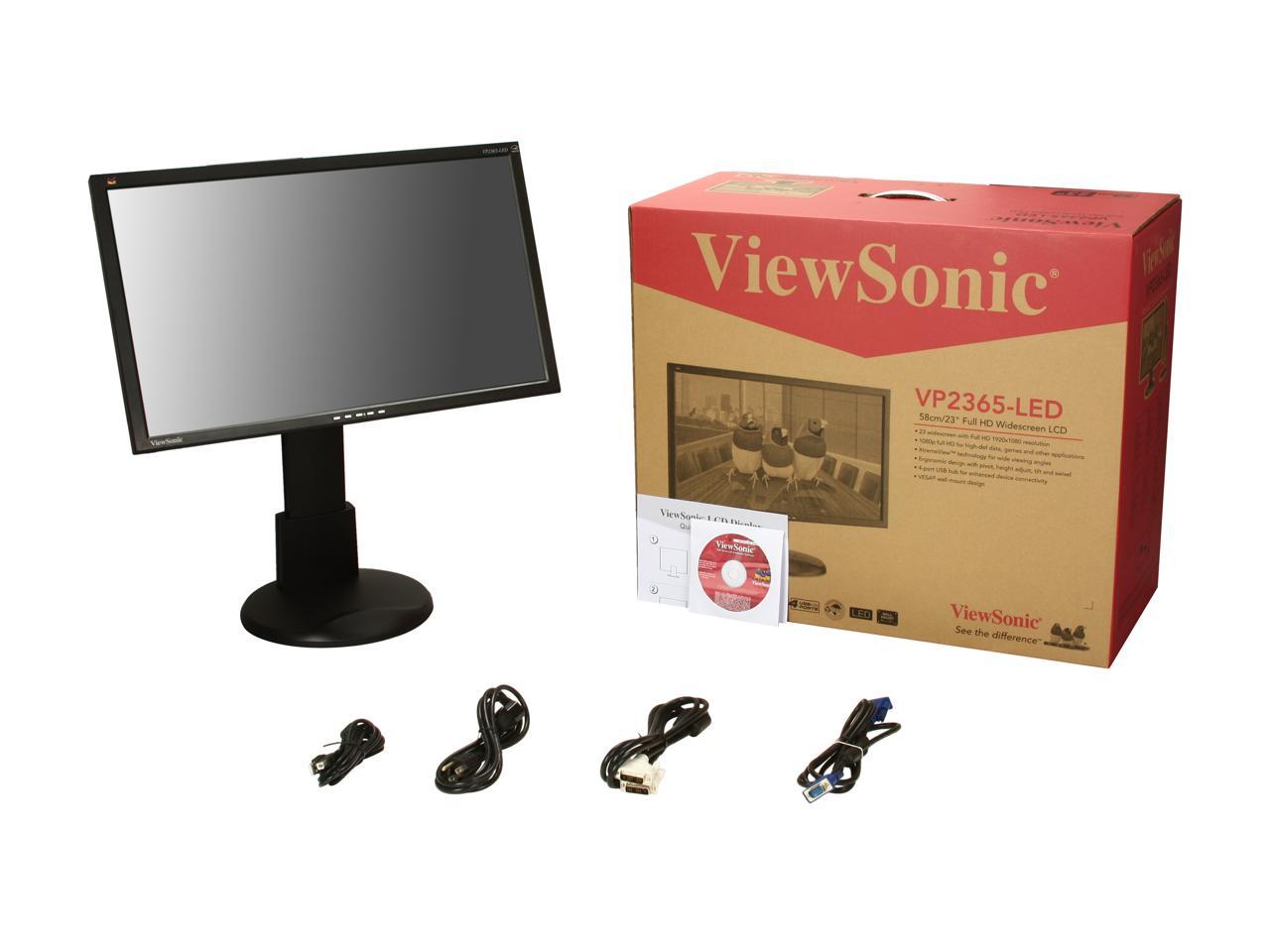
The VP2365-LED is one of ViewSonic’s new LED Professional Series monitors that utilizes the power of IPS panel technology. With IPS true colors, high contrast ratio and wide viewing angles coupled with 1920x1080 Full HD resolution, VP2365-LED is the perfect solution for designers, manufacturers, medical applications and movie production. 4-port USB hub for cluster-free connectivity, ergonomic functions with pivot, height adjust, tilt, swivel and slim bezel make the VP2365-LED an amazing monitor. Eco-mode offering up to 40% power consumption, ViewSonic’s strongest pixel performance guarantee, it will give you confidence in your investment. The VP2365-LED will also contribute to a greener world with its power management features and environment-friendly materials.
IPS Panel IPS (in-plane switching) technology is the highest performance panel technology available in the LCD displays. The specifications and details of IPS panel technology are considered best for high accuracy in color, contrast and wide viewing angles. IPS panels offer excellent picture reproduction and suitable for photography, graphics design, movie production, CAD/CAM engineering, medical and security applications. With IPS panels, you will not have any color shifts or changes in the contrast ratio when you move the image across the screen or change your viewing angle.
Full HD Resolution VP2365-LED features a 23”, 16:9 widescreen with 1920x1080 resolution that is capable of displaying a native Full HD 1080p image.
LED Backlight The use of LED backlight delivers vivid pictures with improved color saturation enhanced gray level and up to 20,000,000:1 contrast ratio at reduced power consumption.
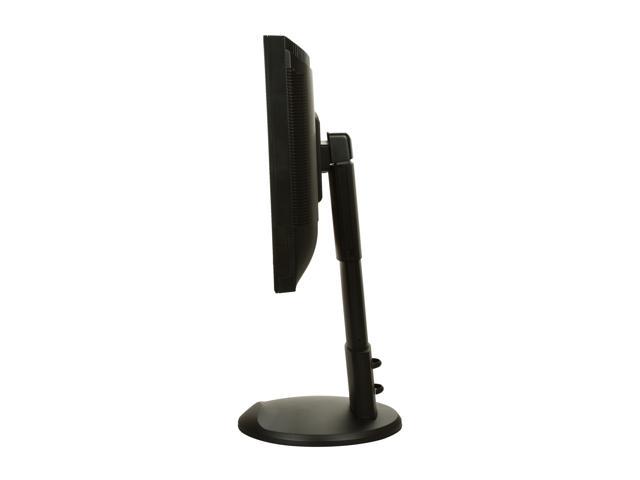
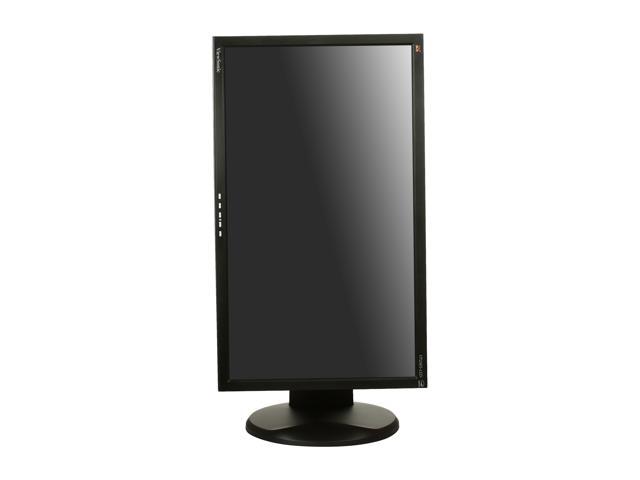
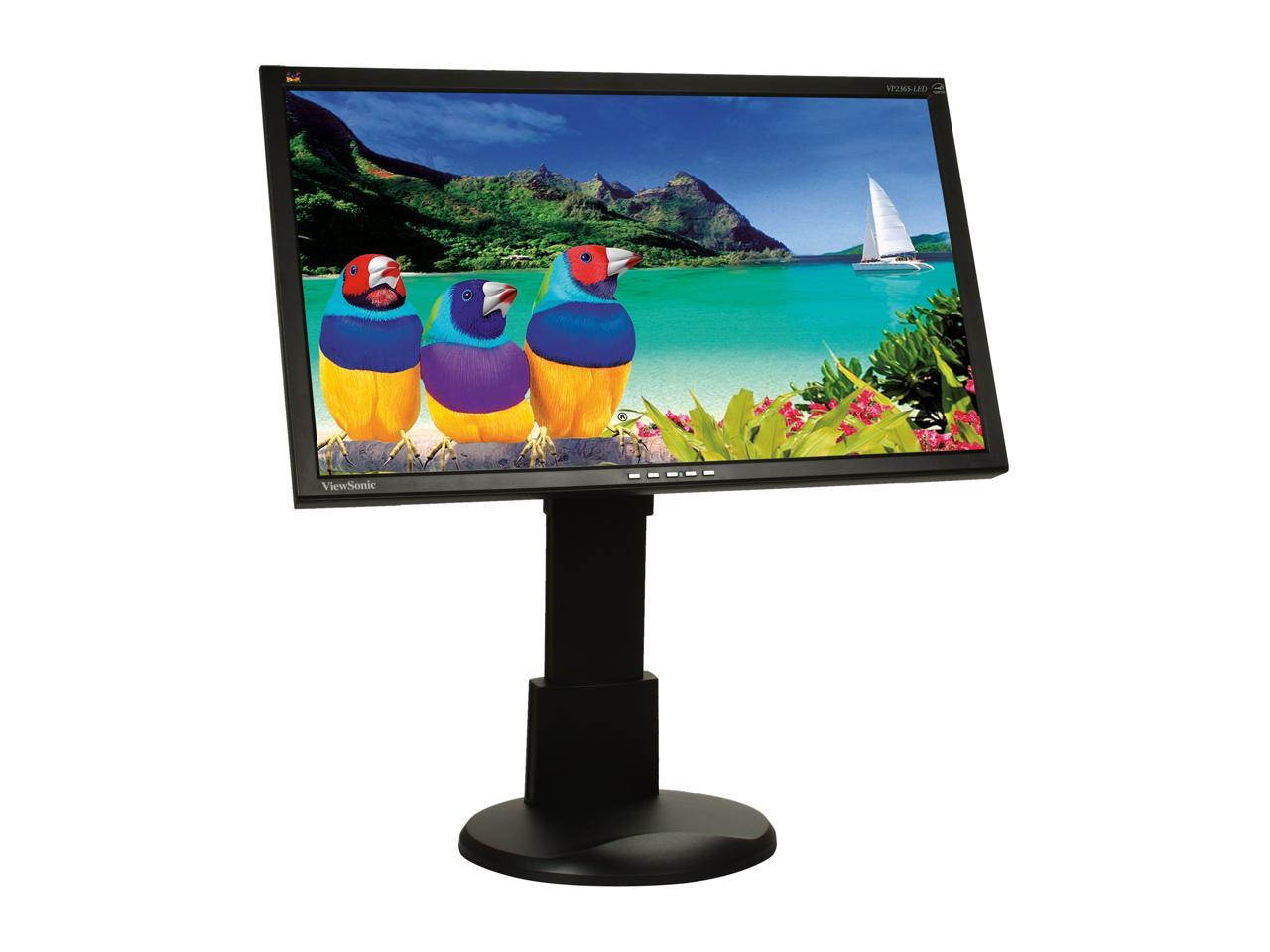
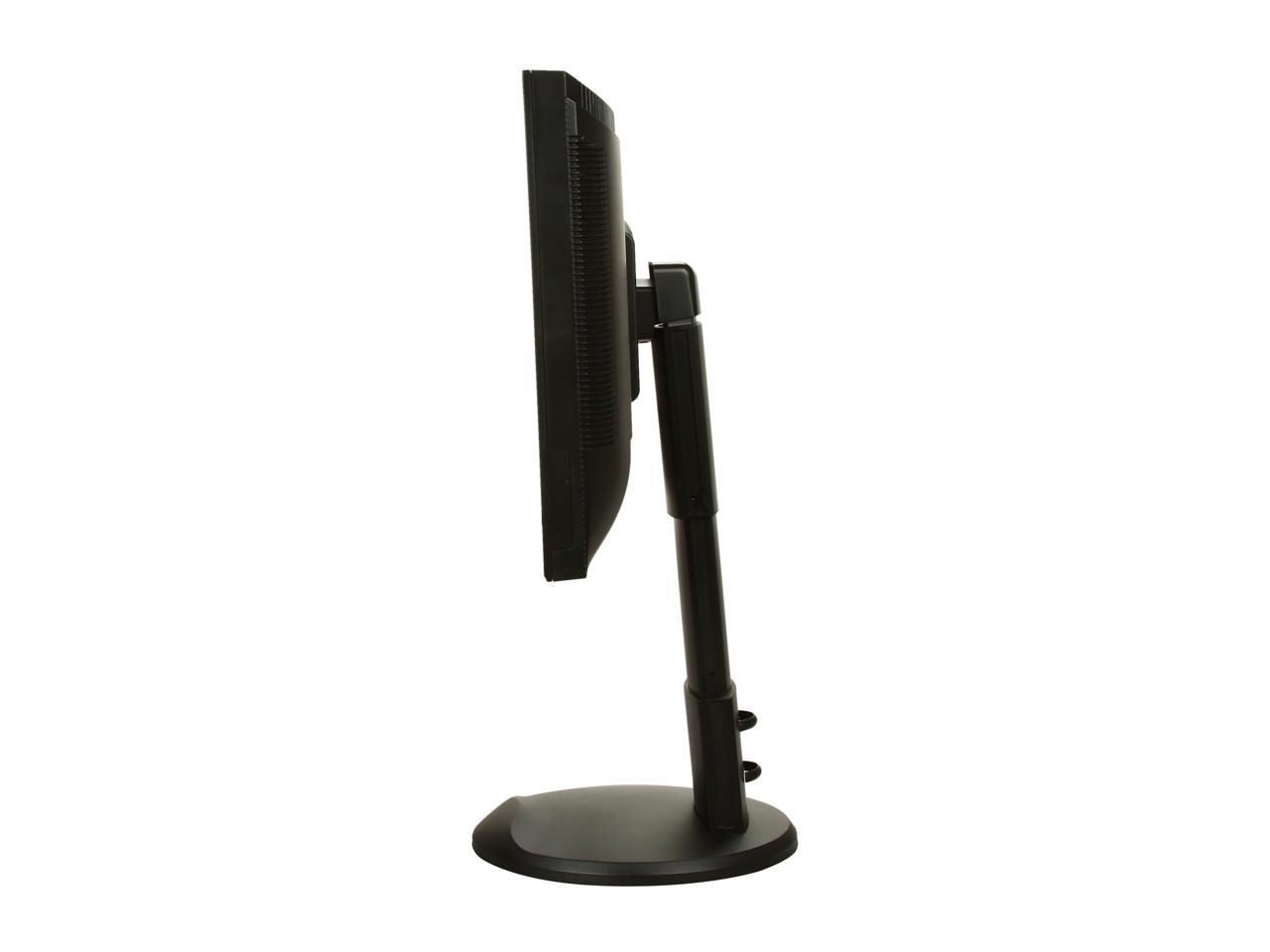
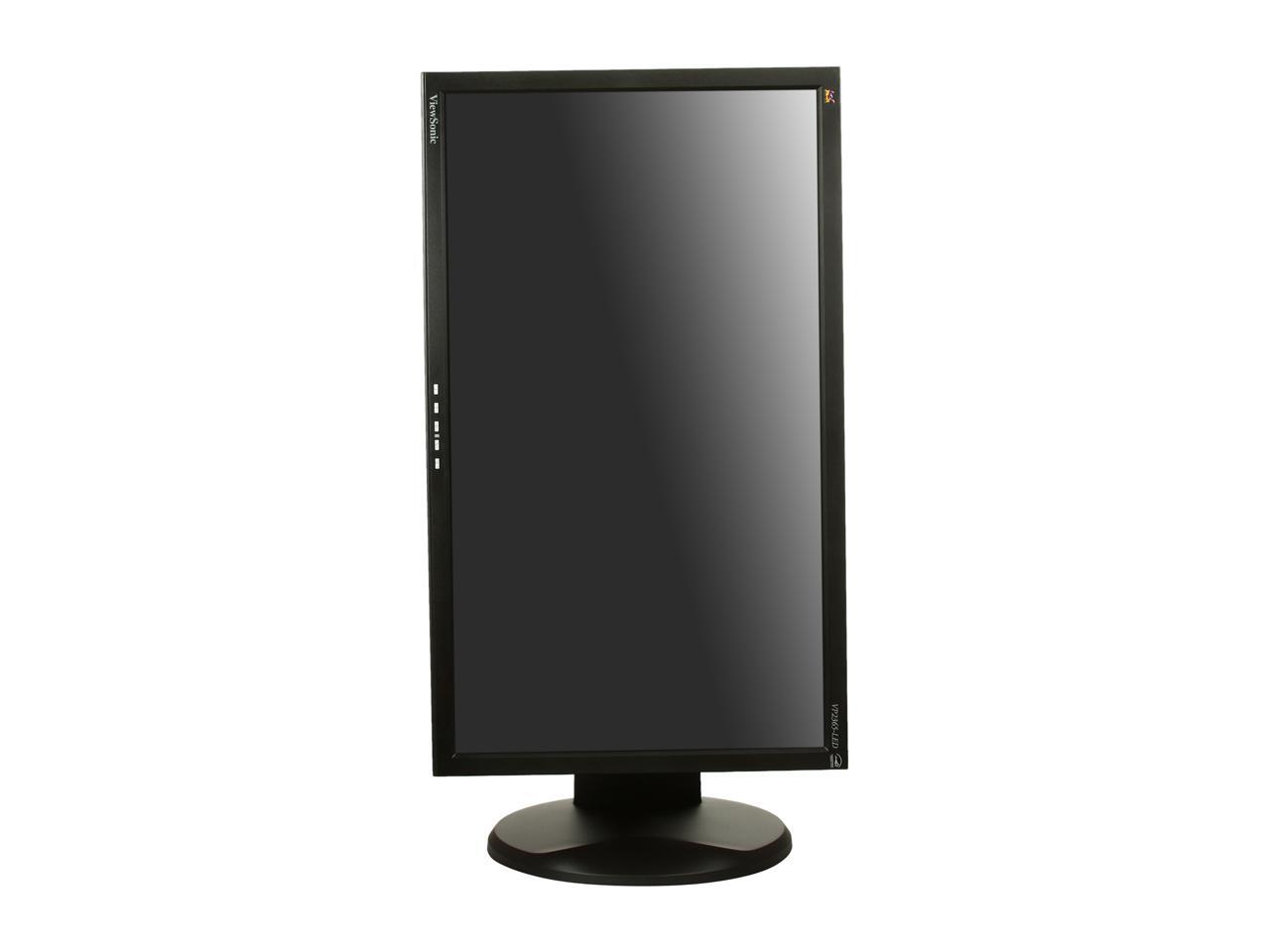
Efficiency and comfort Ergonomics is defined as profession of designing tools and work environments to best accommodate human performance and behavior. The VP2365-LED is one of the great examples of an ergonomically designed tool. Based on your height, chair and desk conditions, you can adjust it up and down for 5.3 inches, swivel it 360°, or tilt it 20° degrees, whatever makes you more comfortable. Also, when designing a portrait mode image or a document (such as a flyer or a magazine page), you can rotate the monitor 90° and utilize your 23” screen size at its full extent. You can also adjust your graphics card settings so that all your graphics are rotated 90° as well.
Eco-mode for up to 40% energy savings ViewSonic’s proprietary Eco-mode function comes standard with the VP2365-LED. When you don’t need all of the powerful features VP2365-LED has to offer, you have the option to reduce the monitor’s brightness, save energy, save the planet and prolong the lamp life. You can select one of the “Optimize” or “Conserve” options and save up to 40% energy. Especially under low ambient light conditions, adjusting the brightness will improve visibility by reducing eye fatigue. Reducing brightness will also prolong the monitor’s lamp life, improving your return on investment.
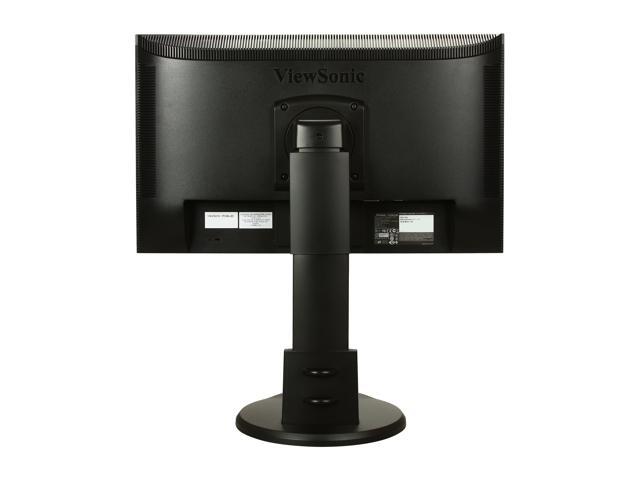
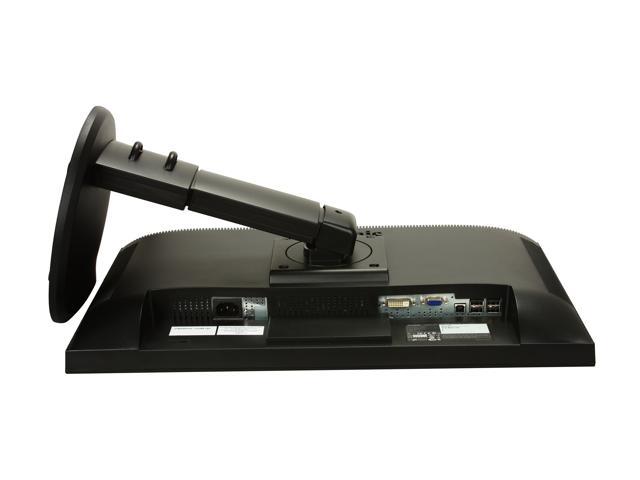
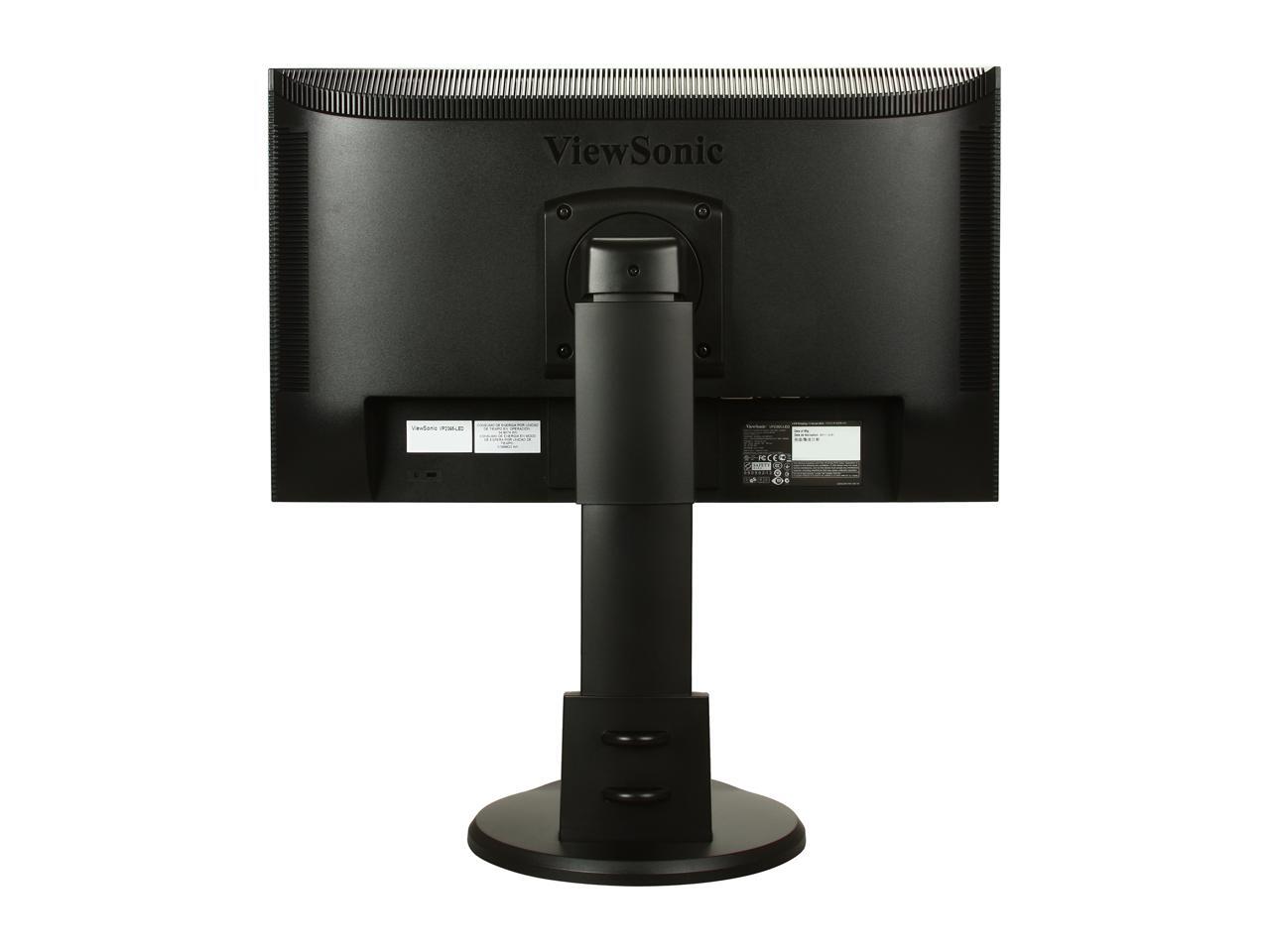
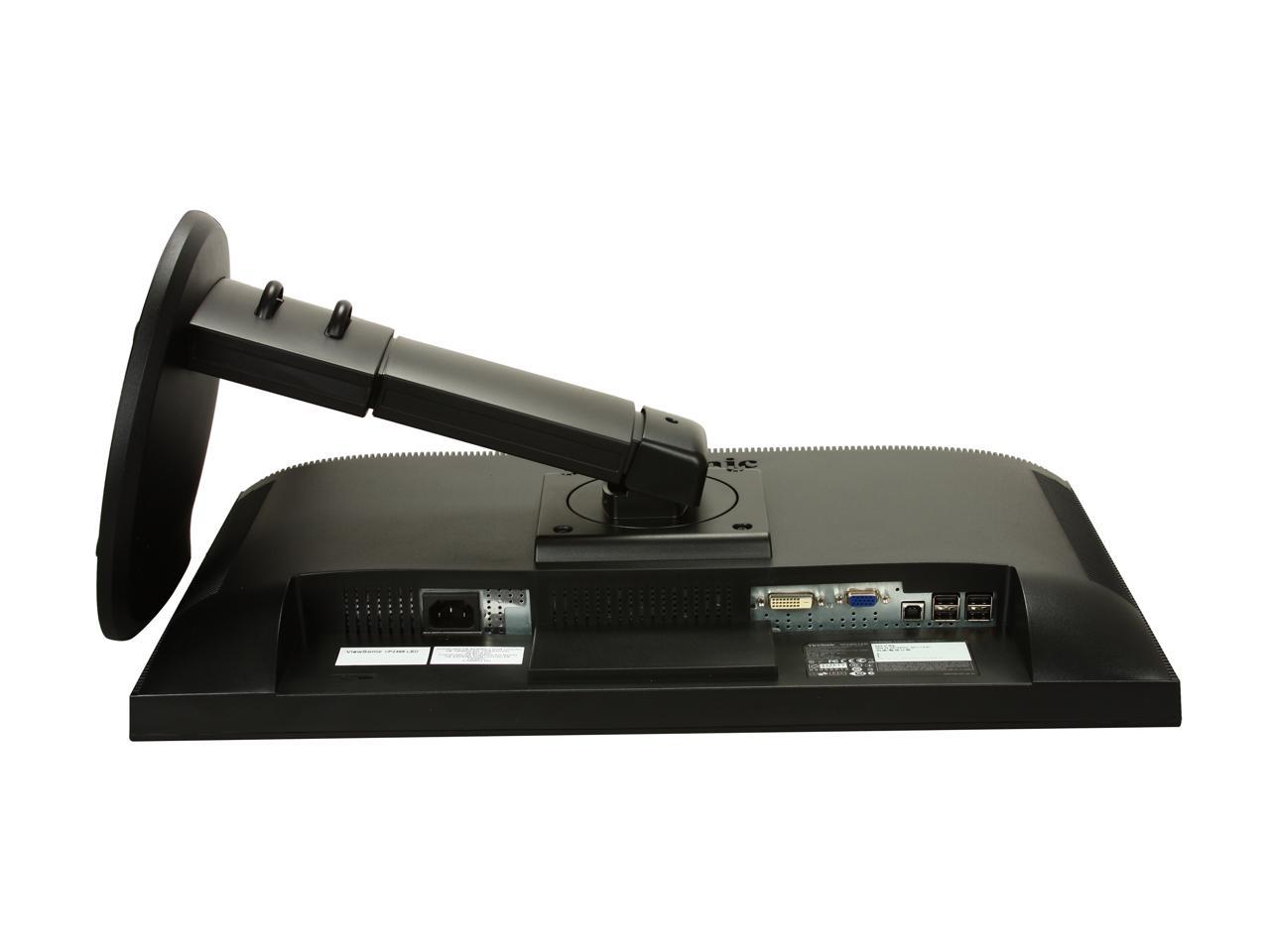
Diverse connectivity The VP2365-LED features a DVI-D digital and a VGA analog input. You can connect two sources at the same time and then toggle between the two by selecting the input source through the On-Screen-Display (OSD). You can also connect one of your computer’s USB ports to the monitor’s USB uplink input which then multiplies the USB ports to four. This way, you can connect up to four USB devices to your monitor and save yourself from the hassle of reaching out to your computer’s USB ports.

Write a Review
Filter Results | |
|
|
|---|---|
|
|
|
|
|
|
|
|
|
|
Loading...
“+The standard colors are correct! You don't have to mess around with the color settings unless you like a very ...”— Marker 11/26/2011
“Color and contrast seems great, no glare or angle issues. Swivel and tilt are very useful--I use them all the time. Can be ...”— Kat 11/28/2012