Skip to: |

Newegg.com - A great place to buy computers, computer parts, electronics, software, accessories, and DVDs online. With great prices, fast shipping, and top-rated customer service - once you know, you Newegg.

If you are reading this message, Please click this link to reload this page.(Do not use your browser's "Refresh" button). Please email us if you're running the latest version of your browser and you still see this message.

Newegg.com - Computer Parts, Laptops, Electronics, HDTVs, Digital Cameras and More!

  • | Wish List
  • Help
Home
Home > 
Computer Hardware > 
Monitors > 
LCD Monitors > 
ASUS > 
Item#: N82E16824236294

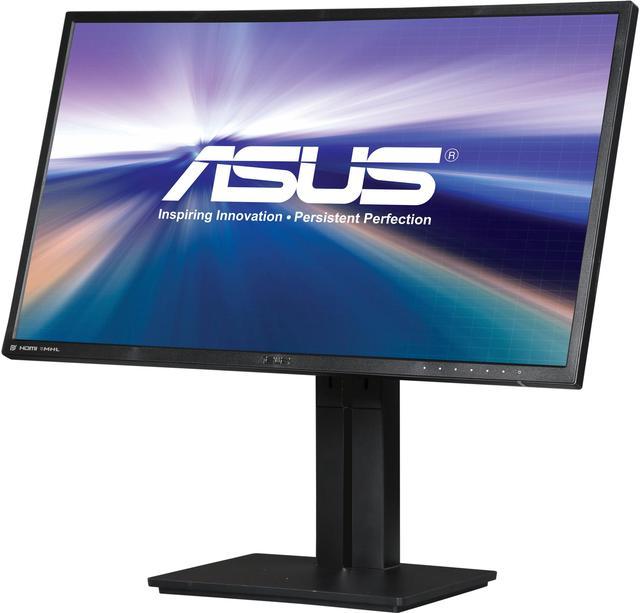
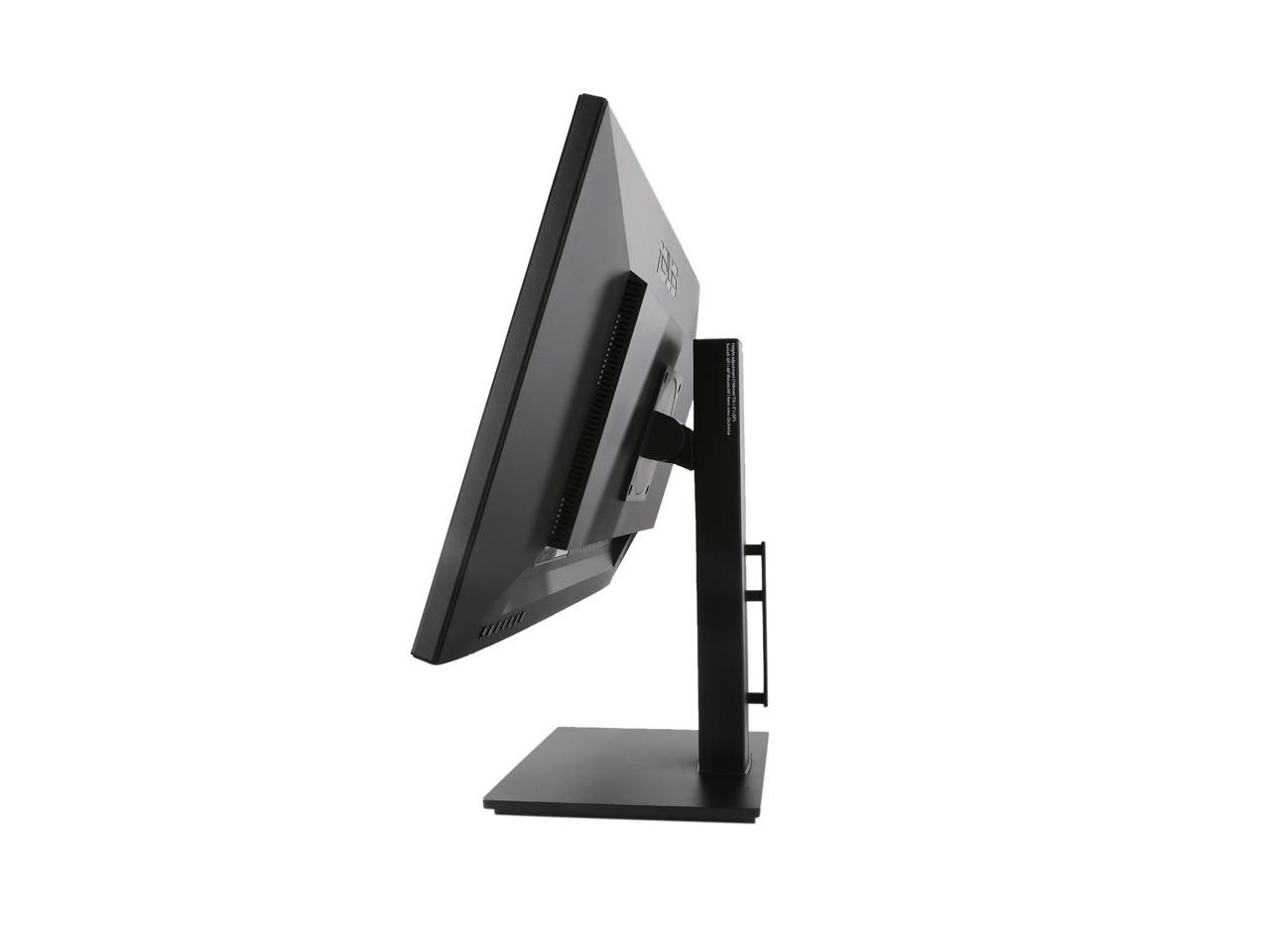
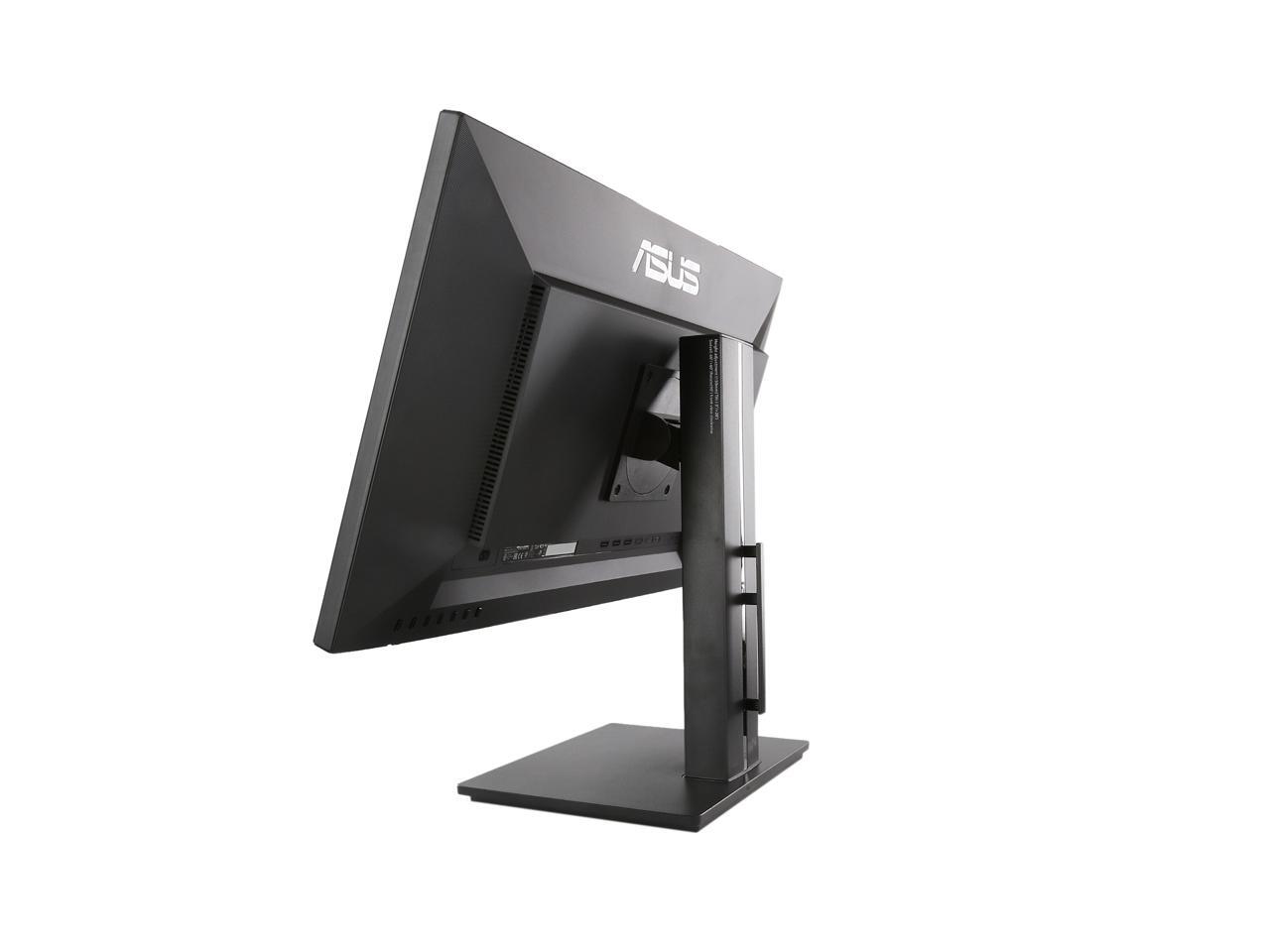
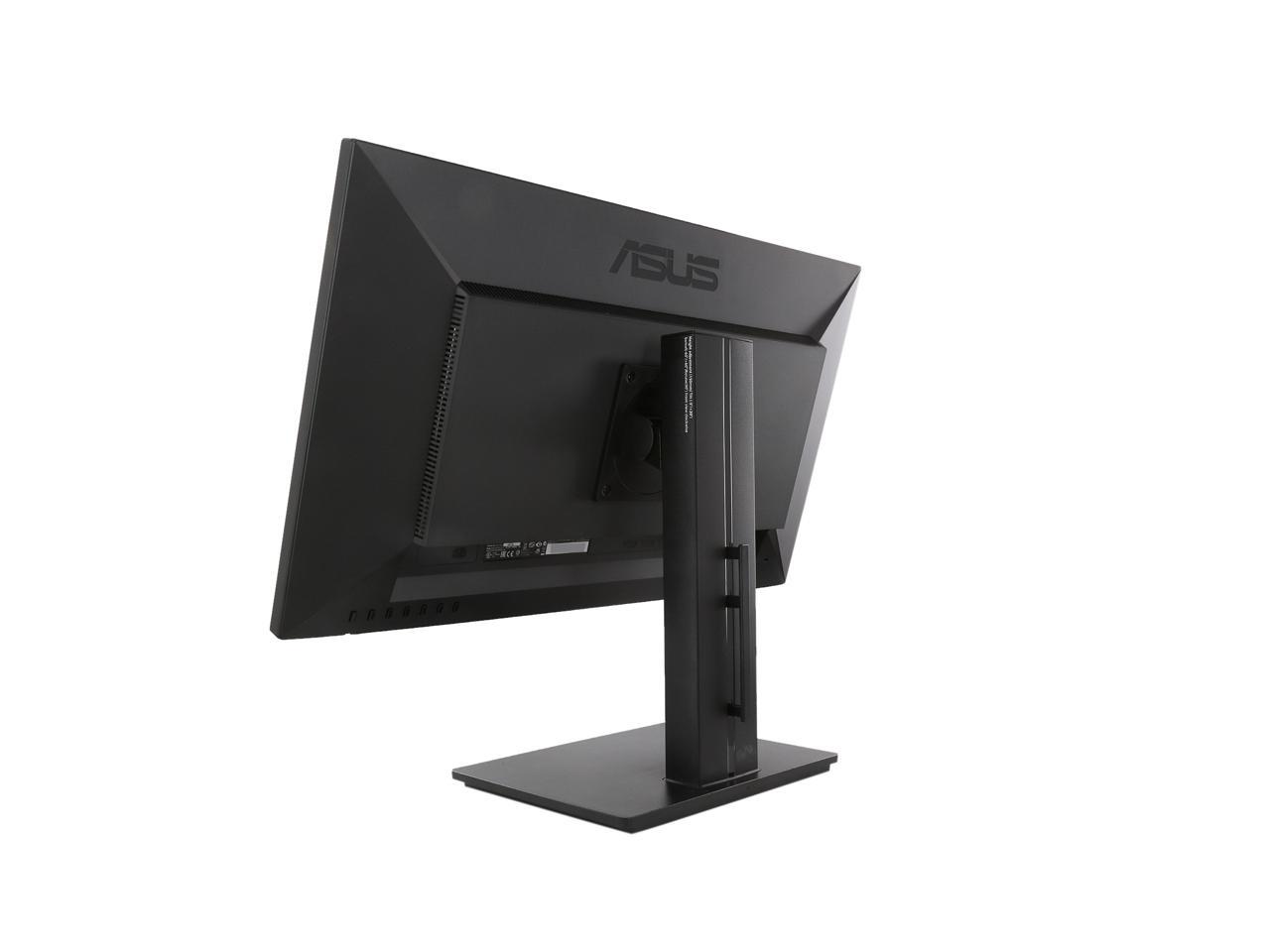
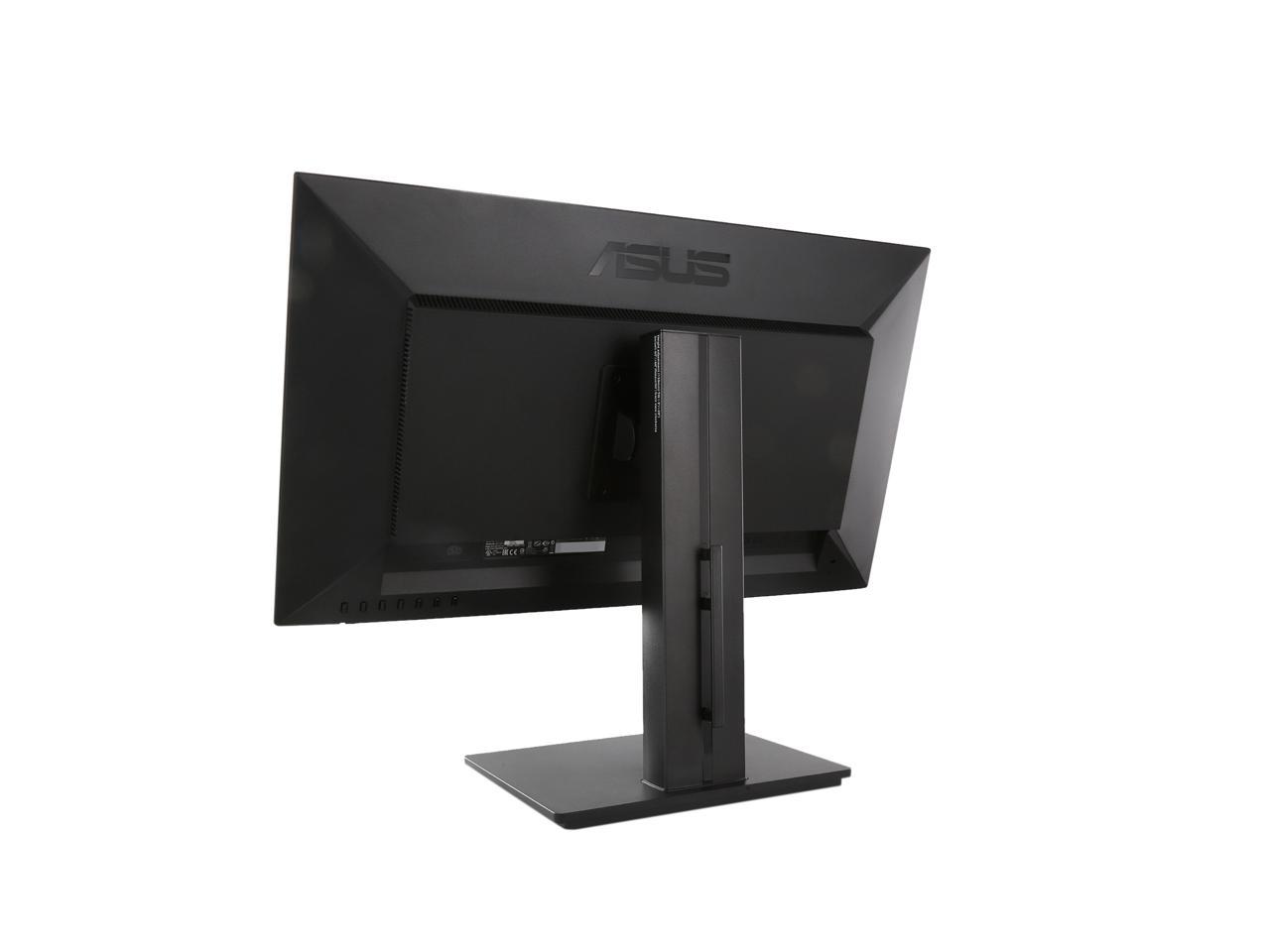
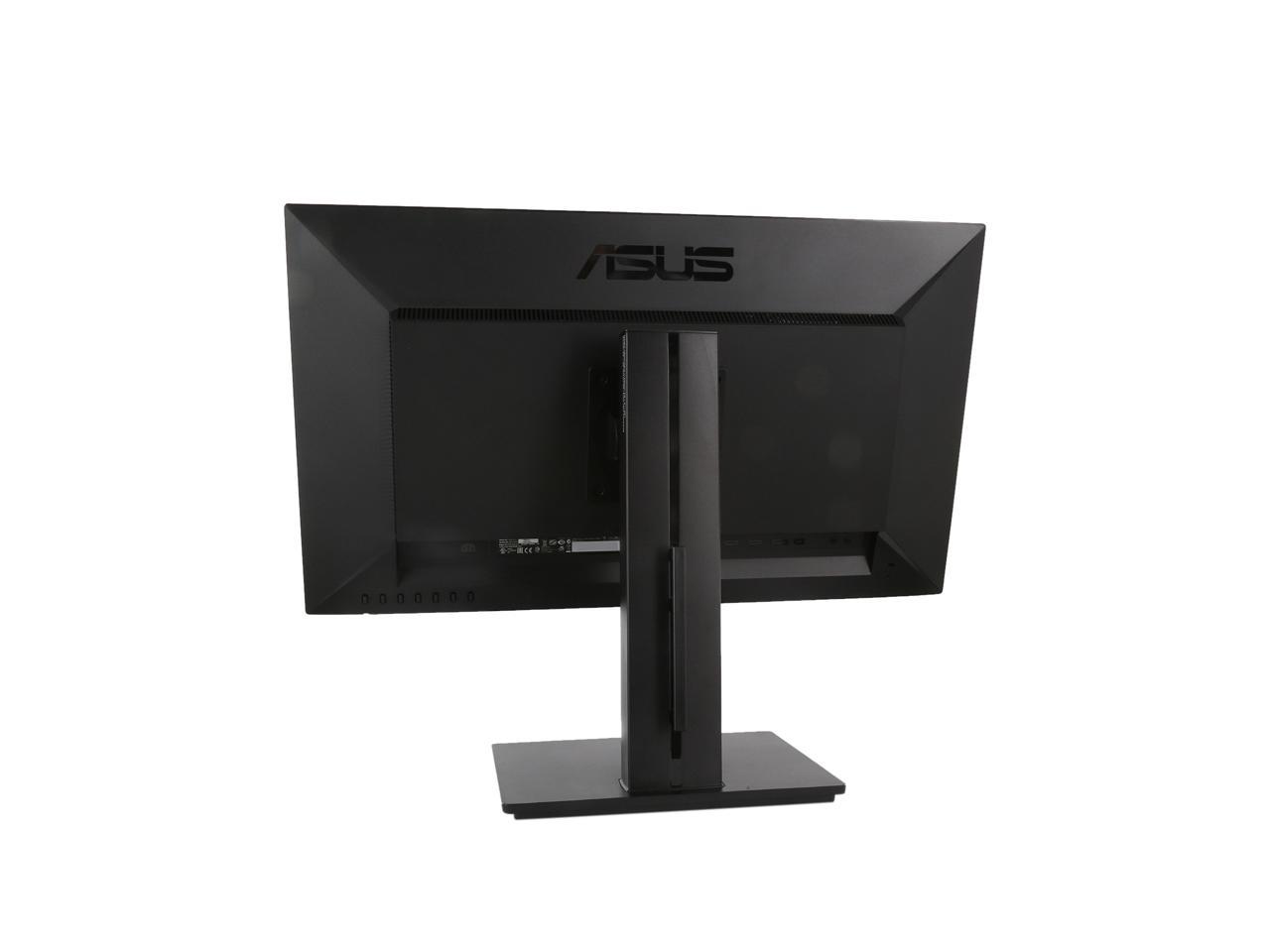
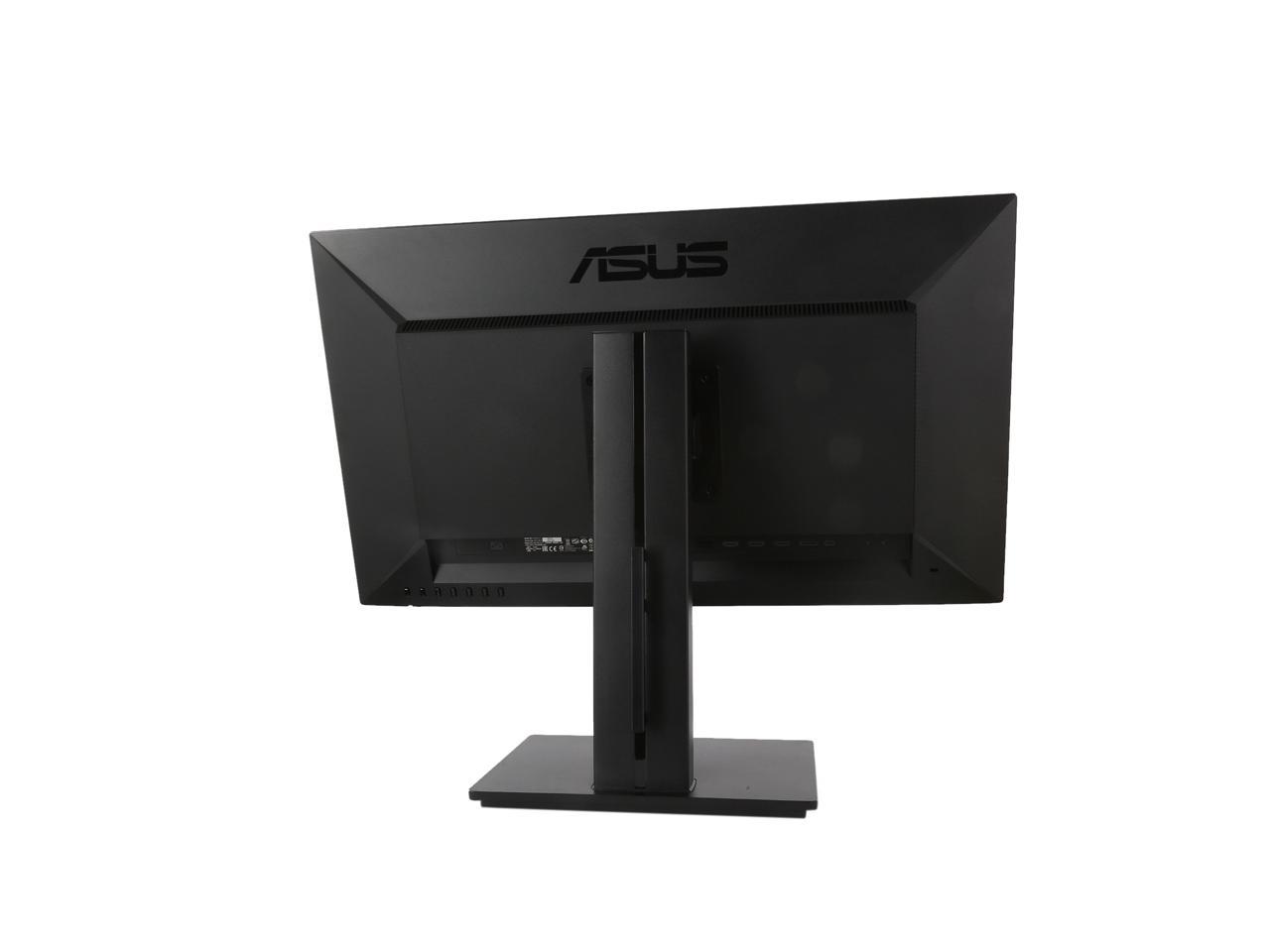
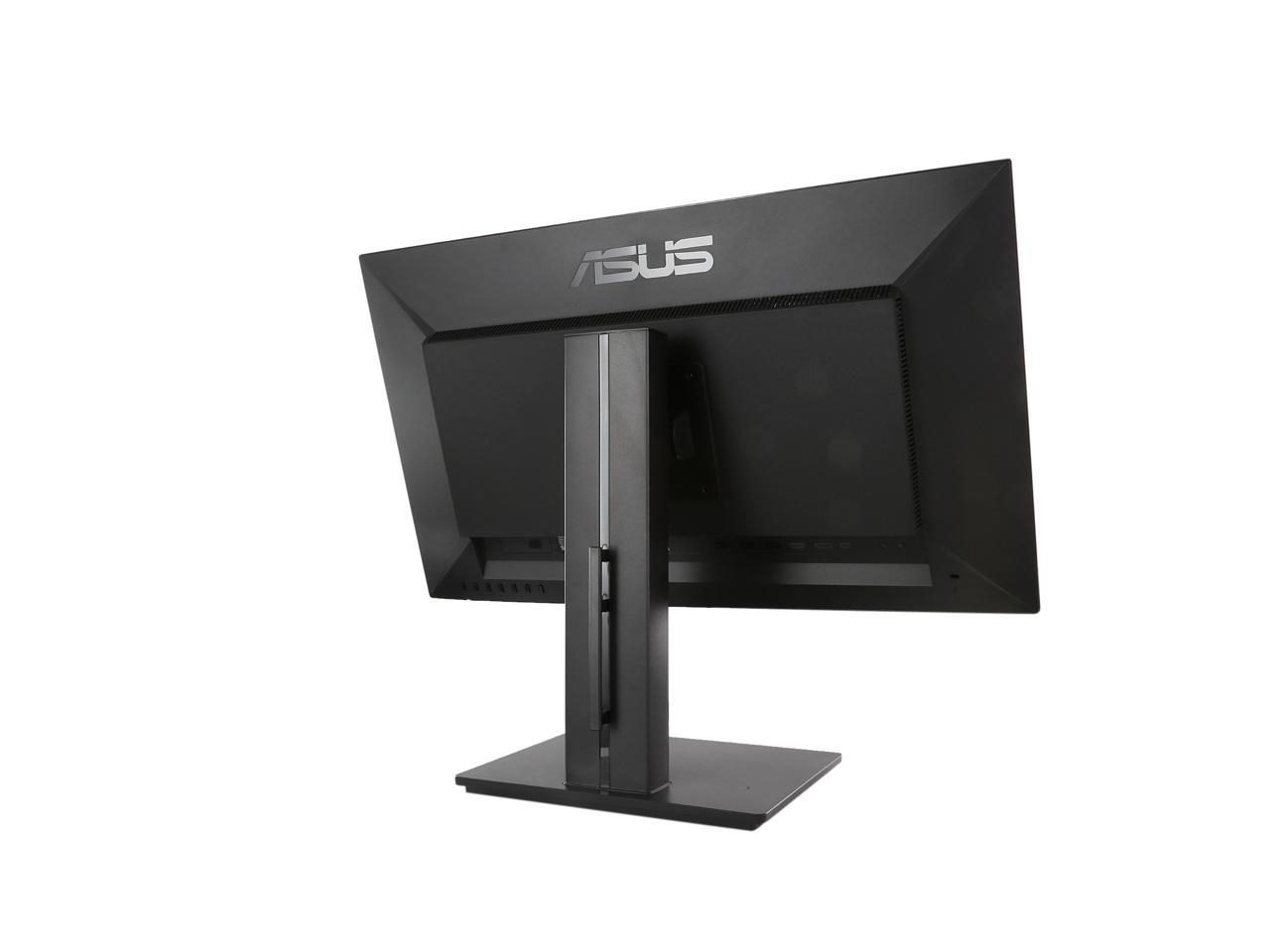
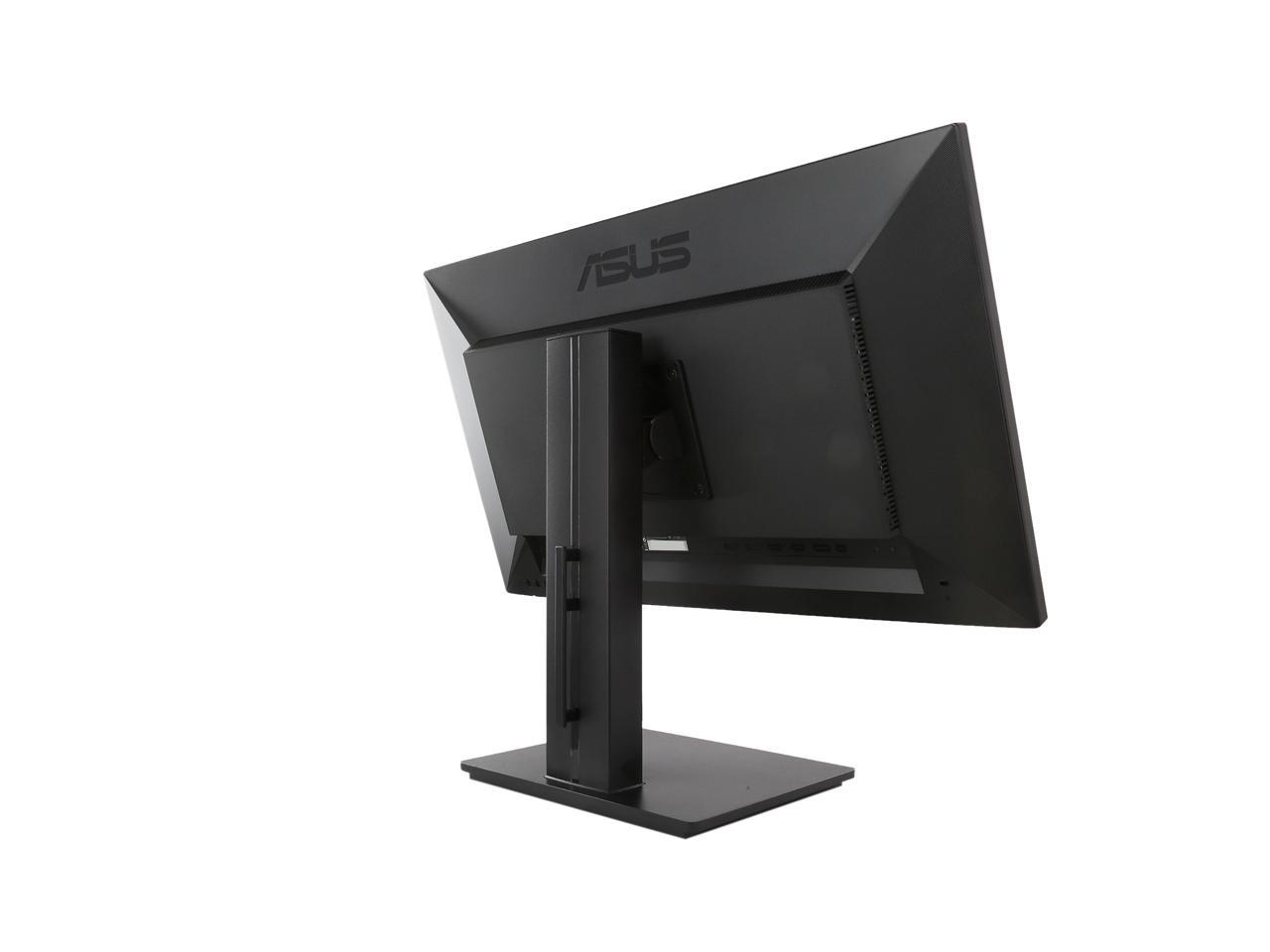
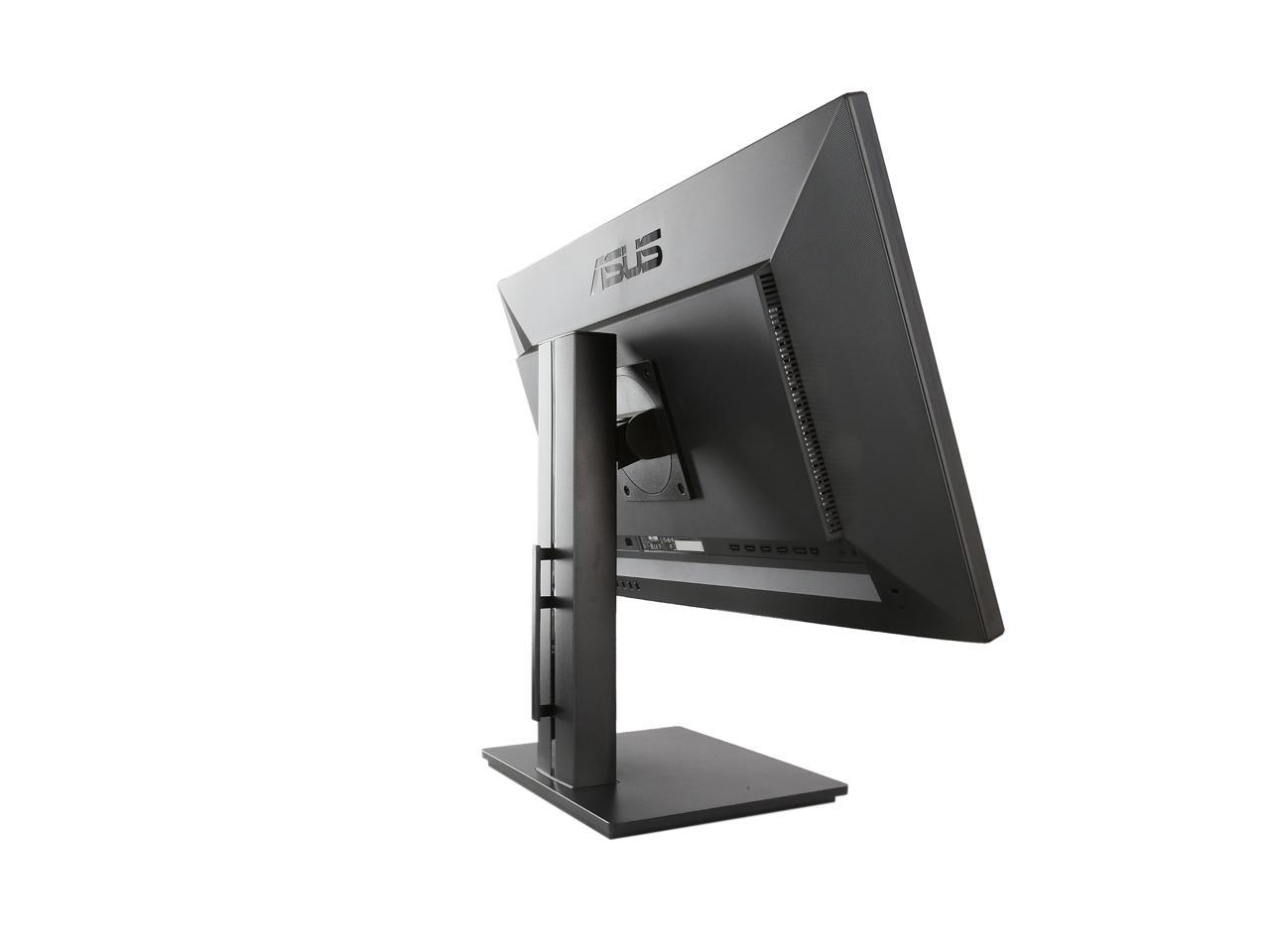
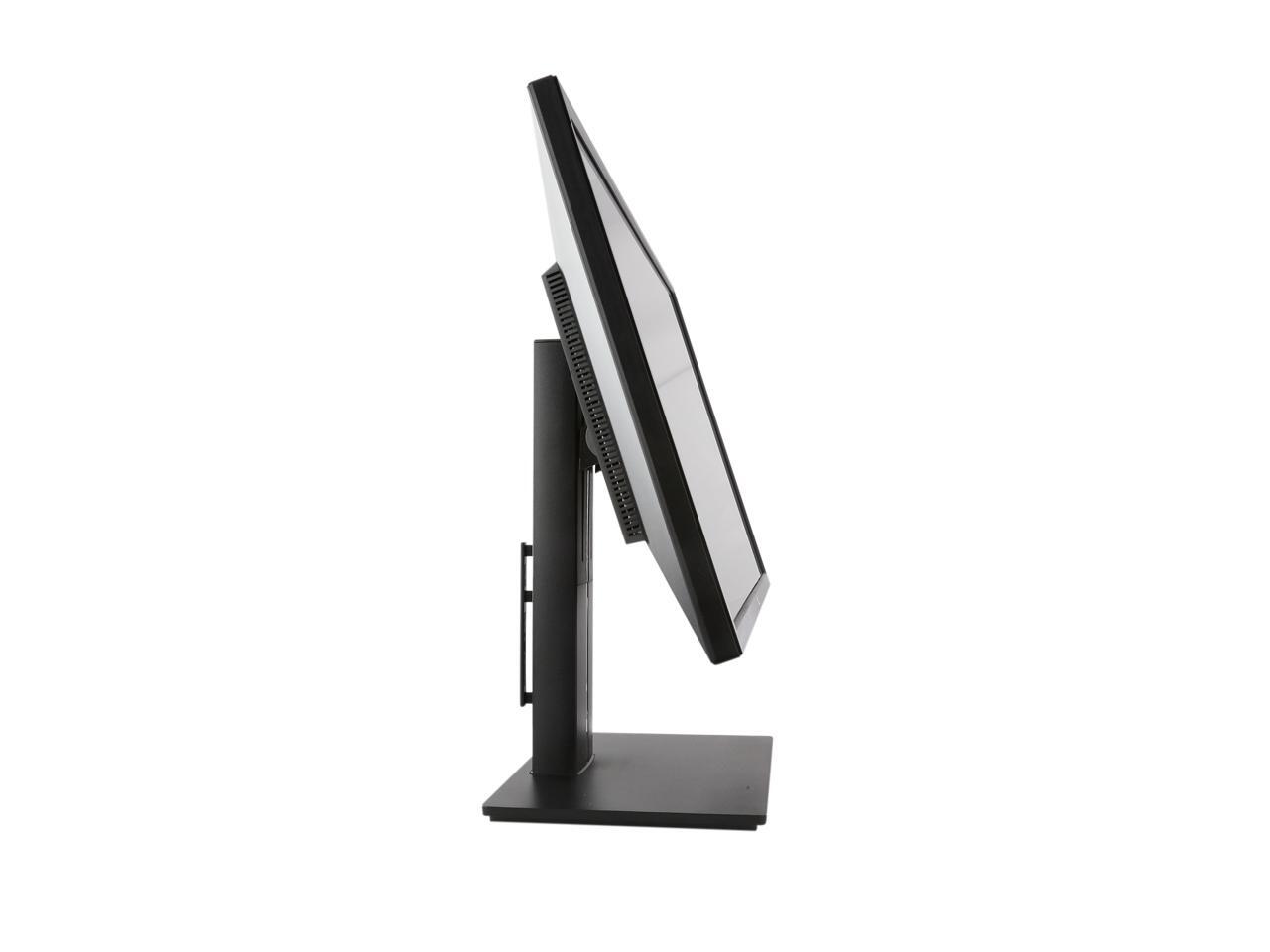
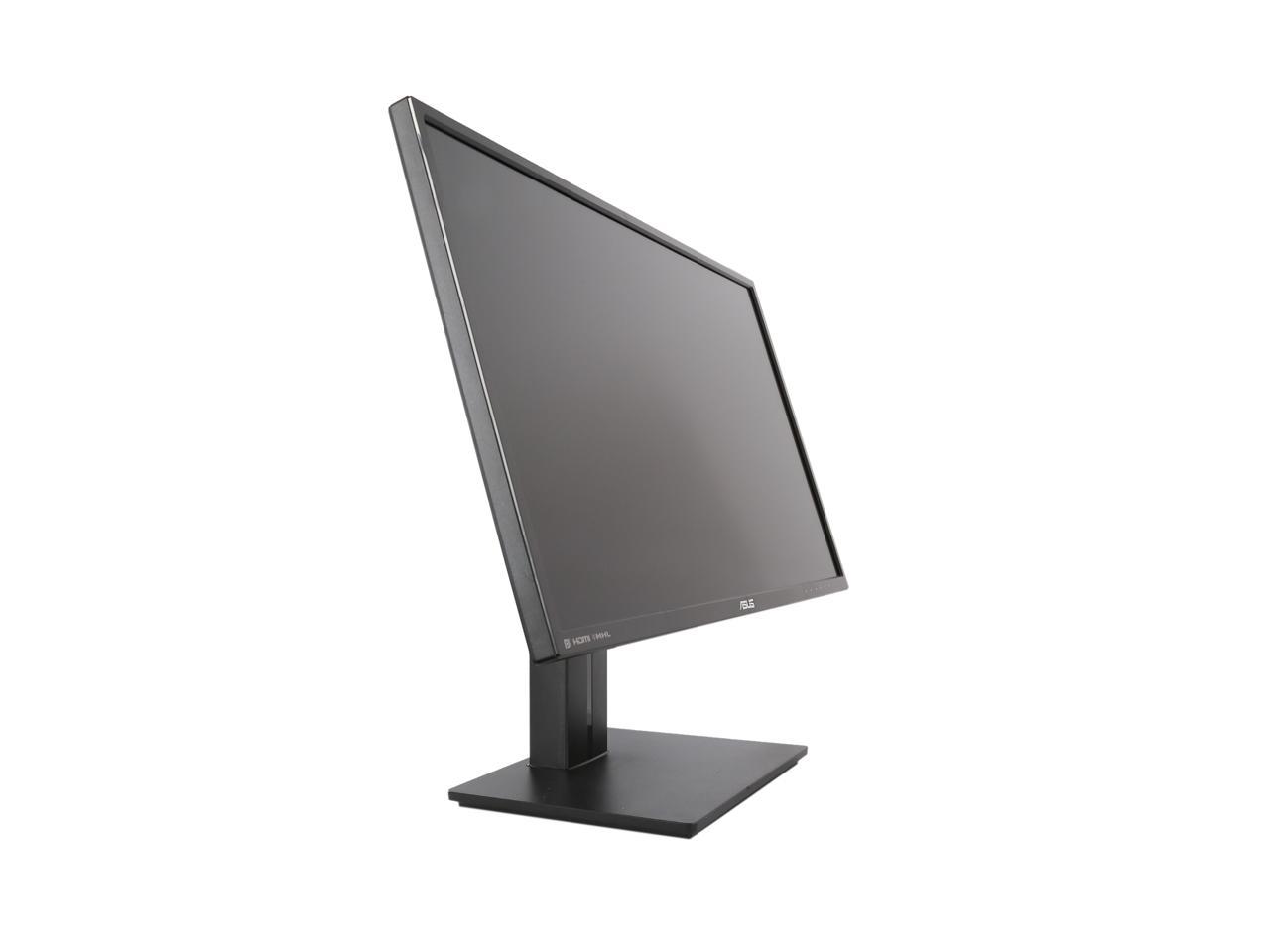
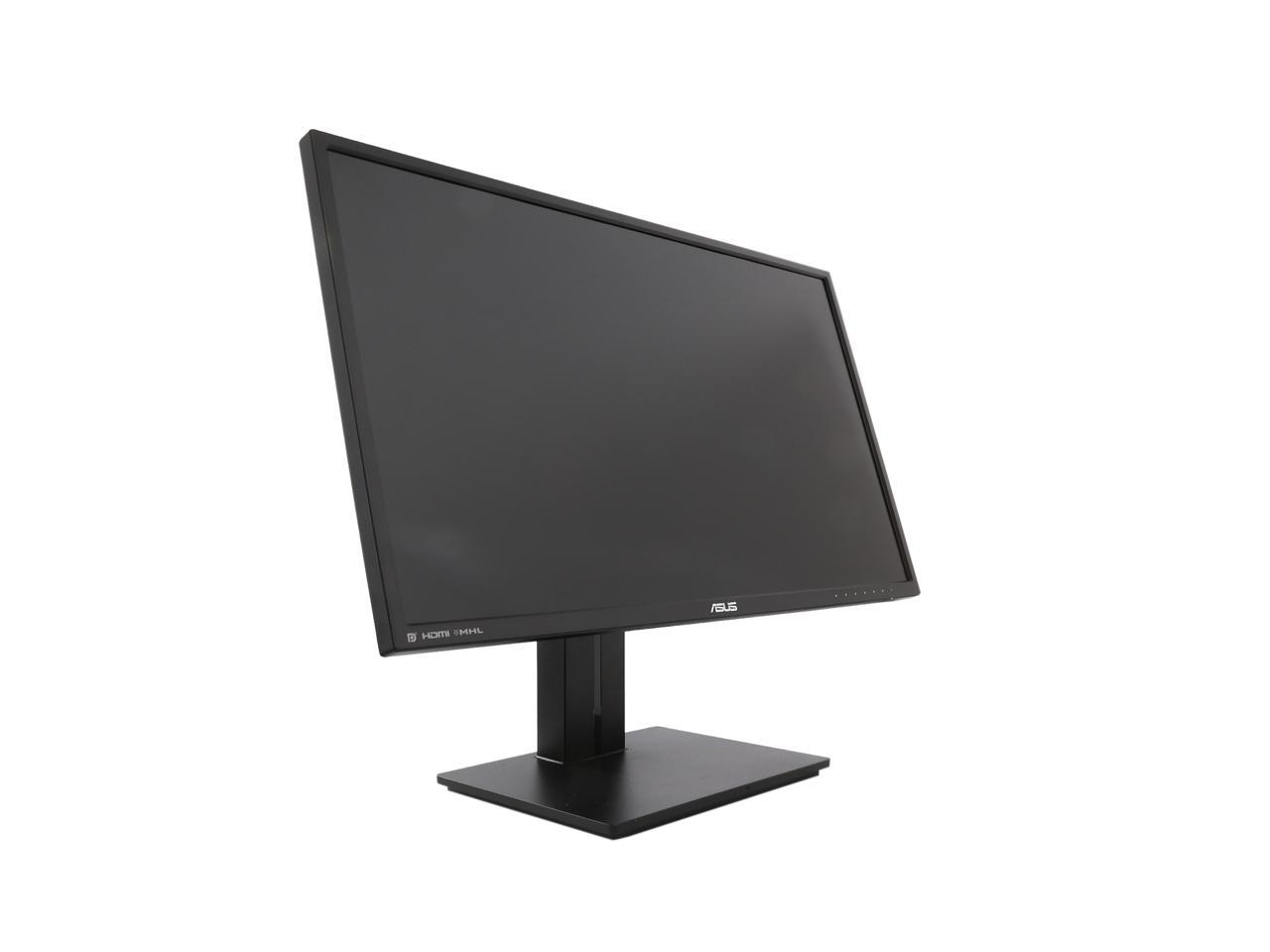
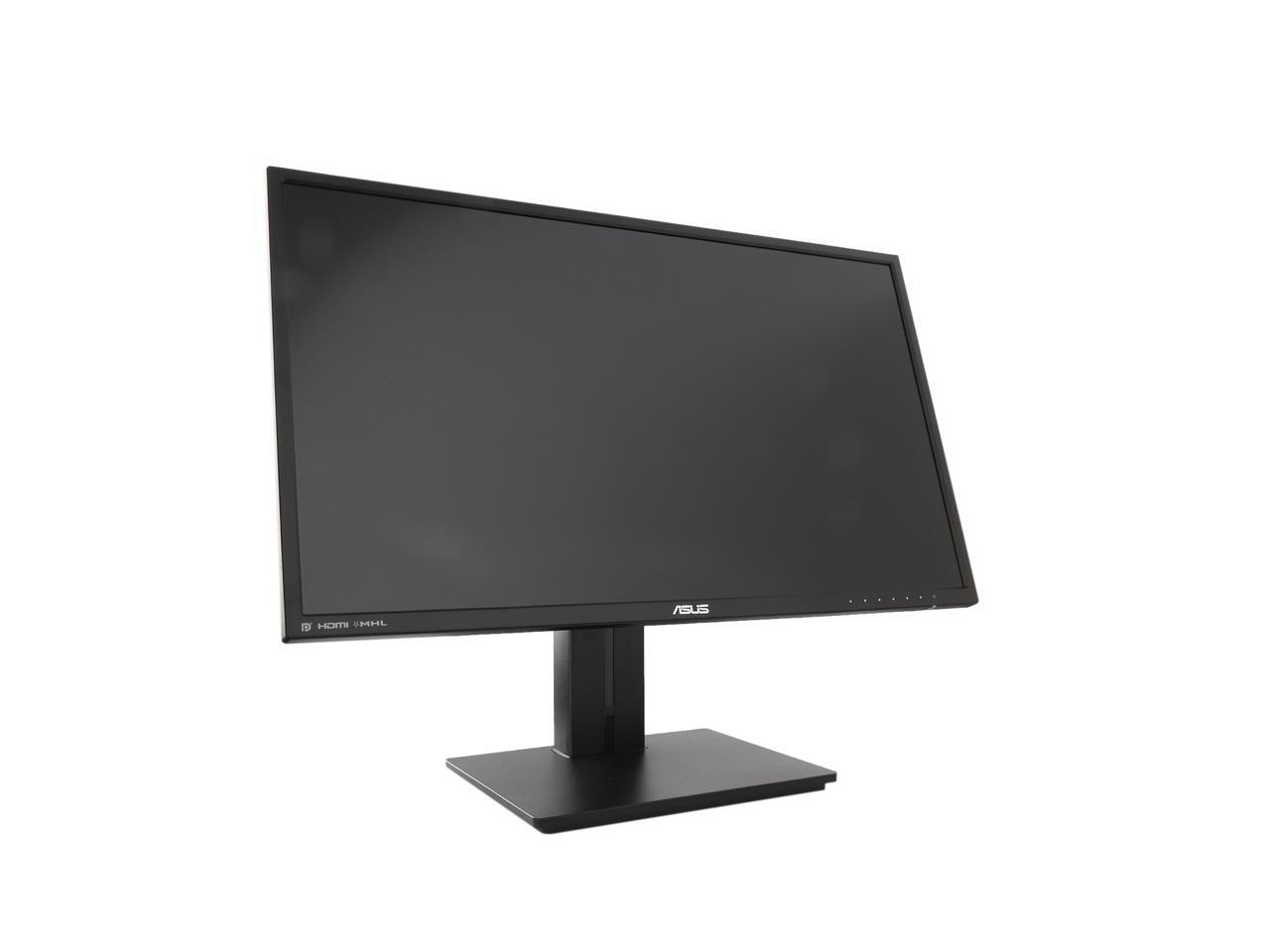
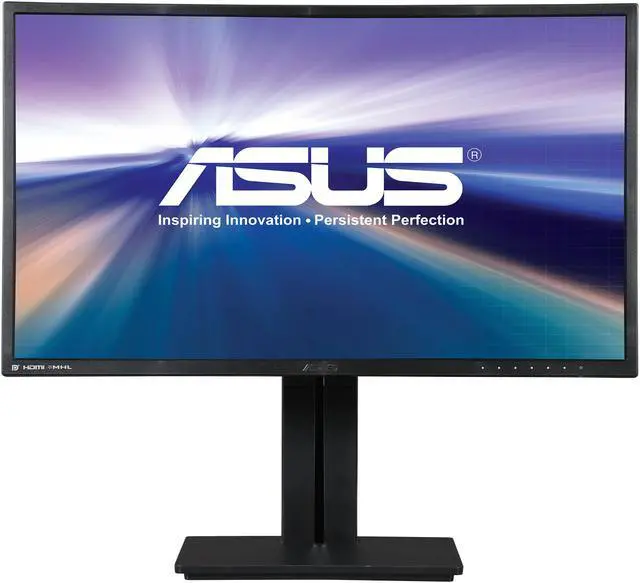
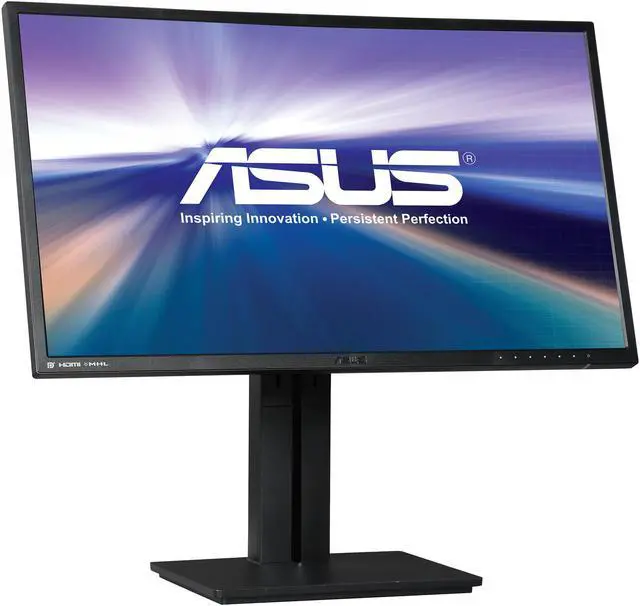
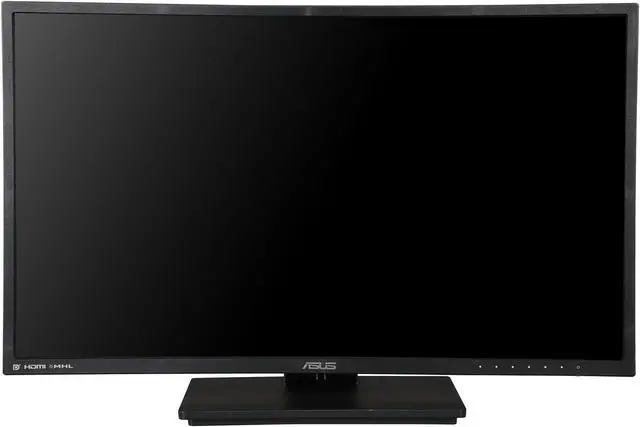
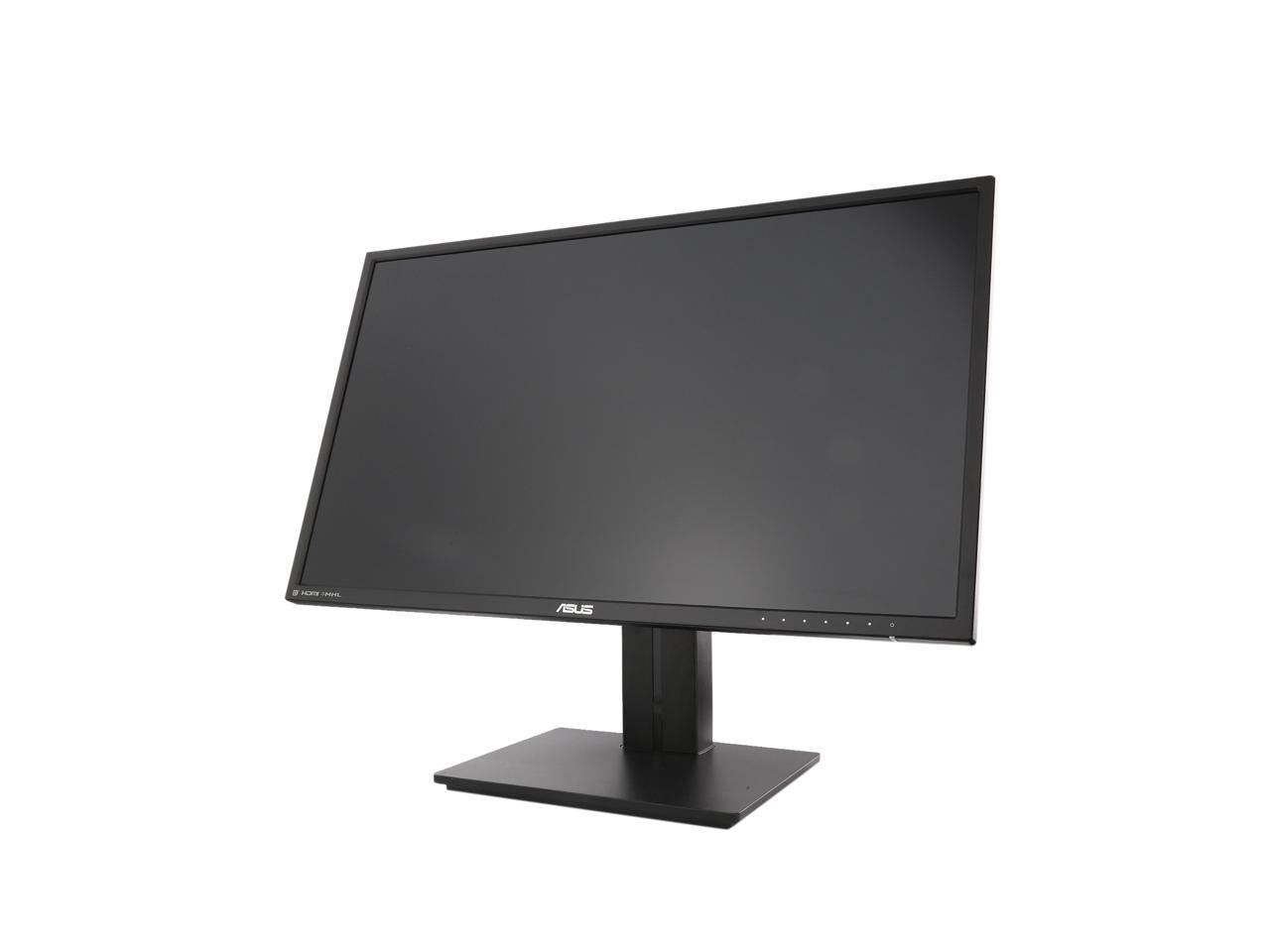
ASUS PB Series PB278Q 27" 5ms (GTG) WQHD HDMI Widescreen LED Monitor 300 cd/m2 80,000,000:1 Built-in Speakers

  • 2560 x 1440 5ms (GTG)
  • 80,000,000:1
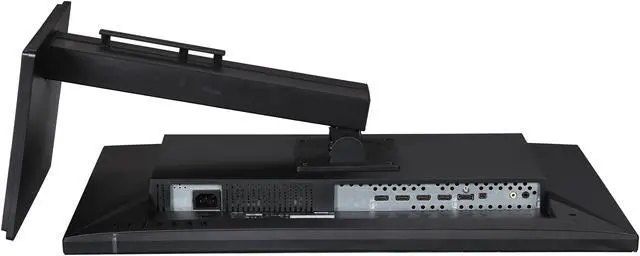
  • HDMI 1.4, D-Sub, DisplayPort 1.2, Dual-link DVI-D
  • Pin It
  • Email this page
ICON Loading...

Concept to Creation. Precision to the Finest Detail.

A new killer equipment for digital content creation and entertainment, the ASUS PB Series PB278Q LED monitor incorporates exciting performance and features demanded by professionals and designers. A colossal 27" screen size means more viewing real estate, 2560 x 1440 WQHD packs four times the pixels of 720p, so you can see more content on the screen and accomplish tasks with less mouse roll. The LED display affords 178° wide viewing angles for better productivity. ASUS exclusive Splendid Video Intelligence Technology, QuickFit Virtual Scale, and 100% sRGB fidelity ensure reality-defining color and image accuracy, complete with rich stereo sound from twin 3W speakers. An ergonomic design allows easy adjustment of tilt, swivel, pivot, and height, enabling you to enjoy the visual brilliance in extreme comforts.

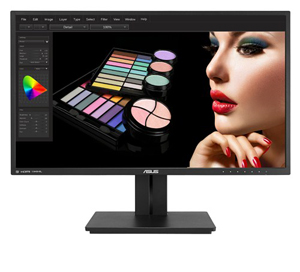
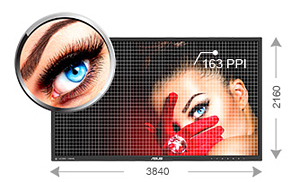
  • newegg True-to-life Visuals The PB278Q features a 16:9 aspect ratio and a LED-backlit 27” WQHD display that provides 109 pixels per inch (PPI), resulting in high quality 2560 x 1440 visuals – equaling four times the resolution of standard 720p sets. It allows users to view greater image detail and do more with an onscreen footprint larger than that of standard displays. The screen’s 109PPI density means there are 109 RGB matrices within one inch. Generally, the more pixels a display has, the more lighting (or power) those pixels require to achieve the best visuals. However, with advanced LED backlighting on the PB278Q, power and energy savings are no longer compromised, while better visuals are assured.
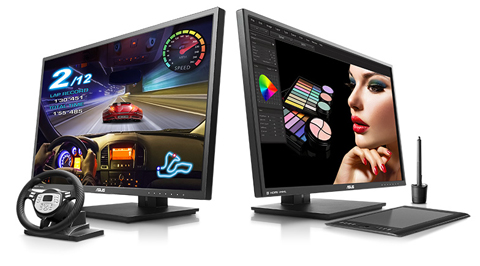
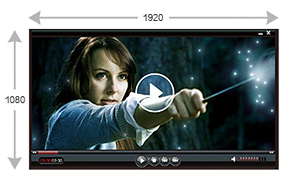
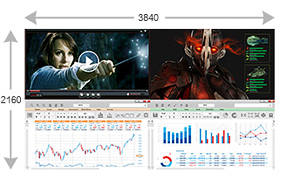
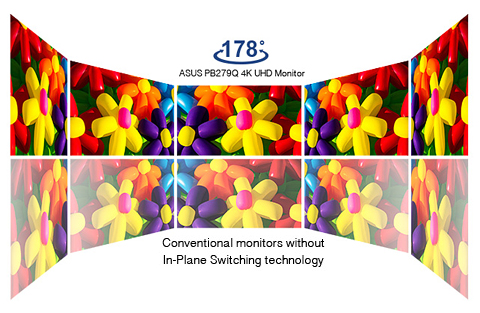
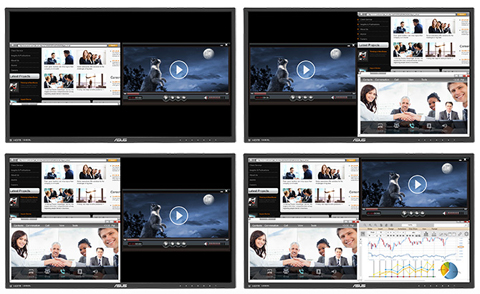
  • newegg Made for Work and Play The ASUS PB278Q provides an ultra-wide 178° viewing angle on both horizontal and vertical planes, thereby minimizing onscreen color shift even when viewed from extreme angles. With its WQHD display, you enjoy 77% more desktop space than a full HD screen to spread out your windows and palettes. It is also about 25% sharper than a generic 27” full HD display, delivering ultra-smooth visuals thanks to 5ms (GTG) response time. This ensures you get lag-free experiences in movies and gaming, with the latter looking more vivid, with all in-game details shown in true color. The ASUS PB278Q is undoubtedly your best choice for work and play.
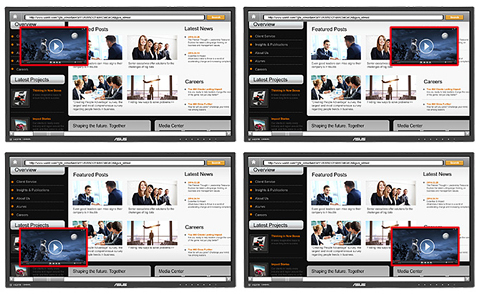
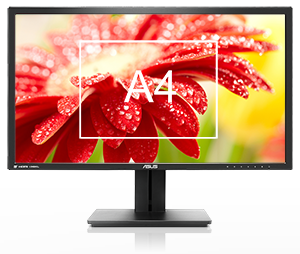
  • newegg QuickFit Virtual Scale for true what you see is what you get ASUS includes its exclusive QuickFit Virtual Scale feature with the PB278Q, allowing you to preview photos and documents on-screen in their actual size prior to printing. It can be activated via a monitor hotkey, and serves as a highly useful guide to accurately view and edit photos in their native size.
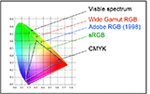
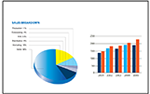
  • newegg Splendid Video Intelligence Technology Driven by a precision color engine that automatically analyzes and determines the nature of your current task, Splendid Video Intelligence Technology adjusts display parameters accordingly to ensure color accuracy and image fidelity. Six preset modes (scenery, theater, sRGB, standard, and two user-customizable modes) can be quickly selected via a designated hotkey.
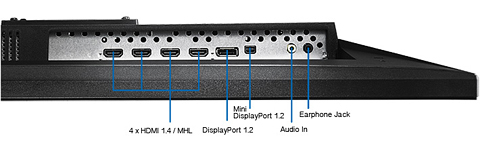
  • newegg Extensive Connectivity The PB278Q features a host of connectivity options that include HDMI 1.4, DisplayPort 1.2, and dual-link DVI for native WQHD, plus D-sub for full HD 1080p content transmission. Twin built-in 3W speakers provide quality audio for a completely immersive home theater experience.
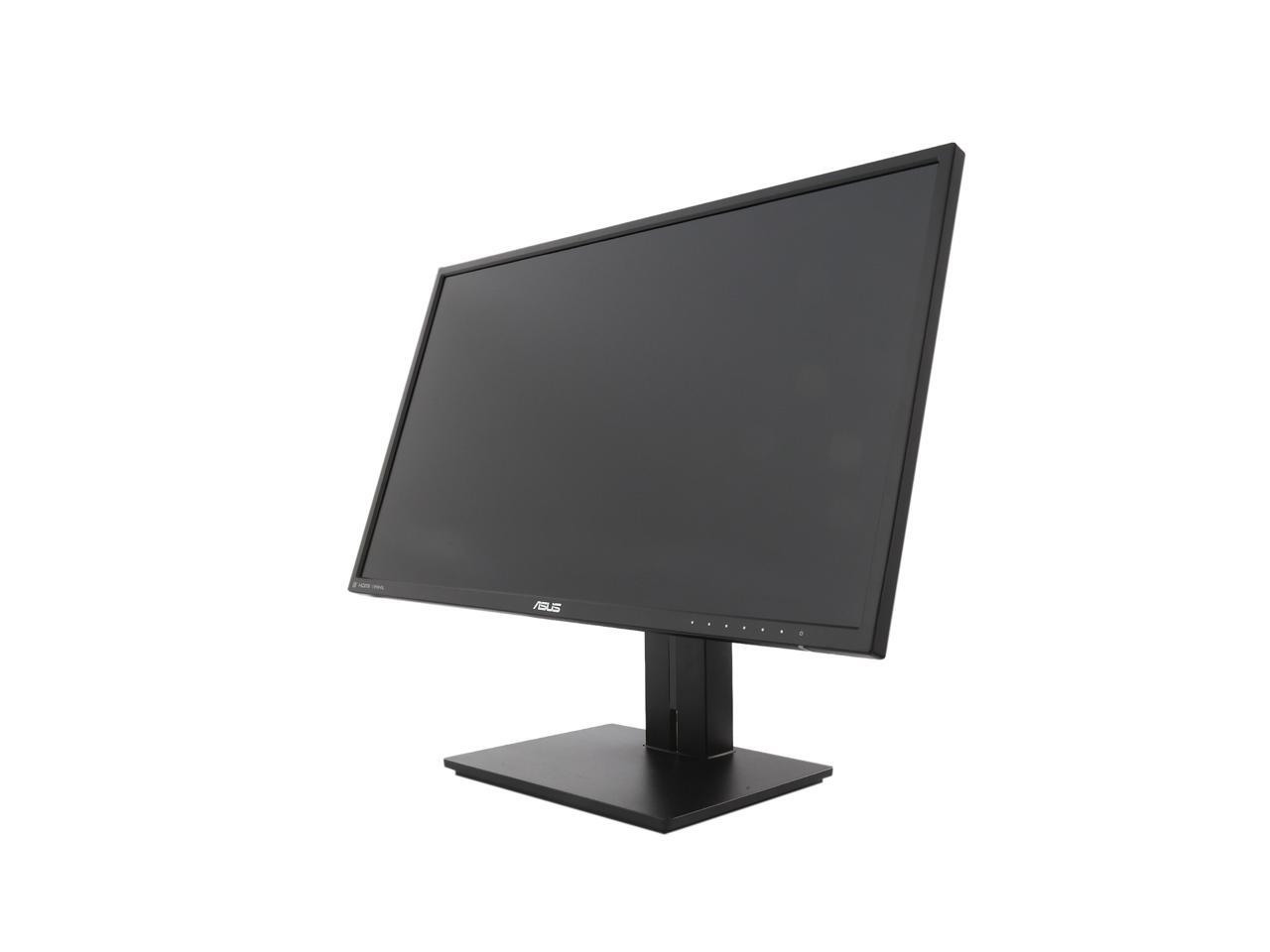
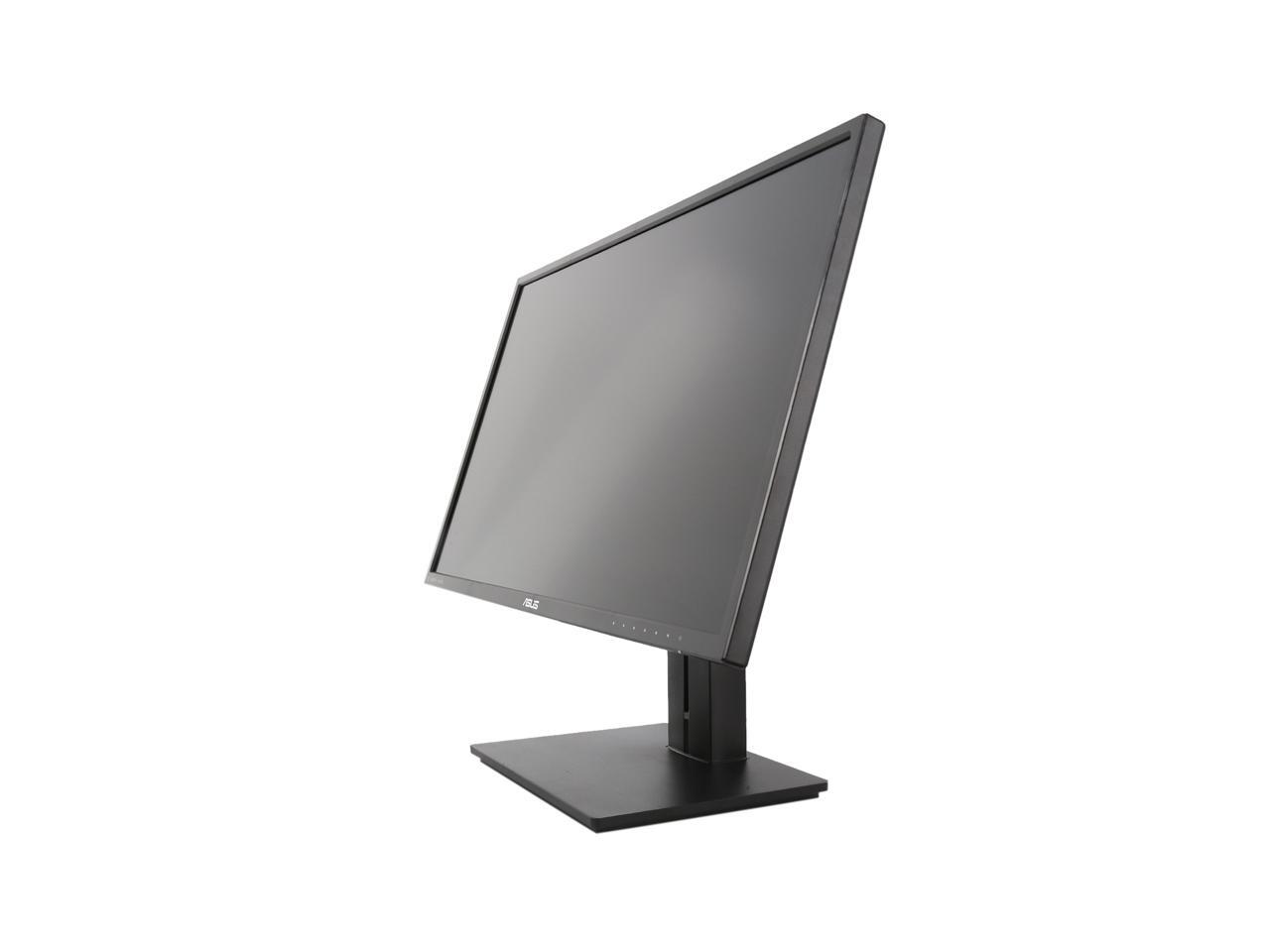
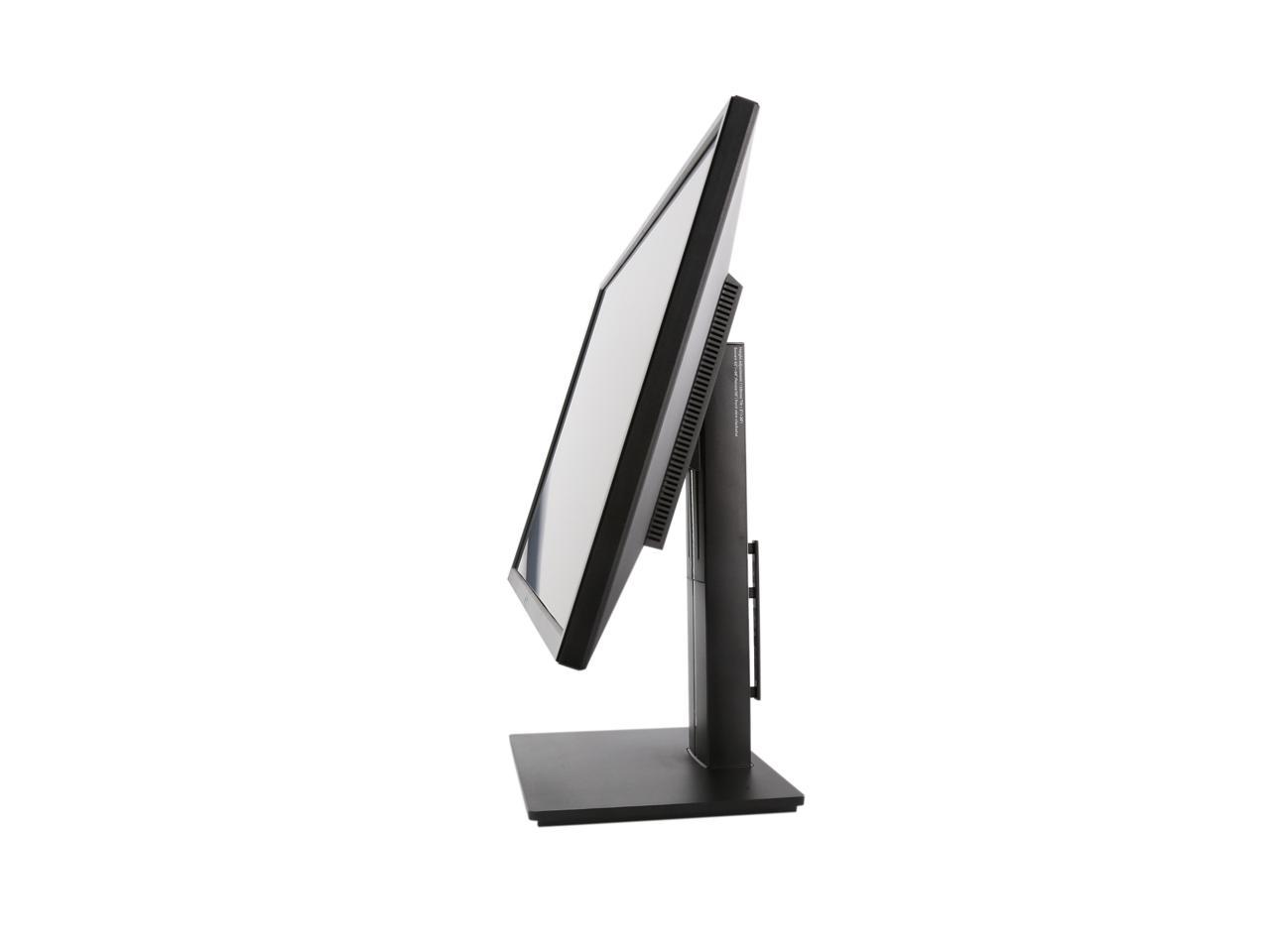
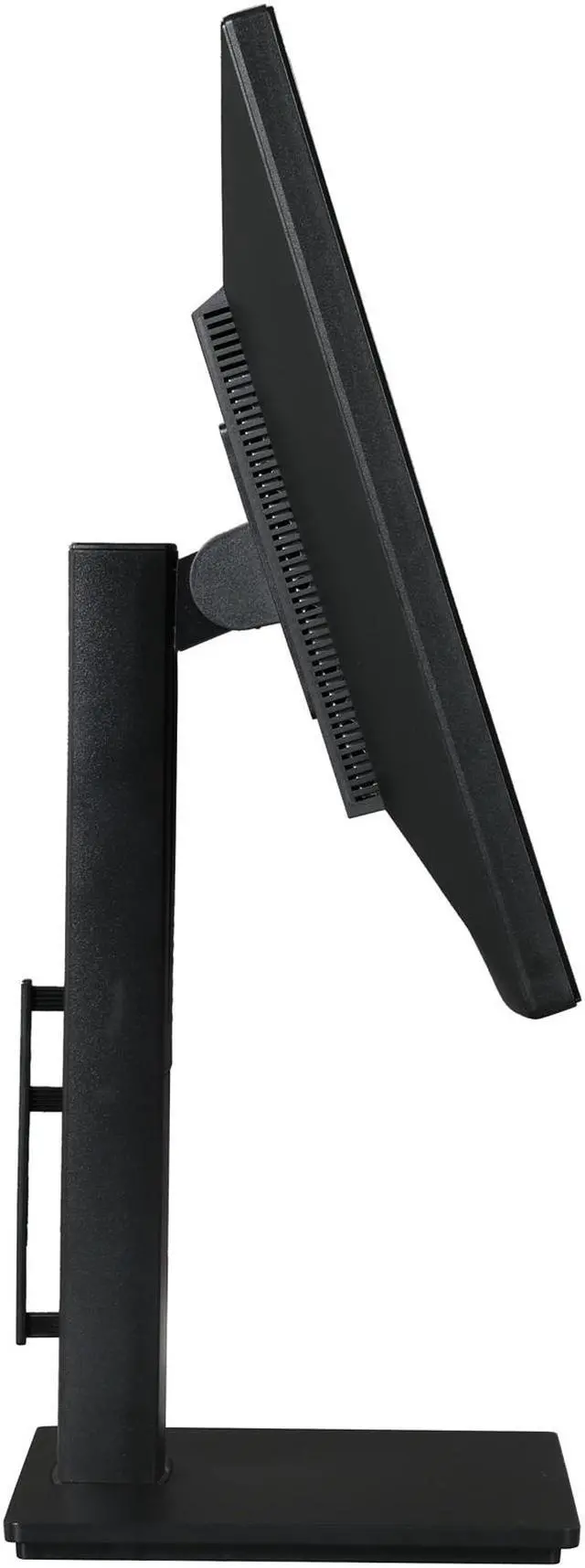
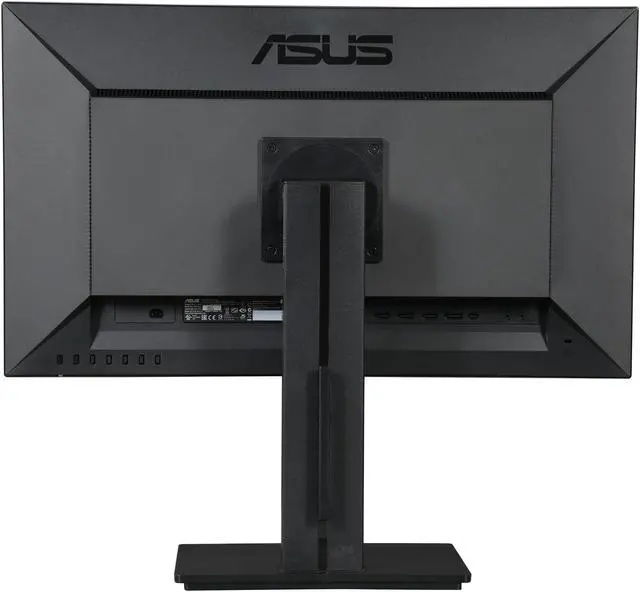
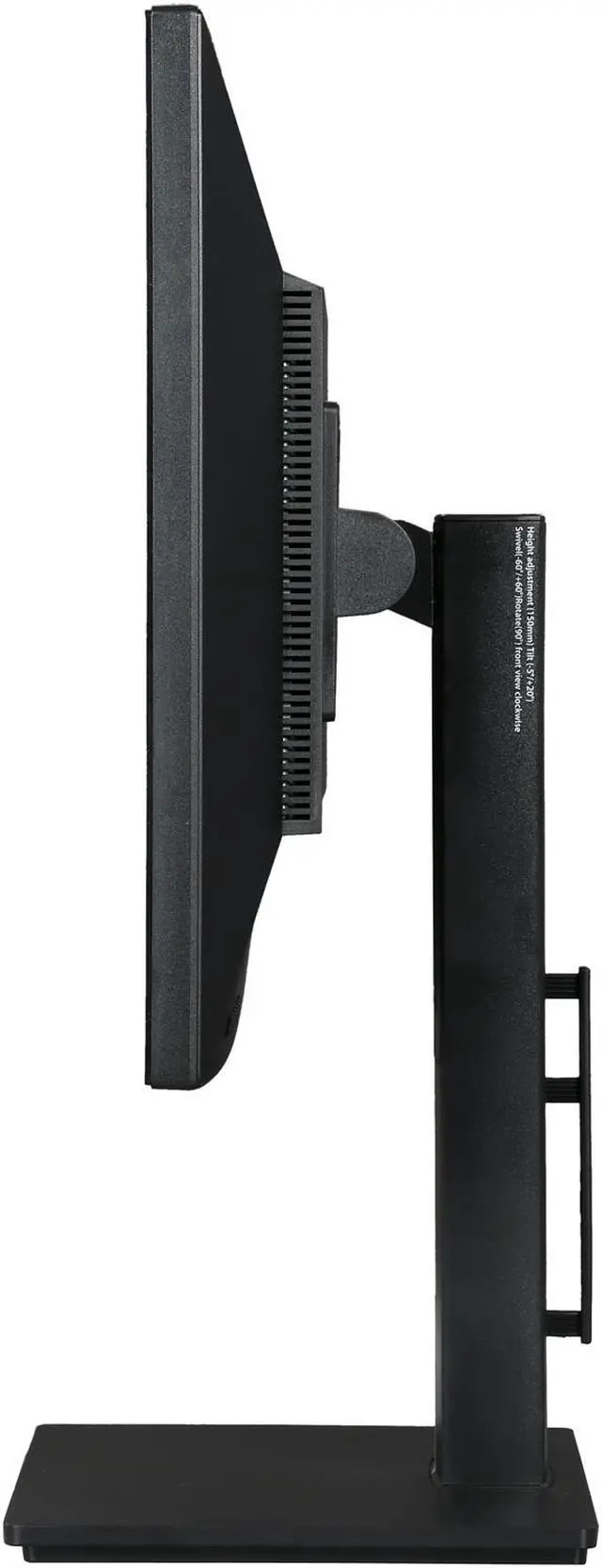
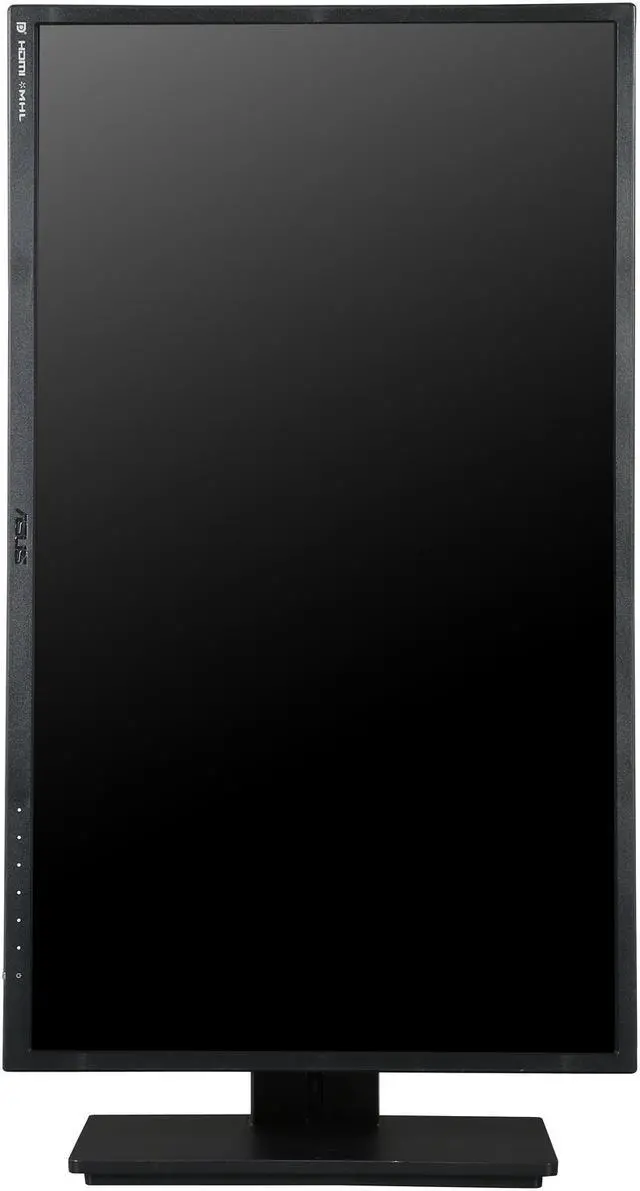
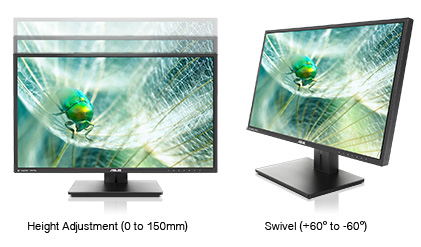
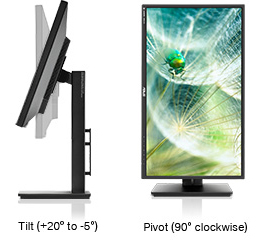
  • newegg Designed with You in Mind The PB278Q offers a highly ergonomic and smart design that comes with tilt, pivot, swivel, and height adjustments to ensure an always-comfortable viewing and usage experience. Its smart cable management further promotes clutter-free spaces for work and enjoyment.

Learn more about the ASUS PB278Q

Model

Brand
ASUS
Model
PB278Q
Series
PB Series

Display

Screen Size
27"
LED Backlight
Yes
Widescreen
Yes
Recommended Resolution
2560 x 1440
Viewing Angle
178°(H) / 178°(V)
Pixel Pitch
0.233mm
Brightness
300 cd/m2
Contrast Ratio
80,000,000:1
Response Time
5ms (GTG)
Panel
PLS
Display Type
WQHD

Connectivity

Input Video Compatibility
Analog RGB, Digital
Connectors
HDMI 1.4, D-Sub, DisplayPort 1.2, Dual-link DVI-D
D-Sub
1
DVI
1
HDMI
1
DisplayPort
1

Power

Complies with
ENERGY STAR
Power Supply
100 - 240 VAC, 50/60Hz
Power Consumption
Power Consumption(Typical):<60W
Power Saving Mode:<0.5W
Power Off Mode:<0.5W

Convenience

Regulatory Approvals
Energy Star, TCO 5.2, UL/cUL, CB, CE, FCC, CCC, ISO9241-307, BSMI, Gost-R, C-Tick, VCCI, PSE, J-MOSS, RoHS, Windows 7 WHQLCompliance
Stand Adjustments
Height, Pivot, Swivel, Tilt
Built-in Speakers
3W x 2 Stereo RMS
HDCP Support
Yes
VESA Compatible
100 x 100mm
Features
Impeccable lifelike visuals with 27" 16:9 2560 x 1440 with 100% sRGB

178 Degrees wide-viewing angle

Extensive connectivity with native WQHD content support with HDMI 1.4,

DisplayPort 1.2, and Dual-link DVI

ASUS-exclusive QuickFit Virtual Scale and Splendid Video Intelligence Technology for true "what you see is what you get"

Ergonomic tilt, swivel, pivot, and height adjustment plus smart cable management

Packaging

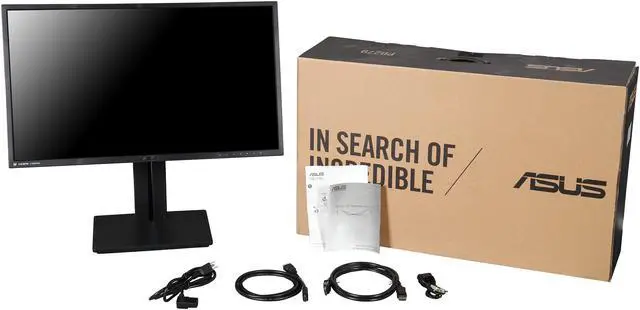
Package Contents
Monitor
Dual-link DVI cable
VGA cable
Audio cable
Power cord
DisplayPort cable
Quick start guide
HDMI cable
Warranty Card

Dimensions

Dimensions
With Stand(WxHxD):25.31" x 21.74" x 8.58"
Without Stand(WxHxD):25.31" x 15.2" x 2.74"(For VESA Wall Mount)
Weight
Net Weight (Esti.): 19.4 lbs.
Gross Weight (Esti.): 26.46 lbs.

Quick Info

Warranty

  • Limited Warranty period (parts): 3 years
  • Limited Warranty period (labor): 3 years


Customer Reviews of the ASUS PB278Q

Do you own this product? Write a Review

Filter Results

Go
  • Ponderance
  • 5/12/2013 12:22:28 AM
  • Tech Level: Somewhat High
  • Ownership: 1 month to 1 year
  • Verified Owner

4 out of 5 eggsALMOST perfect

Pros: Resolution, contrast, response...everything is fantastic. And putting it in portrait mode is pretty cool too. Pretty good bang for buck, considering most other high resolution monitors could easily be twice this price. Worth the investment in quality.

Cons: When showing darker scenes / black transitions in cinematics, games, movies etc. there is very noticeable back light bleed in all corners. Only for the very darker sections though.

Other Thoughts: Enough to dock one egg for the "engh I blew $XYZ and you'd figure they'd check for this in QC :P " but still a 4/5 because its not a big enough deal to return, I love it and would make the purchase again, and is probably just my individual product. Overall its a pretty good monitor.

Did you find this review helpful? Yes No

  • Meh
  • 4/30/2013 11:35:14 AM
  • Tech Level: High
  • Ownership: 1 month to 1 year
  • Verified Owner

3 out of 5 eggsGood not great

Pros: Every port available with a cord makes it easy for anyone to plug right out of the box.

Very nice blacks if it wasn't for the back light bleed.

No bright spots.

Samsung PLS tech has matched normal IPS tech but not better.

Newegg paid for return shipping. Kudos.

Cons: Colors aren't factory pre-calibrated.

Colors aren't 100% sRBG as advertised but it does match U2713HM sRGB 99% levels.

3 dark dots.

Low contrast, other monitors display more vibrant colors.

Returned after two tries, gave up.

No cross shipping. Glad I still was within 30 day window for return with Newegg.

Back light bleed aside from the normal IPS glow as a bit too much. No longer have monitor.

Other Thoughts: Qauliy is a hit or miss with all monitors. PB278Q just isn't as high of QA control as other vendors like DELL.

When it works it works, just have to try getting a good one. A lot of people just plug and play without inspecting their monitors, that's why they are happy.

Manufacturer Response:

Dear Meh,

You may want to try the ICC profile on this website: http://www.tftcentral.co.uk/articles/icc_profiles.htm and look for ASUS ICC profile for your monitor, PB278Q. ASUS monitors carry 3-year warranty with the option of hassle-free, rapid replacement that includes 2-way shipping on us. If you’d like to discuss this issue further, please contact me at cl-celeste@asus.com and include ref#1072-10883 in the subject line.

Sincerely,
Celeste
ASUS Customer Loyalty

Did you find this review helpful? Yes No

  • Itinerant Painter
  • 4/29/2013 9:03:06 PM
  • Tech Level: Somewhat Low
  • Ownership: 1 day to 1 week
  • Verified Owner

5 out of 5 eggsJust What I Wanted

Pros: The images look beautiful. Adjusting the viewing angle and the height of the screen is very easy. The stand is very stable. Every cable you are liable to need is included.

Cons: The the ports on the back could be slightly easier to reach. The enclosed information could be a little clearer. The on-screen menu for the adjustments is a little confusing, although I did finally figure it out.

Other Thoughts: None of the cons were serious enough to take off an egg. Just minor annoyances, but, now that it's set up and I'm looking at this large, high resolution screen, I'm starting to forget about them.

If you're a digital artist, designer or someone who works with a lot of visual information, you will seriously want to consider this monitor.

1 out of 1 people found this review helpful. Did you? Yes No

  • N/A
  • 4/29/2013 1:06:56 PM
  • Tech Level: High
  • Ownership: less than 1 day
  • Verified Owner

5 out of 5 eggsBad Display Port cable

Pros: Good picture, high resolution

Cons: Bad display port cable, all other inputs work except display port. I will have to get another display port cable.

Did you find this review helpful? Yes No

  • Snoman
  • 4/17/2013 1:17:46 PM
  • Tech Level: High
  • Ownership: 1 month to 1 year

5 out of 5 eggsAmazing

Pros: Words cannot do this monitor justice, it is simply amazing and worth every penny. I use this in a business setting as I am a data scientist and spend 10+hrs a day staring at this screen. Flawless detail throughout, the PLS panel technology is far superior to any of the TN panels I have used. Very easy on eye strain over TN panels (like none) and the brightness and color appear flawless. ASUS even supplied wires for every type of connection, a convenience factor I suppose though I have never used supplied cables for any of my electronics.

Cons: None really. The swivel isn't ideal and the speakers suck, as do all speakers manufacturers wrongly continue to attach to displays.

Other Thoughts: I do not believe displays should do anything other than display video. The fact this monitor has some 'added features' are great though I bought this solely for the video capabilities.

1 out of 1 people found this review helpful. Did you? Yes No

  • N/A
  • 4/16/2013 10:20:25 PM
  • Tech Level: Somewhat High
  • Ownership: 1 week to 1 month
  • Verified Owner

5 out of 5 eggs2560x1440

Pros: I will never go 1080 again. Image is crisp, the colors are vibrant and ASUS's zero bright dot guarantee seems pretty legit. I love all of the extra screen space for multitasking while I'm writing papers. I also game and have to admit that I wouldn't want to game on any monitor I have previously owned any longer.

Cons: None so far!

Other Thoughts: Wish it would have had a USB 3.0 hub

Did you find this review helpful? Yes No

  • happy-camper
  • 4/15/2013 3:59:34 PM
  • Tech Level: Somewhat High
  • Ownership: 1 month to 1 year
  • Verified Owner

4 out of 5 eggsCompletely Satisfied

Pros: Perfect panel out of the box :). No dead pixels. Resolution is fantastic, clarity and sharpness at 2560 x 1440 is awesome! I've owned a bunch of average monitors like you get at any computer/retail store. This is far far better. Colors are vibrant and much more accurate. Text is so sharp and defined, no blur around the edges. The anti-glare is near perfect, no rainbow effect and little glare. they really nailed the anti-glare. I can work all day with out eye fatigue. I only use it for work so I can't comment on game performance but in a MS word/excel/browser/visual studio environment it's fantastic. I didn't know how dull the whites of my old monitor were until I saw it next to this one, I almost can't bare to keep it as my second monitor. If it was $150 cheaper I think I would have gotten two.

I just hope the quality is as good as the picture, only time will tell (fingers crossed).

Cons: Speakers are not powerful enough, might as well not be there can't use them anyway. they should either remove them and lower the price or make them acceptable. Or add an optional sound bar like Dell! that would rock.

swivel is odd, the whole foot turns and disturbs the junk on my desk.

Other Thoughts: Would have liked to see a USB hub. even 2.0 would have been nice. monitor mounted usb is the ideal place to plug in your wireless kb/mouse transmitter or charge your phone while working. Ya I have a little hub on the desk for that but one less thing on the desk is always a plus.

Did you find this review helpful? Yes No

  • ARod
  • 4/14/2013 2:17:37 PM
  • Tech Level: High
  • Ownership: 1 day to 1 week

5 out of 5 eggsMade with gaming in mind

Pros: Outstanding color presentation and blacks presentation. Absolutely top notch. A lot of technology and adjustment capability in this monitor. If you do your research you'll find settings that will reduce both ghosting and tearing to very minimal levels. No, it's not to the point of eliminating these factors like they do on the 144 Hz capable panel but unless you put these side by side on the same signal you won't notice.

Cons: The price. But, all things considered, you won't find a better value on 2560 x 1440. Especially when you take into account the quality of the picture and the relatively low response time and lag.

Other Thoughts: For all those single monitor users who run single video cards with over 2GB of GDDR; there is finally an affordable reason to justify your purchase. Running the highest graphic capable titles with everything juiced up will push the 2GB threshold. I myself and not big into multi-panel gaming. I value a single panel at the best resolution & picture quality I can get. My keen eyes soak it all up! Keeping it simple yet pro.

Did you find this review helpful? Yes No

  • N/A
  • 4/13/2013 9:29:06 AM
  • Tech Level: Somewhat High
  • Ownership: 1 week to 1 month
  • Verified Owner

5 out of 5 eggsBest monitor I've ever owned

Pros: This monitor is, by far, the best monitor I've ever owned. I switched from a 1920 x 1080 27" monitor to this one and the difference is like night and day. Honestly, it looks like I upgraded my graphics card just from having the higher resolution of this monitor.

It was a REALLY tough decision for me between going for higher resolution or going for a 120hz monitor. I'm glad to say that after owning this monitor, I know I made the right choice in the higher resolution. What's the point of the game running at a smoother framerate if it's still not high-res? The difference this monitor has made on all my video games has been astounding.

Additionally, this monitor provides so much more real estate than my previous monitor and doesn't hurt my eyes when I'm on it for a long period of time. Getting a 27" monitor that is only 1080p isn't the appropriate resolution when you're sitting so close to it. It used to hurt my eyes after long sessions but not anymore.

Cons: None

Other Thoughts: Can't wait until they have a monitor with this resolution AND 120hz. I'm guessing that's a few years off, though, so for the time being I'll enjoy just the higher resolution and will surely upgrade once one of these monitor's comes out that also has 120hz.

Did you find this review helpful? Yes No

  • N/A
  • 4/7/2013 9:09:31 PM
  • Tech Level: High
  • Ownership: 1 month to 1 year

5 out of 5 eggsFantastic Monitor

Pros: The IPS panel is beautiful. Mine came to me with zero dead pixels and worked right out of the box, no messing with connections and preferences. The swivel function is great for webpages and pdf files. The raising and lowering mechanism is really smooth and sturdy. I've loved this monitor ever since I picked it up. (I got it at a local distributer and I didn't get it through Newegg but I wanted to share how much I love the monitor).

Cons: The cable management bracket on the back was a nice touch but it's finicky and I've kept it off. The monitor is only 60 hz; all IPS panels are but I mention this because it might not be the most ideal monitor for gamers due to the input lag and the motion blur it MAY cause. However, using this monitor mainly for gaming, I've had zero problems. I'd take a little motion blur with vibrant colors over any 120 hz TN panel.

1 out of 2 people found this review helpful. Did you? Yes No

ICON Loading...

Protect Your Investment!

    • (more options) read warranty details
Are you an E-Blast Insider? Subscribe Newegg e-Blast

Buzz

Multipurpose Gaming/Media/Content Creation Monitor!

5 out of 5 eggs
I think that the PB278Q is the best value WQHD monitor that you'll find that's currently available as of 10/8/12. ...
— Ryan 10/10/2012

Sleek Monitor

5 out of 5 eggs
> The monitor looks great. The look is strictly business and I mean that in the best way possible. No see-through plastic, ...
— thegloriousjam 10/19/2012


PayPal
Shop without retyping payment details. Secure shopping made faster.
Check out with PayPal.

Financing


Home
Home > 
Computer Hardware > 
Monitors > 
LCD Monitors > 
ASUS > 
Item#: N82E16824236294
LOADING... LOADING...
Shop by Region: United States | Canada | China
Follow us:   RSS Feeds Youtube
VeriSign Reliability Seal1This site protected by Trustwave's Trusted Commerce program Inc500
Policy & Agreement | Privacy Policy  © 2000-2013 Newegg Inc.  All rights reserved.
If the Adobe Reader does not appear when you click on a link for a PDF file, you can download Adobe Reader from the Adobe web site. nassau