Skip to: |

Newegg.com - A great place to buy computers, computer parts, electronics, software, accessories, and DVDs online. With great prices, fast shipping, and top-rated customer service - once you know, you Newegg.

If you are reading this message, Please click this link to reload this page.(Do not use your browser's "Refresh" button). Please email us if you're running the latest version of your browser and you still see this message.

Newegg.com - Computer Parts, Laptops, Electronics, HDTVs, Digital Cameras and More!

  • | Wish List
  • Help
Home
Home > 
Computer Hardware > 
Monitors > 
LCD Monitors > 
DELL > 
Item#: N82E16824260055

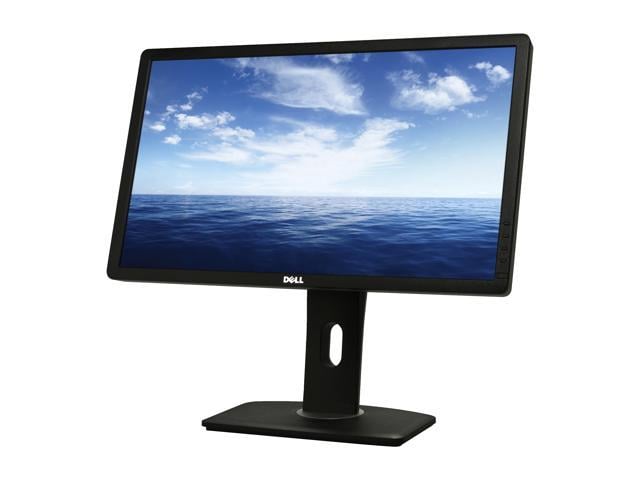
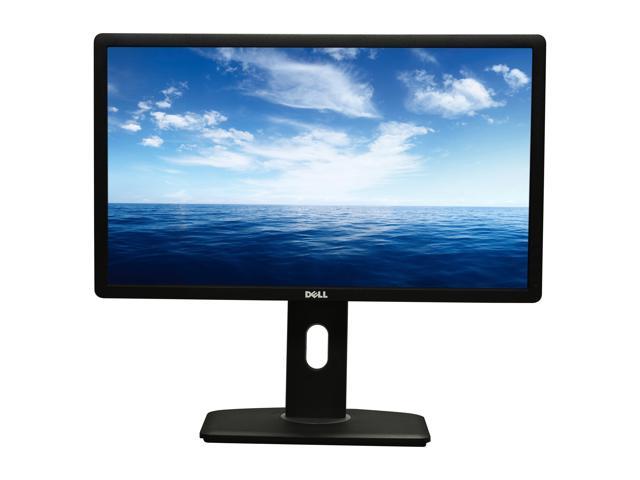
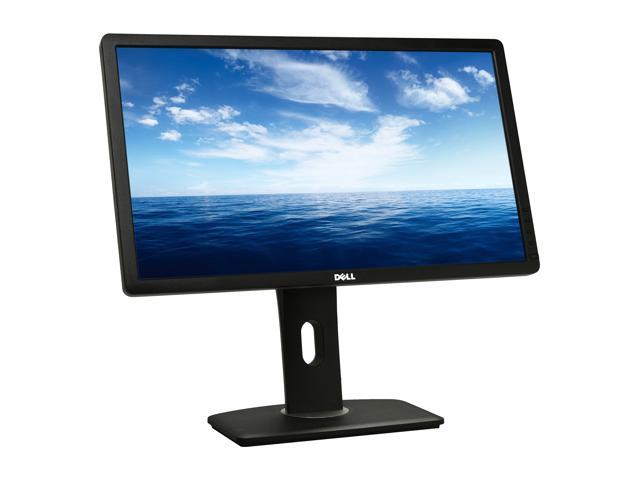
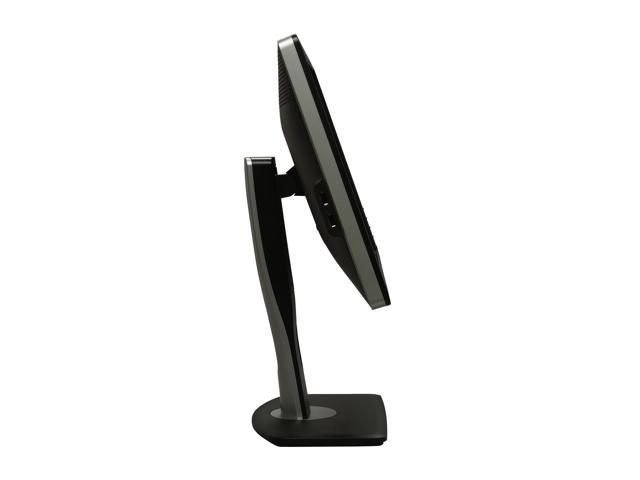
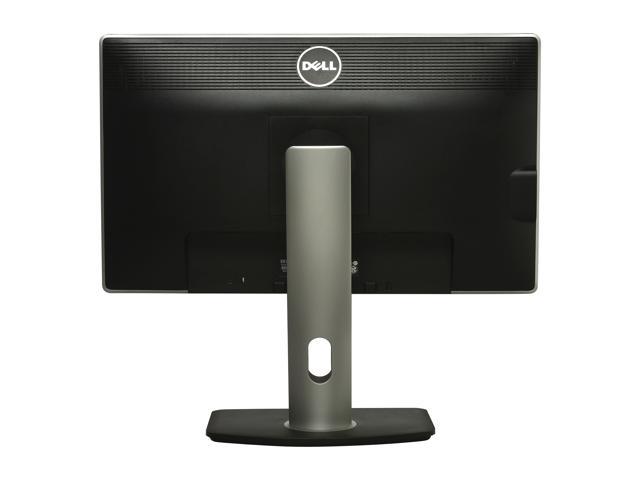
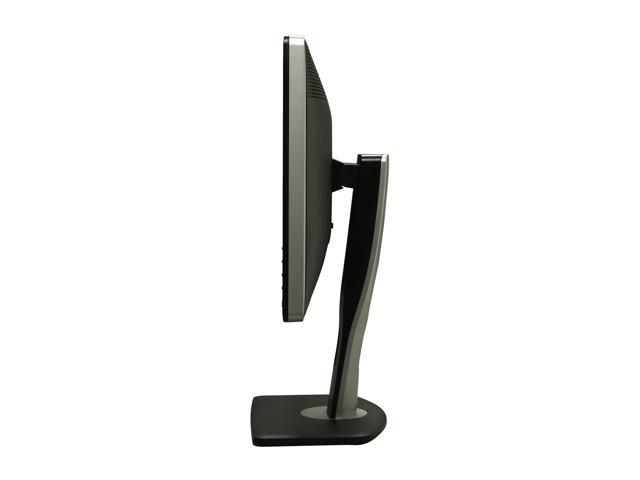
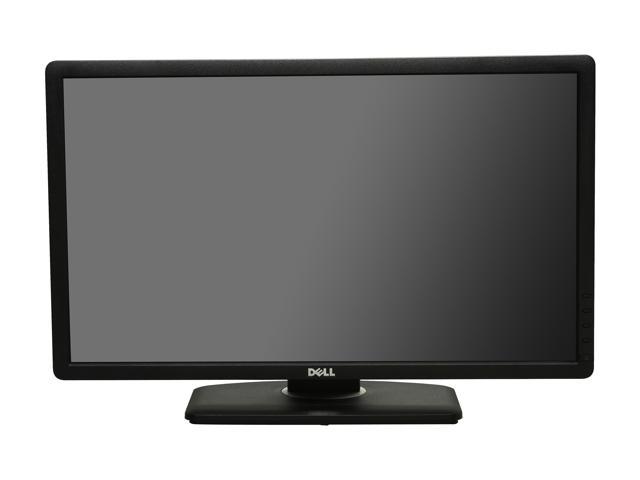
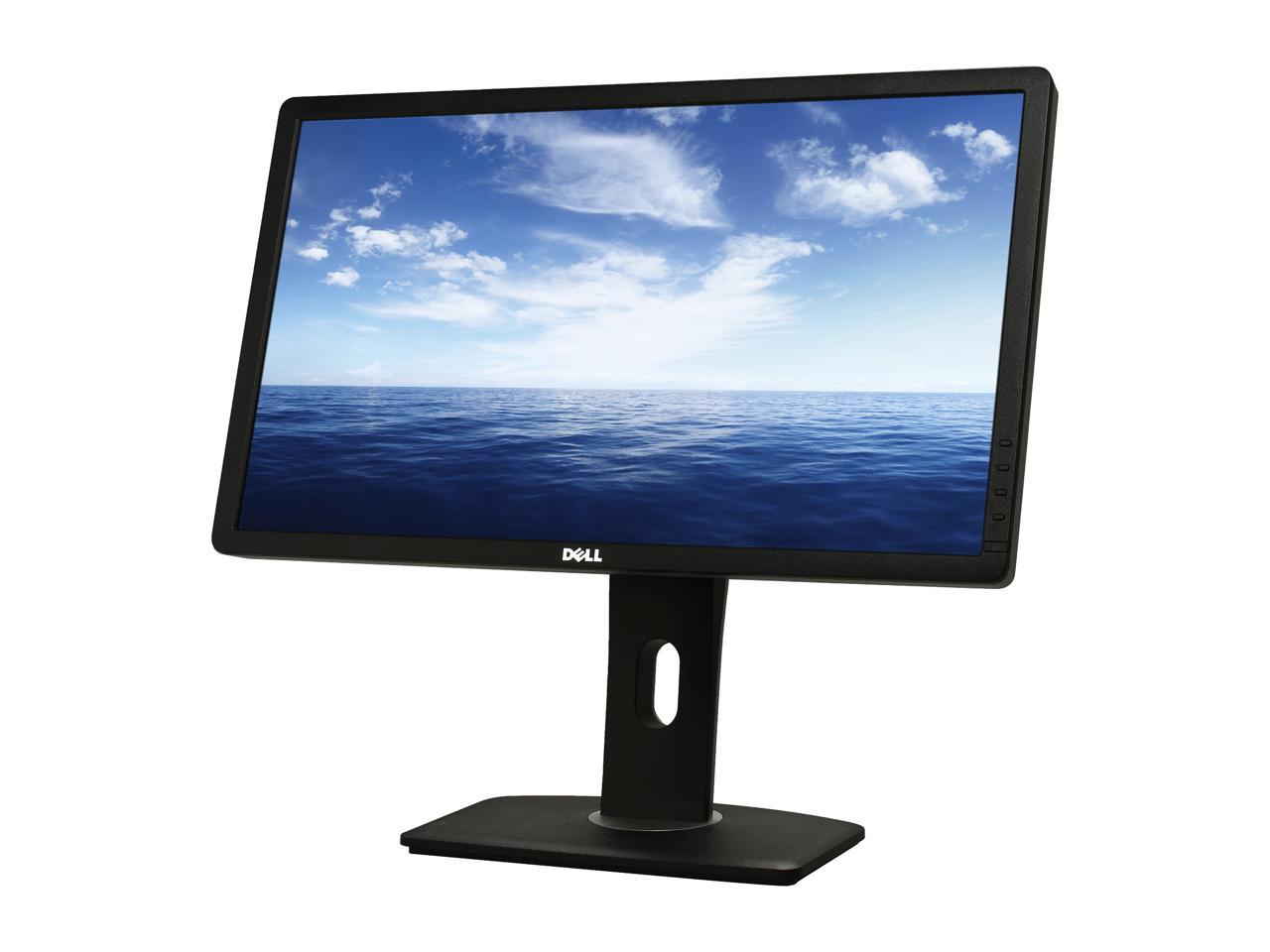
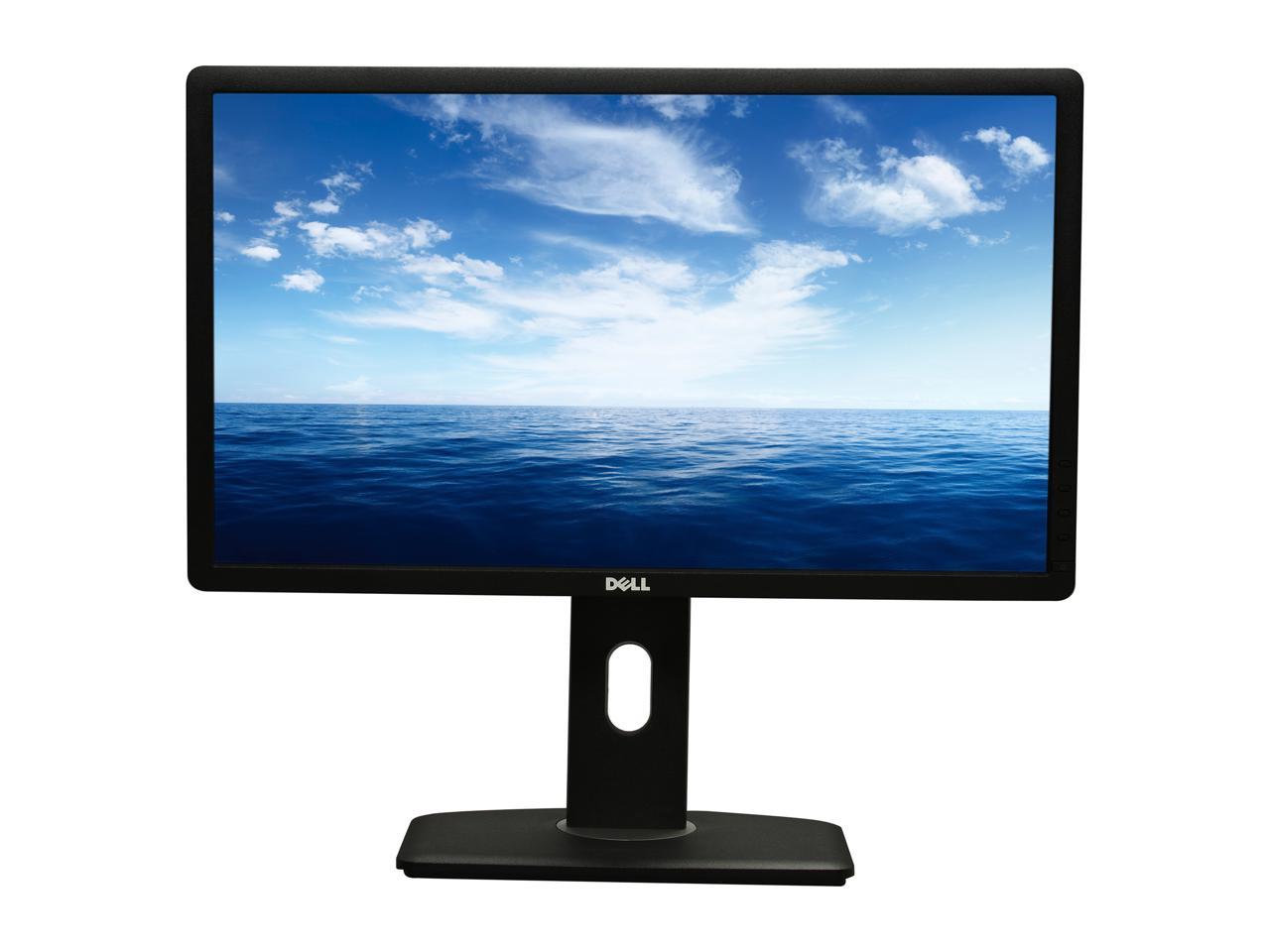
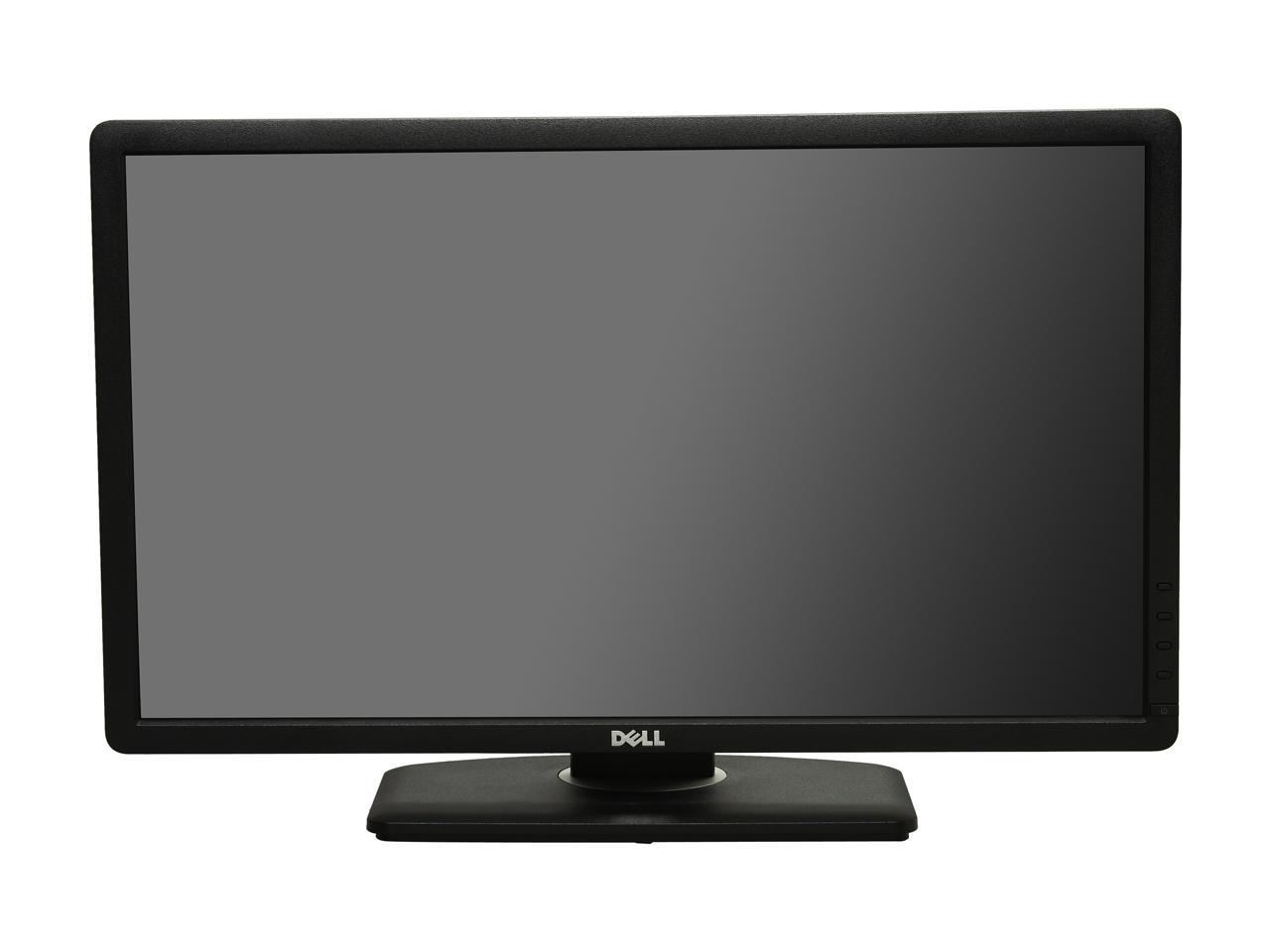
Dell UltraSharp U2312HM IPS-Panel Black 23" 8ms Swivel & Height Adjustable Widescreen LCD Monitor with LED 300 cd/m2 2 Million:1 DCR (1000:1)

  • 1920 x 1080 8ms
  • 2 Million:1 DCR (1000:1)
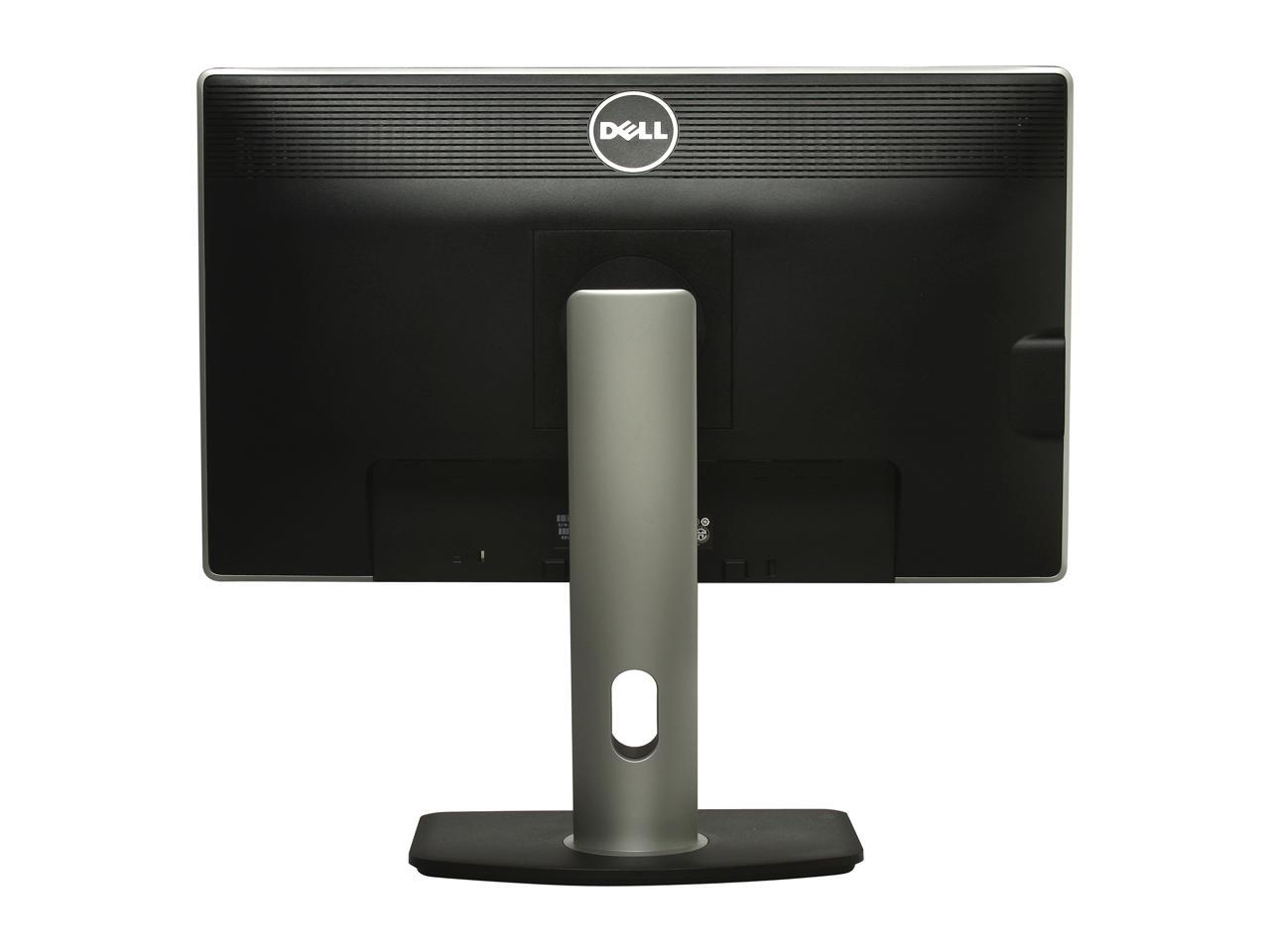
  • D-Sub, DVI, DisplayPort
  • Pin It
  • Email this page
ICON Loading...

See vivid imagery from almost any angle. The 21.5" Dell UltraSharp U2212HM monitor with LED offers a brilliant view, rich colors and adjustable height options.

Enjoy 1920x1080 Full HD resolution, a vivid 2,000,000:1 (typical) dynamic contrast ratio and IPS technology for outstanding color consistency across a wide viewing range. Select your best view with a range of tilt, swivel, pivot and height options. Link to a range of devices with 4 USB ports, a DisplayPort, plus DVI and VGA connections. Beyond offering efficiency and vivid detail, this monitor also meets EPEAT Gold standards and is ENERGY STAR qualified.

  • newegg Amazing clarity & vibrant color Enjoy crystal-clear, true-to-life images with full 1920x1080 (max) resolution. Plus, get accurate, consistent colors regardless of your viewing angle with IPS technology. Experience an impressive 16.7 million colors displayed in rich, dramatic and accurate style with a wide color gamut at 82% (typical).
  • newegg Heightened contrast Get razor-sharp, moving images free of motion blur with a 2,000,000:1 (typical) high dynamic contrast ratio and 8ms with overdrive (typical) gray-to-gray response time.
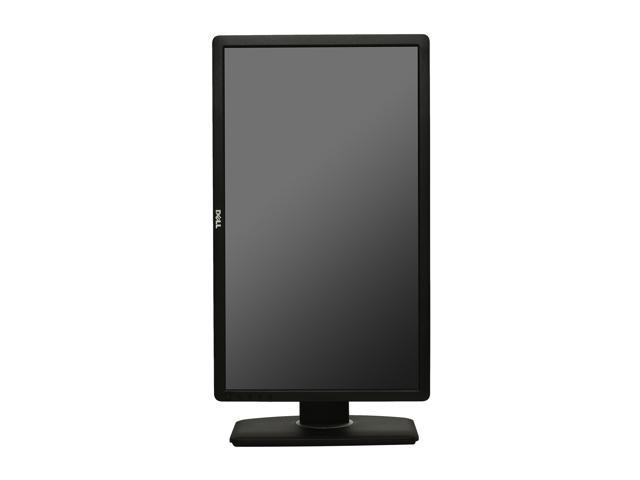
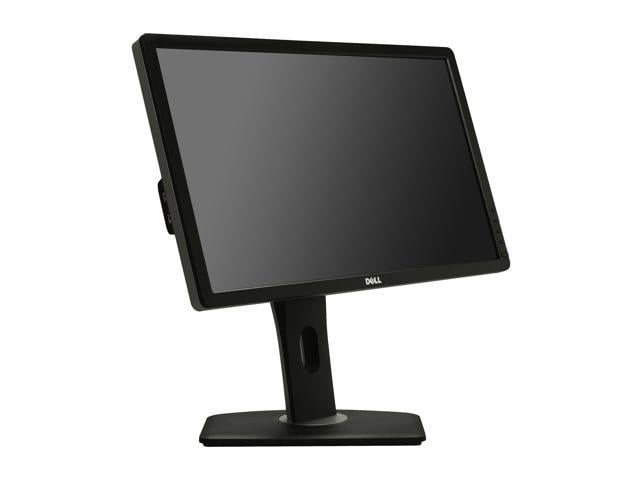
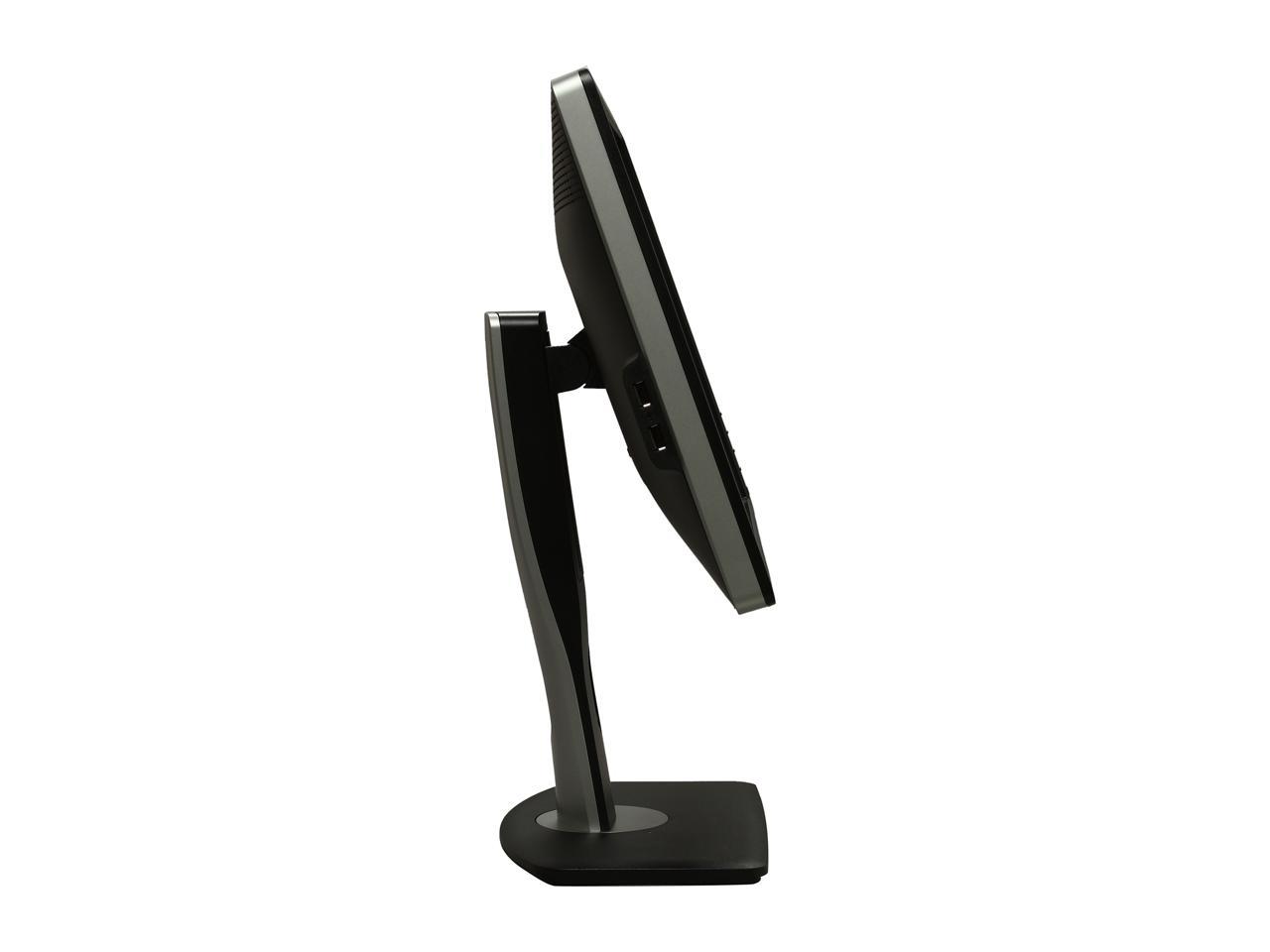
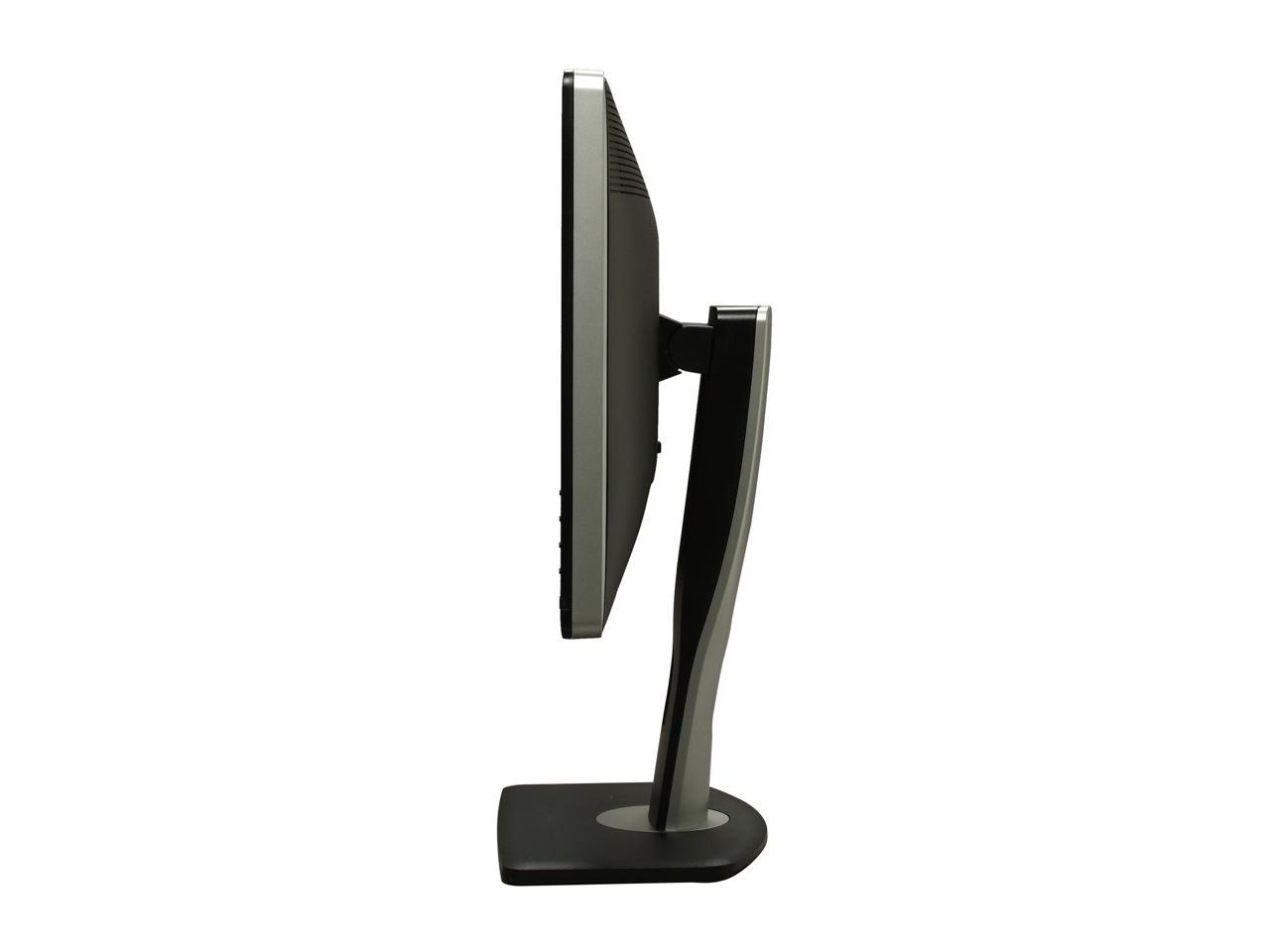
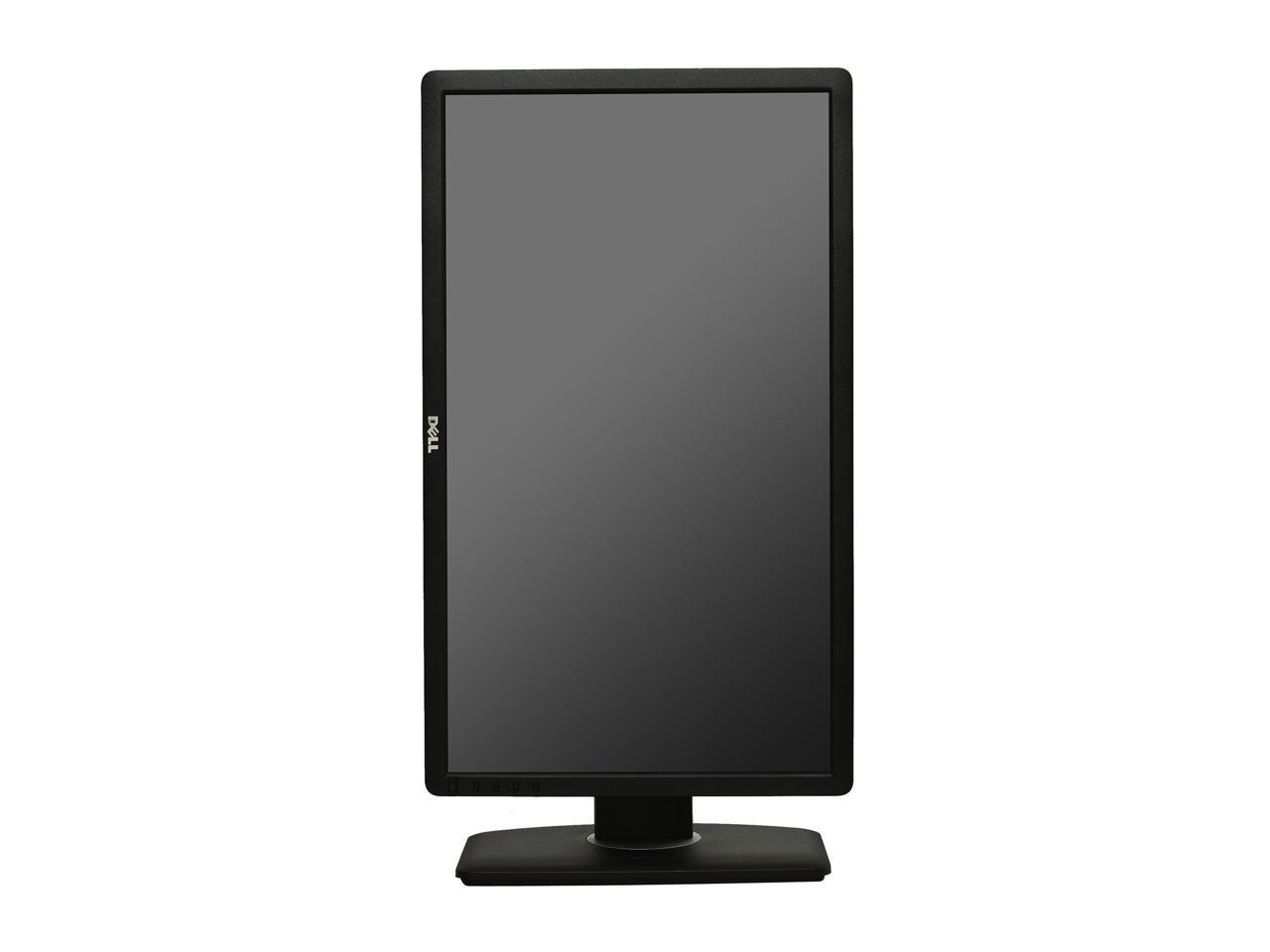
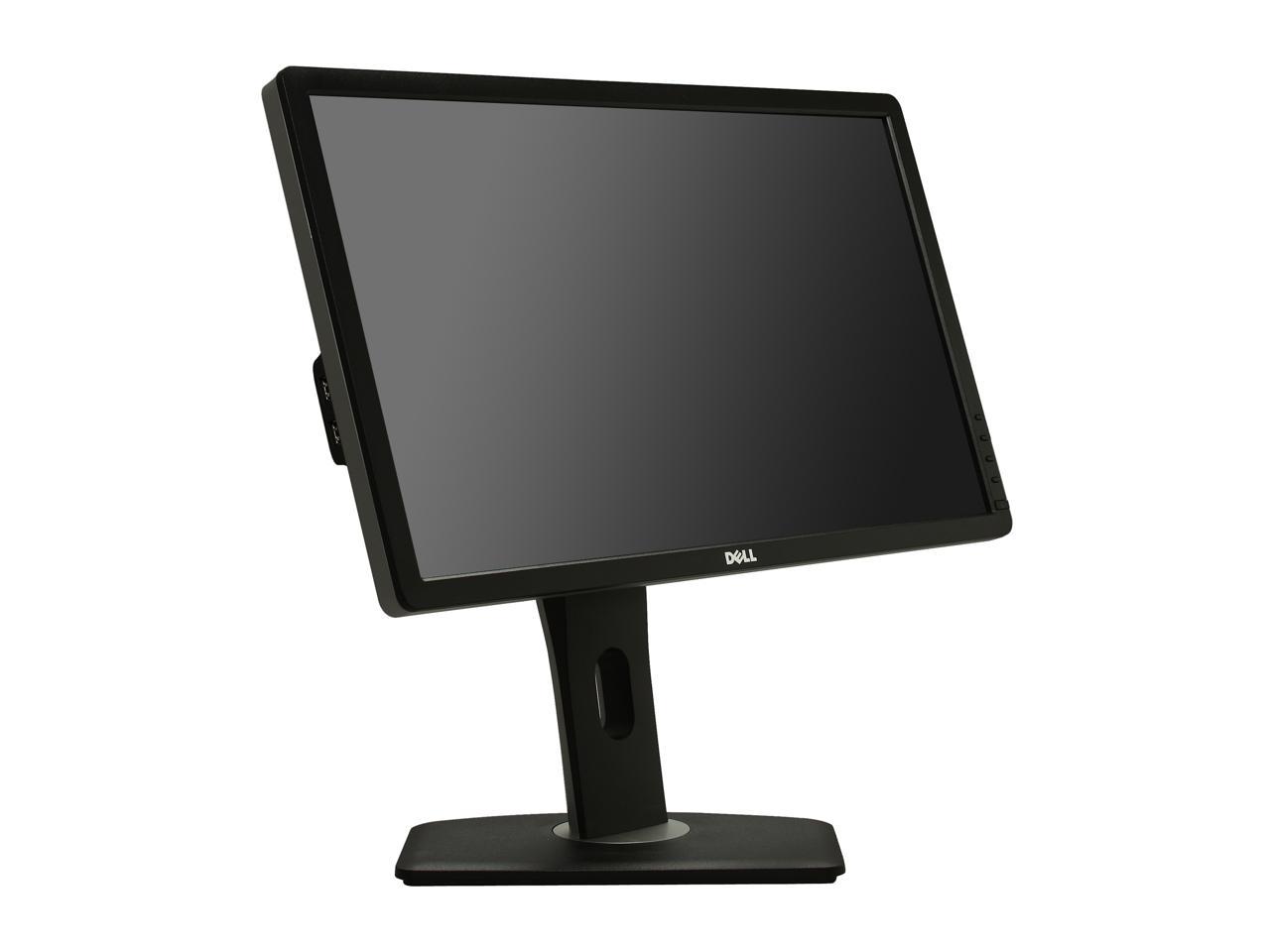
  • newegg View your world your way Maximize your viewing experience by adjusting the U2312HM to your desired height with its improved height adjustment range of 130mm (5.12 inches). Choose portrait or landscape orientation on this 16:9 aspect ratio monitor. Tilt the panel up to 4° forward or 21° backward---even swivel it to the preferred angle.
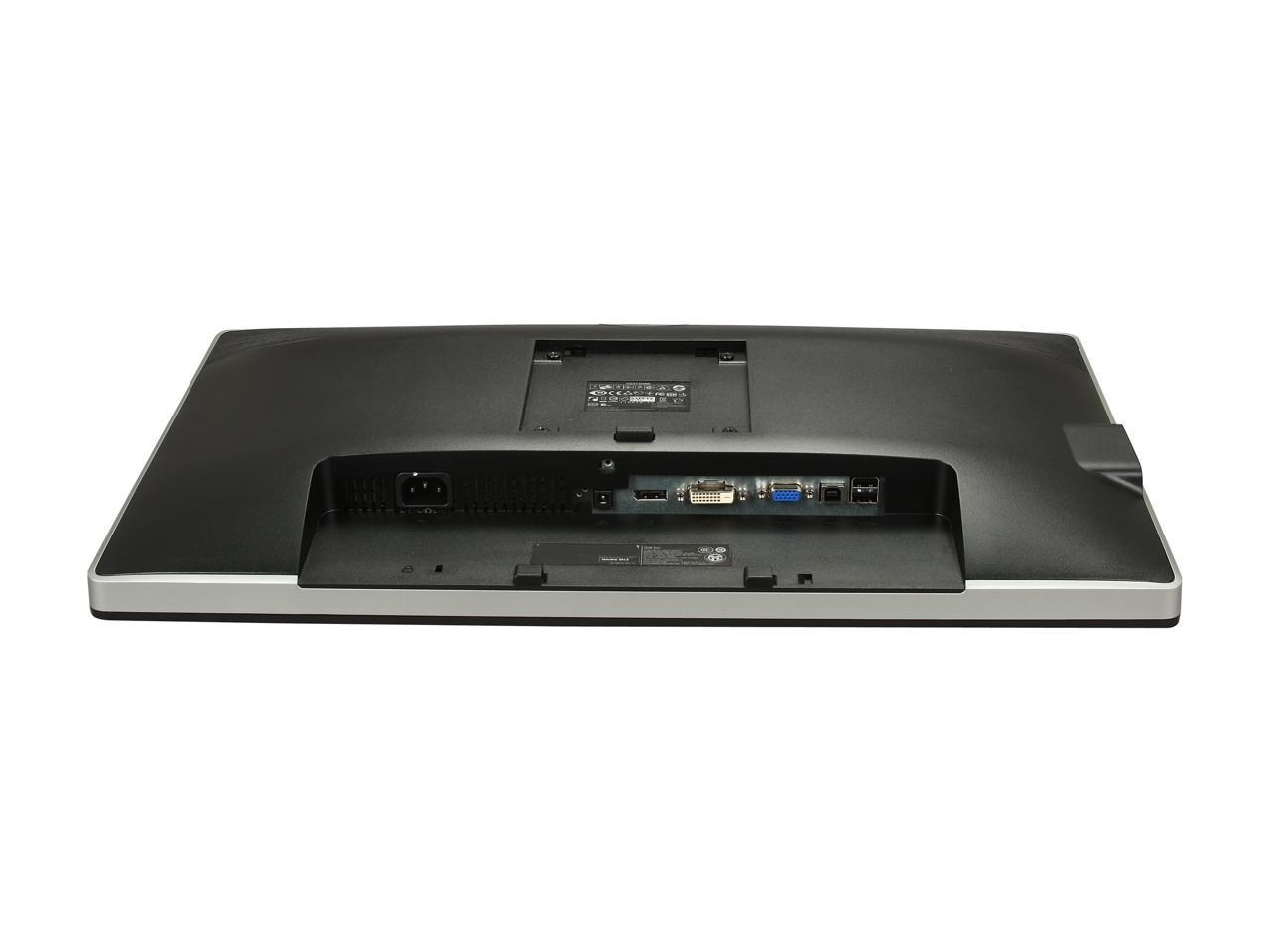
  • newegg Versatile connectivity Connect a keyboard, mouse and other peripherals via USB ports, DisplayPort and DVI ports that can deliver outstanding image quality when viewing HD content.
  • newegg Eco-conscious design The U2312HM meets EPEAT Gold and TCO Certified Displays standards, is ENERGY STAR qualified and CECP compliant. It’s is easy to recycle and made from environmentally responsible materials, such as an arsenic-free and mercury-free LED panel. It also has halogen-free laminates in its circuit boards.
  • newegg Manage power usage PowerNap software, when enabled, lets you dim the monitor or put in sleep mode when not in use. Dynamic dimming automatically adjusts the brightness when images are extremely bright. You can even monitor your energy usage with a quick glance at the onscreen display.

Learn more about the DELL U2312HM

Model

Brand
Dell
Model
U2312HM
Series
UltraSharp
Cabinet Color
Black

Display

Screen Size
23"
LED Backlight
Yes
Widescreen
Yes
Recommended Resolution
1920 x 1080
Viewing Angle
178°(H) / 178°(V)
Pixel Pitch
0.265mm
Display Colors
16.7 Million
Brightness
300 cd/m2
Contrast Ratio
2 Million:1 DCR (1000:1)
Response Time
8ms
Panel
IPS

Connectivity

Input Video Compatibility
Analog RGB, Digital
Connectors
D-Sub, DVI, DisplayPort
D-Sub
1
DVI
1
HDMI
No
DisplayPort
1
USB 2.0
1 x USB 2.0 upstream port
4 x USB 2.0 downstream ports

Power

Complies with
ENERGY STAR 5.1
EPEAT Gold
TCO Certified Displays

Convenience

Stand Adjustments
Height, Swivel, Tilt
Built-in Speakers
No
HDCP Support
1 x Digital Visual Interface connectors (DVI-D) with HDCP
Features
Amazing clarity: Enjoy crystal-clear, true-to-life images with full 1920x1080 (max) resolution. Plus, get accurate, consistent colors regardless of your viewing angle with IPS technology

Heightened contrast: Get razor-sharp, moving images free of motion blur with a 2,000,000:1 (typical) high dynamic contrast ratio and 8ms with overdrive (typical) gray-to-gray response time

Vibrant colors: Experience an impressive 16.7 million colors displayed in rich, dramatic and accurate style with a wide color gamut at 82% (typical)

Adjust for optimum height
- Maximize your viewing experience by adjusting the U2312HM to your desired height with its improved height adjustment range of 130mm (5.12 inches)


Every perspective matters
- Choose portrait or landscape orientation on this 16:9 aspect ratio monitor. Tilt the panel up to 4-degree forward or 21-degree backward---even swivel it to the preferred angle

Customize your settings
- Change your energy usage settings and text brightness with the touch of a button. Make colors cooler or warmer with the easy-to-use color temperature slider

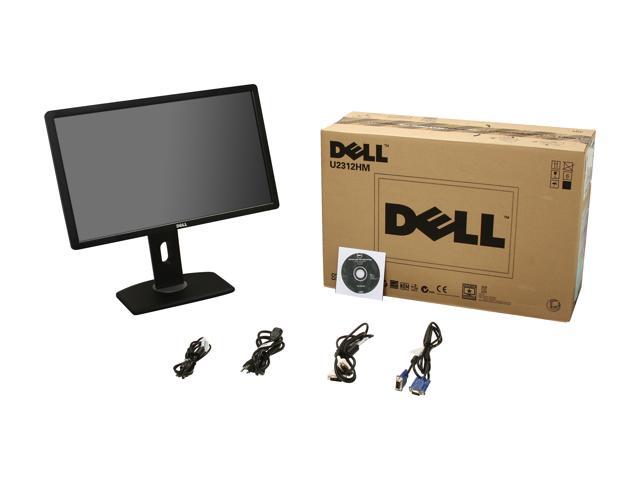
Packaging

Package Contents
Monitor with stand

Power Cable

DVI Cable

USB Cable

VGA Cable

Drivers and Documentation media

Quick Setup Guide

Safety Information

Dimensions

Dimensions
With stand (H x W x D): 14.37"(compressed) ~ 19.44"(extended) x 21.51" x 7.30"

Without stand (H x W x D): 12.73" x 21.51" x 2.34"
Weight
6.53 lbs.
Temperature Range
Operating:
0 Celsius degree to 40 Celsius degrees (32 Fahrenheit degrees to 104 Fahrenheit degrees)

Non-operating:
Storage : -20 Celsius degrees to 60 Celsius degrees (-4 Fahrenheit degrees to 140 Fahrenheit degrees)
Shipping : -20 Celsius degrees to 60 Celsius degrees (-4 Fahrenheit degrees to 140 Fahrenheit degrees)
Humidity Range
Operating:
10% to 80% (non-condensing)

Non-operating:
Storage : 5% to 90% (non-condensing)
Shipping : 5% to 90% (non-condensing)

Quick Info

Warranty

  • Limited Warranty period (parts): 3 years
  • Limited Warranty period (labor): 3 years


Customer Reviews of the DELL U2312HM

Do you own this product? Write a Review

Filter Results

Go
  • N/A
  • 5/20/2013 5:16:35 PM
  • Tech Level: High
  • Ownership: less than 1 day

5 out of 5 eggslooks nice, adjustable

Pros: Picture's good, lots of height adjustment range. Got what I wanted.

Cons: not 1920x1200, but I knew that.

Did you find this review helpful? Yes No

  • peterPan
  • 5/14/2013 7:08:27 AM
  • Tech Level: High
  • Ownership: 1 week to 1 month
  • Verified Owner

1 out of 5 eggsOutdated inventory

Pros: none

Cons: This monitor I received is "A00", someone mentioned on other site that there are "A01-A06". (He/She also said the later one are much superior). Maybe that's why made me feel this monitor is about the same as another brand mon I had which costs half the price.

1 out of 4 people found this review helpful. Did you? Yes No

  • vejam
  • 4/23/2013 6:43:48 PM
  • Tech Level: High
  • Ownership: 1 week to 1 month
  • Verified Owner

5 out of 5 eggsBeautiful, bright display

Pros: The monitor has DVI, HDMI, D-SUB and xxxx inputs. The monitor also has USB in and 4 USB outs. The xxx inputs ensure a long life given the Intel/AMD plans to stop making DVI graphics output products in the next 2 years. The video is extremely bright, detailed, and vivid. A big plus is the fully articulated stand. The monitor tilts up, down, left and right. It will also articulate 90 degrees to a vertical position for use in word processing.

Cons: None yet.

Other Thoughts: The box includes DVI, D-SUB (a/k/a VGA), USB and power cables. A DisplayPort cable is not included but that is not a problem at this time because I used the DVI cables to connect two monitors to a GeForce GTX 640 2 GB video adapter.

1 out of 4 people found this review helpful. Did you? Yes No

  • N/A
  • 4/18/2013 4:10:56 PM
  • Tech Level: High
  • Ownership: less than 1 day
  • Verified Owner

5 out of 5 eggsNice, Solid Monitor

Pros: Generally sturdy construction for a monitor of this price; wide-range of pivotability; bevel is not overly large (I bought two for a dual monitor set-up); detected and diplayed perfectly and immediately on Linux.

Cons: None, although I suppose I could have wished for HDMI.

Other Thoughts: You should prorbably try to avoid monitors in the $169 price range, if you can.

1 out of 1 people found this review helpful. Did you? Yes No

  • N/A
  • 4/9/2013 8:19:05 AM
  • Tech Level: High
  • Ownership: 1 month to 1 year
  • Verified Owner

5 out of 5 eggsAwesome Monitors!

Pros: I'm a software engineer and have 2 of these at work. I liked them so much, I had to buy 2 of them for home! Great image and viewing angles. I love that you can move it vertical and it has all the connections you'll need. Highly recommended!

Cons: Not free?

Other Thoughts: Great product. Would definitely buy again.

Did you find this review helpful? Yes No

  • Gabriel
  • 4/9/2013 8:15:04 AM
  • Tech Level: High
  • Ownership: 1 month to 1 year
  • Verified Owner

5 out of 5 eggsBest Monitors at Best Price!

Pros: These are great monitors. The colors are spot on, the resolutions is high - great for web/graphic design which is what I do! I highly recommend these monitors for almost any application.

Cons: The bezel is wider than I like, but not unbearable.

Did you find this review helpful? Yes No

  • N/A
  • 4/6/2013 7:11:37 PM
  • Tech Level: Average
  • Ownership: 1 week to 1 month

5 out of 5 eggsgood for fps

Pros: working great for fps (dominating tribes 2 wut wut)
120hz might be better for fps but these colors and viewing angles are legit
ghosting/insufficient response not evident. if you are casual/serious gamer you WILL very likely prefer this over washed out tn 120hz panel in the long run unless youre buying a second monitor JUST for pro gaming

colors are awesome, oh yes
touch interface is super easy to set brightness/contrast

so glad i bought it

Cons: nvidia, this monitor, and my game all have separate gamma and other visual settings (brightness etc). have to get them all set at once is a pain, why cant this be unified?

same problem with any other monitor you buy (no cons)

Other Thoughts: dual monitor setup with laptop, getting both monitor colors and brightness/contrast configured at the same time is a pain. totally worth it once configured.
bought it new on the most well known internet auction website for 180 good deal

0 out of 1 people found this review helpful. Did you? Yes No

  • N/A
  • 4/1/2013 1:07:46 PM
  • Tech Level: Somewhat High
  • Ownership: 1 month to 1 year
  • Verified Owner

5 out of 5 eggsOutstanding for the price

Pros: For the price, this is a remarkable IPS panel that is miles ahead of any of the TN panels I've used.

-Very stable and solid stand
-Extra USB ports? Yes please!
-Gorgeous color, easy to calibrate
-Tons of adjustment features that work wonderfully
-Viewing angle is almost perfect
-No ghosting in games at all, not even in fast paced games like Battlefield or Bioshock Infinite.

Cons: -Slight light bleed in the bottom right corner
-Not the most attractive casing
-Anti-glare coating can be a little funky when looking at bright white images

Other Thoughts: An HDMI port would've been nice, but it's not all that necessary. Overall, for the price, this was an incredible buy and puts my ancient 17" HP TN panel to shame. The whole thing feels really durable and solid, and I expect it to last a very long time.

Did you find this review helpful? Yes No

  • MPCC
  • 3/31/2013 5:40:24 AM
  • Tech Level: High
  • Ownership: 1 week to 1 month
  • Verified Owner

5 out of 5 eggsMust see to beleive

Pros: Awesome crisp image, thin bezel; multi-adjustable stand; easy to assemble.

Cons: Can be a little bright in low-light situations

Other Thoughts: First of all, I'm just a casual user that doesn't demand much from my monitor (e.g., never adjust the factory settings). Most of my time is spent using my PC for word processing, e-mail and surfing the web.

However when I added the Dell in a dual monitor configuration next to my 6-month old, 20" Acer (purchased at NE for $89.99), I was shocked (and pleasantly surprised) at the difference in the images.

The side-by-side comparison is startling. the image on the Acer seems like you are viewing it through a haze. The Dell is crisp, clear and easy to read even at different resolutions.

Also, since I started using MS Outlook 2013 a few months ago I had been silently cursing Microsoft for the limited themes that made it difficult to differentiate between folders, messages and other items. It turns out that when viewed on the Dell the distinctions are much more dramatic.

If you have been using a lower priced monitor because you don't think spending the extra money is worth it based on the type of work you do, think again. I got the Dell on sale for $199 and it is WELL worth the extra $100.

1 out of 2 people found this review helpful. Did you? Yes No

  • Dauber303
  • 3/28/2013 8:00:52 PM
  • Tech Level: High
  • Ownership: 1 week to 1 month
  • Verified Owner

2 out of 5 eggsDell 23"

Pros: Nice size

Cons: Grainy and slow
not for gaming

Other Thoughts: sucks

1 out of 16 people found this review helpful. Did you? Yes No

ICON Loading...

Protect Your Investment!

    • (more options) read warranty details
Are you an E-Blast Insider? Subscribe Newegg e-Blast

Buzz

Beautiful

5 out of 5 eggs
My first IPS. Looks way better than my Sceptre-x24WG TN. Awesome colors.
FPS gaming - this monitor performs better than ...
— Petrichor 12/4/2011

This is it!

5 out of 5 eggs
Are you looking for the PERFECT LCD display in this price range? Looked at TN panels and found out you don't like ...
— Don 5/16/2012


PayPal
Shop without retyping payment details. Secure shopping made faster.
Check out with PayPal.

Financing


Home
Home > 
Computer Hardware > 
Monitors > 
LCD Monitors > 
DELL > 
Item#: N82E16824260055
LOADING... LOADING...
Shop by Region: United States | Canada | China
Follow us:   RSS Feeds Youtube
VeriSign Reliability Seal1This site protected by Trustwave's Trusted Commerce program Inc500
Policy & Agreement | Privacy Policy  © 2000-2013 Newegg Inc.  All rights reserved.
If the Adobe Reader does not appear when you click on a link for a PDF file, you can download Adobe Reader from the Adobe web site. nassau