Skip to: |

Newegg.com - A great place to buy computers, computer parts, electronics, software, accessories, and DVDs online. With great prices, fast shipping, and top-rated customer service - once you know, you Newegg.

If you are reading this message, Please click this link to reload this page.(Do not use your browser's "Refresh" button). Please email us if you're running the latest version of your browser and you still see this message.

Newegg.com - Computer Parts, Laptops, Electronics, HDTVs, Digital Cameras and More!

  • | Wish List
  • Help
Home
Home > 
Computer Hardware > 
Input Devices > 
Mice > 
Logitech > 
Item#: N82E16826104674

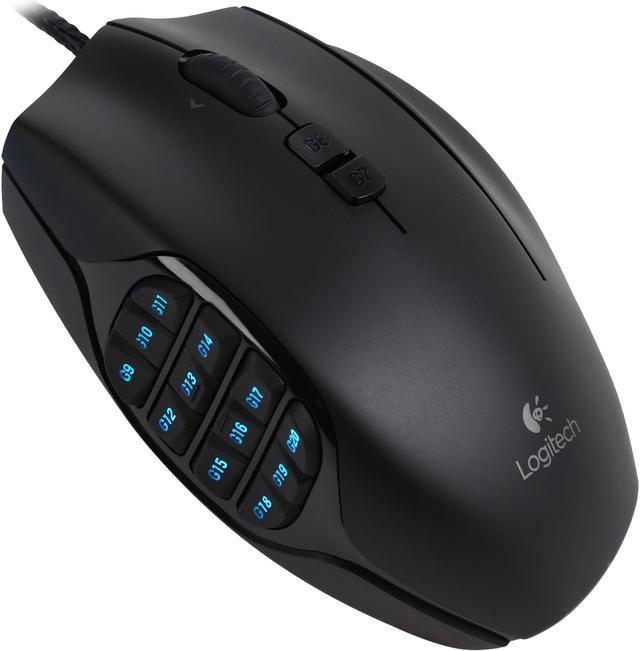
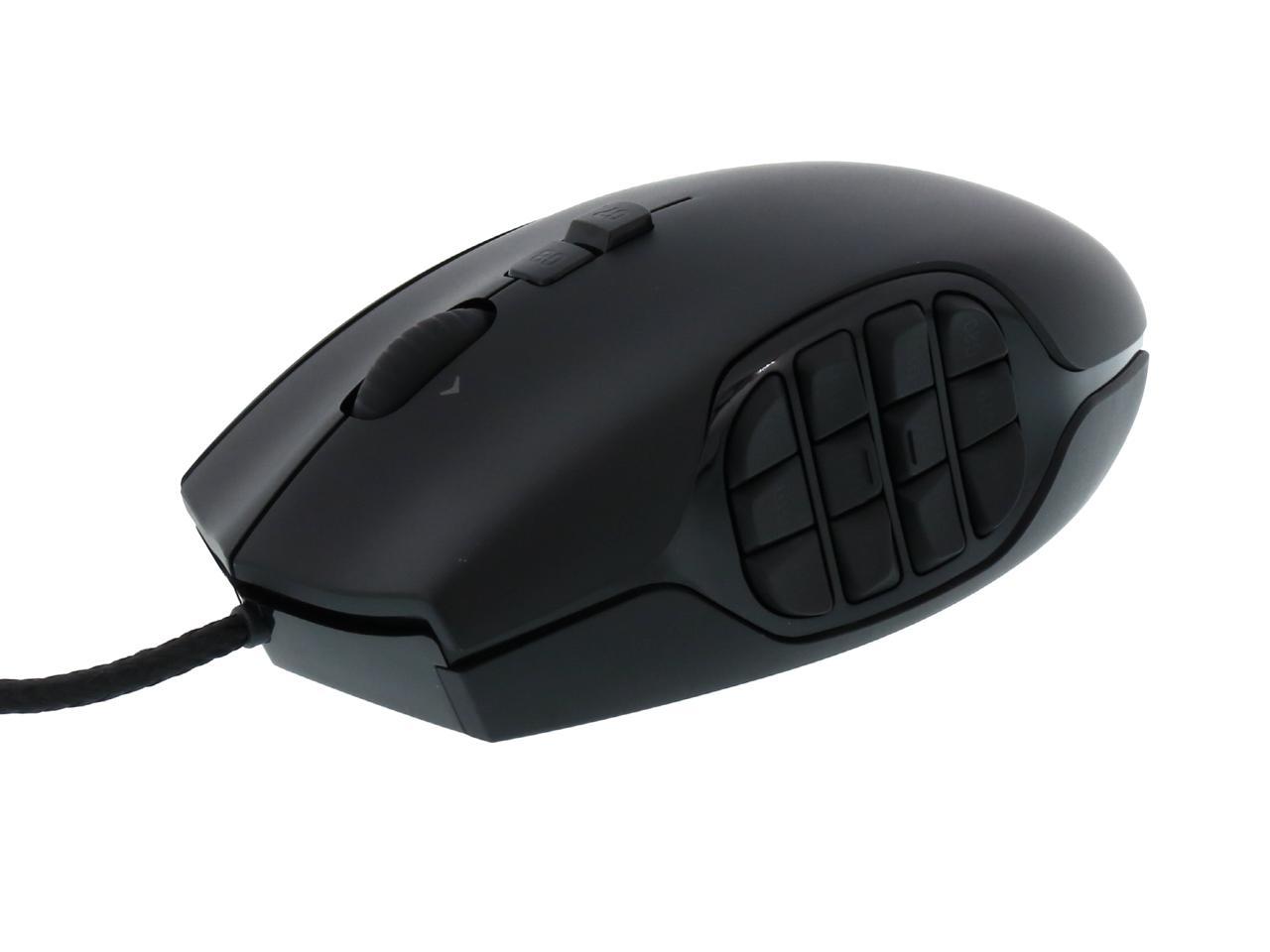
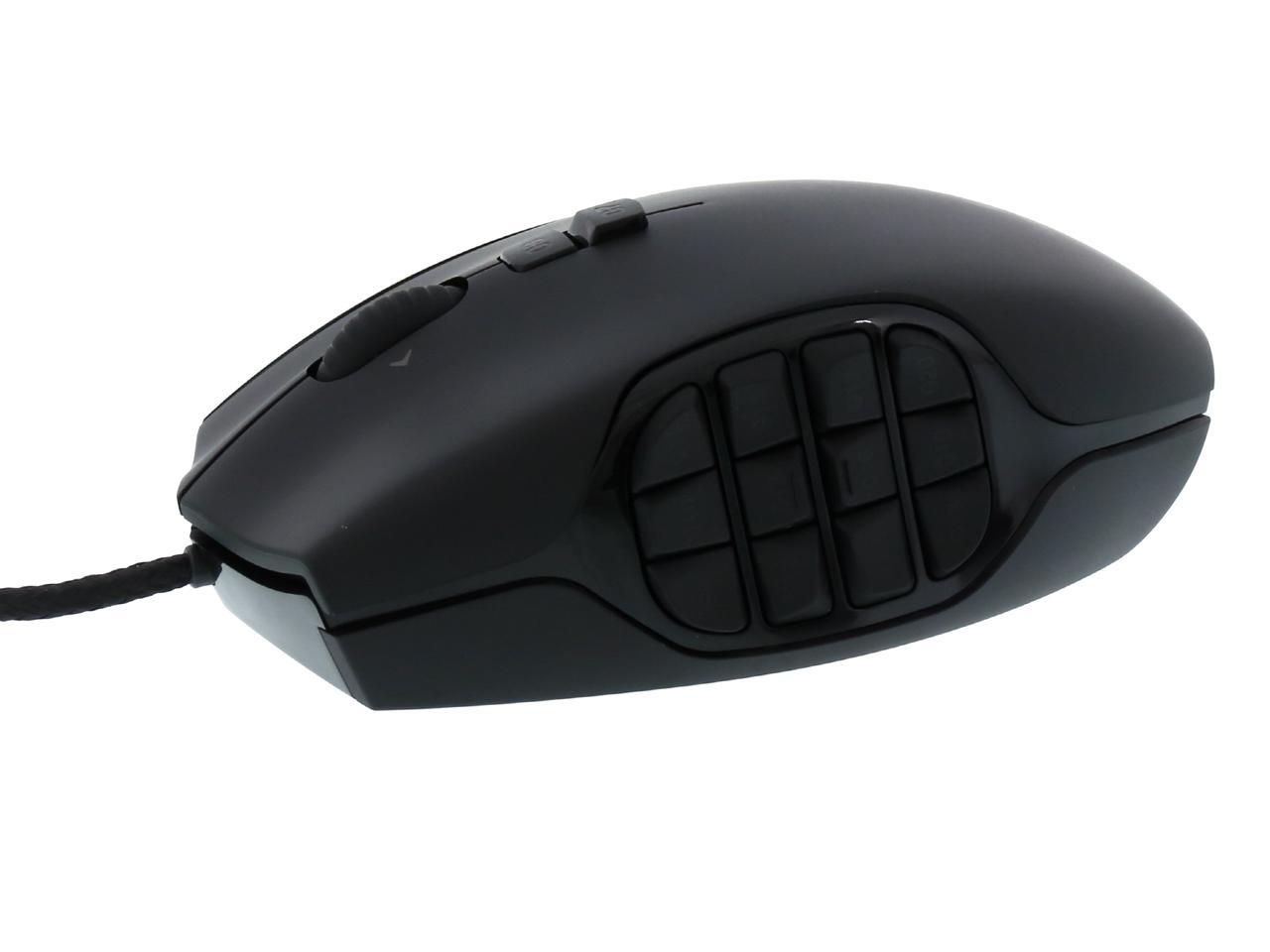
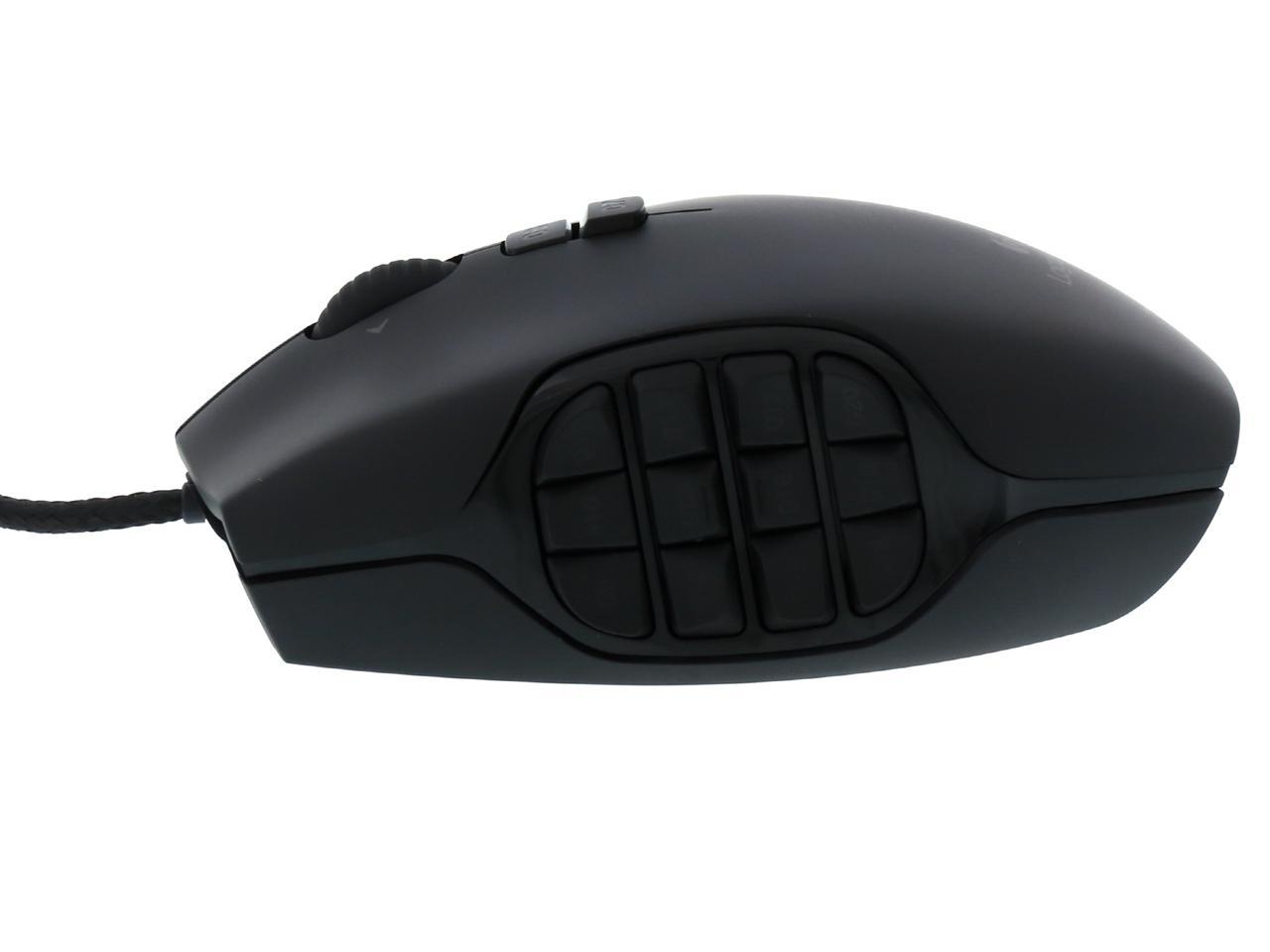
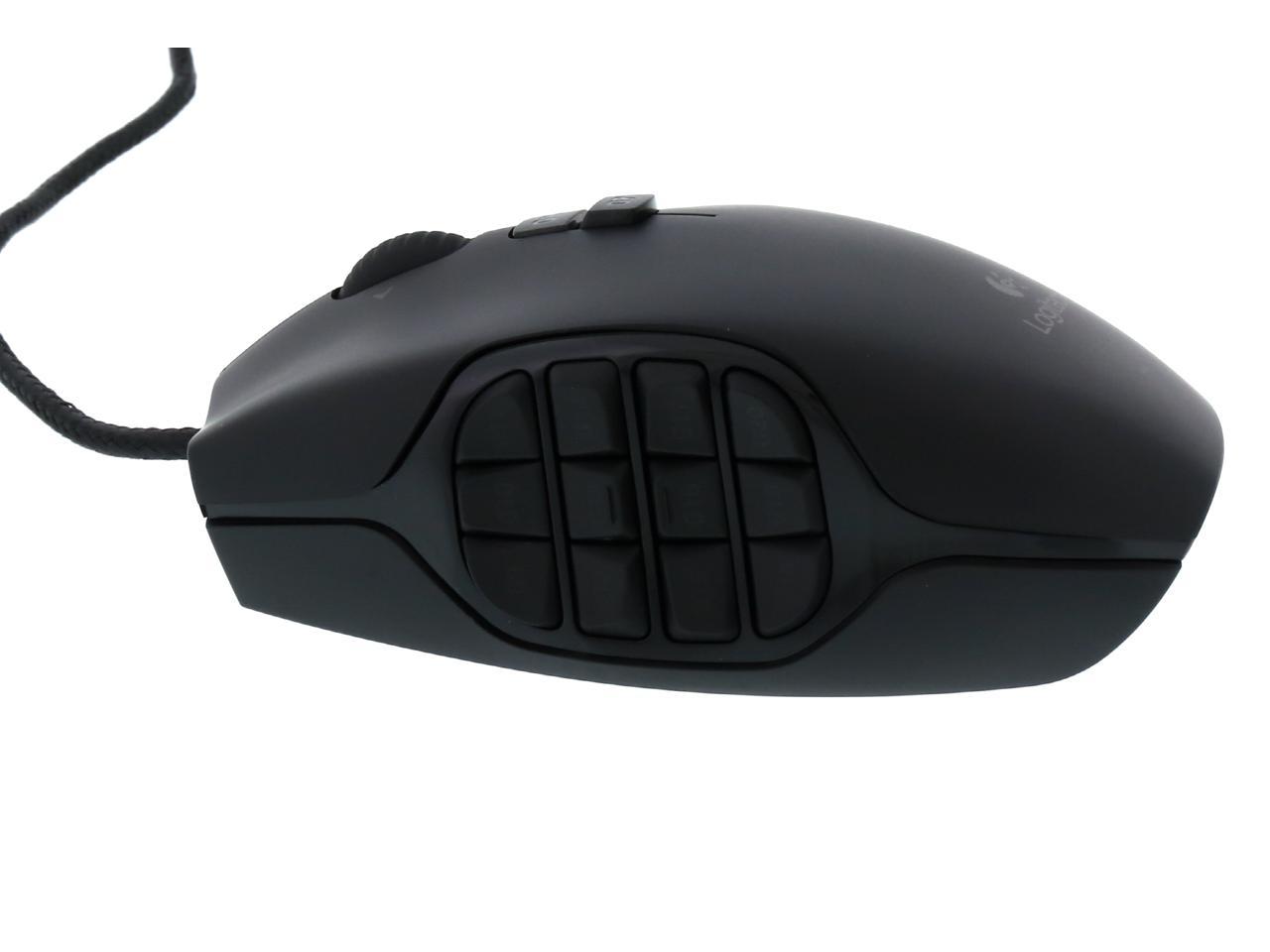
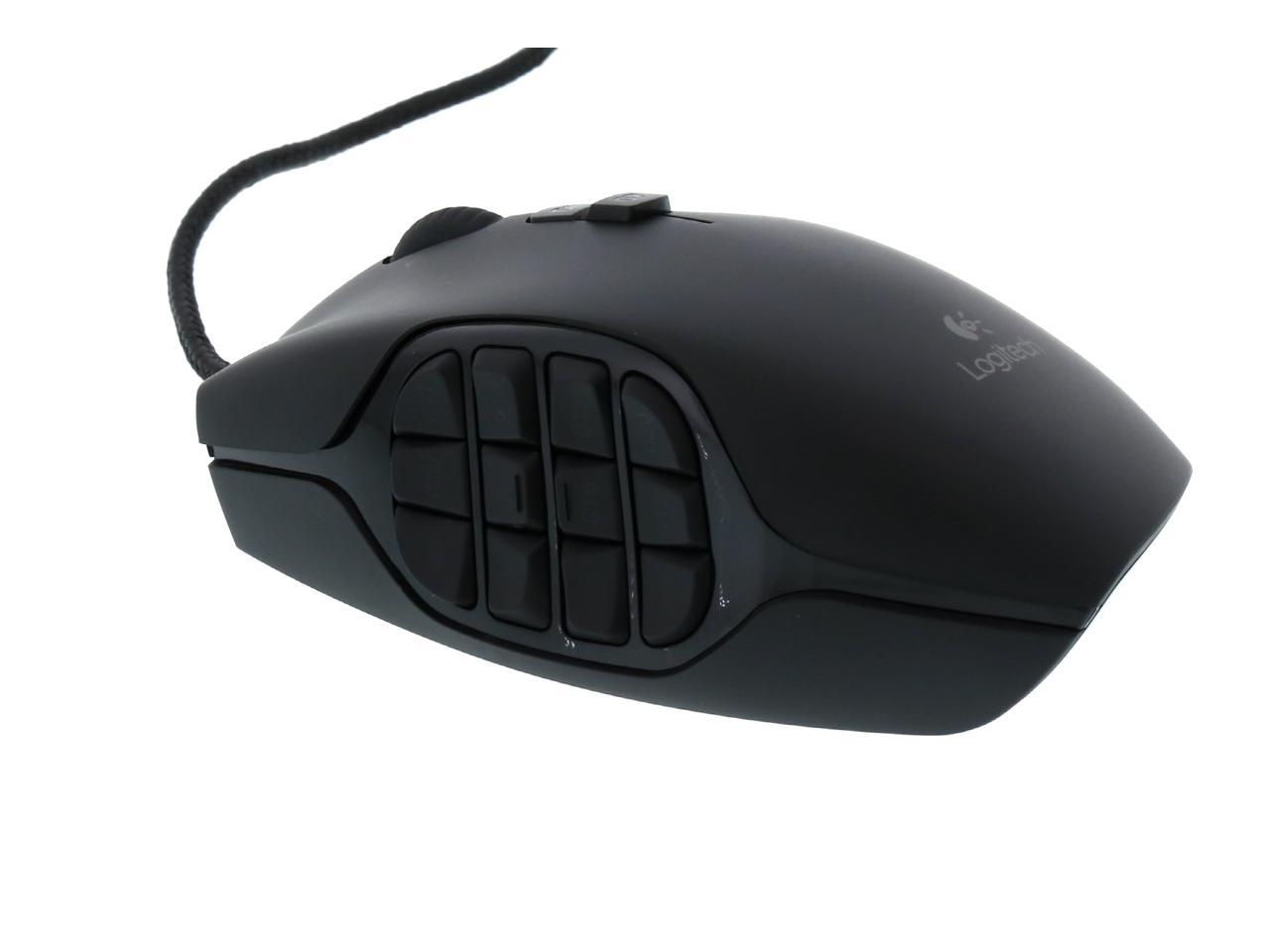
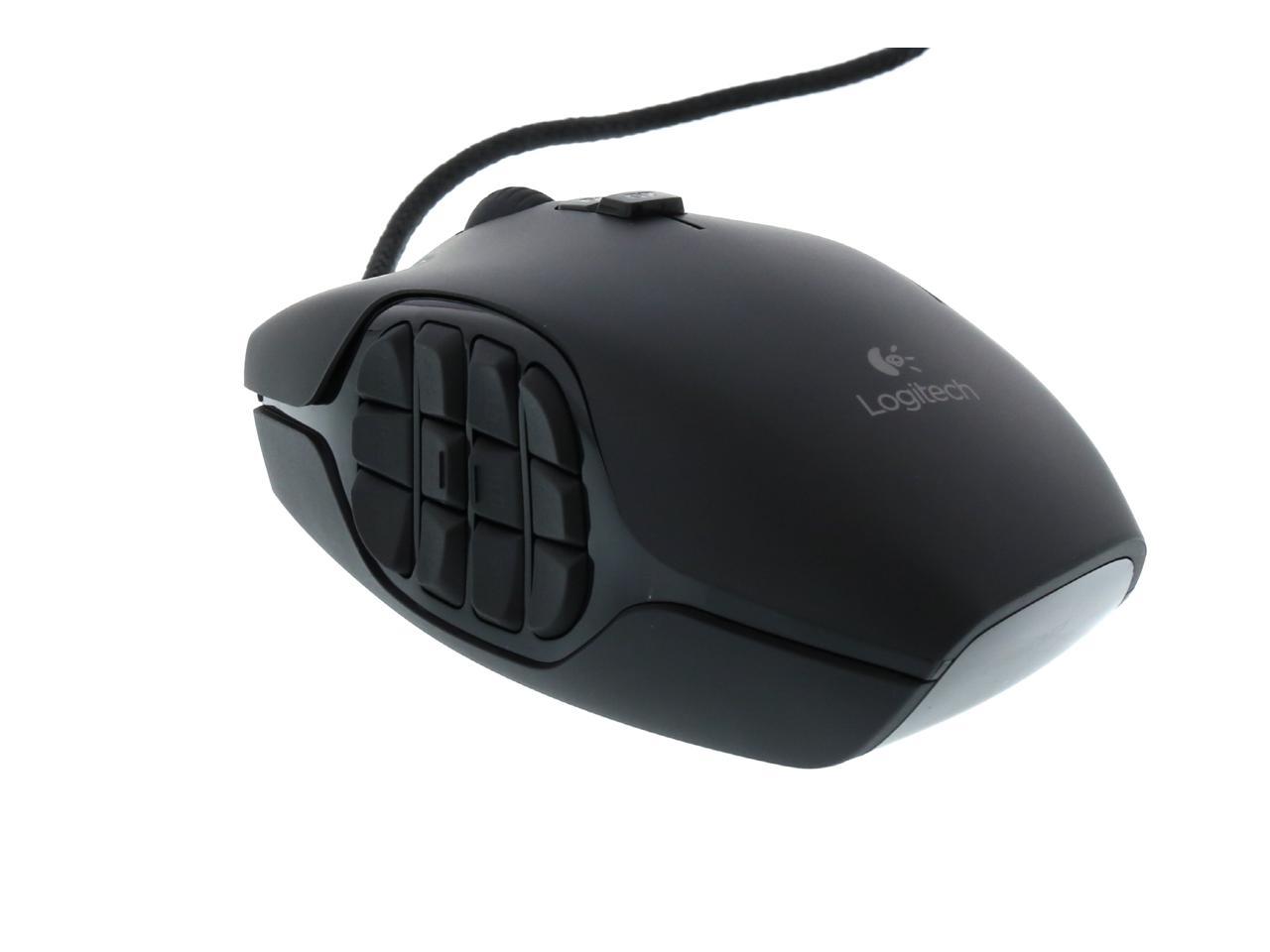
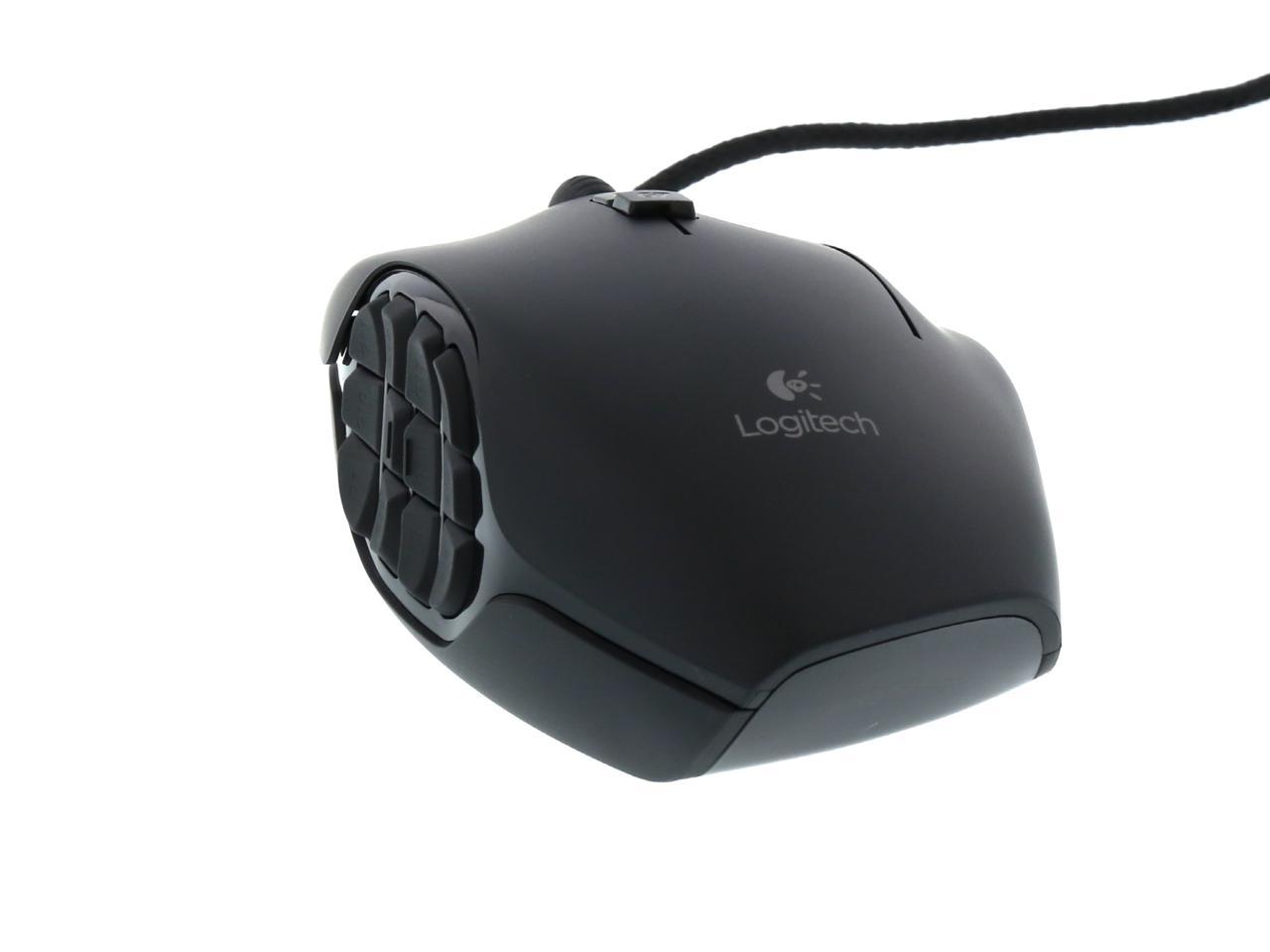
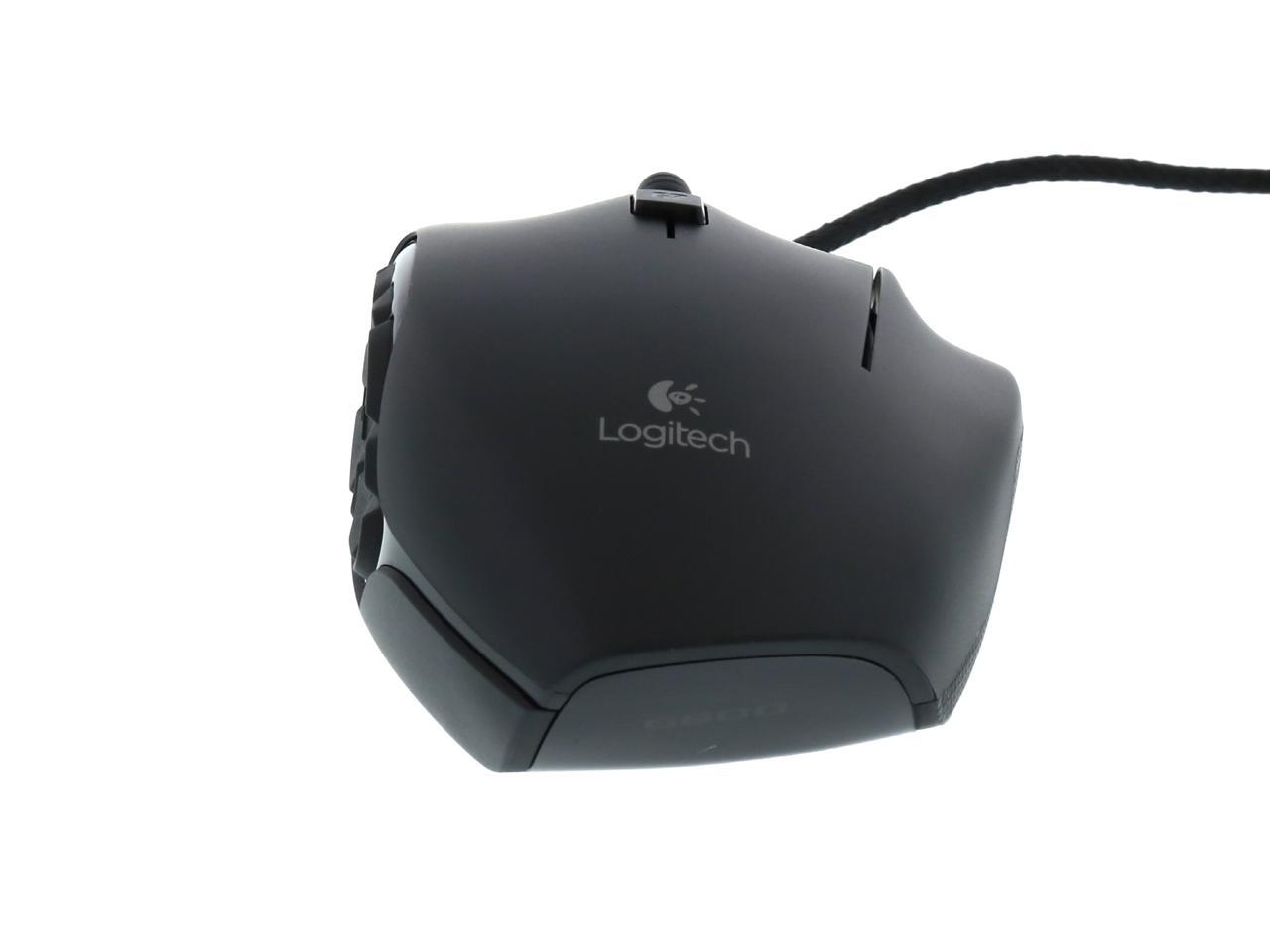
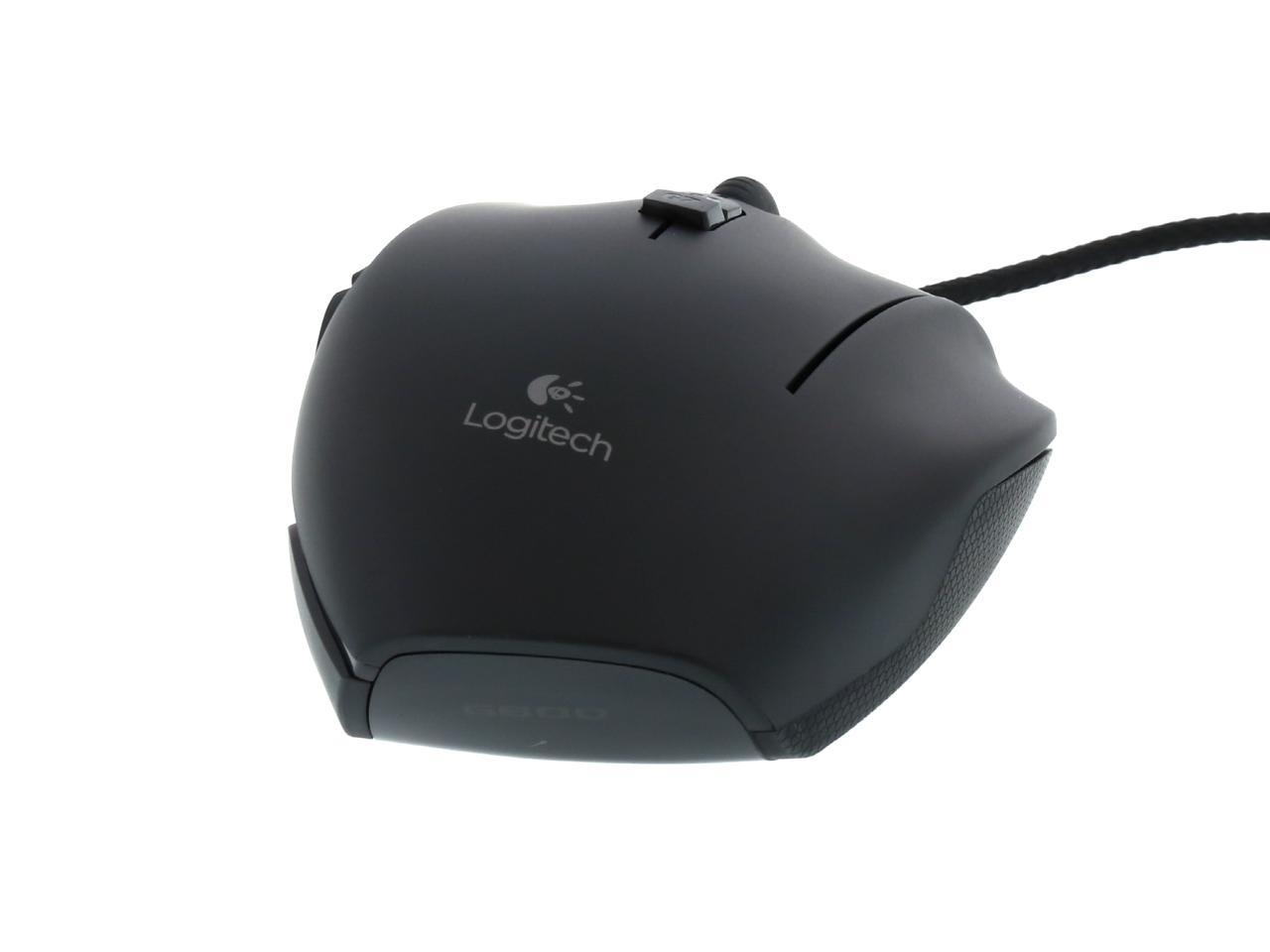
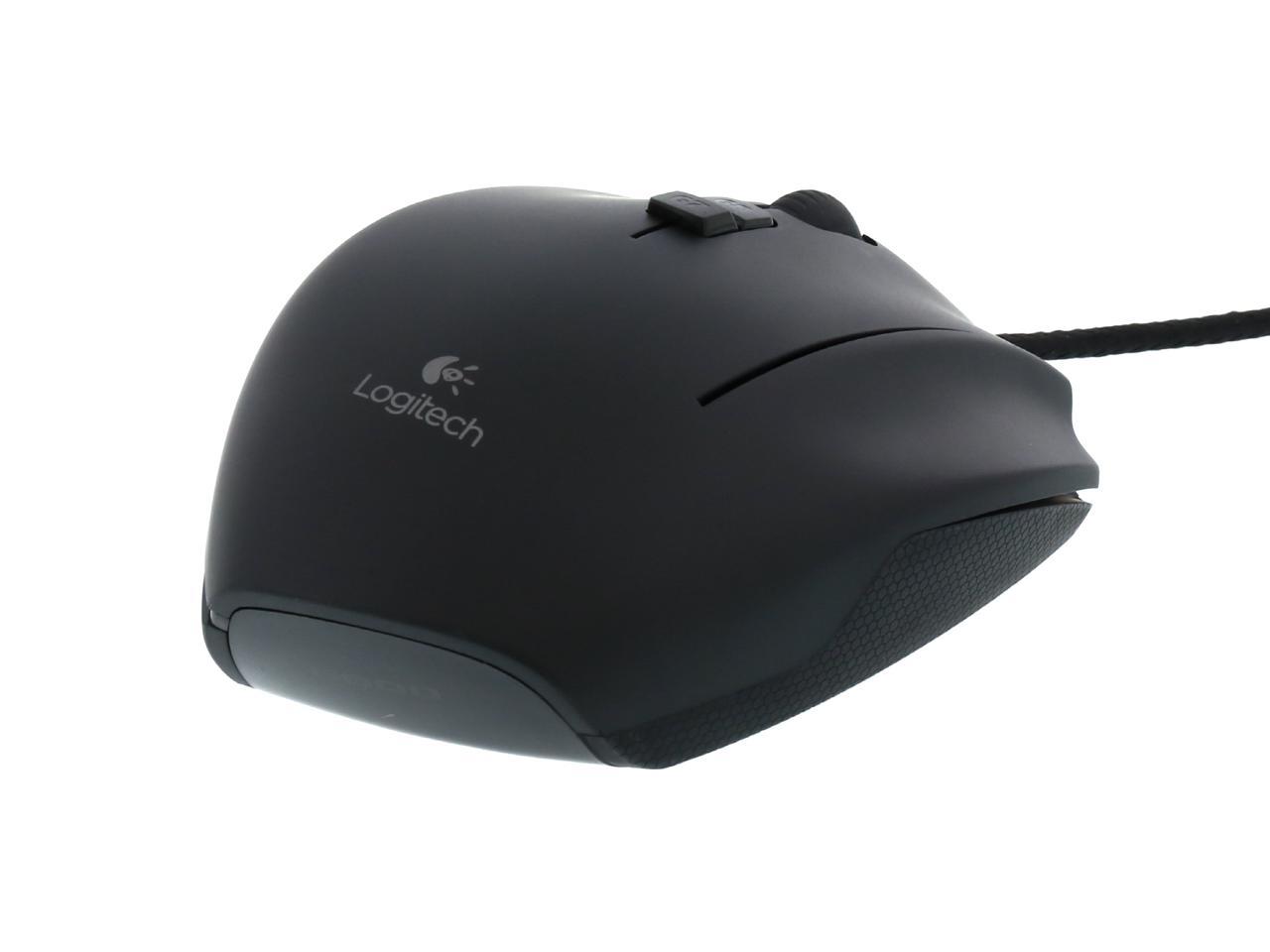
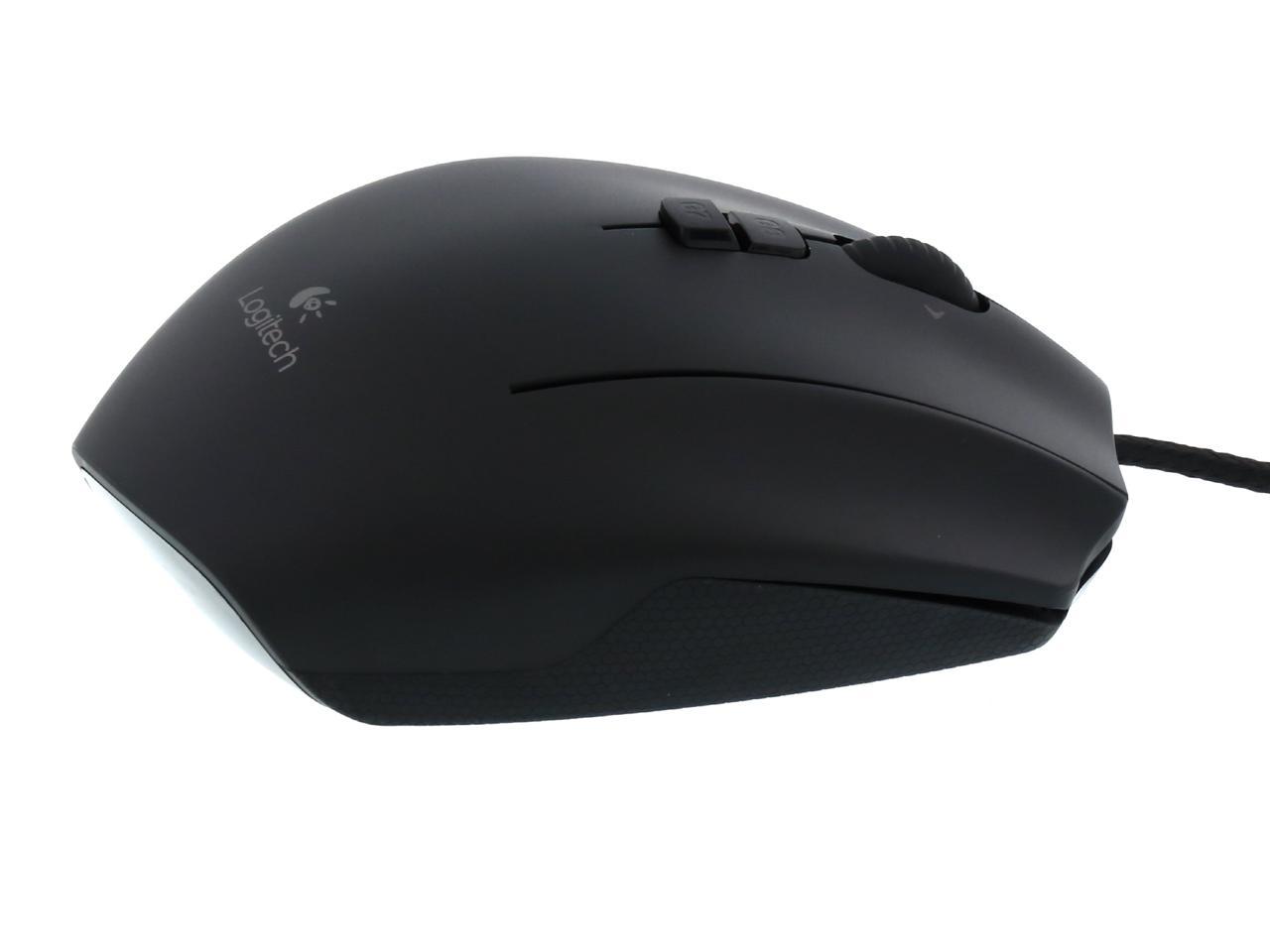
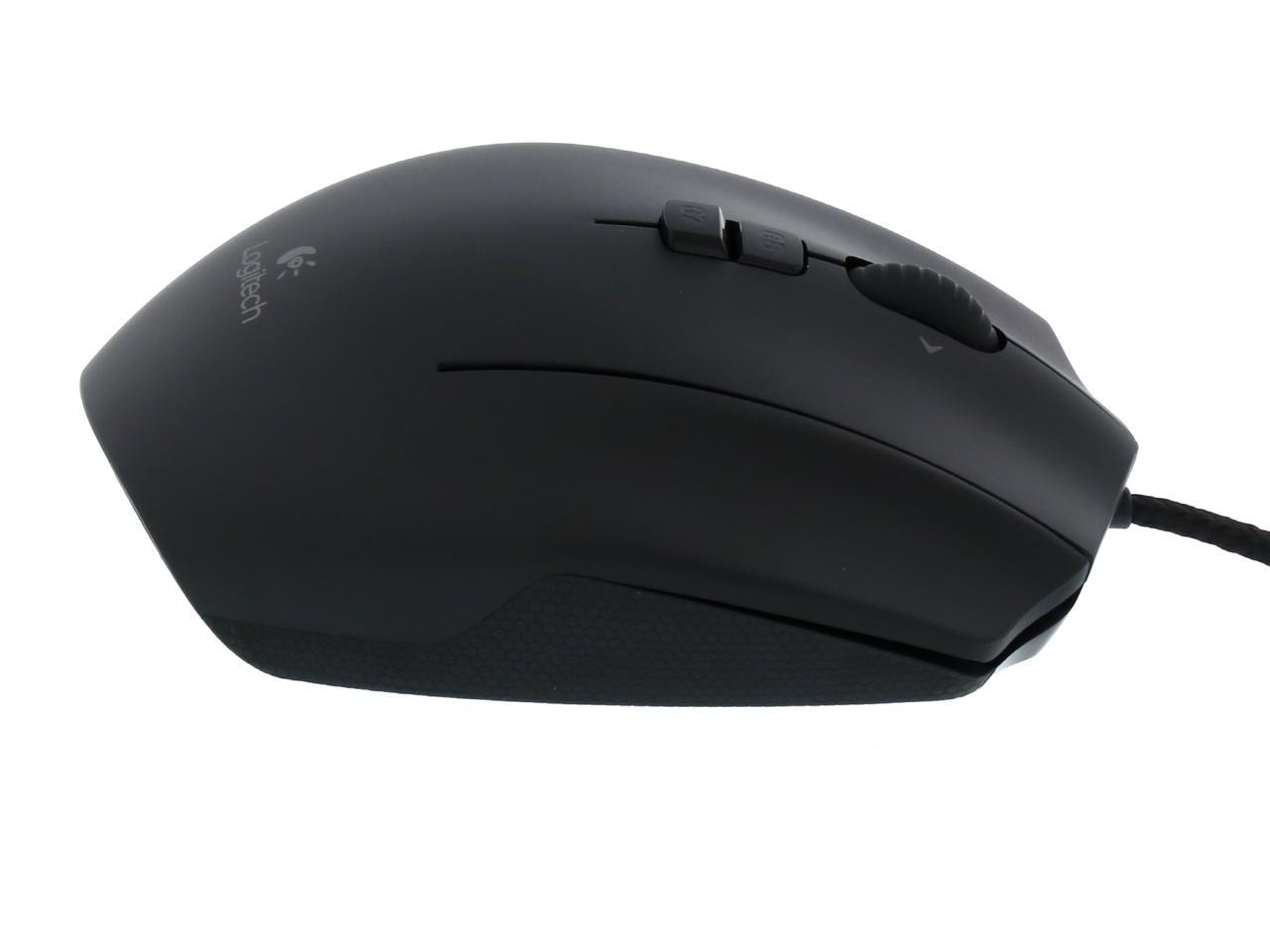
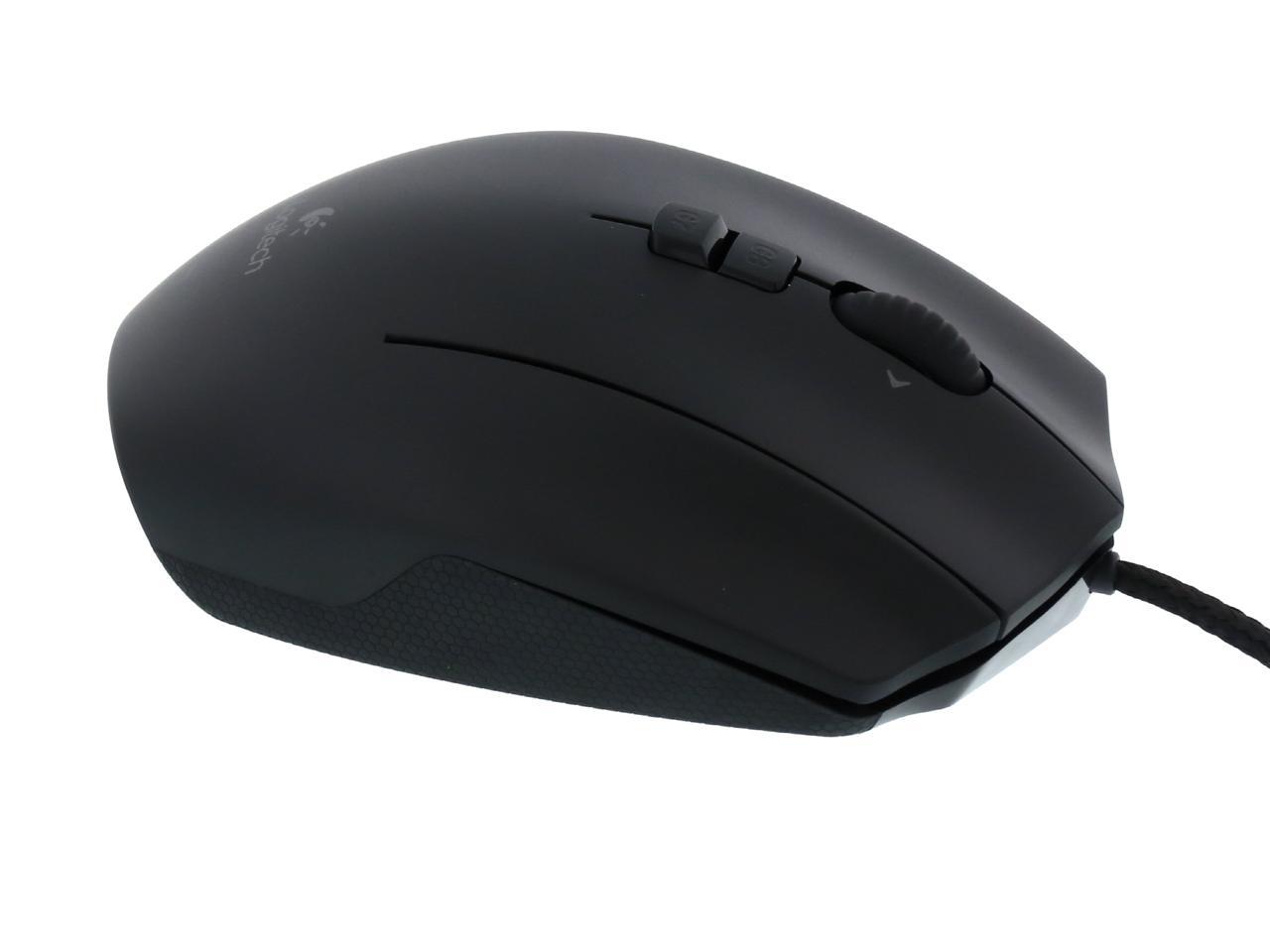
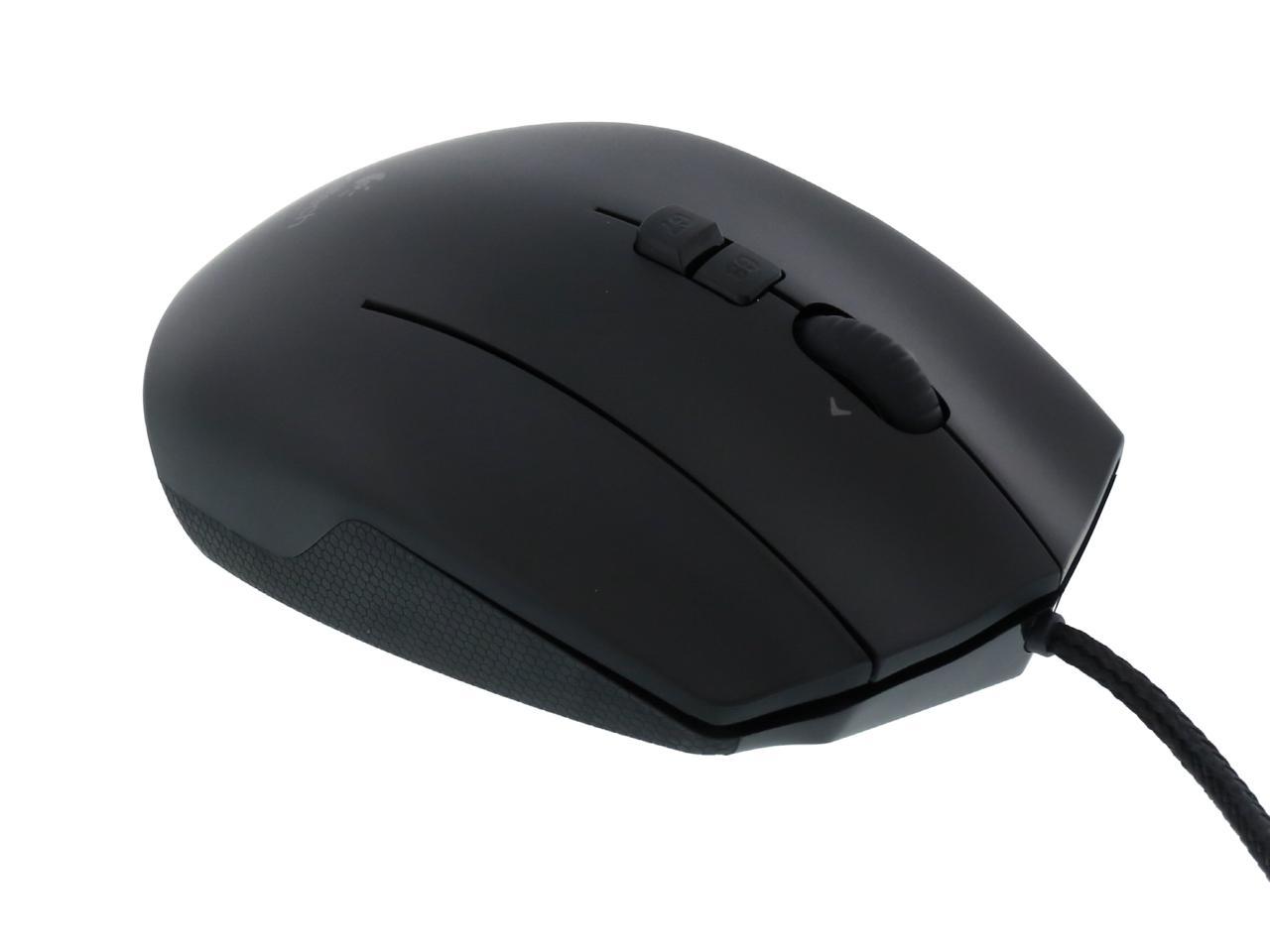
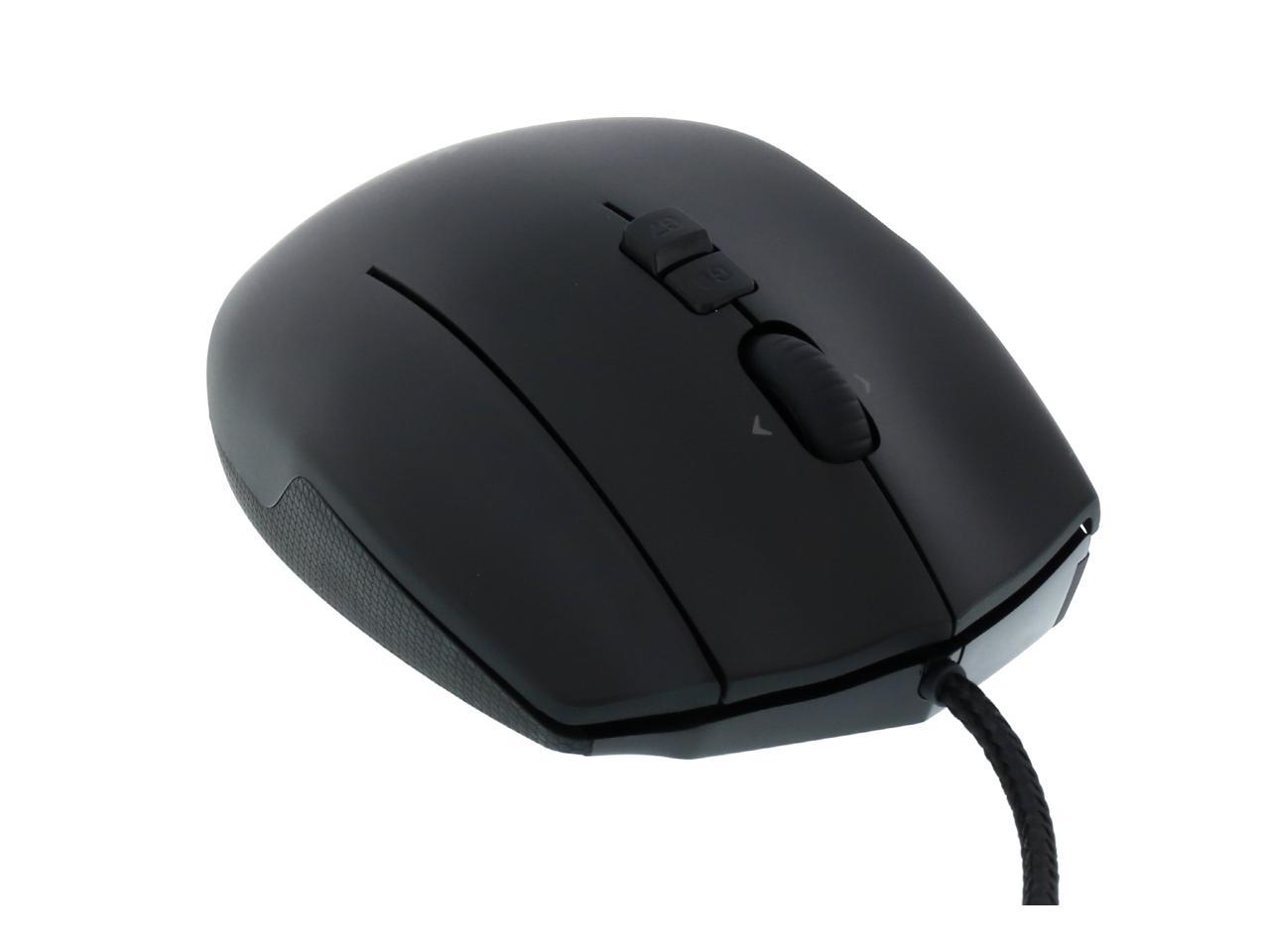
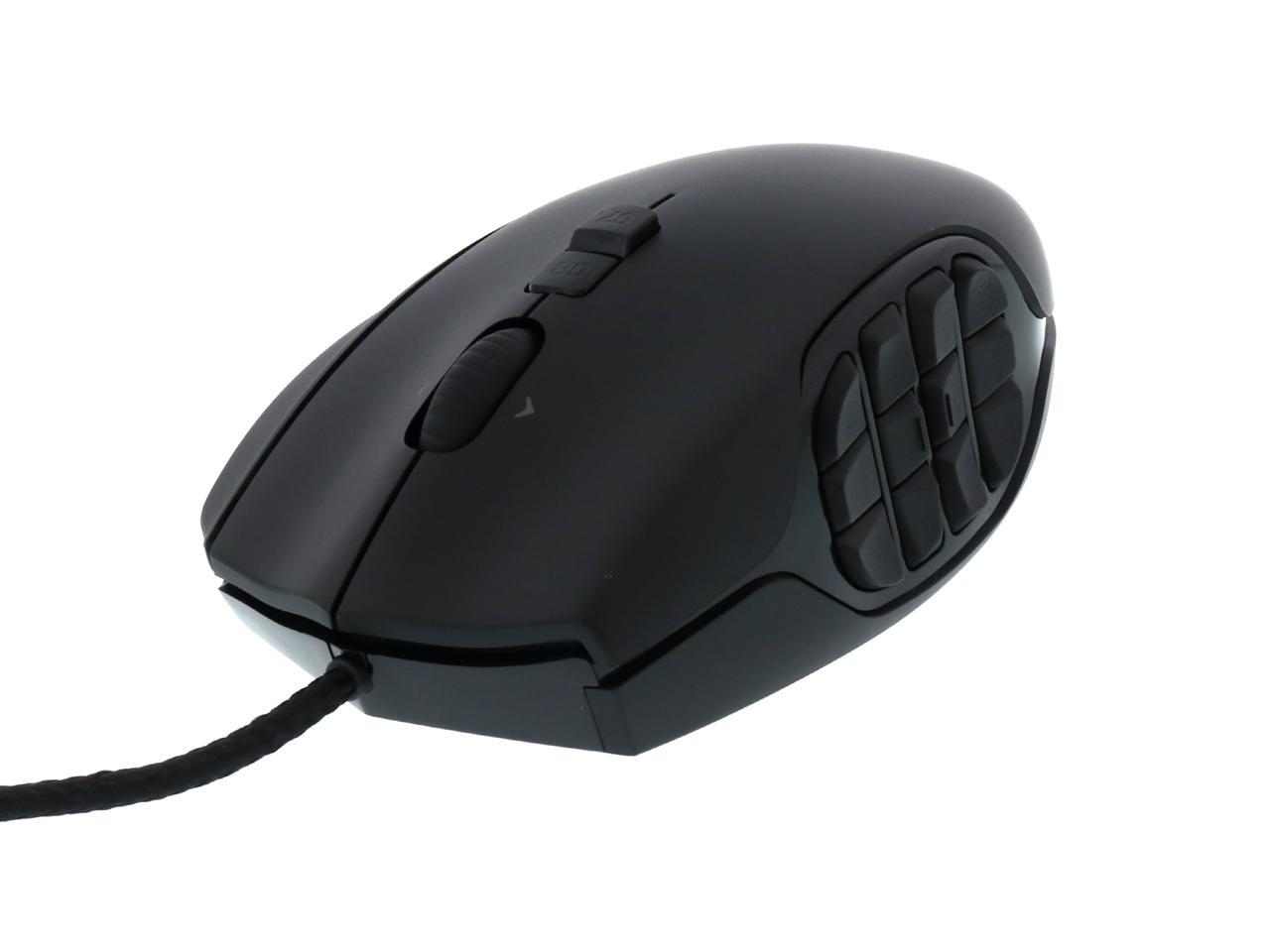
Logitech G600 MMO Gaming Mouse 910-002864 Black 20 Buttons Tilt Wheel USB Wired Laser 8200 dpi Mouse

  • 20 Buttons Tilt Wheel
  • USB Wired
  • Laser
  • Pin It
  • Email this page
ICON Loading...


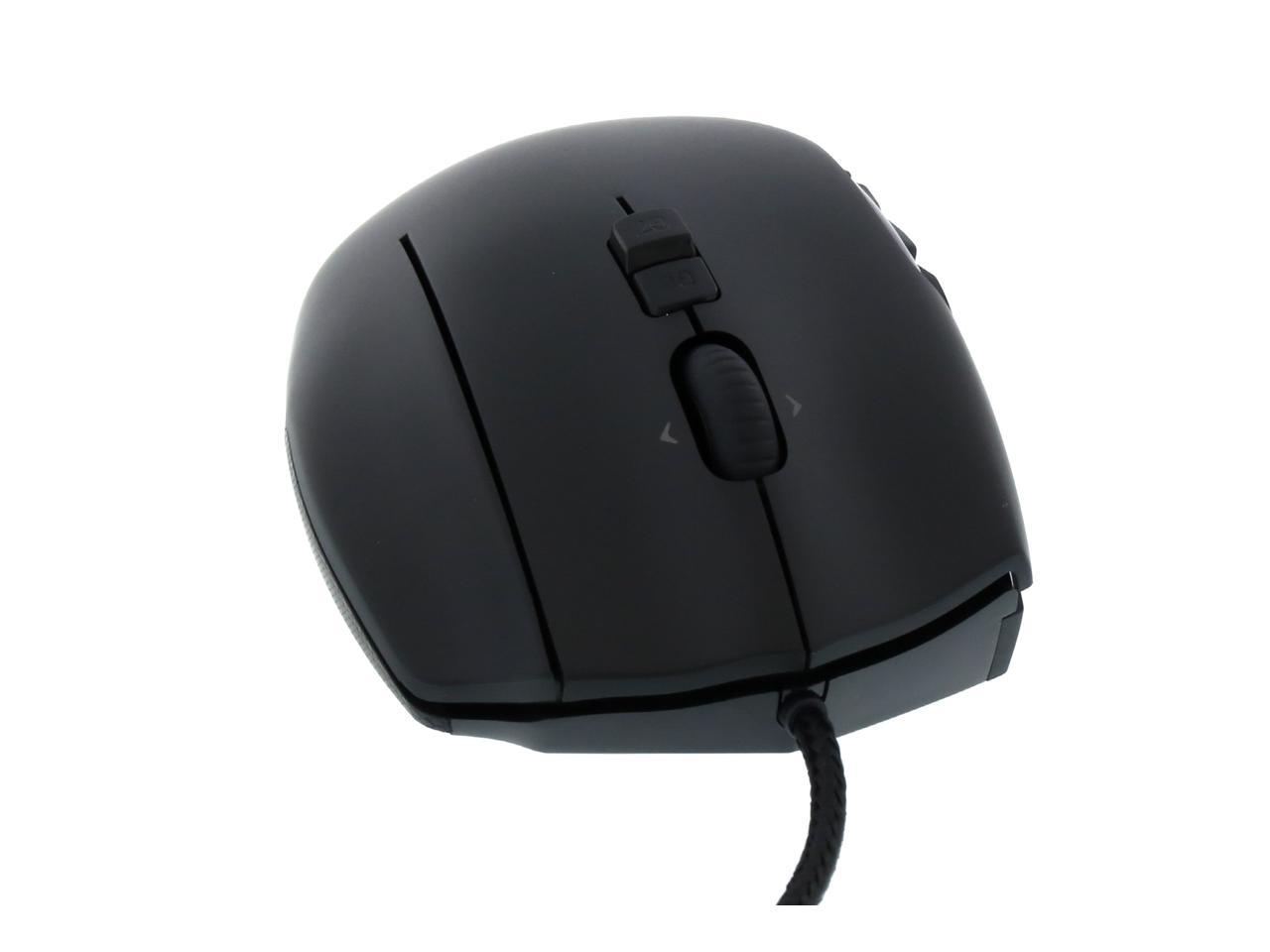
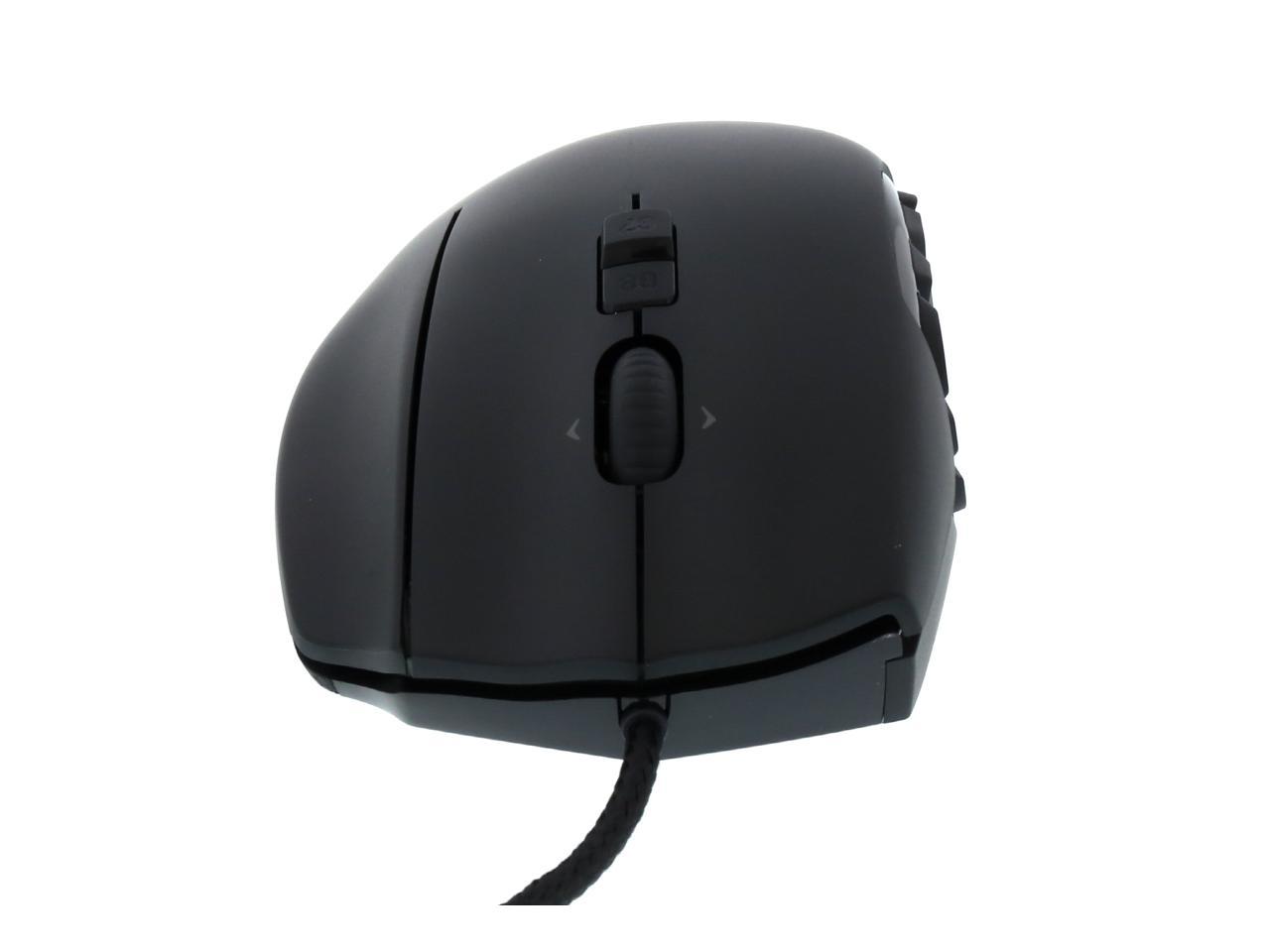
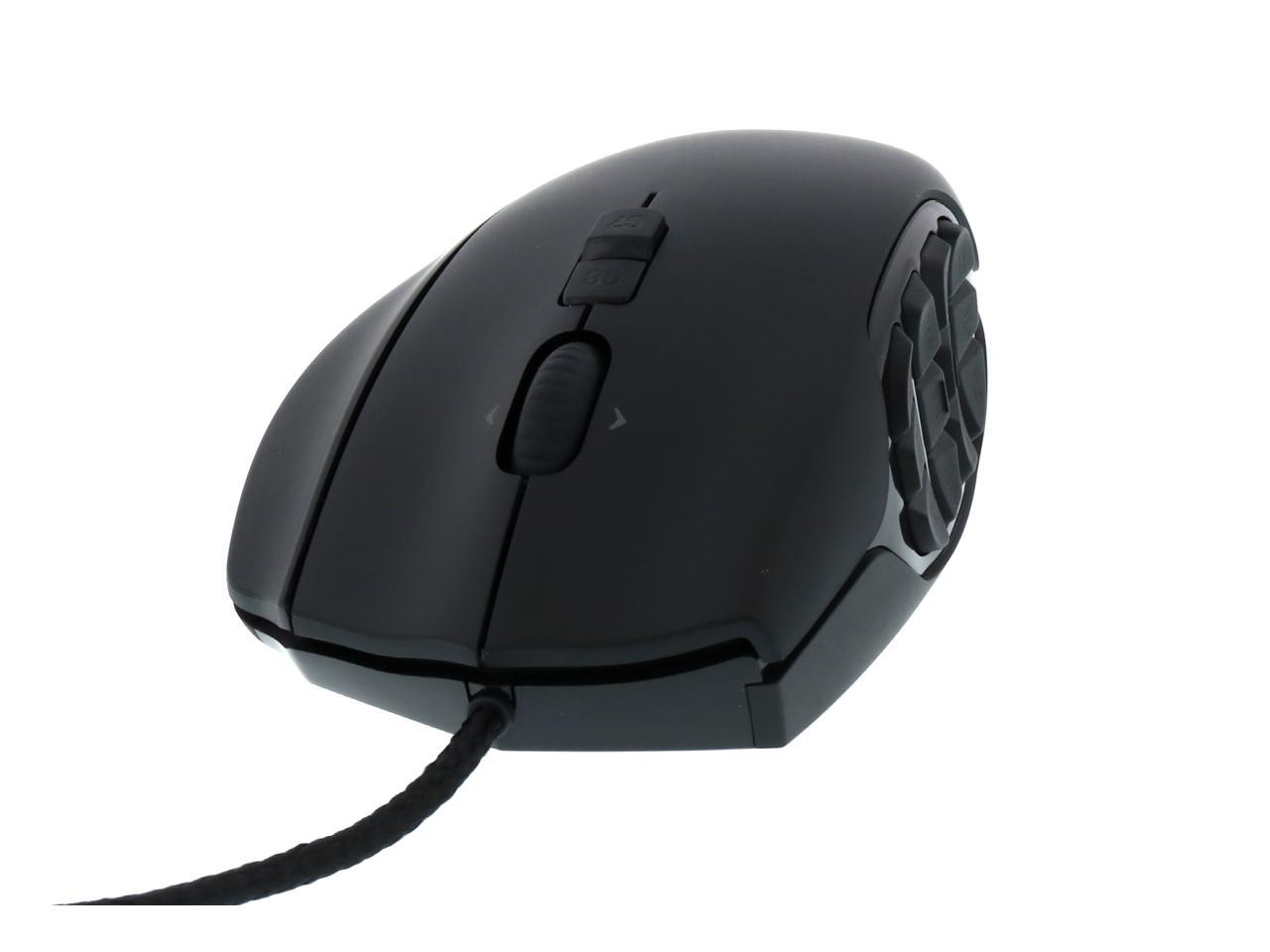
With 20 buttons, the Logitech G600 MMO Gaming Mouse is the most customizable and easy to use mouse specifically designed for mastering your favorite MMOs. Thanks to meticulously designed thumb panel, no misclicks will stand between you and your game.

  • newegg 20 MMO-tuned buttons Three primary buttons. Twelve thumb buttons. A clickable scroll wheel that tilts. DPI and profile switching. All pre-configured for optimal MMO use right out of the box – no drivers required.
  • newegg Misclicks – a thing of past Focus on burning down the boss without ever worrying about misclicks. The G600 thumb panel is meticulously designed for quick and easy no-look navigation. Two distinct sets of six buttons naturally guide your thumb to just the right spot. The three large primary buttons are each rated to 20 million clicks. Durability testing pounds keys three times per second, 24/7, for nearly three months so you’ll never have misclicks.
  • newegg Precise tracking and instant report The G600’s gaming-grade laser sensor will track the tiniest nudge or the fastest flick with equal precision. Input lag won’t be a problem. The G600’s USB report rate insures that all your click and movement information are reported instantly to the game. A thousand reports per second takes advantage of your PC’s maximum communication speed.
  • newegg Unlimited customizability Want to customize the default settings? Want access to more intricate macro and scripting capabilities than the onboard macros can provide? Download the optional Logitech Gaming Software and tweak your settings to perfection. The thumb panel’s RBG illumination is fully customizable with over 16 million possible combinations. Set colors to pulse on and off, or configure them to continuously change. You can also assign the G-Shift function to a button on the G600 to double the functionality of the other buttons on the mouse – giving you massive configuration power and flexibility. For precision targeting or sniping, assign a DPI Shift button to quickly change the DPI value. When you let go, you’re back to the standard value. Set up to five DPI levels per profile.
  • newegg Onboard brains The three memory profiles are stored onboard so you can access all your button, tracking, and lighting color information on any computer with no software required.
  • newegg Shaped to go the distance The G600 is sculpted to support your hand through hours of raiding, PVP, or just grinding XP. Every button is tuned to reduce click fatigue without accidental actuations. Ultra low-friction feet significantly reduce the amount of effort required to move the mouse, resulting in less fatigue in long game sessions. And the flexible, 6-1/2 foot long USB cable is cloth-wrapped for additional durability and a premium look. And it comes with a hook-and-loop cable strap to help you keep things tidy.

Learn more about G600 MMO Gaming Mouse

Model

Brand
Logitech
Name
G600 MMO Gaming Mouse
Model
910-002864
Type
Wired

Spec

Interface
USB
Tracking Method
Laser
Buttons
20
Scrolling Capability
Tilt Wheel
Color
Black
Maximum dpi
8200 dpi

OS / System Requirement

Operating System Supported
Windows Vista, Windows 7, or Windows 8
System Requirement
Available USB port
Internet connection for optional configuration software download, available at logitech.com/support-downloads/software

Features

Features
Make it yours - easily

Onboard brains

Double down with G-Shift

Shift DPI on the fly

Shaped to go the distance

Gaming-grade laser tracking

Braided USB cable

Low-friction feet

Tracking
Resolution: 200 - 8200 dots per inch (dpi)
Image processing: 11.25 megapixels/second
Max. acceleration: 25G
Max. speed: up to 160 inches (4.06 m)/second

Responsiveness
USB data format: 16 bits/axis
USB report rate: Up to 1000 reports/second

Durability
Buttons (Left / Right / Third): 20 million clicks
Feet: 250 kilometers

Measurements
Weight: 133 grams (without cable)
Cord: 15 grams
Dimensions: 118mm x 75mm x 41mm
Cable length: 6.5 feet (2 meters)

Packaging

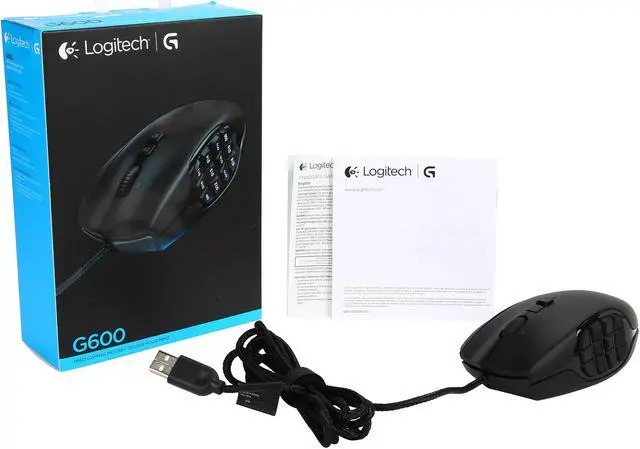
Package Contents
Mouse
User documentation
Warranty information

Quick Info

Warranty

  • Limited Warranty period (parts): 3 years
  • Limited Warranty period (labor): 3 years


Customer Reviews of G600 MMO Gaming Mouse

Do you own this product? Write a Review

Filter Results

Go
  • N/A
  • 5/9/2013 6:45:01 AM
  • Tech Level: Average
  • Ownership: 1 month to 1 year

5 out of 5 eggsAmazing

Pros: After having this for about 3 months, I must say I'm in love. This mouse is very comfortable, tons of buttons to use, and I like the feel of it. Would recommend this to my friends!

Cons: None so far.

Other Thoughts: None.

Did you find this review helpful? Yes No

  • Comp-Sci-Major
  • 5/6/2013 7:48:43 AM
  • Tech Level: High
  • Ownership: 1 month to 1 year
  • Verified Owner

5 out of 5 eggsPerfection

Pros: Everything about this mouse is fantastic. The Logitech software is user friendly, looks nice, and has yet to malfunction for me. This was my first gaming mouse, and it only took me a day of gaming to get used to using all the buttons. Each side button is super simple for my thumb to reach, and they are stiff enough to not activate on accident, but loose enough to press with ease; there isn't any change in this for the months I've been using it. The 3 mouse clicks (left, right, and far right) are fantastic. I've never clicked on accident, as they have the same firmness-softness ratio as the side buttons; you can still click rapidly if you choose, and you'll never do so on accident. The extra mouse click button is fantastic. I use it for my ctrl key for gaming and it essentially gives me a whole new set of inputs (great for leveling spells when playing League of Legends, for example). The dpi-shift feature is wonderful; I mapped it to 2 of the side keys (1 up, 1 down) and it lets me change my mouse speed mid-game for faster screen scrolling or more precise clicking depending on the situation. This absolutely is a superb mouse. It's durable, outrageously customizable, and works fantastically. If you want a gaming mouse, buy this one.

Cons: The software that came in the box isn't the newest version. Just go to the Logitech page and download it for free. Not a true con, but it's worth mentioning that there is better software for it than what comes with it.

Other Thoughts: I've not had a single issue with the mouse. Logitech definitely knows what they're doing (I also own their wireless headset which is just as brilliant as the mouse and just ordered a wireless keyboard a couple days ago).

2 out of 2 people found this review helpful. Did you? Yes No

  • Moxxyprime
  • 5/4/2013 3:38:04 AM
  • Tech Level: High
  • Ownership: 1 week to 1 month

4 out of 5 eggsComfortable and Responsive

Pros: Very Ergonomic, very responsive and lots of customization with the software you can download from manufacturer's website. Ring finger button shifts to allow a second set of keybindings on the buttons. (Acts like the shift key, but for the mouse)

Cons: None noted so far. Had some issues with the software's "auto-detect game" feature, but I'm working with Logitech's support staff to get it resolved. Could be Operator-Error.

Other Thoughts: I bought this as a replacement to my G9 laser mouse. I love it! Once I got the muscle memory down and the growing pains were gone, it was so a wonderful mouse. I still have to remember about the buttons sometimes, considering the sheer amount of them on it. However, if you play MMO's, this is a great mouse. I wouldn't buy it for just everyday computing or FPS's.

Also I owned a R.A.T. 9 wireless and a RAZER Wireless, and I hated that sometimes it would be unresponsive for even a few seconds. Wired mice are STILL the way to go.

For the price of this mouse, there is none better. Trust me.

1 out of 1 people found this review helpful. Did you? Yes No

  • Lenny
  • 5/3/2013 2:06:32 PM
  • Tech Level: Somewhat High
  • Ownership: 1 day to 1 week
  • Verified Owner

5 out of 5 eggsAlmost perfect

Pros: THIS MOUSE'S CURSOR ISSUE IS EASILY FIXED! PLEASE DO NOT RATE POORLY!
explanation below:

Cons: I read the reviews on Newegg about this mouse and despite the cursor issue mentioned in numerous posts, I decided to buy the mouse. After a day or two I noticed that the cursor jump issue did in fact exist but it can be easily fixed by switching the mouse's profile from "G600 On-Board Memory" (a setting found in Logitech's Gaming Software) to "Automatic Game Detection" (which utilizes profiles saved on your computer).

Other Thoughts: While the mouse does indeed have a cursor issue, I don't believe it should lose an egg since the issue is so easily fixed. I have been reading many reviews which suggest you save the hassle and stick with the Razer Naga, but I disagree. I switched to the G600 because the Naga is so faulty. I owned a Naga for over a year and I had to deal with double clicking, an issue with the left mouse button that turned clicking into a mushy press, and cursor skipping that finally convinced me to try the G600. I have read countless reviews from other buyers about similar issues with the Naga and how they continue to buy the mouse despite its issues, none lasting more than a year and a half or so.

1 out of 2 people found this review helpful. Did you? Yes No

  • GObonzo
  • 5/1/2013 6:58:07 PM
  • Tech Level: Somewhat High
  • Ownership: 1 month to 1 year

5 out of 5 eggsfew month update: Amazing

Pros: 1- awesome amount of buttons: tilt wheel(2), extra lower middle-clicks(2), left thumb(12), 2nd right click. so 17 extra buttons.
plus, can assign a "G-Shift" option to one of the buttons so when held will allow a 2nd assignment to each additional button.
also plus, 3 different profiles for each executable so really 6 different assignments for each button.
and also plus, a "DPI Shift" option that works like a programmable "sniper" button that can lower or raise the DPI when held.

2- DPI: up to 8200. each profile can have multiple sensitivities easily changed by assigning extra mouse buttons.

3- decent weight to it allows good response no matter what DPI you have it set to.

4- great shape for anyone with normal to large sized hands.

5- LED options are great. can change to any color but can also assign patterns to the light effects.
can assign different lighting color\effect profiles to any executable. *all peripheral devices should have this type of setup by now.

6- logitech gaming software is very easy to install and use. once you realize how much is possible with this mouse the software is very intuitive.

Cons: could be heavier, or even better would be to come with customizable weights.
is wired, but wire is long and loose and sturdy and causes no problem whatsoever. i just got used to being able to easily detach my mouse and take it to my bedside table when watching movies from PC to HDTV.
easy solution: get a cheap wireless keyboard\touchpad.

Other Thoughts: i currently have the MS Sidewinder X8 and the Corsair Vengeance M95 and this blows them both away.
some people may say who needs 12 extra thumb buttons but once you're used to using your thumb ingame you can never have enough.
same with the extra right-click button. i couldn't get along without it now.
just about the perfect mouse for me.

1 out of 1 people found this review helpful. Did you? Yes No

  • teck-no bob
  • 4/24/2013 7:09:42 PM
  • Tech Level: High
  • Ownership: 1 month to 1 year

5 out of 5 eggsREAD ME

Pros: Ok. Let me start off by saying i have used this mouse for a while now, and i am going to give an honest opinion about it. first the macro's. this mouse is great for programming keys and functions. I use it allot for star-craft, and mmo's such as guild wars 2, and various other games. if your looking for that, this mouse is for u. its got a really, really comfortable feel to it. Me, being a claw grip kind of guy, found this mouse to be exstreamly comfortable for a palm grip mouse. (it is deffenalty a palm grip). it has a ton of buttons with 3 profiles, with a very nice g-mode feacture that u can assighn one of the buttons in the software, which if held, adds like a shift fuction, giving u a 2x number of buttons u can program. Great way to have lots buttons on just one profile. Its made of a kind of rough plastic so u can defiantly feel it in your hand, and so far i haven't had any issues what so ever. Before i had this mouse I had a RAT 9 (which the eye in the mouse broke about 6 moths after buying it), and to me this mouse blows out any mouse i have had yet to date.


also u should be aware that the mouse has a left and right clicking to the mouse wheel. so the mouse wheel can click in, click to the right and click to the left. some people don't like this. i find it great for surfing the internet, its defaulted to page up and page back.

also note that is has a third mouse click button for your ring finger. i find this to be the best feature about this mouse. u can program it to be anything u want. great for star-craft. i use the third mouse button as ctr, so u can literally do all your macro's and micro's, all on your mouse and this apply to all game's.

Cons: beside the fact that the mouse takes a little time to get used to, its an awsome mouse. Just because when i first got it, there are 12 butons on the side that u can easly get lost trying to feel which buton your trying to press. but the mouse has a indention style lay out to the buttons that makes it easyer to know where ur thumb is, but in the heat of battle, i often forget which button my thumb is on.

also. it does not have "on the fly programming". so what u do in the software is what your using. so u have to really think of what u want your profile to do, and how to use it.

Other Thoughts: if your looking for a mouse with tons of programable features and is a good mouse than get this.

0 out of 1 people found this review helpful. Did you? Yes No

  • N/A
  • 4/24/2013 7:23:06 AM
  • Tech Level: High
  • Ownership: 1 week to 1 month

5 out of 5 eggsGreat Mouse

Pros: I have used this mouse for a few weeks now and I must say that I really like this thing. I also own the Razer Naga and this is just as good as the razer. For me, I think it fits my hands better since I have large hands. I would say both mice are equally as good. The G600 does have the shift modifier button so that does give you a few extra options for the mouse

Cons: NONE

Other Thoughts: I have read reviews of people having skipping problems. It is not a mouse problem. I have read reviews of this and the Razer Naga having that issue. I have both and I have not had theat issue with either mouse. The isssue occurs with folks that do a serious amount of clicking. I

0 out of 1 people found this review helpful. Did you? Yes No

  • N/A
  • 4/20/2013 5:46:57 PM
  • Tech Level: High
  • Ownership: 1 month to 1 year
  • Verified Owner

5 out of 5 eggsGreat Mouse

Pros: Well Built. Weight feels fine for me. Customization is nice. Haven't had and click/sensor issues.

Cons: None that I can't think of other than getting used to it, like every new mouse.

Other Thoughts: Thought my thumb was going to get lost on the thumbpad, but there's little bumps on the g13 and g16 keys so not a biggie.

Did you find this review helpful? Yes No

  • Kat
  • 4/17/2013 1:58:26 PM
  • Tech Level: Average
  • Ownership: 1 day to 1 week
  • Verified Owner

5 out of 5 eggsA great MMO mouse

Pros: Comfortable on the hand
the 3rd button is great for macroing extra moves to VuHdo if you are a healer.
The G keys are easy to hit and a breeze to set up

Cons: Logitech needs to stop with this tilting scroll wheel on their mice, its just bad.
its a bit bulky for a claw grip, feels more like a palm grip, but thats to be expected with the size.

Other Thoughts: Overall a really great mouse. I bought this since my g9x died and needed something while I wait for a replacement, figured I'd try one of these out for World of Warcraft. Good stuff

Did you find this review helpful? Yes No

  • Moose4
  • 4/15/2013 6:34:58 AM
  • Tech Level: High
  • Ownership: 1 week to 1 month
  • Verified Owner

4 out of 5 eggsTakes some getting used to

Pros: Programming the 12 extra buttons is easy with the Logitech software. The ability to hit three profiles on the fly is nice, as is the on-the-fly DPI switch (I'm using that in Planetside 2). The quality seems good, the side buttons are well-placed in two groups of six with ridges on the G13 and G16 buttons (think "5" and "8" on a keypad) so your thumb knows where it is. The side buttons have a slight bend to them which is ergonomically nice, and there's a third finger button on the right side that can be set up to shift the grid button functions so you can stack 12 more. The default profiles are set up for MMOs and basically just bind either keyboard or keypad 1-0/-/= to the 12 buttons.

Cons: It's big. No, really, it's bloody huge. I used a G500 before this, which is a pretty good-sized mouse, and this thing is a third bigger, mostly due to a bulge on the right housing the third button. It has a somewhat awkward shape that basically means you have to put your whole hand on it. That right-side shift button is (to me) awkward to press but that may just be because I'm not used to using my ring finger to actually do anything while mousing. If you have small hands, go to a store and see if this thing fits you first, because it basically feels like a G500 with a big tumor on the right side.

Other Thoughts: I got this for MMORPGs and MMOFPSes but I'm not really taking advantage of it yet. I have 8 years of keyboard-only muscle memory to unlearn so I have yet to figure out what would be best to put on the mouse and what to leave on the keyboard. I'd better, because otherwise I wasted my money...just as a pure mouse the G500 is better, more comfortable. Unless you really need those 24 extra functions, this may not be worth $80.

0 out of 2 people found this review helpful. Did you? Yes No

ICON Loading...

Protect Your Investment!

    • (more options) read warranty details
Are you an E-Blast Insider? Subscribe Newegg e-Blast

Buzz

Ducking awesome!

5 out of 5 eggs
Buttons, oh the buttons! Three different modes, I have one for general computer use/web browsing, another for Guild ...
— Victor 9/15/2012

A Great Gaming Mouse, Overkill for Web Based Use

5 out of 5 eggs
This mouse feels very comfortable, even with 10 hour plus gaming sessions. It takes some getting used to the different way ...
— Sassy Emotions 7/31/2012


PayPal
Shop without retyping payment details. Secure shopping made faster.
Check out with PayPal.

Financing


Home
Home > 
Computer Hardware > 
Input Devices > 
Mice > 
Logitech > 
Item#: N82E16826104674
LOADING... LOADING...
Shop by Region: United States | Canada | China
Follow us:   RSS Feeds Youtube
VeriSign Reliability Seal1This site protected by Trustwave's Trusted Commerce program Inc500
Policy & Agreement | Privacy Policy  © 2000-2013 Newegg Inc.  All rights reserved.
If the Adobe Reader does not appear when you click on a link for a PDF file, you can download Adobe Reader from the Adobe web site. nassau