Skip to: |

Newegg.com - A great place to buy computers, computer parts, electronics, software, accessories, and DVDs online. With great prices, fast shipping, and top-rated customer service - once you know, you Newegg.

If you are reading this message, Please click this link to reload this page.(Do not use your browser's "Refresh" button). Please email us if you're running the latest version of your browser and you still see this message.

Newegg.com - Computer Parts, Laptops, Electronics, HDTVs, Digital Cameras and More!

  • | Wish List
  • Help
Home
Home > 
Computer Hardware > 
Input Devices > 
Mice > 
GIGABYTE > 
Item#: N82E16826146014

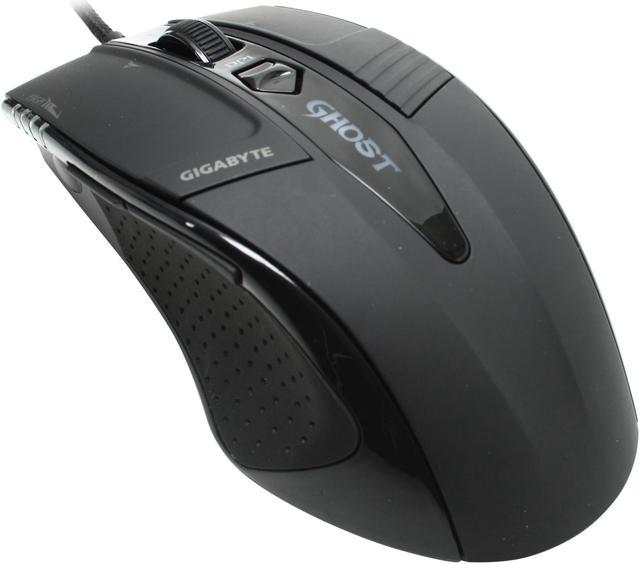
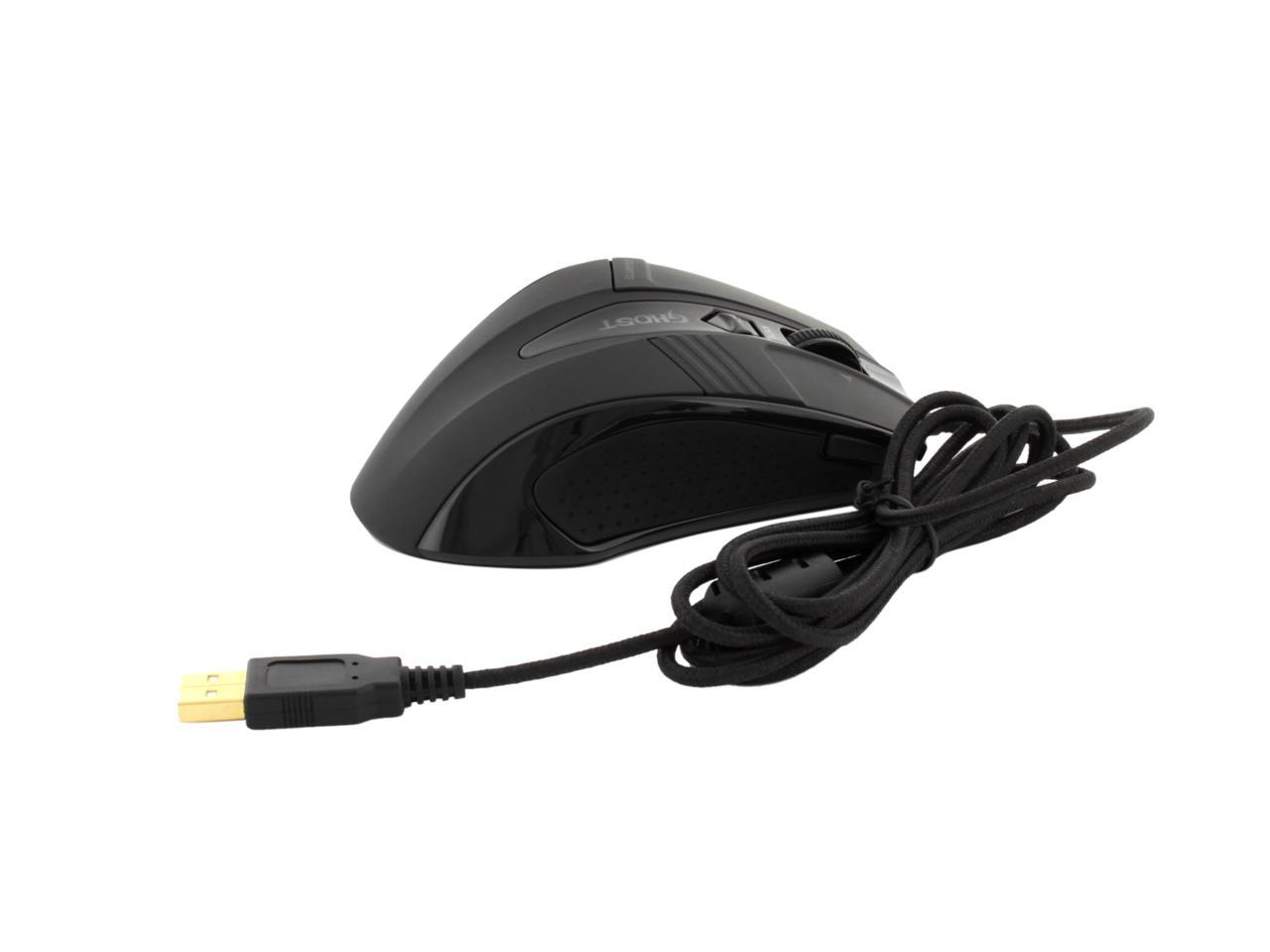
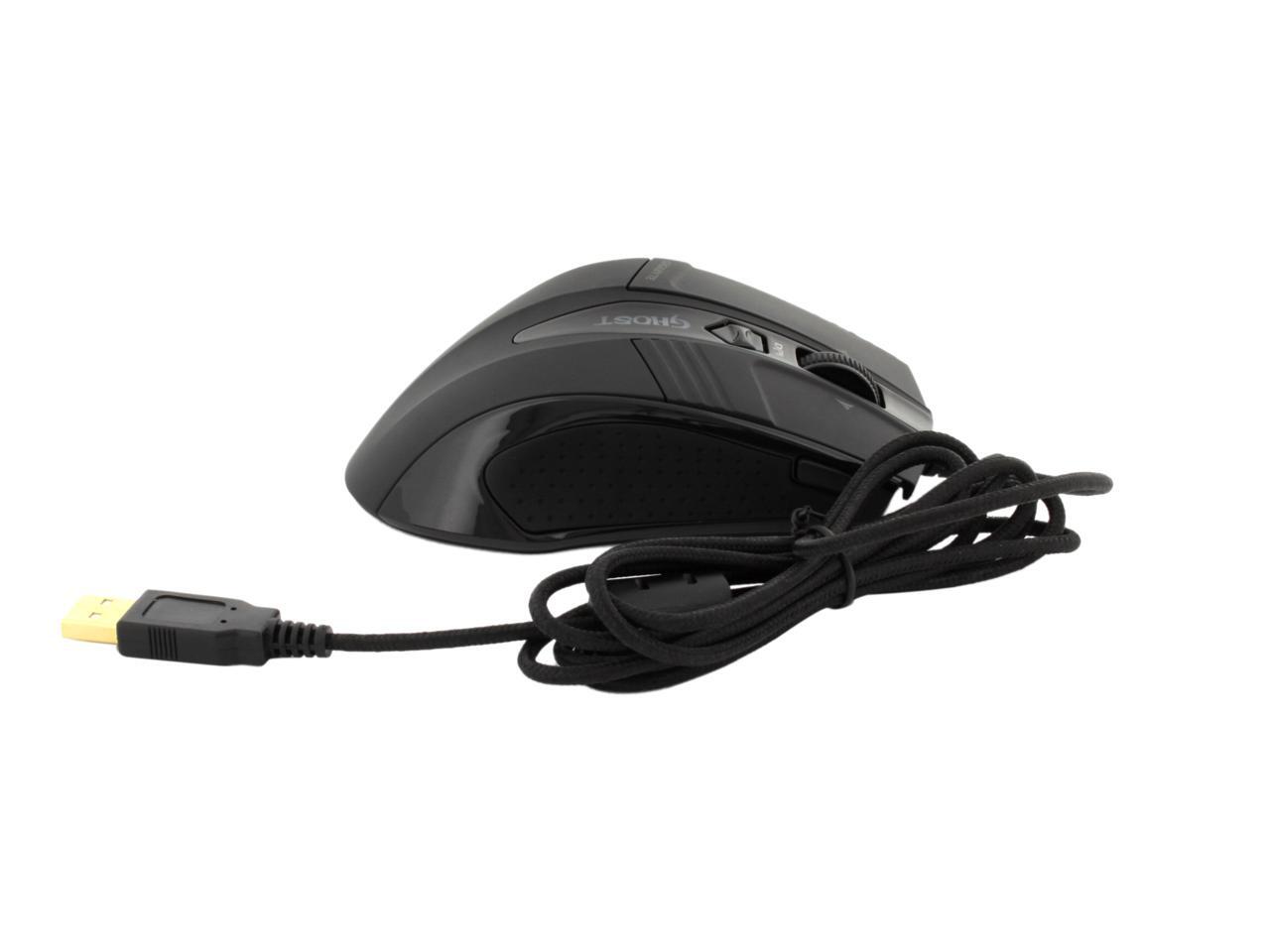
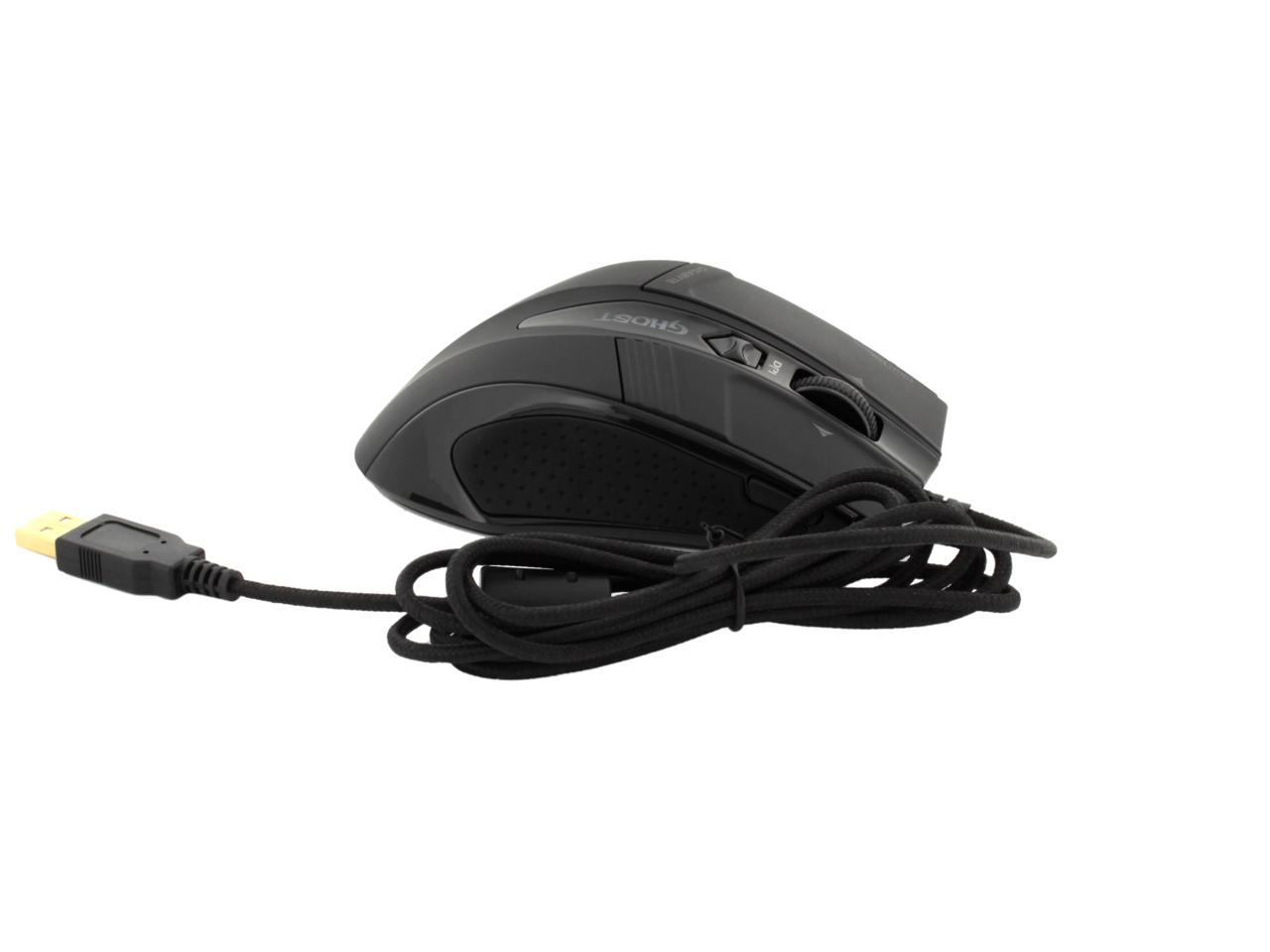
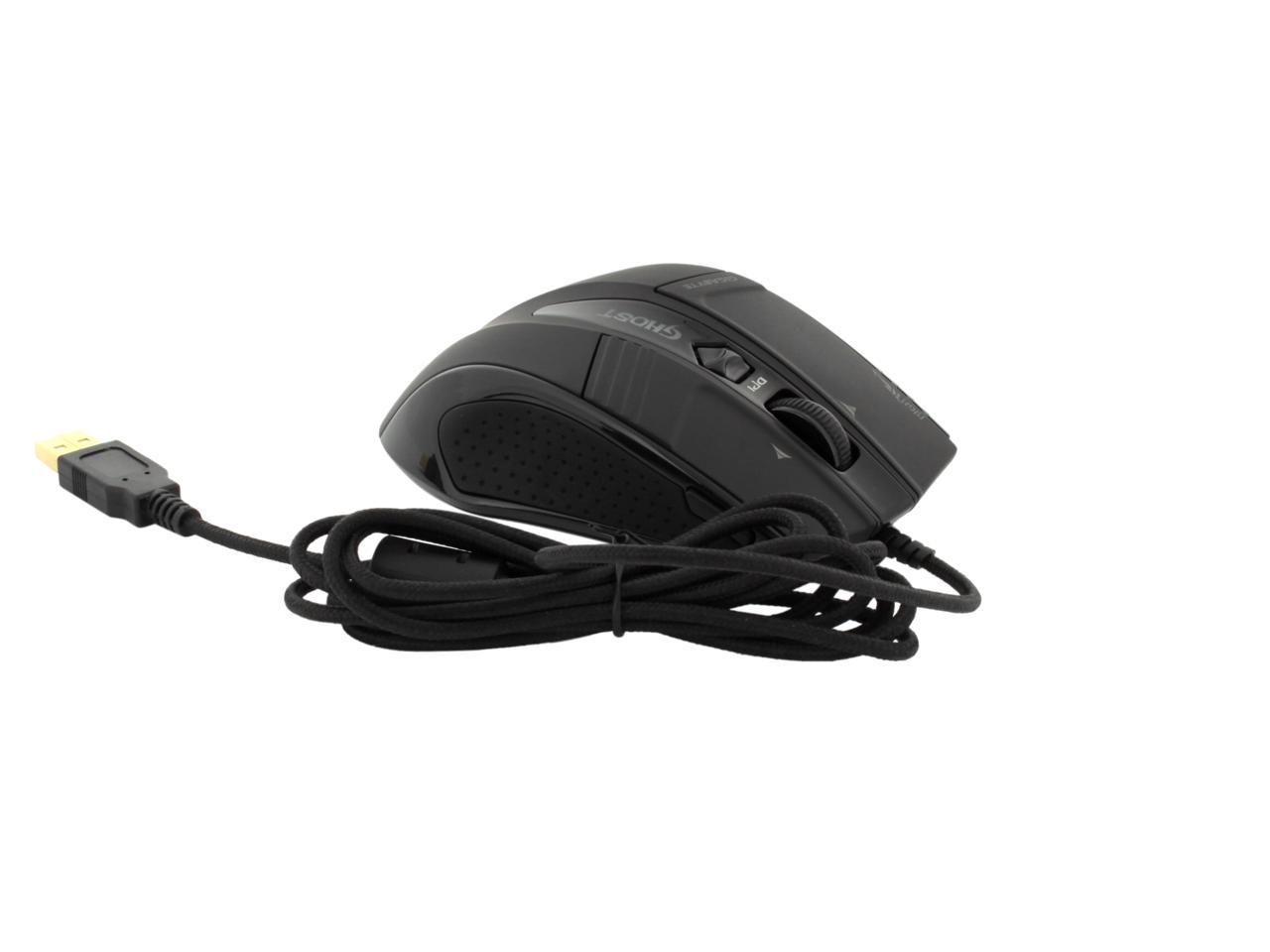
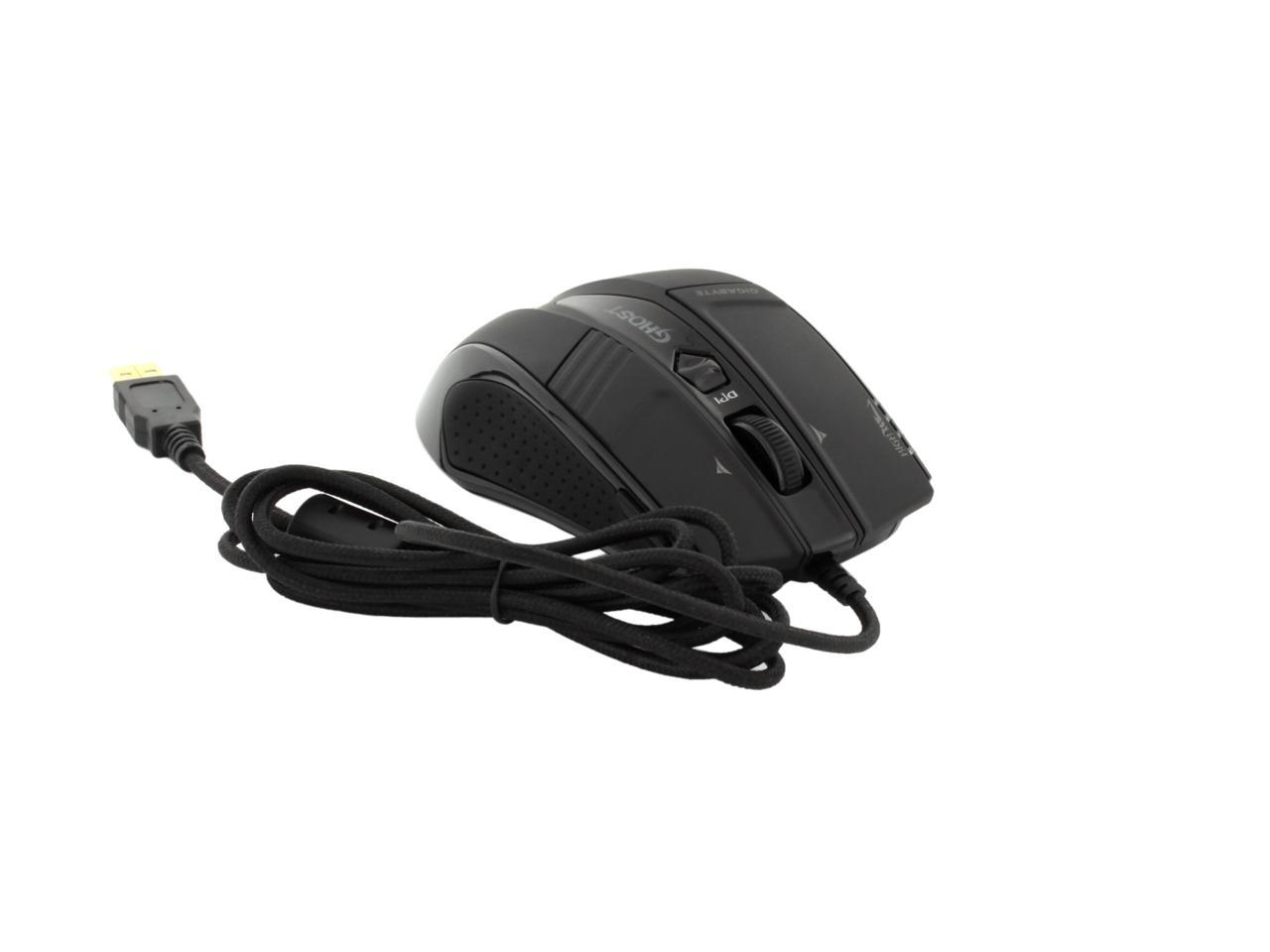
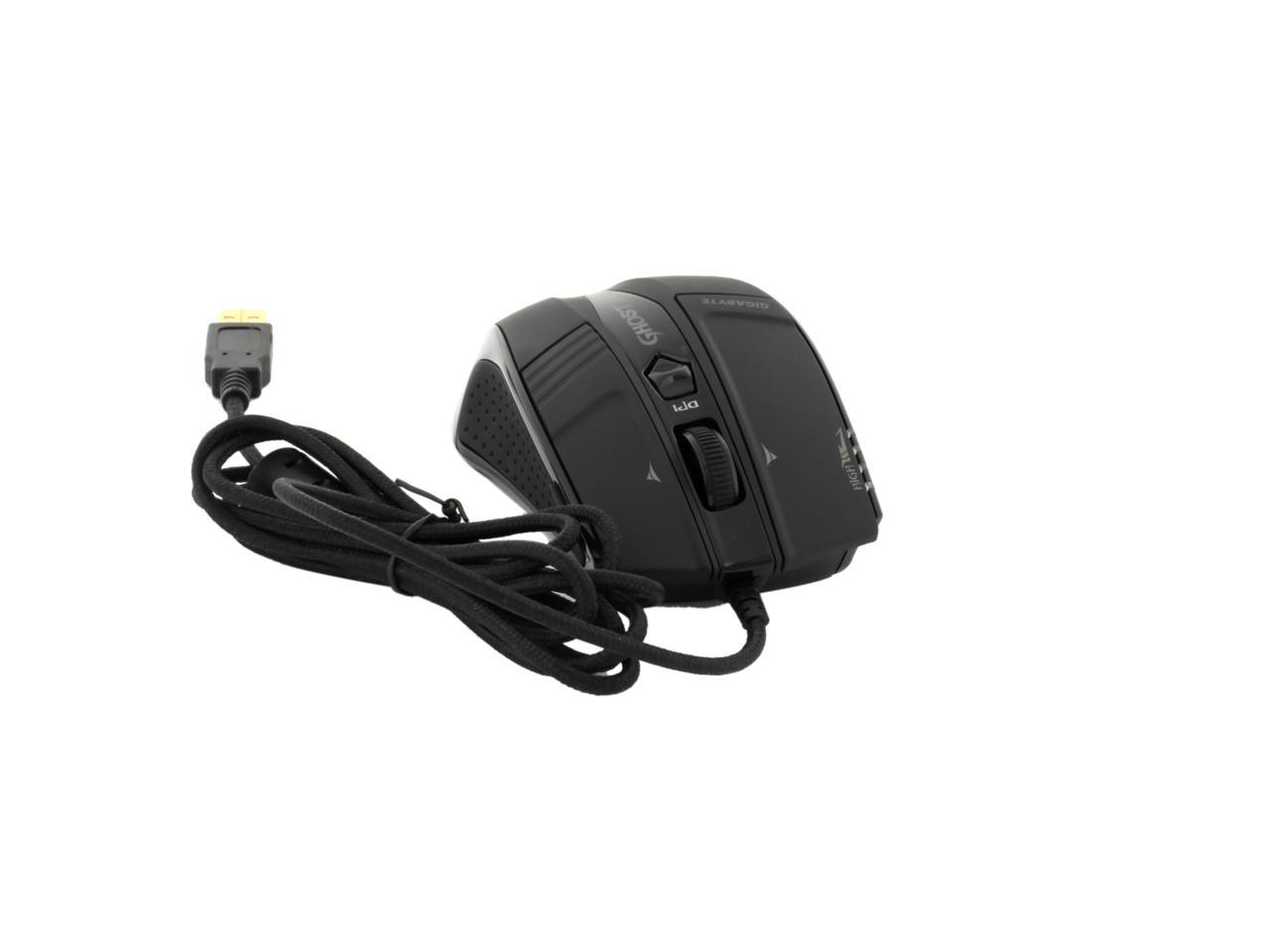
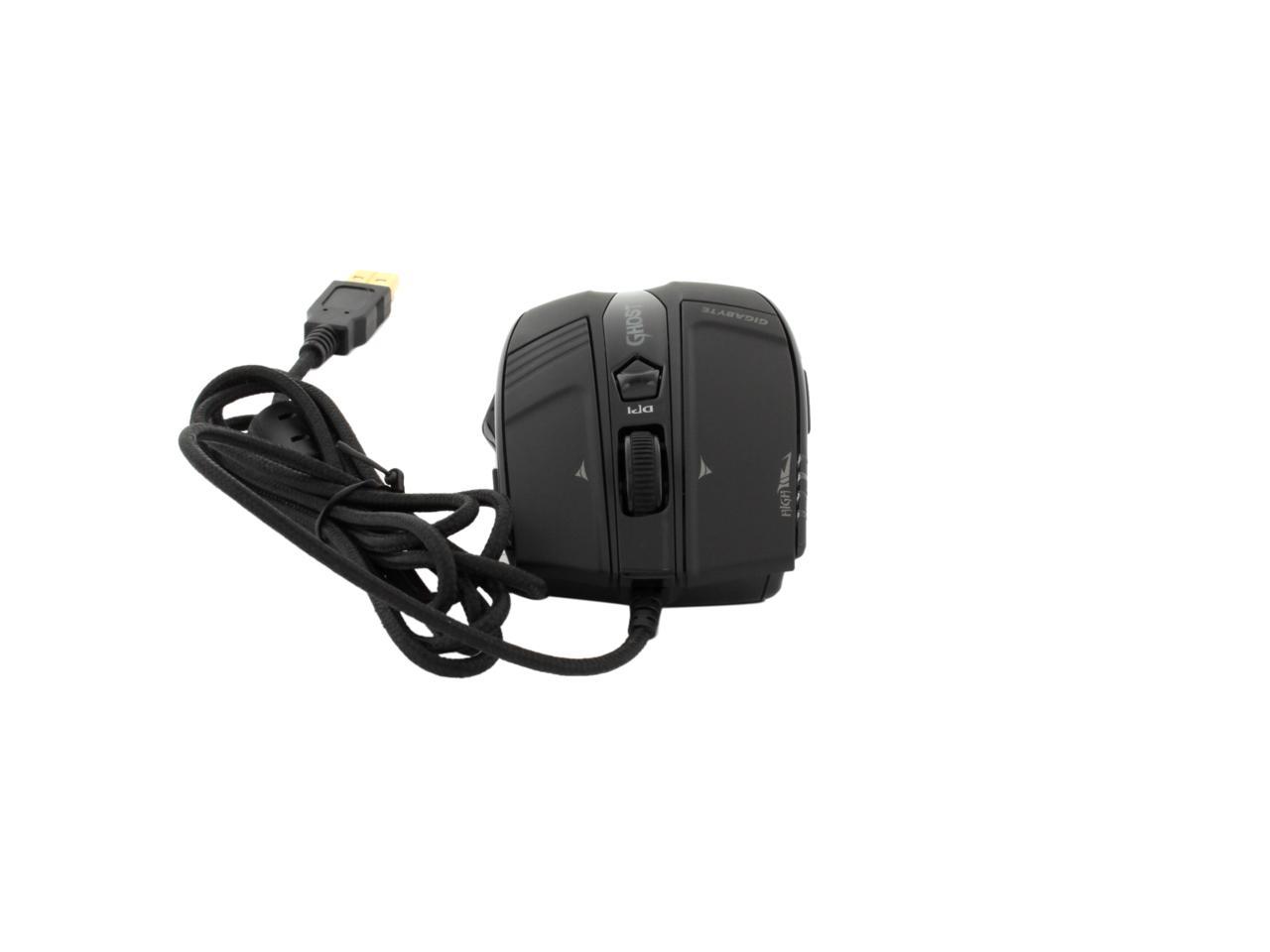
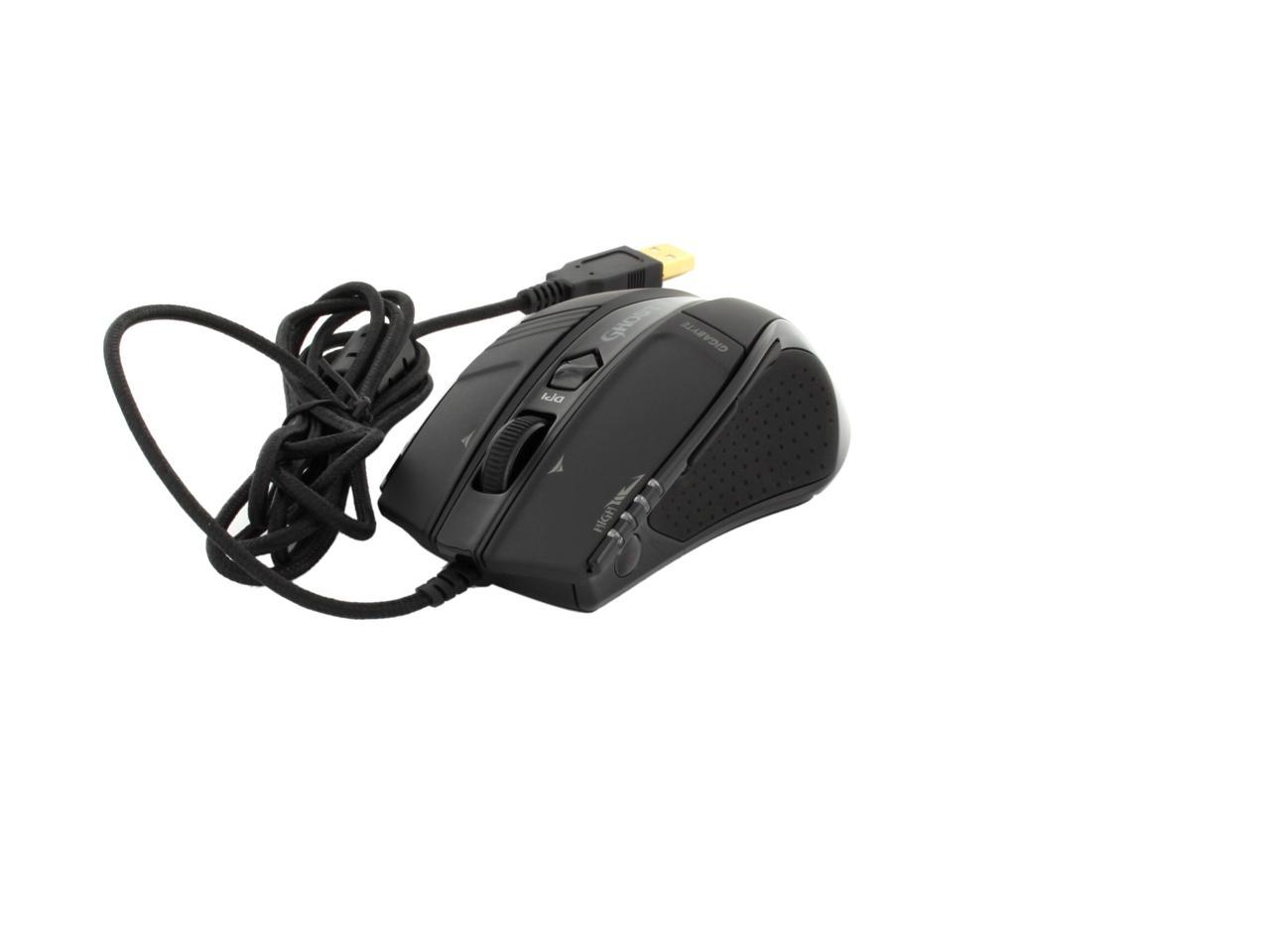
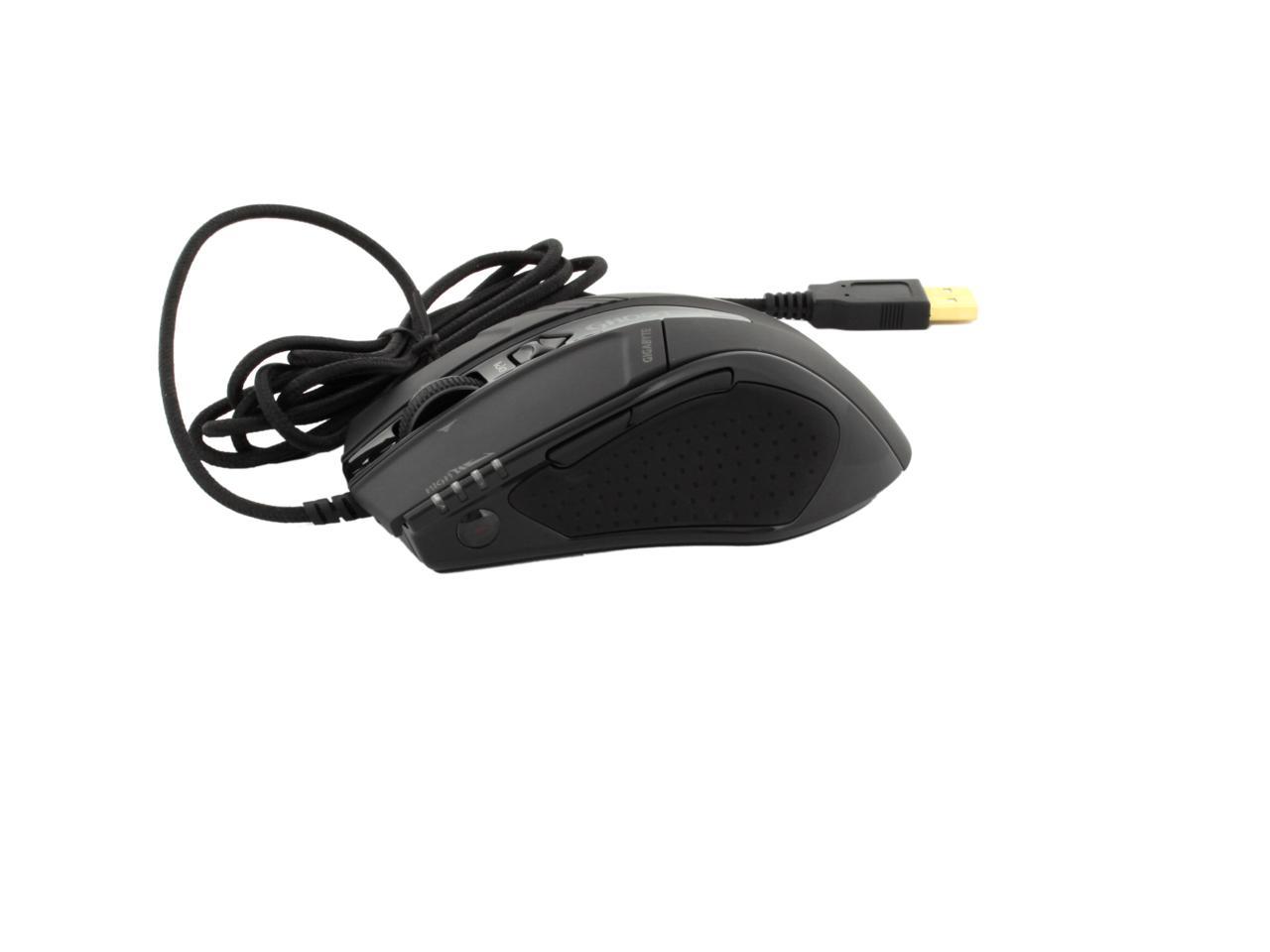
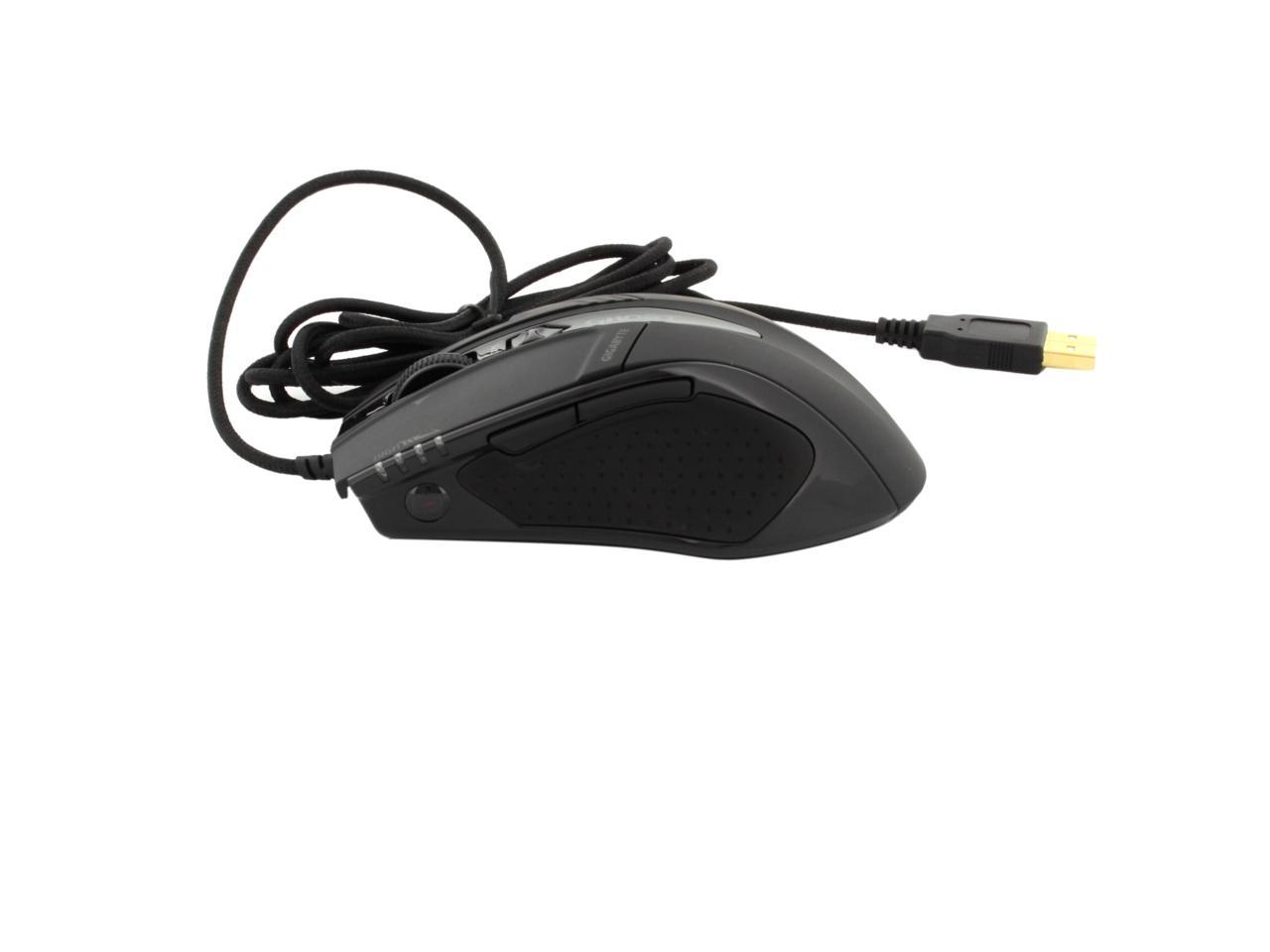
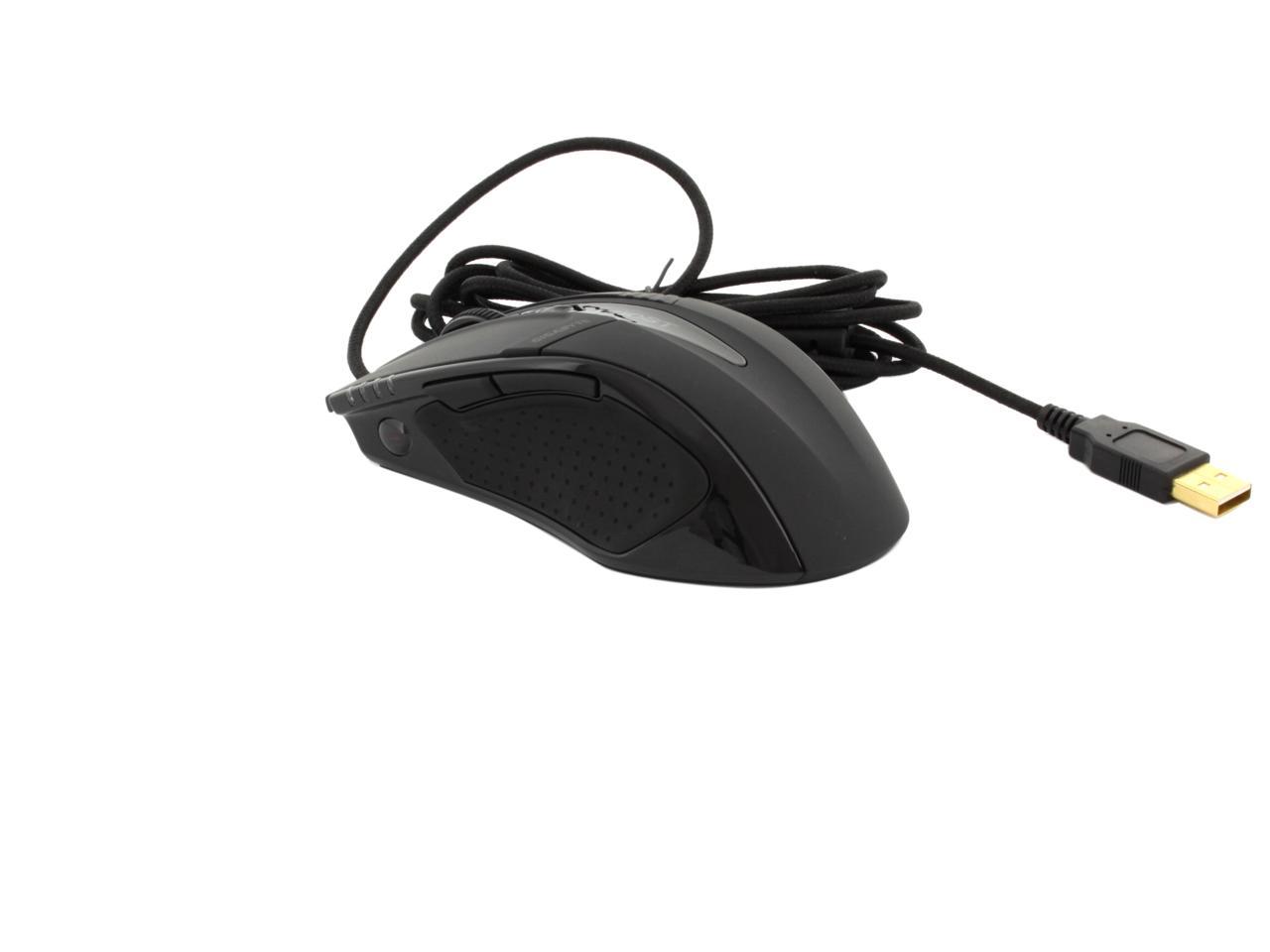
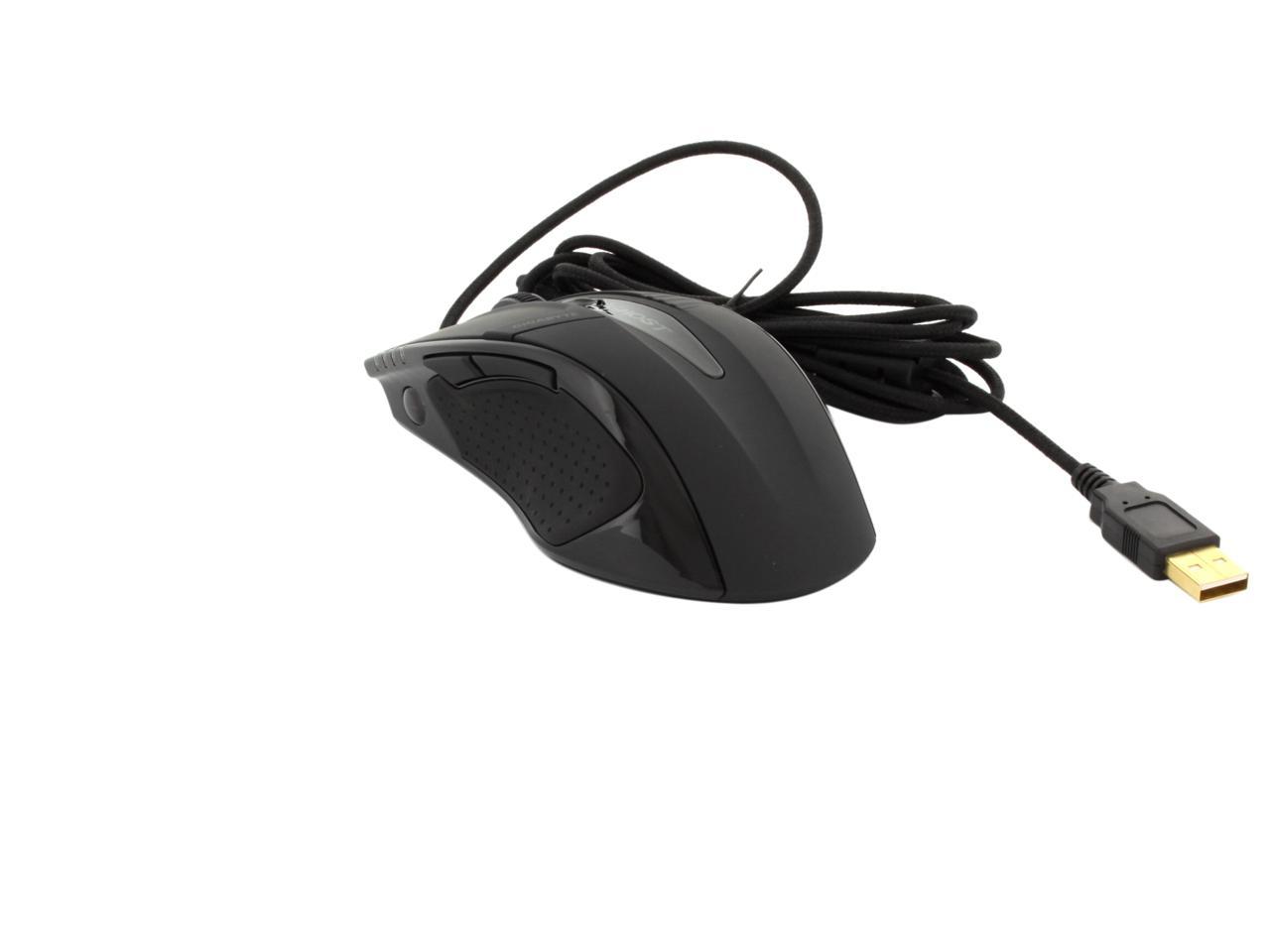
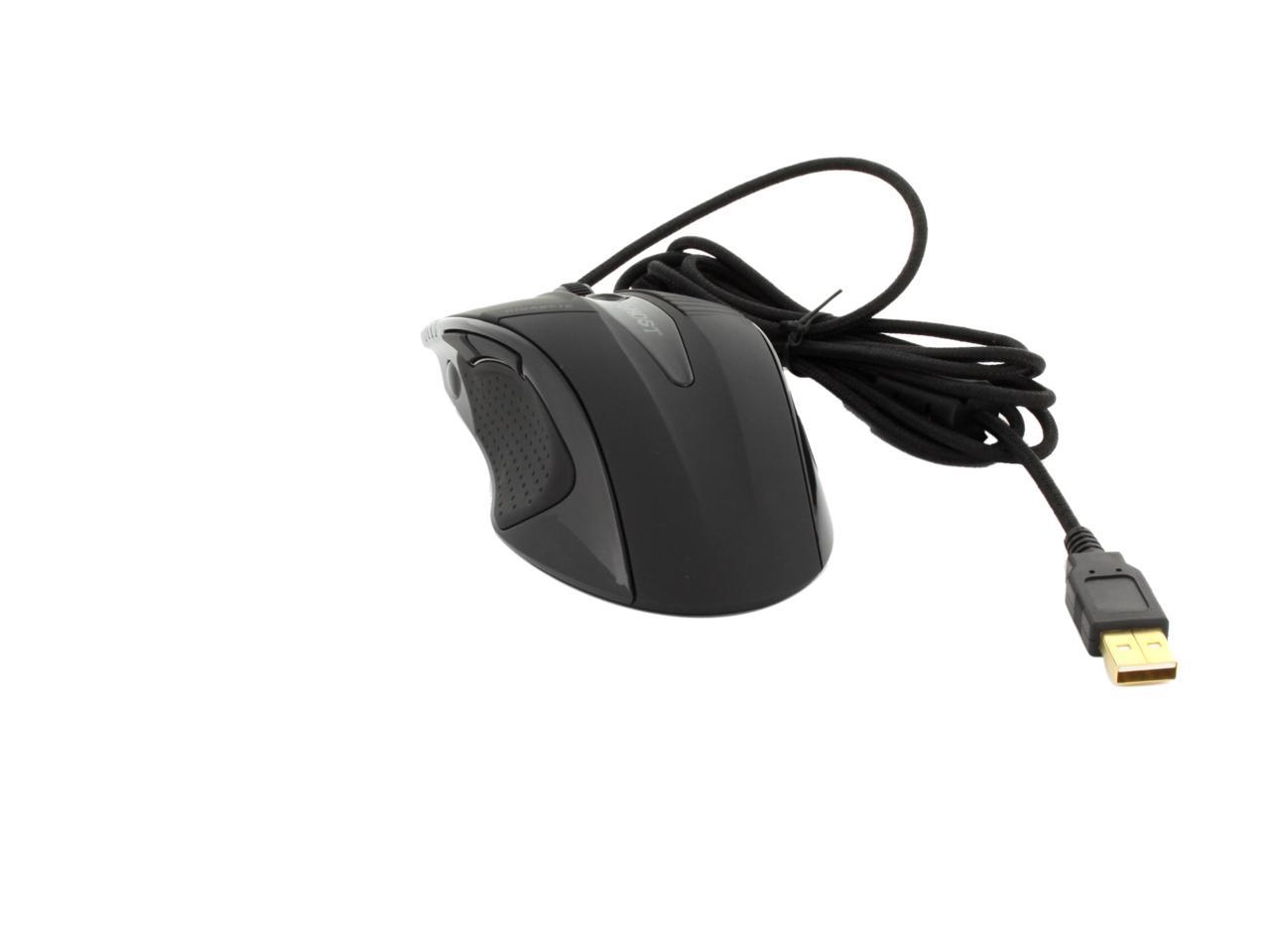
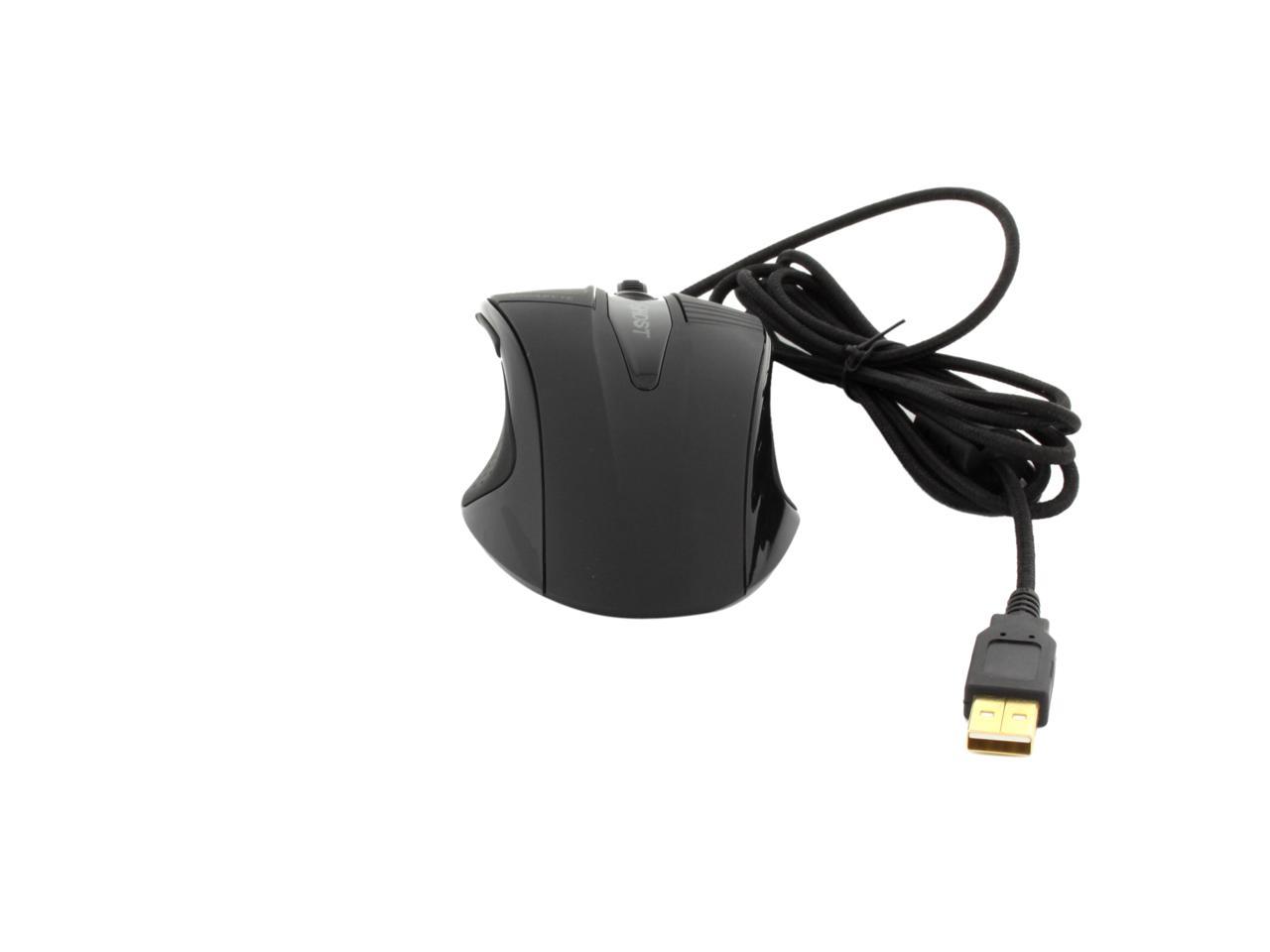
GIGABYTE GM-M8000X Rubber Black 7 Buttons USB Wired Laser Gaming Mouse

  • 7 Buttons 1 x Wheel
  • USB Wired
  • Laser
ICON Loading...

Equipped with 6000dpi gaming grade laser for high-speed movement and accurate precision, the GIGABYTE M8000X is specially designed for gamers. The onboard GHOST Engine memory is capable of 45-button assignment with macro editing and storing customizable macros that let you bring your unique settings wherever you go - use them on other PCs without software. The revolutionary GHOST Engine software allows gamers to record and edit their desired scripts which can include complicated keyboard and mouse commands. Its ultra-user-friendly drag and drop structure interface plus powerful macros on the go will equip any gamer to be competitive in the heat of battle.

  • newegg Powered by 6000dpi Advanced Gaming Laser Sensor Professional-grade* laser sensor offers lightning fast 12,000fps image processing capability for absolute control and precise mouse movement. (*Standard mouse has 3000fps image processing capability.)
  • newegg Built-in GHOST Macro Engine GHOST macro engine features intuitive interface, allowing you to easily pre-define and switch between up to nine programmable buttons for the latest PC gaming titles. On-board memory supports five macro profiles for the gamer on the go.
  • newegg 4-direction Tilt Wheel Functionality Versatile 4-direction tilt wheel for quick and easy desktop navigation. Wheel tilt buttons are programmable through GHOST Engine software* for maximum customization. (*You may have to download GHOST Engine software first to enjoy the complete function.)
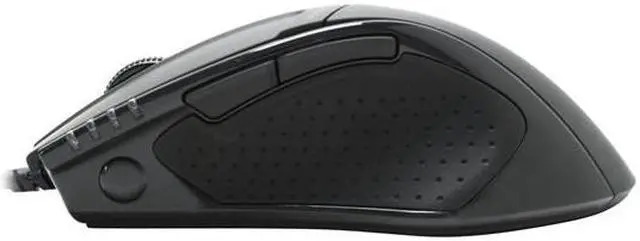
  • newegg 4-Stage DPI Adjustment 800/1600/3200/5600* 4-Stage DPI adjustable switch with 4-Stage LED indicators for quick on-the-fly DPI adjustment. (*Hardware-based sensitivity up to 5600dpi/ software enhanced up to 6000dpi.)
  • newegg Weight Adjusting System Weight adjusting system allows up to four precision weight cartridges to be added for fine tuning M8000X to your unique style of play. Weight adjustment ranges from 6g to 38g.
  • newegg Self-adjusting Lift Distance The M8000X has the ability to self-adjust lift-off distance from different surfaces to optimize tracking precision. Press and hold the profile switch button and move the M8000X across desired surface for auto self-adjustment.

Learn more about the GIGABYTE GM-M8000X

Model

Brand
GIGABYTE
Model
GM-M8000X
Type
Wired

Spec

Interface
USB
Tracking Method
Laser
Buttons
7
Scrolling Capability
1 x Wheel
Color
Rubber Black
Maximum dpi
Up to 6000 dpi

OS / System Requirement

Operating System Supported
Windows 98/2000/ME/XP 32bit/Vista 32/ 64bit/ Win 7 32/ 64bits

Features

Features
Pro Laser 6000DPI gaming-grade sensor
Built-in 32KB GHOSTTM engine supports not only 70 customizable onboard macros on the go, but 45 button assignments
Advanced GHOSTTM Engine Software features Drag & Drop structure
2 time durable Omron 10 million time switch
Weight tuning 7 combinations of weights, 38grams added

Dimension:
4.96" x 2.91" x 1.69"

Manufacturer Warranty

Parts
2 years limited
Labor
2 years limited

Quick Info

Warranty

  • Limited Warranty period (parts): 2 years
  • Limited Warranty period (labor): 2 years


Customer Reviews of the GIGABYTE GM-M8000X

Do you own this product? Write a Review

Filter Results

Go
  • Mufn
  • 5/20/2013 3:52:39 PM
  • Tech Level: Somewhat High
  • Ownership: 1 week to 1 month

4 out of 5 eggsGreat mouse!

Pros: Comfortable, Many choices of DPI levels & can be adjusted by the mouse itself, somewhat easy to install (disk doesnt work, you can download the software via website), and works great!

Cons: Not a very user friendly UI.

Other Thoughts: This is a really awesome one. It's really customizable, comfortable, and complete with flashy lights! It hasn't messed up once. I wouldn't buy this mouse though, if you're picky about software. The UI in its GHOST software isn't very good, I got confused a lot, and just ended up changing DPI levels and being done. Macros are complicated too, but that goes without saying.

Did you find this review helpful? Yes No

  • AvantGourd
  • 12/3/2012 3:09:20 AM
  • Tech Level: Somewhat High
  • Ownership: 1 month to 1 year
  • Verified Owner

5 out of 5 eggsI've been looking for an upgrade...

Pros: ...but I keep coming back to this mouse. I'm very particular about my mice, as you'll soon see...

- The tilt wheel is the best I've ever used and is why I keep coming back
For those of you who hate scroll wheels that have really defined steps and are loud as hell, rejoice! The scroll wheel on the M8000x is quiet, while still being fairly defined. Clicking the scroll wheel results in a somewhat muted click sound, and it feels solid. It doesn't take a metric ton of force to click, like the G9X's wheel. The tilt left/right are clickier, and don't take much force to actuate. The sides of the scroll wheel aren't rounded, but have an angled shape, so flicking the scroll wheel either way is easy. It feels amazing, and amazingly right, like the other functions of the wheel. As a whole, the tilt scroll wheel gets an A+ from me.

- Side buttons are easy to hit
Lift your thumb and you'll hit the buttons. The left side of the mouse is concave, and the buttons follow that concavity. There's no ridge or odd angle to the buttons, so you don't have to pull your thumb off the mouse/away from its usual resting spot, find the button, and depress it. You can find the button and hit it in one motion.

- DPI button is easy to hit
A lot of mice don't get this right; most mice now have DPI switching on the fly, but it's usually a button or two in a weird place to "depress," them being buttons and all. On the M8000x, it's a two-way switch rocker type thing that's very easy to hit when you need to lower the DPI for sniping and such. Slide down past the scroll wheel and nudge the ridge of the DPI switch and DPI is lowered. IT JUST FEELS RIGHT.

- Weight
This is more of a personal preference thing; it feels light but not too light. Can be made heavier with the included weights.

- Looks slick
The Gigabyte logo on the M8000 looked a bit better than the Ghost logo in my opinion, but the darker black surface of the M8000x looks a lot better than the grey surface of the M8000.

- Rubberized texture
Makes me want to stroke the mouse

Cons: Some minor issues though...

- Occasionally starts skipping/stops tracking on cheap (mine anyway) cloth mousepads
Can be fixed by turning off Perfect tracking precision. I configured a profile with the side buttons toggling PTP on and off, so I just switch to it when it gets finicky and switch back.

- No automatic profile switching
I feel like I can't really blame Gigabyte for this, since it seems like only Logitech has really mastered this, but I need to point this out, if only so that in the future this becomes standard. It's a VERY useful feature. For those of you like me using X-Mouse Button Control to replicate this, you need to know that Gigabyte handles the tilt left and right buttons through its own drivers, and that they won't register as tilt L/R in XMBC. Switching backward and forward to tilt L/R makes them trigger buttons 4 and 5 in XMBC. Oddly enough, the Gigabyte SIM software for cheaper mice like the M7700/M7800 has an option to disable the Gigabyte tilt driver, making the tilt L/R buttons register correctly.

- Ghost logo always "breathes"
There is no way to have the light constantly on, but you can turn it completely off by setting the color to black. I might be nitpicking

- DPI lights always red, regardless of Ghost logo color
For those of you who like color coordinated light shows, anything other than red for the Ghost logo will ruin your day. Two straight lighting cons... I'm really nitpicking now

Other Thoughts: Other things:

- Might need some effort to figure out the Ghost software, but it's nothing to complain about

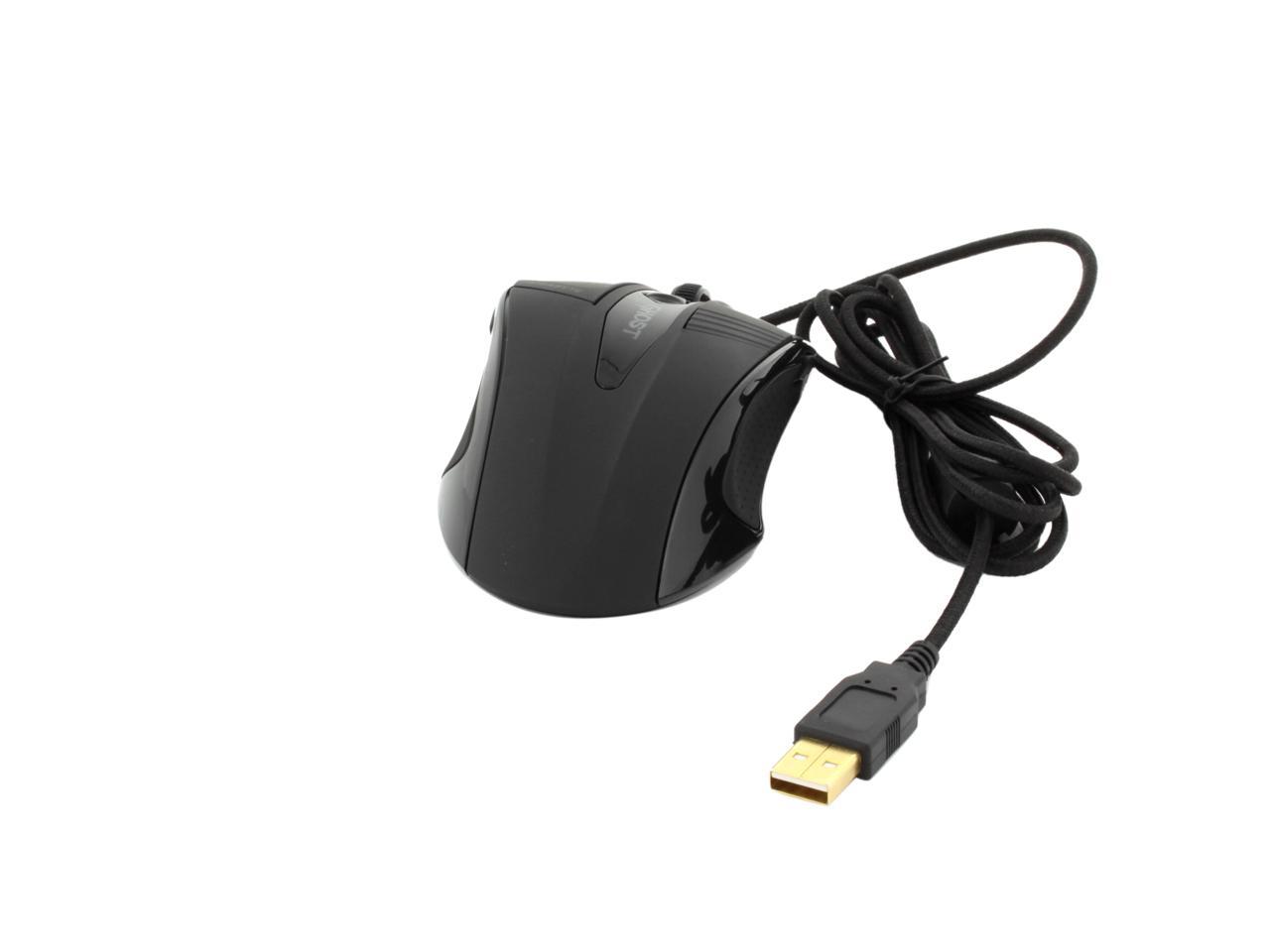
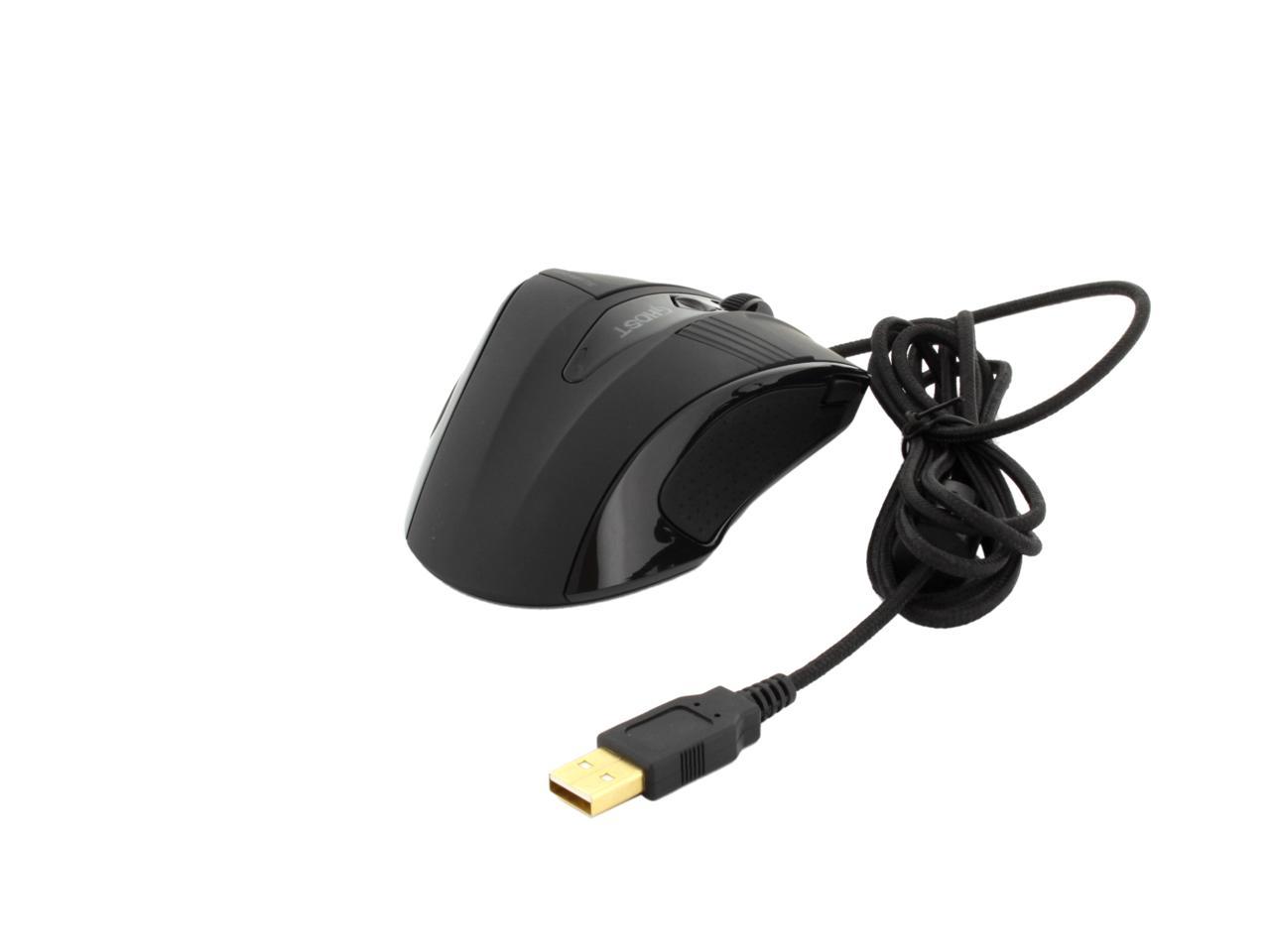
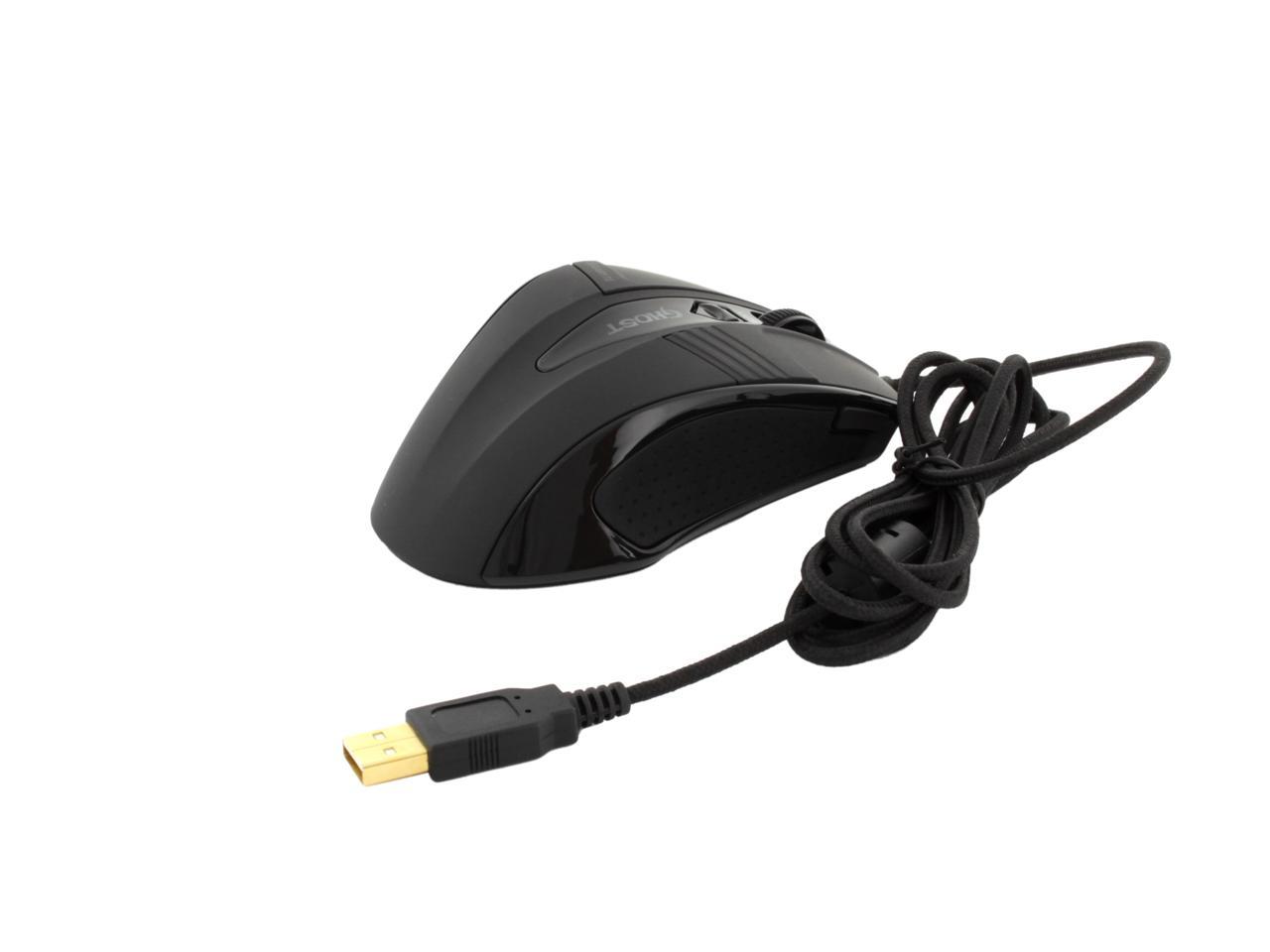
- Braided cord and gold USB plug

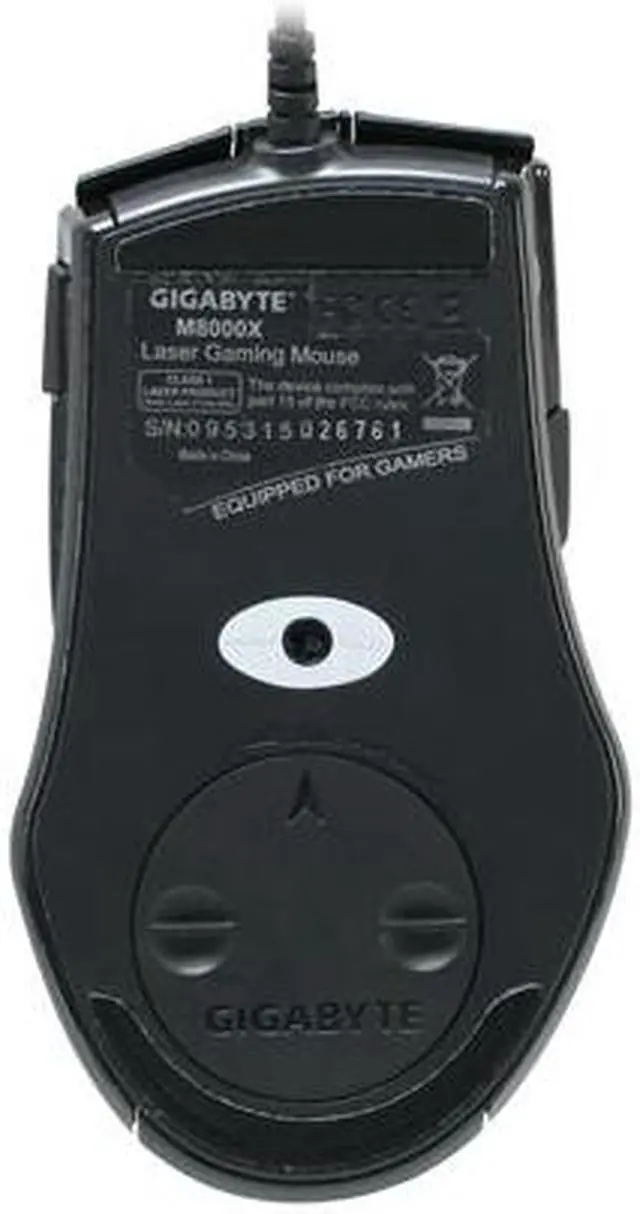
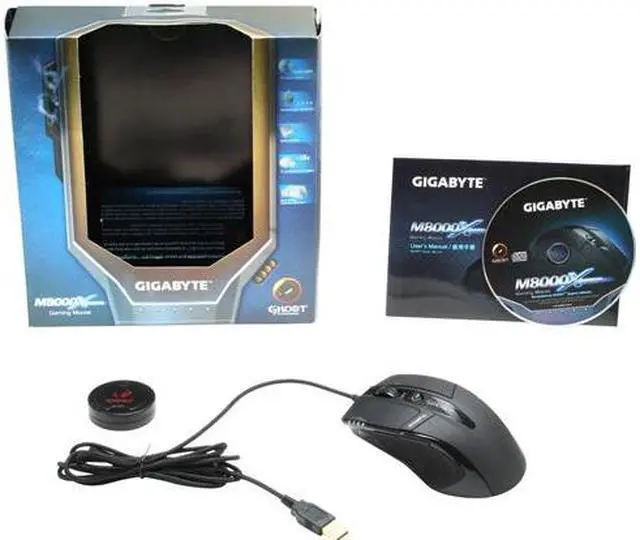
- comes with an extra set of teflon feet and a disc-shaped case for the weights (3 small weights and one big weight, the specific weights of the weights escape me currently)

- try XMBC

1 out of 1 people found this review helpful. Did you? Yes No

  • N/A
  • 11/24/2012 11:08:17 AM
  • Tech Level: High
  • Ownership: more than 1 year
  • Verified Owner

4 out of 5 eggsExcellent ins many ways

Pros: Good looks
Great looks
Braided cord
Very configurable
Good texture on both the buttons and the sides [see cons]

Cons: My previous mouse was a MS Wheel mouse optical 1.1. I had it for more than 6 years.

It was abandoned because I had worn the textured plastic smooth many times after resurfacing with abrasives.

This coating is wonderful to feel. So much so that I absentmindedly damaged it through scratching with fingernails. This coating is similar to that on my phone which I love so much. The con is that the coating did not last longer, and for the price I will not buy a replacement.

If anything, I would work to replace the worn areas [mostly mouse1] with something that would last me ~10 years., maybe get some aluminum machined for fun.

Other Thoughts: The included software is hokey like many computer companies make it so it looks flashy or whatever. It is functional enough to configure the mouse.

I have and will recommend this mouse to all of my friends.

Did you find this review helpful? Yes No

  • Leperchan
  • 6/6/2012 3:16:21 PM
  • Tech Level: Somewhat High
  • Ownership: 1 month to 1 year
  • Verified Owner

5 out of 5 eggsAwesome!!

Pros: Love this mouse. FAST response the DPI settings are VERY good highest is at times to high for me to handle still. Tracking is great. On the fly DPI switching is easily done. Even love the feel of this mouse.

Cons: Not wireless??? (though i already knew this so not much of a con)

Other Thoughts: Started out on the noble m-6800 then went to the m-6980 then decided to get laser. So i bought this ALL their mice have been ABOVE expectations. Great feel HIGHLY RECOMMEND ALL these mice!!

Did you find this review helpful? Yes No

  • Zeldazackman
  • 5/18/2012 1:28:40 PM
  • Tech Level: Somewhat High
  • Ownership: 1 month to 1 year
  • Verified Owner

1 out of 5 eggsWas a great mouse

Pros: Well, first lets start off with the basics, its a coustomizable gaming mouse with its own software that lets you change alot of things from helping you keep that macro that heals the whole raid, to adjusting from avg shooting, to Every Shot Counts Sniper shooting in tf2 and Bf3

Cons: Well, its a great mouse, but ever since I got it, its been haveing these weird not tracking moments, and just today, it decided to die, I can't use the scroll wheel to open up new tabs, I cant use the macros to open up the datasheets for EVE, and sometimes, I can't even left click anymore

Other Thoughts: Its a good mouse, I just wish it lasted for what your paying for it, now I'm wondering if I can even get an rma because, like I said, its a great mouse, heck maybe even one of the best I've ever used and I would love to continue using it, Just if it was working properly

0 out of 1 people found this review helpful. Did you? Yes No

  • broadspartan
  • 4/5/2012 11:30:32 PM
  • Tech Level: High
  • Ownership: 1 month to 1 year
  • Verified Owner

4 out of 5 eggsGood for the money

Pros: comfortable, accurae, software lets you do alot with the buttons.

Cons: sensor loses track sometimes and has to be reset, different profiles can sometimes cause teh software to lock up. Software is functional, but not quite as intuitive as it could be.

Other Thoughts: It's a good mouse for the money, the biggest problem is the sensor they used for it. Sometimes it can lose track of position and stop working, usually when you are playing a game and need it to work most, even on a good mouse surface like the one I use. It certainly isn't something that happens all the time but it does happen and that can be enough to put some people off buying it. Still it is a good effort from a company that specializes more in motherboards and video cards than peripherals, I assume that we will be seeing more of them and their future oferings will only get better.

0 out of 1 people found this review helpful. Did you? Yes No

  • xLyonklaw
  • 4/3/2012 5:43:55 PM
  • Tech Level: Average
  • Ownership: 1 month to 1 year
  • Verified Owner

5 out of 5 eggsI'm digging it.

Pros: It's a pretty gnarly mouse. It Looks sweet, you can mess with the settings for what the mouse 4 and 5 do and save them, you can change the color of the glowing "Ghost" emblem, and it has more DPI than you would ever need. I have this enormous Dota 2 mousepad and now I only use the corner of it because I only move the mouse that much.. and I use it on it's like second lowest DPI setting.

Cons: The left click button seemed to mess up about 3 weeks in. It would kinda stick/bounce oddly whenever I clicked. I was considering taking it back, and just getting a new one, but I decided to wait it out. It eventually somehow fixed itself though. Maybe I just needed to wear it in. It works perfectly fine now though.

Did you find this review helpful? Yes No

  • FireEatingNinja
  • 3/17/2012 8:47:07 PM
  • Tech Level: High
  • Ownership: 1 month to 1 year

5 out of 5 eggsBeyond Godly

Pros: Accurate, fast response, custom weights, (came with nice gaming mousepad at the time, which is awesome).

Cons: There's 2 things to watch out for and these were both my own error:
-First, be careful your cable is not rubbing against a shapr surface. The braid protecting the usb cable is starting to fray and come off of mine.
-Second, use a flat surface and a mousepad. I used mine in my bed and the fibers from my awesome threatcount sheets ate one fo the platform stickers beneith it.

Other Thoughts: I'm more then just a gamer. I've made money and won countless computer parts and accessories playing and winning tournaments. No mouse I've ever owned has matched up to this. I've gone with RAZER, Logitech, Microsoft, ect. None compete with the Gigabyte Ghost. I've never been so happy with a computer accessory. Thank you, Gigabyte.

I just bought my second one. ;D

1 out of 2 people found this review helpful. Did you? Yes No

  • evilhomerclone
  • 3/12/2012 6:04:29 AM
  • Tech Level: Somewhat High
  • Ownership: 1 month to 1 year
  • Verified Owner

2 out of 5 eggsGood feel but..

Pros: Love the big mouse, feels great. Lots of rubber around it to give you grip when holding.

Scroll wheel feels fine but nothing out of the ordinary. Comes with extra running pads which is a very cool plus

Cons: the mouse clicks, i just dont know how to describe it, feel kinda cheap. kinda loud and its like it almost sticks for a split second before it releases.

Also dont know if its because i've used logitech for sooo long, but i'm not a far of the program that comes with it. (since i'm not a gamer, i decided to forgo having it installed)

Other Thoughts: I'm not a gamer and find it very difficult to find a high dpi mouse that is not geared towards gamer's. I have 2 1920 x 1200 24" monitors and having a low dpi makes it slow to move across the screens.

I did purchase for home the Logitech G500. Which the sale it was cheaper that this mouse, though it doesn't have as much rubber, still feels good and the mouse clicks are smoother.

I dislike the extra buttons on the G500 but on well.

Seeing that with a mouse, you click it and the fact that this one is noisy, i'm hesitant to recommend it over the g500 (who knows, perhaps my unit is faulty but then again, i know gigabyte for motherboards, not input devices)

As always, feel free to gmail my nickname with questions or comments

0 out of 1 people found this review helpful. Did you? Yes No

  • deezhole
  • 2/28/2012 3:47:00 AM
  • Tech Level: Somewhat High
  • Ownership: 1 week to 1 month
  • Verified Owner

4 out of 5 eggsBig and accurate

Pros: Sexy looks, nice grip for xl hands and heavy, when loaded down with the weights provided. The cable is fat and sturdy. The shape provides a comfort level and the pinky relief is superb. I play BF3 with this mouse. Wow what a difference compared to all my mice. I listed them in other comments. Accuracy level is top notch.

Cons: The worst driver software i have ever had the displeasure of dealing with. Almost caused me to return it. The tracking sensor has an adjustment for extra accuracy or surface track, i dont remember exactly however it must be turned off. Otherwise it only worked on my desktop. It takes a bit of tweaking and patience. minus one egg. C'mon gigabyte, really? the drrivers are to be ashamed of. This mouse deserves so much more. PLEASE!!!!

Other Thoughts: I have it side ny side with my 2010 imperator. Also I compared it to my G9X by logitech. and i had the g700 wireless logitech..it sucked. stay wired. any way. the 2012 razer thing is way too light, the g9x became uncomy and broke 2x. the death adder was too light and had a flimsy cable, as well does the 2012 imperator. The *000x is soooo much more accuraye than any of these.! worth the quirks.

1 out of 1 people found this review helpful. Did you? Yes No

ICON Loading...
Are you an E-Blast Insider? Subscribe Newegg e-Blast

Buzz

Best mouse I have ever had

5 out of 5 eggs
Super cheap compared to logitech and Microsoft gaming mice.

Very customizable as far as creating macros, profiles, ...
— 3/2/2010

=) love this mouse

5 out of 5 eggs
I like this mouse because it is very accurate on a mouse pad.
i like the DPI selection rocker because you can switch the ...
— hide08 10/8/2011


PayPal
Shop without retyping payment details. Secure shopping made faster.
Check out with PayPal.

Financing


Home
Home > 
Computer Hardware > 
Input Devices > 
Mice > 
GIGABYTE > 
Item#: N82E16826146014
LOADING... LOADING...
Shop by Region: United States | Canada | China
Follow us:   RSS Feeds Youtube
VeriSign Reliability Seal1This site protected by Trustwave's Trusted Commerce program Inc500
Policy & Agreement | Privacy Policy  © 2000-2013 Newegg Inc.  All rights reserved.
If the Adobe Reader does not appear when you click on a link for a PDF file, you can download Adobe Reader from the Adobe web site. nassau