Skip to: |

Newegg.com - A great place to buy computers, computer parts, electronics, software, accessories, and DVDs online. With great prices, fast shipping, and top-rated customer service - once you know, you Newegg.

If you are reading this message, Please click this link to reload this page.(Do not use your browser's "Refresh" button). Please email us if you're running the latest version of your browser and you still see this message.

Newegg.com - Computer Parts, Laptops, Electronics, HDTVs, Digital Cameras and More!

  • | Wish List
  • Help
Home
Home > 
Computer Hardware > 
Networking > 
Firewalls/Security Appliances > 
Netgear Inc. > 
Item#: N82E16833122369

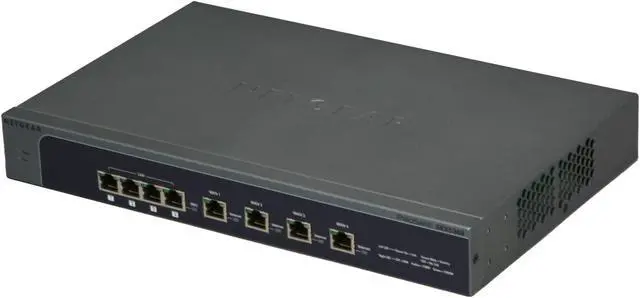
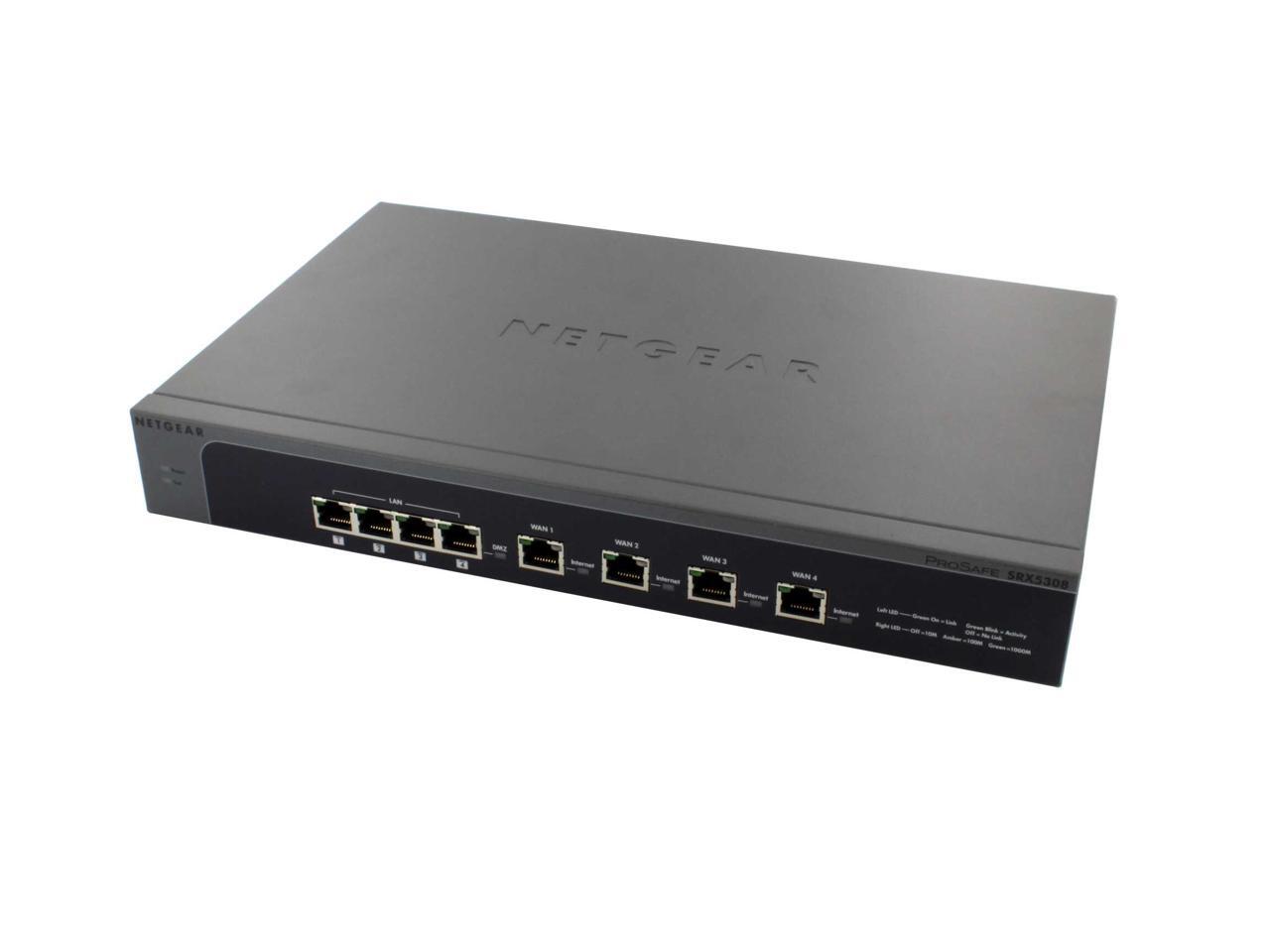
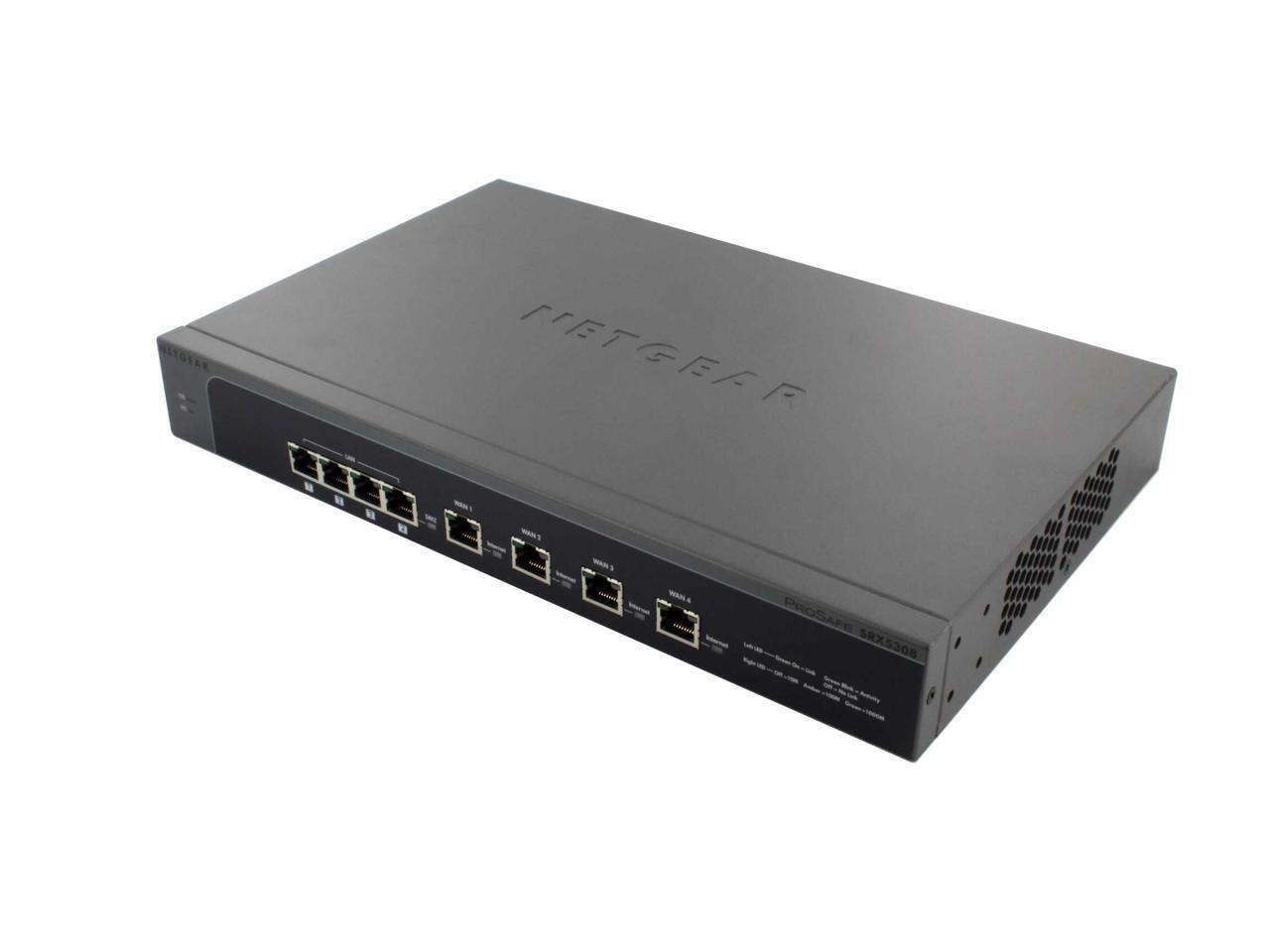
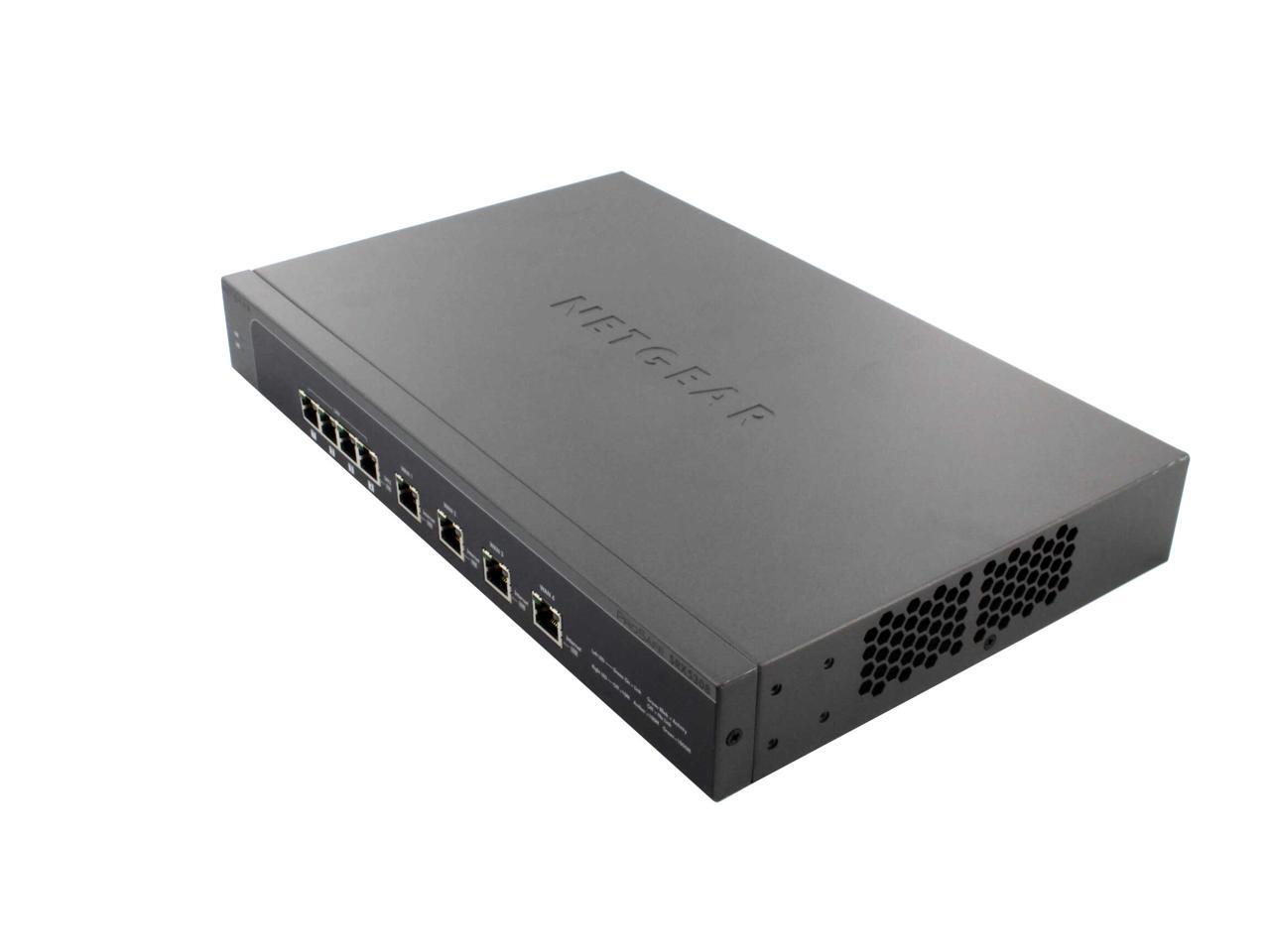
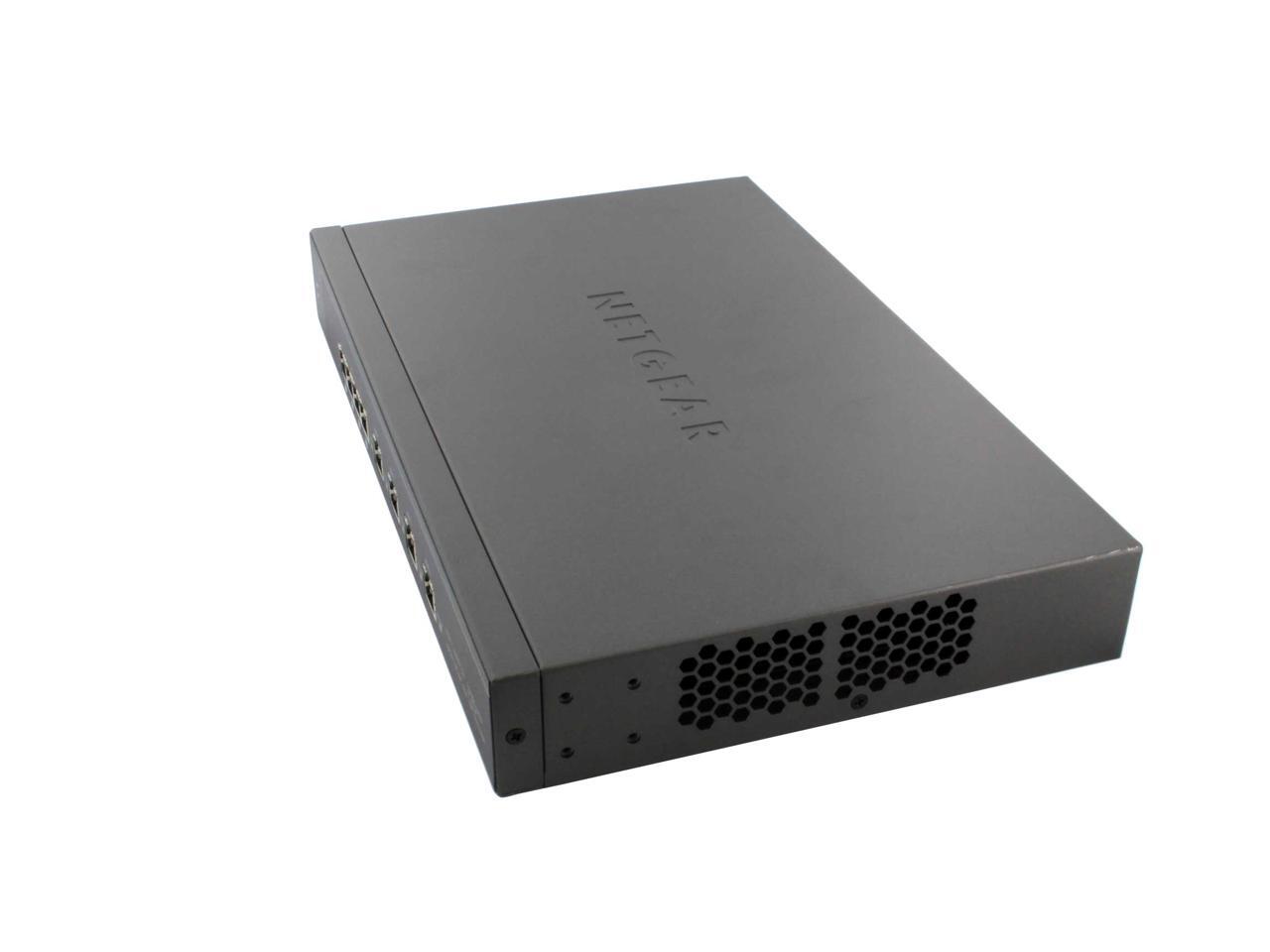
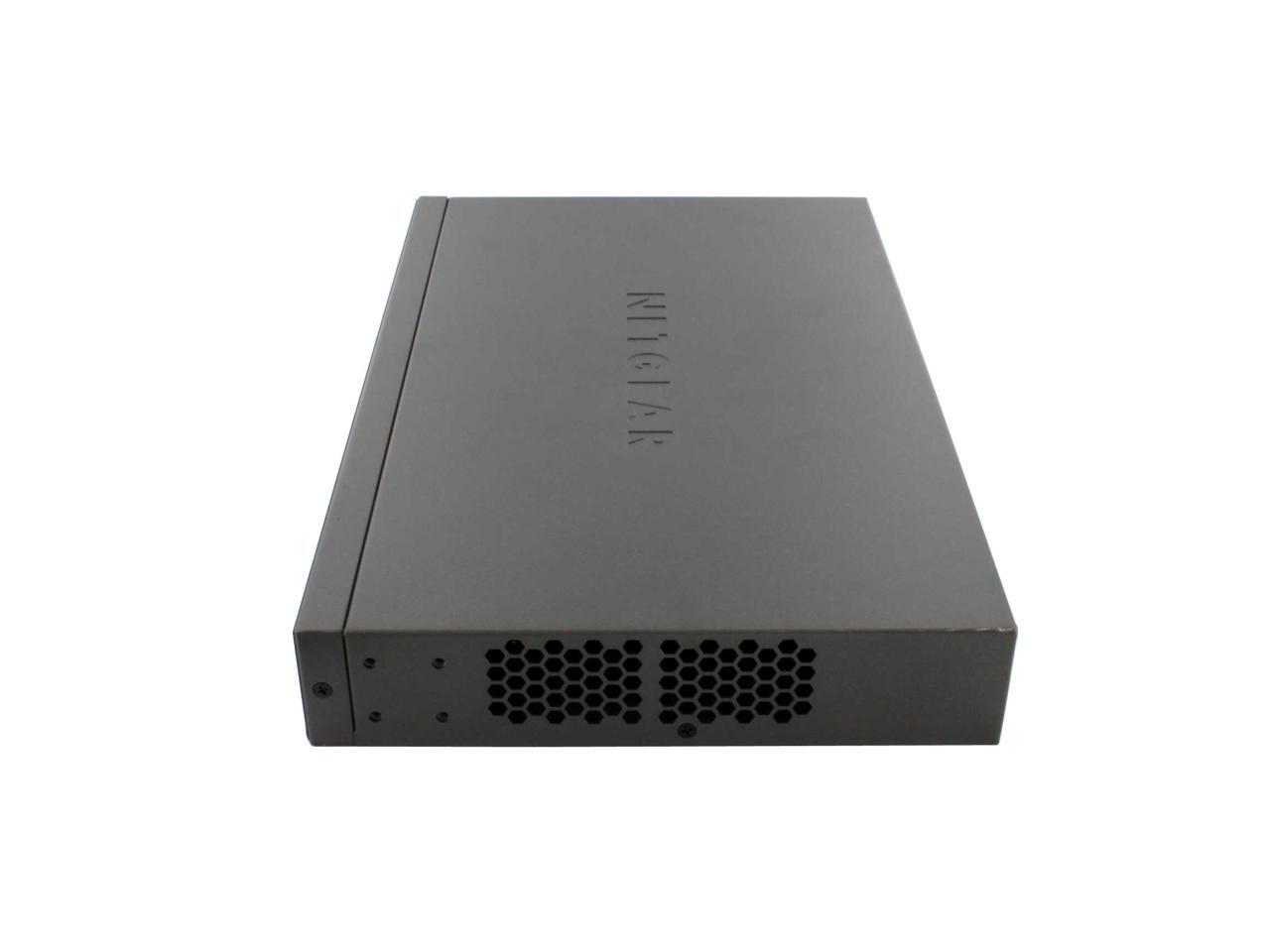
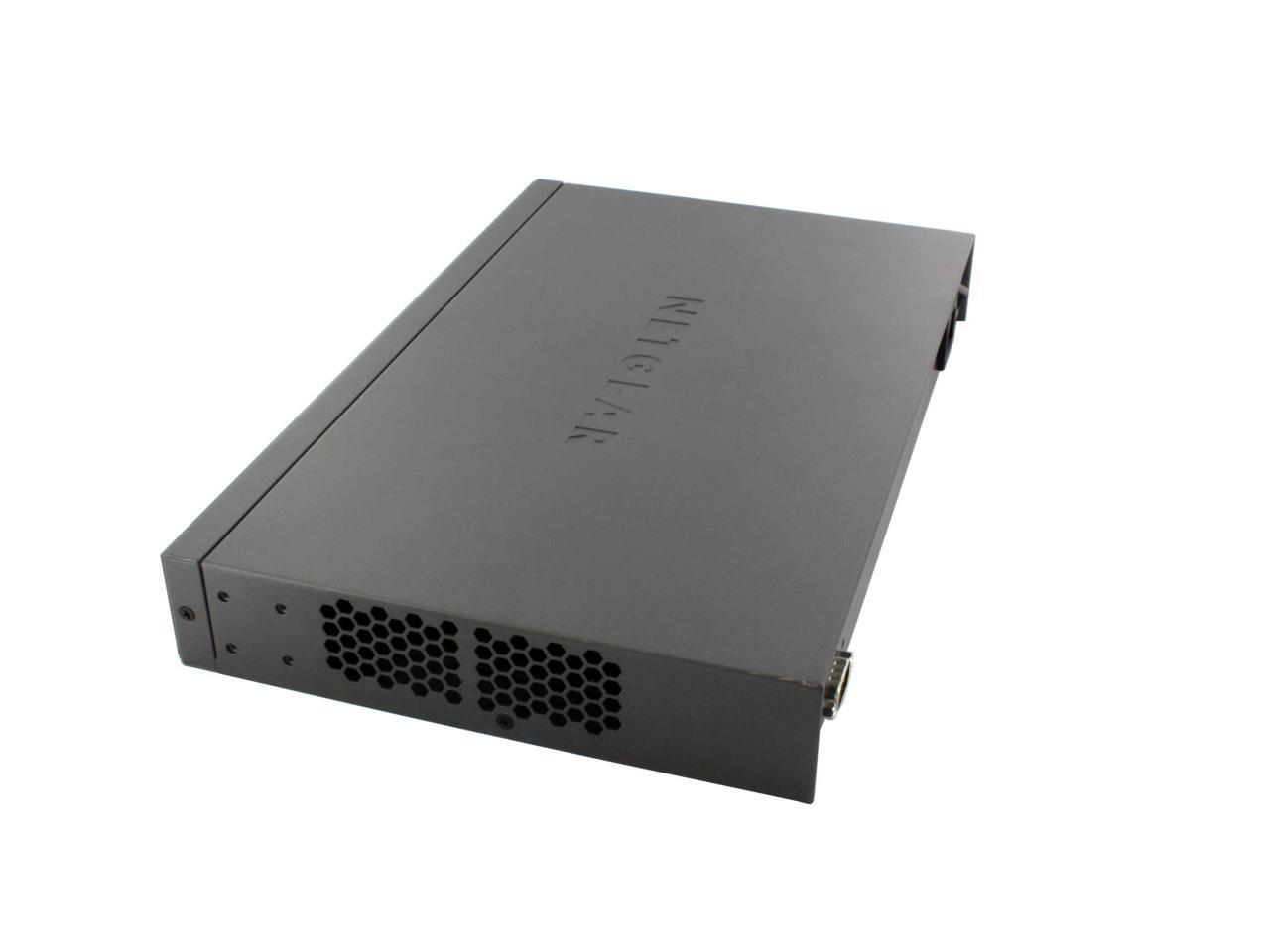
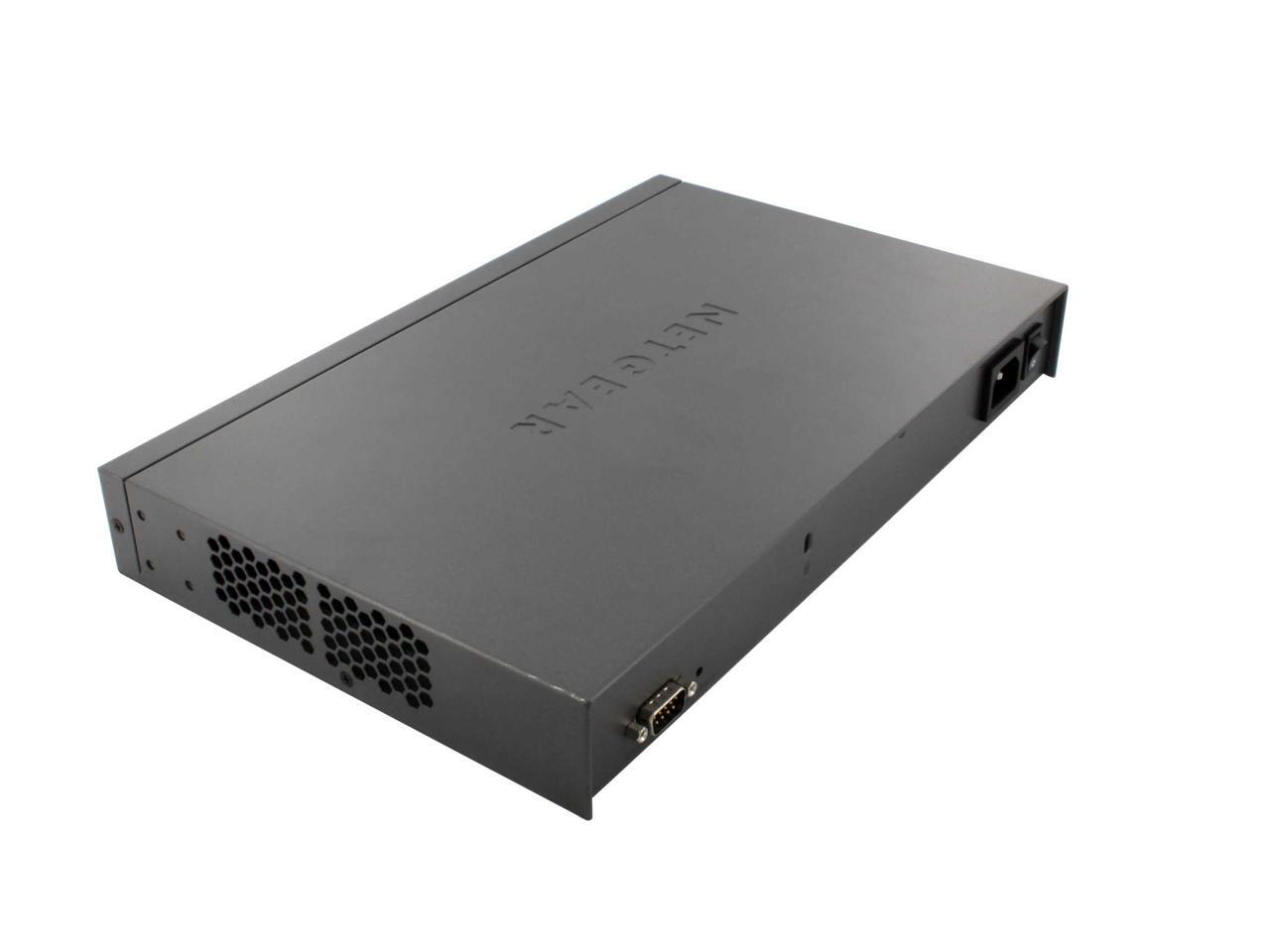
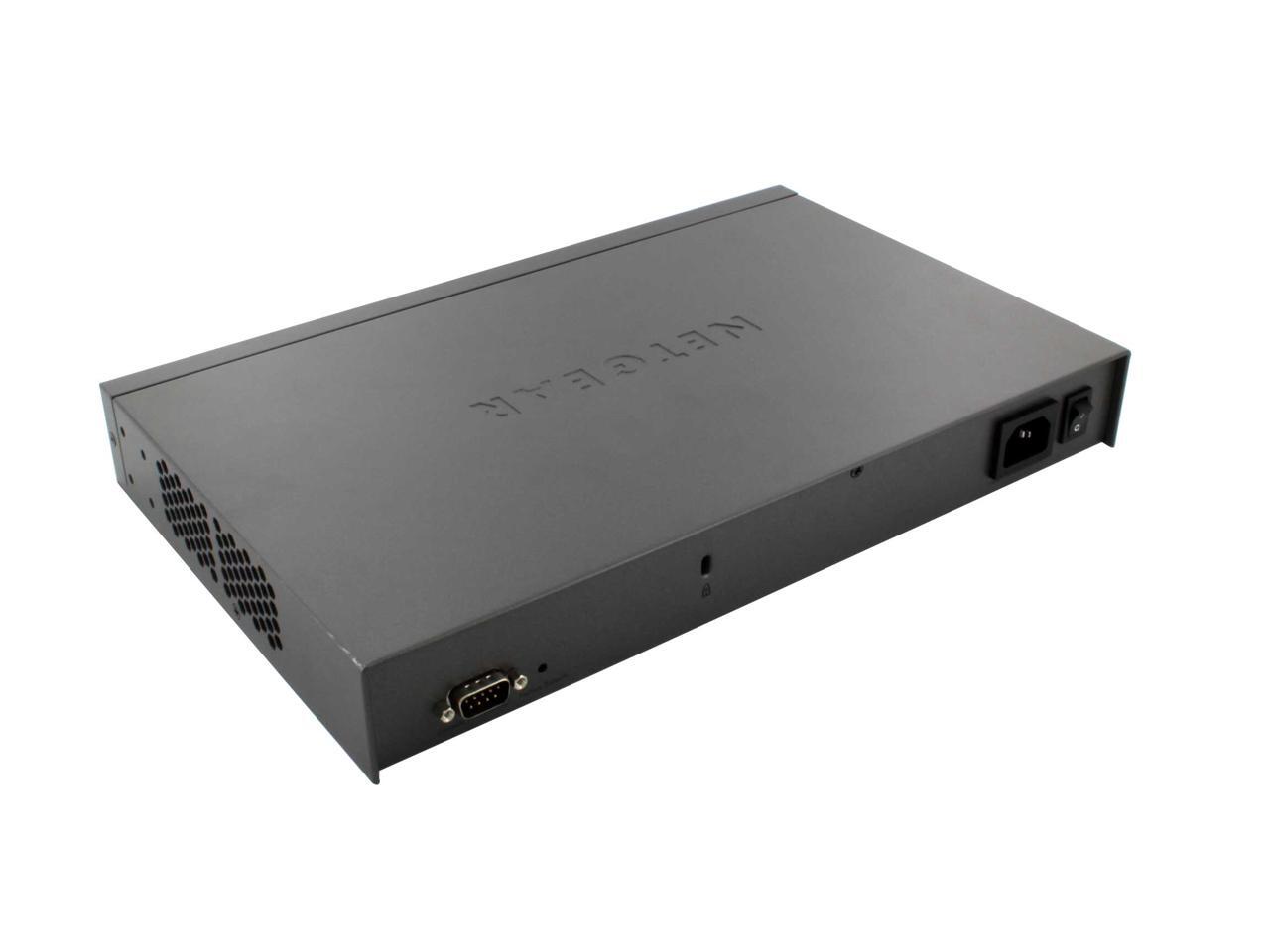
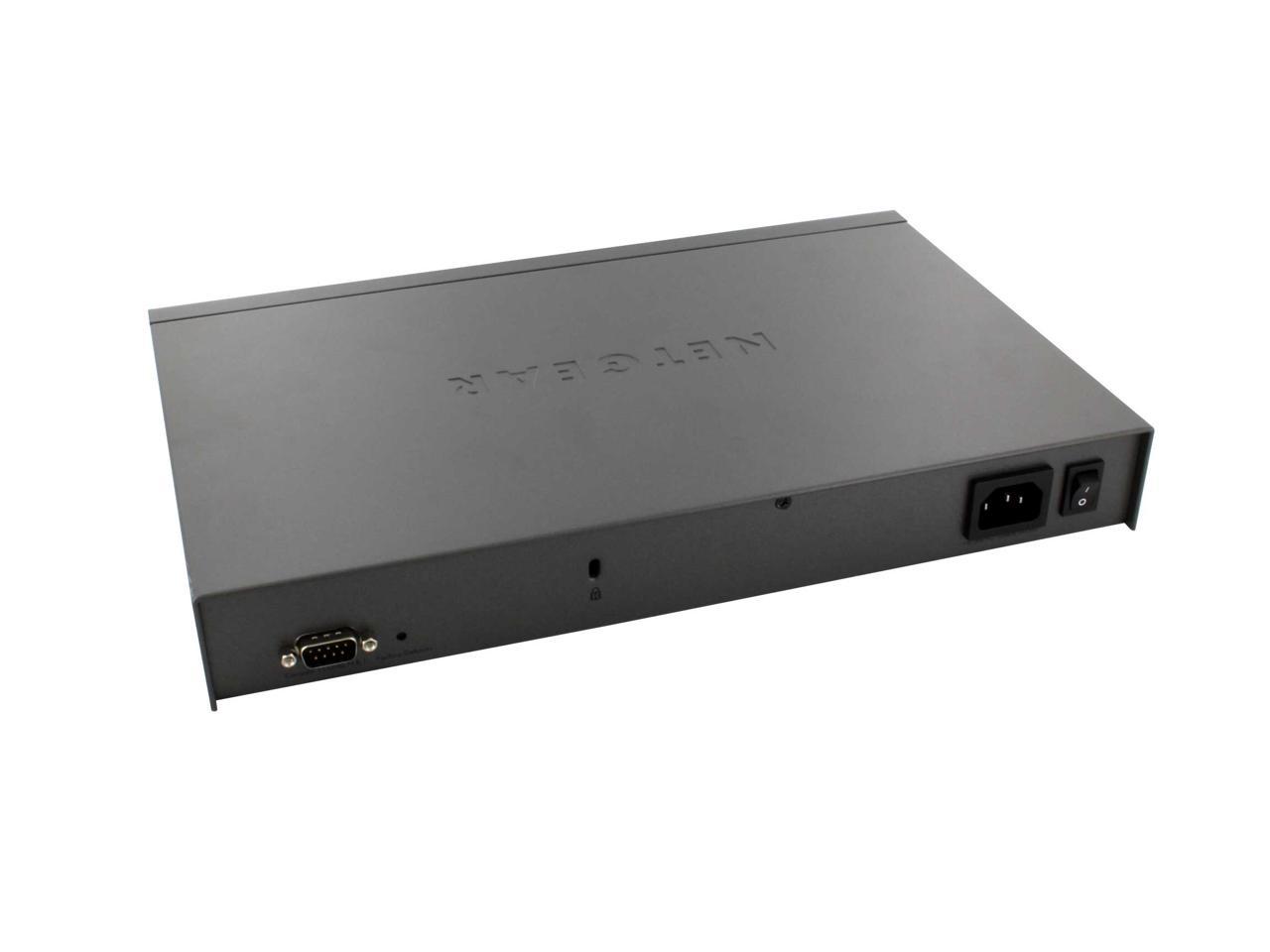
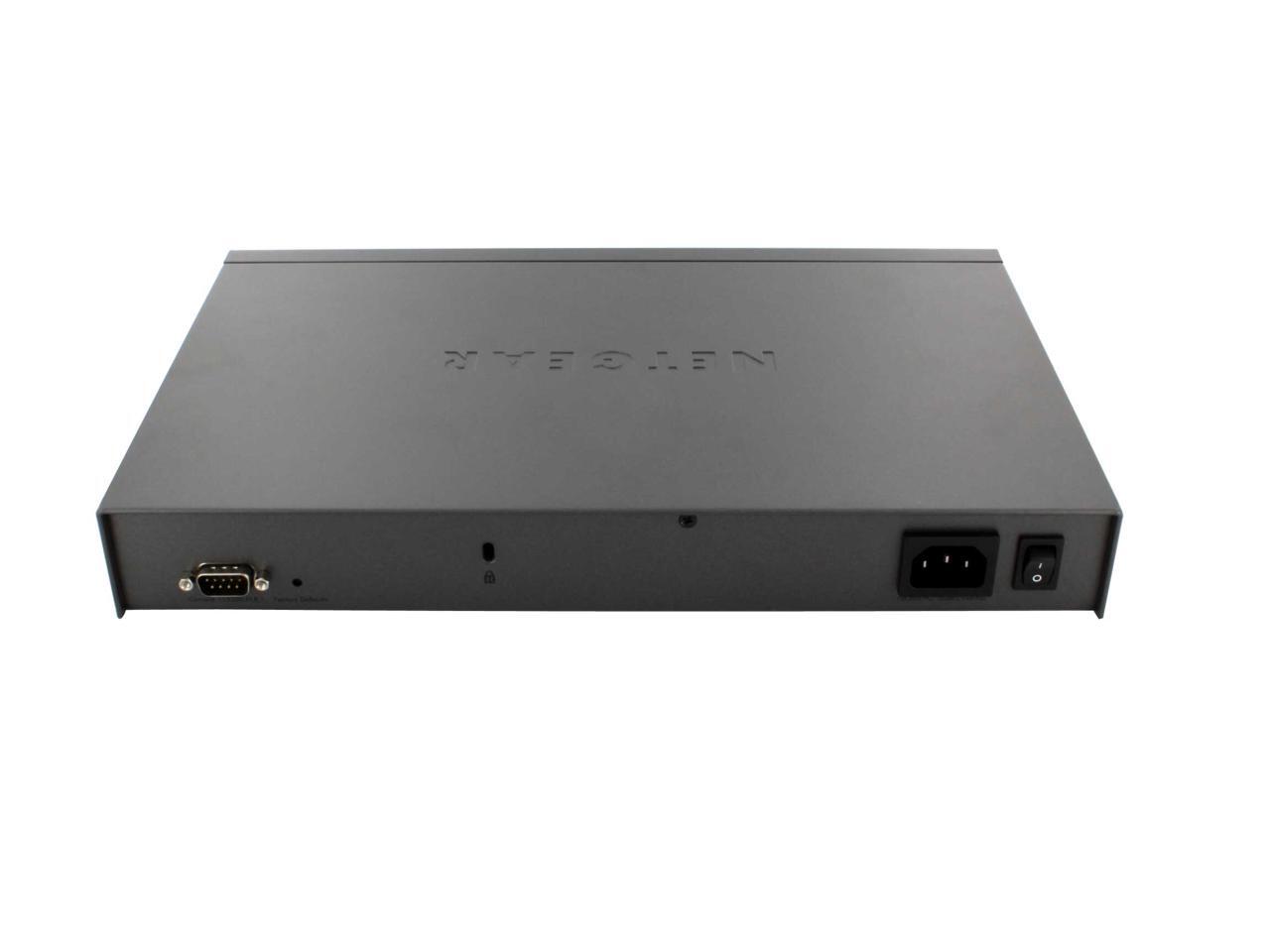
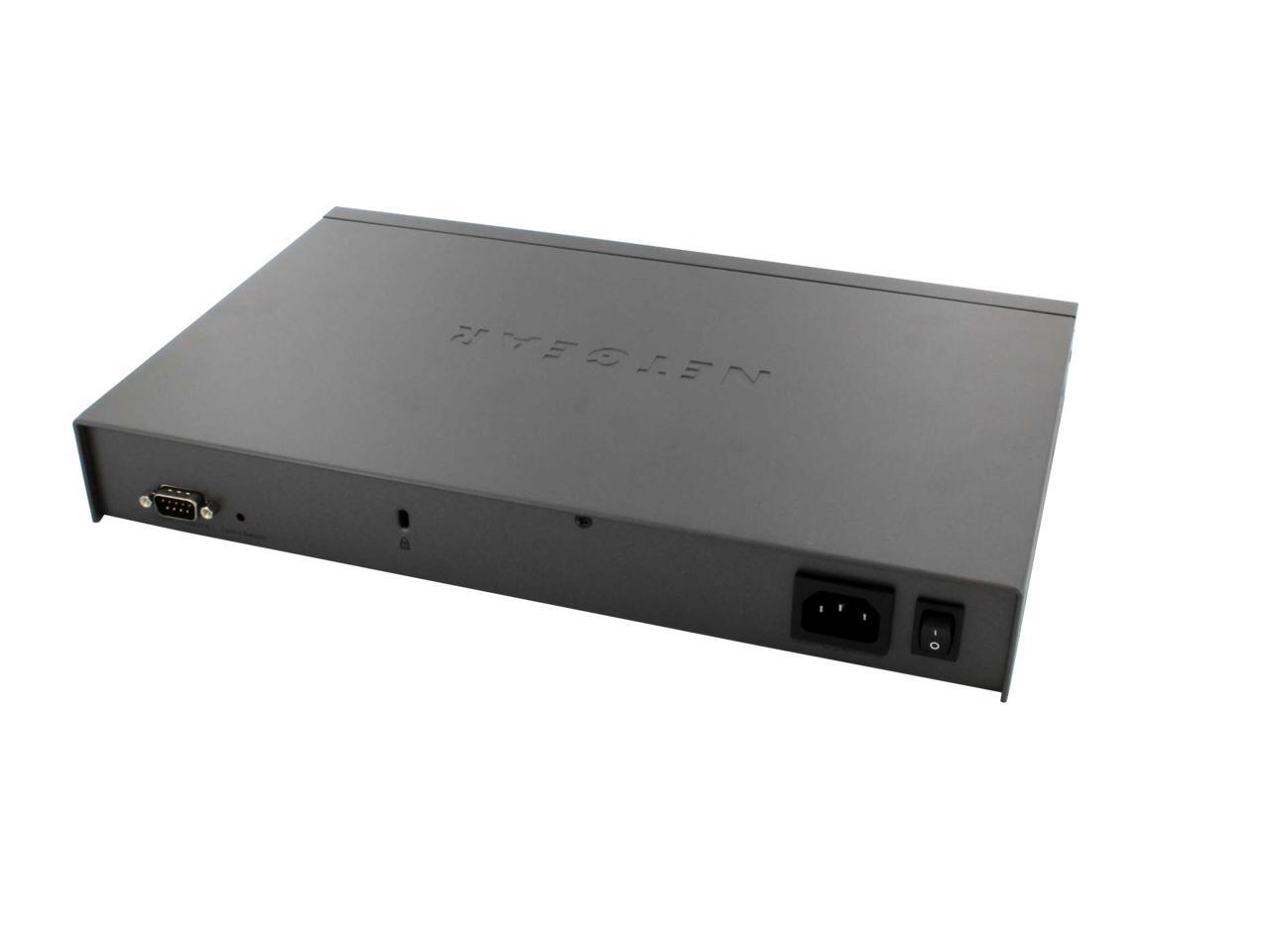
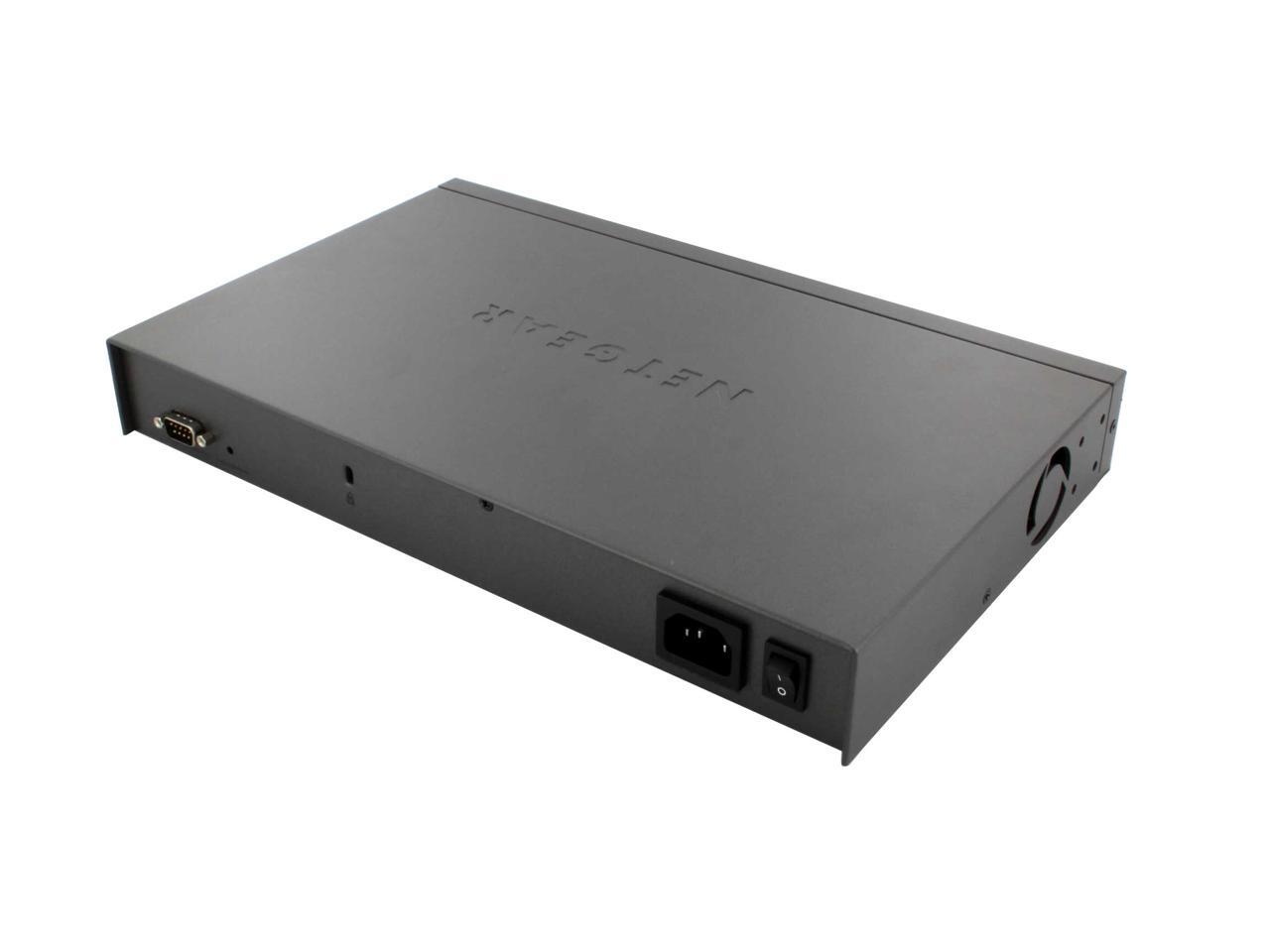
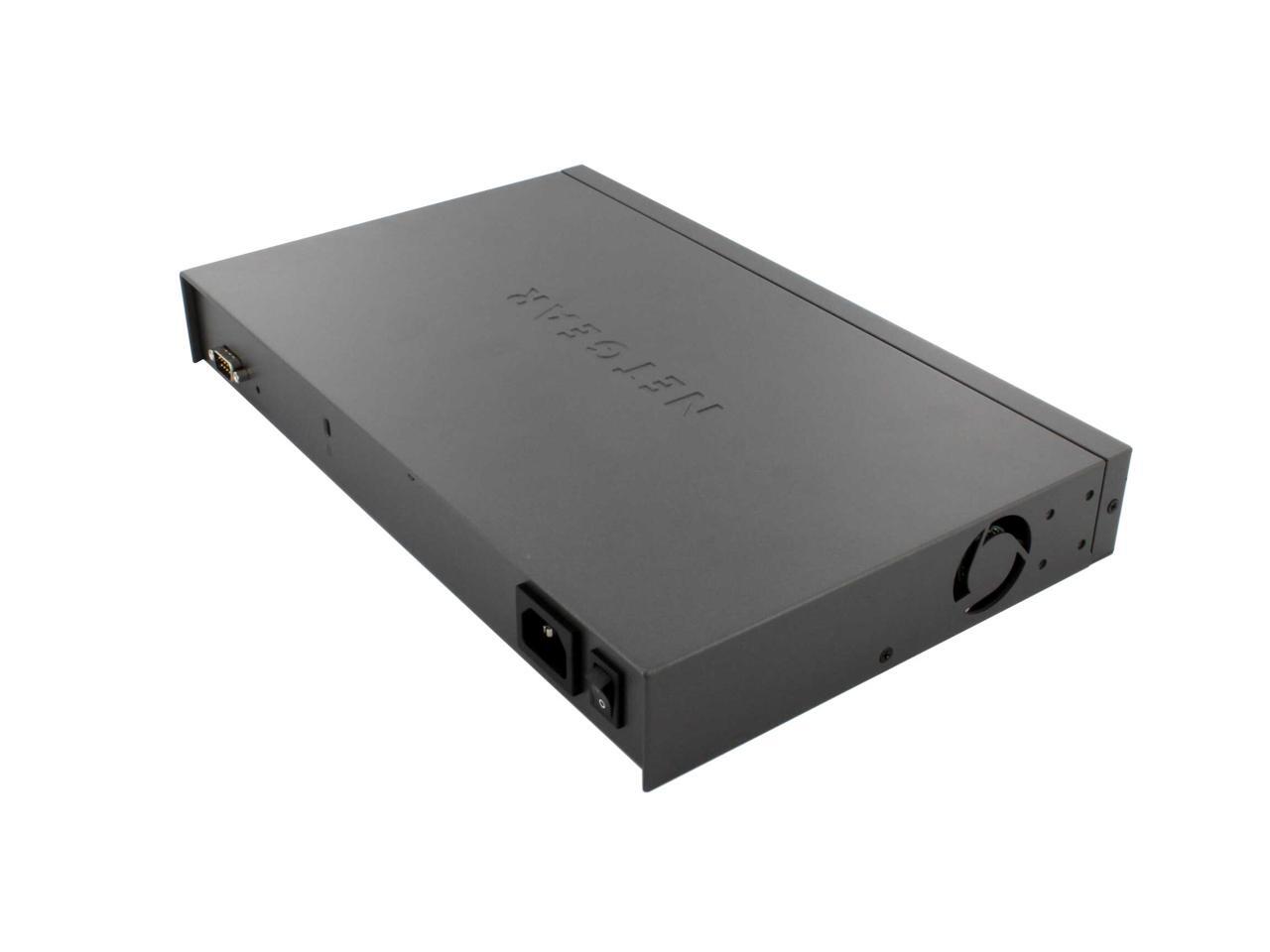
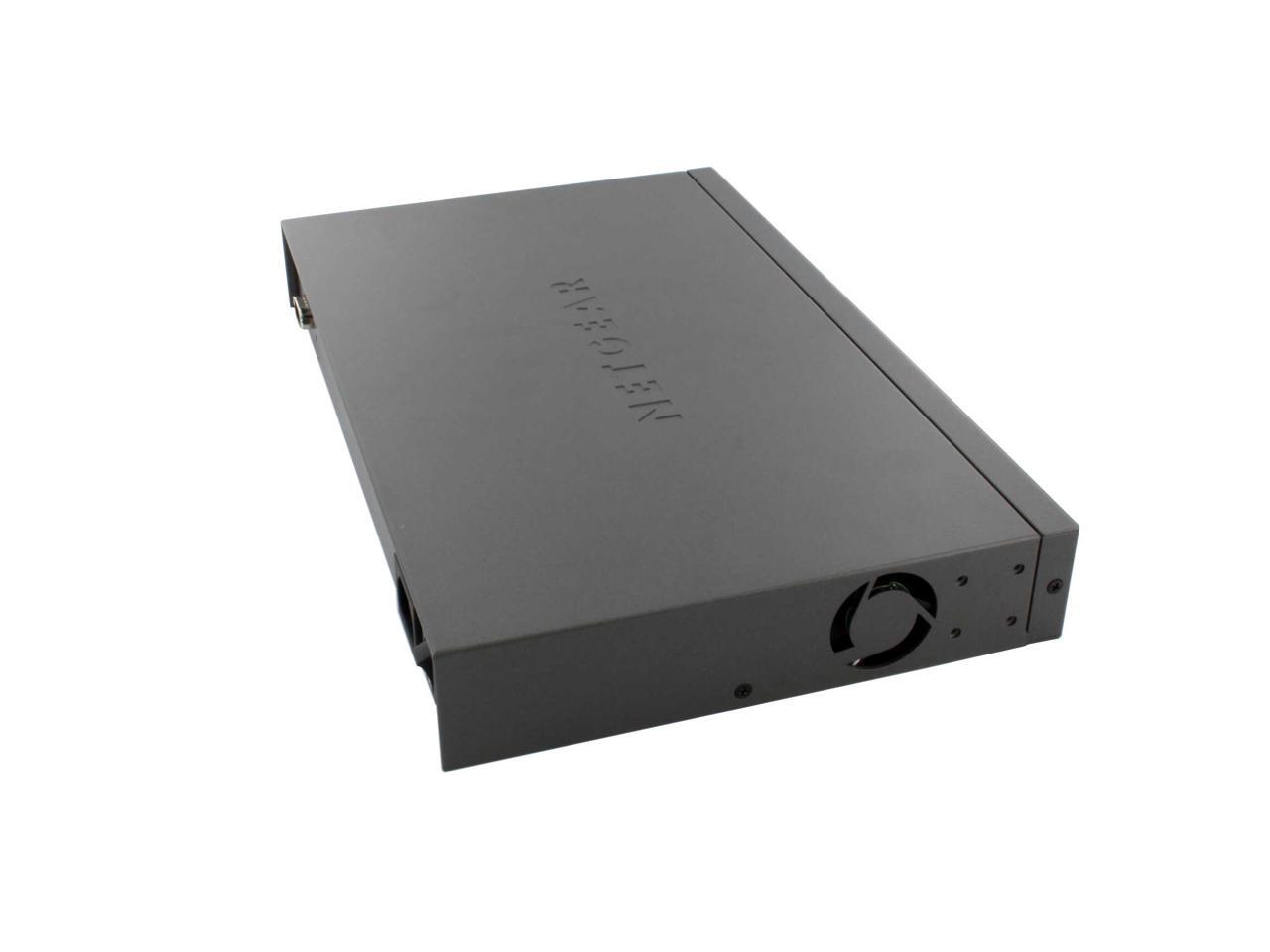
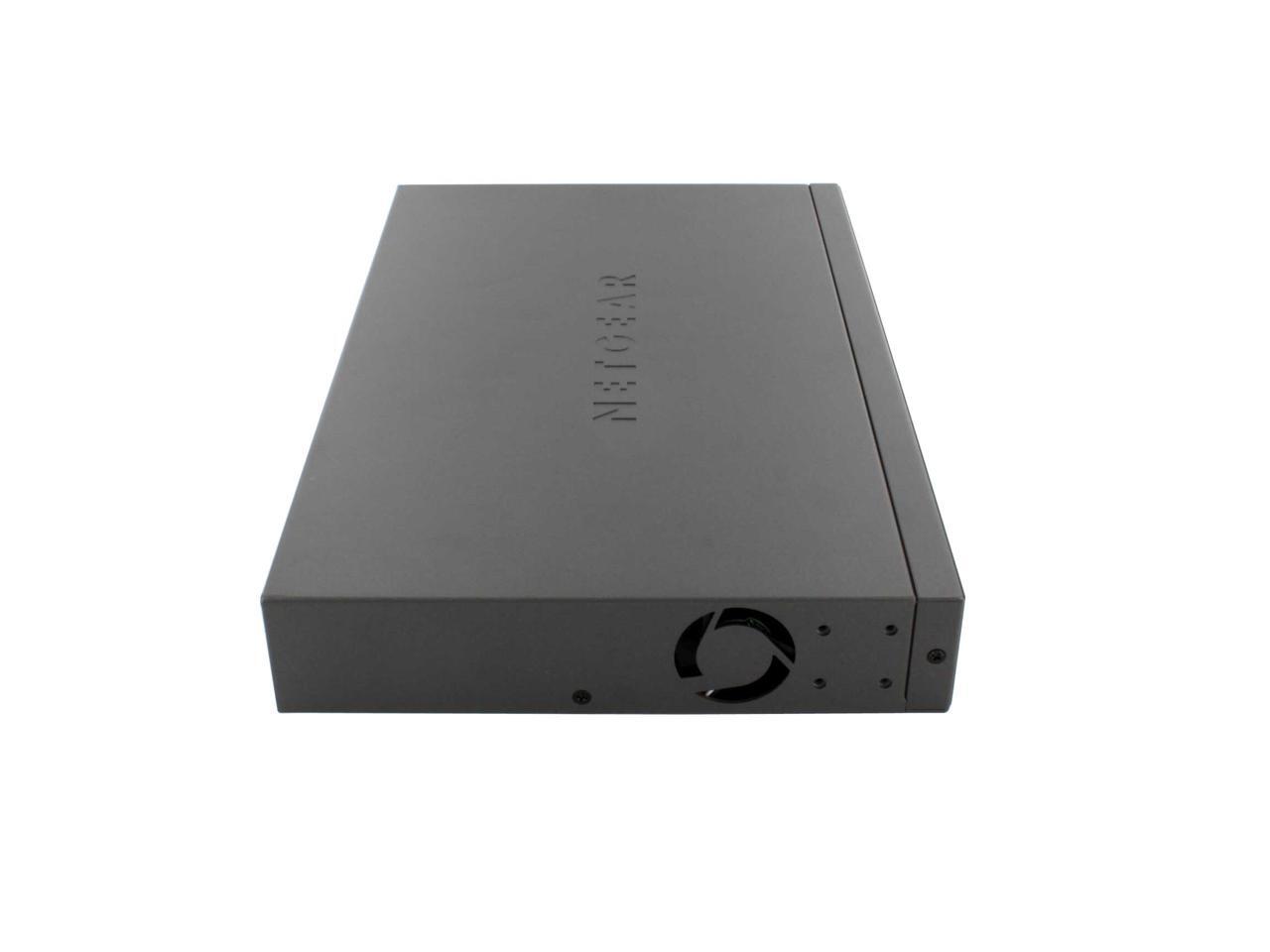
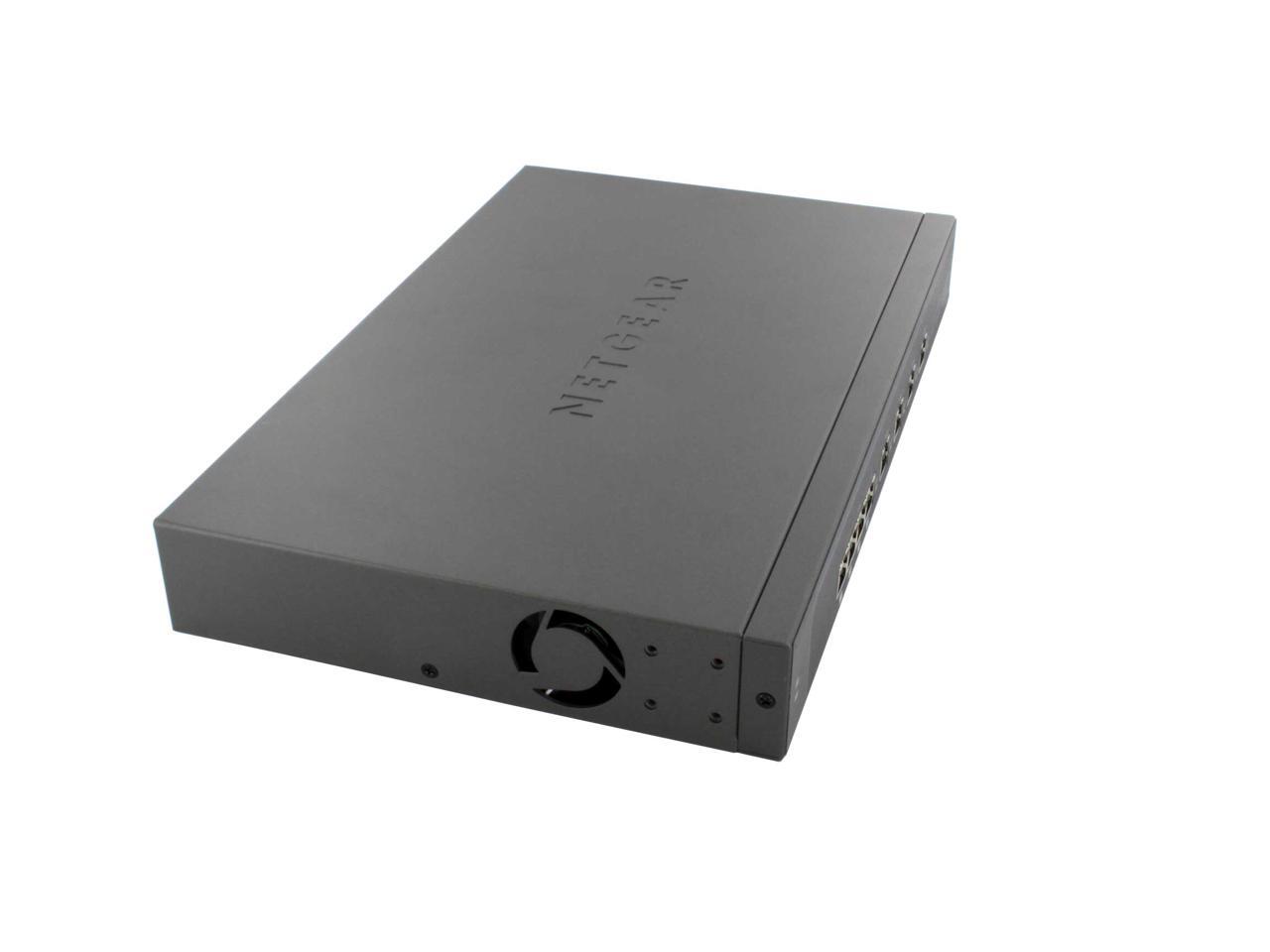
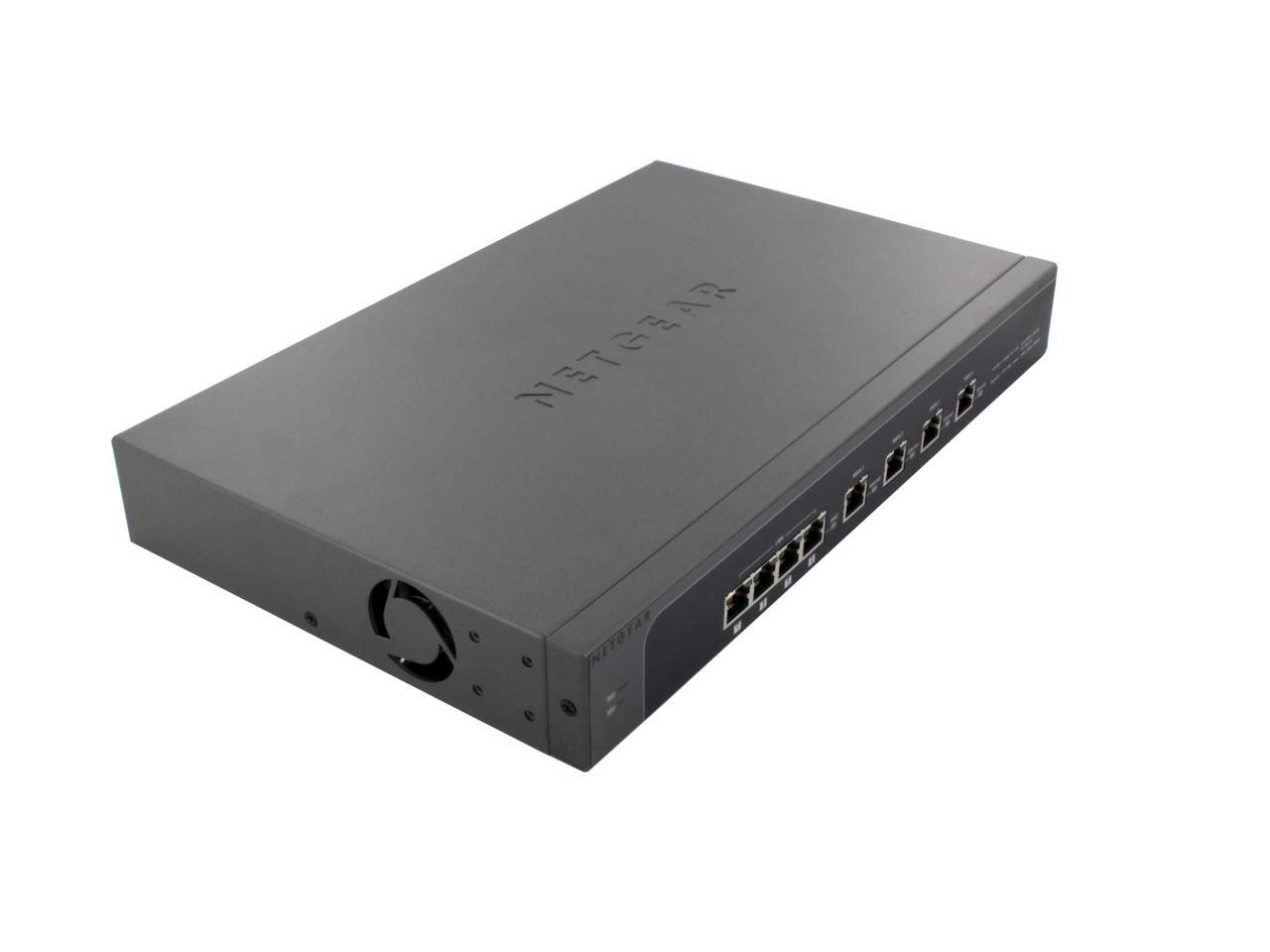
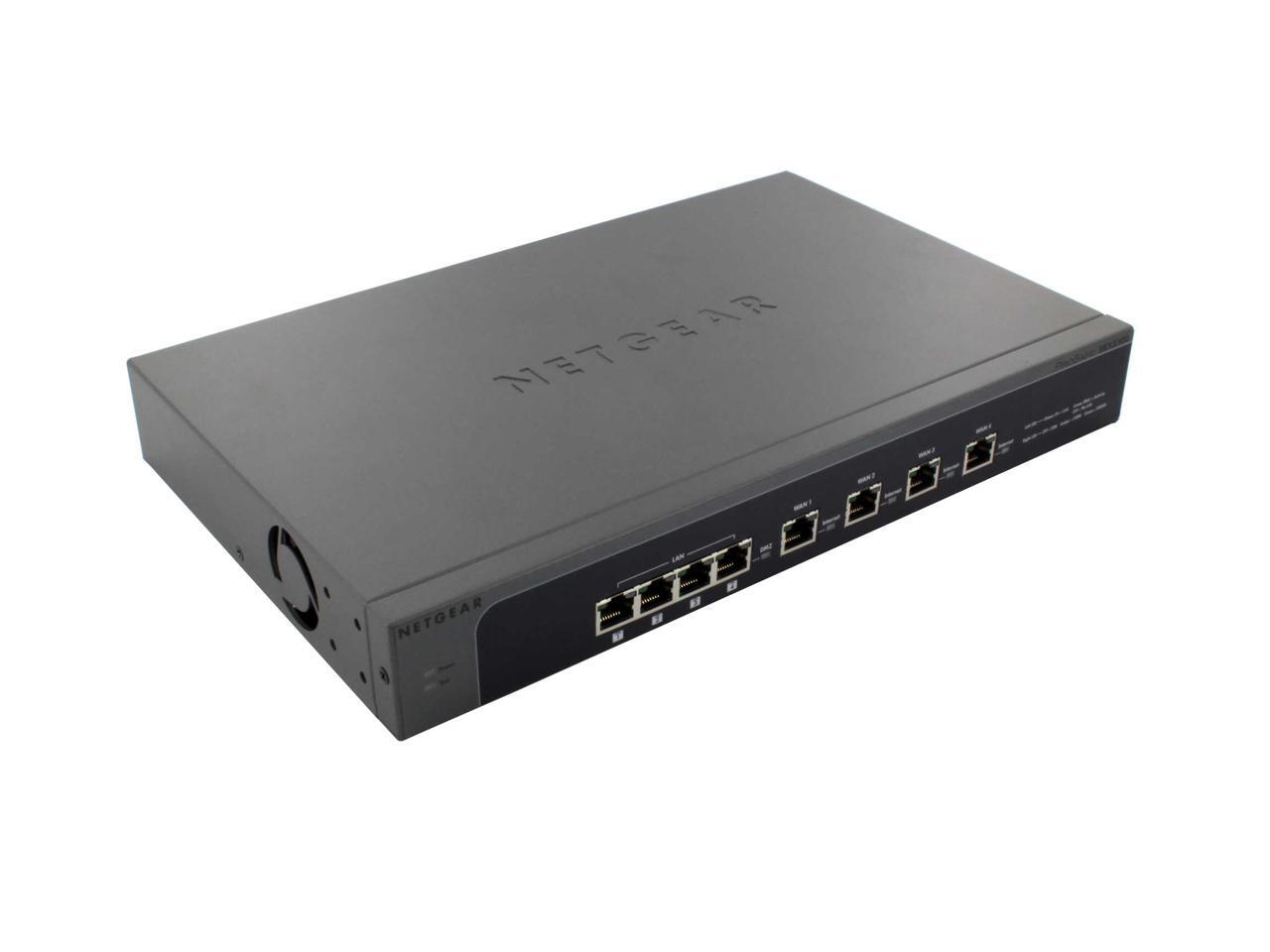
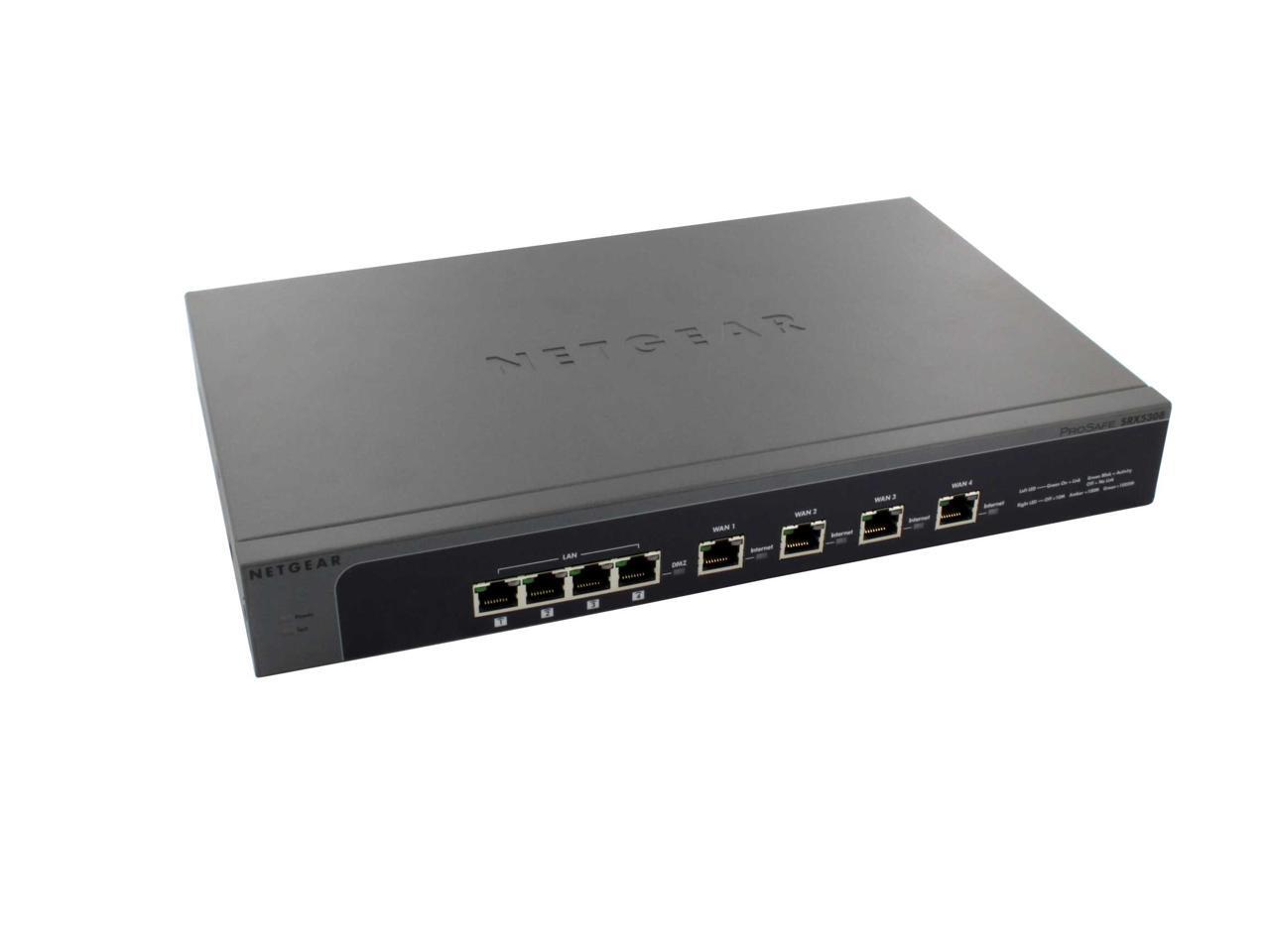
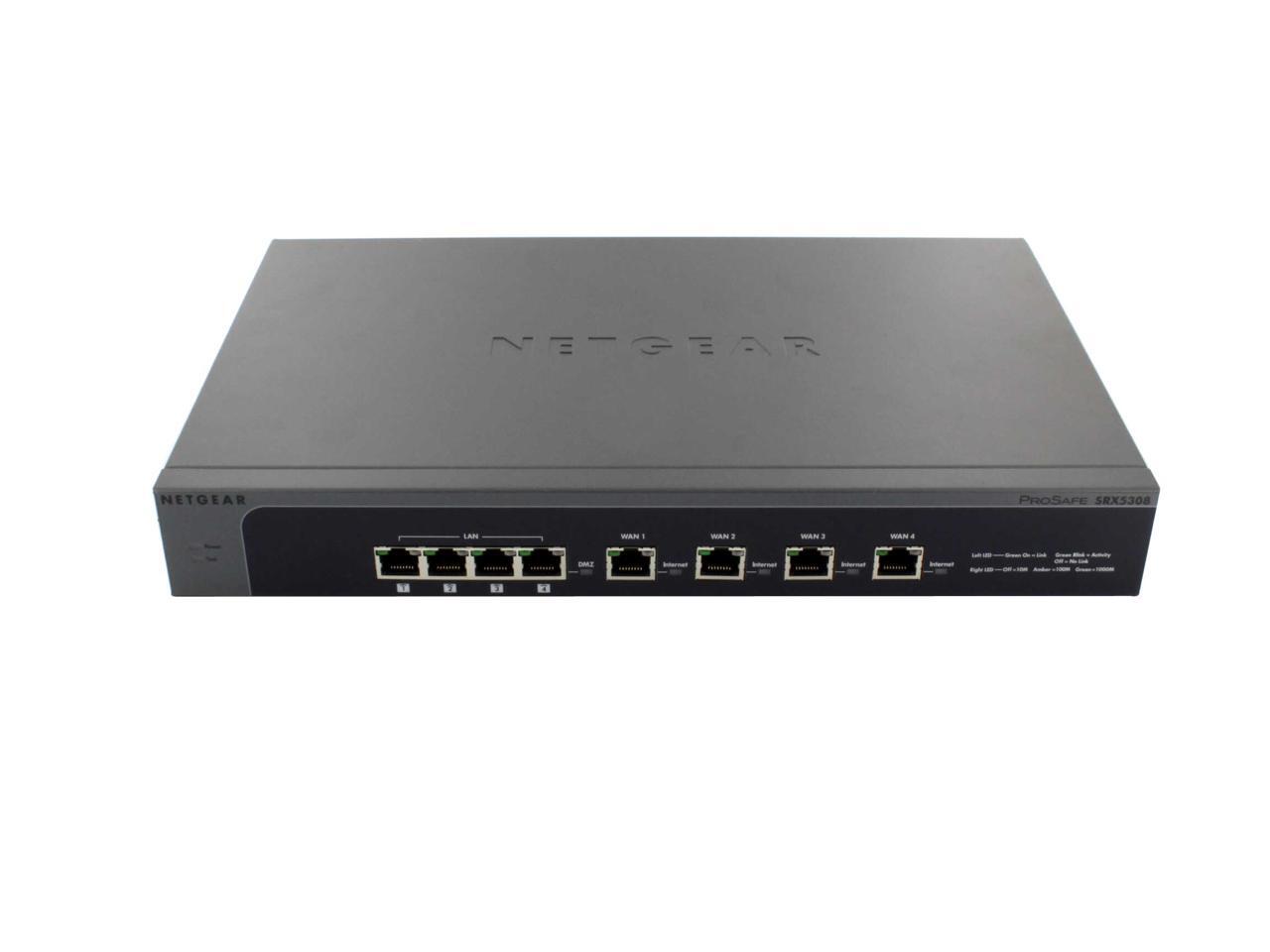
NETGEAR SRX5308-100NAS ProSafe Quad WAN Gigabit SSL VPN Firewall 200000 Simultaneous Sessions 924 Mbps (LAN-to-WAN)

  • 200000 Maximum Concurrent Connections
  • 924 Mbps LAN-to-WAN Throughput
  • 180 Mbps IPsec VPN (3DES) Throughput
  • 254 Maximum Number of VLANs
  • Gigabit RJ45 Ports WAN/LAN: 4/4
  • Pin It
  • Email this page
ICON Loading...


Learn more about the Netgear Inc. SRX5308-100NAS

Model

Brand
NETGEAR
Model
SRX5308-100NAS

SPEC

Type
Wired
Simultaneous Sessions
200000
Throughput
924 Mbps (LAN-to-WAN)
Ports
Gigabit RJ45 Ports WAN/LAN: 4/4
DMZ Interfaces (Configurable): 1
Wired Speed
10/100/1000 Mbps
Encryption Standard
56-bit DES, 168-bit 3DES, AES(128, 192, 256 bit)/SHA-1, MD5
VPN
IPsec VPN (3DES) Throughput: 180 Mbps
SSL VPN Throughput: 21 Mbps
Dedicated IPsec VPN Tunnels: 125
Dedicated SSL VPN Tunnels: 50
VPN Pass Through: IPsec, PPTP, L2TP
Key Exchange: IKE, Manual Key, Pre-shared Key, PKI, X.509 v3
Power Input
AC 100-240V, 50/60 Hz Universal Input, DC 5V/5A Output Internal Power Supply
Dimensions
13" x 1.7" x 8.2"
Weight
4.6 lbs.

Features

Features
Maximum Number of VLANs: 254

Stateful Packet Inspection (SPI): Port/Service Blocking, Denial-of-service (DoS) Prevention, Stealth Mode, Block TCP Flood, Block UDP Flood, WAN/LAN Ping Response Control

Firewall Functions: Port Range Forwarding, Port Triggering, DNS proxy, MAC Address Cloning/spoofing, NTP Support, UPnP, Auto-Uplink on Switch Ports, L3 Quality of Service (QoS),LAN-to-WAN and WAN-to-LAN(ToS), Bandwidth Profiling

Content Filtering: Web Components (Proxy, Java, ActiveX, Cookies), Web Keyword Blocking, Trusted Domains

User Authentication for VPN: Active Directory, LDAP, Radius, WIKID, MIAS, NT Domain, Local User Database

SSL:
SSL Version Support: SSLv3, TLS1.0
SSL Encryption Support: DES, 3DES, ARC4, AES(ECB, CBC, XCBC, CNTR)128, 256 bit
SSL Message Integrity: MD5, SHA-1, MAC-MD5/SHA-1, HMAC-MD5/SHA-1
SSL Certificate Support: RSA, Diffie-Hellman, Self
SSL VPN Platforms Supported: Windows 2000/XP/Vista/Windows 7 (32, 64 bit), MAC OS X 10.4+

Flash Memory/RAM: 64 MB/512 MB

Certifications: VPNC (Basic, AES Interop)

System Requirements: Cable, DSL, or Wireless Broadband Modem, Internet Service, Network Card for Each Connected PC, Network Software (e.g. Windows), Internet Explorer 5.0 or Higher or Mozilla Firefox 1.0 or Higher

Four Gigabit WAN ports for load balancing or failover protection

Hardware accelerated data flow architecture allows for 1Gbps of LAN-to-WAN throughput

Supports up to 125 IPsec VPN tunnels and 50 SSL VPN tunnels for secure remote access

Try our award winning UTM150EW-100NAS to add protection against SPAM and MALWARE to your Firewall functionality.

Manufacturer Warranty

Parts
Lifetime limited
Labor
Lifetime limited

Quick Info

Warranty

  • Limited Warranty period (parts): 9999 days
  • Limited Warranty period (labor): 9999 days


Customer Reviews of the Netgear Inc. SRX5308-100NAS

Do you own this product? Write a Review

Filter Results

Go
  • NetTechGuy
  • 3/27/2013 2:49:23 PM
  • Tech Level: High
  • Ownership: 1 week to 1 month
  • Verified Owner

5 out of 5 eggsExcellent SMB Firewall, but not for everyone

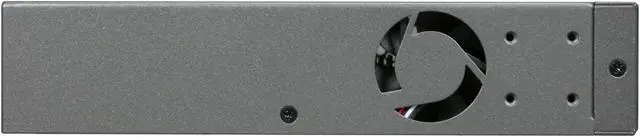
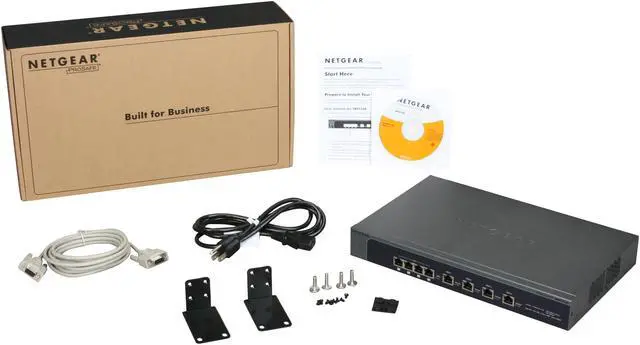
Pros: The feature set and price/performance point of this firewall is astounding. Extremely well built with metal case and included rack ears. Fan is not excessively loud, nor does unit run hot at all.

Multiple options for VPN clients (i.e., IPsec, PPTP, L2TP, SSL, etc.). Four GigE WAN ports, allow straight load balancing or protocol binding to bond your traffic over one WAN interface.

FAST throughput of nearly 1Gbps with SPI. 1000BaseT (GigE) everywhere! Support for multiple VLAN's for segregating LAN traffic. Standard Netgear ProSafe lifetime warranty. Inboard power supply (no wall wart transformer). This is a more than worthy replacement for the old FVX538 line.

Cons: SSL-VPN looks better on paper than it ends up being in real life. Nowadays with Shrew Soft, IPsec is just as fast and easy.

Not a 'con' per se, but I'm not sure I like the DMZ being relegated to one specific port (port #4). Also, by default the DMZ has no outbound rule meaning all outbound traffic is dropped by default. Easy enough to create that rule, but that should have been more clearly documented IMHO.

No wall mount slots on the bottom of the unit. But rack ears can be turned 90 degrees for the same affect.

Other Thoughts: Do I need to say update the firmware right out of the box? Apparently I do, as many reviewers gave bad marks for old, outdated 2.x.x & 3.x.x firmware. Since the 4.x.x platform has been released most of the previous complaints and issues have been addressed and fixed.

I have several of these deployed at various client sites. No complaints, no problems, no issues. You do need to have a firm grasp of IP routing and networking to get all the VLAN and multi-WAN features enabled successfully.

I've used LOTS of firewalls from various manufacturers such as SonicWALL & Cisco for over 20 years and this is rapidly becoming my new 'go to' firewall. Fast & flexible!

After deploying a few of these into client networks I retired my own FVS336G and installed one in my own office mostly to support a growing number of IPsec VPN's. This unit is rock solid on 4.2.1-2 firmware. Absolutely no complaints.

IMHO, Netgear needs to scale this down into a 2 WAN port model and replace or update the aging FVS336G platform.

Did you find this review helpful? Yes No

  • CR
  • 7/18/2012 9:03:05 PM
  • Tech Level: High
  • Ownership: more than 1 year
  • Verified Owner

1 out of 5 eggsGreat when works, and that's a big WHEN

Pros: Nice when it works, good and easy GUI, throughput is great, easy to setup

Cons: The major problem with this thing is that ... well, let's begin:
1. When you assign multiple IP addresses to a WAN port and reboot - all secondary IP are lost and must be re-entered. Some one mentioned in their review that you must use IP on different subsets - that's not true. If you get a block of IPs from your ISP you can assign them all to the same interface. You cant spread them between interfaces.
2. When it performs - great, but this thing has a mind of it's own - one second throughput is 70 Mbs, a minute later less than 1
3. Constantly locks up and requires to be physically rebooted - does not accept any remote connections
4. One of the major functions of this unit is VPN. We have 7 remote users using their expensive VPN client and connection gets dropped every 5 minutes. CONSTANTLY. Ridiculous.

Other Thoughts: Cant recommend this to any business unless a tech lives within 5 minutes in order to periodically visit the router in order to reboot it when it locks up and it does it at least weekly.

1 out of 1 people found this review helpful. Did you? Yes No

  • N/A
  • 5/31/2012 5:57:44 AM
  • Tech Level: High
  • Ownership: 1 month to 1 year

1 out of 5 eggsDoes not even measure up to their previous dual WANs

Pros: If it would actually function, it looks like it has a lot more horsepower than previous Netgear dual WAN routers

Cons: Do yourself a favor and do NOT get this expensive paper weight! I have several Netgear dual WAN routers deployed that work, but are overloaded, so I thought this would be the answer. I have been working with Netgear support for 5 weeks and they cannot even achieve the same 1:1 NAT functionality over multiple WANs to single LAN that the duals do. This unit is just far too unstable for me to deploy as sometimes one link will work and the other will not, then it will just change without any configuration change...

Other Thoughts: Purchasing this router was an EXPENSIVE MISTAKE!

1 out of 1 people found this review helpful. Did you? Yes No

  • eman
  • 5/14/2012 1:23:14 PM
  • Tech Level: Somewhat High
  • Ownership: 1 month to 1 year

1 out of 5 eggsNot that great

Pros: This router has a large feature set.

Cons: The router randomly crashes and locks up. I have to reboot it daily now which is not helpful since there isn't a way to automate this easily. Overall I'm not impressed with this router due to reliability.

Other Thoughts: I'm not impressed with this router. We have about 50 computers maximum that connect to our network, but this thing can't take a full load. Looking to get something else now, something that is more reliable.

1 out of 1 people found this review helpful. Did you? Yes No

  • WDP Consulting
  • 2/9/2012 2:49:19 AM
  • Tech Level: High
  • Ownership: more than 1 year

5 out of 5 eggsAmazing flexibility for the money

Pros: The feature set this router gives you for the money is nothing short of astounding. Extremely solid build. Not excessively loud or hot. Multiple options for VPN client/bridge. Huge throughput capacity. GigE everywhere. Lifetime warranty. Have yet to notice a dropped LAN connection of any kind after more than a year.

Cons: Proper configuration for complex networks can be tricky, has glitched out more than once with improper combination of settings requiring a factory reset/settings rebuild. Config portal is not as lightning fast as I would have hoped (but not terribly slow either).

Other Thoughts: I have setup three of these for small businesses. Two in a permanent IPsec bridge for one business. The VPN bridge is insanely stable, will usually auto-reconnect after any disruption, after over a year I have only had to manually reset/restart the connection twice.

Throughput over the IPsec VPN connection is also very very fast for a router in this price range.

SSL VPN is tricky to get working, but I have found the much easier SSL Port Forwarding is all you really need in most circumstances anyway.

All three of these that I have setup handle VoIP data without issue. QoS can be tricky to understand, but if you know what you are doing these routers can accommodate anything. But if you don't have the upstream bandwidth to handle the VoIP data outbound, no router can help you.

Domain integration for VPN client credentials/console login is a very nice feature.

This router also has an extensive set of logging and monitoring features that can come in very handy when problems a

2 out of 2 people found this review helpful. Did you? Yes No

  • N/A
  • 11/15/2011 4:12:56 PM
  • Tech Level: High
  • Ownership: 1 week to 1 month
  • Verified Owner

1 out of 5 eggsLook elsewhere...

Pros: Nice footprint, nice advertised features

Cons: HORRIBLE performance. From a networking standpoint these firewalls analyze too much packet traffic and ultimately cause you more grief than what they were designed to alleviate. There's no way to adjust the level of Stateful Packet Inspection or turn it off. If you're using VOIP, forget about it!

1 out of 2 people found this review helpful. Did you? Yes No

  • pandalink
  • 10/24/2011 9:24:01 AM
  • Tech Level: High
  • Ownership: 1 month to 1 year

1 out of 5 eggsSave the Headache, don't buy this product

Pros: It does exactly what the product documentation says it will, and it ONLY does that. See Cons for example of why this might be misleading. We've had many problems with this device (we own 2), this example is one of the many ways this product disappoints.

Cons: Docs say that it supports multiple IPs per interface. This is true, HOWEVER those IPs must be on different networks. So for example, if your ISP gives you 5 Public IP addresses (they are usually on the same subnet). You cannot use the 5. You can only use the 5 addresses if they are on different subnets. What ISP does that?? Unfortunately, we assumed that multiple IPs per interface meant what most normal folks would mean by that statement. The implementation of this "feature" makes it useless in practice.

Other Thoughts: These kinds of issues are deeply imbeded in this product. They've advertised feature, but it only works in a very specific and constrained scenario that renders the feature useless. My advice, do't go there.

1 out of 3 people found this review helpful. Did you? Yes No

  • El Di Pablo
  • 10/3/2011 1:33:08 PM
  • Tech Level: High
  • Ownership: 1 day to 1 week

3 out of 5 eggsNot ready for prime time

Pros: Cheap. Cost less to buy this than to upgrade the license on my Cisco ASA 5505.

Cons: This thing suffers from frequent disconnects. I updated the firmware to the latest version, but still no help.

Other Thoughts: On hold right now with Netgear tech support to get a replacement sent out. At least the hardware has a lifetime warranty.

0 out of 1 people found this review helpful. Did you? Yes No

  • Brad
  • 9/26/2011 5:11:19 PM
  • Tech Level: High
  • Ownership: 1 week to 1 month
  • Verified Owner

1 out of 5 eggsNewegg - awesome.... Netgear - not so much

Pros: Nice feature set for the price point. Hits a nice small business sweet spot. Once running, the device works well. Netgear tech support was helpful. They even put me on with the same tech when the ticket spanned multiple calls over multiple days.

Cons: Had problems getting the primary and secondary internet connections working. After several tech support calls with Netgear we determined that WAN ports 2,3, and 4 were bad. Because the primary link was functioning I wanted to keep the unit while waiting for a replacement to keep the network up. Netgear offered an RMA but refused to ship a new unit until they had received the old one. I offered to pay some sort of collateral and they said it wasn't an option. Then they had the nerve to charge me for shipping both ways. I called Newegg and they made everything right. They even got me overnight shipping of the new device and gave me 30 days to return the old one.

Other Thoughts: This device is clearly targeted at small business. Netgear has a lot to learn about business level customer service.

1 out of 3 people found this review helpful. Did you? Yes No

  • chays77
  • 9/20/2011 6:52:12 AM
  • Tech Level: High
  • Ownership: 1 month to 1 year

5 out of 5 eggsBest Multi-WAN Product on the market for the price

Pros: Four WAN ports, easy to use web interface, easy configuration, fast. Put in straigh load balancing or use protocol binding to have your http/https traffic over one interface and your smtp/ftp/pptp over another.
This firewall is highly reliable. Online for 3 months and haven't had to power cycle yet. We previously had the FVX538 and it was just as reliable.

Cons: None

Other Thoughts: We've been using the netgear family of business firewalls for more than 6 years. Previously we used the FVX538 which has been replaced by the new SRX5308. They are highly reliable and at les than $500 they make a great business product in enviornments where you need basic network security with multi-WAN for load balancing. We're a netgear powershift partner and have had great experience with their technical support.

1 out of 1 people found this review helpful. Did you? Yes No

ICON Loading...
Are you an E-Blast Insider? Subscribe Newegg e-Blast

Buzz

No Windows 7 Support

2 out of 5 eggs
The VPN software does not support Windows 7. I have read this about other Netgear products, but unfortunately this was after ...
— 5/12/2010

Works well, Fast

4 out of 5 eggs
Fast, Port based VLAN support, SSL VPN (Works great with Win 7 and IE), Most settings you would want. Works well ...
— 10/21/2010


PayPal
Shop without retyping payment details. Secure shopping made faster.
Check out with PayPal.

Financing


Home
Home > 
Computer Hardware > 
Networking > 
Firewalls/Security Appliances > 
Netgear Inc. > 
Item#: N82E16833122369
LOADING... LOADING...
Shop by Region: United States | Canada | China
Follow us:   RSS Feeds Youtube
VeriSign Reliability Seal1This site protected by Trustwave's Trusted Commerce program Inc500
Policy & Agreement | Privacy Policy  © 2000-2013 Newegg Inc.  All rights reserved.
If the Adobe Reader does not appear when you click on a link for a PDF file, you can download Adobe Reader from the Adobe web site. nassau