Skip to: |

Newegg.com - A great place to buy computers, computer parts, electronics, software, accessories, and DVDs online. With great prices, fast shipping, and top-rated customer service - once you know, you Newegg.

If you are reading this message, Please click this link to reload this page.(Do not use your browser's "Refresh" button). Please email us if you're running the latest version of your browser and you still see this message.

Newegg.com - Computer Parts, Laptops, Electronics, HDTVs, Digital Cameras and More!

  • | Wish List
  • Help
Home
Home > 
Computer Hardware > 
Networking > 
Powerline Networking > 
TRENDnet > 
Item#: N82E16833156435

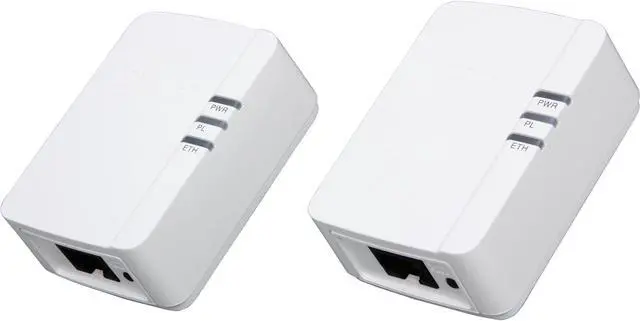
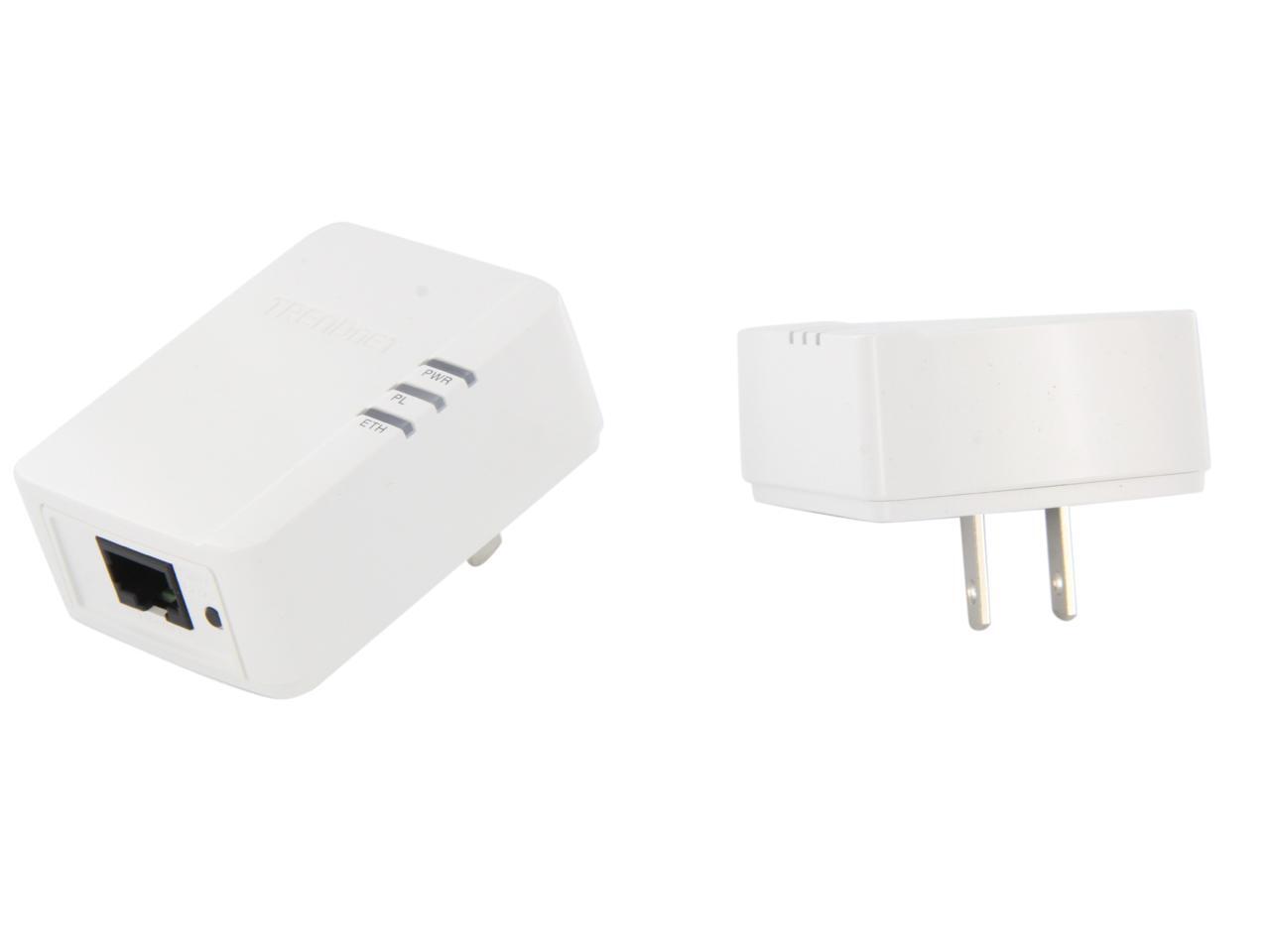
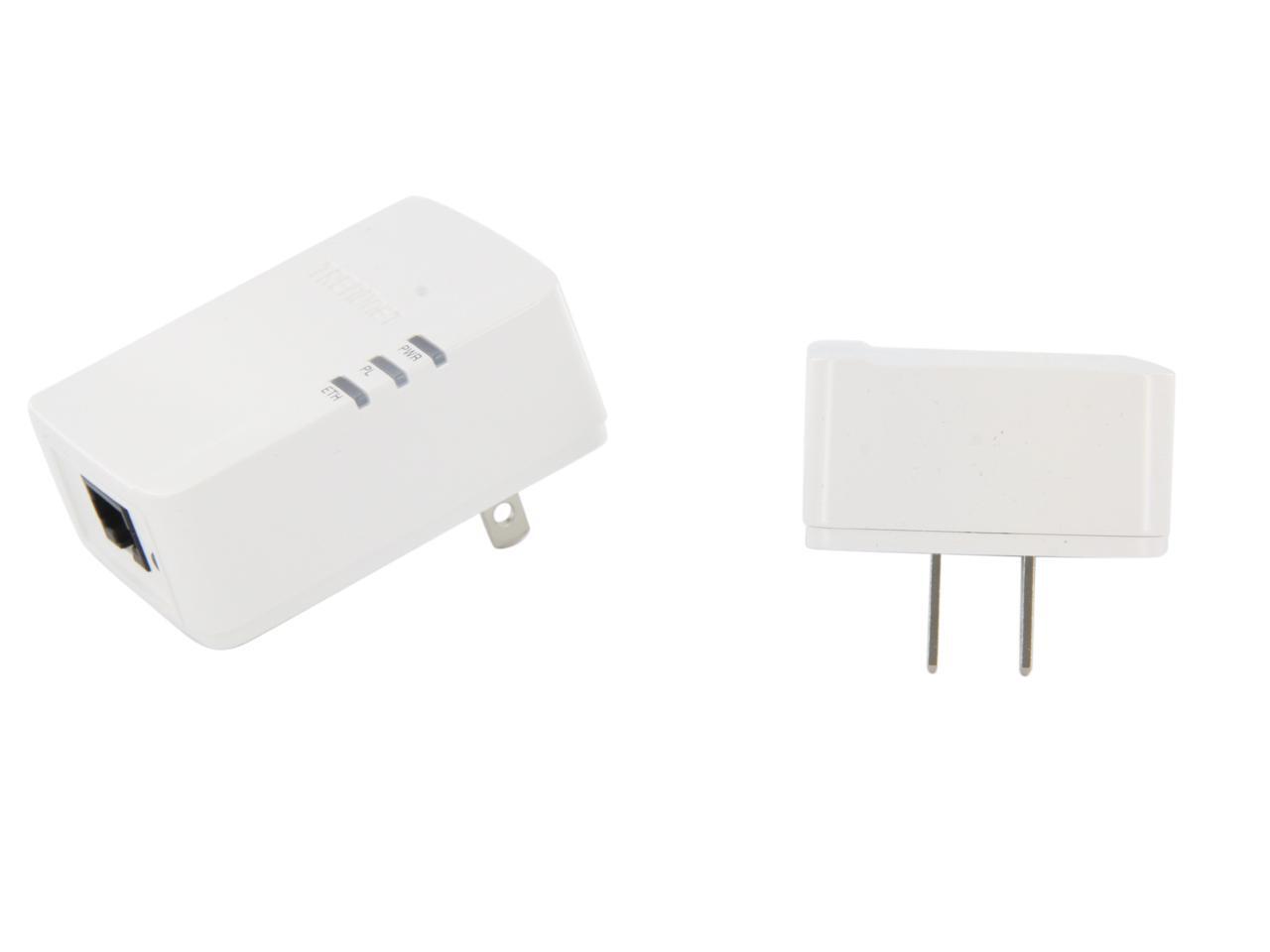
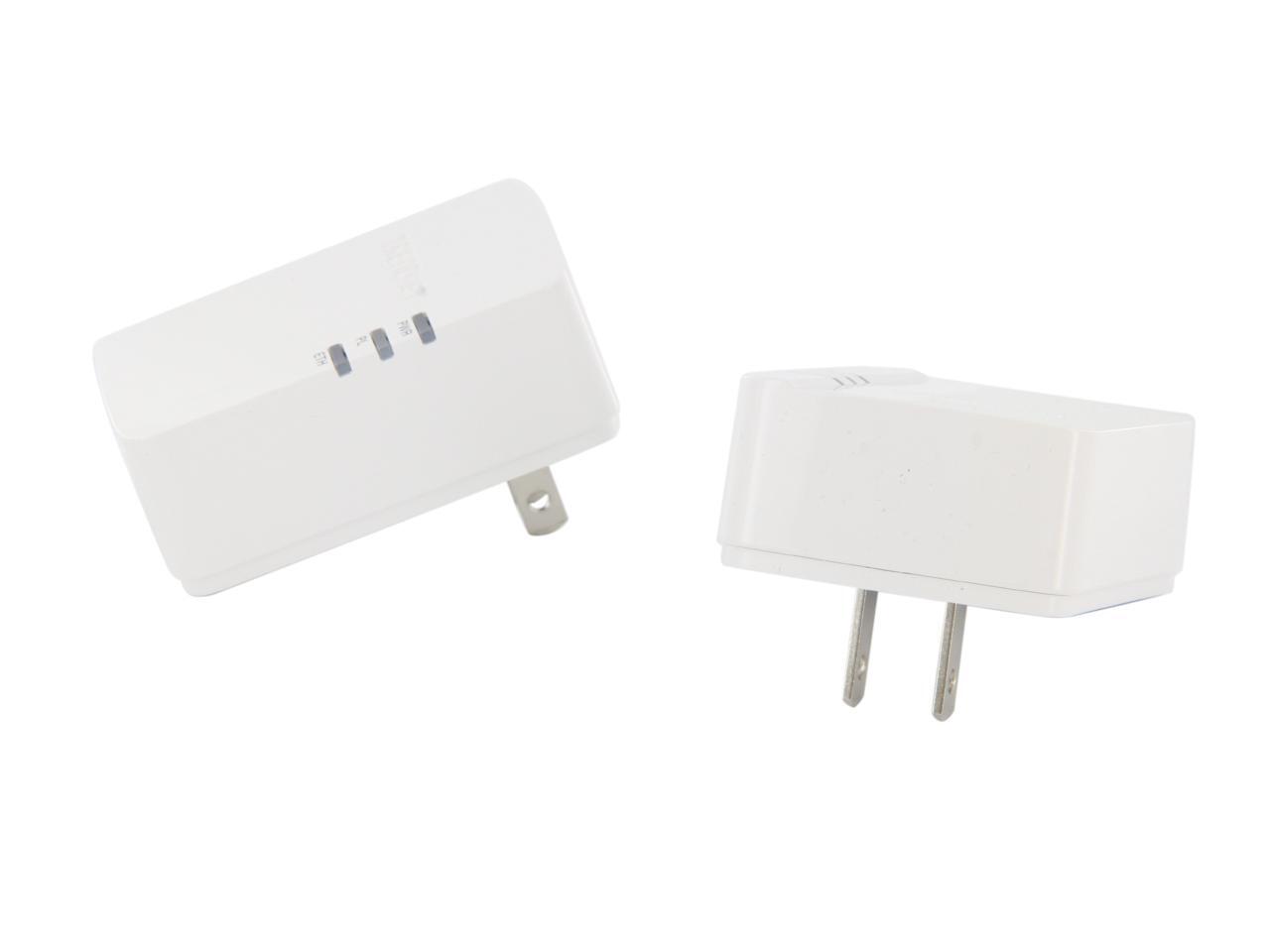
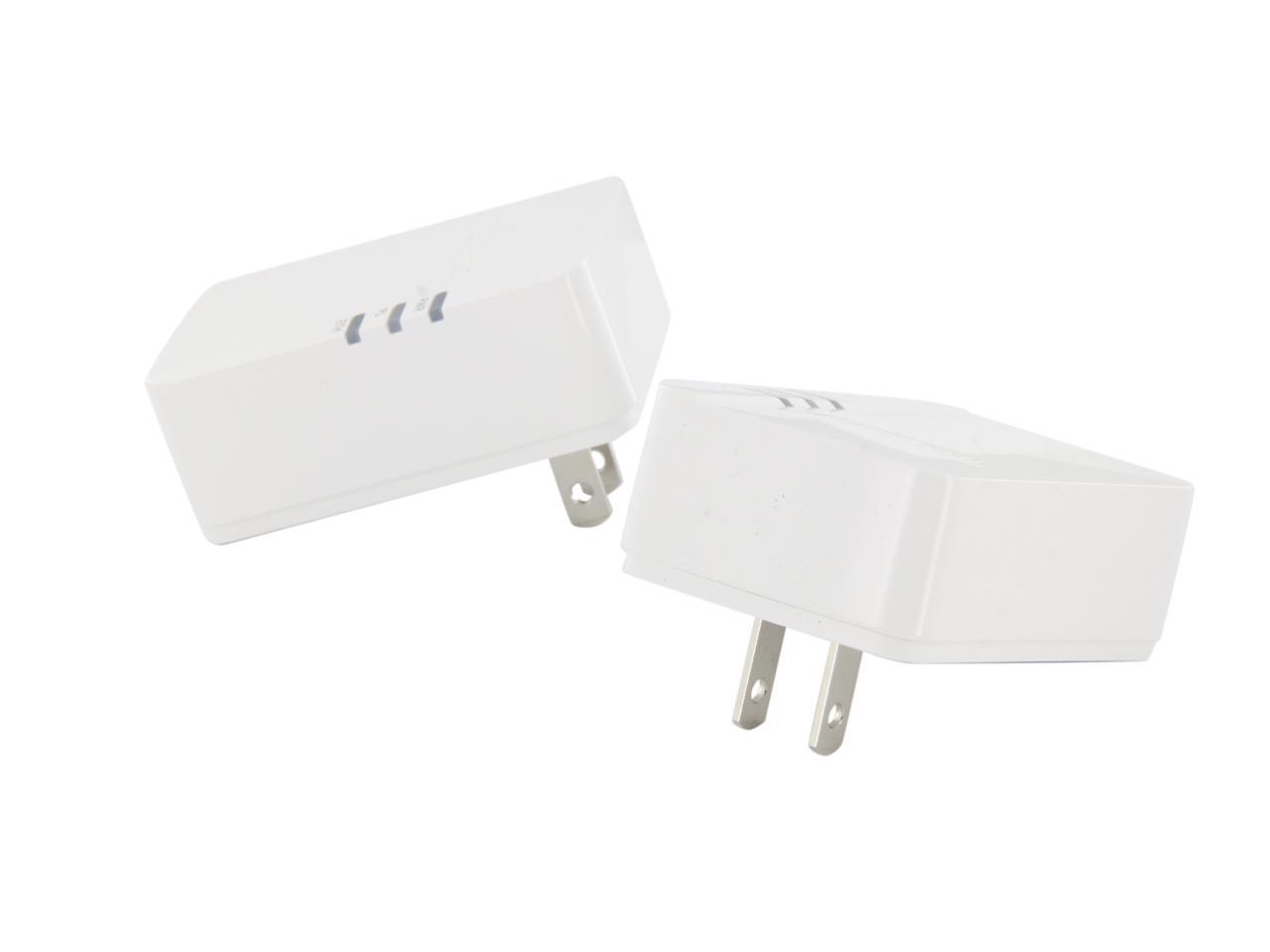
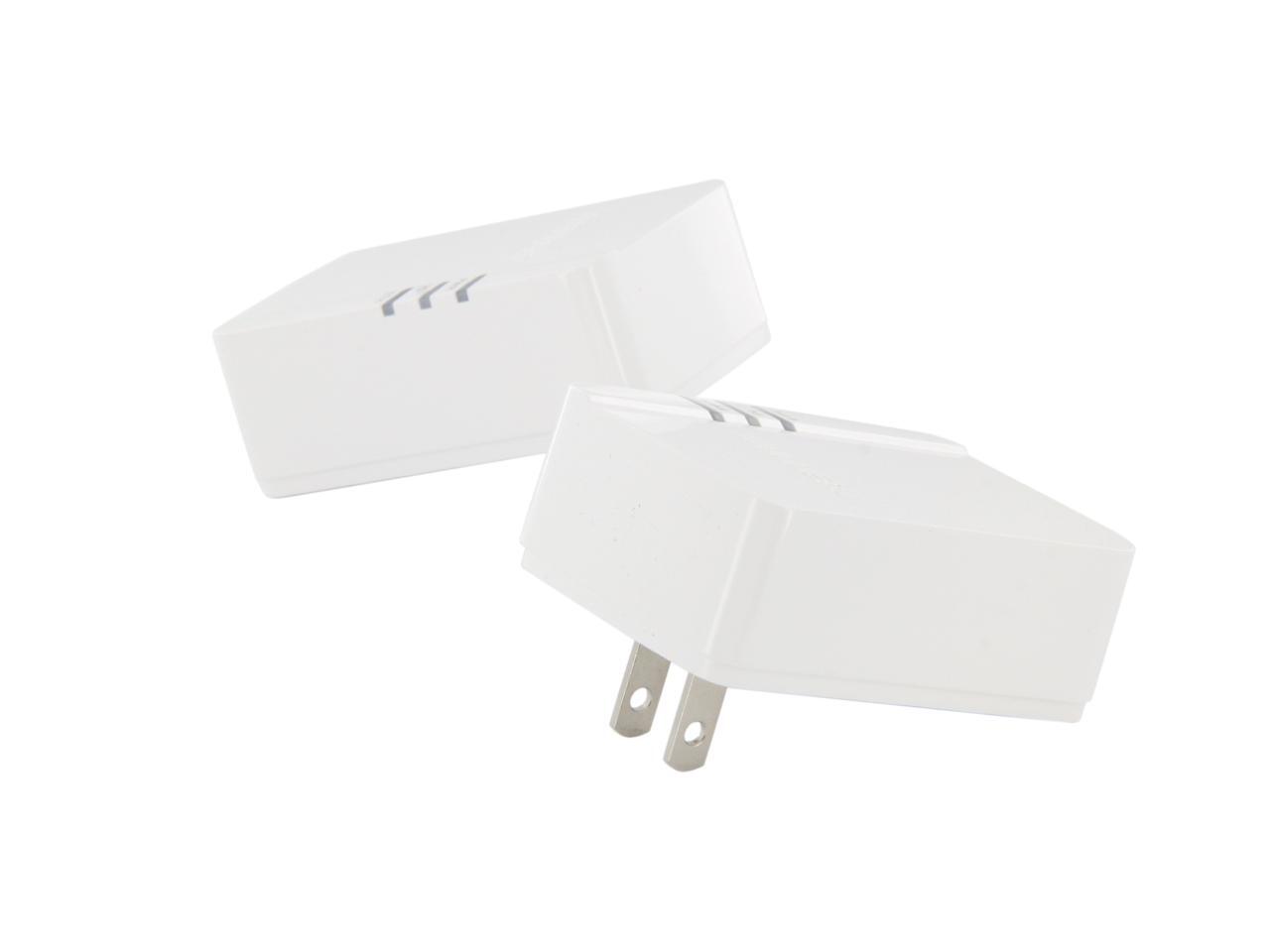
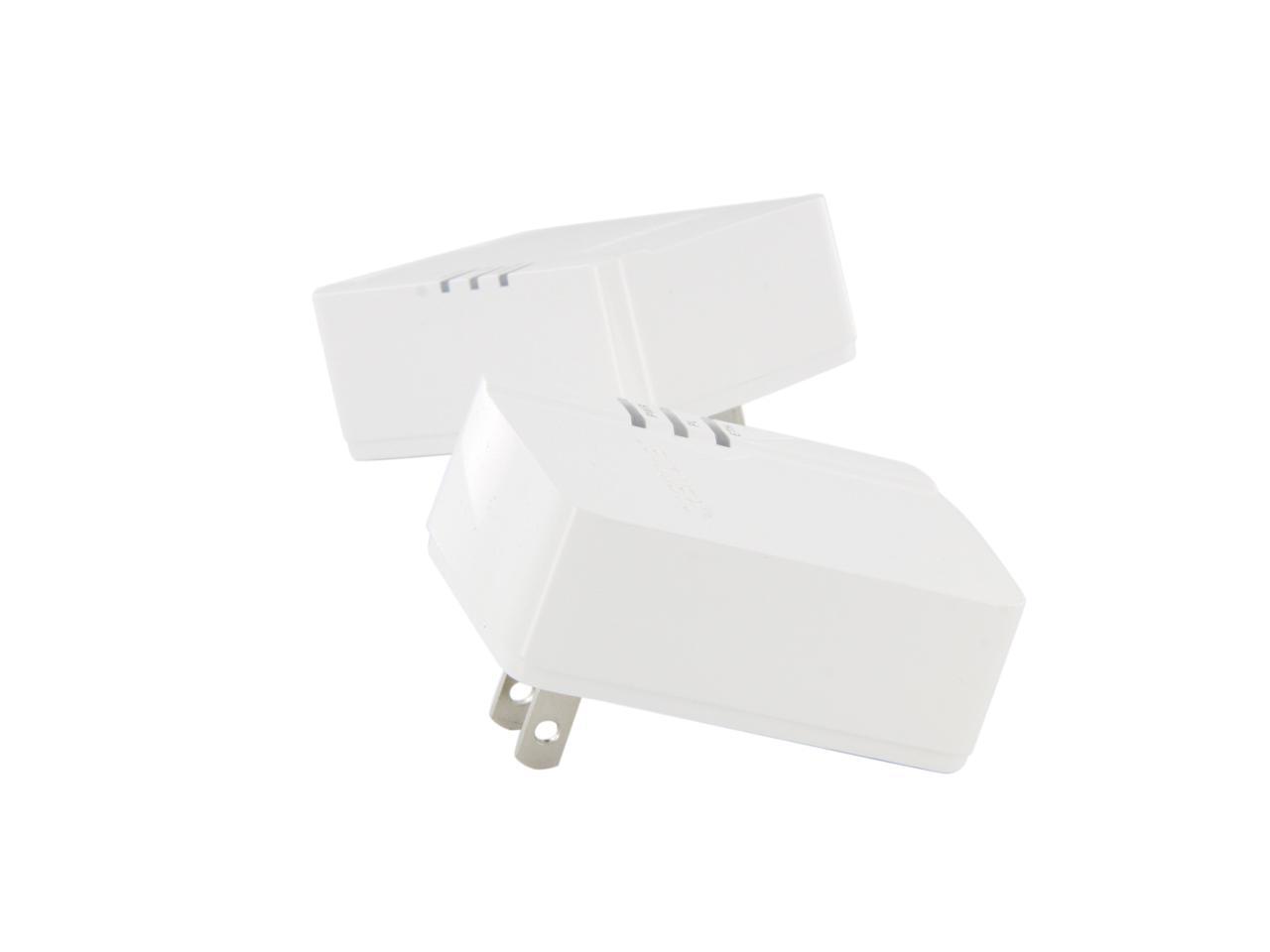
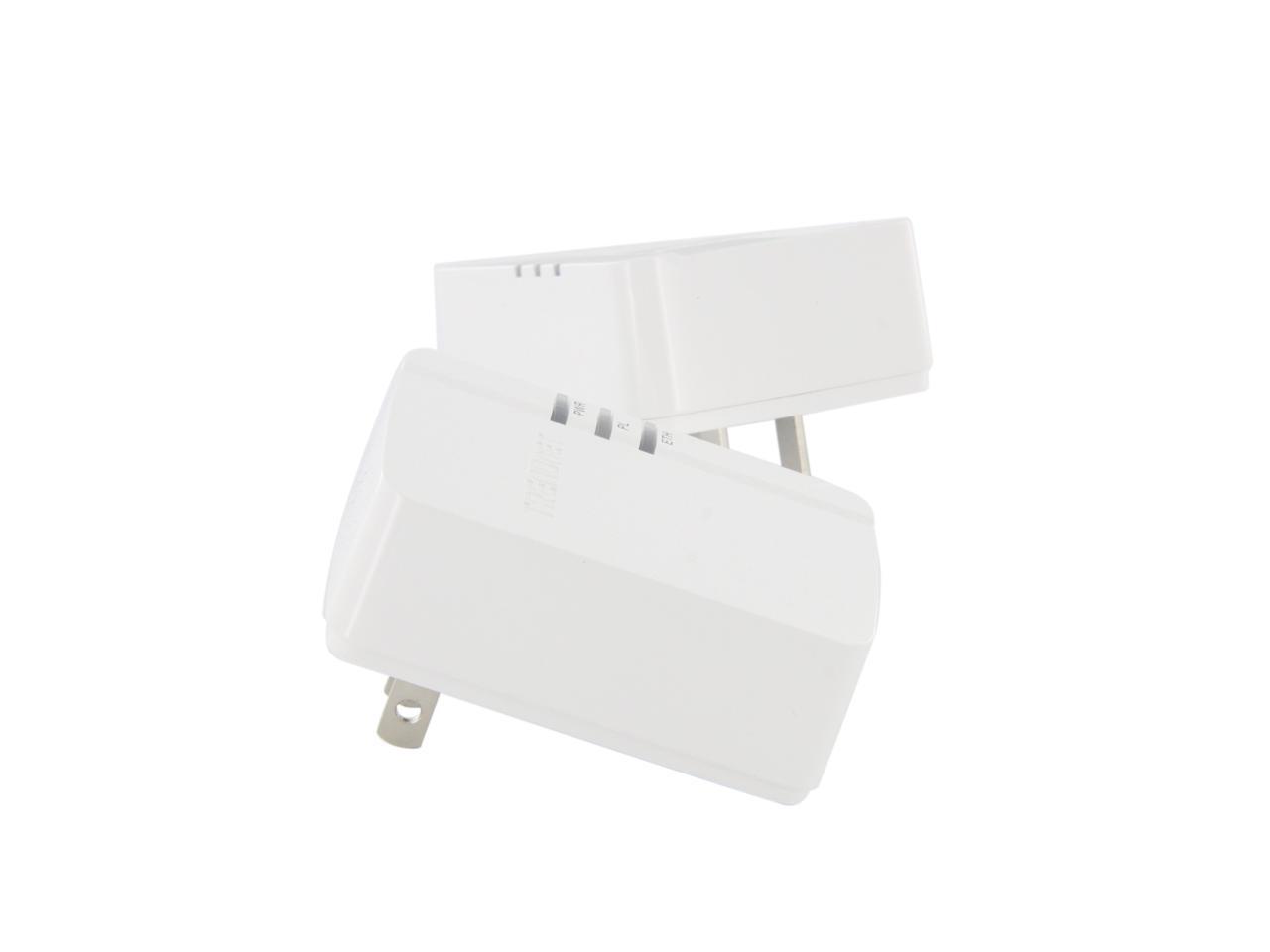
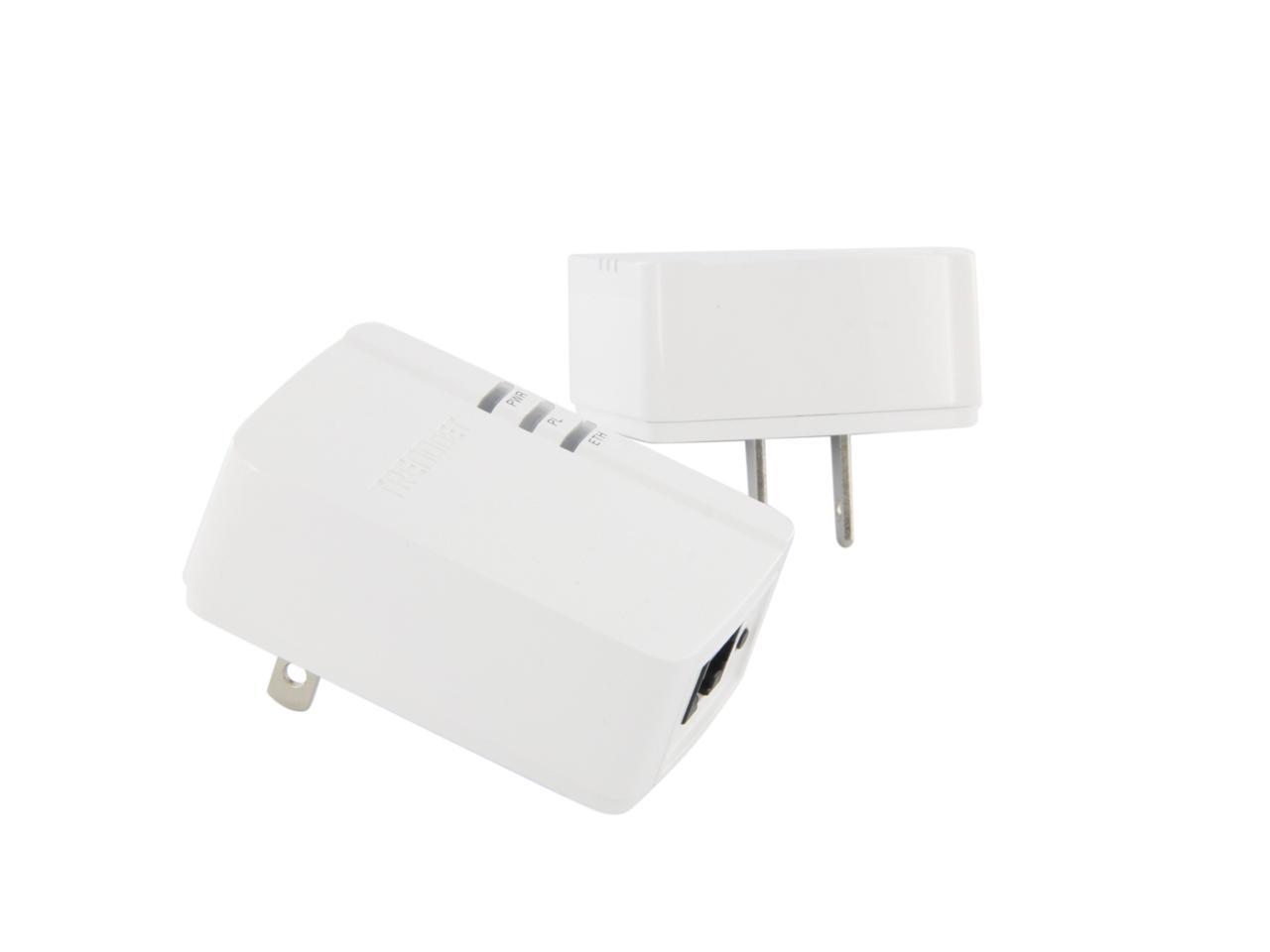
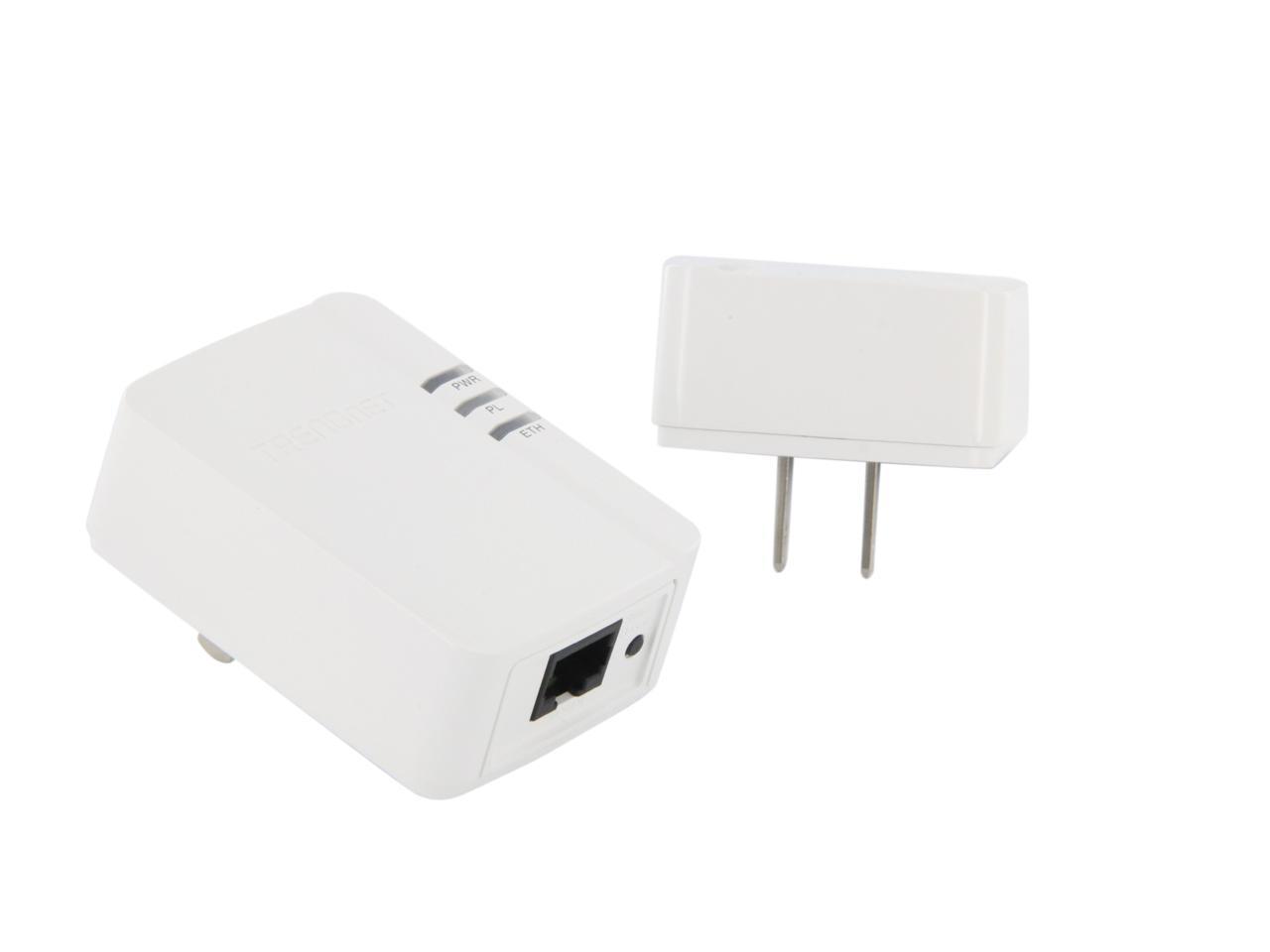
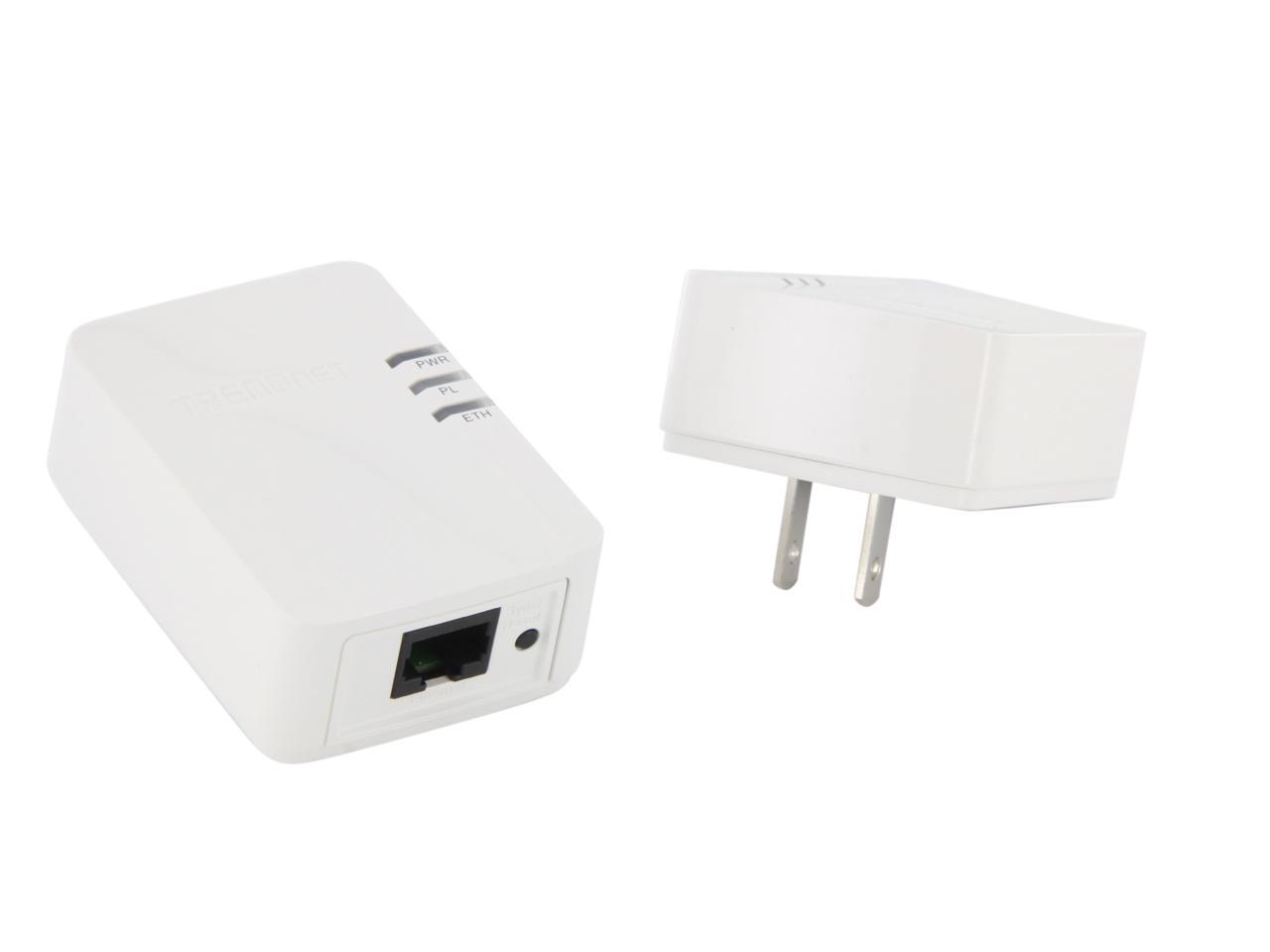
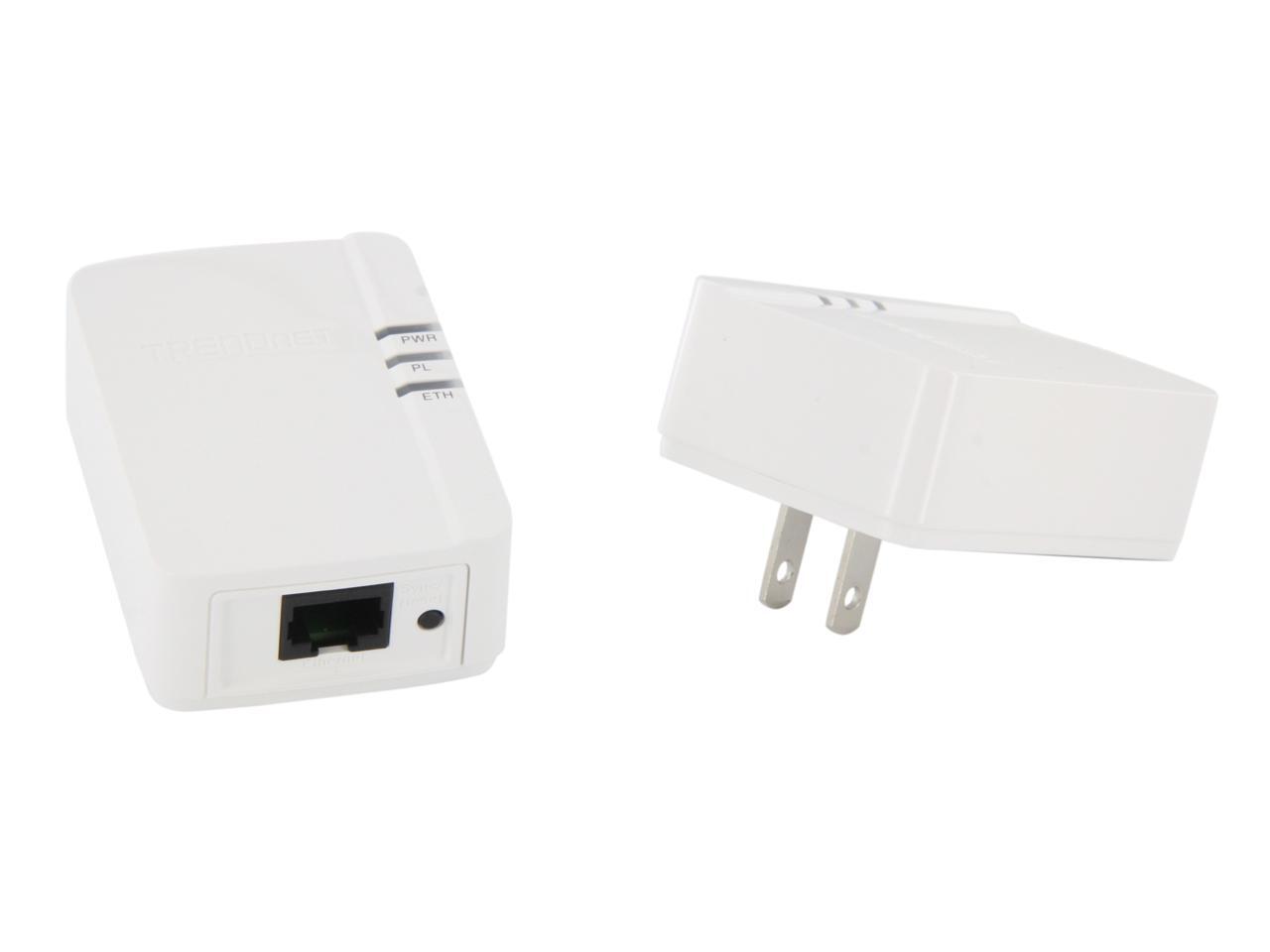
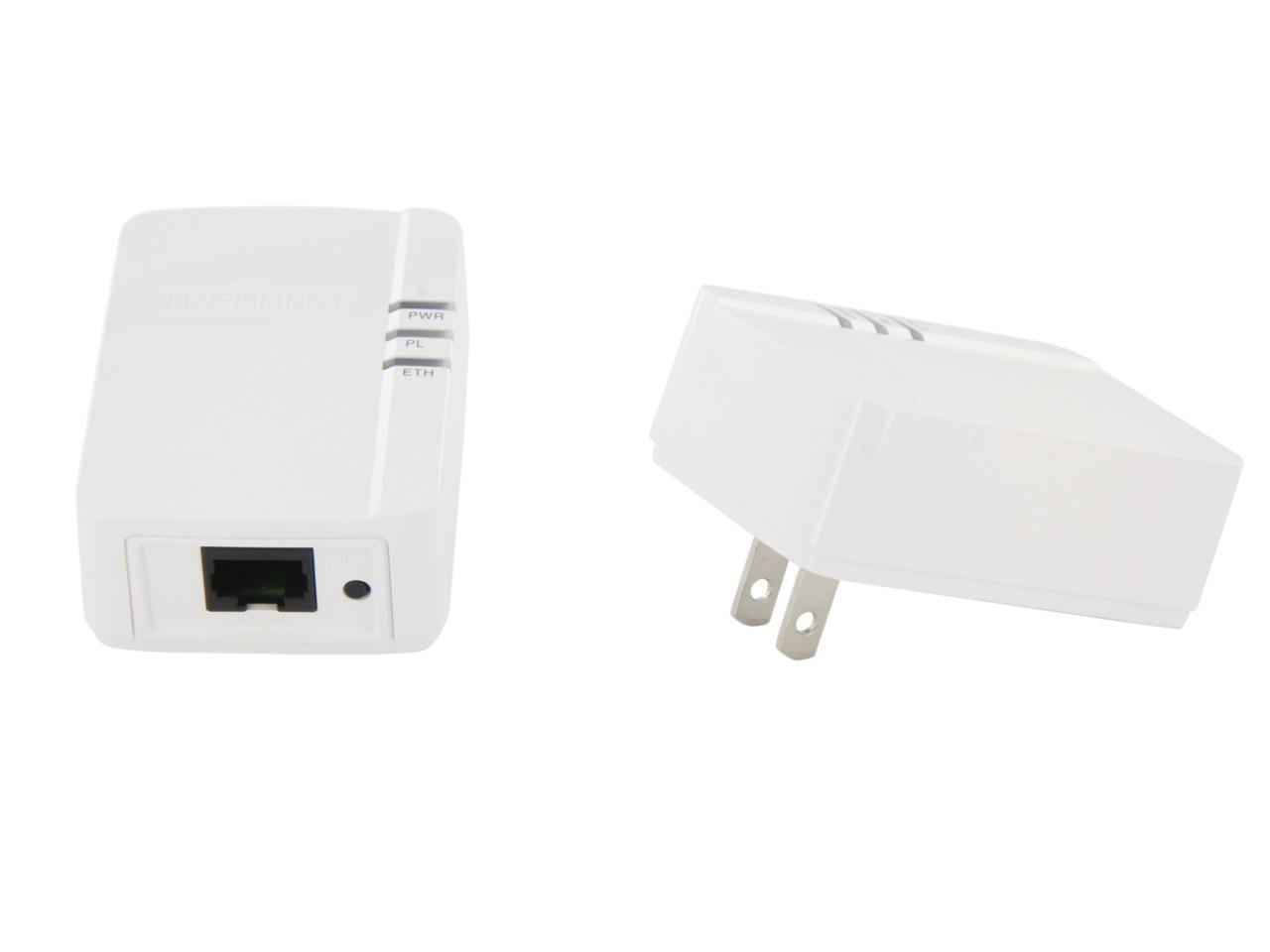
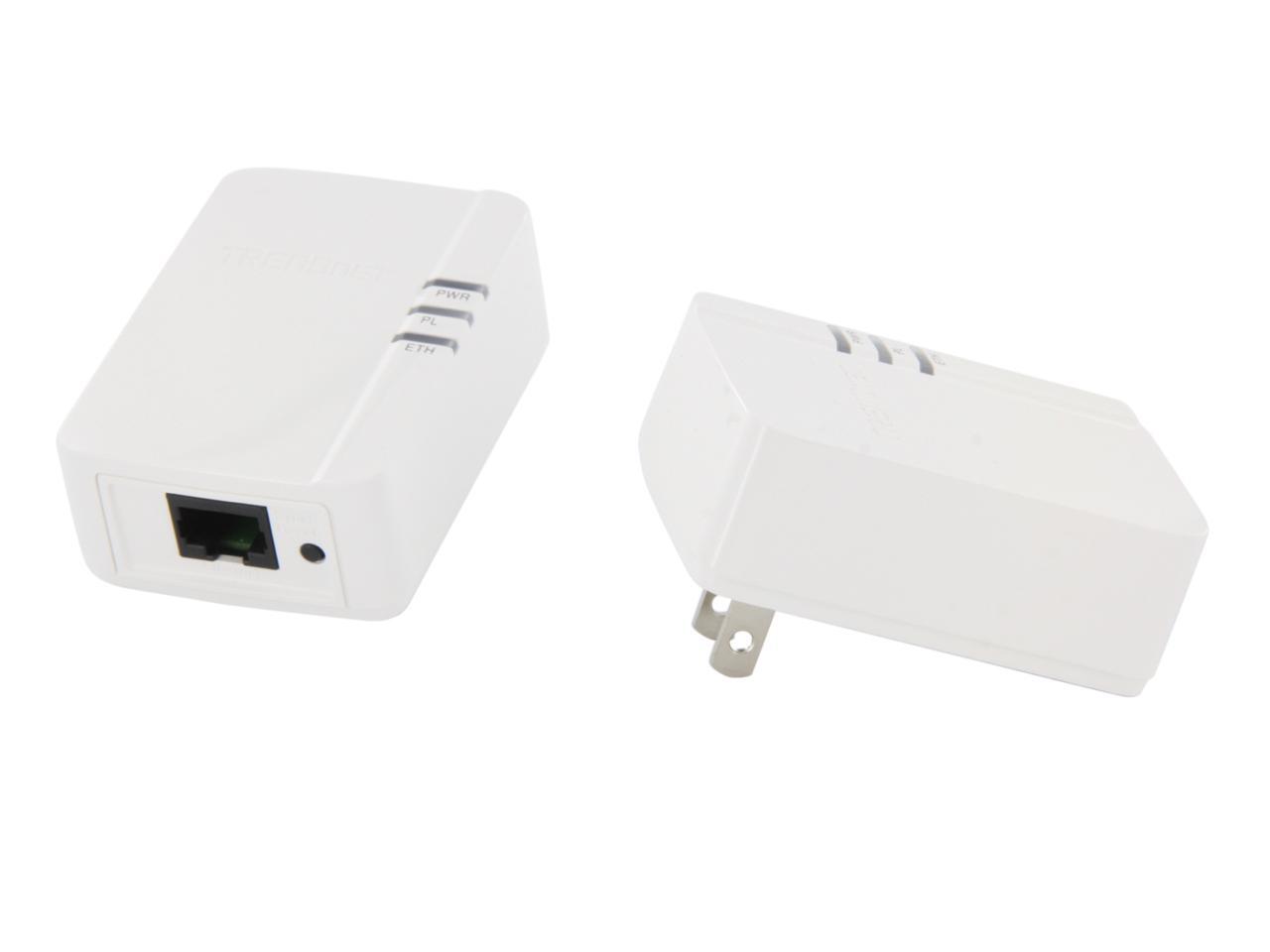
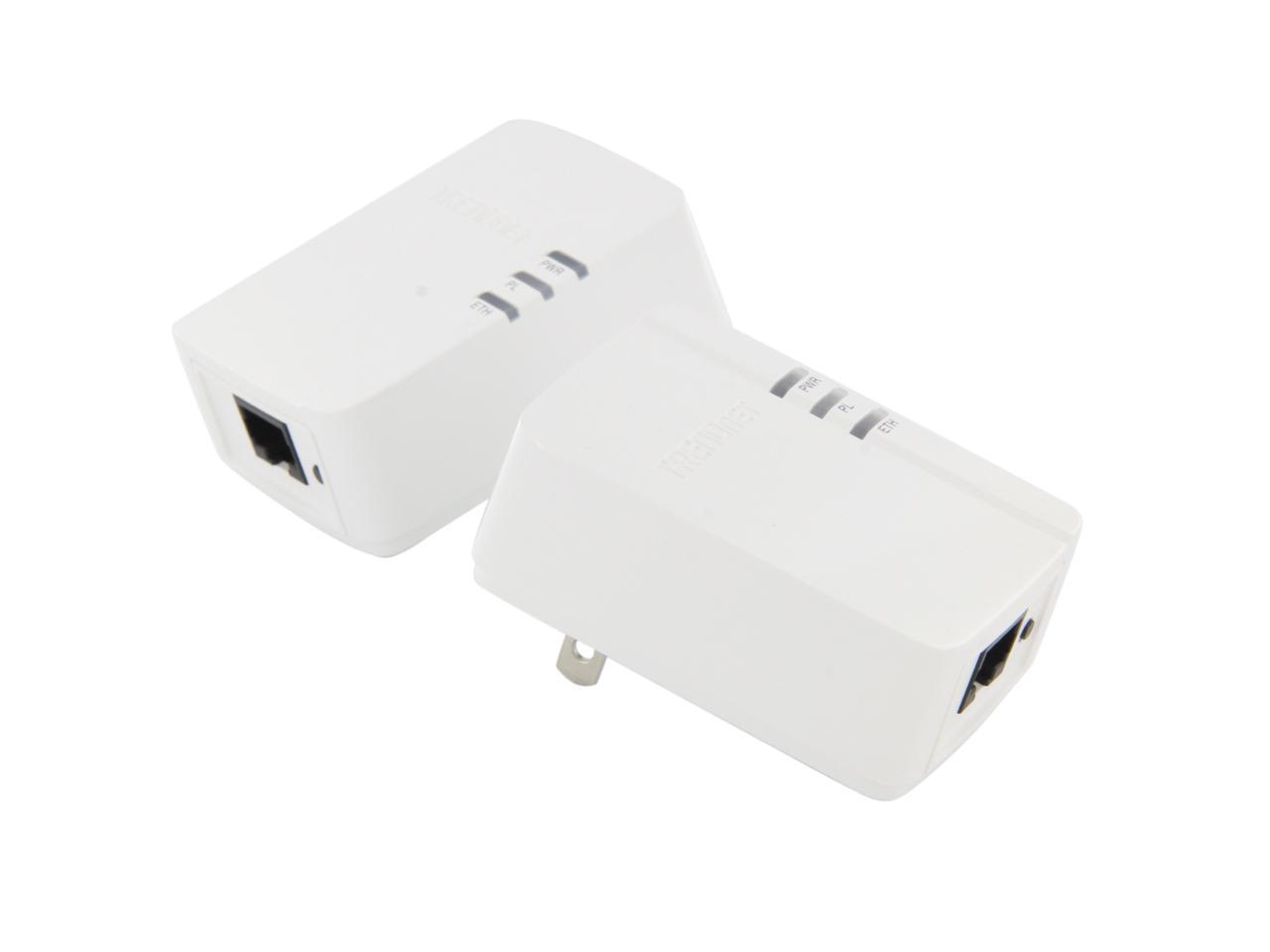
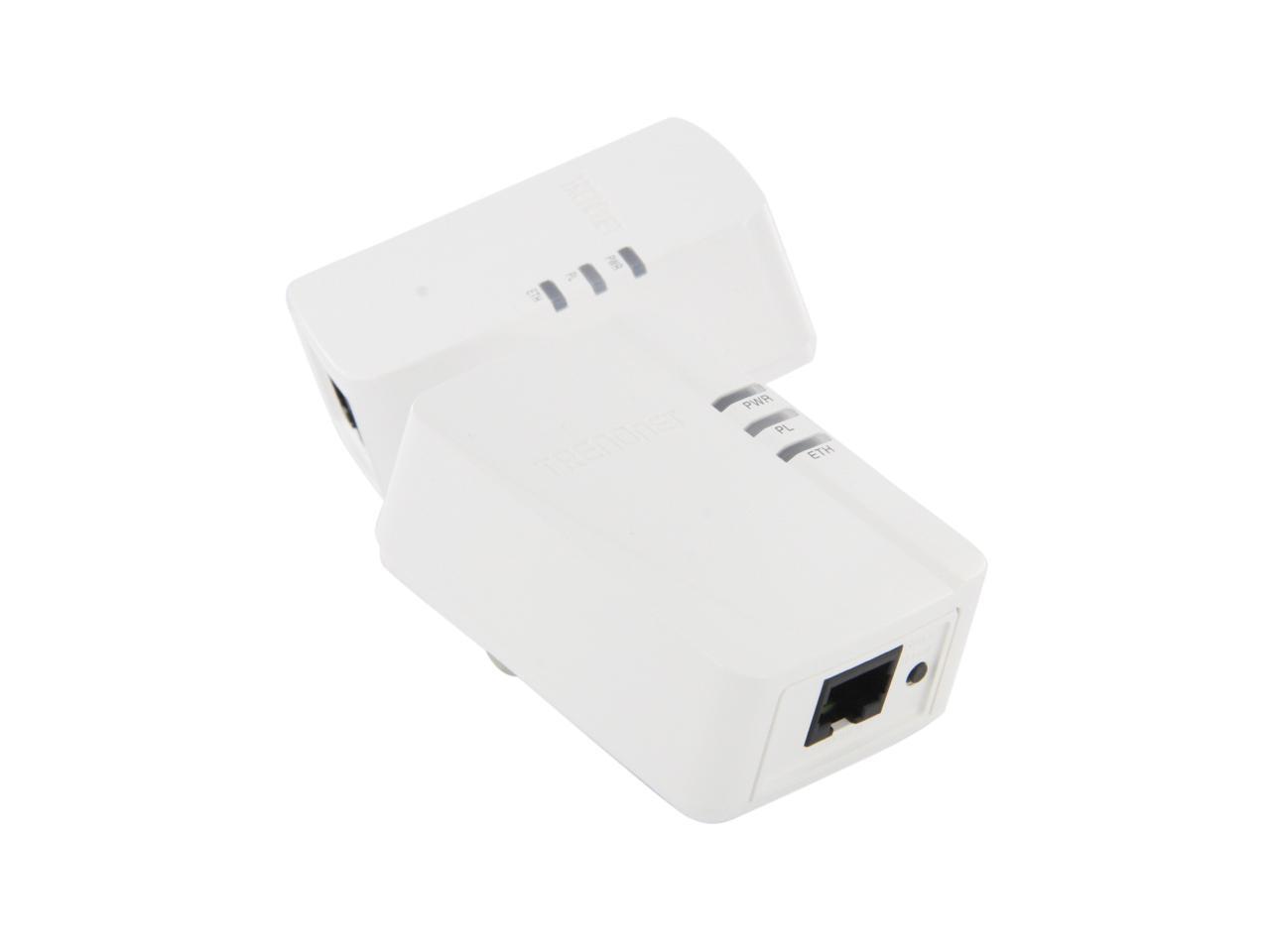
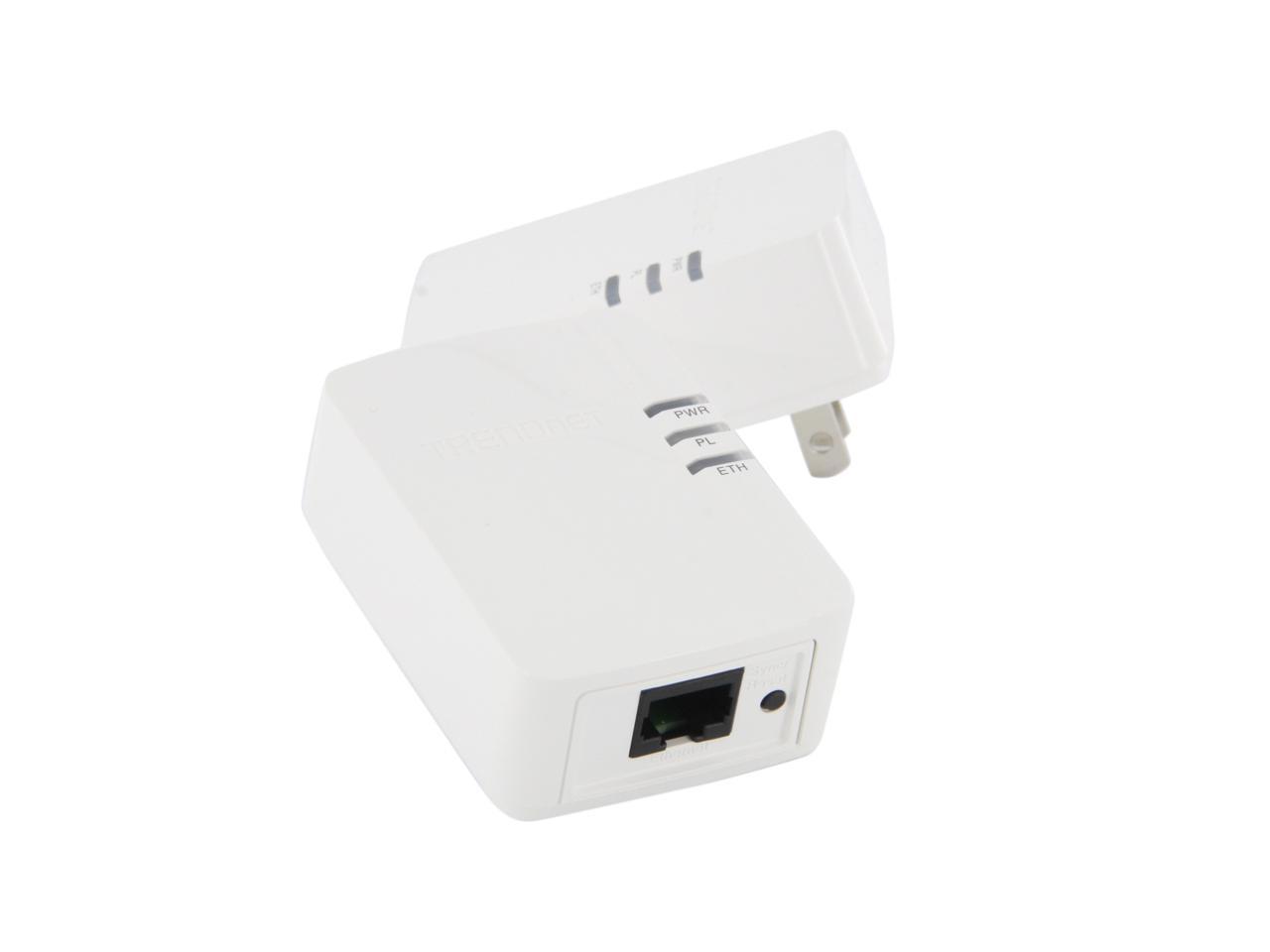
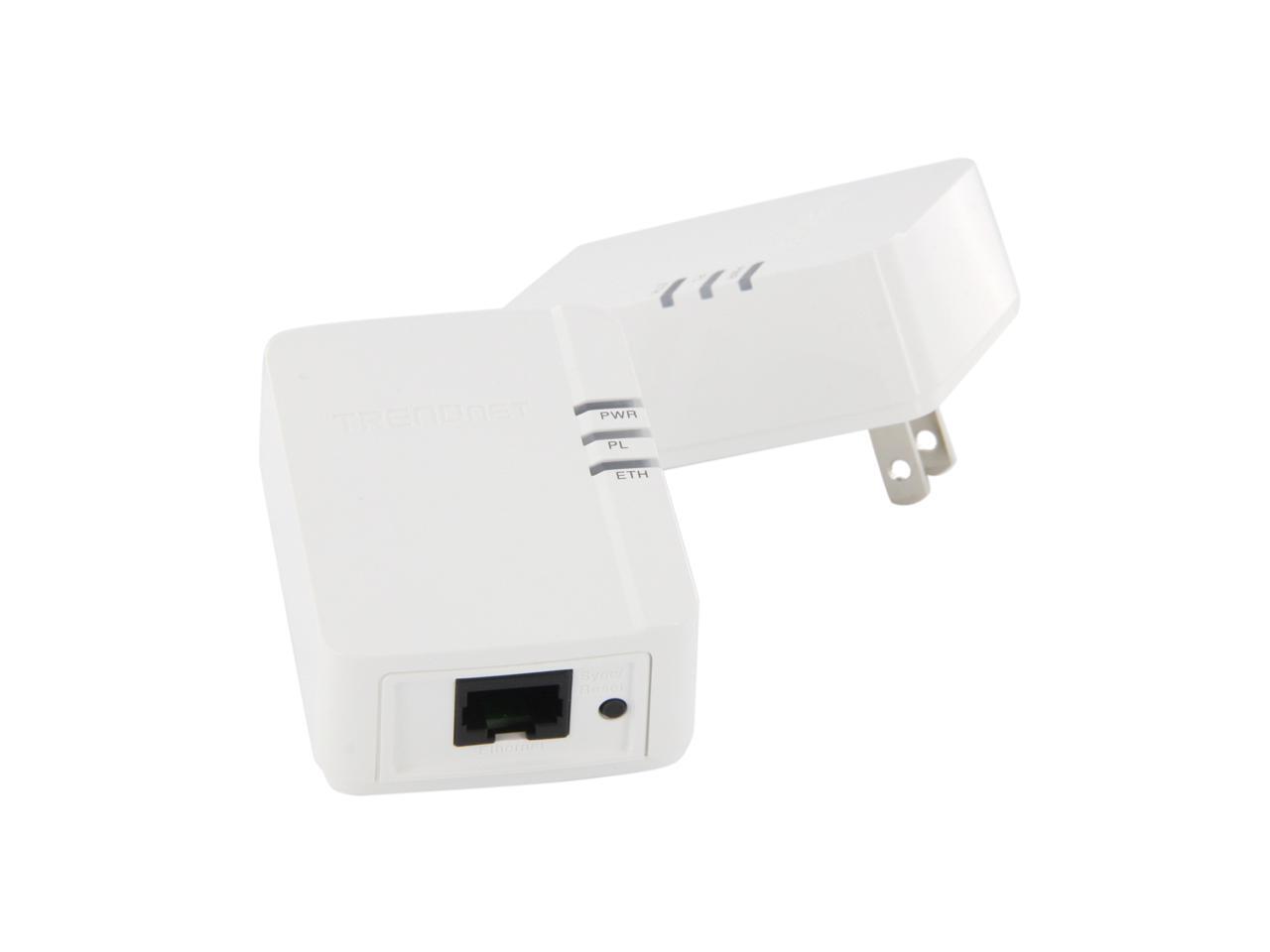
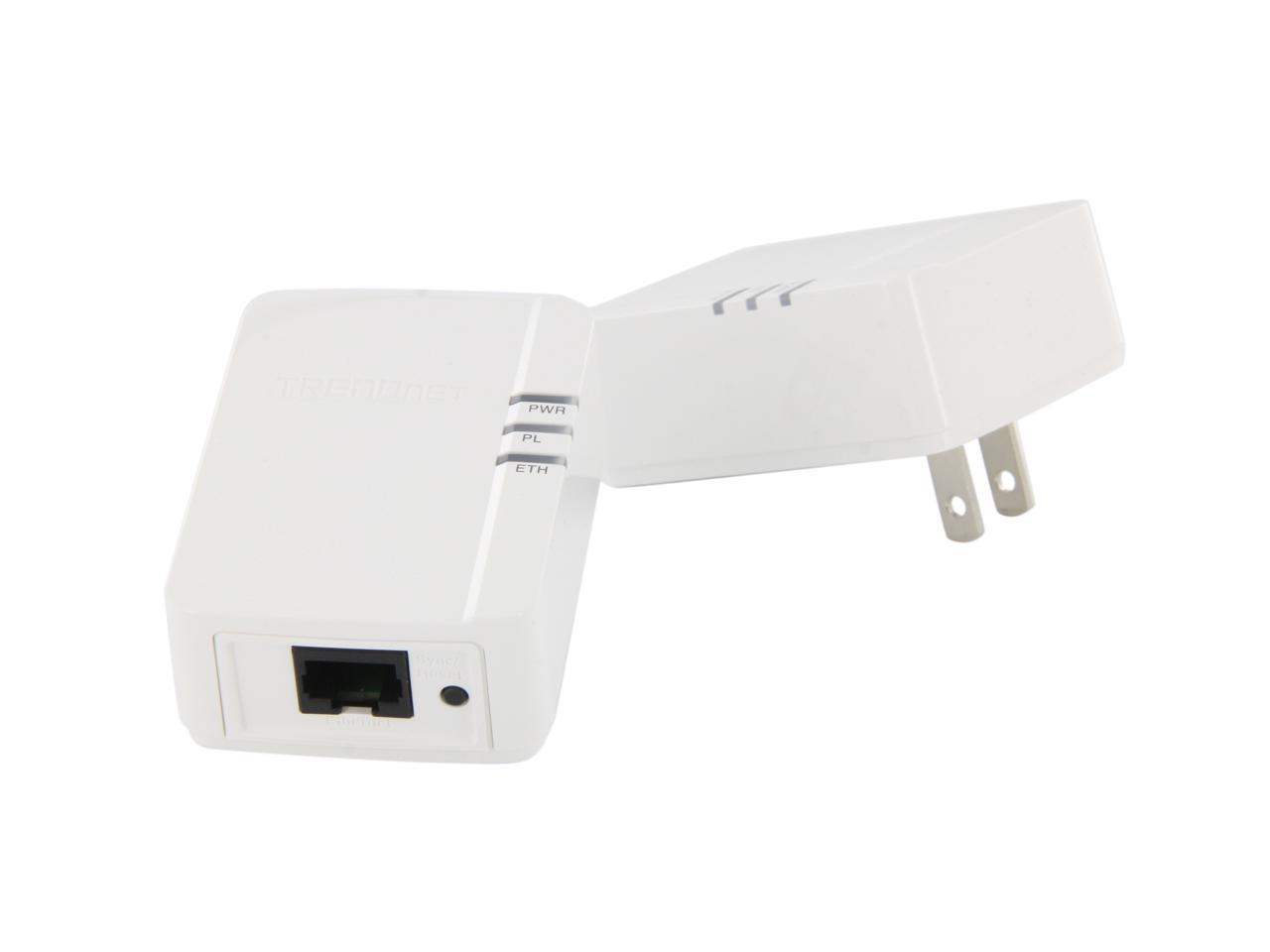
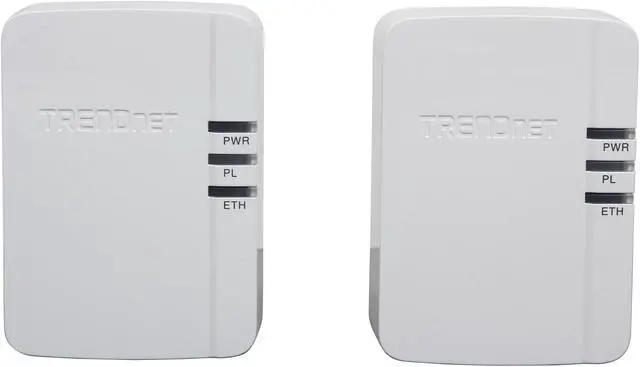
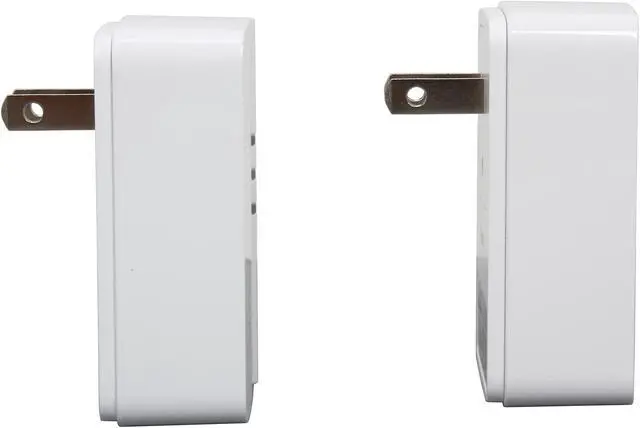
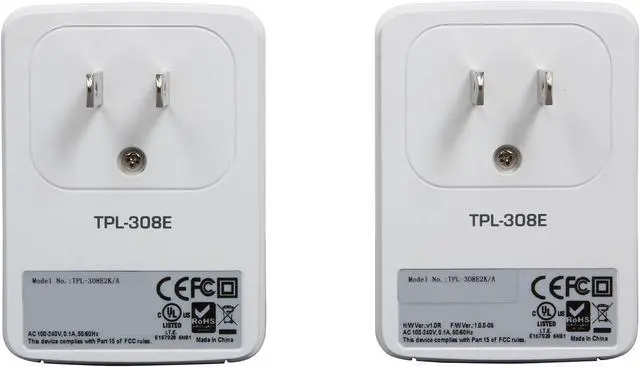
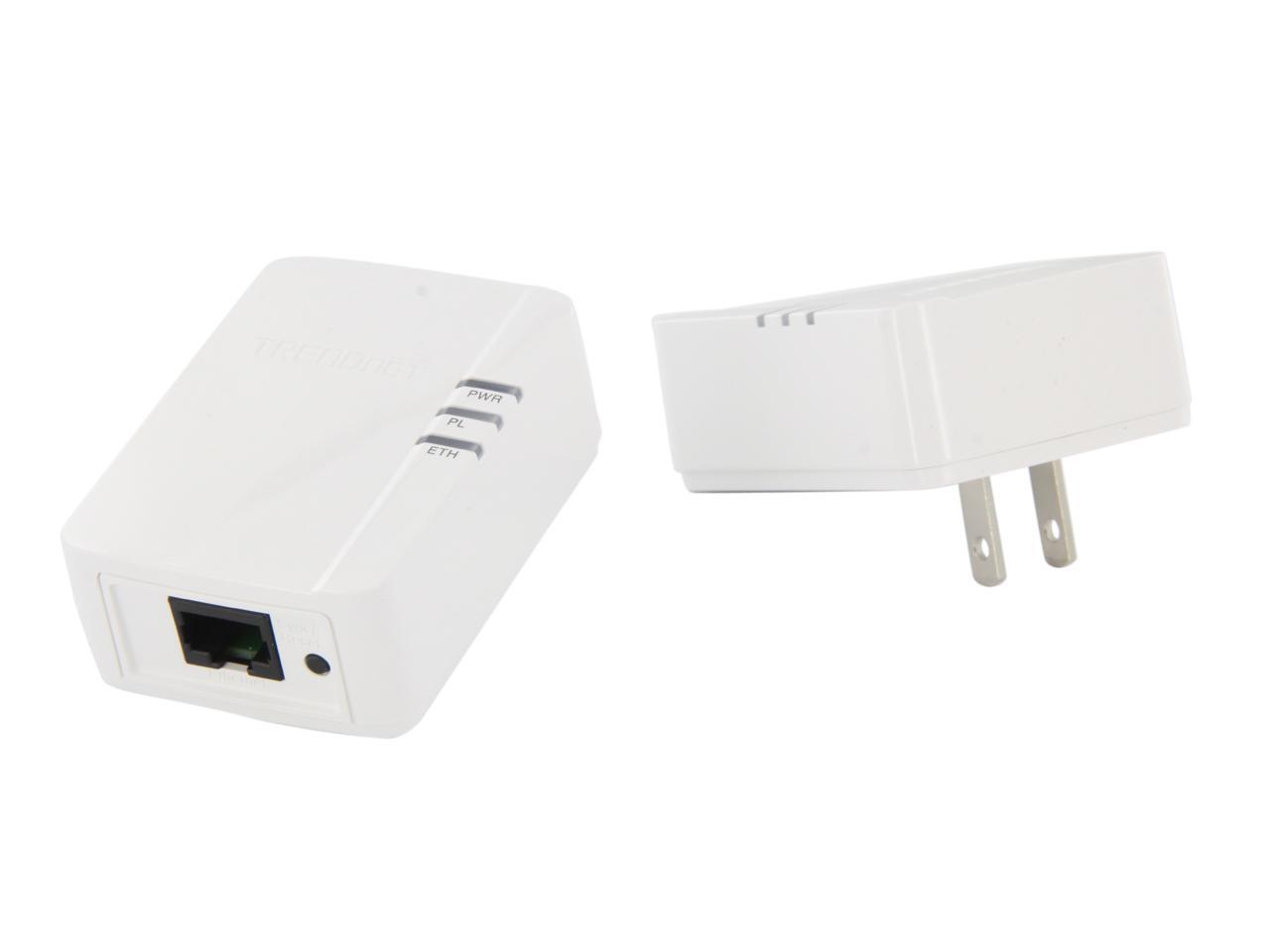
TRENDnet TPL-308E2K Powerline 200 AV Nano Adapter Kit Up to 200Mbps

  • IEEE 1901, HomePlug AV, IEEE 802.3/3u
  • 1 x 10/100 Mbps Auto-MDIX port
  • Up to 200Mbps
  • Pin It
  • Email this page
ICON Loading...

TPL-308E2K Powerline 200 AV Nano Adapter Kit

TRENDnet Logo
 

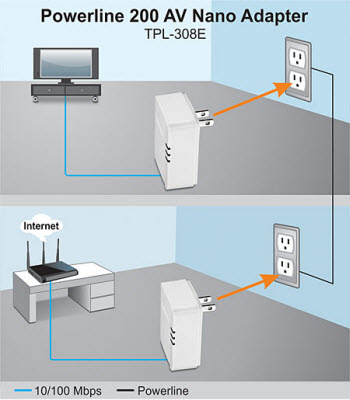
The Powerline 200 AV Nano Adapter Kit, model TPL-308E2K, uses an electrical outlet to create a secure high speed network. Connect the first adapter to your network and plug the second adapter into an outlet on your electrical system for instant high speed network access. The compact form factor saves space around crowded electrical outlets. This adapter automatically connects to other TRENDnet Powerline AV adapters with no installation required - TRENDnet recommends pressing the 'Sync' button to automatically change default encryption keys.

Use up to four adapters to network devices in different rooms without running new cabling. Power Save mode reduces power consumption by up to 70%. Quality of Service technology prioritizes video, audio, and online gaming. LED displays convey device status for easy troubleshooting. Advanced 128-bit AES encryption secures your network. This adapter is ideal for use in buildings that interfere with wireless networking signals.

Overview – TPL-308E2K

  • Includes two TPL-308E adapters

  • 200 Mbps networking from an electrical outlet

  • Compact form factor saves space

  • Power Save mode reduces power consumption by up to 70%

  • Use one unit to transmit, and up to 3 additional TPL-308Es to receive a network signal
 
 
Networking Solution
TPL-308E2K Diagram

Standards:

  • IEEE 1901, HomePlug AV, IEEE 802.3, IEEE 802.3x, IEEE 802.3u
  • 1 x 10/100 Mbps Auto-MDIX port
  • 2 ~ 30 MHz

Features:

  • Up to 200 Mbps
  • Up to 4 nodes (max)
  • Up to 4 Overlapping Powerline Networks (per electrical system)
TPL-308E2K Image

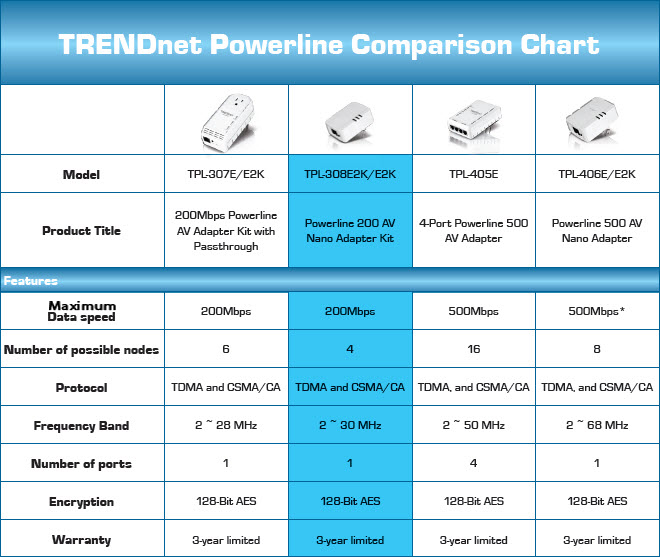
TRENDnet Powerline Comparison Chart

* 500 Mbps is the maximum theoretical Powerline data rate of the adapter. Actual throughput will vary depending on environment and port speed


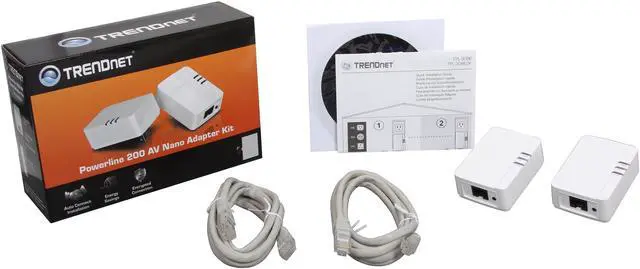
Package Contents:

  • 2 x TPL-308E units
  • Quick Installation Guide
  • CD-ROM (User's Guide)
  • 2 x network cables (1.5 m / 5 ft.)
TPL-308E2K Box


Learn more about the TRENDnet TPL-308E2K

Model

Brand
TRENDnet
Model
TPL-308E2K

Spec

Standards
IEEE 1901, HomePlug AV, IEEE 802.3/3u
Encryption
128-bit AES Encryption
Ports
1 x 10/100 Mbps Auto-MDIX port
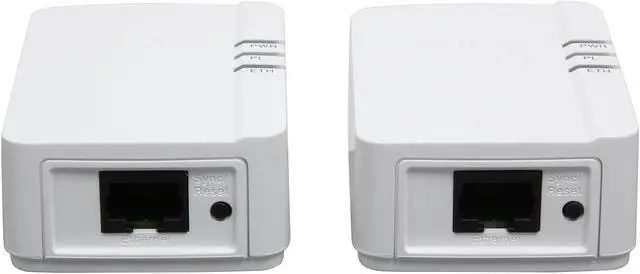
LEDs
Power (PWR)
Powerline (PL) Connection
Ethernet (ETH) Connection
Certifications
CE, FCC
Powerline Speeds
Up to 200Mbps
Connection Type
RJ45
Connection Speeds
10/100M
Kit Type
Double
Frequency Band
2 MHz ~ 30 MHz
Power Supply
100~240VAC, 50~60Hz
System Requirement
OS: Windows 8, Windows 7 (32/64-bit), Vista (32/64-bit), XP (32/64-bit)
Dimensions
2.76" x 1.97" x 1.69"
Weight
2.2 oz.
Temperature
0°C ~ 40°C

Features

Features
Modulation: OFDM Symbol Modulation on link synchronization, 1024/256/64/8 - QAM, QPSK, BPSK, ROBO Carrier

Protocol: TDMA and CSMA/CA

Nodes: Up to 4 (max)

Overlapping Powerline Networks: Up to 4 (per electrical system)

Coverage: Up to 300 m (984 ft.)

Buttons: Sync (3 sec.) / Reset (20 sec.)

Includes two TPL-308E adapters

200 Mbps networking from an electrical outlet

Compact form factor saves space

Power Save mode reduces power consumption by up to 70%

Use one unit to transmit, and up to 3 additional TPL-308Es to receive a network signal.

Packaging

Package Contents
2 x TPL-308E units
Quick Installation Guide
CD-ROM (Utility & User's Guide)
2 x Network cables (1.5 m / 5 ft.)

Quick Info

Warranty

  • Limited Warranty period (parts): 1 year
  • Limited Warranty period (labor): 1 year


Customer Reviews of the TRENDnet TPL-308E2K

Do you own this product? Write a Review

Filter Results

Go
  • Mike K
  • 5/22/2013 5:21:12 AM
  • Tech Level: High
  • Ownership: 1 week to 1 month
  • Eggxpert Review

2 out of 5 eggsTrendnet TPL-308E2K/A

Pros: They connect (when they want to)
Included software is easy to install and use..

Cons: They connect fine and throughput seems to be ok, but they drop connection too often. I am using them in what should be nearly ideal circumstances (PS3 to stream netflix and watch youtube and some online gaming). Both plugs are on the same circuit. The wiring is less than 10 years old and there are not surge suppression or other devices inline.

With all of that in mind, I still see frequent disconnects. When I say frequent, I mean they seem to drop once or twice within an hour or two of use. If you are browsing the web, it probably won't be noticeable. If you are watching streaming videos, be prepared to back out of the streaming app and restart it at least once during a standard length movie.

Other Thoughts: My home is a two story house built back in 2006, linksys wireless N router and charter internet service.. I tested the kit with a PS3 located in the upstairs bedroom furthest from my wireless router to see if there would be any improvement in bandwidth as the PS3 does not get more then 25 to 30 percent signal strength from the wireless router, there was no improvement what so ever...

1 out of 1 people found this review helpful. Did you? Yes No

  • Kilobit
  • 5/21/2013 8:53:03 PM
  • Tech Level: High
  • Ownership: 1 week to 1 month
  • Eggxpert Review

5 out of 5 eggsGreat for devices that don't have WIFI capabilities!

Pros: Excellent device for use with desktop computers and other non wireless devices! Before using this product my Blu-ray player had to be connected to a 30 foot ethernet cable that I had to run along the wall from my router, now it uses a 3 foot ethernet cable that plugs into this device that plugs into the wall!

Cons: Not really much of a con but the further away you are from your router the weaker the signal gets,using this device in my bedroom which is furthest away from the router I get roughly 2 bars of connectivity on my desktop but when I use my other WIFI adapter I get 3-4 bars of connectivity.

Other Thoughts: Despite the con I listed this is a great product and I wish they would of came up with this sooner,my advice for the price this is a great deal and a great purchase for your non-WIFI devices!

Did you find this review helpful? Yes No

  • autotech
  • 5/21/2013 4:20:04 PM
  • Tech Level: Somewhat High
  • Ownership: 1 week to 1 month
  • Eggxpert Review

4 out of 5 eggsTPL-308E2K adapters

Pros: Small footprint
2 adapters with 2 x 5 foot cables
included dvd is optional
Perfect for small home computer shop
no drilling holes and running cables
works better with newer wiring.
Plug and play straight into home 120volt wall socketts.

Cons: Had problems transfering large in home files.

Other Thoughts: 2 years ago i rewired my entire home added on 2 20 x 15 rooms in the back, I had installed a DCHP server in the basement so i could reach the back of my house with no loss of signal for inhome repair of computers. I plugged this into a linkseys router and into a buffalo with DD-WRT. I found the buffalo carried a better signal. I disconnected my second router and used the trendnet adapters to install updates and programs after building or repairing computers. When i do this i tend to walk away and do other things while updates download. Over the past 10 years i have found myself timing about right when things would be done. I found that using the adapters took a bit longer but they worked flawless for my purposes. I no longer use the second router downstairs but use the adapters instead. I did try streaming large movie files that they would stutter once in a while, I normally dont watch movies in the back though. Perfect for saving money from running wires for any youtube watching, emails, web-surfing. While i already had the wires ran if i were to do it over it would of saved me alot of time a couple of years ago and a few hundered dollars in a spare router and wiring. From the front of my house where the router is to the back is appx. 225 feet.

Did you find this review helpful? Yes No

5 out of 5 eggsSimple Setup, Easy results

Pros: Straightforward install. Units offer twice the speed of fast Ethernet; rated faster than 150Mbps wireless. Comes with a network cable for each unit. Useful for extending wired networks without the normally requisite cable run. Included software is worth installing.

Cons: Units do not pass-through power. If your electrical system is old, you may not realize the full speed capability of these devices.

Other Thoughts: Setup was easier than I had expected. Plugged in the units, connected Ethernet cables, and the connection was up. Install the included software so that you know the speed at which you are connecting over your powerline. If you experience drops, try a different socket.

The manual says to use the adapters on wall sockets, but instead I chose convenience first and used an extension cord that also powers the computer I was connecting. I saw speeds lower than fast Ethernet, although the units still provided a constant connection.
The results of using the extension as reported by the included powerline utility software were 68-82Mbps, which increased to ~94Mbps after upgrading the firmware. The firmware upgrade was straightforward.
Using a wall plug on the receiving device yielded quite a speed increase.The powerline utility reported a connection speed of 137-141Mbps.
141Mbps was the fastest speed achieved in my home with these devices. I wasn't able to achieve the full rated speed of 200Mbps, but that's probably an issue on my end because I live in a late-1940's era house with aging wiring.

Did you find this review helpful? Yes No

  • MiDi
  • 5/20/2013 10:31:52 PM
  • Tech Level: High
  • Ownership: 1 week to 1 month
  • Eggxpert Review

5 out of 5 eggsEasy to use and very Affordable

Pros: Very simple, plug it in and it works! I really like Trend Net Products So I will try NOT to be Biased. I have had their 24 Port Rackmount switch for 3 years of constant use and I love it, The day it goes out I will cry. (I seriously will!) SO I was very Excited to test these babys out. Included is Instructions, Two high quality network cables, a CD rom and two adapters.After unboxing and setting up, this Product worked very well in two locations and I pushed a lot of data thru it. The only downfall is something that most all powerline adapters share ... The slow speeds.

Cons: This product does get Warm, The connection Speeds are a bit slow. But overall it is a good product, and I am very picky.

Other Thoughts: I did a "Shoot Out" Comparison test with two other power line adapters. A NETGEAR XAVB5201-100PAS & TP-Link AV500 Nano VS. TRENDnet TPL-308E2K. I did this test in two locations and over one week. This product (TPL-308) was just as good as the Netgear, it had almost the exact same speeds, setup time but it did get warm. The TRENDnet was about 25% faster and it also got quite warm. The netgear stayed pretty cool. I can't really find anything truly wrong with the TRENDnet TPL-308E2K it's a good product at a good price and yes I would recommend it. At the same time I do not find anything Amazing about it either. It works and does what it was made to do, it does get warm but so do most of the powerline adapters I have tested. Again the speed is equal with a product costing twice as much (the netgear) so Overall I consider this a Good Buy And a Must have if you need to get internet/network to an area where WiFi is not an Option.

Did you find this review helpful? Yes No

  • Brogan34
  • 5/20/2013 3:04:04 PM
  • Tech Level: High
  • Ownership: 1 week to 1 month
  • Eggxpert Review

5 out of 5 eggsA great product to use with WiFi!

Pros: First off, this product is very good looking for what it does. It's not just some ugly little box to access WiFi across your house/building, instead it's a very sleek and compact white box that is plugged into an electrical outlet and into a router/modem and then into a PC or other internet capable device.

Here's what I liked about this device:
- Good looking
- Plug it in and you're ready to go!
- Works across multiple devices (PCs, Consoles, etc.)
- Very affordable compared to other WiFi adapters.
- Internet connection relatively stayed the same *See Cons*

Cons: Here's what I didn't like:
- Internet speeds relatively stayed the same; meaning that my download speed was cut in half in comparison to an actual wired ethernet cable connection, however my upload speed was the exact same.
- As someone stated in a previous review, file sharing across my home network was bad. It took me 20 minutes transferring over a 4GB file onto my PC, while it took only 1 minute with a wired connection.
- Also, don't bother with the disc that comes with this product, it's nothing of use.

Other Thoughts: In the end, this product has a lot of bang for its buck! It's great at what it does and I can only see TRENDnet creating better versions of this product, hopefully fixing the difference in download speeds. I give this product 5 eggs!

Did you find this review helpful? Yes No

  • Protobug
  • 5/20/2013 12:53:34 PM
  • Tech Level: High
  • Ownership: 1 week to 1 month
  • Eggxpert Review

5 out of 5 eggsSimple setup and reliable

Pros: True plug and play, no setup necessary.
Small device only takes up one single receptacle..
Indicator light indicates quality of powerline connection.
Included CD has users guide.
Includes two Ethernet cables.

Cons: Quick start guide is only pictures.

Other Thoughts: Setup couldn't be easier, simply plug one unit into 120 Volt receptacle and connect an Ethernet cable to it. Next plug in the other unit wherever you need an Ethernet connection and you are online at the remote location.

The center indicator light changes color depending on the quality of the connection. I installed this in a large building sending the signal through about 200 feet of electrical wiring with a great signal.

The devices haven't ever lost the connection, I have a security camera connected to mine sending video to a server 24/7.

I like the security of this setup since the signal is contained in my house wiring, not a wifi signal. You don't have to worry about your data being intercepted by a neighbor since the signal won't go through a power pole transformer and some power strips. It worked through my power strip but not through my UPS.

You can plug this into any 120 Volt power connection in your house and have instant Ethernet connection. Very convenient.

Did you find this review helpful? Yes No

  • jiggle-o
  • 5/19/2013 8:54:44 PM
  • Tech Level: Somewhat High
  • Ownership: 1 week to 1 month
  • Eggxpert Review

5 out of 5 eggsNice!

Pros: fast connection, easy to use, plug and play ease (what'd they send that disc for anyway), small form factor, near advertised speeds in old house wiring.

Cons: Not gigabit, but it wasn't stated to be so either. Works well enough for internet. File transfers across my gigabit network leave a bit to be desired. This could be a combo of the 200Mbps and old wiring though.

Other Thoughts: I bought a very expensive Linksys unit that just wasn't the total package this little compact kit was and it was twice as much. I used it on the two furthest circuits and it still made connection almost immediately. Nothing to brag about for intranet, but way more than enough for internet. Throughout a full testing of pings and packet loss and such I can honestly say I'd use this for work before I'd use wireless. I wouldn't think twice about using this for online gaming. Communication was more than strong enough for that. If you're in the market this is the one I would whole-heartedly suggest.

Did you find this review helpful? Yes No

  • Microdot
  • 5/19/2013 8:42:15 PM
  • Tech Level: High
  • Ownership: 1 week to 1 month
  • Eggxpert Review

4 out of 5 eggsResults will vary

Pros: it was about as easy as it gets. unbox... plug in... push sync... done. the directions were pretty straight forward, and easy enough for my grandmother to setup. i have seen older powerline adaptors that were enormous... these are tiny in comparison so they wont take up too much space on the wall. my initial tests varied from 100-150mbps. while not better than hardwired, that is better than a spotty wifi connection, ESPECIALLY if you are in place with a lot of overlapping wifi networks.

Cons: results were vary from person to person. it really will depend on the age of the home, how large it is, how much wiring, etc. in one setup, i got great results (seeing 125-150mbps typically). at another home however, i got abysmal speeds (20-30mbps), and was outdone easily by wireless.

Other Thoughts: the good results i achieved were in a smaller home... roughly 1400 sq ft, that was built approximately 7 years ago. the lackluster results were in an older (built in 1972) home that was much larger (5,500 sq ft)

Did you find this review helpful? Yes No

  • Slash-2CPU
  • 5/19/2013 12:37:54 PM
  • Tech Level: High
  • Ownership: 1 week to 1 month
  • Eggxpert Review

5 out of 5 eggsInstant Setup

Pros: 1. Rock solid 39-41 mbps both directions on every outlet I tried in my house. Seems more stable but a small bit slower than the 500 mpbs adapters I've used. Plenty enough for HD video, gaming, etc.

2. Far more stable and reliable than WiFi. Mostly immune to interference that you'll see with too many neighbors having WiFi, baby monitors, cordless phones, etc. For gaming or streaming video, this is a huge advantage. No more timeouts on Xbox or stutters in Netflix over WiFi.

3. Relatively more secure than WiFi. Someone with a laptop and a WiFi antenna can't 'see' the data you're sending.

4. Improved ping times over WiFi. With Gigabit Ethernet, I get 14ms pings. With WiFi, it bounces from 16-28ms. Using these adapters, it's 14-16ms. Again, a considerable improvement compared to WiFi, especially for gaming.

5. Low power use. I measured less than 1 watt per adapter while on standby. Actively transferring data, it's under 3 watts.

6. Instant setup. I deliberately did not read any directions at first, just to see what would result from a worst-case user install. Plugged in the two adapters to power and ethernet, and they immediately connected, albeit with no security/encryption(you need to press the buttons on the bottom of the adapters for that).

Cons: No major cons noted.

Still slower than 100MBit or gigabit ethernet by a longshot. For heavy file sharing, these adapters would obviously be inadequate.

Kind of pricey per port. If you have the know-how and are in a place where you are allowed to pull wires, ethernet is better.

Other Thoughts: These have a very specific use. In those scenarios where you want a low ping time, stable connection, and running Cat6 cables isn't feasible, this is a superior option to WiFi.

As I said, the price per port is a bit more than pulling Cat6 yourself, but if you're not the DIY type or are in a rental, these are great.

40mbps might seem slow compared to ethernet, but typical residential internet connections are below 40mbps anyway. HD video requires less than half that, and gaming, while sensitive to high ping times, is also well under 10mbps in bandwidth.

Did you find this review helpful? Yes No

ICON Loading...
Are you an E-Blast Insider? Subscribe Newegg e-Blast

Buzz

Trendnet TPL-308E2K/A

2 out of 5 eggs
They connect fine and throughput seems to be ok, but they drop connection too often. I am using them in what should be nearly ...
— Mike K 5/22/2013

A nice unit

5 out of 5 eggs
Let me begin by saying that I installed and tested the Powerline 200 AV Nano kit in an average sized home of approximately ...
— SnakeMan 5/17/2013


PayPal
Shop without retyping payment details. Secure shopping made faster.
Check out with PayPal.

Financing


Home
Home > 
Computer Hardware > 
Networking > 
Powerline Networking > 
TRENDnet > 
Item#: N82E16833156435
LOADING... LOADING...
Shop by Region: United States | Canada | China
Follow us:   RSS Feeds Youtube
VeriSign Reliability Seal1This site protected by Trustwave's Trusted Commerce program Inc500
Policy & Agreement | Privacy Policy  © 2000-2013 Newegg Inc.  All rights reserved.
If the Adobe Reader does not appear when you click on a link for a PDF file, you can download Adobe Reader from the Adobe web site. nassau