Skip to: |

Newegg.com - A great place to buy computers, computer parts, electronics, software, accessories, and DVDs online. With great prices, fast shipping, and top-rated customer service - once you know, you Newegg.

If you are reading this message, Please click this link to reload this page.(Do not use your browser's "Refresh" button). Please email us if you're running the latest version of your browser and you still see this message.

Newegg.com - Computer Parts, Laptops, Electronics, HDTVs, Digital Cameras and More!

  • | Wish List
  • Help
Search all
Search
Home
Home > 
Computer Hardware > 
Networking > 
Wireless Networking > 
Wireless Routers > 
TP-LINK > 
Item#: N82E16833704037

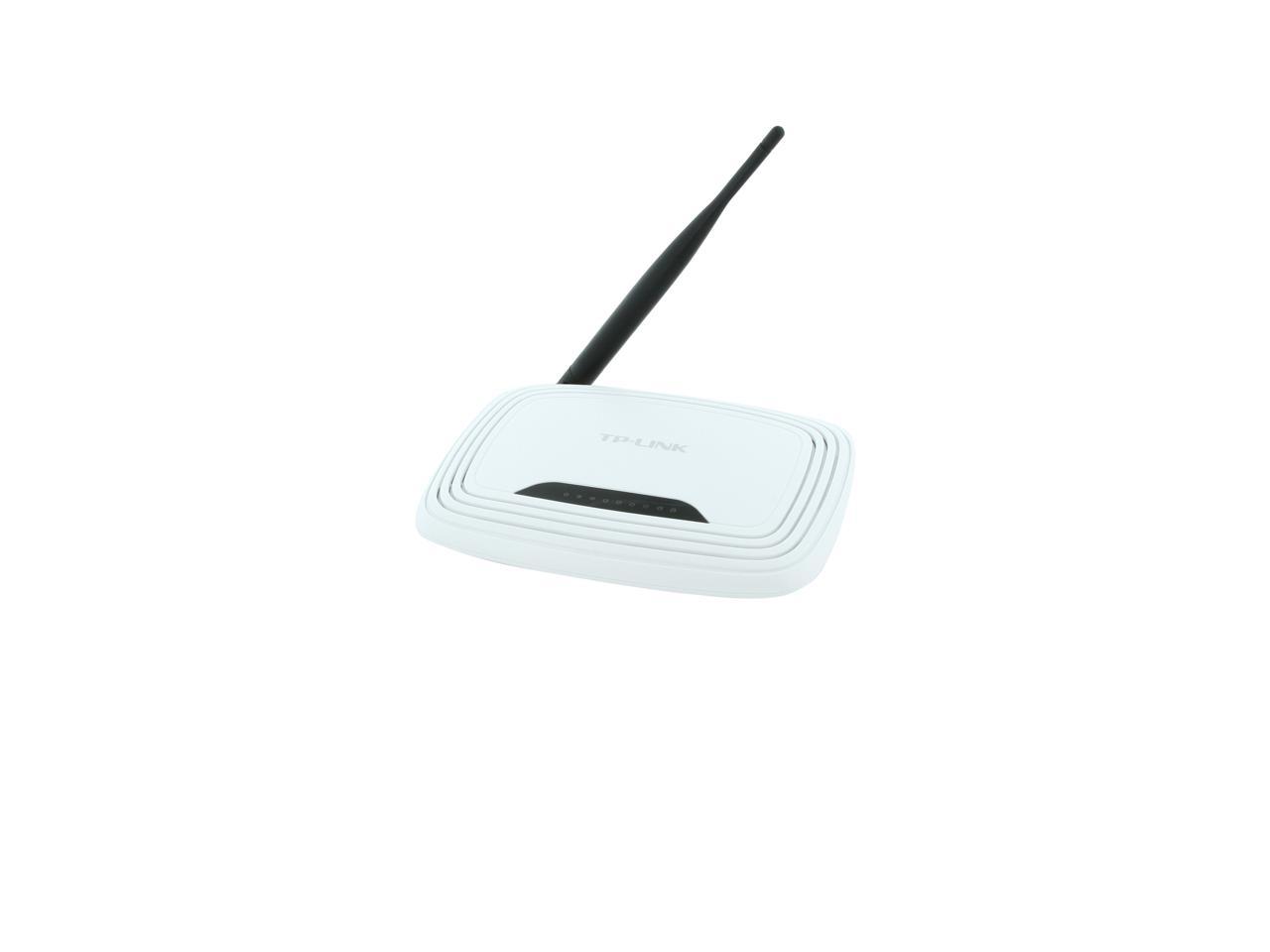
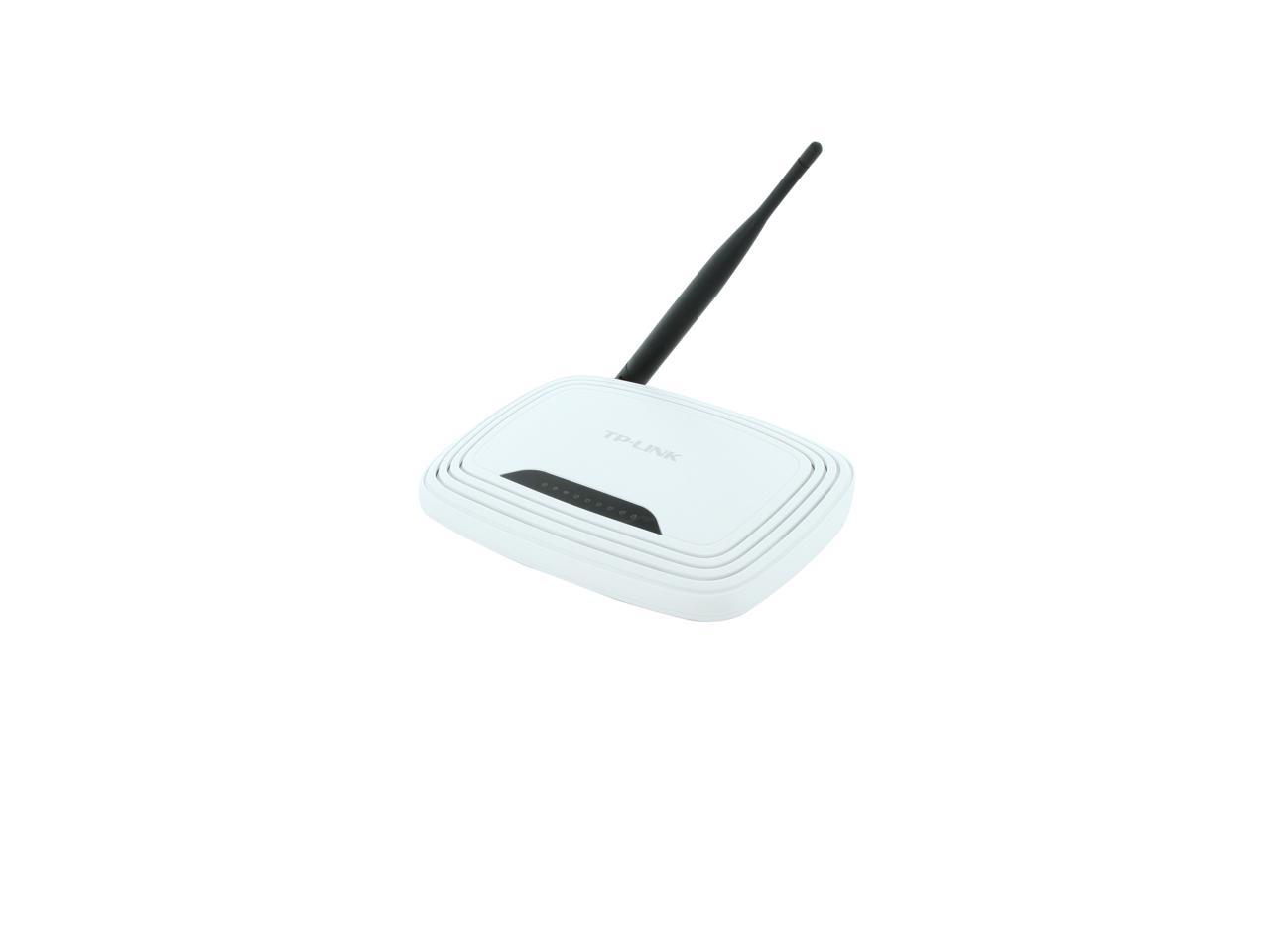
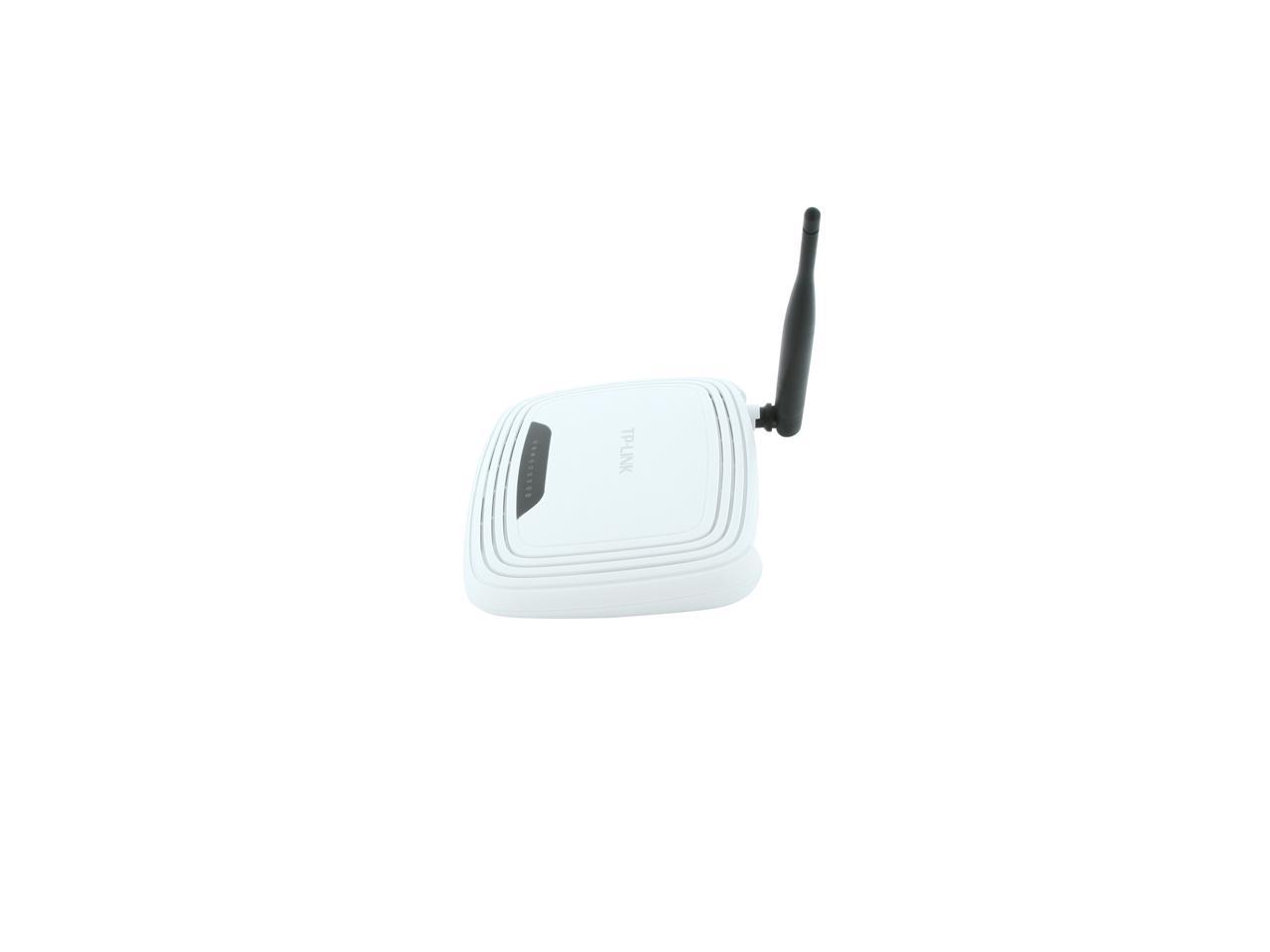
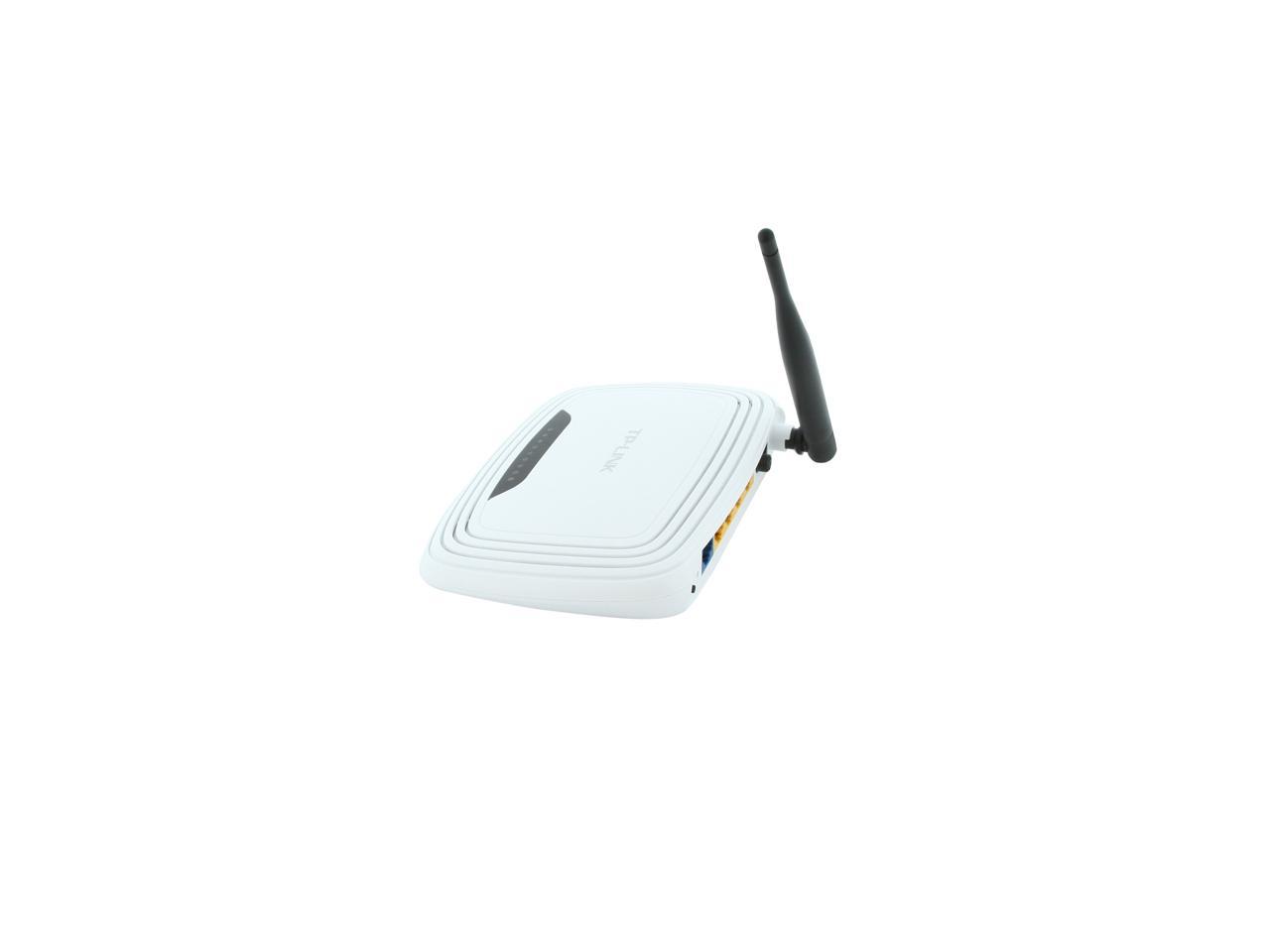
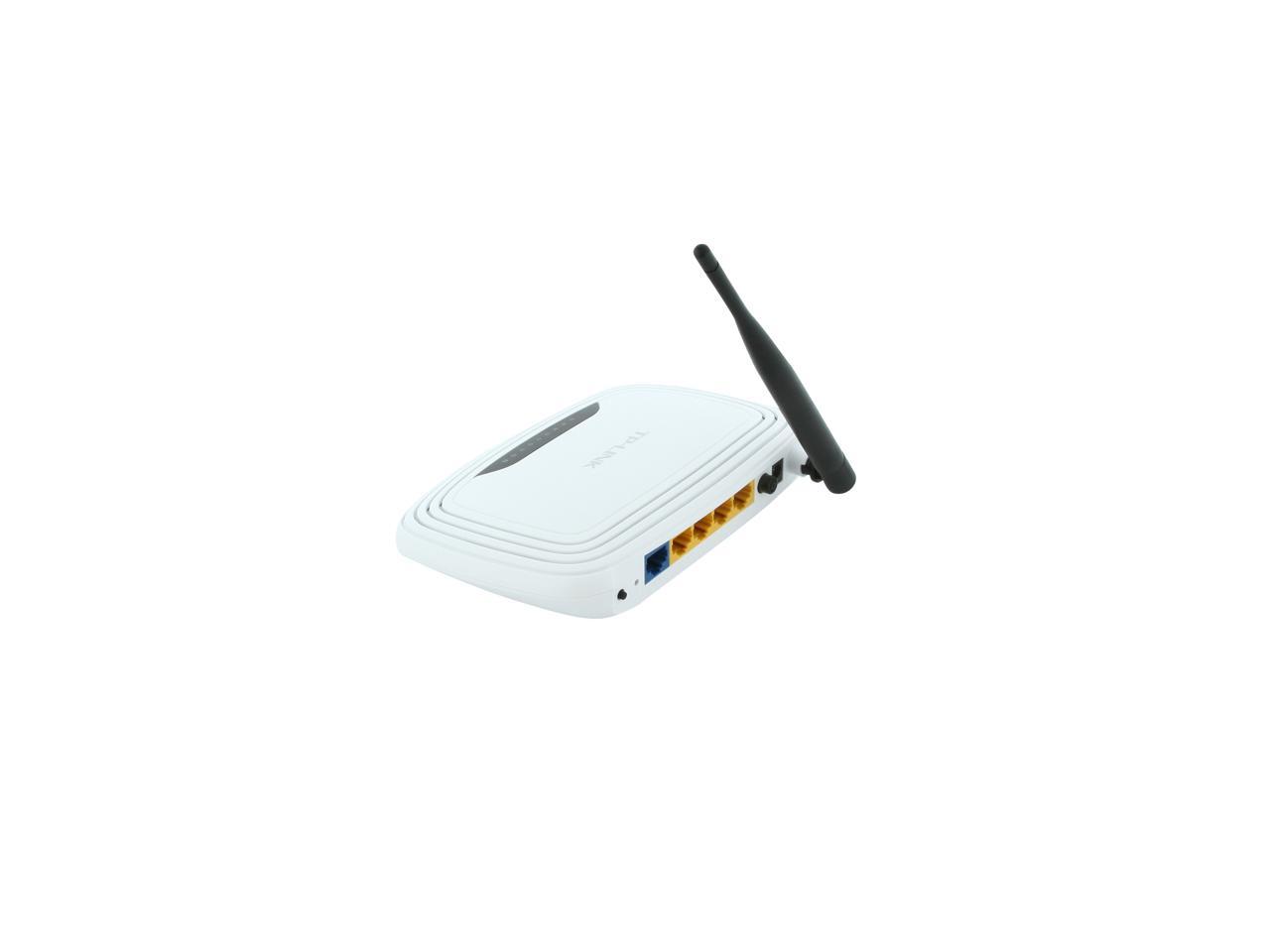
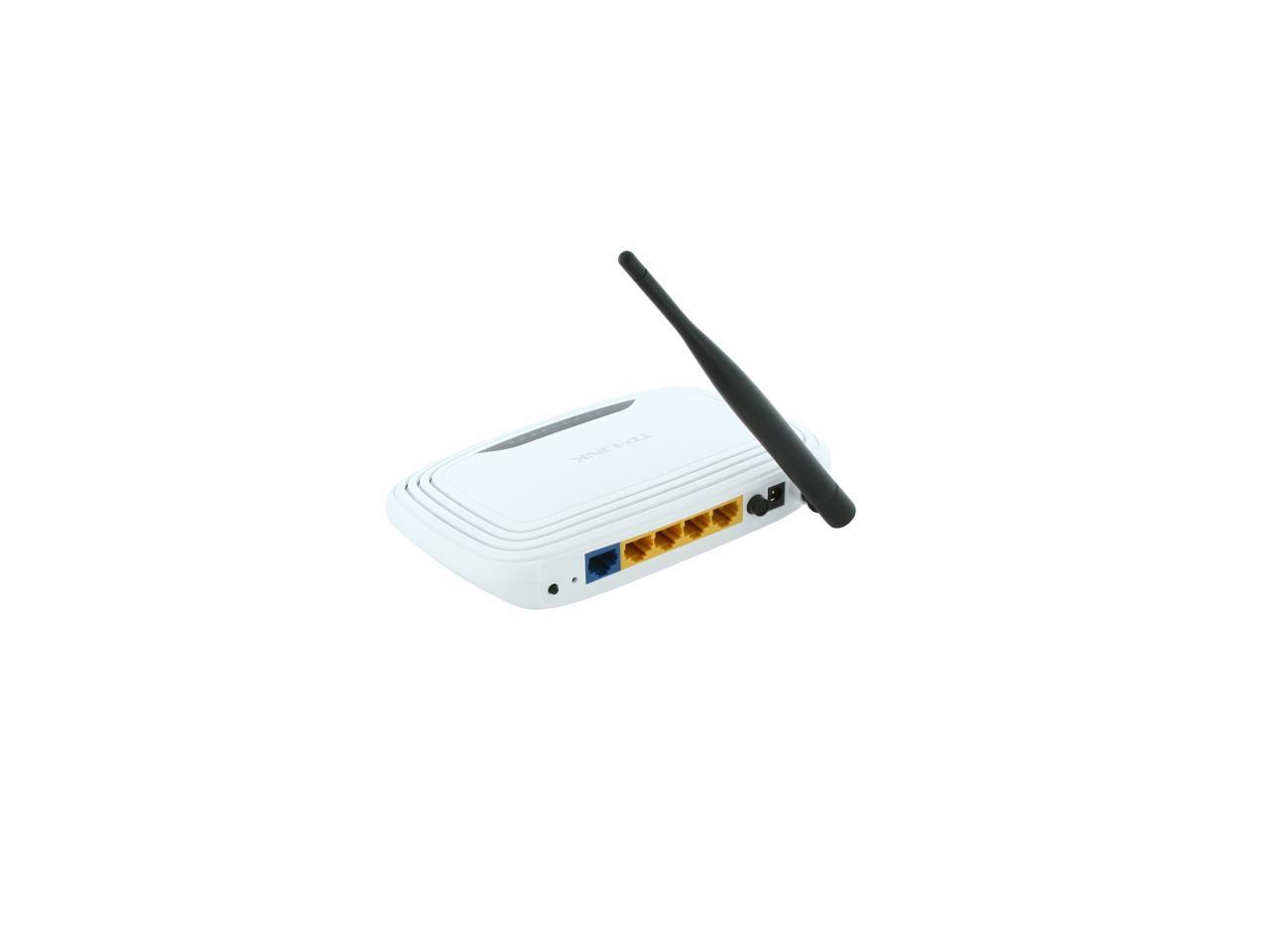
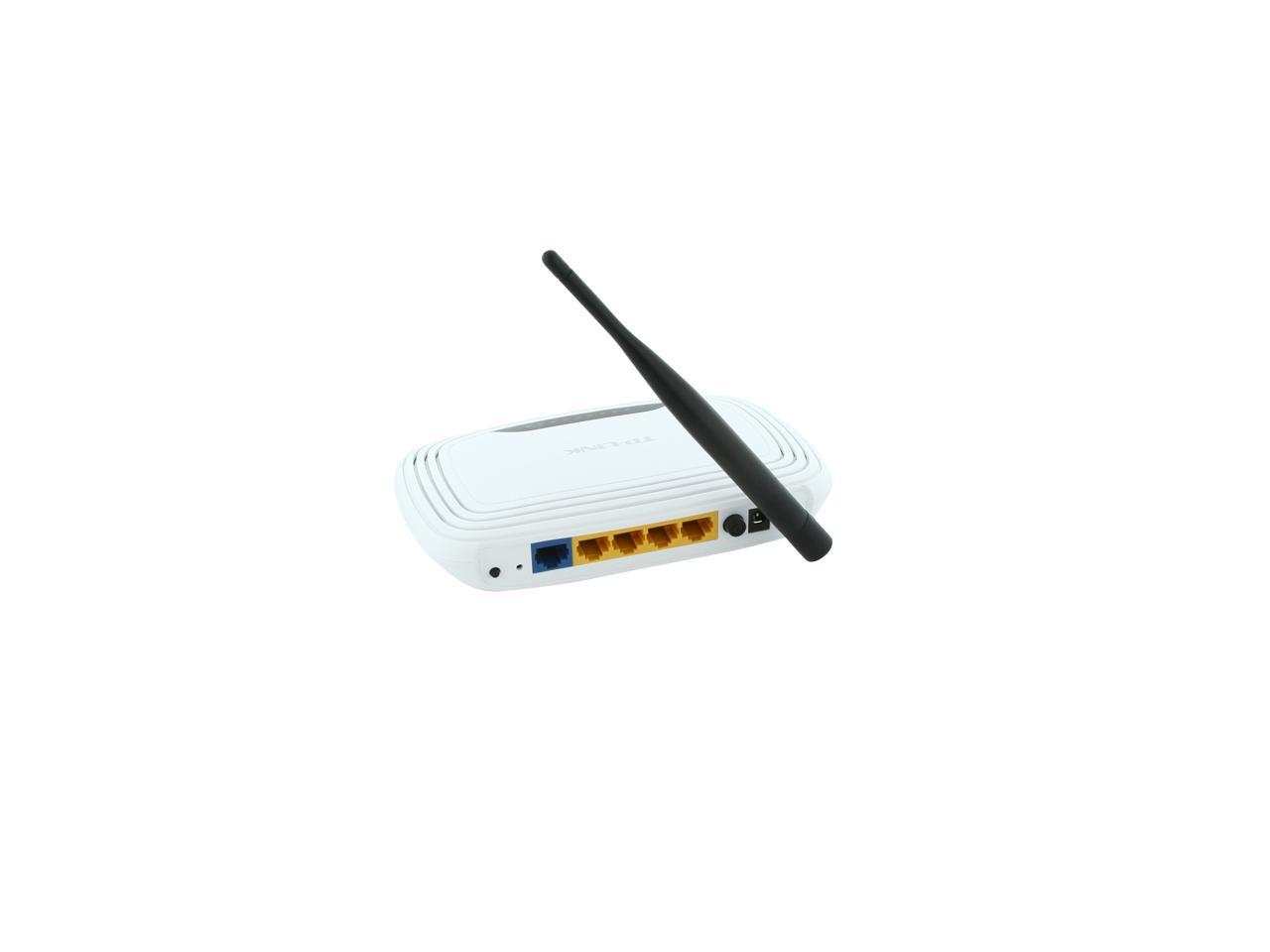
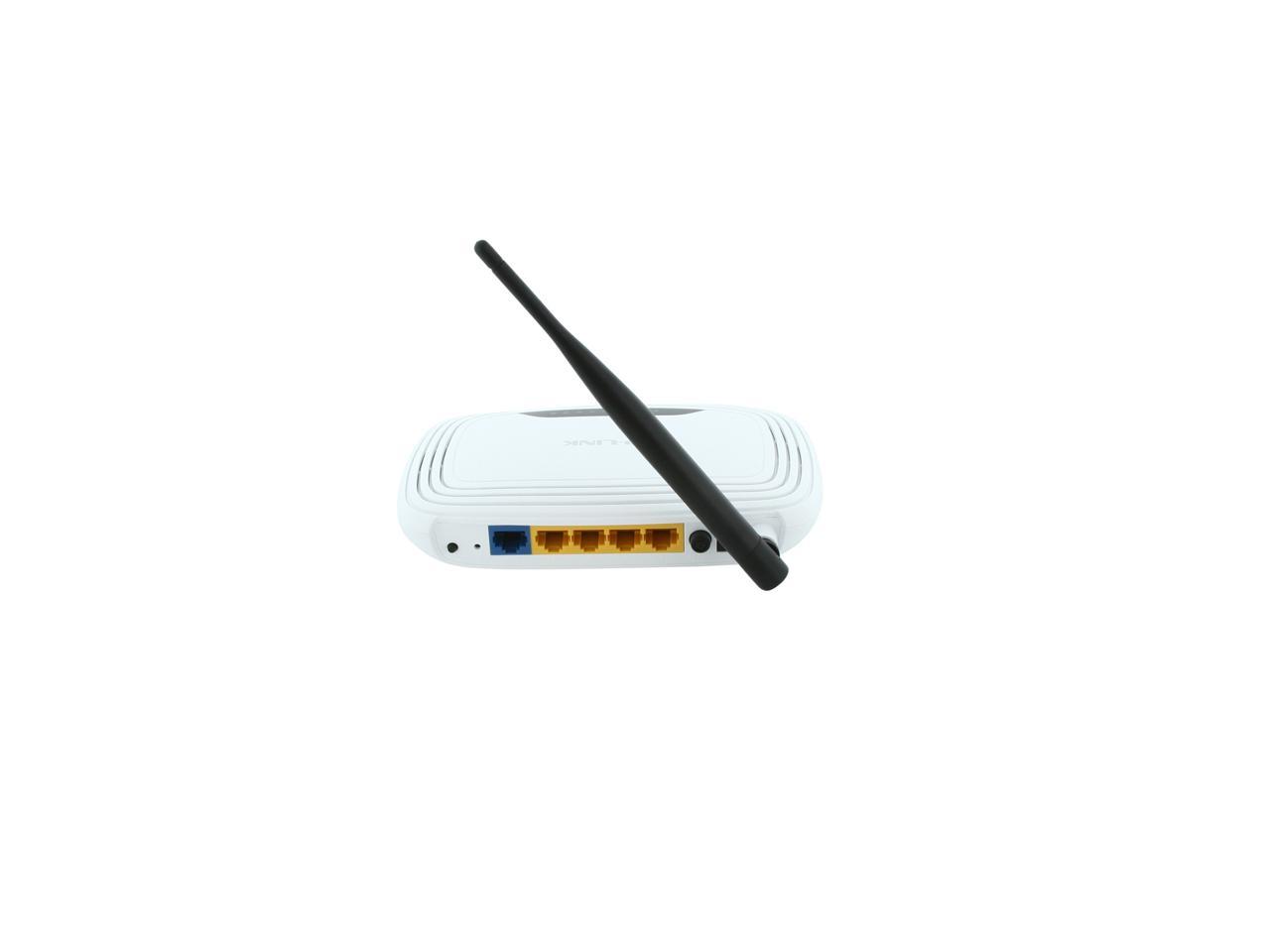
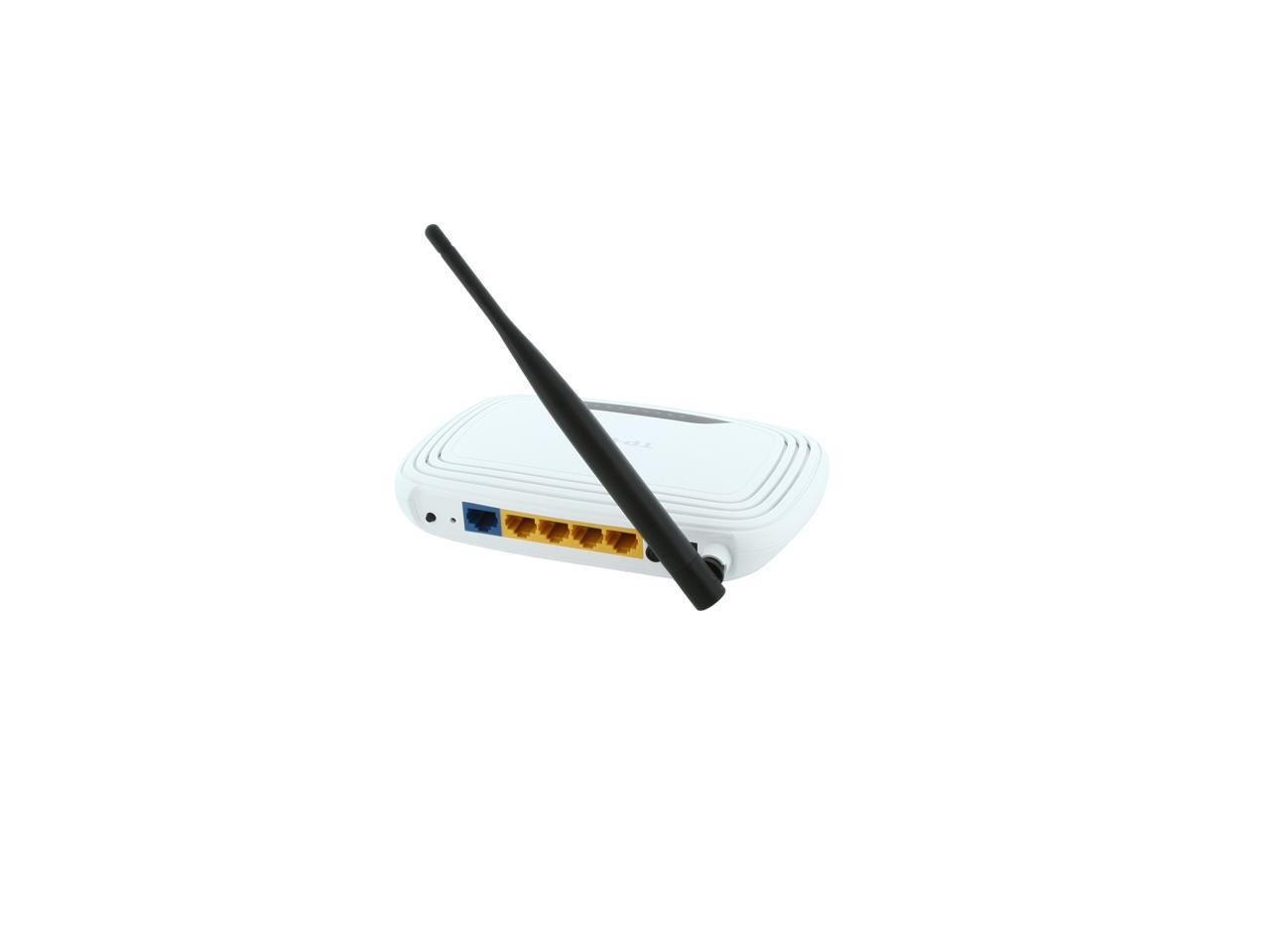
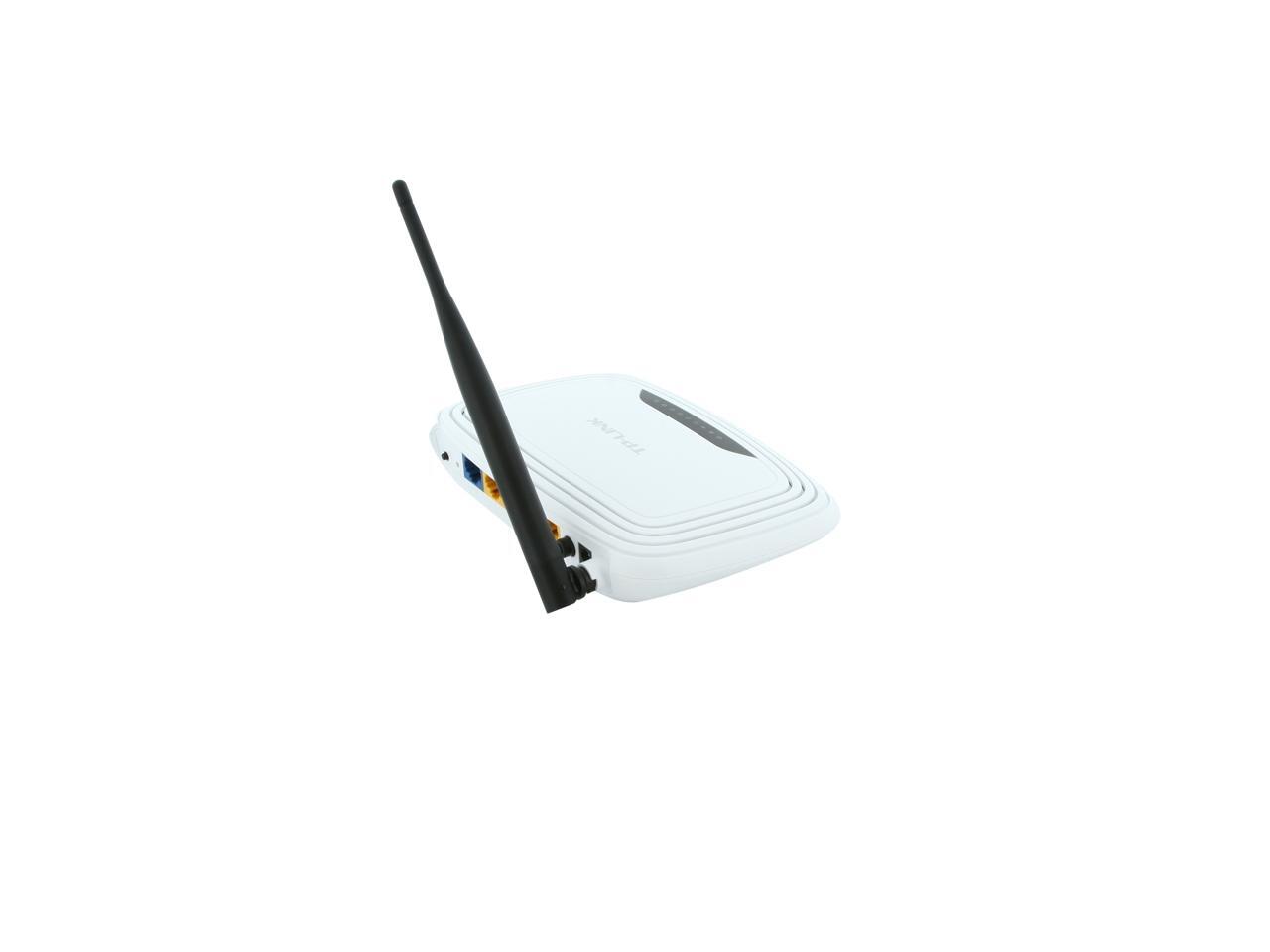
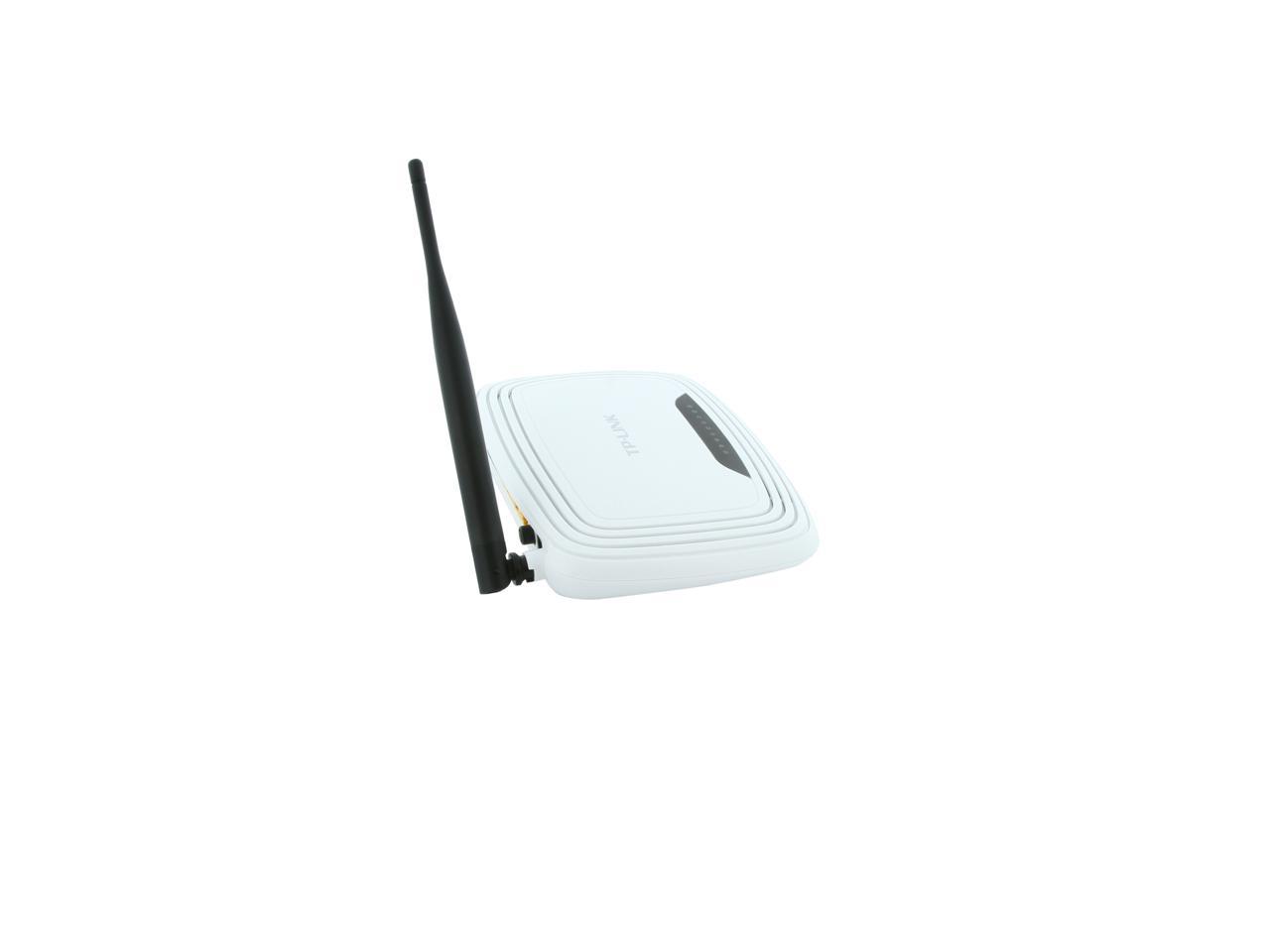
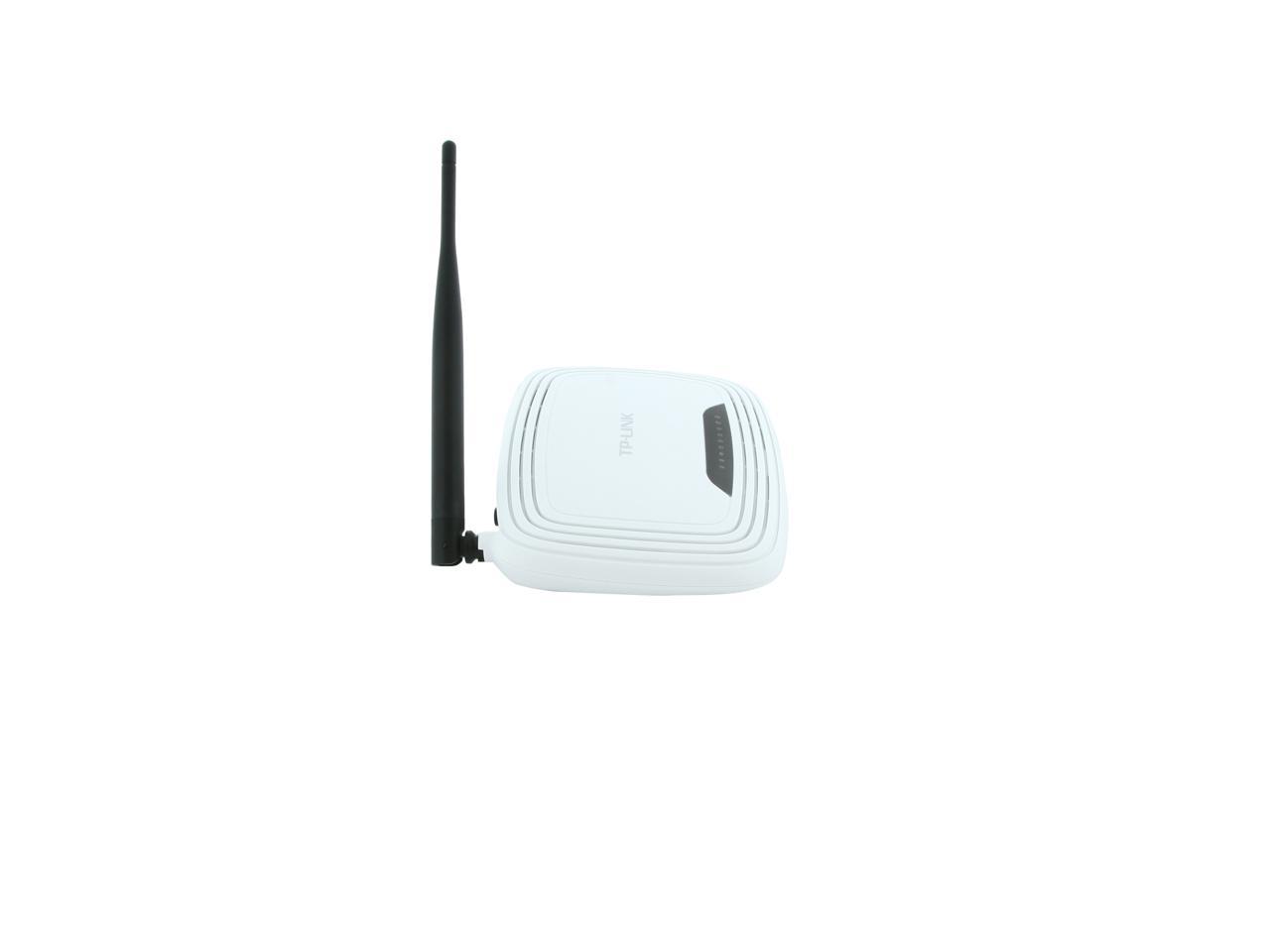
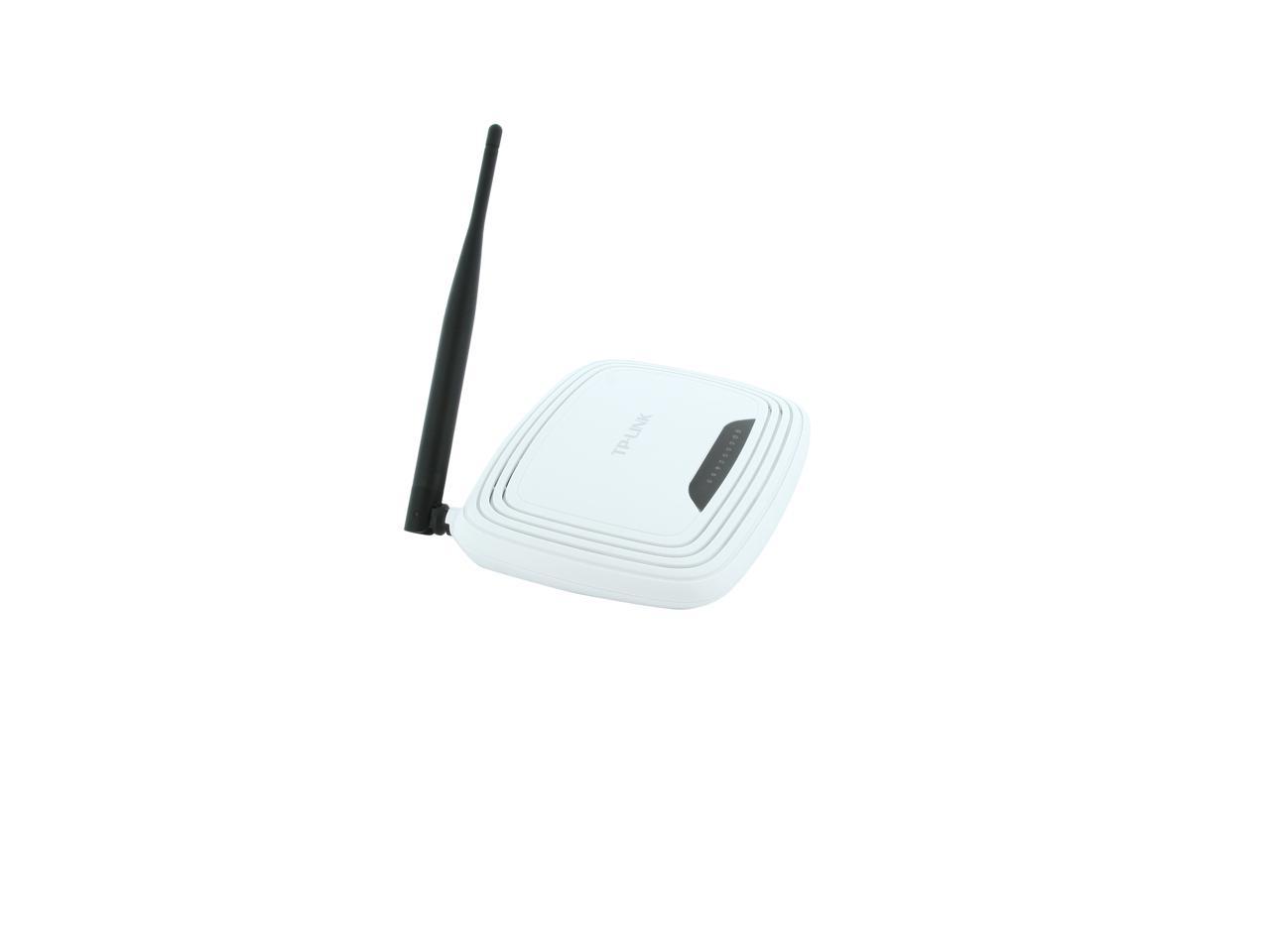
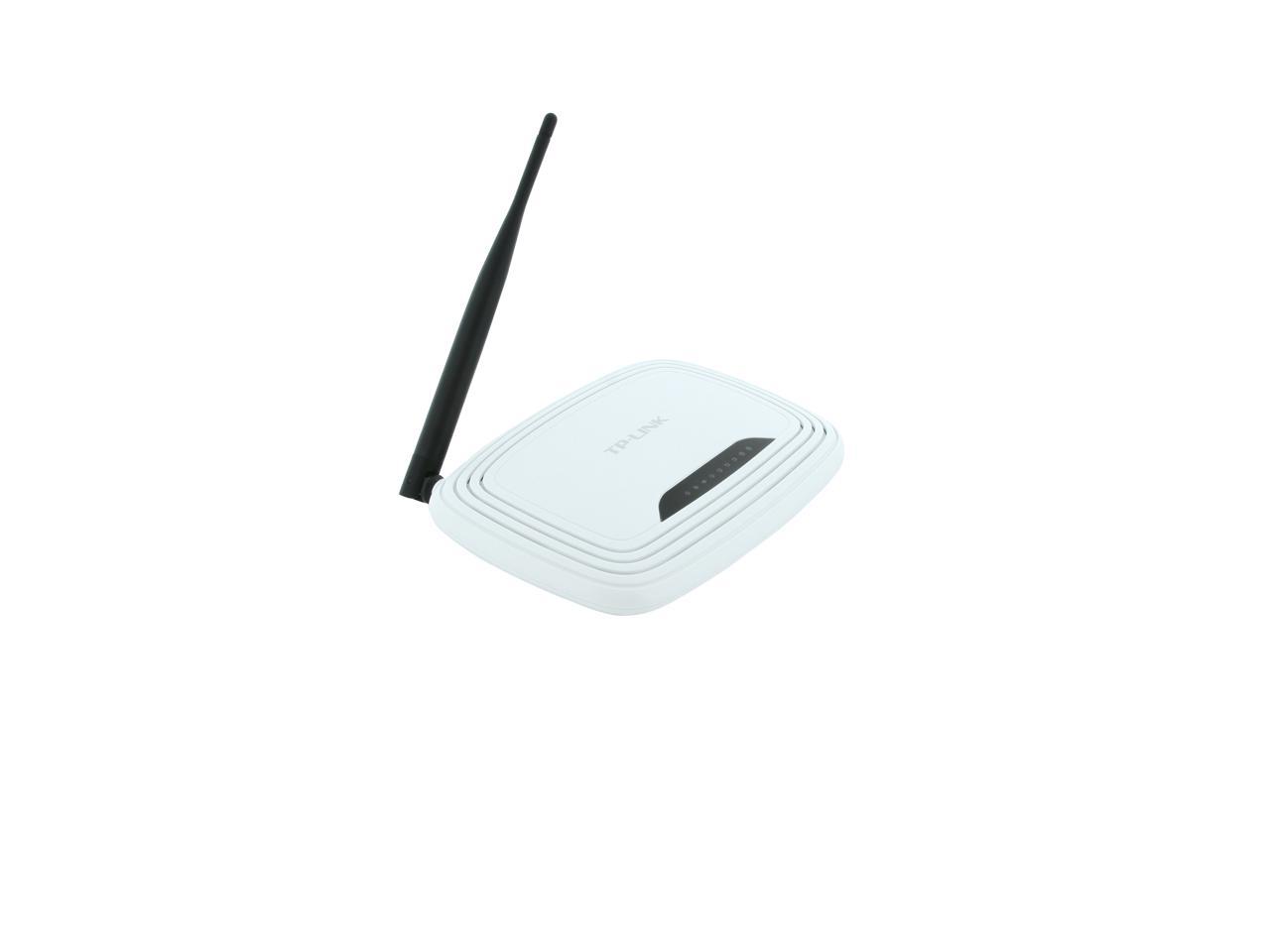
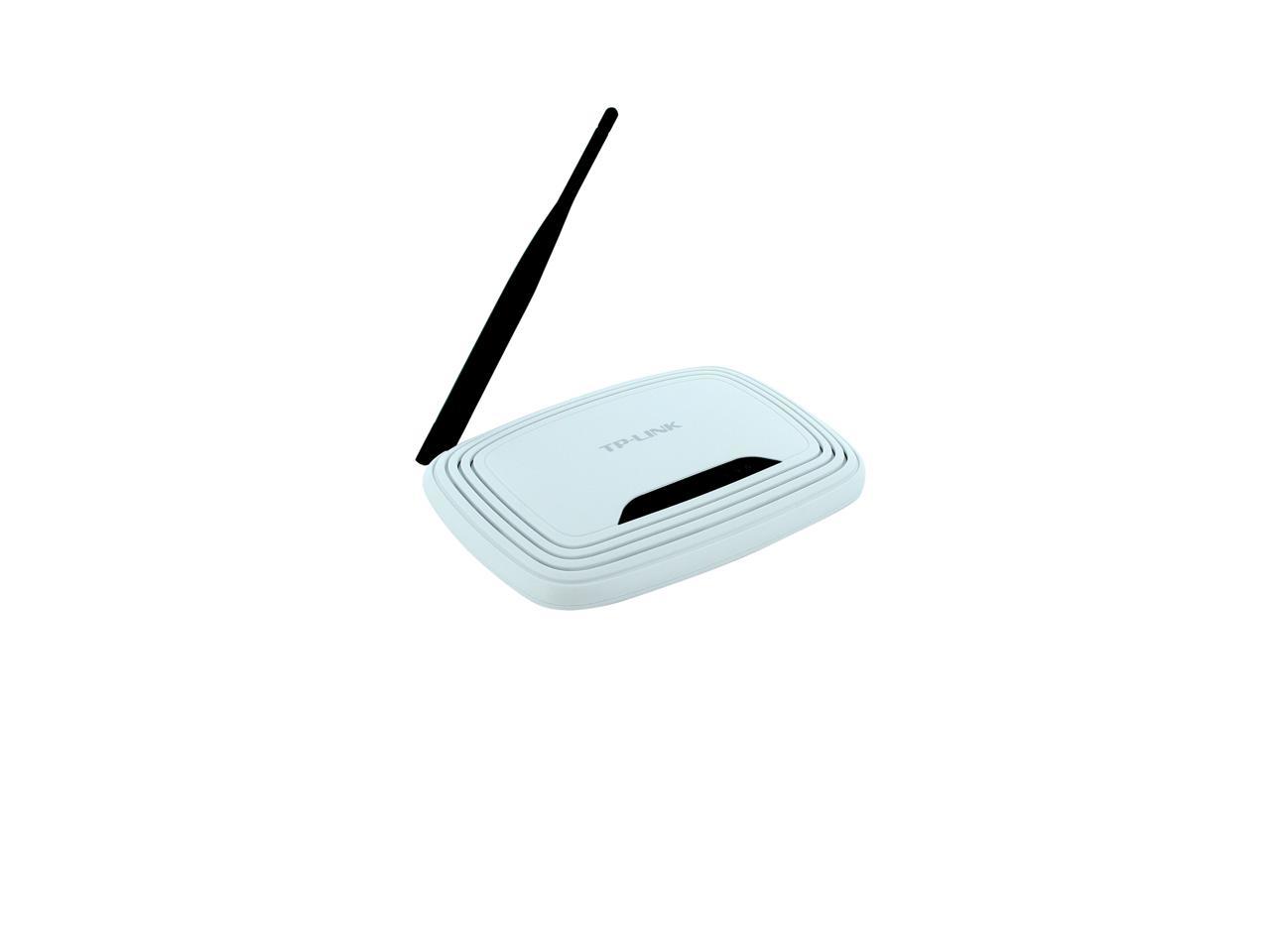
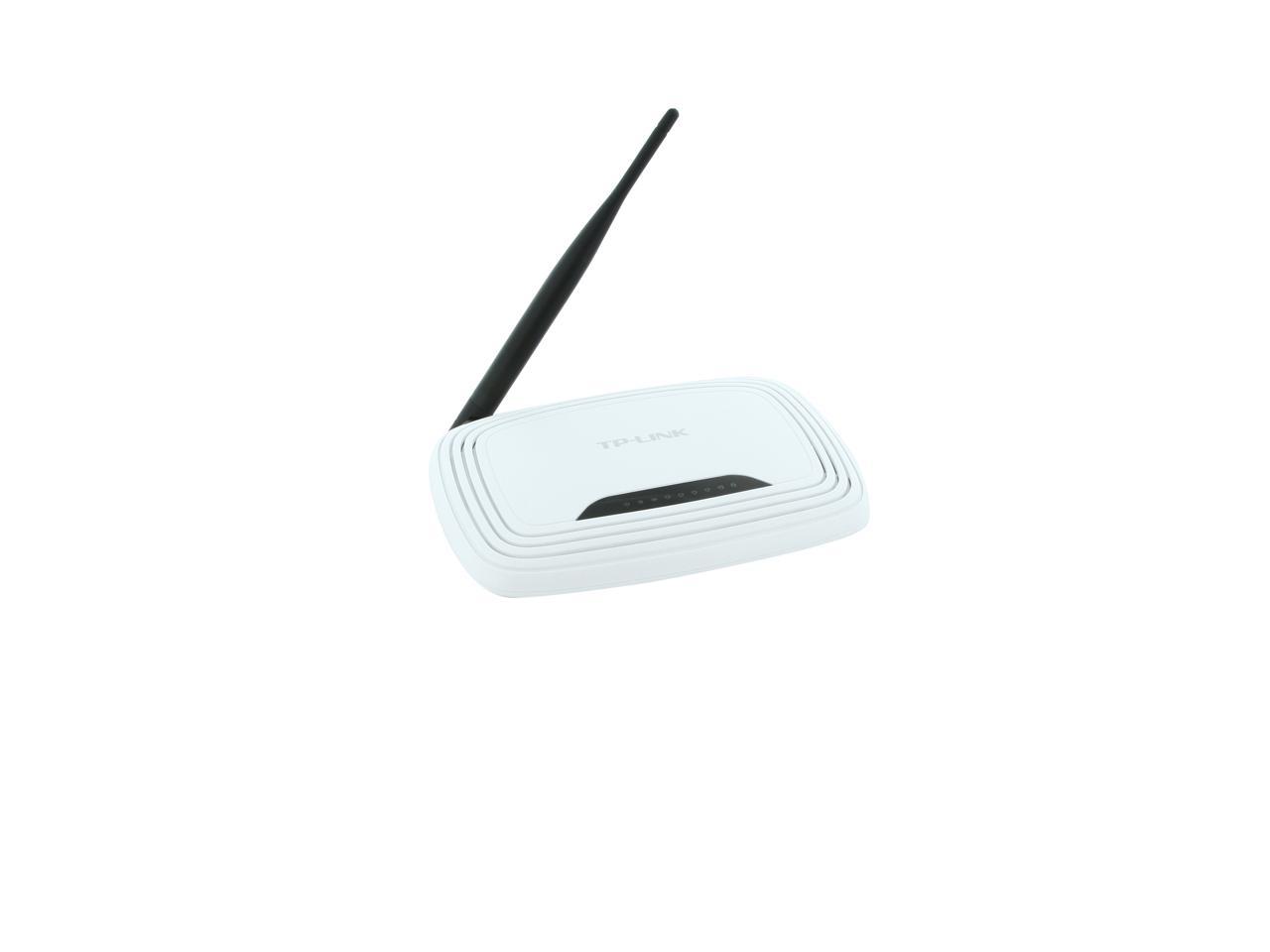
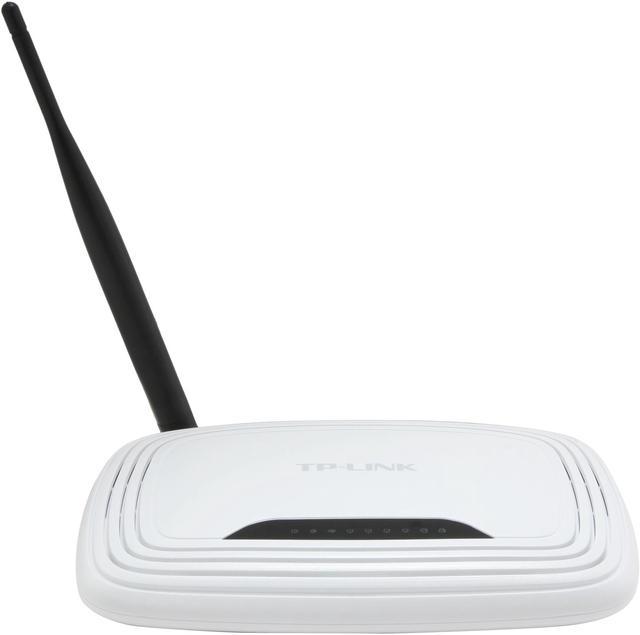
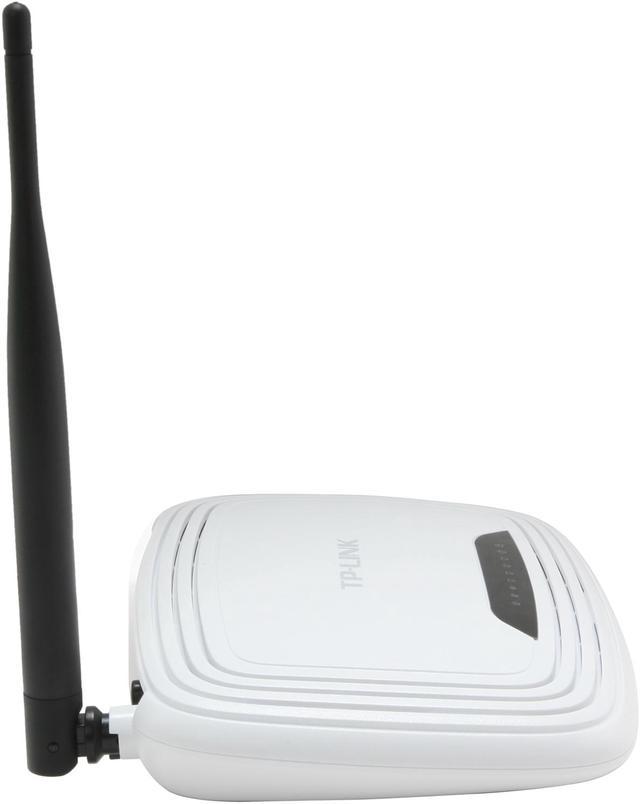
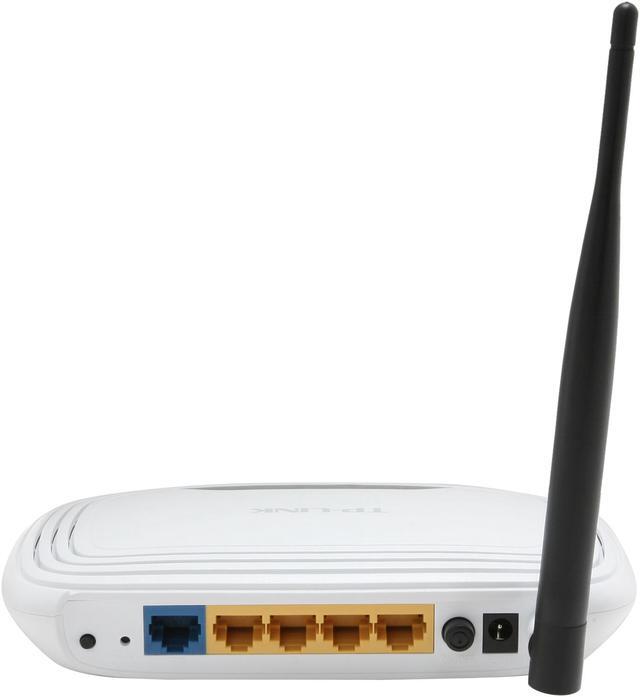
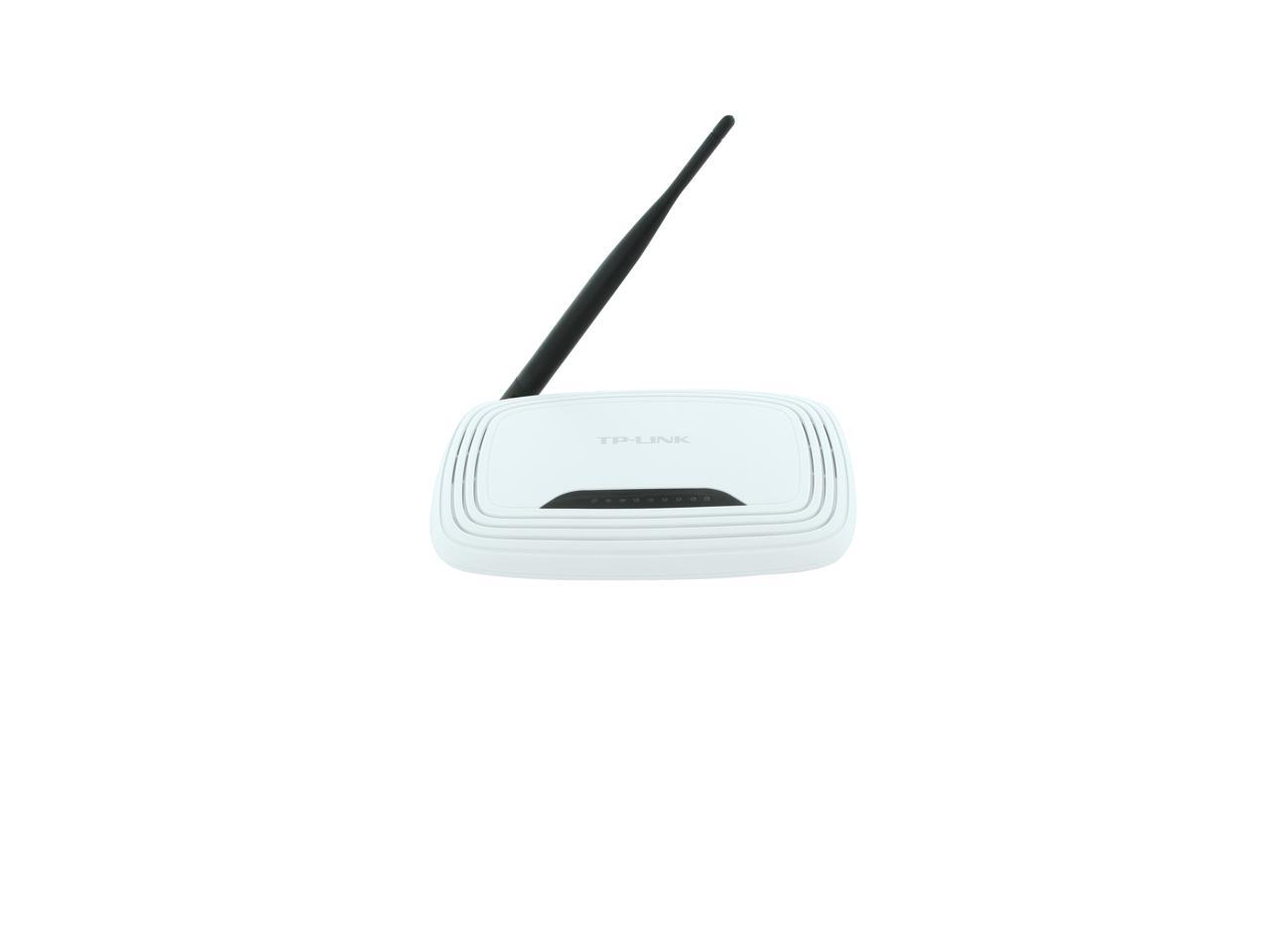
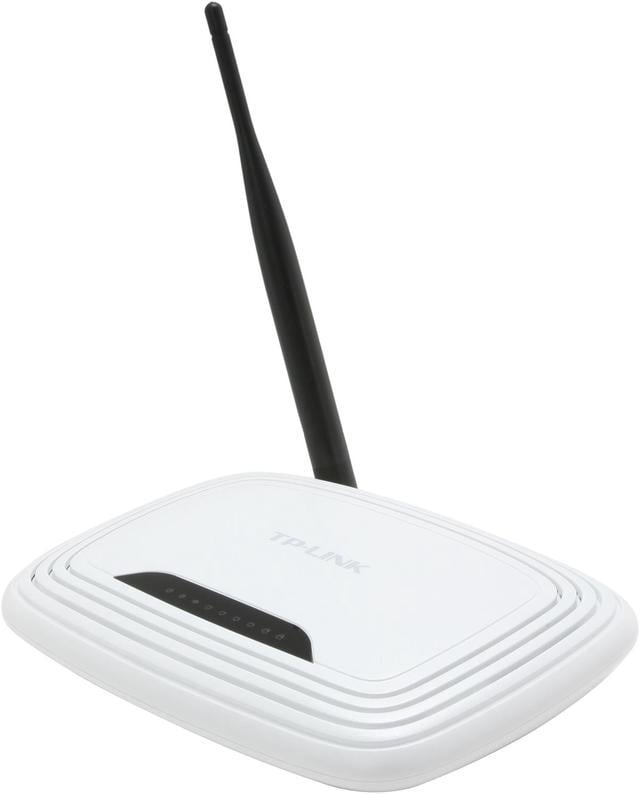
TP-LINK TL-WR740N Wireless N150 Home Router, 150Mbps, IP QoS, WPS Button

  • 802.11b/g/n 150Mbps
  • Basic home/dorm router
  • Good signal w/ 5 dBi Antenna
  • IP based bandwidth control
  • WPS Compatible
  • Advanced Security-WPA / WPA2
  • Easy installation
  • Pin It
  • Email this page
ICON Loading...

Multiple security options including 64/128/152-bit WEP / WPA / WPA2, WPA-PSK / WPA2-PSK delivers rock solid protection for your network. A good list of features such as WDS wireless bridge for seamless bridging to expand your wireless network, SPI firewall, access control management, IP based QoS function for reasonable bandwidth allocation and more make the TL-WR740N a perfect choice for your apartment or small office.

  • newegg Wireless-N Compliant with IEEE 802.11n standard, the TP-LINK TL-WR740N delivers up to 150Mbps wireless transfer speed, 9X the transfer speed and 4X the operation range of conventional 11g products, and remains compatible with 11g products.
  • newegg Clear Channel Assessment (CCA) With the Clear Channel Assessment (CCA) technology, the TP-LINK TL-WR740N can automatically avoid channel conflicts and fully realizes the advantage of channel binding, greatly enhancing the wireless performance.
  • newegg WDS (Wireless Distribution System) Support WDS wireless bridge provides seamless bridging to expand your wireless network. WDS enables the wireless interconnection of access points in an IEEE 802.11 network, allowing a wireless network to be expanded using multiple access points without the need for a wired backbone to link them, as is traditionally required.
  • newegg Wireless Security The TP-LINK TL-WR740N wireless router supports 64/128/152-bit WEP / WPA / WPA2, WPA-PSK / WPA2-PSK encryption for highly secured data transfers on your wireless network.
  • newegg Quick Secure Setup By simply pressing the "QSS" button on the router, the Quick Security Setup can almost instantly setup your security and automatically establish a WPA2 secure connection. Moreover, you don't need to remember a password.
  • newegg QoS Support The TP-LINK TL-WR740N features advanced Quality of Service (QoS) to prioritize time-sensitive online traffic for smooth Internet phone calls (VoIP) and responsive gaming.

Learn more about the TP-LINK TL-WR740N

Model

Brand
TP-LINK
Model
TL-WR740N

Spec

Standards
IEEE 802.11b/g/n
Device Management
Access Control
Local Management
Remote Management
Security
64/128/152-bit WEP / WPA / WPA2,WPA-PSK / WPA2-PSK
WPA/WPA2
WPA2
Ports
1 x 10/100M WAN; 4 x 10/100M LAN
Buttons
Quick Setup Security Button
Reset Button
Wireless Data Rates
Up to 150Mbps
Frequency Band
2.4GHz - 2.4835GHz
Antenna
5dBi Fixed Omni Directional
Transmitted Power
<20dBm(EIRP)
Receiver Sensitivity
130M: -68dBm@10% PER
108M: -68dBm@10% PER
54M: -68dBm@10% PER
11M: -85dBm@8% PER
6M: -88dBm@10% PER
1M: -90dBm@8% PER
Interface
Ethernet Port
VPN support
PPTP, L2TP, IPSec (ESP Head)
Power Adapter
9VDC / 0.6A
Wireless Adapter included
No
System Requirements
Microsoft Windows 98SE, NT, 2000, XP, Vista or Windows 7, MAC OS, NetWare, UNIX or Linux.
Dimensions
6.9" x 4.6" x 1.3"
Temperature
Operating Temperature: 0°C~40°C (32°F~104°F)
Storage Temperature: -40°C~70°C (-40°F~158°F)
Humidity
Operating Humidity: 10%~90% non-condensing
Storage Humidity: 5%~90% non-condensing

Features

Features
Wireless Functions: Enable/Disable Wireless Radio, WDS Bridge, WMM, Wireless Statistics.

WAN TYPE:
Dynamic IP/Static IP/PPPoE/
PPTP(Dual Access)/L2TP(Dual Access)/BigPond

DHCP:
Server, Client, DHCP Client List,
Address Reservation

Port Forwarding: Virtual Server,Port Triggering, UPnP, DMZ

Quality Of Service: WMM, Bandwidth Control

Dynamic DNS: DynDns, Comexe, NO-IP

Access Control: Parental Control, Local Management Control, Host List, Access Schedule, Rule Management

Firewall Security:
DoS, SPI Firewall
IP Address Filter/MAC Address Filter/Domain Filter
IP and MAC Address Binding

Certification: CE, FCC, RoHS

Packaging

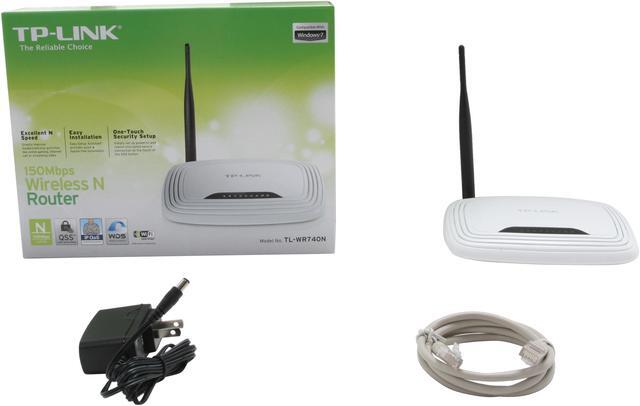
Package Contents
TL-WR740N
1 fixed omni directional antennas
Power supply unit
Resource CD
Quick Installation Guide

Manufacturer Warranty

Parts
2 years limited
Labor
2 years limited

Quick Info

Warranty

  • Limited Warranty period (parts): 2 years
  • Limited Warranty period (labor): 2 years


Customer Reviews of the TP-LINK TL-WR740N

Do you own this product? Write a Review

Filter Results

Go
  • N/A
  • 5/7/2013 6:33:06 PM
  • Tech Level: High
  • Ownership: 1 week to 1 month
  • Verified Owner

5 out of 5 eggsCheap and GooD

Pros: Cheap router installed DD-WRT v24-sp2 (07/20/12) std - build 19519.
Make sure NOT to install the new version of DD-WRT as wifi will not work with security on web/wpa/wpa2.....

Cons: Fixed antenna but i know that before i bought it

Other Thoughts: Didn't try the build in software so im not sure how good or bad it is.

1 out of 1 people found this review helpful. Did you? Yes No

  • N/A
  • 4/24/2013 6:33:22 AM
  • Tech Level: High
  • Ownership: 1 week to 1 month
  • Verified Owner

4 out of 5 eggsGood low-cost device

Pros: Cheap, good value
Small
Runs cool
Extensible (third party firmware)

Cons: Non-removable antenna
Better devices aren't that much more expensive

Other Thoughts: Ordering April 2013, I got v4.24 - which works with the latest release of OpenWRT. The factory firmware is easy to use, relatively cleanly designed and responsive. As expected, third party firmware adds a ton of functionality - potentially at the cost of warranty coverage. For a device this inexpensive, the tradeoffs still result in a lot of value. Better TP-Link units can be had for a negligble increase in price in terms of absolute dollars, but a larger percentage increase in cost - because this unit is so inexpensive. For something that's almost a "disposable" cost to me, this is my go-to device for installations where I need to get something working, do wireless bridging (3rd party firmware) or donate hardware. I've been very pleased with the hardware considering the cost.

1 out of 1 people found this review helpful. Did you? Yes No

  • Zurn
  • 4/14/2013 9:58:18 PM
  • Tech Level: Somewhat High
  • Ownership: more than 1 year
  • Verified Owner

5 out of 5 eggsGreat little workhorse

Pros: I used to think this router was kind of cheap, and it was. It cost me 29.99 and I was accustomed to seeing wireless routers sell for at least one hundred dollars. I used to have DSL which had the router log in through PPPoE. I had to reset the modem/router at least once a week, sometimes more.

I recently switched to Cable internet and man has the difference been night and day. This modem uses dynamic IP to login and I don't remember the last time I had to reset the modem or router. It has been working night and day and giving me great speeds!

Cons: Signal is a little weak, but for the price point and typical use I find it does more than enough.

Other Thoughts: I am shopping around for building a bigger network, so of course I wanted to check the prices/product line of my little work horse at home.

1 out of 1 people found this review helpful. Did you? Yes No

  • N/A
  • 4/3/2013 10:56:37 AM
  • Tech Level: High
  • Ownership: 1 month to 1 year
  • Verified Owner

5 out of 5 eggsWorked fine

Pros: I used this router to connect my apartment and it was fine. Range was >50 feet through several walls. Could connect all of my devices (desktop, two consoles, laptop, tablet, phone). It was fairly easy to configure port forwarding and static IP for setting up a Minecraft server, too. Great price for a great product.

Cons: None really. Still works fine.

1 out of 1 people found this review helpful. Did you? Yes No

  • Mad Max The Hammer
  • 3/12/2013 12:43:04 AM
  • Tech Level: Somewhat High
  • Ownership: more than 1 year
  • Verified Owner

5 out of 5 eggsdecent routers

Pros: They do the job, interface is user friendly, havn't had to many complaints. Had a pretty decent range when I set them up, Bought a bulk of them a few years ago on black friday, they are running strong.

Cons: none

1 out of 1 people found this review helpful. Did you? Yes No

  • Doug
  • 3/9/2013 7:02:15 PM
  • Tech Level: High
  • Ownership: 1 week to 1 month
  • Verified Owner

4 out of 5 eggsGreat unit

Pros: Flashed it with ddwrt. It runs very well. This is easily the cheapest router you can buy for running ddwrt.

Cons: It seems to lock up for 5 minutes randomly and wouldn't respond to ping or http. Not sure if this was ddwrt or the router.

Did you find this review helpful? Yes No

  • PJS
  • 3/2/2013 12:12:31 PM
  • Tech Level: High
  • Ownership: 1 week to 1 month
  • Verified Owner

4 out of 5 eggsWorks for me!

Pros: Bought this to run dd-wrt open source software for a client mode application. Easy to flash and haven't had a glitch yet. Throughput and stability seem good.

Cons: None. Really, folks; it's a $20 router.

Other Thoughts: Unit is used as a "reverse router" to connect a private secure network to a public wireless network for Internet access. Much cheaper and more flexible than a bridge. If you just want to tinker with open source router software this is a good place to start.

1 out of 1 people found this review helpful. Did you? Yes No

  • N/A
  • 2/26/2013 2:49:42 PM
  • Tech Level: Somewhat Low
  • Ownership: 1 week to 1 month
  • Verified Owner

1 out of 5 eggsWL Router TP-link

Pros: Not suggested for general use.

Cons: This unit has a very short distance for use. It probably would work in a dorm room, but not in an apartment as it wouldn't transmit 16 feet to the next room of my apartment.

Manufacturer Response:

We're sorry to see that you are unsatisfied with this device. This Router shouldn’t have a problem connecting multiple devices in a house or apartment. The factor that would determine the connection between the walls would be based on how dense the walls are, and how far the connecting devices are from the Router. You may find the ‘transmission power’ under the Wireless section in the Router configuration. You want to make sure that this is set to high to get the best range from the Router. In some instances where the walls are too thick to support a wireless connection; you may see that a Power-Line may be your best option.
We appreciate you trying TP-Link and hope you will continue to try our products. If you need further information, please feel free to contact me at Howard.he@tp-link.com

Best Regards!

TP-LINK Support Team
support@tp-link.com
(866) 225-8139
http://www.tp-link.com/us/support
http://www.facebook.com/TPLINK

1 out of 1 people found this review helpful. Did you? Yes No

  • N/A
  • 2/19/2013 3:50:52 PM
  • Tech Level: Somewhat Low
  • Ownership: 1 week to 1 month
  • Verified Owner

2 out of 5 eggs

Pros: Easy to set up

Cons: Cover limited area and weak signal.

Other Thoughts: Bought this to replace my over decade old router. However, signal drops quite often and can't even cover my entire apartment (700 sq ft). Why would I replace my old router if it works the same as the old one?

Manufacturer Response:

Dear Customer,

We appreciate you taking the time in trying our product and leaving some feed back. The TL-WR740N should be able to cover the area of your apartment with out a problem. As long as it's somewhat high up, free from obstruction, and away from any kind of radio or electrical interference, then you should see a good signal.

Why would you replace this with your old Router? This is a good question, and you may find that the specs are rather similar. In this case upgrading may be unnecessary.

This device is a 150Mbps Wireless N router. It also comes with an omni-directional 5dBi antenna - this should give a good range. If you are looking to get more out of the Router than you can try upgrading the antennas to a higher gain or maybe try a newer router with multiple antennas to get better transmission speeds. We thank you for checking out our Router and encourage you to reach out to our technical support team if you have any issues.

Best Regards!
TP-LINK Support Team
support@tp-link.com
(866) 225-8139
http://www.tp-link.com/us/support
http://www.facebook.com/TPLINK

1 out of 1 people found this review helpful. Did you? Yes No

  • My nickname
  • 2/18/2013 7:33:48 PM
  • Tech Level: Average
  • Ownership: 1 week to 1 month
  • Verified Owner

2 out of 5 eggsWorthless wireless

Pros: Seems to use open source software.

Cons: WDS is the reason I bought it. Reception is too weak to be usefull. The radio in my tiny cell phone gets far better reception.

Other Thoughts: Spend more money and shop elsewhere. My friend also had trouble with this brand.

Manufacturer Response:

Hello Customer,

We're sorry to see that you are unsatisfied with the product. The TL-WR740N carries a 5dBi antenna and is strong enough to transmit and receive a good quality signal. Location is a big factor in signal degradation as obstacles and distances can weaken the signal. The default settings should be strong enough for your WDS connection as the transmit power is on 'high', and the wireless channel is set to 'Automatic' to help find the cleanest signal. If you find that the device may be defective then we would love to replace it with a new one for you. We have a 2 year factory warranty and can ship you out a new one if you find that this product is defective.

Best Regards!
TP-LINK Support Team
support@tp-link.com
(866) 225-8139
http://www.tp-link.com/us/support
http://www.facebook.com/TPLINK

Did you find this review helpful? Yes No

Compare Offers from All Sellers

Seller Name & Rating Offer Details  
ICON Loading...
Are you an E-Blast Insider? Subscribe Newegg e-Blast

Buzz

Sweeeeeeeeet

5 out of 5 eggs
First off, I received the most current hardware version of this router - version 3. For me, this was a slight con, but only ...
— anon 7/7/2011

Cheap, works well but fairly basic

5 out of 5 eggs
Fairly easy to setup and the menus are laid out very nicely. Has almost all of the security features of more expensive routers. ...
— Silent Menace 12/12/2009


PayPal
Shop without retyping payment details. Secure shopping made faster.
Check out with PayPal.

Financing


Home
Home > 
Computer Hardware > 
Networking > 
Wireless Networking > 
Wireless Routers > 
TP-LINK > 
Item#: N82E16833704037
LOADING... LOADING...
Shop by Region: United States | Canada | China
VeriSign Click for the BBB Business Review of this Computers - Supplies & Parts in Whittier CAThis site protected by Trustwave's Trusted Commerce program Inc500
Policy & Agreement | Privacy Policy  © 2000-2013 Newegg Inc.  All rights reserved.
If the Adobe Reader does not appear when you click on a link for a PDF file, you can download Adobe Reader from the Adobe web site. nassau