-
Deactivated Item
-
-

-
Manufacturer Contact Info
Return Policies
This item is covered by Newegg.com's Standard Computer Return Policy.
- Return for refund within: non-refundable
- Return for replacement within: 30 days
- There must be a minimum of 8 dead pixels to declare an LCD display defective and eligible for return.
|
-
- 5
-

- 53%
- 4
-

- 26%
- 3
-

- 5%
- 2
-

- 11%
- 1
-

- 5%
| Product Rating: |
   
|
| Total Reviews: |
19 |
Loving this Netbook
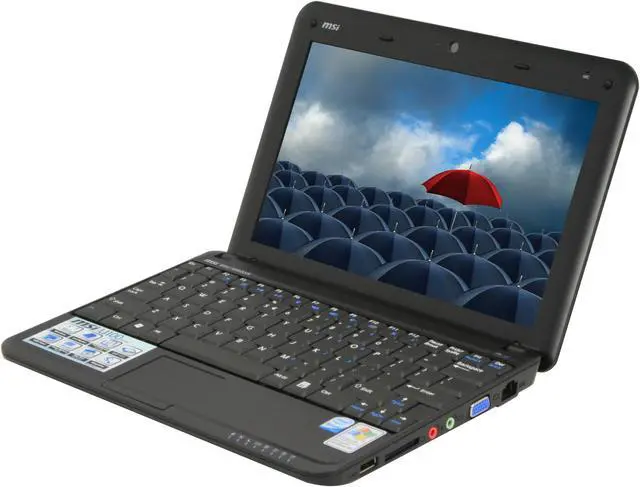
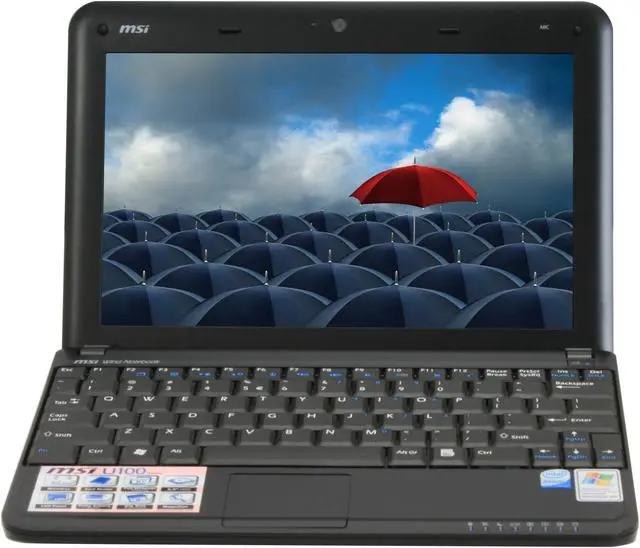
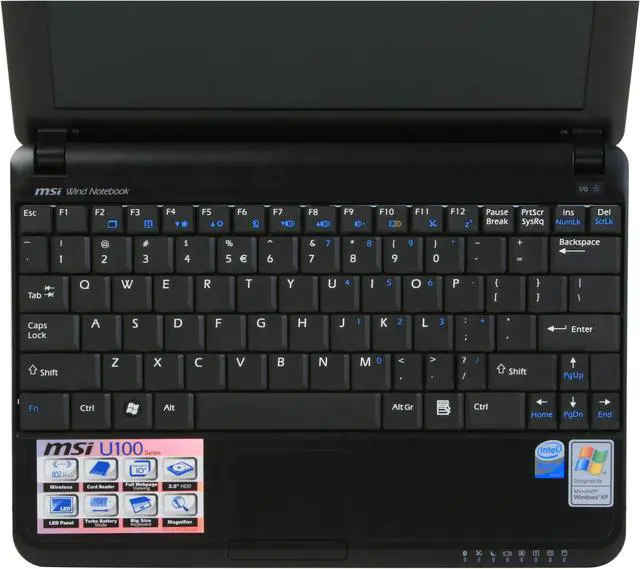
- Pros: I've been lucky enough to squeeze a few netbooks into the IT budget this year for some of our frequent travelers and this is by the far the one I like the best. The keyboard has a great feel to it and compared to some other models that move critical keys (ahem Asus) too far out of the way everything seemed just fine.
Initial build quality seems high. Atom processor rocks and the battery life is outstanding as with all netbooks.
Screen is vibrant and handles web pages just fine.
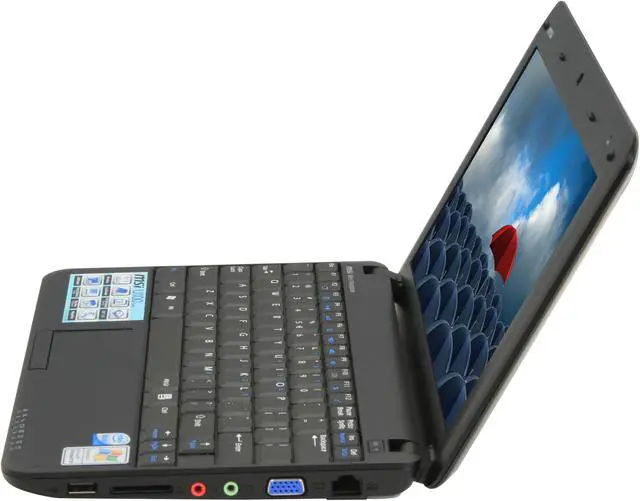
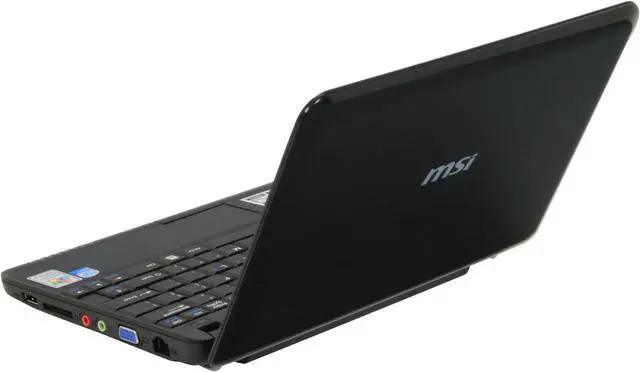
- Cons: I'm not a fan of the battery sticking out from the main outline of the case. A few laptop manufacturers do this and I don't understand it. It just adds heft and clutter to an otherwise slim and elegant design. I would prefer a smaller battery even if it cut some battery life away.
Like most new netbooks the stickers are obnoxious. I spent the first 20 minutes taking them off with rubbing alcohol.
OEM Battery management system is feature lacking compared to other netbooks I've setup.
- Other Thoughts: I think the netbook explosion is the best thing that's happened in personal computing in awhile. Finally processors have gotten efficient and powerful enough to pack enough punch to make them full fledged computing machines and not just glorified PDAs.
I recommend a netbook like this to anyone thinking of spending $350-600 on a portable computer. You'll be much happier with this than what the same coin will get you in the laptop or desktop market.
ASUS 1000h vs. MSI Wind… Winner ASUS!
- Pros: It is a good looking machine, shift key is in the right spot. Screen is very bright. Can put OSX on it fairly easy.
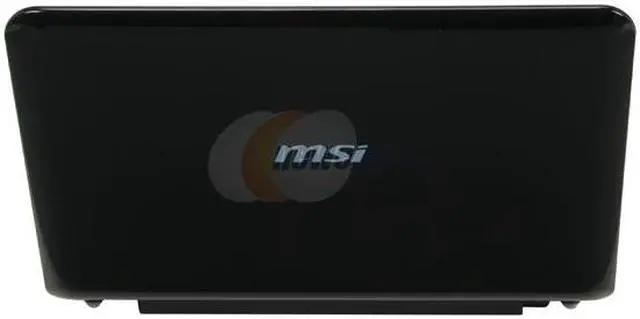
- Cons: To get the shift key to fit they made both the period and comma key smaller and as a result harder to press. The hinge for the screen feels flimsy and if you put it too far back the whole computer will want to lean backwards. The touchpad is horrendous, you have to press the corners for it to act like a scroll bar and there is absolutely no side scrolling support. Tech support was also of no help when called. Overall the plastics used on this computer feel far cheaper and thinner than on the Asus, especially the bottom cover. There is no way to easily upgrade the ram like in the Eee PC, you must void the warranty to do so. Both are fingerprint magnets.
- Other Thoughts: I have had both netbooks for about 2 weeks now and can tell you there is quite a bit of difference between the two. On paper they are basically the same, with the 1000h adding a few things to the table such as wireless N and twice the hard drive space all while coming in at a cheaper price. Overall if you want a solidly built and well priced netbook you will need to look elsewhere and unfortunately the cons outway the pros on this one. I hope this helps potential buyers and my suggestion must go out to the Asus Eee PC 1000H.
MSI u100 Wind
- Pros: Affordable price, long battery life. and fast enough to run programs like MS Office and other necessary application for school.
- Cons: I hope left control key is placed where function key is placed.
Comma key, and period key are not easy to press. They are either too small. Page up, Page down, Home and End key are not working, although I pressed with function keys. I called technical support three times to find out what is wrong with my laptop. They don't seem to know what is going on either. They asked to to reinstall the service pack. But didn't know work. They also ask to to press fuction+left control key and one of Page up, Page down, Home and End key. But still didn't work properly. It works as just arrow key. If you need this computer for typing in school or business. I DO NOT RECOMMED THIS LAPTOP because you will need to use these four keys
One more thing, it takes about three hours to recharge your battery. Doesn't make sense why it takes too long.
Also the technical support do not know about overcloaking feature, which laptop magazine discussed in their website
- Other Thoughts: Will never deal with this manufacturer. Too many flaws in this system
| General |
| Brand |
MSI |
| Series |
Wind |
| Model |
U100-053US |
| Part# |
9S7-N01154-053 |
| Color |
Black |
| Operating System |
| OS Provided |
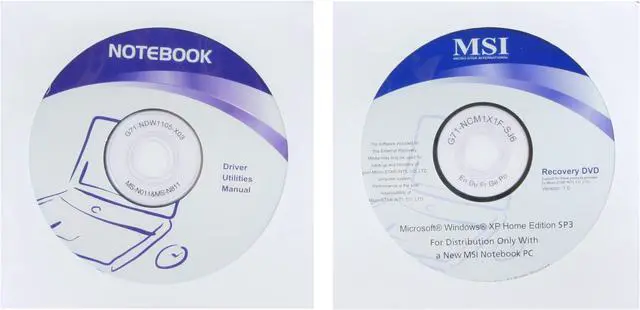
Windows XP Home |
| Processor |
| CPU Type |
Intel Atom |
| CPU Speed |
N270(1.60GHz) |
| CPU FSB |
533MHz |
| CPU L2 Cache |
512KB |
| Display |
| Screen Size |
10.0" |
| Widescreen Display |
Yes |
| Display Type |
WSVGA |
| Max Resolution |
1024 x 600 |
| Graphics |
| Graphics Processor |
Intel GMA950 |
| Video Memory |
Shared system memory |
| Memory |
| Memory Speed |
DDR2 667 |
| Memory |
1GB |
| Hard Drive |
| HDD |
80GB |
| Hard Drive Interface |
SATA |
| Dimension & Weight |
| Dimension |
10.23" x 7.08" x 0.748-1.24" |
| Weight |
2.6 lbs. |
| Netbook Camera |
| Camera Pixels |
1.3 Megapixel |
| Communications |
| LAN |
10/100Mbps |
| WLAN |
802.11b/g Wireless LAN |
| Bluetooth |
Yes |
| Expansion / Connectivity |
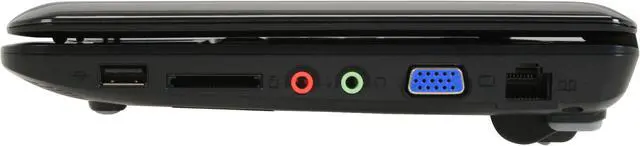
| USB |
3 |
| Video Ports |
1 x VGA |
| Audio Ports |
1 x Microphone jack; 1 x Headphone jack |
| Audio |
| Audio |
SoundBlaster compatible |
| Speaker |
Internal Speaker x 2 |
| Input Device |
| Touchpad |
Yes |
| Keyboard |
Standard |
| Card Reader |
| Card Reader |
4-in-1 Card Reader, SD/MMC/MS/MSpro |
| Power |
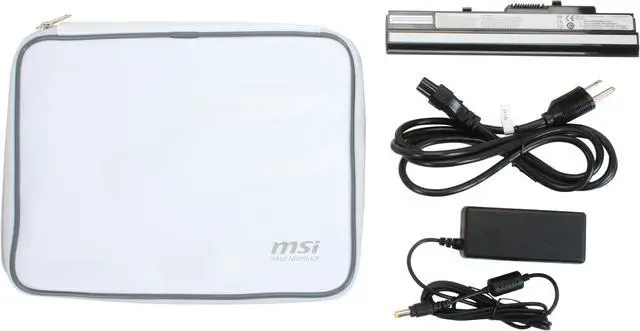
| AC Adapter |
Output: 19V DC, 65W / Input: 100~ 240V AC, 50/60Hz Universal |
| Battery |
| Battery |
6-cell lithium ion |
|
|