As CPU processing power increases, so does the need to remove the damaging heat that increased power generates. Nowhere is this more apparent than with overclocked processorsrunning beyond their original specifications. This case is Intel Socket LGA775 or AMD Socket AM2/939/754), and now Intel Core i7 and Core i7 Extreme Edition Ready! The last thing a computer enthusiast wants when designing their machine, though, is to cap it off with an ugly cooler.
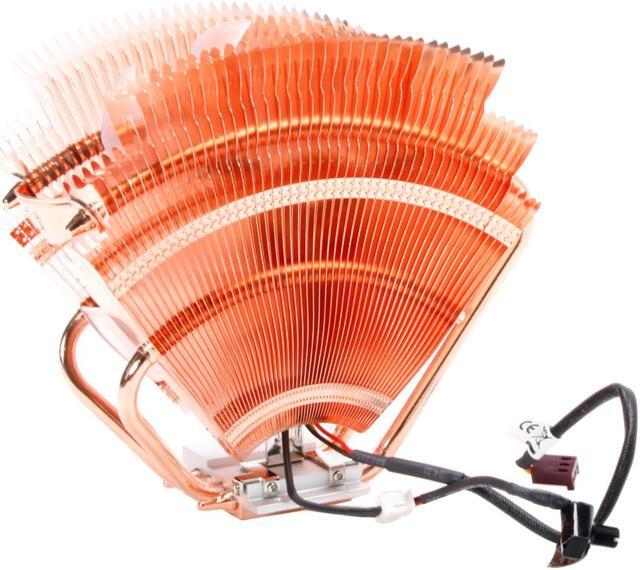
Thermaltake has long led the pack in CPU cooling, with many of its cooling strategies being adopted by others. They develop breakthrough, supremely functional designs with an extra element of style. Its all-copper construction provides maximum efficiency in conducting damaging heat away from the CPU. A group of four heatpipes draw heat upward from the mirror-finished base which lies in perfect contact with the chip.
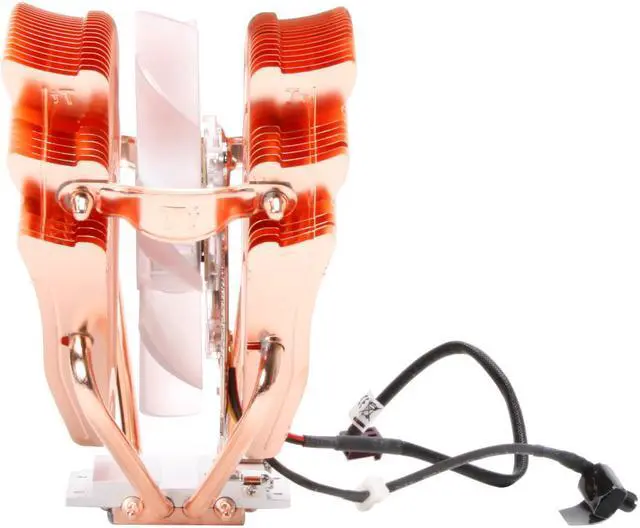
The array of dissipation fins enables the 110mm fan to easily move 86.5CFM at 2000RPM by creating multiple air intake points. The speed can be adjusted to balance the cooling performance and the already low 24dBA noise level. The blue LED lights within the fan add a stylish glow against the copper surfaces enhancing the appearance of your system.
As CPU processing power increases, so does the need to remove the damaging heat that increased power generates. Nowhere is this more apparent than with overclocked processorsrunning beyond their original specifications. This case is Intel Socket LGA775 or AMD Socket AM2/939/754), and now Intel Core i7 and Core i7 Extreme Edition Ready! The last thing a computer enthusiast wants when designing their machine, though, is to cap it off with an ugly cooler.
Thermaltake has long led the pack in CPU cooling, with many of its cooling strategies being adopted by others. They develop breakthrough, supremely functional designs with an extra element of style. Its all-copper construction provides maximum efficiency in conducting damaging heat away from the CPU. A group of four heatpipes draw heat upward from the mirror-finished base which lies in perfect contact with the chip.
The array of dissipation fins enables the 110mm fan to easily move 86.5CFM at 2000RPM by creating multiple air intake points. The speed can be adjusted to balance the cooling performance and the already low 24dBA noise level. The blue LED lights within the fan add a stylish glow against the copper surfaces enhancing the appearance of your system.
 Superior Heat Dissipation and Cooling PerformanceFour innovatively-designed copper heatpipes and high-density copper fins maximize heat transfer and dissipation. Plus a 110mm, 2000RPM cooling fan delivers an air flow of up to 86.5 CFM for exceptional cooling performance.
 Adjustable Fan SpeedThe Thermaltake V1 CL-P0401 features a VR fan controller so you can fine tune the fan speeds for the optimum balance between cooling performance and noise level.
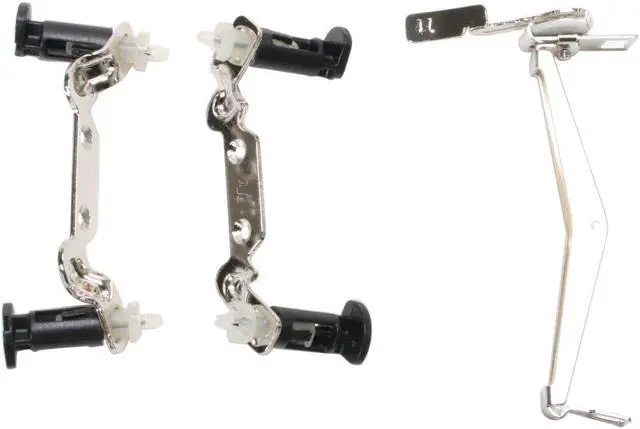
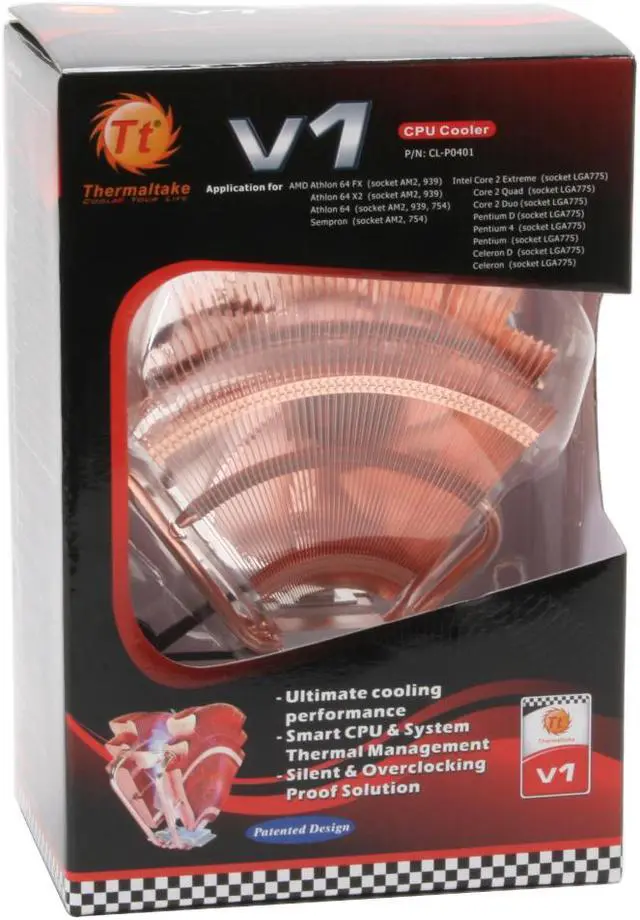
 Universal Socket CompatibilityThe Thermaltake V1 CL-P0401 features broad compatibility with AMD socket 754, 939 and AM2 platforms, as well as the Intel LGA 775 platform.






 Superior Heat Dissipation and Cooling PerformanceFour innovatively-designed copper heatpipes and high-density copper fins maximize heat transfer and dissipation. Plus a 110mm, 2000RPM cooling fan delivers an air flow of up to 86.5 CFM for exceptional cooling performance.
 Adjustable Fan SpeedThe Thermaltake V1 CL-P0401 features a VR fan controller so you can fine tune the fan speeds for the optimum balance between cooling performance and noise level.
 Universal Socket CompatibilityThe Thermaltake V1 CL-P0401 features broad compatibility with AMD socket 754, 939 and AM2 platforms, as well as the Intel LGA 775 platform.