-
Deactivated Item
-
-

-
Manufacturer Warranty
Beyond any applicable Newegg return policy, this item is warranted independently by the product's Manufacturer. Below is a summary provided for convenience only and may not be accurate or current.
Use this link for full details.
Manufacturer Contact Info
|
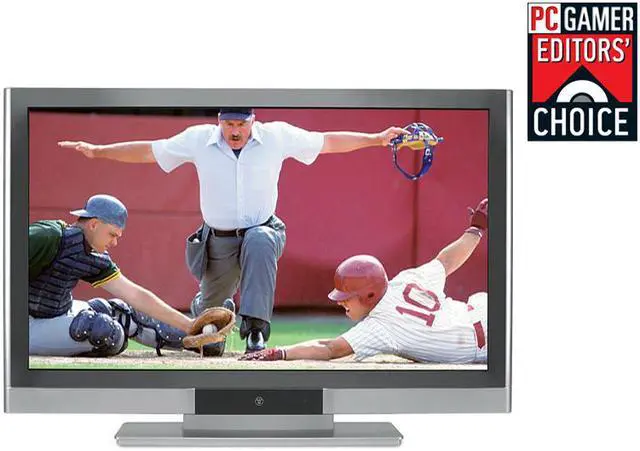
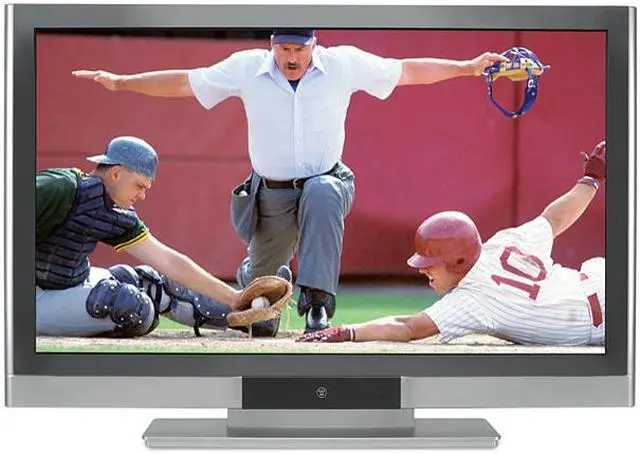
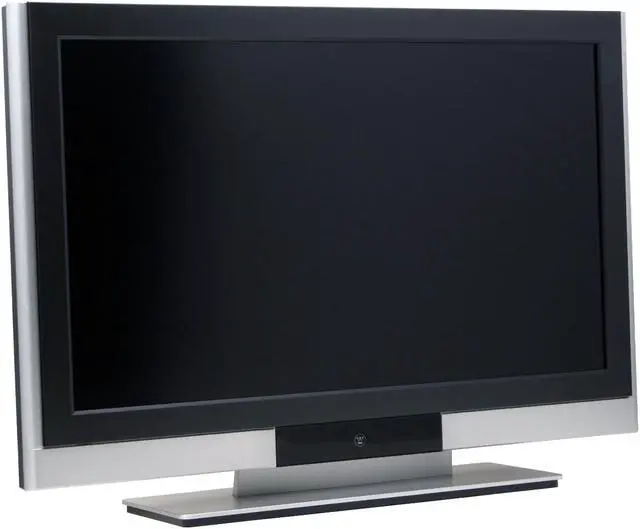
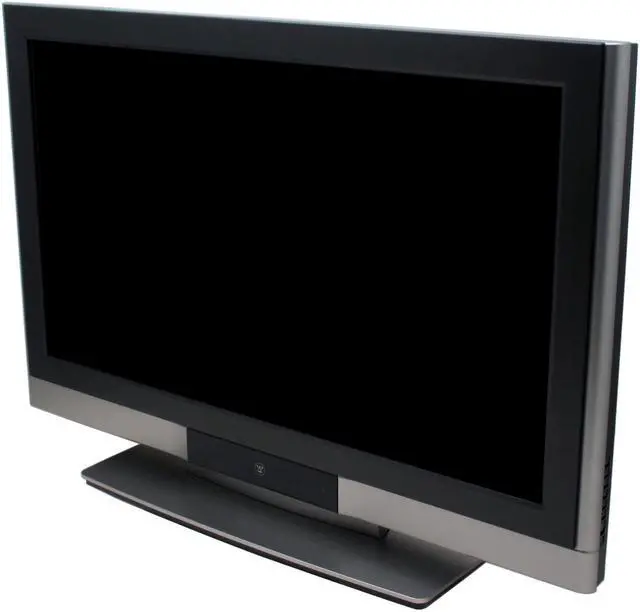
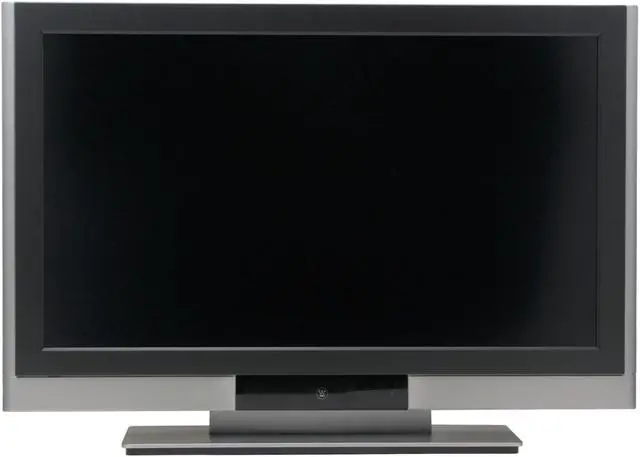
With 37 inches of pure HD entertainment, you’ll have trouble deciding what to do on it next. The Westinghouse 37" 1080p monitor is a true 1080p monitor, combining leading-edge technology with stylish design, to deliver the ultimate in entertainment enjoyment. With an 8ms response rate, for ghost free viewing, and a maximum resolution of 1920 x 1080, the LVM-37w3 is beautiful in all environments, with greater versatility than plasma, especially for daytime viewing. Designed to be future-proof, this big 1080p monitor is equipped with 6 HD connections. If you’re into maximum entertainment, it’s the only display that should be connected to your HD cable box, satellite or multimedia PC.
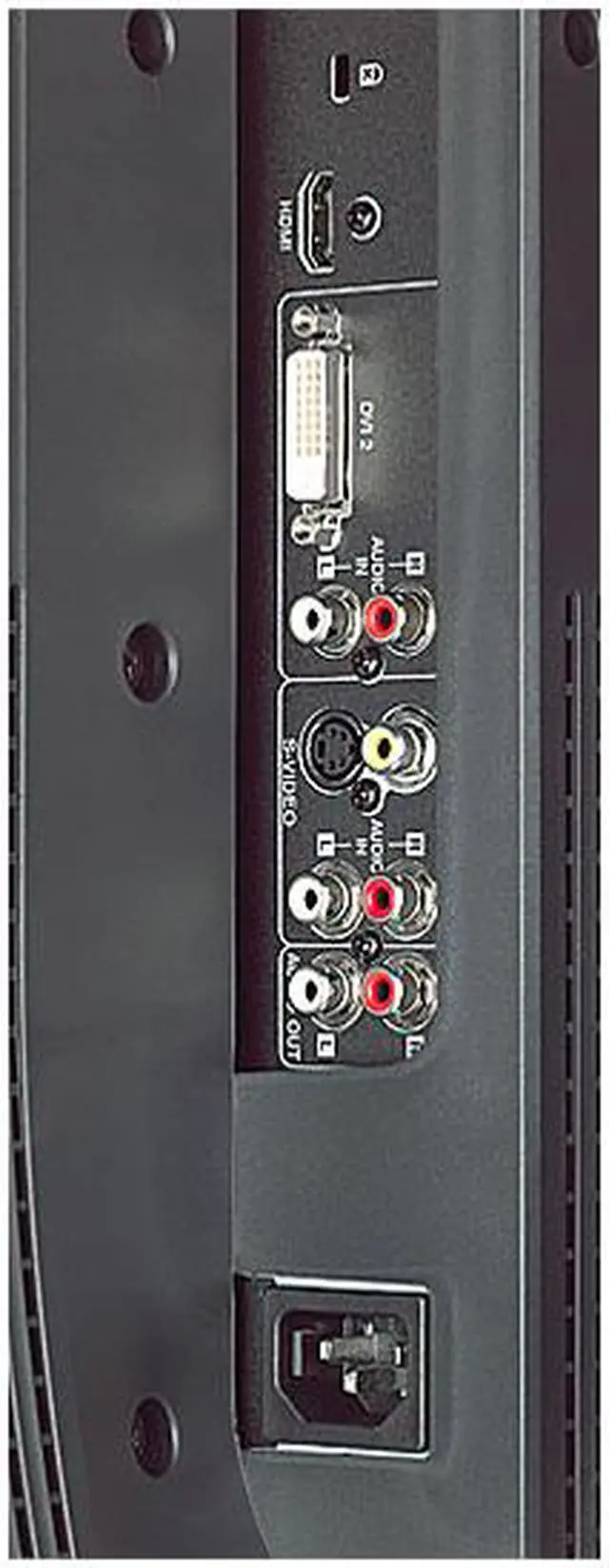
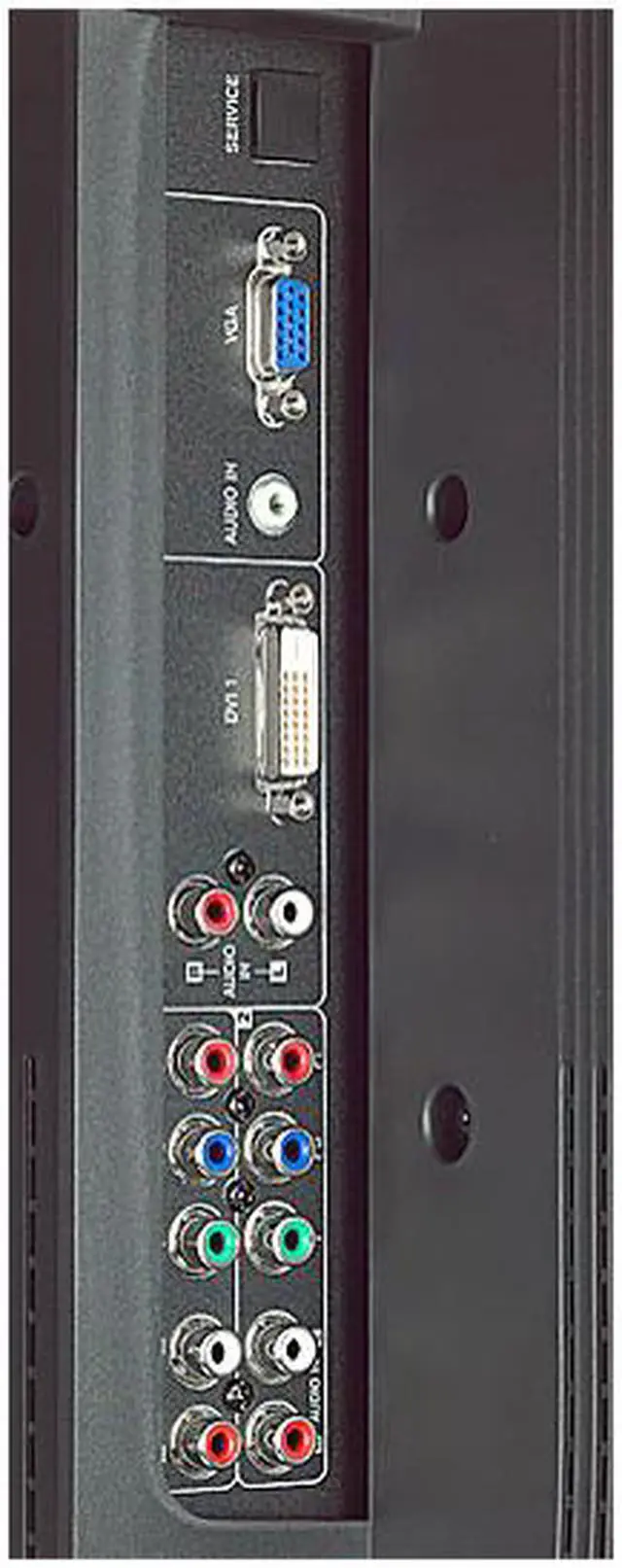
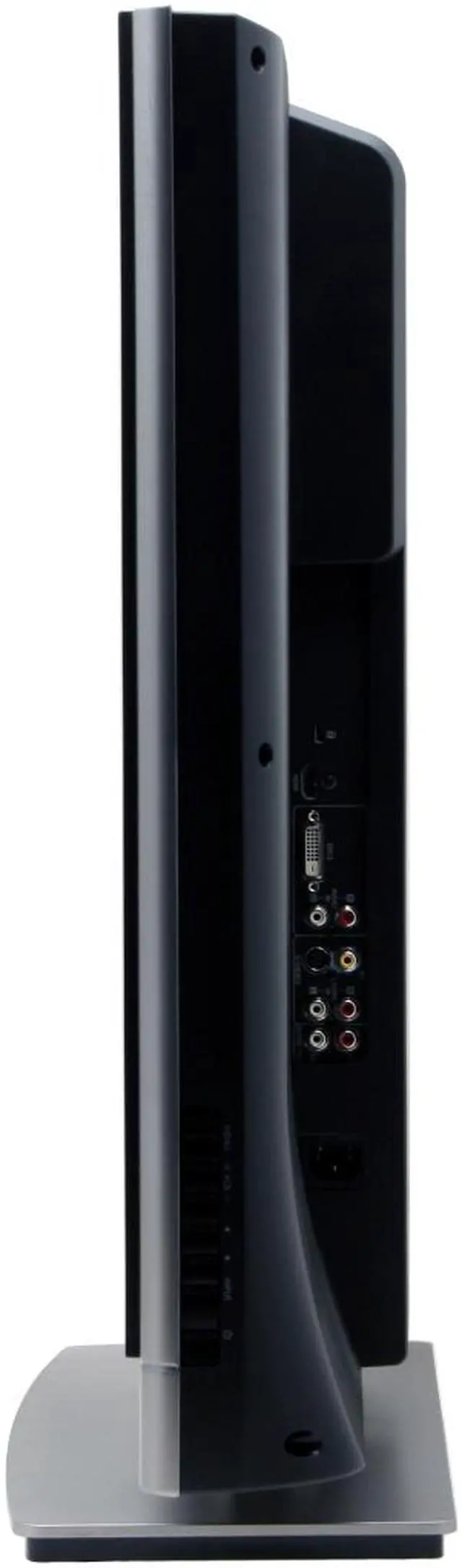
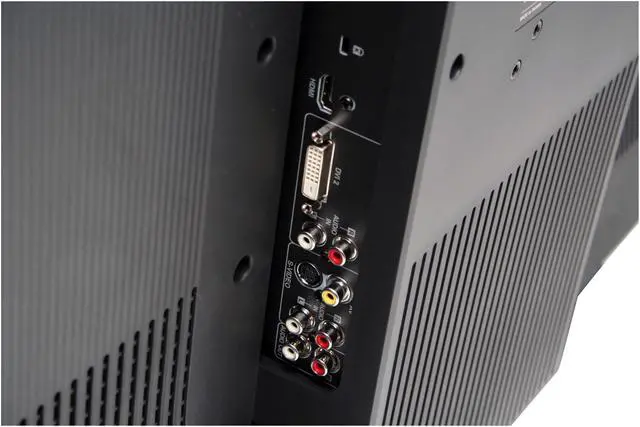
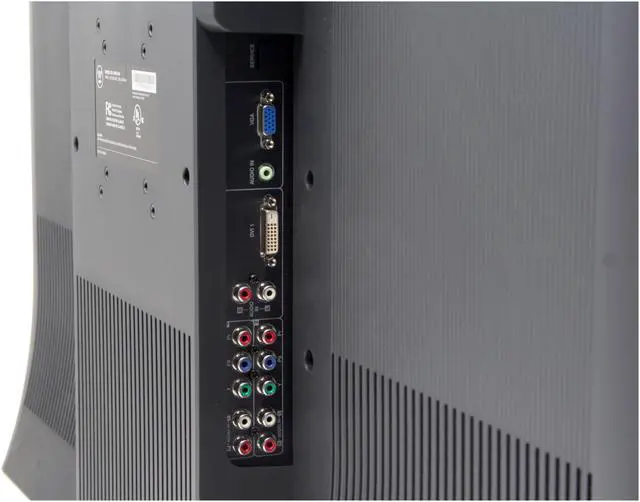
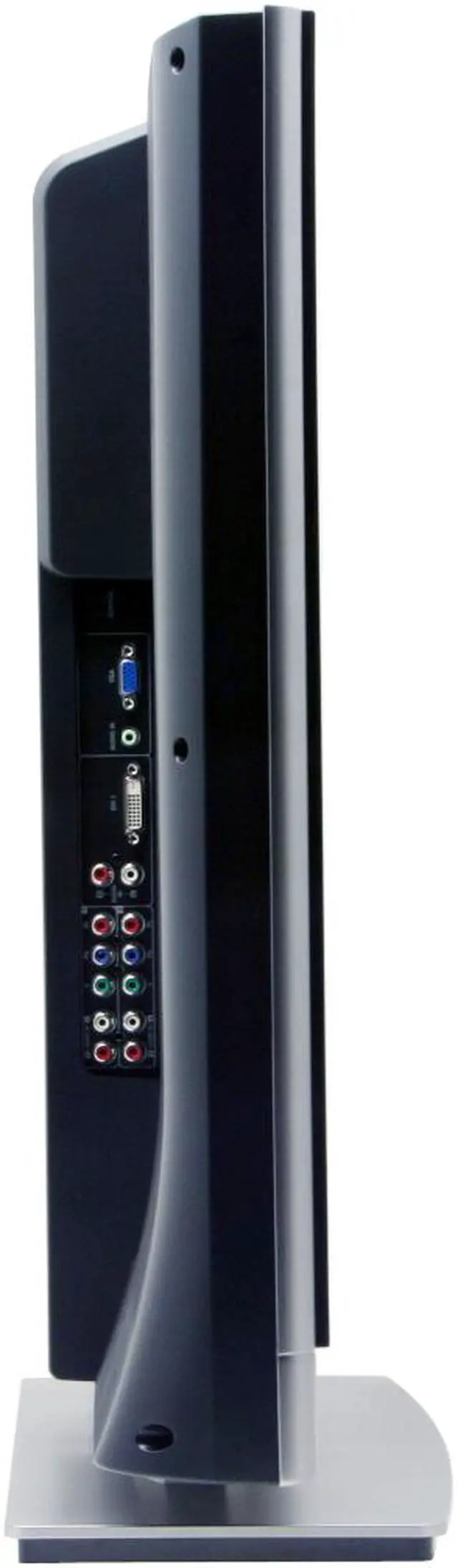
Advanced picture refining techniques such as 3D Noise Reduction, 3D Video Processing, 3D Comb Filter help produce sharper, true-to-life images. The 550 cd/m2 brightness and 1000:1 contrast ratio helps you see the darkest of blacks and the brightest of whites. An array of HDMI-HDCP, DVI-HDCP, VGA D-Sub, Composite Video, and S-Video Input connectors on the back panel allow connecting a wide range of devices, to allow this versatile set to become the center of a multimedia entertainment system that will be the envy of your friends (when they’re not at your house using it . . .) Westinghouse has a long reputation for reliability and innovation, and the LVM-37W3 lives up to it in every way, and is a great value for your entertainment dollar.
-
- 5
-

- 83%
- 4
-

- 11%
- 3
-

- 4%
- 2
-

- 1%
- 1
-

- 1%
| Product Rating: |
   
|
| Total Reviews: |
140 |
WOW
- Pros: All I can say is wow, and yes, the brightness is insane, it lights up my bedroom... but is actually the back light setting, I set it to 80% and is just perfect now. I mainly got a 1080P since I want to hook up a pc to in the near future. for the testing purposes I hooked up my pc, and WOW... the sharpness at 1920x1080 was insane.
- Cons: Non so far, well except that I wish it had more compite inputs... but I guess I just need to move away from the old stuff... Im planning on using HDMI with DirecTV HD DVR, I have a HDMI -> DVI for the LG Upconvert DVDR (awesome quality) and I'll use the secondary DVI for the PC... so I will be ok for inputs.
- Other Thoughts: I also tried the PC resolution at 1280x768 and it looks great too, so if that is your MAIN purpose for a 1080p monitor, you dont truly need it. specially if you will sit away from the screen, at 10 - 12 you can read it fine, if not, just increase the font size. I wish I had the desk space to use it as PC monitor :) it sure beats the heck out of the 24" & 30" Dells for less than the 30" price tag.
Hands down unbeatable for the price.
- Pros: True 1920x1080 so you get maximum HD resolution in all its glory. You're set for when 1080p sources (HD-DVD/BluRay) become more prevalent. Nice quick pixel response time at 8ms (effectively 125Hz max refresh). I've not seen any blurring that I can attribute to pixel delay. (There is a bit of blur showing some interlaced signals, but that's true with any LCD. They all have to deinterlace any interlaced material to show it since they're inherently progressive displays, and the process can introduce some blur. It's due to the format conversion, not the pixel refresh.) 6 HD inputs, 3 of which are pure digital! Nice clean design that should mesh well with most decor. Wall-mountable with two VESA mounting patterns.
- Cons: My only possible complaint would be that I miss the deep, rich blacks of the CRT world. But this is really minor, especially compared to all the good things about it and the amazing price. After a month or so my perception has adjusted (as it did when I moved from a CRT computer monitor to my current LCD). There's a 5-step adjustment for the backlight that can help too. There's no built-in TV tuner, HD or otherwise. This doesn't matter for most people if you'll be getting HD cable or satellite since your provider will supply an external tuner box anyway (that will use an HD connection to the monitor). In my mind it's actually a plus, since you don't pay for something that you'd likely not need. The only exception would be if you want to get free over-the-air broadcast HD, but there are external tuners you can buy if you really want/need that.
- Other Thoughts: I haven't used the built-in speakers (I send optical S/PDIF directly to my receiver for 5.1) so I can't comment on that. You'd really be hard pressed to find another deal like this that offers so many features and performs so well. Also, I strongly recommend calibrating with something like the Avia or Digital Video Essentials calibration DVDs. That will allow you to get the most from any display (setting lowest black and maximium white to use the full range the display is capable of). Happy viewing! :)
| Model | LVM-37W3 |
| Cabinet Color | 2-Tone |
| Screen Size | 37" |
| Recommended Resolution | 1920 x 1080 |
| Aspect Ratio | 16:9 |
-
- 5
-

- 83%
- 4
-

- 11%
- 3
-

- 4%
- 2
-

- 1%
- 1
-

- 1%
| Product Rating: |
   
|
| Total Reviews: |
140 |
Best PC upgrade EVER.
- Pros: Big, BIG beautiful display. Almost too big if you sit a typical distance (2-2.5 feet) from your PC. I think 32" is actually a preferable size for that distance, so I'm currently shopping for another computer desk that will allow me to sit 3-4 feet away from the monitor. If you sit too close, you might have to move your head from side to side just to see the entire thing. :o)
Ghosting is a non-issue with this panel. I came from a fast S-IPS panel and, though this panel is rated at 8ms, I was expecting a little bit of ghosting. There is none that I can detect. If someone were able to detect a hint of ghosting, it would be far outweighed by the size of this beast anyway. Once you game on a display of this caliber, there is no going back. The 22-24” widescreen panels have become very popular in the past year or so, but I can’t imagine using something that small now.
- Cons: Can be too large if you sit close. Arms can only reach so far so I'd advise placing this on a desk that allows you to sit a few feet away.
No TV tuner, but that would just be a bonus. I also owned the Sharp LC-32GP1U gaming display, and the size was pretty much perfect but honestly after calibrating both displays the image on the Westy was still better for PC use (very surprising, but the Sharp excelled for TV, even SDTV).
There is also a minor issue that I've discovered, though it could be a driver issue. I'm using this on my E6600/4GB/8800GTS 640MB rig and find that sometimes when I come back after the PC has gone to "sleep," sometimes it won't sync the signal on the DVI inputs, forcing me to reboot the PC. It doesn't happen every time, but when it does it's annoying. You can get past this by switching to another input (e.g. VGA or HDMI) and then switching back to DVI1 or 2; sometimes it'll restore the display. Other times I must reboot. May not be an issue with other video car
- Other Thoughts: BIG, beautiful display. True 1080p. Text is NOT blocky, no matter what the pixel pitch snobs with 24" displays might try to say.
Tons of inputs for hooking up game consoles, DVD players, whatever.
I got an extended 3-year in home warranty for peace of mind. 4 years total; the 3 years extended starts after the Westinghouse 1-year warranty expires.
Aside from the issue I'm having with the display sometimes not restoring the video signal after going into standby, this is bar none the BEST upgrade I've ever made, and I've added some nice goodies to my PC in the past. I agree totally with the guys that say you should splurge on the monitor, since it takes far longer to become obsolete than other components in your computer. That, and speakers.
The 37W3 will knock your socks off when you take it out of the box and set it up – I’ve had mine for a few months now and the “WOW! Factor” is still very much present. No regrets. It’ll certainly impress anyone who comes over and sees your
- Pros: I love this TV. I use it mostly for my monitor for my computer. The 1080p HD is awesome. Great quality when watching HD.
- Cons: Nothing bad at the moment
- Other Thoughts: Shoulda bought the 42" but oh well
Best Bang for ur buck!
- Pros: Great picture quality! and my newly built core2 duo machine together with Vista Ultimate 64bit looks amazing using one of the DVI ports on this display. Have owned one since Feb 07 played PC games like oblivion, FIFA 07 couldn't help but bring out the old Far Cry which supports 1080p and it looked better than before. Oh by the way for all u FIFA fans the 07 wont play in 1080p but u can reduce the resolution and select "Fill" from the Westy's remote to play full screen!. PS3 looks beautiful on this screen especially the Blue Ray Movies in 1080p= amazing detail level and sharp picture!.
- Cons: I didn't purchase from newegg (got a better deal on another site) but that aside I was hesitant to purchase after reading that it has handshake problems with PS3 (blinking) every second when PS3 played media that wasn't 1080P like 720P that most PS3 games are and DVD video since PS3 played DVD at 480P and it did have that problem the fix to that so far was turn the Westy off and back on using remote.
- Other Thoughts: heard somewhere that Westinghouse wasn't the problem and that it was the PS3 itself so I kinda hoped it was sony's PS3 since upgrading this westy's firmware at home don't seem possible to me. Just a couple of days ago turned on my PS3 and there were instructions to download and update the PS3 software since it was connected to the internet. This is probably the forth or fifth time PS3 had an update available when it connected online and for the first time this update made sense to me since the PS3 could now upconvert DVDs to 1080p! and this update also took care of the handshake problems with the westy so no more turning the westy off and on before playing every game or DVD!.
| Model |
| Brand |
Westinghouse |
| Model |
LVM-37W3 |
| Cabinet Color |
Silver/Black |
| Display |
| Screen Size |
37" |
| Recommended Resolution |
1920 x 1080 |
| Aspect Ratio |
16:9 |
| Viewing Angle |
176°(H) / 176°(V) |
| Display Colors |
16.7 Million |
| Brightness |
550 cd/m2 |
| Contrast Ratio |
1000:1 |
| Response Time |
8ms |
| Connectivity |
| Input Video Compatibility |
PC Input Analog RGB NTSC 480p, 720p, 1080i, 1080p |
| HDTV Capability |
HDTV Ready |
| Connectors |
HDMI(R)-HDCP + L/R Audio 1 DVI -HDCP + L/R Audio 2 VGA/D-Sub/RGB + Audio mini jack 1 YPbPr Component Video + L/R Audio 2 S-Video+ L/R Audio 1 Composite Video + L/R Audio 1 L/R Audio out, Switched, Fixed Volume 1 |
| HDCP Ready |
Yes |
| HDMI |
1 |
| Convenience |
| Built in Speakers |
2-15 watt speakers |
| Features |
Lamp Life: 60,000 Hrs Color Gamut: 75% NTSC Progressive Scan Aspect Ratio Conversion CCS (Cross Color Suppressor) 3D Noise Reduction PIP Inverse 3:2 Pulldown Freezing Picture 3D Video Processing 3D Comb Filter |
| Dimensions |
| Dimensions |
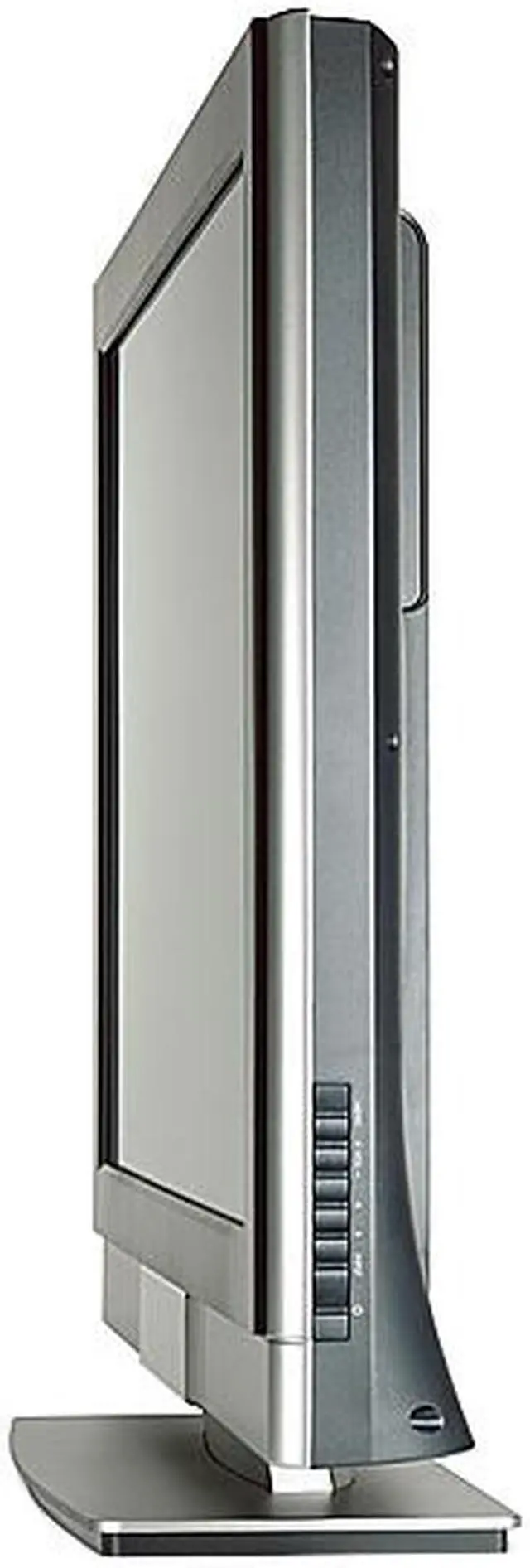
with Base: 25.9" x 37.3" x 8.2" w/o Base: 23.8" x 37.3" x 4.7" |
| Weight |
with Base: 50 lbs. w/o Base: 43 lbs. |
Introduction
With 37 inches of pure HD entertainment, you’ll have trouble deciding what to do on it next. The Westinghouse 37" 1080p monitor is a true 1080p monitor, combining leading-edge technology with stylish design, to deliver the ultimate in entertainment enjoyment. With an 8ms response rate, for ghost free viewing, and a maximum resolution of 1920 x 1080, the LVM-37w3 is beautiful in all environments, with greater versatility than plasma, especially for daytime viewing. Designed to be future-proof, this big 1080p monitor is equipped with 6 HD connections. If you’re into maximum entertainment, it’s the only display that should be connected to your HD cable box, satellite or multimedia PC.
Advanced picture refining techniques such as 3D Noise Reduction, 3D Video Processing, 3D Comb Filter help produce sharper, true-to-life images. The 550 cd/m2 brightness and 1000:1 contrast ratio helps you see the darkest of blacks and the brightest of whites. An array of HDMI-HDCP, DVI-HDCP, VGA D-Sub, Composite Video, and S-Video Input connectors on the back panel allow connecting a wide range of devices, to allow this versatile set to become the center of a multimedia entertainment system that will be the envy of your friends (when they’re not at your house using it . . .) Westinghouse has a long reputation for reliability and innovation, and the LVM-37W3 lives up to it in every way, and is a great value for your entertainment dollar.
Highlights
 |
HDTV Ready With a maximum resolution of 1920x1080 (16:9), the widescreen Westinghouse LVM-37W3 fully supports up to HDTV 1080p (1920x1080, progressive) for a truly high-definition experience.
|
 |
HDMI Input The Westinghouse LVM-37W3 features an HDMI input to receive high-definition digital video and audio through a single, convenient cable connection. HDMI's appeal has made it the choice interface for a broad selection of HD-capable video devices and gaming consoles.
|
 |
Impressive Viewability The Westinghouse LVM-37W3 offers an ultra-wide 176° viewing angle both horizontally and vertically to ensure a perfect viewing experience from any direction.
|
 |
PC Compatible With a D-Sub port, the Westinghouse LVM-37W3 conveniently doubles as a computer monitor!
|
 |
DVI with HDCP Support The Westinghouse LVM-37W3 features a DVI interface with HDCP support to unlock ultra-high resolution and superb quality protected content. The DVI connection also allows this incredible TV to act as a computer monitor.

|
Quick Specs
| Response Time | 8ms |
| Aspect Ratio | 16:9 |
| Brightness | 550 cd/m2 |
| Display Colors | 16.7 Million |
| Viewing Angle | 176°(H) / 176°(V) |
| HDTV Capability | HDTV Ready |
| Built in Speakers | Yes |
| HDMI | 1 |
|