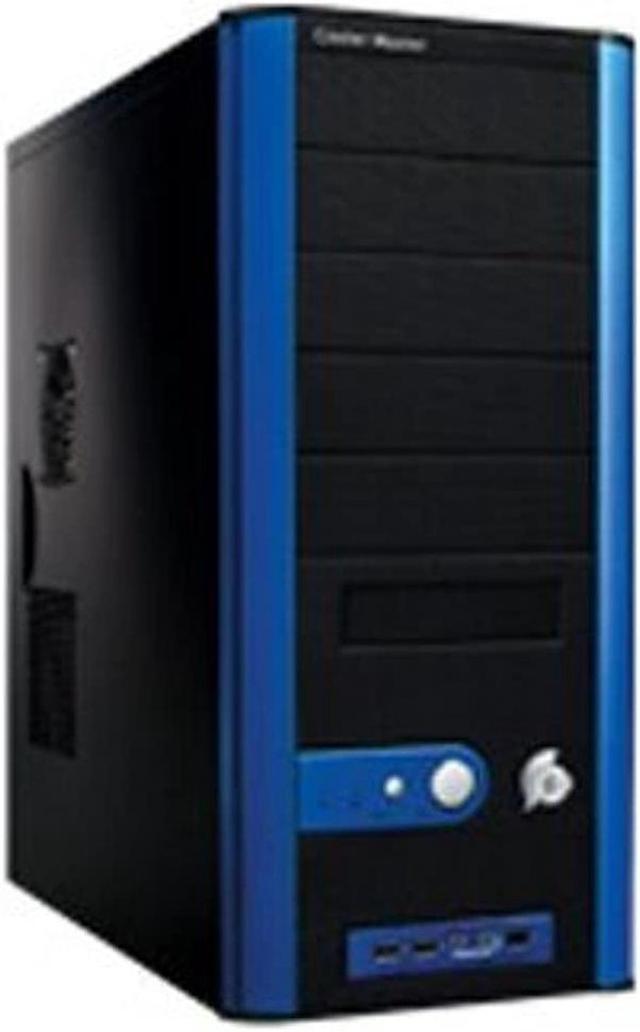
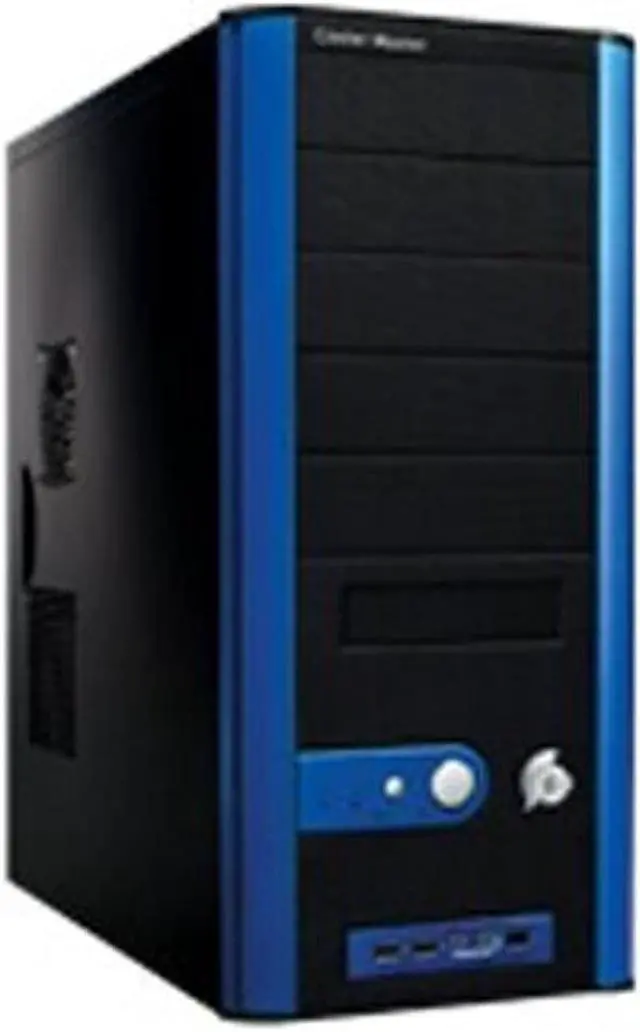
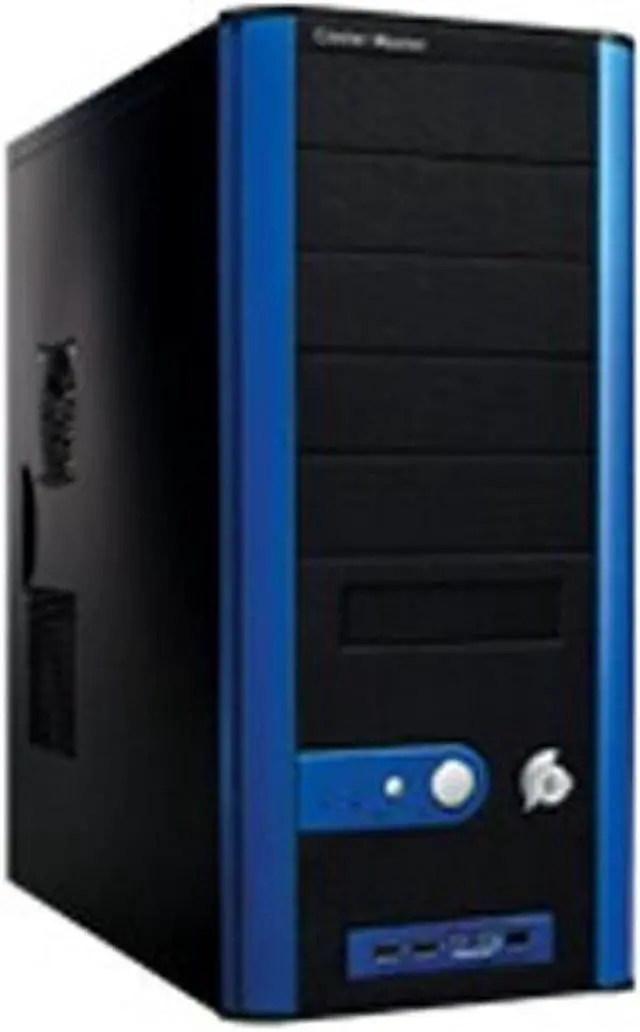
Cooler Master combined classic and modern design in the Centurion 5, to create a case that will last. Housing one 3.5" external and five 5.25" drive bays it gives you more room than most people would ever use. It also gives easy access to the two USB 2.0 ports, Firewire port, and two audio ports by placing them front and center. They finished this with a classic black case with modern blue trim to make this an icon for years to come.
That’s just the exterior, though. The interior is where it really shines. The four 3.5" internal hard drives will give you plenty of hard drive space. The front vents feature an ingenious vent system that feature an easy-to-clean filter. The rear 120mm fan and the side air duct will enjoy expelling the hot air from your CPU.
Creating the perfect system will be a quick and painless proposition, as well. Each and every drive bay, both internal and external, features tool free installation, as do the side panel and the seven expansion slots. Make it easy on yourself. Get a case that will support your frequent "tweaks" and changes without skinning your knuckles or cramping your hands.
Cooler Master combined classic and modern design in the Centurion 5, to create a case that will last. Housing one 3.5" external and five 5.25" drive bays it gives you more room than most people would ever use. It also gives easy access to the two USB 2.0 ports, Firewire port, and two audio ports by placing them front and center. They finished this with a classic black case with modern blue trim to make this an icon for years to come.
That’s just the exterior, though. The interior is where it really shines. The four 3.5" internal hard drives will give you plenty of hard drive space. The front vents feature an ingenious vent system that feature an easy-to-clean filter. The rear 120mm fan and the side air duct will enjoy expelling the hot air from your CPU.
Creating the perfect system will be a quick and painless proposition, as well. Each and every drive bay, both internal and external, features tool free installation, as do the side panel and the seven expansion slots. Make it easy on yourself. Get a case that will support your frequent "tweaks" and changes without skinning your knuckles or cramping your hands.
 Superior Expandability with 10 Drive BaysBoasting five external 5.25" drive bays, one external and four internal 3.5" drive bays, the COOLER MASTER CAC-T05-UB provides superior expandability.
 Maximized AirflowThe COOLER MASTER CAC-T05-UB features a 120mm rear fan, side air duct and 80mm front fan with special perforated screen for superior airflow and maximum cooling.
 Tool Free InstallationThe tool-free expansion slots and 5.25" and 3.5" drive bays ensure quick maintenance and easy upgrades.
 Convenient Front I/O PanelThe convenient front I/O panel enables easy access to two USB 2.0 ports, one IEEE 1394 port and two audio ports.



 Holiday Shipping Details & Extended Holiday Returns


 Superior Expandability with 10 Drive BaysBoasting five external 5.25" drive bays, one external and four internal 3.5" drive bays, the COOLER MASTER CAC-T05-UB provides superior expandability.
 Maximized AirflowThe COOLER MASTER CAC-T05-UB features a 120mm rear fan, side air duct and 80mm front fan with special perforated screen for superior airflow and maximum cooling.
 Tool Free InstallationThe tool-free expansion slots and 5.25" and 3.5" drive bays ensure quick maintenance and easy upgrades.
 Convenient Front I/O PanelThe convenient front I/O panel enables easy access to two USB 2.0 ports, one IEEE 1394 port and two audio ports.