






1Mii is a high-tech enterprise composed of a group of innovative and craftsmanship industrial designers, aesthetic masters, a team of PhDs in acoustic tuning, and musicians.
Each 1Mii product has been rigorously tested by the 1Mii professional acoustic laboratory to ensure it meets the brand's values: Bring Music to Life!
At present, 1Mii has more than 10 million users, products cover audio accessories, BT headphones, and HiFi audiophile devices.
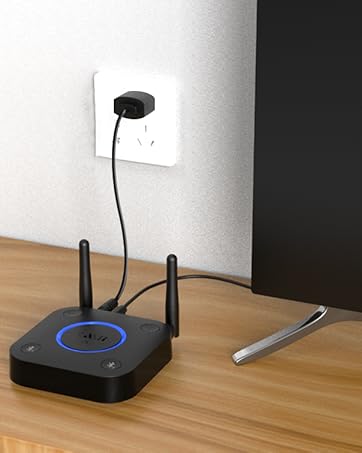
B06TX Bluetooth TV Transmitter
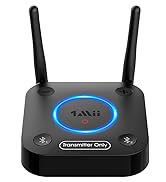
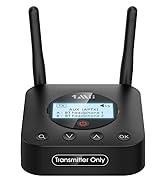
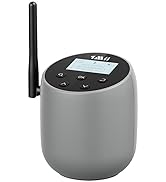
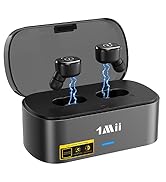
Bluetooth Transmitter for TV

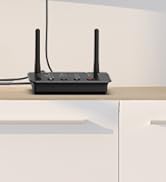
B03 BT Transmitter Receiver
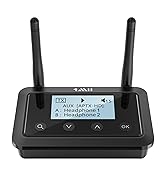
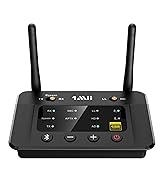
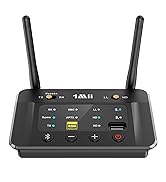
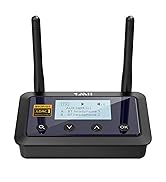
Bluetooth Transmitter Receiver

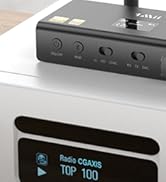
New Releases: DS700 BT Adapter


What should I do if I can't get 1Mii B03+ to pair with my Bluetooth headphones/speaker?
1) Turn off the Bluetooth of all mobile phones or PCs in the house.
2) Please ensure that the pairing distance is within 1 meter.
3) If you still can't pair, please set both the B03+ and Bluetooth Headphones/speaker to factory default settings.
How to reset 1Mii B03+?
Restore factory default of B03+ by pressing both “v” and “?” buttons for about 5 seconds until "Factory Setting" is displayed on the screen. Then it enters pairing mode and "Pairing" is displayed on the screen.
Why the voice lag still here when use this Low latency B03+ adapter with my Bluetooth headphones?
Please note that in order to achieve low latency, your Bluetooth headset/speaker must support aptX Low Latency. Otherwise, the receiving device may use another codec (such as SBC or aptX), resulting in an audio delay of 70-200ms.
Why are the Volume ?/? of my B03+ not working in TX mode, only works in RX mode?
1) Volume ?/? on B03+ may not work if your device does not support Audio/Video Remote Control Profile.
2) Change the optical cable to AUX 3.5mm or RCA audio cable, the volume buttons works.
When the TV is connected to B03+,can my Bluetooth headphones play sound simultaneously with the TV's built-in speakers?
With many models of TVs, the built-in speakers may not work properly if you choose to use an external audio output device, this is a TV feature and its availability depends on your TV make and model.
1Mii Bluetooth Transmitter Receiver
 1Mii B03 |  1Mii B03+ |  1Mii B03Pro |  1Mii B03S |  1Mii B03Pro+ | |
|---|---|---|---|---|---|
Customer Reviews | — | — | — | — | — |
Price | — | — | — | — | — |
Type | Bluetooth Transmitter Receiver | Bluetooth Transmitter Receiver | Bluetooth Transmitter Receiver | Bluetooth Transmitter Receiver | Bluetooth Transmitter Receiver |
Bluetooth Version | 5.3 | 5.3 | 5.3 | 5.3 | 5.3 |
Output | AUX/RCA/Optical/Bluetooth | AUX/RCA/Optical/Bluetooth | AUX/RCA/Optical/Bluetooth | AUX/RCA/Optical/Bluetooth | AUX/RCA/Optical/Bluetooth |
Input | AUX/RCA/Optical/Bluetooth | AUX/RCA/Optical/Bluetooth | AUX/RCA/Optical/Bluetooth | AUX/RCA/Optical/Bluetooth | AUX/RCA/Optical/Bluetooth |
Bluetooth Audio Codec | aptX HD/LL/AD/aptX/AAC/SBC | aptX HD/LL/AD/aptX/AAC/SBC | aptX HD/LL/AD/aptX/AAC/SBC | aptX AD/HD/LL/aptX/AAC/SBC | LDAC/aptX HD/LL/aptX/AAC/SBC |
Volume Control | ? | ? | ? | ? | ? |
Screen Display | ? | ? | ? | ? | ? |
Extra Audiophile DAC | ? | ? | ? | ? | ? |
Support USB Drive Input | ? | ? | ? | ? | ? |

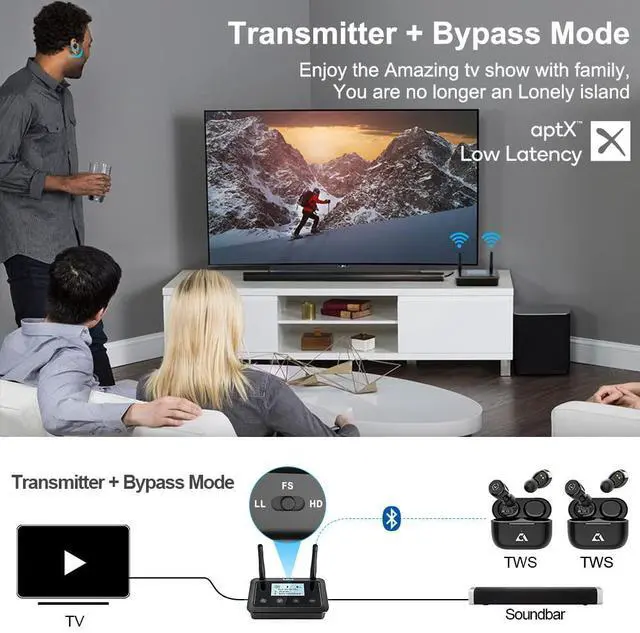
Bypass function is available in TX mode
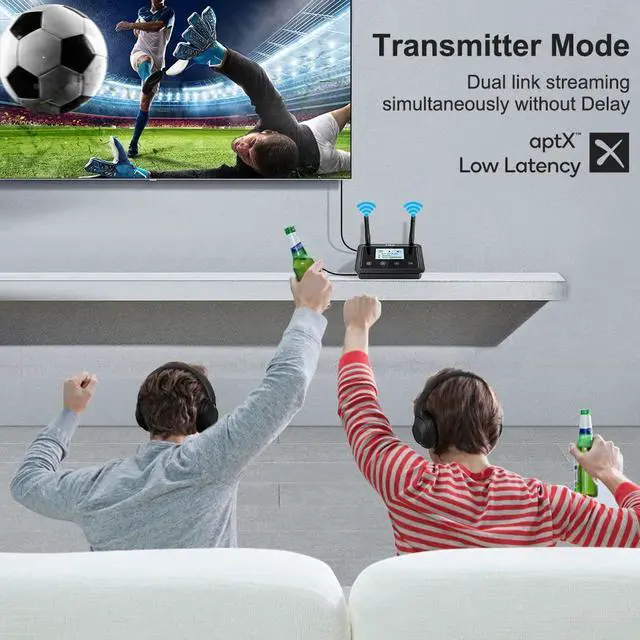
Enable your TV, PC, Projector and others to stream music to your Bluetooth headphones/speakers.
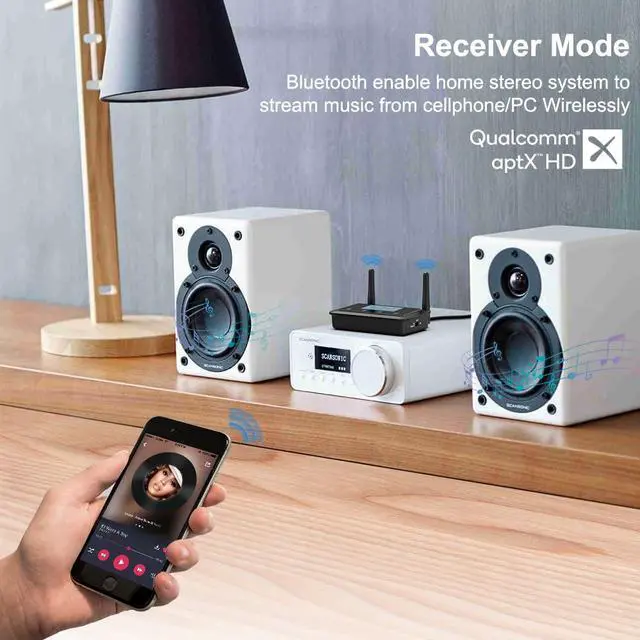
Wirelessly stream music from your phone or tablet to your speakers or home stereo.


Supports aptX Low Latency, making B03+ Bluetooth adapter an ideal choice for watching TV / movies.
Support aptX HD, pick up any kind of music for you lossless and wirelessly.
Connect 2 headphones or speakers at the same time, sharing TV with family/friend/lover.


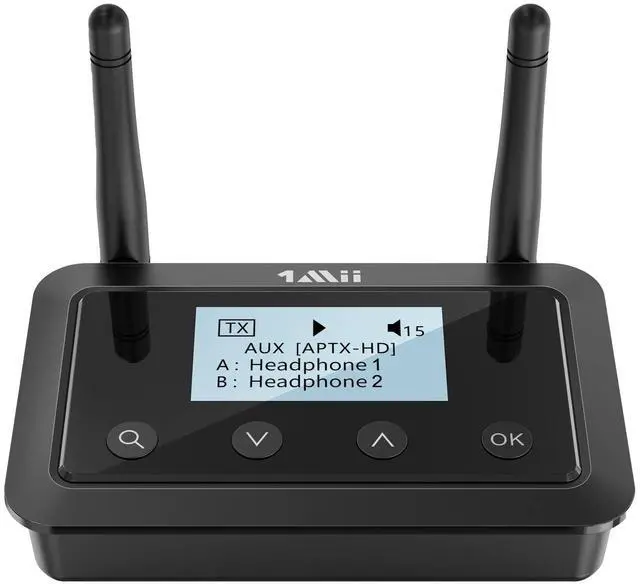
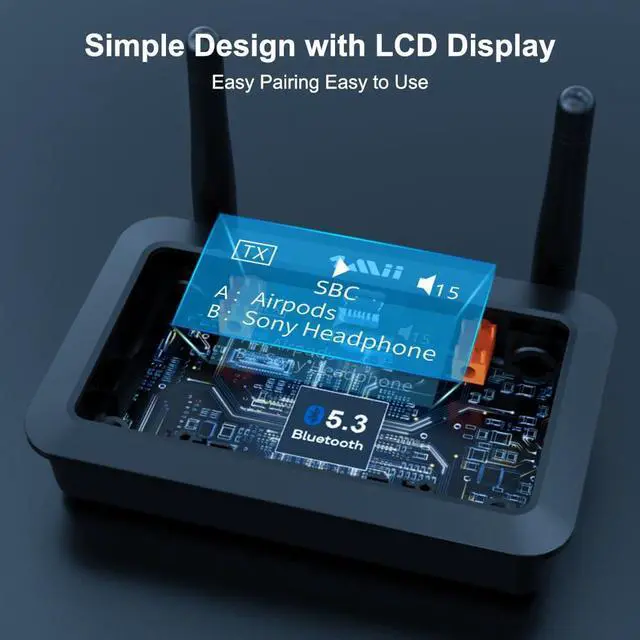
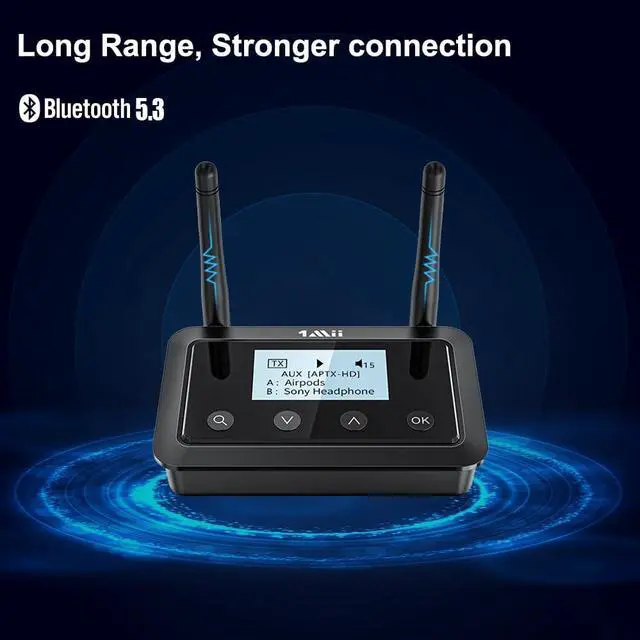
Browsing what the audio format \ codec used \ volume are much clearly.
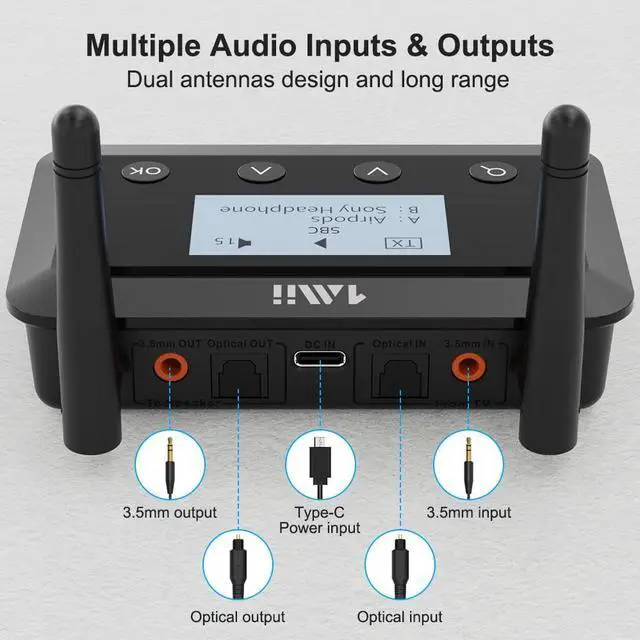
Supports digital OPTICAL / AUX 3.5mm/ RCA audio outputs / inputs.
Provides stable long-distance connection.
Achieve 230ft line-of-sight in the open air and UP TO 70-100FT (20-30M) indoors.
What should I do if I can't get 1Mii B03+ to pair with my Bluetooth headphones/speaker?
1) Turn off the Bluetooth of all mobile phones or PCs in the house.
2) Please ensure that the pairing distance is within 1 meter.
3) If you still can't pair, please set both the B03+ and Bluetooth Headphones/speaker to factory default settings.
How to reset 1Mii B03+?
Restore factory default of B03+ by pressing both “v” and “?” buttons for about 5 seconds until "Factory Setting" is displayed on the screen. Then it enters pairing mode and "Pairing" is displayed on the screen.
Why the voice lag still here when use this Low latency B03+ adapter with my Bluetooth headphones?
Please note that in order to achieve low latency, your Bluetooth headset/speaker must support aptX Low Latency. Otherwise, the receiving device may use another codec (such as SBC or aptX), resulting in an audio delay of 70-200ms.
Why are the Volume ?/? of my B03+ not working in TX mode, only works in RX mode?
1) Volume ?/? on B03+ may not work if your device does not support Audio/Video Remote Control Profile.
2) Change the optical cable to AUX 3.5mm or RCA audio cable, the volume buttons works.
When the TV is connected to B03+,can my Bluetooth headphones play sound simultaneously with the TV's built-in speakers?
With many models of TVs, the built-in speakers may not work properly if you choose to use an external audio output device, this is a TV feature and its availability depends on your TV make and model.
1Mii Bluetooth Transmitter Receiver
1Mii B03 | 1Mii B03+ | 1Mii B03Pro | 1Mii B03S | 1Mii B03Pro+ |
|---|---|---|---|---|
| Customer Reviews | ||||
| — | — | — | — | — |
| Price | ||||
| — | — | — | — | — |
| Type | ||||
| Bluetooth Transmitter Receiver | Bluetooth Transmitter Receiver | Bluetooth Transmitter Receiver | Bluetooth Transmitter Receiver | Bluetooth Transmitter Receiver |
| Bluetooth Version | ||||
| 5.3 | 5.3 | 5.3 | 5.3 | 5.3 |
| Output | ||||
| AUX/RCA/Optical/Bluetooth | AUX/RCA/Optical/Bluetooth | AUX/RCA/Optical/Bluetooth | AUX/RCA/Optical/Bluetooth | AUX/RCA/Optical/Bluetooth |
| Input | ||||
| AUX/RCA/Optical/Bluetooth | AUX/RCA/Optical/Bluetooth | AUX/RCA/Optical/Bluetooth | AUX/RCA/Optical/Bluetooth | AUX/RCA/Optical/Bluetooth |
| Bluetooth Audio Codec | ||||
| aptX HD/LL/AD/aptX/AAC/SBC | aptX HD/LL/AD/aptX/AAC/SBC | aptX HD/LL/AD/aptX/AAC/SBC | aptX AD/HD/LL/aptX/AAC/SBC | LDAC/aptX HD/LL/aptX/AAC/SBC |
| Volume Control | ||||
| ? | ? | ? | ? | ? |
| Screen Display | ||||
| ? | ? | ? | ? | ? |
| Extra Audiophile DAC | ||||
| ? | ? | ? | ? | ? |
| Support USB Drive Input | ||||
| ? | ? | ? | ? | ? |
1Mii is a high-tech enterprise composed of a group of innovative and craftsmanship industrial designers, aesthetic masters, a team of PhDs in acoustic tuning, and musicians.
Each 1Mii product has been rigorously tested by the 1Mii professional acoustic laboratory to ensure it meets the brand's values: Bring Music to Life!
At present, 1Mii has more than 10 million users, products cover audio accessories, BT headphones, and HiFi audiophile devices.
B06TX Bluetooth TV Transmitter
Bluetooth Transmitter for TV
B03 BT Transmitter Receiver
Bluetooth Transmitter Receiver
New Releases: DS700 BT Adapter