





1Mii is a high-tech enterprise composed of a group of innovative and craftsmanship industrial designers, aesthetic masters, a team of PhDs in acoustic tuning, and musicians.
Each 1Mii product has been rigorously tested by the 1Mii professional acoustic laboratory to ensure it meets the brand's values: Bring Music to Life!
At present, 1Mii has more than 10 million users, products cover audio accessories, BT headphones, and HiFi audiophile devices.
B06TX Bluetooth TV Transmitter
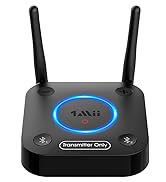
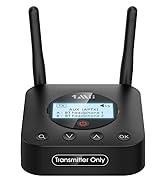
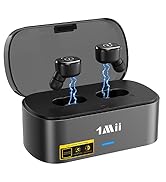
Bluetooth Transmitter for TV

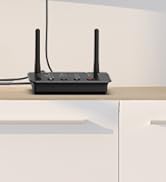
B03 BT Transmitter Receiver
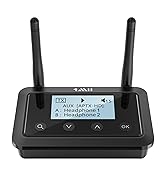
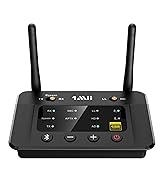
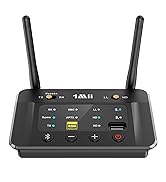
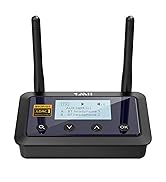
Bluetooth Transmitter Receiver

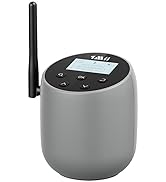
New Releases: DS700 BT Adapter
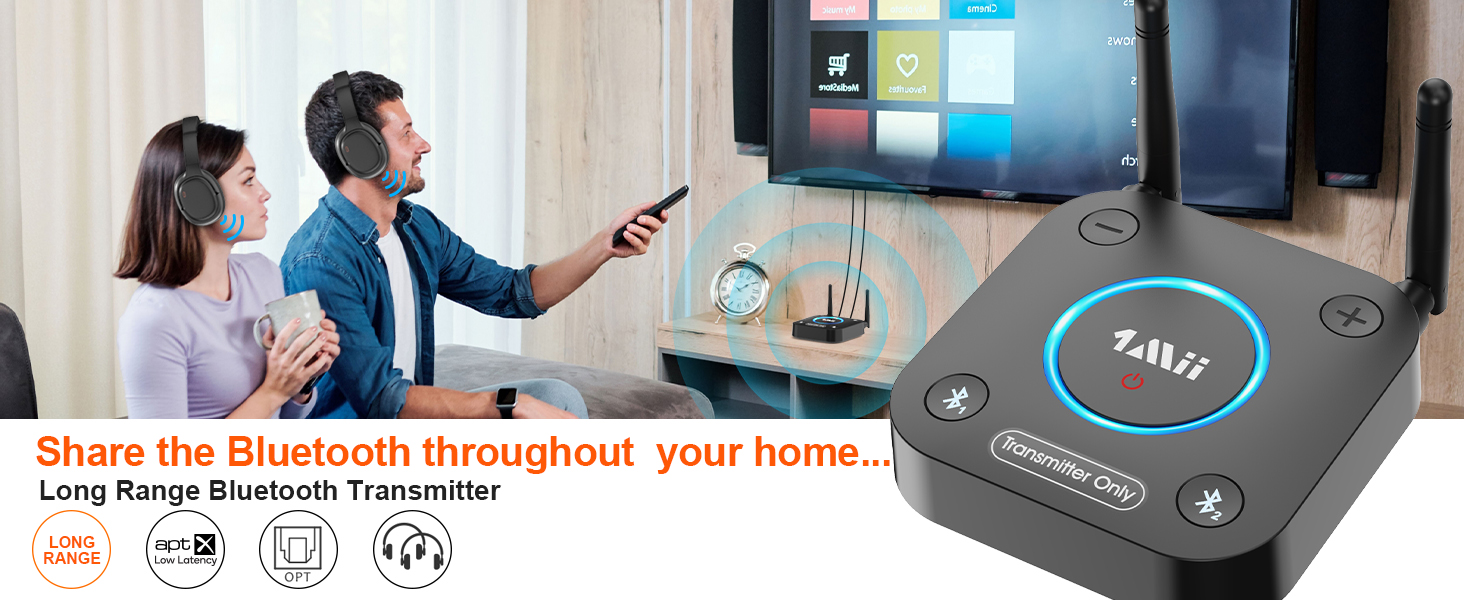
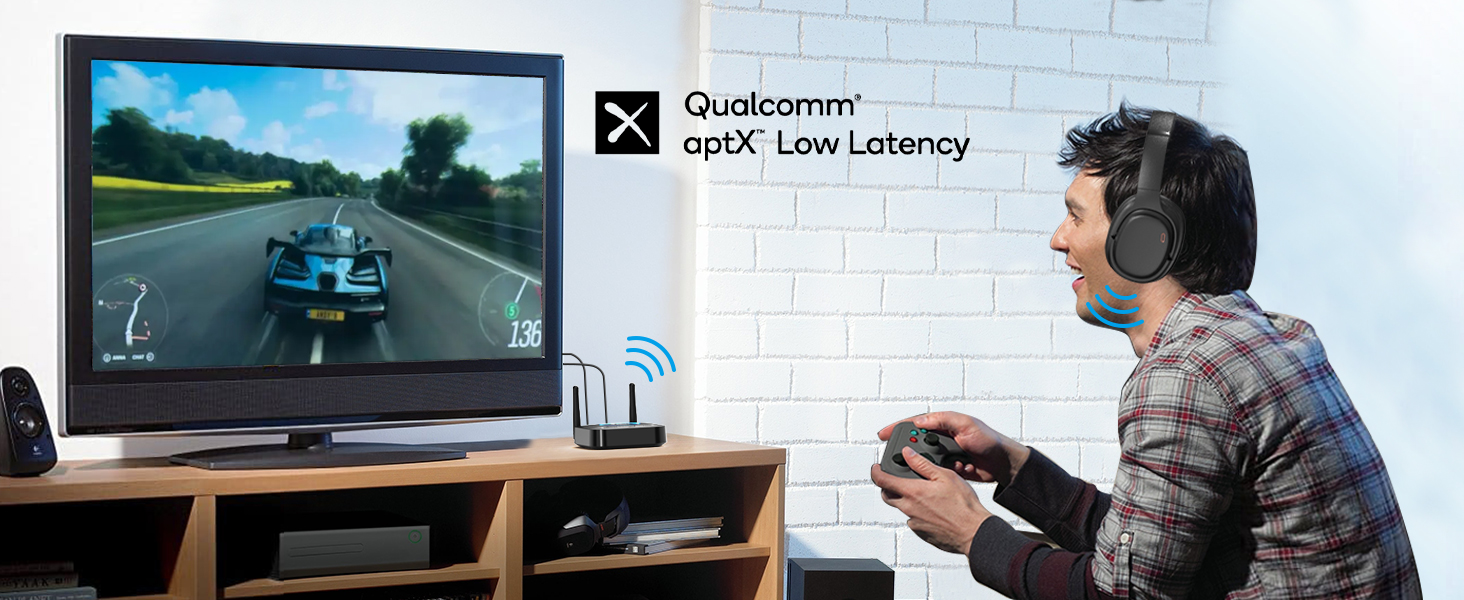
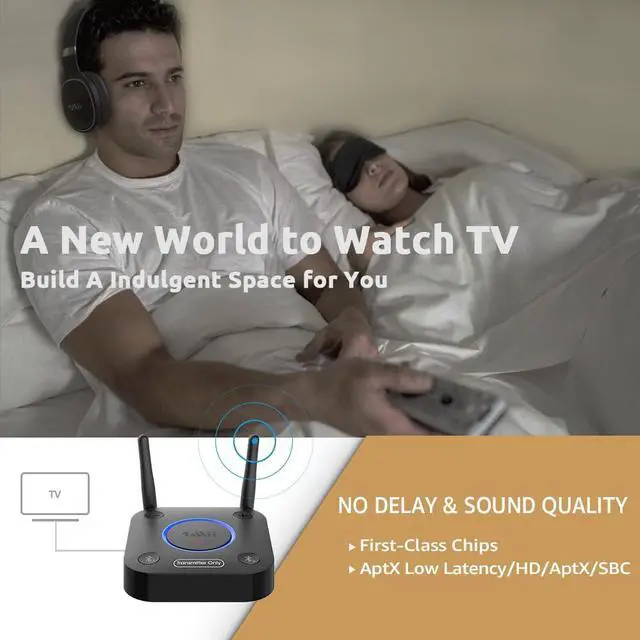
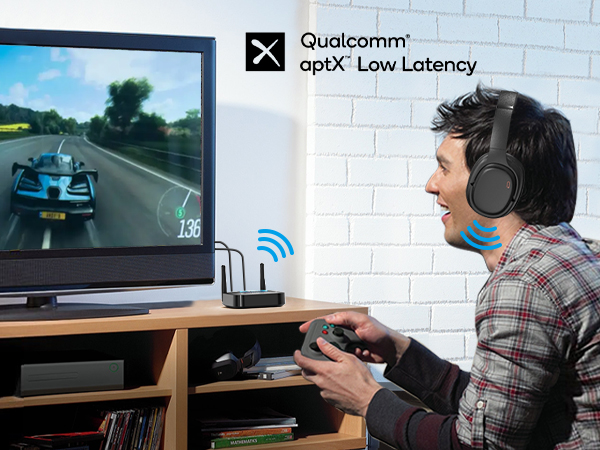
Lag-Free Wireless Audio with aptX Low Latency
Note: To achieve low latency, your Bluetooth headphones or speakers must support aptX Low Latency.
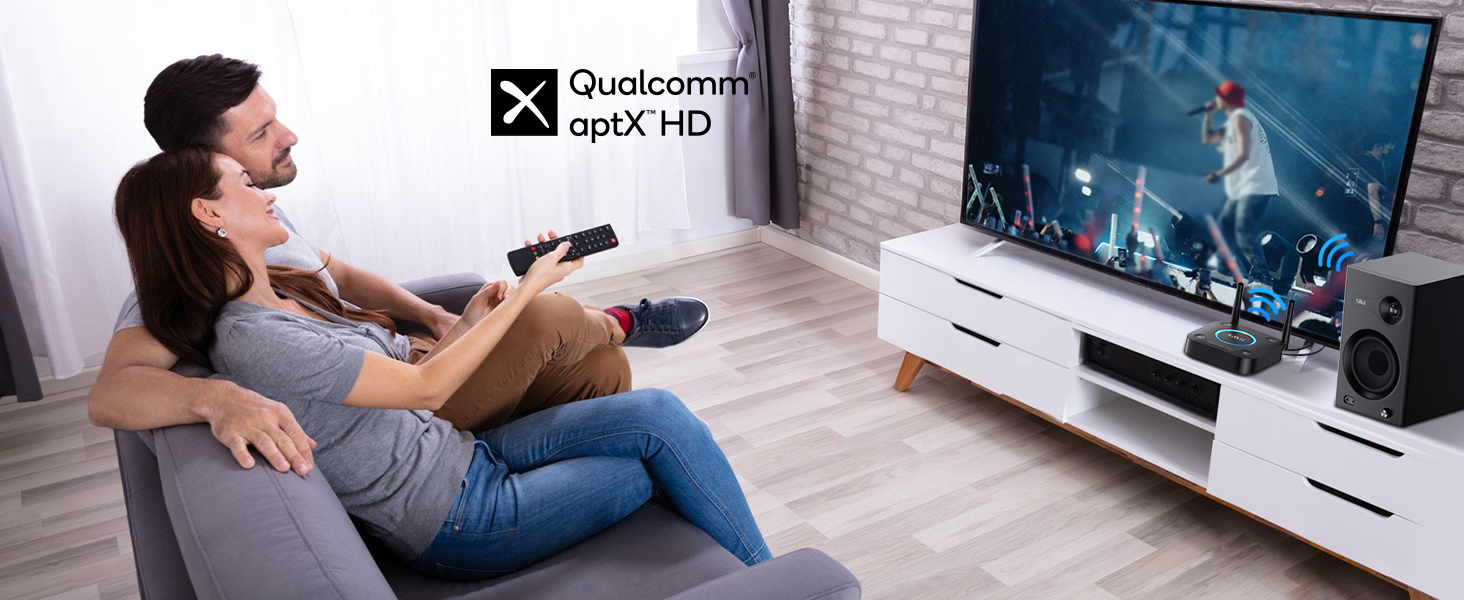
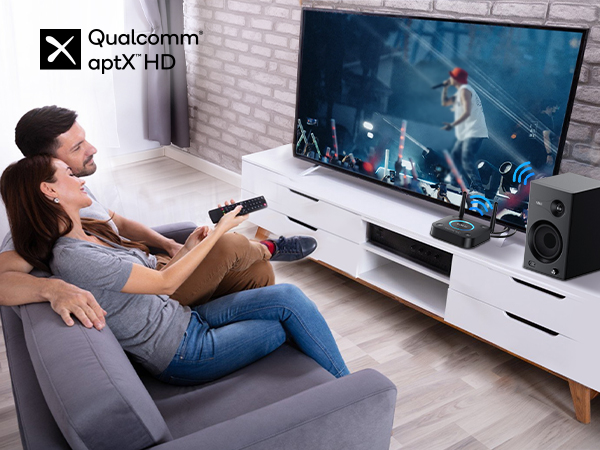
Wireless High-Definition Audio with aptX HD
Note: For high-quality sound, ensure your Bluetooth headphones or speakers support aptX HD codec.
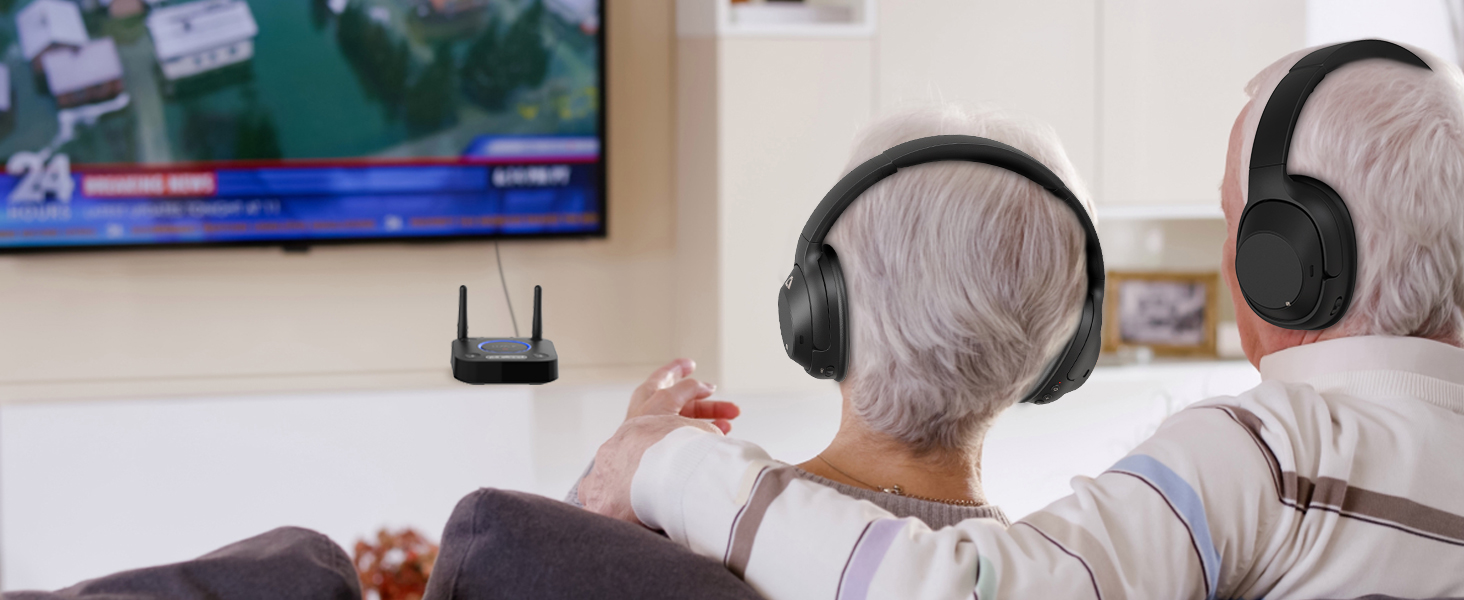
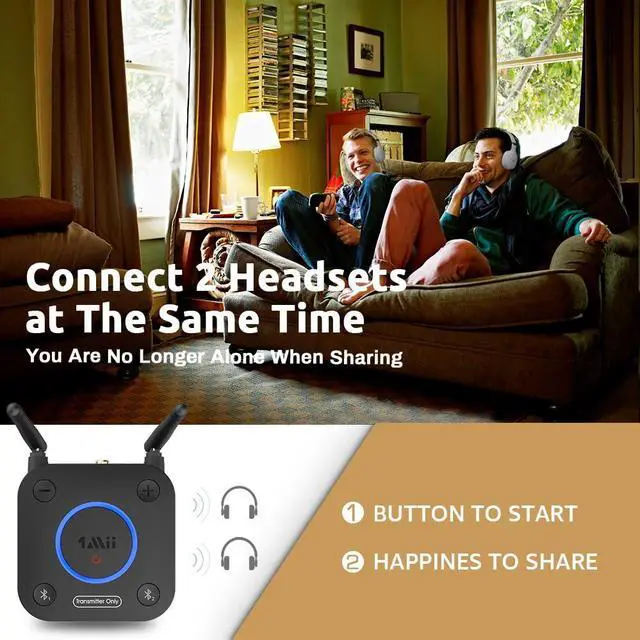
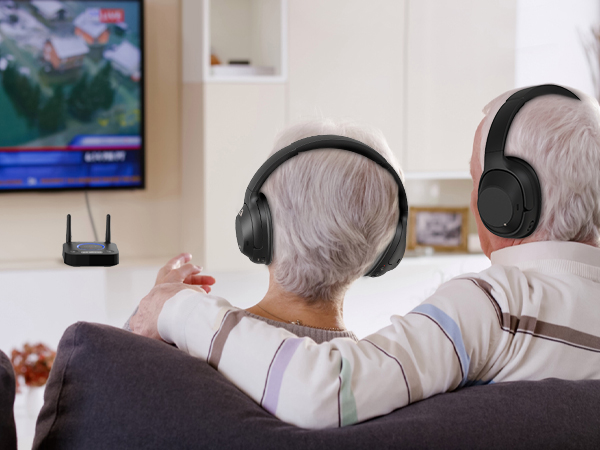
Connect Two Devices Simultaneously with Bluetooth
Note: When connecting two aptX Low Latency headphones/speakers, Bluetooth codec will switch to aptX.
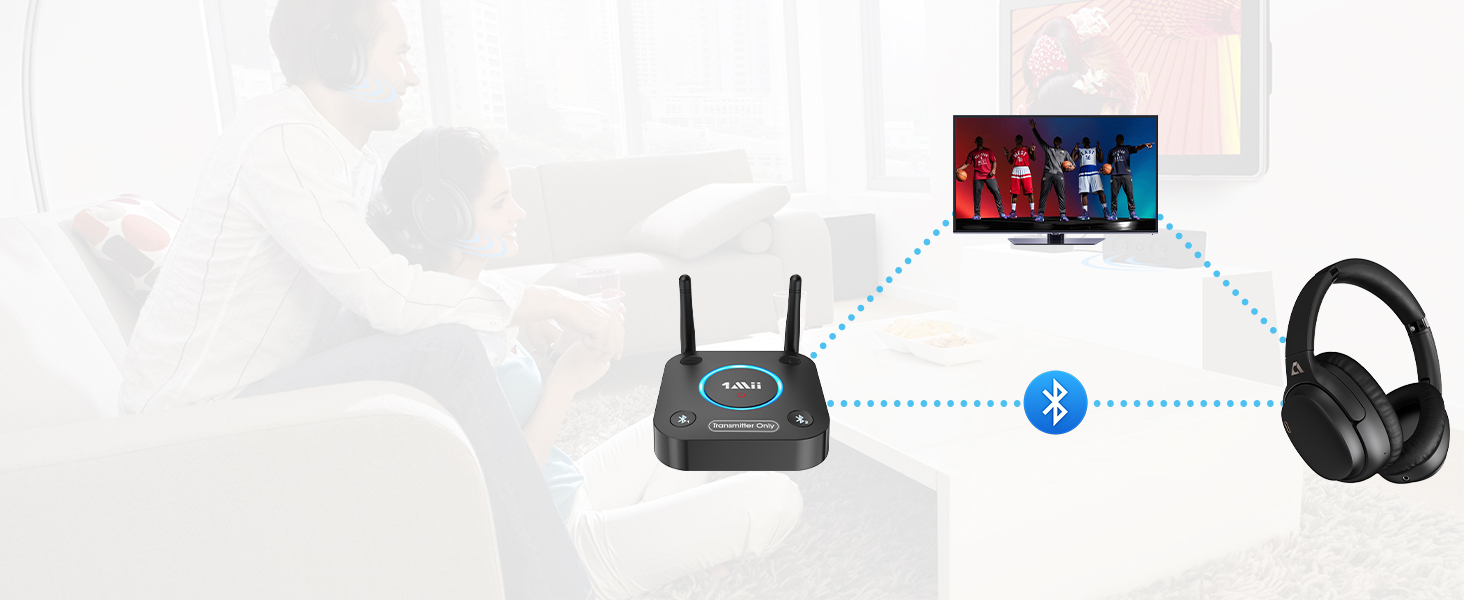
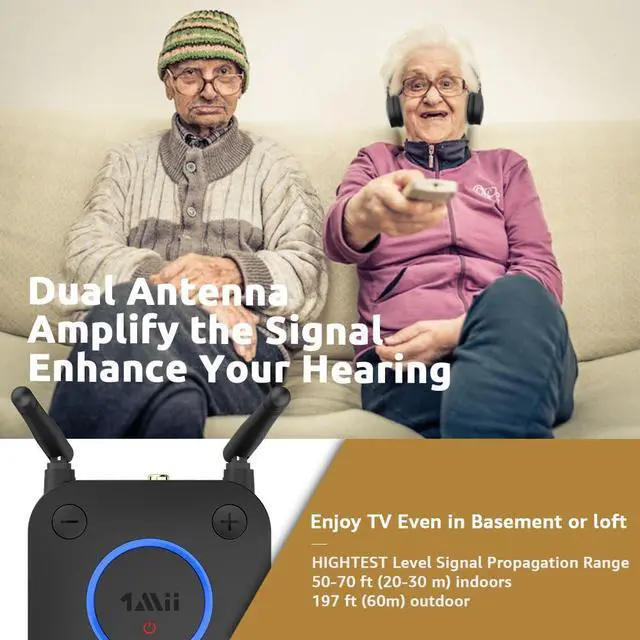
197FT Open Space, 50–70FT Indoors with Walls
NOTE: operation range can be affected by walls, Wi-Fi router, etc.
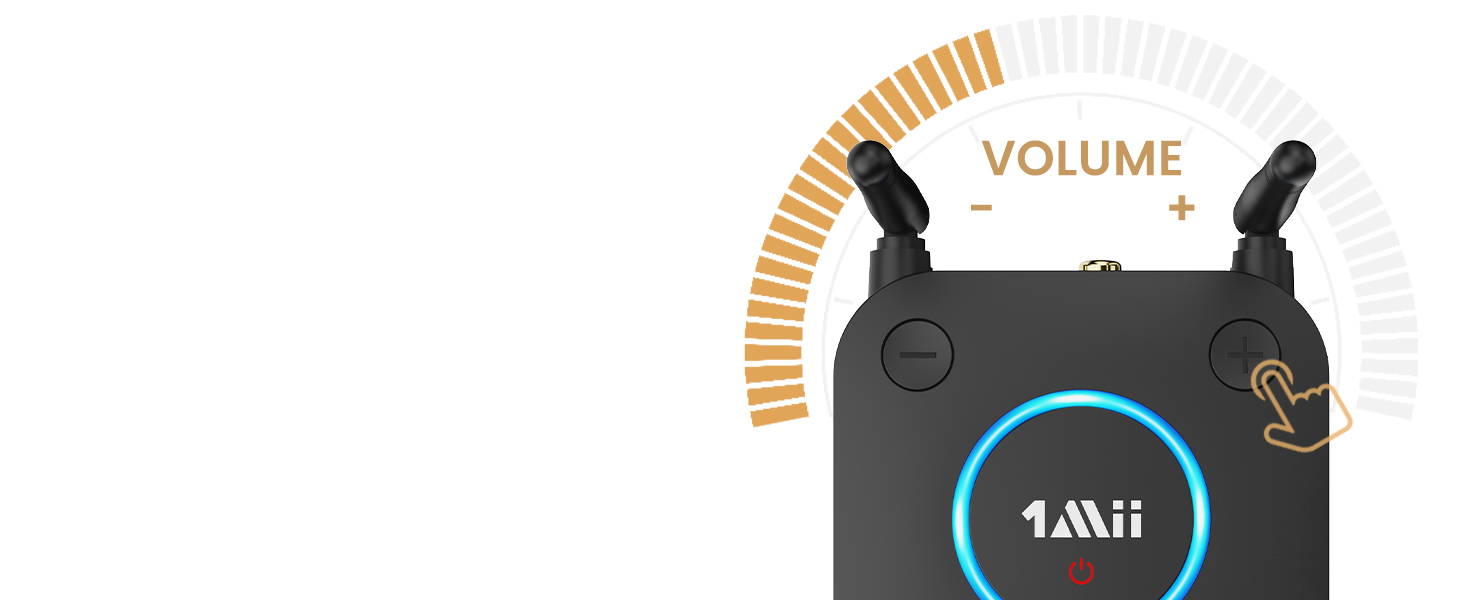
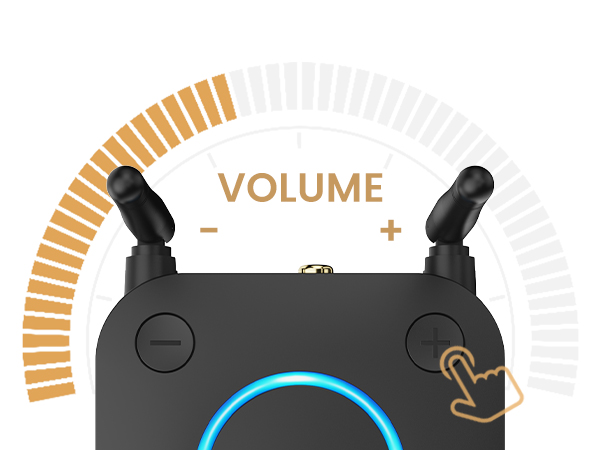
Designed for Headphones without Volume Control.
If you can't adjust the volume, please switch from optical/coaxial to 3.5mm AUX or RCA.
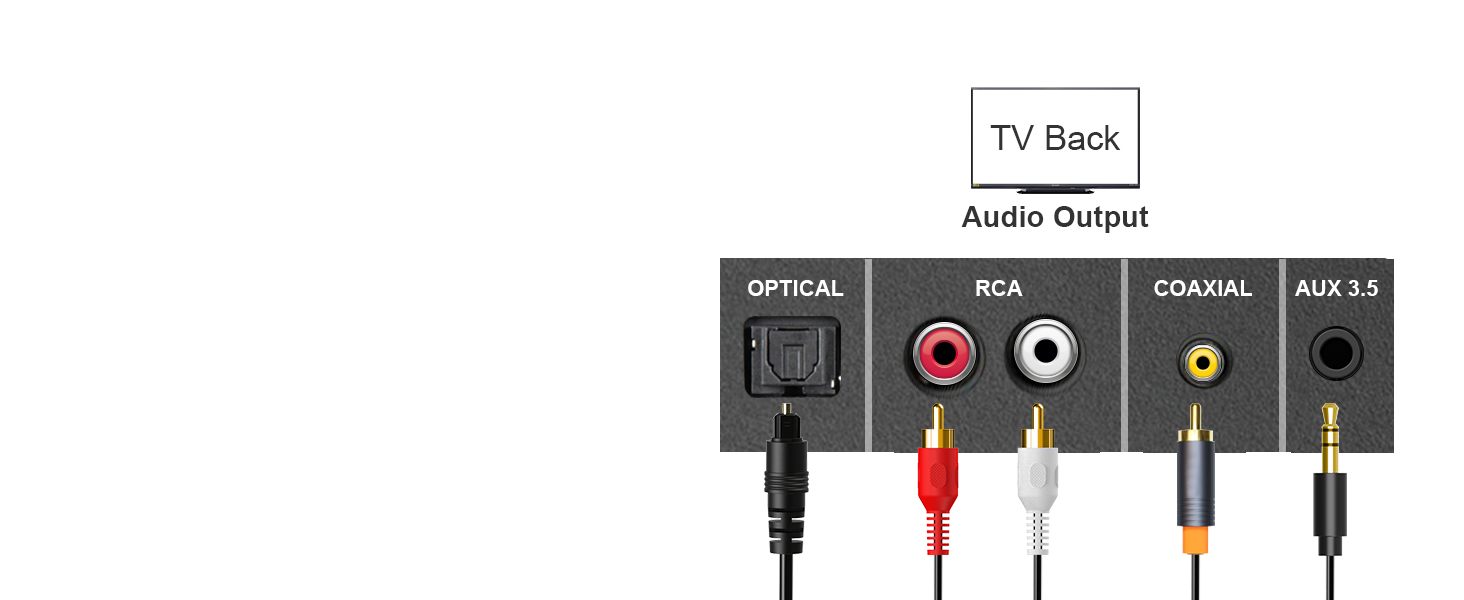
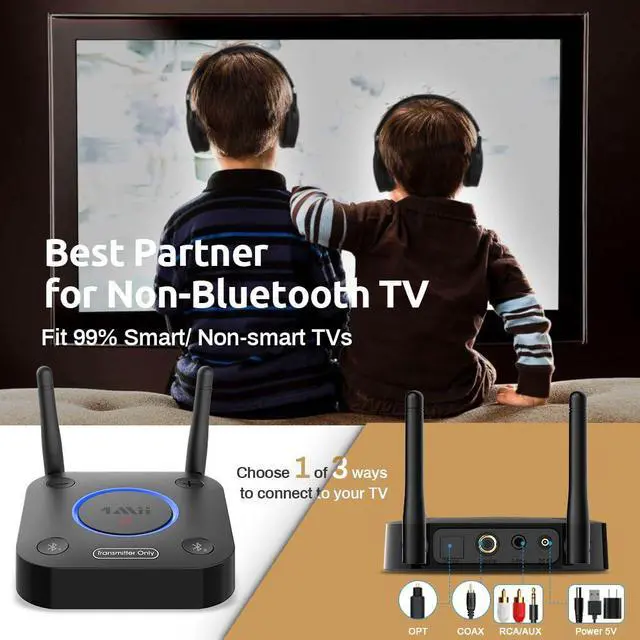
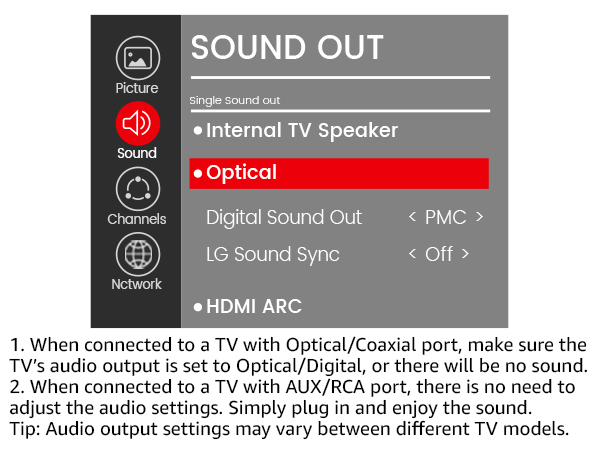
Compatible with TVs: Optical/Coaxial/RCA/3.5mm Out
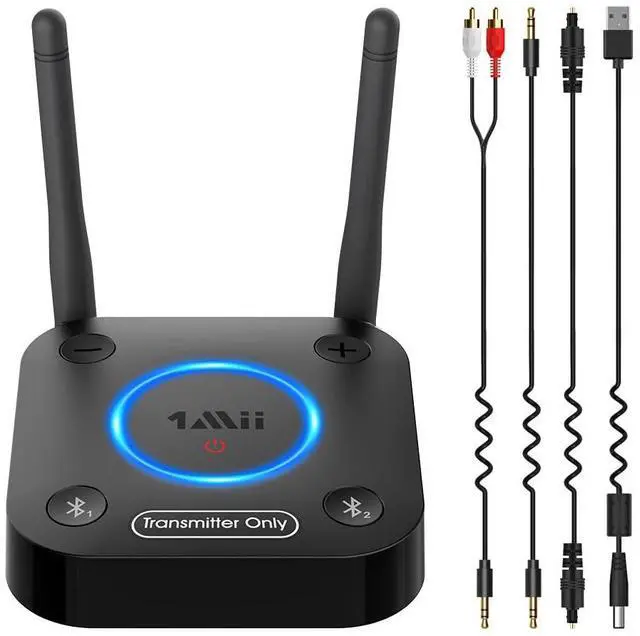
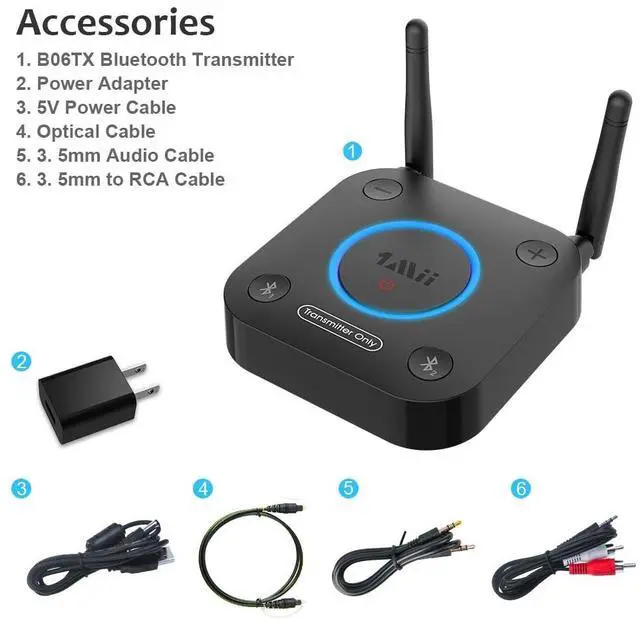
Tips: Optical, AUX 3.5mm, RCA audio cables are comes in the box (without Coaxial audio cable).
Easy Dual-Headphone Setup
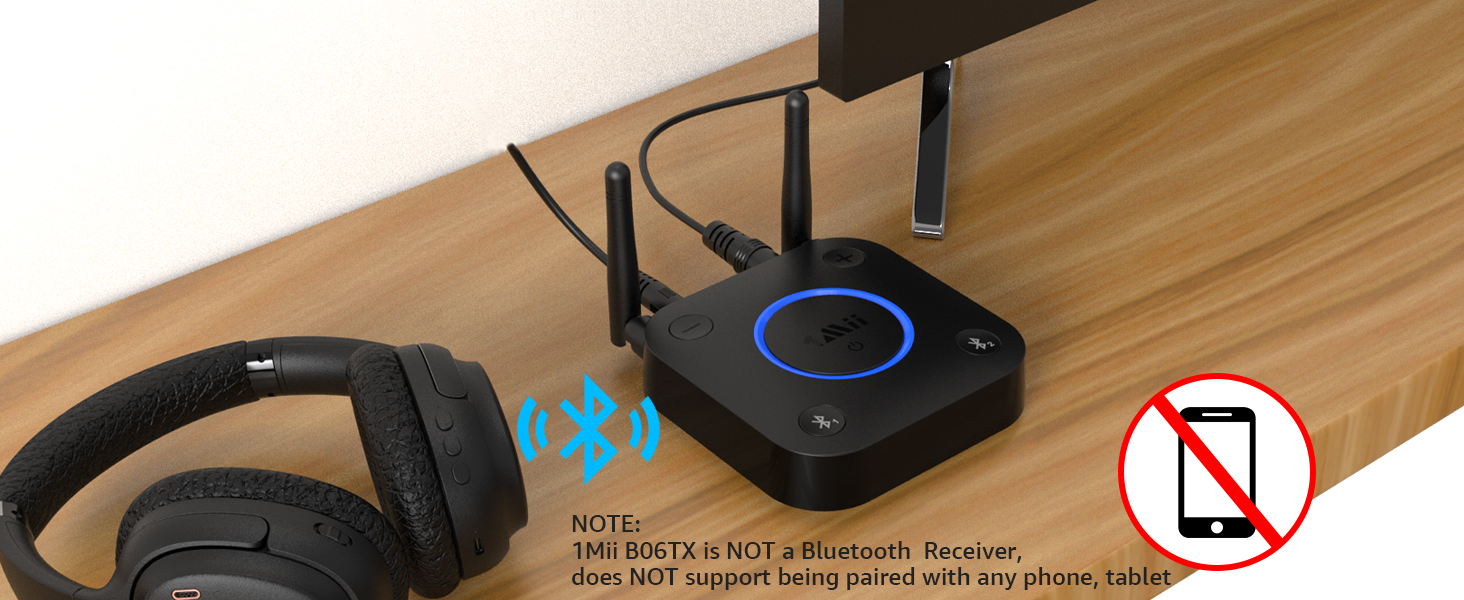
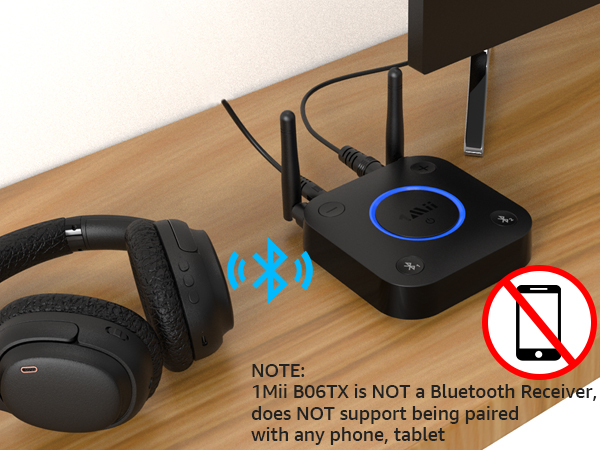
Note: The B06TX is a Bluetooth transmitter, not a Bluetooth receiver.
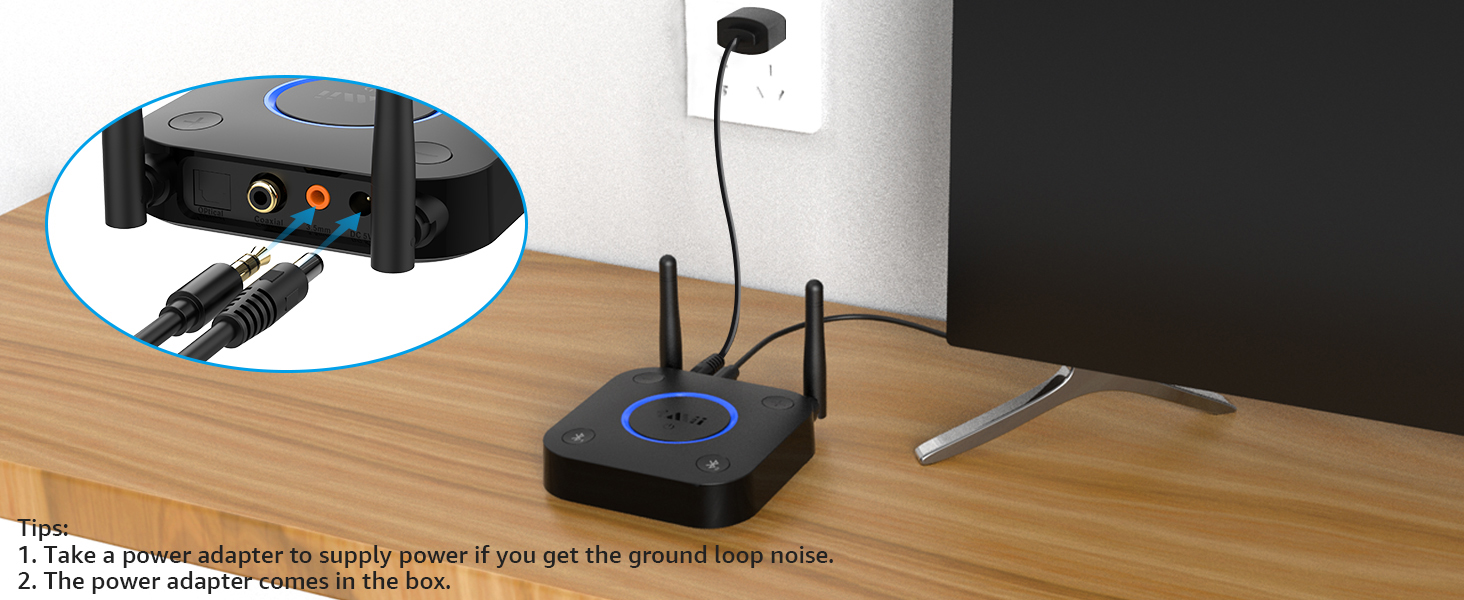
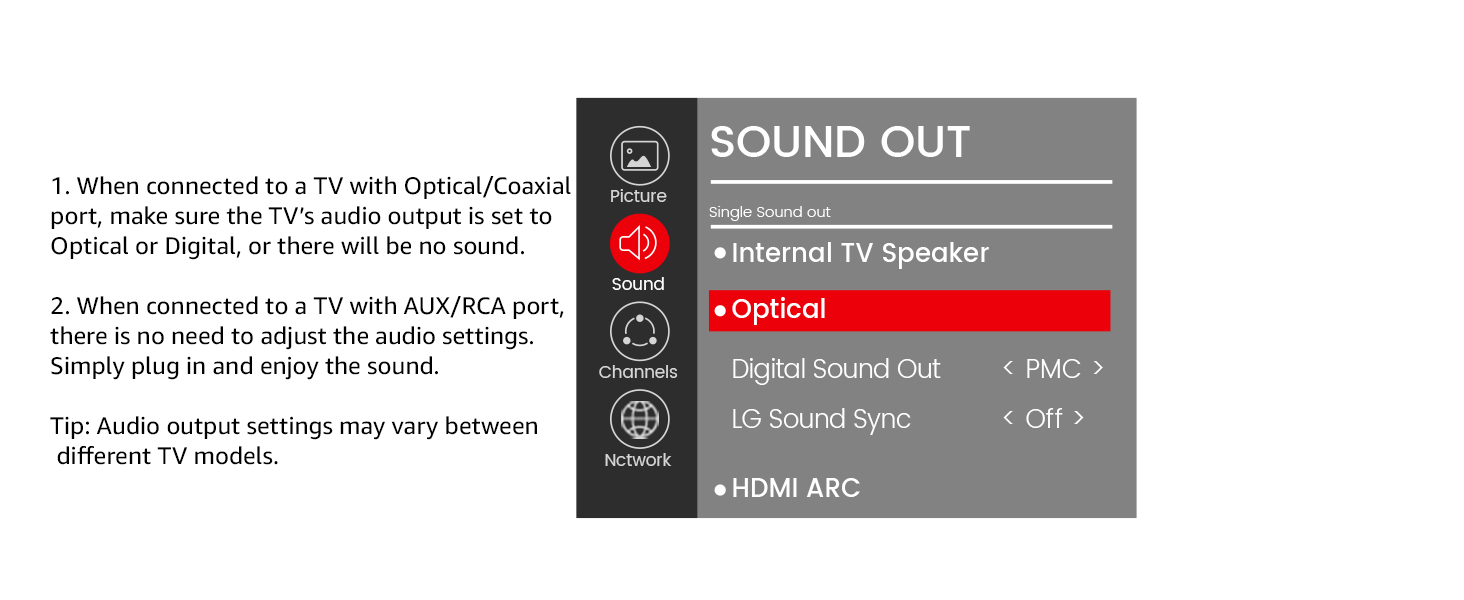
1. Connect to Your TV: Power on B06TX with the included cable. Choose one audio method—3.5mm, Optical (SPDIF), or Coaxial — and connect: TV Audio OUT ? B06TX Audio IN ( Make sure you plug into the output port on your TV, not an input port.) When powered, the LED flashes red and blue, indicating it’s ready to pair.
2. Prepare Your Headphones: Turn on the headphones and enter pairing mode. If the headphones have been connected to other devices, to avoid automatic reconnection, please temporarily turn off Bluetooth on those devices or reset the headphones.
**Note: If the B06TX still cannot find the headphones, please refer to the headphone manual or contact the headphone manufacturer for the correct pairing or reset instructions.**
3. Pair Headphone 1: Press "Bluetooth 1" on the B06TX. The light flashes red and blue ? pairing mode.When connected, the round LED turns solid purple.
4. Pair Headphone 2: Press "Bluetooth 2". The light flashes red and blue again. Turn on the second headphones. When connected, the LED turns solid purple.
5. Disconnect One Device: To keep only one headphone connected, press "Bluetooth 1" or "Bluetooth 2" to disconnect the other.
Tips:
Keep both headphones near to the B06TX during pairing. If pairing fails, reset both the B06TX and the headphones, then try again.
1Mii Bluetooth Transmitter for TV
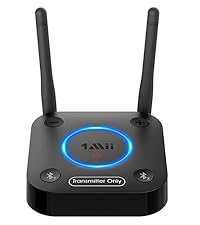 1Mii B06TX | 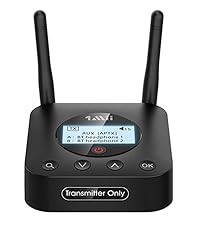 1Mii B06TX+ | 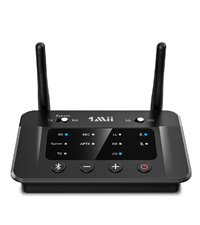 1Mii B03 |  1Mii B03+ |  1Mii B03Pro |  1Mii B03S |  1Mii B03Pro+ | |
|---|---|---|---|---|---|---|---|
Customer Reviews | — | — | — | — | — | — | — |
Price | — | — | — | — | — | — | — |
Type | Bluetooth Transmitter | Bluetooth Transmitter | Bluetooth Transmitter Receiver | Bluetooth Transmitter Receiver | Bluetooth Transmitter Receiver | Bluetooth Transmitter Receiver | Bluetooth Transmitter Receiver |
Bluetooth Version | 5.2 | 5.2 | 5.3 | 5.3 | 5.3 | 5.3 | 5.3 |
Output | Bluetooth | Bluetooth | AUX/RCA/Optical/Bluetooth | AUX/RCA/Optical/Bluetooth | AUX/RCA/Optical/Bluetooth | AUX/RCA/Optical/Bluetooth | AUX/RCA/Optical/Bluetooth |
Input | AUX/RCA/Optical/Coaxial | AUX/RCA/Optical/Coaxial | AUX/RCA/Optical/Bluetooth | AUX/RCA/Optical/Bluetooth | AUX/RCA/Optical/Bluetooth | AUX/RCA/Optical/Bluetooth | AUX/RCA/Optical/Bluetooth |
Bluetooth Audio Codec | aptX HD/LL/aptX/SBC | aptX HD/LL/aptX/SBC | aptX HD/LL/AD/aptX/AAC/SBC | aptX HD/LL/AD/aptX/AAC/SBC | aptX HD/LL/AD/aptX/AAC/SBC | aptX AD/HD/LL/aptX/AAC/SBC | LDAC/aptX HD/LL/aptX/AAC/SBC |
Volume Control | ? | ? | ? | ? | ? | ? | ? |
Screen Display | ? | ? | ? | ? | ? | ? | ? |
Extra Audiophile DAC | ? | ? | ? | ? | ? | ? | ? |
Support USB Drive Input | ? | ? | ? | ? | ? | ? | ? |
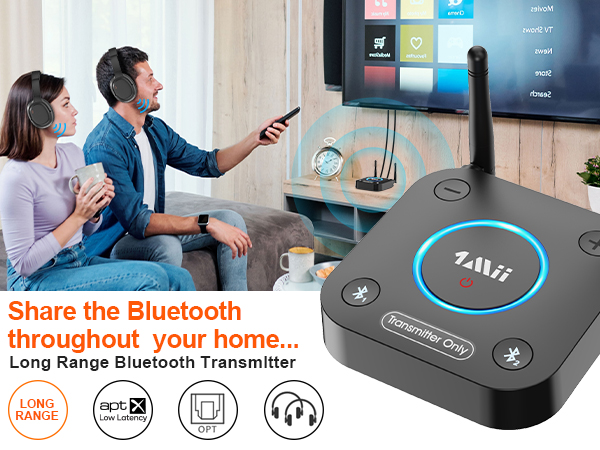
Lag-Free Wireless Audio with aptX Low Latency
Note: To achieve low latency, your Bluetooth headphones or speakers must support aptX Low Latency.
Wireless High-Definition Audio with aptX HD
Note: For high-quality sound, ensure your Bluetooth headphones or speakers support aptX HD codec.
Connect Two Devices Simultaneously with Bluetooth
Note: When connecting two aptX Low Latency headphones/speakers, Bluetooth codec will switch to aptX.
197FT Open Space, 50–70FT Indoors with Walls
NOTE: operation range can be affected by walls, Wi-Fi router, etc.
Designed for Headphones without Volume Control.
If you can't adjust the volume, please switch from optical/coaxial to 3.5mm AUX or RCA.
Compatible with TVs: Optical/Coaxial/RCA/3.5mm Out
Tips: Optical, AUX 3.5mm, RCA audio cables are comes in the box (without Coaxial audio cable).
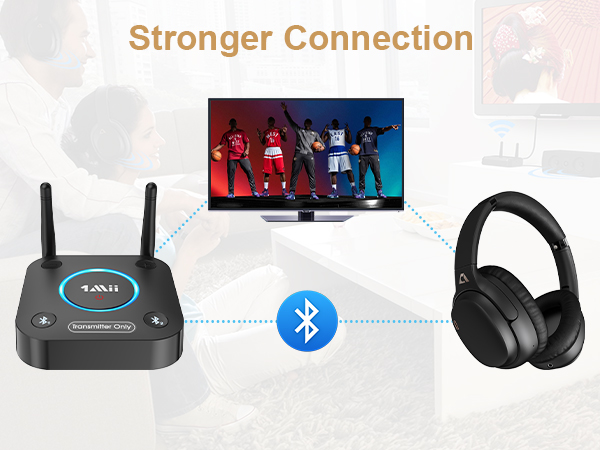
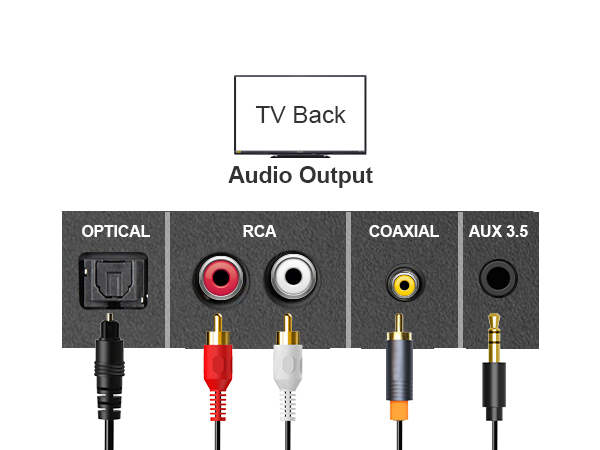
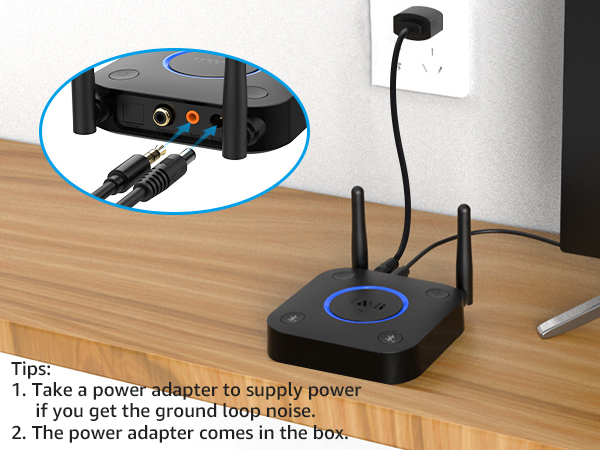
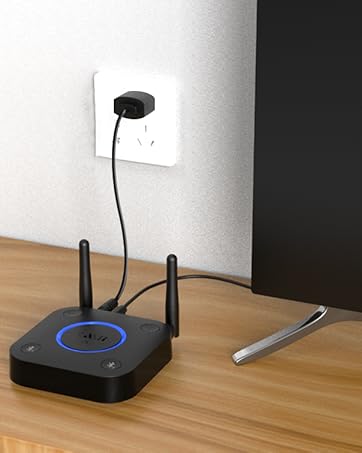
Connect 1Mii B06TX to a power source and use AUX/RCA/Optical/Coaxial cable to connect B06TX and TV.
Set B06TX and Bluetooth headphones/speaker to pairing mode, and then connect successfully.
Easy Dual-Headphone Setup
Note: The B06TX is a Bluetooth transmitter, not a Bluetooth receiver.
1. Connect to Your TV: Power on B06TX with the included cable. Choose one audio method—3.5mm, Optical (SPDIF), or Coaxial — and connect: TV Audio OUT ? B06TX Audio IN ( Make sure you plug into the output port on your TV, not an input port.) When powered, the LED flashes red and blue, indicating it’s ready to pair.
2. Prepare Your Headphones: Turn on the headphones and enter pairing mode. If the headphones have been connected to other devices, to avoid automatic reconnection, please temporarily turn off Bluetooth on those devices or reset the headphones.
**Note: If the B06TX still cannot find the headphones, please refer to the headphone manual or contact the headphone manufacturer for the correct pairing or reset instructions.**
3. Pair Headphone 1: Press "Bluetooth 1" on the B06TX. The light flashes red and blue ? pairing mode.When connected, the round LED turns solid purple.
4. Pair Headphone 2: Press "Bluetooth 2". The light flashes red and blue again. Turn on the second headphones. When connected, the LED turns solid purple.
5. Disconnect One Device: To keep only one headphone connected, press "Bluetooth 1" or "Bluetooth 2" to disconnect the other.
Tips:
Keep both headphones near to the B06TX during pairing. If pairing fails, reset both the B06TX and the headphones, then try again.
| Q1 | What should I do if I can't get the B06TX Bluetooth Adapter to pair with my Bluetooth headphones or speakers? |
|---|---|
| A1 | 1) Turn off Bluetooth on all nearby devices (phones, PC, TV, etc.). 2) For the first pairing, ensure the devices are within 1 meter of each other. 3) If pairing still fails, reset both the B06TX Bluetooth Adapter and your Bluetooth headphones or speakers to their factory default settings. |
| Q2 | Why is there still audio lag when using the Low Latency Bluetooth transmitterwith my Bluetooth headphones? |
| A2 | 1) To achieve low latency, your receiving device must support aptX Low Latency. If not, it may default to another codec (e.g., SBC, aptX), causing a 70-200ms delay. 2) If your headphones support both aptX Low Latency and aptX HD, ensure the B06TX is set to aptX Low Latency mode. Press the middle power button twice to switch modes (blue light for aptX Low Latency, green for aptX HD). 3) Note: When connecting two aptX Low Latency headphones, the audio will be downgraded to aptX. |
| Q3 | Why aren't the volume buttons on my B06TX working? |
| A3 | 1) If you're using an optical cable to connect, the volume buttons may not work if your device does not support the Audio/Video Remote Control Profile (AVRCP). 2) Switch to an AUX 3.5mm or RCA audio cable, and the volume buttons should work properly. |
| Q4 | Why won't my Bluetooth headphones or speaker automatically reconnect to the B06TX after pairing? |
| A4 | If your Bluetooth headphones or speaker have been paired with the B06TX before, it should automatically reconnect when powered on. Note: There's no need to enter pairing mode again—just turn on your Bluetooth device and ensure it isn’t already connected to another device (like your phone or laptop). |
| Q5 | Does the 1Mii B06TX support hearing aids? |
| A5 | 1) If your hearing aids connect via Bluetooth to your phone, they should work with the 1Mii B06TX. 2)However, if your hearing aids connect via an app, they will not be compatible with the B06TX. |
| Q6 | Can it be used for guitar or piano? |
| A6 | For live music or musical instruments like guitar or piano, we don't suggest using B06TX, please use the specialized adapter. |
| Q7 | Can the 1Mii B06TX be paired with phones, tablets, PCs, or TVs via Bluetooth? |
| A7 | No, the 1Mii B06TX is a Bluetooth transmitter, not a receiver. It can only pair with Bluetooth headphones or Bluetooth speakers, not with phones, tablets, PCs, or TVs. |
| Q8 | Does the B06TX support connecting with AirPods? |
| A8 | Yes. You need to reset your earbuds first by pressing and holding the button on the back until the white light flashes. Then set the B06TX to pairing mode. Please note: It does not support connecting with AirPods Pro. |
1Mii Bluetooth Transmitter for TV
1Mii B06TX | 1Mii B06TX+ | 1Mii B03 | 1Mii B03+ | 1Mii B03Pro | 1Mii B03S | 1Mii B03Pro+ |
|---|---|---|---|---|---|---|
| Customer Reviews | ||||||
| — | — | — | — | — | — | — |
| Price | ||||||
| — | — | — | — | — | — | — |
| Type | ||||||
| Bluetooth Transmitter | Bluetooth Transmitter | Bluetooth Transmitter Receiver | Bluetooth Transmitter Receiver | Bluetooth Transmitter Receiver | Bluetooth Transmitter Receiver | Bluetooth Transmitter Receiver |
| Bluetooth Version | ||||||
| 5.2 | 5.2 | 5.3 | 5.3 | 5.3 | 5.3 | 5.3 |
| Output | ||||||
| Bluetooth | Bluetooth | AUX/RCA/Optical/Bluetooth | AUX/RCA/Optical/Bluetooth | AUX/RCA/Optical/Bluetooth | AUX/RCA/Optical/Bluetooth | AUX/RCA/Optical/Bluetooth |
| Input | ||||||
| AUX/RCA/Optical/Coaxial | AUX/RCA/Optical/Coaxial | AUX/RCA/Optical/Bluetooth | AUX/RCA/Optical/Bluetooth | AUX/RCA/Optical/Bluetooth | AUX/RCA/Optical/Bluetooth | AUX/RCA/Optical/Bluetooth |
| Bluetooth Audio Codec | ||||||
| aptX HD/LL/aptX/SBC | aptX HD/LL/aptX/SBC | aptX HD/LL/AD/aptX/AAC/SBC | aptX HD/LL/AD/aptX/AAC/SBC | aptX HD/LL/AD/aptX/AAC/SBC | aptX AD/HD/LL/aptX/AAC/SBC | LDAC/aptX HD/LL/aptX/AAC/SBC |
| Volume Control | ||||||
| ? | ? | ? | ? | ? | ? | ? |
| Screen Display | ||||||
| ? | ? | ? | ? | ? | ? | ? |
| Extra Audiophile DAC | ||||||
| ? | ? | ? | ? | ? | ? | ? |
| Support USB Drive Input | ||||||
| ? | ? | ? | ? | ? | ? | ? |
1Mii is a high-tech enterprise composed of a group of innovative and craftsmanship industrial designers, aesthetic masters, a team of PhDs in acoustic tuning, and musicians.
Each 1Mii product has been rigorously tested by the 1Mii professional acoustic laboratory to ensure it meets the brand's values: Bring Music to Life!
At present, 1Mii has more than 10 million users, products cover audio accessories, BT headphones, and HiFi audiophile devices.
B06TX Bluetooth TV Transmitter
Bluetooth Transmitter for TV
B03 BT Transmitter Receiver
Bluetooth Transmitter Receiver
New Releases: DS700 BT Adapter