




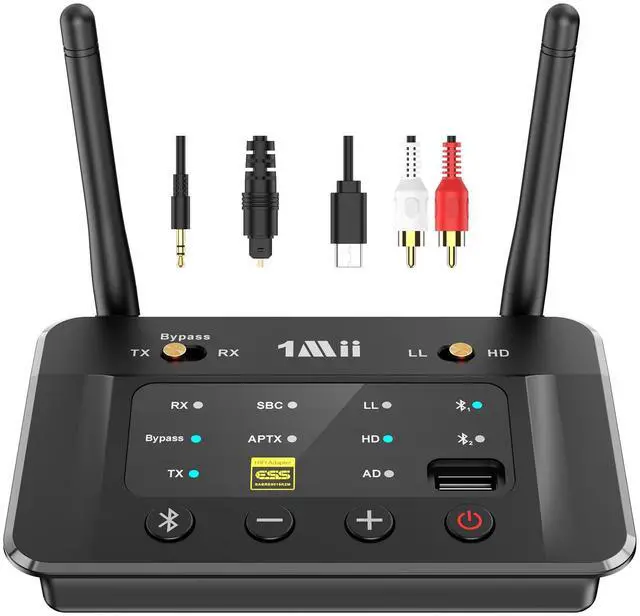
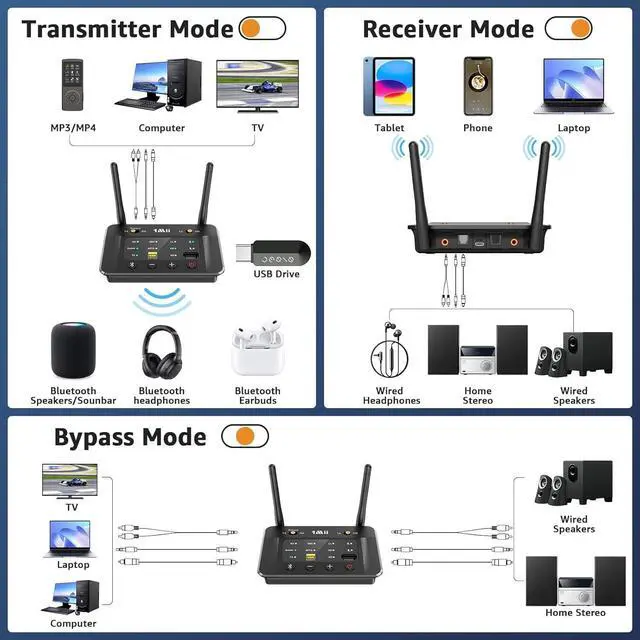
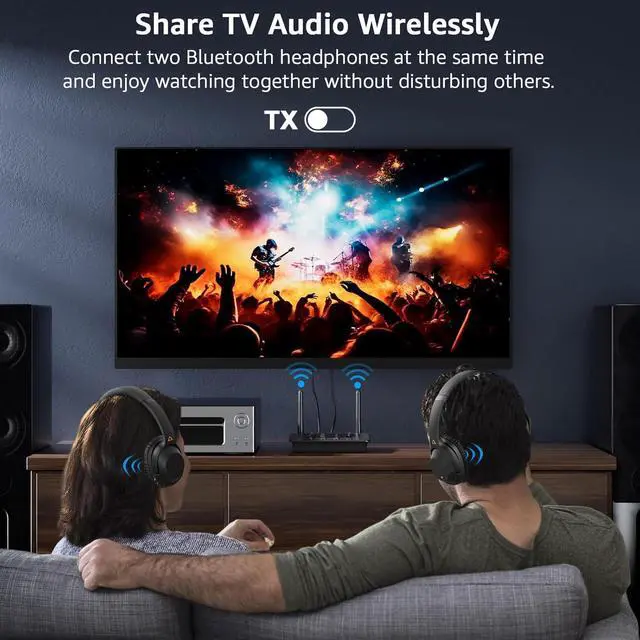
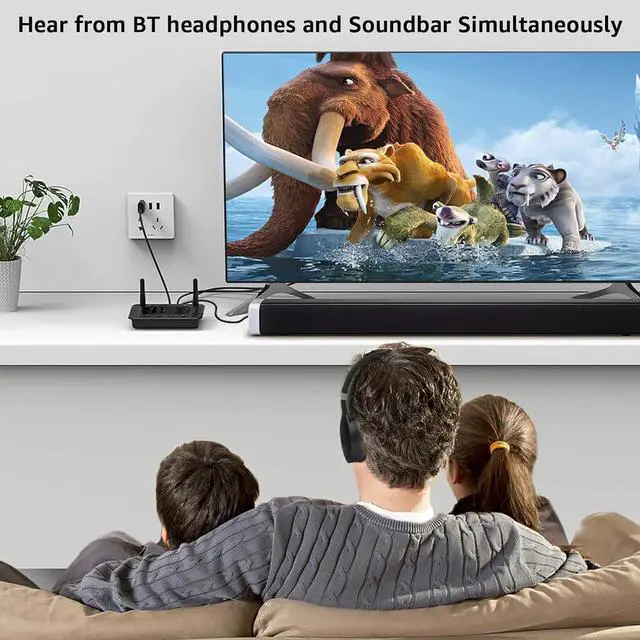
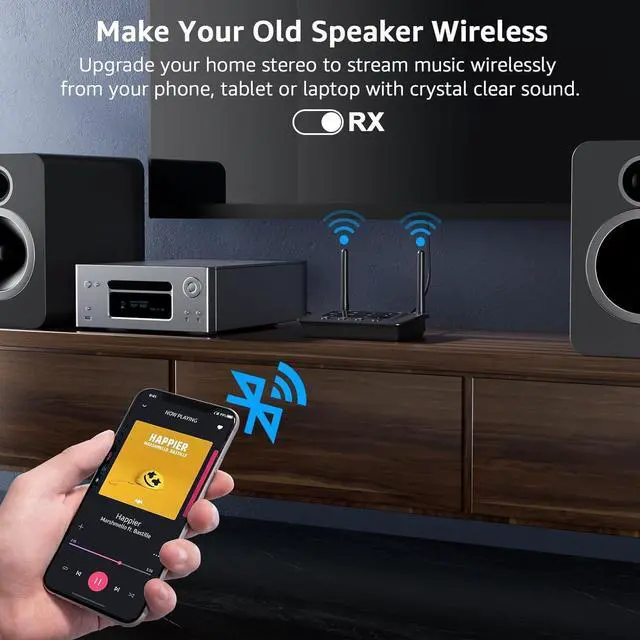


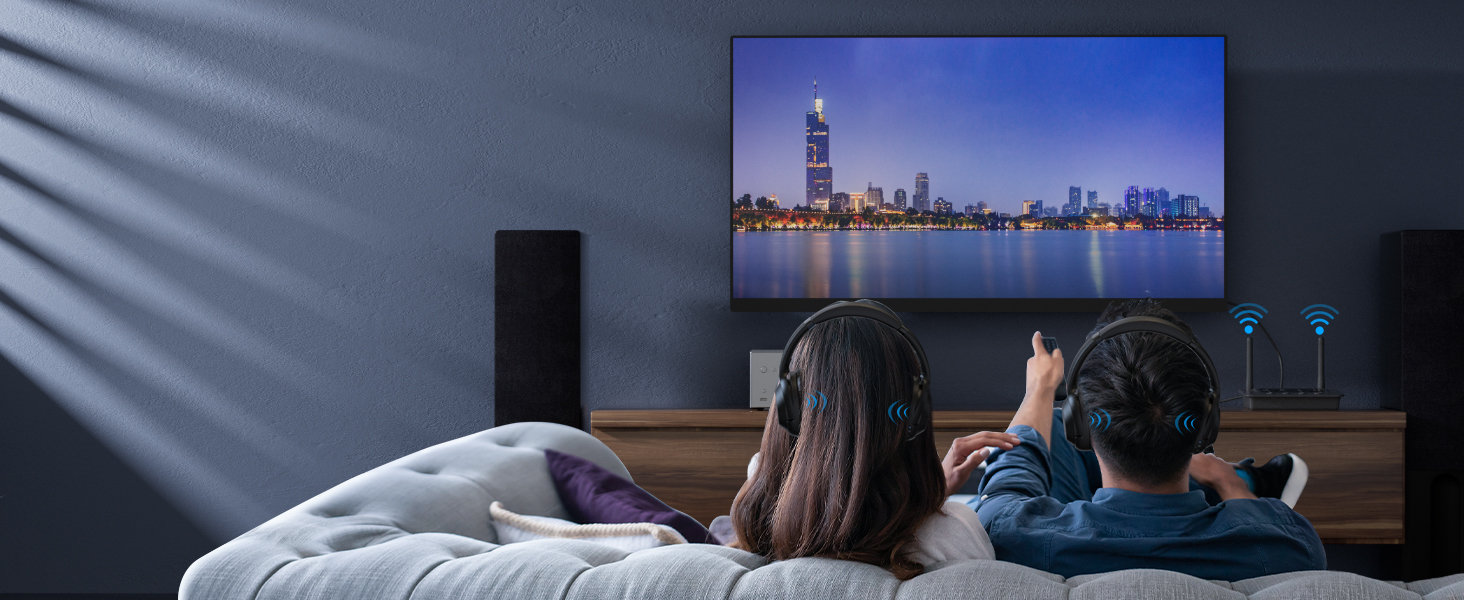
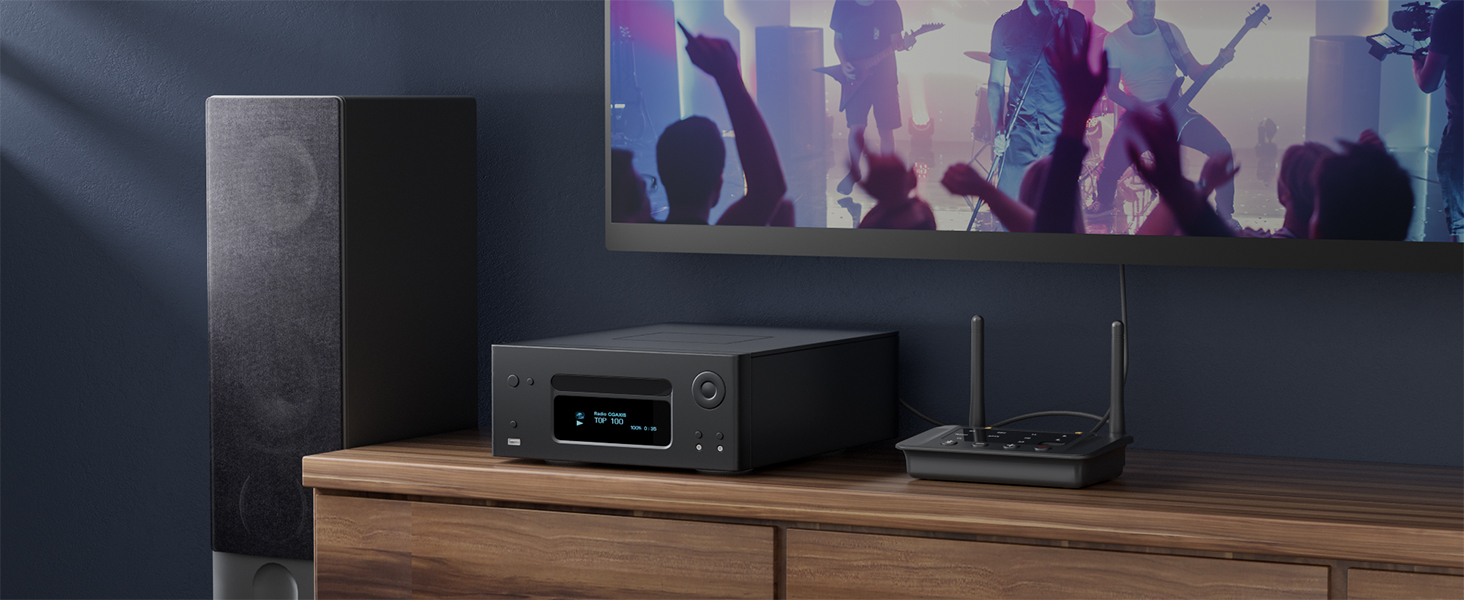
Upgrade Your Old TV to Bluetooth
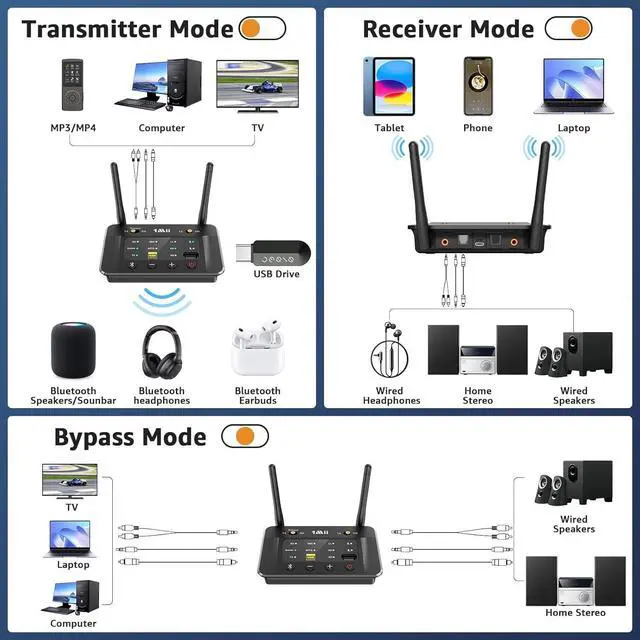
Enable your TV, AV Receiver, Radio and others to stream music to your Bluetooth headphones/speakers
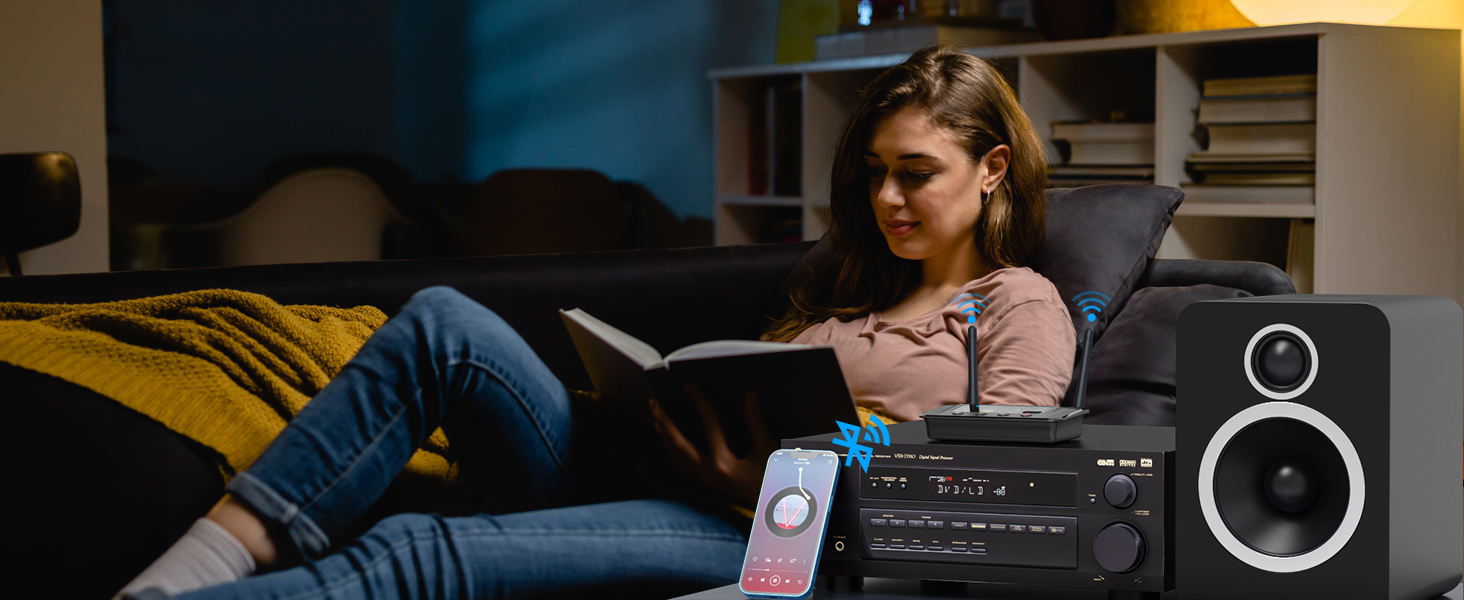
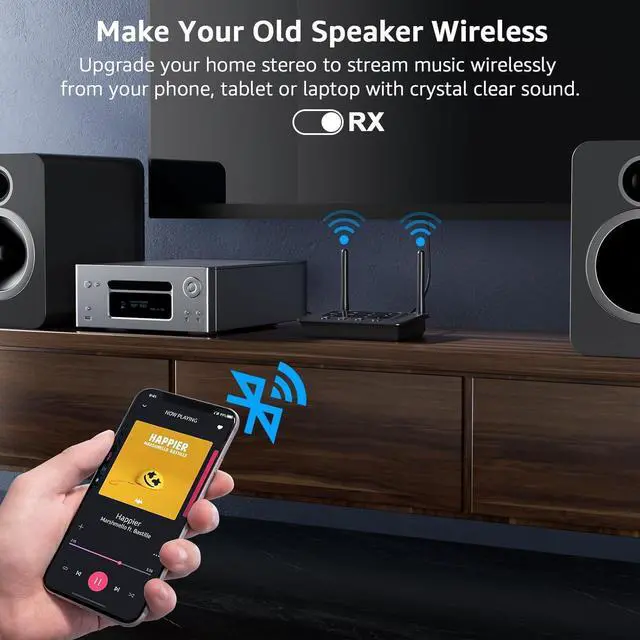
Upgrade Your Wired Speakers to Bluetooth
Wirelessly stream music from your phone or tablet to your old speakers or home stereo
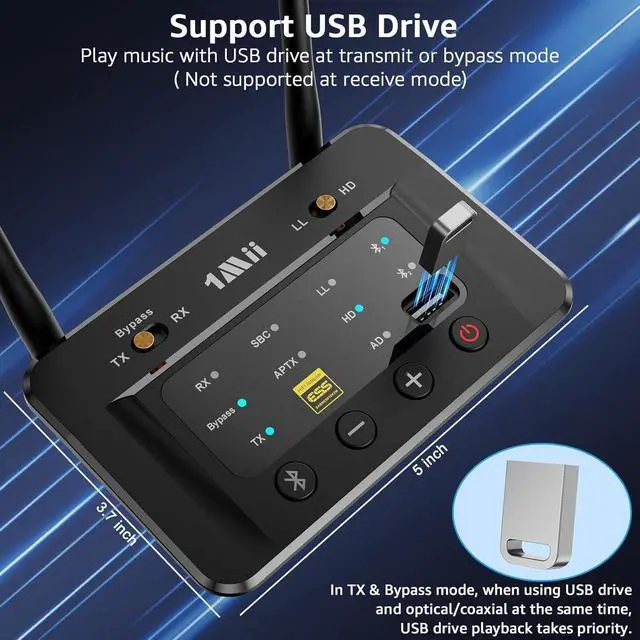
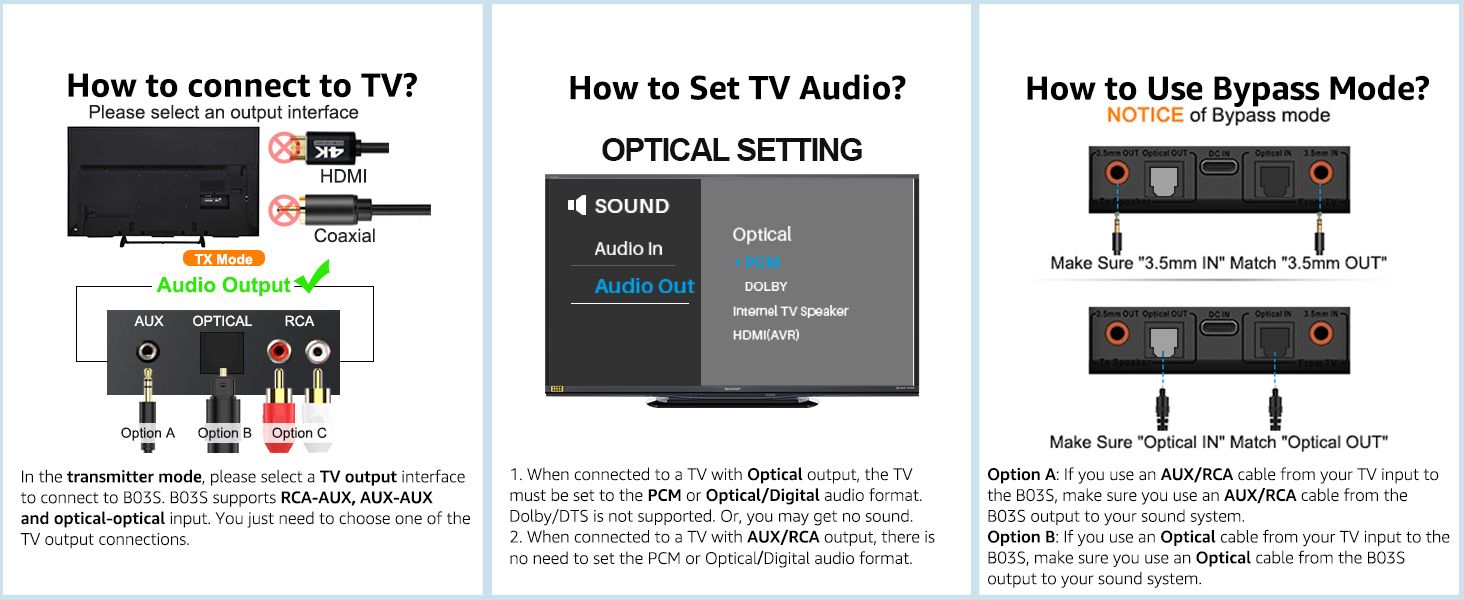
Bypass Mode for Wired Systems
Directly transmit audio via RCA, AUX, or optical cables without using Bluetooth
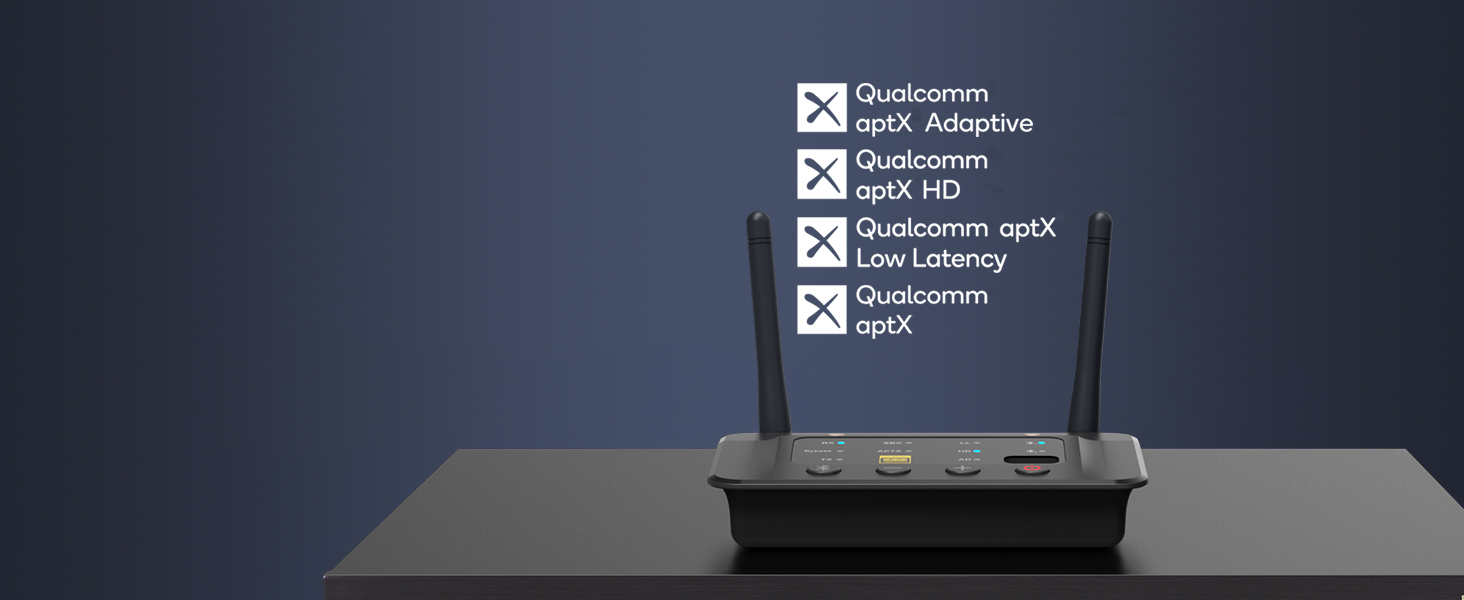
Support aptX Low Latency/aptX HD/aptX AD
Note: For the best sync, your Bluetooth headphones or speaker should support aptX LL or adaptive

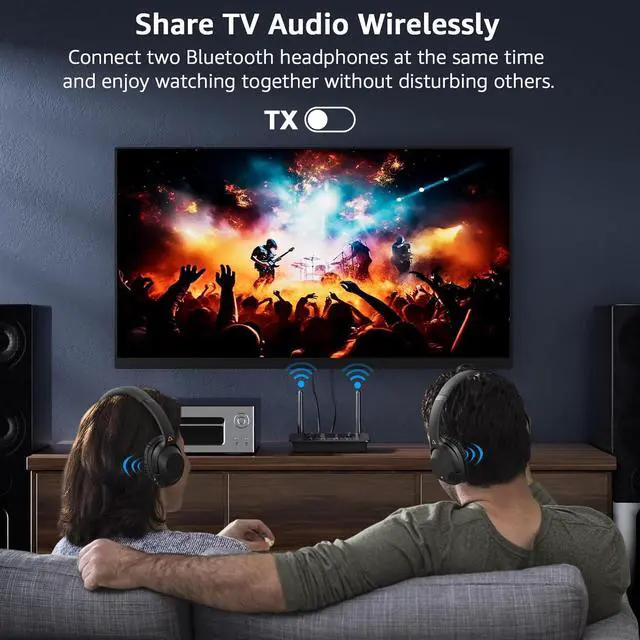
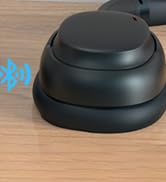
Connect 2 headphones or speakers at the same time
Note: When connecting two aptX Low Latency headphones/speakers, Bluetooth codec will switch to aptX
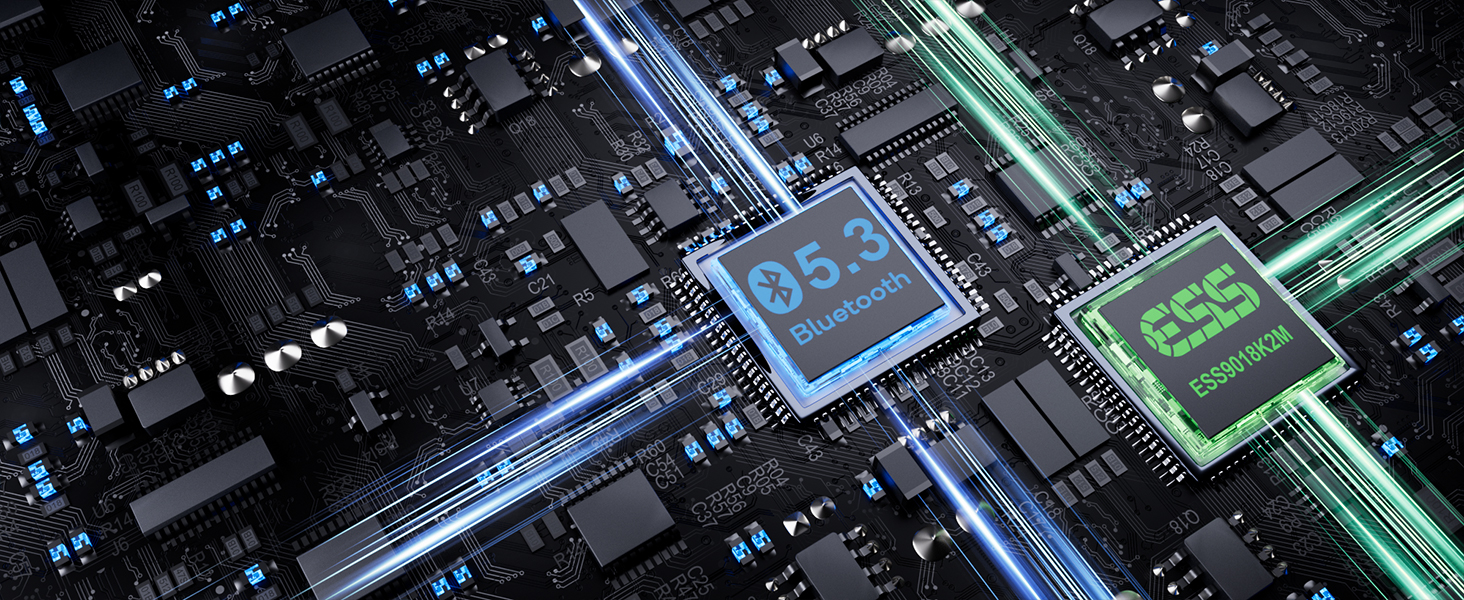
Resolution up to 384 kHz/32 bit
Delivers high-definition audio for an unparalleled listening experience.
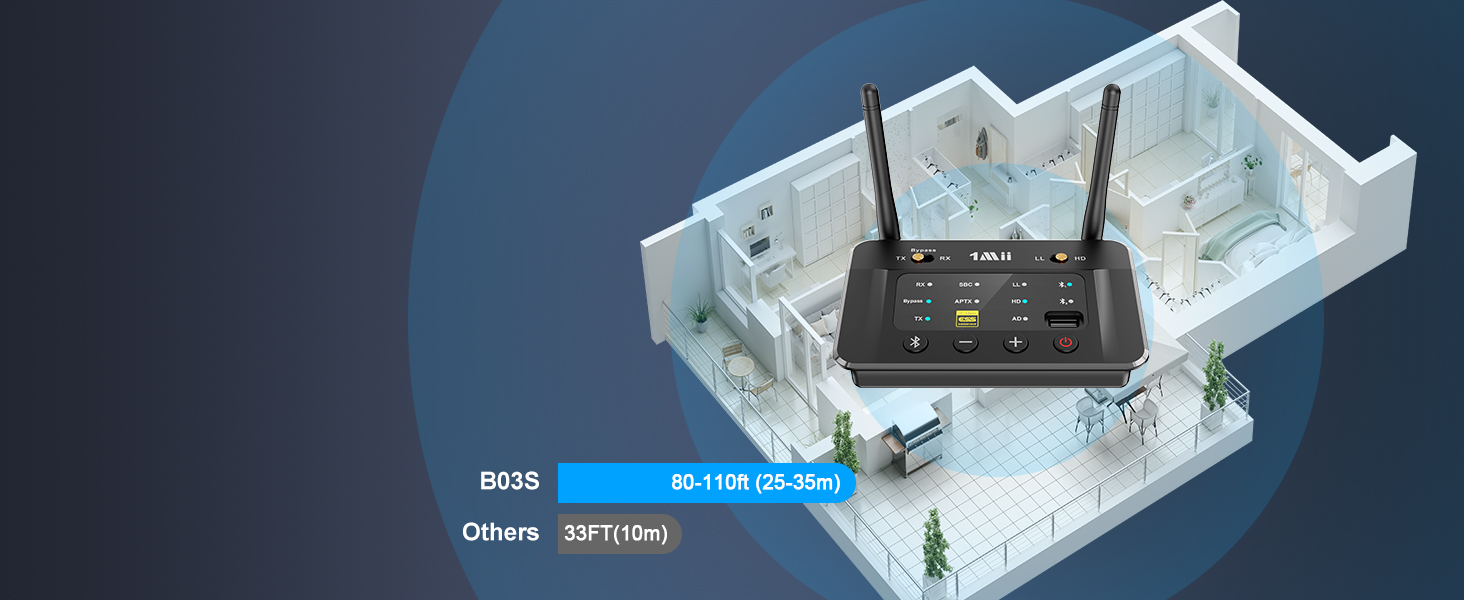
Outdoor is 230FT and up to 80-110FT indoors
NOTE: operation range can be affected by walls, Wi-Fi router, etc.
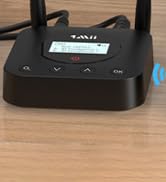
How to connect in transmitter mode?


What shall i do if i can not get B03S Bluetooth Adapter to pair with my Bluetooth Headphones or Speakers?
1) Turn off the Bluetooth of all mobile phones or PCs in the house.
2) Please ensure that the pairing distance is within 1 meter.
3) If you still can't pair, please set both the B03S and Bluetooth Headphones/speaker to factory default settings.
How to reset 1Mii B03S?
Restore factory default of B03S by pressing Bluetooth button for about 10 seconds till all indicators flash once, then it get into pairing mode with red and blue lights flashing, pair as normally.
Why is there still audio delay when I use this Low Latency B03S adapter with my Bluetooth headphones?
To achieve low latency, your receiving device is better also support function of aptX Low Latency. Or, the receiving device might use another codec (e.g. SBC, aptX), resulting in a 70-200ms audio delay which may be noticeable by some users.
Why are the Volume +/- of my B03S not working in TX mode, only works in RX mode?
1) In TX mode, take optical cable as the connected audio cable, the Volume +/- on B03S may not work if your device does not support Audio/Video Remote Control Profile.
2) Change the optical cable to AUX 3.5mm/RCA audio cable,the volume buttons works.
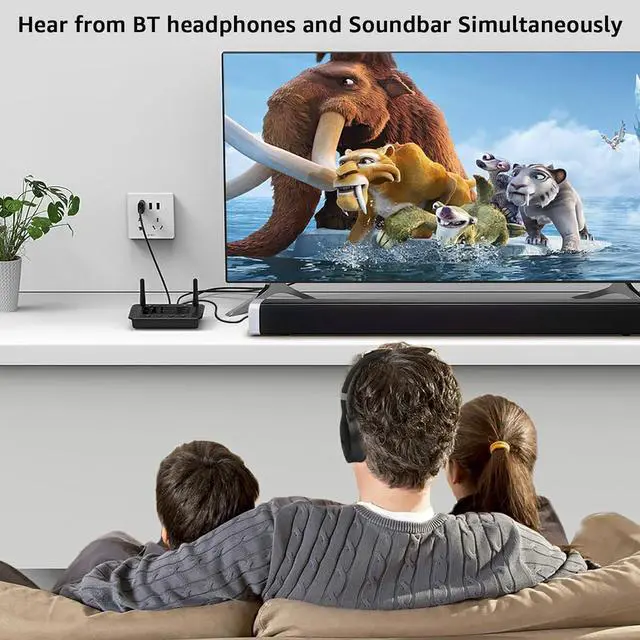
When the TV is connected to B03S, can my Bluetooth headphones play sound simultaneously with the TV's built-in speakers?
With many models of TVs, the built-in speakers may not work properly if you choose to use an external audio output device, this is a TV feature and its availability depends on your TV make and model.
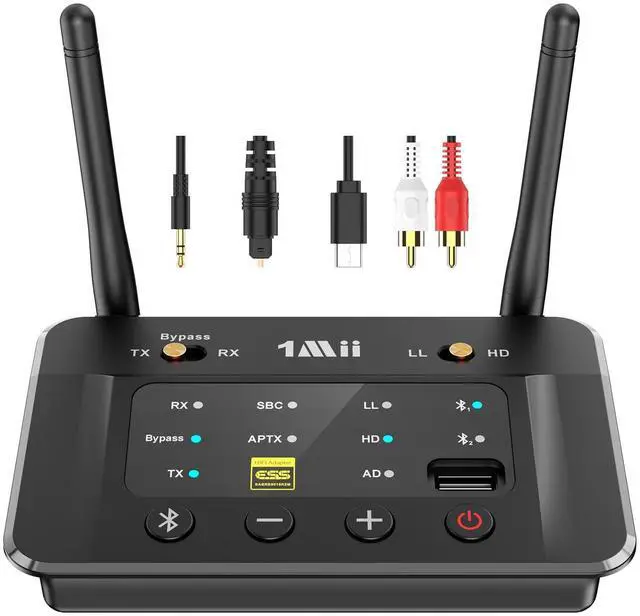
1Mii Bluetooth Audio Transmitter Receiver
 1Mii B03 |  1Mii B03+ |  1Mii B03Pro |  1Mii B03S |  1Mii B03Pro+ | |
|---|---|---|---|---|---|
Customer Reviews | — | — | — | — | — |
Price | — | — | — | — | — |
Type | Bluetooth Transmitter Receiver | Bluetooth Transmitter Receiver | Bluetooth Transmitter Receiver | Bluetooth Transmitter Receiver | Bluetooth Transmitter Receiver |
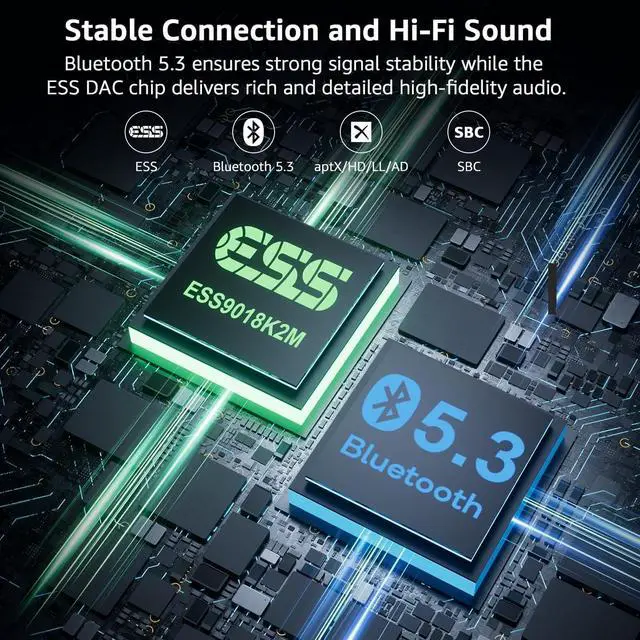
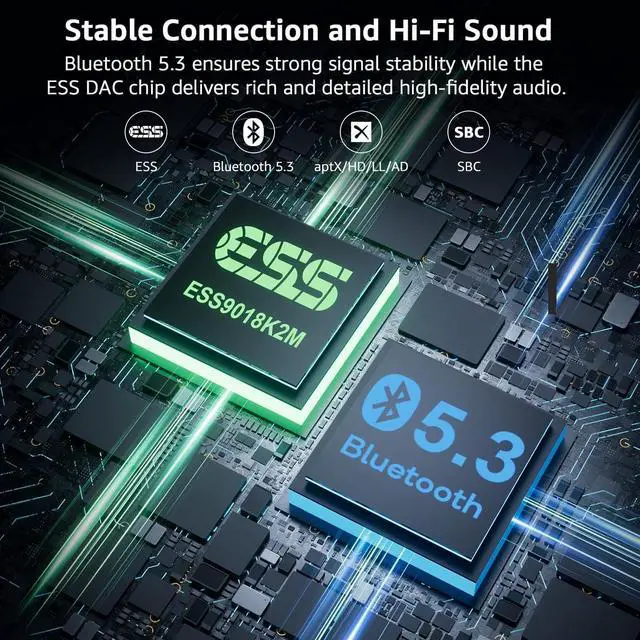
Bluetooth Version | 5.3 | 5.3 | 5.3 | 5.3 | 5.3 |
Audio Input Support | AUX/RCA/Optical/Bluetooth | AUX/RCA/Optical/Bluetooth | AUX/RCA/Optical/Bluetooth | AUX/RCA/Optical/Bluetooth | AUX/RCA/Optical/Bluetooth |
Audio Output Support | AUX/RCA/Optical/Bluetooth | AUX/RCA/Optical/Bluetooth | AUX/RCA/Optical/Bluetooth | AUX/RCA/Optical/Bluetooth | AUX/RCA/Optical/Bluetooth |
Audio Codec Support | aptX AD/HD/LL/aptX/AAC/SBC | aptX HD/LL/AD/aptX/AAC/SBC | aptX HD/LL/AD/aptX/AAC/SBC | aptX HD/LL/AD/aptX/AAC/SBC | LDAC/aptX HD/LL/aptX/AAC/SBC |
Extra Audiophile DAC | ? | ? | ? | ? | ? |
With Screen Dispaly | ? | ? | ? | ? | ? |
Independent Bypass Mode | ? | ? | ? | ? | ? |
TX & Bypass Mode | ? | ? | ? | ? | ? |
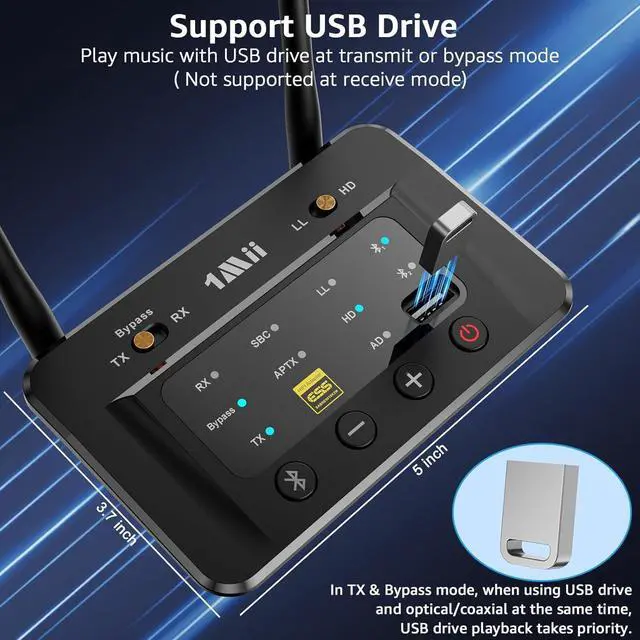
Support USB Drive Audio Input | ? | ? | ? | ? | ? |
Dual connection | ? | ? | ? | ? | ? |


1Mii is a high-tech enterprise built on innovation and craftsmanship, bringing together a team of leading industrial designers, aesthetic masters, PhDs in acoustic tuning, and musicians.
Every 1Mii product undergoes rigorous testing in our state-of-the-art acoustic lab, ensuring it upholds the brand's core value: one sound,one me!

B06TX Bluetooth TV Transmitter


B06TX+ BT Transmitter for TV

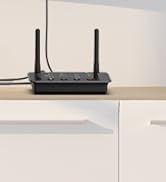
B03 Bluetooth Audio Adapter
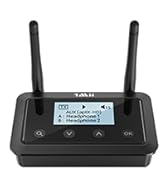
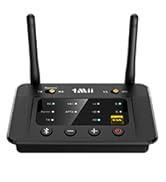
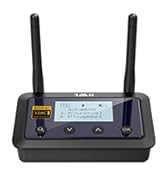
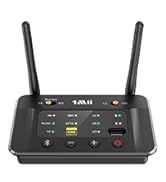
Bluetooth Transmitter Receiver
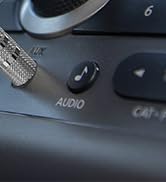
Bluetooth Receiver for Car
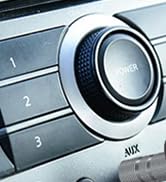
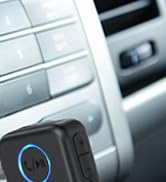
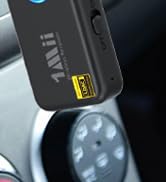
Upgrate: BT Receiver for Car

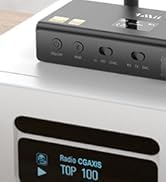
DS700 BT Adapter for TV

Upgrade Your Old TV to Bluetooth
Enable your TV, AV Receiver, Radio and others to stream music to your Bluetooth headphones/speakers
Upgrade Your Wired Speakers to Bluetooth
Wirelessly stream music from your phone or tablet to your old speakers or home stereo
Bypass Mode for Wired Systems
Directly transmit audio via RCA, AUX, or optical cables without using Bluetooth


Support aptX Low Latency/aptX HD/aptX AD
Note: For the best sync, your Bluetooth headphones or speaker should support aptX LL or adaptive
Connect 2 headphones or speakers at the same time
Note: When connecting two aptX Low Latency headphones/speakers, Bluetooth codec will switch to aptX
Resolution up to 384 kHz/32 bit
Delivers high-definition audio for an unparalleled listening experience.
Outdoor is 230FT and up to 80-110FT indoors
NOTE: operation range can be affected by walls, Wi-Fi router, etc.


How to connect in transmitter mode?


What shall i do if i can not get B03S Bluetooth Adapter to pair with my Bluetooth Headphones or Speakers?
1) Turn off the Bluetooth of all mobile phones or PCs in the house.
2) Please ensure that the pairing distance is within 1 meter.
3) If you still can't pair, please set both the B03S and Bluetooth Headphones/speaker to factory default settings.
How to reset 1Mii B03S?
Restore factory default of B03S by pressing Bluetooth button for about 10 seconds till all indicators flash once, then it get into pairing mode with red and blue lights flashing, pair as normally.
Why is there still audio delay when I use this Low Latency B03S adapter with my Bluetooth headphones?
To achieve low latency, your receiving device is better also support function of aptX Low Latency. Or, the receiving device might use another codec (e.g. SBC, aptX), resulting in a 70-200ms audio delay which may be noticeable by some users.
Why are the Volume +/- of my B03S not working in TX mode, only works in RX mode?
1) In TX mode, take optical cable as the connected audio cable, the Volume +/- on B03S may not work if your device does not support Audio/Video Remote Control Profile.
2) Change the optical cable to AUX 3.5mm/RCA audio cable,the volume buttons works.
When the TV is connected to B03S, can my Bluetooth headphones play sound simultaneously with the TV's built-in speakers?
With many models of TVs, the built-in speakers may not work properly if you choose to use an external audio output device, this is a TV feature and its availability depends on your TV make and model.
1Mii Bluetooth Audio Transmitter Receiver
1Mii B03 | 1Mii B03+ | 1Mii B03Pro | 1Mii B03S | 1Mii B03Pro+ |
|---|---|---|---|---|
| Customer Reviews | ||||
| — | — | — | — | — |
| Price | ||||
| — | — | — | — | — |
| Type | ||||
| Bluetooth Transmitter Receiver | Bluetooth Transmitter Receiver | Bluetooth Transmitter Receiver | Bluetooth Transmitter Receiver | Bluetooth Transmitter Receiver |
| Bluetooth Version | ||||
| 5.3 | 5.3 | 5.3 | 5.3 | 5.3 |
| Audio Input Support | ||||
| AUX/RCA/Optical/Bluetooth | AUX/RCA/Optical/Bluetooth | AUX/RCA/Optical/Bluetooth | AUX/RCA/Optical/Bluetooth | AUX/RCA/Optical/Bluetooth |
| Audio Output Support | ||||
| AUX/RCA/Optical/Bluetooth | AUX/RCA/Optical/Bluetooth | AUX/RCA/Optical/Bluetooth | AUX/RCA/Optical/Bluetooth | AUX/RCA/Optical/Bluetooth |
| Audio Codec Support | ||||
| aptX AD/HD/LL/aptX/AAC/SBC | aptX HD/LL/AD/aptX/AAC/SBC | aptX HD/LL/AD/aptX/AAC/SBC | aptX HD/LL/AD/aptX/AAC/SBC | LDAC/aptX HD/LL/aptX/AAC/SBC |
| Extra Audiophile DAC | ||||
| ? | ? | ? | ? | ? |
| With Screen Dispaly | ||||
| ? | ? | ? | ? | ? |
| Independent Bypass Mode | ||||
| ? | ? | ? | ? | ? |
| TX & Bypass Mode | ||||
| ? | ? | ? | ? | ? |
| Support USB Drive Audio Input | ||||
| ? | ? | ? | ? | ? |
| Dual connection | ||||
| ? | ? | ? | ? | ? |
1Mii is a high-tech enterprise built on innovation and craftsmanship, bringing together a team of leading industrial designers, aesthetic masters, PhDs in acoustic tuning, and musicians.
Every 1Mii product undergoes rigorous testing in our state-of-the-art acoustic lab, ensuring it upholds the brand's core value: one sound,one me!
B06TX Bluetooth TV Transmitter
B06TX+ BT Transmitter for TV
B03 Bluetooth Audio Adapter
Bluetooth Transmitter Receiver
Bluetooth Receiver for Car
Upgrate: BT Receiver for Car
DS700 BT Adapter for TV