here!
here!
I’m your shopping assistant for PC builds, upgrades, and everything tech.
Got questions? Ask away!
Start a conversation
here!
I’m your shopping assistant for PC builds, upgrades, and everything tech.
Got questions? Ask away!
Start a conversation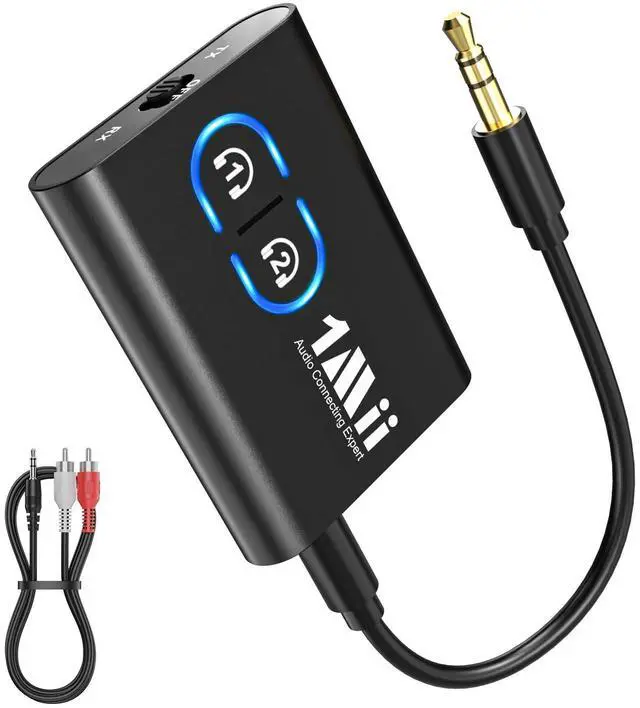




Any questions? Ask CelesteSM will help you find out quickly.


1Mii is a high-tech enterprise composed of a group of innovative and craftsmanship industrial designers, aesthetic masters, a team of PhDs in acoustic tuning, and musicians.
Each 1Mii product has been rigorously tested by the 1Mii professional acoustic laboratory to ensure it meets the brand's values: Bring Music to Life!
At present, 1Mii has more than 10 million users, products cover audio accessories, BT headphones, and HiFi audiophile devices.
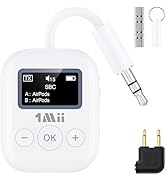
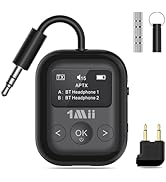
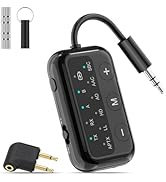
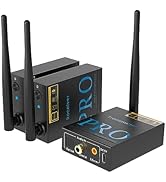



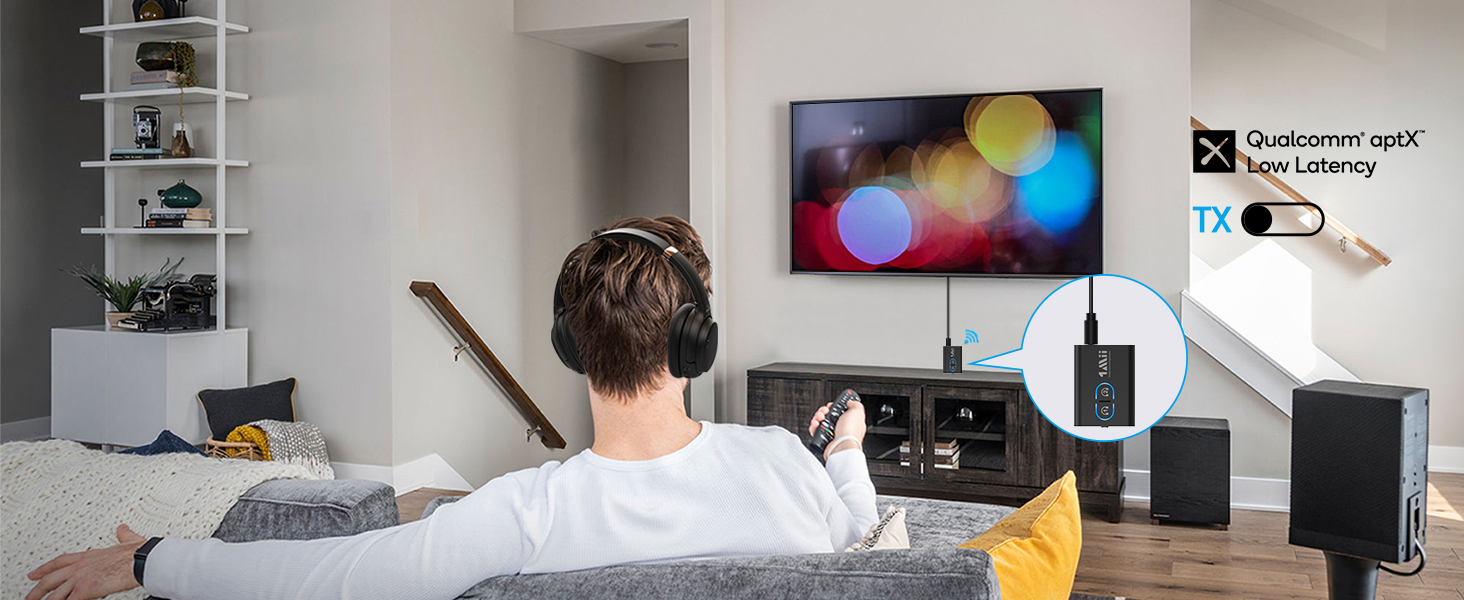
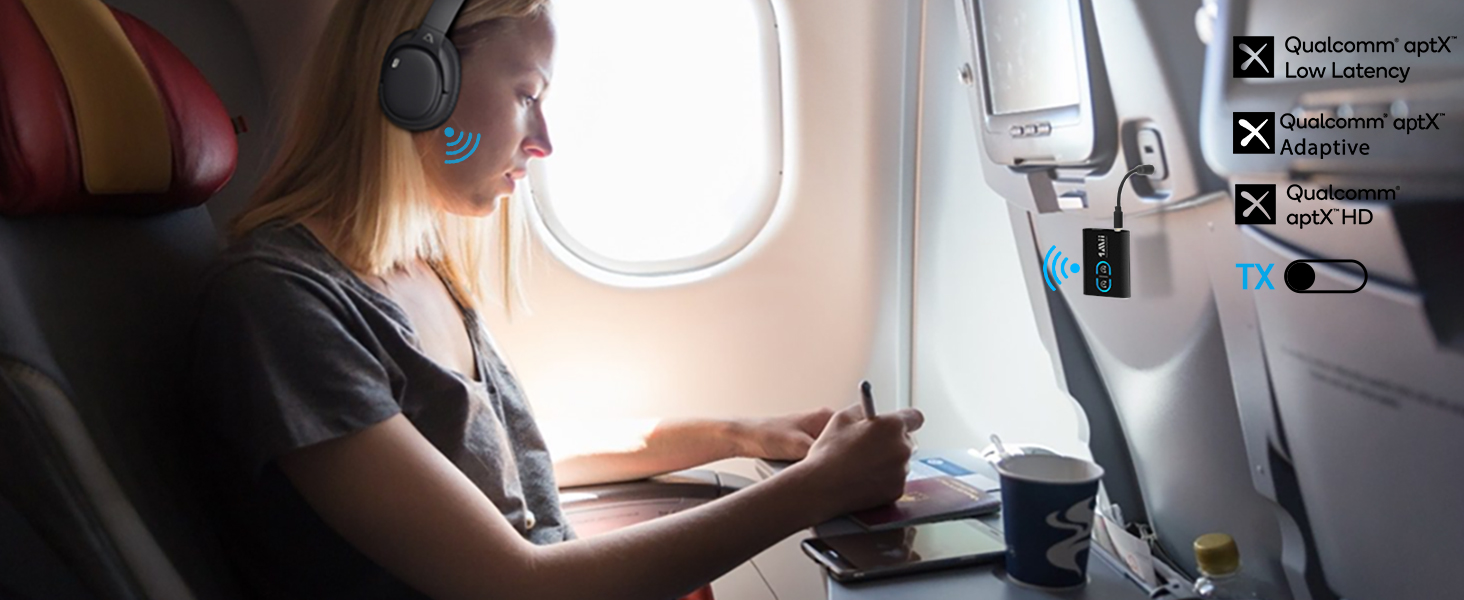
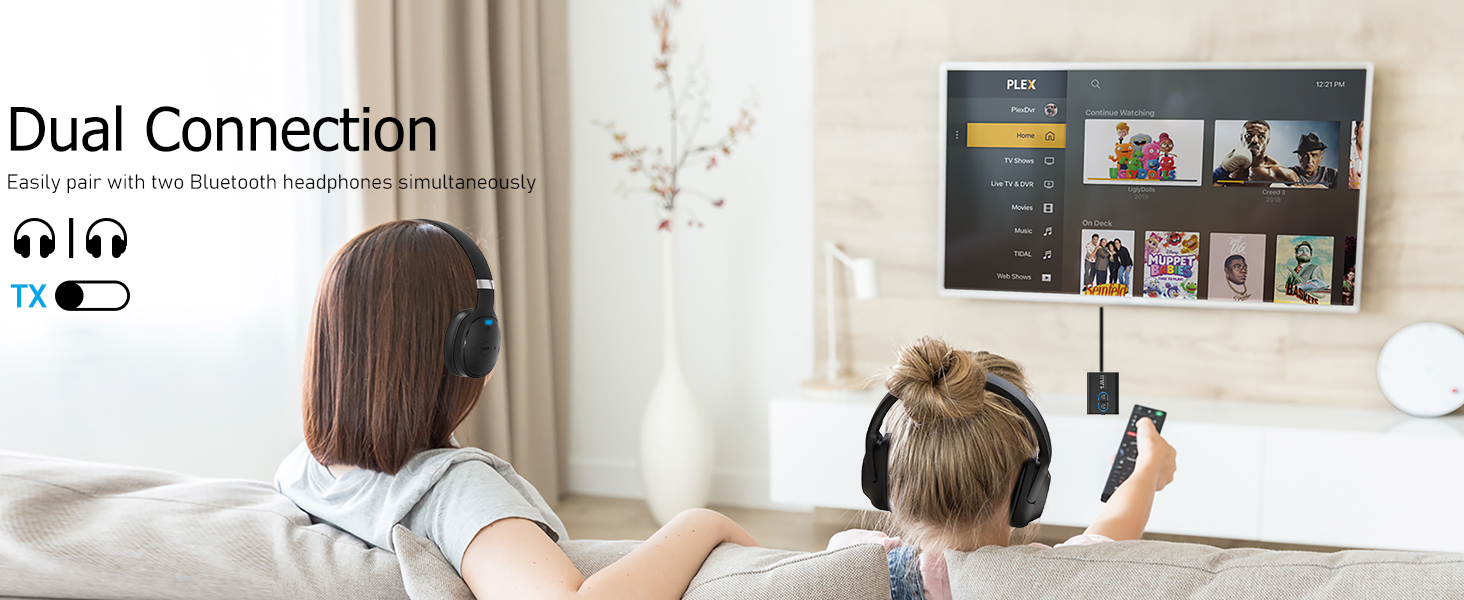
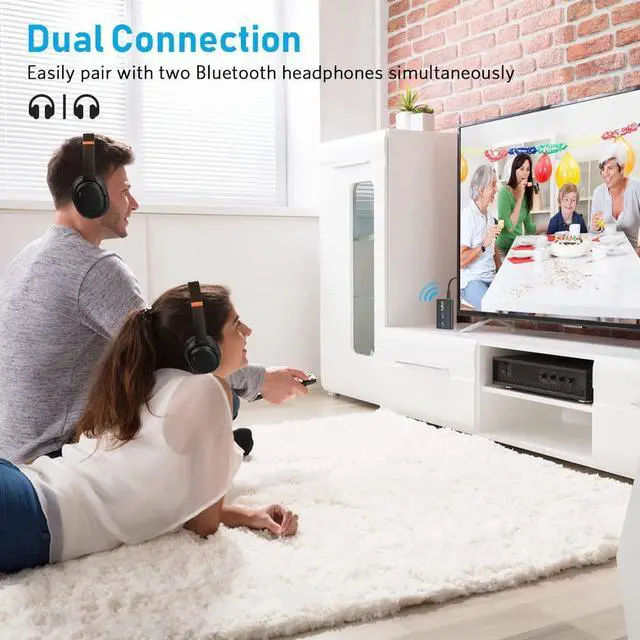
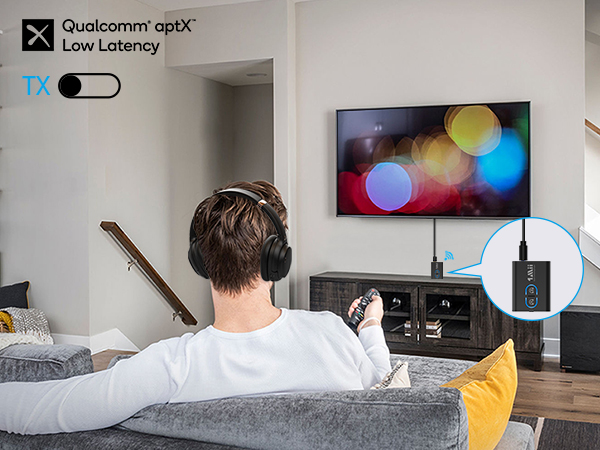
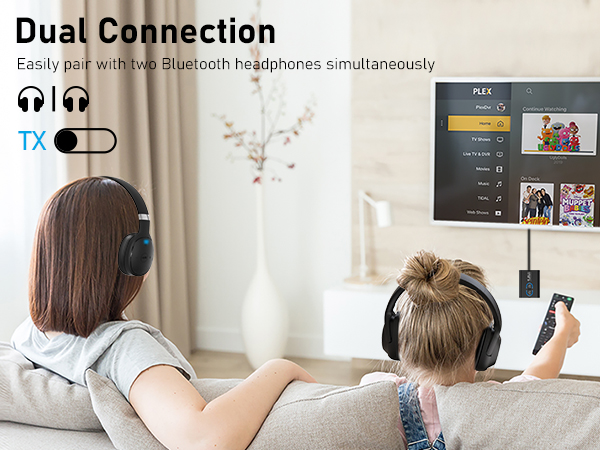
Ensure synchronized audio and video while watching TV.
Headphones required aptX-LL/Adaptive support.
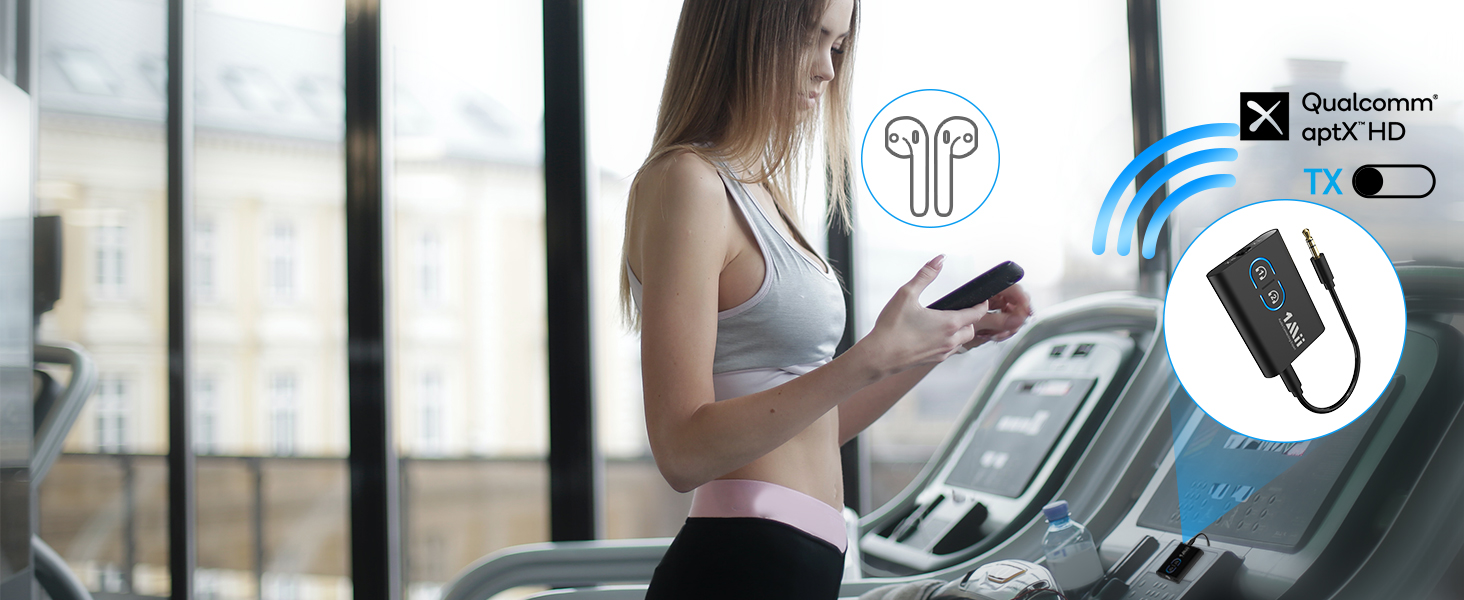
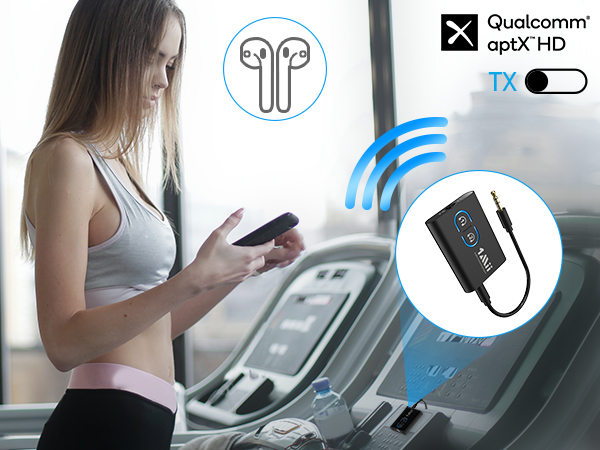
Enjoy high definition audio while exercising if your Bluetooth headphones support aptX HD/Adaptive.
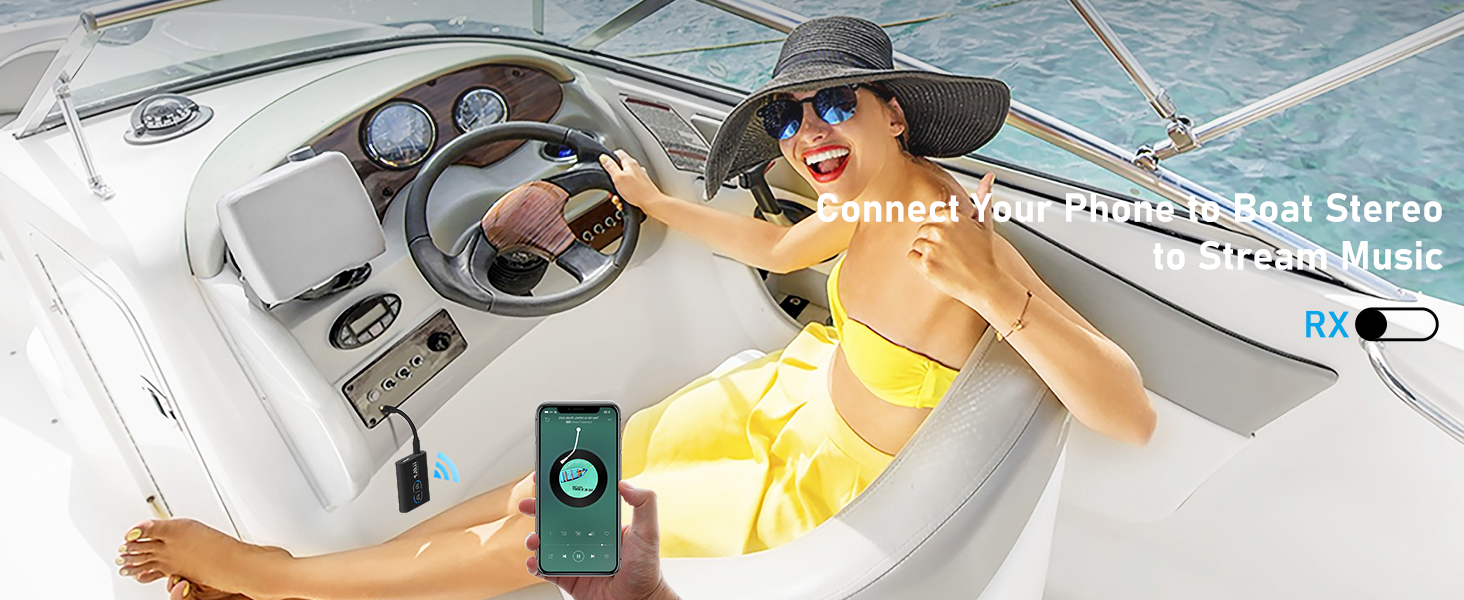
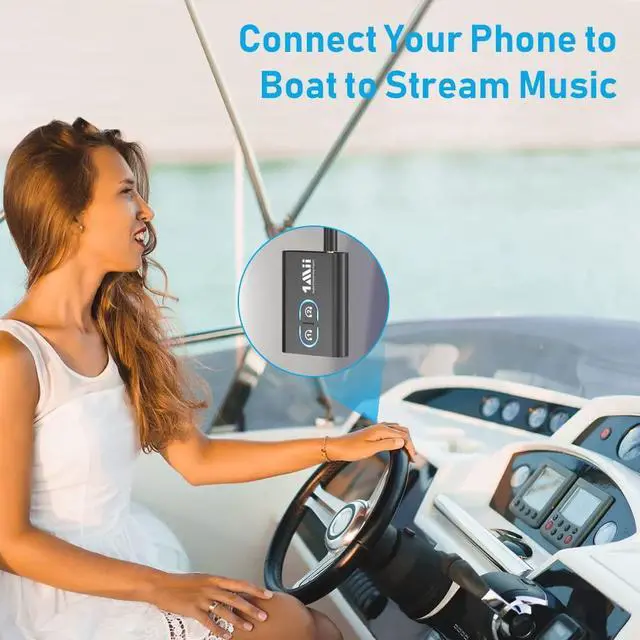
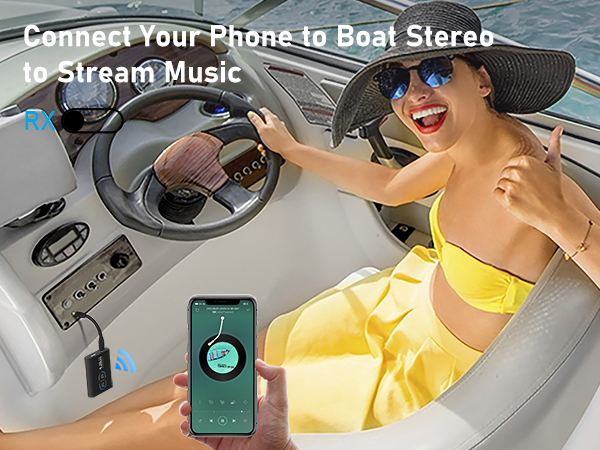
Steam music from your phone to the stereo of your boat and enjoy the journey.

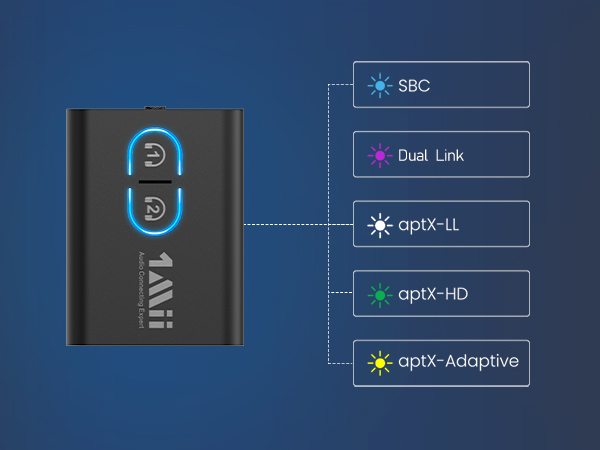
Double-click Bluetooth button#1 to switch to different audio codecs to use SBC/aptX-LL/HD/Adaptive.
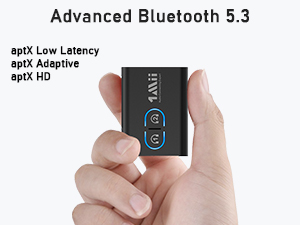
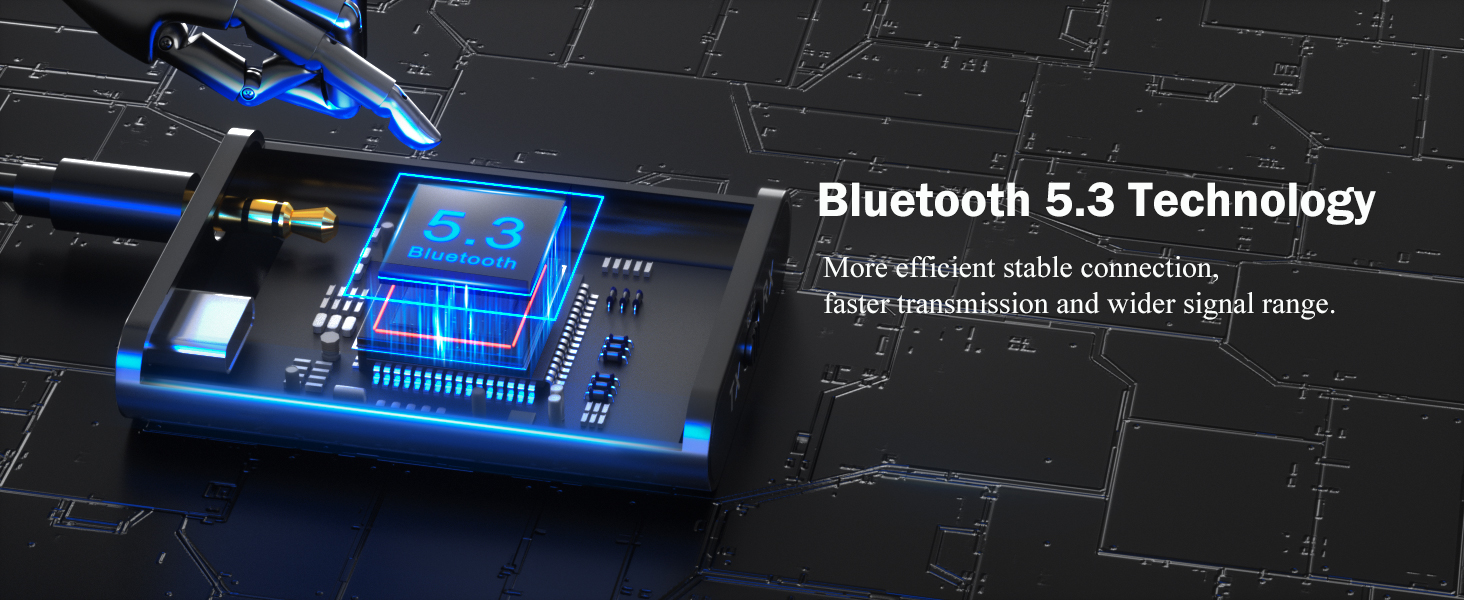
The mini body contains the latest Bluetooth 5.3 and aptX low latency/adaptive/HD technologies, so it's quite powerful as well.
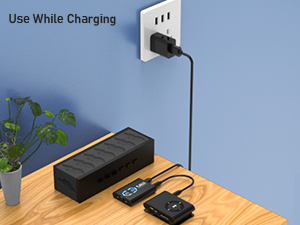
Instant setup, plug, pair and play. No need more settings. Very easy to use. You can safely charge this Bluetooth transmitter & receiver while using.
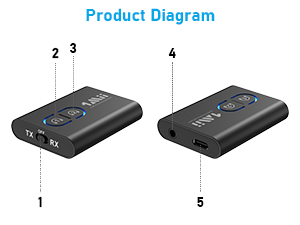
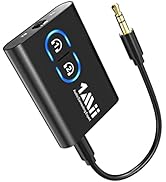
1. Mode switch: TX/RX/OFF
2 & 3: Pairing button
4. 3.5mm audio port
5. USB port for charging
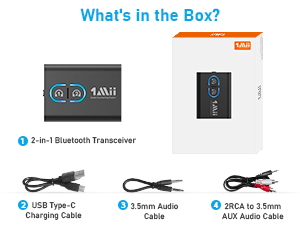
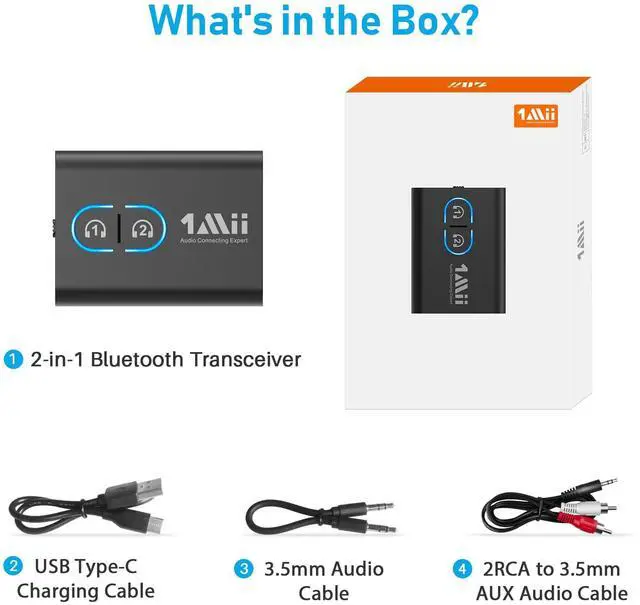
1. 2-in-1 Bluetooth Transceiver*1
2. USB Type-C Charging Cable*1
3. 3.5mm Audio Cable*1
4. RCA to 3.5mm AUX Audio Cable*1
5. User Manual*1
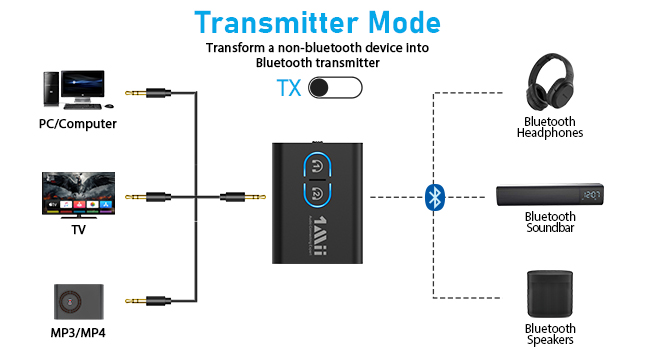
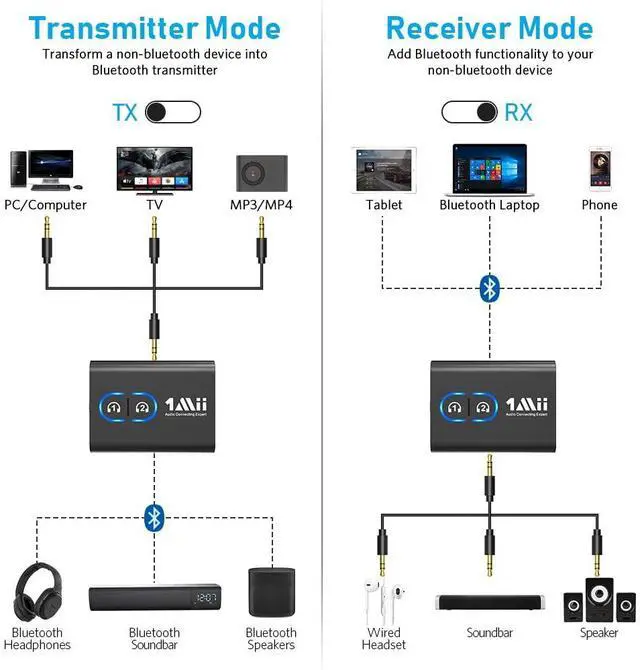
1. Switch to "TX" mode
2. Long press the BT Button#1 for about 2 seconds to enter pairing mode(LED flashing blue and red)
3. Set your Bluetooth headphones/soundbar/speaker also enter pairing mode
4. After pairing successfully (LED stop flashing), connect the ML300 to the AUDIO OUT jack of PC/TV/MP3
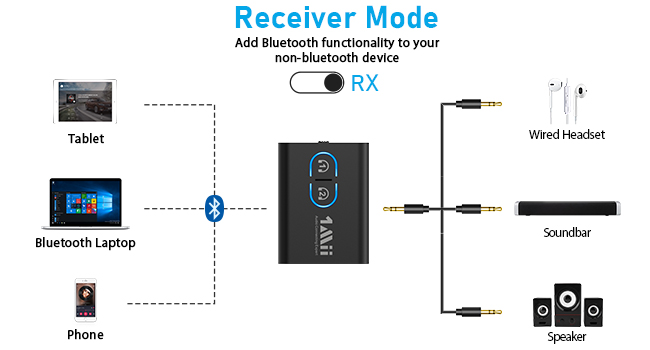
1. Switch to "RX" mode
2. Long press the BT Button#1 for about 2s to enter pairing mode(LED flashing blue and red)
3. Turn on the Bluetooth of your phone/tablet/laptop, tap "ML300" to connect.
4. After pairing successfully, connect the ML300 to the AUDIO IN jack of wired speaker/soundbar/earphones
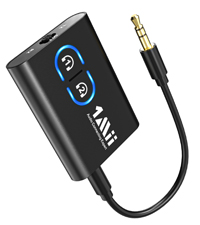 ML300-Black | 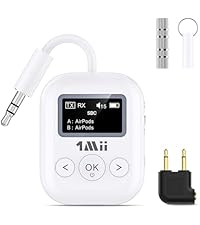 SafeFly Min+ | 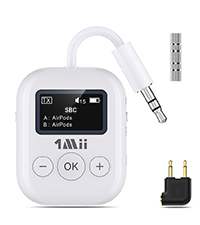 1Mii Safefly Min | 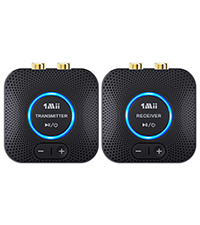 1Mii B06 Set | 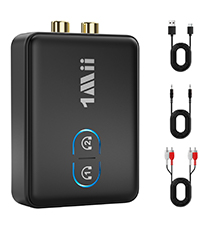 1Mii ML302+ | 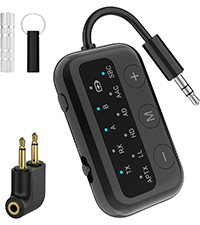 1Mii Safefly Dot | 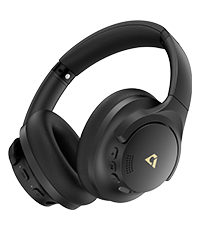 Y8 | |
|---|---|---|---|---|---|---|---|
Customer Reviews | — | — | — | — | — | — | — |
Price | — | — | — | — | — | — | — |
Type | Bluetooth Transmitter&Receiver | Bluetooth Transmitter&Receiver | Bluetooth Transmitter | 2.4Ghz Transmitter Receiver | Bluetooth Transmitter&Receiver | Bluetooth Transmitter&Receiver | Bluetooth Headphones |
Audio Codec Support | aptX-Adaptive/LL/HD/aptX/SBC | aptX-Adaptive/LL/HD/aptX/SBC | aptX-Adaptive/LL/HD/aptX/SBC | LC3 | aptX-Adaptive/LL/HD/aptX/SBC | aptX-Adaptive/LL/HD/aptX/SBC | SBC/AAC/LDAC |
Audio Jack | 3.5mm AUX/2RCA | 3.5mm AUX/Dual-prong | 3.5mm AUX/Dual-prong | 3.5mm AUX/2RCA | 3.5mm AUX/2RCA | 3.5mm AUX/Dual-prong | 3.5mm AUX |
Use for | TV/PC/Airplane/Gym/Boat/Stereo | TV/PC/Airplane/Gym/Boat/Stereo | TV/PC/Airplane/Gym | TV/PC/Home Stereo/Speaker | TV/PC/Airplane/Gym/Boat/Stereo | TV/PC/Airplane/Gym/Boat/Stereo | Phone/Airplane Travel/TV |
Built-in Battery | ? | ? | ? | ? | ? | ? | ? |
Dual Connection | ? | ? | ? | ? | ? | ? | ? |
Volume+/- Control | ? | ? | ? | ? | ? | ? | ? |
BT Version | BT 5.3 | BT 5.3 | BT 5.3 | 2.4GHz | BT 5.3 | BT 5.3 | BT 5.3 |
Ensure synchronized audio and video while watching TV.
Headphones required aptX-LL/Adaptive support.
Enjoy high definition audio while exercising if your Bluetooth headphones support aptX HD/Adaptive.
Steam music from your phone to the stereo of your boat and enjoy the journey.
Double-click Bluetooth button#1 to switch to different audio codecs to use SBC/aptX-LL/HD/Adaptive.

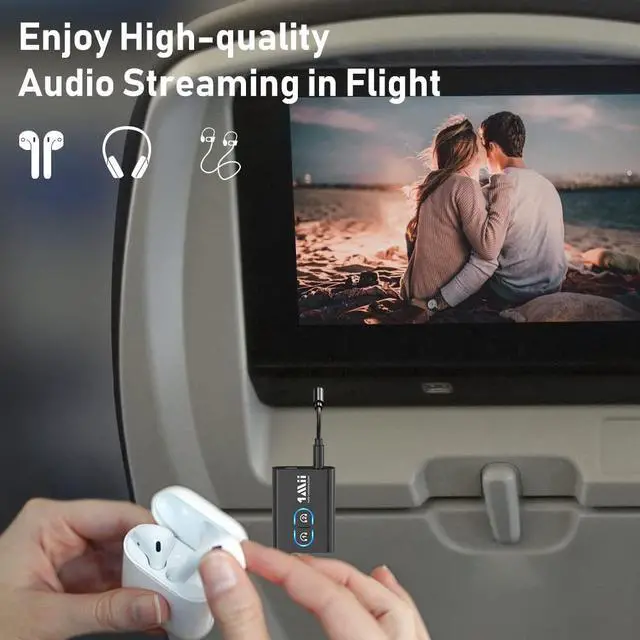
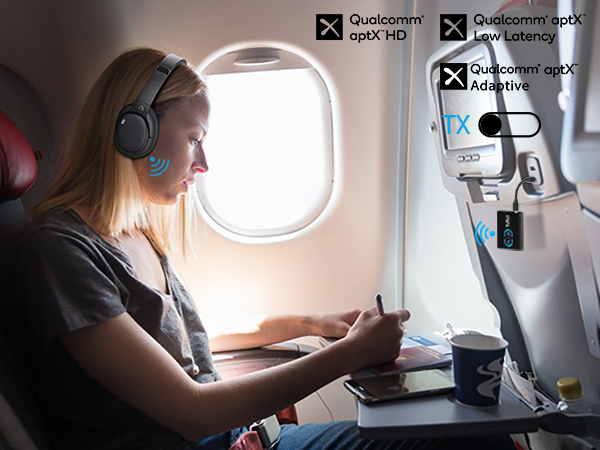
Comfortably enjoy movies or music using your Bluetooth headphones in your flight.
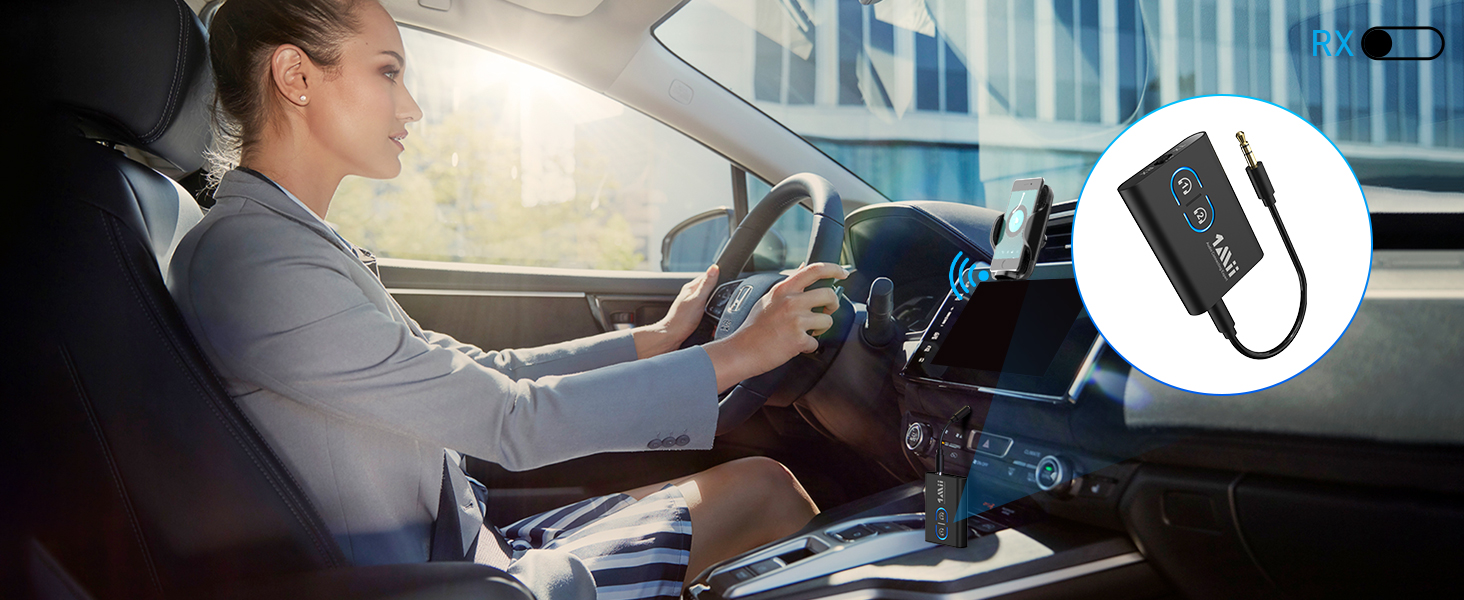
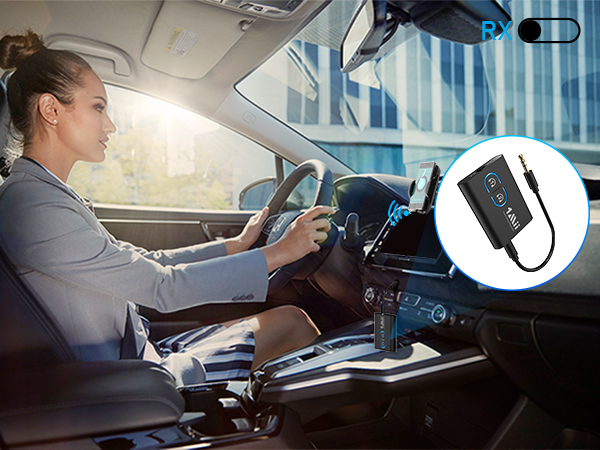
Simply connect 1Mii ML300 to your car stereo and pair it with your phone to enjoy wireless music.
The mini body contains the latest Bluetooth 5.3 and aptX low latency/adaptive/HD technologies, so it's quite powerful as well.
Instant setup, plug, pair and play. No need more settings. Very easy to use. You can safely charge this Bluetooth transmitter & receiver while using.
1. Mode switch: TX/RX/OFF
2 & 3: Pairing button
4. 3.5mm audio port
5. USB port for charging
1. 2-in-1 Bluetooth Transceiver*1
2. USB Type-C Charging Cable*1
3. 3.5mm Audio Cable*1
4. RCA to 3.5mm AUX Audio Cable*1
5. User Manual*1
1. Switch to "TX" mode
2. Long press the BT Button#1 for about 2 seconds to enter pairing mode(LED flashing blue and red)
3. Set your Bluetooth headphones/soundbar/speaker also enter pairing mode
4. After pairing successfully (LED stop flashing), connect the ML300 to the AUDIO OUT jack of PC/TV/MP3
1. Switch to "RX" mode
2. Long press the BT Button#1 for about 2s to enter pairing mode(LED flashing blue and red)
3. Turn on the Bluetooth of your phone/tablet/laptop, tap "ML300" to connect.
4. After pairing successfully, connect the ML300 to the AUDIO IN jack of wired speaker/soundbar/earphones
| Q1 | Why the voice lag still here when use this Low latency ML300 Bluetooth adapter with my Bluetooth headphones? |
|---|---|
| A1 | To achieve low latency, your Bluetooth headphones/speaker should also support function of aptX Low Latency. Or, the receiving device might use another codec (e.g. SBC, aptX), resulting in a 70-200ms audio delay which may be noticeable by some users. |
| Q2 | What shall I do if I can not get ML300 Bluetooth Adapter to pair with my Bluetooth Headphones or Speakers? |
| A2 | Turn off Bluetooth on all mobile phones or PC in house (Make sure your headphones/speaker is not paired with other device automatically during the process of pairing ML300). For first time pairing, make sure the pairing distance is within 1 meter. If still cannot get them paired, set both ML300 Bluetooth Adapter and your Bluetooth headphones or speakers to factory default. - Reset ML300: Long press the Bluetooth button #1 for about 7 seconds until the light flash white for 3 times. |
| Q3 | Can it be used for guitar or piano? |
| A3 | For live music or musical instruments like guitar or piano, we don't suggest using ML300, please use the specialized adapter. |
| Q4 | How to change the audio codec? |
| A4 | Please double-click the Bluetooth button #1 to cycle change to different audio codecs. SBC(blue)/aptX Low Latency(white)/aptX HD(green)/aptX Adaptive(Yellow). Note: If your Bluetooth device does not support aptX Low Latency/aptX HD/aptX Adaptive, the light on ML300 will not change to the specific colour to use the aptX Low Latency/aptX HD/aptX Adaptive audio codec. |
| Q5 | Is it compatible with AirPods? |
| A5 | Yes, it is compatible with AirPods, but it is INCOMPATIBLE with AirPods Pro 2nd Gen. |
| Q6 | Does it support online calls or conference with a headset? |
| A6 | 1Mii ML300 doesn’t have a built-in mic, so it doesn't support any online calls or conference with a headset. |
| Q7 | Does it work with any TV? |
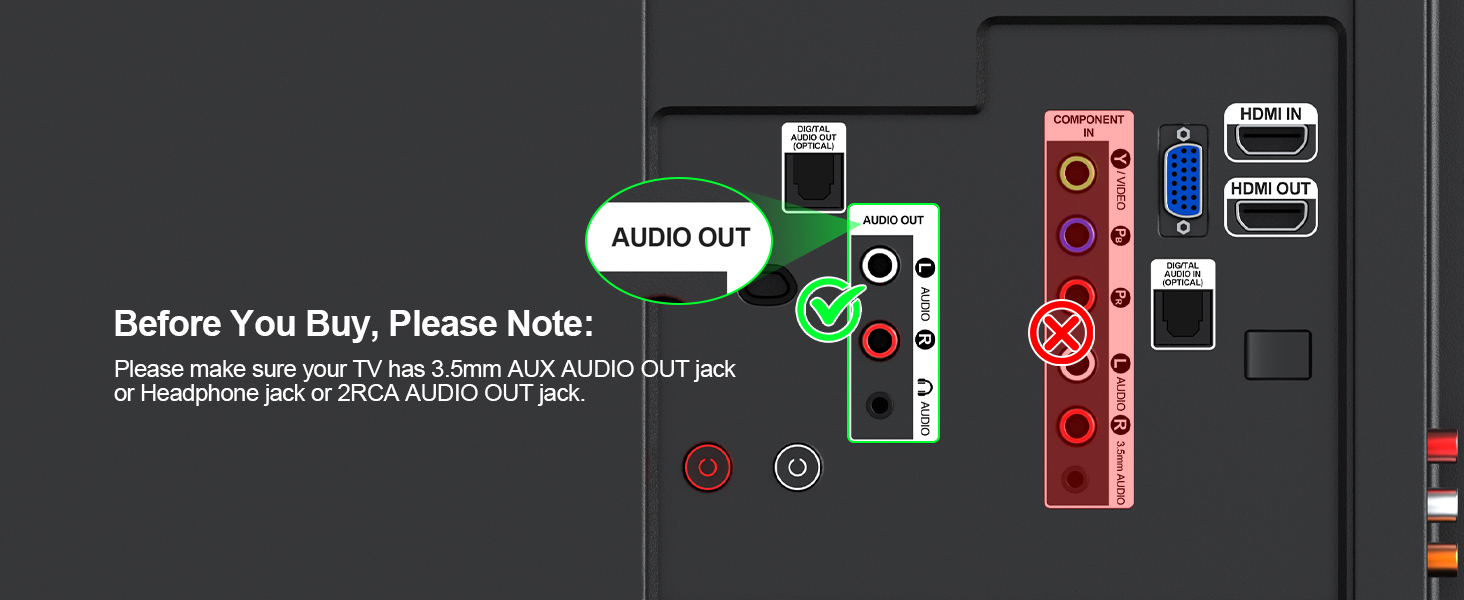
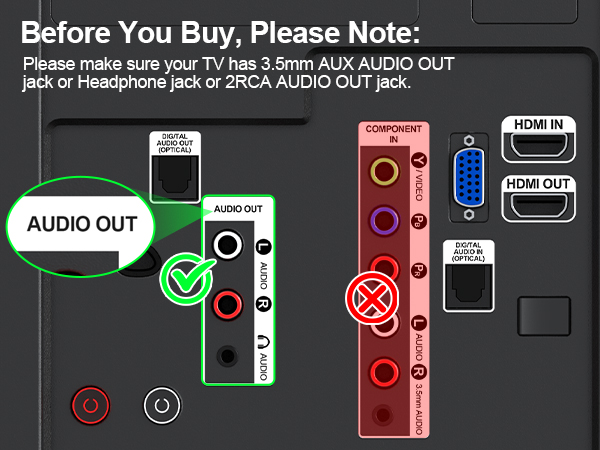
| A7 | Please make sure your TV has 3.5mm AUX AUDIO OUT jack or Headphone jack or 2RCA AUDIO OUT jack. |
| Q8 | How to reset the 1Mii ML300? |
| A8 | Please press and hold the Bluetooth button #1 for about 7 seconds until the LEDs flash purple for 3 times. |
ML300-Black | SafeFly Min+ | 1Mii Safefly Min | 1Mii B06 Set | 1Mii ML302+ | 1Mii Safefly Dot | Y8 |
|---|---|---|---|---|---|---|
| Customer Reviews | ||||||
| — | — | — | — | — | — | — |
| Price | ||||||
| — | — | — | — | — | — | — |
| Type | ||||||
| Bluetooth Transmitter&Receiver | Bluetooth Transmitter&Receiver | Bluetooth Transmitter | 2.4Ghz Transmitter Receiver | Bluetooth Transmitter&Receiver | Bluetooth Transmitter&Receiver | Bluetooth Headphones |
| Audio Codec Support | ||||||
| aptX-Adaptive/LL/HD/aptX/SBC | aptX-Adaptive/LL/HD/aptX/SBC | aptX-Adaptive/LL/HD/aptX/SBC | LC3 | aptX-Adaptive/LL/HD/aptX/SBC | aptX-Adaptive/LL/HD/aptX/SBC | SBC/AAC/LDAC |
| Audio Jack | ||||||
| 3.5mm AUX/2RCA | 3.5mm AUX/Dual-prong | 3.5mm AUX/Dual-prong | 3.5mm AUX/2RCA | 3.5mm AUX/2RCA | 3.5mm AUX/Dual-prong | 3.5mm AUX |
| Use for | ||||||
| TV/PC/Airplane/Gym/Boat/Stereo | TV/PC/Airplane/Gym/Boat/Stereo | TV/PC/Airplane/Gym | TV/PC/Home Stereo/Speaker | TV/PC/Airplane/Gym/Boat/Stereo | TV/PC/Airplane/Gym/Boat/Stereo | Phone/Airplane Travel/TV |
| Built-in Battery | ||||||
| ? | ? | ? | ? | ? | ? | ? |
| Dual Connection | ||||||
| ? | ? | ? | ? | ? | ? | ? |
| Volume+/- Control | ||||||
| ? | ? | ? | ? | ? | ? | ? |
| BT Version | ||||||
| BT 5.3 | BT 5.3 | BT 5.3 | 2.4GHz | BT 5.3 | BT 5.3 | BT 5.3 |
1Mii is a high-tech enterprise composed of a group of innovative and craftsmanship industrial designers, aesthetic masters, a team of PhDs in acoustic tuning, and musicians.
Each 1Mii product has been rigorously tested by the 1Mii professional acoustic laboratory to ensure it meets the brand's values: Bring Music to Life!
At present, 1Mii has more than 10 million users, products cover audio accessories, BT headphones, and HiFi audiophile devices.
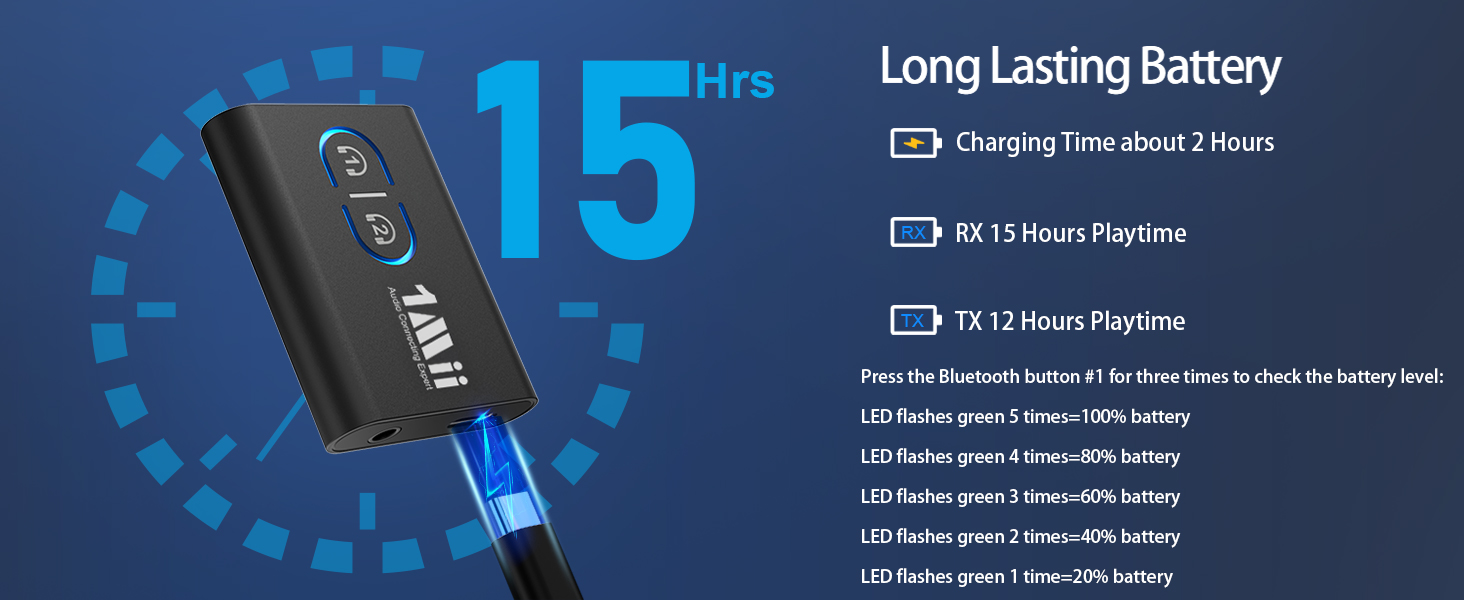
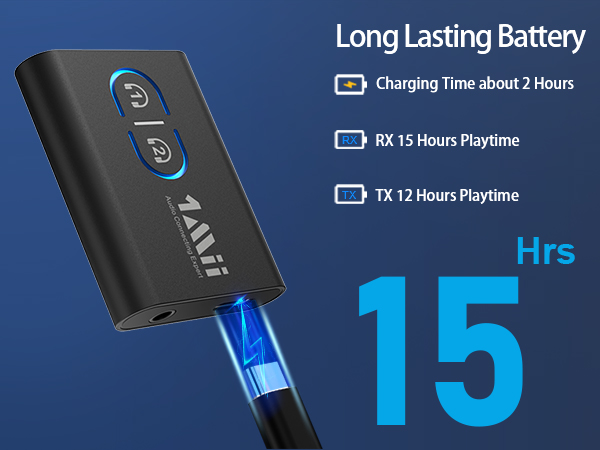
Experience wireless freedom with the 1Mii Bluetooth 5.3 Transmitter Receiver. This compact, portable device seamlessly converts non-Bluetooth devices into wireless ones, supporting both transmitter and receiver modes. Equipped with the latest Bluetooth 5.3 technology, it ensures stable connectivity and backward compatibility with older Bluetooth versions. The aptX Low Latency feature delivers up to 80% lower latency, syncing audio and video perfectly for gaming and movie watching. With wide compatibility, it supports devices with a 3.5mm aux/2RCA audio jack, making it a versatile choice for TVs, PCs, speakers, and more. Enjoy up to 12 hours of playtime in transmitter mode and up to 15 hours in receiver mode, all on a single charge. The sleek, compact design, measuring 1.96 x 1.37 x 0.31 inches and weighing just 5.2 grams, makes it easy to carry anywhere. Available in black, it's a discreet addition to any setup.
| Special Feature | 3.5mm AUX/2RCA, Bluetooth 5.3, 2-in-1 Bluetooth transmitter receiver, AptX Adaptive/ Low Latency/ HD, built-in rechargeable battery |
| Brand | 1Mii |
| Connectivity Technology | RCA,Bluetooth,Auxiliary |
| Power Source | Battery Powered |
| Product Dimensions | 1.96"L x 1.37"W x 0.31"H |
| Item Weight | 0.186 ounces |
| Item model number | ML300 |
| Batteries | 1 Lithium Polymer batteries required. (included) |
| Date First Available | August 19, 2020 |
| Manufacturer | 1Mii |