




 here!
here!
I’m your shopping assistant for PC builds, upgrades, and everything tech.
Got questions? Ask away!
Start a conversation
here!
I’m your shopping assistant for PC builds, upgrades, and everything tech.
Got questions? Ask away!
Start a conversation



Any questions? Ask CelesteSM will help you find out quickly.
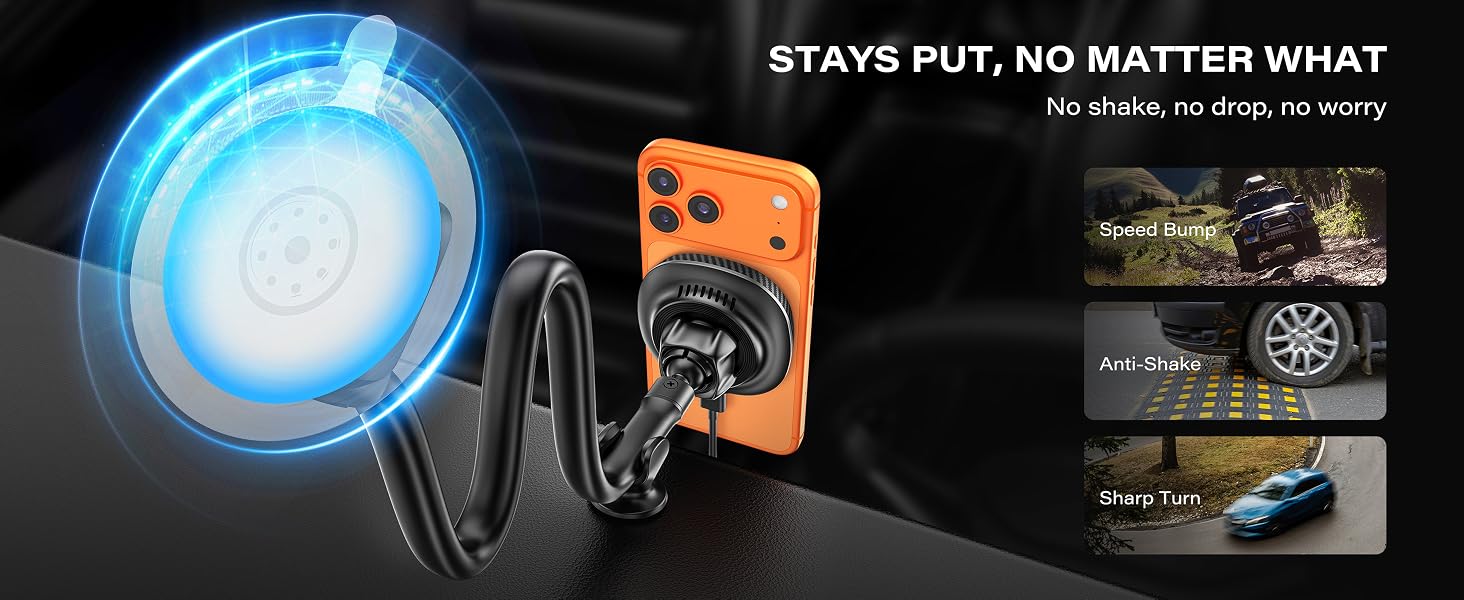
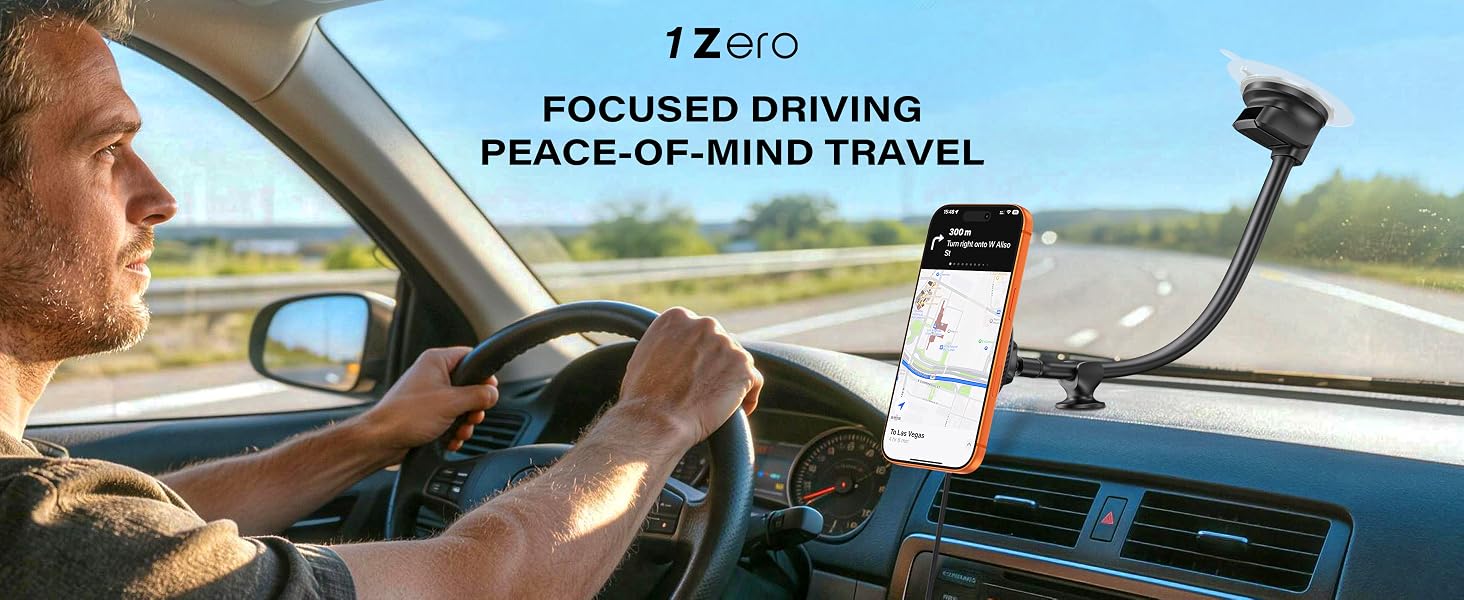
Q1: My wireless car mount isn't charging my phone, or charging keeps stopping. What should I check?
A: Check these first:
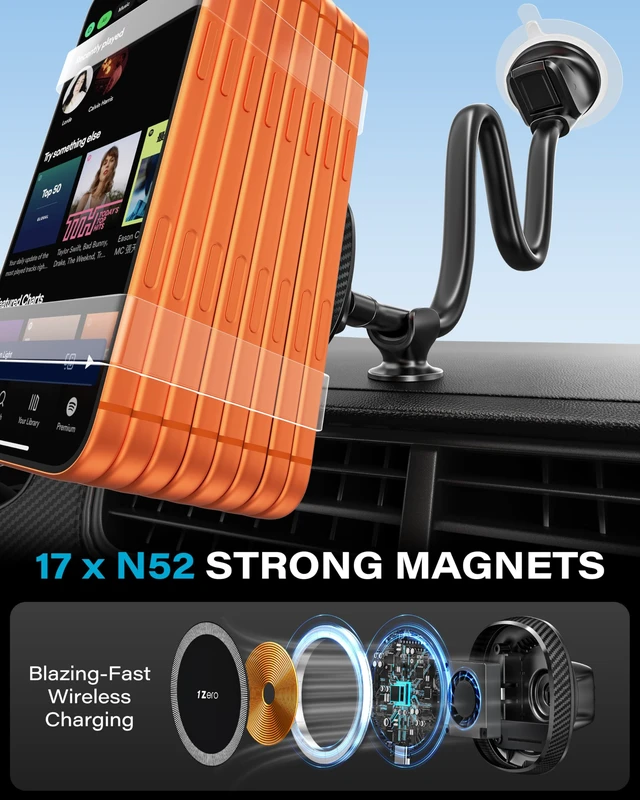
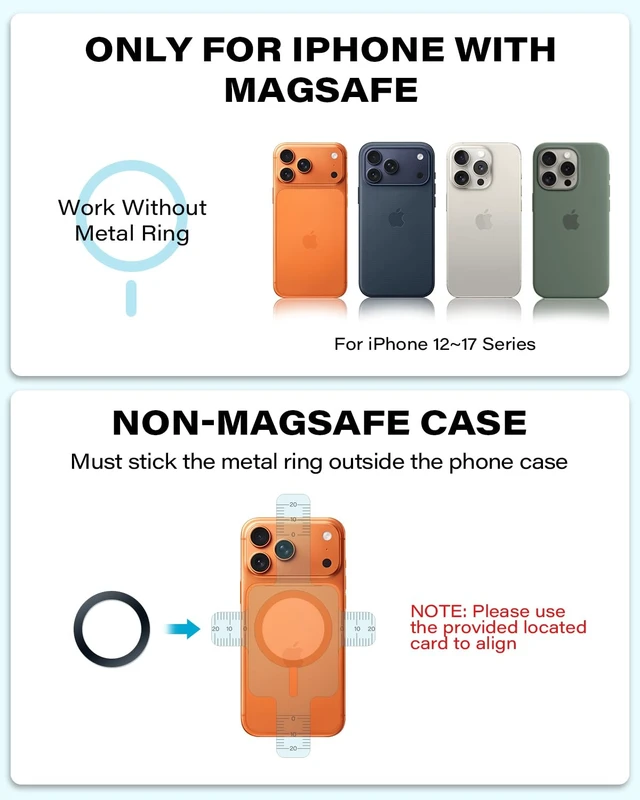
Case — Test with your bare phone; remove thick or metal-backed cases.
Magnetic ring — Make sure it's centered; off-center or stacked rings stop charging.
MagSafe case — Check the magnet ring is centered with your phone's coil.
Q2: How should I prepare the surface before installation?
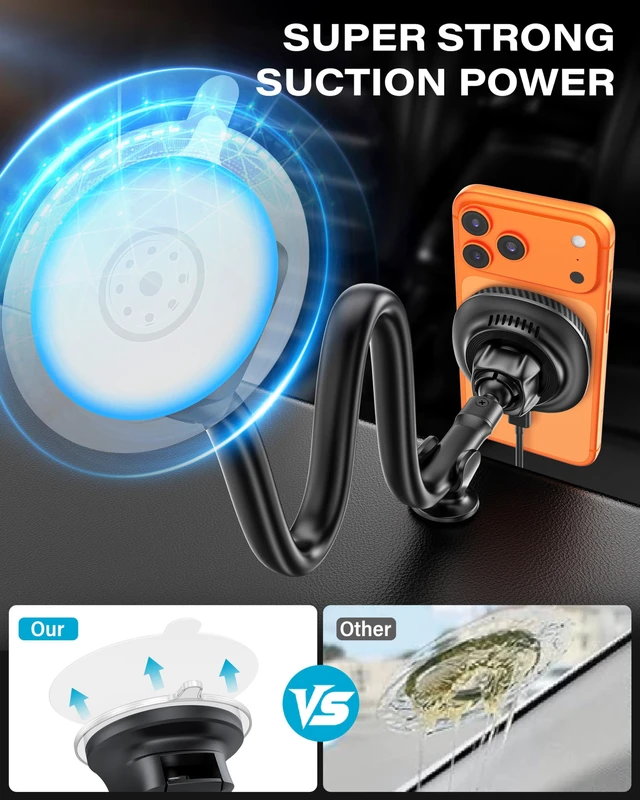
A: Clean the installation surface thoroughly to remove dust, dirt, and oil for optimal adhesion.
Q3: What types of surfaces can I use for installation?
A: Use smooth, flat, non-porous surfaces only. Avoid textured, dusty, or curved surfaces.
Q4: What is the recommended installation temperature?
A: Install between 68-95°F (20-35°C). In hot weather, if the surface exceeds 113°F (45°C), wait until it cools below 104°F (40°C). Avoid installing below 59°F (15°C).
Q5: When can I place my device on the holder after installation?
A: Wait 24 hours after installation to ensure maximum adhesion before placing your device.
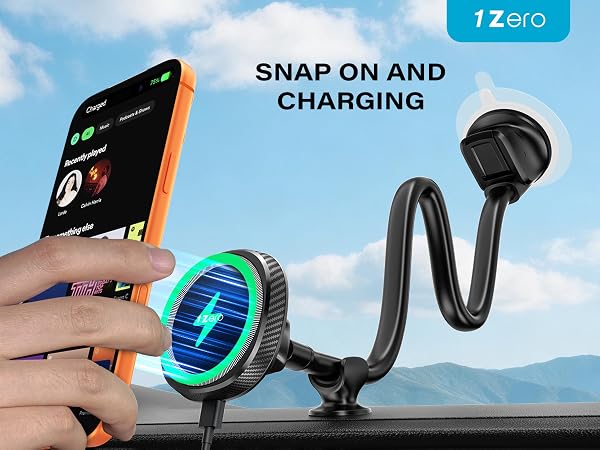
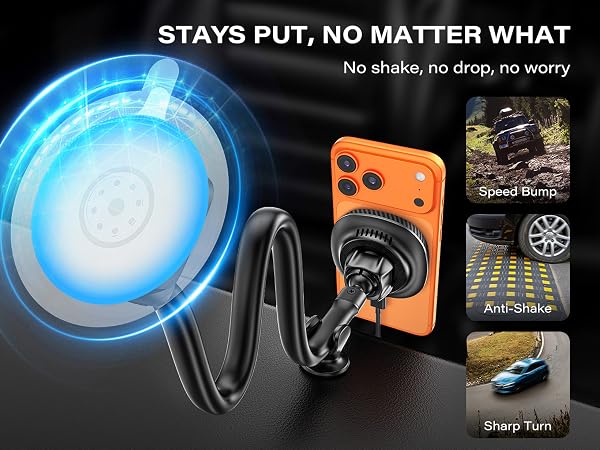
Q1: My wireless car mount isn't charging my phone, or charging keeps stopping. What should I check?
A: Check these first:
Case — Test with your bare phone; remove thick or metal-backed cases.
Magnetic ring — Make sure it's centered; off-center or stacked rings stop charging.
MagSafe case — Check the magnet ring is centered with your phone's coil.
Q2: How should I prepare the surface before installation?
A: Clean the installation surface thoroughly to remove dust, dirt, and oil for optimal adhesion.
Q3: What types of surfaces can I use for installation?
A: Use smooth, flat, non-porous surfaces only. Avoid textured, dusty, or curved surfaces.
Q4: What is the recommended installation temperature?
A: Install between 68-95°F (20-35°C). In hot weather, if the surface exceeds 113°F (45°C), wait until it cools below 104°F (40°C). Avoid installing below 59°F (15°C).
Q5: When can I place my device on the holder after installation?
A: Wait 24 hours after installation to ensure maximum adhesion before placing your device.
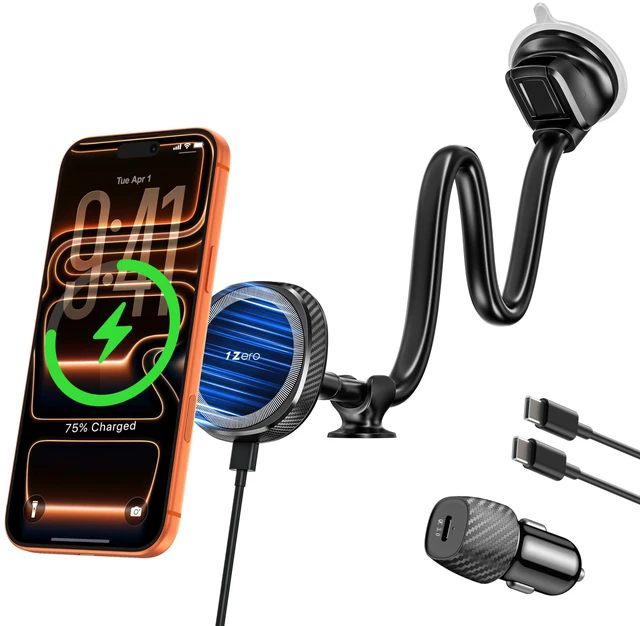
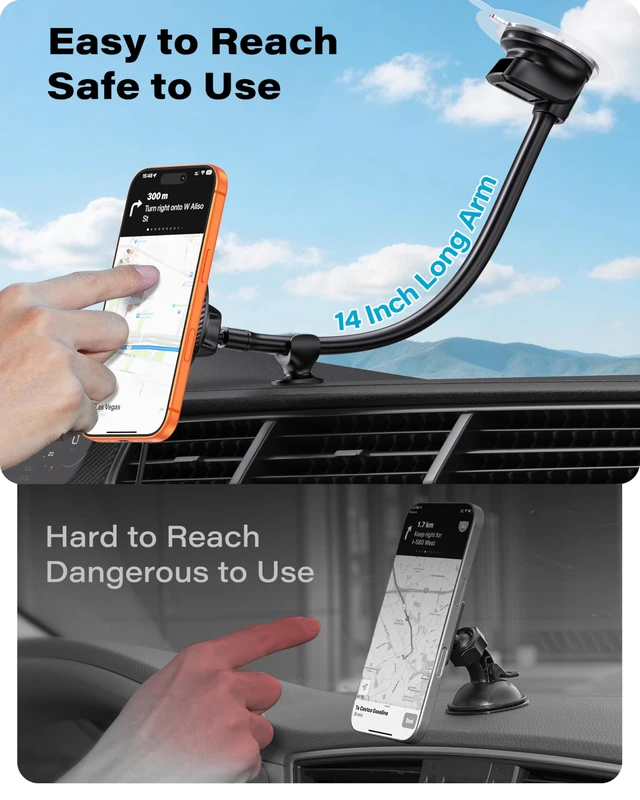
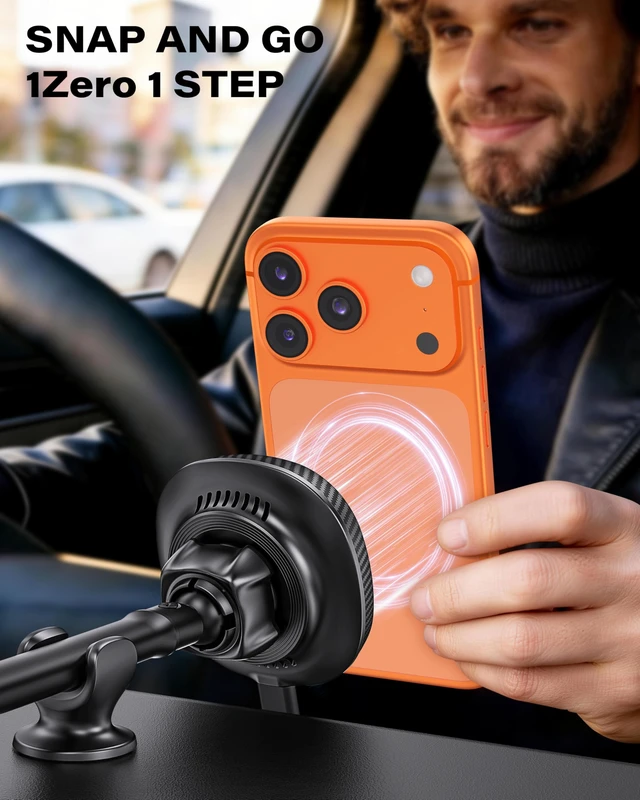
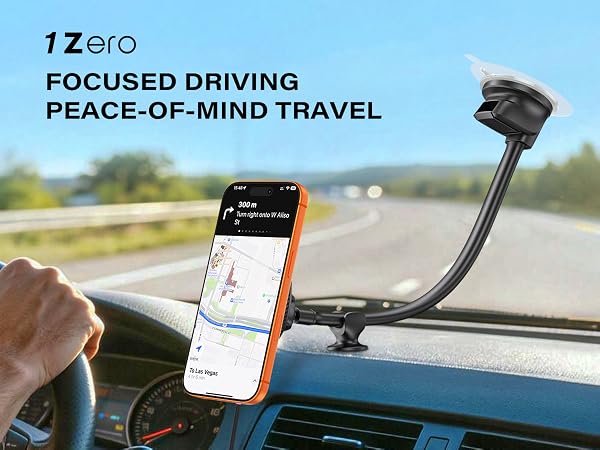
Long arm magnetic phone holder car mount


