




 here!
I’m your shopping assistant for PC builds, upgrades, and everything tech.
Got questions? Ask away!
Start a conversation
here!
I’m your shopping assistant for PC builds, upgrades, and everything tech.
Got questions? Ask away!
Start a conversation


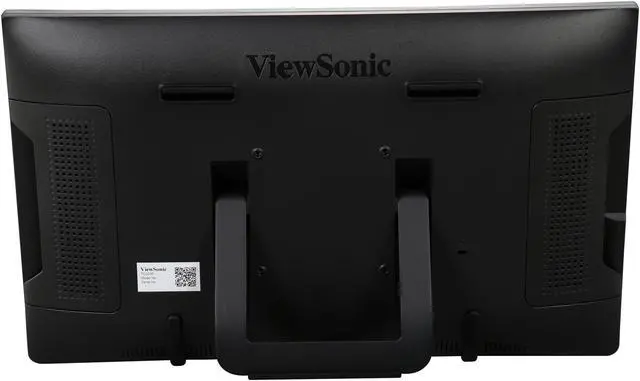
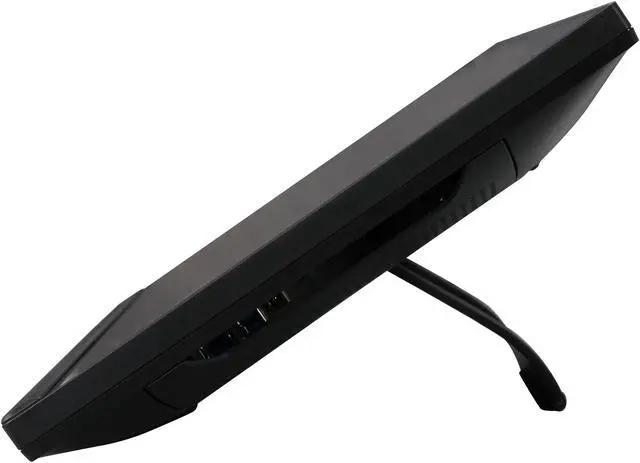



Any questions? Ask CelesteSM will help you find out quickly.
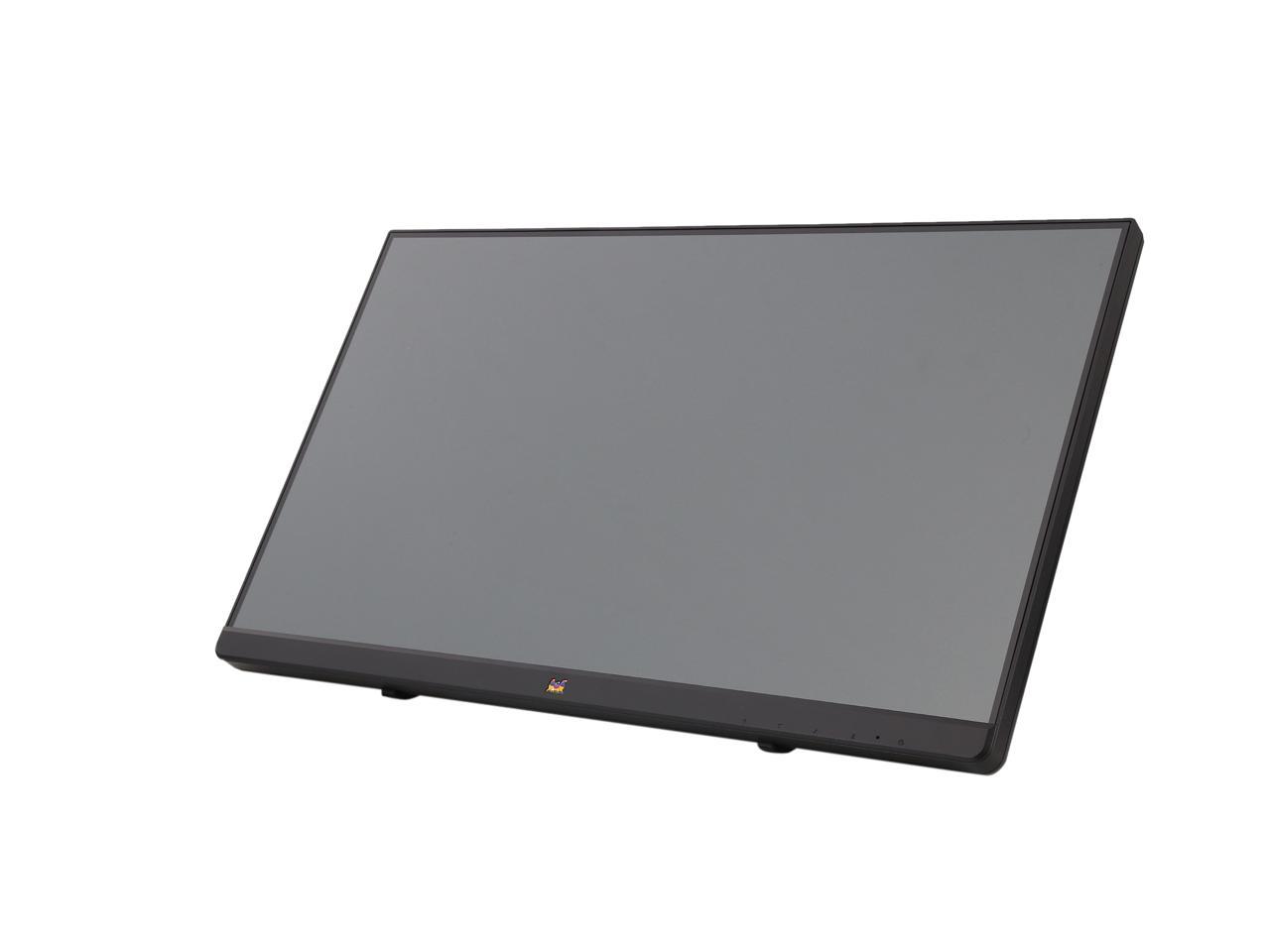
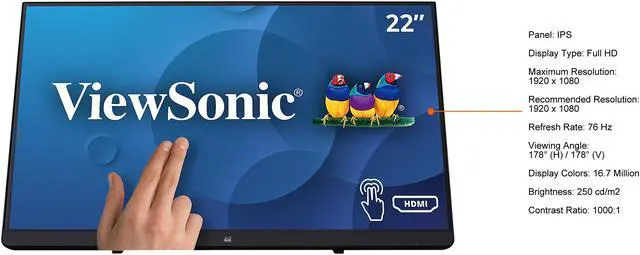
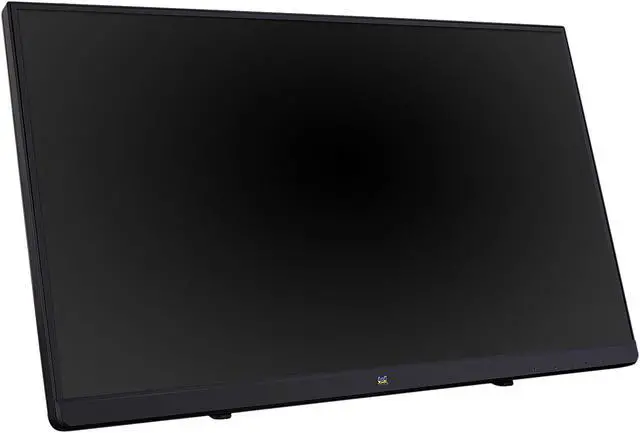
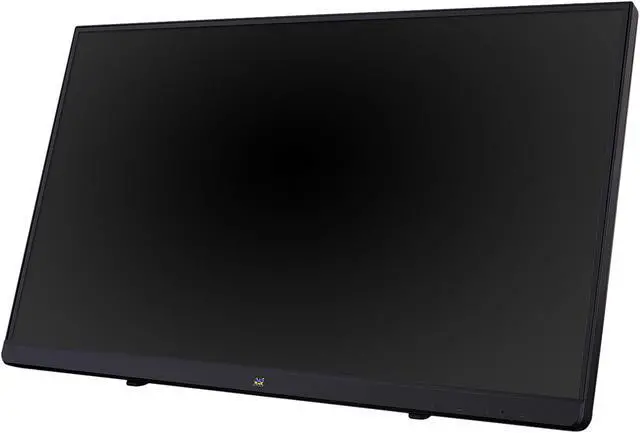
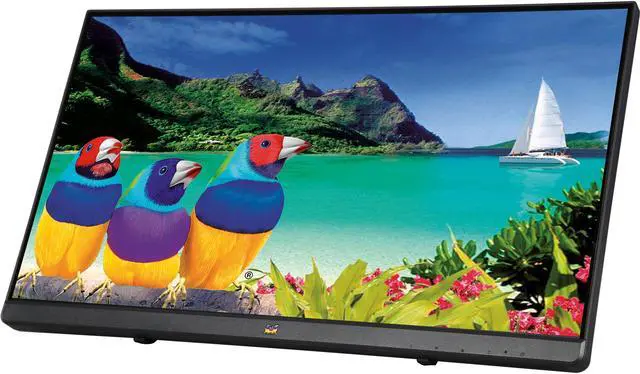
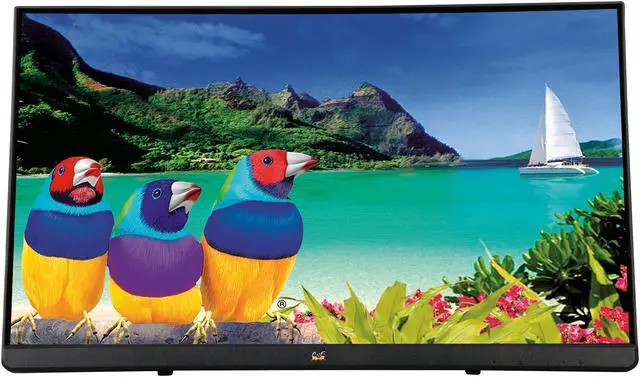
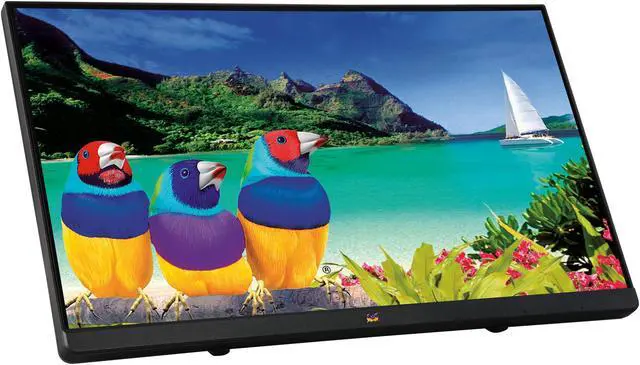
The ViewSonic TD2230 is a 21.5-inch Full HD IPS touchscreen monitor with 10-point capacitive touch, suited to retail, education, and enterprise users who need interactive displays for presentations, information stations, or desk-based work.
| Attribute | Value |
|---|---|
| Best For | Business and interactive retail, education, or enterprise setups that benefit from a touch-operated display |
| Panel And Resolution | 21.5-inch IPS LCD touchscreen with 1920 × 1080 Full HD resolution, 16:9 aspect ratio, matte finish, 250 cd/m² brightness, 1000:1 contrast ratio, 178° horizontal and vertical viewing angles, and 16.7 million colors |
| Refresh Rate And Response | 76 Hz refresh rate and 5 ms response time |
| Touch And Display Features | 10-point projected capacitive touch with 7H surface hardness |
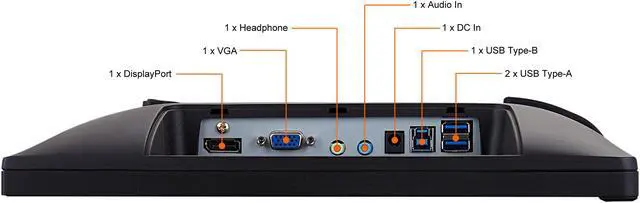
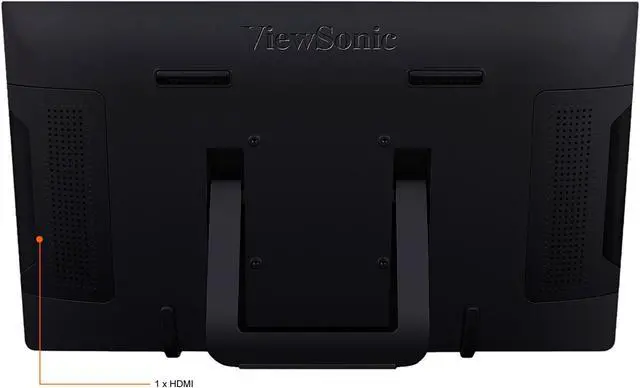
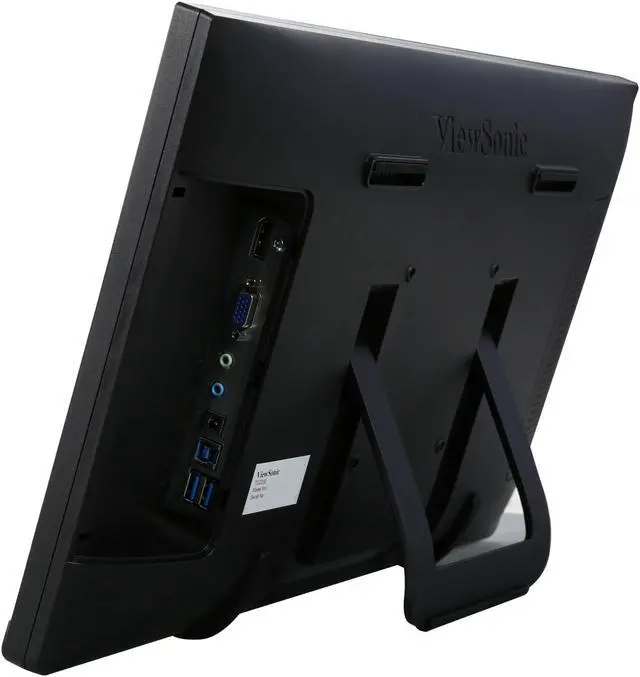
| Ports And Connectivity | 1 HDMI, 2 DisplayPort, 1 D-Sub/VGA, and 2 USB ports; no DVI or USB 3.0 ports |
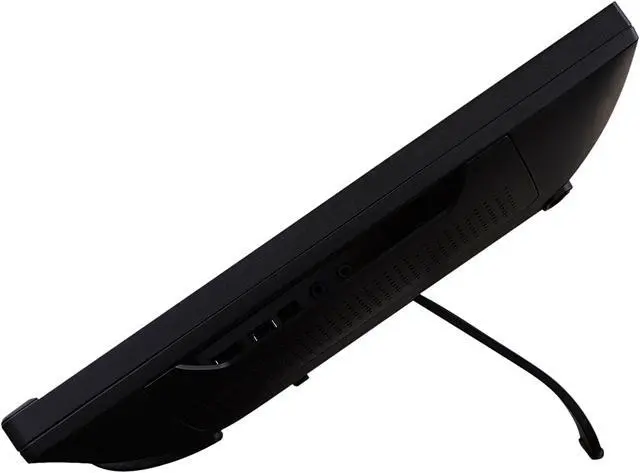
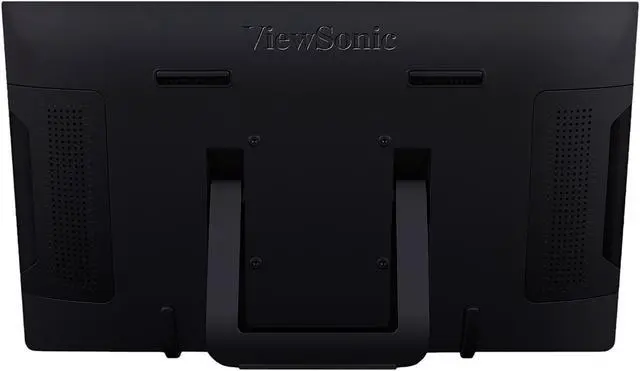
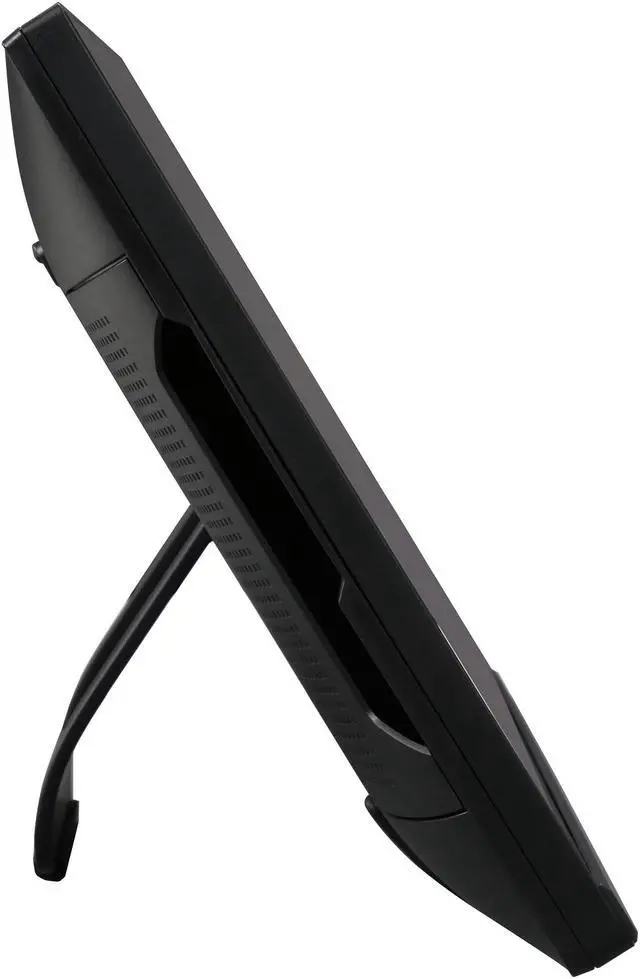
| Stand And Ergonomics | Stable bookstand with 7 height positions; VESA-compatible 100 × 100 mm mounting |
| Audio | Two built-in 3 W speakers |
| Dimensions And Weight | 19.3 × 11.8 × 5.1 inches with stand; 19.3 × 11.8 × 1.9 inches without stand; 7.89 lb with stand |
| Power | 100–240 VAC, 50/60 Hz power input |
| Model Identifiers | ViewSonic TD2230 |
Q: ViewSonic TD2230 vs TD2223: which 22-inch touchscreen should I choose?
A: Choose the TD2230 for its 21.5-inch Full HD IPS panel and 10-point projected-capacitive touch. The TD2223 is also a 22-inch Full HD 10-point touchscreen, but uses an infrared touch system and TN panel. The key decision is IPS with projected-capacitive touch on the TD2230 versus infrared touch on the TD2223.
Q: Should I get the ViewSonic TD2230 or the larger TD2455?
A: Choose the TD2230 for a 21.5-inch Full HD IPS touchscreen with an adjustable freestanding stand and HDMI, DisplayPort, and VGA inputs. Choose the 23.8-inch Full HD IPS TD2455 for a larger touch area, dual-hinge ergonomics, and USB-C with up to 60W charging, video, and data over one cable.
Q: ViewSonic TD2230 vs TD2423d: is the 24-inch model worth choosing?
A: Choose the TD2423d if you want a 23.8-inch Full HD touchscreen with 10-point infrared touch. Choose the TD2230 for a more compact 21.5-inch Full HD display with an IPS panel and 10-point projected-capacitive touch. Both are freestanding ViewSonic touch monitors with adjustable stands.
Q: ViewSonic TD2230 or TD1655 for a touchscreen setup?
A: Choose the TD2230 for a larger 21.5-inch freestanding touch display with HDMI, DisplayPort, and VGA connections. Choose the TD1655 for a travel-friendly 15.6-inch portable touchscreen with a protective cover and USB-C connectivity that supports video, data, and up to 60W charging.
Q: Will the touchscreen work with a laptop that doesn’t have a touchscreen?
A: Yes. The TD2230 can serve as an external display for a non-touch laptop. For touch input, connect the monitor to the laptop with the USB cable as well as a video cable such as HDMI, DisplayPort, or VGA.
Q: Can I use the TD2230 with a Mac?
A: Yes. It can connect to a Mac as an external monitor. To use touch and gestures on macOS, install ViewSonic’s vTouch driver; touch support is not available for iPhone or iPad.
Q: Can I wall-mount the TD2230?
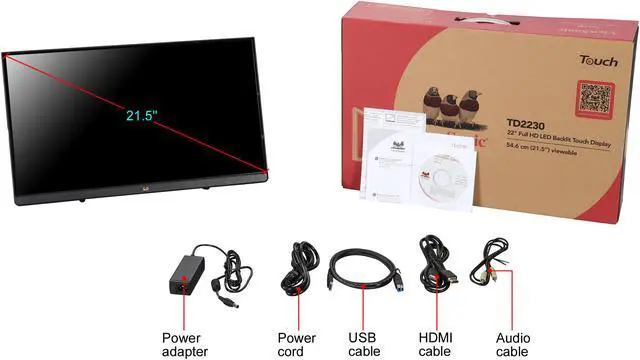
A: Yes. It supports a 100 × 100 mm VESA mount. The mounting hardware or arm is not included in the listed package contents, so check that your mount is compatible and obtain any required hardware separately.
Q: Can I use the TD2230 without connecting it to a computer?
A: No. The TD2230 is a monitor, not a standalone computer. Connect it to a compatible computer or other supported host device to display content and use its touch controls.
Q: Is the ViewSonic TD2230 useful as a touch-control screen for music or lighting work?
A: It may suit a desk-based control setup: Reddit users describe using it with music-mixing software and lighting controls. Its 21.5-inch Full HD touchscreen and adjustable stand support that kind of use, but it is a monitor rather than a dedicated hardware control surface.
Q: Is the TD2230 touchscreen responsive enough for controls such as faders?
A: One owner using it for music-mixing controls said it was responsive enough for their needs. That is an individual report, not a guarantee for every computer, application, or setup.
Q: Is the TD2230 practical to transport to events or work sites?
A: A Reddit owner describes it as easy to transport and set up, while another notes that it can be unwieldy to carry. It weighs 7.89 lb with the stand, so consider its size and how you will pack it before choosing it for frequent travel.
Q: Does touch work with a Mac, or is a driver needed?
A: The supplied product information says Mac users can access touch and gesture controls with ViewSonic’s vTouch driver. In a Reddit discussion, a TD2230 owner also mentioned installing macOS drivers for their setup, so check the applicable driver and Mac compatibility before buying.


