here!
here!
I’m your shopping assistant for PC builds, upgrades, and everything tech.
Got questions? Ask away!
Start a conversation
here!
I’m your shopping assistant for PC builds, upgrades, and everything tech.
Got questions? Ask away!
Start a conversation



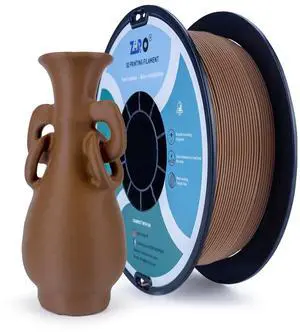
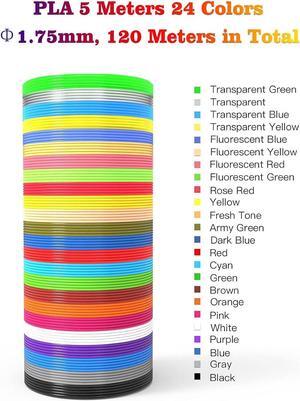
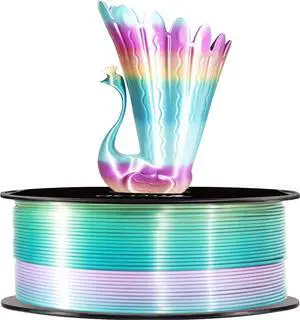
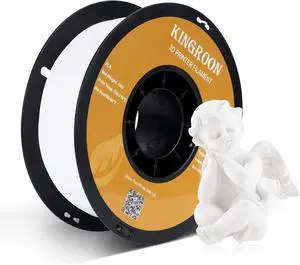
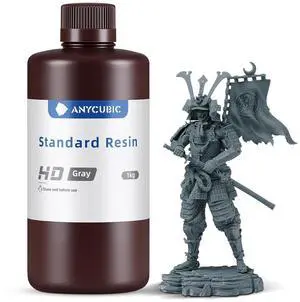

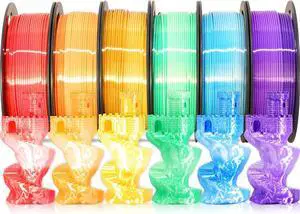
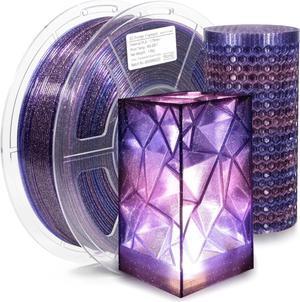
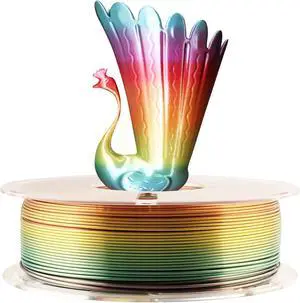
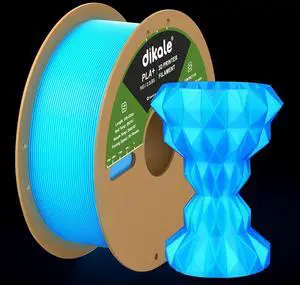
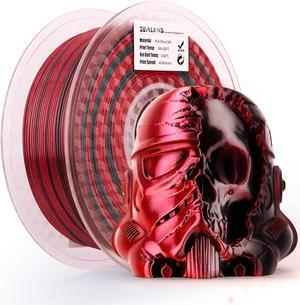
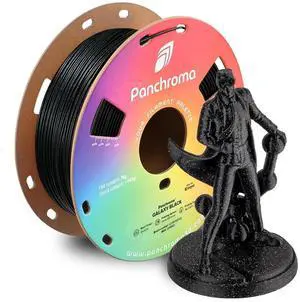
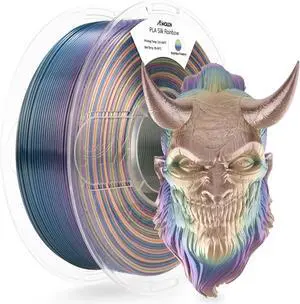
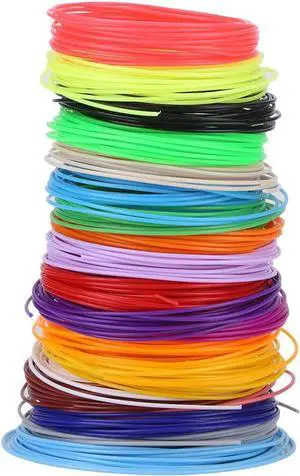
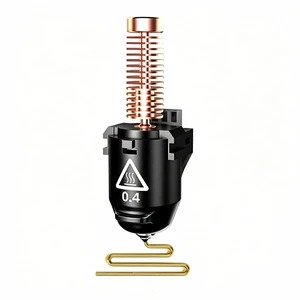
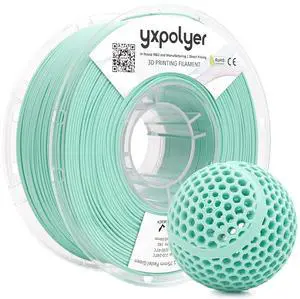
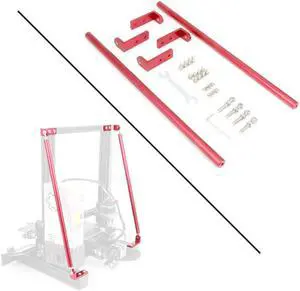
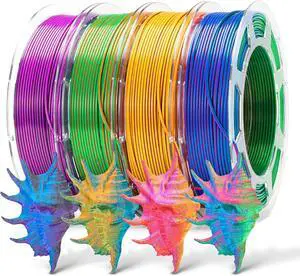
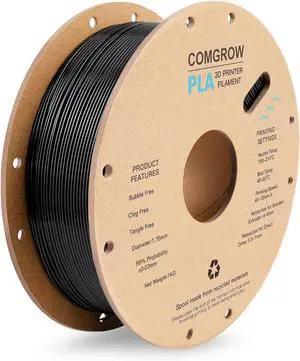
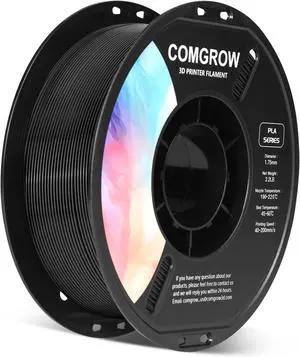
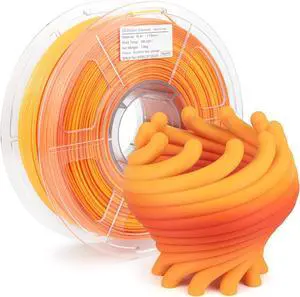
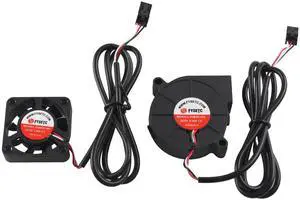
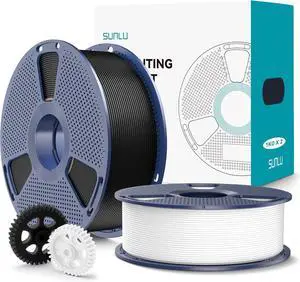
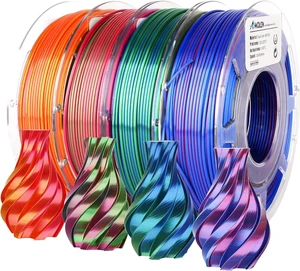
This page offers essential accessories like build plates, nozzles, filament sensors, and toolkits designed to improve print quality and maintenance for Creality, Prusa, and Anycubic 3D printer users. Whether upgrading or replacing parts, find compatible items tailored to your printer model here.
Choosing the right accessories for your 3D printer involves evaluating several critical factors that directly impact print quality and user experience:
The nozzle is arguably the heartbeat of your 3D printer's performance. Selecting the right nozzle type and size can dramatically influence print resolution, speed, and compatibility with different filament types. Smaller nozzle diameters, such as 0.2mm or 0.3mm, excel at high-detail prints but require slower speeds and can clog more easily. Larger nozzles up to 0.8mm expedite printing and are ideal for bigger models or more abrasive materials. Beyond size, nozzle materials matter—brass nozzles are standard and excellent for PLA, while hardened steel nozzles offer better wear resistance for abrasive filaments like carbon fiber blends. Consider your typical print objectives and filament choices carefully to optimize your nozzle selection.
For professional users looking to push their 3D printing capabilities further, exploring advanced accessories offers powerful customization options. Upgrading to high-precision filament sensors and specialized nozzles enhances reliability under industrial workflows. Additionally, modular toolkits tailored for FDM and resin printers provide essential maintenance instruments to keep your equipment finely tuned. Leverage resources such as 3D Printing & Maker for access to these targeted upgrade kits and professional-grade accessories that streamline intricate prints and extensive production runs.
Newegg shopping tip: When choosing 3D printer accessories, make sure to check compatibility with your specific printer model and brand, as parts like nozzles and build plates can vary in size and material. Also, consider the quality of the materials and how they affect print precision and durability.
Explore advanced filament types from PLA to PETG, and fine-tune print quality with adjustable layer heights and nozzle sizes for precision prototyping.
Find specialized maker tools and upgrade kits designed for FDM and resin printers, optimizing your build platform, extruders, and curing processes.
Narrow results by printer type, material compatibility, and slicing software features to quickly identify accessories tailored to your 3D printing workflow.
If you’re new to 3D printing, it’s normal to feel overwhelmed by the array of accessories available for Creality, Prusa, and Anycubic printers. Start by focusing on essential add-ons like build plates, replacement nozzles, and toolkits that support routine maintenance and improve print reliability. These basics help ensure your printer runs smoothly and your models come out clean and accurate. As you grow more comfortable, explore filament sensors and upgrade kits that can elevate print quality. For a deeper dive into materials and fine-tuning settings, visit our 3D Printing category for expert advice and compatible accessories.
Regular tuning and upkeep are critical for anyone who prints often and demands consistent results. Maintenance-focused buyers look for quality replacement parts like hardened steel nozzles for abrasive filaments, flexible build plates to ease print removal, and filament sensors to avoid failed prints due to material runouts. Having a custom toolkit on hand helps tackle jams and tighten loose components quickly, saving downtime. This persona values accessories designed specifically for reliable upkeep and troubleshooting to keep their Creality, Prusa, or Anycubic machines running at peak performance.
Experienced makers and tinkerers often seek accessories that expand printer capabilities and fine-tune output quality. Popular upgrades include alternative build surfaces optimized for different filament types, precision nozzles for detailed layering, and enhanced extruder parts to handle specialty filaments. Users focused on fine control also appreciate tools that assist with calibration and leveling, as well as sensors that automate print quality monitoring. Many of these upgrade options are tailored to specific printer models, so be sure to check compatibility. Explore the 3D Printing & Maker section for curated kits and accessories that meet high standards for customization.
Research more: When upgrading your 3D printer, choosing the right accessories like build plates or filament sensors can improve print quality and reliability. For detailed insights and compatibility tips with Creality, Prusa, and Anycubic models, check out Newegg Insider’s buying guides.
Last Updated: September 2026 | Newegg 3D Printers Accessories Buying Guide
Upgrade kits bundle everything you need for a specific mod or improvement, making installation simpler and more cohesive than hunting down individual parts that may or may not be compatible.
Branded accessories often offer more consistent quality and better customer support, while generic options can save money but sometimes sacrifice reliability or print performance.
Accessories like nozzles and build plates are designed to work with materials such as PLA, ABS, PETG, and TPU, depending on the printer model. Make sure to check compatibility with your specific filament type before buying.
Compatibility usually depends on your printer’s make and model, especially for parts like extruders and build surfaces. Check the product details or user manual to match specifications like size and connection type.
Start by looking at what materials you plan to use and the type of printing you want to do; basics like extra nozzles and build plates cover most needs, but if you’re doing detailed or specialty prints, you might want upgrades like a better hotend or enclosure.
It depends on your budget and goals—basic accessories are fine to get started, but spending a bit more on quality parts can save you time and frustration as you learn, especially if you want reliable, consistent prints right away.
Check the product description and reviews carefully for mentions of your printer model or series. Users often share their experiences with compatibility issues, which can save you a lot of troubleshooting later.
Yes, look out for recurring issues like poor fit, material warping, or electrical failures. Reviews that mention consistent quality or frequent returns can be red flags worth considering before buying.
Clean your print bed thoroughly first, then carefully peel the backing off the adhesive sheet and smooth it onto the bed to avoid bubbles. This helps your prints stick better and reduces warping.
Start by following the manufacturer’s instructions for installation, then run a test print and adjust settings like temperature and flow rate based on the test results to get optimal performance.