
Your Browsing History

Make informed decisions with expert advice. Learn More


Any questions? Our AI beta will help you find out quickly.
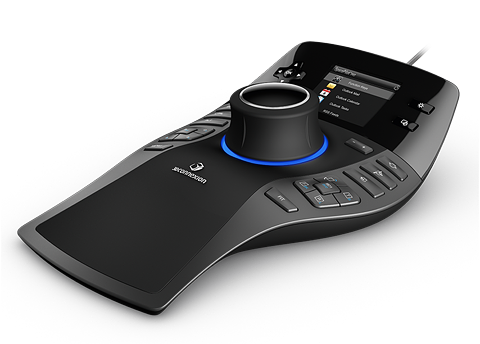


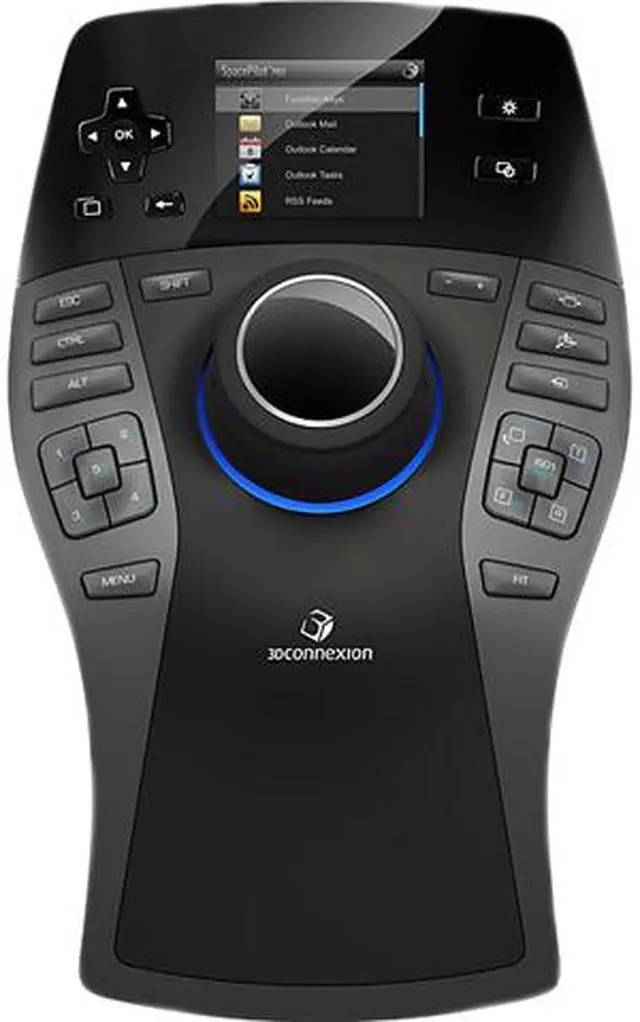
The dual-function QuickView Keys extend the power of the controller cap by providing one-touch access to a range of useful views, making it easy to inspect models from any angle for improved error detection, design review and design presentation.

SpacePilot Pro automatically recognizes the active application and environment and assigns 10 relevant application commands to its dual-function Intelligent Function Keys.
As there's no need to use the standard mouse or keyboard to select the commands, users experience a significantly streamlined workflow.
A "short press" activates the keys primary function (commands 1 - 5).
Press and hold the key to activate its secondary function (commands 6 - 10).

Personalize how the controller cap works by restricting navigation to certain axis.

The convenient Ctrl, Shift, Alt and Esc keys allow you to simultaneously navigate your 3D model while accessing special application functionality or editing capabilities.
This significantly reduces the need to move the hand from SpacePilot Pro to the keyboard, resulting in a more optimized workflow.

The full-color LCD provides visual feedback on the function keys, navigation setting status and workflow applets ensuring quick access to important information without interrupting your workflow.
