










- PLEASE READ FIRST -
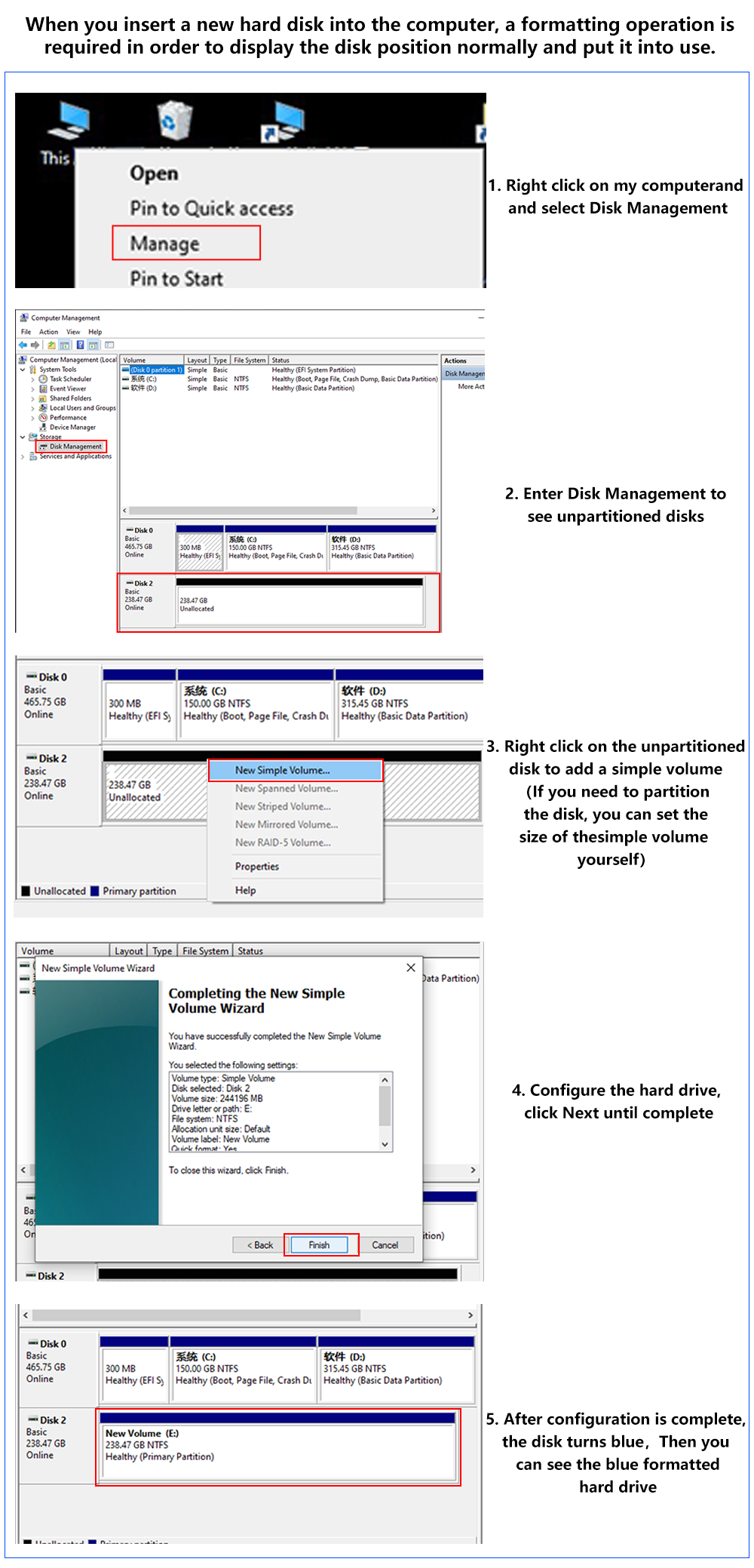
1. Default Setup: Our SSD comes unallocated and without partitions.
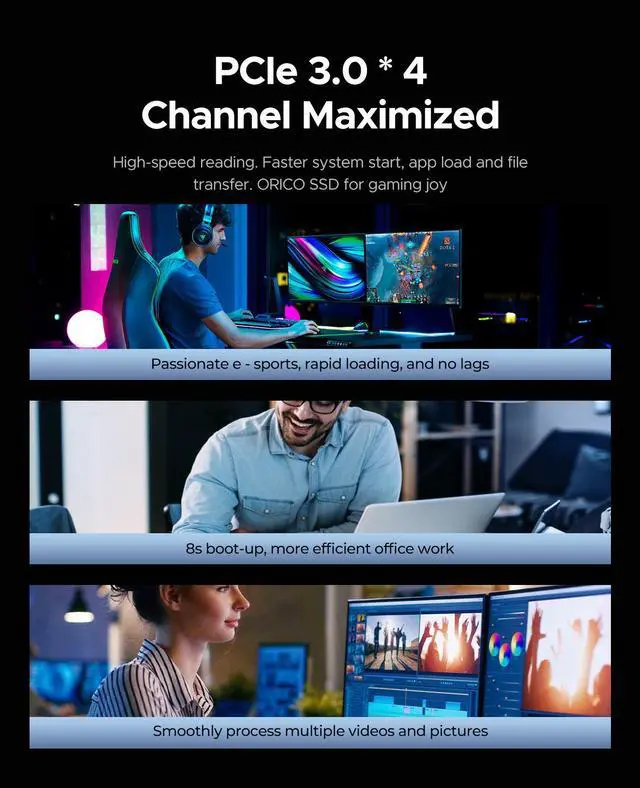
2. Boot Speed: An SSD can boot your system in just 15 to 30 seconds, much faster than an HDD.
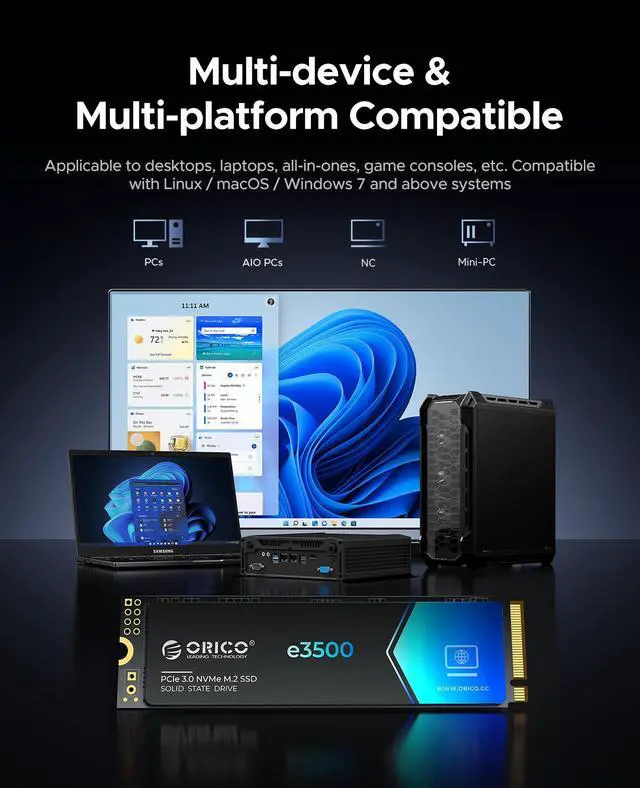
3. Check Compatibility: Please contact us to confirm if your laptop or desktop is compatible.
4. Unboxing Reminder: Record a video while unpacking in case you need to return a defective product.
5. Capacity Information: Note that there can be a difference between the displayed capacity and the actual capacity. This is due to the manufacturer using different calculations for memory size. For example, 1 MB is considered 1000 KB by manufacturers but 1024 KB by operating systems, leading to a difference of about 5-7%.
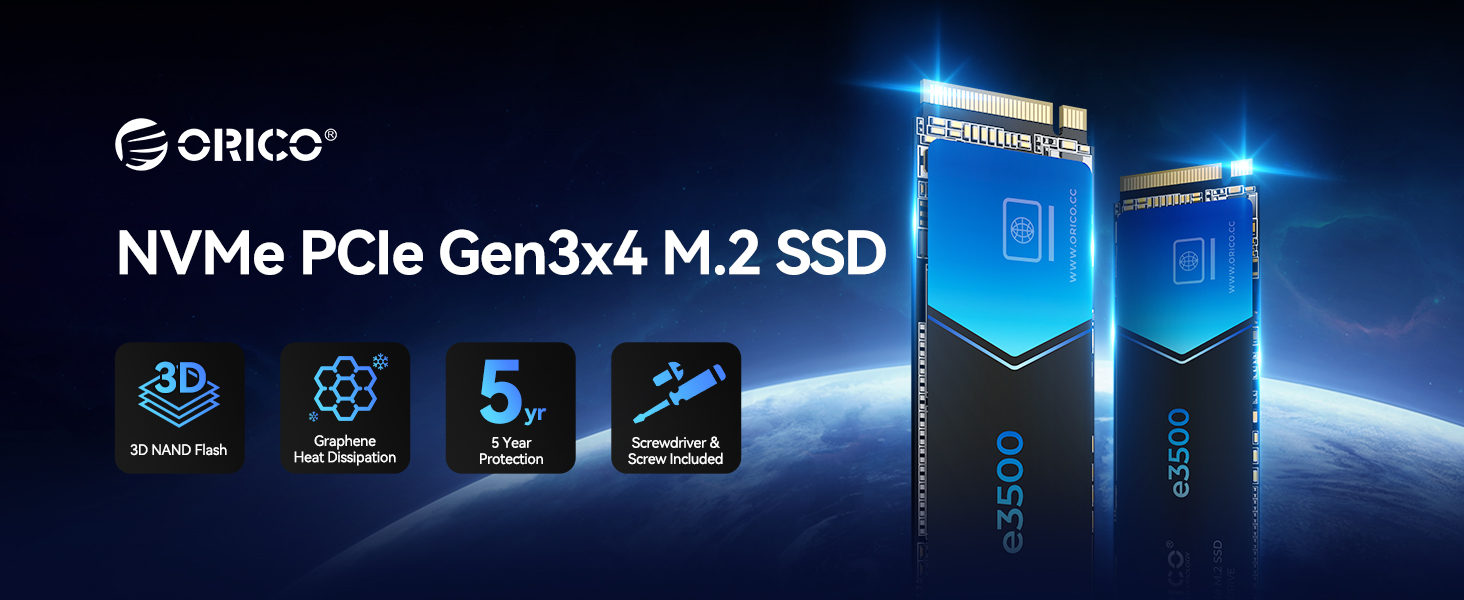
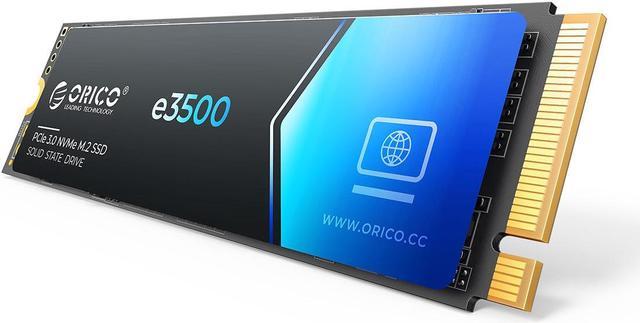
ORICO e3500 M.2 NVMe SSD PCIe Gen3x4 Solid State Drive
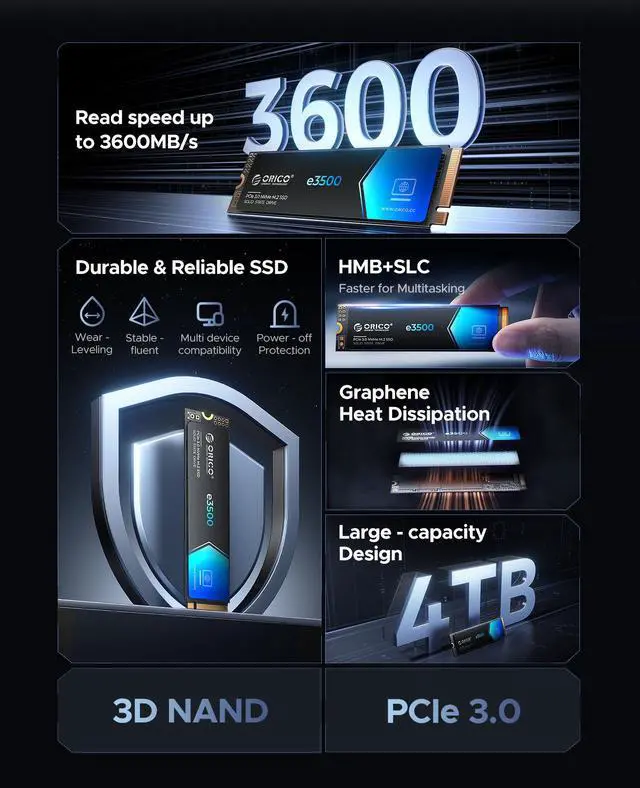
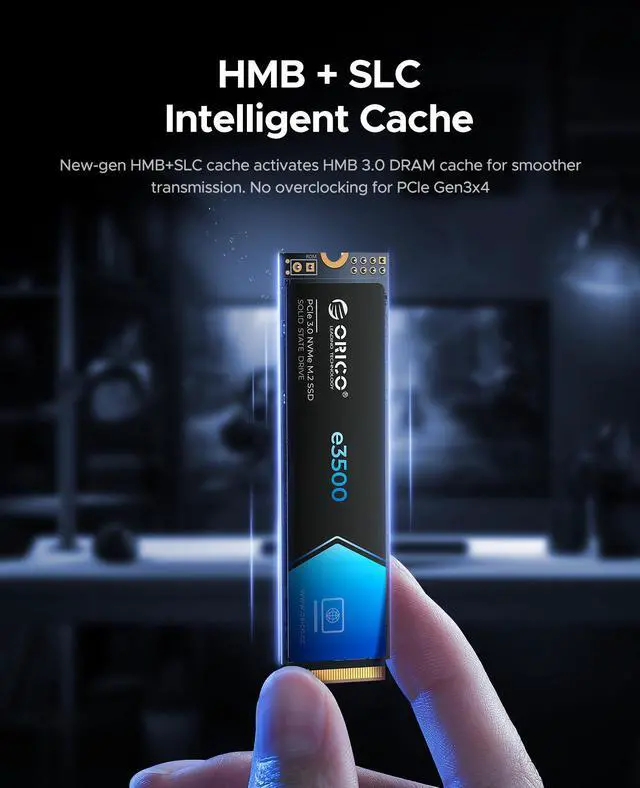
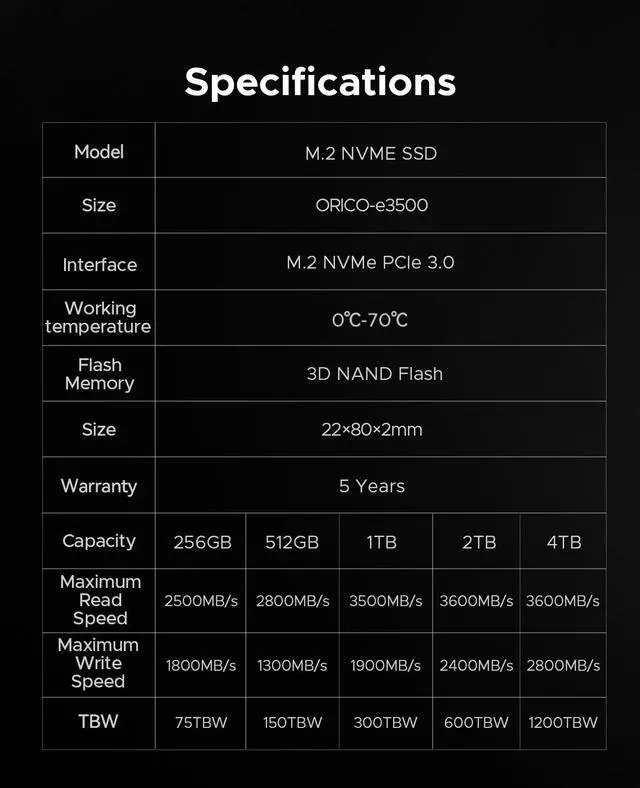
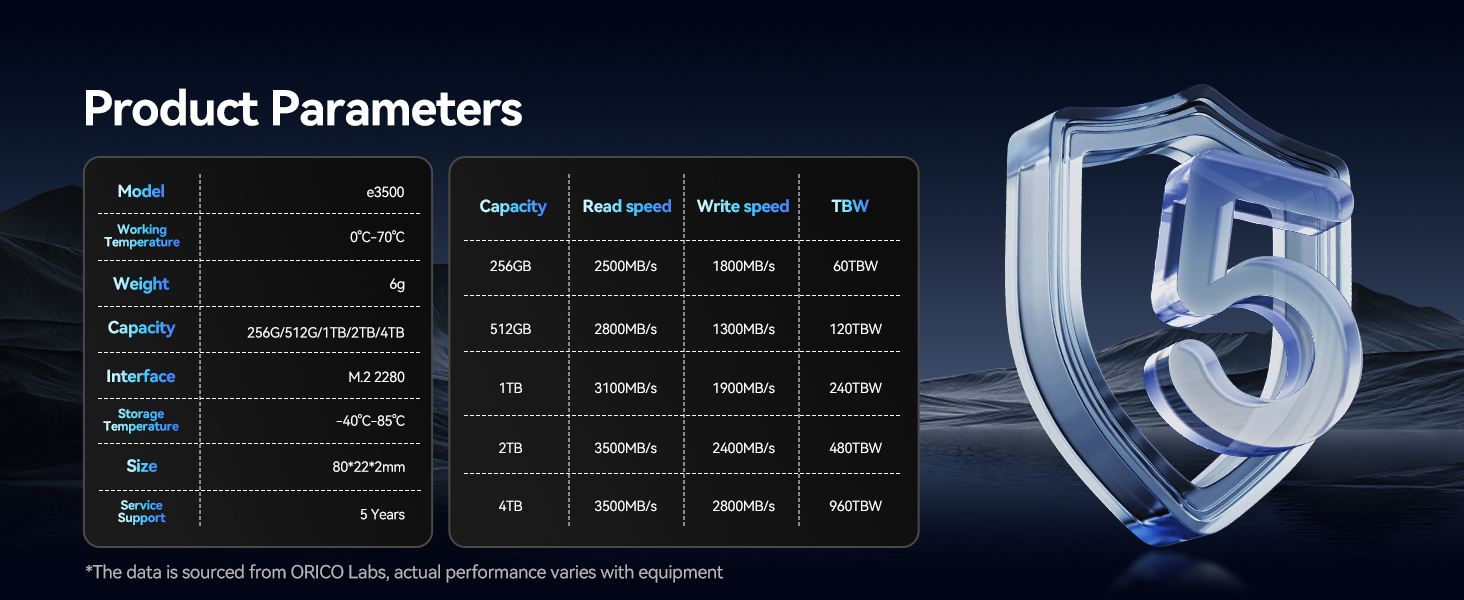
- Blazing-Fast Speeds: PCIe Gen3x4 interface delivers read speeds up to 3600MB/s and write speeds up to 2800MB/s 6 times faster than SATA.(e3500-4TB)
- Durable 3D NAND QLC Flash: Advanced 3D NAND technology ensures higher density, longevity, and energy efficiency.
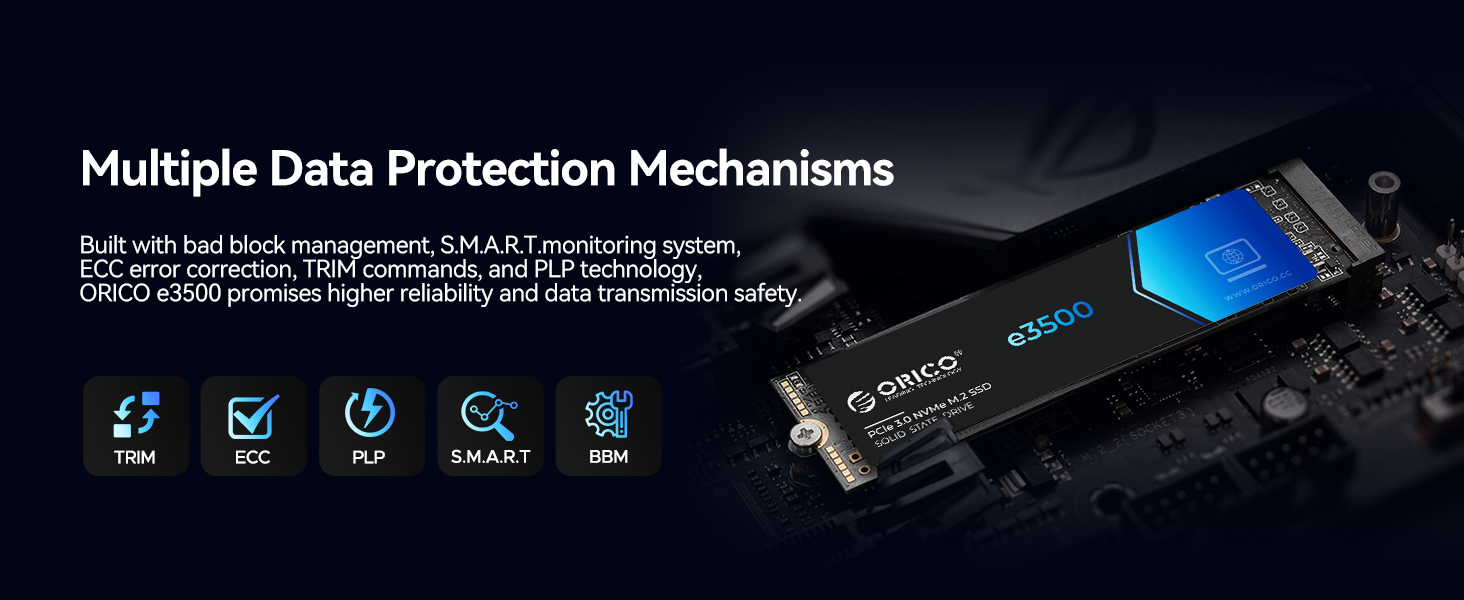
- Unmatched Durability: Bad block management, S.M.A.R.T. monitoring, ECC error correction, TRIM support, and PLP technology ensure data integrity and stable performance.
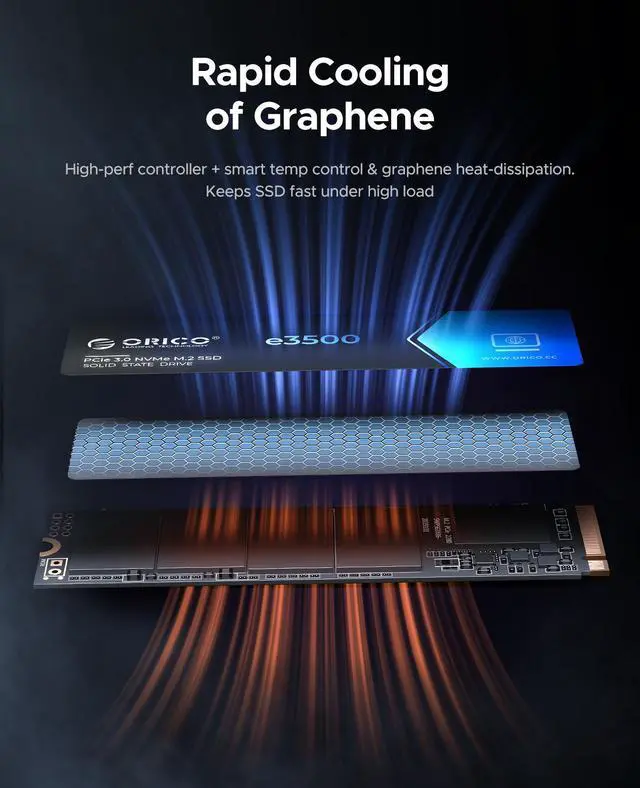
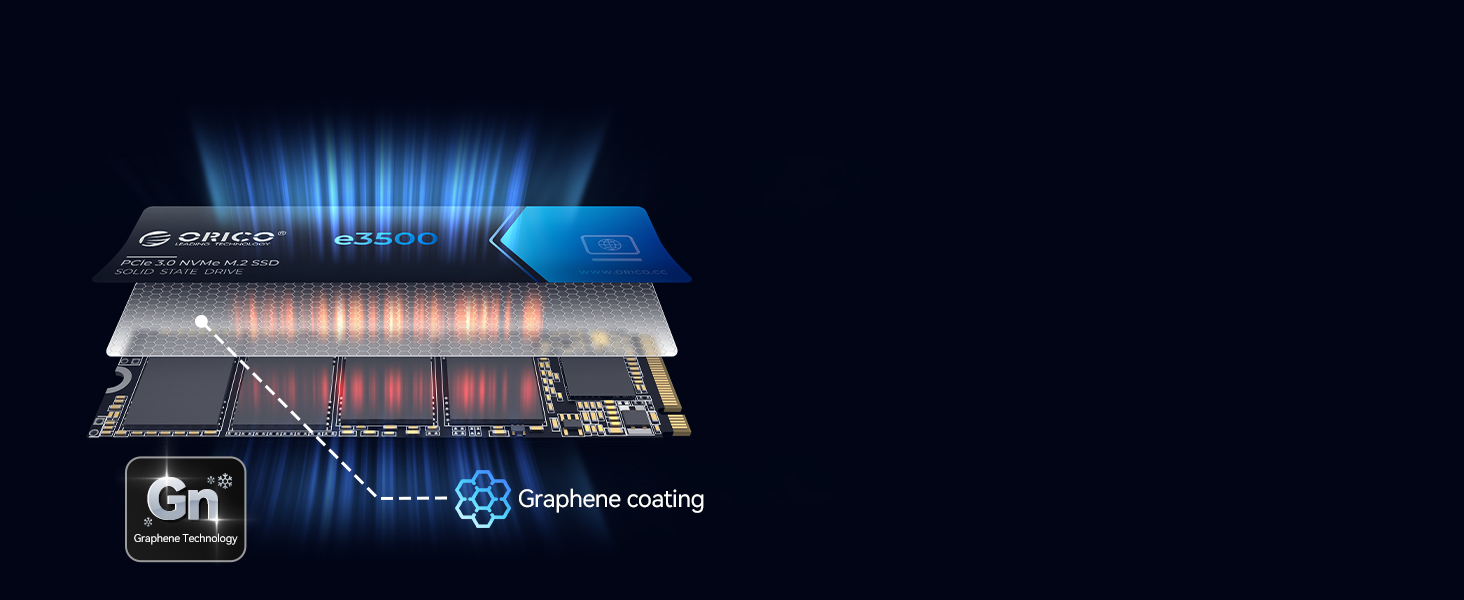
- Efficient Cooling: Graphene covering reduces thermal build-up, preventing overheating for consistent performance.
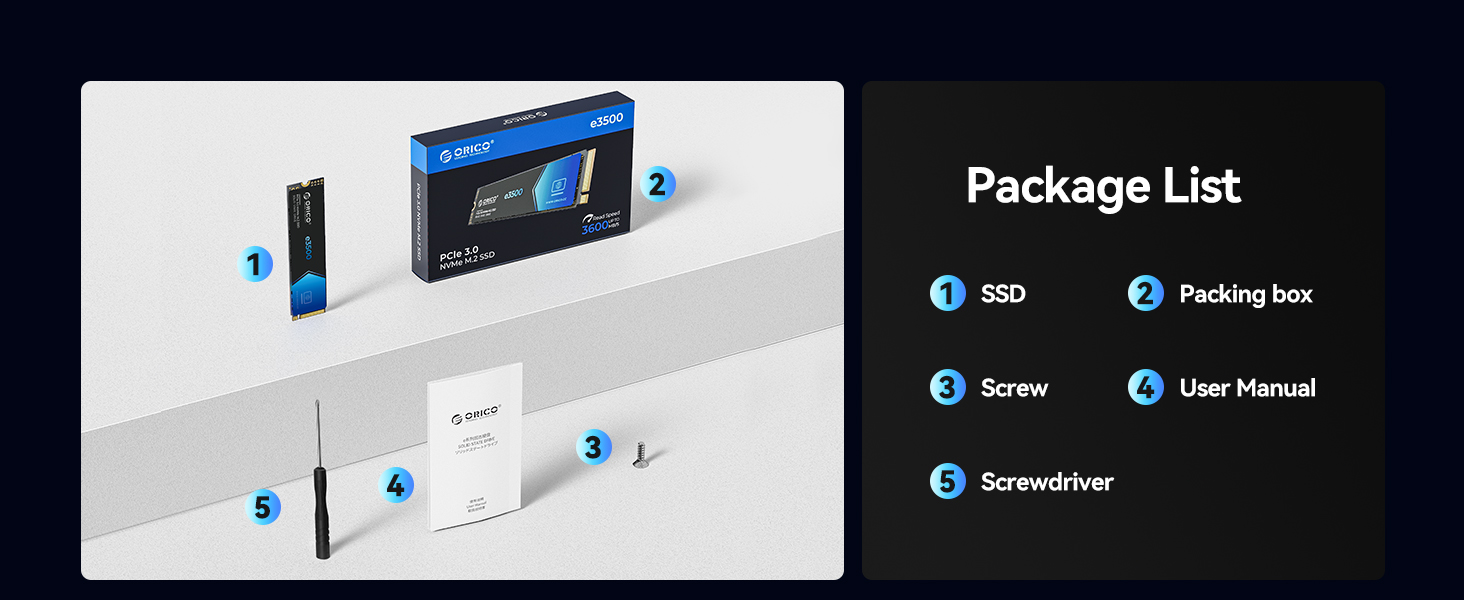
- Large Capacity, Easy Installation: Supports NVMe with up to 4TB storage. Includes screw and screwdriver for easy setup.
Note: The read and write speed of each capacity is different, please check the capacity speed carefully before purchasing






Frequently Asked Questions:
Q: Does it support pre-installed systems?
A: We cannot pre-install the system; buyers need to install it themselves.
Q: What does it include? Does the product come with screws/invoice?
A: It does include screws; it only includes the SSD*1,user manual*1,Screwdriver *1, screw *1
Q: What about product compatibility?
A: It is compatible with devices that have a NVMe interface, such as laptops and desktops.
Q: What is the warranty policy?
A: We provide a three-year warranty. If you have any issues, please contact us, and we will provide a solution as soon as possible.
Q: How to install and use it?
A: First, you need to format it. Detailed formatting steps are provided at the end with images.