





What is the product dimension of this model?
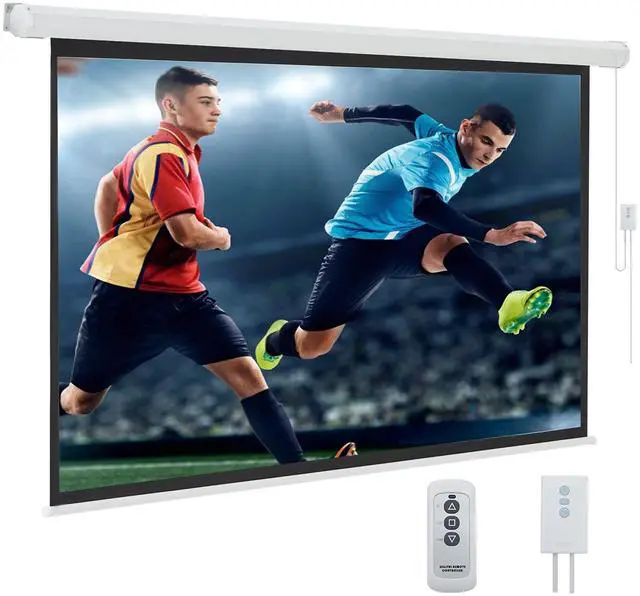
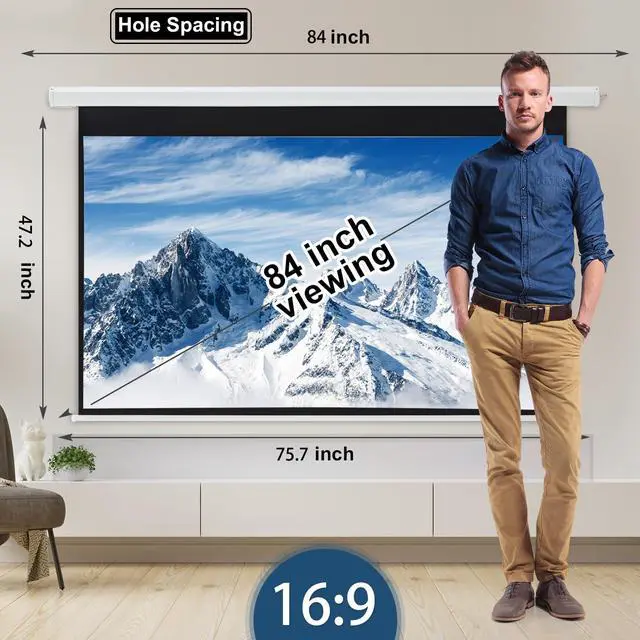
Perfect for compact spaces with its 73.23"×41.14" viewable area, housed in a 75.6"×48.2" screen frame and 84.86"×52" overall size with motor, all while maintaining a lightweight 14.45 lbs design.
What are the recommended usage scenarios for this product?
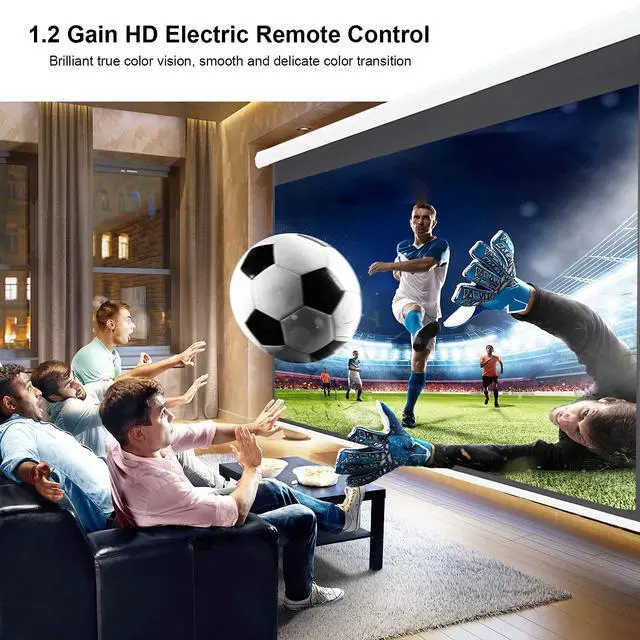
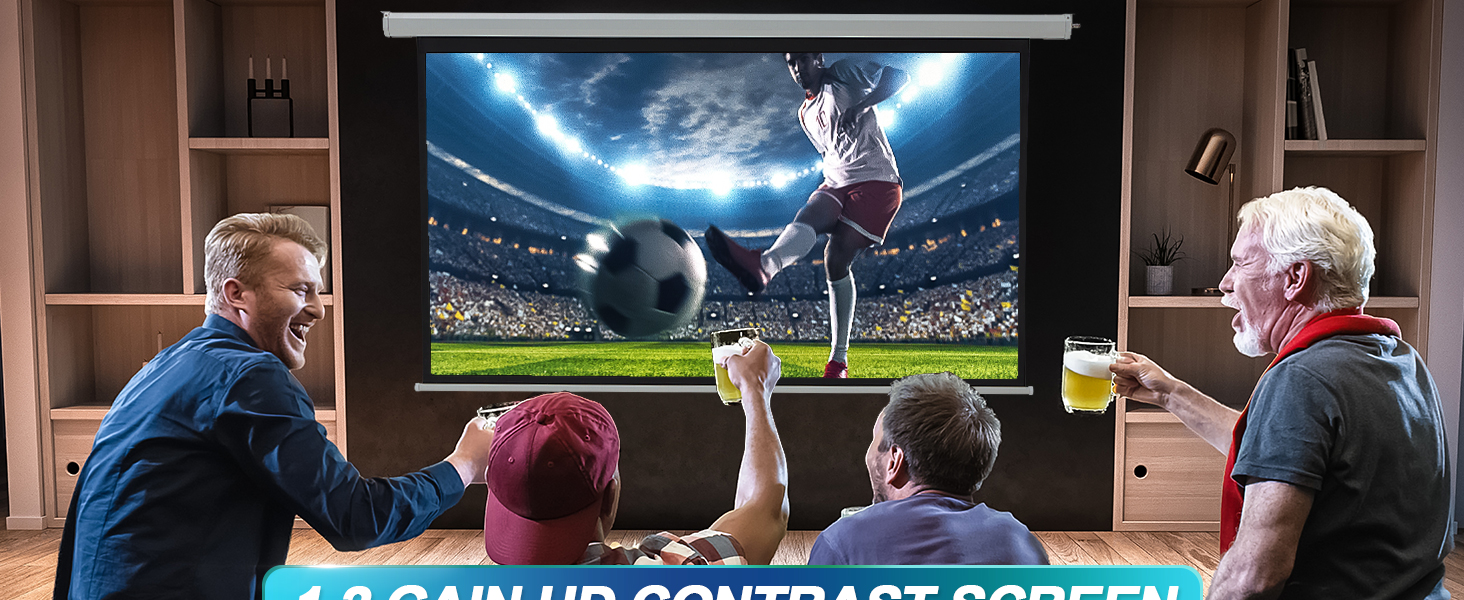
Ideal for small home theaters in apartments, bedroom installations, and office presentations, this space-saving screen delivers crisp 16:9 HD viewing with easy installation. (Upgrade available to larger 100"-150" models!)
What are the causes of engine failure?
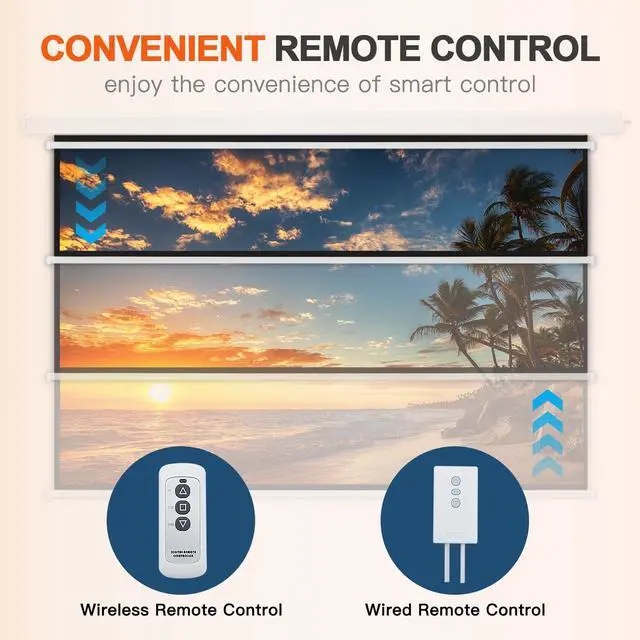
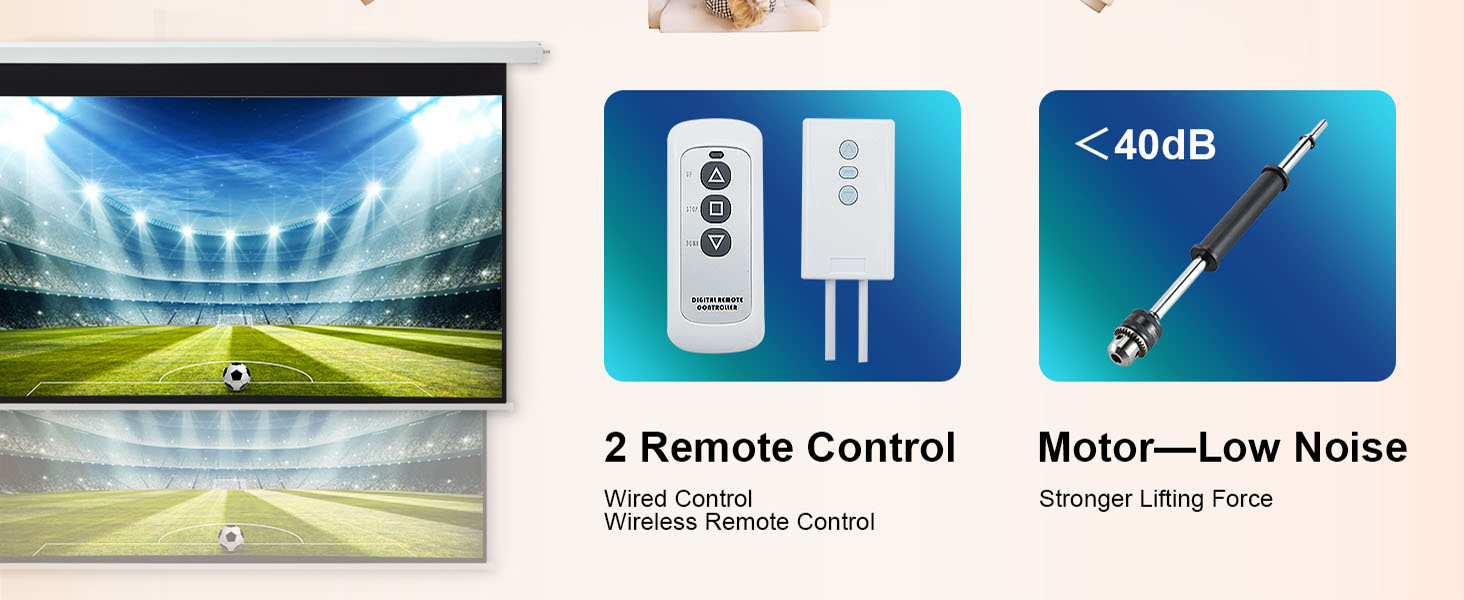
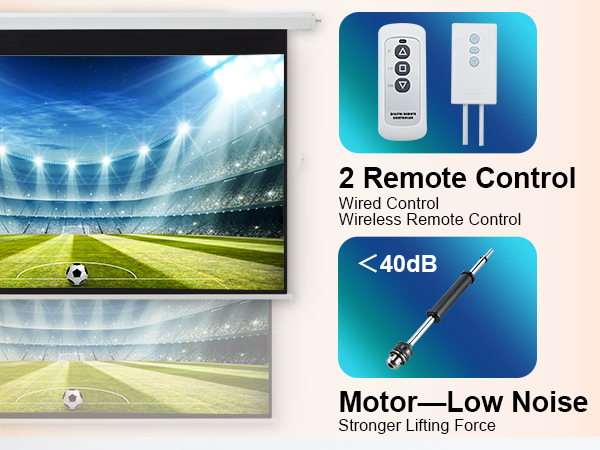
First, please check if it is a problem with the remote control. Please watch the video carried in the link. First, operate "cancel the pairing", and then "re-pairing". (Besides, You need to aim the remote control at the wired control to be effective)
Why can't the screen come down/Why can't the screen come down after using it for a while?
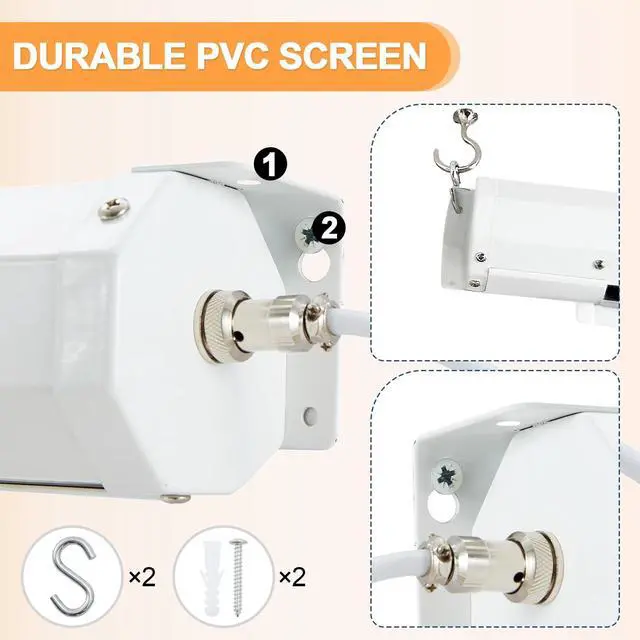
You have to remove the two screws on either side and pop out the screen edge before trying to roll it up or down. Please check the exit of the screen and pry it out (insert it and then clip it out). If not, please consult us.
Why is the screen uneven/screen facing left or right/uneven?
It may be that the screen are overlapping inside. Please lay down all the screen and stretch them flat. For more questions, please feel free to consult us!
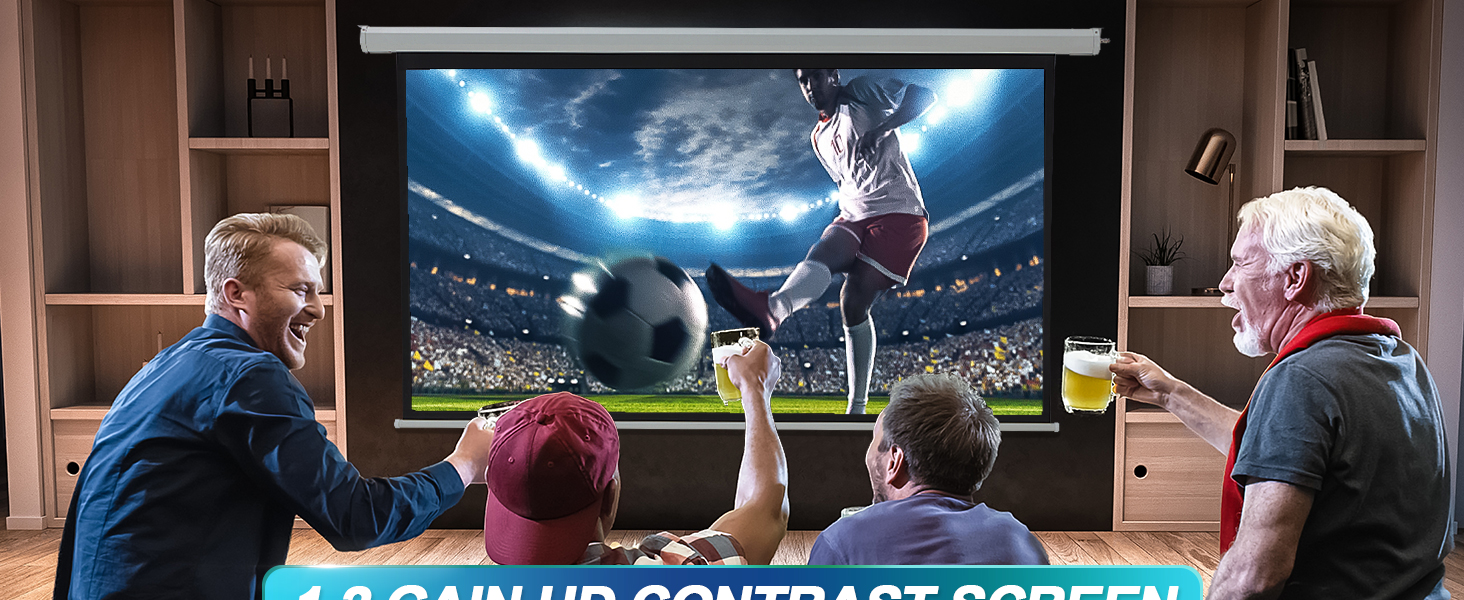
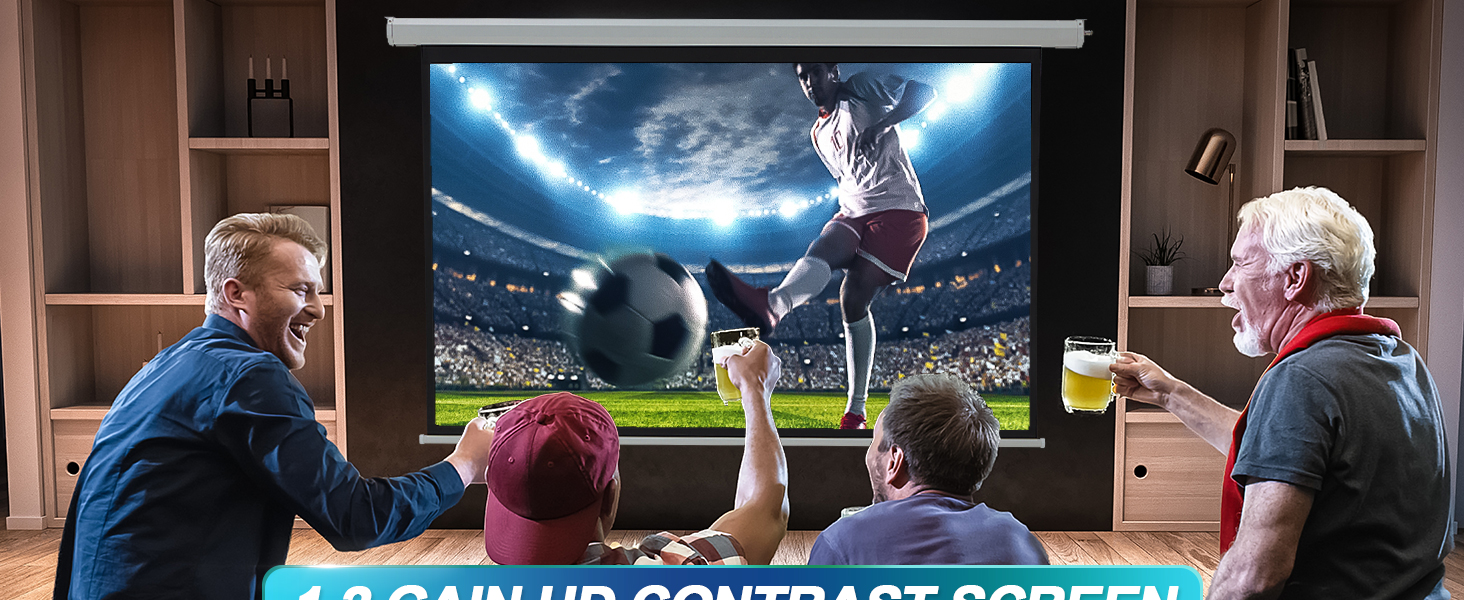
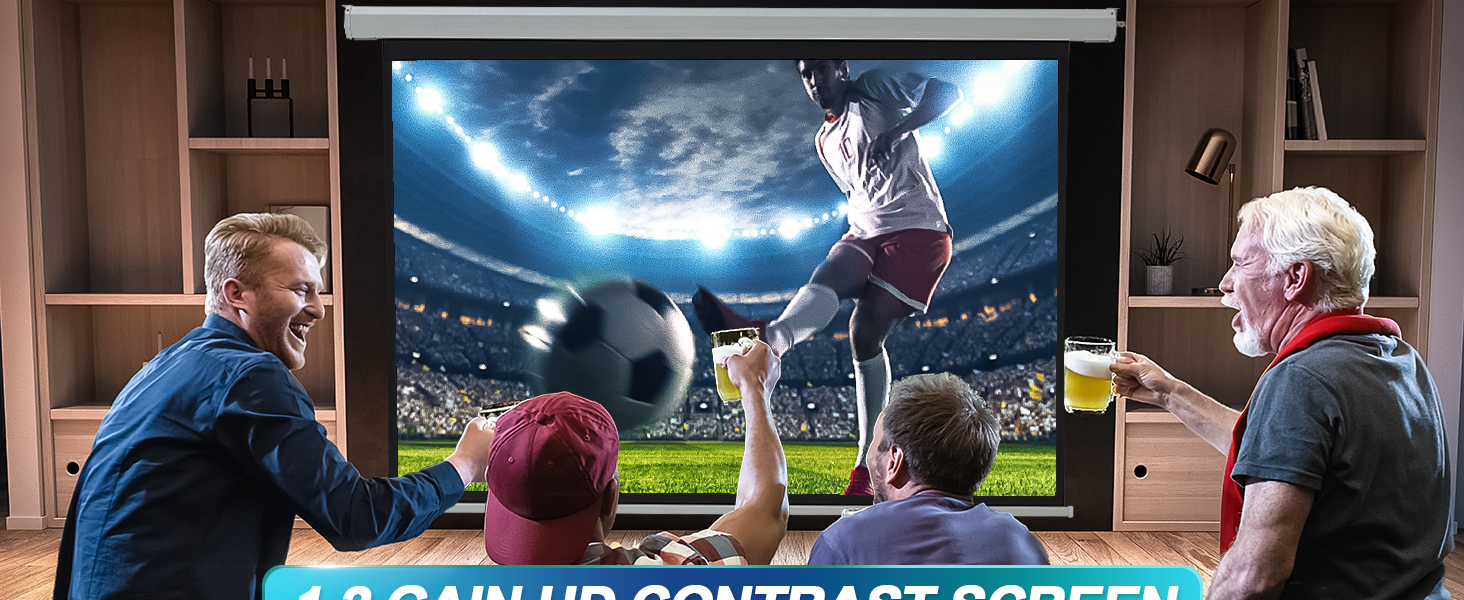
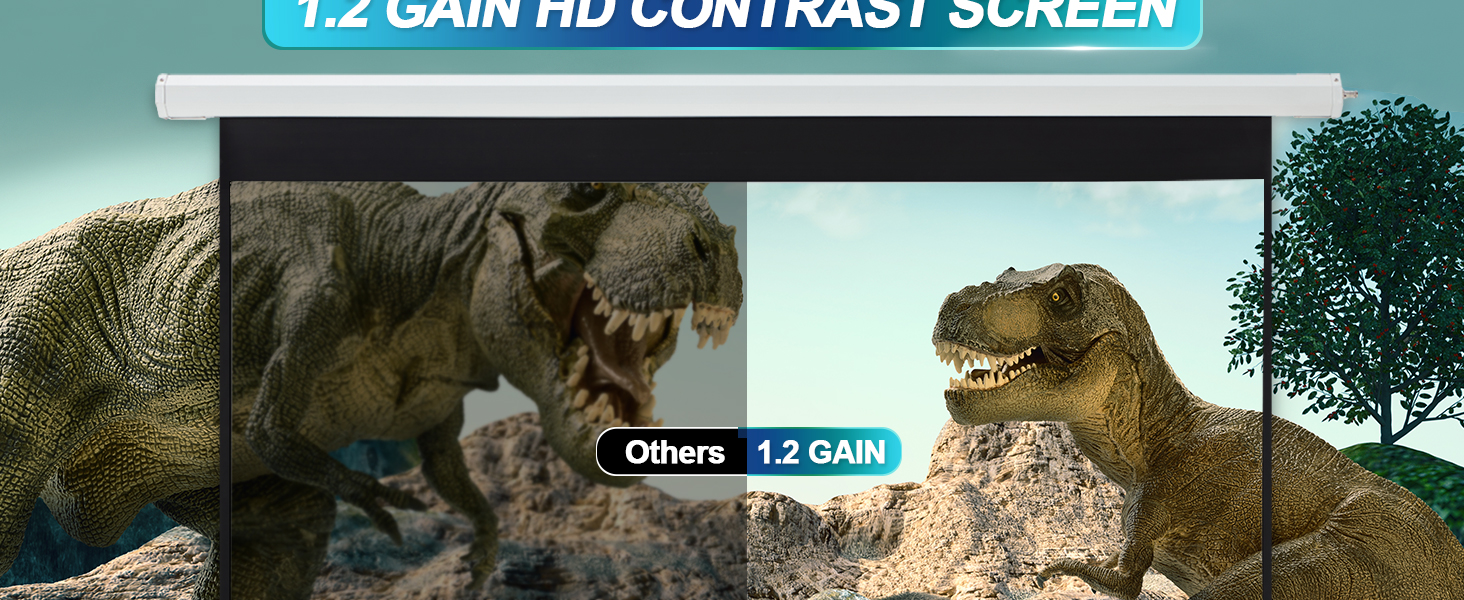
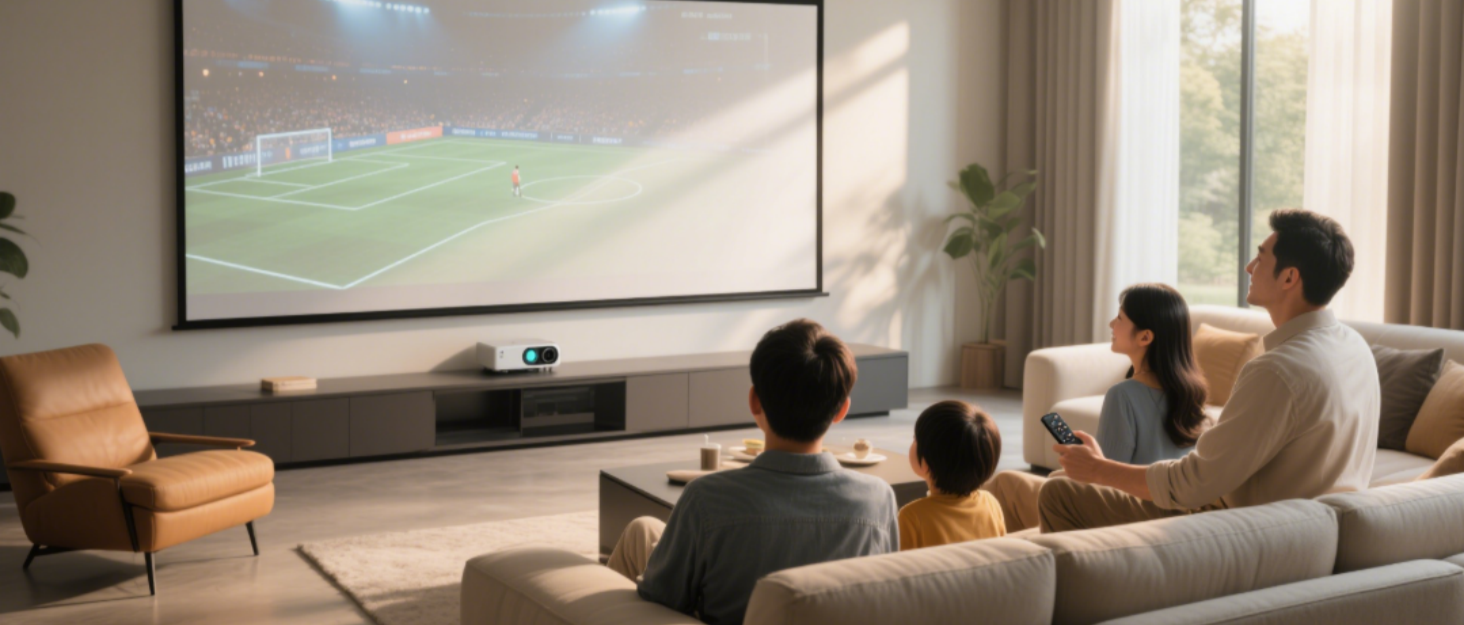

YODOLLA: Elevating Home Cinema with Quiet Innovation
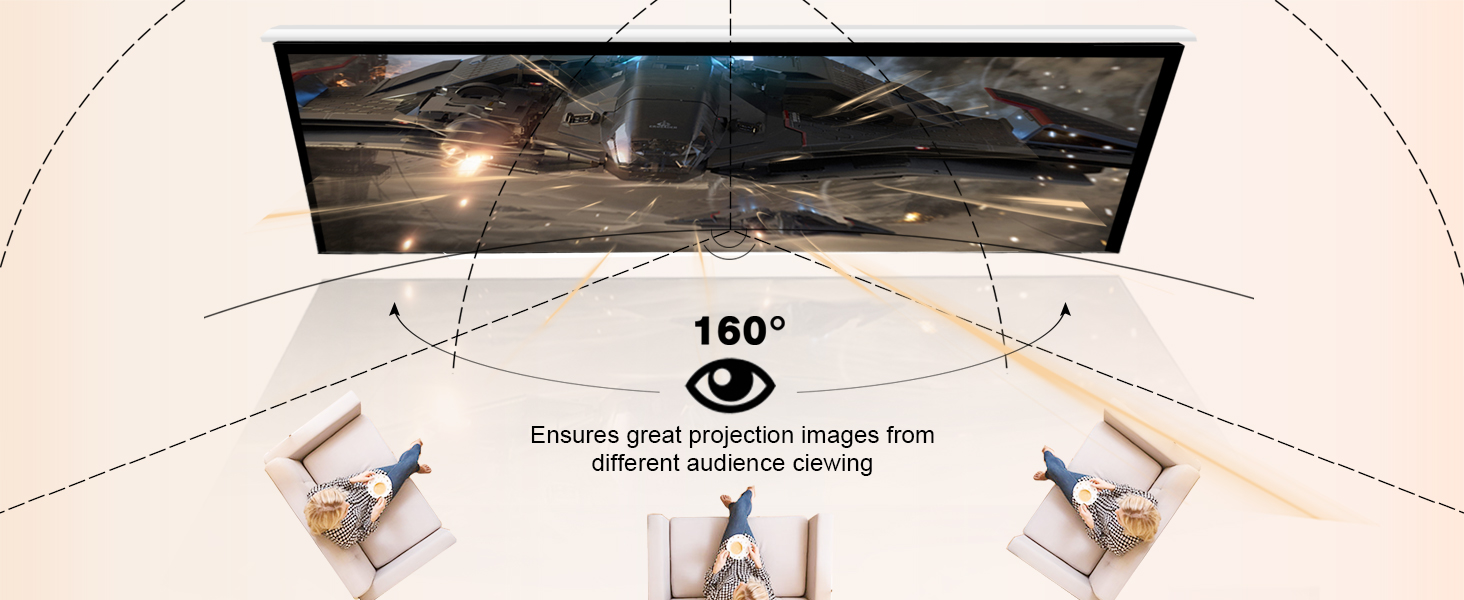
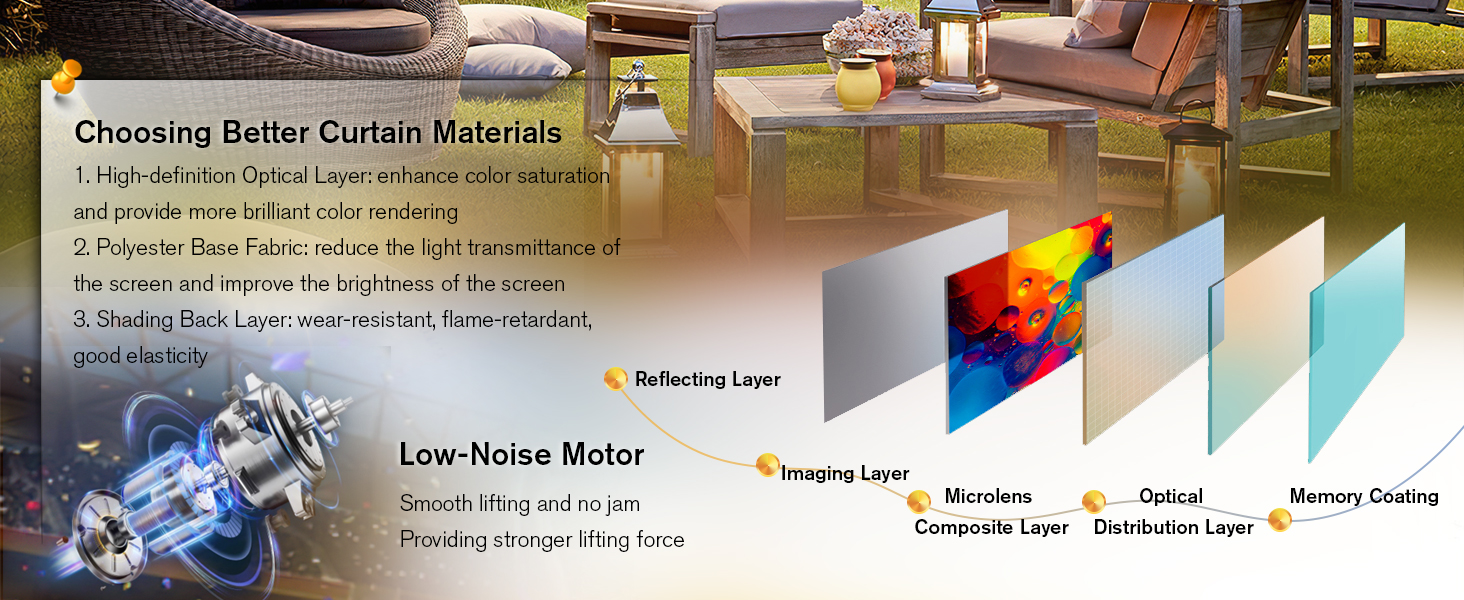
YODOLLA crafts motorized projector screens that harmonize technology with interior spaces. Designed for quiet reliability, our screens blend into your décor while delivering crisp visuals for work or leisure. Durable materials and intuitive controls simplify life, letting rooms transform effortlessly from functional to cinematic. For those who value subtle innovation.
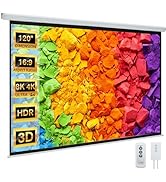
Motorized Projector Screen
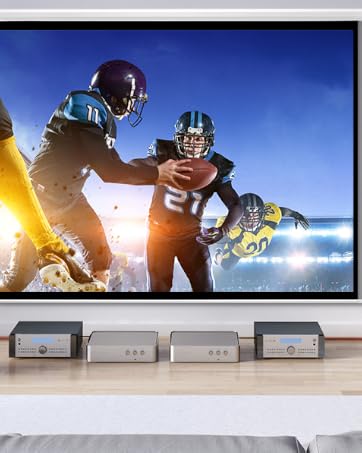
Indoor
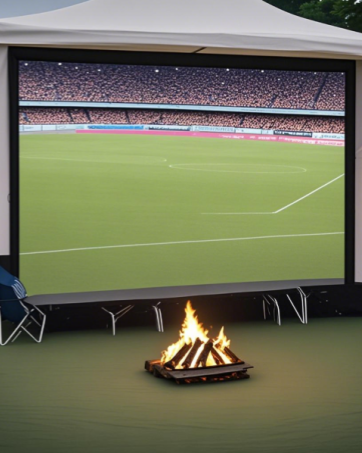
Outdoor
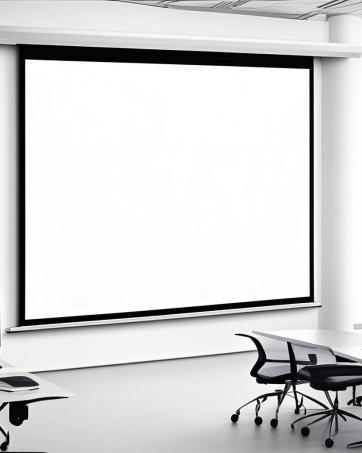
Office
What is the product dimension of this model?
Perfect for compact spaces with its 73.23"×41.14" viewable area, housed in a 75.6"×48.2" screen frame and 84.86"×52" overall size with motor, all while maintaining a lightweight 14.45 lbs design.
What are the recommended usage scenarios for this product?
Ideal for small home theaters in apartments, bedroom installations, and office presentations, this space-saving screen delivers crisp 16:9 HD viewing with easy installation. (Upgrade available to larger 100"-150" models!)
What are the causes of engine failure?
First, please check if it is a problem with the remote control. Please watch the video carried in the link. First, operate "cancel the pairing", and then "re-pairing". (Besides, You need to aim the remote control at the wired control to be effective)
Why can't the screen come down/Why can't the screen come down after using it for a while?
You have to remove the two screws on either side and pop out the screen edge before trying to roll it up or down. Please check the exit of the screen and pry it out (insert it and then clip it out). If not, please consult us.
Why is the screen uneven/screen facing left or right/uneven?
It may be that the screen are overlapping inside. Please lay down all the screen and stretch them flat. For more questions, please feel free to consult us!
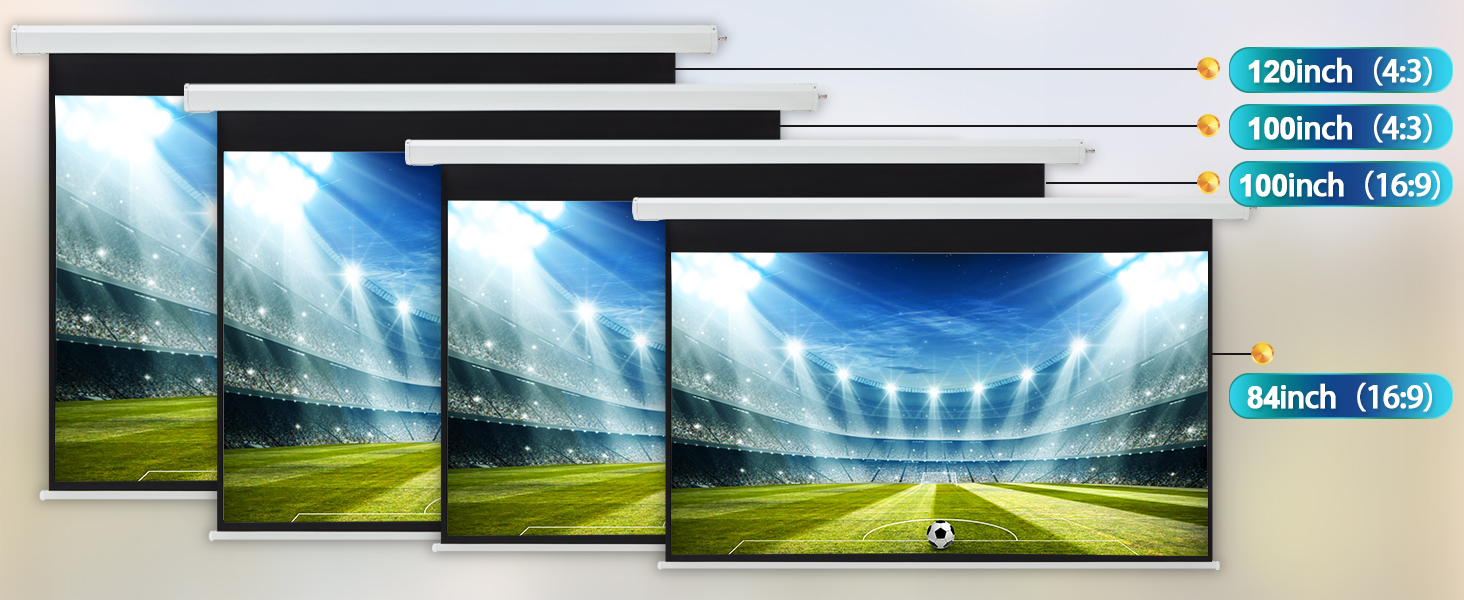
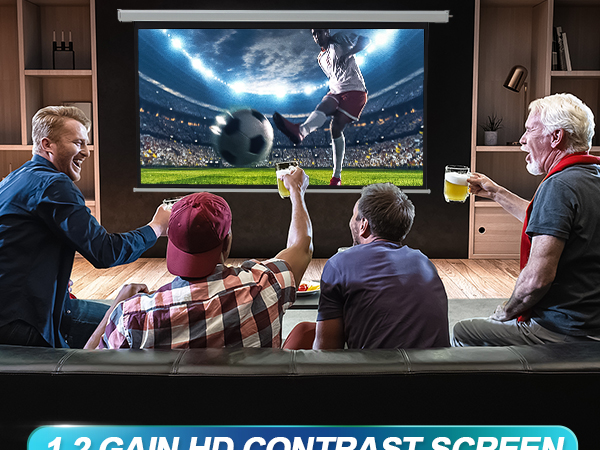
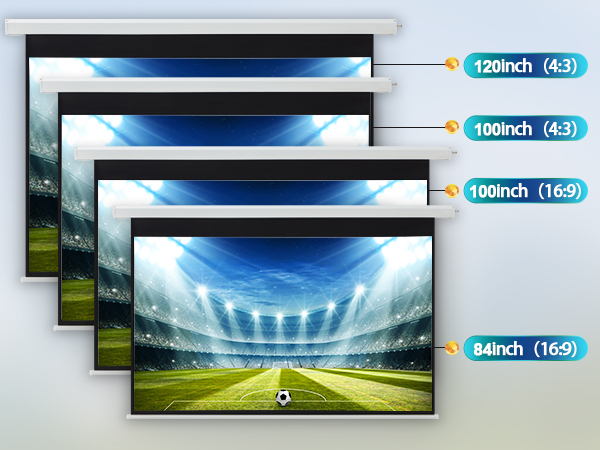
84 INCH 16:9 Motorized Projector Screen
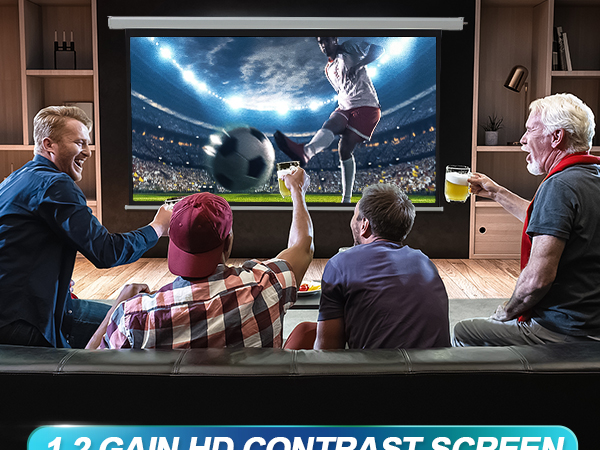
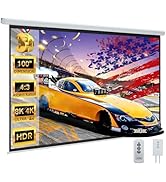
100 INCH 16:9 Motorized Projector Screen
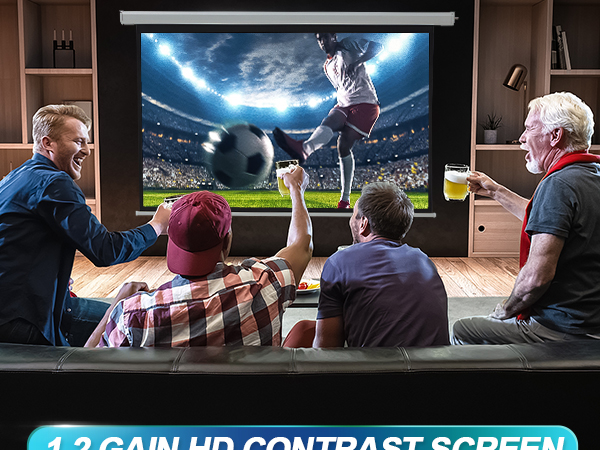
100 INCH 4:3 Motorized Projector Screen
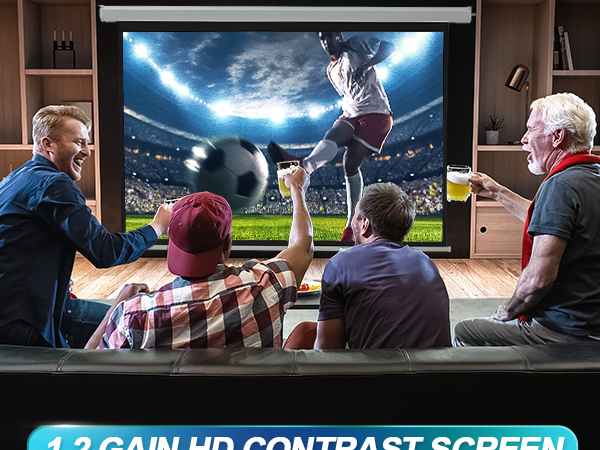
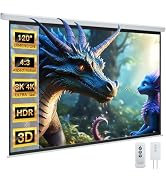
120 INCH 4:3 Motorized Projector Screen
YODOLLA: Elevating Home Cinema with Quiet Innovation
YODOLLA crafts motorized projector screens that harmonize technology with interior spaces. Designed for quiet reliability, our screens blend into your décor while delivering crisp visuals for work or leisure. Durable materials and intuitive controls simplify life, letting rooms transform effortlessly from functional to cinematic. For those who value subtle innovation.
Motorized Projector Screen
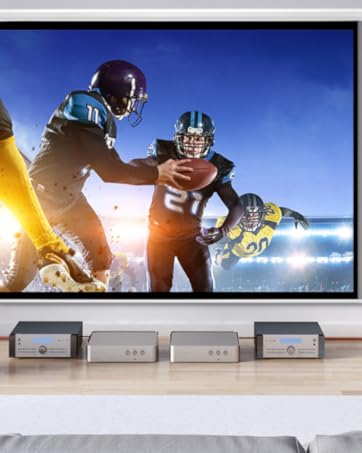
Indoor
Outdoor
Office
