here!
here!
I’m your shopping assistant for PC builds, upgrades, and everything tech.
Got questions? Ask away!
Start a conversation
here!
I’m your shopping assistant for PC builds, upgrades, and everything tech.
Got questions? Ask away!
Start a conversation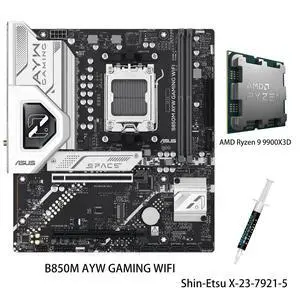

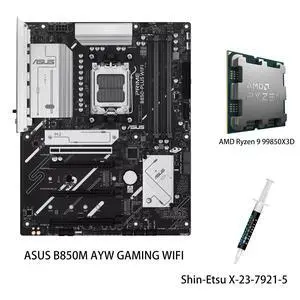
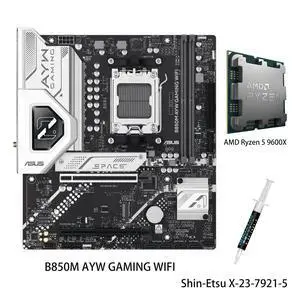
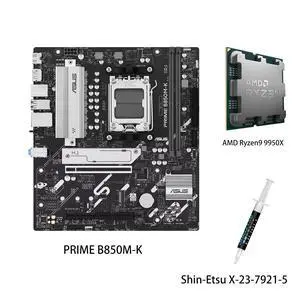
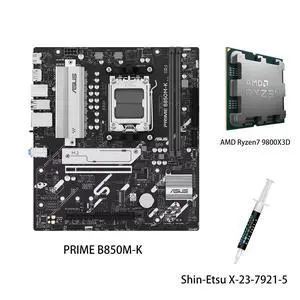
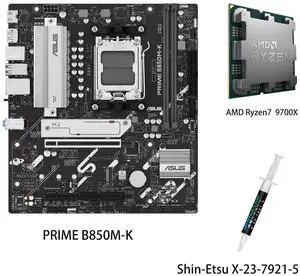
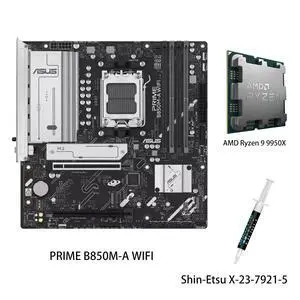
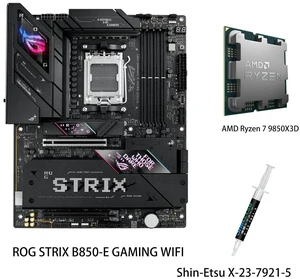
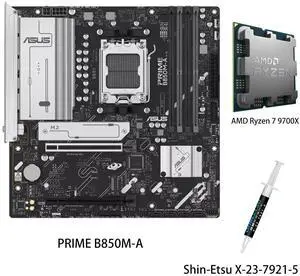
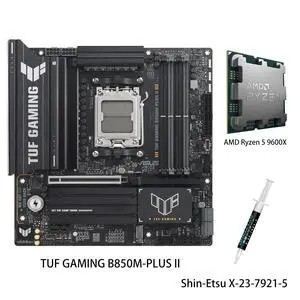
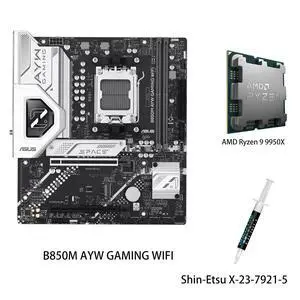
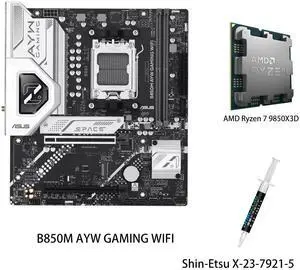
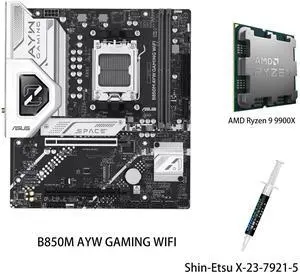
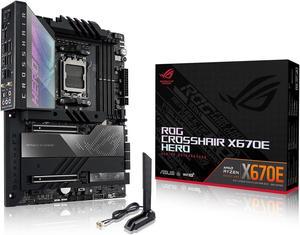
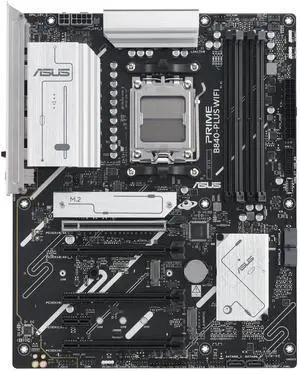
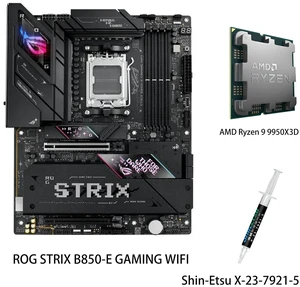
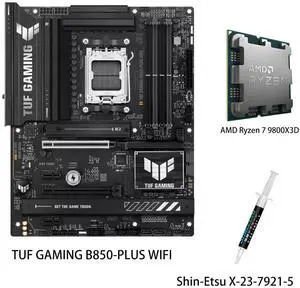
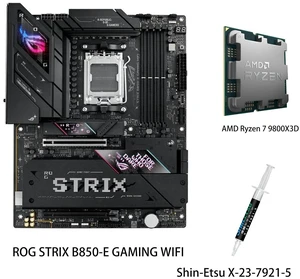
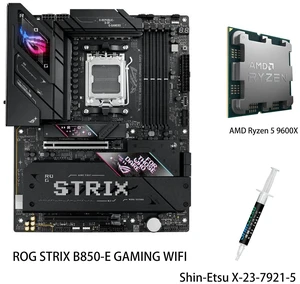
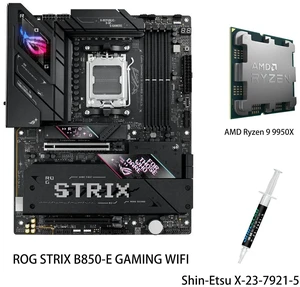
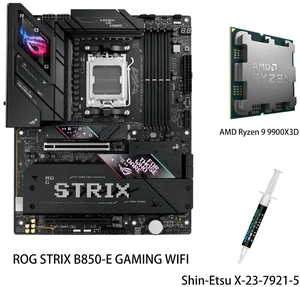
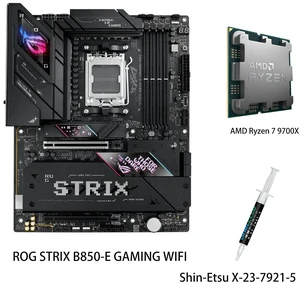
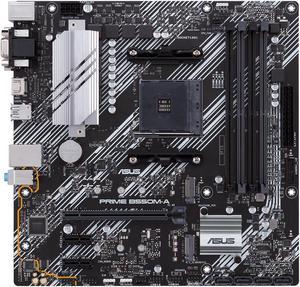
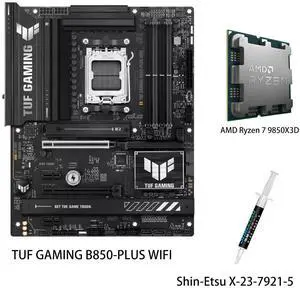
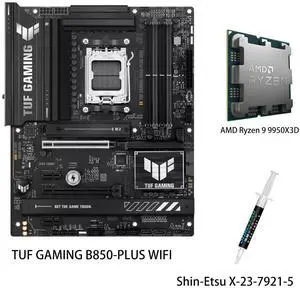
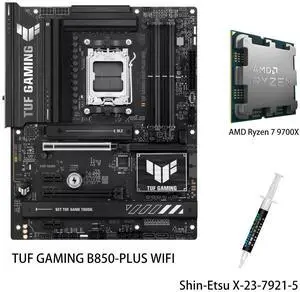
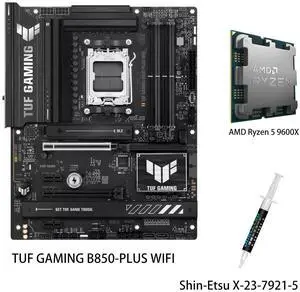
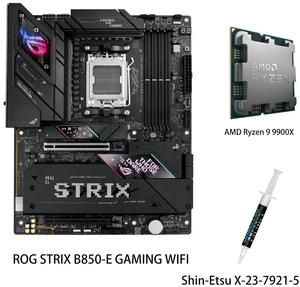
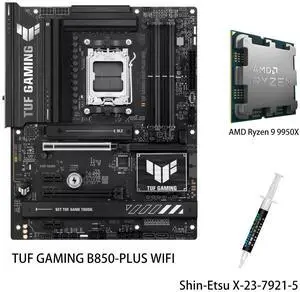
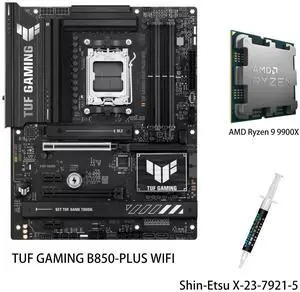
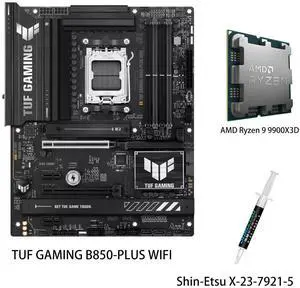
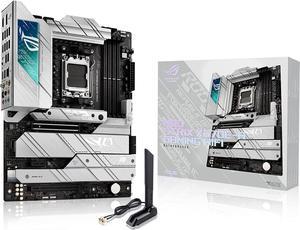
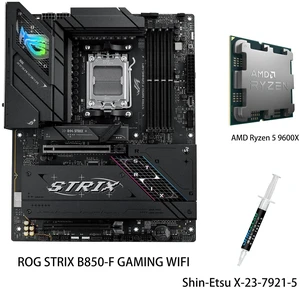
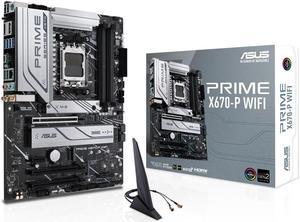
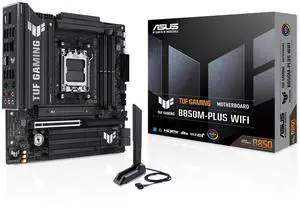
The range of ASUS® AMD motherboards is extensive and caters to everyone. Without a motherboard, no computer will function. Every piece of hardware attaches to the motherboard. Given this fact, it's important to consider what you would like to equip your computer with, and if you would like to add to it later. Selecting a motherboard depends on the size of a computer case, the type of CPU you have and the type of RAM. If you are purchasing a motherboard first, choose the other pieces of hardware needed depending on the specifications of the motherboard. There are multiple budget options, such as high-end motherboards, that offer something for everyone. With multiple connectivity options for AMD processor motherboards, it's easy to create an efficient computer system.
When purchasing an AMD motherboard, the form factor, or size, is important, not only to fit into the case properly, but for capability too. The AMD ATX motherboards are suitable for most gamers and creative professionals. They are the second biggest motherboards and considered the standard size. They usually have four RAM slots, and have enough room for expansion. ATXe motherboards are the biggest, but most gamers will find that an ATX works well enough. Smaller motherboard sizes include Mini ITX motherboards (mITX) and Micro ATX motherboards (mATX). These are suitable for a computer where only basic tasks are performed. Purchasing an ATX case will fit a smaller motherboard, which gives you the option of expansion in the future.
The design of gaming motherboards or a workstation motherboards is important for computers with high-speed processing and graphics demands. Computers that run as servers will do well with server motherboards, which have a lot of RAM capacity. A standard AMD processor motherboard will serve your needs well if you just use productivity applications, such as a web browser, Microsoft® Excel and email. Take the hassle out of everyday tasks with a development board designed for use with microcontrollers. Proper RGB headers enable countless color combinations for HD display on a computer screen.
ASUS has a range of AMD compatible motherboards for every need. While AMD makes the chipsets, including the processors, ASUS uses these parts to make their motherboards. Getting a powerful CPU with enough RAM will ensure that your computer runs efficiently. If you are a gamer or a creative professional, purchasing a good graphics card is essential. AMD also makes graphics cards that are fully compatible with their motherboards. Make sure that the type of CPU, graphics card and RAM are all compatible with the slots on a specific motherboard. External ports will also differ on the motherboard, so make sure you get one with the right connections for accessories you need to plug in.