• In Stock
  • Sold by Newegg
  • Make an Offer
  • New
  • Combo Deals Only
Brands
Show More
Price
Show More
CPU Socket Compatibility
Show More
Max CPU Cooler Height
Type
Fan Size
Show More
LED
Show More
Color
Show More
Noise Level
Show More
Power Connector
Sold by
Fan Mounting Types to Heatsink
Air Flow
Heatsink Material
Weight
Bearing Type
RPM
Compatibility
All Top Brands
Availability
Condition
Current Promotion
Discount
Useful Links
Customer Ratings
  • Featured Brands

    See Deals from Cooler MasterSee Deals from ThermaltakeSee Deals from Intel
Sort By:
View:
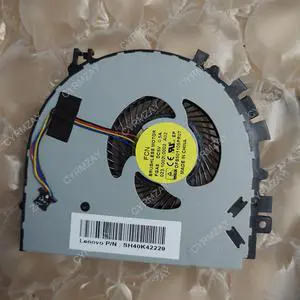
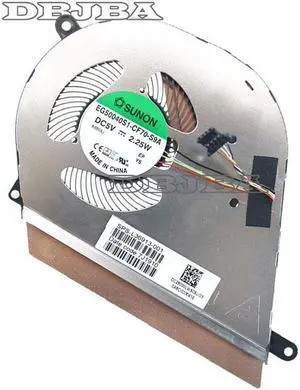
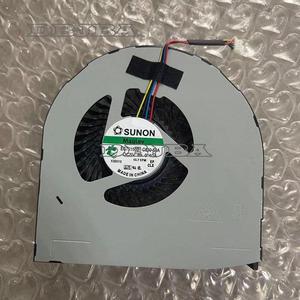
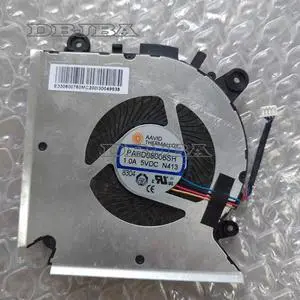
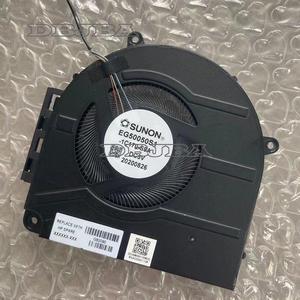
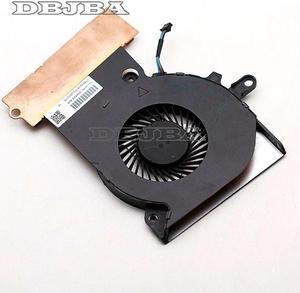
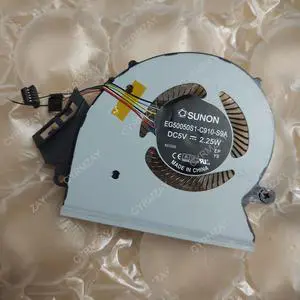
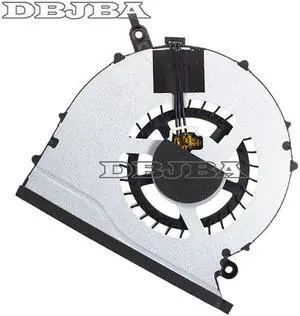
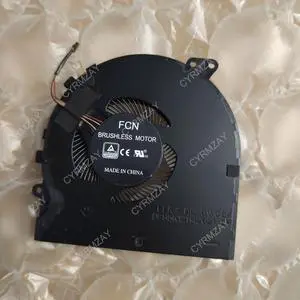
CPU COOLING FAN For EG50040S1-CF70-S9A L36913-001 DC5V 2.25W
Quick View
  •  
  • $29.80 –
  • $7.99 Shipping
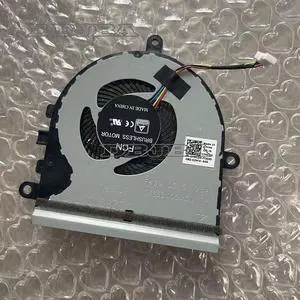
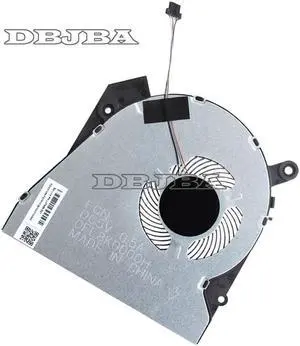
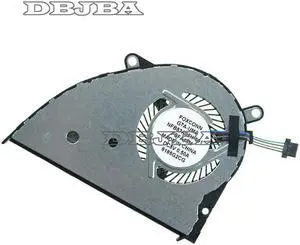
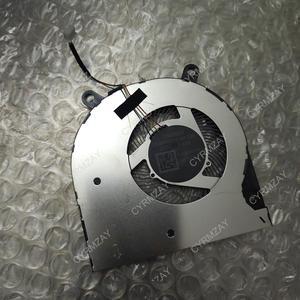
Cpu cooling fan For Dell Vostro 3583 3585 7MCD0 7MCD0 DC28000K7F0
Quick View
  •  
  • $15.98 –
  • $7.99 Shipping
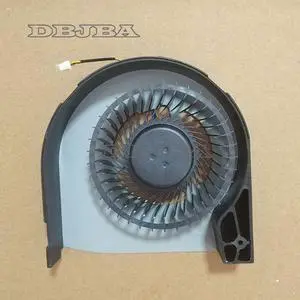
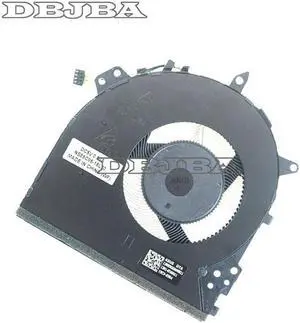
CPU Cooling Fan For Dell Precisio 7510 m7510 M7520 7710 M7720 EG75150S1-C030-S9A
Quick View
  •  
  • $23.00 –
  • $7.99 Shipping
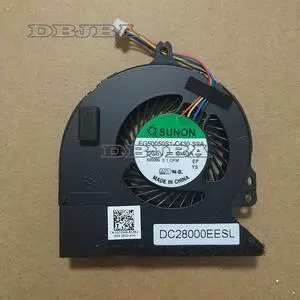
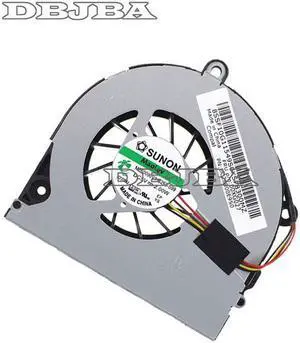
CPU Cooling Fan FOR DELL Latitude E5250 0DTDHM DC28000EESL EG50050S1-C430-S9A
Quick View
  •  
  • $20.00 –
  • $7.99 Shipping
For Dell Precisio M7710 M7720 EG75150S1-C030-S9A Laptop Cpu Cooling Fan 5V 0.4A
Quick View
  •  
  • $15.98 –
  • $7.99 Shipping
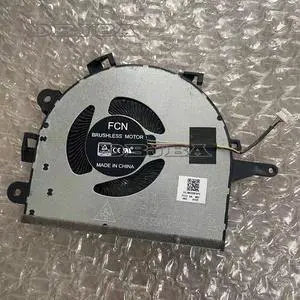
New CPU Cooling Fan For Lenovo IdeaPad 3-17 FM9Q DFS5K12114262F
Quick View
  •  
  • $26.00 –
  • $7.99 Shipping
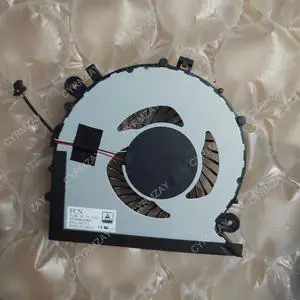
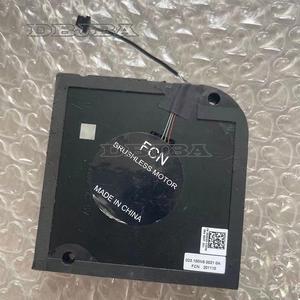
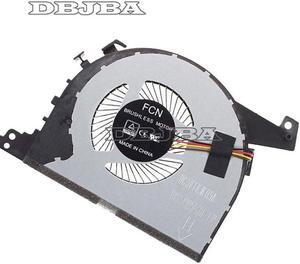
New Cooler Fan For FCN 023.100NS.0021 0A FNB0 DC 5V notebook cooling fan
Quick View
  •  
  • $29.00 –
  • $7.99 Shipping
CPU COOLING Fan For AAVID THERMALLOY PAAD06015SL-N376 0.55A 5V
Quick View
  •  
  • $30.00 –
  • $7.99 Shipping
CPU Cooling Fan For Toshiba Satellite Click2 Pro P35W-B3226 FB06505M05SFA
Quick View
  •  
  • $23.50 –
  • $7.99 Shipping
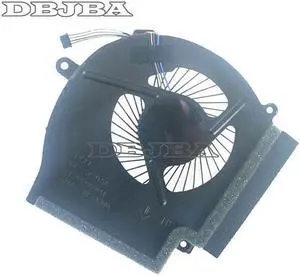
Laptop CPU Cooling Fan For HP OMEN GangMing X 17-ap TPN-Q197
Quick View
  •  
  • $16.55 –
  • $7.99 Shipping
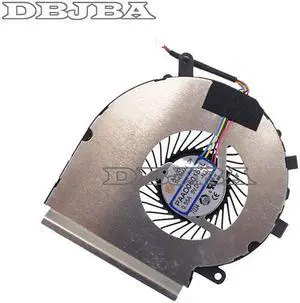
CPU Cooling Fan for MSI GE75 GP75 GL75 WE75 GL63 GE63 GV63 GP63 GE73 GP73 GL73
Quick View
  •  
  • $26.00 –
  • $7.99 Shipping
CPU Cooling Fan for MSI Thin 9SD-004 9SEXR-250 9SD-252 9SEXR-249 9SD-251
Quick View
  •  
  • $25.00 –
  • $7.99 Shipping
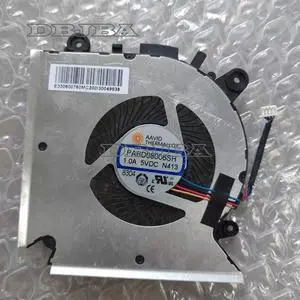
CPU Cooling Fan for MSI Thin 9SE-013 MS-16R1 MS-16R2 PABD08008SH N413
Quick View
  •  
  • $25.00 –
  • $7.99 Shipping
Laptop CPU Cooling Fan For HP ProBook 440 G6 445 G6 440G6 445G6 L48270-001
Quick View
  •  
  • $17.65 –
  • $7.99 Shipping
Laptop CPU Cooling fan EG50050S1-1C170-S9A for HP ENVY 17X TPN-W148 M45787-001
Quick View
  •  
  • $22.00 –
  • $7.99 Shipping
For HP Omen 15-CE Laptop CPU Cooling Fan 929455-001 NS75B00-16M02
Quick View
  •  
  • $22.95 –
  • $7.99 Shipping
Laptop CPU Cooling Fan For HP ProBook 450 G6 HSN-Q16C L47695-00
Quick View
  •  
  • $20.00 –
  • $7.99 Shipping
CPU Cooling Fan for HP 430 G6 HSN-Q14C L45886-001 47X8IFATP10 0FL8H0000H
Quick View
  •  
  • $15.00 –
  • $7.99 Shipping
CPU Cooling Fan For HP ENVY X360 15M-CP 15M-CN TPN-W134 L23569-001 L20107-001
Quick View
  •  
  • $24.00 –
  • $7.99 Shipping
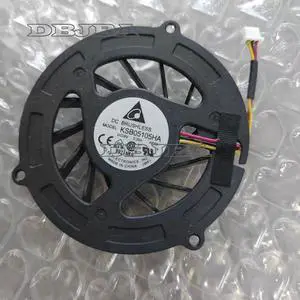
Laptop CPU Cooling fan for DELTA KSB05105HA -AE68 KSB05105HA AE68 5V 0.35A 3PIN
Quick View
  •  
  • $21.00 –
  • $7.99 Shipping
CPU COOLING Fan For FCN DFS541105FC0T FKJK DC 5V 0.5A DC28000DHF0
Quick View
  •  
  • $21.00 –
  • $7.99 Shipping
CPU Cooling Fan For Founder R415 R415IG R415IU R416 R416IG HP651505H-01
Quick View
  •  
  • $20.65 –
  • $7.99 Shipping
CPU COOLING Fan For SAMSUNG BA31-00153A FCN FG71 DFS200405060T
Quick View
  •  
  • $16.00 –
  • $7.99 Shipping
Fan For HP 14-CE1004tx 14-CE1006tx CPU COOLING FAN L26368-001
Quick View
  •  
  • $44.00 –
  • $7.99 Shipping
Fan For ASUS VIVOBOOK X512DA X512UA X512UF F512U CPU COOLING FAN 13N1-6TA06
Quick View
  •  
  • $46.50 –
  • $7.99 Shipping
Fan For Lenovo S200Z All in One CPU Cooling Fan MF60090V1-C263-S99 FRU:00XG027
Quick View
  •  
  • $45.00 –
  • $7.99 Shipping
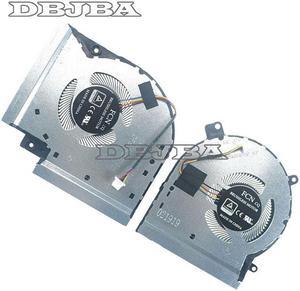
Fan For ASUS ROG Strix Scar GL504G GL504GS GM CPU + GPU Cooling fan L&R
Quick View
  •  
  • $47.00 –
  • $7.99 Shipping
DBTLAP CPU Cooling Fan For SUNON EG50040S1-CL80-S9A DC5V 0.5A 6033B0087901 REV: AV1 Fan
Quick View
  •  
  • $40.00 –
  • $7.99 Shipping
Fan For HUAWEI Matebook D CPU COOLING FAN FKHA BAZA0905R5H DC5V 0.50A 86F00DCD3A
Quick View
  •  
  • $45.00 –
  • $7.99 Shipping
New original cooling fan cooler for SUNON EG50050S1-1C110-S9A DC5V 2.50W
Quick View
  •  
  • $22.00 –
  • $7.99 Shipping
DBTLAP Laptop Cooling Fan For FCN FMF0 DC5V DFS5K121154918 5V 0.5A CPU Fan
Quick View
  •  
  • $40.00 –
  • $7.99 Shipping
Laptop CPU Cooling Fan ND65C19 19E12 DC28000EQD0 Fan For LENOVO IdeaPad S540-13 81XC
Quick View
  •  
  • $40.00 –
  • $7.99 Shipping

CPU Fans and Heatsinks for Effective Processor Cooling

Explore a wide selection of CPU fans and heatsinks designed to manage heat dissipation efficiently for gaming PCs and high-performance systems. Whether you need a durable heat sink, a cool fan with heat pipes, or a tower heat sink solution, this page provides options to help maintain your CPU’s optimal temperature.
How to Choose CPU Air Coolers

Key Features and Technologies to Consider When Choosing a CPU Air Cooler

Selecting the right CPU air cooler involves balancing several important features that impact cooling performance, noise levels, and compatibility:

  • Heat Pipe Design: Look for coolers with efficient heat pipes that transfer heat quickly from the CPU to the fins for faster dissipation.
  • Fan Size and Speed: Larger, slower-spinning fans typically deliver quieter cooling, while smaller or high-RPM fans may cool aggressively but can generate noise.
  • Heatsink Fin Density: A higher fin count increases surface area for heat dissipation but also requires adequate airflow from the fan to be effective.
  • Compatibility: Ensure the cooler supports your CPU socket type and fits your case without interference with RAM or GPU components.
  • Noise Levels: Some fans feature fluid dynamic bearings or blade designs optimized for quieter operation, critical in silent PC builds.
  • Mounting Mechanism: Sturdy, easy-to-install mounting brackets improve contact pressure and heat transfer efficiency while preventing damage.

Why Heat Pipe Quality is Crucial for CPU Air Coolers

The heart of a top-performing air cooler lies in its heat pipe technology. Heat pipes are sealed tubes filled with a liquid coolant that vaporizes when heated by the CPU. This vapor travels along the pipe to the cooler fins located away from the hot surface, where it condenses back into liquid, releasing heat. High-quality copper heat pipes with multiple pipes and direct contact bases significantly boost thermal conductivity and cooling capacity. When assessing coolers, consider the number, thickness, and direct contact design of heat pipes—they directly affect how quickly and efficiently heat is transferred from your processor, especially under heavy workloads or overclocking.

Advanced Compatibility: Understanding Socket-Specific Coolers for Custom Builds

For enthusiasts and professionals building or upgrading PCs, socket compatibility ensures optimal cooling performance and reliable installation. Modern CPU air coolers are designed with specific sockets in mind, such as AMD Socket AM4 or Intel LGA 1700. Selecting a cooler built for your exact socket ensures the mounting pressure is balanced, preventing poor thermal contact or hardware damage. This is especially critical when working with newer platforms like AMD Socket AM5 or high-core-count Intel LGA 1851 chips, where thermal challenges intensify. By matching socket-specific coolers, advanced users maximize CPU longevity and stability in demanding use cases.

Performance and Setup Tips

  • Before installation, clean the CPU surface and apply a quality thermal paste evenly to improve heat transfer.
  • Orient the cooler so airflow aligns with your case’s exhaust fans to aid in efficient heat evacuation.
  • Check clearance around RAM modules and GPUs to avoid airflow obstruction or component conflicts.
  • Use PWM fan headers for automatic speed control, reducing noise during low-load periods and ramping up when needed.
  • Regularly clean dust from fans and heatsink fins to maintain maximum airflow and cooling efficiency.
  • Consider using software utilities or BIOS settings to monitor CPU temperatures and adjust fan curves for optimal performance.
  • For best results in high-performance or overclocked CPUs, pair air cooling with case airflow enhancements found in Fans & PC Cooling.

Newegg shopping tip: When choosing a CPU air cooler, pay close attention to its size and clearance to ensure it fits your case and doesn’t block RAM slots. Also, compare the number and design of heat pipes, as they play a key role in transferring heat away from the processor efficiently.
Explore CPU Air Coolers & Related Categories

AMD Socket AM5

Designed for the latest Ryzen 7000 series CPUs, AM5 coolers offer optimized mounting and improved heatpipe layouts for sustained performance under heavy loads.

Intel LGA 1851

LGA 1851 air coolers support Intel’s 14th Gen Raptor Lake processors, featuring enhanced contact plates for better heat dissipation on higher core-count chips.

AMD Socket AM3+

AM3+ coolers provide robust compatibility with older Bulldozer and FX series CPUs, focusing on durable mounting systems for legacy AMD builds.

CPU Air Coolers: A Beginner's Guide

If you're new to building or upgrading a PC, understanding CPU air coolers can seem daunting. Simply put, these coolers combine heatsinks and fans to draw heat away from your processor, preventing overheating and maintaining smooth performance. Most air coolers use copper heat pipes that conduct heat from the CPU to the aluminum fins, where the fan then cools it down. When choosing your first air cooler, it’s important to know your CPU socket type since coolers are designed specifically for certain sockets. Popular options include AMD Socket AM4 and Intel LGA 1700. Keeping compatibility in mind ensures your cooler will fit properly and keep your processor running safely.

Best CPU Air Coolers for Gaming PCs

Gamers demand reliable cooling for sustained performance during intense sessions. CPU air coolers equipped with multiple heat pipes and large tower-style heatsinks excel at dispersing heat efficiently, keeping your gaming rig stable under heavy loads. If you’re assembling or upgrading a Intel LGA 1851 platform or a high-end AMD setup, look for air coolers with strong airflow fans and optimized heatpipe layouts for better heat transfer. These coolers strike a balance between quiet operation and cooling power, allowing you to enjoy your games without noisy distractions.

Choosing an Air Cooler for Everyday Computing and Budget Builds

For users focused on everyday tasks or building budget-friendly PCs, compact and efficient air coolers deliver solid performance without breaking the bank. These coolers typically have smaller footprints to fit in mid-tower or even smaller cases, such as options designed for AMD Socket AM3 or Intel LGA 1151 motherboards. While they may lack the elaborate heatpipe designs of gaming coolers, these options still provide dependable airflow and heat dissipation for day-to-day computing and light multitasking.

Before You Buy

  • Confirm your CPU socket compatibility to match the cooler mount (e.g., AMD Socket AM4 or Intel LGA 1700).
  • Check your PC case clearance — taller tower coolers may not fit in compact or slim cases.
  • Consider your cooling needs: high TDP CPUs or overclocked processors require more robust coolers with multiple heat pipes and larger fans.
  • Noise level: look for specifications or user reviews if a quiet system is a priority.
  • Ensure your motherboard supports the mounting bracket included with the cooler.
  • Review fan size and airflow ratings to match your system airflow strategy; upgrading other Fans & PC Cooling may also help overall thermal management.

Research more: When choosing a CPU air cooler, consider your case size and airflow to ensure optimal heat dissipation. For deeper insights and to compare different models, check out the Newegg Insider buying guides tailored to CPU cooling solutions.

Last Updated: October 2026 | Newegg CPU Air Coolers Buying Guide


CPU Air Coolers FAQs:

How do budget CPU air coolers compare to high-end models in terms of cooling performance?

Budget air coolers do a decent job for everyday use and mid-range CPUs, but high-end models offer significantly better heat dissipation and quieter operation, especially under heavy loads or overclocking.

Is it better to get a single-tower or dual-tower CPU air cooler for my build?

Single-tower coolers are usually more compact and easier to install, while dual-tower coolers provide more surface area and generally cooler temperatures, though they can be bulkier and may not fit in smaller cases.

How do CPU air coolers compare to liquid coolers in terms of performance?

CPU air coolers generally provide solid cooling for most builds and are simpler to install, though high-end liquid coolers can offer better temperature management under heavy loads or overclocking.

What size of CPU air cooler should I get for my PC case?

You need to check your case specifications for maximum cooler height, as some large air coolers might not fit in smaller cases, especially compact or mini-ITX setups.

How do I figure out which CPU air cooler fits my case and motherboard?

Check your case specifications for maximum cooler height and make sure the cooler supports your CPU socket type. Measuring clearance around your motherboard components helps avoid fit issues too.

Is it worth splurging on a premium air cooler, or will a budget model work fine?

If you’re just doing basic tasks or light gaming, a budget cooler usually does the job. But for heavy gaming or overclocking, investing in a higher-end air cooler can keep temperatures lower and extend CPU lifespan.

How can I tell if a CPU air cooler is reliable from customer reviews?

Look for consistency in feedback about noise levels, cooling performance, and build quality. If lots of users mention the fan failing early or poor heat dissipation, it’s probably best to steer clear.

What are the common problems buyers report with CPU air coolers?

People often run into issues like mounting brackets that don’t fit well, fans that get loud over time, or coolers that struggle with high-TDP CPUs. Check reviews to see if any of these show up frequently for the model you’re eyeing.

How do I properly install a CPU air cooler without damaging my motherboard?

Start by reading the cooler's manual carefully to follow the mounting instructions. Make sure to apply thermal paste evenly between the CPU and cooler base, and tighten screws gradually in a diagonal pattern to avoid uneven pressure.

What’s the best way to keep my CPU air cooler running efficiently over time?

Regularly clean out dust from the fan blades and heatsink using compressed air, and check that the cooler is firmly mounted. Keeping your PC case well-ventilated also helps the cooler perform at its best.

Bestselling CPU Air Coolers Reviews:

Anonymous
8/9/2026 12:24:21 PM
Easiest install ever

“ Out of many heatsinks I've purchased over the years; this has to be the easiest I've ever put into a tower. ”

be quiet! Dark Rock Slim CPU Air Cooler | 180W TDP | Compact Air Cooler | LGA 1700 1200 2066 1150 1151 1155 2011(-3) Square ILM | Intel and AMD 4/5 Support | Low Noise Cooler | Black | BK024
Nathan C.
4/6/2025 6:57:44 PM
Extremely good performance while almost silent.

“ I have used Noctua heatsinks in a lot of builds and they have never let me down. ”

Noctua NH-D15S chromax.Black, Premium Dual-Tower CPU Cooler with NF-A15 PWM 140mm Fan (Black)
Arthur S.
2/5/2024 9:30:41 AM
Fantastic Cooling, Limited Height, Incredibly Quiet

“ There is no interference with any motherboard components including RAM and heatsinks integrated to the motherboard (they may be close, but there should be room). ”

Noctua NH-D9L, Premium CPU Cooler with NF-A9 92mm Fan (Brown)