• In Stock
  • Sold by Newegg
  • Make an Offer
  • New
  • Combo Deals Only
Brands
Show More
Price
Show More
CPU Socket Compatibility
Show More
Max CPU Cooler Height
Type
Fan Size
Show More
LED
Show More
Color
Show More
Noise Level
Show More
Power Connector
Sold by
Fan Mounting Types to Heatsink
Air Flow
Heatsink Material
Weight
Bearing Type
RPM
Compatibility
All Top Brands
Availability
Condition
Current Promotion
Discount
Useful Links
Customer Ratings
  • Featured Brands

    See Deals from Cooler MasterSee Deals from ThermaltakeSee Deals from Intel
Sort By:
View:
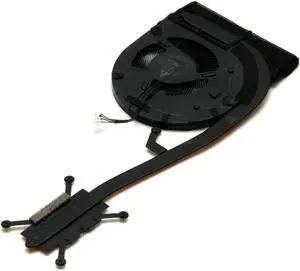
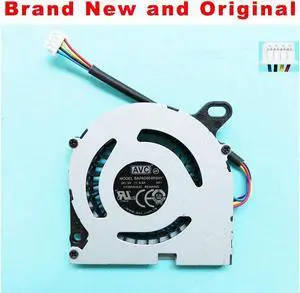
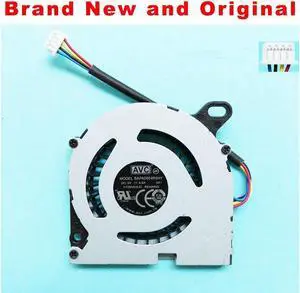
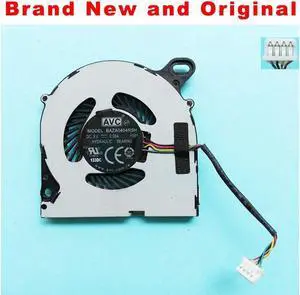
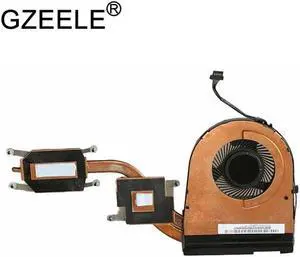
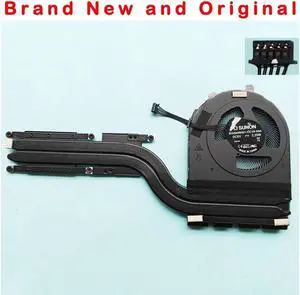
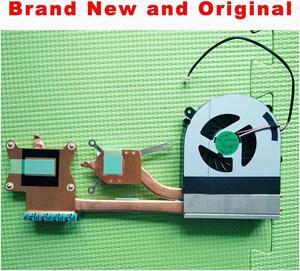
New CPU Cooling Fan for ASUS U4100U U4100UQ UX430 UX430U UX430UA UX430UQ
Quick View
  •  
  • $41.05 –
  • Free Shipping
New CPU Cooling Fan For Intel NUC Kit NUC6i7KYK KSB0605HB-BNM 1323-00U9000
Quick View
  •  
  • $56.69 –
  • Free Shipping
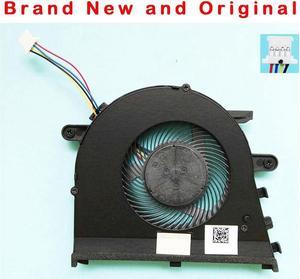
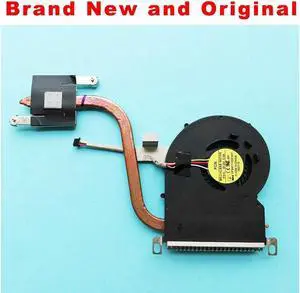
CPU Cooling Fan For ASUS X409 X409F X409FA X409FJ X409FB X509 X509FB X509FL X509FJ
Quick View
  •  
  • $46.27 –
  • Free Shipping
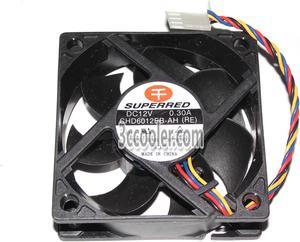
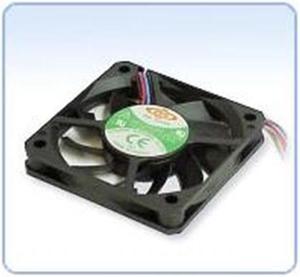
SUPERRED 6020 60*20mm CHD6012EB-AH(RE) 12V 0.3A 4 Wires 4 Pins Case fan 6CM cpu cooler
Quick View
  •  
  • $12.50 –
  • Free Shipping
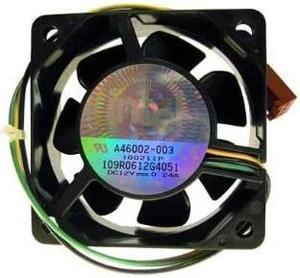
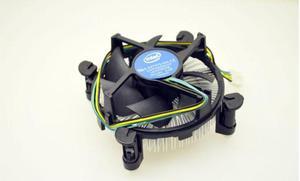
Intel A46002-004 12VDC 0.24A 3-Pin Heatsink CPU Fan
Quick View
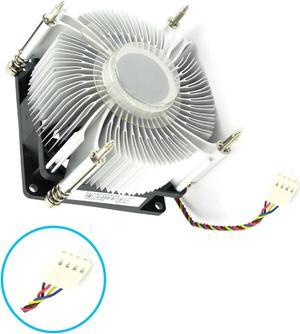
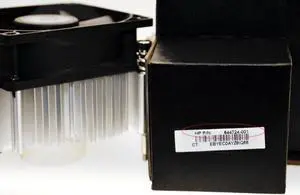
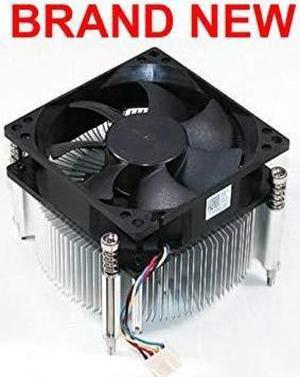
New 95W CPU 4 pin Fan with Heatsink for HP Pavilion Intel 644724-001
Quick View
  •  
  • $37.99 –
  • Free Shipping
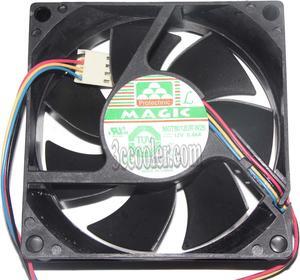
MGT8012UR-W25 8025 12V 0.66A 2 Balls Bearing Cooling fan with 4 Wires 4Pins PWM 80*80*25MM
Quick View
  •  
  • $19.99 –
  • Free Shipping
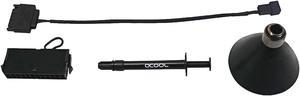
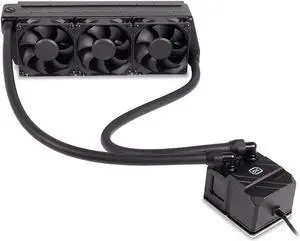
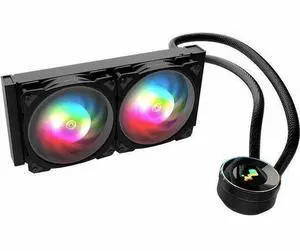
alphacool eisbaer watercooling refill kit (black)
Quick View
  •  
  • $20.57 –
  • Free Shipping
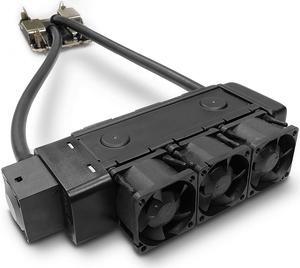
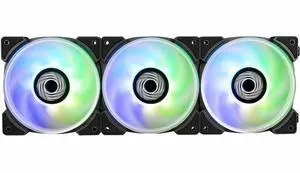
In Win Lynx LN120 Cooling Fan 3 Pack IWFNLN1203PK
Quick View
  •  
  • $49.99 –
  • Free Shipping
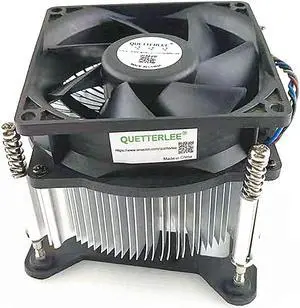
intel pentium i3 i5 i7 cpu cooler fan & heatsink lga 1155 1156
Quick View
  •  
  • $14.99 –
  • $7.99 Shipping
CPU Cooling Fan for Lenovo Ideapad V330-15IKB V330-15ISK
Quick View
  •  
  • $16.79 –
  • Free Shipping
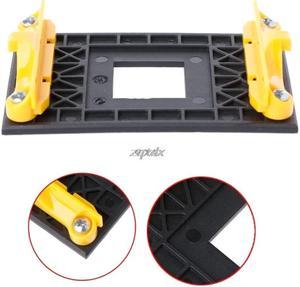
1 PC Desktop CPU Cooling Fan Bracket Cooler Heatsink Holder Base For AM4 887 Socket Z09
Quick View
  •  
  • $11.99 –
  • $7.99 Shipping
Cooler Heatsink Fan for Intel LGA2011 Core i7 Processor 140W CPU Processor BLACK
Quick View
  •  
  • $35.50 –
  • $11.99 Shipping
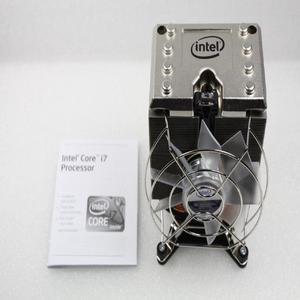
Intel Core I7 CPU Cooler Fan Heatsink Socket LGA 1366 Pc Cooling Fans E97381-001
Quick View
  •  
  • $39.99 –
  • $11.99 Shipping
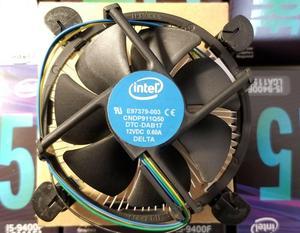
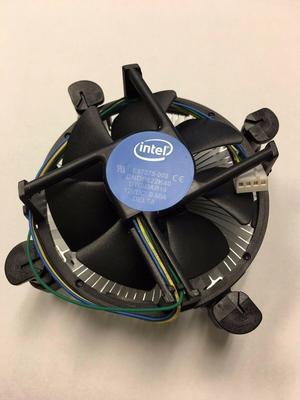
Intel CPU COOLING FAN HEATSINK i3 i5 i7 Socket 1150 1155 1156 E97379-003 65W TDP
Quick View
  •  
  • $16.50 –
  • $7.99 Shipping
Intel Core I7 CPU Cooler Fan Heatsink Socket LGA 1366 Pc Cooling Fans E97381-001
Quick View
  •  
  • $39.99 –
  • $11.99 Shipping
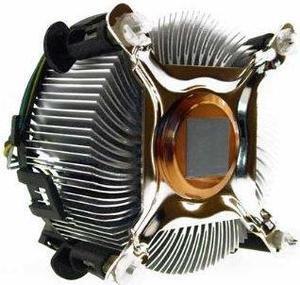
Intel Original Socket 775 CPU Fan/Heatsink with Copper Core Center
Quick View
  •  
  • $24.99 –
  • $8.50 Shipping
Dynatron L30 LGA4189 Ice Lake AIO Liquid Cooler for 1U Server
Quick View
  •  
  • $134.95 –
  • Free Shipping
Intel E97379 Core i3 i5 i7 Socket LGA 1150 1155 1156 NEW CPU FAN HEATSINK C0155
Quick View
  •  
  • $15.99 –
  • $7.99 Shipping
Intel Original CLAM SHELL LGA1150/1151/1155/1156 CPU PROTECTIVE CASE (10PCS)
Quick View
  •  
  • $12.50 –
  • $7.99 Shipping
in win saturn 140mm addressable rgb triple fan kit (controller included) (asn140)
Quick View
  •  
  • $39.99 –
  • Free Shipping
CPU Plastic Protective Case/Clam Shell for LGA1150/1151/1155/1156 CPU (50PCS)
Quick View
  •  
  • $49.00 –
  • $14.99 Shipping
LOT OF 5 Intel Socket LGA 1150 1155 1156 CPU Heatsink Cooling FAN E97378-001 Heatsink Lots
Quick View
  •  
  • $79.99 –
  • $17.99 Shipping
SWAFAN UNIFY 360 White
Quick View
Thermaltake
SWAFAN UNIFY 360 White
  • Model #: CL-F258-PL12SW-A
  • $98.59 - $99.34
SWAFAN UNIFY 360
Quick View
  • $98.59 - $99.34
NEW HP Heatsink & Fan with 4 Pin Connector Intel Processors Class F 612824-ZH1
Quick View
  •  
  • $35.99 –
  • $11.99 Shipping
Coxbright Intel Socket 423/603/604 Heat Sink Retention Bracket A-PAIR
Quick View
  •  
  • $11.50 –
  • $7.99 Shipping
CPU Plastic Protective Case/Clam Shell for LGA1150/1151/1155/1156 CPU (100PCS)
Quick View
  •  
  • $79.99 –
  • $17.99 Shipping
Socket LGA1366 Heatsink 1U 2U for Xeon E5645-E5640-E5630-E5620-E5607-E5605 - New
Quick View
  •  
  • $24.99 –
  • $8.50 Shipping
HP 614950-001 Heatsink For Pavilion Slimline S5501La Desktop Pc
Quick View
  •  
  • $25.99 –
  • $8.50 Shipping
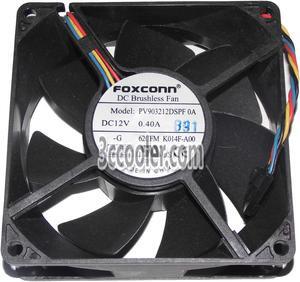
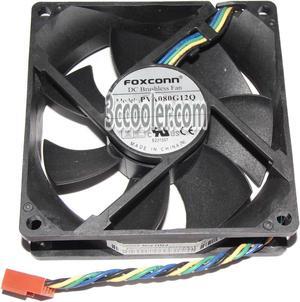
4 pcs Foxconn 8025 PVA080G12Q Square cooling fan with 12V 0.65A 4-Wires 4 Pins
Quick View
  •  
  • $55.96 –
  • $15.99 Shipping
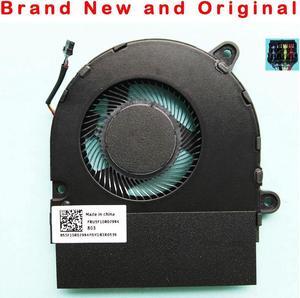
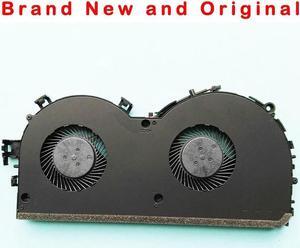
NEW ORIGINAL CPU COOLING FAN FOR LENOVO YOGA 320S CPU FAN COOLER 5F10P47038
Quick View
SUPERMICRO FAN-0086L4 Supermicro FAN-0086L4 1U 40x40x56 mm-4Pin SC815 PWM Fan
Quick View
  •  
  • $29.99 –
  • Free Shipping
HP Pavilion 95W Intel CPU Heatsink Fan 644724-001
Quick View
  •  
  • $31.99 –
  • $11.99 Shipping
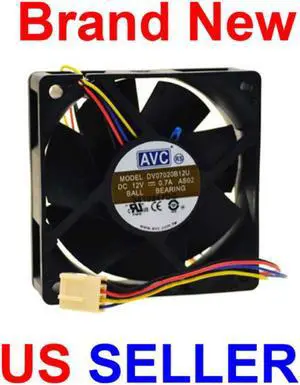
Coxbright **NEW** AVC DV07020B12U 70x20MM 4-PIN CPU Fan
Quick View
  •  
  • $16.49 –
  • $7.99 Shipping
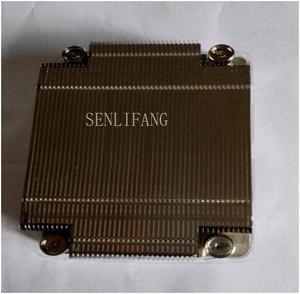
1U Passive Heatsink  CPU for Intel (htp) SNK-P0037P
Quick View
  •  
  • $24.99 –
  • $8.50 Shipping
00KA517 00KC718 CPU heatsink cooler for X3650 M5 CPU heatsink
Quick View
New original cpu cooling fan cooler for EG50040S1-CH30-S9A  0G8RWX G8RWX
Quick View
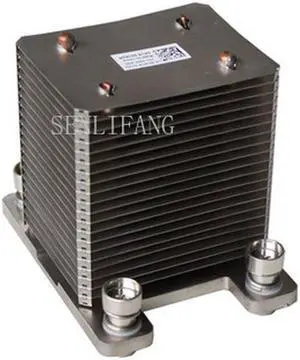
PartsCollection WDRTF CPU Heat Sink & Fan Assy. XPS 8300
Quick View
  •  
  • $35.50 –
  • $11.99 Shipping
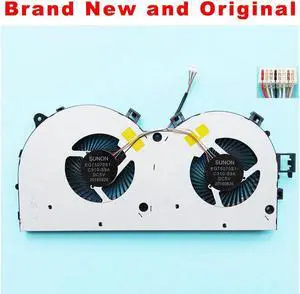
New original cpu cooling cooler EG75070S1-C310-S9A DC 5V Double fan
Quick View

CPU Air Coolers and Heatsinks for Intel & AMD Processors

CPU air coolers use heat pipes and tower designs to efficiently dissipate heat from Intel and AMD processors, making them ideal for gaming PCs and high-performance builds. Find the right CPU fan and heatsink combination to maintain stable temperatures, with Black November deals and Black Friday deals helping you upgrade your cooling setup this holiday season.
How to Choose CPU Air Coolers

Key Features and Technology to Consider When Choosing a CPU Air Cooler

  • Cooling Design: Tower coolers with vertical fins generally provide better airflow and heat dissipation, while low-profile coolers offer compatibility for compact cases.
  • Heat Pipe Integration: Coolers with multiple heat pipes efficiently transfer heat away from the CPU to the fins for faster cooling.
  • Fan Size and Speed: Larger fans can push more air at lower noise levels; variable RPM via PWM allows dynamic cooling based on CPU temperature.
  • Socket Compatibility: Ensure the cooler supports your CPU’s socket type, such as Intel LGA 1851 or AMD Socket AM5.
  • Noise Levels: Some coolers balance strong airflow with quieter operation, important for gamers and professionals alike.
  • Build Quality and Materials: Aluminum fins combined with copper heat pipes usually offer the best thermal conductivity and durability.

The Most Critical Aspect: Heat Pipe Technology

When selecting a CPU air cooler, heat pipe technology stands out as the cornerstone of effective thermal management. Heat pipes act as thermal highways, rapidly transporting heat generated by the processor to the cooler’s fins where it dissipates via airflow. The number, thickness, and arrangement of heat pipes directly affect cooling efficiency. Coolers equipped with multiple thick heat pipes tend to handle higher thermal design power (TDP) CPUs more effectively, making them ideal for gaming PCs or high-performance workstations that demand stable temperatures under load. Furthermore, the precision of their direct contact with the CPU surface enhances heat transfer, minimizing hotspots. Carefully inspecting this feature helps ensure your cooler can maintain processor performance without throttling during intensive use, especially when hunting through Black November deals and Black Friday deals where better coolers can be an upgrade priority.

Advanced and Professional Considerations

For developers and professionals who push their CPUs to the limit, compatibility with cutting-edge processor sockets and thermal requirements is vital. For example, air coolers built for AMD Socket AM5 or Intel LGA 1851 platforms provide enhanced mounting hardware and design features tailored for demanding workloads. Advanced users may also pair their CPU air cooler with premium Fans & PC Cooling solutions to boost airflow beyond stock configurations. Considering these factors ensures the thermal management keeps pace with overclocking or sustained productivity workloads common in development, rendering, or gaming rigs.

Performance and Setup Tips

  • Before installation, thoroughly clean the CPU surface and apply a high-quality thermal paste evenly to maximize heat transfer.
  • Check that the cooler is compatible with your CPU socket to avoid mounting issues and ensure secure contact.
  • Orient tower-style coolers so their fans push air towards your case’s exhaust fans, optimizing airflow direction.
  • Use PWM fan headers on your motherboard to dynamically adjust fan speed according to real-time temperature changes.
  • Regularly clean dust from fans and heat sink fins as accumulated debris reduces cooling efficiency over time.
  • Consider your case’s internal airflow; adding or upgrading case fans can improve overall system cooling performance.
  • During Black November deals and Black Friday deals, take the opportunity to upgrade your cooling system to support future CPU upgrades or overclocking plans.

Newegg shopping tip: When comparing CPU air coolers, pay close attention to the size and compatibility with your case and motherboard, as well as the number of heat pipes and fan noise levels. Considering these factors helps you balance effective cooling with a quiet setup, especially when browsing Black November deals and Black Friday deals for your upgrade.

Explore CPU Air Coolers & Related Categories

AMD Socket AM5

Engineered for the latest Ryzen 7000 series, AM5 coolers deliver precise thermal control with enhanced mounting to handle higher power and boost efficiency.

Intel LGA 1851

New Intel LGA 1851 coolers support the 14th Gen Raptor Lake processors, optimized for increased TDP and improved heat transfer in high-performance builds.

AMD Socket AM3+

Built for aging yet reliable AM3+ CPUs, these air coolers balance solid airflow and quiet operation, ideal for budget gaming or legacy workstation setups.
CPU Air Cooling Basics for First-Time Builders

Stepping into the world of CPU air coolers can feel overwhelming at first, but focusing on a few fundamentals helps simplify the process. These coolers combine a heatsink—usually with heat pipes to conduct heat away from the processor—with one or more fans that push air through the fins to dissipate warmth effectively. Whether you’re upgrading an existing build or tackling your first custom PC, finding the right balance of cooling performance and noise level is key. If you're new, consider coolers designed for the socket type your CPU uses—like AMD Socket AM4 or Intel LGA 1700. During the Black November deals, it’s a great moment to equip your build with reliable cooling at excellent value.
Optimal Air Cooling for High-Performance Gaming PCs

Gaming PCs demand robust cooling solutions that can handle intense processing loads without throttling performance. Enthusiasts often lean towards tower-style heatsinks with multiple heat pipes and high-static-pressure fans to keep temperatures low under long gaming sessions. These coolers efficiently move heat away from powerful CPUs like those on the Intel LGA 1851 platform or the latest AMD Ryzen 7000 series. Look for fans with PWM control to adjust speed dynamically during gameplay, balancing airflow and sound levels. Shopping Black November deals on CPU Air Coolers gives gamers a smart opportunity to upgrade their thermal solutions ahead of major releases or tournaments.

Quiet and Efficient Cooling for Office and Home Workstations

For users building a PC primarily for productivity or everyday tasks, noise reduction and efficient heat management are top priorities. CPU air coolers designed with larger, low-RPM fans and dense fin arrays deliver cool, silent operation suited for home offices and shared spaces. Coolers compatible with sockets like AMD Socket AM3+ or Intel LGA 1200 offer great solutions for reliable, low-noise performance. Black Friday deals on CPU cooler fans and heatsinks present an ideal time to invest in cooling that keeps your system calm and efficient through long workdays.
Before You Buy

  • Confirm your CPU socket compatibility to ensure the cooler fits correctly—check options such as Intel LGA 1851 or AMD Socket AM4.
  • Measure your PC case clearance for CPU cooler height and width, especially for tower designs with large heatsinks.
  • Consider airflow direction of case fans to complement your CPU cooler for maximum thermal efficiency.
  • Evaluate the noise level in decibels if silent operation is a priority for your workspace or gaming setup.
  • Check for heatsinks with multiple heat pipes and PWM-controlled fans for adjustable cooling based on load.
  • Confirm that the mounting hardware supports your specific CPU and socket generation.
  • Review cooling performance ratings to match your processor’s thermal design power (TDP) requirements.
  • Think about aesthetics such as RGB lighting if you want your cooler to complement your build’s look.
  • Explore additional airflow solutions in Fans & PC Cooling to enhance overall system temperature management.

Research more: For a deep dive into selecting the right CPU air cooler, check out the Newegg Insider buying guides. They break down options like heat pipe and tower designs, helping you match a cooler to your Intel or AMD processor before shopping Black November deals.

Last Updated: November 2026 | Newegg CPU Air Coolers Buying Guide


CPU Air Coolers FAQs:

How do Noctua air coolers compare to Cooler Master models in terms of noise and cooling performance?

Noctua coolers are generally quieter and offer excellent cooling efficiency, especially for high-end CPUs, while Cooler Master provides good performance at a more budget-friendly price, but they tend to run a bit louder.

Is it better to go with a single-tower or dual-tower air cooler for overclocking my CPU?

Dual-tower coolers usually deliver better heat dissipation and can handle overclocking more effectively due to their larger surface area, but they’re bulkier and might not fit in smaller cases.

How do I know if a CPU air cooler will fit my motherboard and case?

Check the cooler’s dimensions and mounting compatibility with your motherboard socket and case size. Most manufacturers list supported sockets, and measuring your case clearance can prevent fit issues.

What’s the difference between single-fan and dual-fan CPU air coolers?

Single-fan coolers are generally smaller and quieter, suitable for mid-range builds. Dual-fan models provide better airflow and cooling performance, especially under heavy loads or overclocking.

How do I pick the right size CPU air cooler for my case?

First, check your case’s maximum cooler height to avoid compatibility issues. Then, choose a cooler that fits within that limit while still offering enough airflow for your CPU’s heat output.

Is it worth spending more on a premium CPU air cooler if I’m not overclocking?

Not necessarily. Budget or mid-range coolers often provide adequate cooling for standard use, so only invest in high-end models if you plan to push your processor or want extra quiet performance.

How can I tell if a CPU air cooler is reliable before buying it?

Check user reviews focusing on long-term performance and noise levels, not just initial cooling. Consistent mentions of durability or fan failures are red flags to watch out for.

What are common issues people run into with CPU air coolers?

Many users face problems like loud fans, poor mounting leading to bad contact, or compatibility issues with their case or RAM height. Reviews often highlight these concerns, so it pays to scan for them.

How do I make sure my CPU air cooler is properly seated for the best cooling performance?

You want to apply a thin layer of thermal paste evenly on your CPU before mounting the cooler. Tighten the cooler’s screws evenly in a diagonal pattern to ensure solid contact without putting too much pressure on the chip.

Can I use my existing case fans to improve airflow around my new CPU air cooler?

Absolutely, positioning your case fans to push cool air in and pull hot air out can really boost your CPU cooler’s efficiency. Just make sure the airflow direction aligns with the cooler’s fan to avoid disrupting the airflow path.

Bestselling CPU Air Coolers Reviews:

Anonymous
8/9/2026 12:24:21 PM
Easiest install ever

“ Out of many heatsinks I've purchased over the years; this has to be the easiest I've ever put into a tower. ”

be quiet! Dark Rock Slim CPU Air Cooler | 180W TDP | Compact Air Cooler | LGA 1700 1200 2066 1150 1151 1155 2011(-3) Square ILM | Intel and AMD 4/5 Support | Low Noise Cooler | Black | BK024
Nathan C.
4/6/2025 6:57:44 PM
Extremely good performance while almost silent.

“ I have used Noctua heatsinks in a lot of builds and they have never let me down. ”

Noctua NH-D15S chromax.Black, Premium Dual-Tower CPU Cooler with NF-A15 PWM 140mm Fan (Black)
Arthur S.
2/5/2024 9:30:41 AM
Fantastic Cooling, Limited Height, Incredibly Quiet

“ There is no interference with any motherboard components including RAM and heatsinks integrated to the motherboard (they may be close, but there should be room). ”

Noctua NH-D9L, Premium CPU Cooler with NF-A9 92mm Fan (Brown)