here!
here!
I’m your shopping assistant for PC builds, upgrades, and everything tech.
Got questions? Ask away!
Start a conversation
here!
I’m your shopping assistant for PC builds, upgrades, and everything tech.
Got questions? Ask away!
Start a conversation


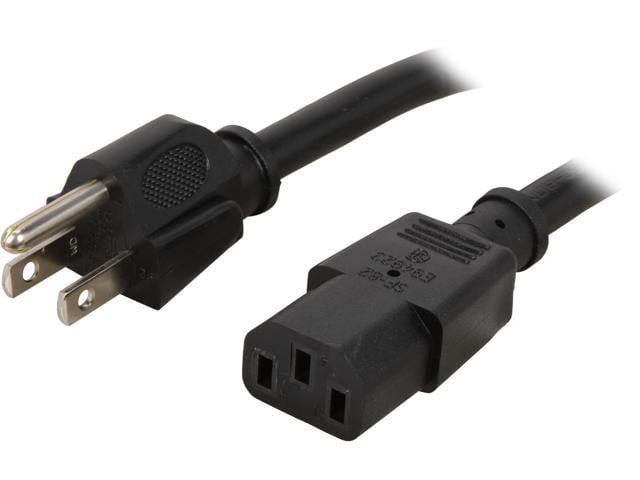
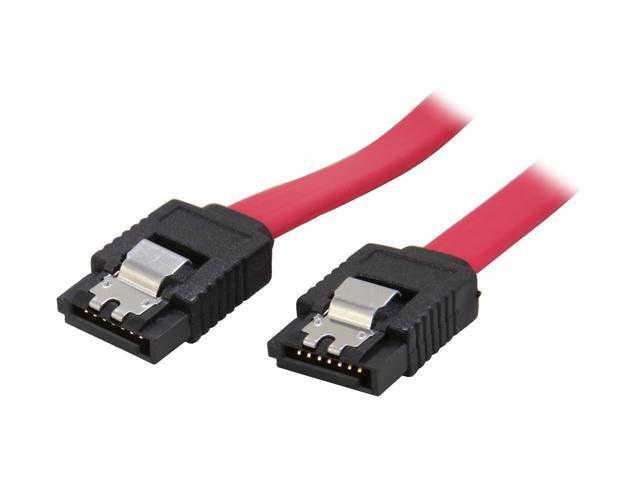
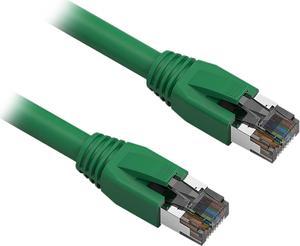
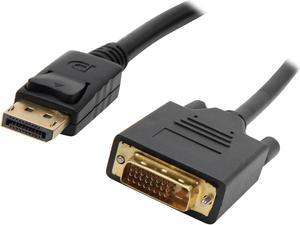
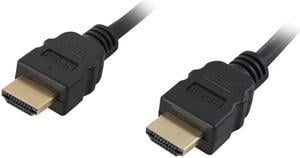
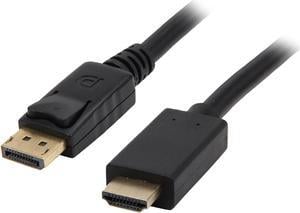
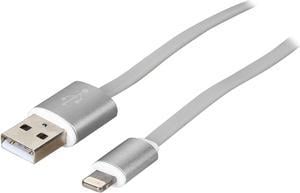
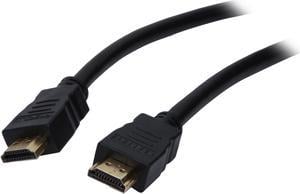
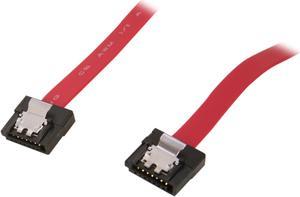
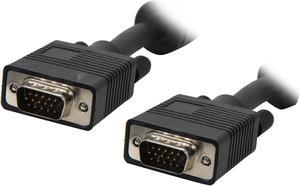
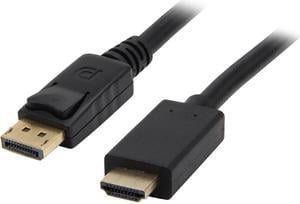
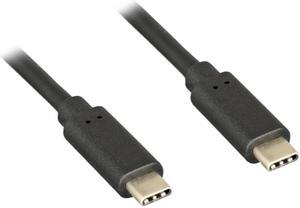
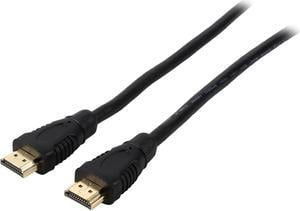
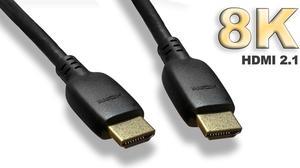
You can use extension cables, USB cables, and computer hardware cables to power devices, transfer data from one source to another, and to extend the reach of devices. Electrical devices, including computers, TVs and satellite boxes, will not work without the right type of lead to connect to power. Even electronic devices like cell phones and portable media players use cables to charge their batteries and to transfer data from other devices. With the right cables, you ensure that your devices offer the features and functions you require, and you can improve range, speed up the charging process and enjoy additional benefits like pass-through charging or the simple transfer of audio and video data packages.
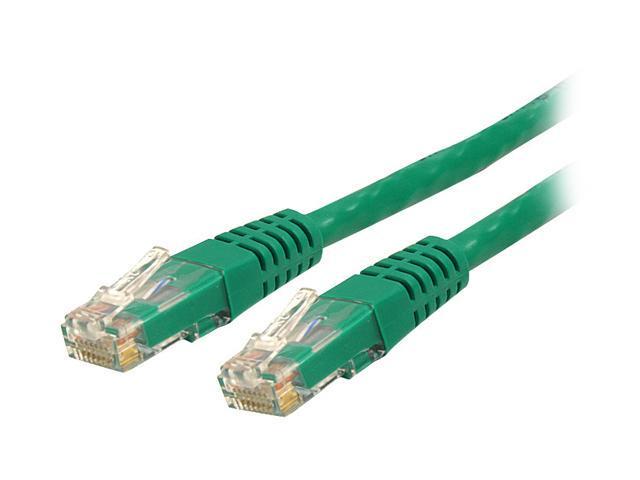
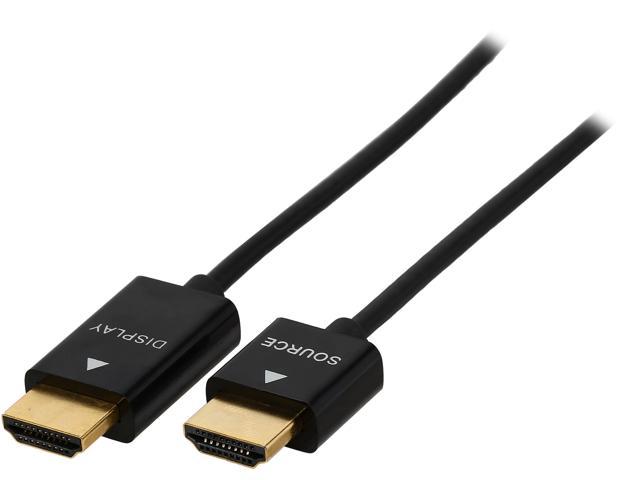
Whether you're connecting a monitor to a desktop computer or a new hard drive to the motherboard, getting the right computer hardware cables is essential. A lot of computer manufacturers offer HDMI ports for components like monitors in place of traditional audio video cables. However, some models, older machines in particular, still use DVI or VGA cables for monitors and PS/2 cables for keyboards and mice. Check the ports in your PC tower to ensure that you have the right wires.
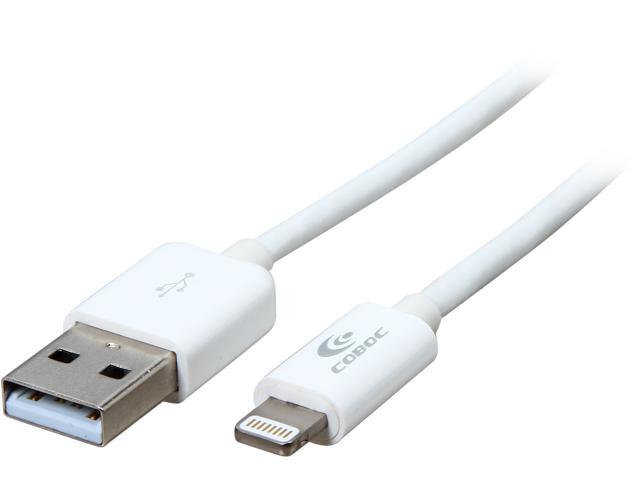
Most modern cell phone cables are some form of USB cable, but there have been many standards over the years. Cell phones usually utilize USB A, USB B, or USB C. Other common cables include Micro USB-A and Micro USB-B. Some iPhones and Apple devices use a proprietary technology called Firewire cables. These have a different connection to standard USB cables. It is important that you get the right cable for your make and model of phone, to allow for data transfer and charging.
Most electrical devices require power cables to operate. Even electronic devices with rechargeable batteries may also require the use of these cables. A 3ft cable allows you to connect to a charging dock without unnecessary loops of wire. Shorter cables also take less time to charge a device, although this depends on factors like wire gauge. You can use thicker wire such as 24 gauge for fast charging cables, but lower gauge wires are cheaper to manufacture and buy. Longer cables, which can measure between 10ft and 15ft, are uniquely suited to mobile devices with a pass-through charge, such as laptops, because they enable the user to move away from the plug socket while powering the device.
“ The connection was simple and the keyboard has worked perfectly with the extension cable. ”
SatelliteSale USB 3.0 Extension Cable A Male to A Female for Data Transfer (6 Feet)“ Would recommend, good quality cable ”
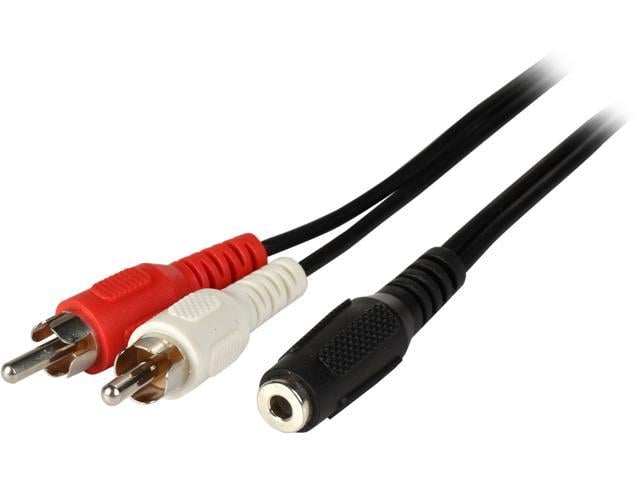
SatelliteSale Auxiliary 3.5mm Audio Jack to 2 RCA Digital Stereo Composite Aux Cable Universal Wire PVC Black Cord 6 feet“ Purchased this to use as a power extension for a USB-A cable. ”
SatelliteSale USB 3.0 Extension Cable A Male to A Female for Data Transfer (6 Feet)“ I was able to achieve 4k 120 Hz when using this cable and had no issues whatsoever. ”
SatelliteSale Digital Ultra High-Speed HDMI 2.1 Cable 4K/120Hz 8K/60Hz 48Gbps Universal Wire Black Cotton Cord 3 feet“ Perfect for high data rate and high bandwidth HDMI 2.1 FRL connection if your laptop and monitor supports it. ”
SatelliteSale Digital Ultra High-Speed HDMI 2.1 Cable 4K/120Hz 8K/60Hz 48Gbps Universal Wire Black Cotton Cord 3 feet“ I bought this cable to use in temporarily connecting my laptop to a other peoples TVs as I too many times have problems connecting via bluetooth. ”
Nippon Labs 25ft. HDMI2.0 CL2 High-Speed HDMI With Ethernet Cable, supports 4K x 2K@60Hz“ It's a solid cable, and performs as advertised. ”
Nippon Labs 8K HDMI2.1 Cable (Anti-Static Bags), 10ft. Supports 8K@60Hz & 4K@120Hz, Up to 48Gbps High Speed HDMI 2.1 AM to AM Cable, Ultra Certificated, 30HM8K-10HM-V218K-10“ Gives 2 usb ports inside, one for a backup drive one for cordless mouse. ”
Enlabs MB20P22U310IN 2 Port Internal USB 3.0 Motherboard 20-Pin Header to 2x USB 3.0 A 10-Inch Female Adapter Cable,USB 20pin to 2 x USB 3.0 Splitter Cable -Black