here!
I’m your shopping assistant for PC builds, upgrades, and everything tech.
Got questions? Ask away!
Start a conversation
here!
I’m your shopping assistant for PC builds, upgrades, and everything tech.
Got questions? Ask away!
Start a conversation








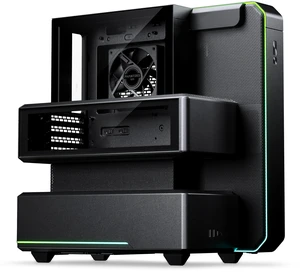
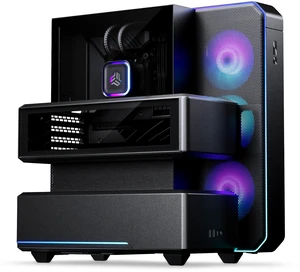
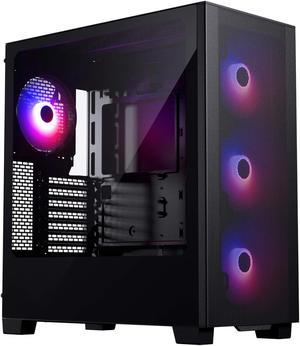
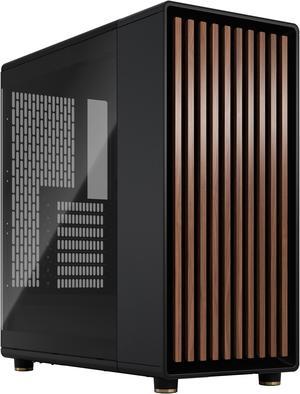
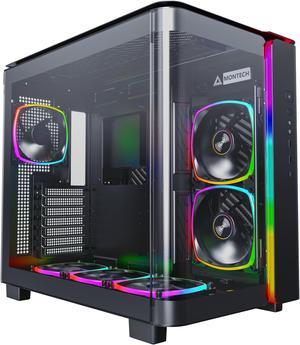
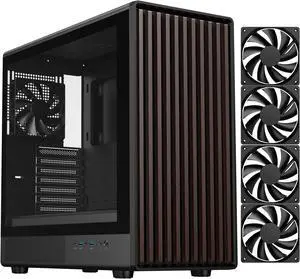
+ $5 off w/ promo code BNWFF42, limited offer
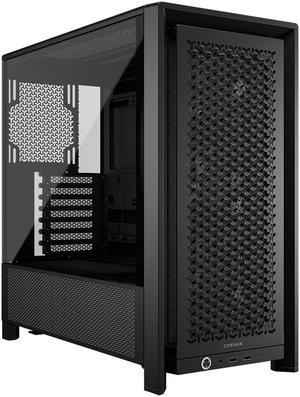
+ $5 off w/ promo code BNWFF43, limited offer
+ $30 off w/ promo code BNWF39, limited offer





+ $10 off w/ promo code BNWF37, limited offer
Choose from a variety of ATX, mid-tower, and compact computer cases from trusted brands like Corsair, NZXT, and Cooler Master. Whether building a high-performance gaming rig or a compact workstation, find the right case with Black November deals and Black Friday deals to fit your setup.
When selecting a computer case, airflow is arguably the single most important technical consideration. Effective airflow keeps your components running cooler and quieter while extending their lifespan. A case with well-placed intake and exhaust vents, mesh panels, and ample fan or radiator mounts encourages a strong, unobstructed flow of cool air over your CPU, GPU, and other heat-sensitive parts. This is especially relevant during demanding gaming sessions or professional workloads.
Cases like the ATX Mid Tower are designed with optimized channels and fan mount locations to maximize cooling potential. If you plan to invest in liquid cooling or multiple graphics cards, ensuring your case supports high-performance airflow should weigh heavily in your decision—particularly as you explore Black November deals and Black Friday deals to get the best case for cooling efficiency.
For developers, content creators, or hardware enthusiasts seeking high-performance and expandability, choosing a computer case that supports larger motherboard sizes and advanced cooling solutions is critical. An E-ATX Tower Case or an ATX Full Tower can accommodate multiple GPUs, numerous storage drives, and custom liquid cooling loops necessary for intensive workloads. Such cases often feature modular designs, tool-less drive bays, and enhanced cable management capabilities to streamline system upgrades and maintenance. Leveraging Black November deals and Black Friday deals on these premium cases can be a smart way to secure professional-grade equipment without compromising on future-proofing or performance.
Newegg shopping tip: When choosing a computer case, compare the size and airflow options to make sure it fits your components and keeps them cool. Also, check compatibility with your motherboard type, drive bays, and front panel ports to match your build needs—especially while browsing Black November deals and Black Friday deals.
Built for standard ATX motherboards, this case offers ample room for multiple GPUs and cooling options, ideal for mainstream gaming and productivity setups.
Supports Extended ATX boards with extra space for massive graphics cards and advanced water cooling loops—perfect for high-end builds demanding serious airflow.
A versatile chassis compatible with various motherboard sizes, focusing on balanced airflow and cable management to keep your rig neat and cool.
For those just starting to build or upgrade a PC, selecting the right Computer Case can feel overwhelming. Begin by considering the size of your motherboard and desired internal components—the most common is the ATX form factor, which supports a wide range of hardware without being too bulky. Popular choices like the ATX Mid Tower offer a perfect balance of space and cooling, making them ideal for newcomers building a versatile PC. During Black November deals and Black Friday deals, you’ll find great selections that help you get started on budget without sacrificing quality or style.
If you’re constructing a gaming rig that demands powerful graphics cards and optimal cooling, an ATX Desktop case is a solid starting point. For those who want to push further, E-ATX Tower Case and ATX Full Tower options provide room for multi-GPU setups, custom liquid cooling, and extra storage drives. These cases ensure you maximize airflow and minimize heat during intense gaming sessions. Take advantage of Black November deals and Black Friday deals to equip your build with premium cooling and style without breaking the bank.
Building a powerful computer in a limited space? Compact cases like the MicroATX and Mini-ITX cases are engineered to pack excellent performance into smaller footprints. For users balancing space constraints with strong graphics and CPU cooling, these cases offer surprising expansion options and a sleek appearance that fits neatly on desks or entertainment centers. Don’t miss out on Black November deals and Black Friday deals for these compact solutions that deliver big performance in small packages.
Research more: Choosing the right computer case impacts airflow, component compatibility, and overall build aesthetics. For a deeper dive into case sizes, features, and what fits best with your setup, check out Newegg Insider buying guides. Keep an eye on Black November deals and Black Friday deals to find options that suit both your needs and budget.
Last Updated: November 2026 | Newegg Computer Cases Buying Guide
Mid-tower cases offer enough room for most standard components and good airflow, making them more compact and easier to fit in tighter spaces. Full-tower cases, on the other hand, provide extra space for larger builds, multiple GPUs, and more extensive cooling setups, but they take up more desk or floor space.
Glass side panels are great if you want to showcase your build and RGB lighting, but solid metal cases usually offer better noise insulation and durability. It comes down to whether aesthetics or practicality matter more for your setup.
Focus on cases with plenty of mesh panels, multiple fan mounts, and room for larger or additional fans. Good airflow helps keep your components cool and running smoothly.
Check the case's supported motherboard sizes like ATX, Micro-ATX, or Mini-ITX and make sure it has enough clearance for your GPU length and CPU cooler height. Specs usually list these measurements upfront.
Start by checking your motherboard size—ATX, Micro-ATX, or Mini-ITX—and pick a case that supports it. Also, consider the number of drives and GPU length you plan to use to make sure everything fits comfortably.
If you’re running high-performance parts or overclocking, good airflow can keep temps down and extend component life, so it’s usually a smart investment. For basic setups, a budget case with decent ventilation is often enough.
Look for reviews that talk about the materials and build quality, especially mentions of sturdy steel or aluminum. If multiple users complain about rattling panels or broken screws, that’s a red flag.
Yes, pay attention to comments on airflow restrictions, difficult cable management, or poor fit for standard components. These issues can make setup a headache or limit future upgrades.
Check the case specs for supported motherboard sizes like ATX, Micro-ATX, or Mini-ITX, and make sure your motherboard matches one of those. Most cases list compatible sizes upfront.
Start by installing intake fans at the front or bottom and exhaust fans at the back or top to create a clear front-to-back airflow path. Keeping cables tidy also helps air move freely and keeps components cool.
“ Really recommend this case ”
Phanteks Enthoo Pro TG PH-ES614PTG_BK Integrated RGB Lighting Control Tempered Glass Side Panel ATX Full Tower Computer Case - Black“ I am very pleased with this SAMA case, the build quality feels solid, the glass panels look amazing, and everything arrived safe and intact. ”
SAMA V52 PC Case with 7 ARGB Fans and Hub, Full View Tempered Glass Mid Tower Gaming Case, Type-C, High Airflow, Supports ATX / Micro-ATX / Mini-ITX, Supports 420mm GPU & 360mm Radiator,White“ Great case, looks great in my room and was easy enough to build in. ”
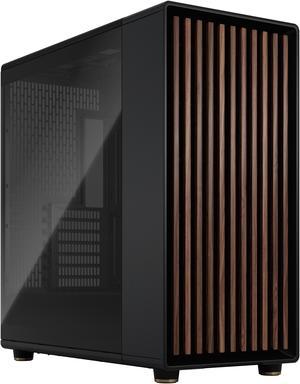
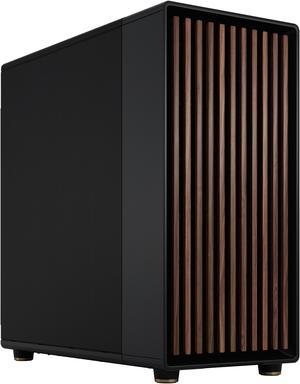
Fractal Design North ATX mATX Mid Tower PC Case - Charcoal Black Chassis with Walnut Front and Mesh Side Panel“ Super cool case ”
Montech AIR 903 BASE, E-ATX Mid Tower Case, High Airflow with Max Capacity, 3x 140mm PWM Fans Pre-installed, Tempered Glass Side Panel, Mesh Front, TYPE-C, Support 4090 GPUs, Black“ Amazing case for price and easy cable management but USB c port doesn't work ”
Phanteks XT Pro, Mid-Tower Gaming Chassis, High Airflow Performance Mesh, Tempered Glass Window, 1x M25-120 Black fan included, Black“ I recommend this case. ”
Fractal Design Define R5 Black Silent ATX Midtower Computer Case“ The case has a lot of freedom for sizing, decent clearance for GPUs, and surprised me with how easy it was as a first time case ”
Phanteks XT Pro, Mid-Tower Gaming Chassis, High Airflow Performance Mesh, Tempered Glass Window, 1x M25-120 Black fan included, Black“ Best case I ever bought and I've bought hundreds! ”
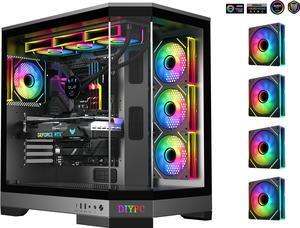
DIYPC Vanguard-F1-BK -Black Dual USB3.0 and Type C Tempered Glass ATX Full Tower Gaming Computer Case w/ 4 x ARGB PWM Fans (3 x MB Side, 1 x Rear) Pre-Installed.