here!
here!
I’m your shopping assistant for PC builds, upgrades, and everything tech.
Got questions? Ask away!
Start a conversation
here!
I’m your shopping assistant for PC builds, upgrades, and everything tech.
Got questions? Ask away!
Start a conversation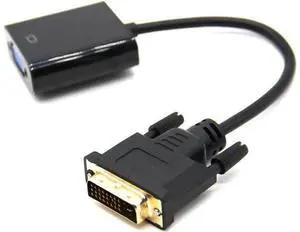
Limited time offer, ends 10/25
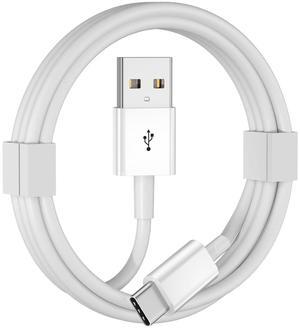
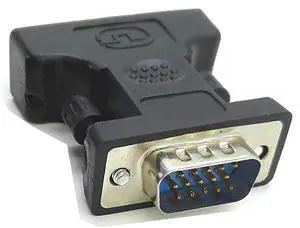
Limited time offer, ends 10/25
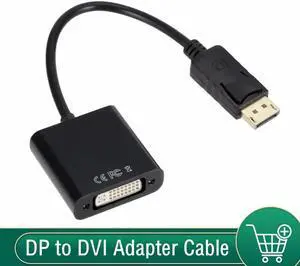
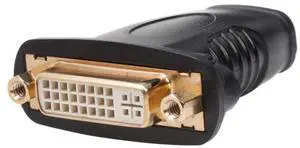
Limited time offer, ends 10/25
Limited time offer, ends 10/25
Limited time offer, ends 10/25
Limited time offer, ends 10/24
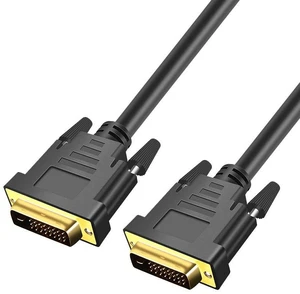
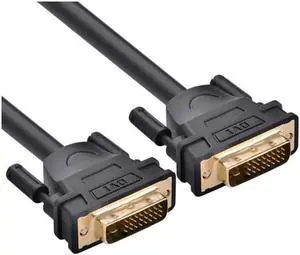
DVI, or Digital Video Interface, is a video interface that gets the highest video quality out of video graphics cards and flat panel LCDs by way of DVI cables. It took the place of the P&D Plug & Display interface and also surpassed in quality the DFP format for old flat panel monitors. Before HDMI, DVI used to be the go-to digital transfer method for high-end video displays for media like DVS, films and television. Now, HDMI is the best interface for high-definition delivery for media, while DVI is the go-to for computer video transfer. There are several different types of DVI cables, and the one you choose will be based on the features the cables offer.
People who are looking for DVI adapters and cables that deliver crystal clear delivery from the source video to monitors should use DVD-D cables. These cables deliver high-quality imagery much better than analog ones do. When it comes to digital video cards, the DVD-D cables get rid of the usual analog conversion process while strengthening the connection between the display and the source.
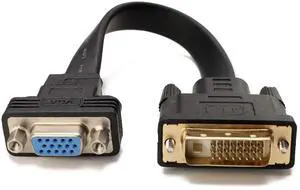
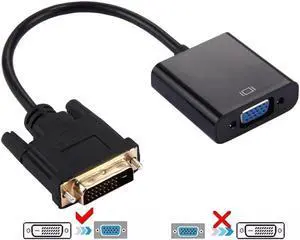
If you're trying to connect a VGA monitor and a DVI computer, go for the DVI-A cable. These cables transfer DVI signals to analog displays like low-cost LCDs or CRT monitors. Many people use DVI-A cables to connect VGA devices since both technologies use the same signals. When you convert digital to analog, there's a loss of quality, so it is best to use a digital signal whenever you can in order to get the best quality transmission.
When you're working with DVI-I cables, you're working with cables that give you the best of both worlds. They transmit both digital to digital signals and analog to analog signals, making them a great choice for a wider range of applications. Keep in mind that you can't use digital and analog systems interchangeably. In order to connect analog sources to digital displays, you're going to have to get a VGA to DVI-D electronic converter. If you're connecting digital displays to analog monitors, you'll need to get a DVI-D to VGA converter.
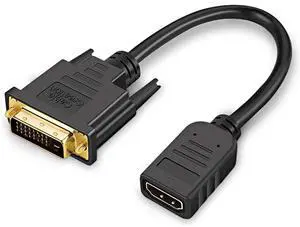
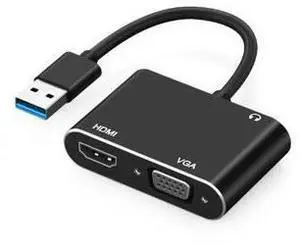
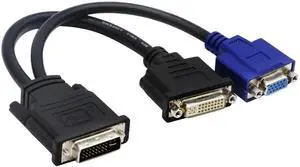
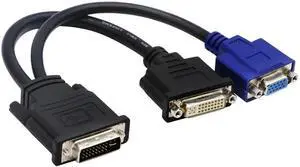
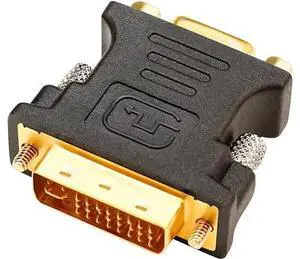
Figuring out which DVI cable you need can be a bit challenging. One simple way to figure which cable to use is to look at both female DVI plugs so that you can figure out with setups the plugs will align. If you have at least one DVI-D connection, consider getting a DVI-D cable. If you have at least one DVI-A connection, opt for a DVI-A cable. If there are two DVI-I connections, you can use either a DVI cable or a DVI-I cable. If you have a DVI connection and a VGA connection, you need to use a DVI to VGA cable or a DVI/VGA connector adapter.
“ I got rid of my DVI cables because I did think that I need them anymore. ”
Nippon Labs DVI6DD 6 ft. DVI D Dual Link (24 + 1) Male to Male Cable, Black“ DVI cables, buy these. ”
Nippon Labs DVI6DD 6 ft. DVI D Dual Link (24 + 1) Male to Male Cable, Black“ I set up two monitors, the DVI-D cable made the job easy. ”
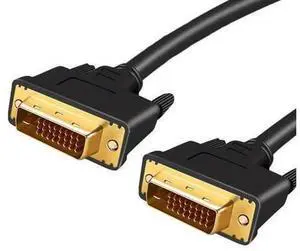
Link Depot DVI-6-DD Black DVI 24-Pin (Others Also Call 25-Pin or 24+1-Pin) DVI-D Male to DVI-D Male Dual Link Cable