here!
here!
I’m your shopping assistant for PC builds, upgrades, and everything tech.
Got questions? Ask away!
Start a conversation
here!
I’m your shopping assistant for PC builds, upgrades, and everything tech.
Got questions? Ask away!
Start a conversation







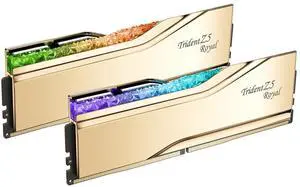


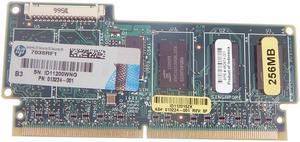
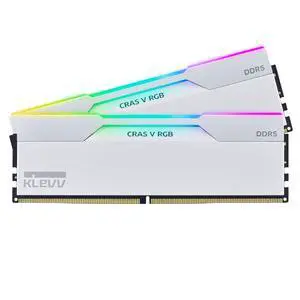
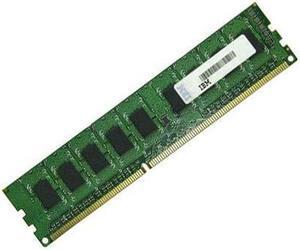
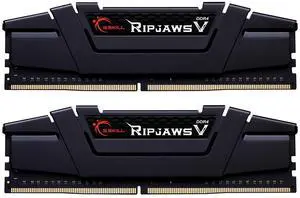
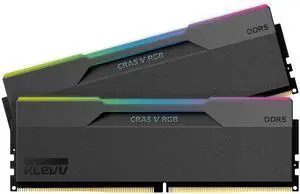
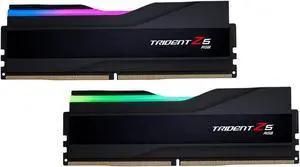
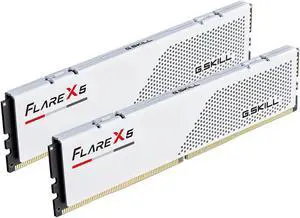
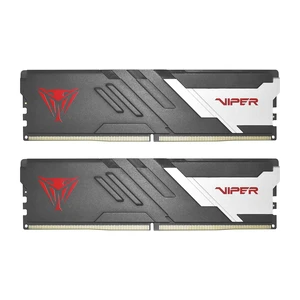
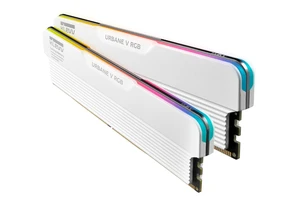
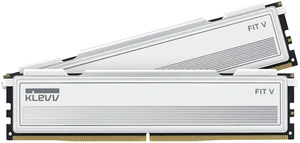
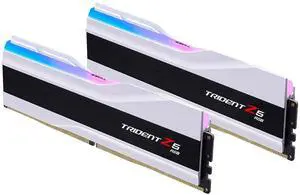
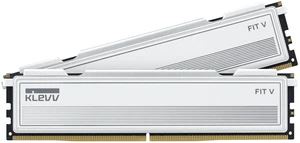
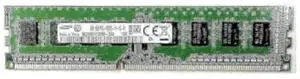
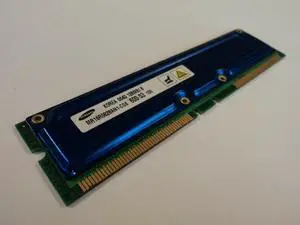
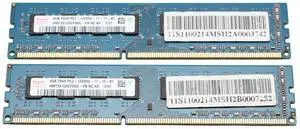
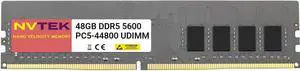
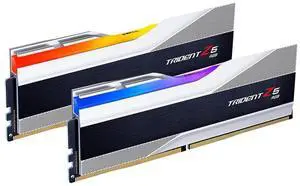
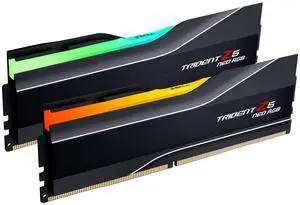
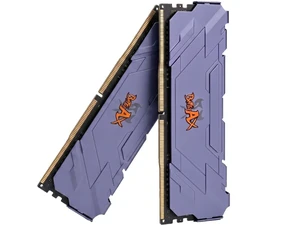
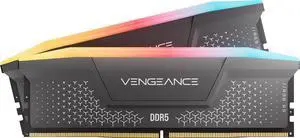
Find a wide selection of DDR4 and DDR5 desktop memory from top brands like Corsair, G.Skill, and Crucial. Compare options by capacity, speed, and latency to suit any PC build, with Black November deals and Black Friday deals available for your upgrade needs.
When selecting desktop memory, speed is often the pivotal spec driving performance gains. Memory speed, measured in megahertz (MHz), indicates how fast data moves between the RAM and CPU. Higher speed modules accelerate load times, improve frame rates, and smooth multitasking. For cutting-edge builds, options starting at DDR5 6000 (PC5 48000) scale up through various increments like DDR5 7600 (PC5 60800) and on to DDR5 8000 (PC5 64000), catering to different levels of gaming or professional workloads.
Notably, pairing ultra-fast RAM with a compatible CPU and motherboard maximizes the performance uplift. However, speed gains must be balanced against latency and system compatibility to fully leverage faster modules. For many users, mid-tier speeds offer excellent real-world benefits while maintaining a reasonable build cost.
For developers, content creators, and power users, memory capacity and speed can directly impact productivity and system responsiveness, especially under heavy workloads such as high-resolution video editing, 3D rendering, and software development environments. Professionals often target high-capacity kits exceeding 32GB and prioritize stable, low-latency modules that can sustain fast data throughput.
Many advanced users consider overclocking capabilities and profiles like XMP (Extreme Memory Profile) for customizable performance tuning. Exploring DDR5 memory with speeds at or above DDR5 6400 (PC5 51200) is particularly popular among enthusiasts seeking a balance of speed and reliability on new Intel and AMD platforms.
During the busy Black November deals season, professionals should evaluate their upgrade paths, factoring in motherboard and CPU compatibility to ensure system harmony without bottlenecks.
Newegg shopping tip: When choosing desktop memory, compare the capacity, speed (measured in MHz), and CAS latency to match your system’s needs and ensure compatibility. During Black November deals and Black Friday deals, these specs help you spot the best fit among many options without overspending on features you might not use.
Unlock next-level speed and efficiency with DDR5, engineered for higher bandwidth and power management aimed at cutting-edge desktops and gaming rigs.
DDR4 remains a solid workhorse, offering wide compatibility and stable performance for mainstream PCs and cost-conscious builders.
Push your system to the max with DDR5 8000, delivering blistering speeds perfect for extreme overclockers and high-frequency memory enthusiasts.
If you're building or upgrading a PC, selecting the right desktop memory is key to smooth, speedy performance. Desktop RAM, or Random Access Memory, temporarily stores data your CPU uses for running programs and multitasking. For beginners, learning the difference between DDR4 and DDR5 memory formats is a great start. DDR4 still dominates many desktops due to its broad compatibility and reliability, while DDR5 is rapidly gaining traction for delivering higher bandwidth and better power efficiency. With Black November deals on Desktop Memory available, it’s a smart time to explore your options and decide based on your system’s motherboard support and future upgrade plans.
Gamers often demand faster load times, flawless frame rates, and quick response from their systems. High-performance RAM modules like DDR5 8000 (PC5 64000) or DDR5 7600 (PC5 60800) offer ultra-fast data rates that can shave precious milliseconds off load times while providing headroom for overclocking. Mid-tier DDR5 speeds like DDR5 6400 (PC5 51200) provide excellent balance for gamers seeking high frame rates without overextending their budget. Check out the latest Black Friday deals on Desktop Memory to maximize your gaming rig’s potential.
Content creators, video editors, and professionals handling complex workflows benefit from large-capacity, high-speed memory to manage demanding software seamlessly. For these users, DDR5 modules with higher capacity and faster clock speeds such as DDR5 7200 (PC5 57600) or DDR5 7000 (PC5 56000) provide the performance boost necessary to speed up render times and improve multitasking efficiency. Don’t overlook robust DDR4 kits if you’re on a tighter budget but need dependable performance. Discover Black November deals on Desktop Memory to invest wisely in your professional setup.
Research more: If you’re comparing DDR4 and DDR5 memory or deciding on the right capacity and speed for your setup, checking out the Newegg Insider buying guides can help clarify key specs and performance factors. Keep an eye on this page during Black November deals and Black Friday deals for competitive options worth considering.
Last Updated: November 2026 | Newegg Desktop Memory Buying Guide
DDR5 offers faster speeds and better efficiency than DDR4, but it’s also pricier and may not boost performance in all tasks yet. DDR4 is still a solid choice if you want good value and compatibility with most current systems.
Two 8GB sticks run in dual-channel mode, which can improve performance over a single 16GB stick by allowing faster data transfer. Opt for two sticks if your motherboard supports it and you want to squeeze out more speed.
Desktop memory typically comes in sizes ranging from 4GB to 64GB per module. To find out what your PC supports, check your motherboard’s specifications or use a system information tool to see the compatible type and maximum capacity.
Yes, faster memory speeds can improve overall system performance and game loading times, but the difference varies depending on your CPU and tasks. For most everyday applications, standard speeds are fine, but gamers and content creators often benefit from higher-speed RAM.
Check your motherboard’s specifications for supported RAM type, speed, and maximum capacity before buying. DDR4 and DDR5 are common now, but your system might only work with one or the other.
More memory generally improves multitasking and overall performance more than faster speeds, especially if you run many apps or games. High speed matters mostly for gaming or specific software that uses fast memory.
Look for patterns in user feedback, especially mentions of long-term stability and compatibility with different motherboards. Consistently positive experiences across various system builds usually indicate solid reliability.
Watch for reports of crashes, failure to post, or errors like blue screens, as these often point to defective RAM or compatibility problems. Checking if others with similar setups had smooth installs can save you trouble.
First, power off your PC and unplug it. Open the case, locate the RAM slots, and gently press the memory sticks into place until they click. Avoid touching the gold contacts to prevent static damage.
You can open your system’s settings or BIOS to see the total installed memory. On Windows, right-click the Start menu, choose “System,” and check the “Installed RAM” section.
“ Just excited to finally play more games with her without her game constantly crashing or freezing up from max memory usage :) ! ”
G.SKILL Ripjaws V Series 16GB (2 x 8GB) 288-Pin PC RAM DDR4 3200 (PC4 25600) Desktop Memory Model F4-3200C16D-16GVKB