




 here!
here!
I’m your shopping assistant for PC builds, upgrades, and everything tech.
Got questions? Ask away!
Start a conversation
here!
I’m your shopping assistant for PC builds, upgrades, and everything tech.
Got questions? Ask away!
Start a conversation












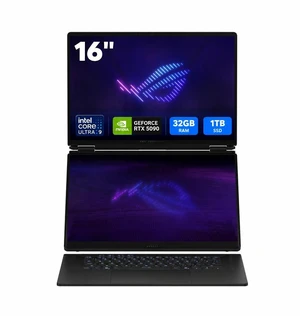
Free Nvidia game w/ purchase, limited offer
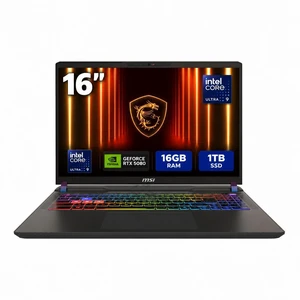
Free games w/ purchase, limited offer
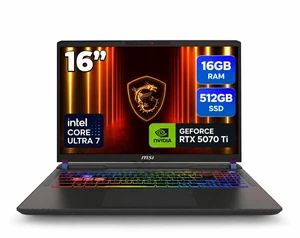
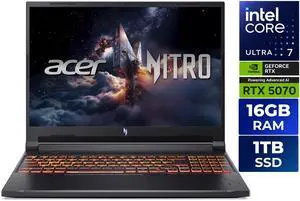
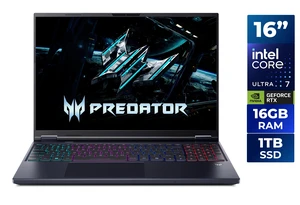
Free Nvidia game w/ purchase, limited offer
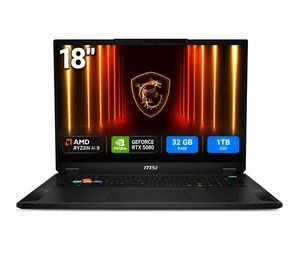
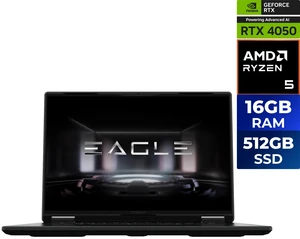
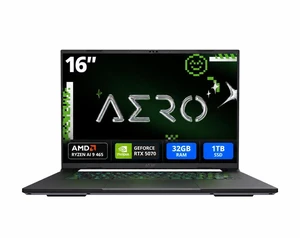
Free Nvidia game w/ purchase, limited offer
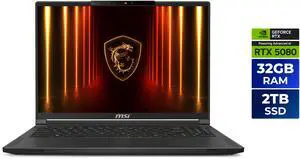
Free Nvidia game w/ purchase, limited offer
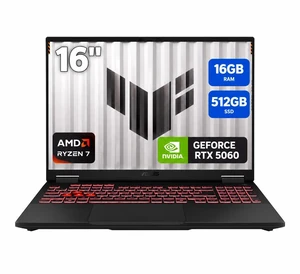
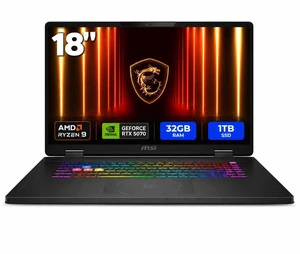
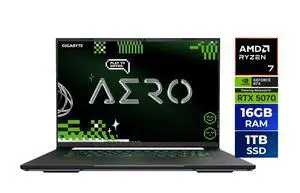
Find the right gaming laptop for your needs, whether you're a casual player or a competitive gamer. Explore the latest models, deals, and technology all in one place at Newegg.
When shopping for a gaming laptop, several important features and technologies can make or break your gaming experience. Keep these factors in mind:
The GPU is the powerhouse driving your gaming visuals and frame rates. For gaming laptops, NVIDIA’s RTX 40 Series GPUs stand out for pushing boundaries in graphics fidelity with real-time ray tracing and AI-driven DLSS upscaling, allowing you to play modern titles at ultra settings without compromise. AMD Radeon equivalents also offer competitive performance with efficient thermals. Pairing a top-tier GPU with a compatible CPU ensures you get buttery-smooth gameplay and the latest graphical features. If you want to dive deeper, check out our selection of NVIDIA Gaming Laptops to experience what the latest GPU tech offers.
For developers, 3D artists, or content creators who game, a gaming laptop can double as a high-performance workstation. Powerful GPUs accelerate rendering and simulations, while fast processors support compiling and multitasking. Many higher-end laptops offer Thunderbolt 4 ports, opening the door to attach an egpu (external GPU) for even stronger graphics performance or dual-GPU setups. Whether you’re optimizing game development environments or running professional applications, choosing a model with solid expandability and ample RAM is key. Explore our complete collection of Gaming Laptops tailored for advanced users.
Newegg shopping tip: When choosing a gaming laptop, focus on comparing the GPU and CPU performance, as these directly impact gameplay smoothness and load times. Also, check the refresh rate and resolution of the display to match your gaming preferences for visuals and responsiveness.
Score steep discounts on last-gen GPUs and CPUs—perfect if you want a powerful rig without breaking your budget.
Get like-new performance with certified refurbished rigs featuring tested components and warranty coverage.
Play at ultra settings with RTX 40 Series GPUs, delivering real-time ray tracing and DLSS AI upscaling.
Stepping into the world of gaming laptops can feel overwhelming at first, but it doesn’t have to be. These machines are built to deliver high performance for gaming, multimedia, and even productivity on the go. Focus on models with ample RAM (16 GB or more) and fast SSD storage for smooth game loading and multitasking. You’ll also want to choose a laptop with a dedicated graphics card to run games at higher resolutions and frame rates. If budget is a concern, explore Gaming Laptop Clearance deals for excellent value on last-gen hardware. Don’t forget to consider the laptop’s screen size, keyboard comfort, and cooling system—these impact your overall experience just as much as raw specs.
If you’re chasing every millisecond to get the edge in popular esports titles, performance and precision matter most. Look for gaming laptops with the latest NVIDIA Gaming Laptops featuring RTX 40 Series GPUs that handle ultra settings and deliver high frame rates. Pair this with a 13th Gen Intel processor for smooth multitasking and the fastest possible game response. A high-refresh-rate display (120Hz or higher) is key to seeing every action crisply, and a responsive keyboard with anti-ghosting ensures every input counts. Budding esports champions should also check out models optimized for esports performance to stay competitive without excess bulk.
Many creatives need machines that game as hard as they work—in video editing, 3D modeling, or streaming while gaming. These professionals benefit from laptops that balance raw graphics power and CPU multitasking. AMD Gaming Laptops, featuring Ryzen Mobile CPUs and Radeon graphics, offer excellent thermal efficiency for long editing sessions and multitasking without overheating. Meanwhile, Intel Gaming Laptops with the newest processors handle demanding production software alongside your gaming sessions. Consider laptops with vibrant displays that support a wide color gamut and calibration options for accurate visual work. Don’t forget to pick a model with ample SSD space for large project files and fast transfer speeds.
Research more: Looking to find the right gaming laptop for your setup? Check out Newegg Insider buying guides for in-depth reviews and tips that help you balance performance, portability, and price.
Last Updated: October 2026 | Newegg Gaming Laptop Buying Guide
ASUS ROG laptops often balance strong performance with innovative cooling solutions, but MSI models generally have a slight edge in sustained cooling under heavy loads. Both brands are solid for gaming, so it often comes down to specific models and your budget.
If you’re playing fast-paced competitive games, a higher refresh rate screen can make a noticeable difference in smoothness and reaction times. However, a stronger GPU will boost graphical fidelity and handle more demanding titles, so it depends on your gaming priorities.
For smooth gameplay, it’s best to choose a gaming laptop with a dedicated GPU from the NVIDIA GeForce RTX or AMD Radeon RX series, as integrated graphics usually won’t cut it for most modern games.
A higher refresh rate, like 120Hz or 144Hz, makes fast-paced games look smoother and more responsive, so it’s worth prioritizing if you want a better visual experience and competitive edge.
You should aim to spend at least $1,000 to get a laptop with a decent GPU and processor that handles modern games at medium to high settings without stuttering. Less than that, and you might struggle with performance or battery life.
Focus on models with the latest generation GPUs and at least 16GB of RAM, plus a high refresh rate display. These specs help keep your setup relevant as new games demand more power over time.
Gaming laptops tend to have a shorter lifespan than desktops due to their compact design and heat management challenges, but picking one with good cooling and build quality can keep it running well for a few years.
Pay attention to comments about overheating, fan noise, battery life, and keyboard comfort—these are typical pain points that can seriously affect daily use.
Start by updating your graphics drivers and Windows system to the latest versions. Adjust power settings to “High Performance” and make sure to close unnecessary background apps before gaming to get smoother gameplay.
Unbox it, plug it in to ensure full battery, and run all the initial system and driver updates. This sets the stage for a stable and powerful gaming experience from day one.
“ 10/10 would recommend for a gaming computer or high workload ”
MSI Vector - LCD 16" QHD+ GeForce RTX 5080 Laptop GPU - Intel Core Ultra 9 275HX - 16GB Memory - 1 TB SSD - Windows 11 Home - Gaming Laptop - 240 Hz (Vector 16 HX AI A2XWIG-050US )“ It is a highly reliable daily driver in addition to being great for gaming. ”
ASUS ROG Strix Scar 15 Gaming Laptop, 15.6” 300Hz IPS Type FHD Display, NVIDIA GeForce RTX 3080, AMD Ryzen 9 5900HX, 16GB DDR4, 1TB SSD, Opti-Mechanical Per-Key RGB Keyboard, Windows 11, G533QS-DS94“ Great for gaming, editing, and multitasking ”
GIGABYTE - GAMING A16 PRO 2-in-1 Gaming Laptop - 165Hz 2560x1600 WQXGA - NVIDIA GeForce RTX 5080 - Intel Core 7 240H - 1TB SSD with 32GB LPDDR5X RAM - Windows 11 Home (GAMING A16 PRO DYHG5USCC4SH)“ It has a great framerate and is pretty mobile as a gaming PC, as long as you have it plugged in. ”
GIGABYTE - GAMING A16 PRO 2-in-1 Gaming Laptop - 165Hz 2560x1600 WQXGA - NVIDIA GeForce RTX 5080 - Intel Core 7 240H - 1TB SSD with 32GB LPDDR5X RAM - Windows 11 Home (GAMING A16 PRO DYHG5USCC4SH)


