here!
here!
I’m your shopping assistant for PC builds, upgrades, and everything tech.
Got questions? Ask away!
Start a conversation
here!
I’m your shopping assistant for PC builds, upgrades, and everything tech.
Got questions? Ask away!
Start a conversation







+ $20 off w/ promo code GTWFF74, limited offer
+ 20% off w/ promo code GTWF943, limited offer


Limited time offer, ends 10/31

Limited time offer, ends 10/31
Limited time offer, ends 10/31
Limited time offer, ends 10/31
Limited time offer, ends 10/31
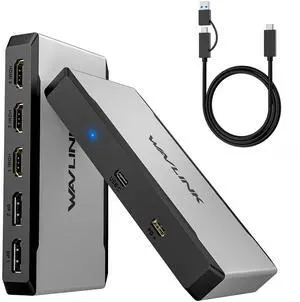
Limited time offer, ends 10/31
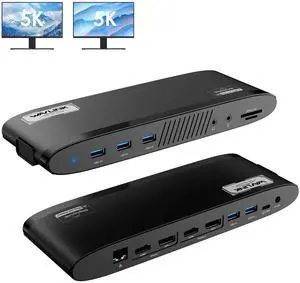
Limited time offer, ends 10/31
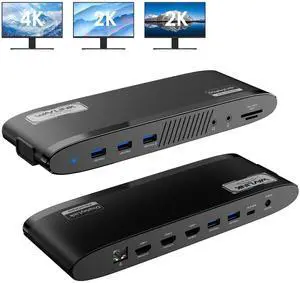
Limited time offer, ends 10/31
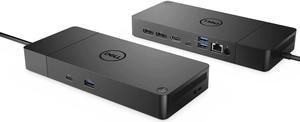
Limited time offer, ends 10/26
Limited time offer, ends 10/31
Limited time offer, ends 10/31
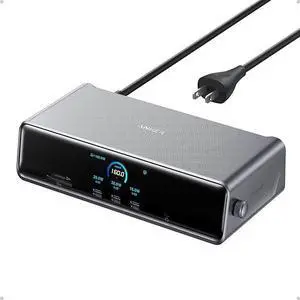
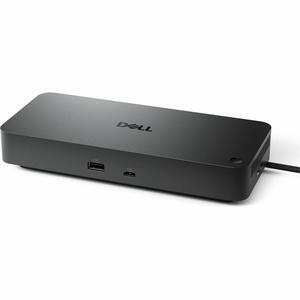
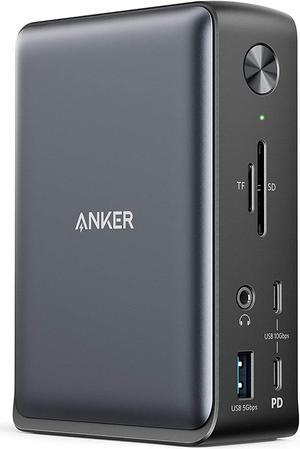
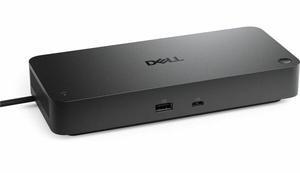
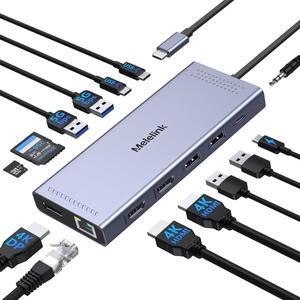
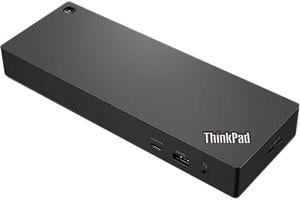
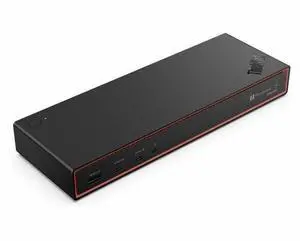
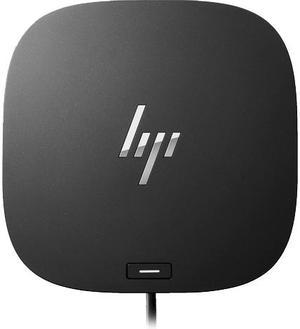
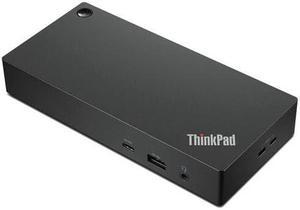
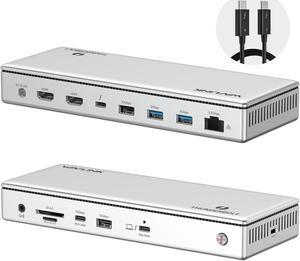
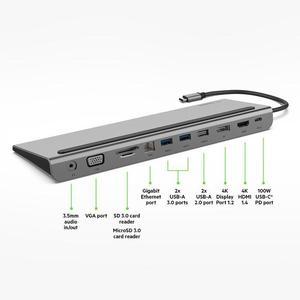
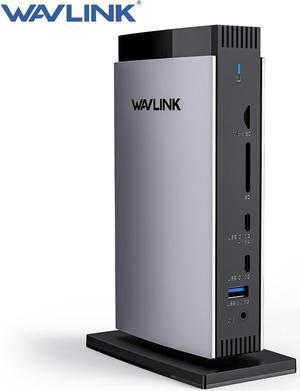
Universal docking stations for desktops are hubs that neatly house laptops and connected peripherals. These docking stations turn a mobile device like a tablet PC into a capable desktop alternative. These stations facilitate the connection of two or more 4K monitors and enable laptop charging from a single location, making them ideal for streamlined workflows. Models include USB docking stations with robust ethernet ports and numerous USB-C ports, enhancing device connectivity. This allows you to connect external hard drives, speakers, keyboards, and monitors to create a desktop environment when you're at home or in the office.
Versatile laptops are convenient and portable, and modern incarnations offer a host of ports and connections. Universal laptop docking stations feature multiple USB, HDMI, ethernet, and other ports, allowing you to connect peripherals like keyboards, mice, and monitors to your office printer and home network, effectively expanding your system’s functionality.
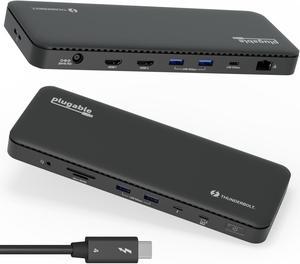
Thunderbolt™ 3 launched in 2011. Its recent iteration provides data transfer speeds of up to 40 Gigabytes per second (Gbps). Apple was the first company to support the new standards, but ASUS, Dell™, Alienware, and HP® are among the companies that have adopted its use. Perfect for multitasking, it allows the connection of dual 4K monitors while passing 100W of power. Consider USB docking stations with Thunderbolt 3 to maximize connectivity and performance for devices like external laptop hard drives. If your laptop or tablet supports Thunderbolt 3, look for a compatible universal laptop dock to extend the technology's benefits to all of your devices. If your laptop only has USB-C, a docking station with Thunderbolt capability will not upgrade your device.
A dual-display docking station enables the connection of two monitors. Some docking stations allow third and additional monitors. If you require 4K HD displays, which are becoming increasingly important in design and development work, ensure that the dock offers support for this resolution. You should also ensure that you have the appropriate HDMI cables, especially if you will be using the monitors for gaming.
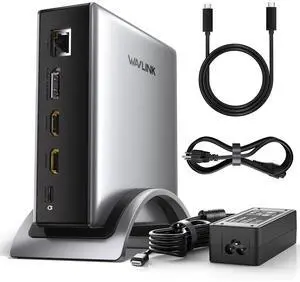
Universal docking stations keep your desk clutter-free by acting as a central hub for multiple devices and wires. Especially tailored models offer dedicated physical spaces for laptops, speakers, and monitors, allowing you to maintain a tidy workspace.
“ Overall a good buy, if you have a newer laptop and are looking for a docking station for when you work from home or will connect two monitors to your laptop. ”
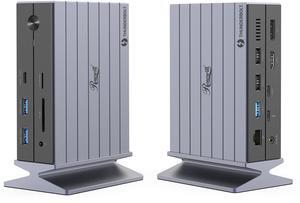
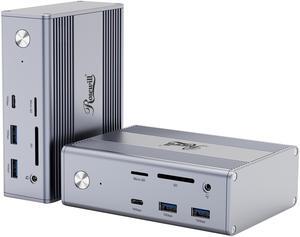
Rosewill 14-in-1 USB C Laptop Docking Station with 100W PD Charging, 4K@60Hz Display, Triple 4K Display,10Gbps Data Transfer & Kensington Lock, Windows, Mac, Android - RHUB-M14“ I'm very happy with this docking station. I use it with a Surface Pro 8 to share audio and video with a Linux workstation. ”
StarTech.com USB3SDOCKHDV USB 3.0 Docking Station, Compatible with Windows / macOS, Supports Dual Displays, HDMI / DVI / VGA (USB3SDOCKHDV) by StarTech.com.com“ After much review of available options, this seemed to be one of the only docking stations that could enable multiple monitors on a Macbook Air M1 (which natively only supports one external monitor) with a USB-C port and also work with a Dell Inspiron 15 which only has USB-A ports available for docking. ”
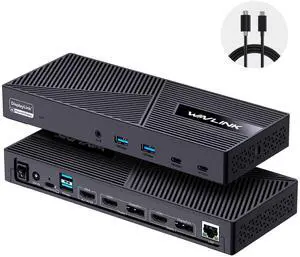
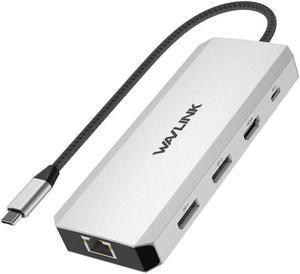
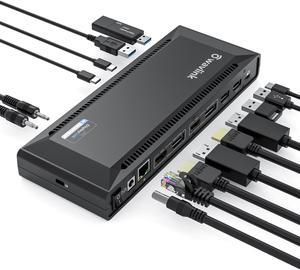
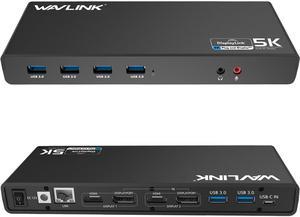
Wavlink Dual 4K Display Laptop Docking Station Single 5K/Dual 4K @60Hz USB 3.0 and USB-C Dual Monitor Docking Station With 2 x HDMI, 2 DP, Gigabit Ethernet, 6 x USB 3.0, Audio, Mic, For Windows/Mac